All Activity
- Past hour
-
 Sharina is already covered in the Kotor 1 Community Patch. Apparently, her not appearing on Dantooine was the result of a bug and said bug is fixed in K1CP
 -
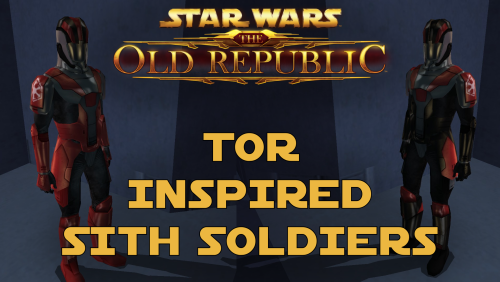 Thank you! As this mod is just two simple textures, it shouldn't conflict with 98% of all other major mods.
 -
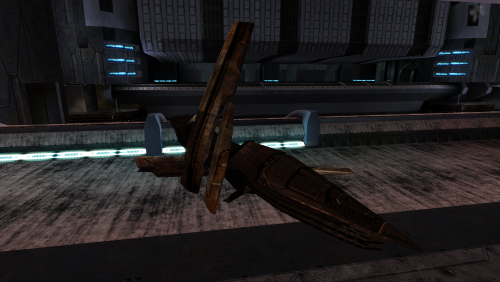 What Taris reskin are you using?
 - Today
-
 Simple and essential mod. Love it!
 -
 Simple but effective essential mod.
 -
 Very well made, essential mod imo.
 -
 Essential mod, absolutely fantastic work!
 -
 Essential mod.
 -
 SanHolo joined the community
 -
 WholemealDrop joined the community
 -
 Armelius joined the community
 -
 diablokiller69 joined the community
 -
 amonlok joined the community
 -
 LevinGamer84 joined the community
 -
 RoyalRebel joined the community
 -
 ooglygoo joined the community
 -
 eReign joined the community
 -
 Trummy joined the community
 -
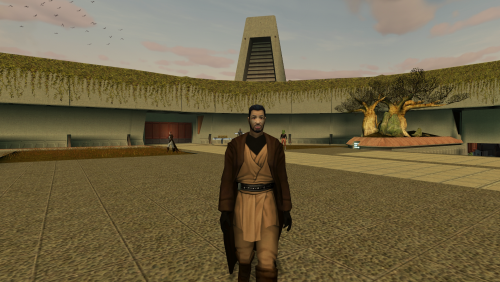 S_Male02.mdl this file has an issue where the off hand (left hand) holds the lightsaber weird and off position - the female file has no such issue. not sure how to fix it.
 -

Please drop any Lightsaber hilt mods you have created here
auroravenue replied to Untold Prophecy's topic in Mod Requests
Hello there! Super late to the party, but could you send me them? Thanks in advance!! -
 Does having a higher Charisma score still affect Force power costs? Because I like playing as a LS Jedi and frequently use Force Lightning.
 -

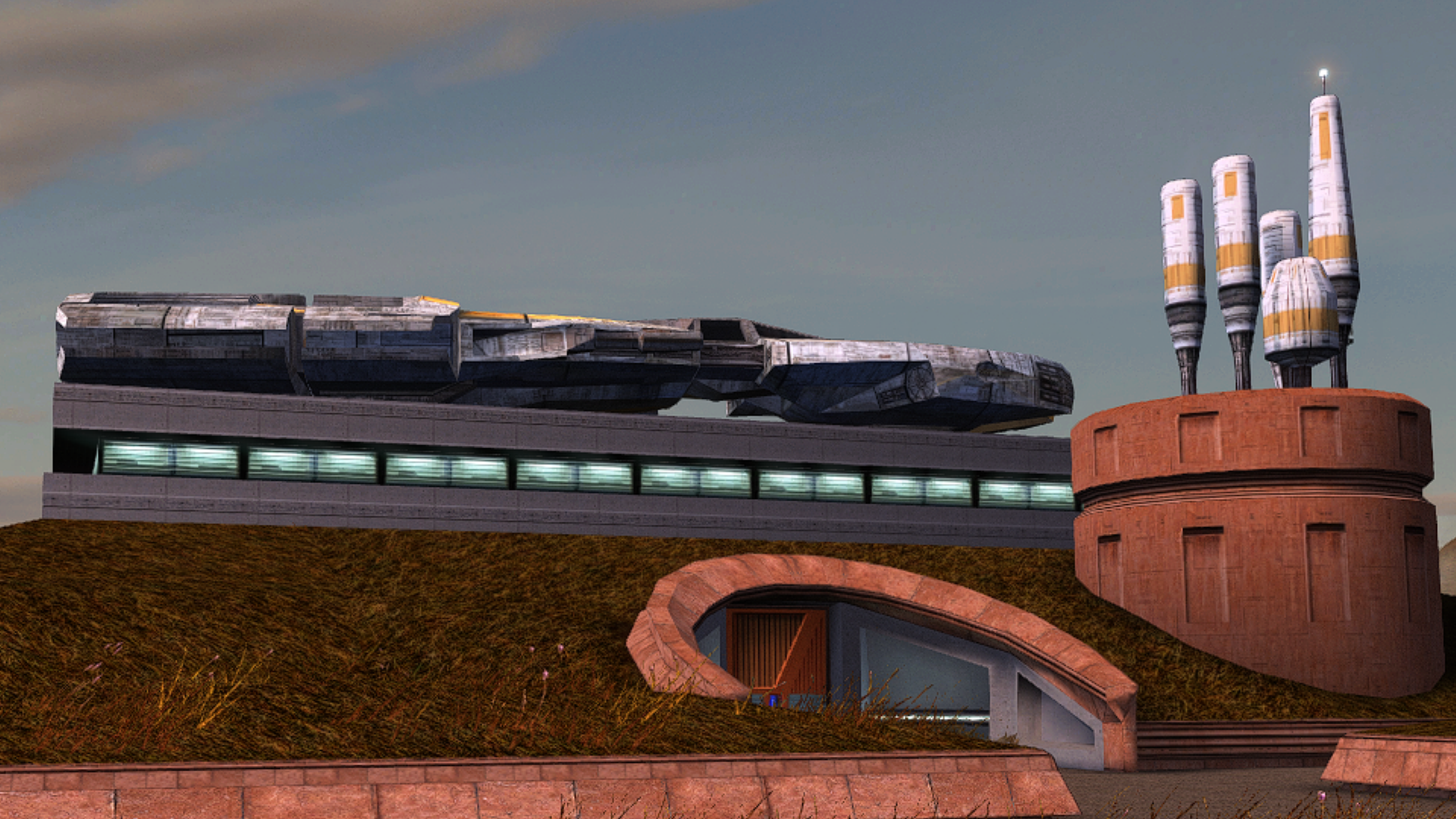
FreightL02 model replacement
DarthParametric replied to Dark Hope's topic in General Kotor/TSL Modding
Damn, a decade since I did that thing. Interestingly, having a look at it, there are minimal overlapping faces, so it would require very little work to create functional lightmap UVs. Just a small bit of shuffling for the overlapping islands. There's plenty of space, because it was a pretty inefficient unwrap in terms of maximising pixel density. -
 @MproutyUnfortunately I don't have any insight, but maybe see if any of the solutions in these threads work for you: https://deadlystream.com/topic/6052-tsl-patcher-cant-choose-game-folder/ https://deadlystream.com/topic/7481-tsl-patcher-freezes/ If it's some kind of random behavioral issue with TSLPatcher, you could also try installing with Holopatcher instead of the TSLPatcher EXE. There's a slight difference in how Holopatcher interprets the installation instructions, so you'll probably need to swap in the Holopatcher-compatible version of changes.ini posted a few comments up.
 -
Sure, I'll work on that next after I finish the Taris Freighter lightmaps.
-
View File Multiple Twilek player skins player character twilek skins. shouldn't conflict with anything. Submitter Linkara Submitted 05/13/2026 Category Mods K1R Compatible Yes
- Yesterday
-
 Mprouty changed their profile photo
 -
I'm having an issue that I've seen others report on other mods. When I run the installer, I am never prompted to choose the game directory despite the installer saying "user selected." Then, when I press Install, the installer hangs at "Installation started <timestamp>..." and never proceeds. Any idea what's causing this? My set-up is pretty normal; WIN 11, SteamLibrary on C drive root directory not Program Files.
-
Version 1.0.1
3 downloads
player character twilek skins. shouldn't conflict with anything. -
 For some reason, I cannot get the bronze head and armor to work. Unsure why. It works for the avatar, but doesn't apply to the armor itself in-game.
 -
You can definitely put another texture mod on top of his, like for example this one : https://www.nexusmods.com/kotor/mods/1271 You also have a commando troopers mod here : https://deadlystream.com/files/file/2215-sith-commandos-k1/
- 66 comments
-
- 1
-

-
- cut content
- restorati
- (and 3 more)
-
MOD:Auto-Pazaak (Simulate Pazaak without playing)
darthbdaman replied to HDR1's topic in Mod Releases
The way Suvams dialogue is setup makes him more difficult to work with. His dialogue conditionals are also different than any of the other players, which is likely why you are having issues. First of all, you are setting YAV_SUVAM_NUM to 10, and due to how the dialogue is structured, the game assumes that the last match must have been a practice game, as if that value is already 10, it is not normally possible to start a for money pazaak game against Suvam after 10 games. And Suvams scripts also check the last pazaak result directly (which shouldn't work according to scripts comments, but apparently does), which make this much more difficult, as the pazaak menu is being skipped. So it will require a little more engineering to make it work. First of all, in your simulator script, I would just change the variable to 9 instead of 10. Suvams pazaak count is not increased in an endscript like all the other players, it is instead increased in the first dialogue script after a win. This will allow the dialogue to naturally increase the value at the right time, and will skip the first dialogue branch, which is the current block. The next obstacle is yav47_suvam18, which is checking the last PazaakResult, which is not going to be a consistent value, as we have not actually played Pazaak, so this script will need to be edited. The easiest way to do this would be for you to set a local bool when you fire the simulator script. There are some unused ones as referenced here https://deadlystream.com/topic/3201-kotor1-local-booleans/. Then in yav47_suvam18, change this line int int1 = ((GetGlobalBoolean("G_Paz_JustPlayed") == 1) && (GetLastPazaakResult() == 1)); to int int1 = ((GetGlobalBoolean("G_Paz_JustPlayed") == 1) && ((GetLastPazaakResult() == 1) || (GetLocalBoolean(OBJECT_SELF, 57)))); and you can set your local back to 0 in this script as well. I've attached scripts with these changes. Quick test verified his dialogue plays normally. As an expansion to all of these scripts, you could forcibly restart the conversation with a delaycommand after closing the dialogue in the simulate script. This would improve the user experience, as they would not have to always re-converse with the npc, after doing the simulation As an aside, you should include all of your uncompiled source scripts with your mod, not just some of them. yav47_suvam18.ncs yav47_suvam18.nss simpaz_suv.nss simpaz_suv.ncs -
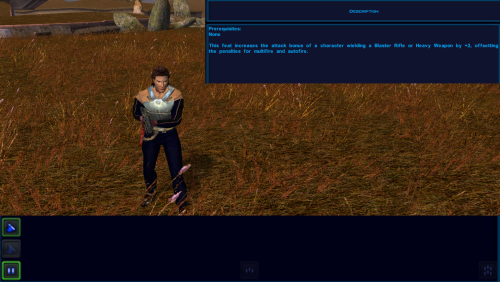 I'm trying to understand how the heartbeat scripts in this mod work to help with my own mod development, I'm confused about this line in your description: "You will have to close the inventory and reopen it after changing your equipment, to make sure that all of the effects are properly applied". If the heartbeat script is running every few seconds to apply all of these effects why is this necessary?
 -
View File Modified textures for Detran's Hutt Modified textures for Detran's Hutt Original source: https://www.nexusmods.com/kotor/mods/1743 To Install 1. Download: Hutt.rar 2. Copy all files to the Knights of the Old republic's Override folder. (Example location - C:\Program Files (x86)\Steam\steamapps\common\swkotor\Override) 3. When/if prompted to overwrite files, press okay. 4. If you like the mod; leave a comment or endorse! (It would be much appreciated) Made with love Submitter Dark Hope Submitted 05/13/2026 Category Mods K1R Compatible Yes
-
Could I ask you to combine these two stories? I'll prioritize this texture for my part. Looks great)
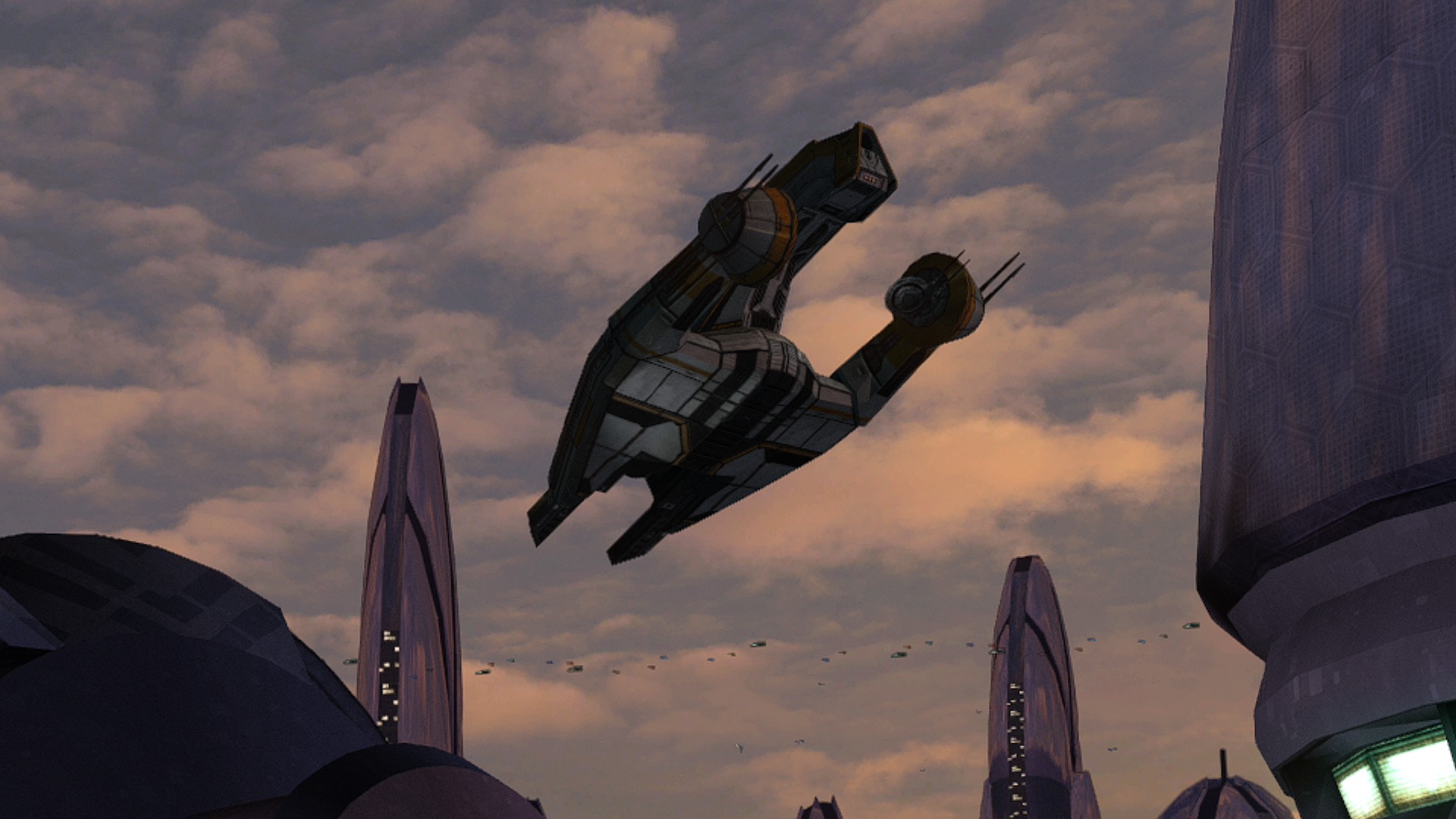
-
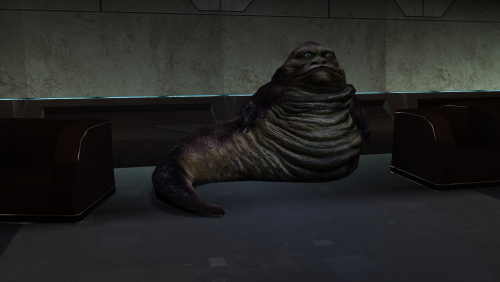
Version 1.0.0
8 downloads
Modified textures for Detran's Hutt Original source: https://www.nexusmods.com/kotor/mods/1743 To Install 1. Download: Hutt.rar 2. Copy all files to the Knights of the Old republic's Override folder. (Example location - C:\Program Files (x86)\Steam\steamapps\common\swkotor\Override) 3. When/if prompted to overwrite files, press okay. 4. If you like the mod; leave a comment or endorse! (It would be much appreciated) Made with love -
Damn, definetly a mod I should try with my new playthrough, though... I need to learn how to properly install all other mods in perfect order without messing anything.