All Activity
- Past hour
-
 alpine_black changed their profile photo
 - Today
-
 Just tried installing on a fresh KOTOR 1 copy with only the K1CP installed before running the first Sleheyron folder. I was told I got 8 errors and 1 warning! Has this come up before? I can post the log if need be. Installing on a Windows 11, Steam edition.
 -
 I am experiencing an issue installing the mod with the "KOTOR Community Patch-Compatible" option on version 2.3. I'm getting this error: [Error] Unable to modify GFF field 'InventoryRes'. Path 'ItemList\3\InventoryRes' does not exist! From what I could find and understand, it seems that it's because CP.ini targets index 3 of a 3 items table (hence ItemList\3 not existing) instead of rebuilding the list programmatically. I guess it should still be fine, but I'd rather report the issue since I encountered it.
 -
 @Synchro Alright, thanks for the explanation !
 -
Thanks for the comment! In this case I mean that you need to launch the game with the patch manager as opposed to applying the patch and then launching the game as normal afterwards, you only need to apply the patch once The patch manager on Windows currently handles injection only through the manager, so it injects everything when the game is launched through it. On Linux there is a separate mode that installs a proxy dll that handles that for you (When I get the chance I intend to send some patches for KPM to enable that mode on Windows too)
-
 VLTRACVLT joined the community
 -
 wallacethegoat joined the community
 -
 drannvenoldo joined the community
 -
 hroodee joined the community
 -
 Robita joined the community
 -
 Ozymandias_2001 joined the community
 -
If this works whenever I try it, I'll come back and throw in a 5 stars because DAMN this is great. However, you say "the manager applies the patch while the game runs." Does that mean we have to redo the process every time we want to play ?
-
 IrisaurusRex joined the community
 -
 truby joined the community
 -
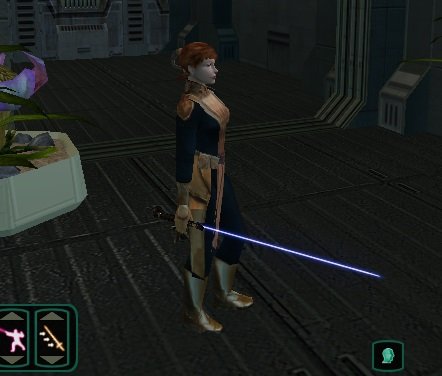
Hi, there is a mod I downloaded a long time ago and while I really like it, the standard lightsaber has an unfortunate glitch. once you deactivate it, then enter another area the blade is visible even though I haven't activated the weapon yet. while one can ignore this unfortunate glitch by un-equipping the weapon, I recently ported this weapon over to kotor - and as we all know kotor has no secondary hand slot to "un-equip" Does anyone know how to fix this? - I'm guessing it must have something to do with the shading? but I'm a novice at that so far. Any ideas? Below is a screen shot of the problem - (lightsaber not "active" in shot - yet visible) Also have uploaded problem file. Thanks for the help! w_lghtsbr_020.zip
-
 Ticon joined the community
 - Yesterday
-
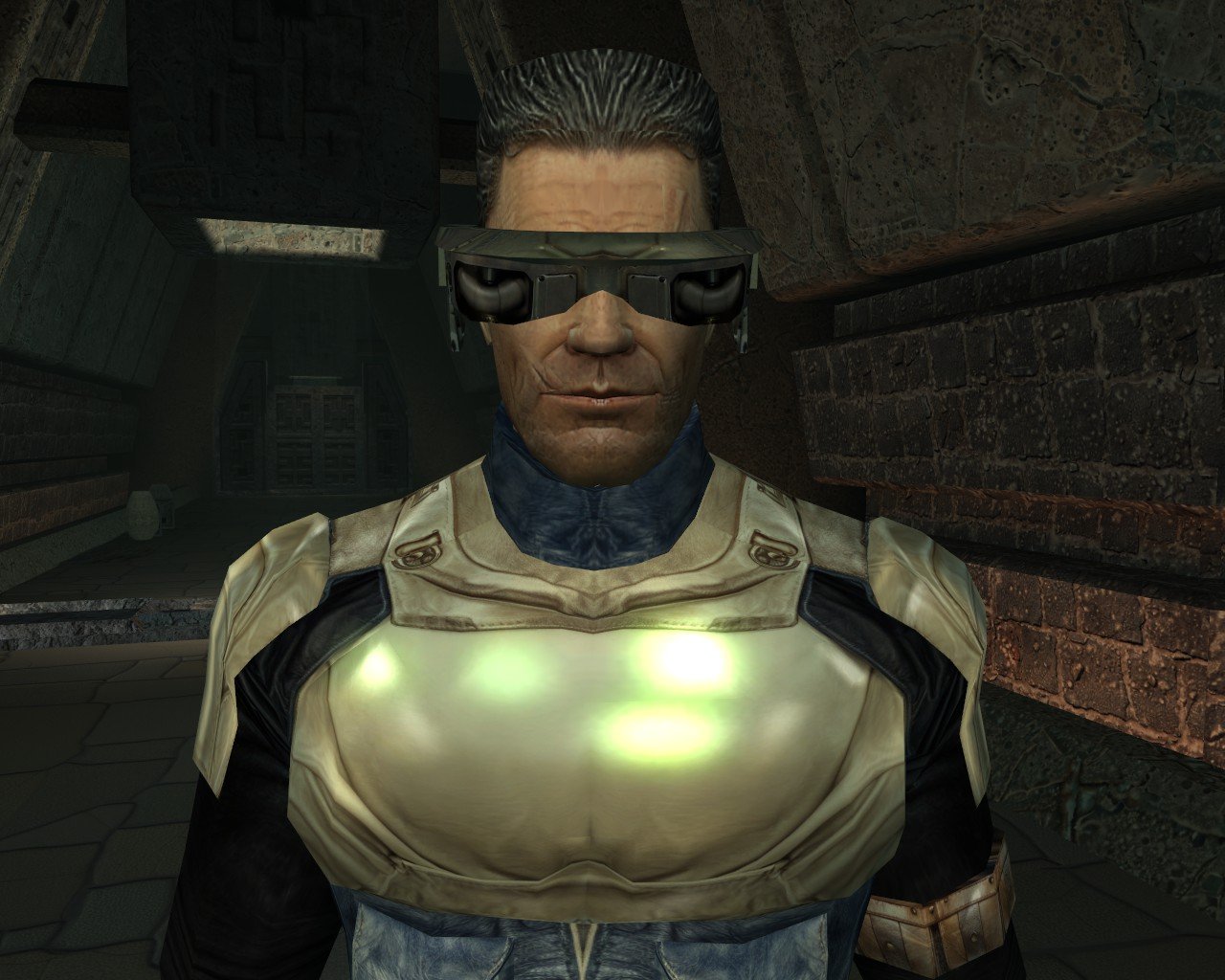
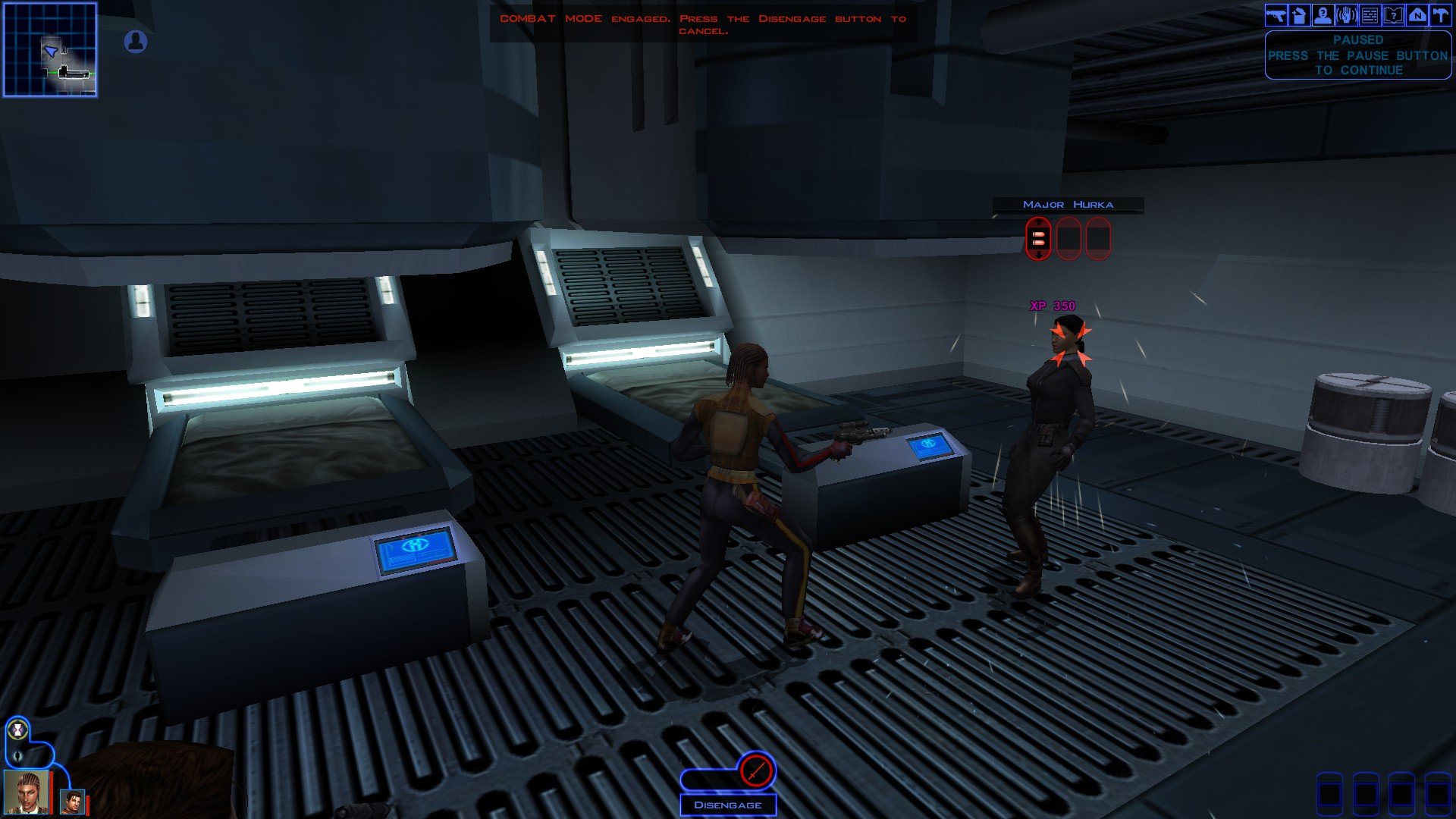
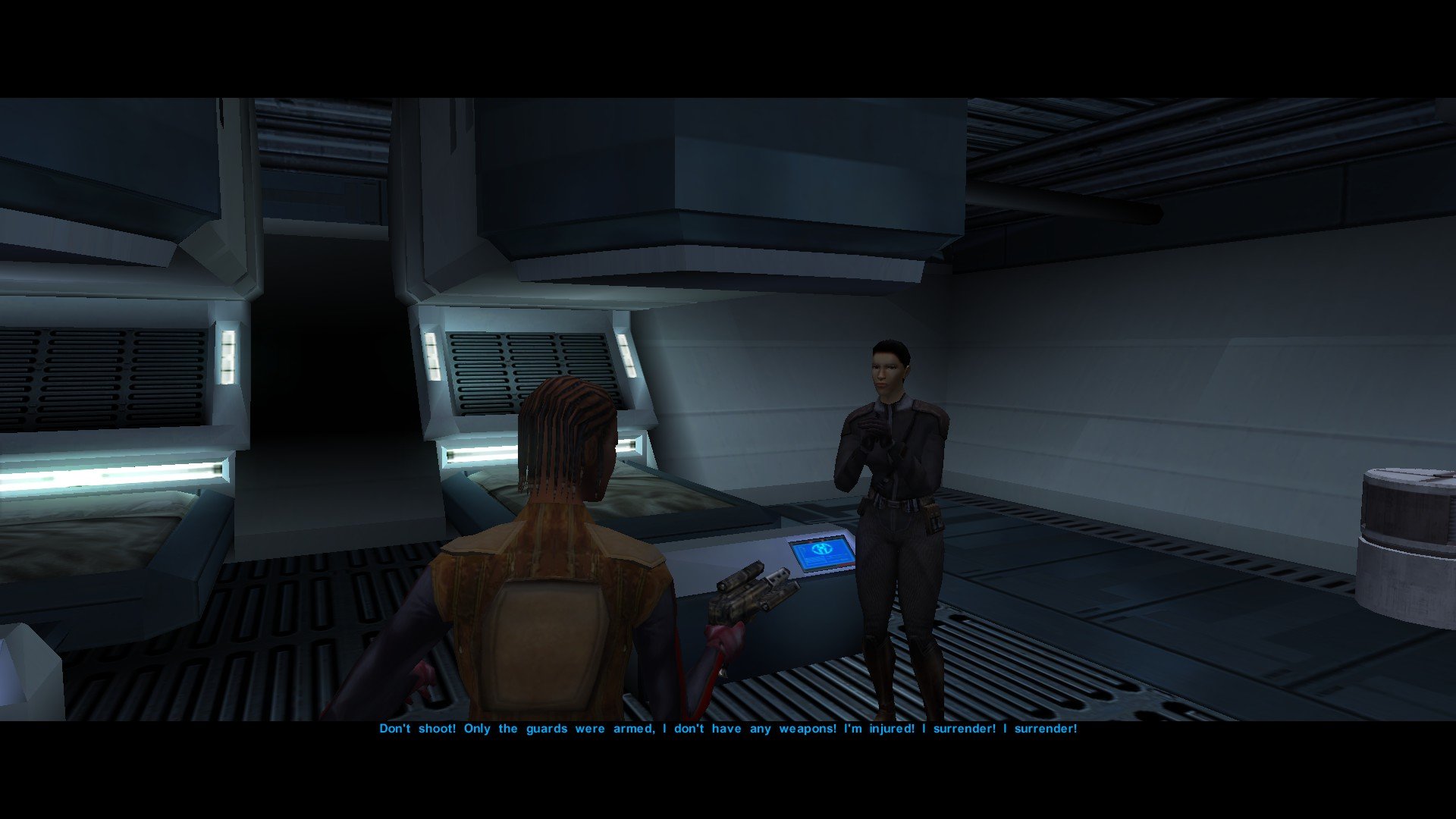
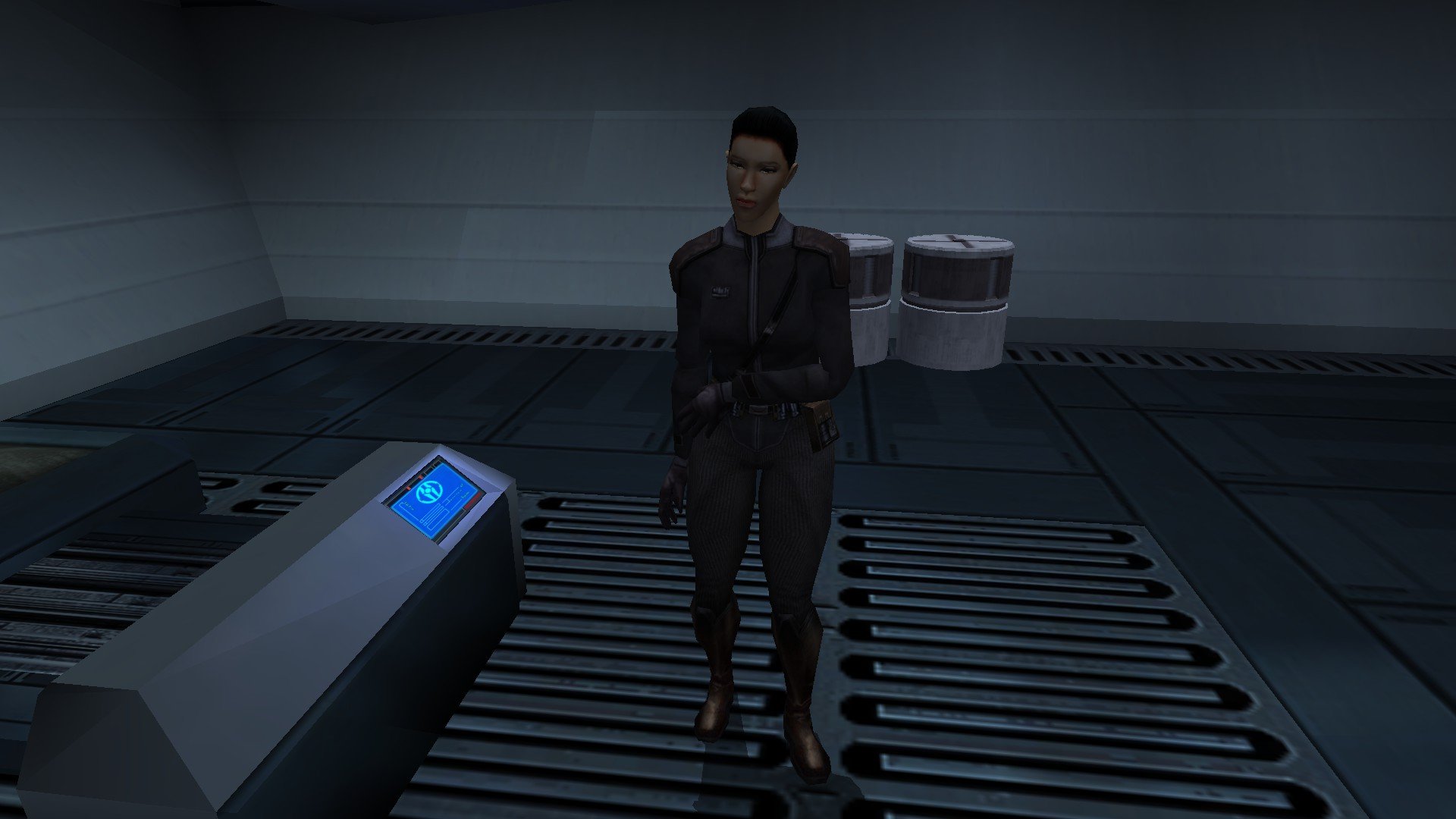
I'm also in favor of a unique appearance for Major Hurka.
-
Giving her a unique head would be my preference.
- Last week
-
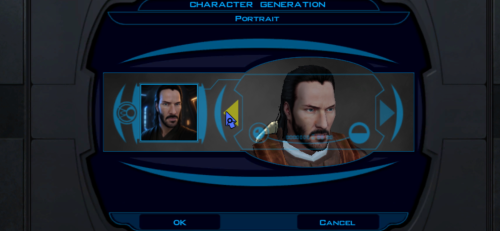 The installation did not work. I think the 2da files are missing in the tslpatchdata folder.
 -
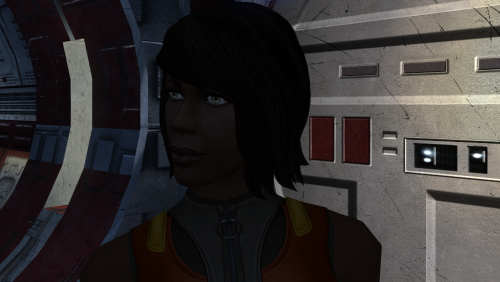 I like how new hairmodels are now being used for this modding scene. Would you consider possibly making a bald or short haired version? Something like your PFH05 for example.
 -
I think the restoration of Major Hurka is a very fine accomplishment. I do think she should have a unique head. About her role instead, I'm unfortunately unfamiliar with her dialogue lines but it seems that Part 4 would be the best kind of restoration, if that would be possible. But it's also the most complex to pull off and choreograph.
-
 Lily changed their profile photo
 -
"What do we all think of my plans for Major Hurka in RC-K1CP? And above all do any of us feel I need to give Hurka a new appearance? Whilst I cannot use K1R's appearance it would be very easy for me to just remake it myself from scratch. If you guys would like me to give Major Hurka a unique appearance I shall make it and I shall report back and show you guys what I've made in the next WIP update." Major Hurka textures are already included in my mod: https://deadlystream.com/files/file/2808-heyoranges-sith-uniform-reformation-revised/
-
 Korriban looks clean.
 -
 Hello! I realize this is a long shot, but the .mp3 audio included in this mod will not play on my Steam .app version of the game (i.e. the native version for MacOS). I've never had an issue with your other mods' audio on that version of the game (the only version I've ever played), so I was hoping you might know what the audio encoding issue might be. (I can play the mp3 file separately from the game, as in I can open it in my finder, but it does not get called in game.) I was told that running it through Sith Codec could fix it, although I haven't been able to confirm that (unfortunately that also cannot run on a Mac)—still, shoutout to Vriff for that suggestion. Update: I did find a simple workaround that worked! Most of the files KOTOR2 seems to use are .wav files. I would have thought it'd be harder for Macs to handle those, but evidently not. I converted the audio file in your mod to a .wav file (just using a free online converter), then deleted the .mp3 version from StreamMusic, replacing it with the .wav version. (Shoutout to modder Lane, who is the one that told me that extensions are usually determined automatically, which is why I thought this might work). And voila! Audio played during the cutscene.
 -
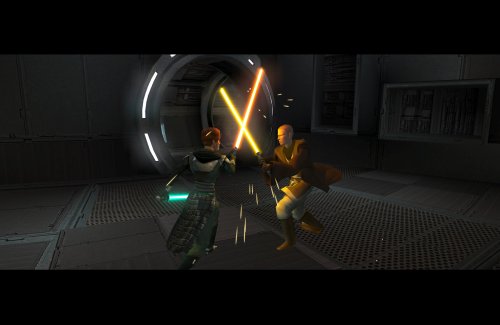 COMPATIBILITY Incompatible with any mods that hard overwrite the dlg files for Atton, Bao-Dur, Disciple, Handmaiden, Mira, or Visas. Compatible with PartySwap by Darth Tyren & Leilukin using the included compatibility patch.
 -
The RC-K1CP update is out and we can now finally play Kotor with restored Iriaz. In the meantime, here is a preview of something I am working on. Major Hurka has been added to RC-K1CP in the most recent update, though only as a hostile NPC. Major Hurka content could come in four parts, which goes as follows: Part One: Adds Major Hurka and several Sith Guards to the Command Deck Medbay as hostile NPCs. This has already been done. Part Two: Make Major Hurka neutral whilst the Sith Guards are hostile (like Ada the waitress in the Vulkar Base). When you speak to Hurka, her restored dialogue will play but all attempts to use her to open the Bridge door will fail and will always result in her attacking you. Part Three: Add a basic system that'll have Major Hurka unlock the Bridge door for you in the form of her giving you a passcard. Part Four: Add a proper system similar to K1R wherein Major Hurka actually unlocks the Bridge door and possibly even takes you beyond it. What do we all think of my plans for Major Hurka in RC-K1CP? And above all do any of us feel I need to give Hurka a new appearance? Whilst I cannot use K1R's appearance it would be very easy for me to just remake it myself from scratch. If you guys would like me to give Major Hurka a unique appearance I shall make it and I shall report back and show you guys what I've made in the next WIP update.
-
 For those of us using the 0.13.0 update with the Iriaz, I would advise players be vigilant and save their games before the Taris Sith Base, Davik's Estate, and the Leviathan Prison and Command Decks. This update has restored new dialogue for the computer terminals in those modules, and I cannot be 100% sure if these features work in all circumstances. If you play these areas and you think something with these terminals does not work/is broken please report them to me as soon as possible so that I may create a bug fix. The computer related changes are listed down below.
 -
Is it compatible with Party swap?
-
Thank you, and my apologies I'm new and fumbling around here. And no worries at all, thank you for setting everything appropriately.
-
@Juggernut First, I'd like to say welcome to DeadlyStream. I realize you are new, so I wanted to lend a hand and help ya a bit. I saw that you posted several threads that seemed to be continuations, so I've merged them. Within a thread, there's a way to add a new reply or post from the "Reply to this topic" button at the top and the comment box at the bottom of the page. That will allow you to contain things to one thread if they're the same topic like this WIP is. In addition, I've altered the images so that they take up less visual space. When you add an image to a post, you can double-click it to alter the height and width, and it can be clicked by someone in the saved post to view the full size. I've reduced the image sizes by 50% for the thread itself to take up less space. I've also put some of the images inside Spoilers, which can be clicked on to hide or show as-needed. This is done by selecting all of the content from the start point to the end point and using the eye icon in the post editor:

-
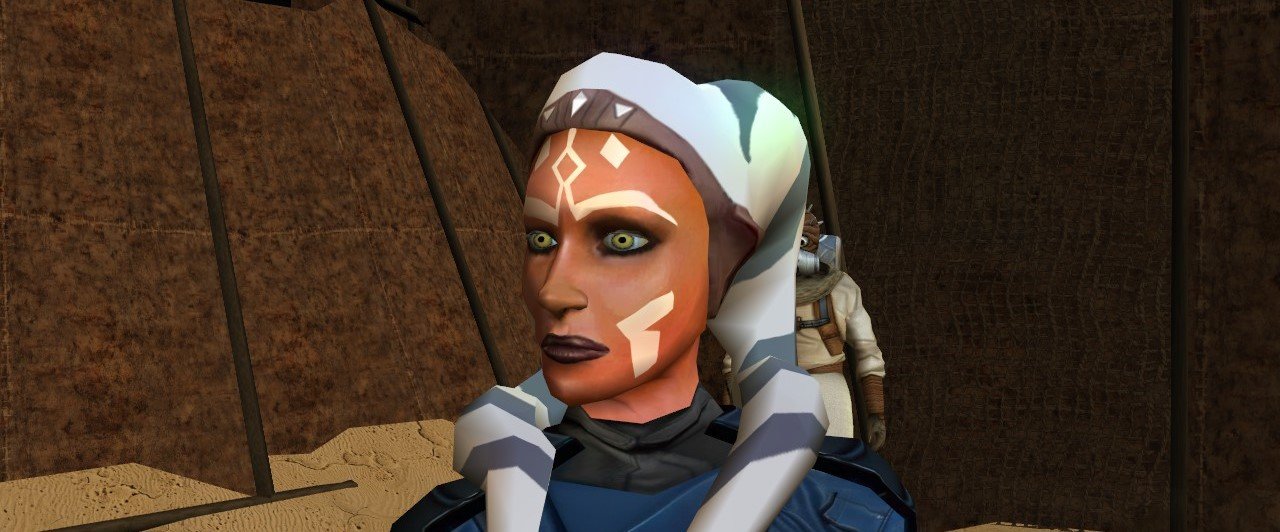
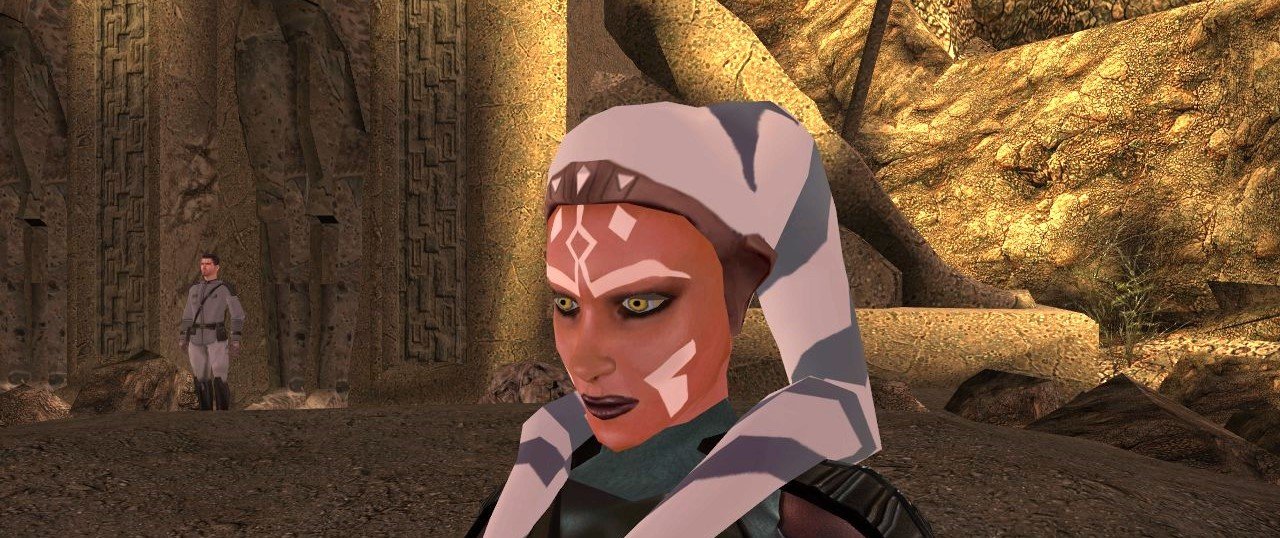
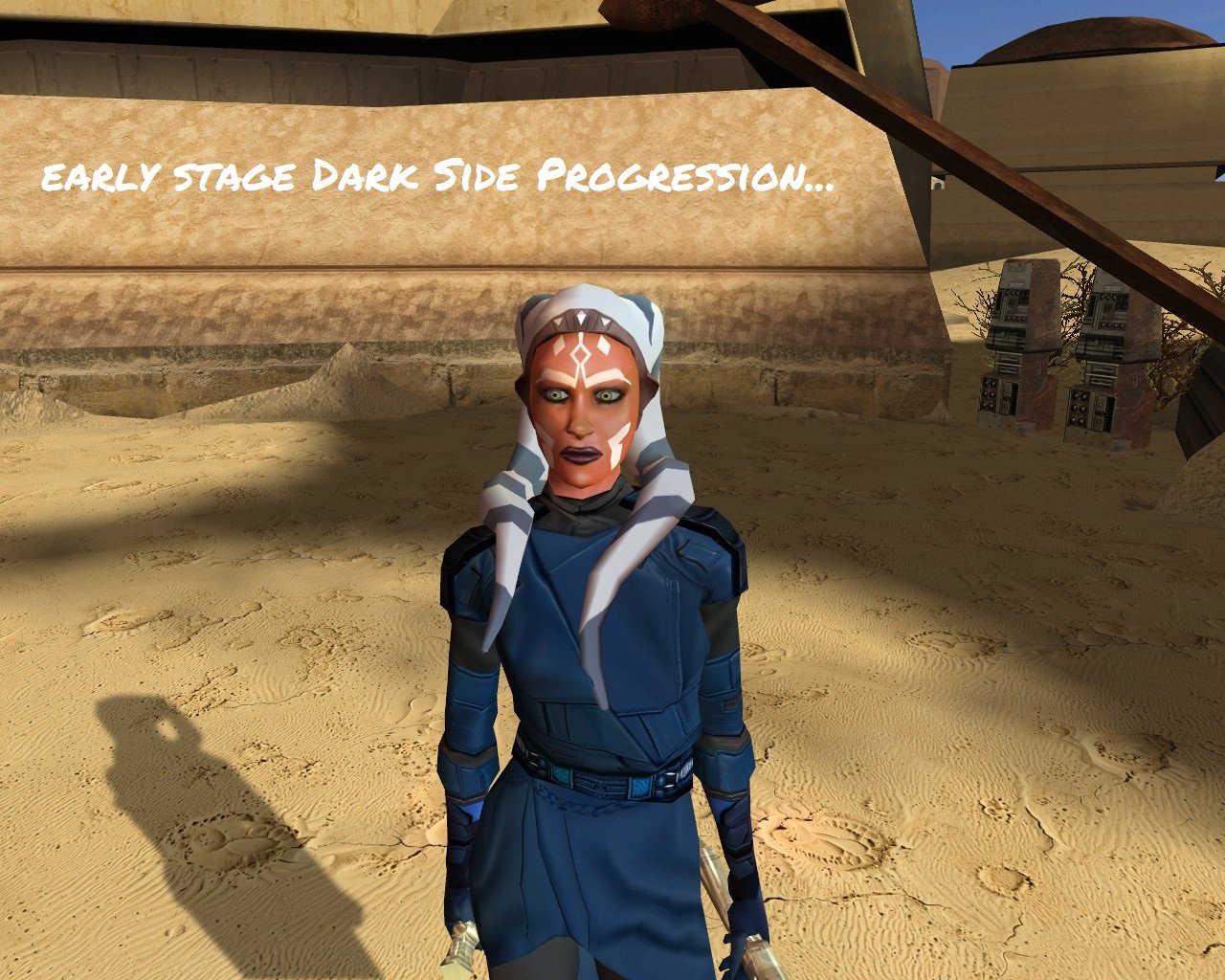
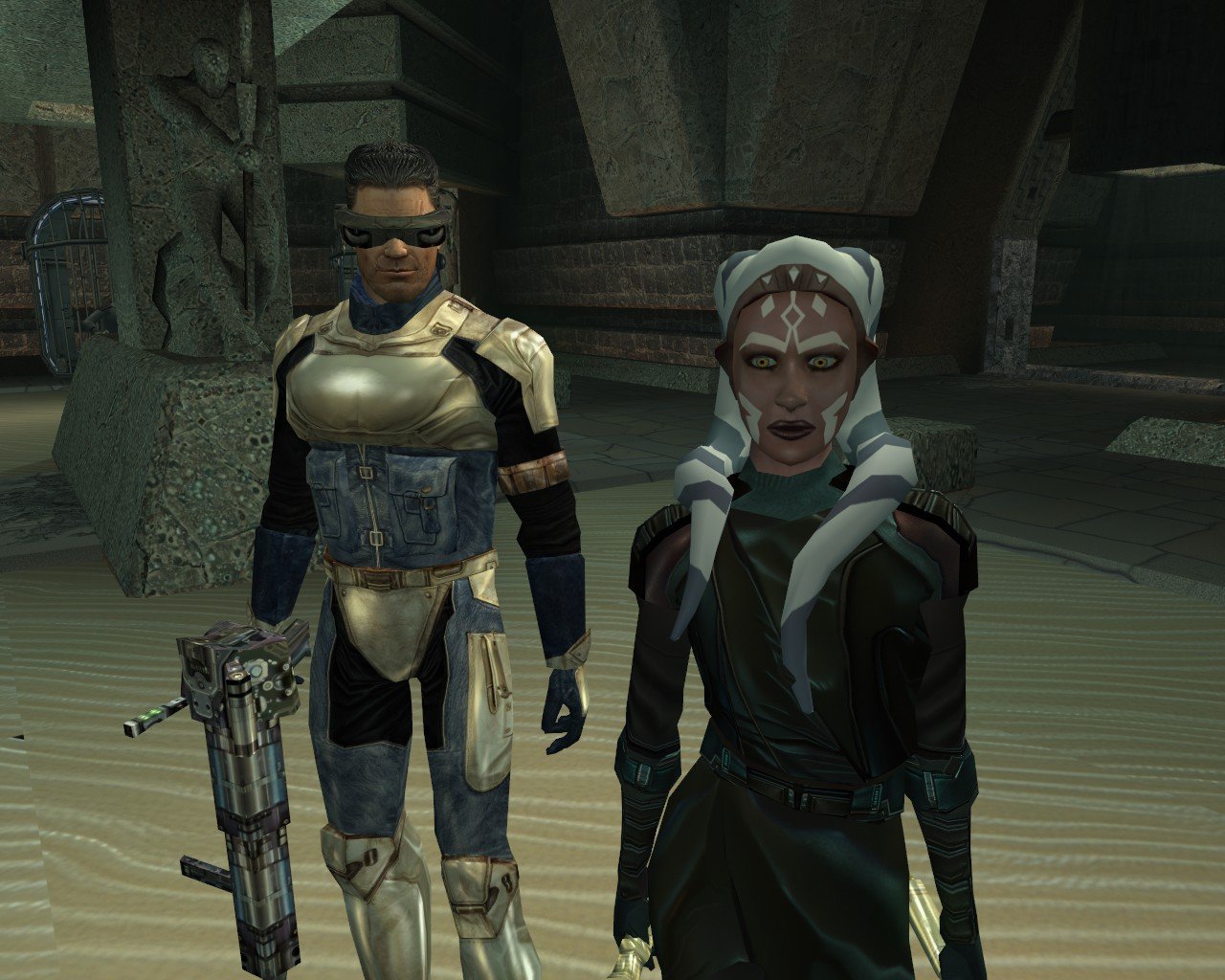
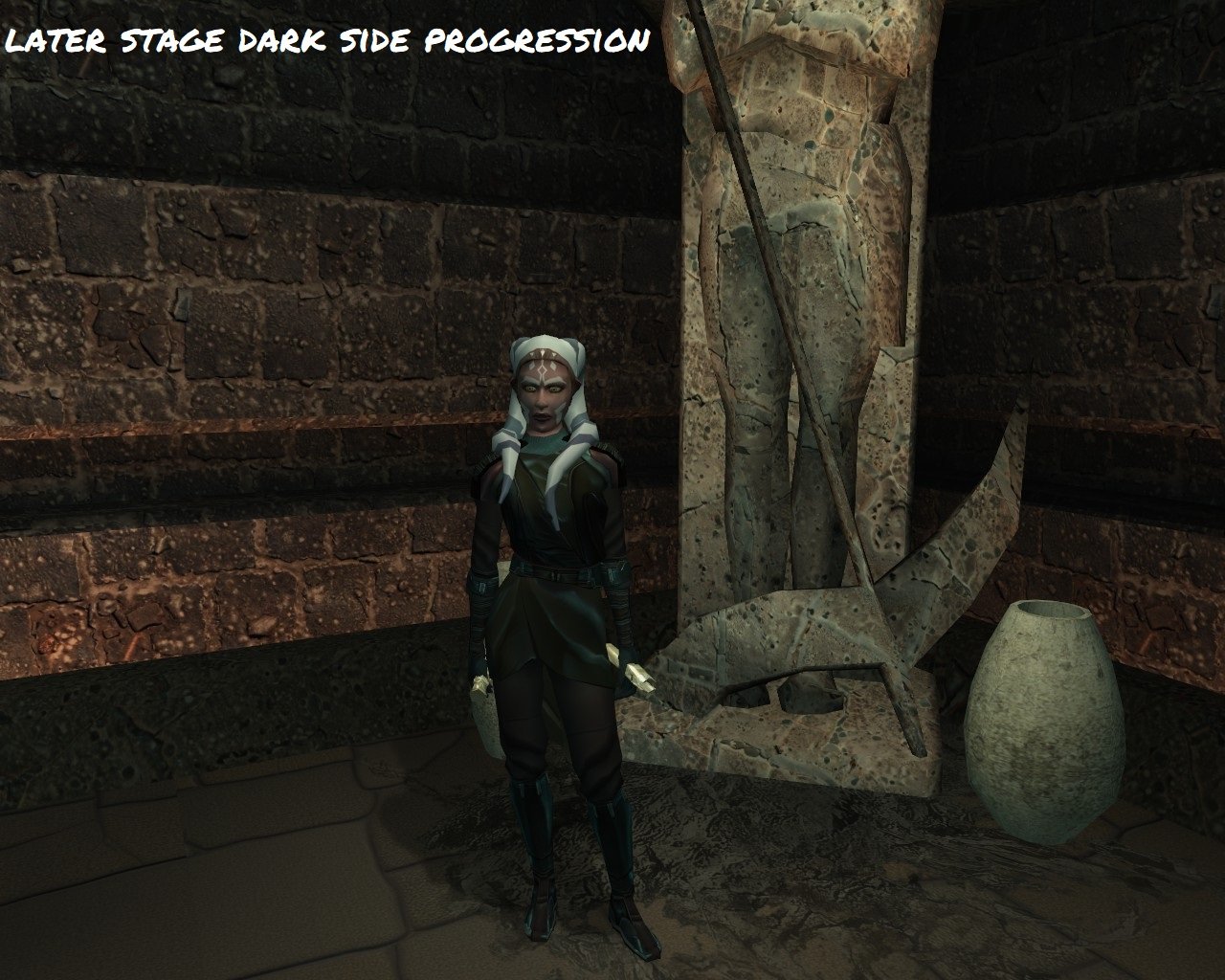
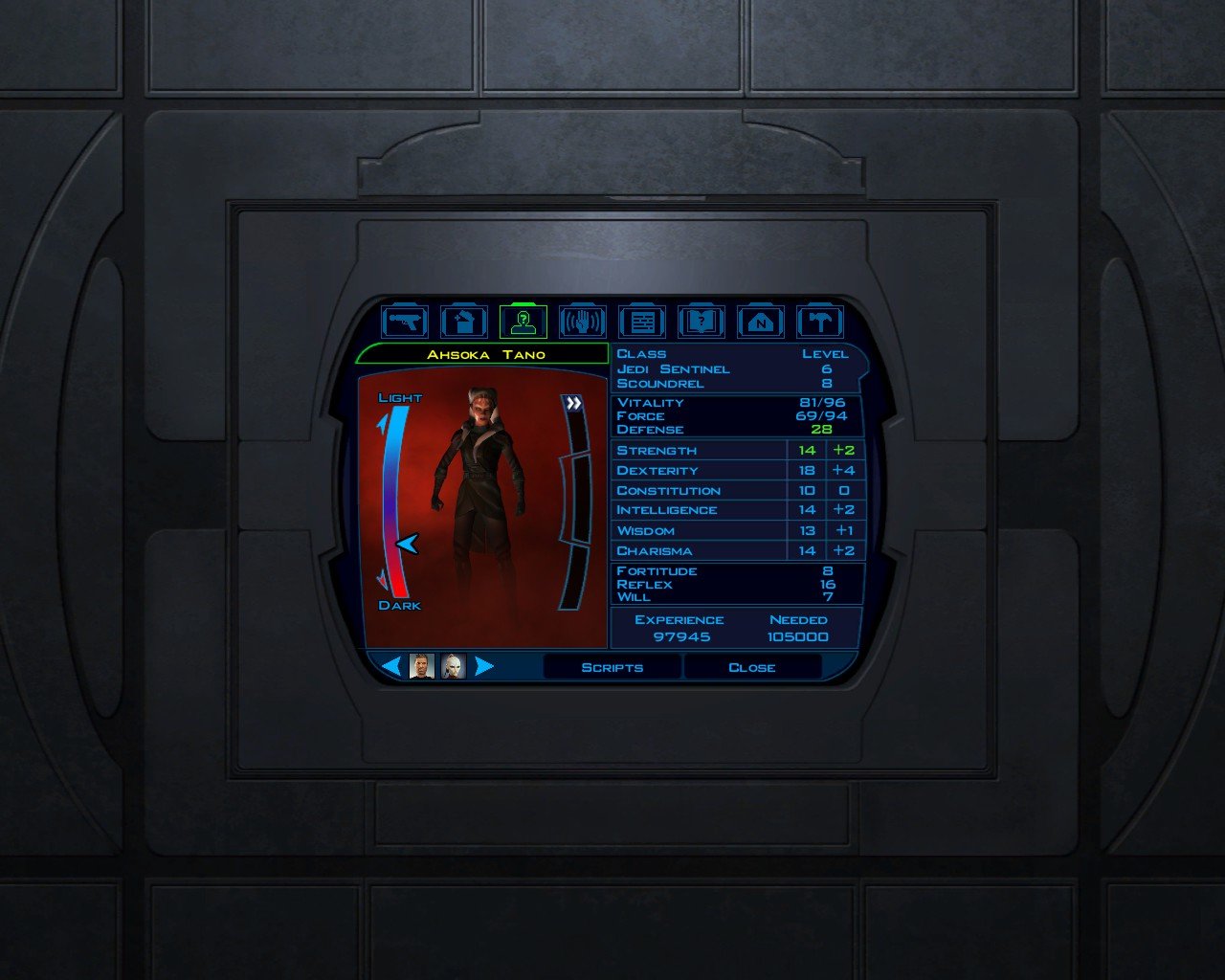
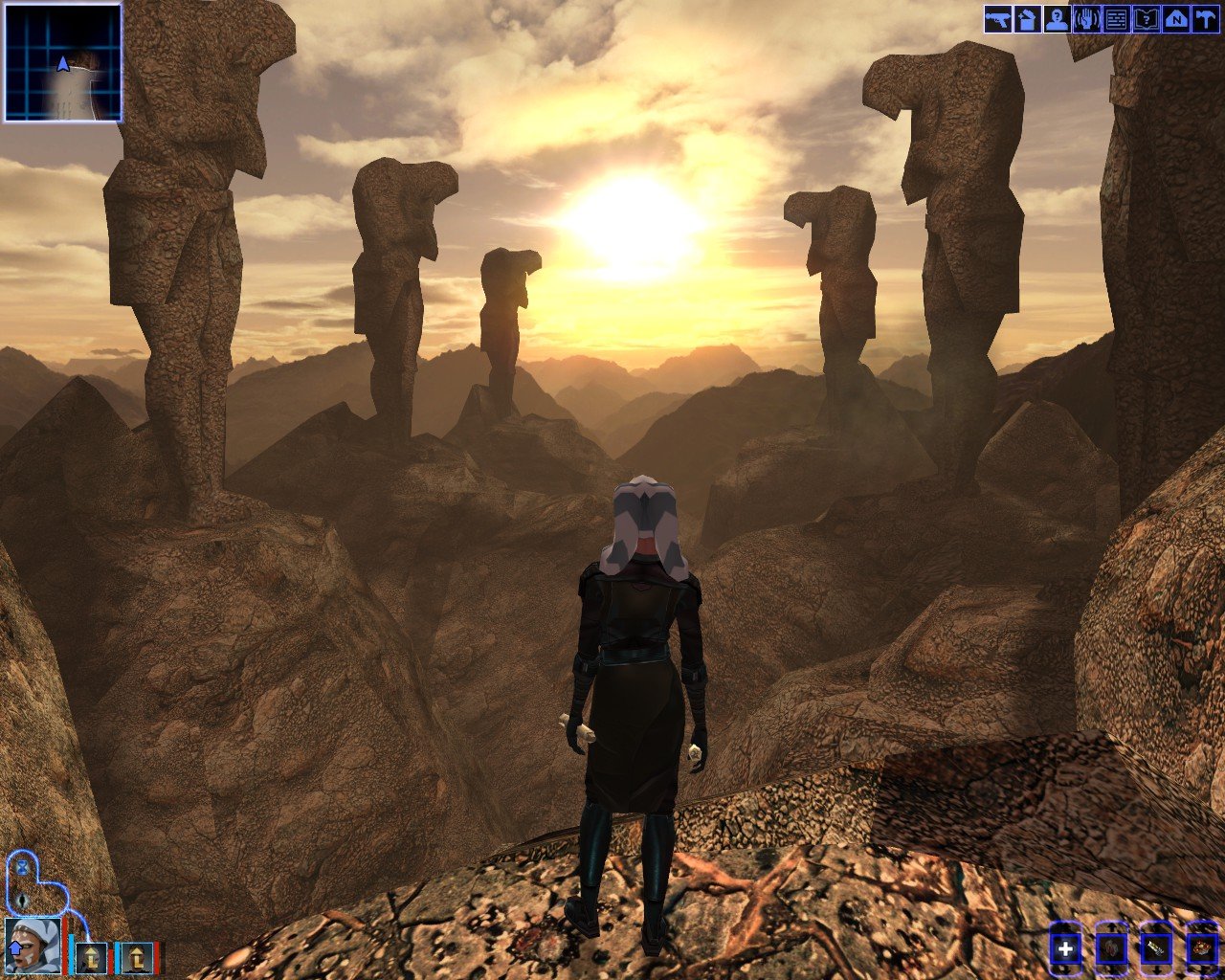
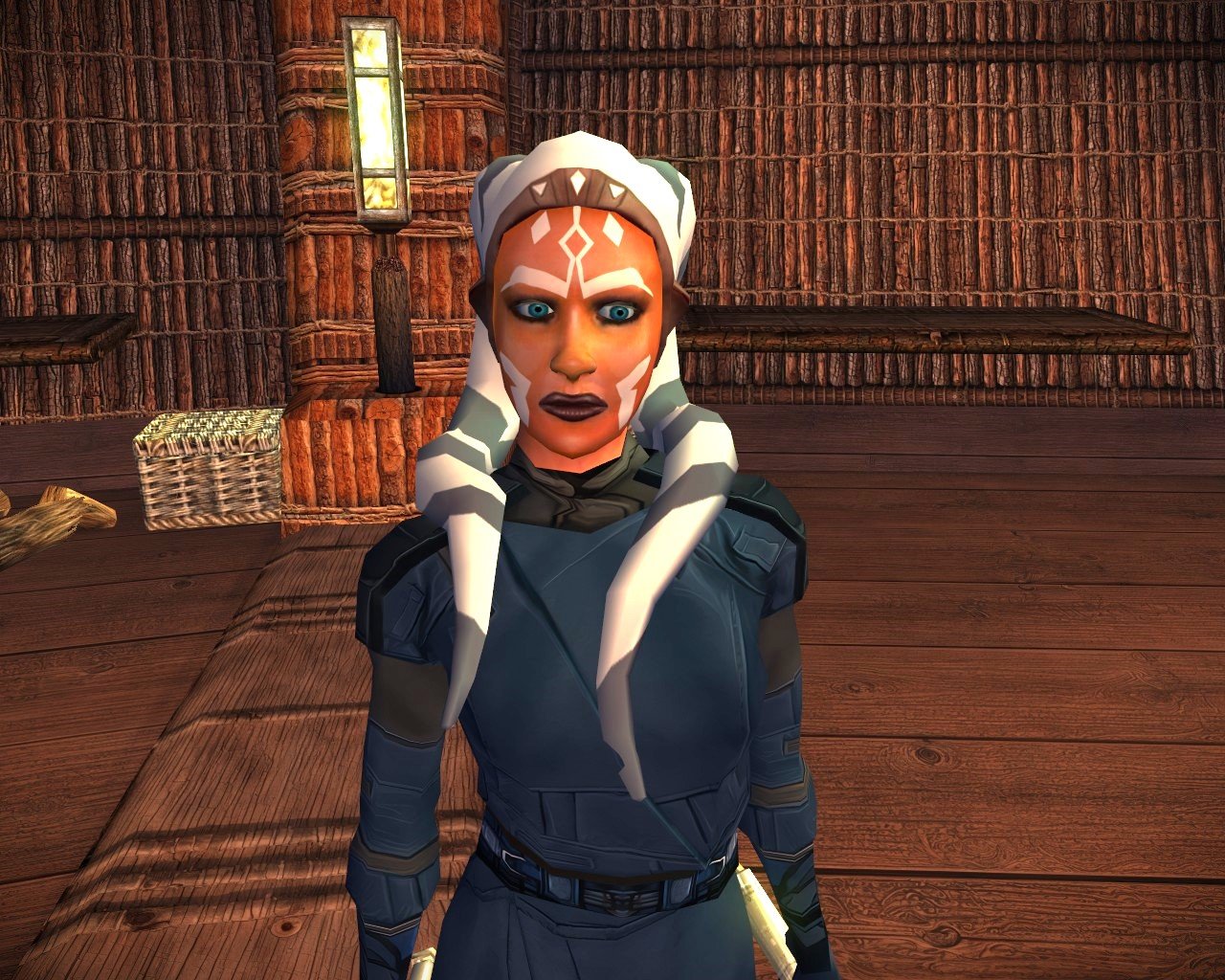
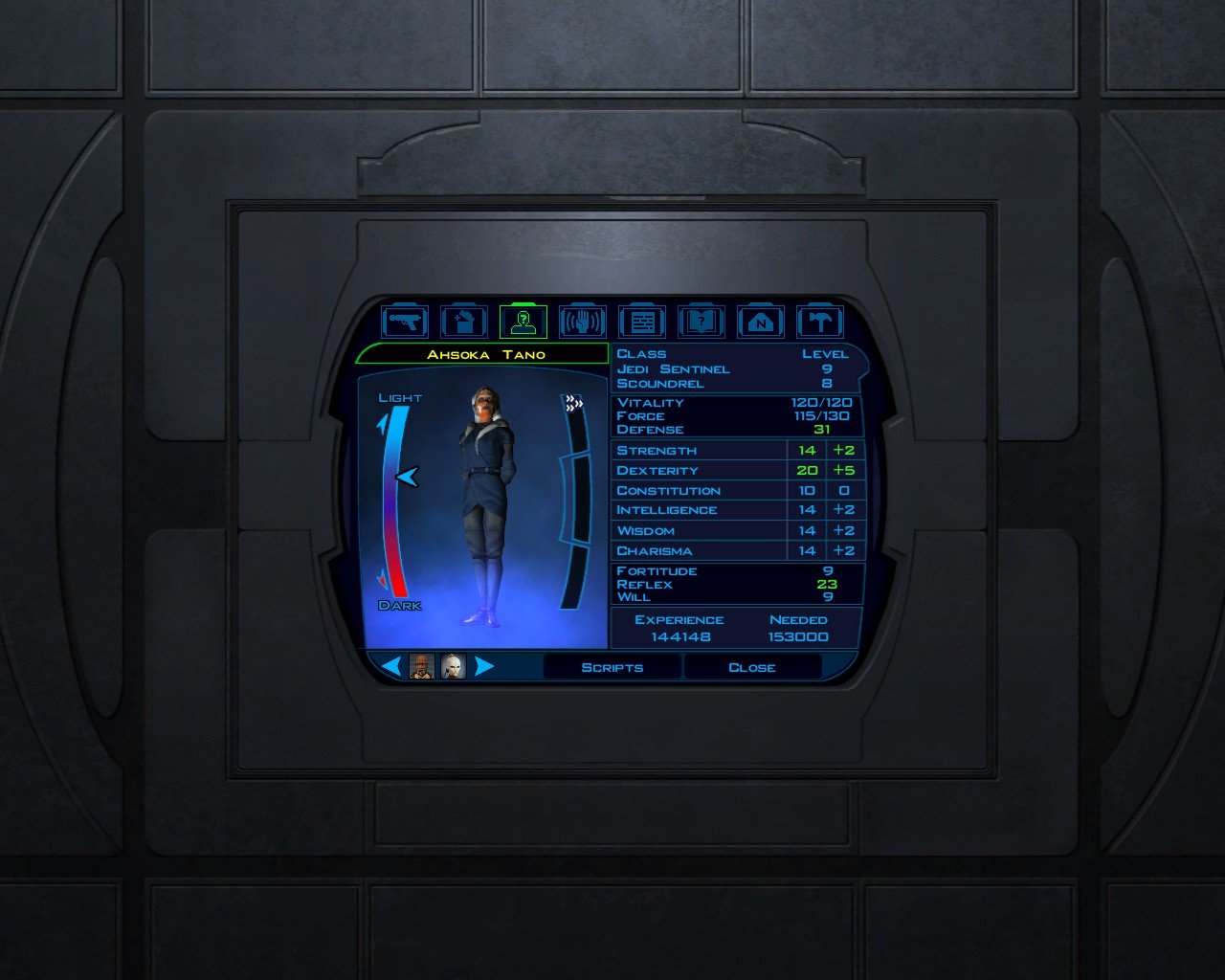
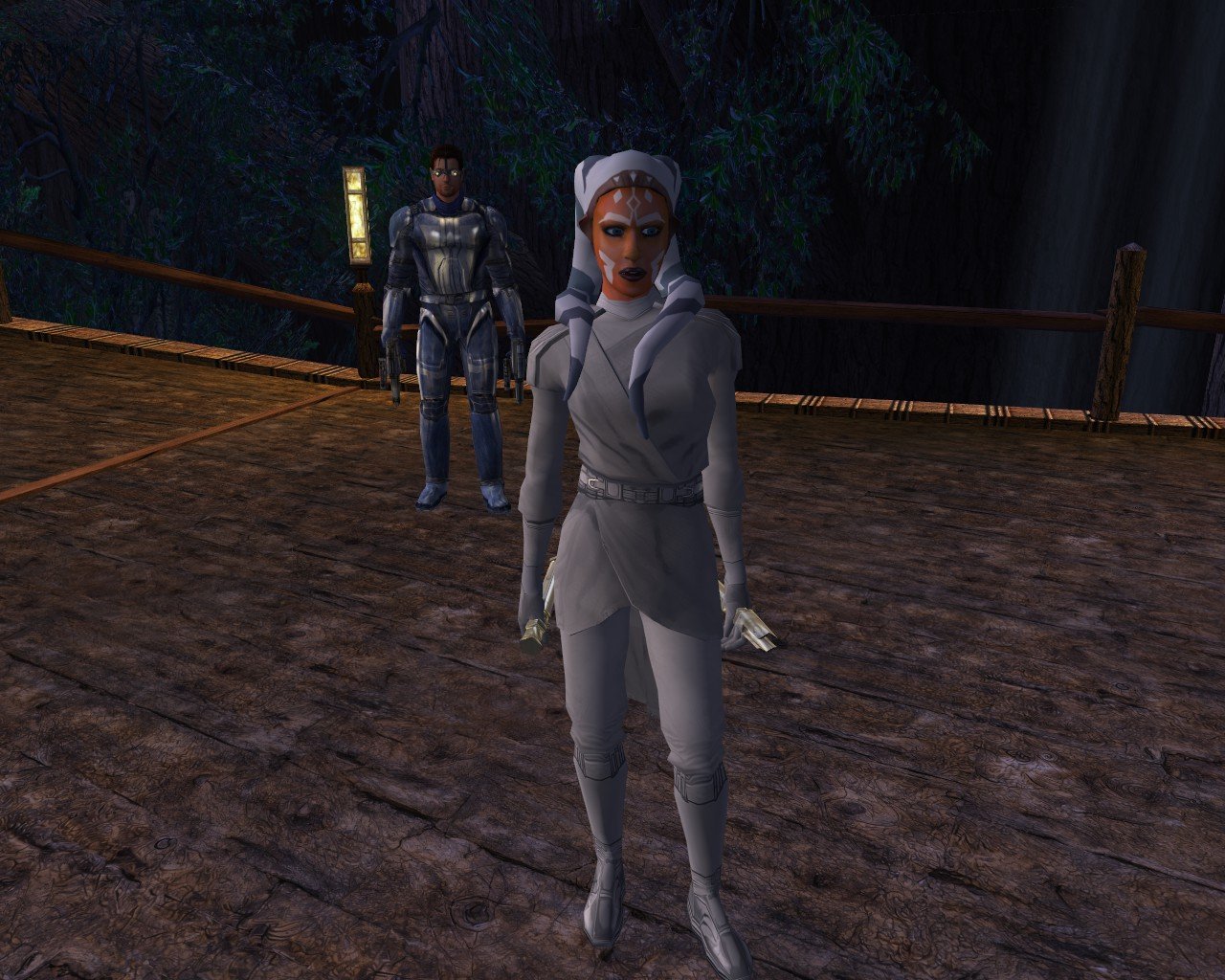
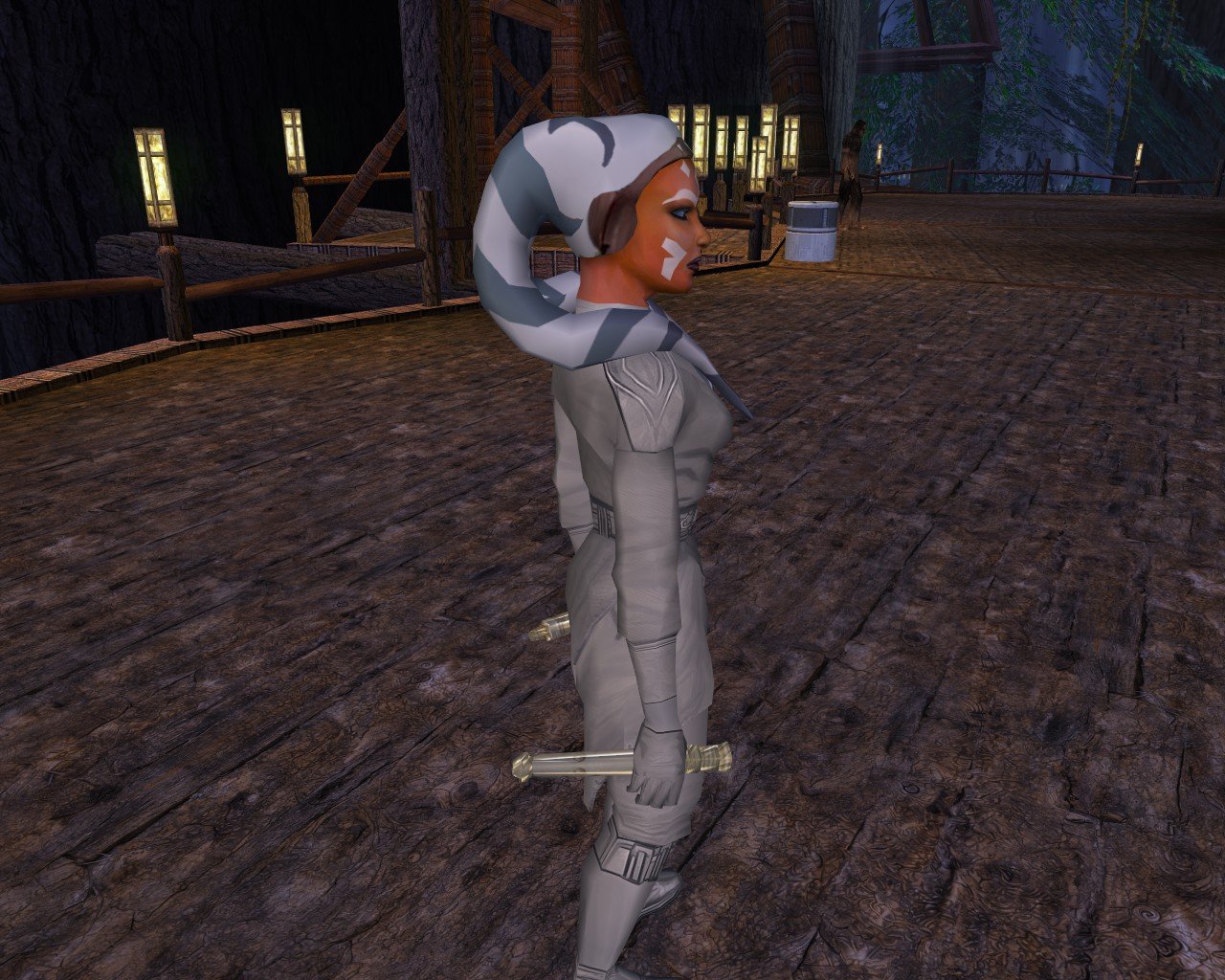
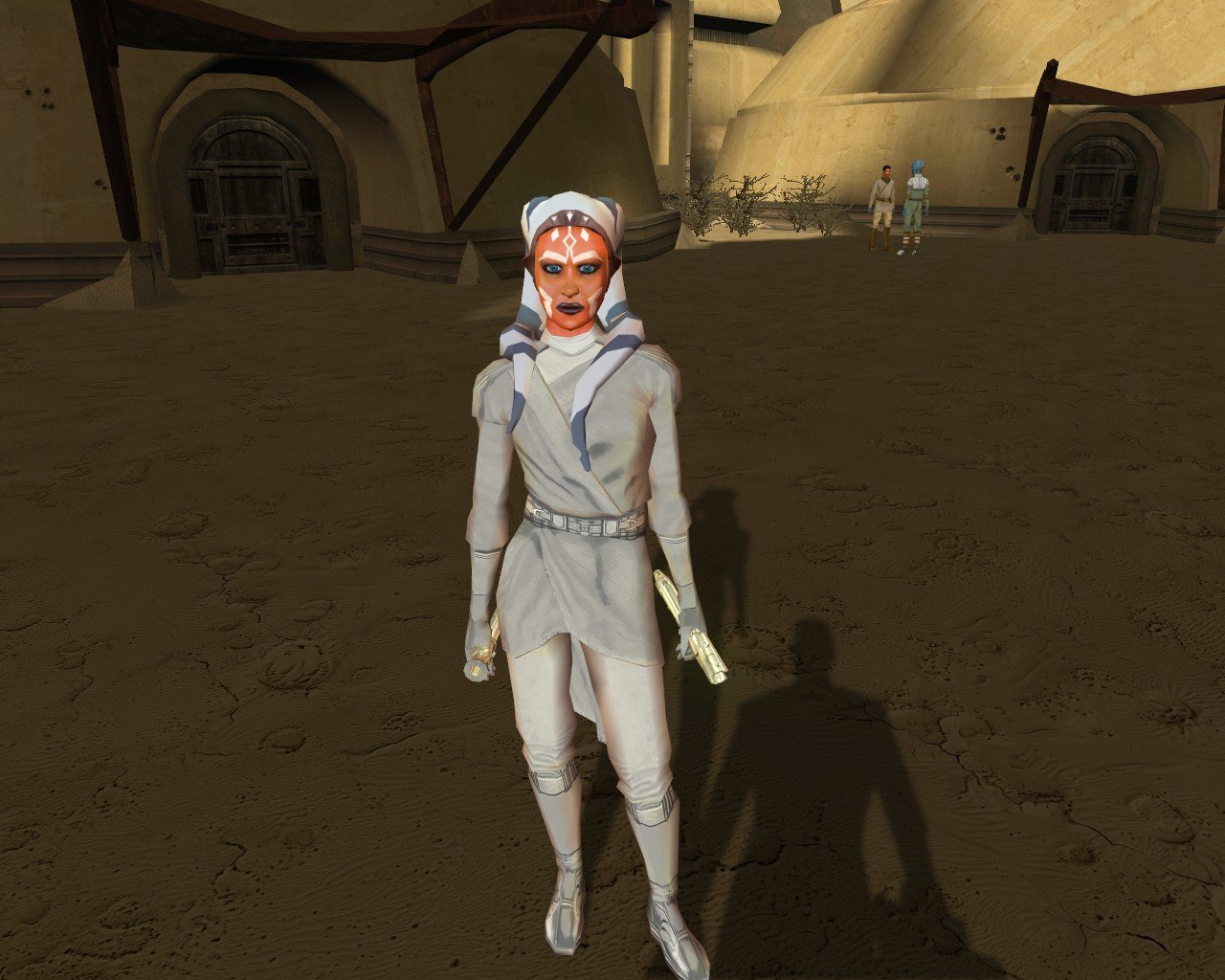
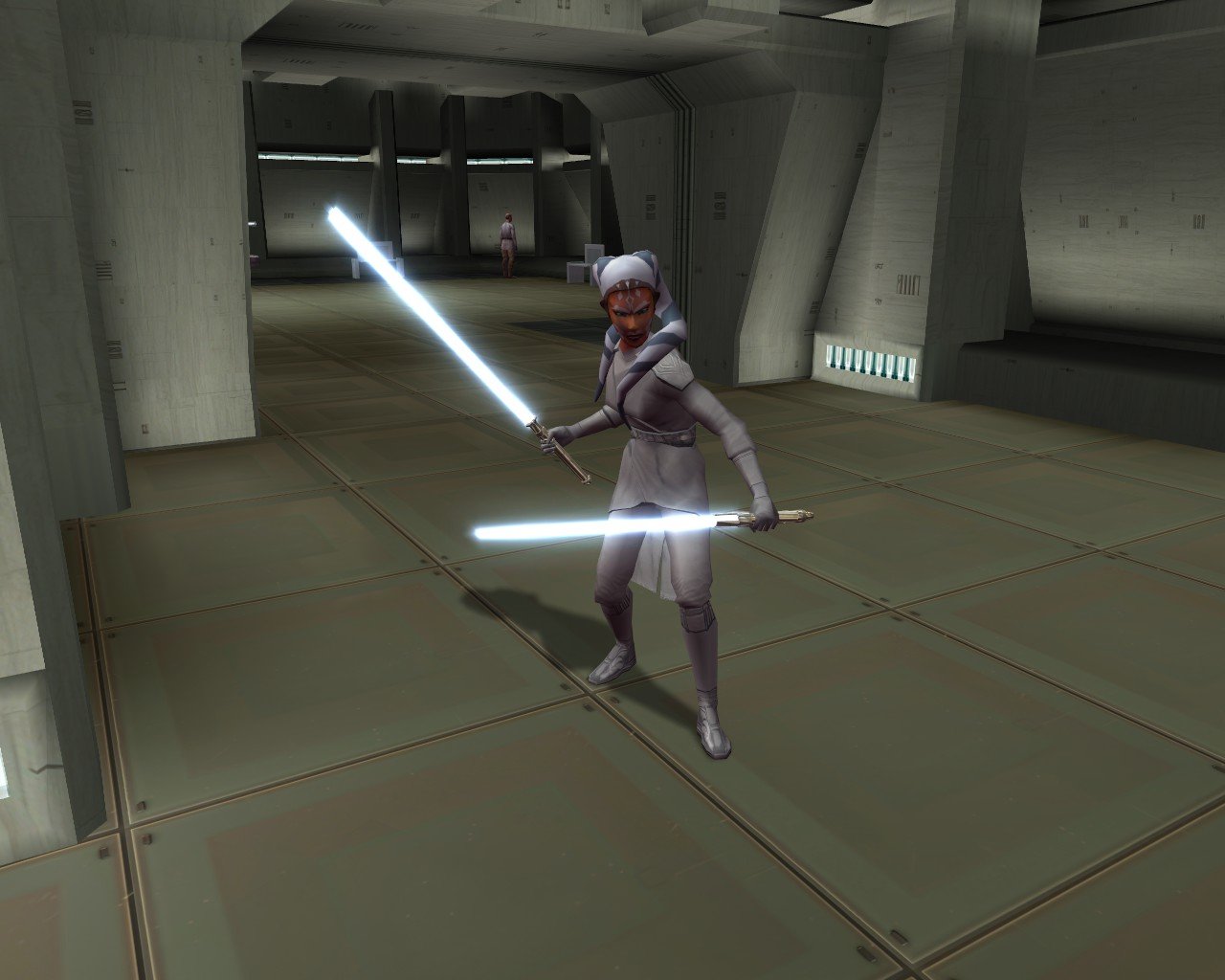
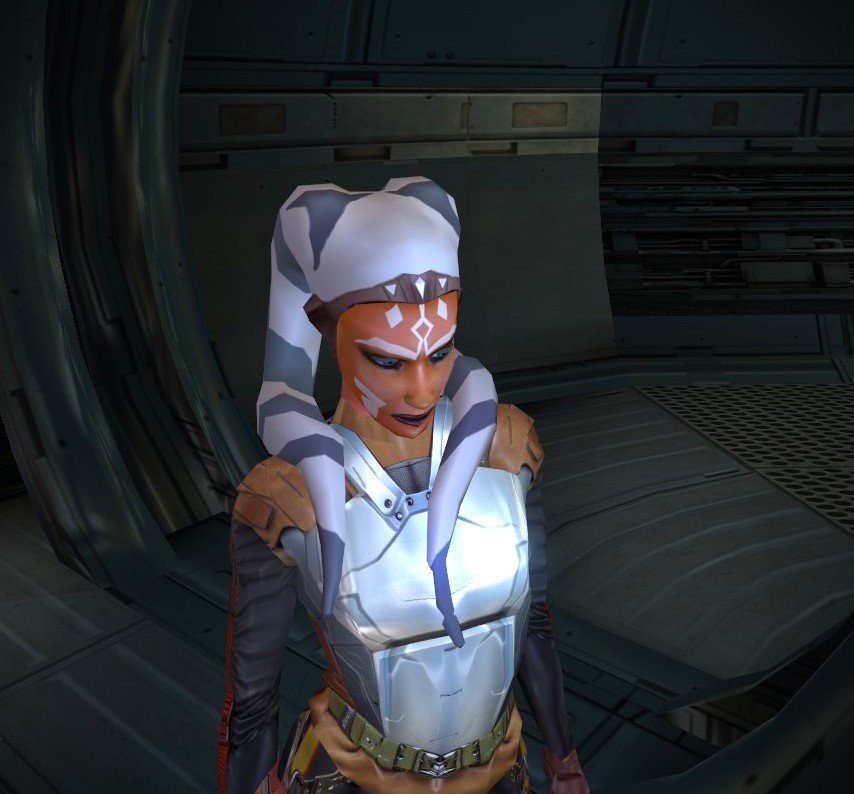
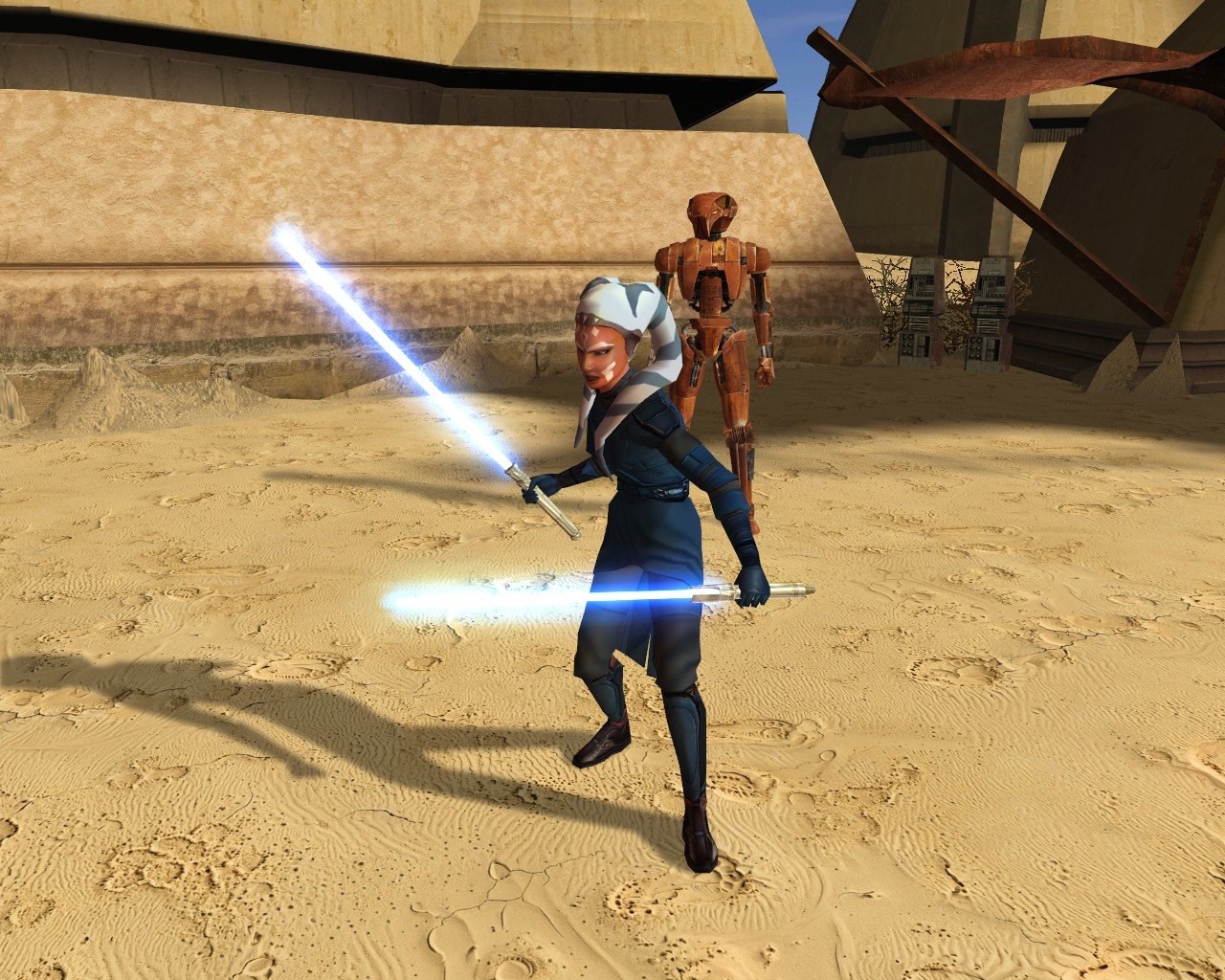
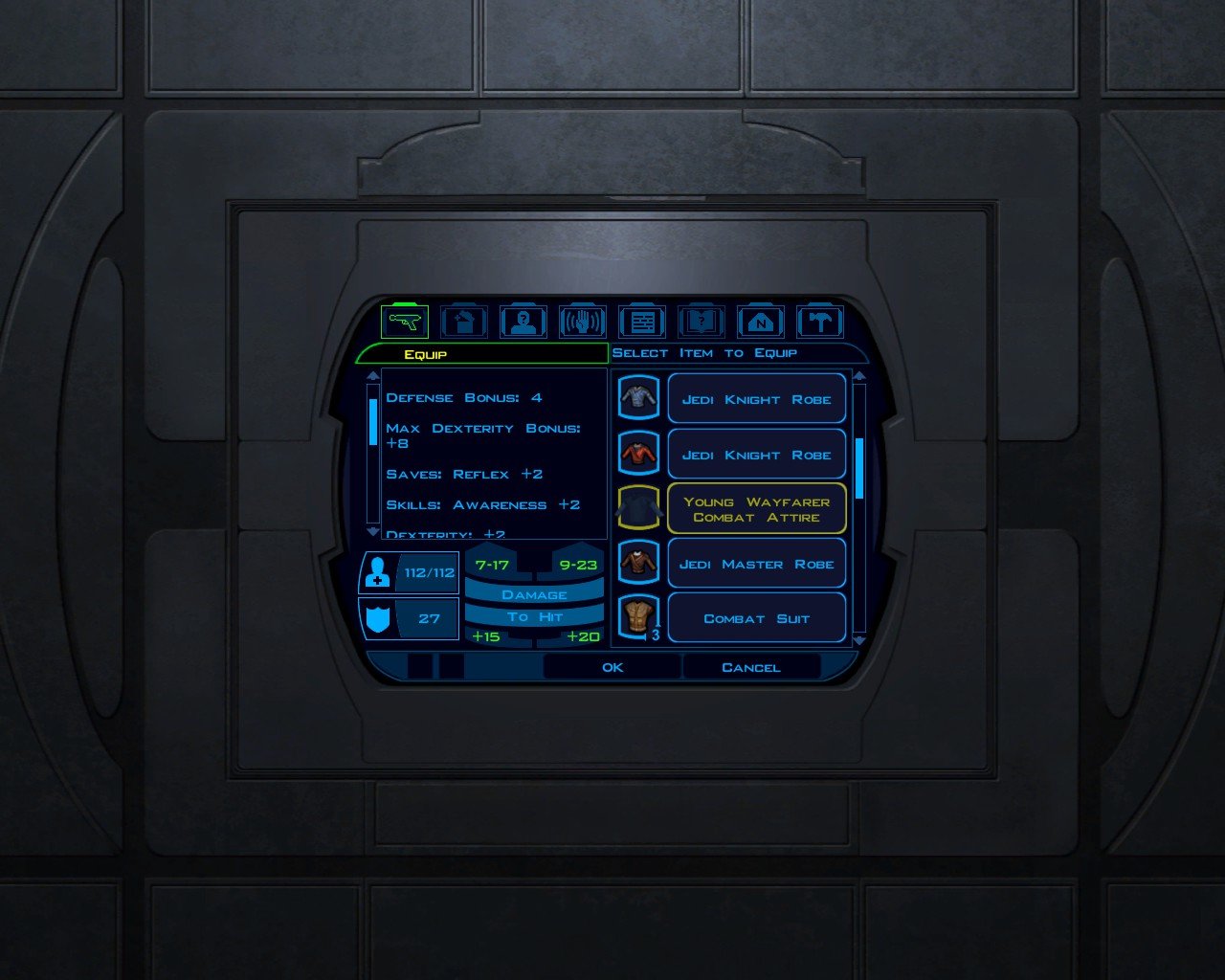
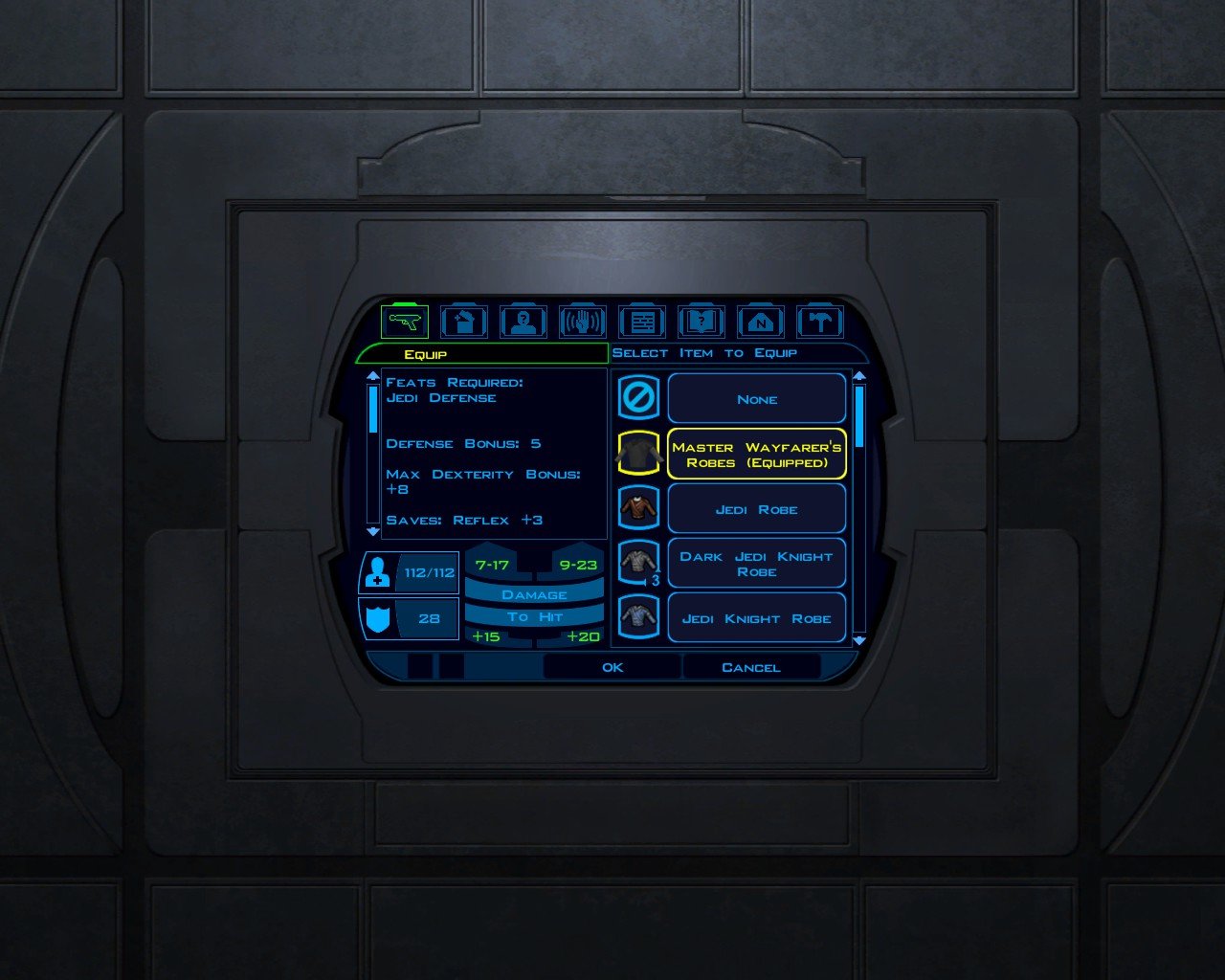
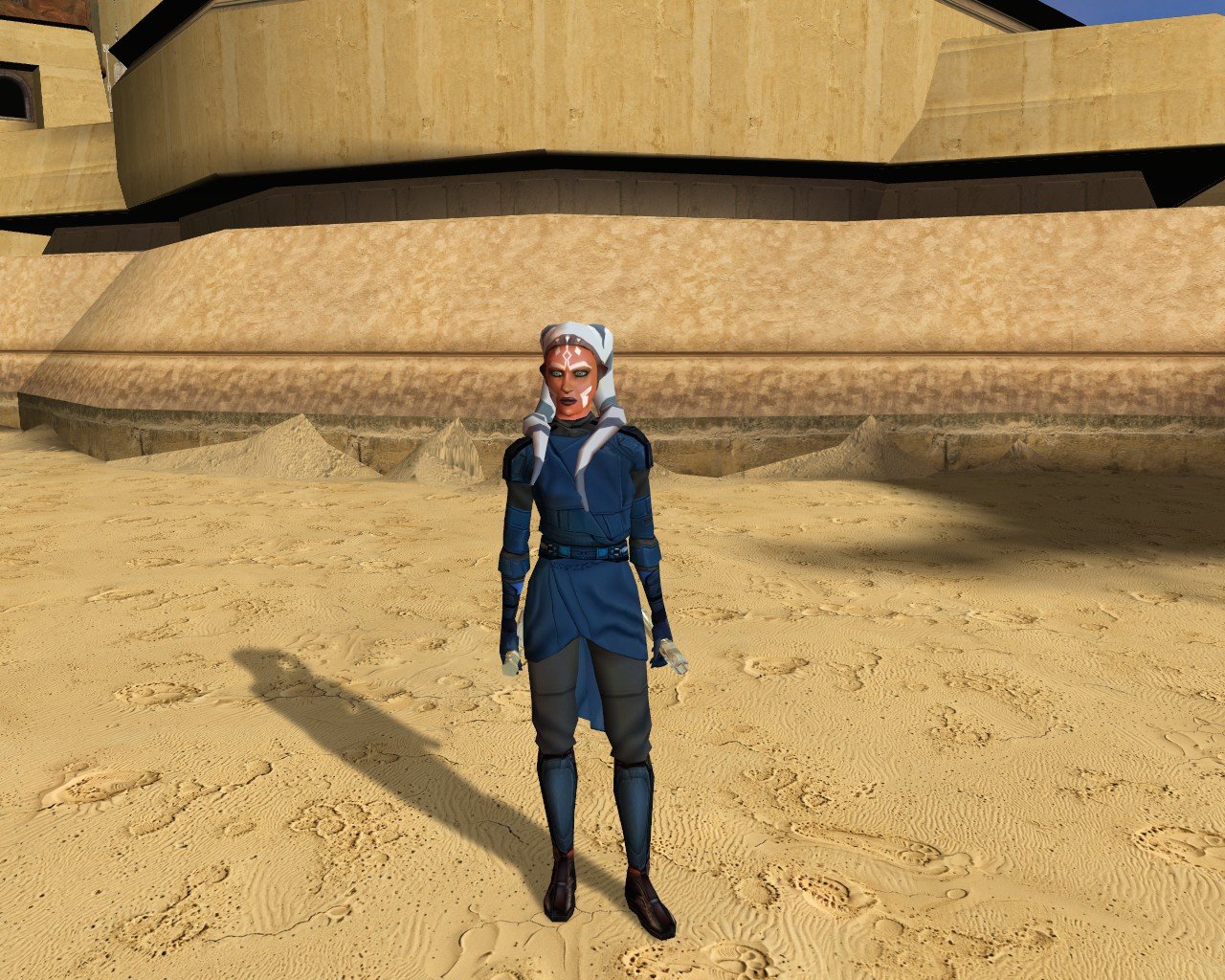
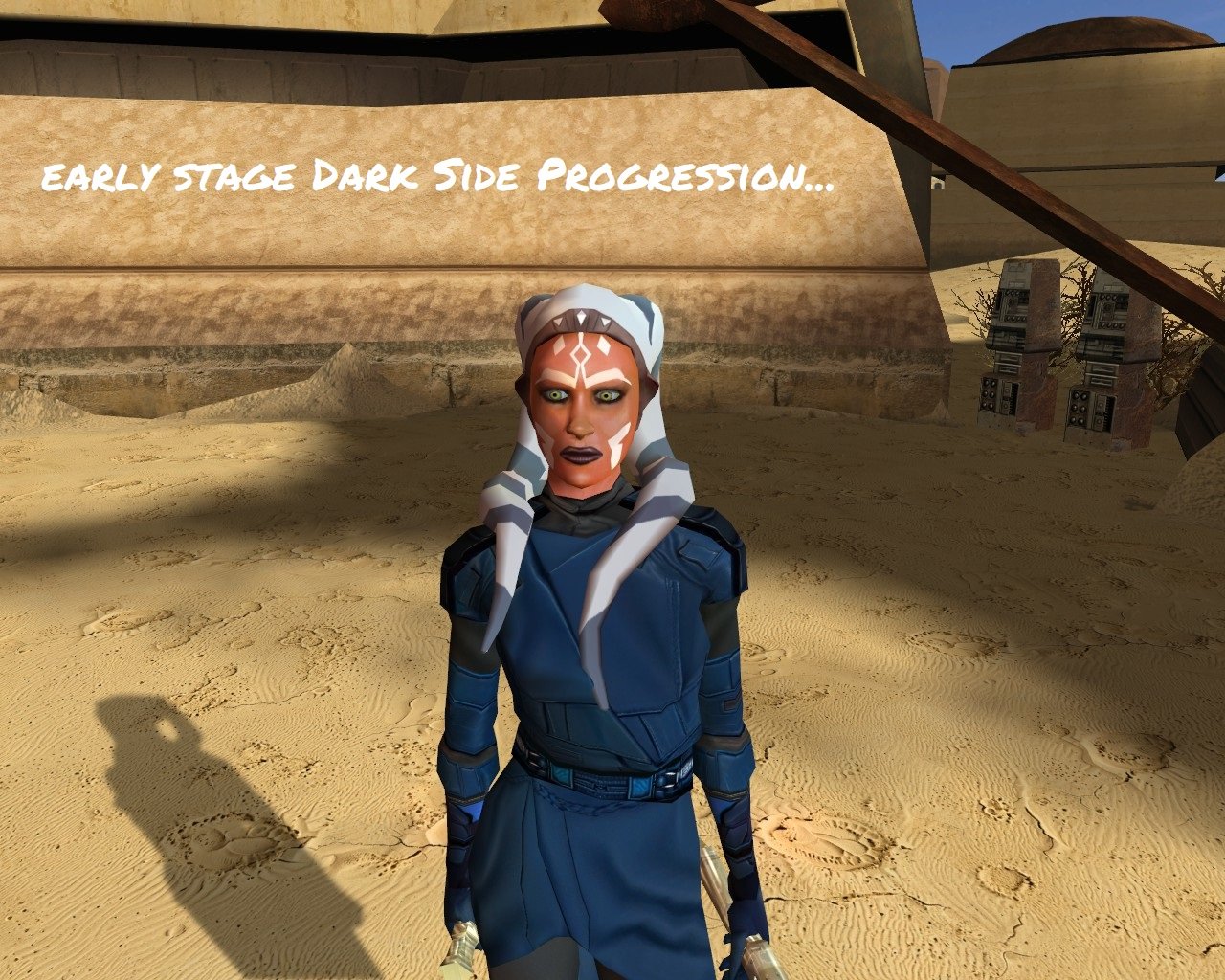
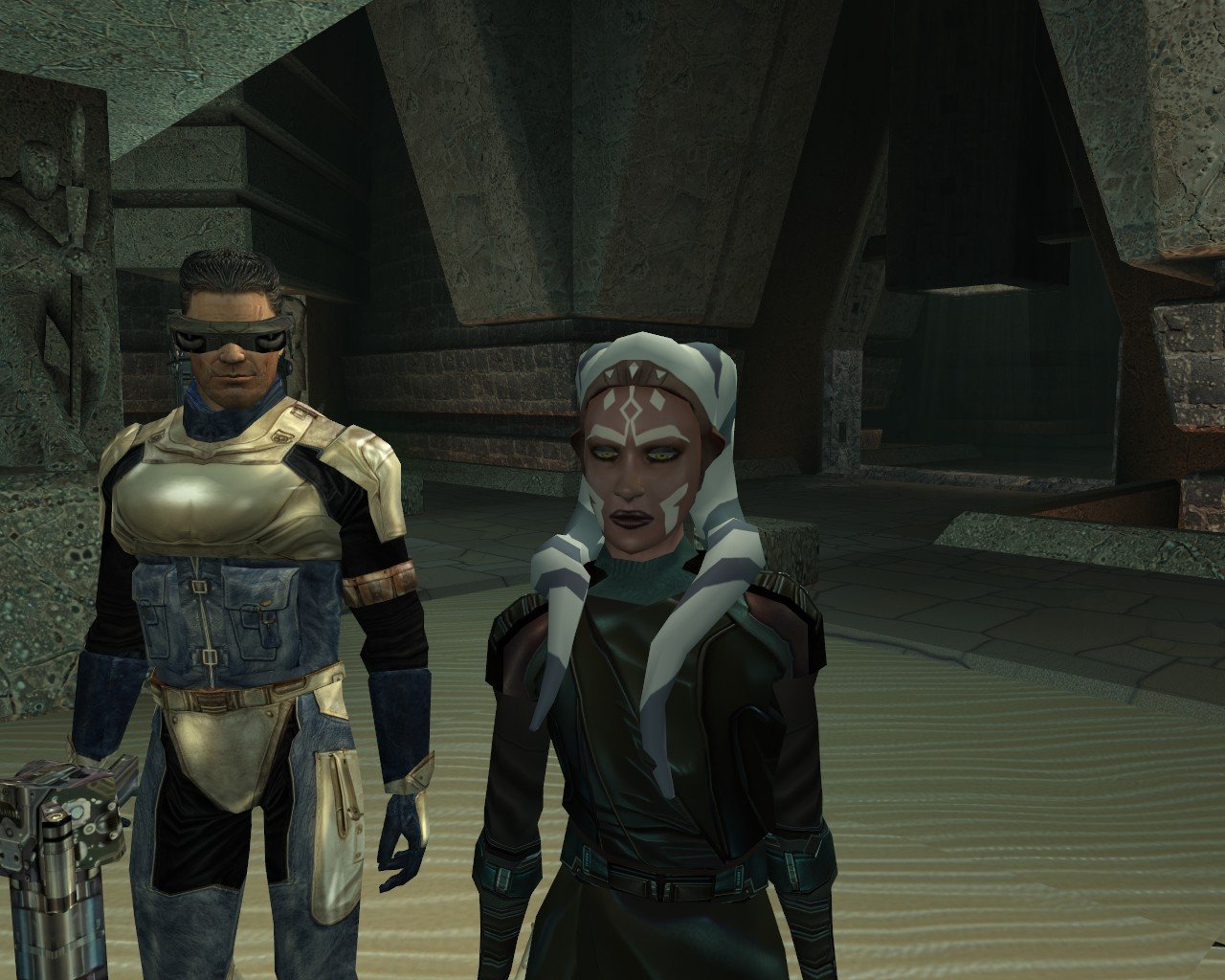
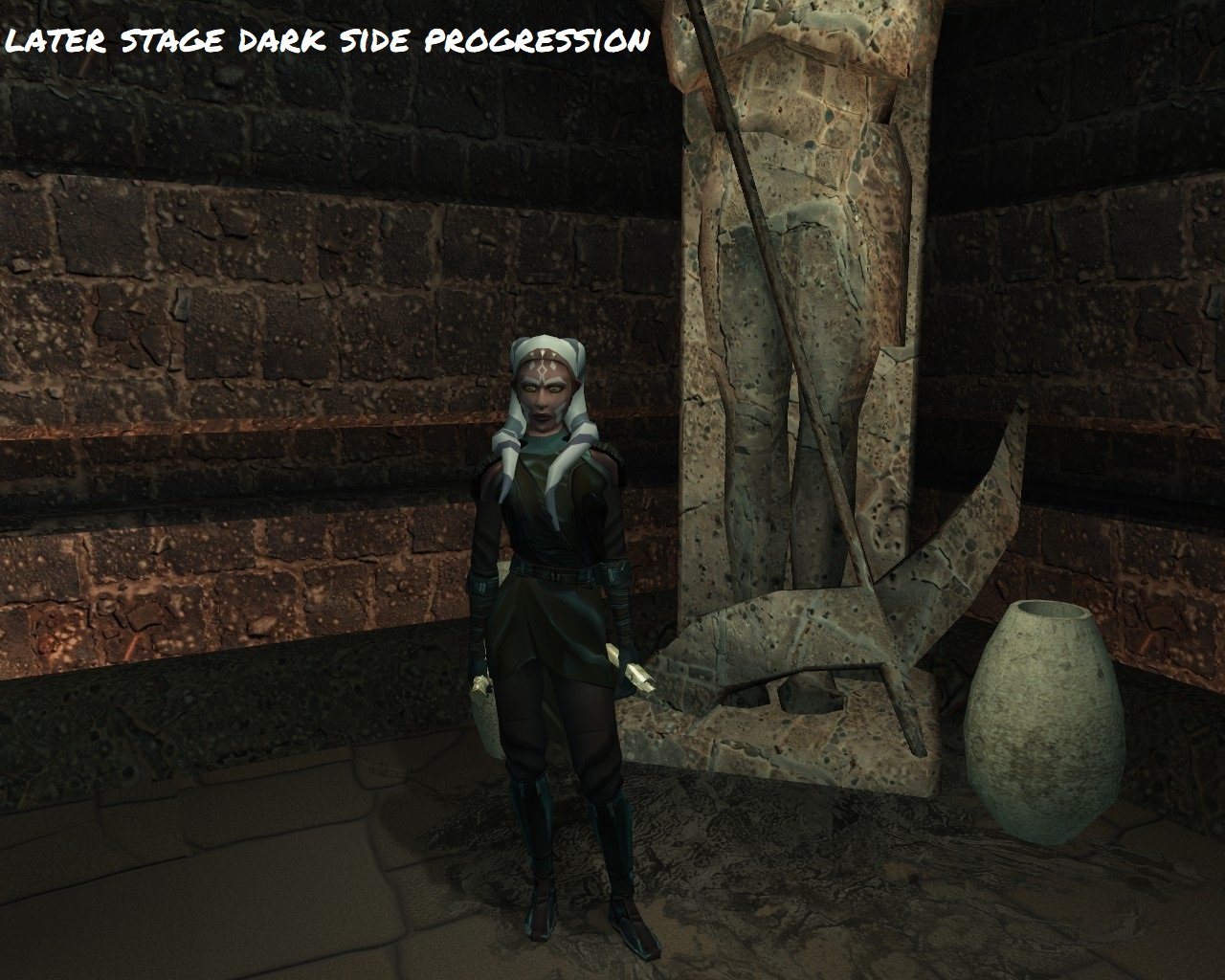
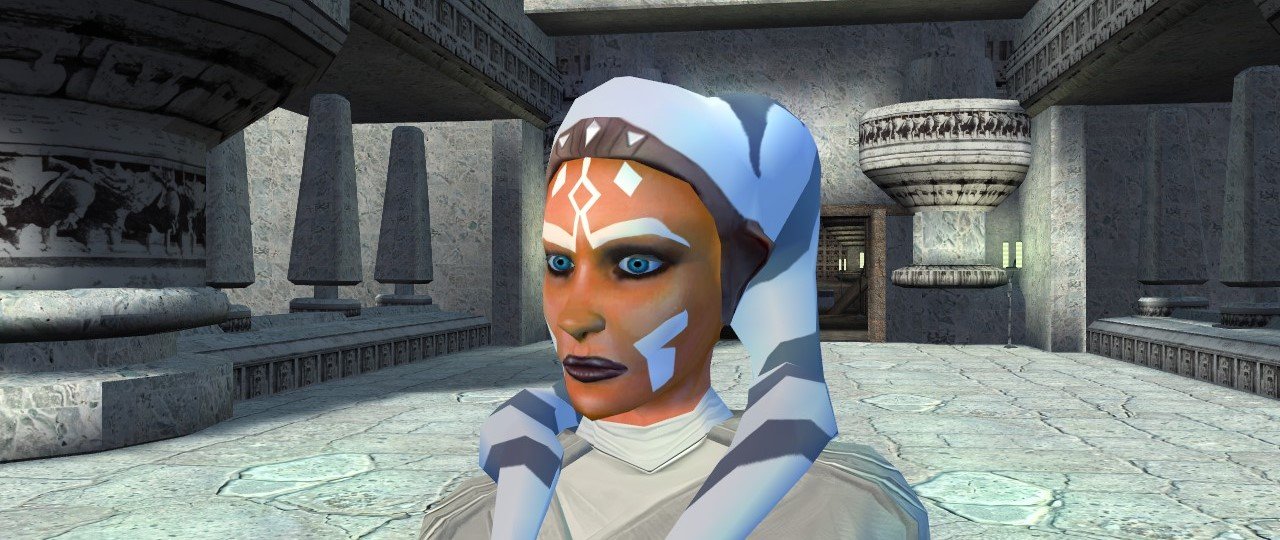
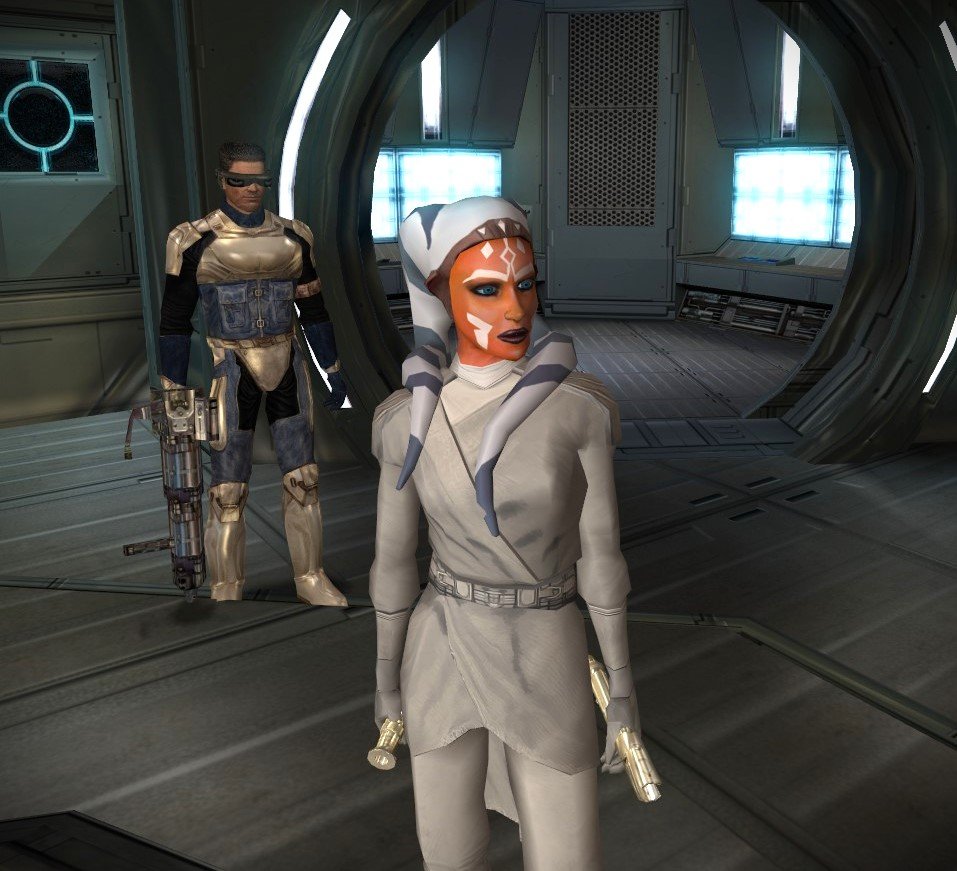
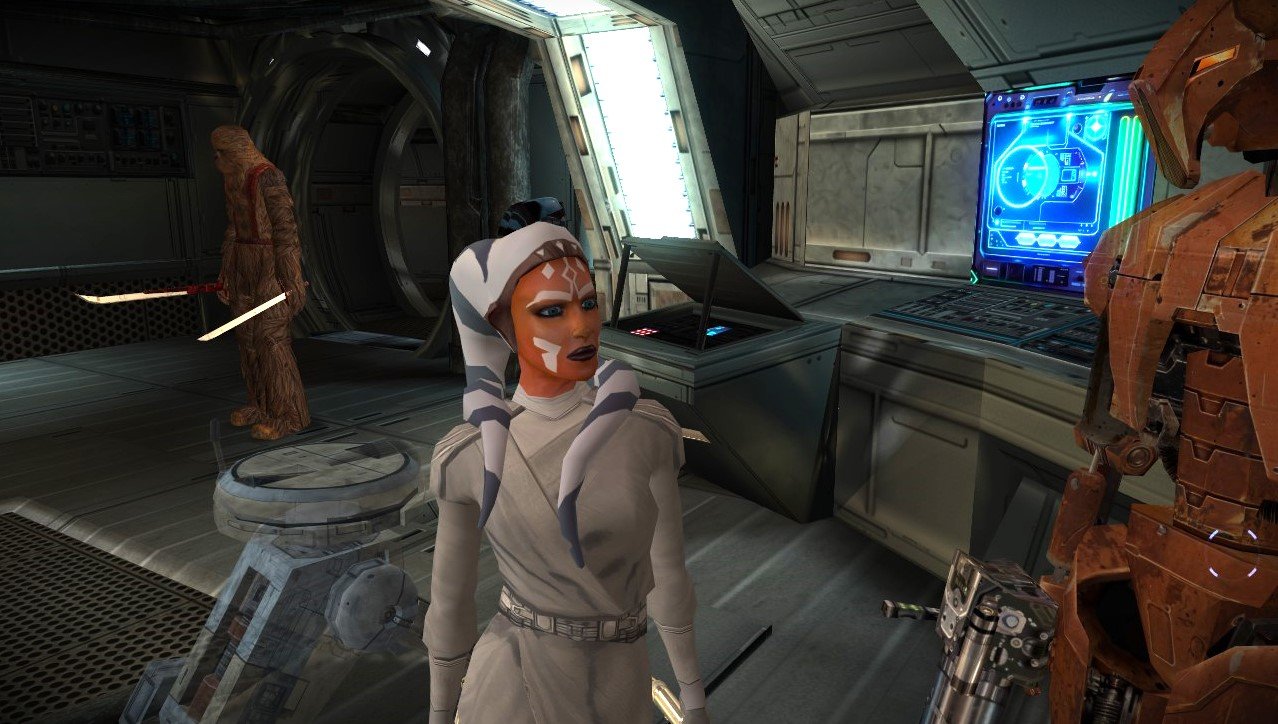
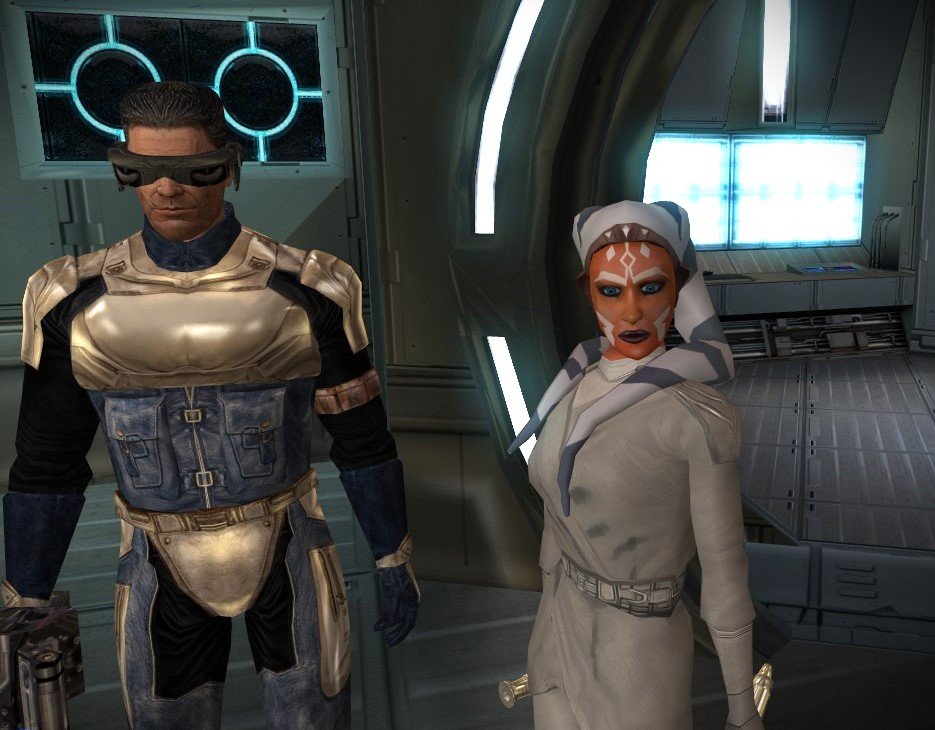
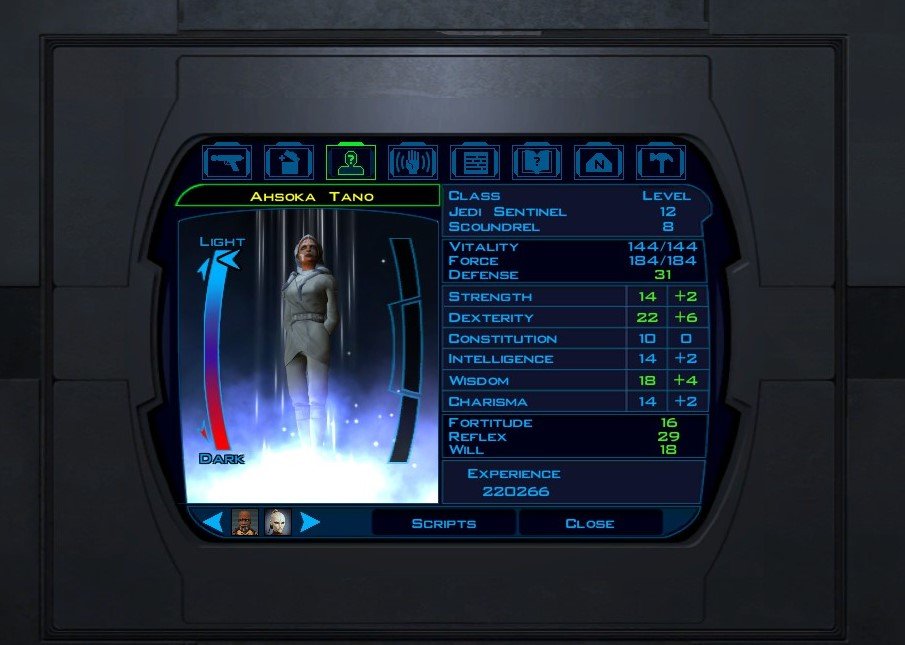
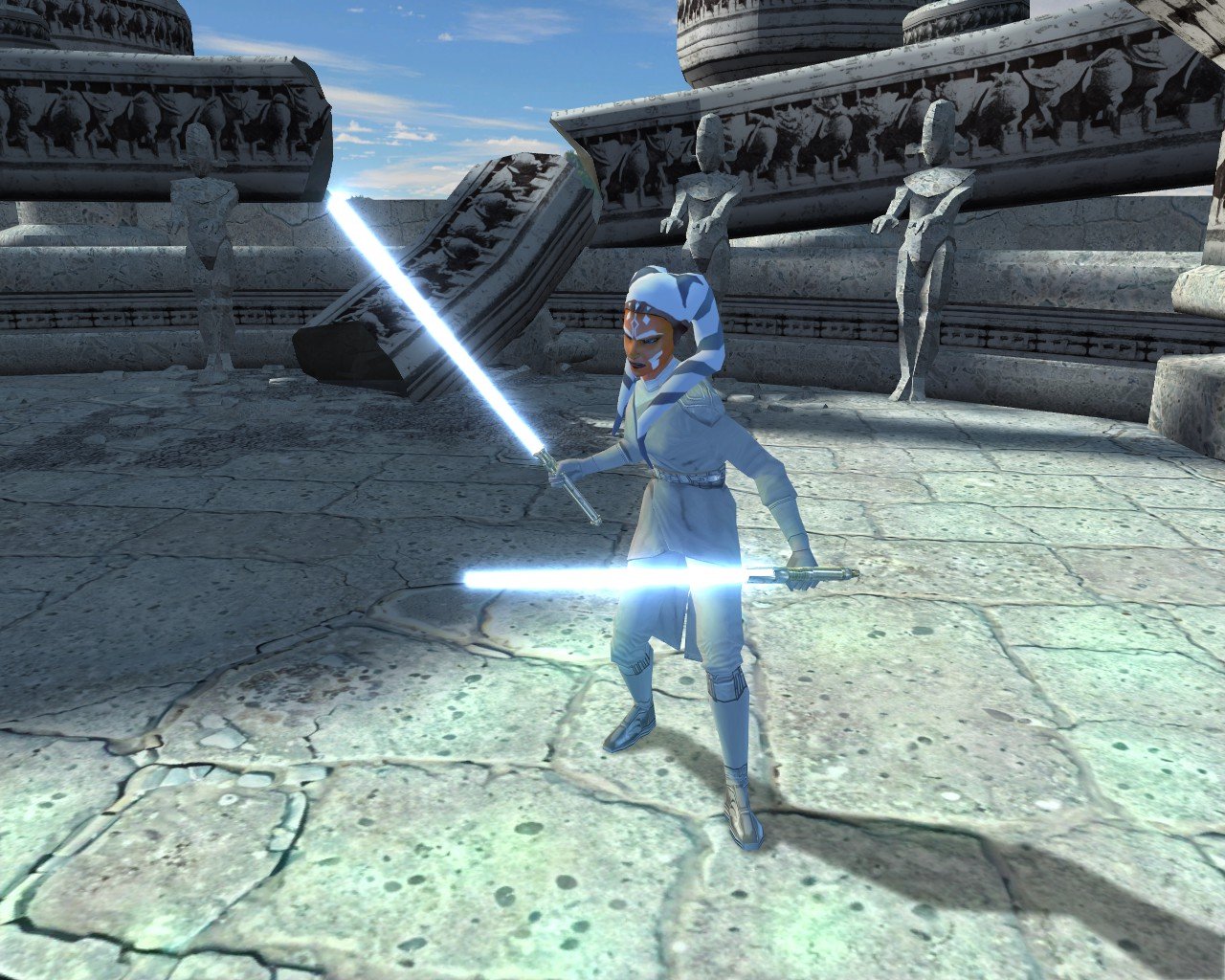
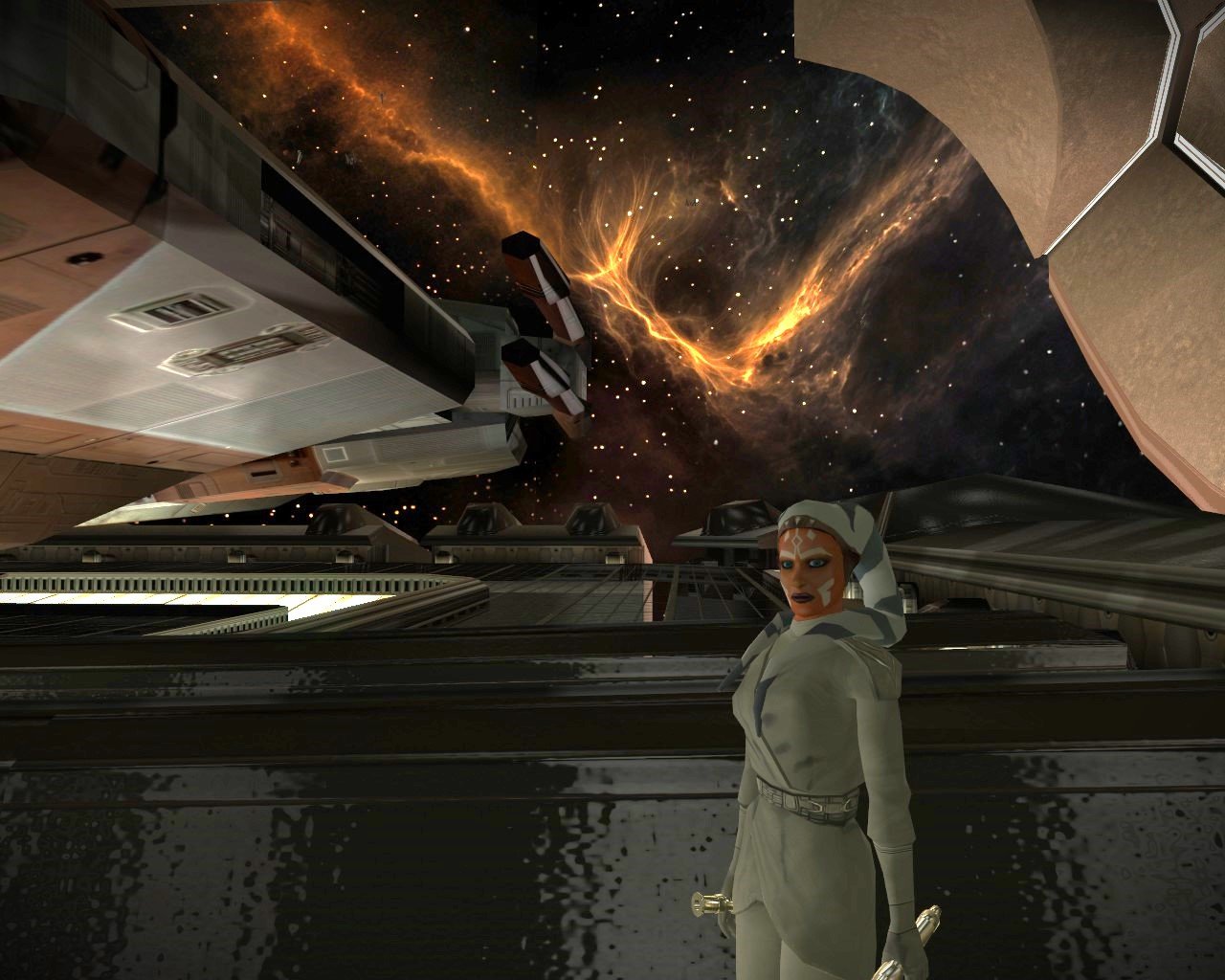
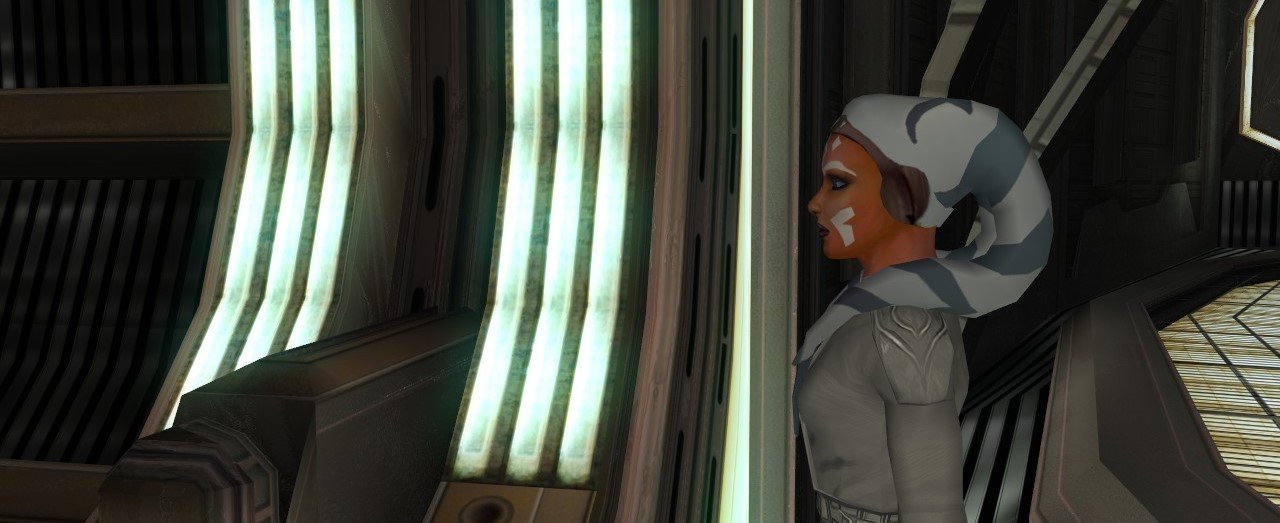
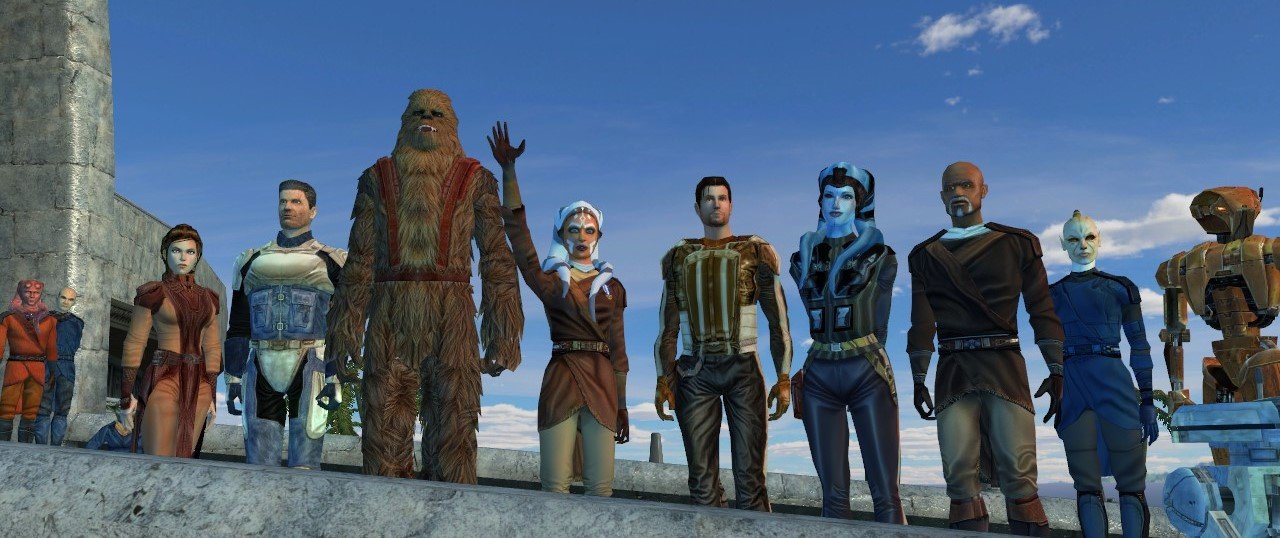
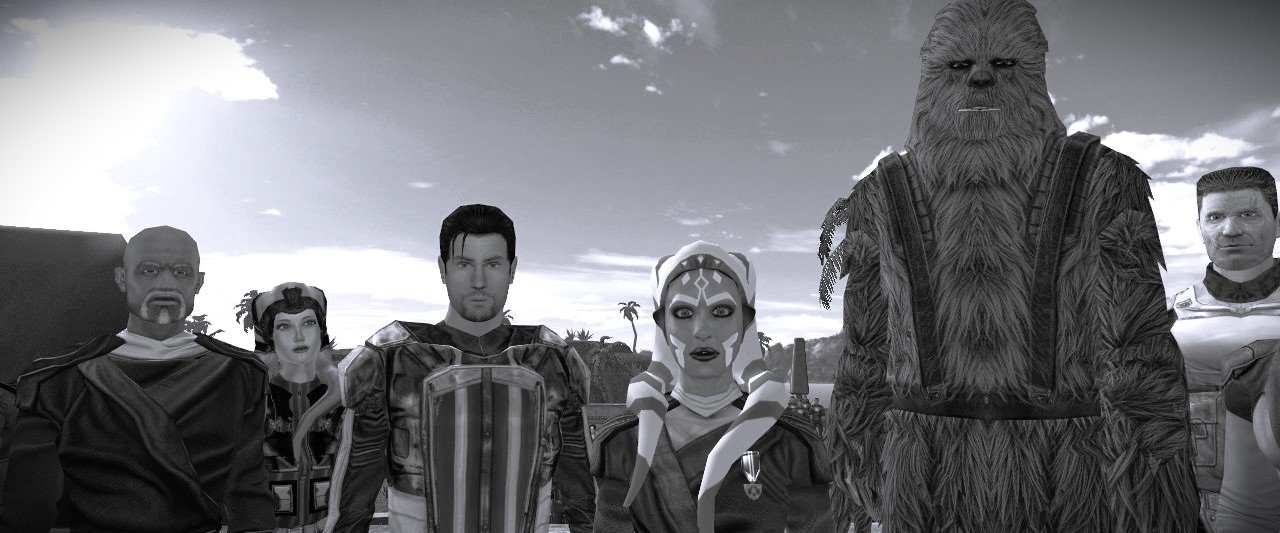
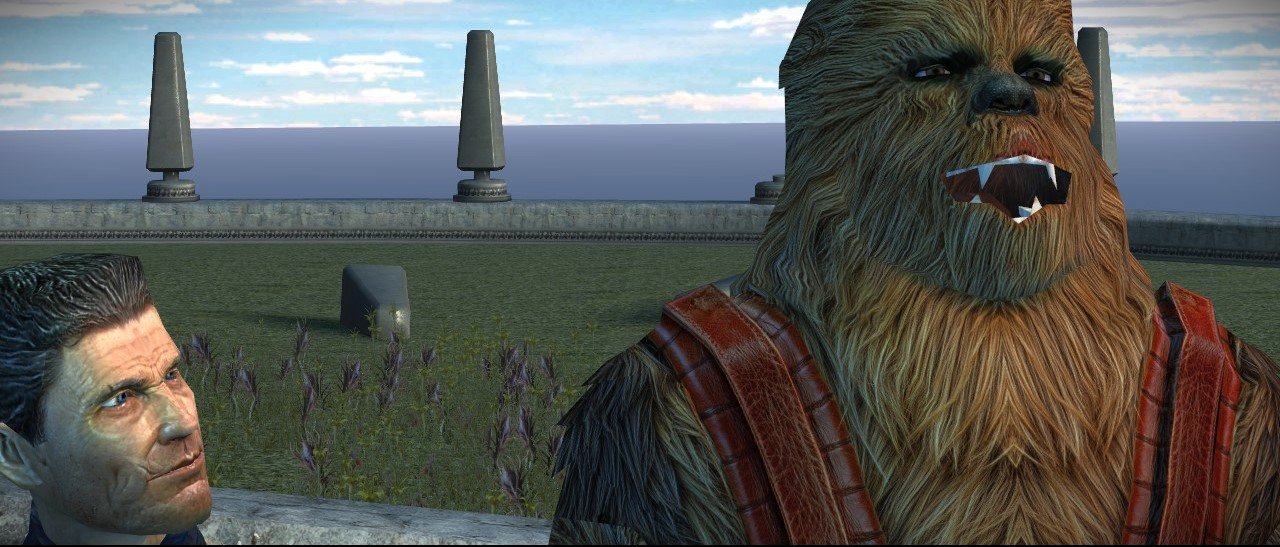
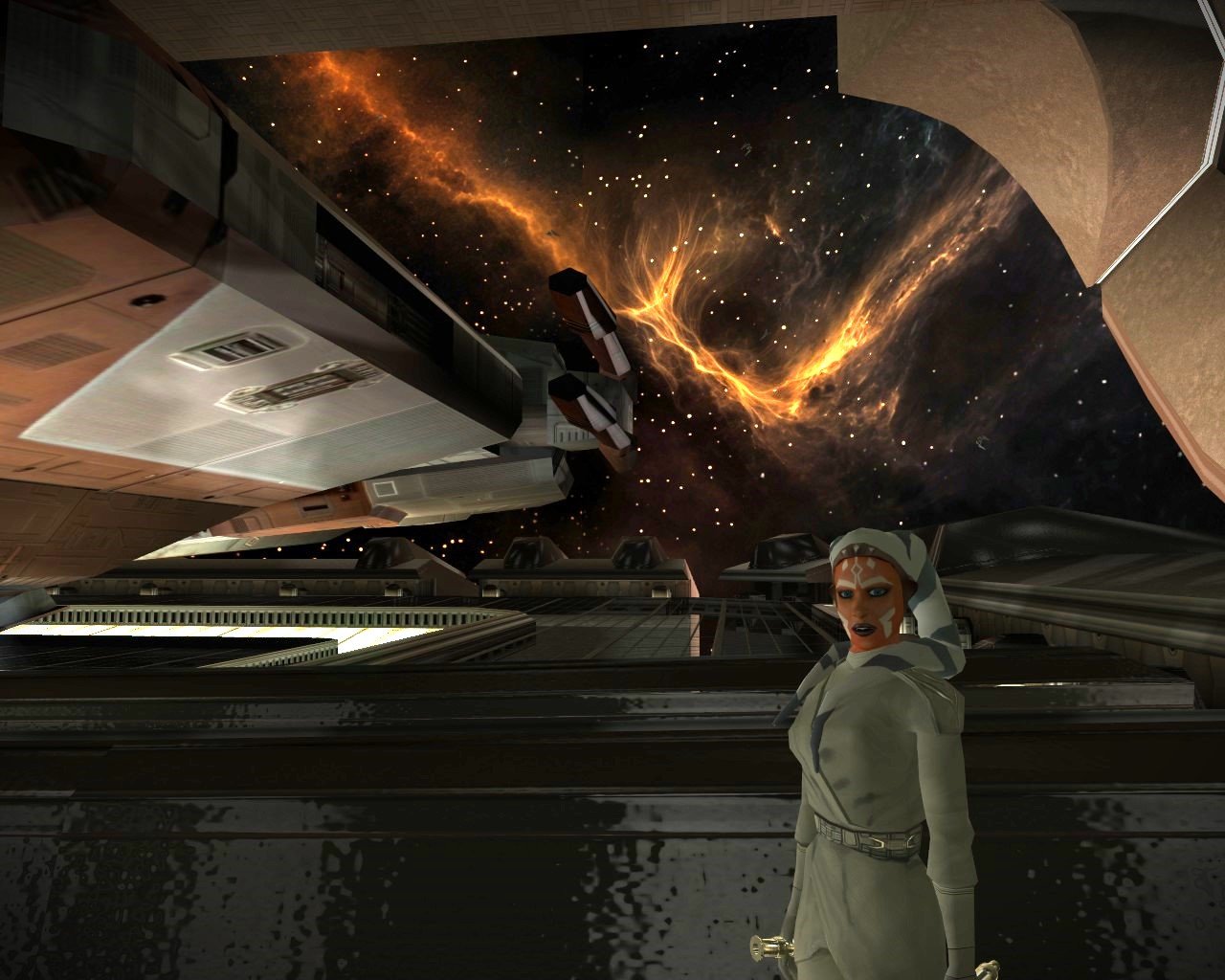
her LS progression brightens here eyes a bit and skin. so theres a visual element to ls alignment. implementing found special red crystals that can change with her to mirror characters story for white crystals. working it out now. mod should be available soon. We made it through the game without any major issues. This has her custom "wayfarer" robe with balanced stats. this is a found item in korriban. Her blue attire is also a found wayfarer robe but i havent decided on a reshade that looks better than the games standard blue knight so for now, thats it. also found item in krayt dragon horde. (see previous post which shows her dark side progression shading) She'll be ready soon.
-
View File Effixian's PFHA05 from K2 to K1 --------------------------------- Knights of the Old Republic --------------------------------- TITLE: Effixian's PFHA05 from K2 to K1 AUTHOR: Effix CONTACT: PM me on the forums or find me on Steam or Discord ------------------ INSTALLATION ------------------ Run the file "TSLPatcher - Install Effixian's PFHA05 from K2 to K1.exe". ----------------- DESCRIPTION ----------------- This mod adds a playable character PFHA05 from KotOR 2. The head is very similar to K1's PFHA05, only the hair is different. ----------------- KNOWN BUGS ----------------- The head clips a bit through the hair in one spot. ------------------ UNINSTALLING ------------------ 1. Remove the following files from your Override folder: pfhax05.mdl pfhax05.mdx PFHAX05.tga PFHAX05.txi PFHAX05D.tga PFHAX05D1.tga PFHAX05D2.tga PFHAX05D3.tga po_PFHAX05.tga po_PFHAX05d.tga po_PFHAX05d1.tga po_PFHAX05d2.tga po_PFHAX05d3.tga 2. If you have never installed any mod with the TSL Patcher then you can remove appearance.2da, heads.2da and portraits.2da from the Override folder. Otherwise: If you haven't installed any mod after this mod you can get the following files from the mod's backup folder and put them back in your Override folder: appearance.2da heads.2da portraits.2da Doing this when you did add another mod would result in the later mod(s) no longer working. -------------------------- DISTRIBUTION NOTES -------------------------- You can use the files from this mod in your own mod if you simply credit me. ------------ Thanks to ------------ - Stoffe and Fred Tetra for the needed tools and tutorials - bead-v's MDLEdit - JCarter426 & Kexikus for sharing their knowledge on converting things with MDLEdit ------------------- THIS MODIFICATION IS NOT MADE, DISTRIBUTED, OR SUPPORTED BY BIOWARE, OBSIDIAN, OR LUCASARTS ENTERTAINMENT COMPANY LLC. ELEMENTS TM & © LUCASARTS ENTERTAINMENT COMPANY LLC AND/OR ITS LICENSORS. Submitter Effix Submitted 08/17/2026 Category Mods K1R Compatible Yes
-
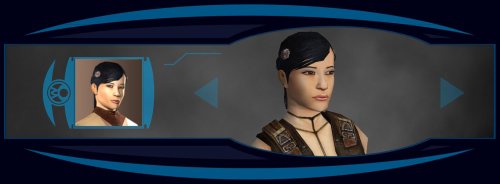
Version 1.0.0
12 downloads
--------------------------------- Knights of the Old Republic --------------------------------- TITLE: Effixian's PFHA05 from K2 to K1 AUTHOR: Effix CONTACT: PM me on the forums or find me on Steam or Discord ------------------ INSTALLATION ------------------ Run the file "TSLPatcher - Install Effixian's PFHA05 from K2 to K1.exe". ----------------- DESCRIPTION ----------------- This mod adds a playable character PFHA05 from KotOR 2. The head is very similar to K1's PFHA05, only the hair is different. ----------------- KNOWN BUGS ----------------- The head clips a bit through the hair in one spot. ------------------ UNINSTALLING ------------------ 1. Remove the following files from your Override folder: pfhax05.mdl pfhax05.mdx PFHAX05.tga PFHAX05.txi PFHAX05D.tga PFHAX05D1.tga PFHAX05D2.tga PFHAX05D3.tga po_PFHAX05.tga po_PFHAX05d.tga po_PFHAX05d1.tga po_PFHAX05d2.tga po_PFHAX05d3.tga 2. If you have never installed any mod with the TSL Patcher then you can remove appearance.2da, heads.2da and portraits.2da from the Override folder. Otherwise: If you haven't installed any mod after this mod you can get the following files from the mod's backup folder and put them back in your Override folder: appearance.2da heads.2da portraits.2da Doing this when you did add another mod would result in the later mod(s) no longer working. -------------------------- DISTRIBUTION NOTES -------------------------- You can use the files from this mod in your own mod if you simply credit me. ------------ Thanks to ------------ - Stoffe and Fred Tetra for the needed tools and tutorials - bead-v's MDLEdit - JCarter426 & Kexikus for sharing their knowledge on converting things with MDLEdit ------------------- THIS MODIFICATION IS NOT MADE, DISTRIBUTED, OR SUPPORTED BY BIOWARE, OBSIDIAN, OR LUCASARTS ENTERTAINMENT COMPANY LLC. ELEMENTS TM & © LUCASARTS ENTERTAINMENT COMPANY LLC AND/OR ITS LICENSORS. -
 The file size cannot be "relatively similar", it must be exactly the same. I recommend narrowing down which files are mismatched and replace them as needed. I'll test to see if I can reproduce this myself but I'd bet on file corruption during the FTP. It's fixable, you just need to find what files were transferred incorrectly.
 -
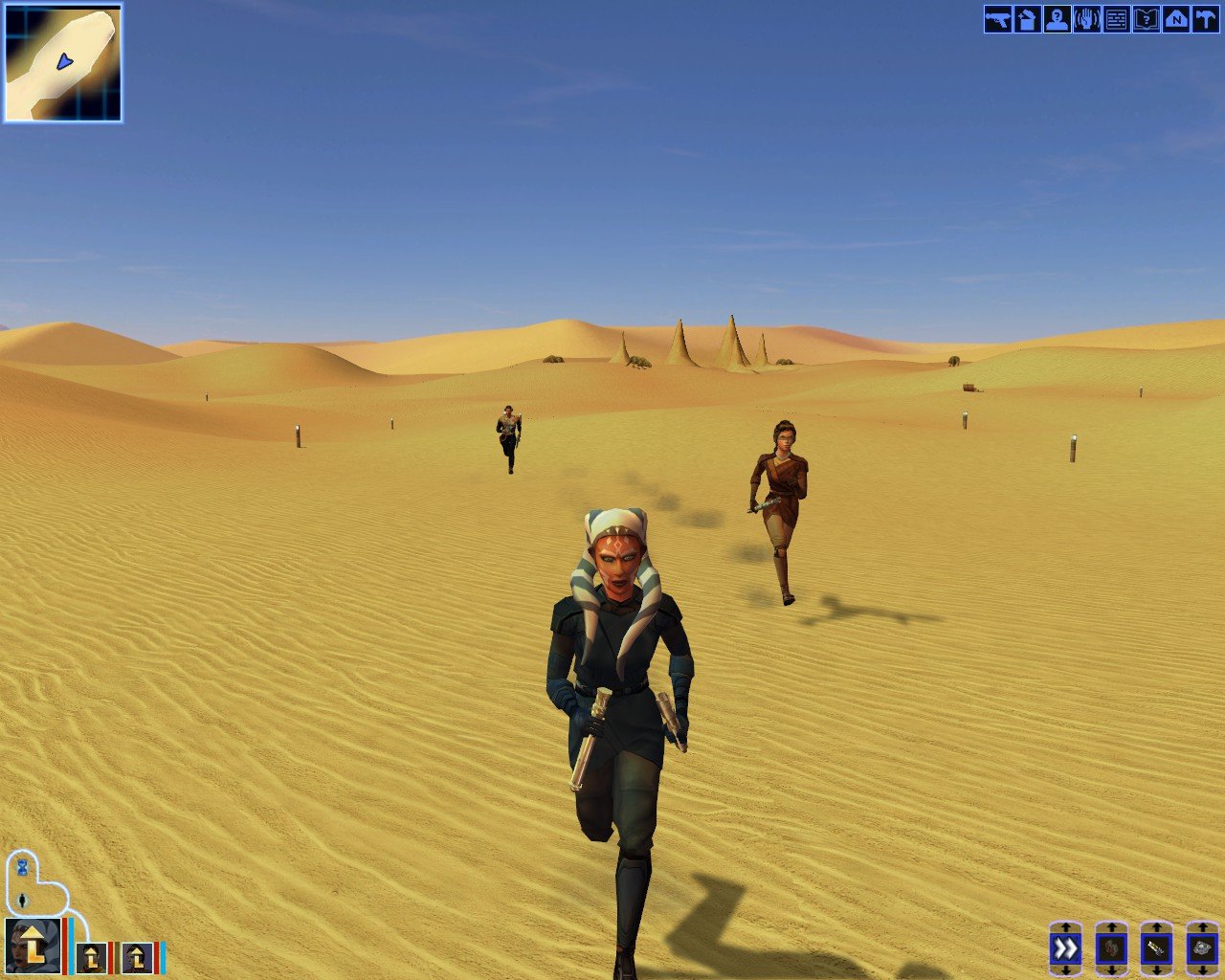
project is built on Stormie97 and Effix’s Ahsoka/Togruta mod, and full credit for the original work belongs to them. I took that foundation and added a bit. Ahsoka has been reshaded and given additional visual progression tied to alignment, along with a number of additions intended to make the character feel like a character that belongs into KOTOR. ITEMS: Two sets of Wayfarer Robes have been added as in-game items. I havent reshaded the blue knight robe because i havent figured out a good color scheme yet but the advanced wayfarer robe is reshaded as a lived in white intended for a later stage of the playthrough. They are meant to be found, used, and grown into naturally as the game progresses and not as overpowered equipment. Two white lightsaber crystals have also been integrated into the game, one is found in the Krayt Dragon hoard. Another is available through Yavin. They carry no special bonuses. purpose is simply to produce white blades. Nothing here is meant to bypass KOTOR’s progression or turn the character into something mechanically excessive. intent is to integrate an Ahsoka-style experience into the existing game as cleanly as possible: visual progression, equipment progression, and items placed within the world rather than simply handed to the player. Some placement and progression details may still change. The project will be released when I consider it finished.Again, credit to Stormie97 and Effix for the original Ahsoka/Togruta mod that provided the foundation.