All Activity
- Past hour
-
 oluuk joined the community
 -

Echoes of the Republic - an unofficial expansion
The_Chaser_One commented on vault13deathclaw's file in Mods
 Are you planning a Holopatcher installation when you're done with it? Would be easier for people, rather than have to manually do everything.
 -
 Caim joined the community
 -
 For anyone running HR Menus at 1440p or 4K: the feat and Force power tree icons on the level-up screen stay at their 640x480 size, because the engine hardcodes the tree row height in swkotor.exe (it ignores the .gui PROTOITEM), so no .gui edit can fix it. I made a small exe patch that scales them by the same menu height / 480 factor HR Menus uses for everything else: https://deadlystream.com/files/file/3161-k1-high-res-feat-power-trees/ Install it after UniWS + HR Menus. Thanks for HR Menus, it's a great mod.
 -
 Hello, I'm relatively new to modding Kotor II and playing around in Holcron Toolset. I managed to clone module 101 (Peragus Administration Level) and named it "PA1". I created a miner npc using one of the existing npcs as a template. I gave the npc ResRef of "per_mnr01" with a tag of "mnr01. Added armor and a weapon, changed appearance and managed to implement a simple patrol script using custom waypoints. I created a mnr01.dlg file, put it in my .mod and wrote a simple conversation with just one entry and one reply. The game succesfuly load my module, my npc, scripts and dialogue. The problem starts with adding a voieover file to npc's entry. I generated a line using ElevenLabs and dragged it in Audacity, then exported it as a wav with 22050 Hz, 128 kb/s and mono. Put the file through SithCodec using encode_vo.bat and put the file in "streamvoice/pa1/mnr01/pa1mnr01001.wav. Holocron loaded up mi file from streamvoice folder, and I can play preview in its dlg editor, I choose my file from voice input, ignoring the sound input and checkmark labeled exists is left unchecked. I changed my module.ifo to have VO_ID of "PA1" instead of orginal "101", the speaker tag is "mnr01". The ingame dialogue plays without sound. I tried switching to another vo e.g. Attons line from different module from Holocron dialog editor, and it plays just fine. I copied Atton's line from different module and renamed it to "pa1mnr01002" and placed it in my "streamvoice/pa1/mnr01/" folder (same file that before worked fine) and again - it shows in Holocron fine. What's weird that Atton;s line that worked when selected from different module is not working after renaming and copying to my folder so I assume file formatting is not the case. I also tested putting the soundfiles to Override and original "101" streamvoice folder. I don't know if this is important but my dialogue won't open unless type of conversation is set from "Human" to "Type 3". Also animations and expressions don't seem to work either. What could be the case, I feel like I'm checking things in circle and still missing something crucial. I even added strRef to dialog.tlk and setup a ResRef to a soundfile there, and nothing happened still.
 -
Hello, I'm relatively new to modding Kotor II and playing around in Holcron Toolset. I managed to clone module 101 (Peragus Administration Level) and named it "PA1". I created a miner npc using one of the existing npcs as a template. I gave the npc ResRef of "per_mnr01" with a tag of "mnr01. Added armor and a weapon, changed appearance and managed to implement a simple patrol script using custom waypoints. I created a mnr01.dlg file, put it in my .mod and wrote a simple conversation with just one entry and one reply. The game succesfuly load my module, my npc, scripts and dialogue. The problem starts with adding a voieover file to npc's entry. I generated a line using ElevenLabs and dragged it in Audacity, then exported it as a wav with 22050 Hz, 128 kb/s and mono. Put the file through SithCodec using encode_vo.bat and put the file in "streamvoice/pa1/mnr01/pa1mnr01001.wav. Holocron loaded up mi file from streamvoice folder, and I can play preview in its dlg editor, I choose my file from voice input, ignoring the sound input and checkmark labeled exists is left unchecked. I changed my module.ifo to have VO_ID of "PA1" instead of orginal "101", the speaker tag is "mnr01". The ingame dialogue plays without sound. I tried switching to another vo e.g. Attons line from different module from Holocron dialog editor, and it plays just fine. I copied Atton's line from different module and renamed it to "pa1mnr01002" and placed it in my "streamvoice/pa1/mnr01/" folder (same file that before worked fine) and again - it shows in Holocron fine. What's weird that Atton;s line that worked when selected from different module is not working after renaming and copying to my folder so I assume file formatting is not the case. I also tested putting the soundfiles to Override and original "101" streamvoice folder. I don't know if this is important but my dialogue won't open unless type of conversation is set from "Human" to "Type 3". Also animations and expressions don't seem to work either. What could be the case, I feel like I'm checking things in circle and still missing something crucial. I even added strRef to dialog.tlk and setup a ResRef to a soundfile there, and nothing happened still.
- Today
-
Stanlej95 joined the community
-
 Compatibility modes just give me a black screen and i can't even exit the game properly.
 -
 Jovannyblaine joined the community
 -
 althorne joined the community
 -
 True joined the community
 -
 JamesLoganHowlett616 joined the community
 -
 LunarStar joined the community
 -
 EliisVader joined the community
 -
 Raage joined the community
 - Yesterday
-
I'm just happy that I can finally play the game on PC with real, native, proper controller support. The fact that TSL received that massive update which added native controller support but the original KOTOR was left with mouse/keyboard years later (which was ridiculous) is finally resolved with this.
-
In my case cutscenes stopped minimizing after I set compatibility mode to Win XP Service Pack 2.
-

Echoes of the Republic - an unofficial expansion
keelah commented on vault13deathclaw's file in Mods
This is an incredible find! I've found hours of content to keep myself occupied this entire day, and I've only done Korriban and Tatooine! I am quite content with a large amount of side quests that don't serve a unified plot line. At least, beyond the commonality that they relate to the aftermath of the Jedi Civil War. KOTOR II, as I've read it described, is essentially a "road trip from hell to absolutely nowhere, all the while pondering the void". To quote the cliche, "it's the journey, not the destination". This game is actually perfect to use for myriad narrative vignettes that are seemingly unrelated. I look forward to playing more, and seeing what you may add! Keelah se'lai - Last week
-

SKIN:Heyorange's Sith Uniform Reformation [Revised]
JAJS3 replied to Sith Holocron's topic in Mod Releases
Hi! I encountered an error when installing this mod on Windows through KOTOR Mod Manager’s HoloPatcher integration, using the “KOTOR Community Patch-Compatible Installation” option. HoloPatcher displays an error dialog while loading tslpatchdata/info.rtf The traceback ends with: File "__main__.py", line 710, in on_namespace_option_chosen File "__main__.py", line 1288, in set_stripped_rtf_text File "utility\string.py", line 155, in striprtf IndexError: pop from empty list Afterward, patching continues and reports “Successfully completed 182 total patches” and “The installation is complete with 0 errors and 1 warnings.” However, the mod manager detects the earlier traceback and marks the installation as failed. Could you check whether simplifying or re-saving info.rtf resolves this? I’m not sure whether the file’s formatting is malformed or triggers a limitation in HoloPatcher’s RTF parser. I can provide the full log if useful. -
Hi, I’m trying to download MOBILE Restored Content Mod (MTSLRCM) 1.8.6 for KOTOR II on iOS. The download fails immediately with a network/download error. I’ve tried Safari, Chrome, and Readdle while signed in. Could you check whether the download link is working or provide an alternative official download method? I don’t have access to a computer. Thanks!
-
 You ran KMRP and clicked "start patching" and it didn't apply? Or am I misunderstanding?
 -
I'm not seeing KMRP in my list of patches and it seems that KMRP is not even applying 😕
-
 So this is a really old mod of mine from almost a decade ago, hence why K1R was a requirement. I'll probably update this mod again to have modern install standards, though for now there are two alternatives for you. 1) the NPC Diversity Pack mod which instead requires the K1CP mod and it adds female Dark Jedi alongside up to 400 or so changes to the vanilla NPCs to make them unique. 2) the RC-K1CP mod which is the modern day restored content mod for Kotor 1 which, as the name implies, is built for the K1CP mod. Whilst it doesn't have all of K1R's features it still boasts a formidable list of restorations including restorations not restored in K1R. Whilst female Dark Jedi are not yet in RC-K1CP, I'll most definitely add them in an upcoming update.
 -
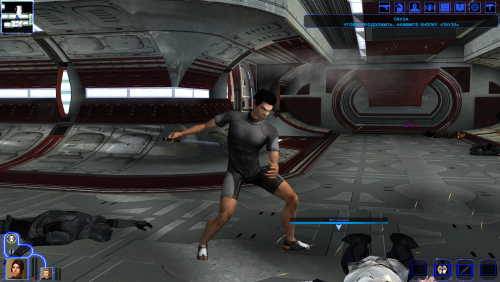 Weapon Model Overhaul Texture Rework и High Quality Blasters for Modders
 -
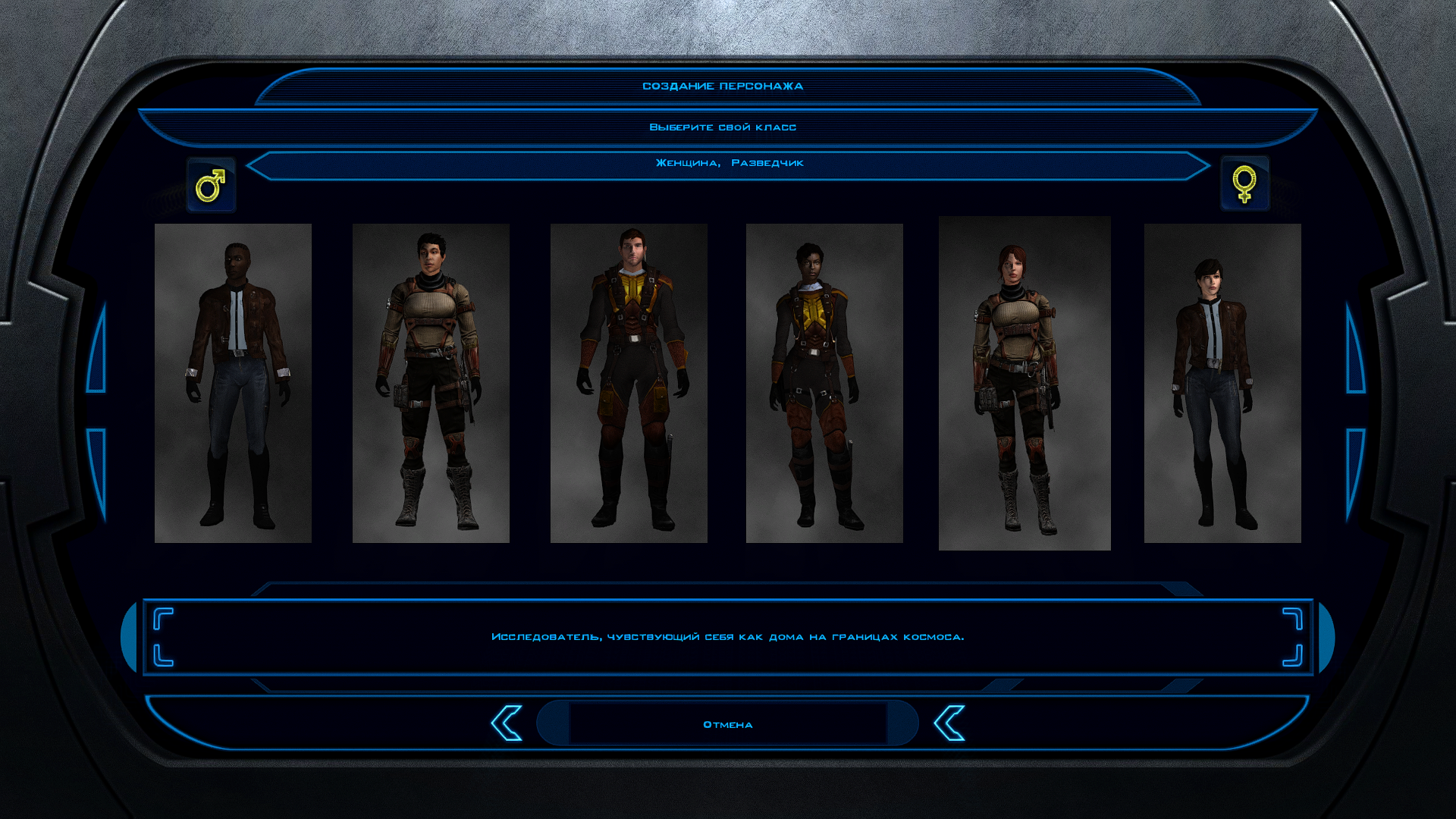
What are the mods for the lightsabers and melee weapons shown in the screenshots?
-
View File High poly Underwear for men and women The mod replaces the model and textures. Installation after the heads are installed. To Install 1. Download: Underwear 2. Copy all files to the Knights of the Old republic's Override folder. (Example location - C:\Program Files (x86)\Steam\steamapps\common\swkotor\Override) 3. When/if prompted to overwrite files, press okay. 4. If you like the mod; leave a comment or endorse! (It would be much appreciated) Made with love. Submitter Dark Hope Submitted 10/23/2026 Category Mods K1R Compatible Yes
-
View File Belaya - Pre Release Appearance Hello everyone! This mod restores Belaya's pre-release appearance, as she was depicted in the Prima Guide. Submitter FF97 Submitted 10/23/2026 Category Mods K1R Compatible Yes
-
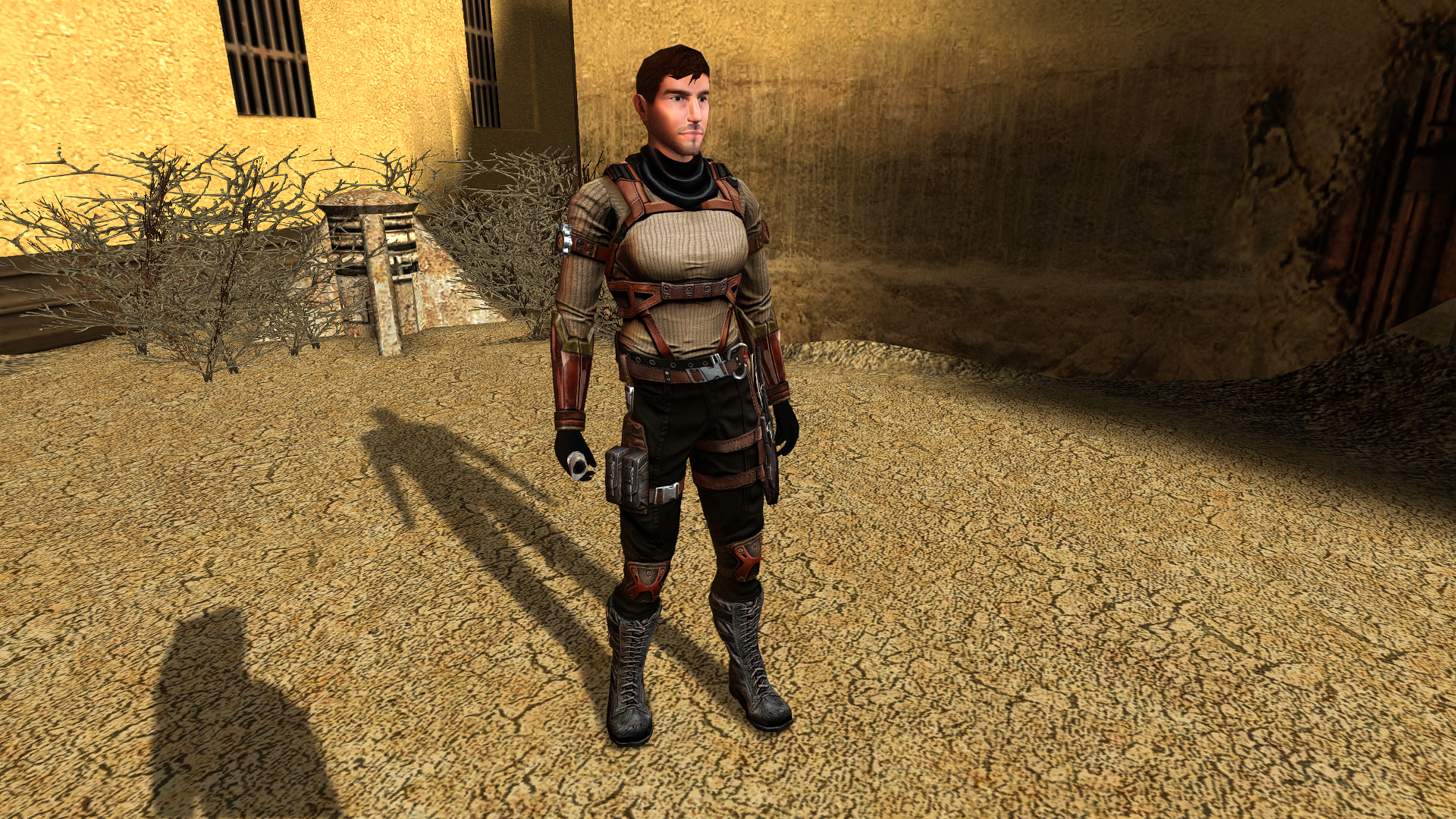
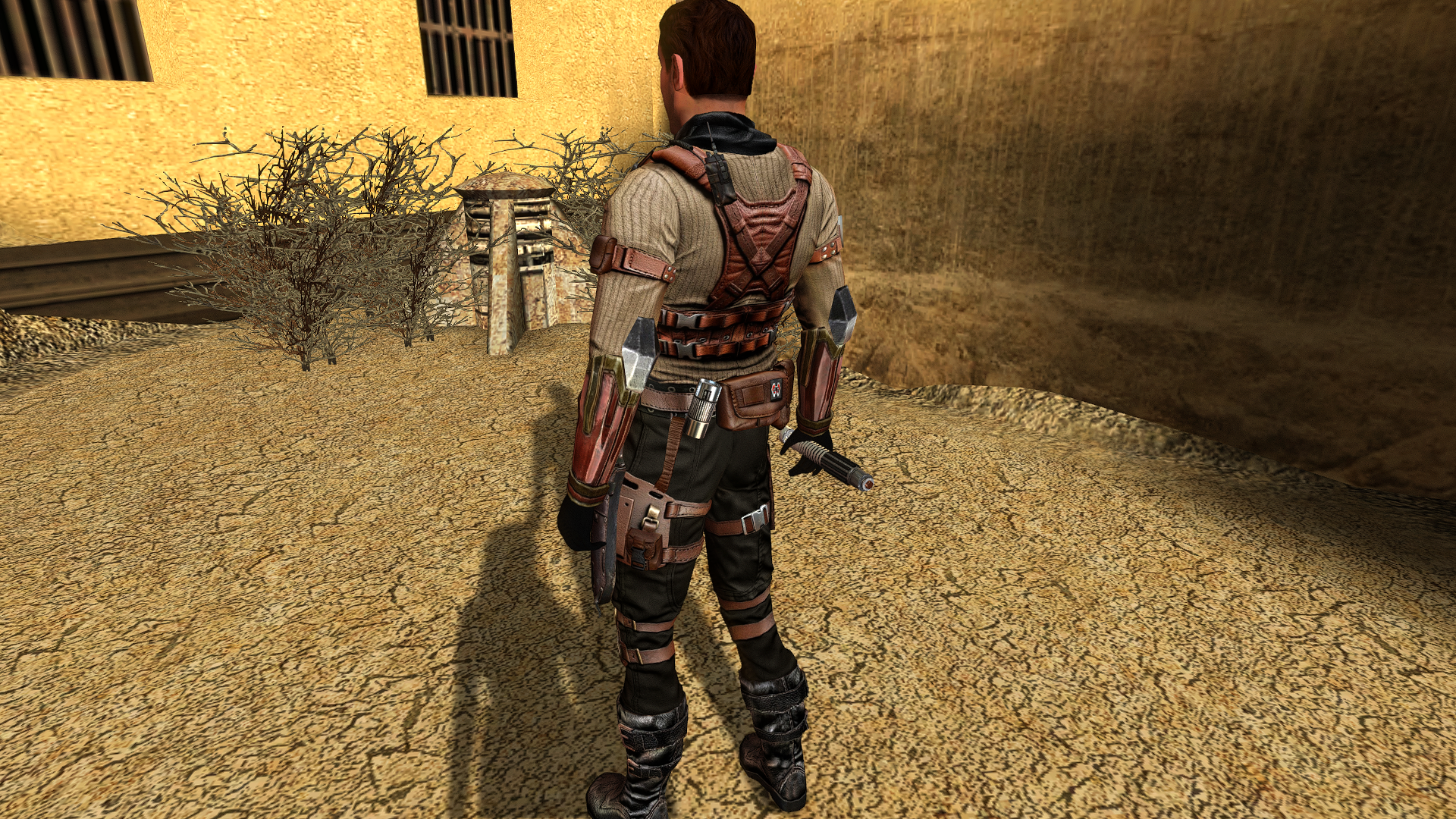
Update on The Star Forge Revan Robes mod: One of the robes that I am in the middle of making, which is restricted to Dark Side aligment, is "Darth Revan Reborn's Robes". These robes and armor will have the same contrast and color intensity as the official LEGO minifigure Darth Revan from back in the day, (who got a cameo feature in the non-canon LEGO Star Wars: Rebuild the Galaxy's second season). Here are screenshots. One is the LEGO minifig, the other two are screenshots of my progress so far as seen in-game.
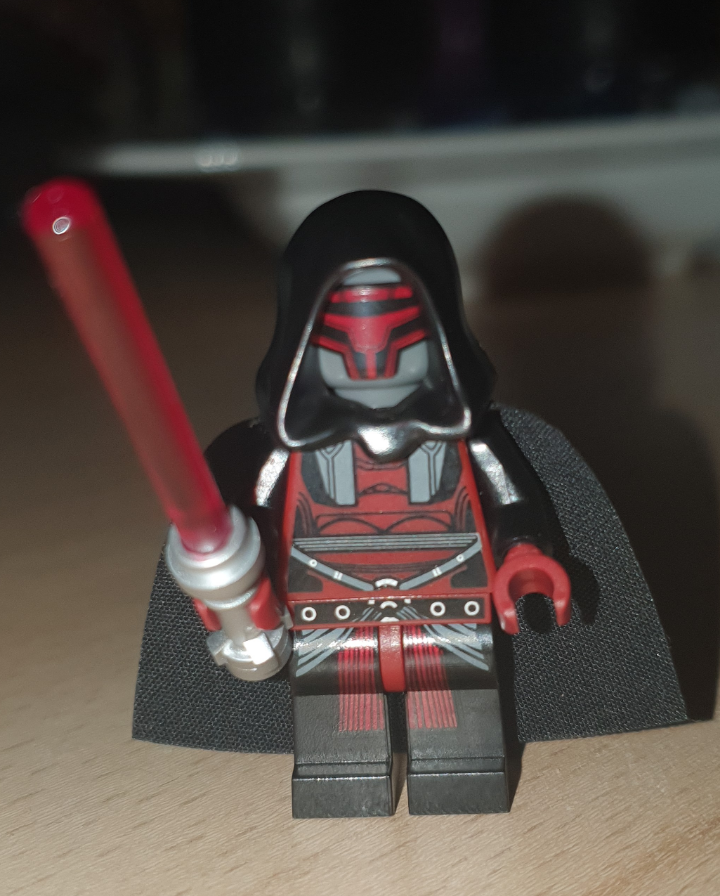
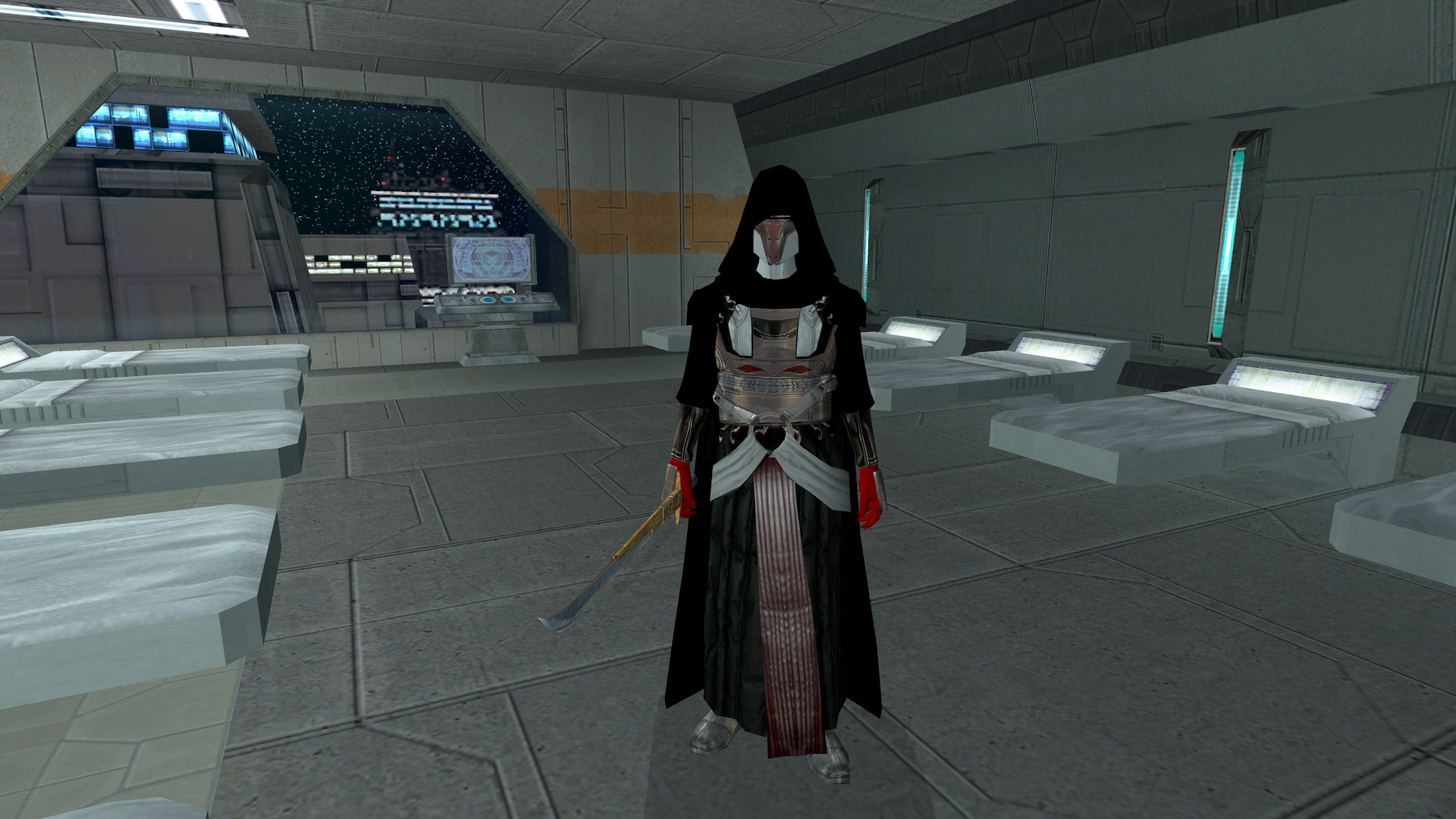
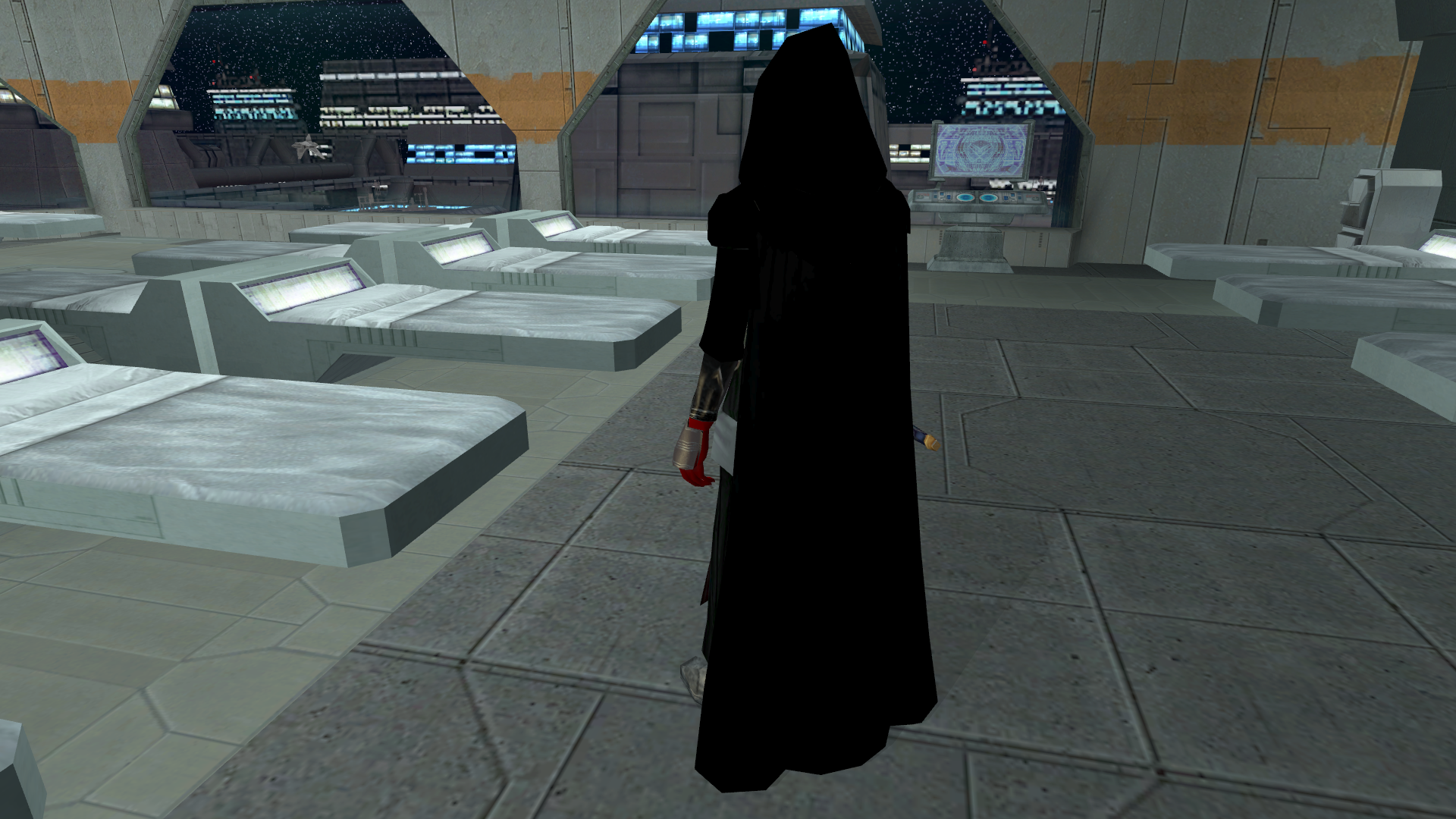
-
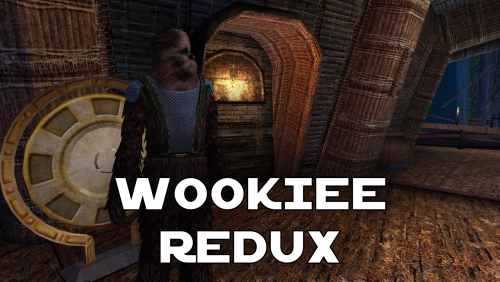 I think K1R is outdated and currently abandoned. There's a restoration demo mod out that does a bunch of what K1R did instead
 -
any chance of an updated version that doesn't require K1R? gotta have that diversity
-
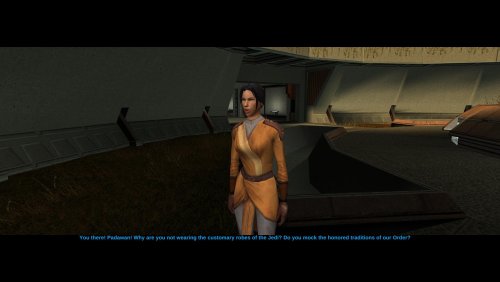
Version 1.0.0
20 downloads
Hello everyone! This mod restores Belaya's pre-release appearance, as she was depicted in the Prima Guide. -
 What am I suppose to do in 'Mission to the Crypts' quest? I've read a comment saying I need to basically kill everything in the crypt and find al bodies. The crypt is cleared and I've found 1 bag and one pile of cloth in the whole area, but the door to further part of the crypt remains closed. Is there something I missed, or is it a bug?
 -
 Great mod
 -
Version 1.0.0
27 downloads
The mod replaces the model and textures. Installation after the heads are installed. To Install 1. Download: Underwear 2. Copy all files to the Knights of the Old republic's Override folder. (Example location - C:\Program Files (x86)\Steam\steamapps\common\swkotor\Override) 3. When/if prompted to overwrite files, press okay. 4. If you like the mod; leave a comment or endorse! (It would be much appreciated) Made with love.