All Activity
- Past hour
-
 DarthDoody joined the community
 - Today
-
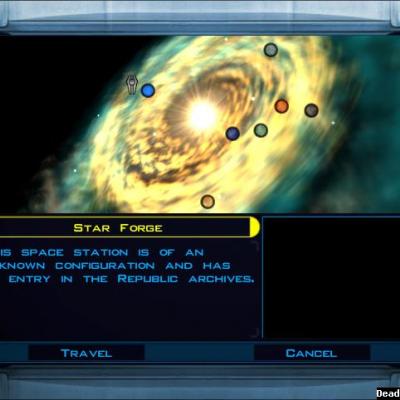 Now that Sleheyron Story Mode's been released, will you update this to include that planet?
 -
 YannickLouwerse joined the community
 -
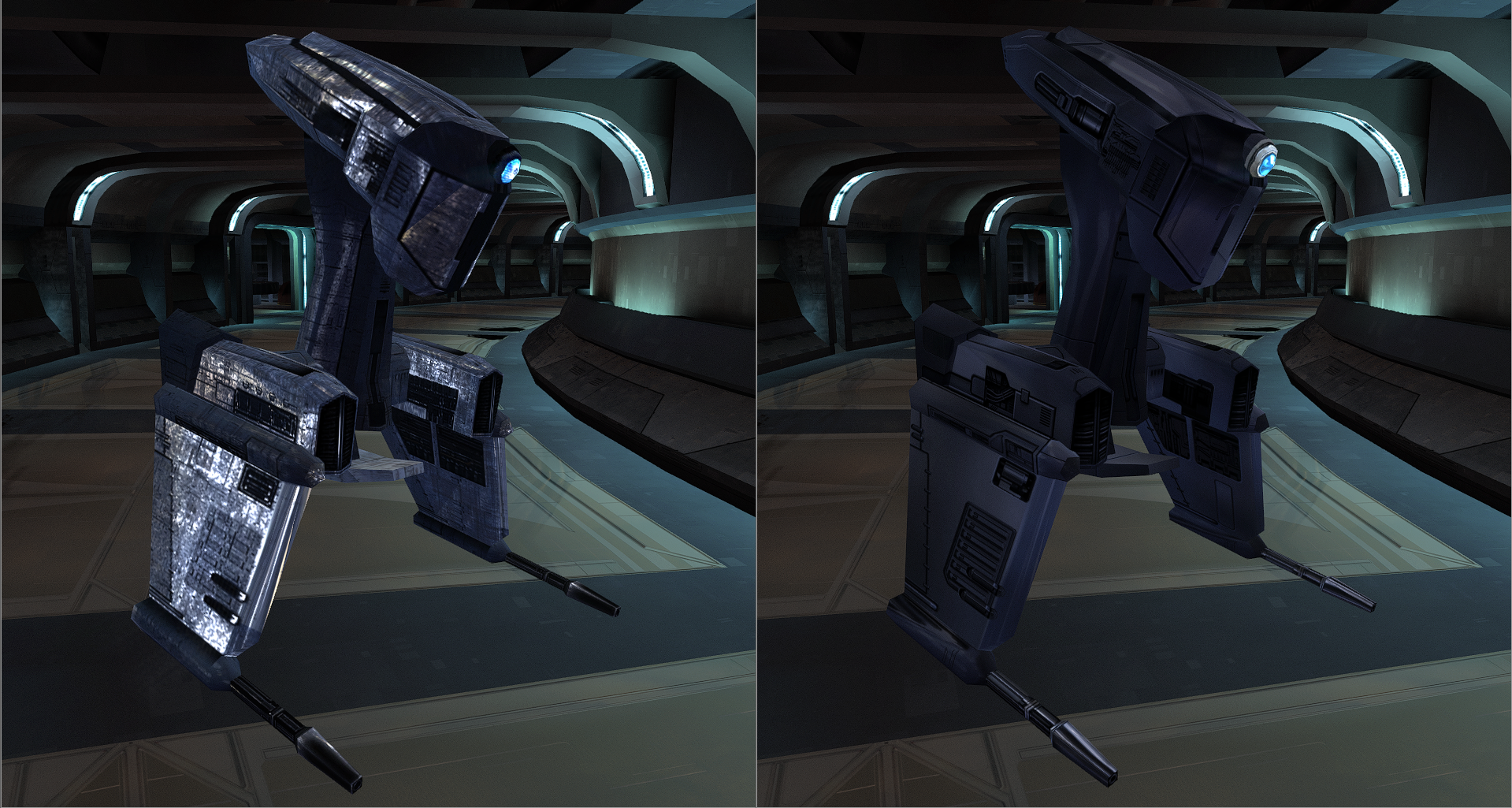
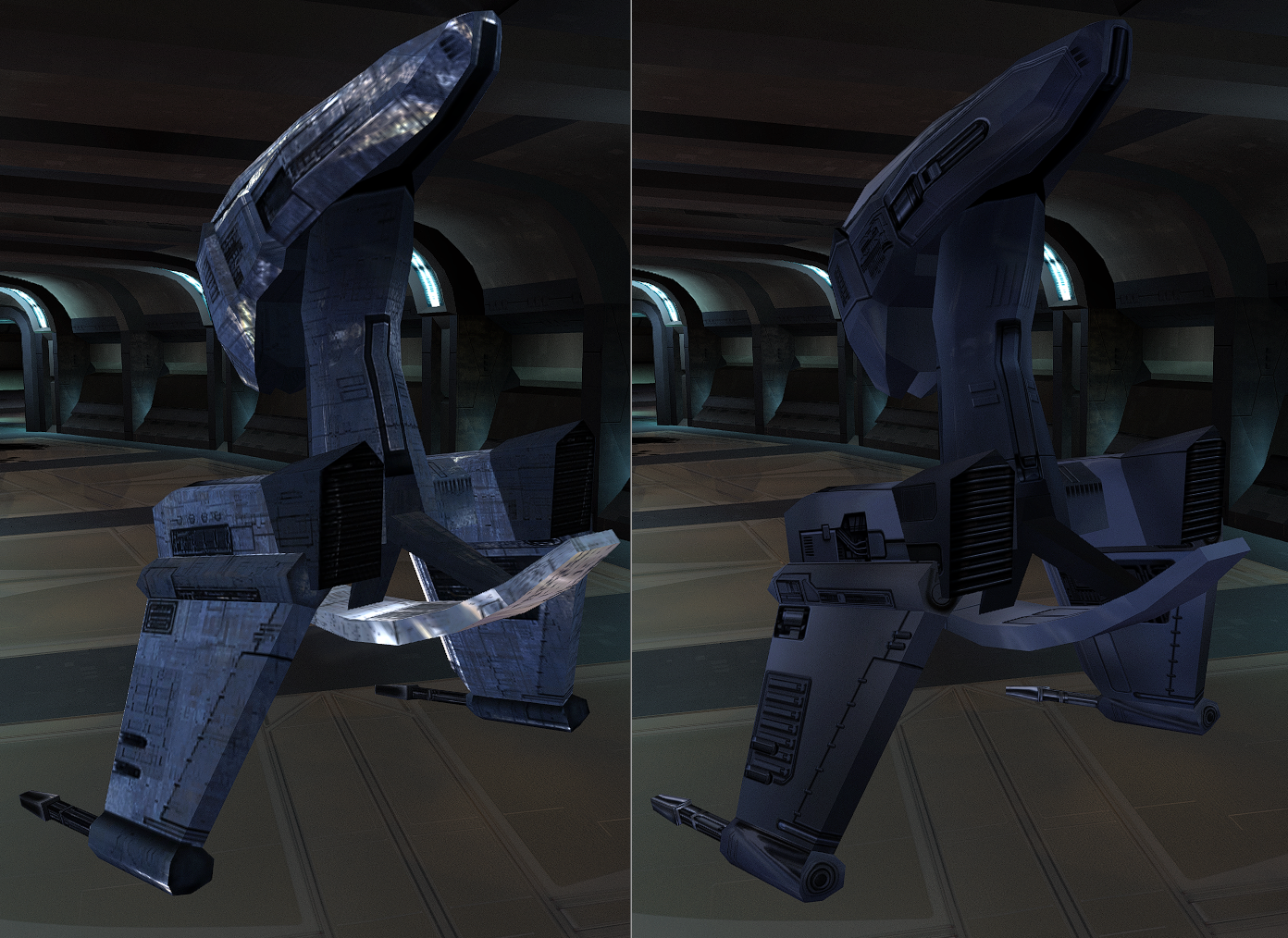
https://deadlystream.com/files/file/3010-sentry-droid/
-

Help Editing appearance.2da in Override folder
tgritzmodder replied to tgritzmodder's topic in General Kotor/TSL Modding
Unfortunately the 2DA editor didn't really lead me anywhere. I know the kotor tool is old, but I took a screenshot to kinda show what I've been trying to correct. All of the Iridorians on Yavin (except the yellow one) all have the wrong armor color. The blue one in particular looks like a male republic soldier (see image). When you put on the armor after killing that NPC, it makes you look the same. This UTC file I'm using was in Kotor I > ERFs > Modules > Yav_98.mod > Y > yav01_iridorian6.utc. What I'm wondering is if this is the file I need to edit and if it's possible to do so? I doubt it's as simple as changing the appearance from the dropdown menu and saving the file. Sorry if I'm making this more complicated than it needs to be, I'm pretty new to all of this.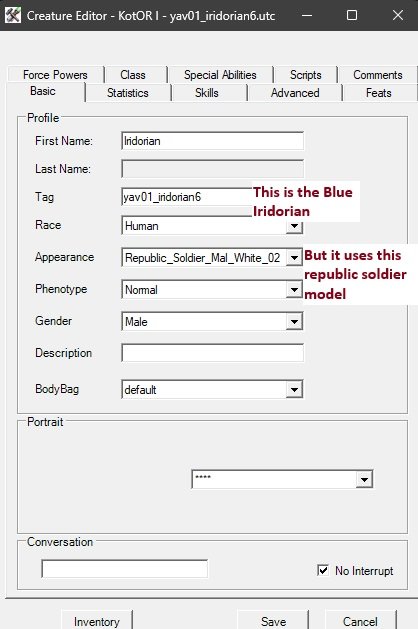
-
 Nadjathedm joined the community
 -
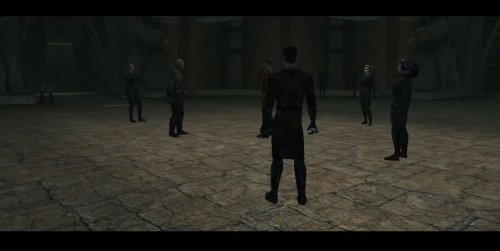 I always thought it made sense for everyone in the academy EXCEPT for Yuthura and Uthar and I guess technically Jorak to wear robes, while the 3 I mentioned should wear the dark/worn Sith officer uniform. Unlike the other Dark Jedi, they are military officials representing the Sith Government within the academy. I'm really glad you made this, thank you!
 -
Help Editing appearance.2da in Override folder
tgritzmodder replied to tgritzmodder's topic in General Kotor/TSL Modding
Thanks for the recommendation, I'll try the new tool and see how it goes. Long story short some of the Yavin Planet mod's models (specifically the 'wraiths' and 'ghost terentateks') are missing their textures, probably as a result of conflicts with other mods like Sleheyron. The Iridorian armor colors are also mismatched (and the blue one just turns you into a republic soldier model). I'm trying to see if I can fix those models/textures somehow. Thanks again! -
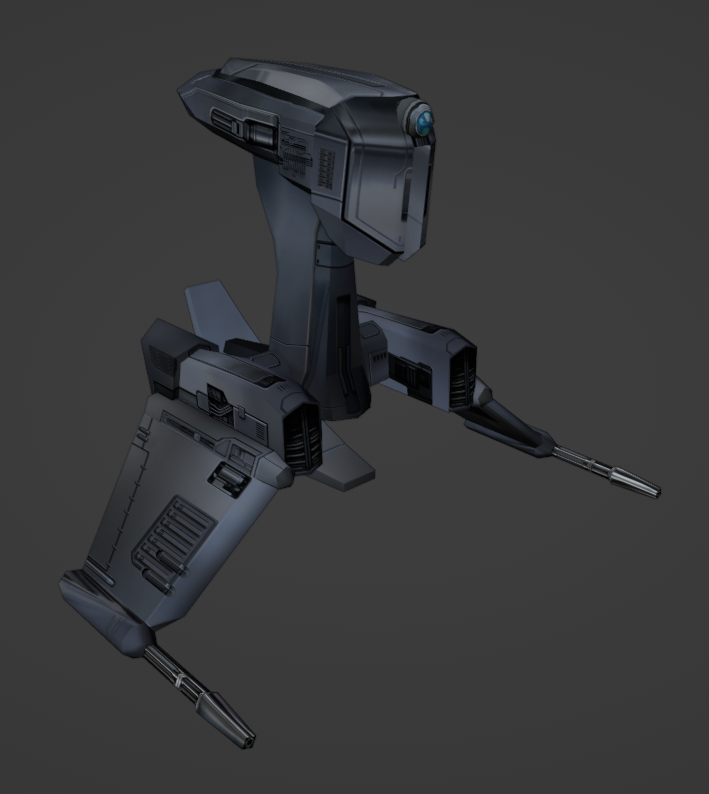
I'm making textures as I progress through the game. I might publish them eventually.
-

Help Editing appearance.2da in Override folder
DarthParametric replied to tgritzmodder's topic in General Kotor/TSL Modding
The Look In Override option just has it parse 2DAs in the Override whenever a 2DA is used in a template like a UTI, UTC, etc. It won't show up in the main asset browser. You'll have to open it manually via the 2DA editor (1st button under the top menu row). But KTool is old and creaky and not recommended to be used any more. There are multiple alternatives these days, including a new 2DA editor that was literally just released in the last 24 hours. -
Hello all, Not sure if this has been asked before, but I've been trying to edit the appearance.2da file in my kotor modding tool. I understand that the appearance.2da file that is in the bifs 2da path is just the base one and not the override one. But, when I check the box for looking in the overrides in Tools>Options, I don't see the "Override" section in the tree that I was expecting to find. Did I miss a step? If anything needs clarifying let me know. Any help would be appreciated!
-
 courtshort11 joined the community
 -
 Phoenixx joined the community
 -
 AquaJedi joined the community
 -
 PattiWizz joined the community
 -
 Well the fact that it can generate TSLPatcher/HP ini data is pretty damn useful given how clunky ChangeEdit is. And HT is a complete mess and now officially dead, so new tools coming along isn't a bad thing, even if 2DAs aren't the most pressing use case.
 -
I believe it's another game ? Well that's nice, not very helpful for KOTOR though.
-
 theoutlaw joined the community
 -
Jade Empire support.
-
Does this add anything more than what's already in Holocron Toolset ?
-
What about JC's Korriban Back in black ?
-
 Thanks for catching that. I have re-uploaded version 1.4.1 of the mod to fix it.
 - Yesterday
-
 Thank-you for this mod! Amazing work! Can I ask how the AI behaves now, regarding reactivating shields and using grenades? Do the npcs just use what shield is equipped to their arm and what grenades are in their inventory? I'm learning to mod using the kotor tool and was thinking of adding more shields and grenades to enemy npcs.
 -
 jordank joined the community
 -
 I'll let ya know!
 -
No, I don't have a Steam Deck at the moment, so there's no way for me to test it.
-
 Which version of this mod should I use for Steam Deck/Steam Controller?
 -
View File Neo2DA - A 2DA Editor A new 2DA Editor with a few modern improvements: Import/Export from csv/tsv Creation of TSLPatcher/HoloPatcher data Filtering Copy/Paste Dark mode Add columns, not just rows. Submitter Vriff Submitted 07/06/2026 Category Modding Tools
-
 Vriff changed their profile photo
 -
Version 1.1.0
10 downloads
A new 2DA Editor with a few modern improvements: Import/Export from csv/tsv Creation of TSLPatcher/HoloPatcher data Filtering Copy/Paste Dark mode Add columns, not just rows. -
View File Korriban Sith Military Academy Title: Korriban Sith Military Academy Author: RavenFal Date Released: 07/04/2026 TLDR: Uthar, Yuthura, & Jorak all wear unique sith military uniforms while all other Dark Jedi wear the Dark Jedi robes previously only seen on the PC, Bastila, and a fallen Belaya. Some Dark Jedi in the academy are changed to be Twi'lek. Credits: Shem's Robes for Korriban Sith Students & Pwener's Korriban Sith Uniform Fixes (Both used with permission) This mod is very simple: It combines Shem's Robes for Korriban Sith Students & Pwener's Korriban Sith Uniform Fixes into one nice package, while removing all the extra crystals drops Shem's original mod added in order to keep the game balanced. The additon of Twi'lek Sith included in Shem's original mod is (mostly) still in place. I liked the idea of the Sith Academy on Korriban having the look of a military academy, but also thought it was weird that we are the only character that gets Dark Jedi Robes. So this mod changes every sith in the academy besides Uthar, Yuthura, & Jorak, to wear Dark Jedi Robes. Uthar, Yuthura, and Jorak now wear their appropriate unique Sith Military Uniforms at all times to highlight that they command both the Dark Jedi & Sith Soldiers of the Academy. Compatibility: Yuthura Sith Eyes with Light Side Transition - prioritize this mod's "dan13_yuthura.utc" file above the one added by that mod & there should be no issues. Incompatible with any other mod that changes the appearances of any of the Sith in the Korriban Academy. This mod will require you to have a saved game before you land on Korriban to take affect. Installation: Run the TSL Patcher executable. Uninstall: Replace the appearance.2da file in your override folder with the file saved in the backup folder. Delete all of the .utc, .tga, .mdl, & .mdx files of this mod from your override folder. THIS MODIFICATION IS NOT MADE, DISTRIBUTED, OR SUPPORTED BY BIOWARE, OR LUCASARTS ENTERTAINMENT COMPANY LLC. ELEMENTS TM & © LUCASARTS ENTERTAINMENT COMPANY LLC AND/OR ITS LICENSORS. Submitter Raven-Fal Submitted 07/04/2026 Category Mods K1R Compatible Yes
-

T3 skins for KotOR 2 not working.
confuuzed replied to confuuzed's topic in General Kotor/TSL Modding
Thank you for trying to help with this situation Effix. If you come across a solution in the future, please let me know. Have a pleasant week. -
Have you tested it?
-
 Okay, I learned some new information. First of all, it seems like both TSLRCM and vanilla TSL in KOTOR II have the fadeout transparent effect. I have seen some playthroughs for both versions on YouTube where the transparent fadeout happens. It seems like all of the YouTube playthroughs that DO have the transparent fadeout effect are Xbox or older PC. It seems like PC playtrhough videos from 7 years ago to now seem to have what I have: The solid "DestroyObject" effect. I set the script to both "TRUE" or "FALSE", and even used the "DelayCommand" for DestroyObject, and no fadeout. I then came to the conclusion that it was a video card rendering and/or graphics issue. I tried changing the graphics in a variety of ways, both in-game and in AMD settings, but it doesn't do anything rather than change the "sithritual001" cloud effect's texture. I shared the savegame with a modder on the OpenKOTOR Discord, and it seem like in their playthrough of that save, which is Steam version, specifically Steam Proton Linux, there is no fadeout either. Regardless of what graphics or anything that I do, whether it is edited or default, the fadeout doesn't happen, but it works for Darth Sion and even Darth Traya. Is there something "broken" about PCs to render this properly, or is it perhaps not a graphics thing either and is another issue entirely?
 -
Very nice! Do you plan on uploading these male Twi'leks when they are all finished as a mod or are they just going to stay here in this WIP thread?