-
Posts
245 -
Joined
-
Last visited
-
Days Won
7
Vriff last won the day on July 9
Vriff had the most liked content!
Profile Information
-
Gender
Not Telling
Recent Profile Visitors
19,439 profile views
Vriff's Achievements
-
What does full level editing mean? Geometry? Or are you talking about placeables, NPCs as well? Can you bake lightmaps or create walkmeshes?
-
View File NeoERF - A Simple Modern ERF Extractor & Editor ERF-family game support NeoERF supports legacy ResRef/type-keyed archives and the filename/hash-keyed Dragon Age containers: KotOR/KotOR II and Jade Empire ERF/RIM/MOD-family archives remain the default behavior. Jade Empire has several resource-type names that differ from KotOR for the same numeric type IDs. NeoERF keeps KotOR names as the default and adds a Jade Empire profile for listing, extraction, deletion, and authoring: View > Resource Profile. Use the Jade Empire profile when working with Jade Empire archives so resources such as .itm, .cre, .mat, .mab, .ndb, .xwb, .xsb, .bip, .ttc, and .sac are rendered and authored with the names used by the Jade Empire engine. Neverwinter Nights and Neverwinter Nights: Enhanced Edition use the NWN resource-name profile with ERF V1.0 containers such as .erf, .mod, .hak, and .nwm. Neverwinter Nights 2 uses the NWN2 profile with ERF V1.1 32-byte ResRefs. Existing NWN2 .mod and .hak archives preserve V1.1 on save; newly created archives use V1.1 when --game nwn2 is selected. The NWN2 profile includes .trx terrain resources. The Witcher 1 .mod archives use the Witcher resource profile while keeping the ERF V1.0 container layout. Dragon Age: Origins ERF V2.0 archives use UTF-16LE filenames in the table of contents instead of ResRef/type keys. This includes DAO files with .erf and .rim extensions when the on-disk header is ERF V2.0. Add/extract/delete operations address these resources by full leaf filename, for example 2da_base.gda. Dragon Age: Origins ERF V2.2 archives use the same UTF-16LE filename key shape plus archive flags and packed/unpacked TOC sizes. Unencrypted compressed payloads using scheme 1 (BioWare zlib wrapper byte plus raw DEFLATE) and scheme 7 (headerless raw DEFLATE) are readable/extractable. Saving a compressed V2.2 archive recompresses inserted/replaced resources and preserves scheme 1 vs scheme 7. --type DAO22/ERF22 creates compressed V2.2; --type DAO22U/ERF22U creates uncompressed V2.2. Dragon Age II ERF V3.0 archives use FNV name/type hashes and optional string-table names. This includes DA2 .erf, .rim, .rimp, .crf, and GPU .rim containers. Compressed scheme-1 and scheme-7 payloads are decompressed on extraction and are rewritten as uncompressed V3.0 payloads; stripped-name entries are exposed through their hashes such as: hash_905e15b30a2028fb.dds. TSLPatcher/HoloPatcher resource packages For KotOR/KotOR II ERF V1 and RIM V1 archives, NeoERF can compare a clean archive with a modified archive and create a complete stock-compatible [InstallList] package: New resources are emitted as InstallN; changed resources are emitted as ReplaceN, with each payload extracted beside changes.ini. The GUI exposes the same workflow under Export > Export TSLPatcher/HoloPatcher Resource Package.... Submitter Vriff Submitted 07/26/2026 Category Modding Tools
-
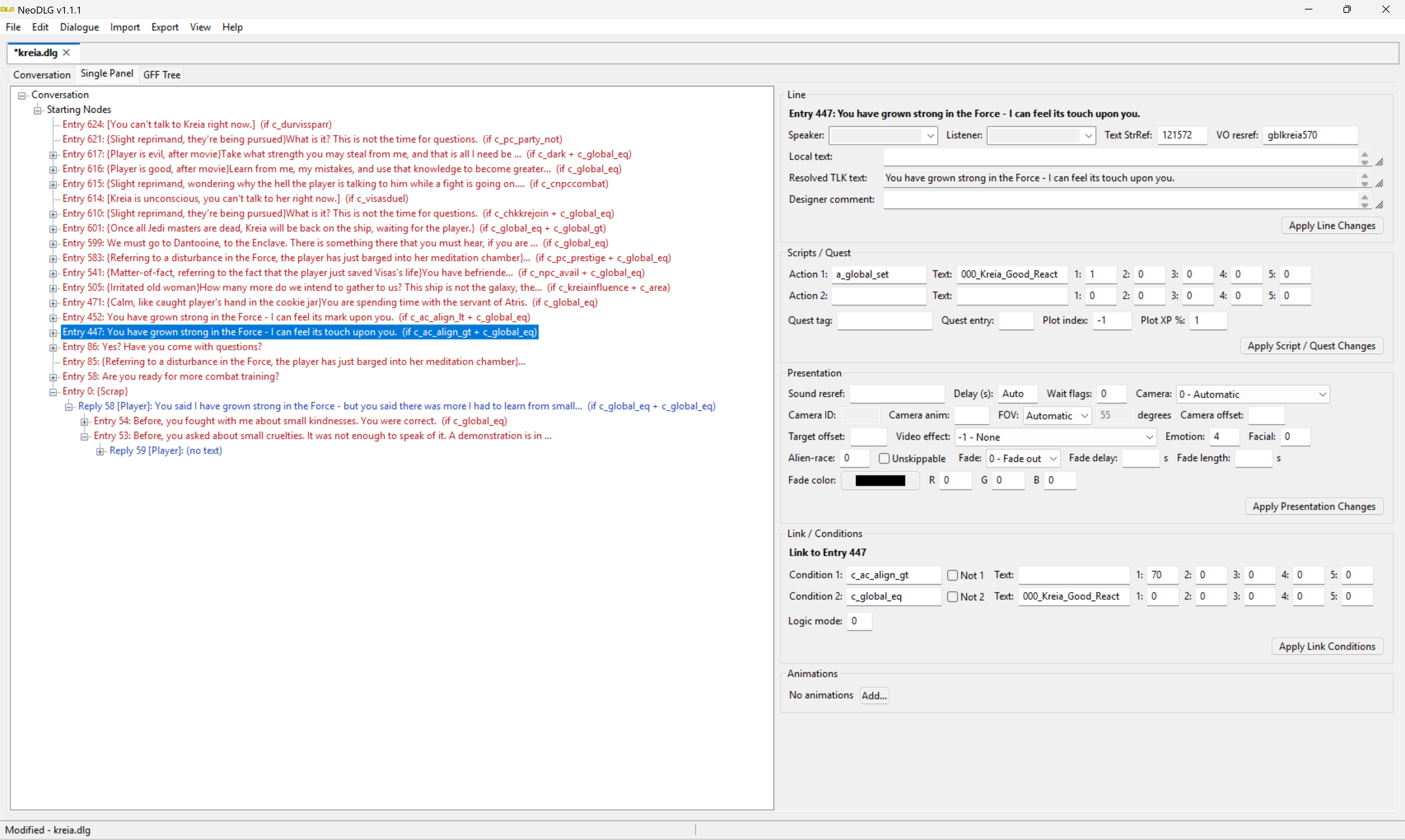
View File NeoTLK - A Simple Modern TLK Editor Supported TLK families and text encodings NeoTLK opens, edits, and saves these native TLK families without converting the file to another layout: Classic BioWare TLK V3.0 files, including dense StrRef tables with classic sound metadata. Jade Empire TLK V4.0 files, whose compact records use numeric sound IDs. Dragon Age GFF V4.0 / TLK V0.2 files, whose string IDs are sparse and whose records contain text rather than classic TLK sound/language metadata. All text is normalized to UTF-8 while it is being edited. Classic V3.0 files are decoded per entry as UTF-8, Windows-1252, or Windows-1250, including mixed-encoding tables encountered in the field. On save, NeoTLK writes each classic entry back using its detected original encoding. An edit containing a character that cannot be represented by that entry's original Windows code page is rejected rather than silently replaced or corrupted. For Dragon Age V0.2 files, NeoTLK preserves sparse string IDs and the native GFF-backed TLK structure. Language and sound controls that are not represented by that format are disabled. Adding a record prompts for its string ID, and deleting one does not renumber the remaining records. The open dialog accepts both .tlk and uppercase .TLK filenames. Tabular import/export neotlk-cli supports CSV, TSV, XML, and JSON export/import for TLK entries. CSV and TSV are table-style interchange paths and carry StorageFormat, LanguageId, and per-entry TextEncoding metadata alongside the text and sound fields. JSON and XML are complete semantic documents: they retain the native TLK family, language where applicable, sparse StrRefs, flags, text encoding, and all sound metadata supported by that family. XML uses <tlk storageFormat="..." language="..."> with complete <string ...> children. CSV/TSV imports merge rows by StrRef into the current/native table, while XML/JSON imports replace the complete semantic document. Structured XML/JSON export is never filtered, because a partial file could be mistaken for a complete importable TLK. Use CSV or TSV to export the currently visible filtered rows. A Dragon Age GFF-backed TLK can be imported into an already-open native Dragon Age TLK, preserving its backing structure, but NeoTLK will not synthesize that native GFF structure from a standalone interchange document. The GUI provides matching Import and Export menus, filter/search terms, and copy/paste of entry text or pasted table rows. TSLPatcher/HoloPatcher output NeoTLK can generate a tslpatchdata package directly from the active in-memory TLK and a clean original baseline. In the GUI, use: Export -> Export TSLPatcher Package... Export -> Export HoloPatcher Package... The stock TSLPatcher mode is append-only. New entries after the original TLK count are written to append.tlk, and changes.ini receives matching StrRefN=N entries in [TLKList]. Existing-entry edits, deletions, language changes, and truncation are rejected because stock TSLPatcher cannot merge those operations safely. The HoloPatcher mode also supports edits to existing StrRefs. Those entries are written to replace.tlk, with ReplaceFile0=replace.tlk in [TLKList] and an accompanying [replace.tlk] map from destination StrRef to replacement-file index. This replacement extension is HoloPatcher-specific; a package containing replace.tlk is not compatible with the original TSLPatcher executable. Appended entries still use the stock-compatible append.tlk path. Submitter Vriff Submitted 07/26/2026 Category Modding Tools
-
Version 1.0.0
9 downloads
ERF-family game support NeoERF supports legacy ResRef/type-keyed archives and the filename/hash-keyed Dragon Age containers: KotOR/KotOR II and Jade Empire ERF/RIM/MOD-family archives remain the default behavior. Jade Empire has several resource-type names that differ from KotOR for the same numeric type IDs. NeoERF keeps KotOR names as the default and adds a Jade Empire profile for listing, extraction, deletion, and authoring: View > Resource Profile. Use the Jade Empire profile when working with Jade Empire archives so resources such as .itm, .cre, .mat, .mab, .ndb, .xwb, .xsb, .bip, .ttc, and .sac are rendered and authored with the names used by the Jade Empire engine. Neverwinter Nights and Neverwinter Nights: Enhanced Edition use the NWN resource-name profile with ERF V1.0 containers such as .erf, .mod, .hak, and .nwm. Neverwinter Nights 2 uses the NWN2 profile with ERF V1.1 32-byte ResRefs. Existing NWN2 .mod and .hak archives preserve V1.1 on save; newly created archives use V1.1 when --game nwn2 is selected. The NWN2 profile includes .trx terrain resources. The Witcher 1 .mod archives use the Witcher resource profile while keeping the ERF V1.0 container layout. Dragon Age: Origins ERF V2.0 archives use UTF-16LE filenames in the table of contents instead of ResRef/type keys. This includes DAO files with .erf and .rim extensions when the on-disk header is ERF V2.0. Add/extract/delete operations address these resources by full leaf filename, for example 2da_base.gda. Dragon Age: Origins ERF V2.2 archives use the same UTF-16LE filename key shape plus archive flags and packed/unpacked TOC sizes. Unencrypted compressed payloads using scheme 1 (BioWare zlib wrapper byte plus raw DEFLATE) and scheme 7 (headerless raw DEFLATE) are readable/extractable. Saving a compressed V2.2 archive recompresses inserted/replaced resources and preserves scheme 1 vs scheme 7. --type DAO22/ERF22 creates compressed V2.2; --type DAO22U/ERF22U creates uncompressed V2.2. Dragon Age II ERF V3.0 archives use FNV name/type hashes and optional string-table names. This includes DA2 .erf, .rim, .rimp, .crf, and GPU .rim containers. Compressed scheme-1 and scheme-7 payloads are decompressed on extraction and are rewritten as uncompressed V3.0 payloads; stripped-name entries are exposed through their hashes such as: hash_905e15b30a2028fb.dds. TSLPatcher/HoloPatcher resource packages For KotOR/KotOR II ERF V1 and RIM V1 archives, NeoERF can compare a clean archive with a modified archive and create a complete stock-compatible [InstallList] package: New resources are emitted as InstallN; changed resources are emitted as ReplaceN, with each payload extracted beside changes.ini. The GUI exposes the same workflow under Export > Export TSLPatcher/HoloPatcher Resource Package.... -
Version 1.0.0
9 downloads
Supported TLK families and text encodings NeoTLK opens, edits, and saves these native TLK families without converting the file to another layout: Classic BioWare TLK V3.0 files, including dense StrRef tables with classic sound metadata. Jade Empire TLK V4.0 files, whose compact records use numeric sound IDs. Dragon Age GFF V4.0 / TLK V0.2 files, whose string IDs are sparse and whose records contain text rather than classic TLK sound/language metadata. All text is normalized to UTF-8 while it is being edited. Classic V3.0 files are decoded per entry as UTF-8, Windows-1252, or Windows-1250, including mixed-encoding tables encountered in the field. On save, NeoTLK writes each classic entry back using its detected original encoding. An edit containing a character that cannot be represented by that entry's original Windows code page is rejected rather than silently replaced or corrupted. For Dragon Age V0.2 files, NeoTLK preserves sparse string IDs and the native GFF-backed TLK structure. Language and sound controls that are not represented by that format are disabled. Adding a record prompts for its string ID, and deleting one does not renumber the remaining records. The open dialog accepts both .tlk and uppercase .TLK filenames. Tabular import/export neotlk-cli supports CSV, TSV, XML, and JSON export/import for TLK entries. CSV and TSV are table-style interchange paths and carry StorageFormat, LanguageId, and per-entry TextEncoding metadata alongside the text and sound fields. JSON and XML are complete semantic documents: they retain the native TLK family, language where applicable, sparse StrRefs, flags, text encoding, and all sound metadata supported by that family. XML uses <tlk storageFormat="..." language="..."> with complete <string ...> children. CSV/TSV imports merge rows by StrRef into the current/native table, while XML/JSON imports replace the complete semantic document. Structured XML/JSON export is never filtered, because a partial file could be mistaken for a complete importable TLK. Use CSV or TSV to export the currently visible filtered rows. A Dragon Age GFF-backed TLK can be imported into an already-open native Dragon Age TLK, preserving its backing structure, but NeoTLK will not synthesize that native GFF structure from a standalone interchange document. The GUI provides matching Import and Export menus, filter/search terms, and copy/paste of entry text or pasted table rows. TSLPatcher/HoloPatcher output NeoTLK can generate a tslpatchdata package directly from the active in-memory TLK and a clean original baseline. In the GUI, use: Export -> Export TSLPatcher Package... Export -> Export HoloPatcher Package... The stock TSLPatcher mode is append-only. New entries after the original TLK count are written to append.tlk, and changes.ini receives matching StrRefN=N entries in [TLKList]. Existing-entry edits, deletions, language changes, and truncation are rejected because stock TSLPatcher cannot merge those operations safely. The HoloPatcher mode also supports edits to existing StrRefs. Those entries are written to replace.tlk, with ReplaceFile0=replace.tlk in [TLKList] and an accompanying [replace.tlk] map from destination StrRef to replacement-file index. This replacement extension is HoloPatcher-specific; a package containing replace.tlk is not compatible with the original TSLPatcher executable. Appended entries still use the stock-compatible append.tlk path. -
-
View File NeoSSF - A Simple Modern SSF Editor NeoSSF opens and saves the three SSF layouts currently used by the supported games: - KotOR / KotOR II `SSF V1.1` StrRef-only tables. - Neverwinter Nights / NWN EE `SSF V1.0` sound ResRef + StrRef tables with 16-byte sound ResRefs. - Neverwinter Nights 2 /NWN2 EE `SSF V1.1` sound ResRef + StrRef tables with 32-byte sound ResRefs. Loading a TLK is optional. Without a TLK, StrRefs remain editable as numbers and NWN/NWN2 direct `SoundFile` ResRefs remain visible and editable. Loading a TLK only fills the preview text/sound columns. Submitter Vriff Submitted 07/07/2026 Category Modding Tools
-
Version 1.1.0
12 downloads
NeoSSF opens and saves the three SSF layouts currently used by the supported games: - KotOR / KotOR II `SSF V1.1` StrRef-only tables. - Neverwinter Nights / NWN EE `SSF V1.0` sound ResRef + StrRef tables with 16-byte sound ResRefs. - Neverwinter Nights 2 /NWN2 EE `SSF V1.1` sound ResRef + StrRef tables with 32-byte sound ResRefs. Loading a TLK is optional. Without a TLK, StrRefs remain editable as numbers and NWN/NWN2 direct `SoundFile` ResRefs remain visible and editable. Loading a TLK only fills the preview text/sound columns. -
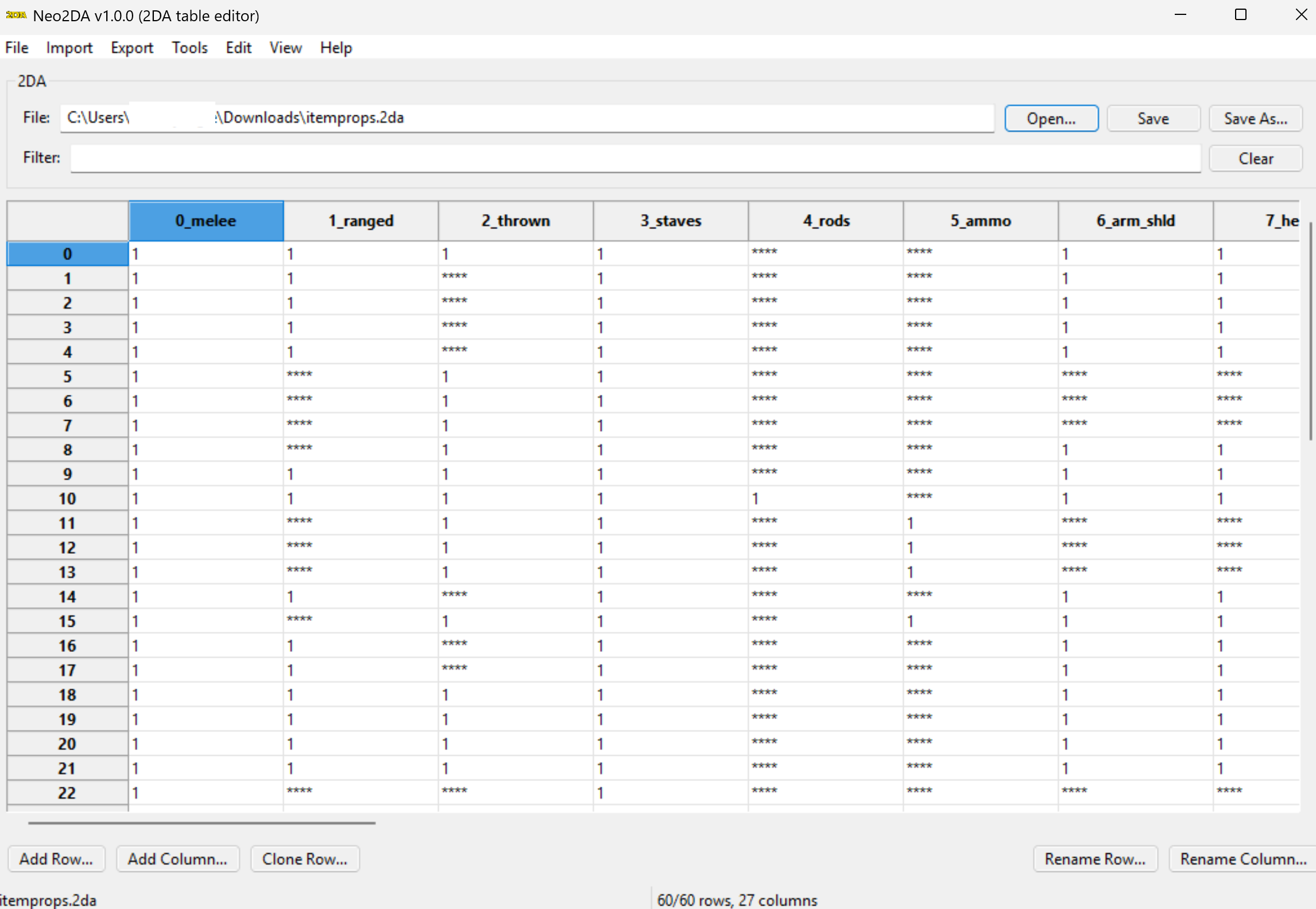
View File Neo2DA - A 2DA Editor A new 2DA Editor with a few modern improvements: Import/Export from csv/tsv Creation of TSLPatcher/HoloPatcher data Filtering Copy/Paste Dark mode Add columns, not just rows. Submitter Vriff Submitted 07/06/2026 Category Modding Tools
-
Vriff changed their profile photo
-
Vriff started following Neo2DA - A 2DA Editor
-
-
Thanks Rob, I'll take a look probably tomorrow after I fly home. So without any other edits to the model it's messed up in-game after decompile/recompiling it? and can you confirm if it is any different between Disable Vertex Buffer Objects=1 and Disable Vertex Buffer Objects=0 in the ini?
-
Good to know, so one of the differences i noticed between the mdledit and the vanilla head was an ordered array of bone indices was zeroed out in the mdledit head so I swapped it with the values of the vanilla and zeroed that array in the vanilla head, to see if that was maybe the cause. It apparently was not. I will continue investigating. I was wondering if you could just round trip a head in mdlops and kmax without any other edits, just the saving and conversion processes. Both the ascii and binary and pass it over, and also if you can see if that with no manual edits is still messed up it can help me eliminate (and ultimately hopefully fix) whatever tool is mangling it.
-
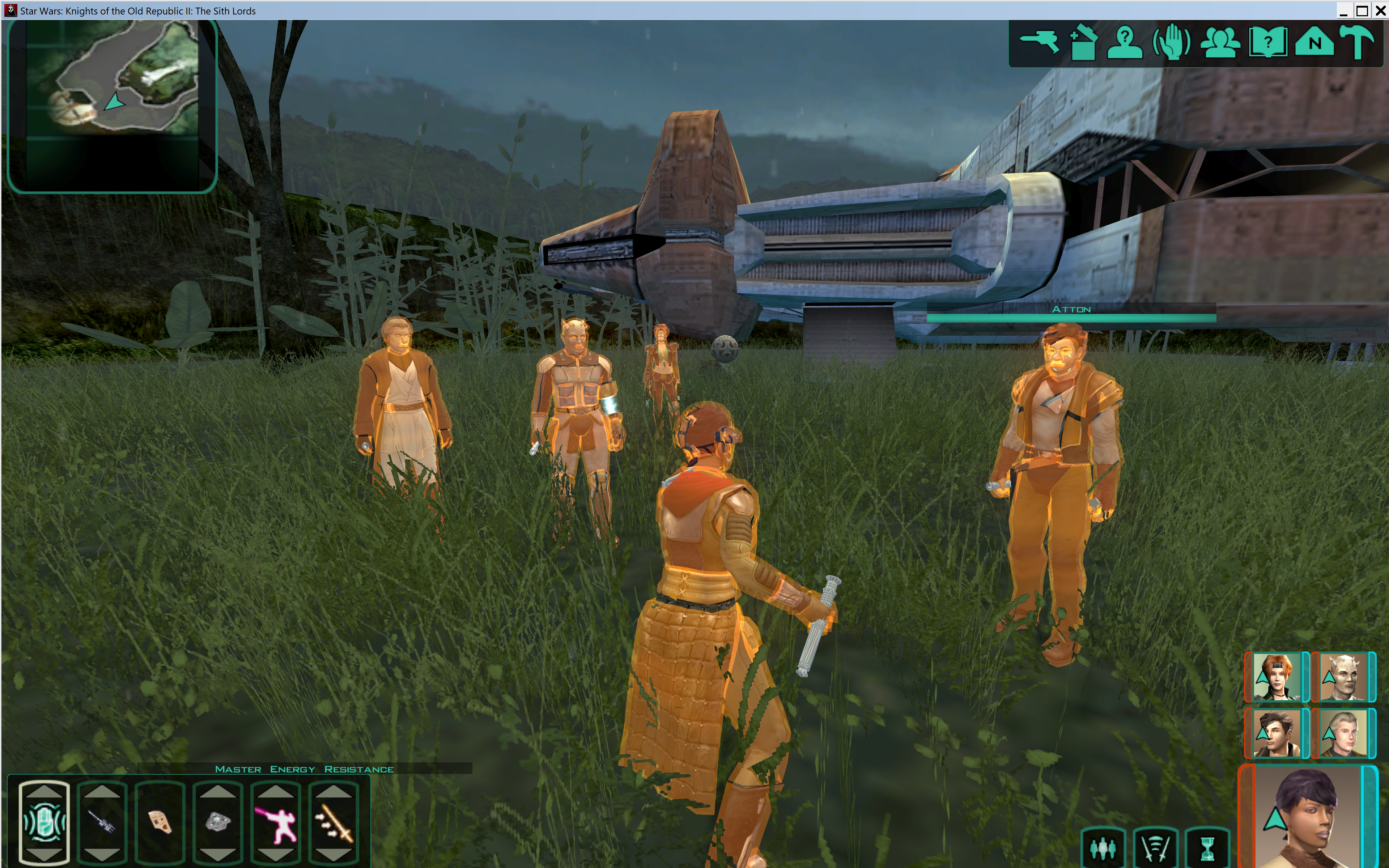
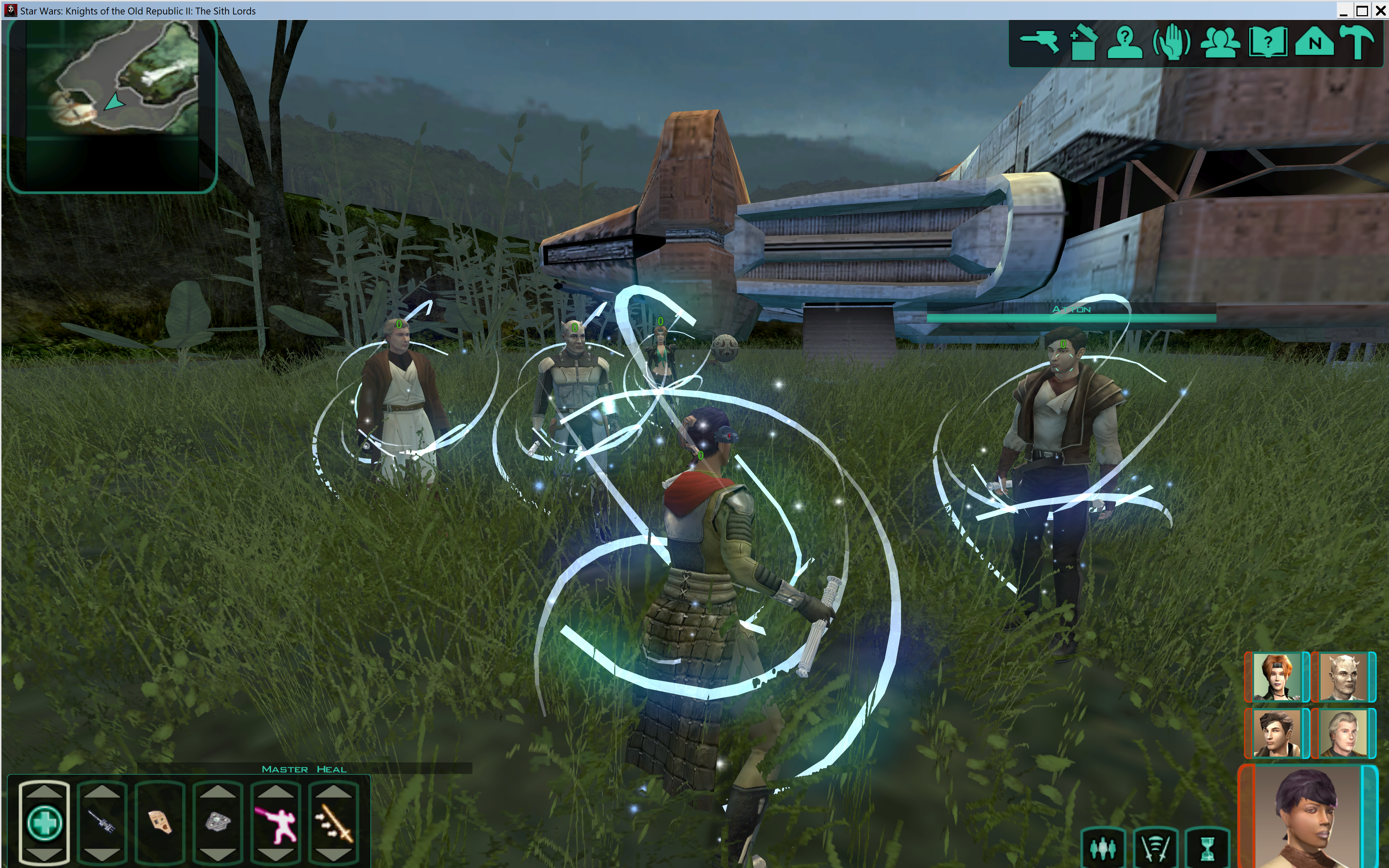
ooh I think this is the first Mira reskin I like. Good job.
-
@redrob41 Can you try both of these? pmhc04_vanilla_skin_unknown_zeroed.zip pmhc04_mdledit_skin_unknown_from_vanilla.zip