Leaderboard



Popular Content
Showing content with the highest reputation since 11/01/2025 in File Comments
-
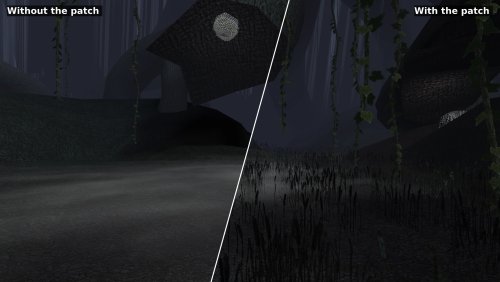 Yeah, unfortunately the Kotor Patch Manager needs a clean executable (you can use a gog one or the editable exe, both work), the best way to get widescreen support back in that scenario is to use @J's https://github.com/J0-o/KotorUniResPatch patches. They work quite well, but depending on what you already have installed you may need to undo existing overrides in order for everything to look right. (e.g. the high resolution menu mods) They've properly scaled pretty much every interface in the game to look right (and even unlocked the in game resolution menu) This does have me thinking that it might be a good idea to have a standalone version of this mod that can be dropped in to existing modbuild installs or installs with other pre-patched executables. Stay tuned for something on that, I'll see if I can take a look at what is needed on the weekend.4 points
 -
Not rude at all, you're right that it takes more effort than it should. Good news: I have a solution ready for the next version of the patch! The next release has a standalone install that's two files dragged into your game folder, nothing else. No patch manager, and it doesn't care what's already been done to your executable, so it should go straight onto the install you already have with no issues. Both the KPM and standalone versions will continue to be supported equally. Ideally we will be making some improvements to KPM soon to help make the install process less of a pain. Thanks for sticking with it, and sorry for the runaround. EDIT: @PoopaPapaPalpatine @Greedyspree v1.2.0 has a standalone version you can download, which should sidestep any issues with KPM you where having3 points
-
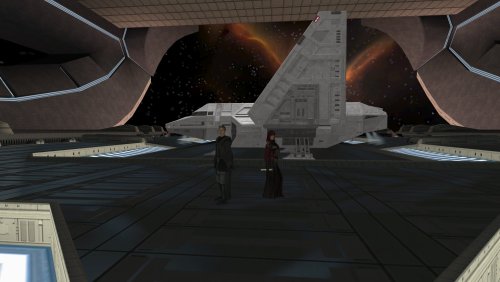 Its the culmination of around two years of learning how to mod KOTOR2 thanks to some fantastic youtube guides, old lucasforum posts, decompiling/examining scripts, and some tutorials here (also Holocron is probably the most noob friendly modding kit I’ve seen, even if its not great for some specific instances). It also helps that kotor blender makes porting maps between 1 and 2 to be a breeze (most of the time). Also, a lot of fantastic modders resources and incredibly kind people here on deadlystream let me use their stuff when I asked them. The mod has actually been out on nexus in early alpha for a while now (a few months), I just decided to release it here because I think most of the major bugs have been worked out. As for a trailer, I’m not really sure what I would put in it, the focus is on standalone stories for your Exile to experience, its eclectic, but fitting for KOTOR 2 with the desire to not overshadow the main game. I could certainly put up more screenshots of conversations, locations, and encounters.3 points
 -
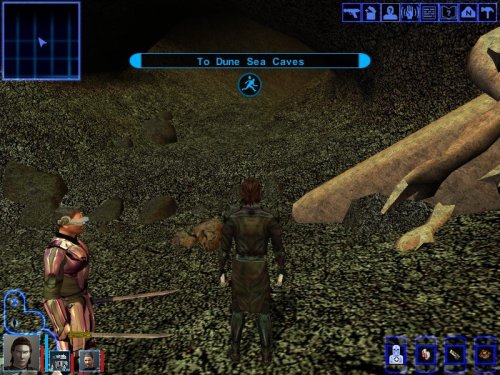 For anyone who gets stuck just know that you cannot progress through the entire temple without T3-M4 in the party as the terminals require him to deactivate the ray shields. I am also interested in enhancing this mod. I've just gone through the mod and have made up a small list on how things could be improved to make it better.3 points
 -
 Epic Job!3 points
 -
 Looking forward to trying this after kotOR 1 Restoration 1.2 failed me. Thanks.3 points
 -
 I don't know why I did it either. I'm going to bang my head against the wall from embarrassment and my own idiocy. Oh, how bad I am.)))3 points
 -
 This mod is for the first KotOR game, so you're not supposed to install this mod in KotOR 2 anyway. Not to mention, the Steam version of KotOR 2 already supports widescreen by default, so a high resolution menu mod is unnecessary for KotOR 2.2 points
 -
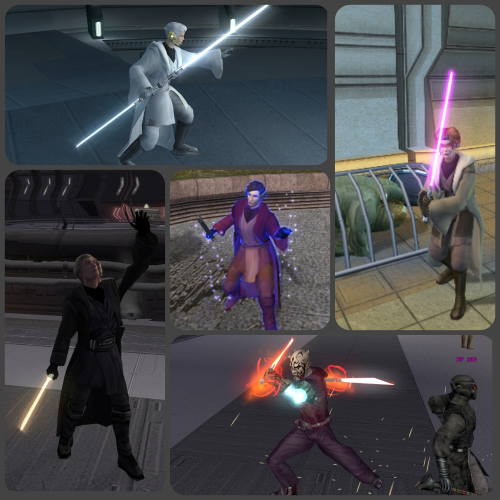 It seems that if a companion is a Jedi class other than their default, the dialogue scripts fail to recognize them as being Jedi, which means the dialogue options to teach them Force powers and fighting styles do not appear.2 points
 -
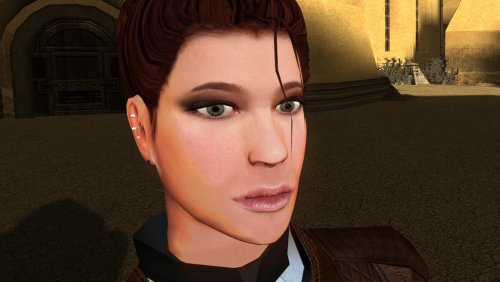 Really amazing job on making the hair-meshes and bone structure so much more detailed. Is that your take on TCS's Bastila in the preview where Revan is ogling?2 points
 -
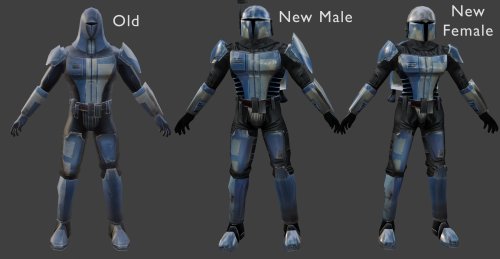 Darkhope and Vurt both use the textures i used, however i used the ones specifically from VURTS resurgence for my mod. I got his permission to use them, including in my other mods on nexus as well.2 points
 -
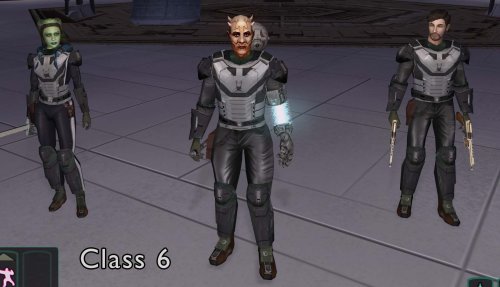 Thank you!! Hope you enjoy!2 points
 -
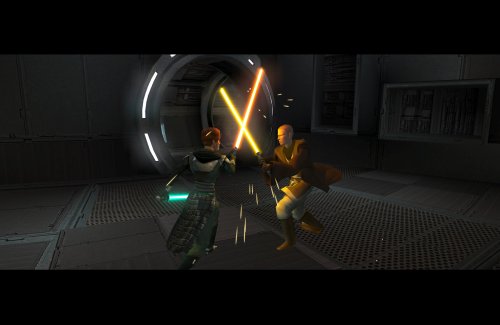 COMPATIBILITY Incompatible with any mods that hard overwrite the dlg files for Atton, Bao-Dur, Disciple, Handmaiden, Mira, or Visas. Compatible with PartySwap by Darth Tyren & Leilukin using the included compatibility patch.2 points
 -
@offthegridmorty Just like vault13deathclaw has said, both the Handmaiden and the Disciple have fully voiced VO for the training sections. The file names are as follows: GBLDISCIPLE365 GBLDISCIPLE366 GBLDISCIPLE480 GBLDISCIPLE481 GBLDISCIPLE482 GBLDISCIPLE483 GBLDISCIPLE484 GBLDISCIPLE485 GBLDISCIPLE486 GBLDISCIPLE487 GBLHANDMAIDEN411 GBLHANDMAIDEN412 GBLHANDMAIDEN413 GBLHANDMAIDEN4142 points
-
 Very nice. I like it.2 points
 -
Nice! They look incredible.2 points
-
I'm really glad that it works for you now. I want people to get to experience the mod and have fun exploring, questing, and maybe have a chuckle.2 points
-
I can say that much of this mod is about the aftermath of the events of K1. There are a few characters that show up, including some potential surprises. Some of your ideas here remind me of some of the quests in the mod, though I can't say I have used Goto for anything, yet... I am certainly open to ideas to expand upon in the mod. I only added on to Dantooine after a user made the suggestion that I do so.2 points
-
A surprise new content KOTOR mod?!? This is like waking up Christmas morning to a tree full of presents! Absolutely going to try out this mod ASAP! And congrats on restoring the Tatooine Temple module! I myself have tried doing that but just could never quite finish up the project. I’m thrilled to see someone has done it at last!2 points
-
Is it not possible to put all those files in one package instead of having to download them all separately?2 points
-
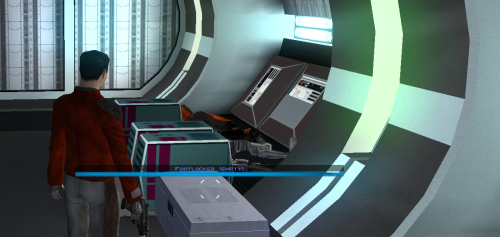 This should absolutely be included in the K1 Community Patch. I've been waiting 20 years for this!2 points
 -
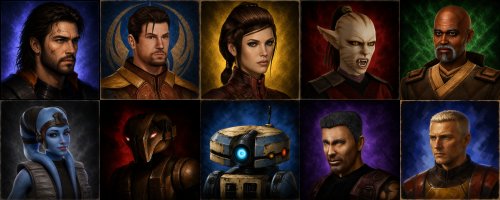 This also looks like a blatant ripoff of Tinman888's portraits, which I feel highlights another major issue with GenAI.2 points
 -
 All good. Attached is an updated patch which should open that door too, let me know if it still doesn't do the trick. Yavin Station Hangar Compatibility Patch (Beta 0_2).zip2 points
 -
Hello. Is it possible to make the White Sith Trooper textures an optional component? I've been trying this mod and found myself not being the biggest fan of them2 points
-
 Where is your TJM installation? You would absolutely have to extract Sith Holocron's upscaled textures to a folder and then copy its contents manually into your TJM Installation directory which, if I may, could be either a Workshop installation folder for Steam, or your steam directory on your Hard Drive. Also, that invalid bumpmap error can be resolved presumably by deleting that texture and omitting it or finding another texture to replace it with and renaming that other texture to the problem file's old filename. Dxn_Tmp2b.tga should probably be removed from Override if its throwing errors in-game. I've gotten invalid bumpmap errors before and its unclear what causes the issue, but it will drop you out of game for the invalid bumpmap popup, although it doesn't crash the game.2 points
 -
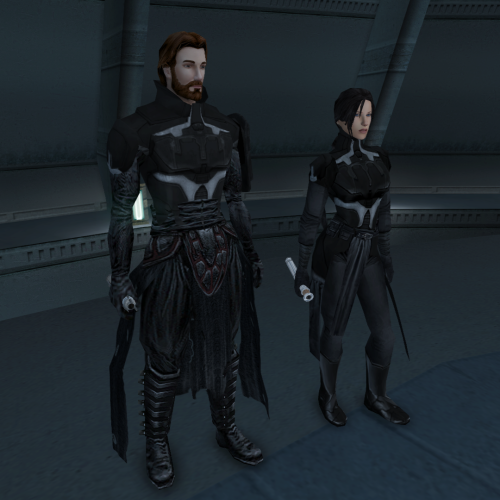 Thank you !!! 1. In short I don't have the skills. I only know how to work on existing textures. 2. Yes I know. I fixed it on one iteration but I didn't like how it looked, weierdly looks better with the clipping (in my opinion, don't know why, something about the body proportions). Now I don't have time to work on it and also I'm kind of burned out with modding. When I will have some time I will give another shot on fixing it.2 points
 -
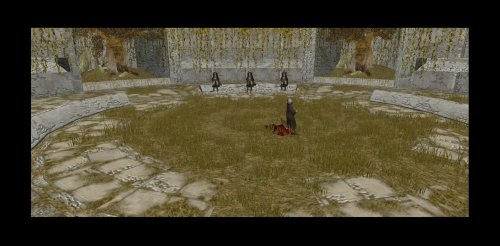 Compatibility with Extended Enclave Tweaks has been added as of version 1.1. Let me know if there are any issues.2 points
 -
2 points
-
I'm afraid that is an RC-K1CP issue and one that is caused by you running the installer multiple times. The reason the patcher adds new NPCs instead of overwriting the .GIT file (which houses the NPC location data) is because if it were to overwrite the .GIT file it would be overwriting any previous modded content you've installed. Sleheyron Story Mode once used an overwriting system which is how installing SSM once broke RC-K1CP as, by overwriting the previously installed content, the installer would end up reverting all of the restored content back into vanilla content and thus removed most of the restored content added in my mod. By installing RC-K1CP multiple times, you have added Shuma, and an untold many number of other restored content, multiple times over. It is highly recommended that you keep a backup of your game files so that, assuming a mistake is made and/or a bug is found in the installer you can simply delete the ruined install, copy over the backup, and start again.2 points
-
 So there's some bad news and good news. This mod hasn't been properly updated since the 2010s, so MVE compatibility is very unlikely as of 1.1 as it stands now. 1.2, the next update that'll have Jekk'Jekk Tarr content, shall have MVE directly integrated into GenoHaradan Legacy alongside the Logical Jekk'Jekk Tarr mod. Compatibility shall not be an issue when that version drops as you won't even need to install MVE.2 points
 -
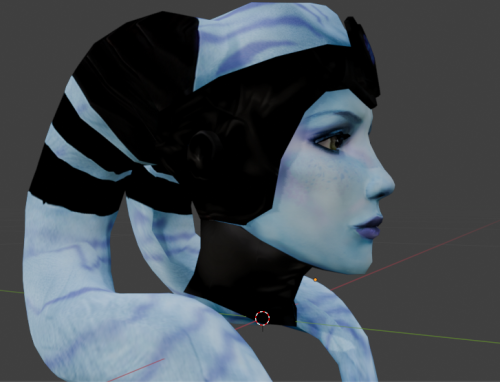 It's a matter of taste, but + 20 years.2 points
 -
 To be candid, actually, when I created the instruction sets, they were intended to be completely immutable. By design this *should* have been possible and the design shows the Proof of Concept. What I didn't expect was the moment the new builds dropped, 70% of the original links were completely removed.2 points
 -
 In case anyone is on this mod page in 2023, reading through the comments. I'm following Merek's tested moding guide including this mod and the guide is titled as 2023 verified, so this works with the current version of TSLRCM according to that guide.2 points
 -
This is an incredible find! I've found hours of content to keep myself occupied this entire day, and I've only done Korriban and Tatooine! I am quite content with a large amount of side quests that don't serve a unified plot line. At least, beyond the commonality that they relate to the aftermath of the Jedi Civil War. KOTOR II, as I've read it described, is essentially a "road trip from hell to absolutely nowhere, all the while pondering the void". To quote the cliche, "it's the journey, not the destination". This game is actually perfect to use for myriad narrative vignettes that are seemingly unrelated. I look forward to playing more, and seeing what you may add! Keelah se'lai1 point
-
No prob! Enjoy not looking into HK's empty eyes any longer (As a sidenote, BioWare really knocked the Dantooine caves out of the park)1 point
-
 Glad to see that such a mod exists tbh1 point
 -
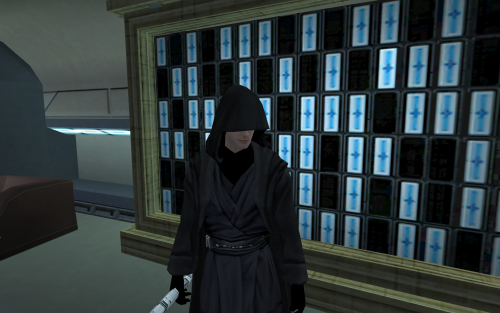 Thank you! You are awesome! I'm going to update it sometime soon and credit you anyway.1 point
 -
I will definitely bookmark this for a future playthrough! Are you open to some questions ideas from odd musings I've had over the years? I've had some fun scenarios in my head like: what if Jorak Uln wasn't killed in K1 and stayed on Korriban to become even more insane? What if Goto sent you into the abandoned Sith Base on Mannan to get information on Sith holdouts?1 point
-
Shame to use AI when there already are mods for this. HD portraits and even hand made ones.1 point
-
 Hello, yeah potentially as one of the versions changes the Ebon Hawk console interface, however; I wouldn’t expect that to cause any crashes - especially on entry. You could try install the reveal map mod then Cathalan / Vice versa and see if either work Off the top of my head I’m not sure I’ve not touched it in a while! Cheers1 point
 -
If you installed this mod but still see the original Etti IV that leaves a few possibilities: 1) SH didn't include/forgot to include Etti IV, which I think is very unlikely. 2) You have not copied all of the files into the Override folder. Pressing Ctrl + A will select all files for you should that be an issue. 3) If you are copying all of the files, are you meet with the "Replace or Skip Files" window? Since TJM already has the original files in the Override and you are installing a mod which replaces the original files you NEED to have this pop up. 4) If you are being met with the "Replace or Skip Files" window are you selecting "Replace the files in the destination" option and NOT the "Skip these files" option? If you select "Skip these files" then you aren't replacing the TJM mod textures with the textures offered through this mod. 5) If you are not getting a "Replace or Skip Files" window but you have TJM's running are you using the Steam Workshop version of the mod? If you are then you may have to install SH's mod into the Steam Workshop verison of TJM.1 point
-
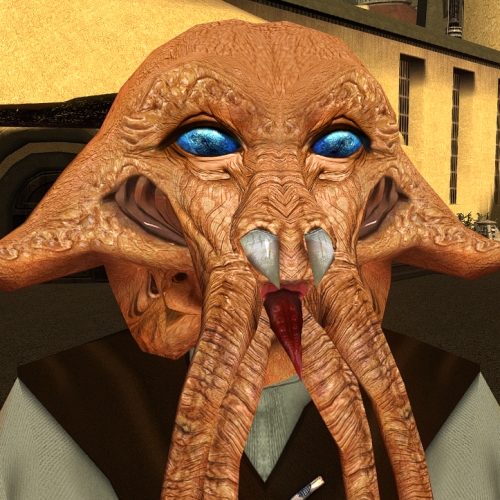 i could get lost in those eyes.1 point
 -
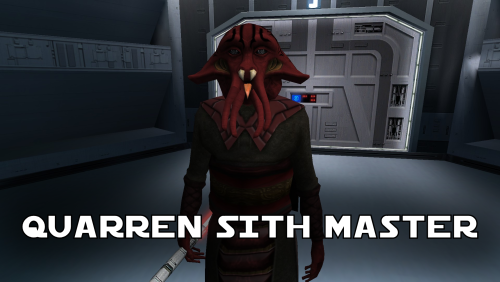 The mod currently has two installs. The "No New Voice" install does not add a new voice, it uses the vanilla human voice. The "Quarren Voice" ports the alien Quarren voice from Kotor II, this is the same voice that Loppak Slusk and Visquis use. There was going to be an AI version which took the Quarren voice and made it speak English, the ROR mod does this for the Quarren Jedi Master NPC but when this voice was used in-game it was sped up and the pitch raised for some unknown reason. Because of this bug you currently cannot install the AI version but it exists for when it eventually does get fixed. Open each folder inside the tslpatcher folder and click on the .MP3 files to hear what the new voices sound like. Thank you both! If you installed the 1.0.0 version with the bugged Death Field animation just copy "Q_Quarren.mdl" and "Q_Quarren.mdx" from the 1.1.0 version and paste them into your Override overwriting the old version.1 point
 -
Thank you N-Drew25! I have not booted up the game yet and will report bugs or oddities if I experience any, but the installation itself no longer threw up any errors with the 0.12.1 update. Thank you again for the quick fix!1 point
-
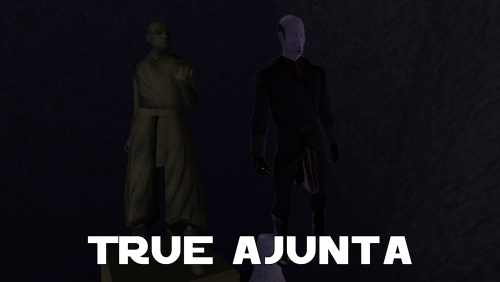 Yeah, he's had several thousand years to think over what he's done, and now he's tired of stirring in hate.1 point
 -
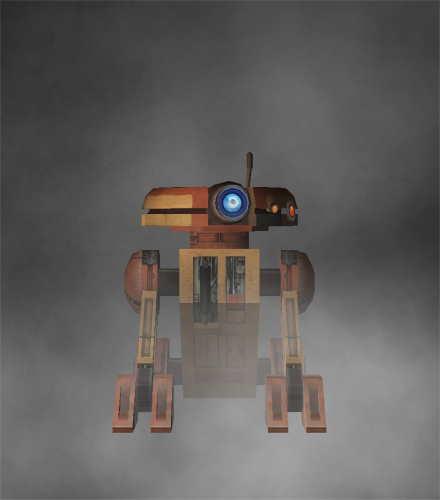 Have a cutscene like that one in TSL where H8 electrocutes T3 and blows him up, then spray paints himself white and blue and assumes his identity.1 point
 -
 Of all the texture mods I've got installed this one seems to be malfunctioning, the gold is mapping to her lips as well. Needless to say it looks terrible.1 point
 -
 Oh how long I have waited for this mod....1 point
 -
 I like this mod. I thought the same about empty chairs when I first played TSL. I watched it in-game, the scene became better. I also noticed a few things: 1. The camera mainly uses either shots from long distance or close-ups of main council members (Vrook & Co) that prevents taking a good look at the additional masters. Only rare shots from a medium distance allow to see in detail jedi on the left and right of speaker. 2. Added jedi-statists give off a feeling like they unconcerned about the meeting (or aren't allowed to talk). I understand that they play no role in the story, and you probably didn't want to add anything that may break the impression of such important moment, but still it turned out to be a little weird to me. I think both issues can be solved, while only slightly affecting the scene: Have a council member with an alien VO say one short neutral line, for example, "Is anyone want to add something?" and then zoom in camera on every added jedi-statist for a second when they stay silent, blink or shake their head (if they have such an animation). Vandar can use some very short one-liner like "Hmm...". The scene can then continue as usual. I hope you 'll address these issues to make the scene even more immersive if you decide to release v3.0 of this mod.1 point