All Activity
- Today
-
 warloc joined the community
 -
 Really glad to hear you liked the mod! The base install should include an original style version. It's basically just one of the female player character portraits but hair recolored. I attached it to this post if you want to download it here. I'd really love if I could get ahold of a portrait in that style but without being exactly the same as a recycled main game portrait. But I have yet to meet a talented artist interested in doing that. po_pvima.tga
 -
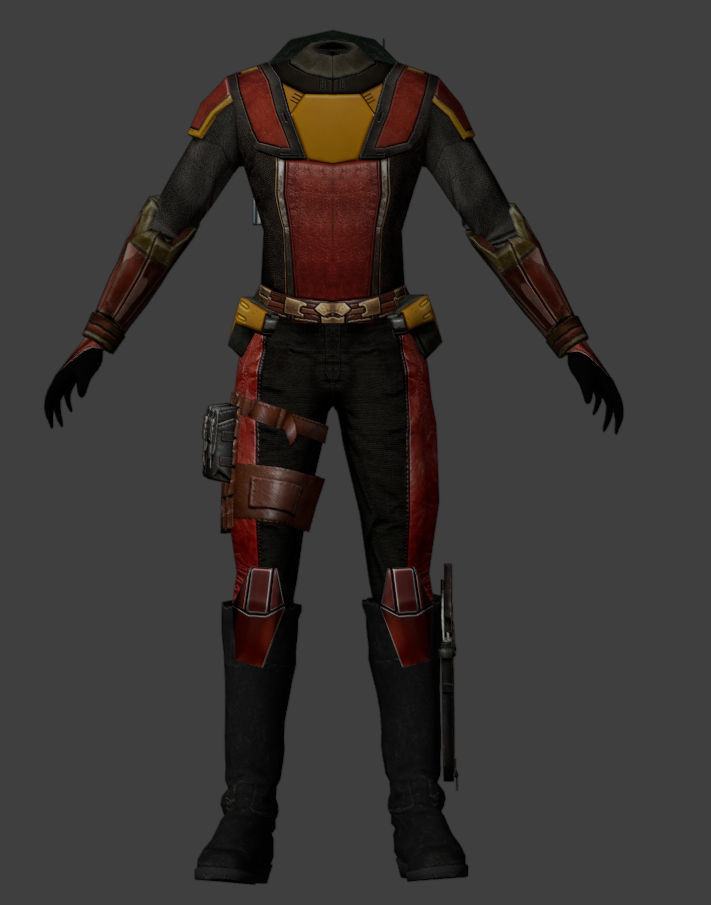
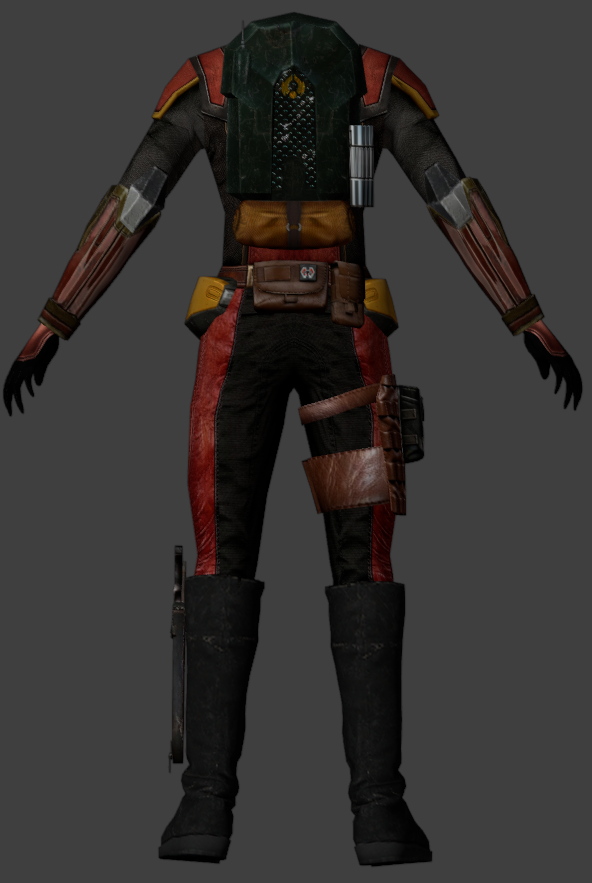
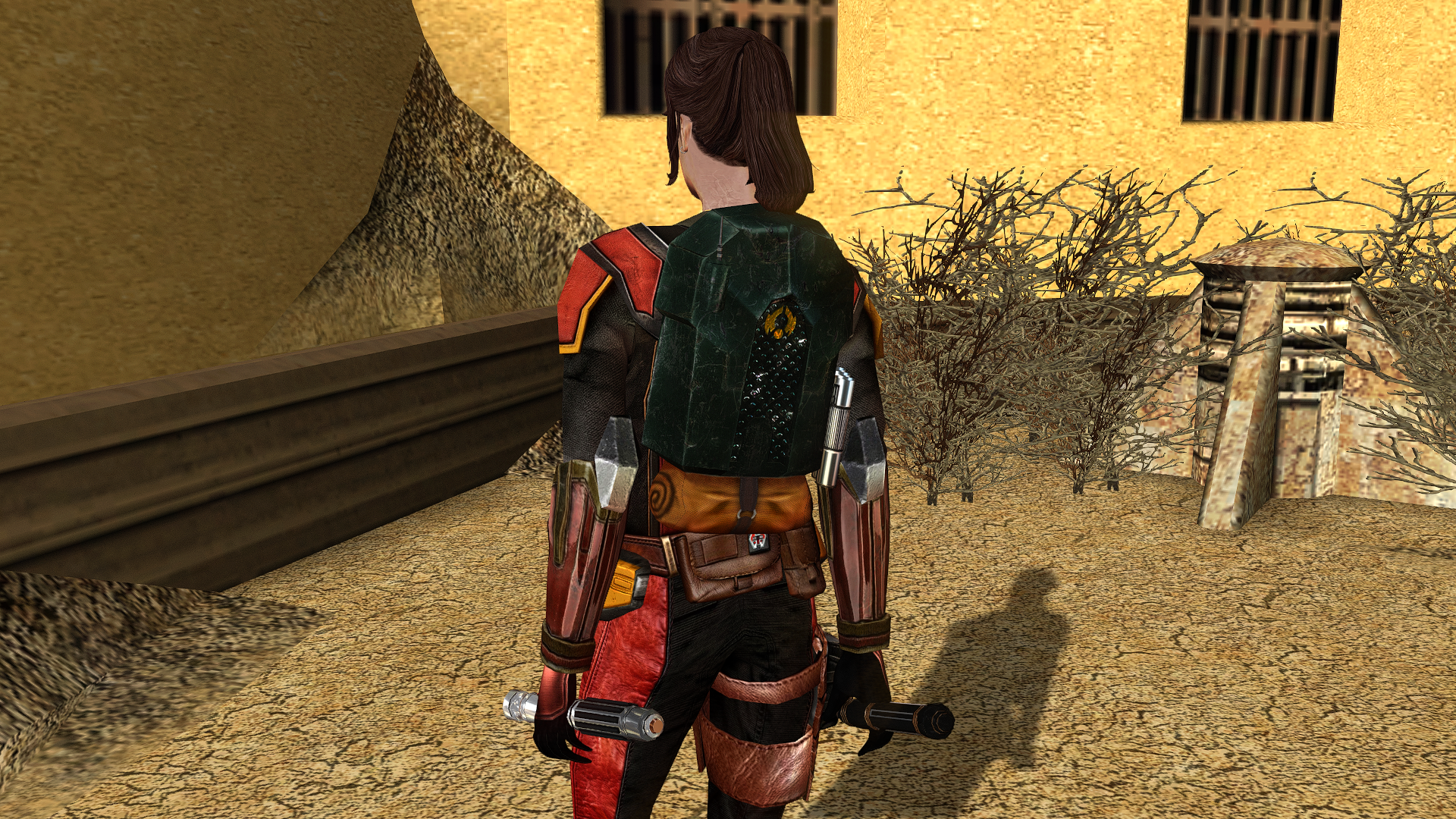
-
 Your mod is the prime example of how the Restoration mod should be alongside the Sleheyron mod! 10/10
 -
 Should be! This mod doesn't override the full-armor textures for the "default" Mandalorians.
 -
 Mekurukito joined the community
 -
 What I've figured out from trying to perfect my collection (available for download on NexusMods lol) is basically this: First dialogue fixes, then K1R. Then my collection install, which handles basically all of the visual stack, plus whatever just gets dropped into override. Then I run KMRP / KPM. Then TSLpatcher files. (And then my KPM mods which run off a separate install because it's generally best to install them late).
 -
 InbredKing joined the community
 -
Amazing work as always! It's impossible to resist the urge to add your mods to my build. BTW Your male Twilek reskins look amazing, especially Griff, since he finally looks like he could actually be Mission's brother, I assume the release has been delayed due to other priorities? Would it be possible to post some of the completed ones?
-
 Imaybewin joined the community
 -
Great mod! Any chance we could get a Vima portait in the original style but more HD? I don't particularly like the drawn one and AI one, because they look so different from the other character portraits
-
 pacherino joined the community
 -
 antii joined the community
 -
 BryceK614 joined the community
 -
View File Handmaiden Braids Fix Hello everyone! This mod makes Handmaiden’s braids visible beneath the hood of her default outfit; the braids are present on the model, but by default, the "render" flag is not enabled for them. Credit for the improved base model of Handmaiden, which I used for my mod, goes to RedRob41 for the mod: "2x Upscale+ Character Textures & Model Fixes for TSL." Submitter FF97 Submitted 10/28/2026 Category Mods TSLRCM Compatible Yes
-
 sarantine joined the community
 -
Dumb question, but do you install this mod first or last? I have a pretty extensive mod install.
-
Looks cool. Is it compatible with VURT'S MANDALORIAN NEO-CRUSADERS?
-
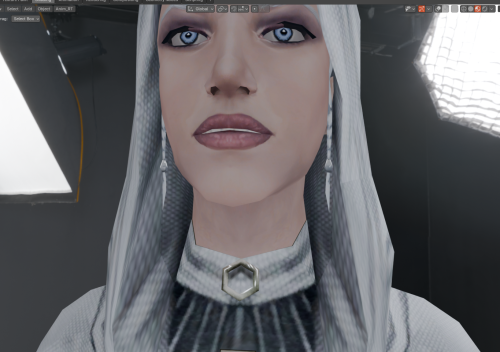
Version 1.0.0
8 downloads
Hello everyone! This mod makes Handmaiden’s braids visible beneath the hood of her default outfit; the braids are present on the model, but by default, the "render" flag is not enabled for them. Credit for the improved base model of Handmaiden, which I used for my mod, goes to RedRob41 for the mod: "2x Upscale+ Character Textures & Model Fixes for TSL." -

T3-M4 Dialogue missing after installing Sleheyron Mod
SAO1138 replied to tgritzmodder's topic in General Kotor/TSL Modding
Go figure that I thought I fixed both of those things. Thanks for letting me know, I have a patch coming out soon anyway. I'll review those problems then. -

Game/Audio stutter after 1.5hr gameplay session
Vriff replied to CrispyJeb's topic in Knights of the Old Republic General
Does it happen without KMRP? -

Game/Audio stutter after 1.5hr gameplay session
CrispyJeb replied to CrispyJeb's topic in Knights of the Old Republic General
KOTOR GOG version 1.03 I'm using KOTOR Modern Restoration Patch 1.5.1 - Yesterday
-
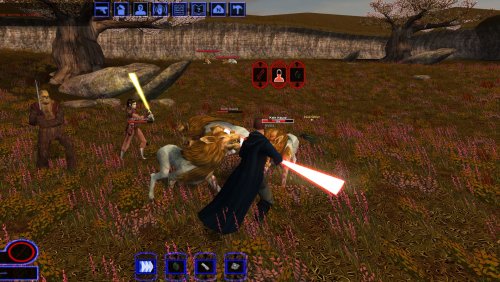 I like the idea of renewing the nameplate, but making them appear even from far away... takes away some of the immersion imo.
 -
Hi again guys. I am concerned about this issue, and whether or not I still have the RCM content installed. I downloaded TSLRCM for Steam version of game, and downloaded it from this site and not subscribed through Steam Workshop. On my previous playthrough with RCM, I had a glitch where I was unable to turn camera right after killing Loppak Slusk on the Citadel Telos Station (?). It was "fixable" by quick-saving right after the battle and loading that quick-save. On my current playthrough, that glitch didn't happen. The previous playthrough was on my last laptop that had different VRAM, video card, and other specs. This is my first playthrough on my new laptop (where said glitch didn't happen). My question/concern now is, how do I know for sure if the RCM content is installed and running in my game? Further help appreciated
-
Hey, when I reviewed this mod last, I forgot to mention that I installed it using the included "install.cmd." Still, the same observation I made then about the installation order vs. KPM holds as true today as it did then. I absolutely LOVE what the mod does to the game: The "Taris XP Hoarding" is effectively dead and an effective Level 40 cap-with player-selected class level assignments- is alive and well!
- 1 reply
-
- 1
-

-
Why not publish for KPM?
-
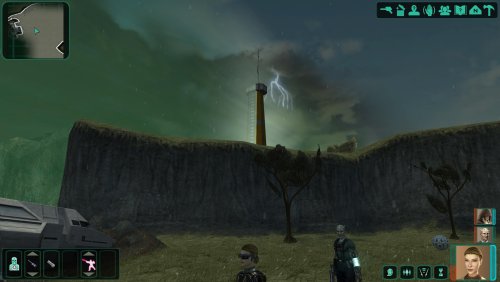
View File Rain, Lightning and Thunderstorms on Telos Hello everyone! This mod replaces the fair weather in the Telos Restoration Zone with a thunderstorm—complete with lightning, thunder sounds, and rain—and darkens the sky, much like what was seen in the early demo of KOTOR 2. The files are loose files intended for the 'Override' folder; therefore, conflicts may arise if the files '231TEL.are' and '233TEL.are' are already present or have been modified/added to the module by another mod. Submitter FF97 Submitted 10/28/2026 Category Mods TSLRCM Compatible Yes
-
View File K1 Nameplates World of Warcraft-style nameplates for KOTOR: every enemy gets its own health bar, and loot and usable objects are always labelled. KOTOR shows one overhead name and health bar at a time, only for the creature under your cursor or your target. It flickers away and is hard to click. This mod gives every hostile you could click its own plate: Red plates on every visible enemy within 60 m; neutral and friendly creatures on hover or target. A framed, larger target plate with health in percent. Other plates fade while you have a target. Damage chips, distance scaling and stacking instead of overlap. Click a plate to select or attack, just like clicking the model. Object labels: remains, containers and items on the ground in gold while they hold loot, "[empty]" once looted, terminals and workbenches in cyan. Scenery and invisible script objects get no label. Only while the HUD is up (never in dialogs, menus or cutscenes). F6 turns it off and on. Everything is configurable in nameplates.ini. Install: copy dinput8.dll and nameplates.ini into the game folder (next to swkotor.exe). Delete them to uninstall. It doesn't touch swkotor.exe, Override or saves: everything happens in memory while the game runs, and it checks the game code before every hook, so on an exe it doesn't recognise it does nothing. Compatibility: KOTOR 1 patch 1.03 on Windows. Tested on Steam, with the KOTOR Editable Executable and on the stock exe. GOG should work but is untested, so please report either way. Any resolution, with or without UniWS, High Resolution Menus and the 4 GB patch. Works with ReShade. Conflicts only with other mods that ship a dinput8.dll. Not for KOTOR 2. Troubleshooting: nameplates.log in the game folder says whether the hooks installed. For bug reports, set Debug=1 in nameplates.ini, reproduce the problem and include the log and a screenshot. Engine addresses come from Lane Dibello's KOTOR Patch Manager address database. Thanks, Lane! Source (MIT): https://github.com/phalladar/k1-nameplates Submitter Phall Submitted 10/27/2026 Category Mods K1R Compatible No
-
 vault13deathclaw changed their profile photo
 -
Version 1.0.0
5 downloads
Hello everyone! This mod replaces the fair weather in the Telos Restoration Zone with a thunderstorm—complete with lightning, thunder sounds, and rain—and darkens the sky, much like what was seen in the early demo of KOTOR 2. The files are loose files intended for the 'Override' folder; therefore, conflicts may arise if the files '231TEL.are' and '233TEL.are' are already present or have been modified/added to the module by another mod.-
- 2
-

-
-
- telos
- thunderstorm
- (and 2 more)
-
 Which game? Which platform and version? What mods are you using?
 -
-
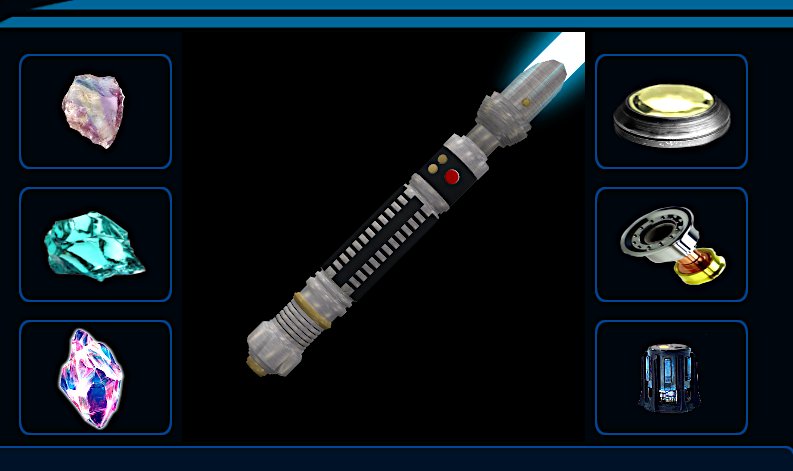
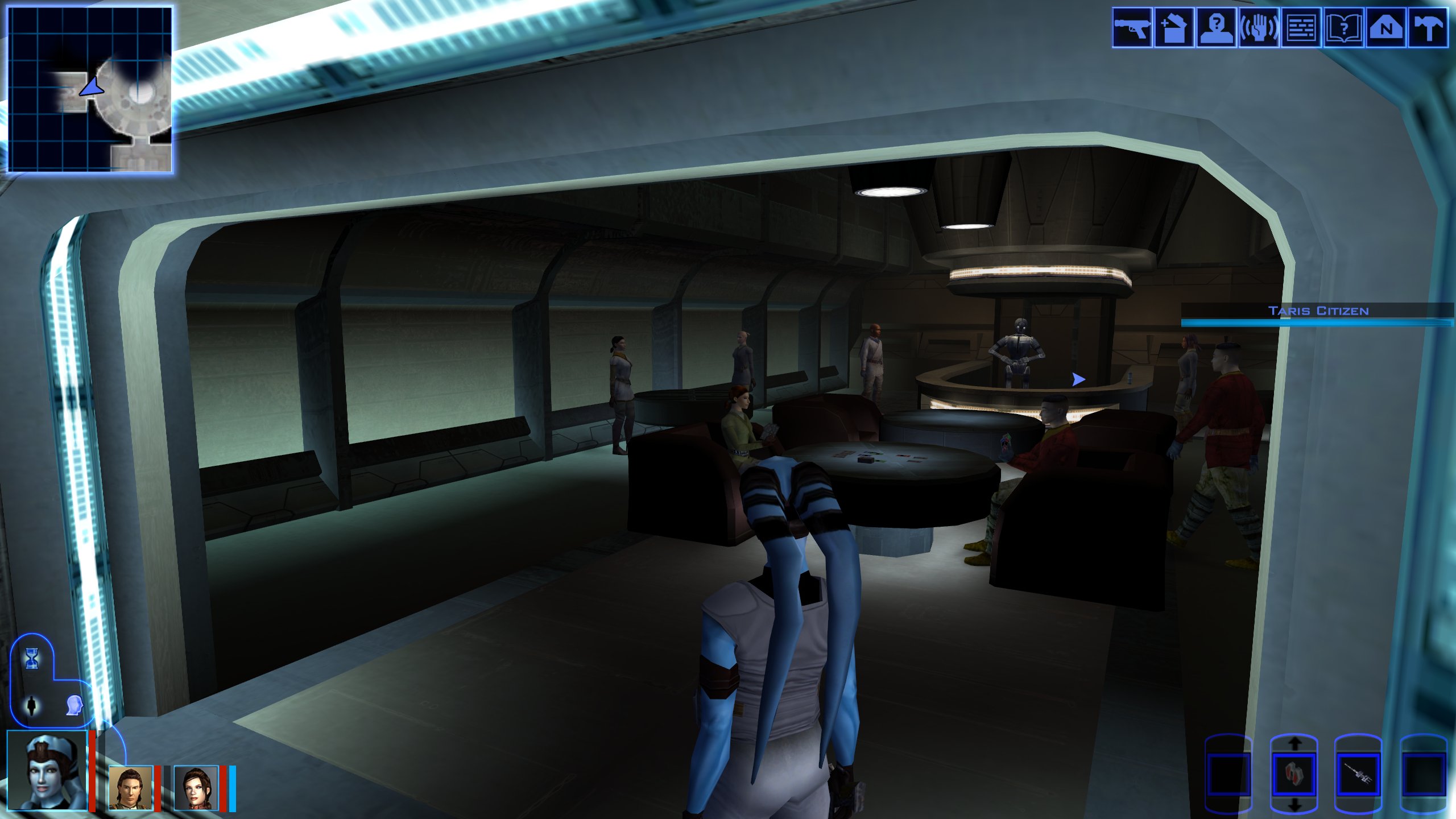
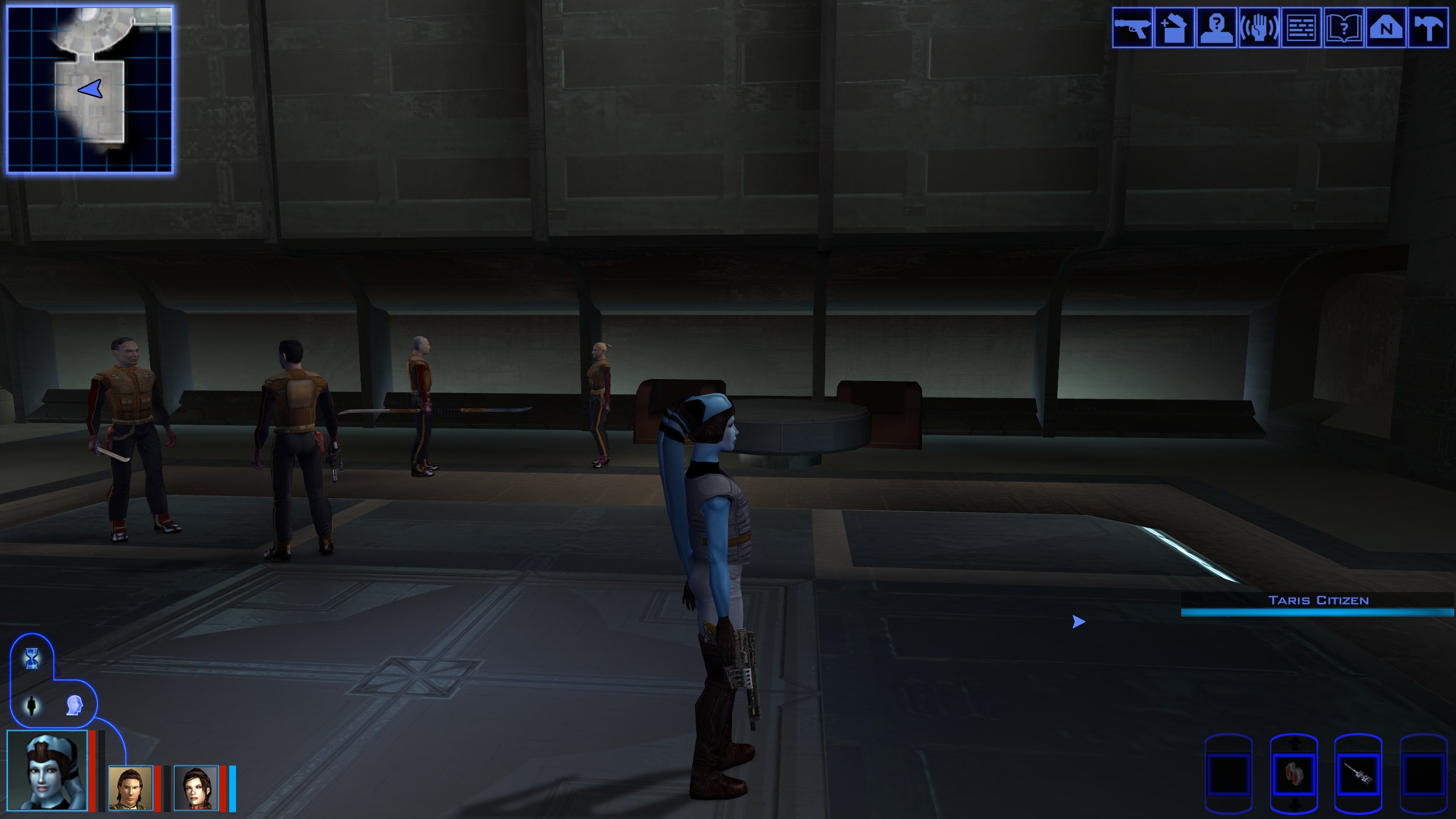
Oh sorry. 😁 So I just turned my old Acheron single blade model into a double bladed. the single blade model is 4891 polys. So I cut off the bottom pommel thingy and turned it into a saberstaff. (woot) Now I want to make it the quest saber hilts for SLM. I'll post pics of what was going to be the quest saber models. the single blade is this...that I also just remapped and skinned. So yeah...happy I did it.