All Activity
- Today
-
 swagdul joined the community
 -
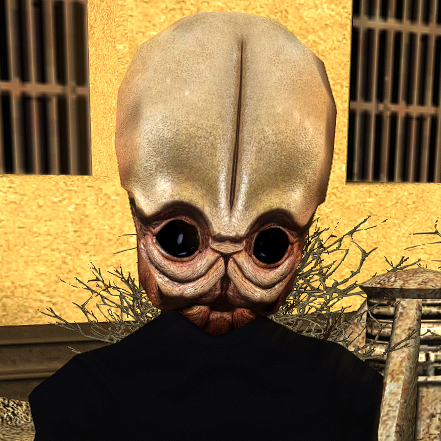 Grimy. The Force approves.
 -
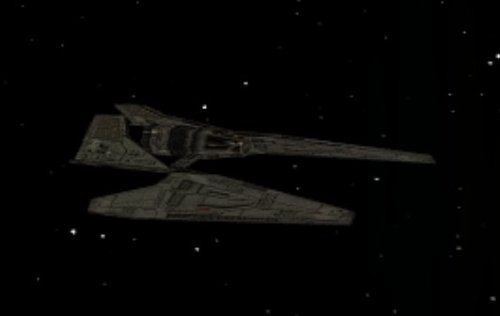 Very good!
 -
 ThomasHind joined the community
 -
 fartfacereven417 joined the community
 -
 BillPosters joined the community
 -
 gambino joined the community
 -
 fantzy joined the community
 -
 Grrrigory joined the community
 -
 All333 joined the community
 -
 TyphoRaame joined the community
 -
 Sinarr joined the community
 -
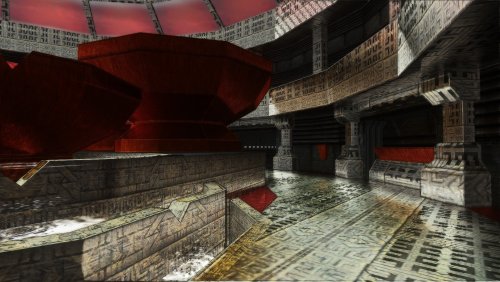 I just started playing but so far it looks incredible! I was already using shaders for TSL but this one is probably the nicest, crispest, most detailed one out there.
 - Yesterday
-
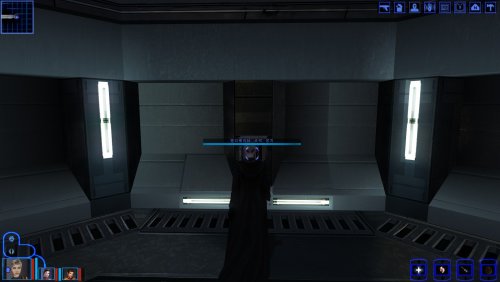 As long as it doesn't modify dialog.tlk any mod should work fine
 -
hi there,did after installed the dbcs language translate, some mod will can't be installed?
-
View File 90SK's HyperPixel ReShade 90SK's HyperPixel ReShade This reshade preset has been tuned to drastically enhance TSL's native visual quality. Please note it will tax your system. TSL must be installed, then Install ReShade (With full add-on support), then install this directory into your TSL directory (where Override is, not inside Override itself). The preset is called 90SK's HyperPixel ReShade. You can edit the settings, they have been calibrated to show significantly enhanced reflections and reflective detail. All credit is to the ReShade community, the KotOR and TSL Community, and to me as well. Submitter 90SK Submitted 07/12/2026 Category Modder's Resources
-

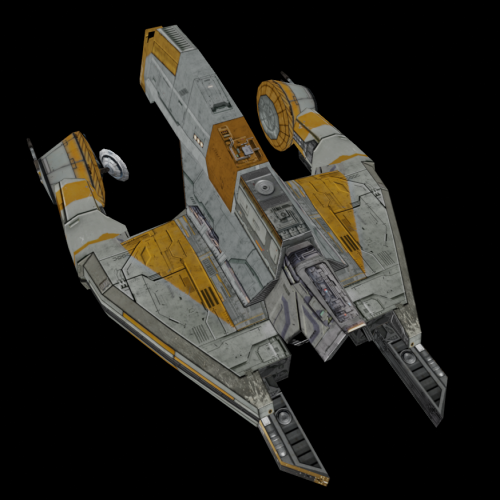 This Sith Lord approves of these retextures.
 -
I'm obviously not RedRob, though I'd assume no as Kotor II didn't have Party Underwear models whereas Kotor I did hence why he made his own models and textures for Kotor II and for Kotor I we instead get his upscale work as part of the AI Upscale pack.
-
 Another thing I'd like to add. If you use this mod with Recruit HK-47 on Taris, Yuka Laka will not have his new appearance on Taris. Only on Tatooine. Is there a way to make his appearance consistent?
 -
 I noticed that if you use this with Galaxy of Faces , Yuka Laka doesn't have his new appearance on Taris, but he does have it on Tatooine. Any way to give him his new appearance on Taris?
 -
Version 1.01
5 downloads
90SK's HyperPixel ReShade This reshade preset has been tuned to drastically enhance TSL's native visual quality. Please note it will tax your system. TSL must be installed, then Install ReShade (With full add-on support), then install this directory into your TSL directory (where Override is, not inside Override itself). The preset is called 90SK's HyperPixel ReShade. You can edit the settings, they have been calibrated to show significantly enhanced reflections and reflective detail. All credit is to the ReShade community, the KotOR and TSL Community, and to me as well. -
 Great work, as usual.
 -
 This are wonderful to look at. I particularly like the dark grass. Maybe that's just me, but it fits the vibe of Dantooine.
 -
 Excellent work!
 -
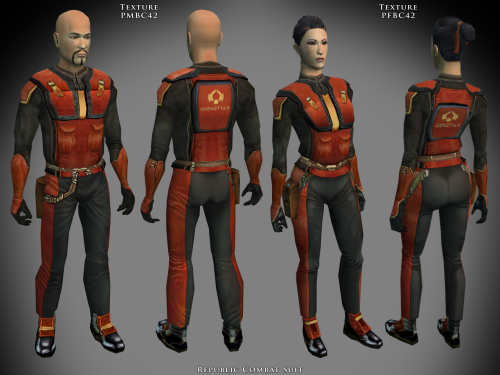 Just like the KotOR 2 version, these are awesome.
 -
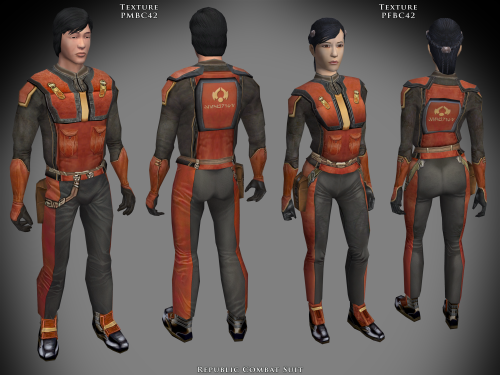 Excellent set of textures, fits in perfectly.
 -
.thumb.png.2c37ab623317bd5c47ce5bcaa62e7dbb.png) oliveraelius changed their profile photo
oliveraelius changed their profile photo -
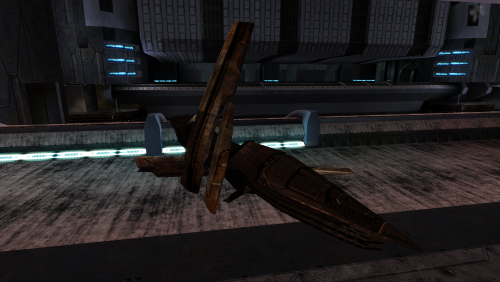 Swoop. And by that, I mean that this is a very good retexture.
 -
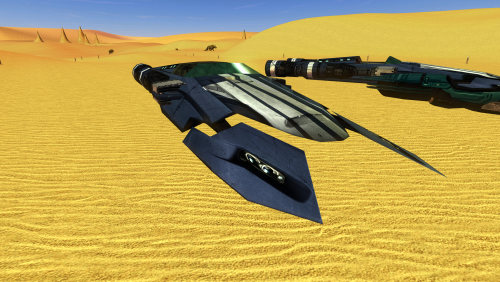 Well-made. I especially like the work on the engines.
 -
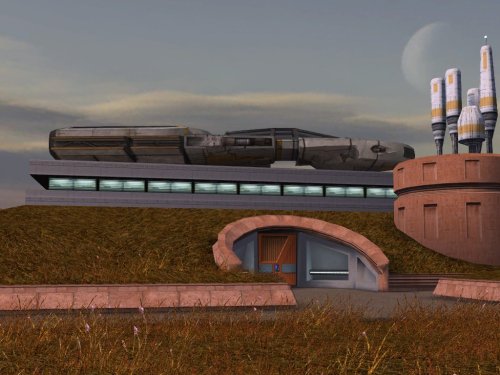 I did not originally notice this, but now that I can't unsee it, this mod is an essential upgrade.
 -
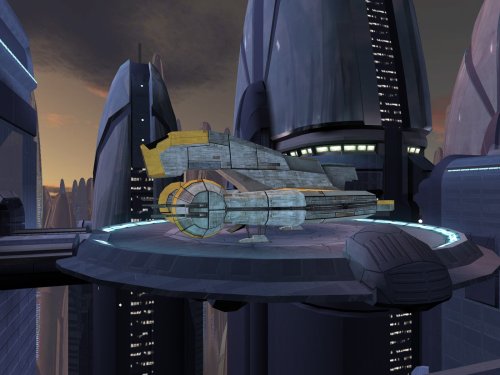 Fits in seamlessly.
 -
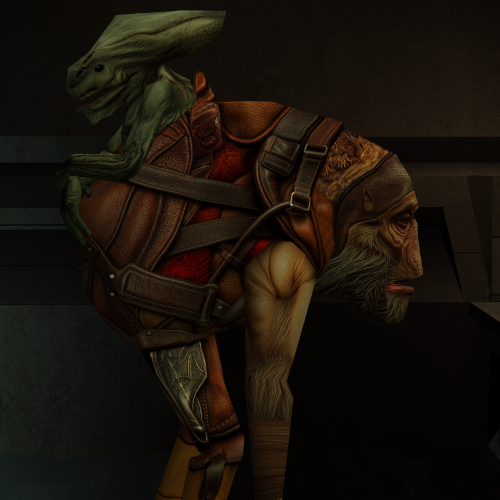 The facial hair on this creature unnerves even a Sith Lord. Well-made retexture.
 -
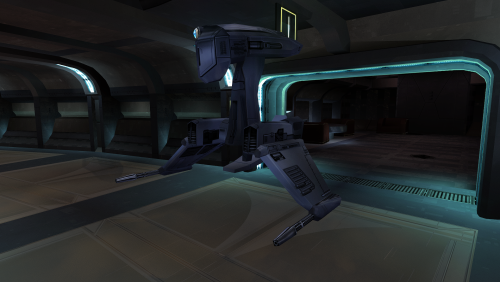 Very good. The difference in quality is immediately obvious.
 -
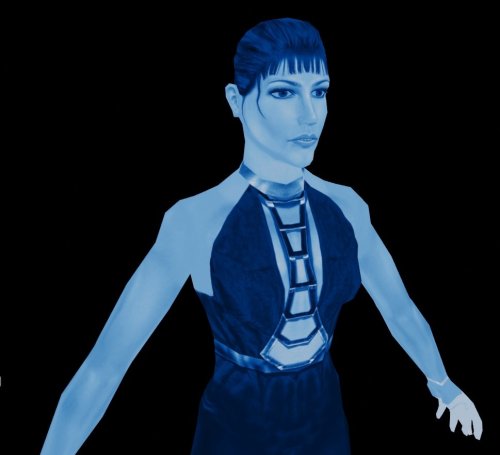 Very well-made. The Force approves of this retexture, much better than the eyesore from the original.
 -
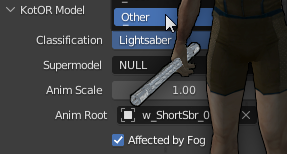 I would recommend using the light saber hilt fix in Kotor Patch Manager. Otherwise, you would need to use KotorBlender and to modify the model.
 - Last week
-
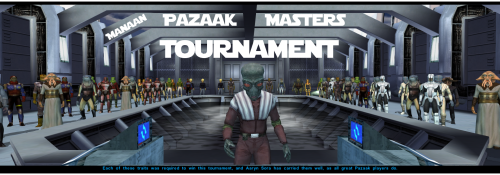 Hi, is this mod compatible with Sleheyron? And if so then in which order should it be installed?