All Activity
- Past hour
-
 KzeTher joined the community
 -
 AkYb joined the community
 - Today
-
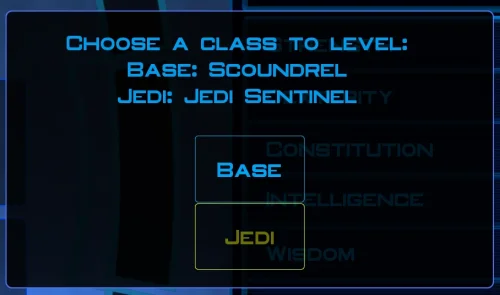 You ran KMRP and clicked "start patching" and it didn't apply? Or am I misunderstanding?
 -
 puppyintelligence joined the community
 -
 reptile joined the community
 -
 kellehercathal1 joined the community
 -
 maff joined the community
 -
 RaxThePiegeon joined the community
 -
 Alemichaman joined the community
 -
 madmaven99 joined the community
 -
I'm not seeing KMRP in my list of patches and it seems that KMRP is not even applying 😕
-
 So this is a really old mod of mine from almost a decade ago, hence why K1R was a requirement. I'll probably update this mod again to have modern install standards, though for now there are two alternatives for you. 1) the NPC Diversity Pack mod which instead requires the K1CP mod and it adds female Dark Jedi alongside up to 400 or so changes to the vanilla NPCs to make them unique. 2) the RC-K1CP mod which is the modern day restored content mod for Kotor 1 which, as the name implies, is built for the K1CP mod. Whilst it doesn't have all of K1R's features it still boasts a formidable list of restorations including restorations not restored in K1R. Whilst female Dark Jedi are not yet in RC-K1CP, I'll most definitely add them in an upcoming update.
 -
 Eosphoros81 joined the community
 -
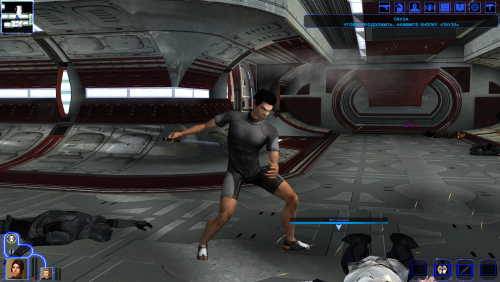 Weapon Model Overhaul Texture Rework и High Quality Blasters for Modders
 -
What are the mods for the lightsabers and melee weapons shown in the screenshots?
-
View File High poly Underwear for men and women The mod replaces the model and textures. Installation after the heads are installed. To Install 1. Download: Underwear 2. Copy all files to the Knights of the Old republic's Override folder. (Example location - C:\Program Files (x86)\Steam\steamapps\common\swkotor\Override) 3. When/if prompted to overwrite files, press okay. 4. If you like the mod; leave a comment or endorse! (It would be much appreciated) Made with love. Submitter Dark Hope Submitted 10/23/2026 Category Mods K1R Compatible Yes
-
View File Belaya - Pre Release Appearance Hello everyone! This mod restores Belaya's pre-release appearance, as she was depicted in the Prima Guide. Submitter FF97 Submitted 10/23/2026 Category Mods K1R Compatible Yes
-
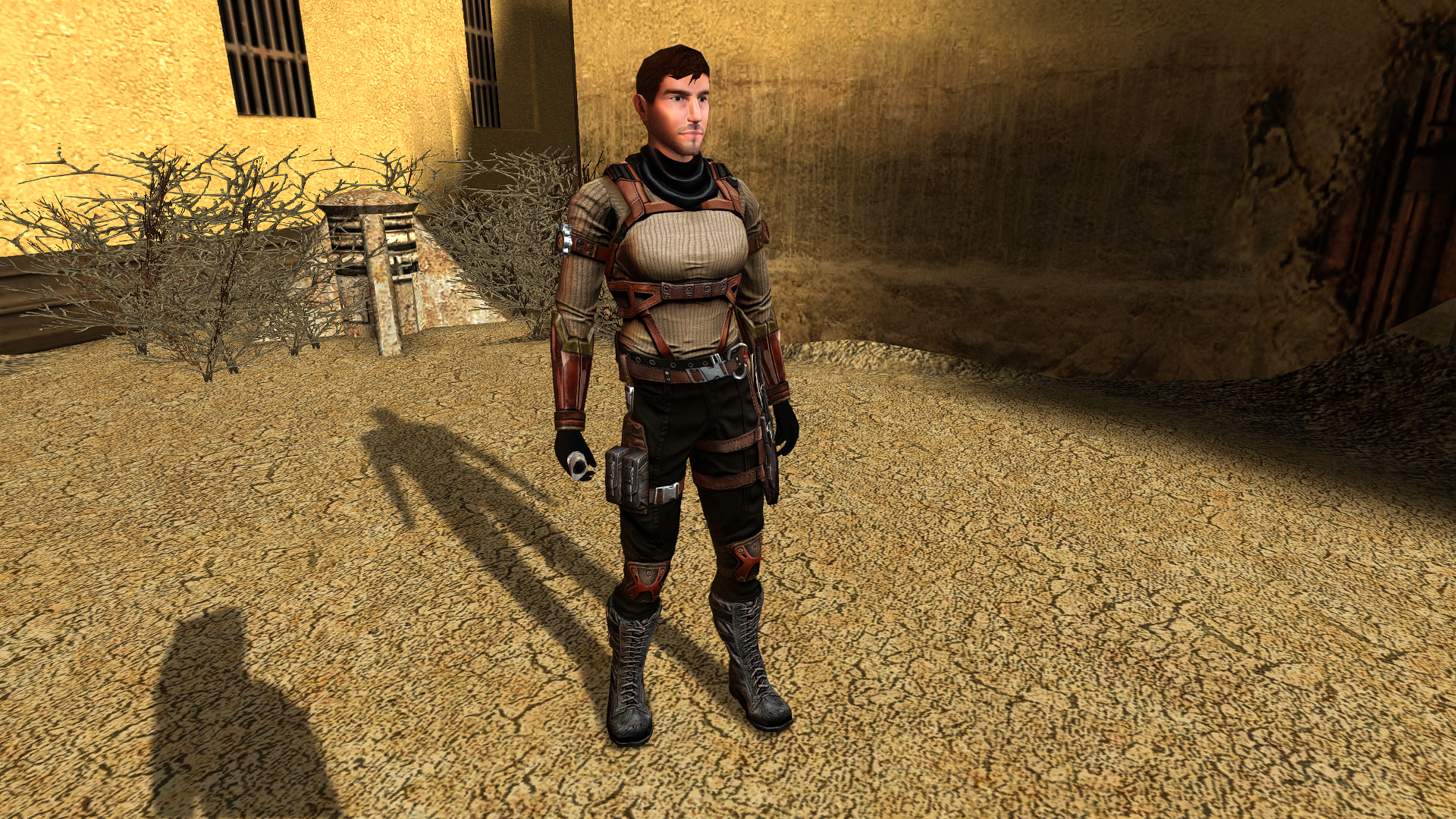
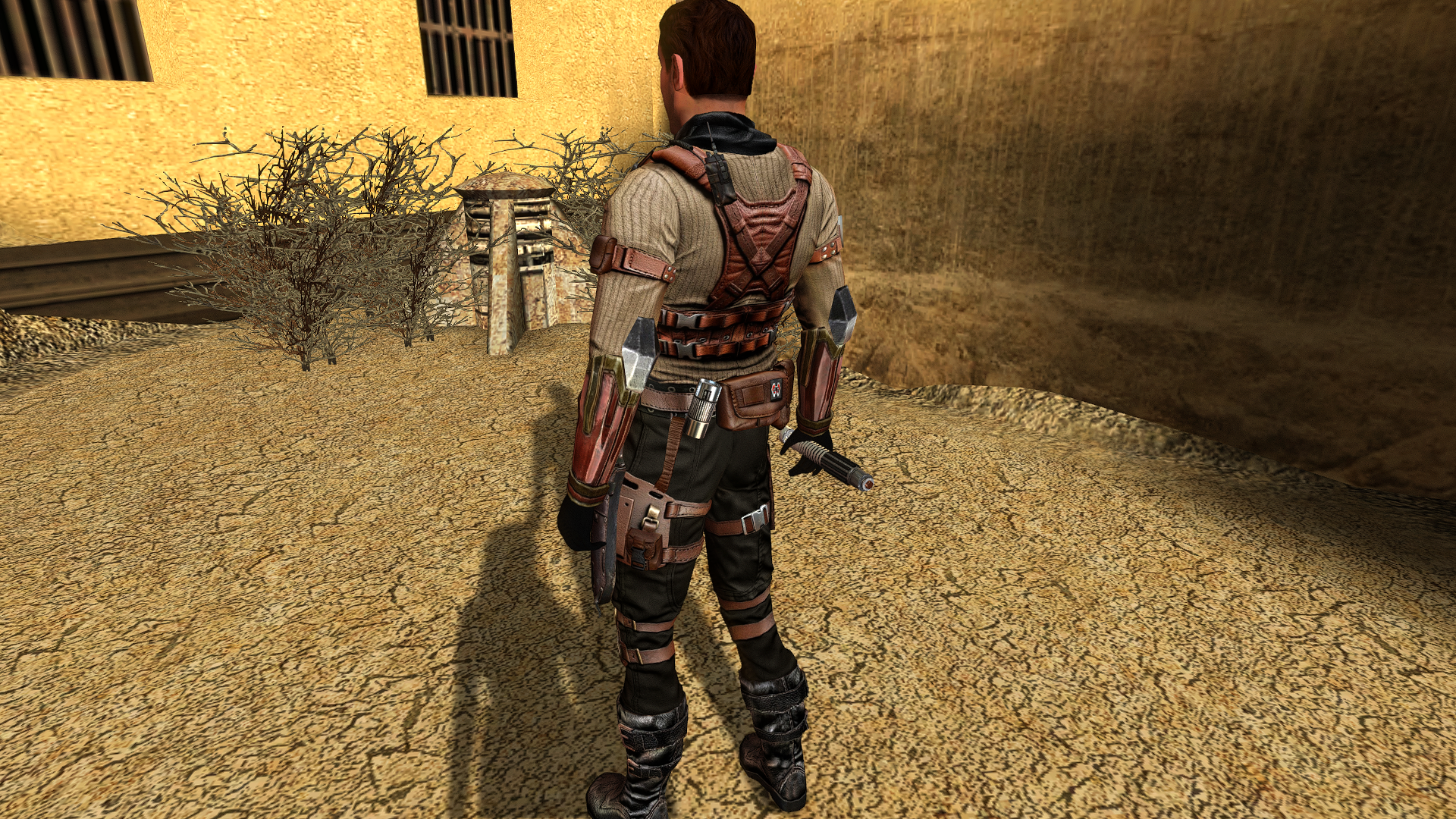
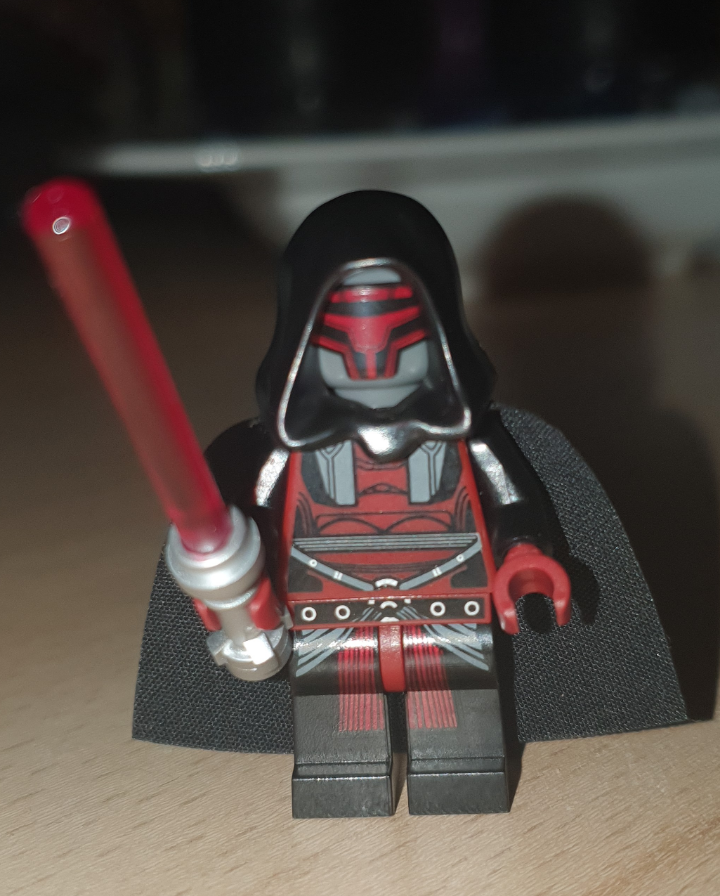
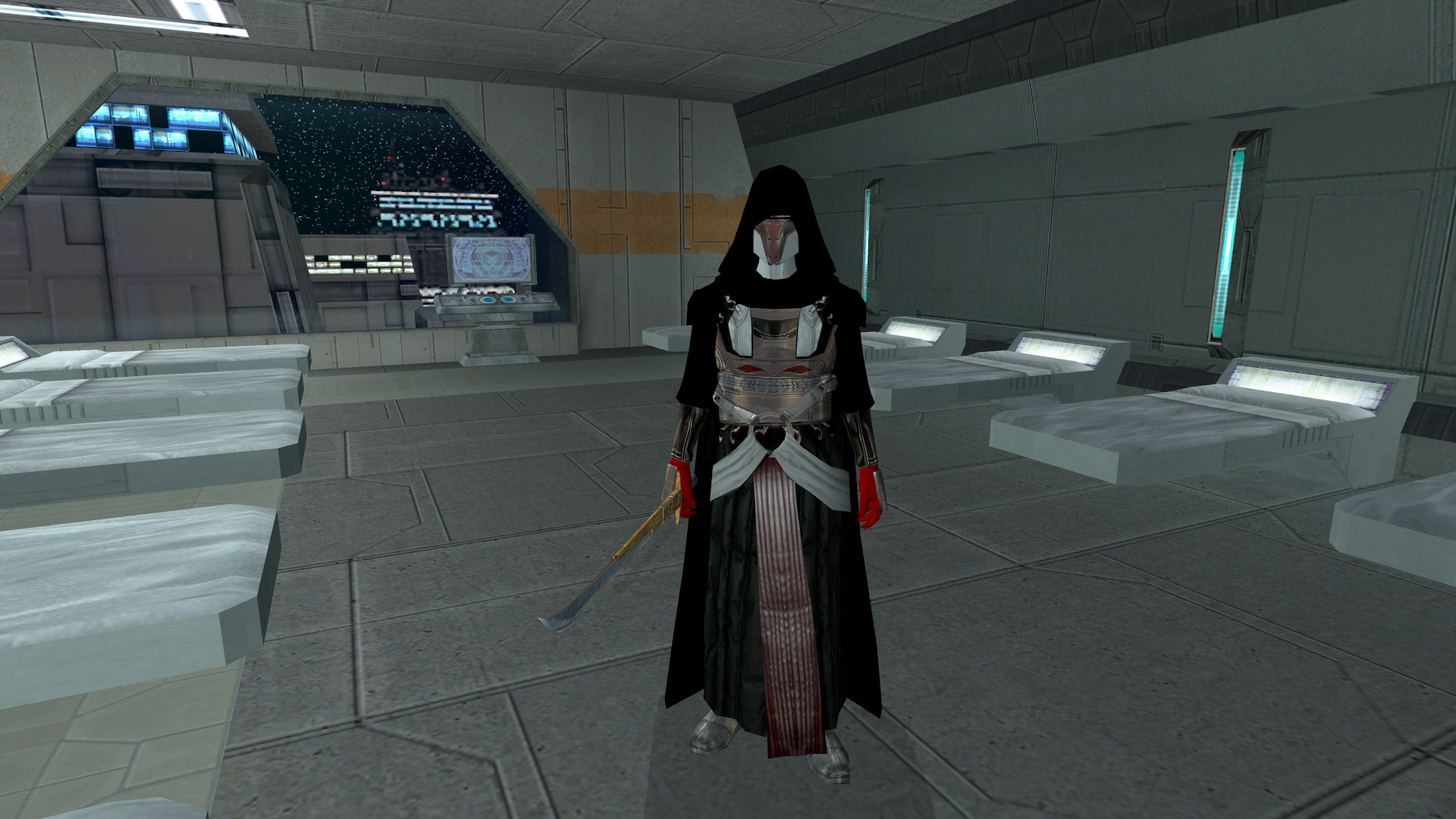
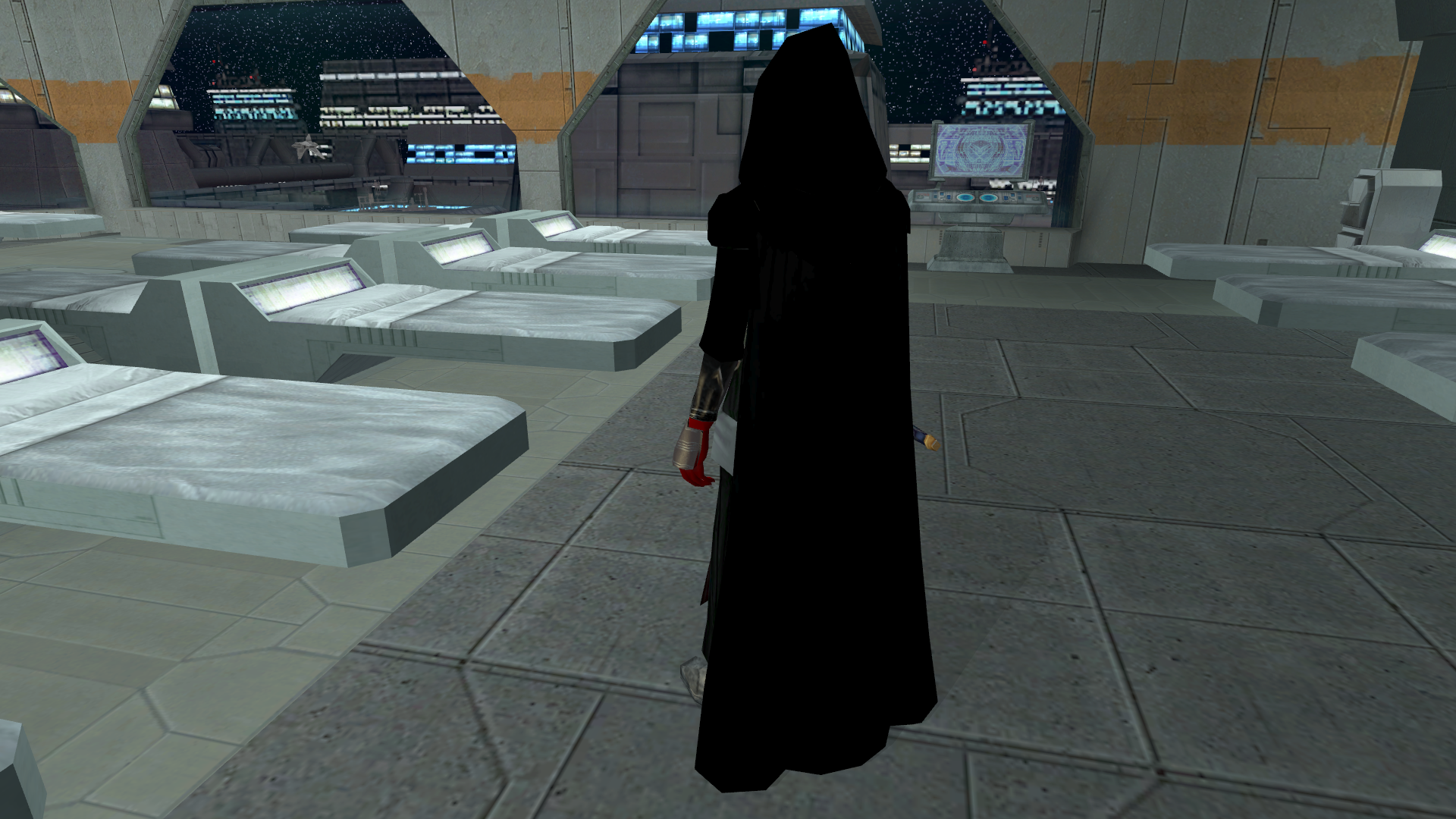
Update on The Star Forge Revan Robes mod: One of the robes that I am in the middle of making, which is restricted to Dark Side aligment, is "Darth Revan Reborn's Robes". These robes and armor will have the same contrast and color intensity as the official LEGO minifigure Darth Revan from back in the day, (who got a cameo feature in the non-canon LEGO Star Wars: Rebuild the Galaxy's second season). Here are screenshots. One is the LEGO minifig, the other two are screenshots of my progress so far as seen in-game.
- Yesterday
-
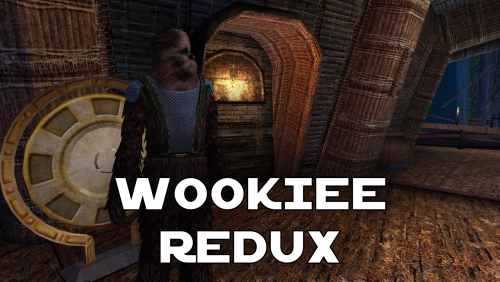 I think K1R is outdated and currently abandoned. There's a restoration demo mod out that does a bunch of what K1R did instead
 -
any chance of an updated version that doesn't require K1R? gotta have that diversity
-
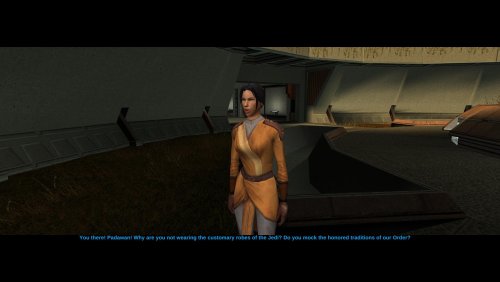
Version 1.0.0
10 downloads
Hello everyone! This mod restores Belaya's pre-release appearance, as she was depicted in the Prima Guide. -
 What am I suppose to do in 'Mission to the Crypts' quest? I've read a comment saying I need to basically kill everything in the crypt and find al bodies. The crypt is cleared and I've found 1 bag and one pile of cloth in the whole area, but the door to further part of the crypt remains closed. Is there something I missed, or is it a bug?
 -
 Great mod
 -
Version 1.0.0
11 downloads
The mod replaces the model and textures. Installation after the heads are installed. To Install 1. Download: Underwear 2. Copy all files to the Knights of the Old republic's Override folder. (Example location - C:\Program Files (x86)\Steam\steamapps\common\swkotor\Override) 3. When/if prompted to overwrite files, press okay. 4. If you like the mod; leave a comment or endorse! (It would be much appreciated) Made with love. -
Improved LS Enlightenment & DS Corruption Feats
offthegridmorty commented on offthegridmorty's file in Mods
@Stuck Oh, so it does. Well that's embarrassing. Thanks for reporting. I'll upload a fixed version shortly. -
I'm very eager to give it a try but I just can't. I installed KMRP, used KPM patcher with only 2 patches - KMRP and High FPS Fixes. Then I run your install.cmd and all I get is this: INSTALL FAILED: Executable compatibility check failed at 47 required hook site(s). 0x004F1A3E: expected [B8 14 00 00 00], found [6A 85 05 C2 9E] 0x004F1A43: expected [0F B6 D0 3B 4C 96 38], found [CE EB 19 56 C1 7C 49] 0x0054EC5B: expected [C7 02 14 00 00 00], found [34 50 71 50 DE 29] 0x00552C9A: expected [8D 7E 38 B9 15 00 00 00 F3 AB], found [66 3F 2E 33 9D 15 28 89 29 00] 0x00552F8A: expected [8D 6E 38], found [DA 7B 54] 0x00552FD6: expected [83 FF 14], found [A7 5A 68] 0x005A54A0: expected [0F B6 F0 3B 54 B1 38], found [F6 AB 63 77 5A C7 1D] 0x005A54AA: expected [83 F8 14], found [75 93 66] ...and 39 more mismatched hook site(s). Another executable patch or a different KOTOR binary layout is using code this mod needs. No changes were made. Press any key to continue . . . I had bunch of graphic mods and old widescreen fix installed before, but deleted it and restored original exe - no luck. Then I just deleted my game and re-downloaded it (steam version), installed KMRP and patched clean version of the game with KPM - and result is the same. I am at loss here.
-
This is a great idea! Unfortunately there appears to be a problem with the script. It applies the new 8*3/2 integer to every influence gain or loss, regardless of what class you are (or at least with a Consular, didn't test with the other two starting classes) .
- Last week
-
Chris Avellon interview podcast, most of it is fluff and poorly hosted, however, some things are fascinating. Worth checking out, https://www.youtube.com/watch?v=jSy8Oh2fxtw
-
 GoldenSteel101 changed their profile photo
 -
Does exactly was it says it does! An observation: Having this active requires it to be installed dead last after EVERYTHING ELSE. If, say, I were to add"High FPS Fixes" or other patches through KotorPatchManager with "...Progression" already active, I lose the ability to back out of the level-up screen(effectively restoring the vanilla game's constraints where it would not let you exit the level-up UI to return to normal gameplay at all until you leveled up.) This I confirmed via live testing/gameplay last night: I had to uninstall and re-install "....progression" after adding the KPM patches so it effectively sits at the very END of the installation order. This fixed the issue and I could back out of the level-up screen freely. FYI I'm using KMRP 1.5.1 and KPM in my setup.
-
 I tested it. i had to only take out KMRP from my mods and the cutscenes work fine. So it is this mod. I tried all compatibility and DPI settings, I tried replacing the cutscene movies with different movie mods, no luck.
 -
 Love it! Was trying to do this myself but you did it far better.
 -
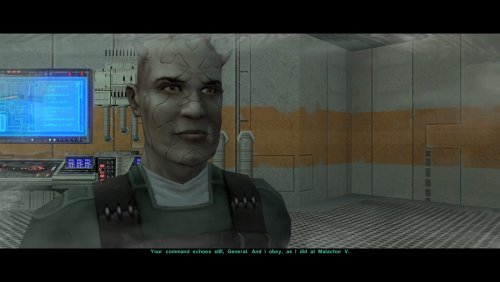 All good, I apologize if my last reply was a bit brusque. In fairness, the two cutscenes do feel very similar, and the original game files suggest that they might have been intended as alternative lines for the same dialog, which TSLRCM chose to implement as two separate cutscenes. I do appreciate your interest, and while I am confident I haven’t repeated lines from the post-Enclave cutscene, I would like to know if you do find a definite duplication.
 -
Oh, I genuinely didn't realize that was the case. Maybe I was wrong then. I'm going to have a look through those mods, and this mod, at some point in the future and if I find anything I'll report it or contact you about it.