All Activity
- Past hour
-
 JaSamHen joined the community
 -
Those files are correct. Your override folder is a subfolder of "Knights of the Old Republic II"? Again, I don't have any experience with the mobile version. You could try https://kotor.neocities.org/modding/mod_builds/#androidios for hints.
- Today
-
 pengolin joined the community
 -
 passworder joined the community
 -
 matsol joined the community
 -
 esathegoat5000 joined the community
 -
 I always seem to get the technical difficulties that no one can fix or even explain. Posted my extensive mod build though. Here's the files you requested on Discord: slem34.mod appearance.2da spectre1.utc
 -
 incea joined the community
 -
 justhavequestions joined the community
 -
 I'm having the same problem. It's a shame, because this mod is probably never getting updated. Edit: to solve this problem, simply enable cheats and type "warp danm13" into the console. Do not return to the Jedi Council room until you have defeated Juhani. Afterwards, everything should work just fine.
 -

T3 skins for KotOR 2 not working.
confuuzed replied to confuuzed's topic in General Kotor/TSL Modding
I'll give the file names PO_PT3m4.tga P_t3m4_01.tga P_t3m4_01.txi These are the only files in the Override folder. It's supposed to turn T3-M4's skin to a copper color. The mod still isn't working. I'm baffled. -
 Revan2003 joined the community
 -
 Just downloaded, hope it works! You should know, though, that the installer tells you you're installing the Kreia reference section for both parts, which tripped me up at first.
 -
If this didn't work, I'm not yet sure of the solution... I don't want to leave you with a broken Sleheyron playthrough. I just don't have a fix in mind yet. Reach out to me on discord (I'm sao1138), and we'll see if I can find a solution. But this is probably the most challenging bug I've heard of yet.
-
.thumb.png.19be58931dc971bcbec5e537c1995749.png) Hi, you seem to have forgotten the installation instructions, even in the readme? I inferred that I was supposed to just place the files in the override folder from the uninstallation instructions, which were there, so I hope I got it right. Really like the idea though, and I'm looking forward to using this in a playthrough!
Hi, you seem to have forgotten the installation instructions, even in the readme? I inferred that I was supposed to just place the files in the override folder from the uninstallation instructions, which were there, so I hope I got it right. Really like the idea though, and I'm looking forward to using this in a playthrough! -
 danc82 joined the community
 -
 XdemonMJL joined the community
 -
This didn't work.
- Yesterday
-
Try starting a new game and warping to those two modules.
-
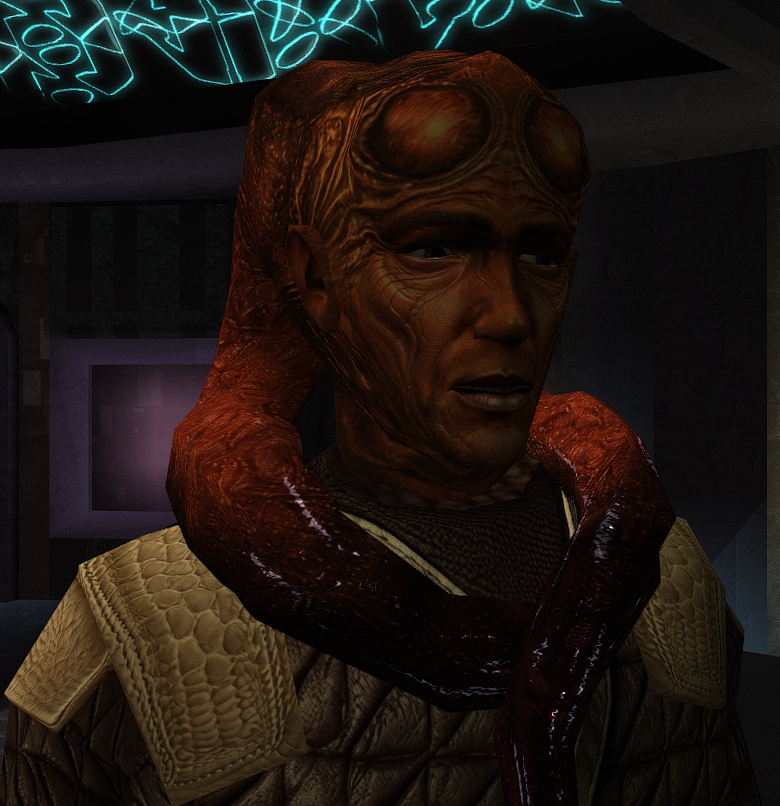
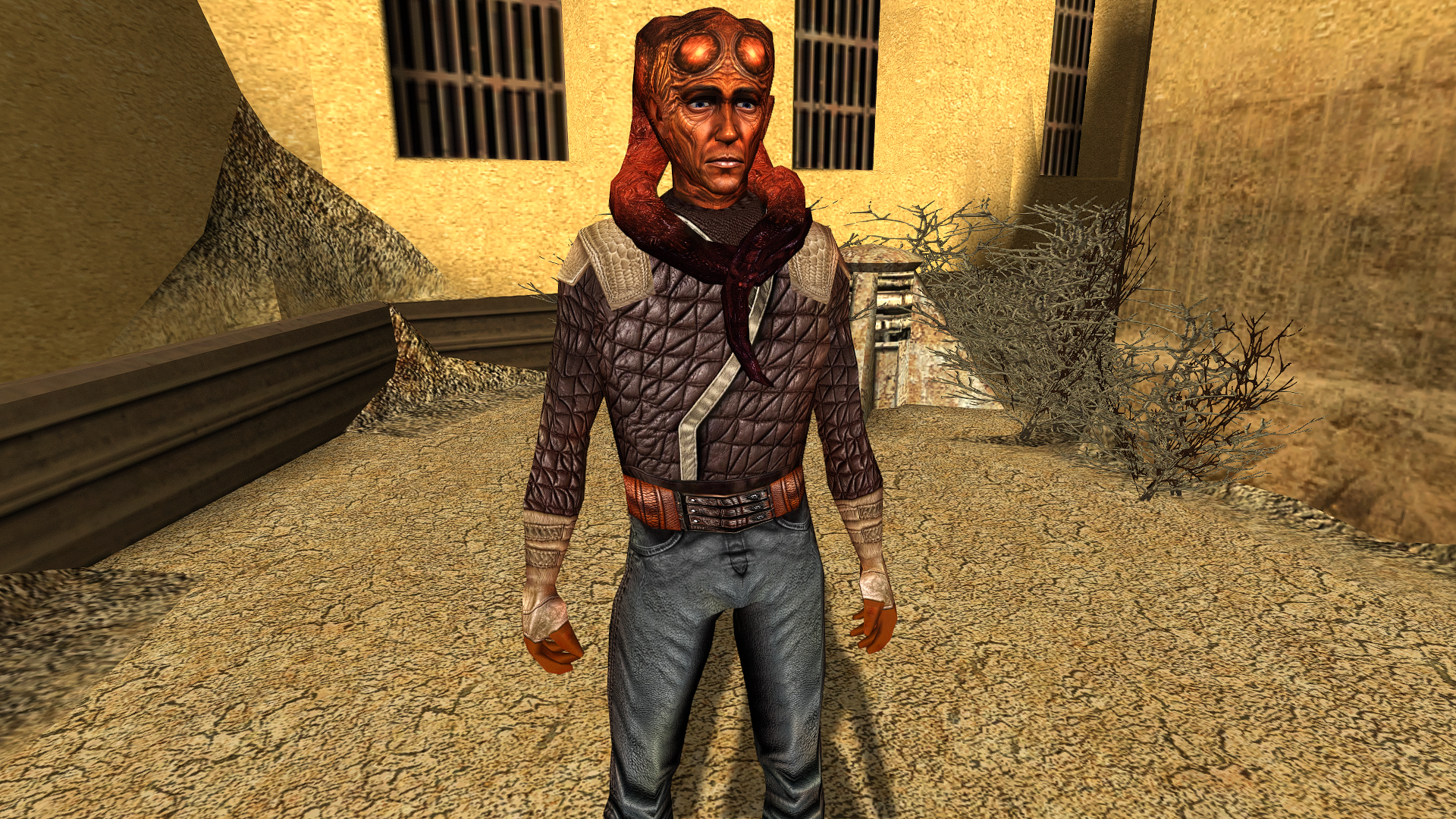
I have a very extensive mod build. To the best of my memory, here's the order I installed them in: https://docs.google.com/document/d/1X-PjnEIr2zWwKRfovb7fC-ZpSXiaOgH_imh36TtJumg/edit?usp=sharing Loading a previous save(from before I exited the Ebon Hawk on Sleheyron), but this didn't work. The YV still looks like a textureless Handmaiden from KOTOR II and the blue Twi'lek still wears a Czerka uniform. Spectre Blue Twi'lek Wrong Outfit.tga
-
Another question, could you try starting a new save to see if the Echani/YV issue persists? You should be able to warp to the experimentation lab via warp code "slem34". Also the flophouses to check on the blue twilek if possible. Warp code "slem73b". Those could be issues from playing on a previous save.
-
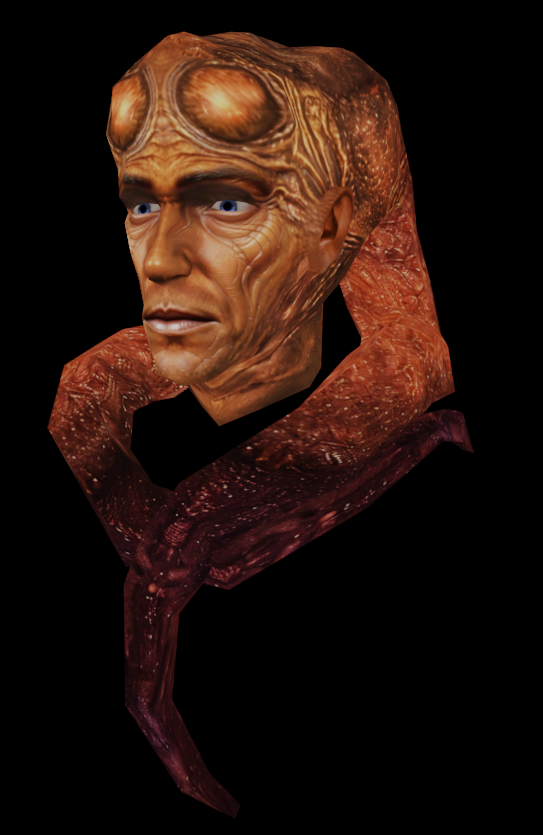
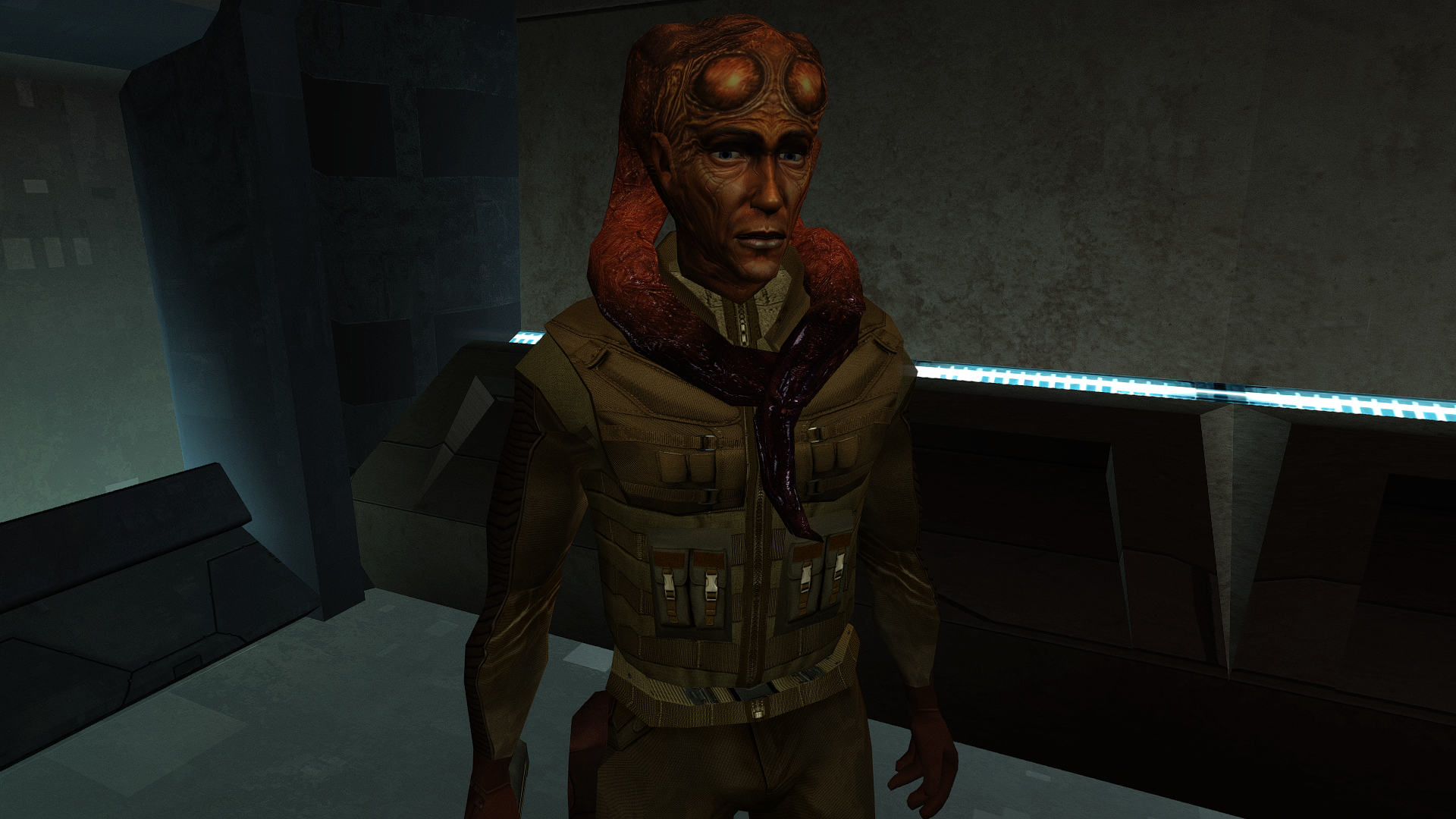
Sounds like you are having a lot of compatibility bugs here. Would you happen to still know all the mods you installed, and the order you installed them? Including if you downloaded Sleheyron more than once. Regarding the Scarred Alien: Uh... no, it doesn't look like that. This issue has been reported to me once before by someone who re-installed Sleheyron midway into the game, although the appearance swap was different than this one. Regarding the collar fix compatibility: I haven't heard of this new mod before. But as far as I can tell, this seems perfectly compatible with my green Jedi robe mod. Neither that mod nor mine uses the same texture .tga files (and I don't think I saw any .mdl files in there), so there shouldn't be any case of conflict. I have a patch coming out in a few hours that will fix the Malron placeables issue. But I'm not sure I have enough info to fix the wrong models appearing glitch yet like you had with the Scarred Alien.
-
Anything that adds new placeables will overwrite the left over ones in the Malron District. I apolgize for not being as specific on the names, since I forgot they are vastly different from each other. Here are the sign names if you want to remove them yourself for now, "czerksignn34.utp, fdfcvccz4.utp, bghycx7.utp, vfdr489.utp, fdsfc546v.utp, czv7hj9.utp". There might be multiples/duplicates as well, so it might be easiest to use Holocron Toolset's module designer and right click on the ones shown as "czerka neon signs" in the tab on the right-hand side shown here, You're also right about the Jedi Captive mod. That causes the stasis jedi captives to appear/overwrite the left over signs since it adds new placeables. Testing with BOSSR installed also replaced some of the signs with rocks/trees. As of right now, it's not recommended to use any mods that add new placeables. I would just wait for the next update, or remove the placeables from the .mod. As for the Twilek in the Flophouses his uniform is supposed to look like this, Could you provide an image of what he looks like on your install? And for the Echani and YV, those should be set up okay in the 2damemory, so not sure why that is happening on your end. What was your install order? Did you install Sleheyron before or after those mods? Also SAO might know more about compatibility for the green robes and collar fix mods. I haven't looked into or used that mod before.
-
Scarred Alien Textures Missing.tga
- Last week
-
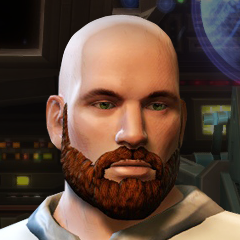
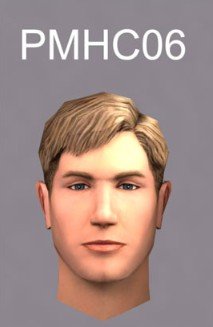
That PMHC06 character head model has been one of my favorite ever since I saw it advertised in Star Wars Insider. However, since my KOTOR modding has been limited to .UTC and .UTI files, I was wondering if someone here could change the hair color to brown. If the eye color could be changed to green or hazel too, that would be fantastic. Thanks in advance to anyone who works on this request.
-
You can have tpc files or tga files (+txi if relevant) to replace a texture. You can't have both (tpc and tga) with the same name in your Override folder. If you do then the tpc files will get precedence and the tga files will get ignored. p.s. I don't have any mods that use .tpc files.
-
There is not, but it's a known bug. I initially made the signs as placeables in the sle_m30aa.mod, before discovering how to use hex edits to get the mdl to load in Blender to build the signs into it. if you install BOSSR, it replaces the left over/unused placeables with that stasis guy because the sign placeables are still left over in the .mod. The next update will include an updated .mod with these placeables removed. You could also use Holocron Toolset or a similar program to remove the placeables from the .mod yourself if you wanted a fix now (they're named Czerka Neon Signs). I would provide one for you, but the version I'm working on now is not the same one with that specific .mod.
-
Like it says on the tin. If someone is willing to port Disciple's head model from TSL to K1, or has it already laying around, I'd much appreciate it.
-
- 1
-

-
T3 skins for KotOR 2 not working.
confuuzed replied to confuuzed's topic in General Kotor/TSL Modding
Responding to N-DReW25... I'll restore the files names back to what they were originally. The only other mod I installed is the KotOR 2 restoration content mod. I'll check if I have any folders inside the "override" folder. Thanks for the help. Later, I'll post if the T3-M4 mod is working or not. Later today... Responding to N-DReW25 Okay, so all the files for T3-M4 copper skins are present except for the ".tpc" file. (when I download the Effixians T3-M4 skins mod for KotOR 2, the .tpc file is missing.) I downloaded the files from this website. I don't have any blank or or other folders in the "override" folder. Responding to Effix... Yes I have a override folder. -
twilek_m02.rar
-
 ForeverDusk changed their profile photo
 -
I have a question:
-
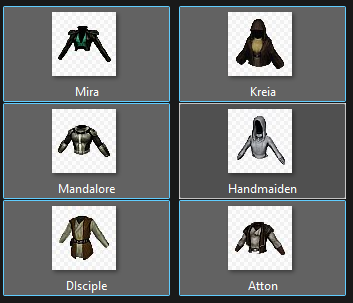 It is not specific, it would be ia_cloths_001-99 and then the model variation is that number in the clothing item's UTI.
 -
@90SK, are you going to provide a list of what they need to be renamed to?
-
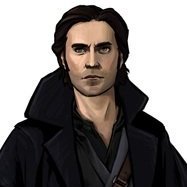
Revan's Hoodless/Maskless Flowing Robes For K1
JasonRyder commented on DarthParametric's file in Mods
 THANK YOU SO MUCH! This worked PERFECTLY!!