All Activity
- Past hour
-

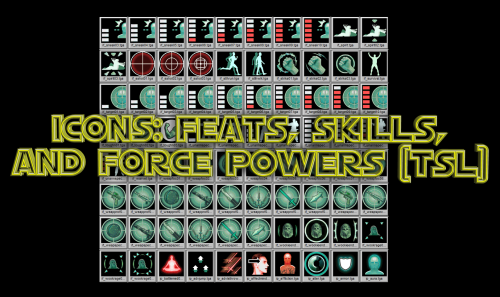
Icons: Feats, Skills and Force Powers [TSL] - Open Beta
Sith Holocron commented on Sith Holocron's file in Skins
 Now that's useful feedback. I'll look into that.
 -
 omelettess joined the community
 - Today
-

Icons: Feats, Skills and Force Powers [TSL] - Open Beta
Lily commented on Sith Holocron's file in Skins
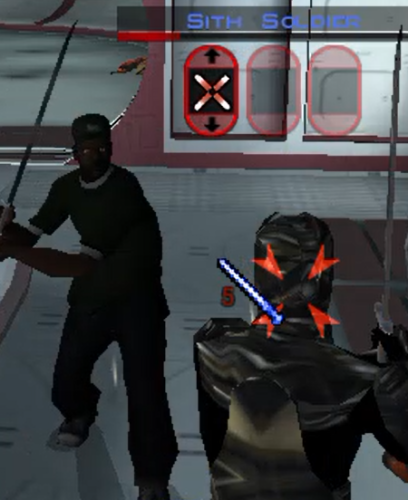
The icons for the force barrier line are upside down for me. -

Echoes of the Republic - an unofficial expansion
vault13deathclaw commented on vault13deathclaw's file in Mods
 I'm really glad that it works for you now. I want people to get to experience the mod and have fun exploring, questing, and maybe have a chuckle.
 -
 Barkshark joined the community
 -
 The Rakatan plague was due to the Sith species. The Sith were one of if not the only species able to defeat the Rakata and successfully drive them off their world. It's possible that the plague was either Sith alchemy/sorcery, or maybe some kind of literal bacterial/viral plague that the Sith spread to the survivors who fled Korriban to the rest of the Empire. What I think was that the Dark Side of the Force found a new champion. The Rakatan were monsters, but the Sith species were worse. Once the two abominations clashed for dominance, the Dark Side abandoned the Rakatan and found a new proper species more suitable for its primacy. The Force is alive and had plans for everyone, and its plan for the Rakata was to awaken the Sith to their true potential and purpose. Once the Rakata destroyed King Adas, the Sith species changed their entire outlook and sought universal dominion. The ripples throughout the Force from the Rakata/Sith war overwhelmed the Rakata, the weaker of the two evil species, and their connection to the force was cut. BOSSR inspired this theory. Bogus or not, I like it.
 -
Yeah I've been running fresh saves each time (I've gotten really good at speedrunning Peragus), and have never used steam workshop. Thanks for the support though, I'll keep an eye on the mod and try again for 1.0 release. Well on a lark I bought and tried the GOG version and it works fine lol, no idea why steam version messed up
-
Echoes of the Republic - an unofficial expansion
vault13deathclaw commented on vault13deathclaw's file in Mods
Assuming you are starting from a save prior to ever landing on Citadel Station, and somehow its still not somehow using the new modules, and you are absolutely sure you don’t have any workshop subscriptions you forgot about, no. I have no idea. The way KOTOR save work means that if you have ever been to that module before in that save, it will keep the old version of that module for that save forever. If you happen to also have the GOG version, you could try that. Its the same version as the steam version just without any workshop integration. I have no idea why you can’t run it on your install, but other people have been able to install it and have it working. It installs just fine for me on other computers. -
 Hi there! I think I can help with both issues. For the crashing: follow the instructions to enable Compatibility Mode for the game. This is actually a problem with modern PCs that gets worse with Sleheyron, but's something I've seen happen across all of KOTOR with current PCs. Instructions are here: use of Compatibility Mode :: STAR WARS™ Knights of the Old Republic™ General Discussions Regarding the Cassus Fett armor: This one is more complicated, because basically that mod with the new armor wasn't built for compatibility. It's coded to use whatever appearance shows up at a certain line in the Appearances database, which I use for a large Gizka (and other modders use, too!). I think the best I can do is rig you up a custom compatibility patch. If you want to DM me (either here on DeadlyStream or on Discord), I can walk you through what I need to have to make the patch possible. But in really short, I'd need for you to provide me from your Override folder: your Appearance.2da file and your Cassus Fett armor file, which is titled "g_a_class9009.utc." A quick google search tells me there's also something in the game files for Cassus Fett's armor called g_a_class9011.utc... I don't know of that one, but if you have it, send me that too!
 -
I checked and there were no duplicates, I redownloaded and manually checked that those files were being overwritten: I tried downloading some older versions as well as the one on nexus but none of them seem to work. If you have any other ideas as to what I could do I'd appreciate it, otherwise I think I'll just give up for now.
- Yesterday
-
 krushmonkey joined the community
 -
Echoes of the Republic - an unofficial expansion
vault13deathclaw commented on vault13deathclaw's file in Mods
My guess is somehow your folder has case sensitivity turned on for some reason. I would look to see if you have duplicates in the modules folder of stuff like “204TEL.mod” and “204tel.mod” or something. You need to turn case sensitivity off for that folder, which will likely involve reinstalling the game, or you can run a program like renamer or bulk rename utility to make all the files lowercase then try installing the mod or something. If this is the case, you would also have also somehow have a duplicate global.jrl file in your override, just with different capitalization, along with various 2da files being duplicated. -
Unfortunately he is not there and it looks like it's still not installed correctly. If you have any more ideas where I could be going wrong let me know, otherwise I'll stop bothering you and just keep fiddling with it myself. I'll post back if I figure it out. Again, thanks for your help and your hard work on this cool mod.
-
 Romes241 joined the community
 -
Yes it looks like they have been updated. Thank you for letting me know. You can either download the old version or wait for me to update the hashes. EDIT: It's now updated
-
 redbadger joined the community
 -
Echoes of the Republic - an unofficial expansion
vault13deathclaw commented on vault13deathclaw's file in Mods
Over by the Ithorians HQ, in the medical center, there is a guy there in a blue shirt named Doctor Ganius who you can talk to. That's the recipient of a delivery quest but he spawns there from the get go. If the mod successfully replaced 204tel, then he will be there. though, I see something kinda odd with your install folder. It looks like it may have case sensitivity on as you have two files called “readme” in the same folder. Though I can’t tell the extension so I don’t know if thats the case. If it is the case, then you’ll need to turn case sensitivity off for that folder or something. This actually explains the issues you are seeing, if they still are there. I actually didn’t know that Windows could be case sensitive but apparently using the fsutil command you can fix it, though that’s about as far as my support can go for the windows os side of things. -
Did it again but this time there seems to be a few (hundred) more files copying over to the game folder, the only thing I did different was dragging the entire mod folder itself to the game folder, however this prevents it from merging the folder in the game folder: When I copy the contents of the folder and paste them into the game folder it copies over less files:Though now that is also a couple hundred files more than it was previously, so I'll give in a run through real quick and see if it works. The only thing I did differently here is dragging the mod folder contents over instead of copy/paste it. Is there somewhere on Telos I could check to see if it is running correctly? That way I don't have to play all the way up to Dantooine to check at the grove. In case it is helpful here is what my game folder looks like after dragging the mod files over:
-
 PicattiAlessio joined the community
 -
Sorry to bother, I may be doing something wrong as I'm not very handy with MO2 but I get a "Hash Missing" error with some archives (specifically PartySwap, TSL Expanded Ending, JC Crystal Attunement and JC Handmaiden Sisters). Might be because the mods have been recently updated. Thank you
-
Echoes of the Republic - an unofficial expansion
vault13deathclaw commented on vault13deathclaw's file in Mods
Make sure you drag all the contents of the mod folder into the base folder. If that doesn't work, I honestly don't know what went wrong. Maybe try a fresh install? Possibly check the modules folder to see if there is more than one instance of 601dan.mod (note: there should be multiple files with the name 601dan in there, but only one 601dan.mod), for example. I don't think windows is case sensitive, but other than that, I don't know why it would do this. -
 TankTheBear joined the community
 -
Unfortunately I am not using steam workshop or linux. I installed the mod by extracting all the files to the KOTOR 2 folder here: C:\Program Files (x86)\Steam\steamapps\common\Knights of the Old Republic II and overwriting the files when prompted. I'll try dropping the mod folder itself into the game folder and see if that makes a difference. I appreciate the help and timely response!
-
 revengeee joined the community
 -
Echoes of the Republic - an unofficial expansion
vault13deathclaw commented on vault13deathclaw's file in Mods
This sounds like you didn't install it right, and/or you're using the steam workshop. Much of the problems you are facing are because it is looking for journal calls that it can't find because it's reading the wrong file. I just double checked the .jrl file included in the mod release in my testing build and I was able to start the various Coruscant Strike Team missions and talk to the captain no problem (that character in particular is dependent on various .jrl entries) as well as do the Tach Hunt quest without issue. If you are not using steam workshop, then ensure that you are dropping the entire folder directly into the game folder (where the .exe is located). This means that the override folder will merge with your current one, the module folder will do the same, etc. Ensure that it overwrites the files in the override and module folders. This really sounds like the steam workshop conflict though, in which case the solution, if I remember right, is install it to the mod's folder. The lack of new content on Dantooine/Korriban/Nar Shaddaa sounds like this issue to a T. It sounds like it's reading module files from another place unless they're new in this mod. I honestly wouldn't recommend the steam workshop as a way to install KOTOR2 mods in general, but I know some people have made this mod work with it. Once you get this fixed, you will need a save file prior to landing on Dantooine/Korriban/Nar Shaddaa to fix this error, and probably prior to accepting any of the new quests (because the quest never updated properly hence why you can't turn in the tach glands to the Kashyyyk merchant). Also, I'm guessing that the medical delivery quest from the Ithorian on Coruscant to Telos will break unless you go WAY back to prior to landing on Citadel Station, but that is a simple delivery quest and you can always just not do that quest. Another possibility is Linux and it's case sensitivity? Are you using Linux? Even the windows version through Proton? -
 ch55555 joined the community
 -
 how do i download this keep saying this shit ! C:\Users\revan\Downloads\ROR Installer v101.zip: Unexpected end of archive
 -
Hi, I've been trying to get this mod working but keep running into issues. I can visit all the new planets but quests there don't seem to be working, and all their entries are blank in the journal. For instance: I got 10 tach glands for the merchant on Kashyyk, but my only option when I speak to him is to say goodbye and end the conversation, or when going on the raid with the republic soldier on Coruscant I end up stuck in a republic ship with no way out and no prompt to start the mission from the NPCs. Additionally none of the new content for Dantooine, Korriban, or Nar Shadaa appears at all. In the case of Dantooine the barrier by the crystal cave is gone but there is no transition to the grove. I was wondering if you knew what might be going wrong? I only have TSLRCM, M4-78, and this mod installed. This mod looks really cool so I'd love to get it working if I can!
-
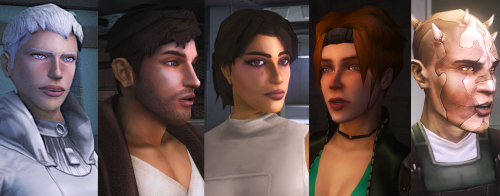 would u do there body and outfits as well to match there heads
 -
Yes, it crashes when i enter Czerka Lower labs and when the game is loading its either stand at half loaded game and crash (but rarely) or just load a little and crash, with the auto save it sometimes work. I don't understand why i need some pogram to have FPS limit to 60, because you can have in kotor limits FPS limit to 60, Because i don't want have bugs with game i have always with V-SYNC and limit to FPS 60 game, when i try to enter i even OFF the FRAME BUFFER, SOFT SHHADOWS and GRASS because that's the most buggy graphic things in kotor 1 i think, If im gonna have this bug again i try as you say with this cheat code thanks. When im gonna have this problem than im gonna do as you say. Thanks for much for help.
- Last week
-
Do you mean it crashes when you enter the Czerka lower labs, or that the module transition line to the labs (blue line) doesn't work? If it crashes when entering the labs, you could try re-entering with the auto save. I sometimes get crashes when leaving the flophouses back into the Malron District, but can get back in game from the auto save it creates. If that doesn't work, try limiting the FPS to 60 with a program like Rivatuner, and toggle vsync in game if you haven't already. Otherwise you could try using the warp code slem23. You would need to add the line EnableCheats=1 under Game Options in the swkotor.ini found in the games install folder. You can then open the console in game with the ` key and enter "warp slem23" without the quotation marks. Also ignore the Holopatcher instructions that say to install Sleheyron first. That no longer applies. You can still install the community patch after, but it causes some small appearance issues. The Gizka thing is one of the few know issues so far if you decide to install the community patch after. An easy local fix for that is to change his appearance back to Canderous using a program like Kotor Tool or Holocron Toolset, but I'll look into testing multiple install orders again with the Cassus Fett armor mod to see if I can find any compatibility issues. You also shouldn't try to reload a previous save on Sleheyron after reinstalling the game with a different install order. That can cause issues/crashes as well. The most compatible way would be to load the Dantooine save provided.
-
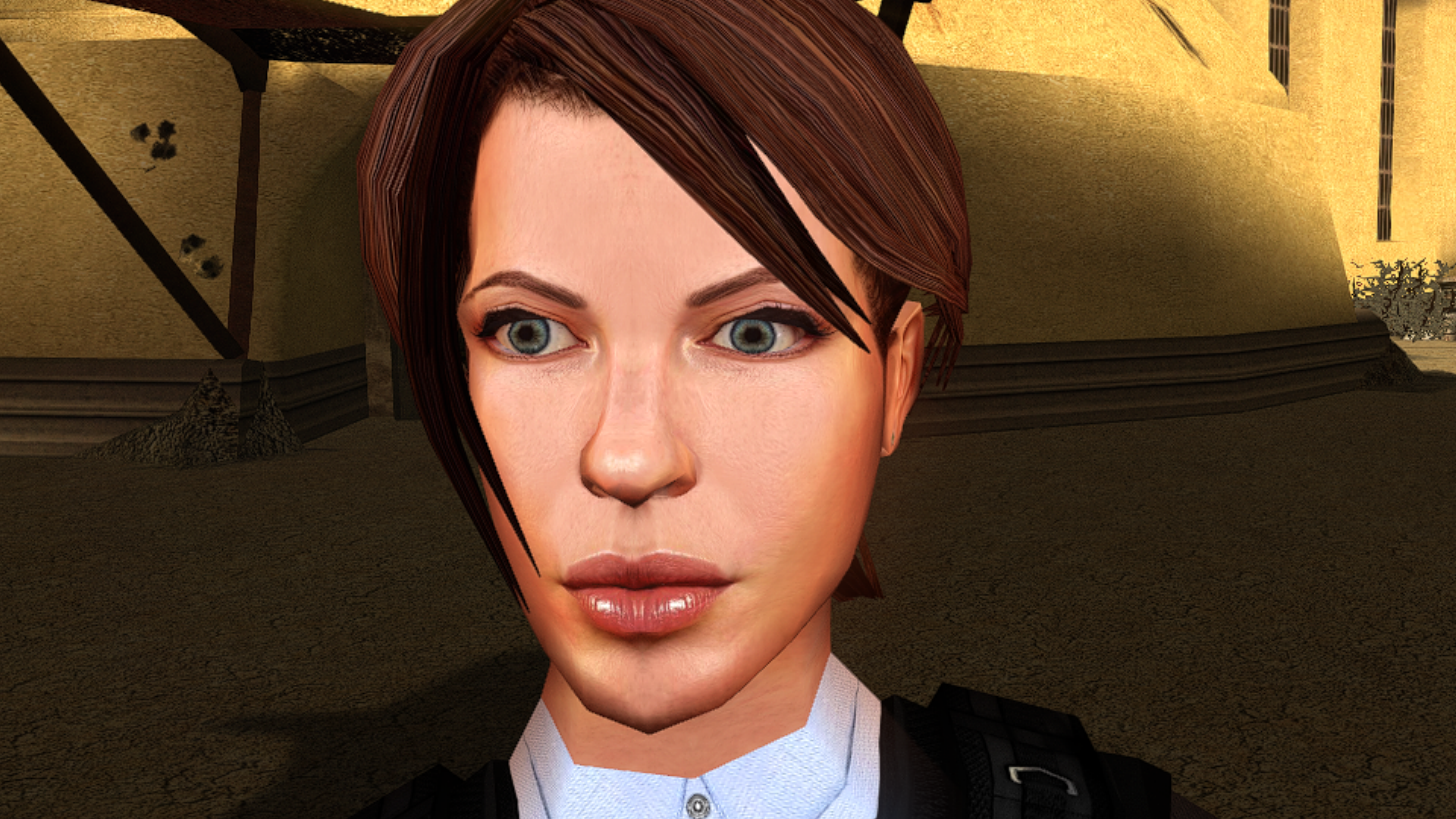
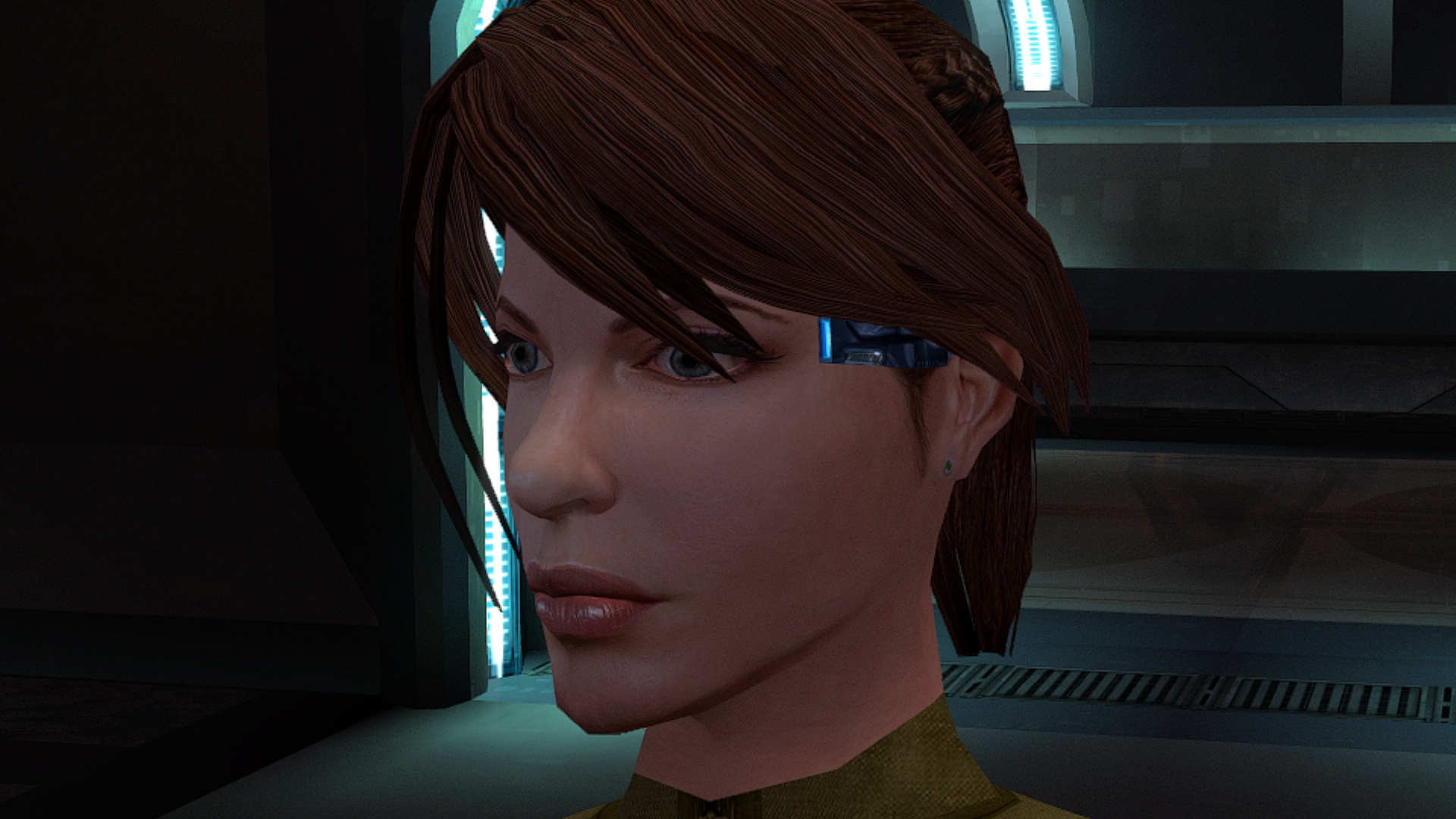
-
 How did we ever live without this mod before?