All Activity
- Today
-
 I think K1R is outdated and currently abandoned. There's a restoration demo mod out that does a bunch of what K1R did instead
 -
 any chance of an updated version that doesn't require K1R? gotta have that diversity
 -
 Deska joined the community
 -
 adorex joined the community
 -
 aventus134 joined the community
 -
 What am I suppose to do in 'Mission to the Crypts' quest? I've read a comment saying I need to basically kill everything in the crypt and find al bodies. The crypt is cleared and I've found 1 bag and one pile of cloth in the whole area, but the door to further part of the crypt remains closed. Is there something I missed, or is it a bug?
 -
 curpum joined the community
 -
 dirtydog21 joined the community
 -
 Alp2121 joined the community
 -
 Great mod
 -
 berto joined the community
 -
Improved LS Enlightenment & DS Corruption Feats
offthegridmorty commented on offthegridmorty's file in Mods
@Stuck Oh, so it does. Well that's embarrassing. Thanks for reporting. I'll upload a fixed version shortly. -
 I'm very eager to give it a try but I just can't. I installed KMRP, used KPM patcher with only 2 patches - KMRP and High FPS Fixes. Then I run your install.cmd and all I get is this: INSTALL FAILED: Executable compatibility check failed at 47 required hook site(s). 0x004F1A3E: expected [B8 14 00 00 00], found [6A 85 05 C2 9E] 0x004F1A43: expected [0F B6 D0 3B 4C 96 38], found [CE EB 19 56 C1 7C 49] 0x0054EC5B: expected [C7 02 14 00 00 00], found [34 50 71 50 DE 29] 0x00552C9A: expected [8D 7E 38 B9 15 00 00 00 F3 AB], found [66 3F 2E 33 9D 15 28 89 29 00] 0x00552F8A: expected [8D 6E 38], found [DA 7B 54] 0x00552FD6: expected [83 FF 14], found [A7 5A 68] 0x005A54A0: expected [0F B6 F0 3B 54 B1 38], found [F6 AB 63 77 5A C7 1D] 0x005A54AA: expected [83 F8 14], found [75 93 66] ...and 39 more mismatched hook site(s). Another executable patch or a different KOTOR binary layout is using code this mod needs. No changes were made. Press any key to continue . . . I had bunch of graphic mods and old widescreen fix installed before, but deleted it and restored original exe - no luck. Then I just deleted my game and re-downloaded it (steam version), installed KMRP and patched clean version of the game with KPM - and result is the same. I am at loss here.
 -
 WarlordThorvald joined the community
 -
 JZLegondary joined the community
 -
 Voidweaver joined the community
 -
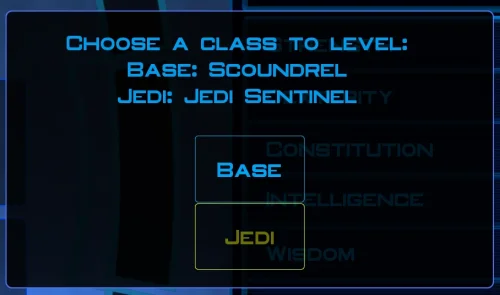
This is a great idea! Unfortunately there appears to be a problem with the script. It applies the new 8*3/2 integer to every influence gain or loss, regardless of what class you are (or at least with a Consular, didn't test with the other two starting classes) .
- Yesterday
-
Chris Avellon interview podcast, most of it is fluff and poorly hosted, however, some things are fascinating. Worth checking out, https://www.youtube.com/watch?v=jSy8Oh2fxtw
-
 GoldenSteel101 changed their profile photo
 -
Does exactly was it says it does! An observation: Having this active requires it to be installed dead last after EVERYTHING ELSE. If, say, I were to add"High FPS Fixes" or other patches through KotorPatchManager with "...Progression" already active, I lose the ability to back out of the level-up screen(effectively restoring the vanilla game's constraints where it would not let you exit the level-up UI to return to normal gameplay at all until you leveled up.) This I confirmed via live testing/gameplay last night: I had to uninstall and re-install "....progression" after adding the KPM patches so it effectively sits at the very END of the installation order. This fixed the issue and I could back out of the level-up screen freely. FYI I'm using KMRP 1.5.1 and KPM in my setup.
-
- 1
-

-
 I tested it. i had to only take out KMRP from my mods and the cutscenes work fine. So it is this mod. I tried all compatibility and DPI settings, I tried replacing the cutscene movies with different movie mods, no luck.
 -
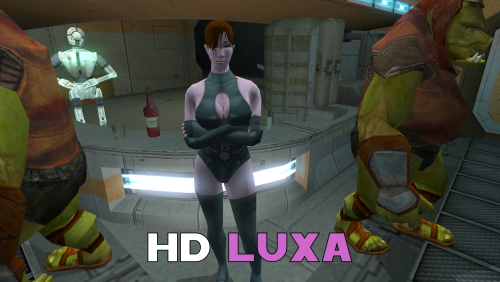 Love it! Was trying to do this myself but you did it far better.
 -
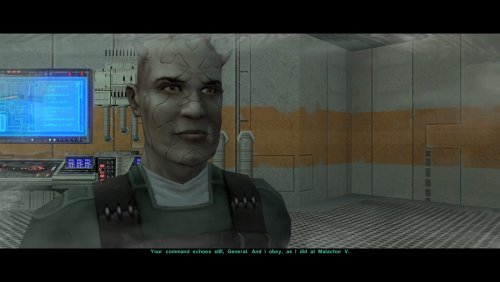 All good, I apologize if my last reply was a bit brusque. In fairness, the two cutscenes do feel very similar, and the original game files suggest that they might have been intended as alternative lines for the same dialog, which TSLRCM chose to implement as two separate cutscenes. I do appreciate your interest, and while I am confident I haven’t repeated lines from the post-Enclave cutscene, I would like to know if you do find a definite duplication.
 -
Oh, I genuinely didn't realize that was the case. Maybe I was wrong then. I'm going to have a look through those mods, and this mod, at some point in the future and if I find anything I'll report it or contact you about it.
- Last week
-
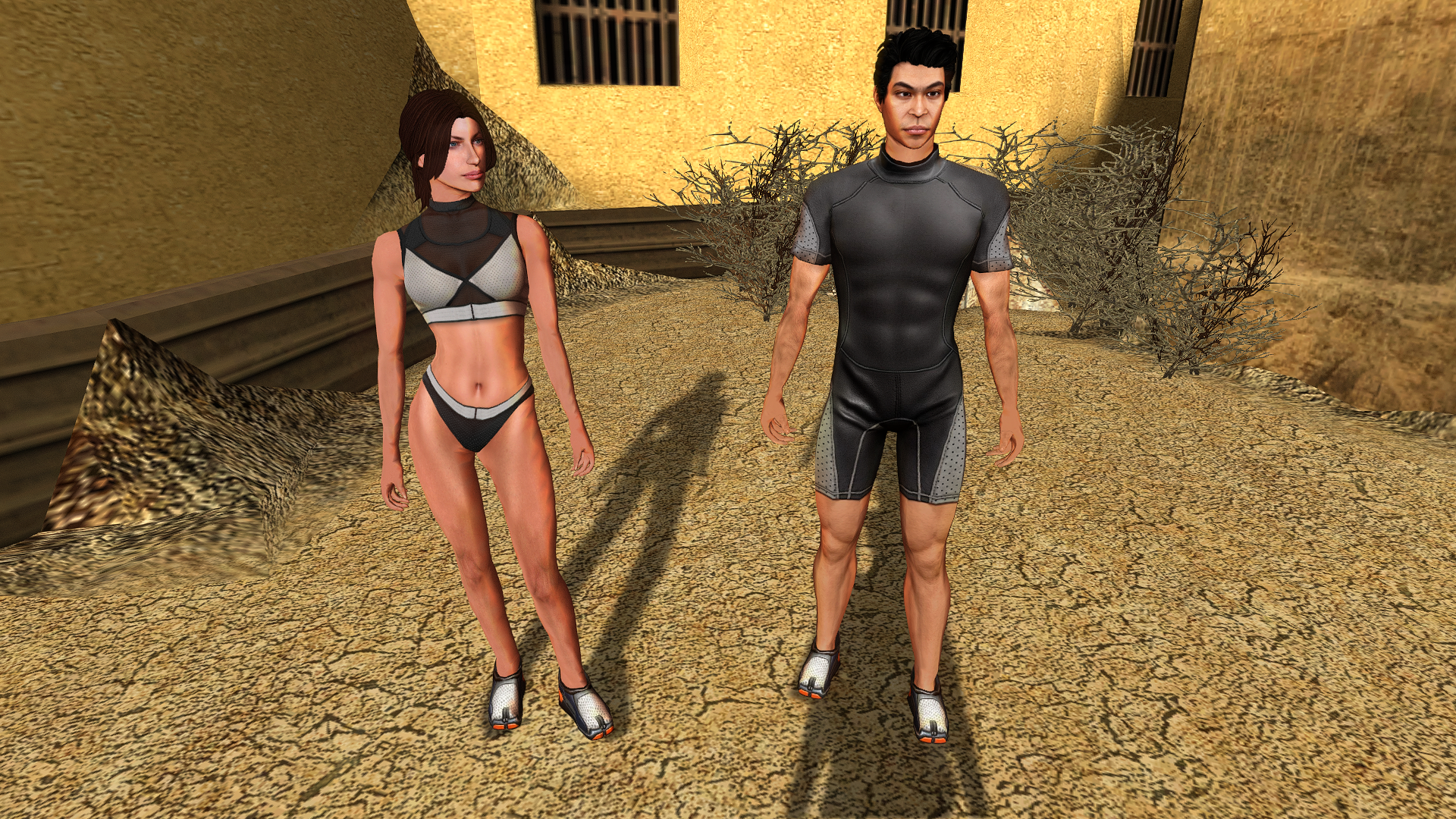
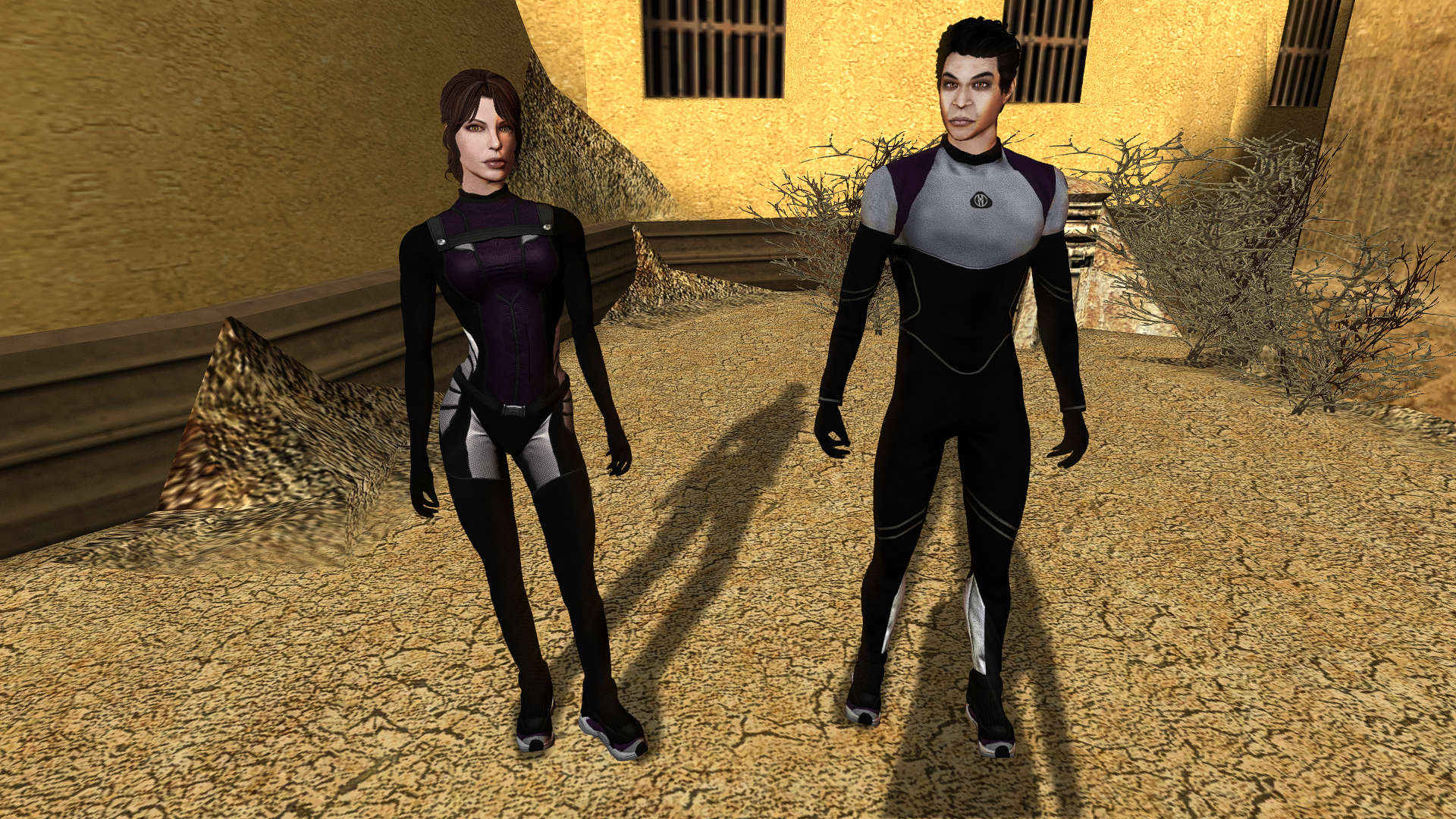
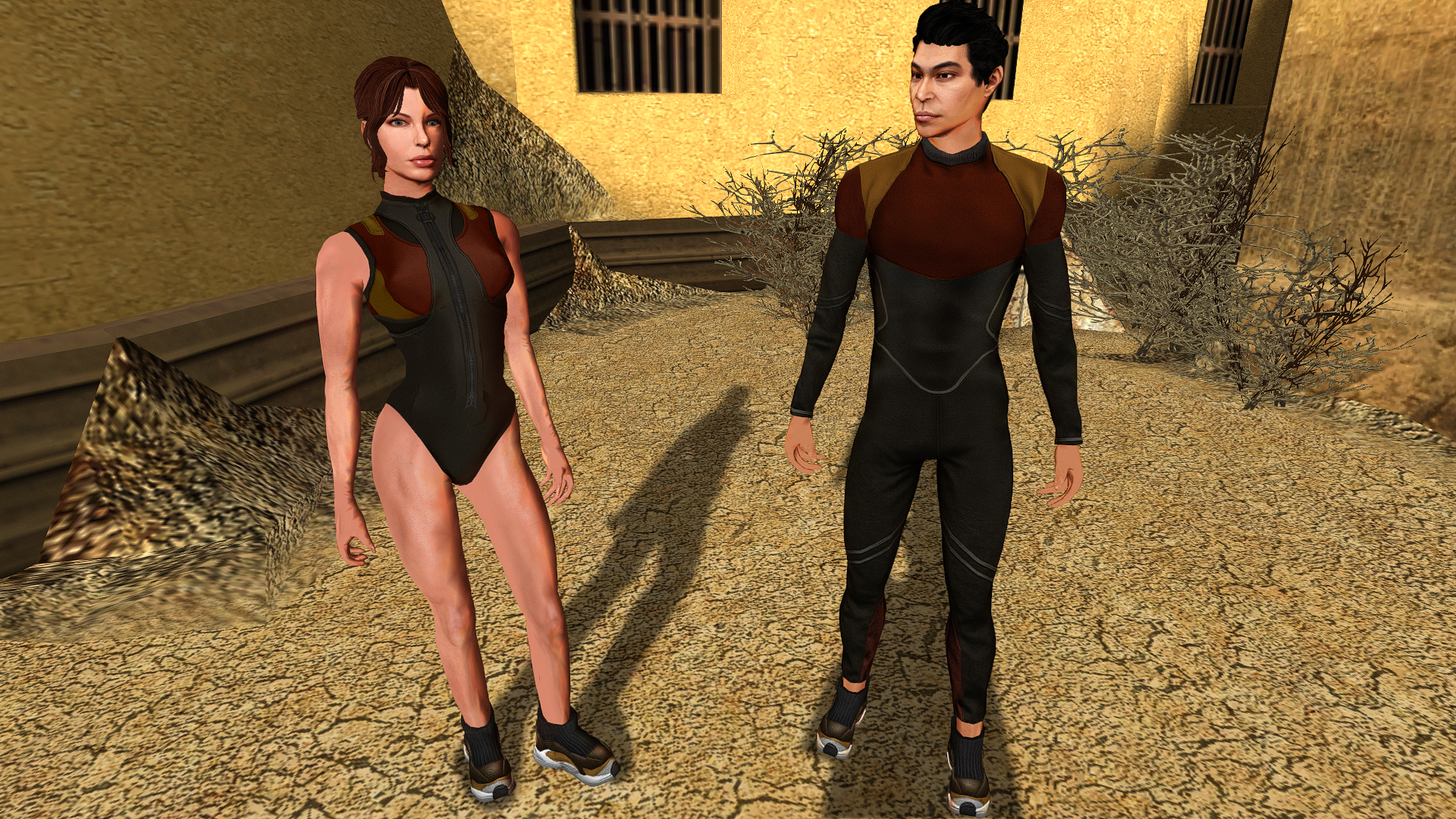
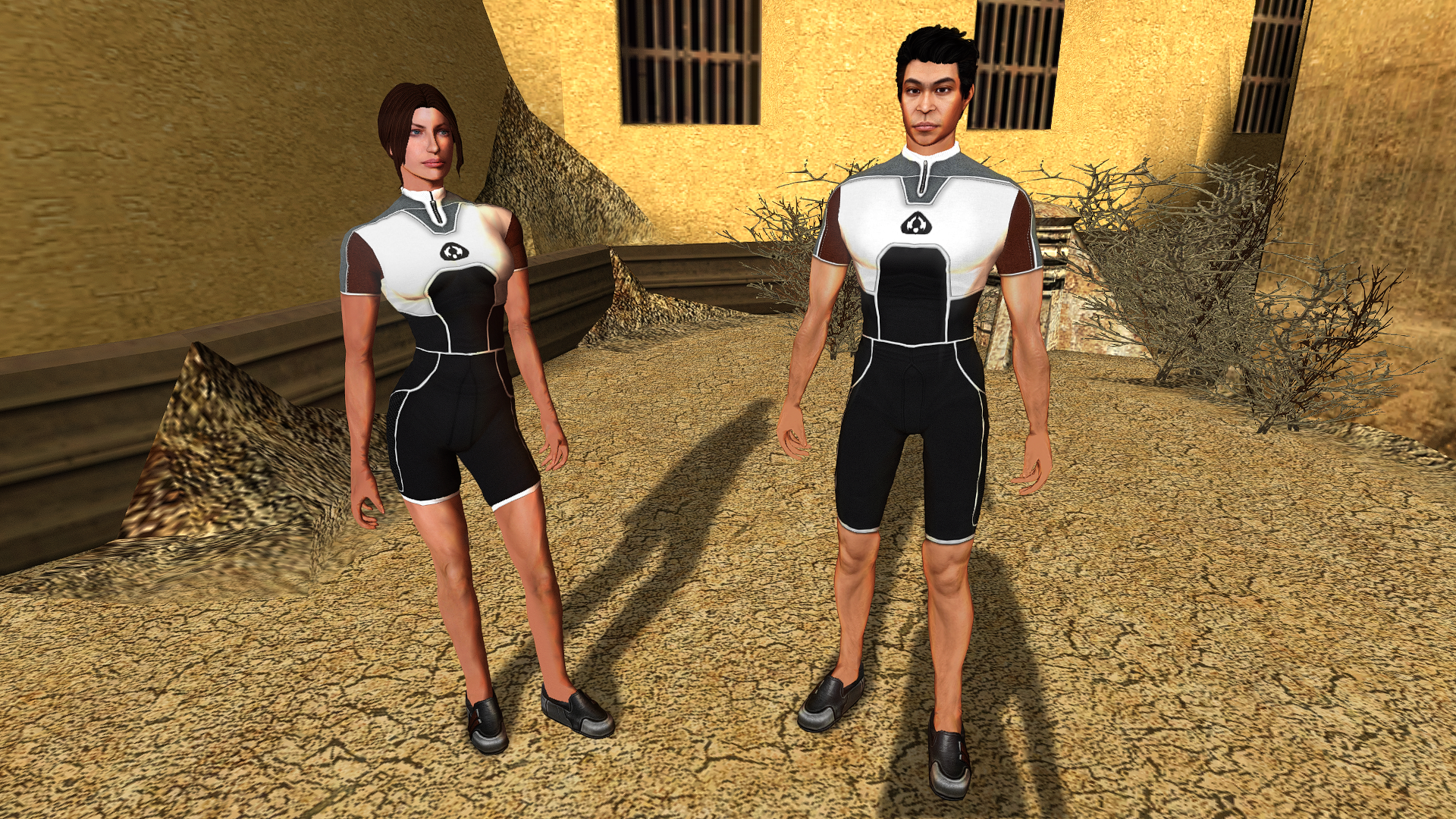
 The additions themselves are quite nice. The only bit of feedback I would give is that the armor seems to distort the Caucasian Male Exile to be in an hourglass shape in the way one might expect a woman to look. It does not "fill out" proportional to the head, when viewed from the front. I have a photo of the Exile model in question, but it's from the back. If there is genuine interest, I can provide better examples of what I'm describing.
 -
Can you please identify which specific lines are duplicated between my mod and Extended Enclave? As I previously outlined, the lines used for that post-Enclave cutscene in both Extended Enclave and TSLRCM are similar to but distinct from the lines in the “travelling to Malachor” cutscene, which is where I sourced my lines from. For reference, below is a link to Xuul’s recording of Extended Enclave. Bao-Dur has three lines (including the one in the screenshot you posted), and I have not reused any of them in my mod. That said, if I am mistaken, I would appreciate it if you could please tell me which specific lines overlap so that I may remove them. Xuul’s Extended Enclave video: https://youtu.be/wi3bXK9yCgs?si=bCP_hslT7TjXG2y6&t=493
-
 Interesting, I didn't once notice it during my last playthrough using that
 -
On a similar, but maybe not so similar, note to what has been discussed here - I have gone through my Extended Enclave Tweaks mod and can confirm that, in the last update a year or so ago, I removed Bao-Dur's lines which were used in this mod. The problem, however, is that the Extended Enclave mod has some of Bao-Dur's lines in its 020EBO.MOD module file. The exact scene is even shown on the mod page.
-
 I managed to fix the bug by replacing the files I mentioned before from the kotor 1 restored mod and overwriting the ones from your mod. Will have to wait until I reach Korriban to see how it affects Uthar. Not expecting any major bugs. Thanks for the reply. I did install your mod on a fresh install of the game, only after the Restored mod, as that mod is supposed to be installed first.
 -
Thanks for your reply! Yes, the problem for me was about the Mouse sensitivty. The mouse was for me almost unusable. The controls were fine using the keyboard, but that minigame is meant to be played with the mouse. I'll test your current version and come back with feedback. Thanks for offering to create a version that would help people like me to use the mouse in the game, though! Much appreciated! Cheers!
-

MOD:Smooth Turret Controls
BottomlessThought23 replied to BottomlessThought23's topic in Mod Releases
Well... It fixes part of that issue. There are really two issues, and this fixes one of them. The issue this fixes is a bug where it tries to recenter the mouse to the middle of the screen using a delta too small for modern screens, meaning you can kind of only move so far in one direction in one push. I believe this is mainly an issue at 4k, but I haven't had a chance to test it. There is also an issue, in that the turret controls don't take into account the mouse sensitivity setting whatsoever, it just has a hardcoded value where that should be... And I did fix that, and it worked, but it also changed the feel of the controls in a way that honestly I struggle to describe. Every description I've come up with sounds like a good thing. It was too... snappy, like you could control it too well to feel realistic. It felt bad to me. I can absolutely release the mouse sensitivity version, if this doesn't fix the issue for you, or if you just want it. lol But I would ask that you try the current version first, it would really help me from a testing standpoint. Yeah, this has been an issue for a LONG time. As far as I know, since around Windows 7, maybe earlier. Maybe the whole time the game has been on PC, I'm not sure I ever remember controlling the turret properly. Not since the xbox version. lol It's so nice being able to just play it. lol -
Hello! Does your patch fix the issue I reported quite some time ago here? Cheers!
-
Ah-hah—M4-78 is the culprit. According to K-GFF, TSLRCM's version of pcdead2.dlg has 25 entries in its EntryList, while M4-78 has 39. Its structure must be different enough from TSLRCM's that my installer links dialog nodes that it shouldn’t and wrecks the DLG. Never occurred to me that M4-78 might alter that same file. Thank you for the detailed information to help identify this glitch. I will work on an M4-78-compatible install option, and in the meantime, I will note that this is not compatible with M4-78.