All Activity
- Past hour
- Today
-
 Daimos joined the community
 -
Thank you, and my apologies I'm new and fumbling around here. And no worries at all, thank you for setting everything appropriately.
-
 dbenn294 joined the community
 -
 jmuhnee joined the community
 -
@Juggernut First, I'd like to say welcome to DeadlyStream. I realize you are new, so I wanted to lend a hand and help ya a bit. I saw that you posted several threads that seemed to be continuations, so I've merged them. Within a thread, there's a way to add a new reply or post from the "Reply to this topic" button at the top and the comment box at the bottom of the page. That will allow you to contain things to one thread if they're the same topic like this WIP is. In addition, I've altered the images so that they take up less visual space. When you add an image to a post, you can double-click it to alter the height and width, and it can be clicked by someone in the saved post to view the full size. I've reduced the image sizes by 50% for the thread itself to take up less space. I've also put some of the images inside Spoilers, which can be clicked on to hide or show as-needed. This is done by selecting all of the content from the start point to the end point and using the eye icon in the post editor:

-
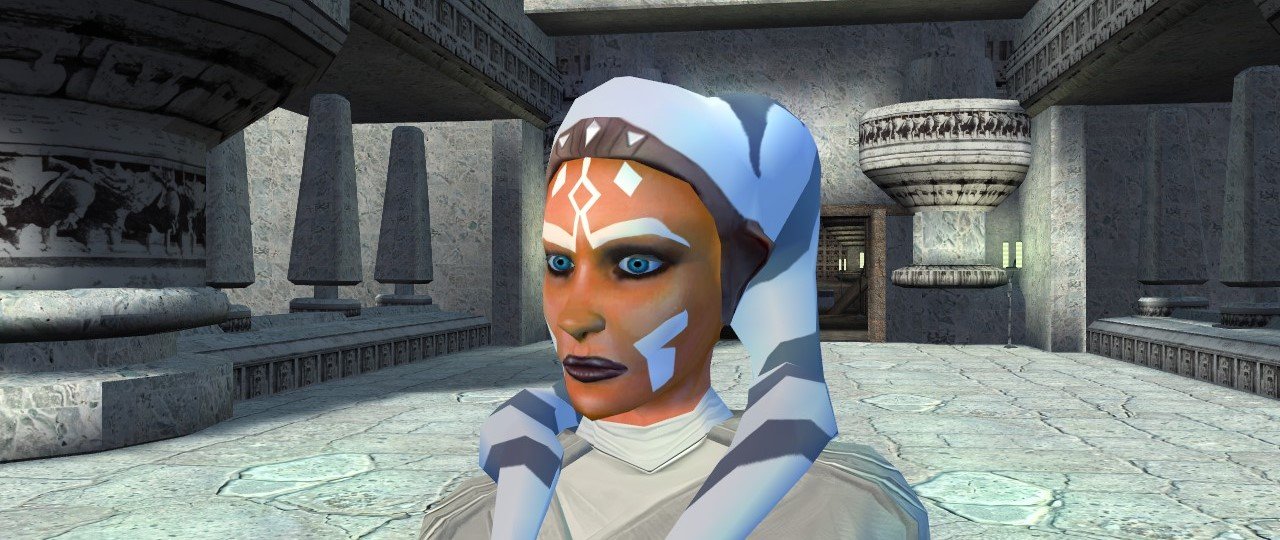
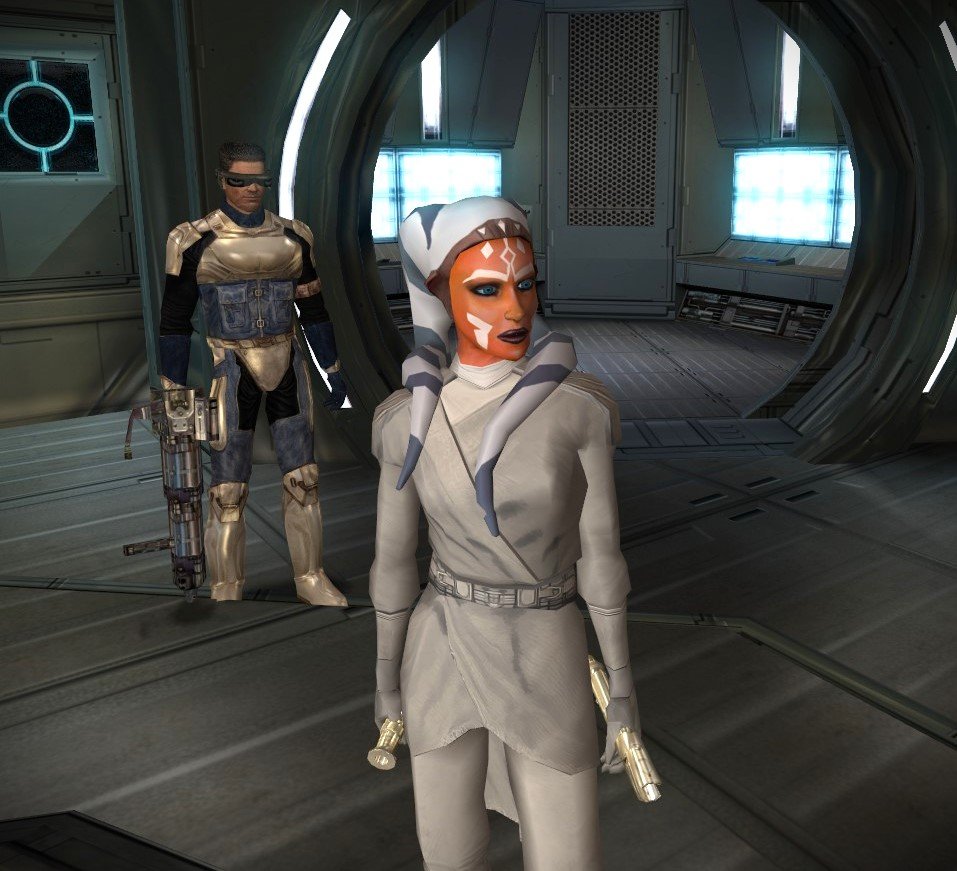
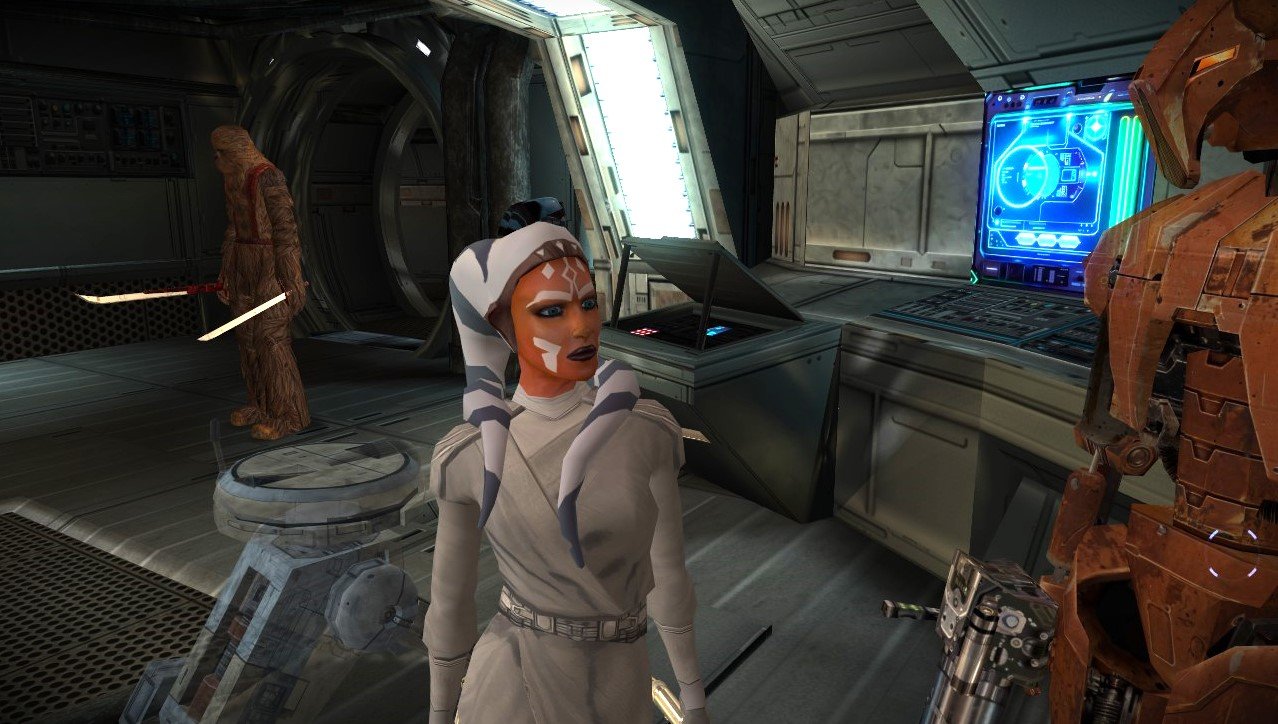
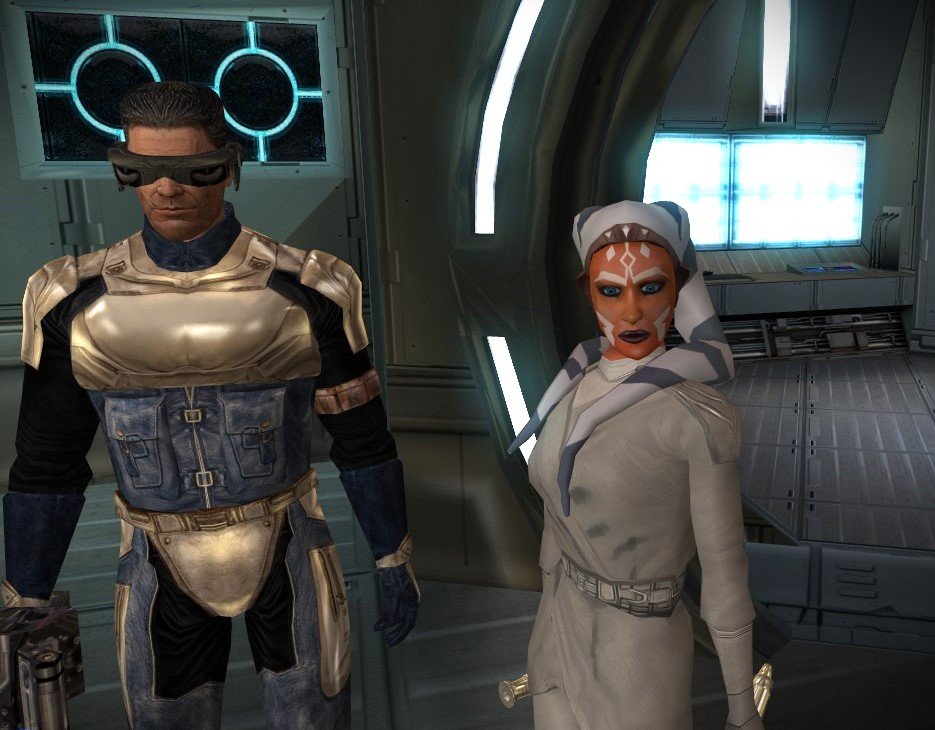
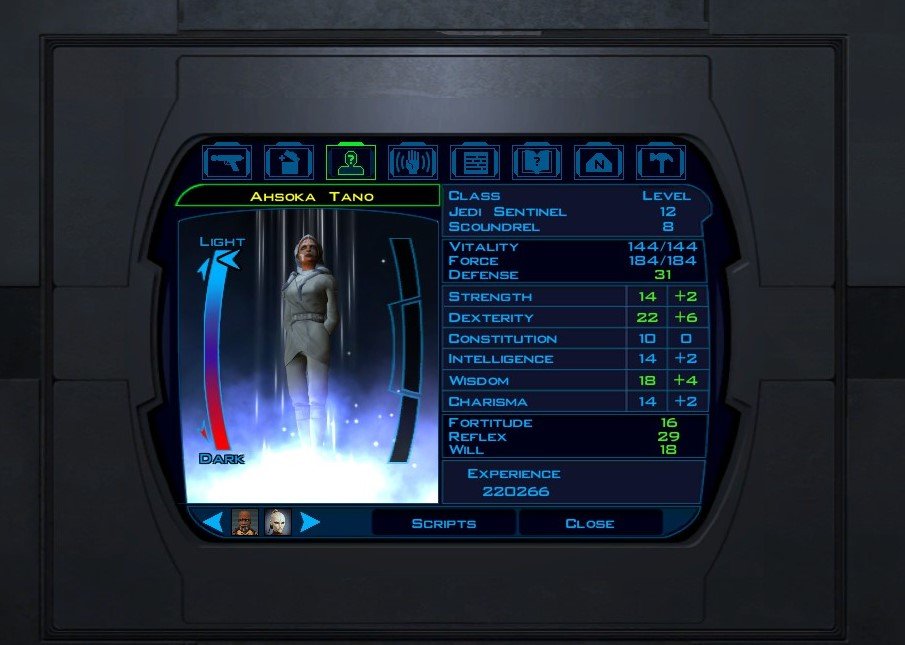
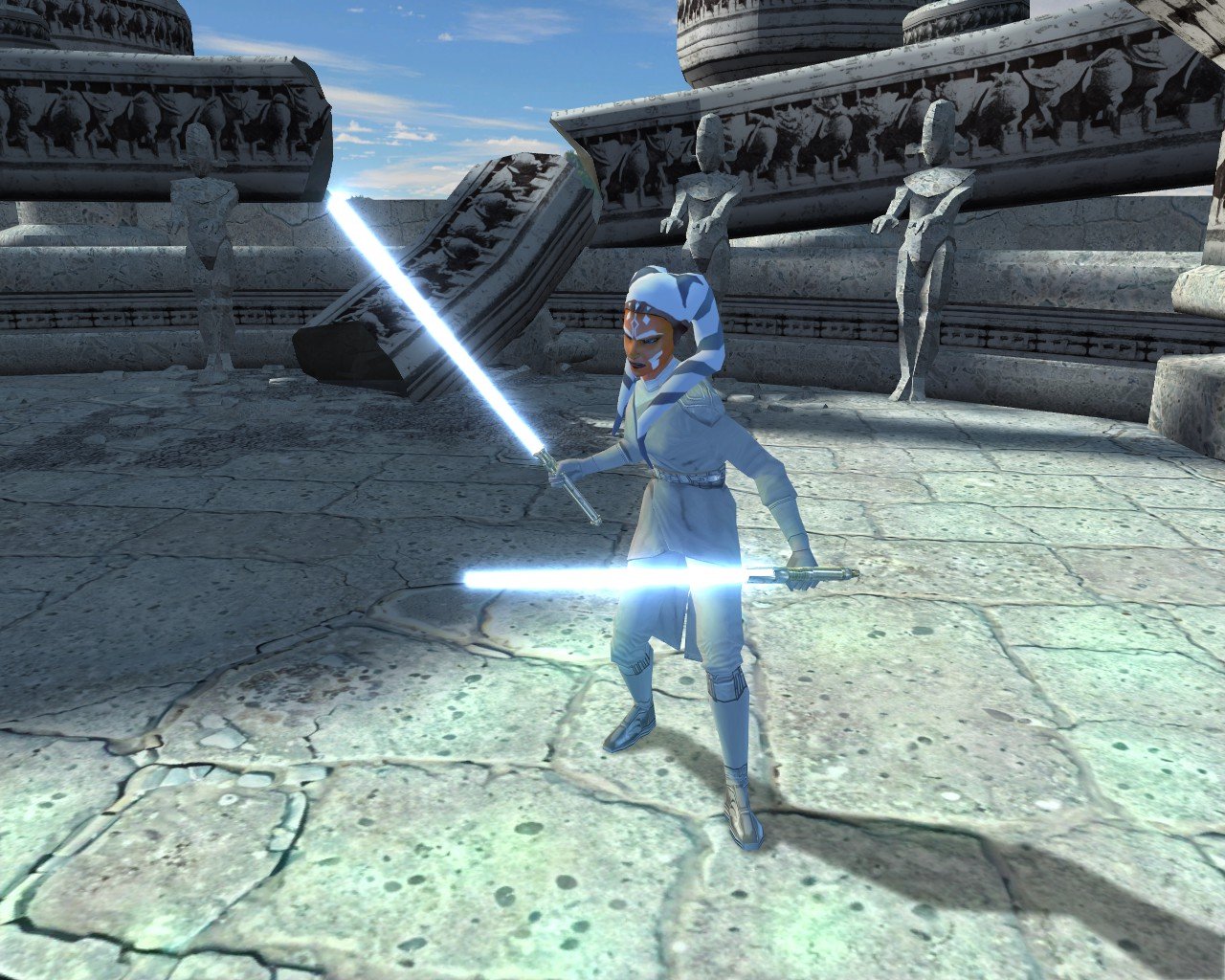
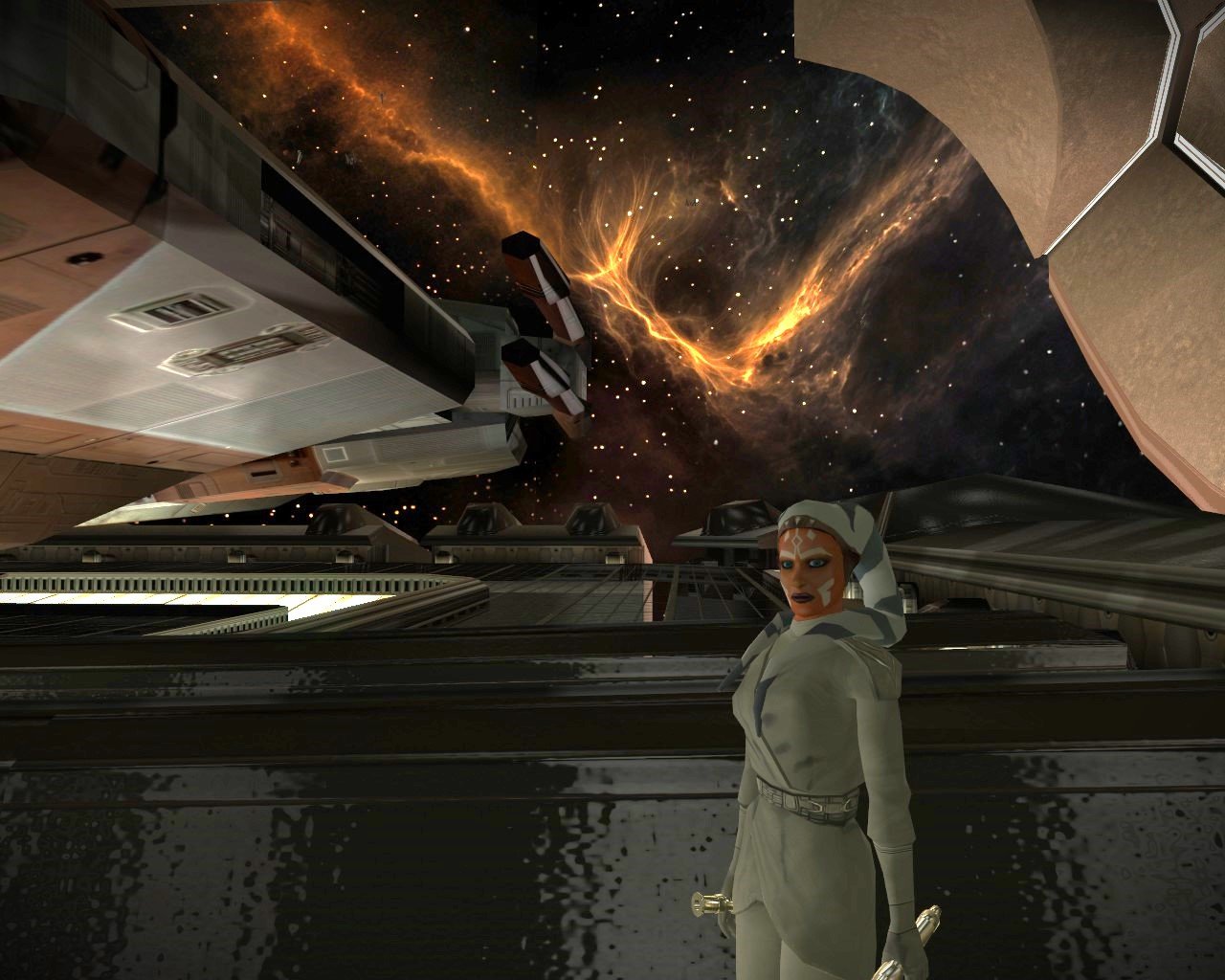
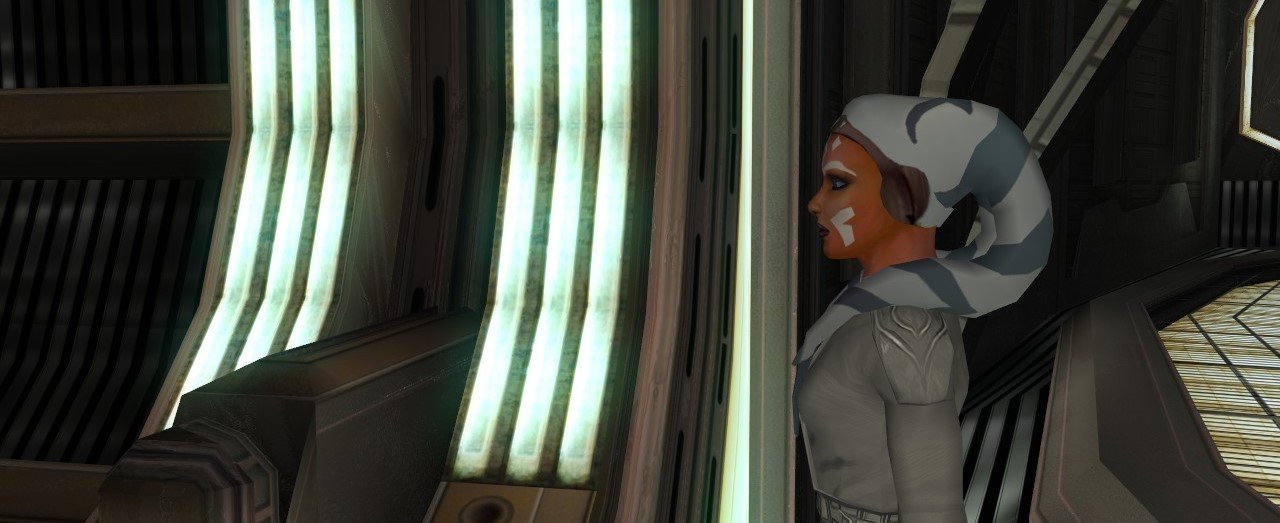
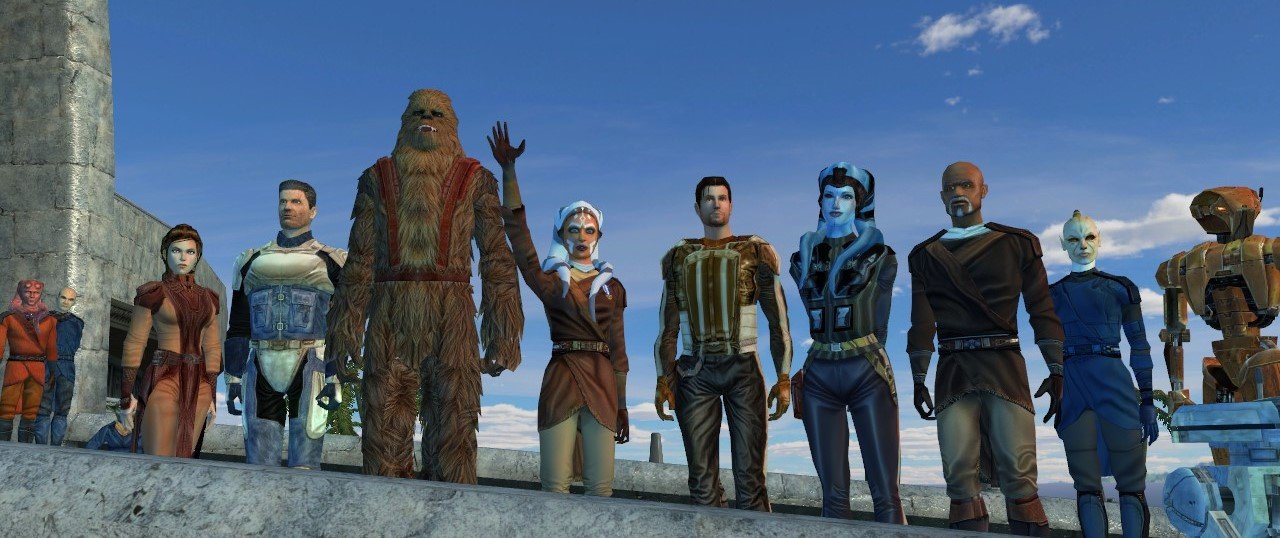
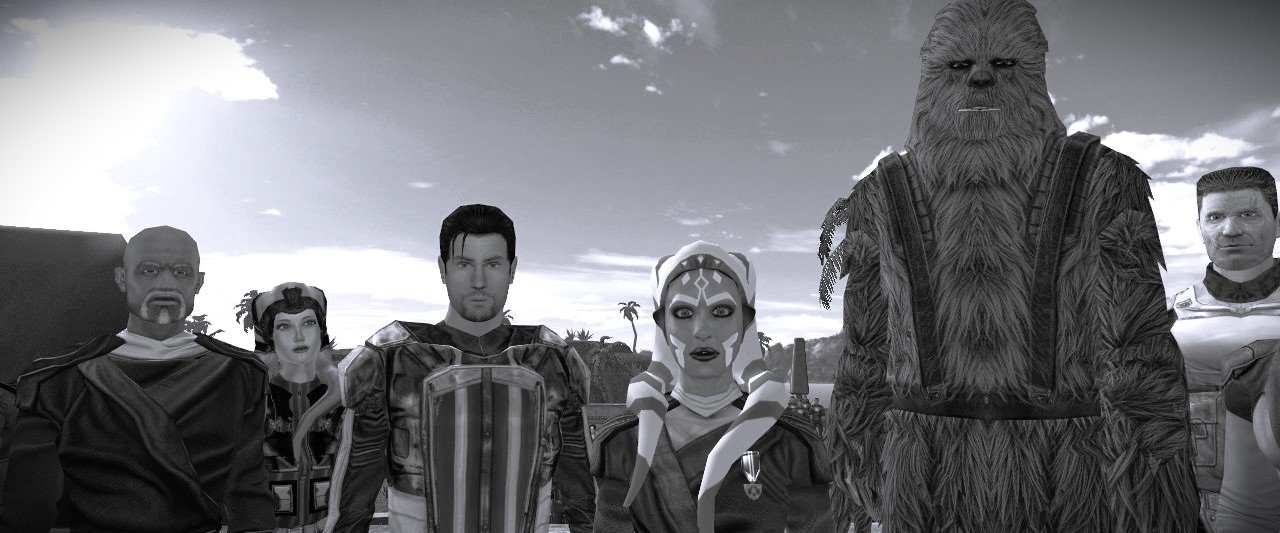
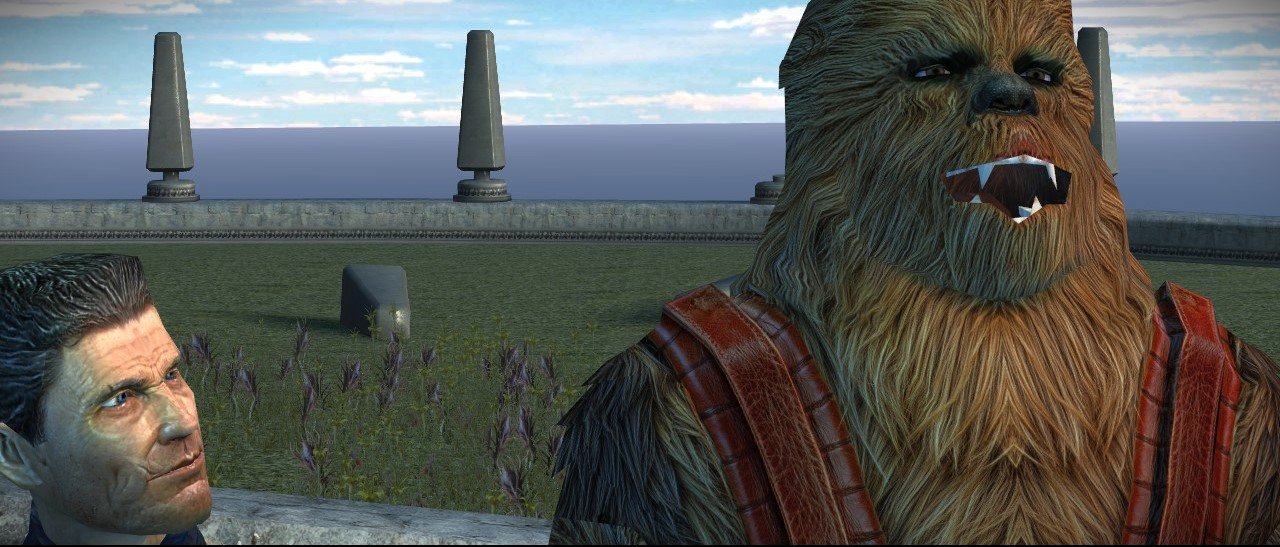
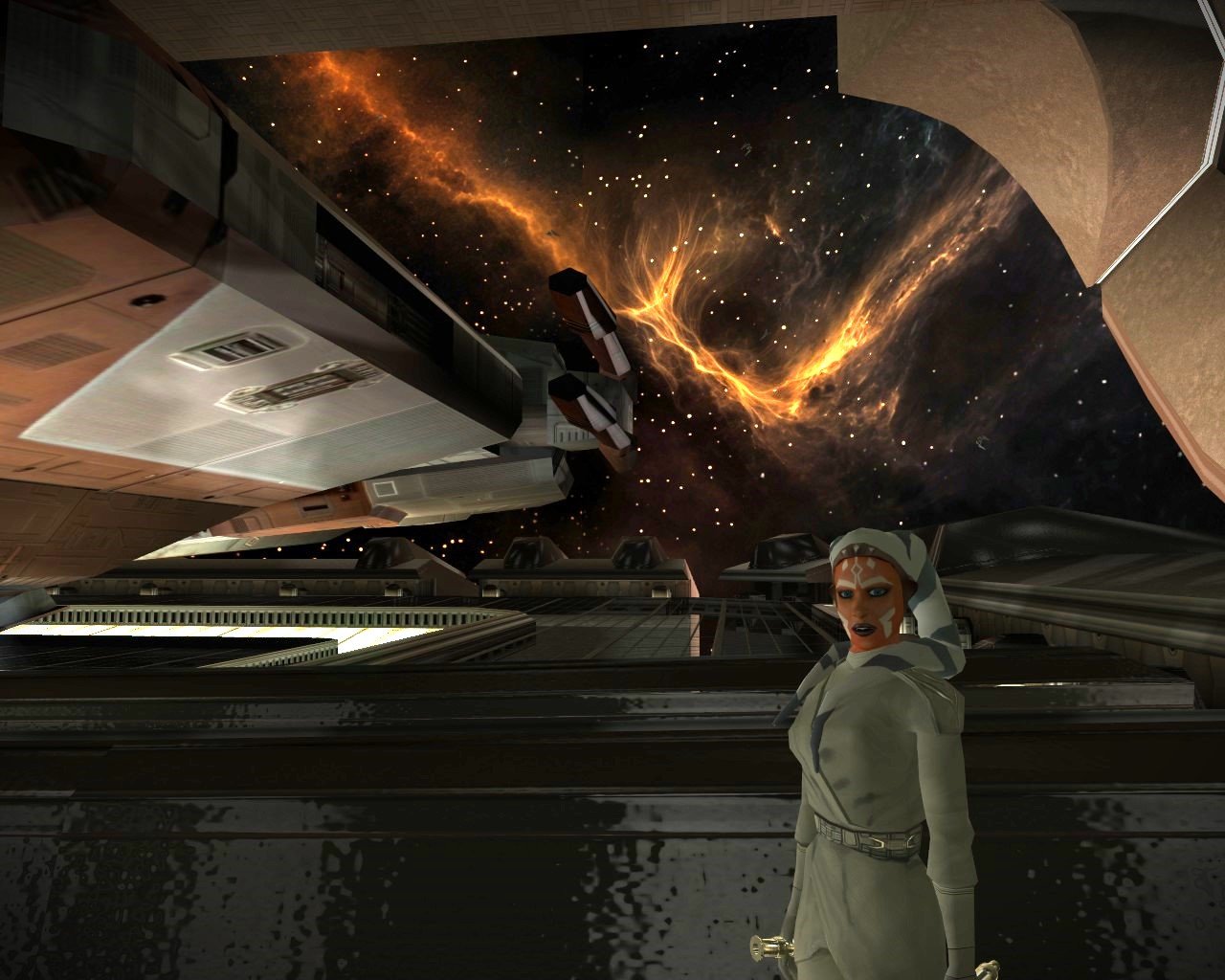
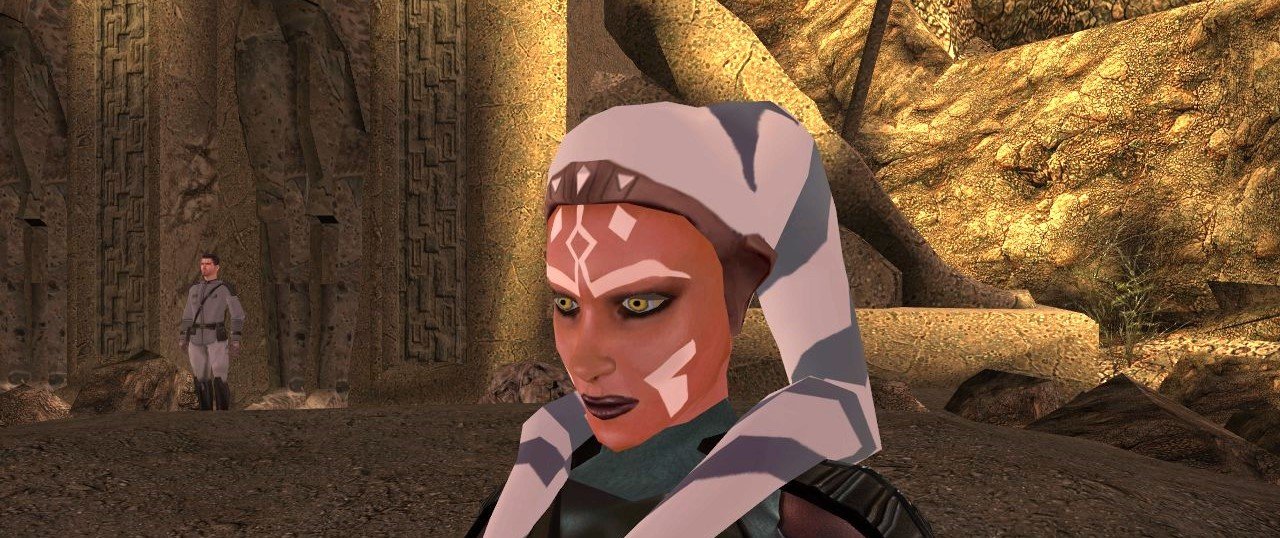
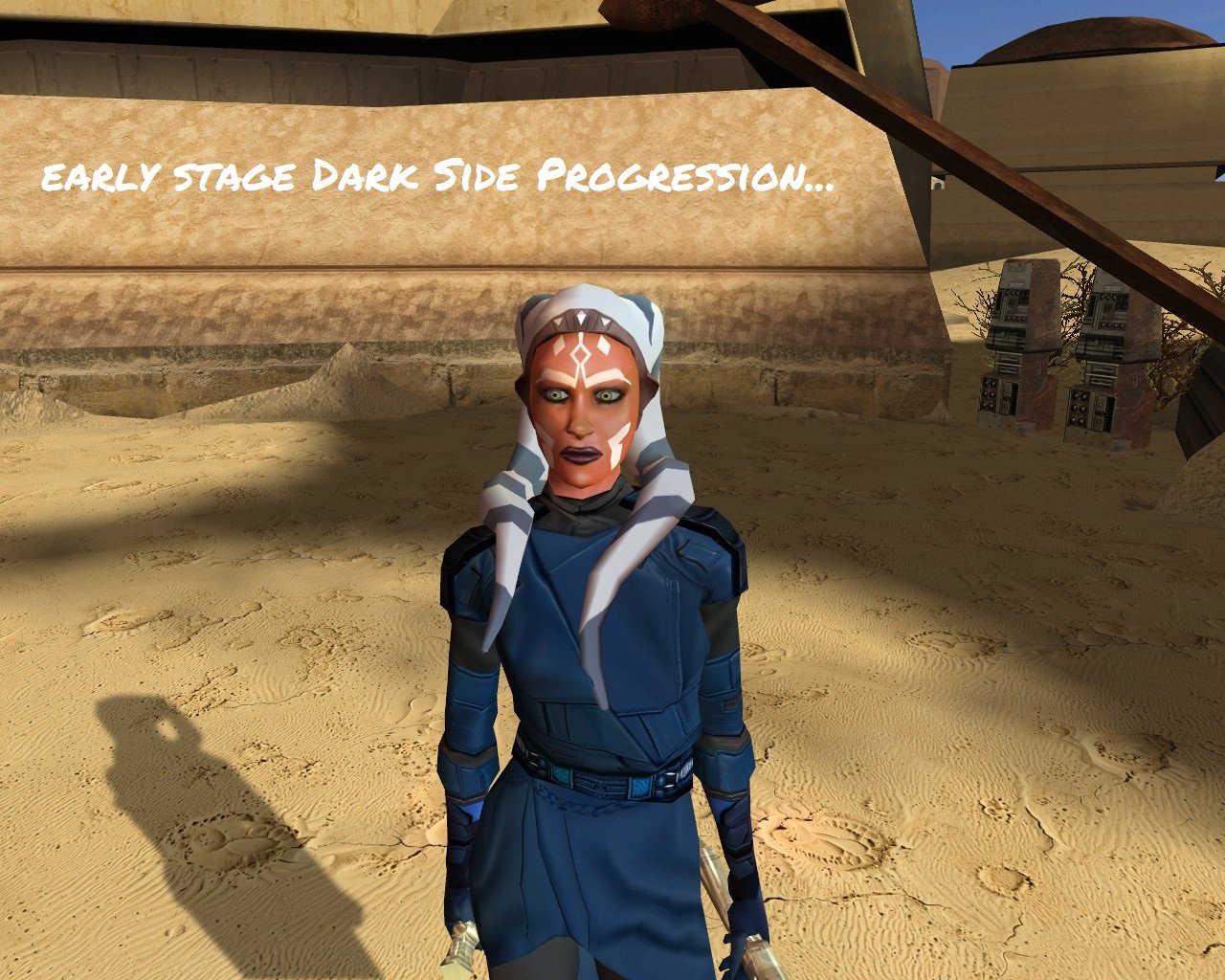
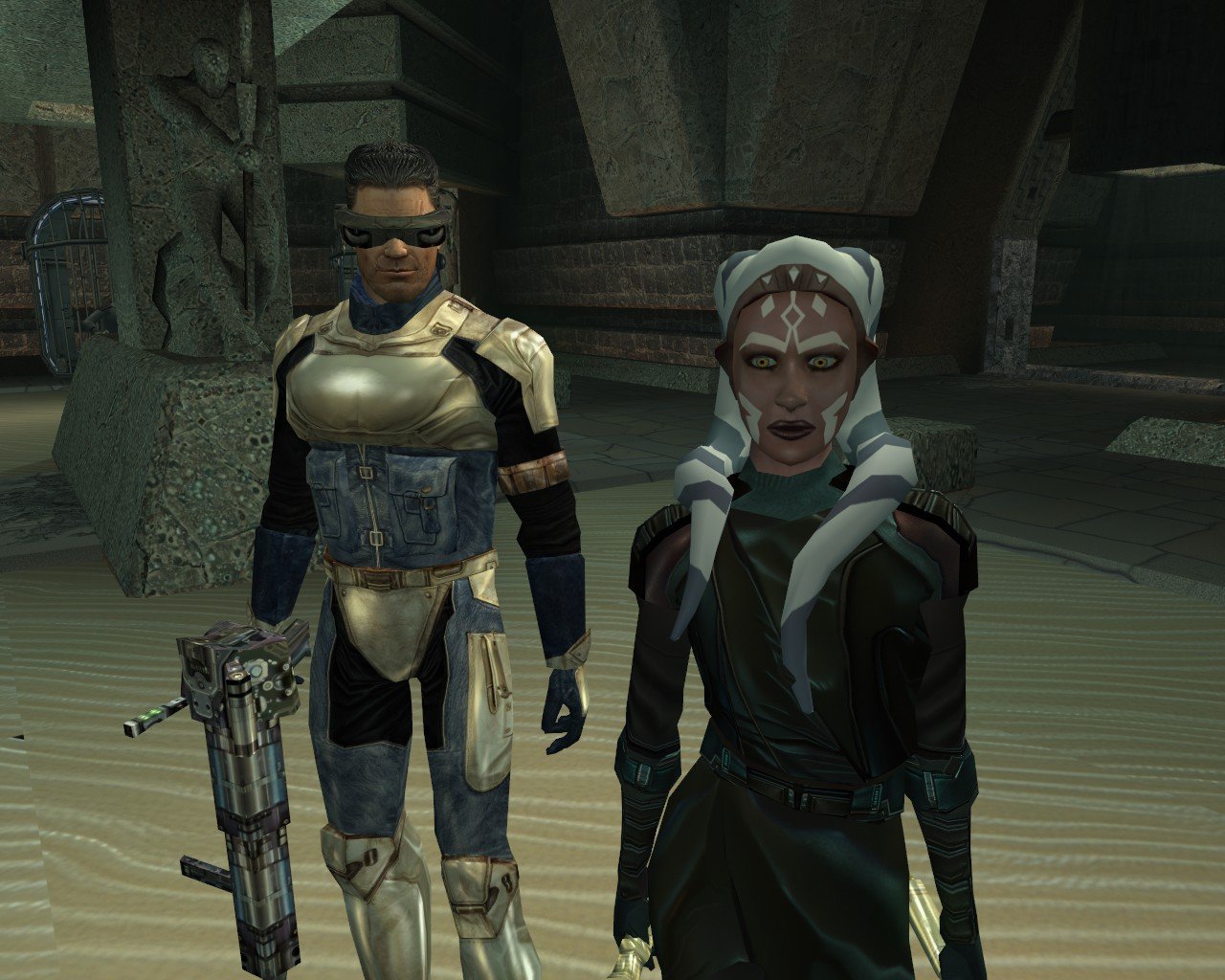
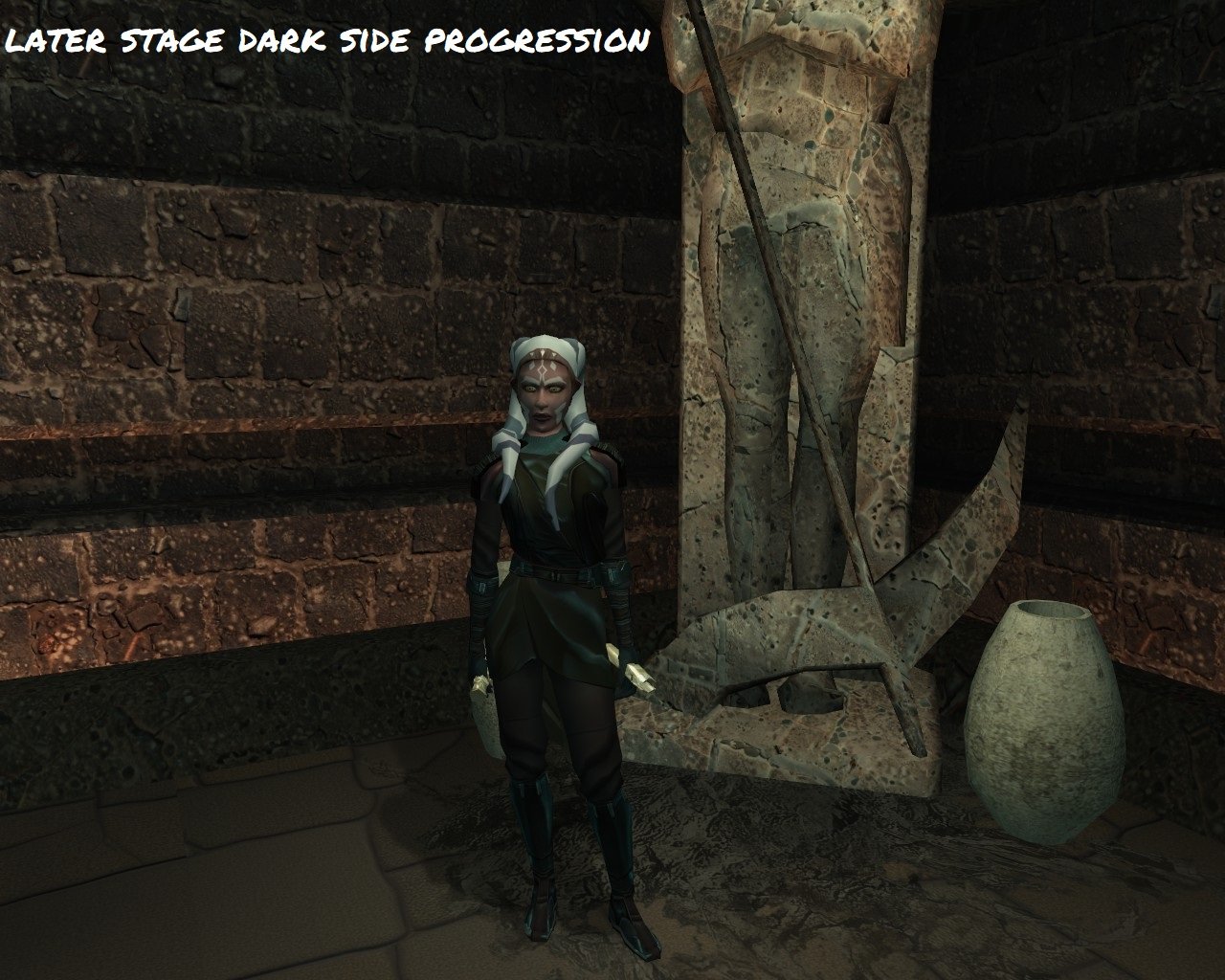
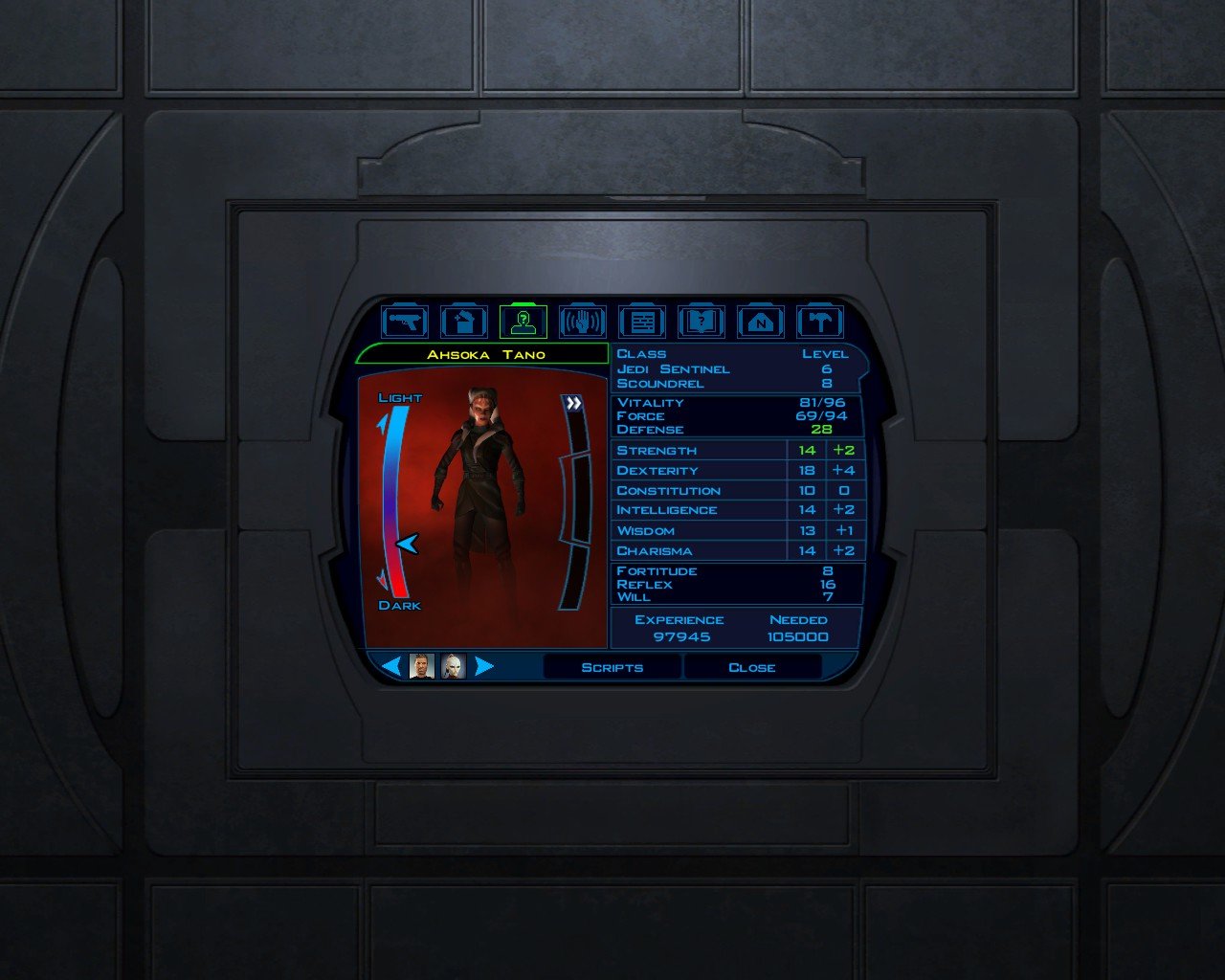
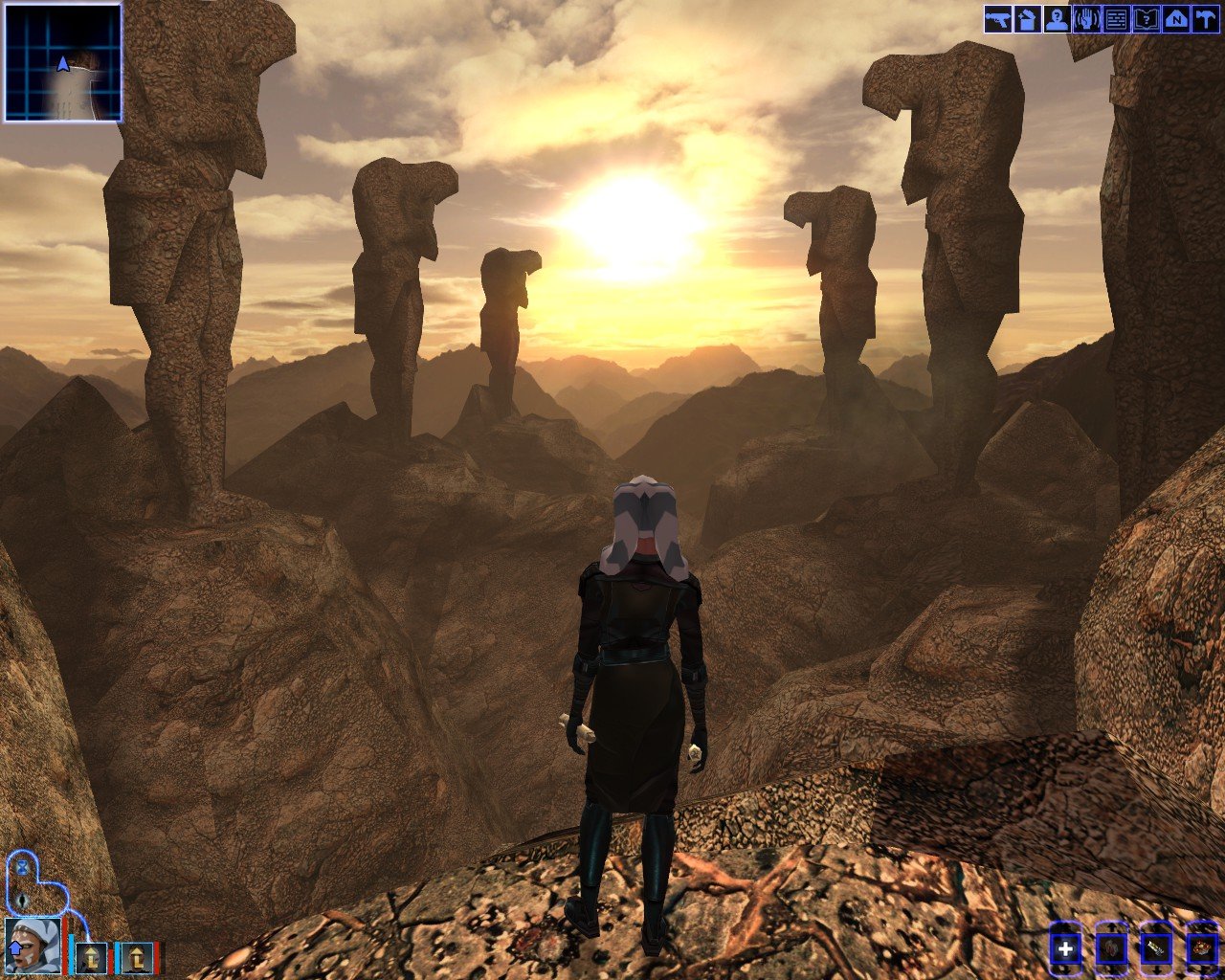
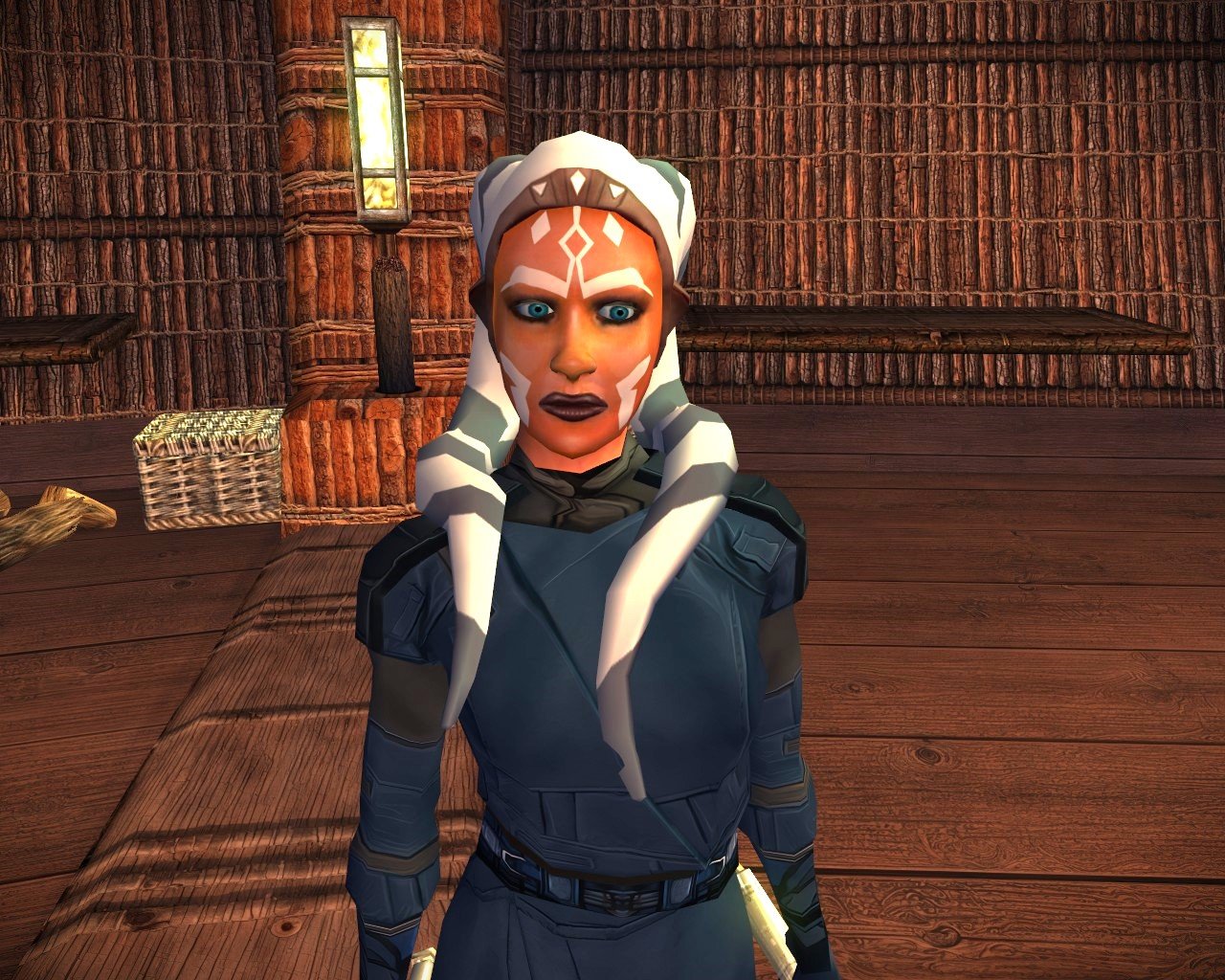
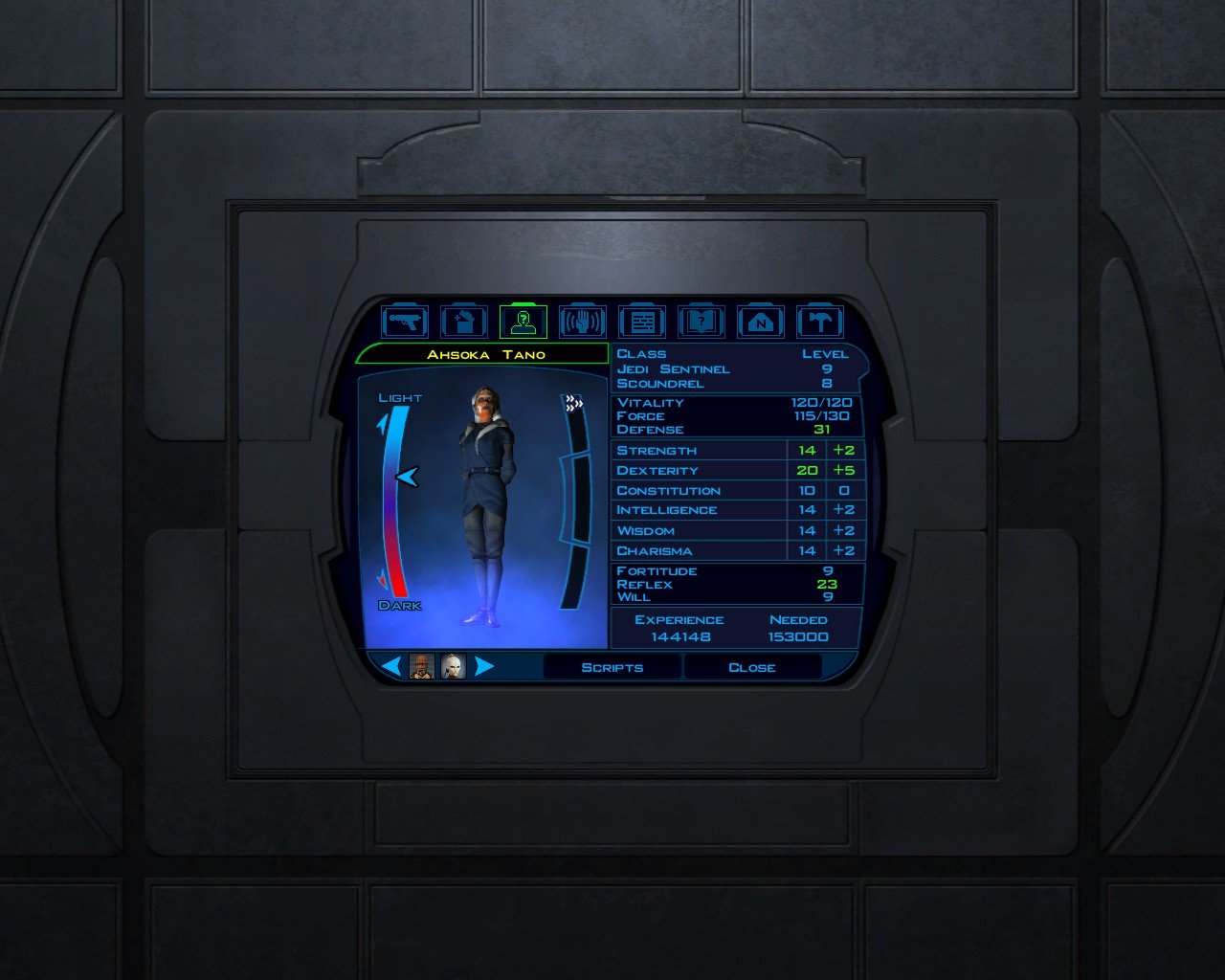
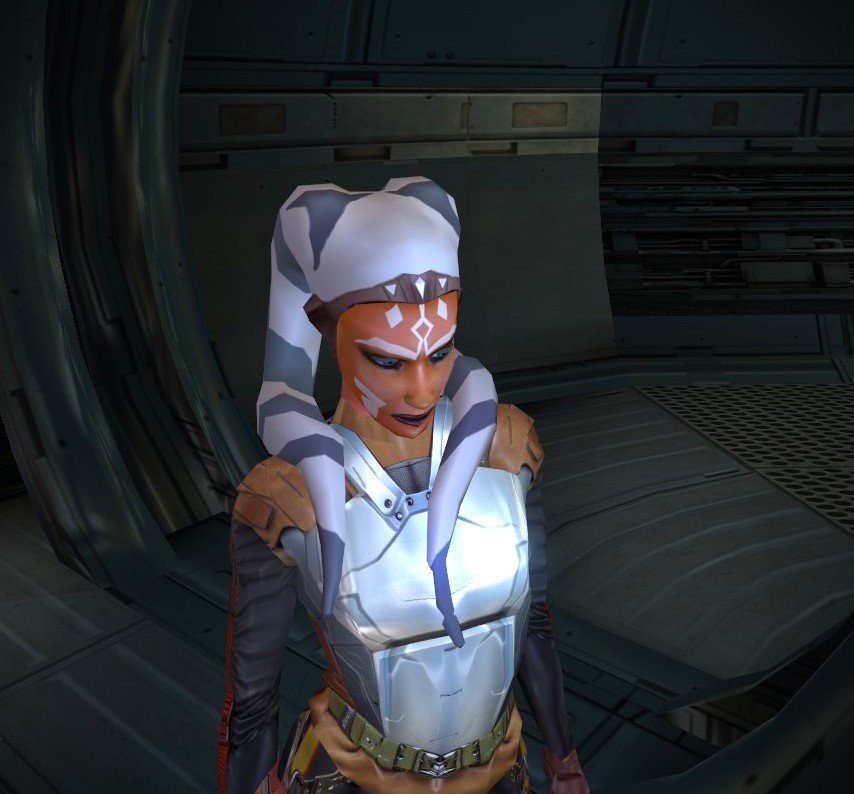
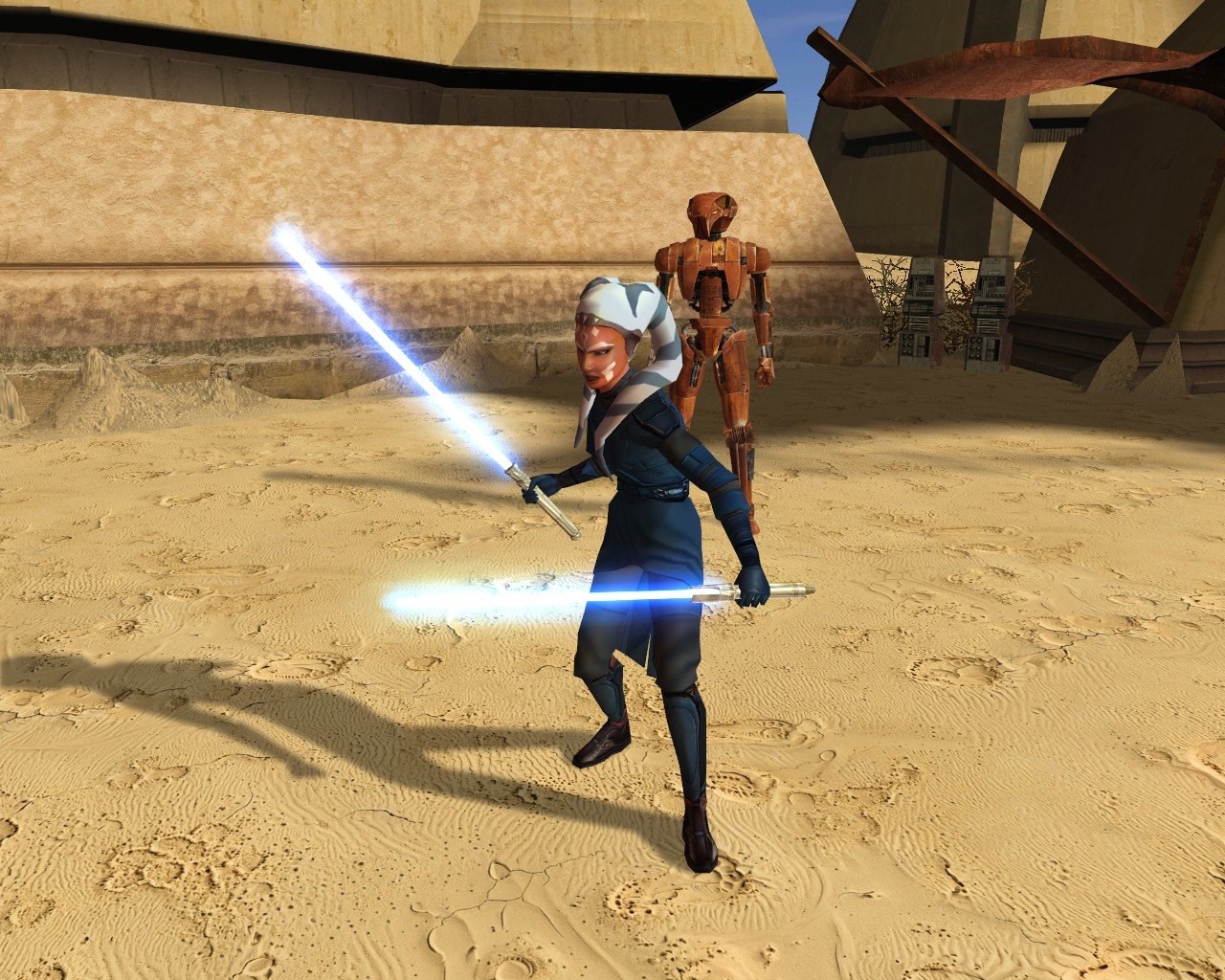
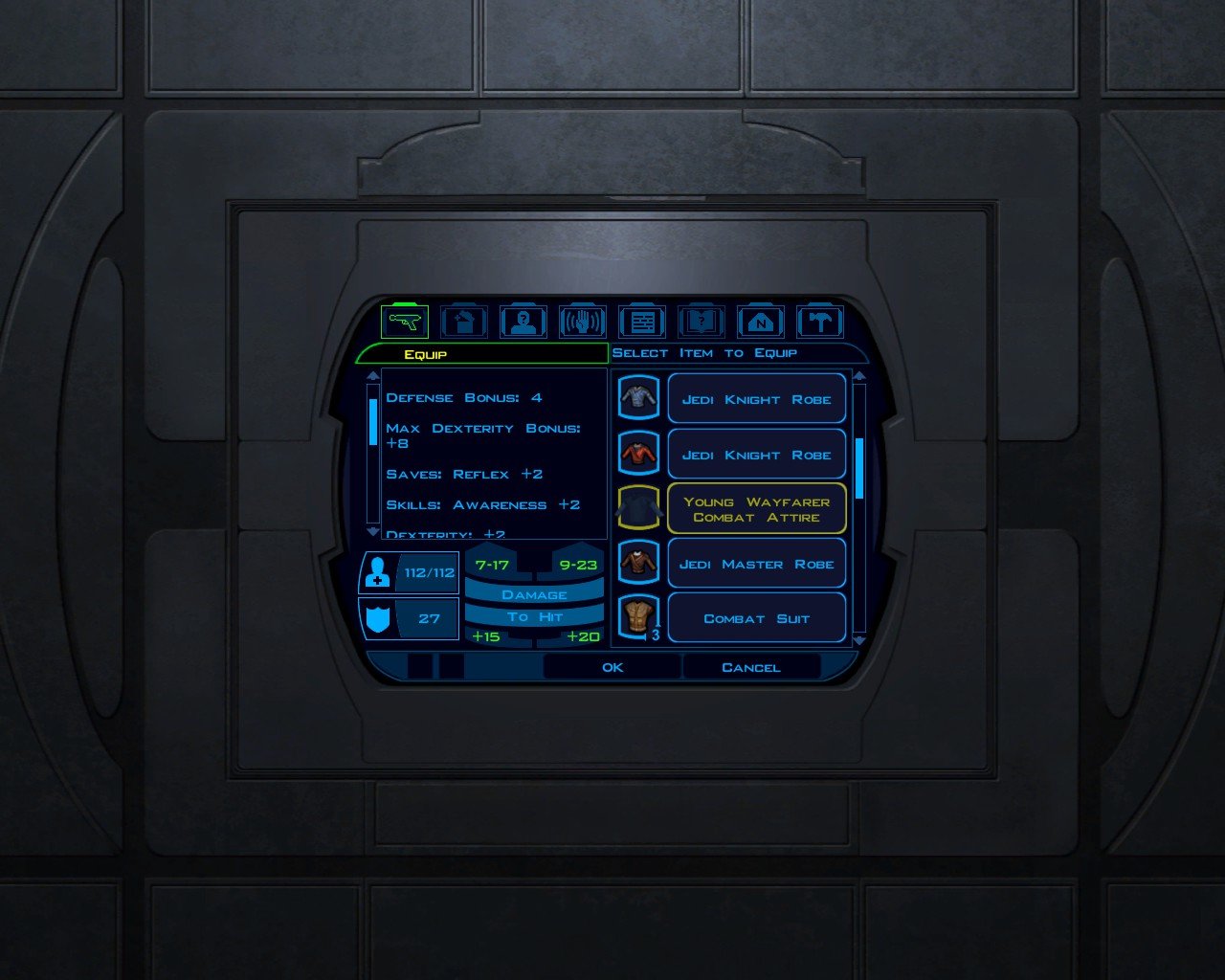
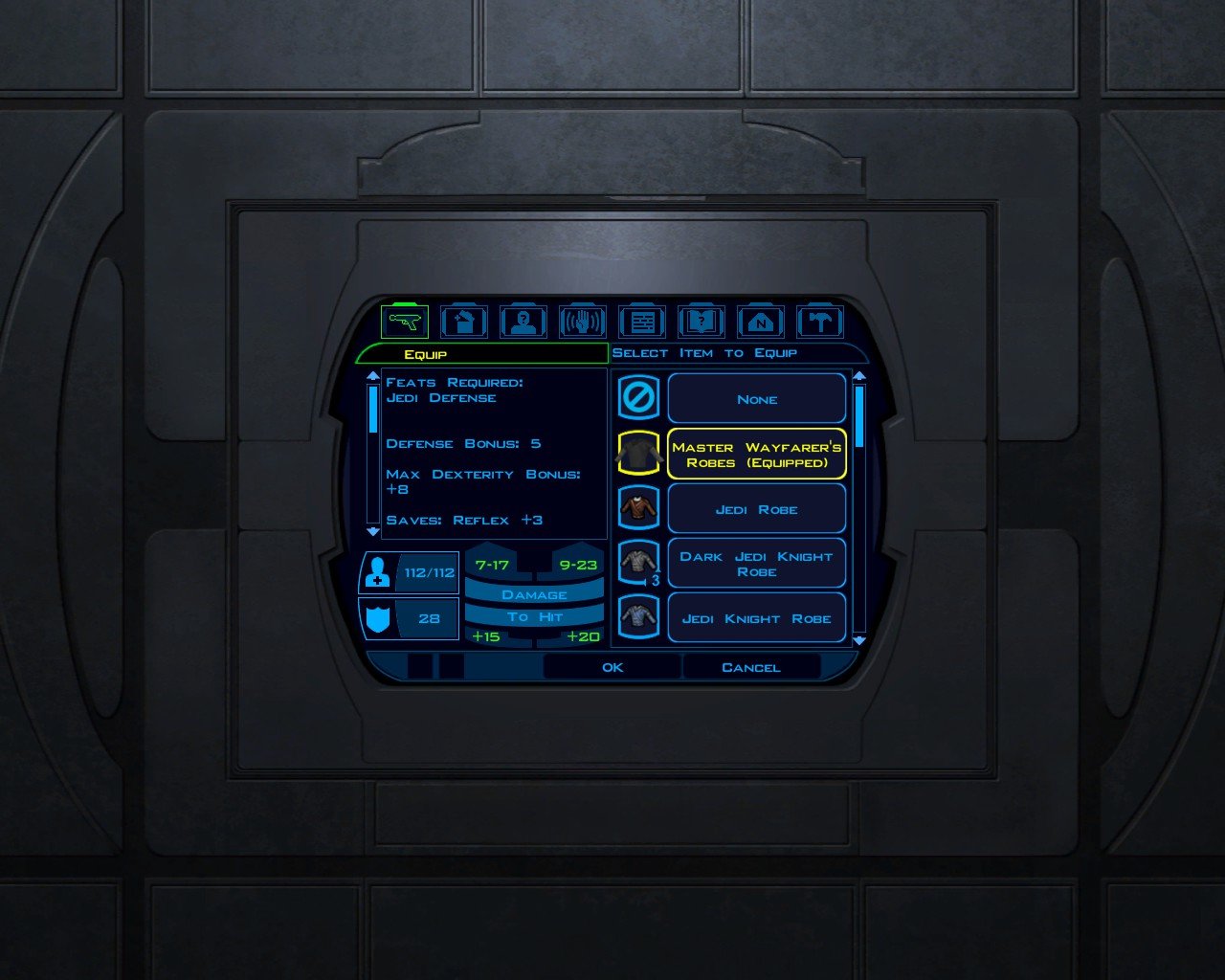
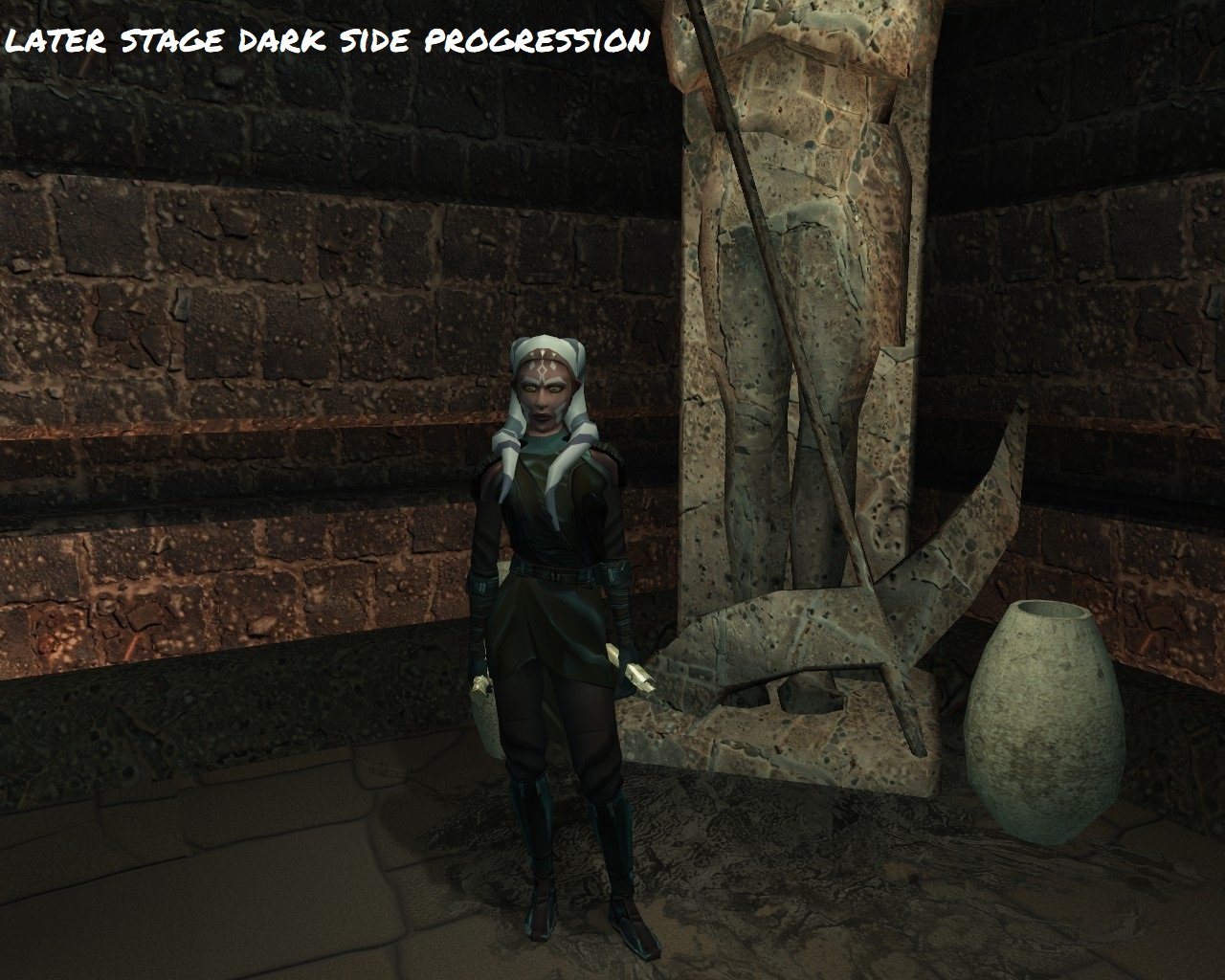
her LS progression brightens here eyes a bit and skin. so theres a visual element to ls alignment. implementing found special red crystals that can change with her to mirror characters story for white crystals. working it out now. mod should be available soon. We made it through the game without any major issues. This has her custom "wayfarer" robe with balanced stats. this is a found item in korriban. Her blue attire is also a found wayfarer robe but i havent decided on a reshade that looks better than the games standard blue knight so for now, thats it. also found item in krayt dragon horde. (see previous post which shows her dark side progression shading) She'll be ready soon.
- Yesterday
-
 Kalatopia joined the community
 -
View File Effixian's PFHA05 from K2 to K1 --------------------------------- Knights of the Old Republic --------------------------------- TITLE: Effixian's PFHA05 from K2 to K1 AUTHOR: Effix CONTACT: PM me on the forums or find me on Steam or Discord ------------------ INSTALLATION ------------------ Run the file "TSLPatcher - Install Effixian's PFHA05 from K2 to K1.exe". ----------------- DESCRIPTION ----------------- This mod adds a playable character PFHA05 from KotOR 2. The head is very similar to K1's PFHA05, only the hair is different. ----------------- KNOWN BUGS ----------------- The head clips a bit through the hair in one spot. ------------------ UNINSTALLING ------------------ 1. Remove the following files from your Override folder: pfhax05.mdl pfhax05.mdx PFHAX05.tga PFHAX05.txi PFHAX05D.tga PFHAX05D1.tga PFHAX05D2.tga PFHAX05D3.tga po_PFHAX05.tga po_PFHAX05d.tga po_PFHAX05d1.tga po_PFHAX05d2.tga po_PFHAX05d3.tga 2. If you have never installed any mod with the TSL Patcher then you can remove appearance.2da, heads.2da and portraits.2da from the Override folder. Otherwise: If you haven't installed any mod after this mod you can get the following files from the mod's backup folder and put them back in your Override folder: appearance.2da heads.2da portraits.2da Doing this when you did add another mod would result in the later mod(s) no longer working. -------------------------- DISTRIBUTION NOTES -------------------------- You can use the files from this mod in your own mod if you simply credit me. ------------ Thanks to ------------ - Stoffe and Fred Tetra for the needed tools and tutorials - bead-v's MDLEdit - JCarter426 & Kexikus for sharing their knowledge on converting things with MDLEdit ------------------- THIS MODIFICATION IS NOT MADE, DISTRIBUTED, OR SUPPORTED BY BIOWARE, OBSIDIAN, OR LUCASARTS ENTERTAINMENT COMPANY LLC. ELEMENTS TM & © LUCASARTS ENTERTAINMENT COMPANY LLC AND/OR ITS LICENSORS. Submitter Effix Submitted 08/17/2026 Category Mods K1R Compatible Yes
-
 ahatch93 joined the community
 -
 noacctname1 joined the community
 -
 Silent joined the community
 -
 RichKWL joined the community
 -
 usmanaqadri joined the community
 -
 Leslie_Lollipop joined the community
 -
Version 1.0.0
10 downloads
--------------------------------- Knights of the Old Republic --------------------------------- TITLE: Effixian's PFHA05 from K2 to K1 AUTHOR: Effix CONTACT: PM me on the forums or find me on Steam or Discord ------------------ INSTALLATION ------------------ Run the file "TSLPatcher - Install Effixian's PFHA05 from K2 to K1.exe". ----------------- DESCRIPTION ----------------- This mod adds a playable character PFHA05 from KotOR 2. The head is very similar to K1's PFHA05, only the hair is different. ----------------- KNOWN BUGS ----------------- The head clips a bit through the hair in one spot. ------------------ UNINSTALLING ------------------ 1. Remove the following files from your Override folder: pfhax05.mdl pfhax05.mdx PFHAX05.tga PFHAX05.txi PFHAX05D.tga PFHAX05D1.tga PFHAX05D2.tga PFHAX05D3.tga po_PFHAX05.tga po_PFHAX05d.tga po_PFHAX05d1.tga po_PFHAX05d2.tga po_PFHAX05d3.tga 2. If you have never installed any mod with the TSL Patcher then you can remove appearance.2da, heads.2da and portraits.2da from the Override folder. Otherwise: If you haven't installed any mod after this mod you can get the following files from the mod's backup folder and put them back in your Override folder: appearance.2da heads.2da portraits.2da Doing this when you did add another mod would result in the later mod(s) no longer working. -------------------------- DISTRIBUTION NOTES -------------------------- You can use the files from this mod in your own mod if you simply credit me. ------------ Thanks to ------------ - Stoffe and Fred Tetra for the needed tools and tutorials - bead-v's MDLEdit - JCarter426 & Kexikus for sharing their knowledge on converting things with MDLEdit ------------------- THIS MODIFICATION IS NOT MADE, DISTRIBUTED, OR SUPPORTED BY BIOWARE, OBSIDIAN, OR LUCASARTS ENTERTAINMENT COMPANY LLC. ELEMENTS TM & © LUCASARTS ENTERTAINMENT COMPANY LLC AND/OR ITS LICENSORS. -
 The file size cannot be "relatively similar", it must be exactly the same. I recommend narrowing down which files are mismatched and replace them as needed. I'll test to see if I can reproduce this myself but I'd bet on file corruption during the FTP. It's fixable, you just need to find what files were transferred incorrectly.
 -
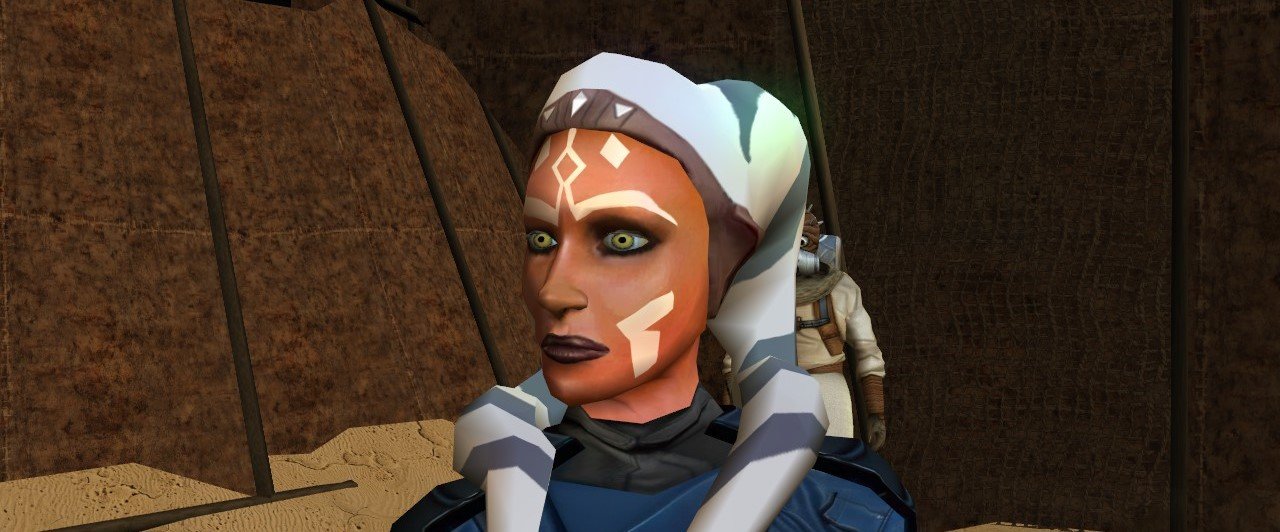
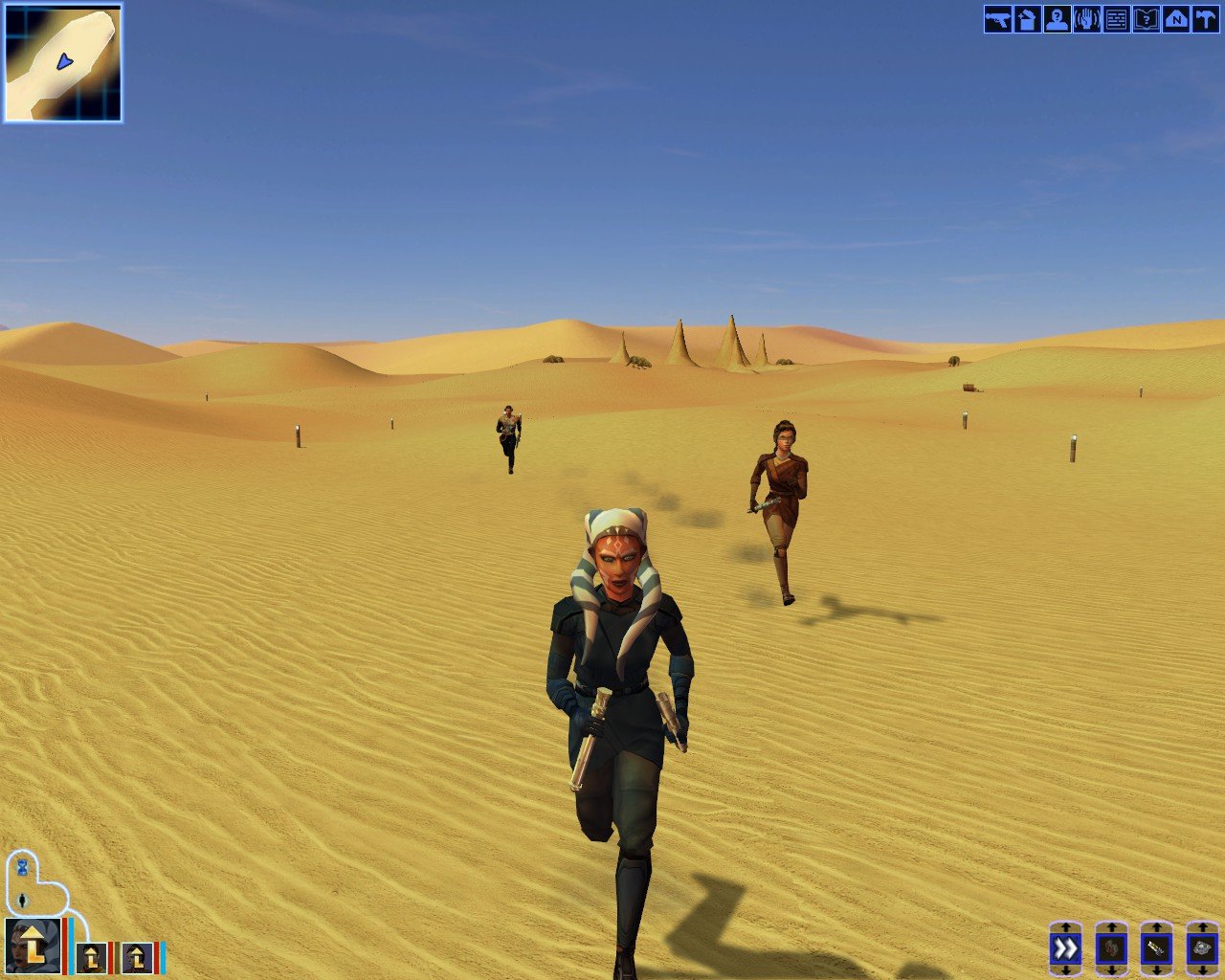
project is built on Stormie97 and Effix’s Ahsoka/Togruta mod, and full credit for the original work belongs to them. I took that foundation and added a bit. Ahsoka has been reshaded and given additional visual progression tied to alignment, along with a number of additions intended to make the character feel like a character that belongs into KOTOR. ITEMS: Two sets of Wayfarer Robes have been added as in-game items. I havent reshaded the blue knight robe because i havent figured out a good color scheme yet but the advanced wayfarer robe is reshaded as a lived in white intended for a later stage of the playthrough. They are meant to be found, used, and grown into naturally as the game progresses and not as overpowered equipment. Two white lightsaber crystals have also been integrated into the game, one is found in the Krayt Dragon hoard. Another is available through Yavin. They carry no special bonuses. purpose is simply to produce white blades. Nothing here is meant to bypass KOTOR’s progression or turn the character into something mechanically excessive. intent is to integrate an Ahsoka-style experience into the existing game as cleanly as possible: visual progression, equipment progression, and items placed within the world rather than simply handed to the player. Some placement and progression details may still change. The project will be released when I consider it finished.Again, credit to Stormie97 and Effix for the original Ahsoka/Togruta mod that provided the foundation.
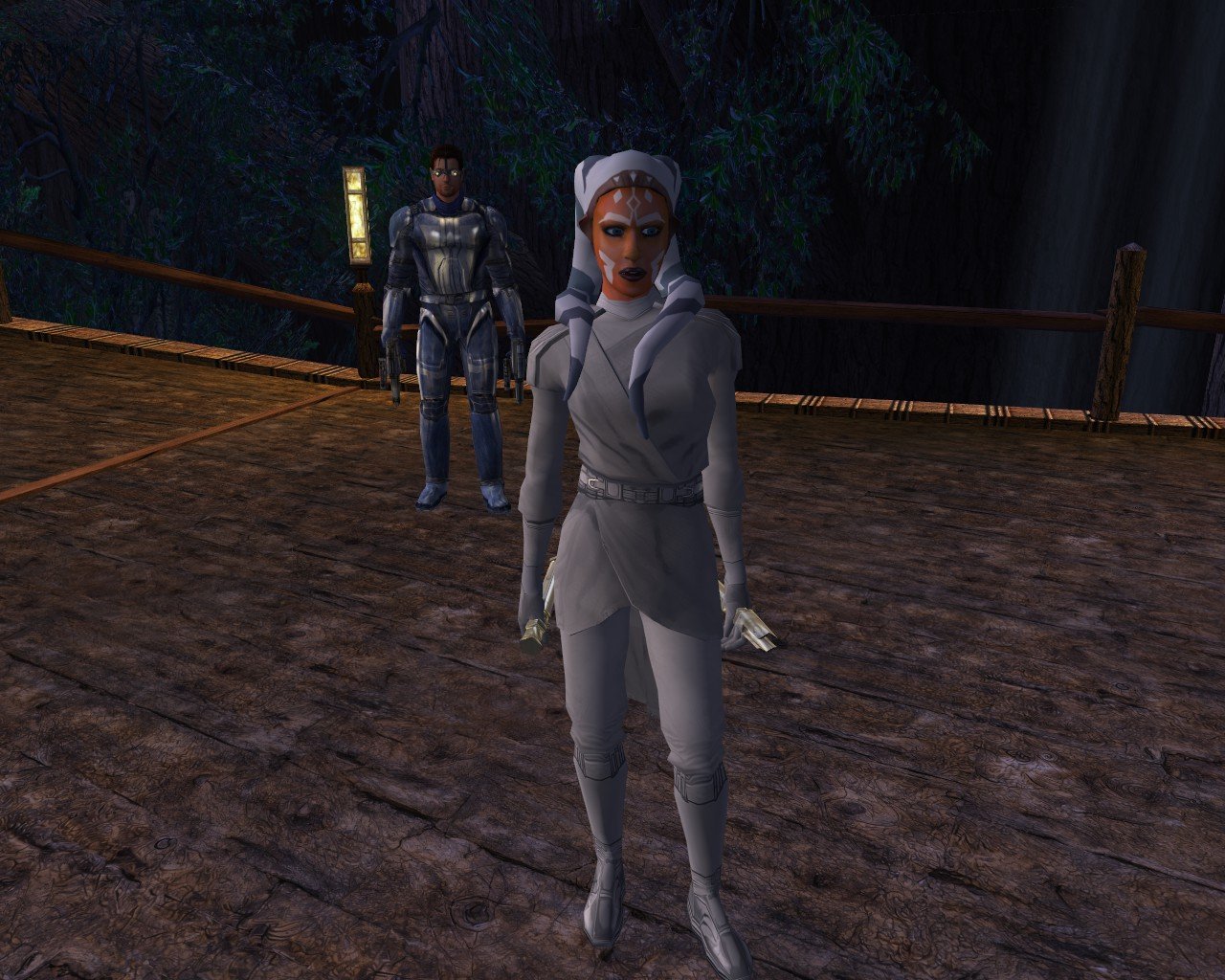
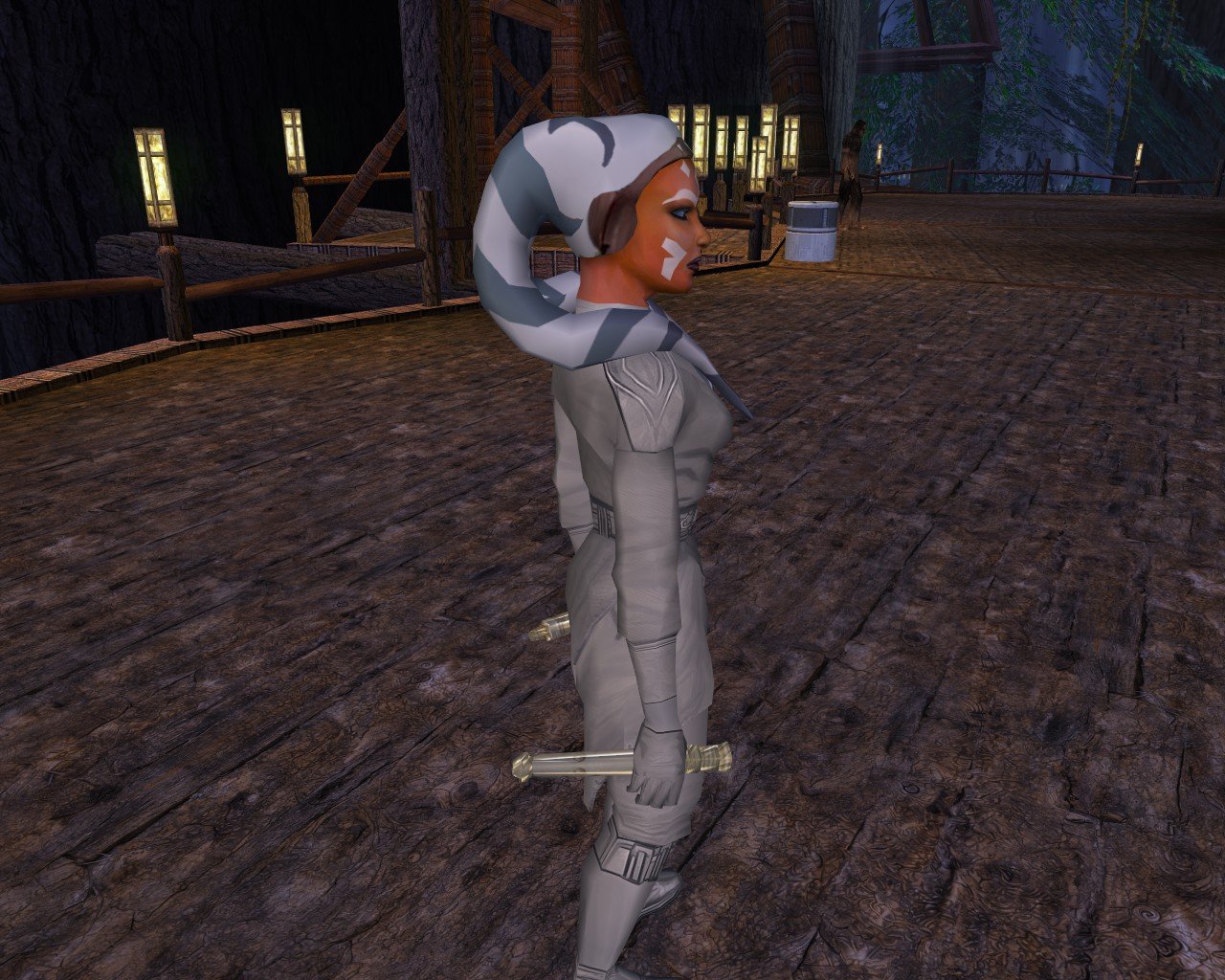
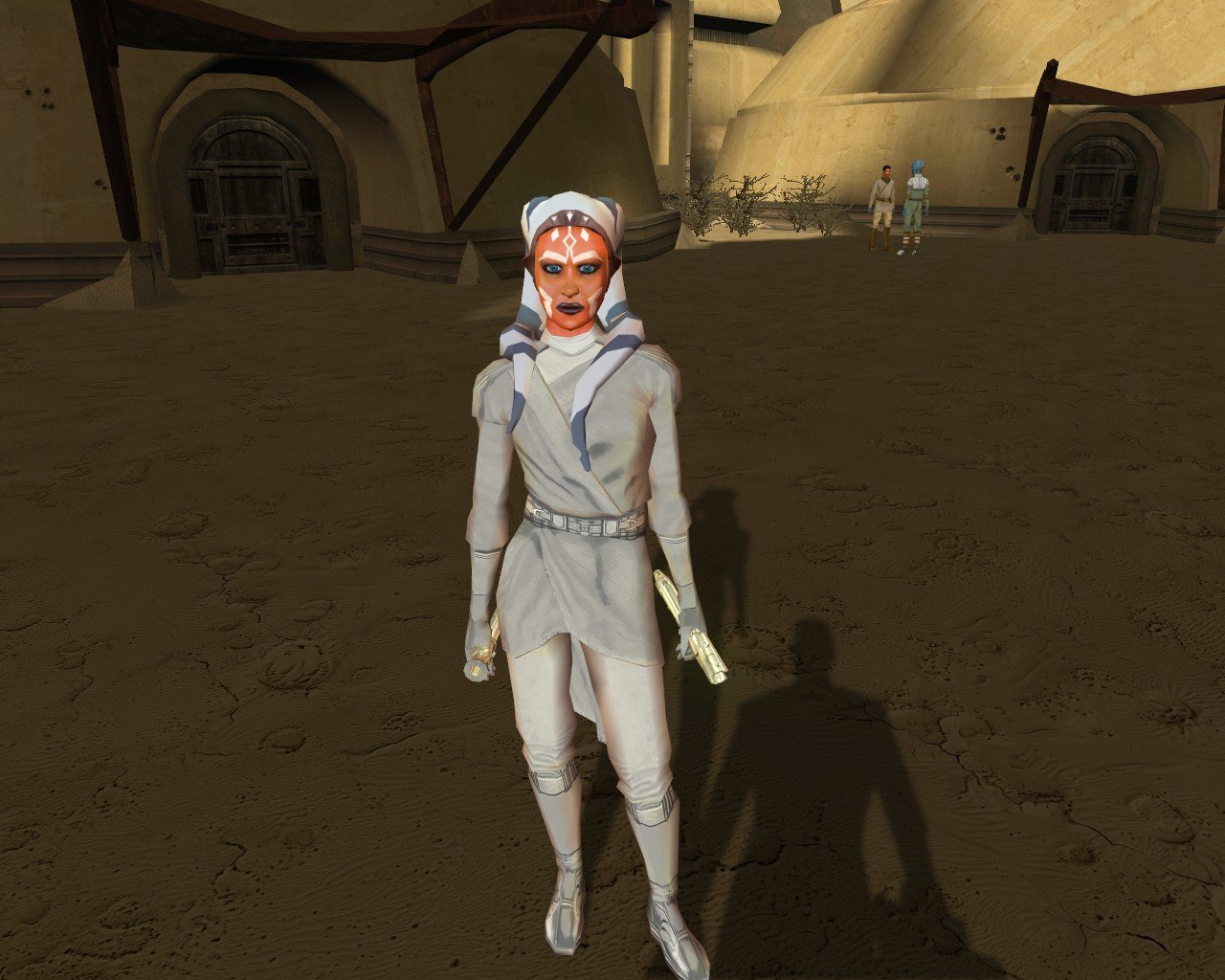
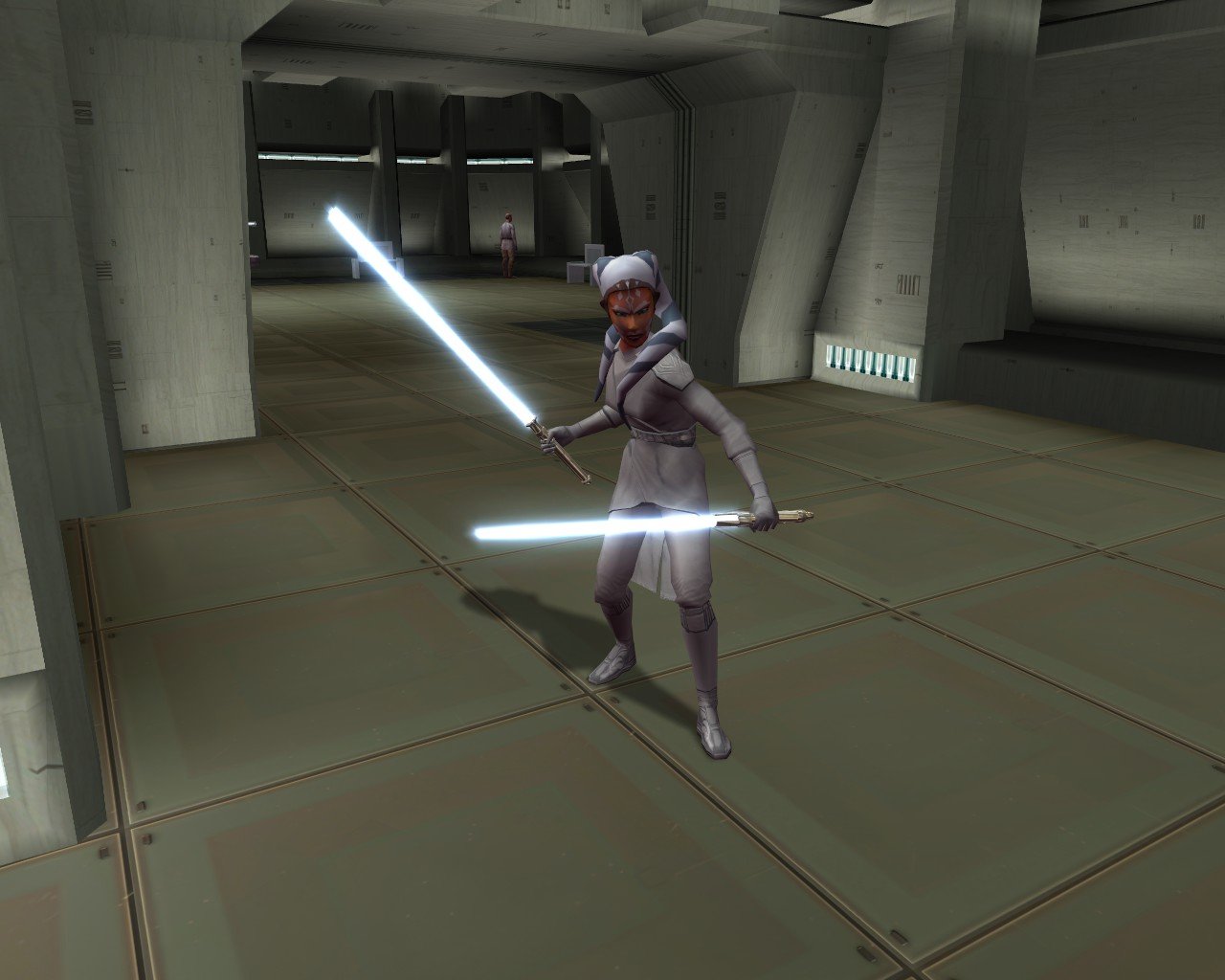
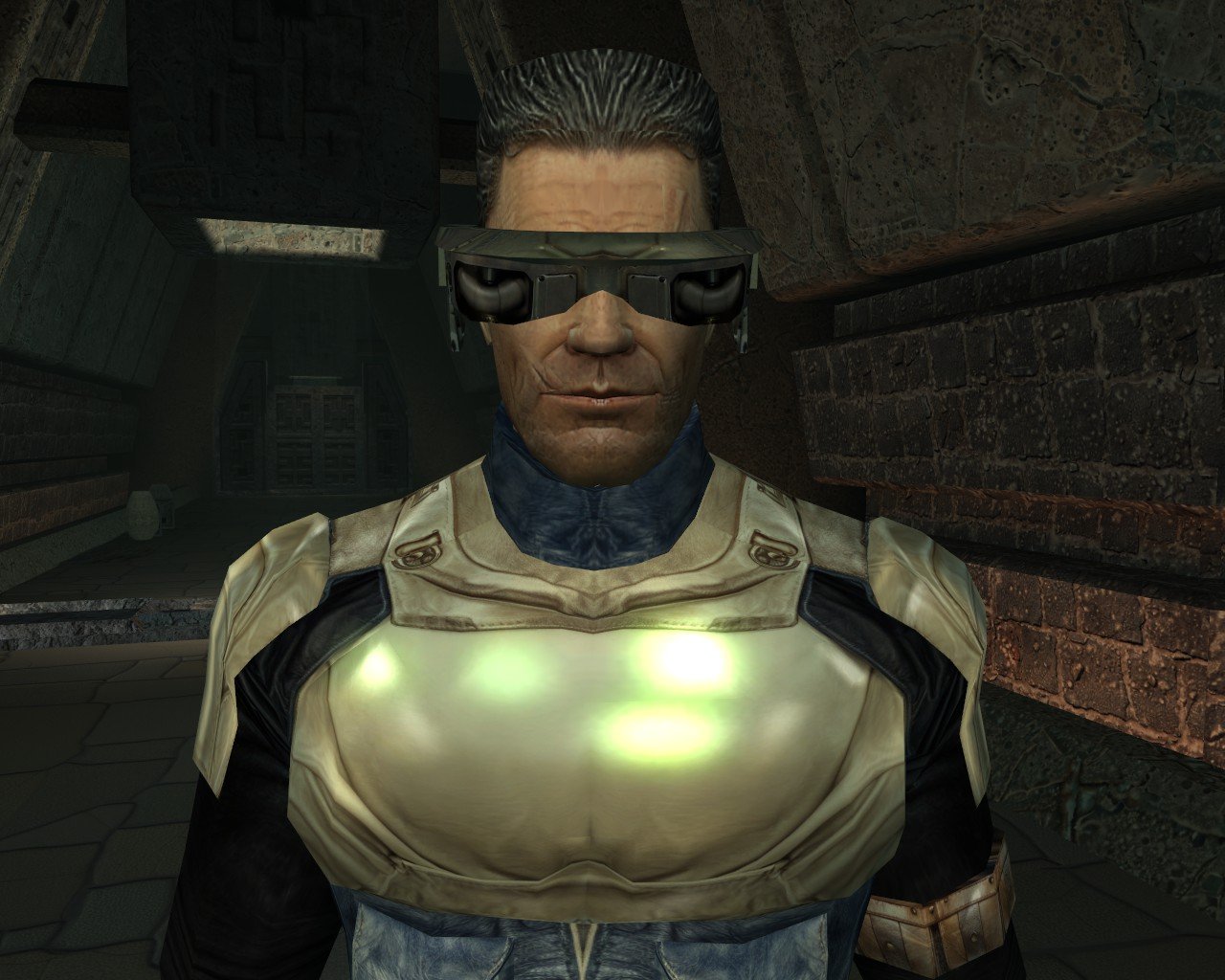
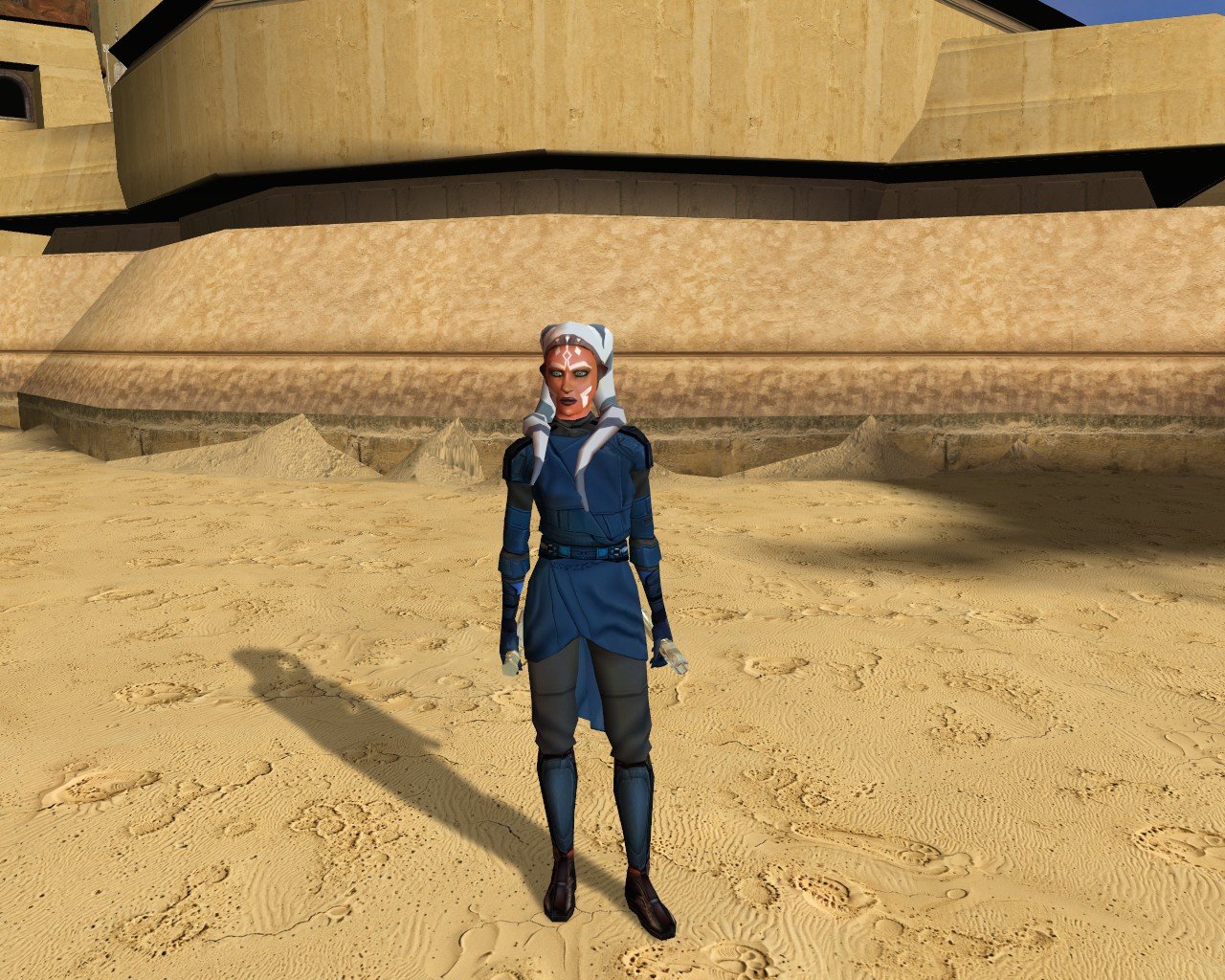
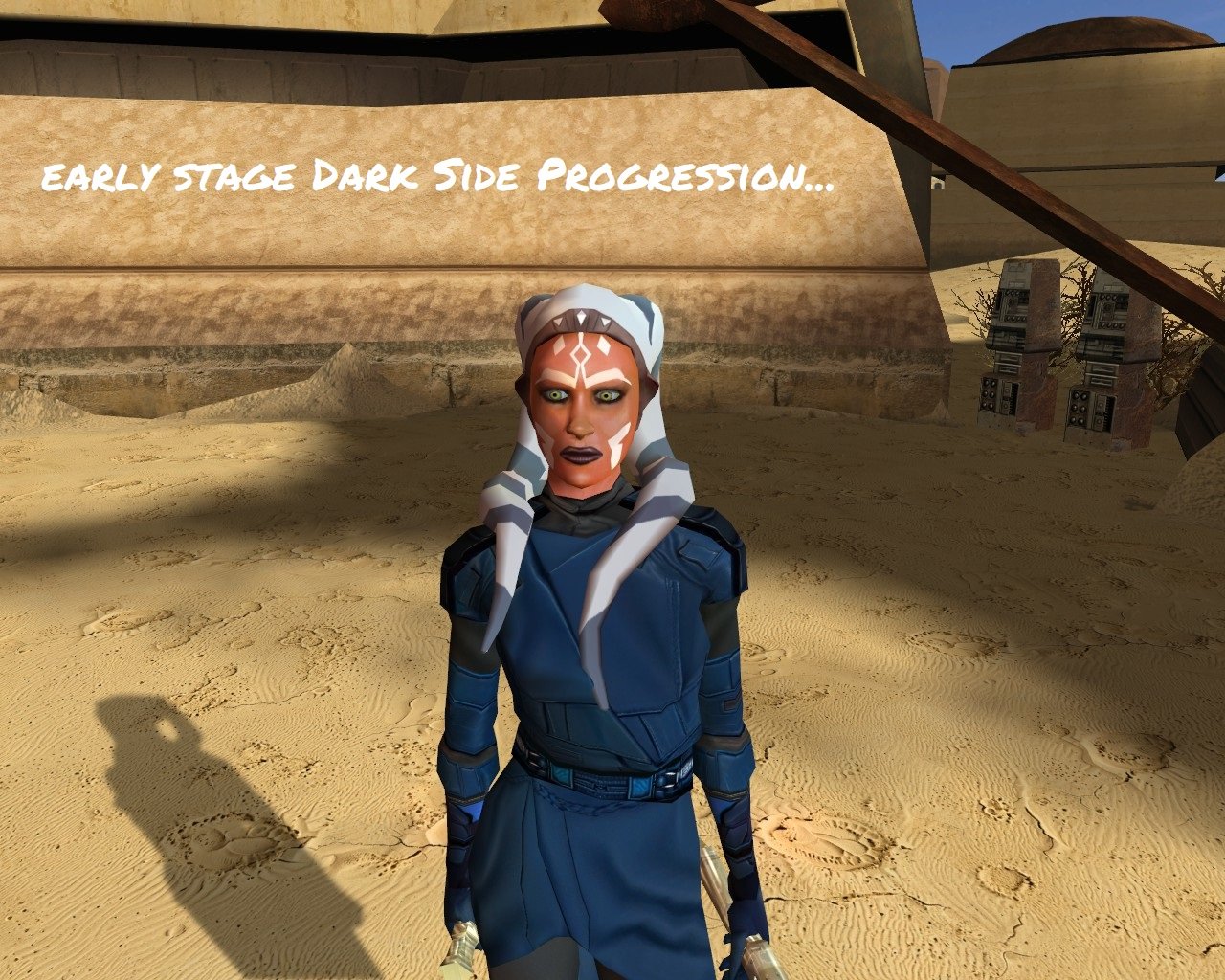
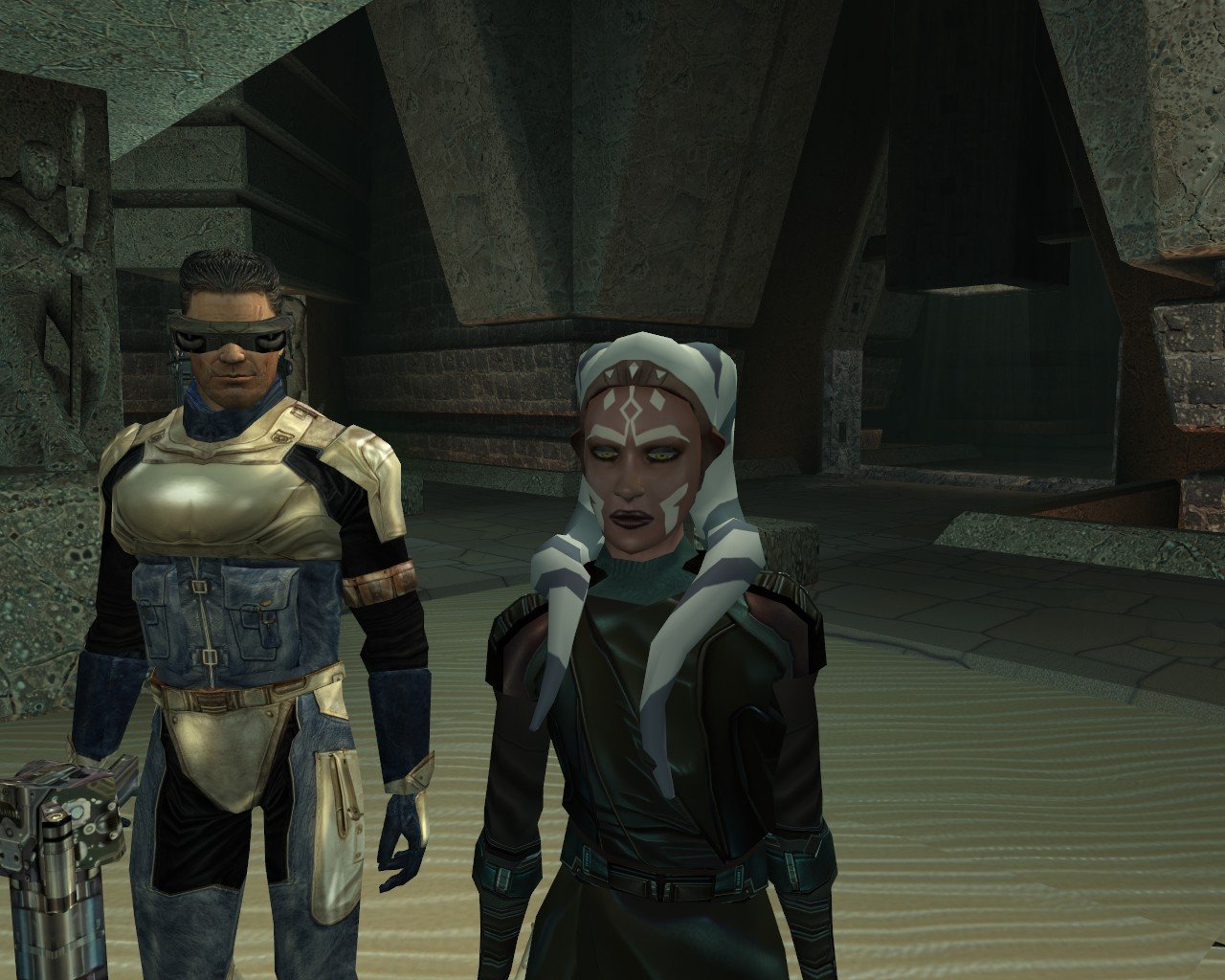
-
View File K1 Modern Driver Compatibility Turn off grass. For years that has been the first answer to almost any KOTOR problem, and it was good advice, because on a modern PC the grass really does tear itself across the sky. This patch fixes that, and quite a lot else. KOTOR decides how to light the world once, when it starts, choosing between two methods built for graphics cards of 2003. On most machines today neither is on offer, so the game quietly falls back to a path that was never finished: no proper lighting on walls and floors, no reflections on metal or armour, no fog, no soft shadows, and none of the screen effects. It still runs. It just looks wrong, and a lot of people have never seen it look right. This rebuilds that lighting using something every modern card does support, and puts the game back on the paths the developers actually finished. The grass is one of them. If you play on an NVIDIA card, the lighting has been working for you all along. Those drivers still carry register combiners, one of the two original methods, and it does the job properly. It is also an extension from 2001 that no other vendor implements, surviving on one company's willingness to keep shipping it. This moves every card onto a method that is still current, so there is one path everyone is exercising rather than one propped up by goodwill. What you get back Grass that stays on the ground Lighting on walls and floors, the baked lighting that makes interiors look lit rather than flat Reflections on metal, armour and polished surfaces Fog, in the places the game meant to have it Soft shadows, and the screen effects: bloom, blur, film grain, the distortion around force powers, and the colour wash on some cutscenes Requirements KOTOR 1, version 1.0.3. GOG, Steam and the CD release all work. Install it with the KotOR Patch Manager. Your game files are not modified; the manager applies the patch while the game runs. It replaces the separate cube map fix and soft shadows fix. Both are folded in, so disable those if you have them enabled in the patch manager. Source, releases and issues: https://codeberg.org/Synchro/kotor-modern-driver-compatibility Settings, if you ever need them You do not need any of this to play. The first time you run it, a file called `K1DriverCompat.ini` appears next to `swkotor.exe` with every option listed, explained, and switched off. Open it and delete the `#` in front of anything you want to change. The one worth knowing about is `look`, which chooses between the two ways cards of 2003 drew bright light. `look = nvidia` is the default and the calmer of the two. `look = ati` lets strong lights bleach out what they land on, the way a Radeon did. Neither is a bug, and neither is more correct than the other. Tested on AMD, Intel and NVIDIA hardware, on Windows and on Linux through Proton, across the GOG, Steam and CD releases. If something looks wrong `logs/K1DriverCompat.log` in your game folder holds one session and is overwritten each run, so there is only ever one file to send. Setting `log = debug` in the ini before reproducing the problem makes it far more useful. Thanks @Lane and @J tested this on cards and I don't own. Nearly everything here is based on how some particular drivers behave, and that is worth nothing until somebody with that hardware runs it and reports back. The faults that turned up that way are ones I had no way of finding on my own. @Lane also wrote the KotOR Patch Manager, which is what this ships for. LLM Disclosure This project made use of an LLM during development, in the following capacities: Brainstorming: exploring possible approaches and design directions Decompilation assistance: help interpreting and structuring reverse-engineered code Code comments: refining and clarifying existing comments Skeletons and fixes: generating initial code scaffolding and minor fixes All LLM-assisted output was modified and reviewed by a human before being committed. Submitter Synchro Submitted 08/16/2026 Category Mods K1R Compatible Yes
-
View File PFHA04 DP The mod replaces the PFHA04 model and textures. Thanks to DarthParametric, without him this mod would not have seen the light of day. To Install 1. Download: PFHA04 2. Copy all files to the Knights of the Old republic's Override folder. (Example location - C:\Program Files (x86)\Steam\steamapps\common\swkotor\Override) 3. When/if prompted to overwrite files, press okay. 4. If you like the mod; leave a comment or endorse! (It would be much appreciated) Made with love. Submitter Dark Hope Submitted 08/16/2026 Category Mods K1R Compatible Yes
-
- 1
-

-
- darthparametric
- dark hopa
- (and 1 more)
-
View File Dexterity Adds Ranged Damage Description In vanilla Knights of the Old Republic Strength adds damage with melee weapons but Dexterity adds no damage with ranged weapons, meaning that ranged weapons fall off very quickly and ranged weapon builds are very weak. This mod patches swkotor.exe so that ranged weapons use your Dexterity modifier for bonus damage the same way melee uses Strength. The change is engine-wide, so it applies to the player, party members, and all NPCs. This was made by reverse engineering the game's code. Installation instructions Extract the files to your swkotor folder where your swkotor.exe file is and run dex_ranged_damage_patcher.bat. Make a backup first if you want to later uninstall it. Use this mod however you want, you don't need any permissions from me. Submitter Atlas_Kotor Submitted 08/16/2026 Category Mods K1R Compatible Yes
-
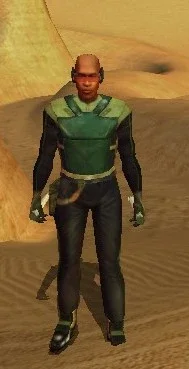
View File Krayt Dragon Armor Krayt Dragon Armor Game: KOTOR 1 Author: Dodrari Kaan GitHub: https://github.com/danielstegink/Kotor.KraytDragonArmor This mod adds two new items to the Hunting Lodge store on Tatooine. Krayt Dragon Armor is extremely expensive, and offers very strong defense. Wraid Bone Wristguards offer minor defense. Instructions Use the TSLPatcher Permissions Use this mod however you want. Just make sure to credit me. Compatibility This mod uses TSLPatcher to modify Fazza Utral's inventory on Tatooine. Any mods that modify the same may not be compatible. This mod adds item texture variations which may overlap with texture variations added by other mods D5 Light Armor - Texture Variation 20 Forearm - Texture Variation 20 This mod is compatible with K1R and K1CP. Special Thanks Fred Tetra - Kotor Tool Stoffe - TSLPatcher Disclaimer THIS MODIFICATION IS NOT MADE, DISTRIBUTED, OR SUPPORTED BY BIOWARE, OR LUCASARTS ENTERTAINMENT COMPANY LLC. ELEMENTS TM & © LUCASARTS ENTERTAINMENT COMPANY LLC AND/OR ITS LICENSORS. Submitter dodrarikaan Submitted 08/16/2026 Category Mods K1R Compatible Yes
-
Version 2.0.0
5 downloads
Krayt Dragon Armor Game: KOTOR 1 Author: Dodrari Kaan GitHub: https://github.com/danielstegink/Kotor.KraytDragonArmor This mod adds two new items to the Hunting Lodge store on Tatooine. Krayt Dragon Armor is extremely expensive, and offers very strong defense. Wraid Bone Wristguards offer minor defense. Instructions Use the TSLPatcher Permissions Use this mod however you want. Just make sure to credit me. Compatibility This mod uses TSLPatcher to modify Fazza Utral's inventory on Tatooine. Any mods that modify the same may not be compatible. This mod adds item texture variations which may overlap with texture variations added by other mods D5 Light Armor - Texture Variation 20 Forearm - Texture Variation 20 This mod is compatible with K1R and K1CP. Special Thanks Fred Tetra - Kotor Tool Stoffe - TSLPatcher Disclaimer THIS MODIFICATION IS NOT MADE, DISTRIBUTED, OR SUPPORTED BY BIOWARE, OR LUCASARTS ENTERTAINMENT COMPANY LLC. ELEMENTS TM & © LUCASARTS ENTERTAINMENT COMPANY LLC AND/OR ITS LICENSORS. - Last week
-
Version 1.0.0
11 downloads
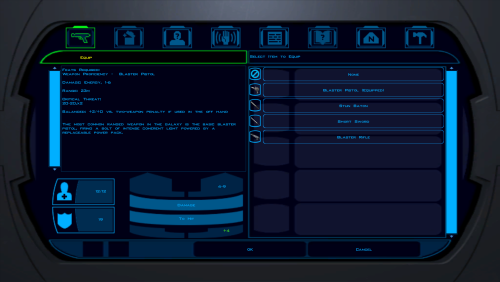
Description In vanilla Knights of the Old Republic Strength adds damage with melee weapons but Dexterity adds no damage with ranged weapons, meaning that ranged weapons fall off very quickly and ranged weapon builds are very weak. This mod patches swkotor.exe so that ranged weapons use your Dexterity modifier for bonus damage the same way melee uses Strength. The change is engine-wide, so it applies to the player, party members, and all NPCs. This was made by reverse engineering the game's code. Installation instructions Extract the files to your swkotor folder where your swkotor.exe file is and run dex_ranged_damage_patcher.bat. Make a backup first if you want to later uninstall it. Use this mod however you want, you don't need any permissions from me. -
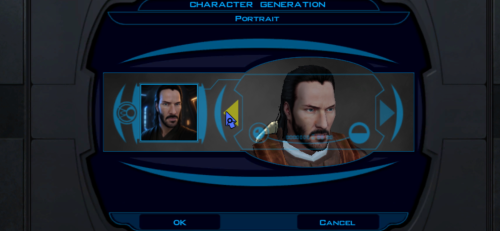 Thank you. Using your head as an example, I learned how to insert a jaw)
 -
 Got it. Well, now there is a tiny mod to fix this behaviour: Fully compatible with K1CP, of course.
 -
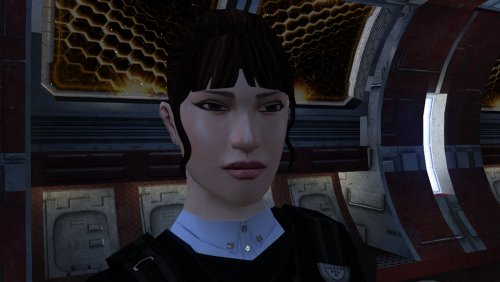
Version 1.0.0
15 downloads
The mod replaces the PFHA04 model and textures. Thanks to DarthParametric, without him this mod would not have seen the light of day. To Install 1. Download: PFHA04 2. Copy all files to the Knights of the Old republic's Override folder. (Example location - C:\Program Files (x86)\Steam\steamapps\common\swkotor\Override) 3. When/if prompted to overwrite files, press okay. 4. If you like the mod; leave a comment or endorse! (It would be much appreciated) Made with love.-
- 1
-
-
- darthparametric
- dark hopa
- (and 1 more)
-
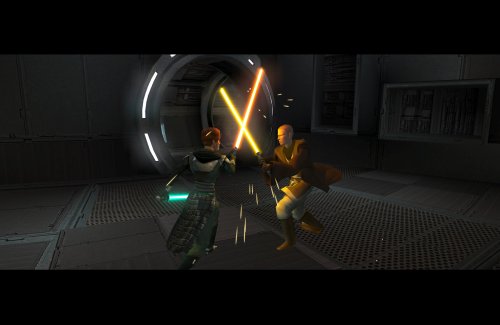 Thanks @vault13deathclaw, I did see these but since they're for when you first train her to be a Jedi I felt like they sounded a little too dramatic for a routine training. @N-DReW25 Had no clue these existed! I just assumed they didn't since they weren't in the dlg file. Will update, thanks!
 -
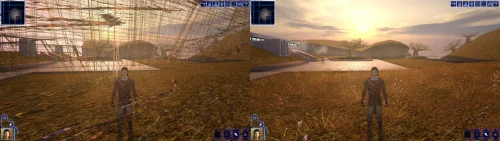
Version 1.0.0
30 downloads
Turn off grass. For years that has been the first answer to almost any KOTOR problem, and it was good advice, because on a modern PC the grass really does tear itself across the sky. This patch fixes that, and quite a lot else. KOTOR decides how to light the world once, when it starts, choosing between two methods built for graphics cards of 2003. On most machines today neither is on offer, so the game quietly falls back to a path that was never finished: no proper lighting on walls and floors, no reflections on metal or armour, no fog, no soft shadows, and none of the screen effects. It still runs. It just looks wrong, and a lot of people have never seen it look right. This rebuilds that lighting using something every modern card does support, and puts the game back on the paths the developers actually finished. The grass is one of them. If you play on an NVIDIA card, the lighting has been working for you all along. Those drivers still carry register combiners, one of the two original methods, and it does the job properly. It is also an extension from 2001 that no other vendor implements, surviving on one company's willingness to keep shipping it. This moves every card onto a method that is still current, so there is one path everyone is exercising rather than one propped up by goodwill. What you get back Grass that stays on the ground Lighting on walls and floors, the baked lighting that makes interiors look lit rather than flat Reflections on metal, armour and polished surfaces Fog, in the places the game meant to have it Soft shadows, and the screen effects: bloom, blur, film grain, the distortion around force powers, and the colour wash on some cutscenes Requirements KOTOR 1, version 1.0.3. GOG, Steam and the CD release all work. Install it with the KotOR Patch Manager. Your game files are not modified; the manager applies the patch while the game runs. It replaces the separate cube map fix and soft shadows fix. Both are folded in, so disable those if you have them enabled in the patch manager. Source, releases and issues: https://codeberg.org/Synchro/kotor-modern-driver-compatibility Settings, if you ever need them You do not need any of this to play. The first time you run it, a file called `K1DriverCompat.ini` appears next to `swkotor.exe` with every option listed, explained, and switched off. Open it and delete the `#` in front of anything you want to change. The one worth knowing about is `look`, which chooses between the two ways cards of 2003 drew bright light. `look = nvidia` is the default and the calmer of the two. `look = ati` lets strong lights bleach out what they land on, the way a Radeon did. Neither is a bug, and neither is more correct than the other. Tested on AMD, Intel and NVIDIA hardware, on Windows and on Linux through Proton, across the GOG, Steam and CD releases. If something looks wrong `logs/K1DriverCompat.log` in your game folder holds one session and is overwritten each run, so there is only ever one file to send. Setting `log = debug` in the ini before reproducing the problem makes it far more useful. Thanks @Lane and @J tested this on cards and I don't own. Nearly everything here is based on how some particular drivers behave, and that is worth nothing until somebody with that hardware runs it and reports back. The faults that turned up that way are ones I had no way of finding on my own. @Lane also wrote the KotOR Patch Manager, which is what this ships for. LLM Disclosure This project made use of an LLM during development, in the following capacities: Brainstorming: exploring possible approaches and design directions Decompilation assistance: help interpreting and structuring reverse-engineered code Code comments: refining and clarifying existing comments Skeletons and fixes: generating initial code scaffolding and minor fixes All LLM-assisted output was modified and reviewed by a human before being committed. -
 JamOnToast changed their profile photo
 -
I didn't even know about those lines. That's pretty cool to know.
-
@offthegridmorty Just like vault13deathclaw has said, both the Handmaiden and the Disciple have fully voiced VO for the training sections. The file names are as follows: GBLDISCIPLE365 GBLDISCIPLE366 GBLDISCIPLE480 GBLDISCIPLE481 GBLDISCIPLE482 GBLDISCIPLE483 GBLDISCIPLE484 GBLDISCIPLE485 GBLDISCIPLE486 GBLDISCIPLE487 GBLHANDMAIDEN411 GBLHANDMAIDEN412 GBLHANDMAIDEN413 GBLHANDMAIDEN414
-
If you are looking for lines in the game for training Handmaiden, she has a few lines you could reuse for her training. one is: ”Teach me, I will not fail you” then the other is “I will not let you down Exile, I will honor you, as I honor the face of my mother.” I used those for training her in my mod. They work really well for that.
-
 To change the music used by a specific module, you need to edit the module's GIT (with the .git extension) file, which you can extract with KotOR Tool or Holocron Toolset. You should be able to use any KotOR modding tool that can edit GIT files or GFF files. K-GFF GFF Editor was what I used for this mod.
 -
View File Republic Mod Armor Recolored Republic Mod Armor Recolored Game: KOTOR 1 Author: Dodrari Kaan Github: https://github.com/danielstegink/Kotor.RepublicModArmorRecolored Modifies the Republic Mod Armor on Taris to use the Red/Orange color scheme of the Bonadan Alloy Heavy Suit. This makes it look more like something the Republic troops would wear, and implies that Carth is wearing it in Kotor 2. Instructions Copy the contents of the For Override folder into the Override folder. Compatibility This mod is compatible with K1R and K1CP. Permissions Use this mod however you want. Just make sure to credit me. Special Thanks Fred Tetra - Kotor Tool Disclaimer THIS MODIFICATION IS NOT MADE, DISTRIBUTED, OR SUPPORTED BY BIOWARE, OR LUCASARTS ENTERTAINMENT COMPANY LLC. ELEMENTS TM & © LUCASARTS ENTERTAINMENT COMPANY LLC AND/OR ITS LICENSORS. Submitter dodrarikaan Submitted 08/15/2026 Category Mods K1R Compatible Yes
-
View File Albino Kath Hound Armor Albino Kath Hound Armor Game: KOTOR 1 Author: Dodrari Kaan GitHub: https://github.com/danielstegink/Kotor.AlbinoKathHoundArmor When you defeat the Albino Kath Hound on Dantooine, it will drop some of its hide as an item. If you bring this to Kni at the Jedi Enclave, he will be able to turn it into a new Force-resistant light armor. Instructions Use the TSLPatcher Compatibility This mod modifies Kni's dialogue as well as the Albino Kath Hound's inventory on Dantooine. Any mods that modify the same may not be compatible. This mod adds item texture variations which may overlap with texture variations added by other mods D4 Light Armor - Texture Variation 20 This mod is compatible with K1R and K1CP. Permissions Use this mod however you want. Just make sure to credit me. Special Thanks Fred Tetra - Kotor Tool KobaltBlu - Kotor Scripting Tool Stoffe - TSLPatcher tk102 - DLG Editor Disclaimer THIS MODIFICATION IS NOT MADE, DISTRIBUTED, OR SUPPORTED BY BIOWARE, OR LUCASARTS ENTERTAINMENT COMPANY LLC. ELEMENTS TM & © LUCASARTS ENTERTAINMENT COMPANY LLC AND/OR ITS LICENSORS. Submitter dodrarikaan Submitted 08/07/2026 Category Mods K1R Compatible Yes
-
View File Repair Gloves Repair Gloves Game: KOTOR 1 Author: Dodrari Kaan GitHub: https://github.com/danielstegink/Kotor.RepairGloves HK-47's quest line requires an extremely high Repair rank to complete, and must be completed before you start the Leviathan arc. With the worst possible build (Soldier/Guardian, minimal Intelligence, no Force Valor or Gearhead feats), it's impossible to get a high enough Repair rank before level 15, which I consider the ideal level for doing Leviathan. To fix this, Karal Kaar on Dantooine now sells a pair of gloves that provide the necessary bonus to Repair. Instructions Use the TSLPatcher Permissions Use this mod however you want. Just make sure to credit me. Compatibility This mod uses TSLPatcher to modify Karal Kaar's inventory on Dantooine. Any mods that modify the same may not be compatible. This mod is compatible with K1R and K1CP. Special Thanks Fred Tetra - Kotor Tool Stoffe - TSLPatcher Disclaimer THIS MODIFICATION IS NOT MADE, DISTRIBUTED, OR SUPPORTED BY BIOWARE, OR LUCASARTS ENTERTAINMENT COMPANY LLC. ELEMENTS TM & © LUCASARTS ENTERTAINMENT COMPANY LLC AND/OR ITS LICENSORS. Submitter dodrarikaan Submitted 08/07/2026 Category Mods K1R Compatible Yes