All Activity
- Today
-
 valentine91 joined the community
 -

 This Sith Lord approves of these retextures.
 -
I'm obviously not RedRob, though I'd assume no as Kotor II didn't have Party Underwear models whereas Kotor I did hence why he made his own models and textures for Kotor II and for Kotor I we instead get his upscale work as part of the AI Upscale pack.
-
 Storie87 joined the community
 -
 dorzorz joined the community
 -
 Another thing I'd like to add. If you use this mod with Recruit HK-47 on Taris, Yuka Laka will not have his new appearance on Taris. Only on Tatooine. Is there a way to make his appearance consistent?
 -
 I noticed that if you use this with Galaxy of Faces , Yuka Laka doesn't have his new appearance on Taris, but he does have it on Tatooine. Any way to give him his new appearance on Taris?
 -
 Great work, as usual.
 -
 This are wonderful to look at. I particularly like the dark grass. Maybe that's just me, but it fits the vibe of Dantooine.
 -
 Excellent work!
 -
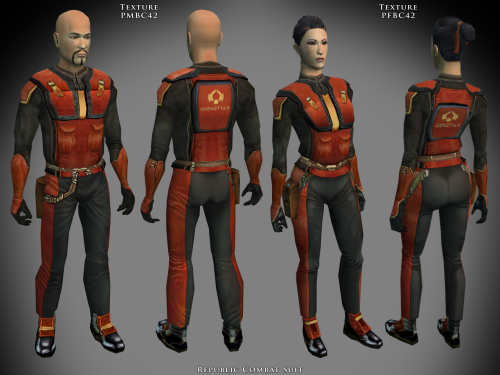 Just like the KotOR 2 version, these are awesome.
 -
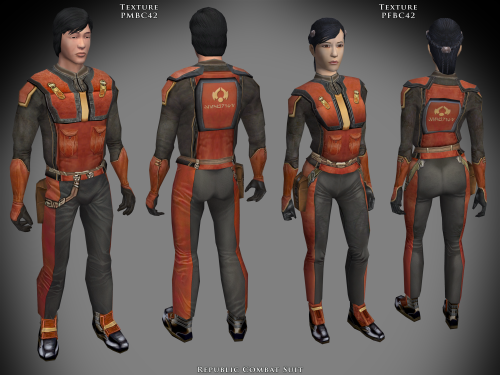 Excellent set of textures, fits in perfectly.
 -
.thumb.png.2c37ab623317bd5c47ce5bcaa62e7dbb.png) oliveraelius changed their profile photo
oliveraelius changed their profile photo -
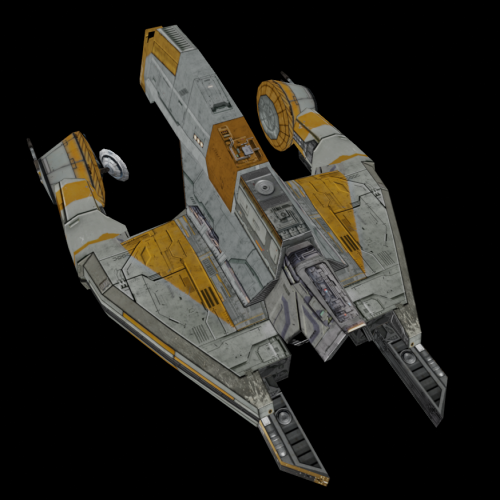
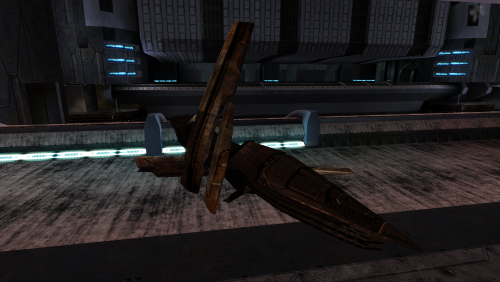 Swoop. And by that, I mean that this is a very good retexture.
 -
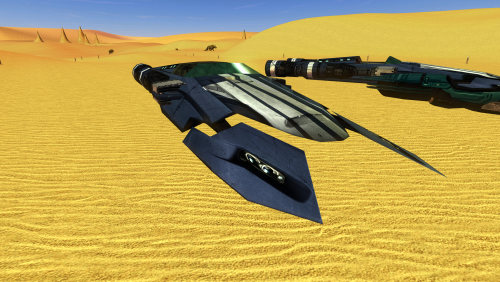 Well-made. I especially like the work on the engines.
 -
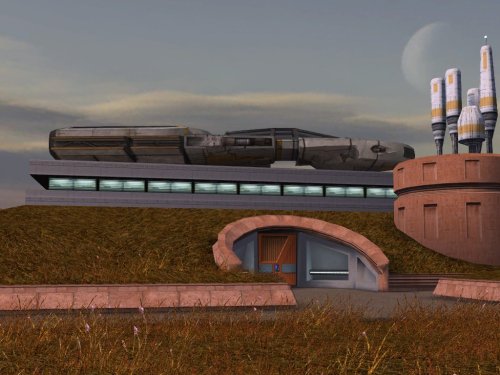 I did not originally notice this, but now that I can't unsee it, this mod is an essential upgrade.
 -
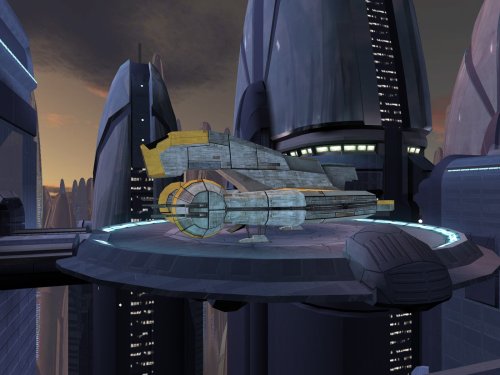 Fits in seamlessly.
 -
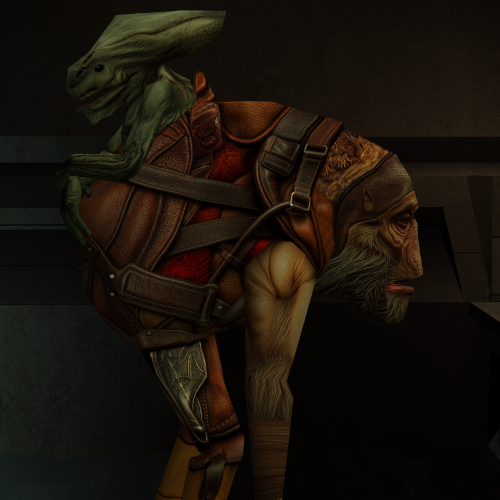 The facial hair on this creature unnerves even a Sith Lord. Well-made retexture.
 -
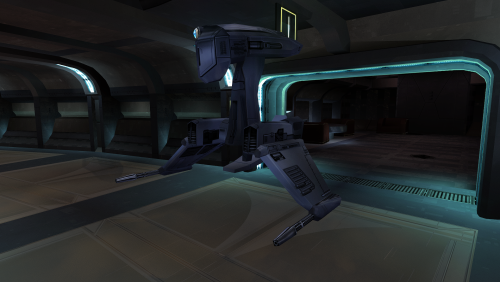 Very good. The difference in quality is immediately obvious.
 -
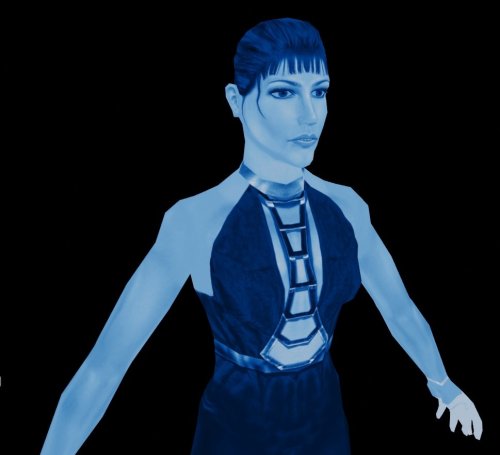 Very well-made. The Force approves of this retexture, much better than the eyesore from the original.
 -
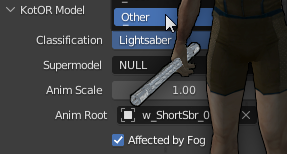 I would recommend using the light saber hilt fix in Kotor Patch Manager. Otherwise, you would need to use KotorBlender and to modify the model.
 -
 eyecore joined the community
 -
 madthing joined the community
 -
 Tonwaelmi joined the community
 - Yesterday
-
 ajeasley joined the community
 -
 Hi, is this mod compatible with Sleheyron? And if so then in which order should it be installed?
 -
 This version does away with the changes to the appearance.2da file, so if I'm not mistaken, the order shouldn't make a difference. But if you want to be safe I would install this one last.
 -
How could I go about patching Prydeless's Pink Saber mod hilts with this fix? They're vanilla hilts but still lose their texture in certain lightings/angles: https://steamcommunity.com/sharedfiles/filedetails/?id=1395449684. I hoped it was easy like renaming the hilt 009 mdx/mdls with the pink hilt 031 number but it turned them viridian and silver despite the pink crystal and icon. I should note I'm not using the workshop mod itself, I just have the pink sabers mod manually in the regular override folder. Thank you!
-
Hmmm, in what order should this mod be installed for maximum compatibility with K1CP v1.10.0, K1CP+RP Demo v0.13.0 and Sleheyron v3.3? I heard that Community patch should be installed first but does anyone know the sequence order of the other mods?
-
 tunakat joined the community
 -
 LaGrosseLegume joined the community
 -
Are you making or considering making a KOTOR 1 version of your Player and Party Underwear Mod?
-
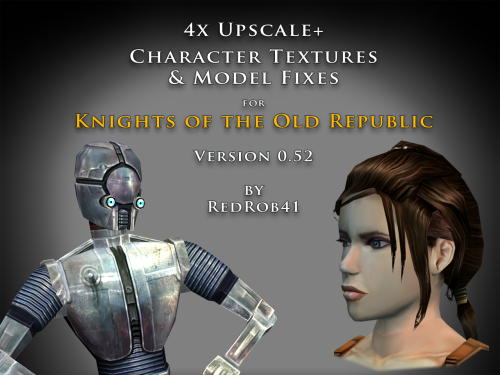 The Party Model Fixes and HD Bastila 1.0.0 is an earlier iteration of my work on those specific models. Some of them are the same in the V0.52 of this HD mod, but some have been improved upon. Plus, I hope to improve on them further with fixes to the smoothing groups/normals and eventually release a V2 of the party mod (still a WIP at this point). I don't have enough time to work on my own mods, so there is no time to tackle someone else's. SpaceAlex did excellent work in the past and he is more than welcome to use my modder's resources as a base for new versions of the enhancement pack. I hope that he has just taken a long break, like I did, and will someday return to KotOR modding. We had collaborated in the past (I made some wookiees for him and Belaya too I think) so I may do HD versions of those someday. I'm still working on them, but it may be sometime (hopefully not years 😪) before I get them all done. In the meantime, I hope you enjoy what is released so far.
 -
they include many uvw edits that reduce texture stretching, fix edge seams, and generally try to improve how an HD texture looks on the model. The vanilla low res textures usually look ok on the original models because the pixelated nature can camouflage many errors, but once they are upscaled the errors become more apparent. Most of my HD upscale mods try to fix this by modifying the models. The models in this specific mod are either duplicates or improvements on the model that are included in my big mod (as shown in the read-me files and the text in the "about this file" section.
-
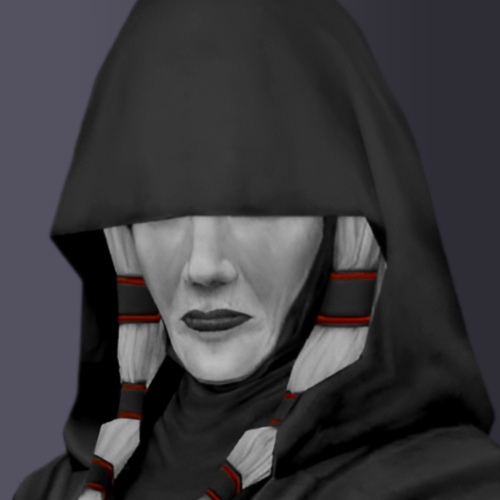 I made the portraits using Photoshop and the skin color was just design choice I made. I have no problem with you matching the color tones for the file.




.thumb.jpg.85b65824e79abedb2a1401eb0edbb33b.jpg)