All Activity
- Today
-
Really Repeating Blaster Attacks
BottomlessThought23 commented on BottomlessThought23's file in Mods
 I'm developing all of my mods using the Editable Executable, which is technically the 1.03 GOG version.
-
 robfos98 joined the community
-
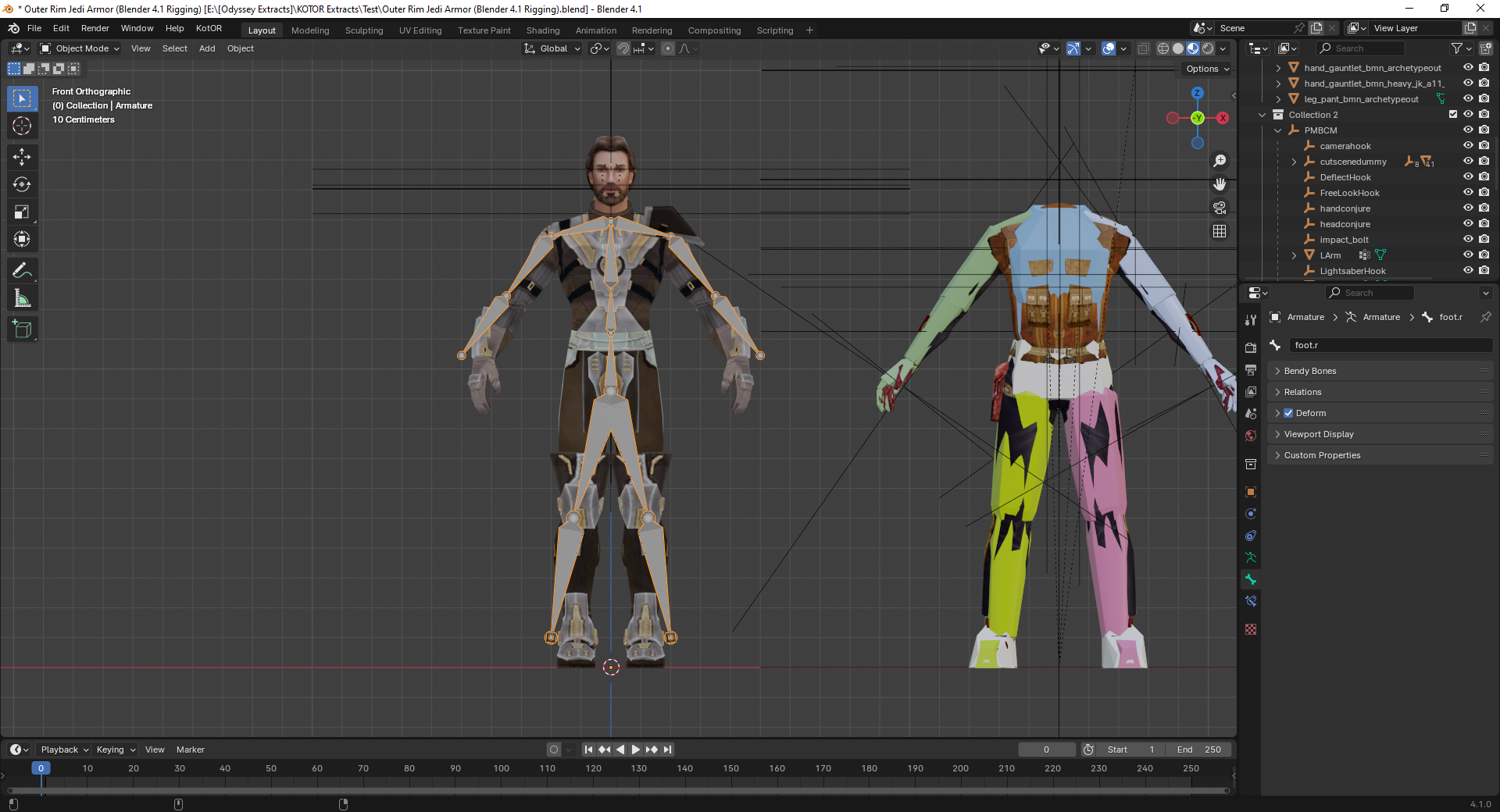
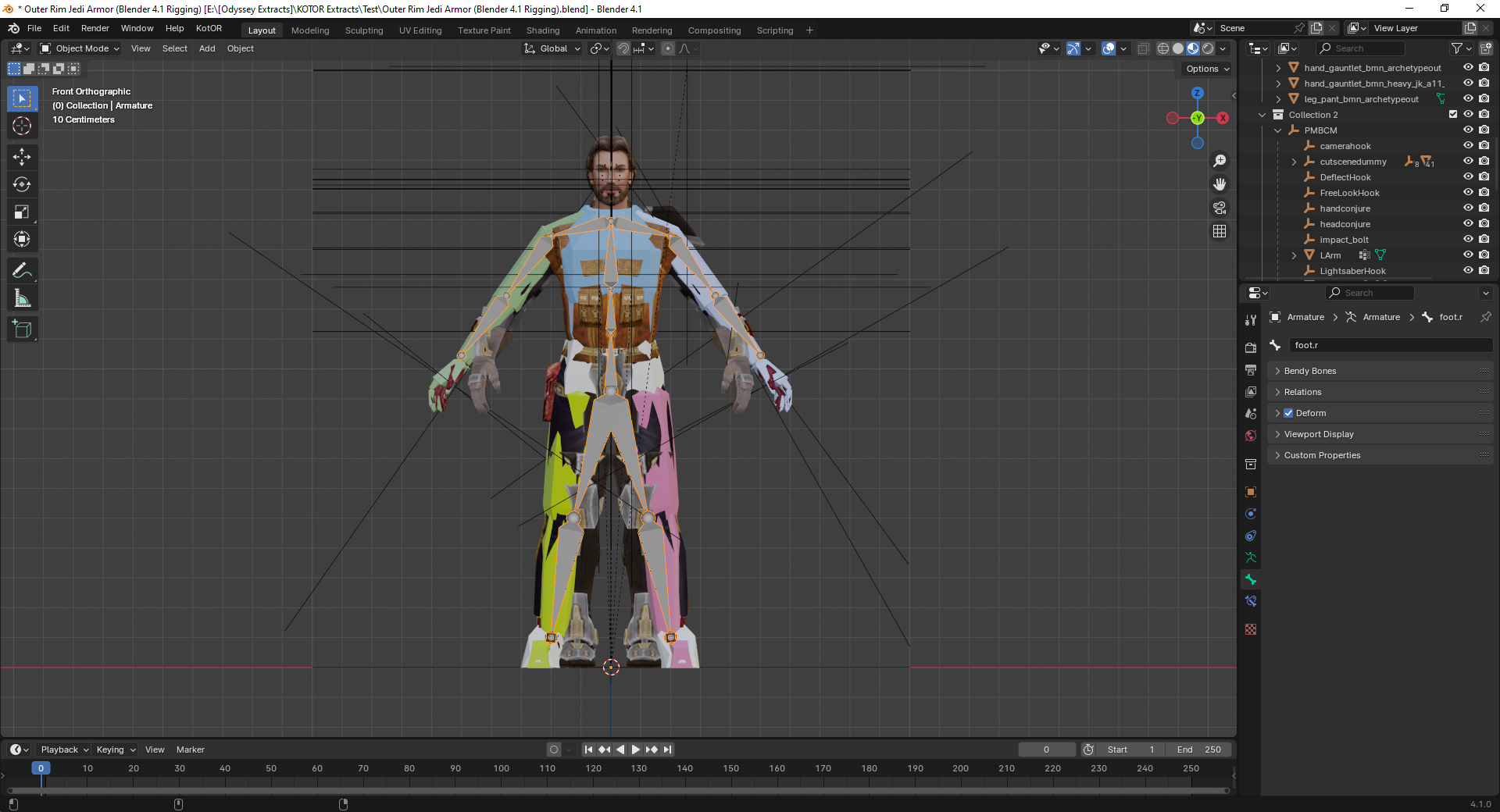
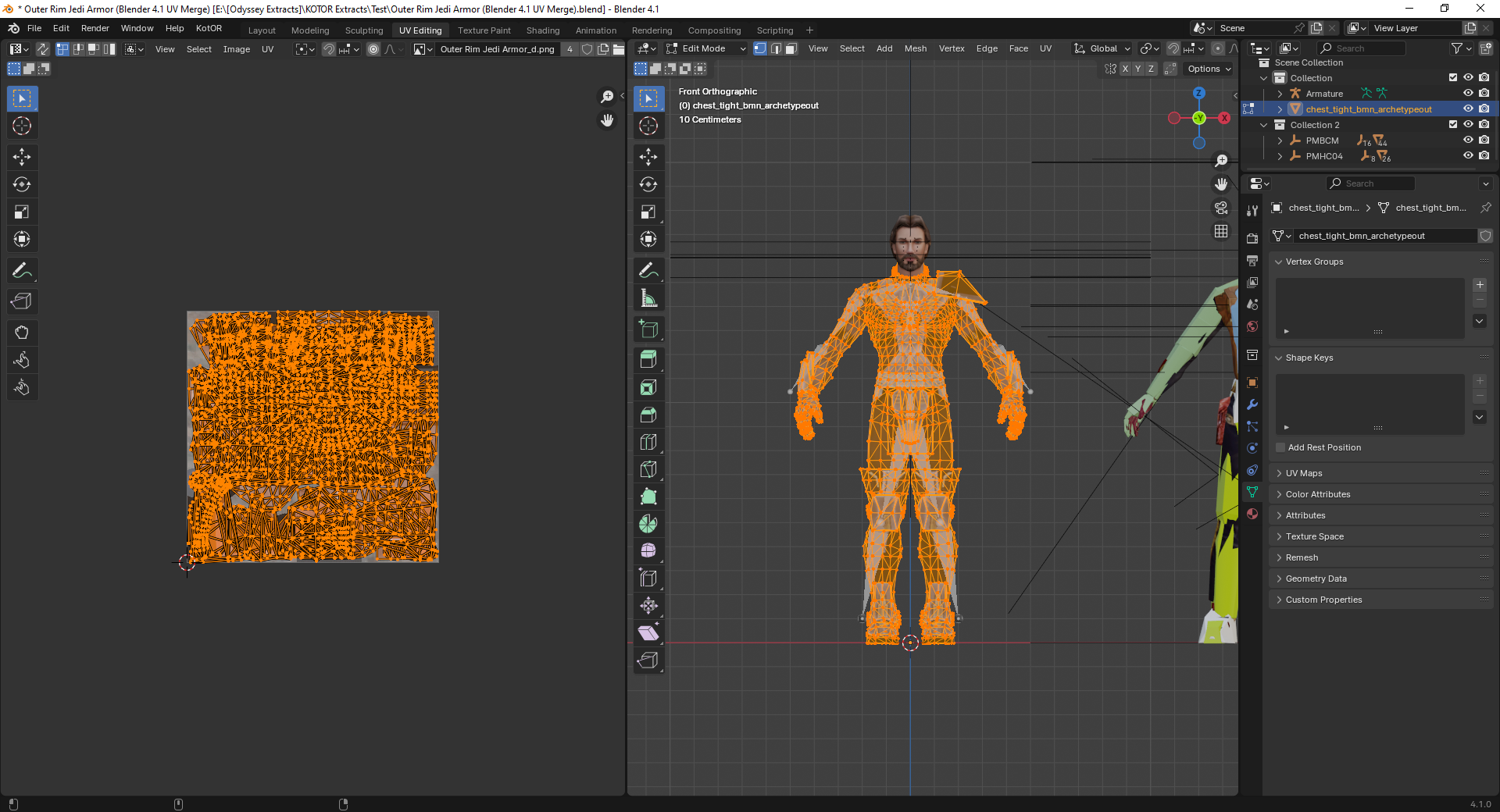
Bones are needed to deform the geometry of an imported model. Your geometry has remained in its original position. It is easier for you to export the model from TOR. with the bones and weights already included. The bones will allow you to deform the mesh in Blender, and the vertex groups (with their associated weights) can be renamed to match the vertex groups used in KOTOR. If importing bones with vertex groups is not possible: 1. Create a skeleton and bind it to the mesh. 2. Deform the mesh using this skeleton so that the arms and legs are in the same positions as those of the KOTOR model. 3. Rename the weighted vertex groups so that they match the vertex groups of the KOTOR model. 4. Apply (save) the mesh modifier and delete the skeleton. 5. Rename the UV map of the imported model to "UVMap." 6. Join the objects using Ctrl + J. Select the mesh of the imported model first, then the mesh of the KOTOR model, and press Ctrl + J. 7. Enter Edit Mode and delete the KOTOR model mesh. 8. Export the model. It’s better to use the original hands. Getting the weight settings right is incredibly difficult. If I happen to work on something like this in the near future, I’ll post step-by-step screenshots.
-
 There was an old Messkell's mod from August 2004 "The Tomb of Naga Sadow" that did the same thing, but didn't require the player to have 10 points in Computer Use. Can it be reuploaded here?
-
 Beast4230 joined the community
-
 h1ghq joined the community
-
Does this patch only work for the Steam version? The manifest.toml doesn't include the hash for the gog version.
-
I don't really enjoy the second game particularly much, but if you ever work on a K1 version of the patch, I would love to help test it out thorougly.
-
 KotorNameSAke joined the community
-
 I cannot thank you enough for the sheer quality and convenience of this mod. Patch after patch, mod after mod, hack after hack, just to get this mess of an old game to look decent on modern displays and hardware. Then one mad lad comes and makes a single gift basket of a patch for it that turns an incredibly tedious and frustratingly long process into a 5 second click-and-play experience. Hell, I'm so used to stuff just not working when trying to mod or fix this game so I expected issues with this, but your patch just does literally everything I need. And it works... omg it actually works lol finally something of this scale actually works without causing any problems in this god forsaken mishmash of game coding. One small issue I've noticed on 4k resolutions anyway is that selecting small font option does not show the names of selected targets. Could you fix that in the next update? It works fine with regular font but I'd prefer small. Also maybe you could make the regular Xbox hud useable without a controller? 5/5, Sincerest thanks
-
Yes, the problem is with DPI scaling. You can set exceptions to the general DPI scaling by changing the .EXE's property in Windows so that the 125% scaling you set (or any other, for that matters) won't apply to the game. Right-click on swkotor.exe (to find it right click on the game's name found in your Library list of the Steam app and choose Manage -> Browse Local Files) and then choose Properties, then Compatibility, and then Change High DPI settings near the bottom of the window that opened up. In the next window that pops up choose now "Override High DPI scaling behavior". Said that, I would recommend you use KOTOR Patch Manager to play the game in widescreen and high resolution. Or alternatively, KMRP - KOTOR Modern Restoration Patch. Good luck!
-
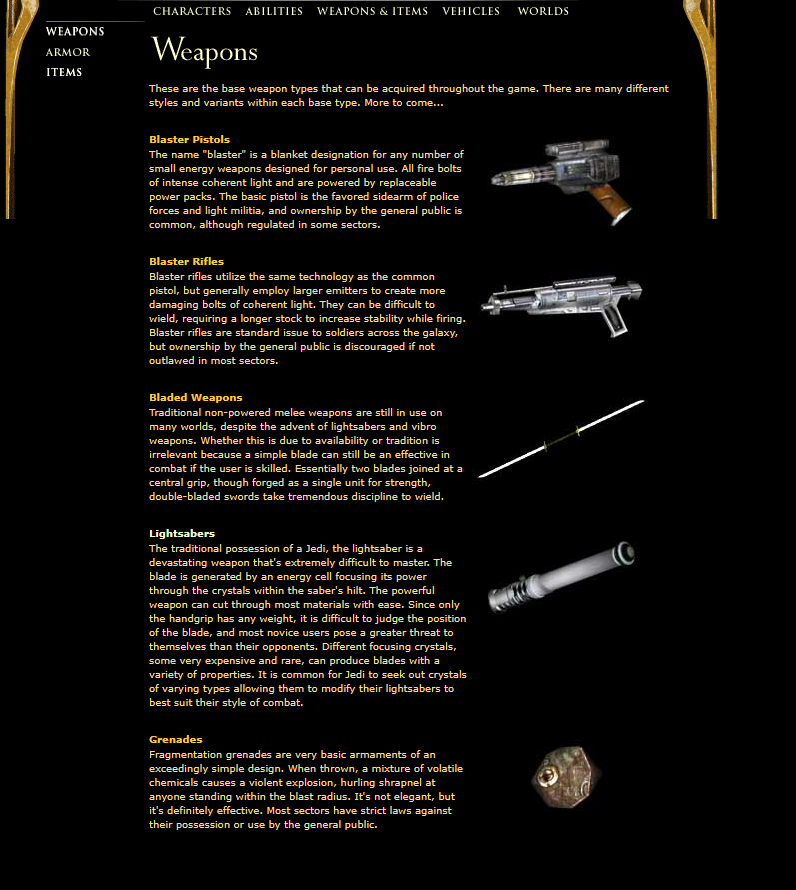
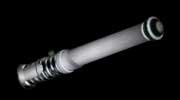
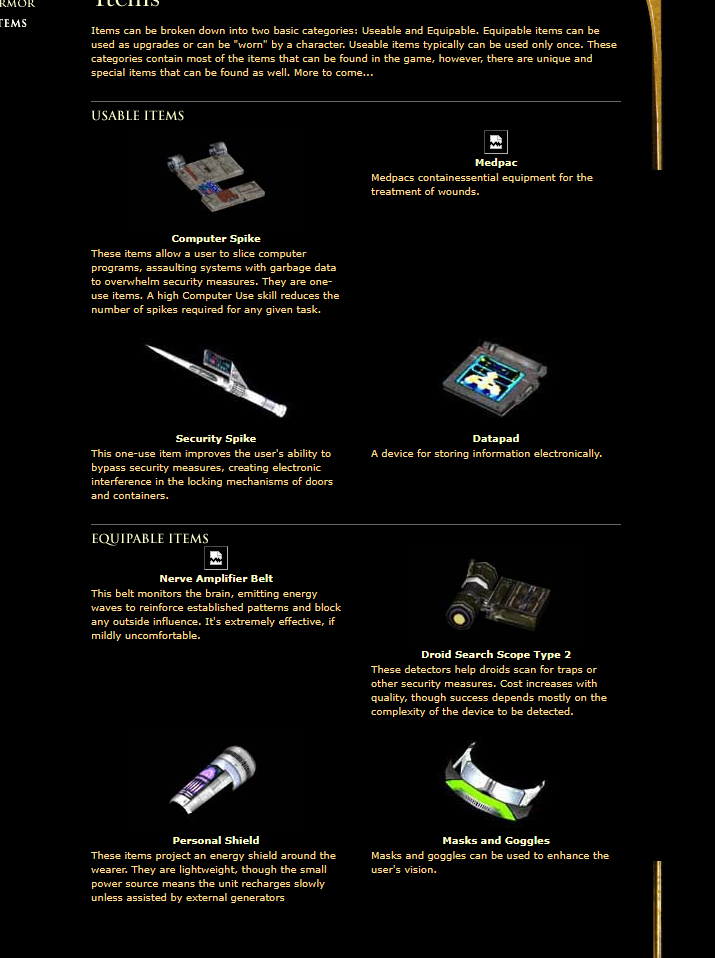
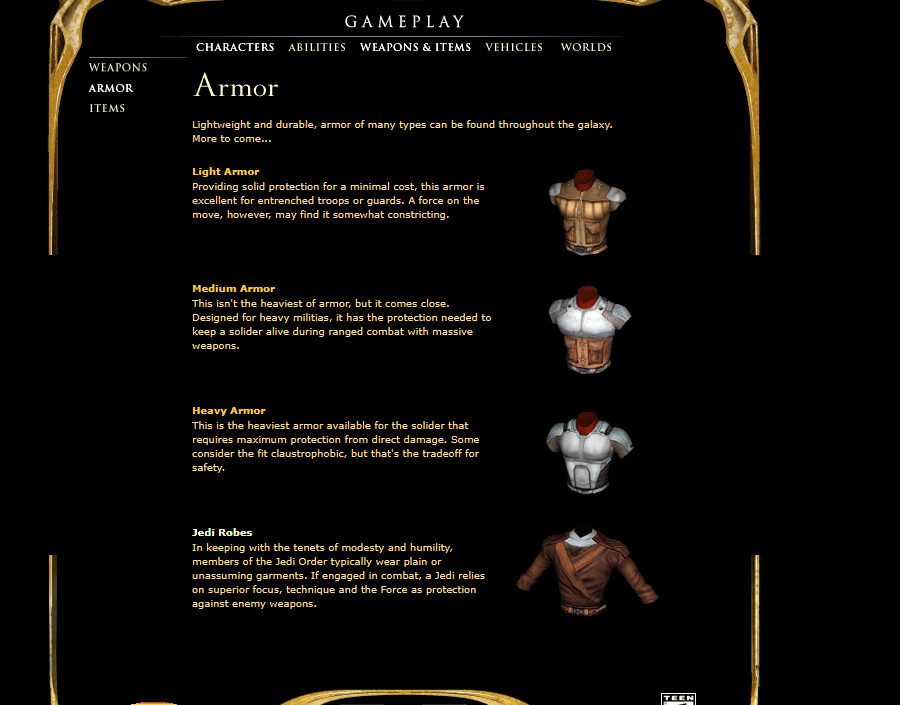
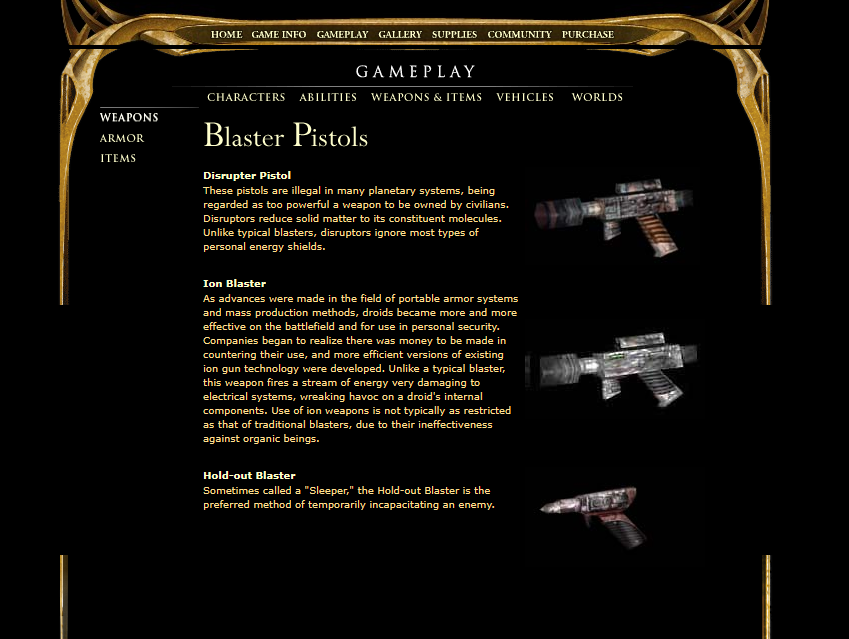
After looking through some archived Kotor 1 and 2 content on waybackmachine, I *finally* found a good render of the Kotor lightsaber hilt "full version" seen in some old preview content. And some other interesting stuff aswell.
-
 Unselected93 joined the community
-
 irsk95 joined the community
-
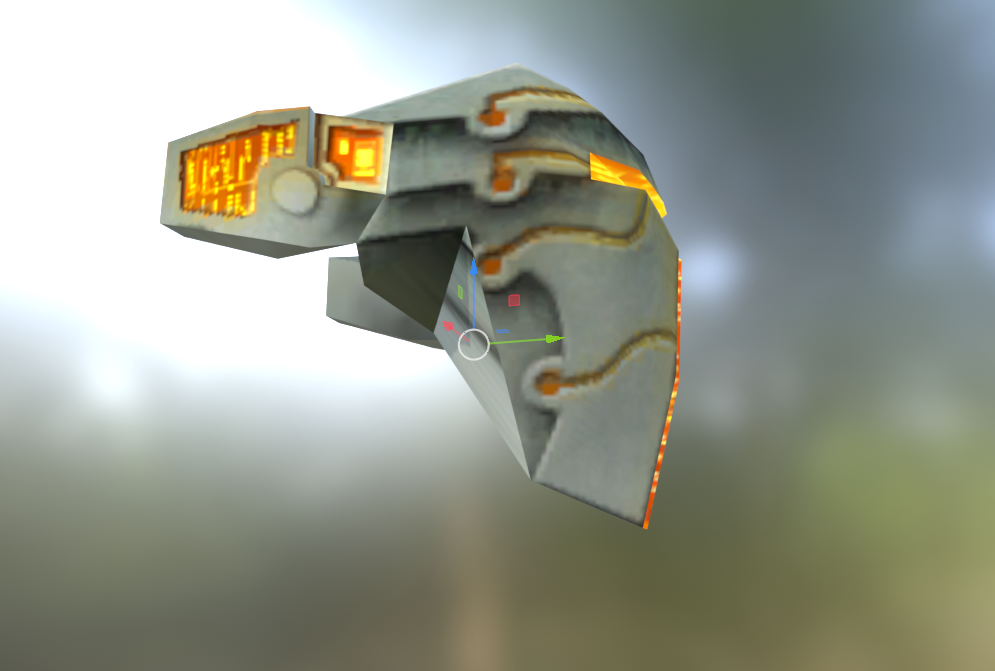
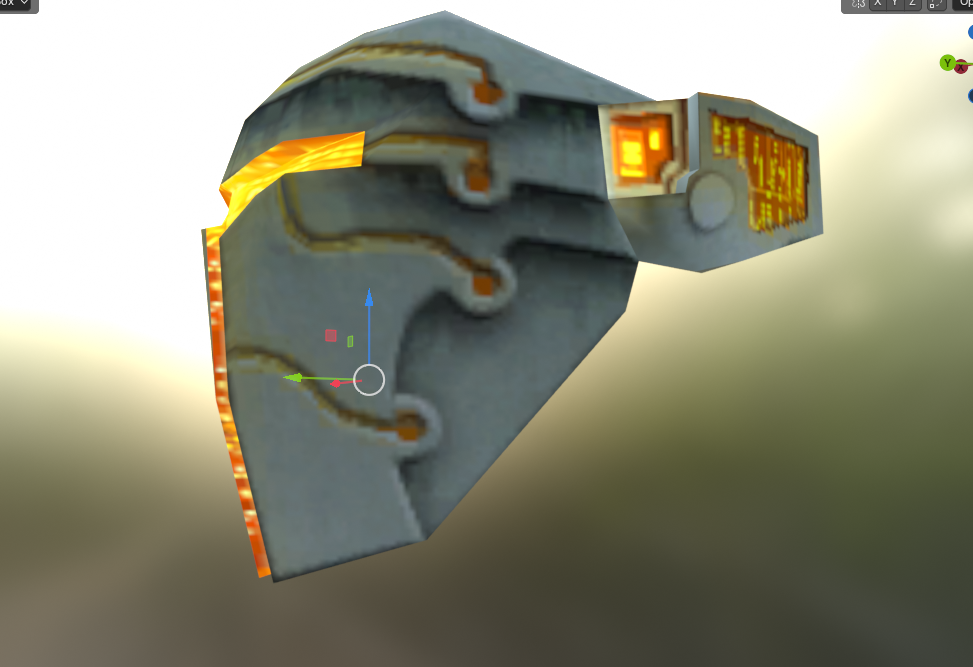
I noticed something about the Mandalorian-looking headgear/facemask: It has an obvious vertex and face error, making it completely asymmetrical.
-
 OryHare joined the community
- Yesterday
-
 Vame joined the community
-
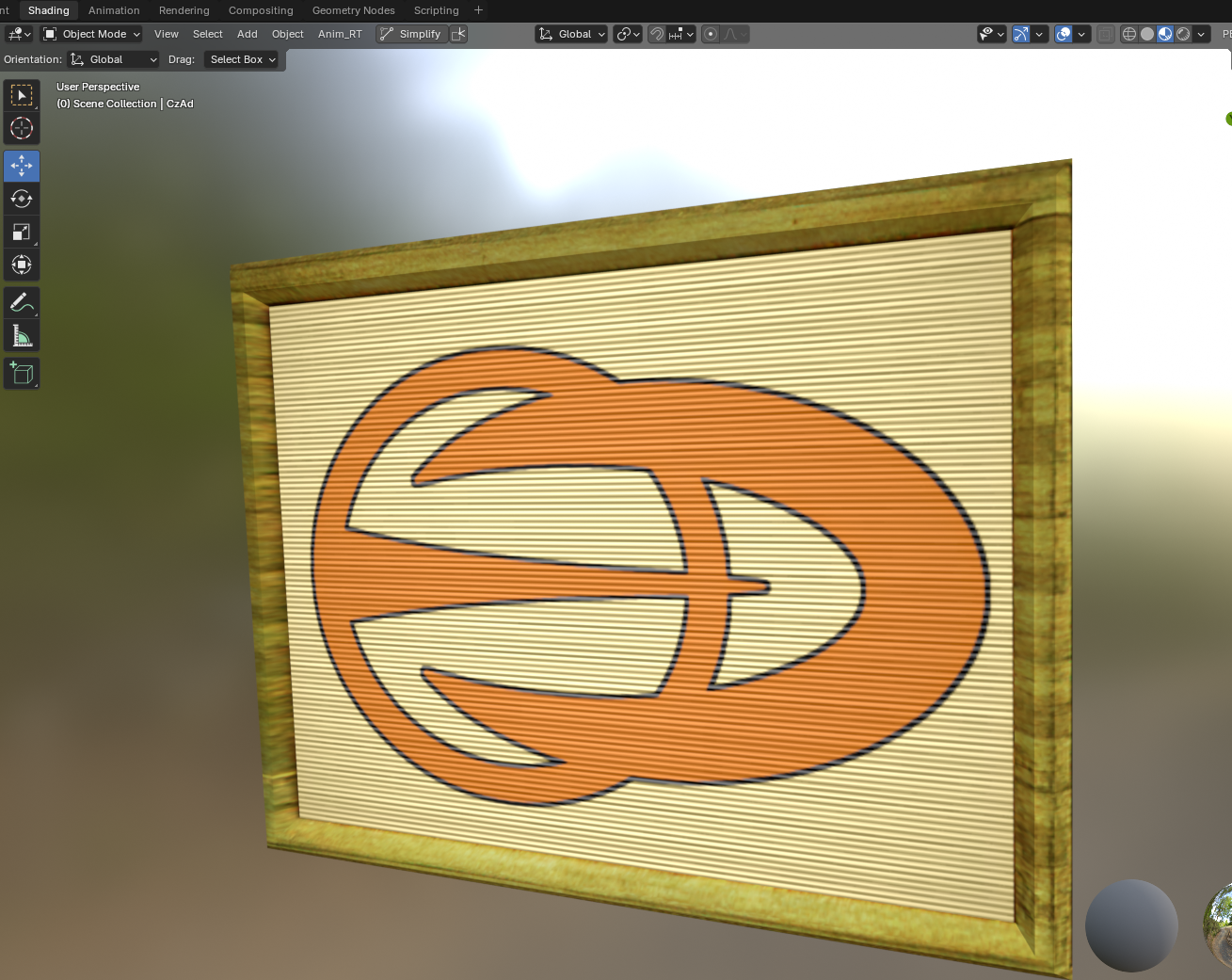
I decided to work on a lore-friendly(ish) remake of the very poorly sized Czerka Corporation sign, both model and texture.
-
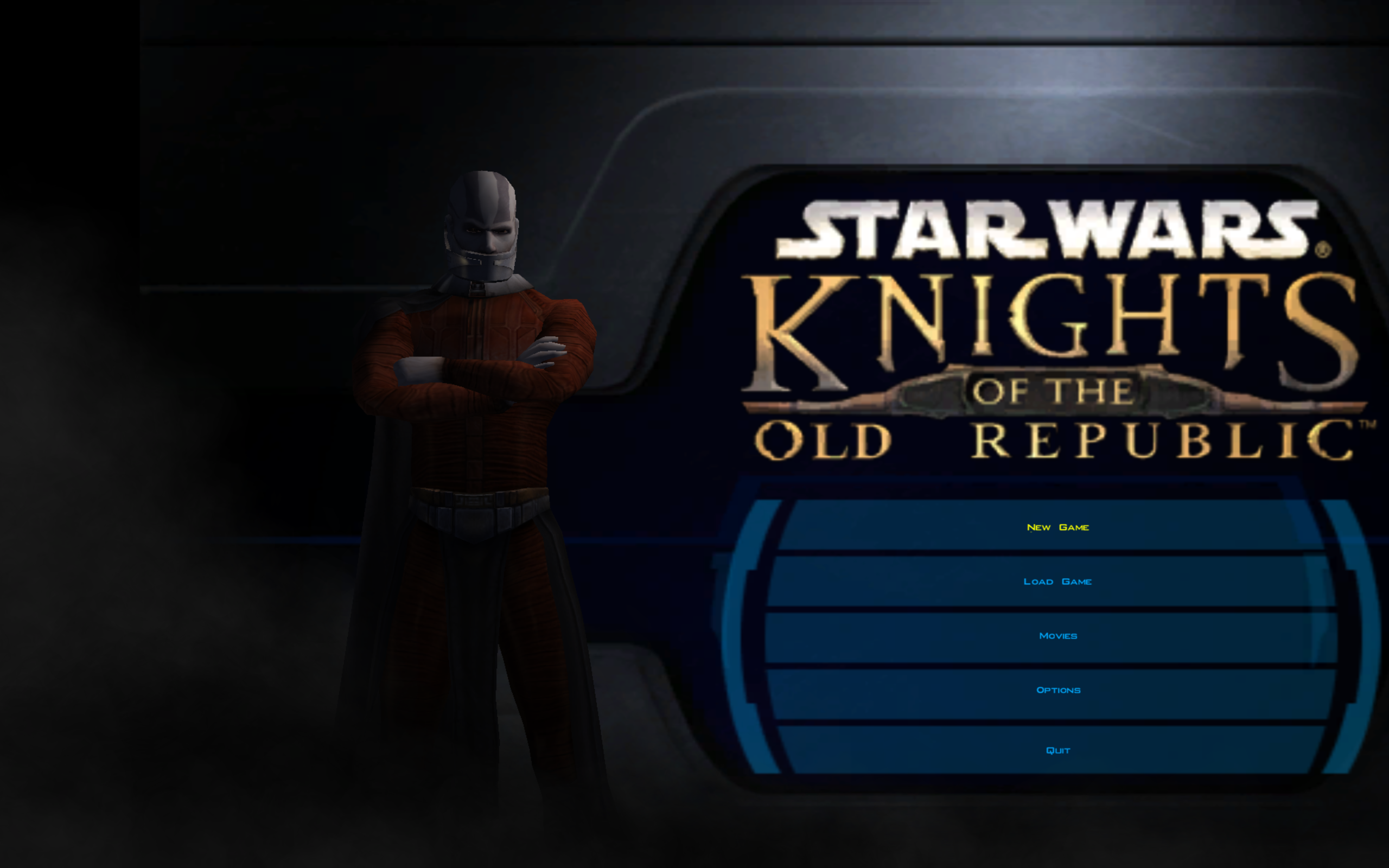
Hi guys. I did a google search on how to do this. I did the following: - Ran UniWS with EXE from here, selected 1024*768 for res and put in 2560 and 1600 for width and height - Downloaded and extracted k1hrm 1.5 files (Ran batch file and extracted 2560*1600 res files to override directory) - Added the following to swkotor ini file [Graphic Options] and [Game Options] sections of ini: Width=2560 Height=1600 - Ran game from desktop shortcut Here is what main menu screen looks like: What am I doing wrong? If it matters any, Windows 11 Display Scale is set to 125%. If I set Display Scale to 100% the game looks good but I don't want to do that each time I want to play game... Help GREATLY appreciated
-
 Kydro joined the community
-
 SpeedySharkz joined the community
-
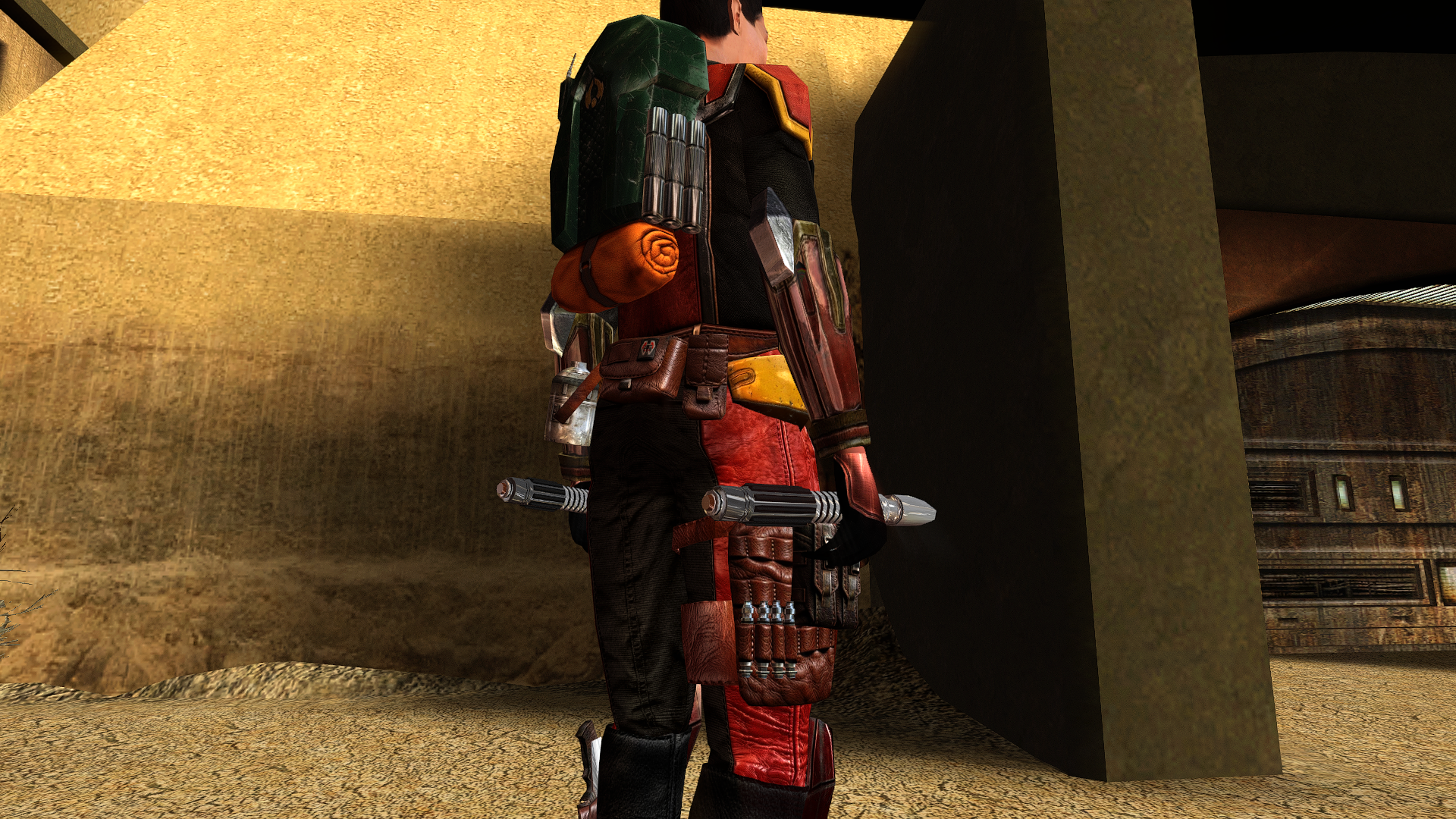
The bones and weights for the TOR model or the KOTOR model? I only extracted the meshes and textures for the TOR armor model without the bones and weights so I added it but I'm not sure if it's accurate (especially the pelvis and feet area in the first image). The KOTOR model only had vertex groups and animation hooks on them. I tried matching the bones of the TOR model to the KOTOR vertex groups in the second image. Separately, is the last image normal when porting armor models?
-
Alternate Revan Romances REDUX has been updated to version 5.1.0. The highlight of this update is upgrading HoloPatcher to the new 2.0 version, and using NeoDLG to export dynamic dialog (DLG) file patching instructions for TSLPatcher and HoloPatcher to reduce the need of adding compatibility install options for other mods that edit the same DLG files. Shout-out to @Vriff for developing NeoDLG and updating HoloPatcher to 2.0!
-
Echoes of the Republic - an unofficial expansion
vault13deathclaw commented on vault13deathclaw's file in Mods
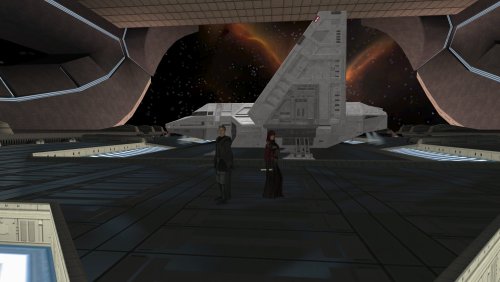 Sounds good :) I am not sure what souser means. If it is the source files for the galaxy map, then that is just there for people who want to make other mods that use those same files compatible. Anything that is for needed to play the mod should already be where it needs to be in the folders. If you are talking about something else, then please let me know.
-
Hi guys. I was wondering if it is possible to play Kotor 1 in 2560*1600 widescreen res? If yes, what all do I need to do? I have the Steam version of Kotor 1. Help greatly appreciated
-
Echoes of the Republic - an unofficial expansion
plampa commented on vault13deathclaw's file in Mods
Thanks!! I'm already working on it, since it's a mod that needs translating. Progress: the dialog.tlk, the override DLGs, and telos are already translated, as well as nar sha. I'm working on the .mod files for modules. I also have the M478 mod in Spanish from before; that's what I started with. Well, when I have it complete, I'll let you know and send it to you. PS: Regarding the souser maps folder, do I have to paste the contents into override? Or is it for something else? Sorry, I'm a bit of a novice with some things. Greetings from Argentina! Thanks again. -
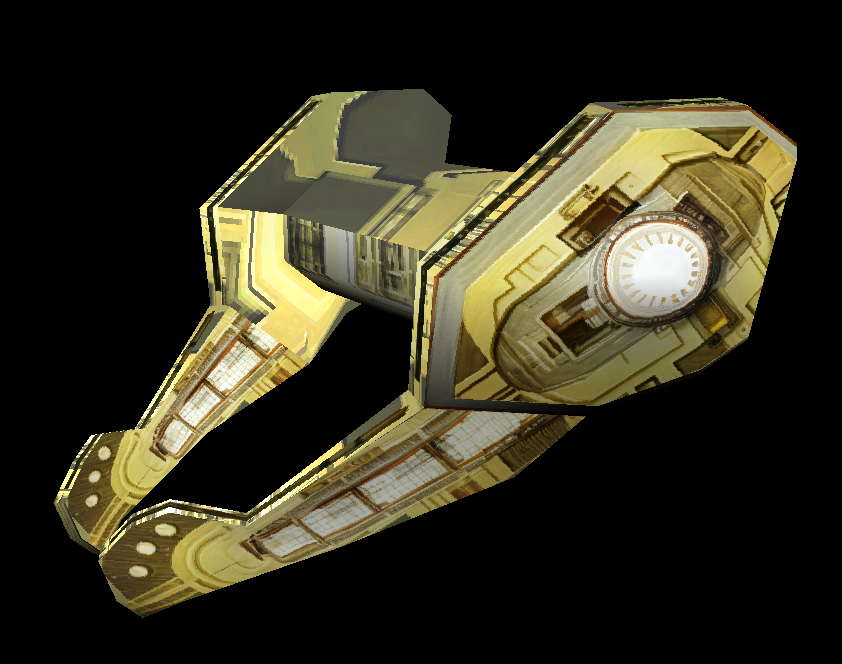
Well, the background 4 textures don't really get used on the model - just that "5th piece" that overlays the 4 LMA textures that are used as background. Of course, talk is cheap so I'll show the work. (Textures were not harmed but were upscaled bofore applying them to the model.)
-
The texture might look ridiculous, but in the game itself it works surprisingly well, and you can’t tell that it’s made up of 4 door textures (actually 5—the last one has been cut up and rotated).
-
Echoes of the Republic - an unofficial expansion
vault13deathclaw commented on vault13deathclaw's file in Mods
That sounds great! I would love for more people to be able to play it! You have my permission to do that. As for your second point, my personal philosophy with designing these quests is that they're "all side quests." Some of the side quests are connected and over the course of development there somewhat did emerge a "main quest" of sorts (though if you're already translating it, you probably also noticed my internal quest names do occasionally indicate main and side quests, but those were more for my reference more than anything else, lol). I can think about it, though. Denoting side quests with the "Bonus Mission" label in the log does make sense. -
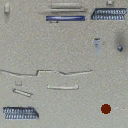
I agree with this assessment, plus the screenshot and the texture somewhat suggest that the Neural Band was based off of Lobot though obviously with the head variety they couldn't have the band wrap around the skull due to head shapes and hair. Maybe having the bald player character wear the Neural Bands was an intentional nod to Lobot as well. This is the texture for it, btw. It took me a bit to realize what you were saying but once I saw it my jaw dropped. For anyone else reading, if you squint on the gold visor texture you can see 4 really low res door textures on it.
-
 Would probably work better with an Aurebesh font.
- Last week
-
 As mentioned previously, it should look like however your underwear looks.
-
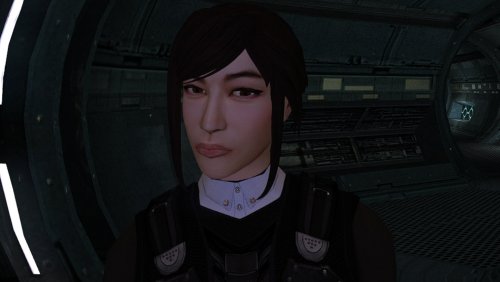 Thanks, I solved it. Since all the new models are TGA, I forgot to run the script to "delete duplicate tga/tpc," Once I did that and purged the .tpc from the Override folder, the new models rendered perfectly in the game. Link here: https://www.nexusmods.com/kotor/mods/1384?tab=files. I layered them on top of Vurts full Visual Resurgence package and so far I really like the combination. And like I said, your work is AMAZING!
-
Don't suppose it's possible to get a Darkside version?