All Activity
- Past hour
-
 lefimind joined the community
 - Today
-
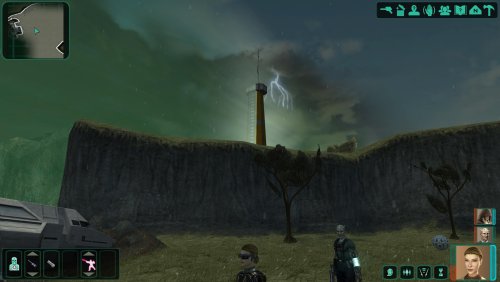
View File Rain, Lightning and Thunderstorms on Telos Hello everyone! This mod replaces the fair weather in the Telos Restoration Zone with a thunderstorm—complete with lightning, thunder sounds, and rain—and darkens the sky, much like what was seen in the early demo of KOTOR 2. The files are loose files intended for the 'Override' folder; therefore, conflicts may arise if the files '231TEL.are' and '233TEL.are' are already present or have been modified/added to the module by another mod. Submitter FF97 Submitted 10/28/2026 Category Mods TSLRCM Compatible Yes
-
View File K1 Nameplates World of Warcraft-style nameplates for KOTOR: every enemy gets its own health bar, and loot and usable objects are always labelled. KOTOR shows one overhead name and health bar at a time, only for the creature under your cursor or your target. It flickers away and is hard to click. This mod gives every hostile you could click its own plate: Red plates on every visible enemy within 60 m; neutral and friendly creatures on hover or target. A framed, larger target plate with health in percent. Other plates fade while you have a target. Damage chips, distance scaling and stacking instead of overlap. Click a plate to select or attack, just like clicking the model. Object labels: remains, containers and items on the ground in gold while they hold loot, "[empty]" once looted, terminals and workbenches in cyan. Scenery and invisible script objects get no label. Only while the HUD is up (never in dialogs, menus or cutscenes). F6 turns it off and on. Everything is configurable in nameplates.ini. Install: copy dinput8.dll and nameplates.ini into the game folder (next to swkotor.exe). Delete them to uninstall. It doesn't touch swkotor.exe, Override or saves: everything happens in memory while the game runs, and it checks the game code before every hook, so on an exe it doesn't recognise it does nothing. Compatibility: KOTOR 1 patch 1.03 on Windows. Tested on Steam, with the KOTOR Editable Executable and on the stock exe. GOG should work but is untested, so please report either way. Any resolution, with or without UniWS, High Resolution Menus and the 4 GB patch. Works with ReShade. Conflicts only with other mods that ship a dinput8.dll. Not for KOTOR 2. Troubleshooting: nameplates.log in the game folder says whether the hooks installed. For bug reports, set Debug=1 in nameplates.ini, reproduce the problem and include the log and a screenshot. Engine addresses come from Lane Dibello's KOTOR Patch Manager address database. Thanks, Lane! Source (MIT): https://github.com/phalladar/k1-nameplates Submitter Phall Submitted 10/27/2026 Category Mods K1R Compatible No
-
 vault13deathclaw changed their profile photo
 -
Version 1.0.0
0 downloads
Hello everyone! This mod replaces the fair weather in the Telos Restoration Zone with a thunderstorm—complete with lightning, thunder sounds, and rain—and darkens the sky, much like what was seen in the early demo of KOTOR 2. The files are loose files intended for the 'Override' folder; therefore, conflicts may arise if the files '231TEL.are' and '233TEL.are' are already present or have been modified/added to the module by another mod.-
- 1
-

-
- telos
- thunderstorm
- (and 2 more)
-
 Which game? Which platform and version? What mods are you using?
 -
 validcabbage joined the community
 -
 Bic_lighters joined the community
 -
 ObsidianGhostFace joined the community
 -
-
 JoelBerg42 joined the community
 -
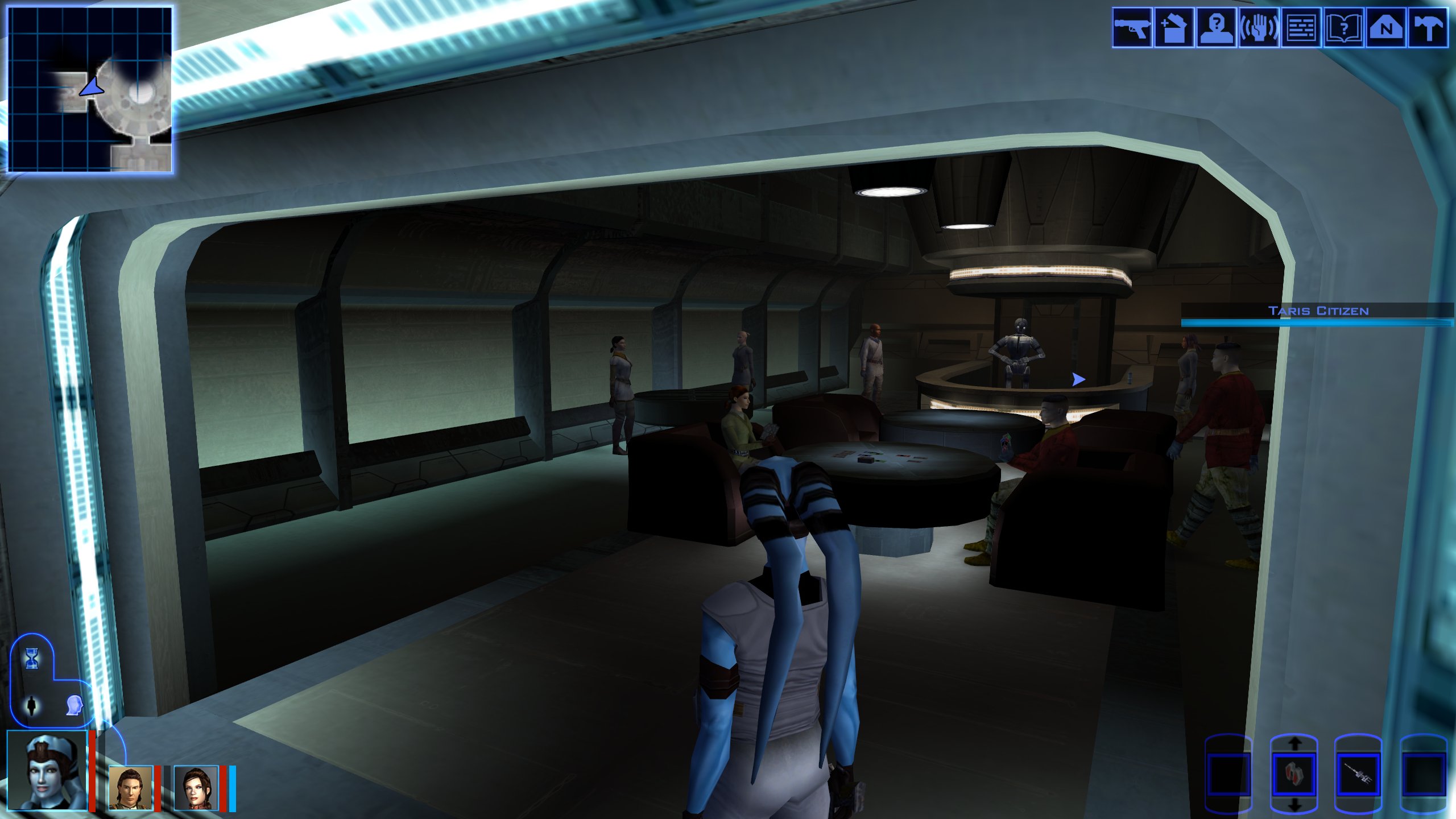
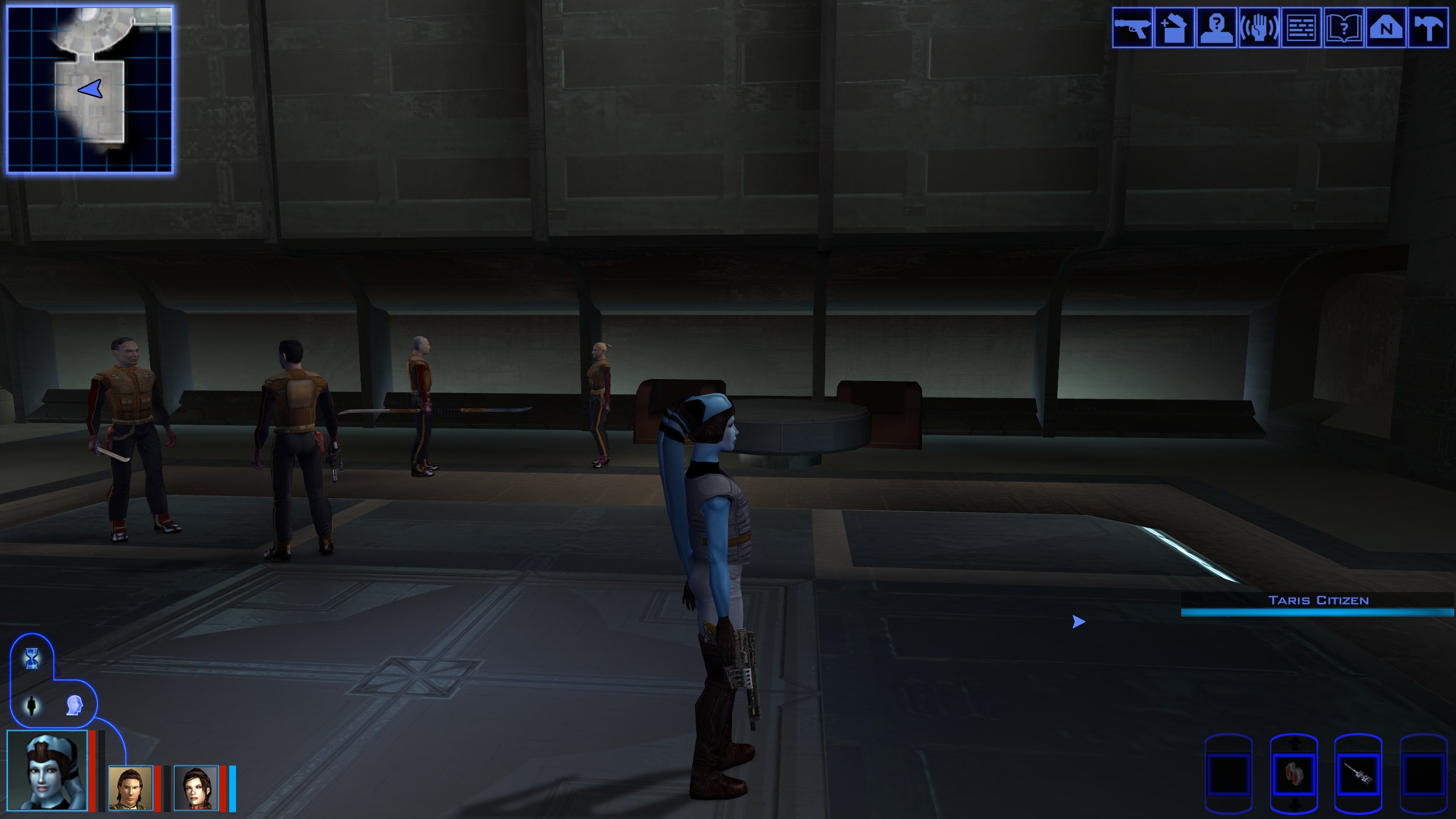
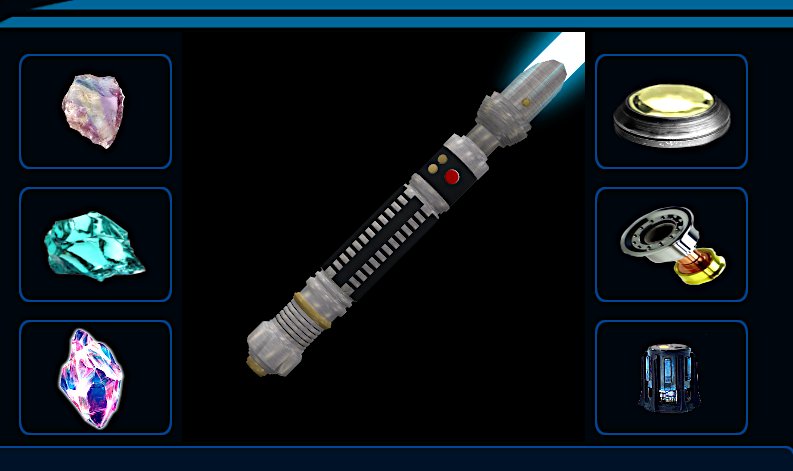
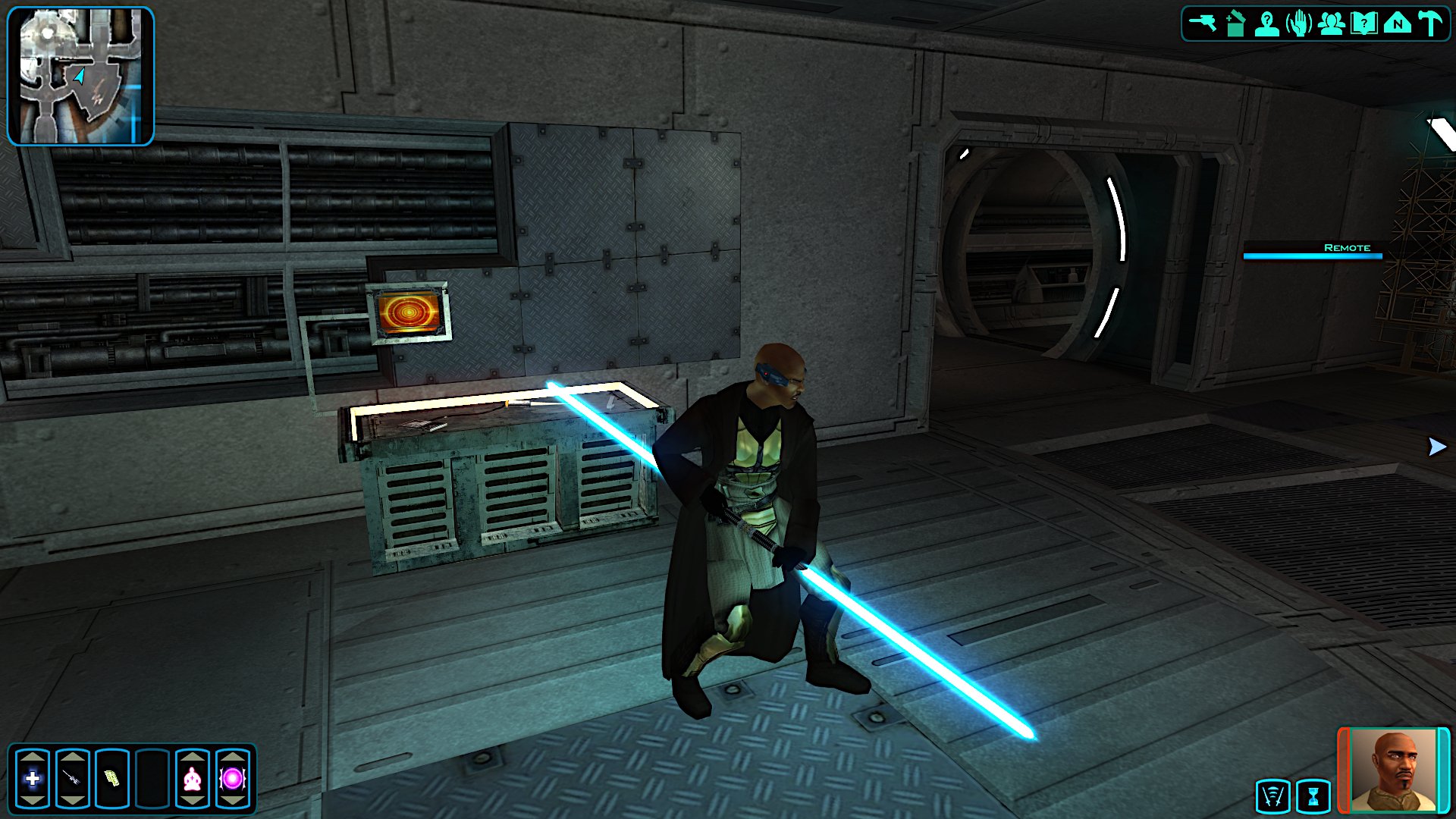
Oh sorry. 😁 So I just turned my old Acheron single blade model into a double bladed. the single blade model is 4891 polys. So I cut off the bottom pommel thingy and turned it into a saberstaff. (woot) Now I want to make it the quest saber hilts for SLM. I'll post pics of what was going to be the quest saber models. the single blade is this...that I also just remapped and skinned. So yeah...happy I did it.
-
 Criss99xD joined the community
 -
What're we looking at?
-
 I'm having an issue where the game slowly starts to stutter, along with the audio crackling, after about an hour and a half of gameplay. It's happened 3 times now, always right around 1.5 hours. The only thing that fixes it is restarting my whole system. I was hoping anyone had a permanent fix for this. Thank you in advance. Patch 1.5.1 Processor Intel(R) Core(TM) i7-7700K CPU @ 4.20GHz 4.20 GHz Installed RAM 32.0 GB Storage 224 GB SSD WDC WDS240G1G0A-00SS50, 932 GB HDD WDC WD10EZEX-75WN4A0 Graphics Card NVIDIA GeForce RTX 3060 (12 GB) System Type 64-bit operating system, x64-based processor Edition Windows 10 Home Version 22H2 Installed on 9/14/2020 OS Build 19045.7807 GeForce drivers 610.88
 -
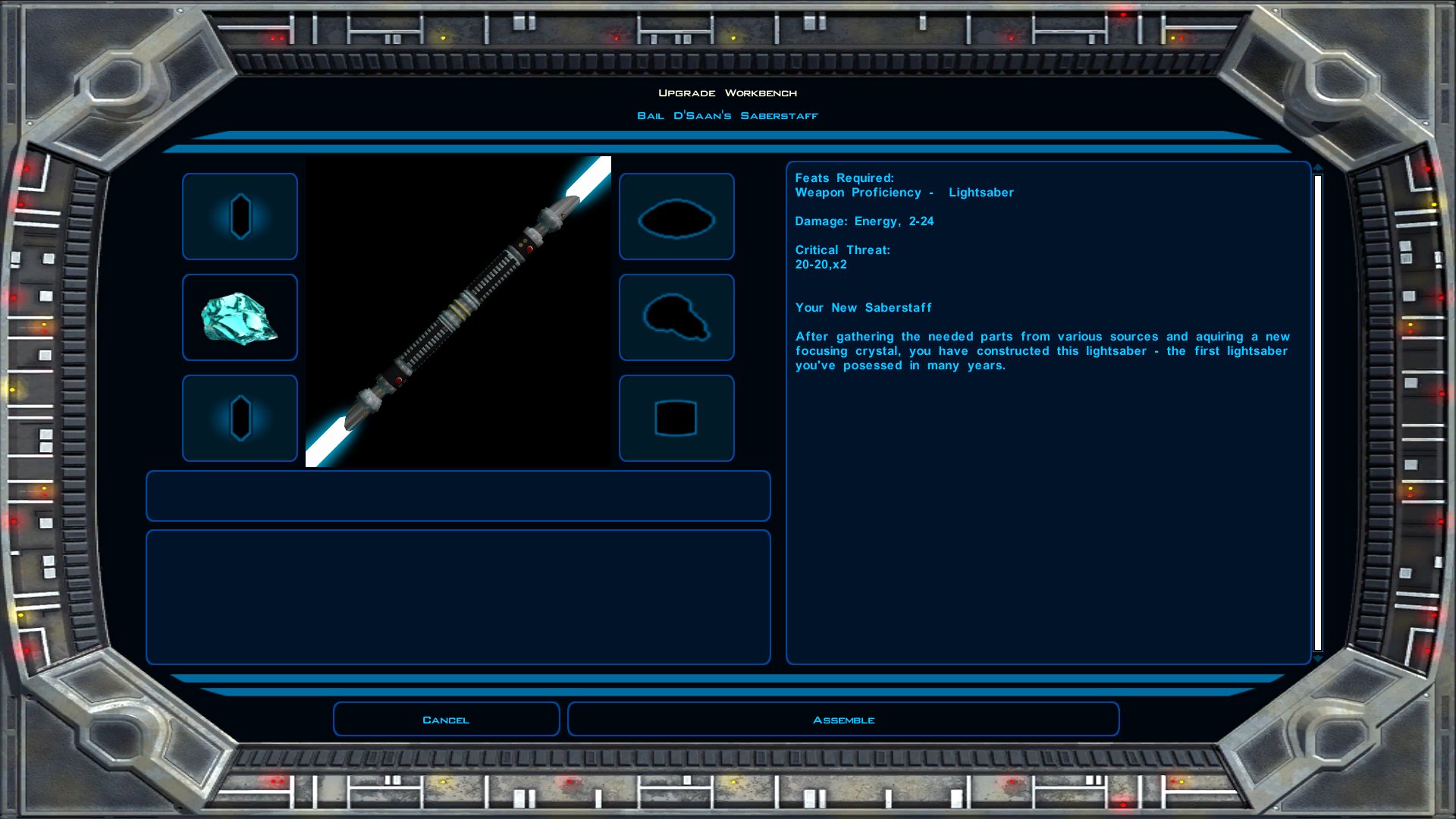
oh holy crap. I think I'm doin' it. gotta fix the length but otherwise it's fine lol
-
CrispyJeb joined the community
-
"The thing is, we started playing through BOSSR on stream" sorry if this comes off as annoying but where do you stream? I would like to see more of your setup, based on the pictures in your mod's the game looks beautiful.
-
 imethank joined the community
 -
 senii joined the community
 -
Hey everyone! I've been trying to mod and retexture KOTOR 1 on my phone, and as we know, we need to unpack files such as ".bif", ".erf", ".mod", ".sav", and ".rim" to access textures and vanilla game scripts. Unfortunately, most KOTOR modding tools and extractors are only available on PC, which sucks for those of us who don't have access to a PC or laptop. So, with the help of AI, I prompted it to create an all-in-one tool that can extract the files we need. It also includes a TGA-to-image converter, allowing us to view and edit textures directly on our phones. The best part? All the tools work completely offline! I recommend using Firefox, especially when loading KEY files or working with large files. For some reason, Google Chrome didn't work well for me, but Firefox handled them better. Hopefully, this tool will make KOTOR 1 modding and retexturing more accessible to those of us who want to mod the game on mobile without needing a PC or laptop. haven't test on kotor2 but since they use the same file base i think it's will work the same if you interested https://github.com/hoteajedi/Starwa rs-KOtor-Tools KotOR Tools.html
-
 Dekomet joined the community
 - Yesterday
-
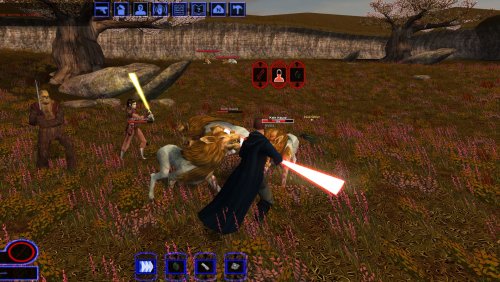
Version 1.0
0 downloads
World of Warcraft-style nameplates for KOTOR: every enemy gets its own health bar, and loot and usable objects are always labelled. KOTOR shows one overhead name and health bar at a time, only for the creature under your cursor or your target. It flickers away and is hard to click. This mod gives every hostile you could click its own plate: Red plates on every visible enemy within 60 m; neutral and friendly creatures on hover or target. A framed, larger target plate with health in percent. Other plates fade while you have a target. Damage chips, distance scaling and stacking instead of overlap. Click a plate to select or attack, just like clicking the model. Object labels: remains, containers and items on the ground in gold while they hold loot, "[empty]" once looted, terminals and workbenches in cyan. Scenery and invisible script objects get no label. Only while the HUD is up (never in dialogs, menus or cutscenes). F6 turns it off and on. Everything is configurable in nameplates.ini. Install: copy dinput8.dll and nameplates.ini into the game folder (next to swkotor.exe). Delete them to uninstall. It doesn't touch swkotor.exe, Override or saves: everything happens in memory while the game runs, and it checks the game code before every hook, so on an exe it doesn't recognise it does nothing. Compatibility: KOTOR 1 patch 1.03 on Windows. Tested on Steam, with the KOTOR Editable Executable and on the stock exe. GOG should work but is untested, so please report either way. Any resolution, with or without UniWS, High Resolution Menus and the 4 GB patch. Works with ReShade. Conflicts only with other mods that ship a dinput8.dll. Not for KOTOR 2. Troubleshooting: nameplates.log in the game folder says whether the hooks installed. For bug reports, set Debug=1 in nameplates.ini, reproduce the problem and include the log and a screenshot. Engine addresses come from Lane Dibello's KOTOR Patch Manager address database. Thanks, Lane! Source (MIT): https://github.com/phalladar/k1-nameplates -

Heyorange's Sith Uniform Reformation [Revised]
mackmitchell94 commented on Sith Holocron's file in Skins
 I uninstalled Lightsaber and force forms by death disco and I’m still getting the crash . I was thinking it could be Marius Fetts wearable sith uniforms because that mod does edit the pmbjl files . @JCarter426 I tried uninstalling this mod by putting everything in the backup folder into the override, but it failed ! All the sith officers on korriban still have the uniforms from this mod !
 -
 Next Update maybe with Crazy34's blades?
 -

Heyorange's Sith Uniform Reformation [Revised]
JCarter426 commented on Sith Holocron's file in Skins
I do not believe that is related to this mod's changes. -
Heyorange's Sith Uniform Reformation [Revised]
mackmitchell94 commented on Sith Holocron's file in Skins
@JCarter426 I installed the update, but I'm still getting the crash in Tulak Hord's tomb. Jorak Uln fails to appear then a crash happens :Names Differ: N_SithComM pmbjl . It's either this mod or Lightsaber and force forms for K1, since I recently completed a play-through that had no crashes with the same build but without those 2 mods ! -
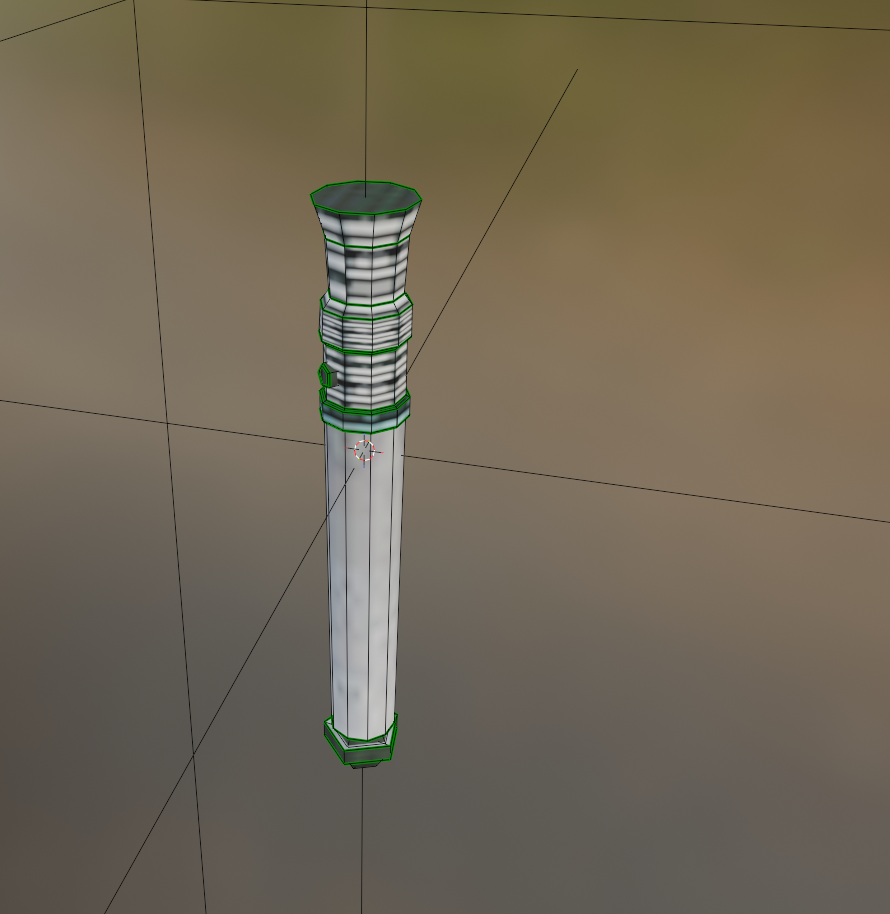
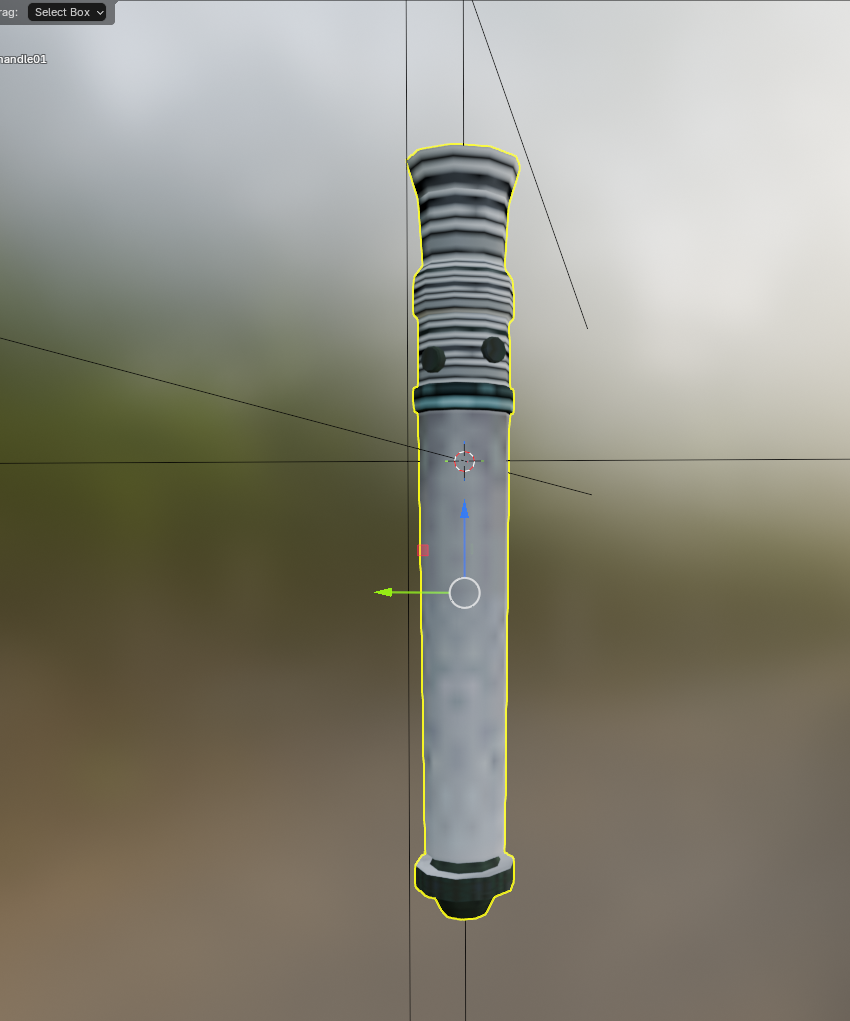
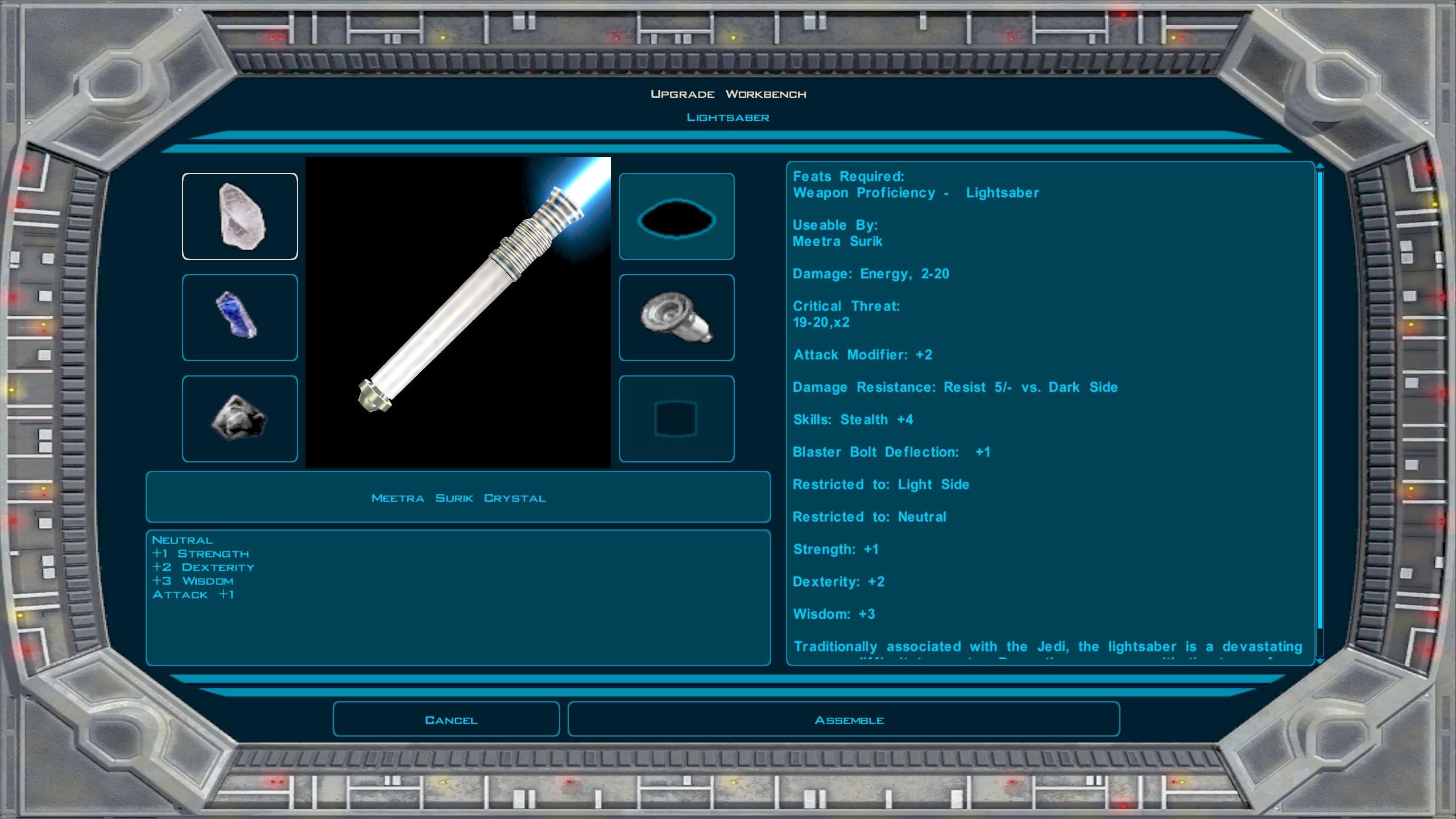
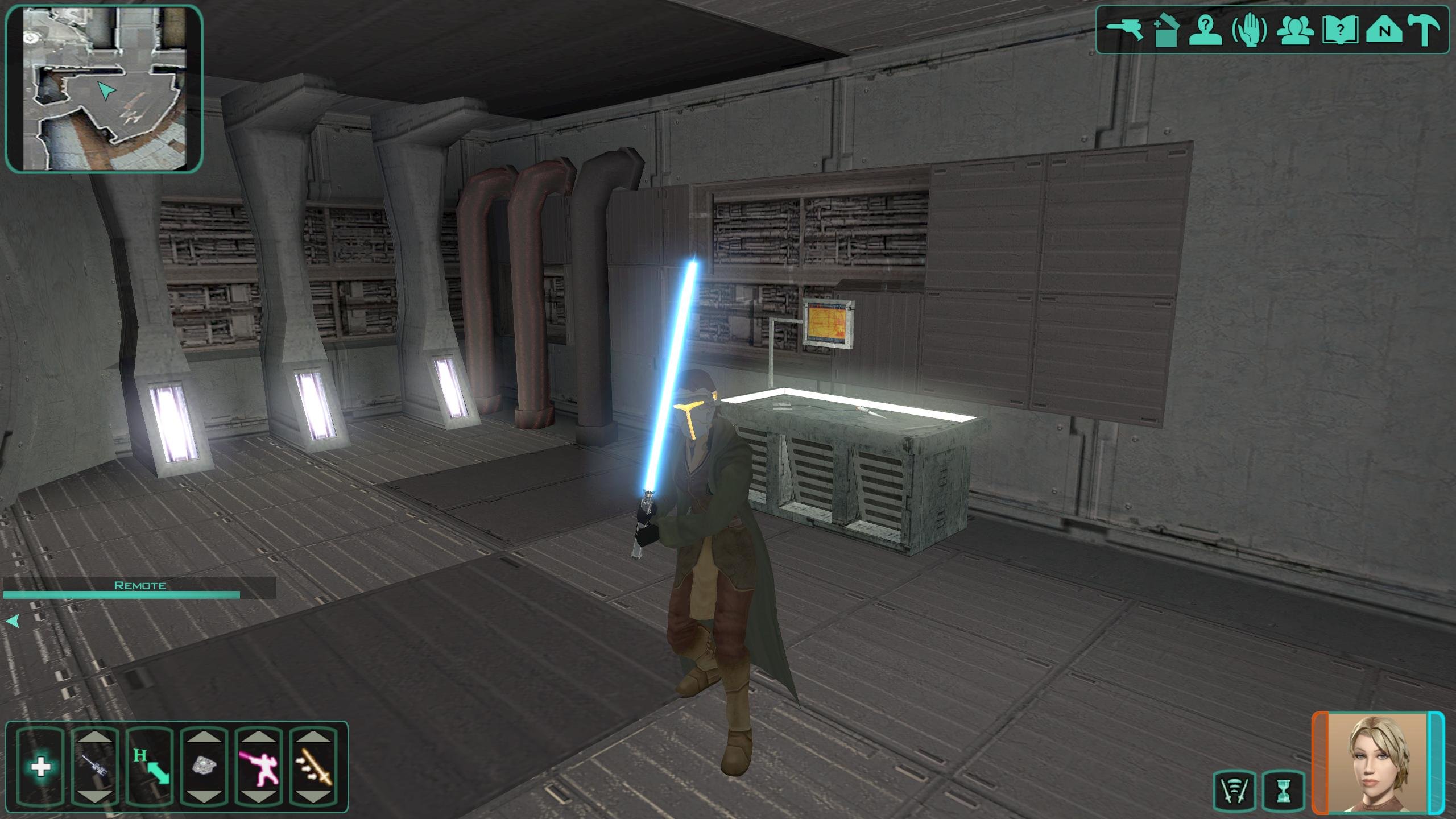
A higher Poly version of the default Lightsaber Hilts for K1 and K2...
-
 The mod works perfectly, but in kotor 1 there's a bug that companions don't banter with each others when the game is in high fps, is it possible to fix this?
 -
 Unfortunately I really don't have as much time as I used to. The Pazaak Tournament is out and you can play it with K1CP and RC-K1CP, but for BOSSR I gave up for now. As I said in the last comment, "BOSSR apparently brings many issues, especially on other devices than PC, such as mobiles. Which is why I think people are expected to play it once (the guy who did it even included a save especially to do that) and that's it." Also it's not very replayable. It's very linear. So imho just play it once on a vanilla installation and that's it. However, and I believe I didn't talk about it on this page, I am using my modding time to make a K1 post-endgame expansion which will have more focus on player choices and differences between light side and dark side playthroughs. At any rate, no patch in view for BOSSR yet.
 -
SKIN:Heyorange's Sith Uniform Reformation [Revised]
JCarter426 replied to Sith Holocron's topic in Mod Releases
I didn't experience this issue with TSLPatcher, but I ran the "Check for Issues" diagnostic in Microsoft Word on all RTF files to be safe, and the mod has been updated with them. Could you try it again and confirm if this fixes it for you? Also, it's worth noting that TSLPatcher and HoloPatcher are known not to be fully cross-compatible, and there is an update to HoloPatcher in the works to address. -

Custom voice files not playing (Holocron Toolset)
Stanlej95 replied to Stanlej95's topic in Modding Tools
An update: I managed to properly link and play custom VOs by putting them straight to "streamvoices/" not module specific folder. Maybe someone will have similar problems so I leave my entire proccess that works for me: This is the pipeline that worked for my Steam version of the game. 1. Open file in Audacity. 2. Export as mp3, exact parameters that work for me are: 22050 Mhz, constatnt bitrate 96kbs, mono channel. 3. Put the file in "in" folder of SithCodec and run encode_vo.bat 4. Move the file from "vo" folder of SithCodec directly to "Streamvoice" not into any subfolder. from Holocron's Designer's dlg editor to standalone DLG Editor (Holocron's couldn't play any animations or add camera filters (e. g. Droidvision, security camera, etc.). 6. Set up the conversation there using converted .wav file from 'Streamvoice" as a VO_ResRef 7. Add saved .dlg file to .mod via ERF Editor. Note: I changed all file's related to the module, npc, scripts, and dialogues names to lowercase letters and numbers only. Note 2: I Moved from Holocron's Designer's dlg editor to standalone DLG Editor (Holocron's couldn't play any animations or add camera filters (e. g. Droidvision, security camera, etc.). Also if someon have an idea why TSL's engine can't seem to find the .wav while it's in dedicated "streamvoice/[module_name]/[conversation_tag]" folder, please let me know -
is there any new's on a compitiblity patch for BOS:SR?
-
In sad news: Walter Koenig, Star Trek’s original Chekov, dead at 90. R.I.P.
- Last week
-
 View File Chinese Translation For "Brotherhood of Shadow: Solomon's Revenge1.5"/"暗影兄弟会:所罗门的复仇"中文版 此文件为模组“暗影兄弟会:所罗门的复仇”的简体中文版本,考虑到tslpatch对中文系统的兼容性缺陷,以及原版模组安装器的程序漏洞,本次汉化分发为完整副本,采用解压手动的安装方式。 安装: 解压压缩包,按顺序将以下文件夹内容移入游戏根目录 BOS-SR CN MANUAL WINDOWS INSTALLATION(BOS-SR本体) BOS-SR CN 1.1 PATCH MANUAL INSTALLATION(BOS-SR1.1补丁) “背水娱乐”任务线修复 矿坑CTD修复 原模组链接: https://deadlystream.com/files/file/761-brotherhood-of-shadow-solomons-revenge/ 模组授权: 由于我没有方式联系到模组原作者“Silveredge”,所以本次授权申请自现模组上传者“Fair Strides”。 非常感谢模组上传者“Fair Strides”授予的汉化许可。 注意: 此模组并不包含KOTOR1本体的汉化,游戏本体汉化现处于公开测试阶段,相关信息在国内各大主流游戏/视频平台均有发布,请自行寻找。 ———————————————————————————— English Introduction ———————————————————————————— This is the Simplified Chinese version of the mod Brotherhood of Shadow: Solomon's Revenge. Due to compatibility issues between TSLPatcher and Chinese-language systems, as well as bugs in the original mod installer, this Chinese localization is distributed as a complete copy of the mod and must be installed manually by extracting and copying the files. Installation Instructions: Extract the archive, then copy the contents of the following folders into the game's root directory in the order listed below: BOS-SR CN MANUAL WINDOWS INSTALLATION(BOS-SR本体) BOS-SR CN 1.1 PATCH MANUAL INSTALLATION(BOS-SR1.1补丁) “背水娱乐”任务线修复 矿坑CTD修复 Original Mod: https://deadlystream.com/files/file/761-brotherhood-of-shadow-solomons-revenge/ Mod Permission: As I have no means of contacting the original mod author, Silveredge, I submitted this permission request to Fair Strides, the current uploader of the mod. Many thanks to Fair Strides for granting permission to release this Chinese localization. 制作人员表/credits(Taken from nexusmods upload page): Submitter starbutterfly65 Submitted 10/26/2026 Category Mods K1R Compatible No
 -
View File K1 High-Res Feat & Power Trees Makes the feat and Force power selection icons readable at high resolutions. KotOR High Resolution Menus rescales the menus for your resolution, but the feat and Force power trees (character creation and level-up) keep the 640x480 sizes hardcoded in the game's executable: 40 px rows, 32 px icons and arrows. At 1440p and 4K the icons are tiny specks in a list built for icons several times larger. This patch scales the rows, icons and arrows by the same factor High Resolution Menus uses for everything else (menu height / 480), so the trees keep their original proportions. 1080p: 90 px rows · 1440p: 120 px · 4K: 180 px Reads your resolution from High Resolution Menus' changes to the exe. No questions asked. Changes 8 values in swkotor.exe and nothing in Override. It checks every byte it touches first and refuses unknown executables. It makes a backup, and Uninstall.bat restores the originals. Tested alongside K1 Area Map Fixes and the 4 GB patch. Requirements, in this order: KOTOR Editable Executable (Steam only), UniWS, KotOR High Resolution Menus, then this. Install: double-click Install.bat. Run it again if you later change resolution. Source and byte-level documentation: https://github.com/phalladar/k1-hires-feat-trees Submitter Phall Submitted 10/26/2026 Category Mods K1R Compatible No