All Activity
- Past hour
-
 ekimsfree joined the community
 - Today
-
 Sounds strange, so the exact same mod file seems to load if you throw it into a directory that has the complete mod build installed, but it doesn't if you throw it into your vanilla game directory? Are any of the files in your .mod referencing files that aren't in the vanilla game?
 -
 I am running into a very strange engine-level issue with vanilla KOTOR while developing a new module for an expansion project. I originally started building the project inside my community mod build game, which is the setup I normally use for my main playthroughs. After the project scaled, I moved to building in vanilla kotor and completely rewrote the module for vanilla kotor. Shortly after, vanilla KOTOR began refusing to load any updated resources inside the rebuilt Korriban Valley module (korr_m36aa), even when the module is fully overwritten. In that modded environment, everything works exactly as intended. The context is as follows. I have a custom NPC whose dialogue was newly marked skippable, and after speaking with him, a G-Wing ship spawns. Clicking on the G-Wing initiates a transition script I had made updated changes to. The transition script fires correctly in both versions of the game. It updates the journal and performs all of its other functions. However, in vanilla KOTOR, StartNewModule never actually transitions the player into the target module. The camera just glitches and offsets for a split second while the script performs it's other actions flawlessly. In the modded community build that i use for normal playthroughs, the transition works perfectly and the Valley’s Shadow module loads without issue. In vanilla, none of the changes inside the rebuilt m36aa module apply. The NPC's dialogue is not skippable. The updated DLG does not load. Trigger changes do not apply. Waypoint changes do not apply. The transition script fires but the module never starts. The module behaves exactly like the original unmodified m36aa with no changes to it's actual files other than the added utc for the npc, new placeables and a few new scripts. Meanwhile, the exact same rebuilt module, when placed into the modded community build, loads all changes correctly. The dialogue is skippable, the triggers work, the waypoint is correct, and the transition script successfully moves the player into the target module. I have already verified that I am loading the correct module. I overwrote the original korr_m36aa.mod file directly. The IFO, ARE, and GIT files inside the module are correct. The transition script does not reference anything from Korriban and works perfectly in the modded build. The target module is not corrupted and loads fine in the modded build. I have tested with multiple fresh saves, including saves that never visited Korriban and saves created before the module existed. I have fully restarted the game each time fixes were attempted and cleared all possible cached data. None of this changes the behavior in vanilla. At this point, the rebuilt module works perfectly in the modded community build game that i have installed on a thumbdrive (because i had to back it up when i reinstalled the game fresh to use for modding development), but vanilla KOTOR wants to be annoying for what looks like to me, no reason at all and refuses to load the updated resources inside korr_m36aa even when the module is fully overwritten with the changes. At this point, I am just trying to determine if this is just me being a dumbass and not seeing any errors, or whether this is a known engine quirk with KOTOR, or korr_m36aa specifically where the game refuses to run and load clean modules correctly, and use changes that were made to dialogue, scripts, and more, regardless if the changes were clearly made and have seemingly no errors. I don't know whether there is a known fix or workaround for vanilla refusing to load updated module resources despite a full rebuild. If no solution exists, I will pivot to having the NPC only be hosted in the Valley, but have all the vital scripts run in a different module that becomes available after talking to the NPC. Thanks, Rever$e
 -
 malbert69 joined the community
 -
 DylanCorp joined the community
 -
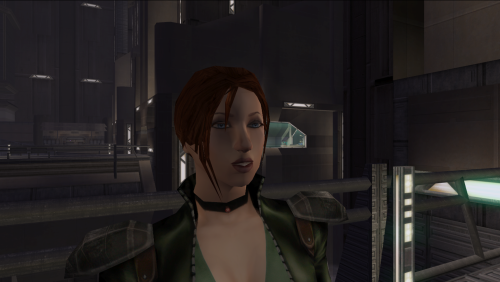 would you mind if i uploaded a version of this i fixed to work as a player head for kotor 1 i will credit you
 -
TTW kinda mod that puts kotor 1 and 2 together
-

Restore dialog with Atton about the astronavigation system
Zantos_Endar commented on nadrino's file in Mods
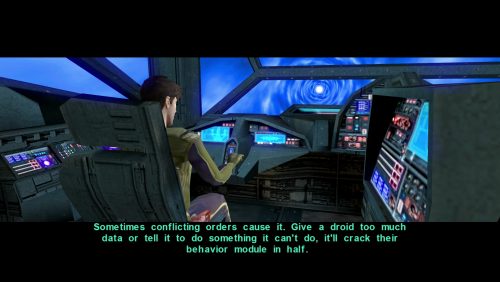 There is no HoloPatcher file in the install folder. (I have another mod that modifies this dlg file, so replacing with the override file is not ideal.)
 -
 masiive joined the community
 -
 Karebian joined the community
 -
 superboyprime joined the community
 - Yesterday
-
 jmorenobothwell joined the community
 -
 Kryger joined the community
 -
did you download the Scaled Kotor patches and add them to the Kotor Patch Manager patches folder?
-
 DaDobleDeed joined the community
 -
I do have the Editable exe. Also i removed .Gui files in override. im still very confused why the scaled patch options are not showing up.
-
Are you using the GOG version or the Editable EXE? This is required. Also make sure you don't have any other widescreen mod files in override, like .gui files.
-
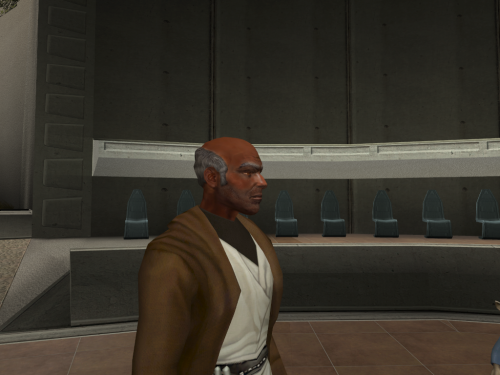 the best Dorak Retexture on deadlystream
 -
 Odd they definitely worked when I tested them back then! I'll look into this. I'm still looking into alternative file hosting solutions but I'll definitely take Nexus into consideration!
 -
For whatever reason I cannot get the scaled patches to show up in the manager. the rest are fine I cannot get them to appear. And now because of that some text just does not appear in game
-
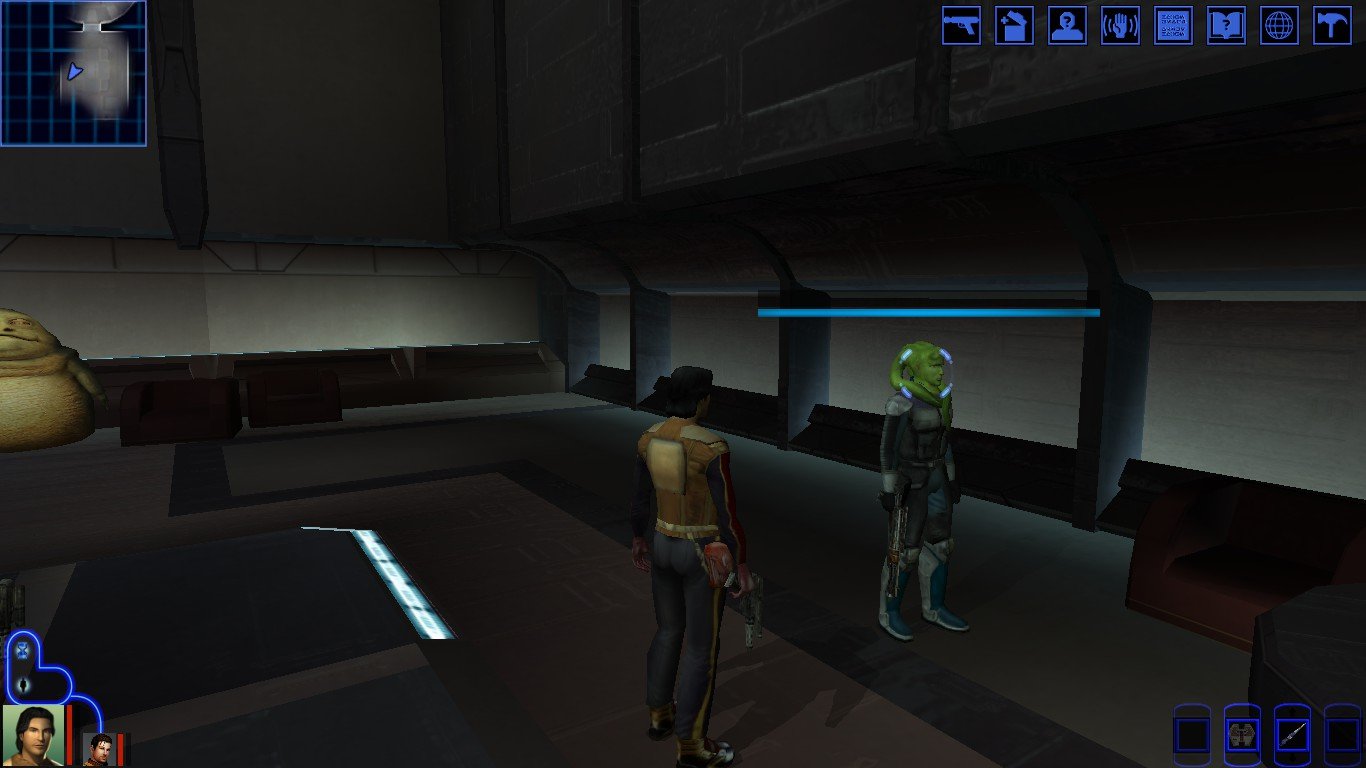
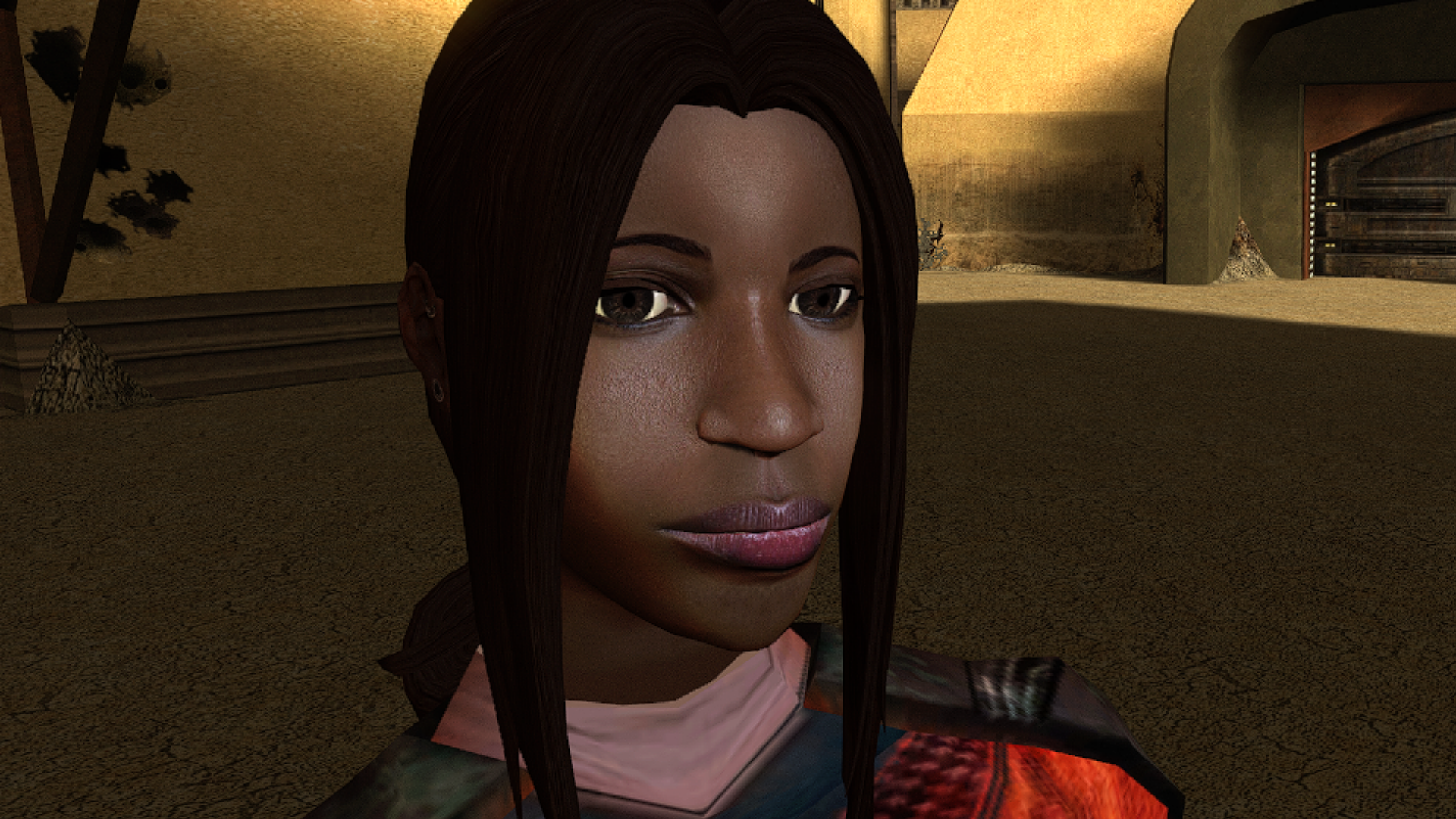
 Surprised and pleased to hear that this little mod means so much. Glad I could help, and that it's unblocked your playthroughs! Thought I should tell you that I liked this idea a lot, and just updated the mod to include it. Sounds more nuanced than what we had before, and I'm all for it. I've read your notes, there's a lot of useful info in there. A few bits I can add from my side: The exact vanilla condition for this line is that the reputation with the Exchange be less than 1. The first convo in the docks between Mira and Hanharr indeed has 3 different lines for light, gray and dark PCs, but it doesn't set anything yet. The real choice is set by two invisible triggers in the docks, that fire only when you're first directed to Jekk'Jekk Tarr to meet Visquis, and haven't met Mira and Hanharr personally. Then, depending on the alignment (now reputation), one of the two triggers fires the corresponding dialogue with one of them approaching. This is the moment when the future companion gets chosen. The fate of the refugees is the consequence in this case, and the condition is reputation with the Exchange. If it's greater than 0, then Nar Shaddaa gets the Exchange ending; if it's 0 or lower, it's the Refugees ending. Curiously, I had no idea about this, and how the Nar Shaddaa questline truly worked before I started working on this mod. Wish I'd seen this sooner, great find! It is indeed mixed up. In most cases, the game tracks your reputation through a single conditional script called c_excfavor. 0 The Exchange really dislikes player (rep is <= -4) 1 The Exchange dislikes player (rep is >-4 && <= -2) 2 The Exchange is neutral towards player (rep is >-2 && <= 1) 3 The Exchange likes player (rep is >1 && <= 3 4 The Exchange really likes player (rep is > 4) In vanilla game, you get positive reaction from Zez-Kai Ell, if your reputation with the Exchange is 1 or 2; negative if 3 or 4; neutral if else. TSLRCM fixed this, and now Zez-Kai Ell gives positive reaction if 0 or 1; negative if 3 or 4; neutral if else.
 - Last week
-
-
AxC's Mira/Hanharr - Reputation Over Alignment
AxConsortium commented on AxConsortium's file in Mods
.thumb.png.3301b414885aa5c5ced45535fec5ddfc.png) Uploaded an optional file using the idea you proposed. Thanks for the good suggestion!
Uploaded an optional file using the idea you proposed. Thanks for the good suggestion! -
Is there any information about Mira’s true father, as referenced in one of the ending predictions about her? I don’t remember her father ever coming up outside of a line she says when you try to hit on her about how she already has a father… somewhere. Are there any cut content files or interviews regarding this topic? It seems like it would be an interesting avenue to explore.
-
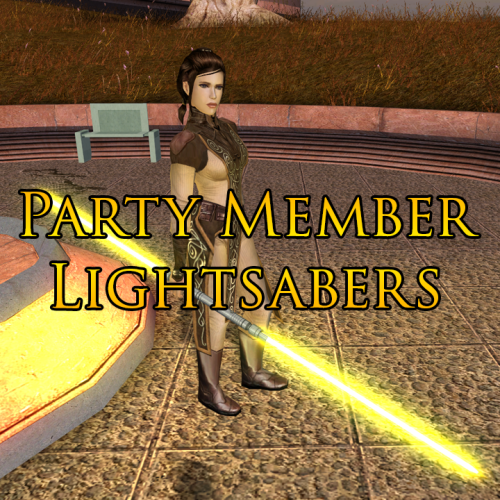 I doubt that would work, The hilts are fine; the blade colors are what I would prefer to be changed.
 -
With recent releases of my Mod Options patch with the KotOR Patch Manager project, it is now possible to create custom options menus for mods and patches. I've created a brief tutorial to cover the process of creating these options: https://lanedibello.github.io/kotor-mod-options-tutorial/ For a video showing what this patch looks like see the spoiler below:
-
 Game movies not scaling. If you added the feature for movie resolution fixes in this mod, it would be amazing: How to force KotOR I & II's .bik movies to play in any resolution
 -
just switch the file names of both
-

K1 Area Map Fixes - High Resolution Area Map & Map Marker Fix
The_Chaser_One commented on Derslok's file in Mods
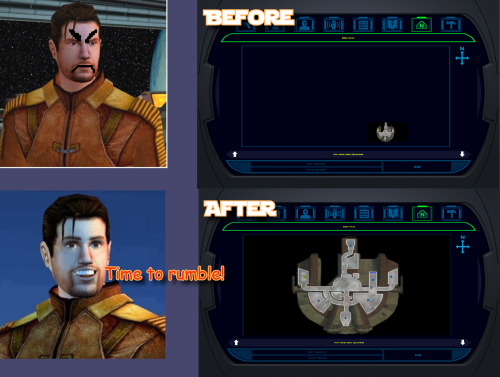 Not at all. The one from my screenshot is the Korriban academy with the restored rooms by Drew. https://deadlystream.com/files/file/2586-complete-sith-academy-beta/ My mod is perfectly safe and compatible with anything it doesnt mention being incompatible with thank you very much. Grrrrrr More seriously I'm glad you downloaded it, and even the Gonto option if I'm not mistaken! Hope you had a blast with the modernised Pazaak Tournament.
 -
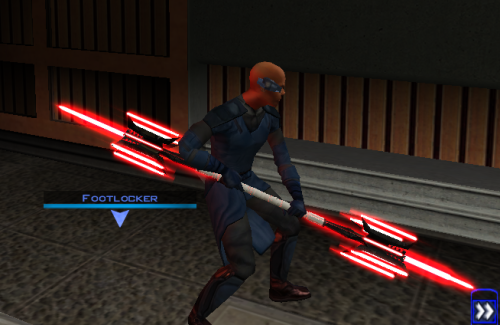 For those of us who have always wanted to use a candelabra as a deadly weapon
 -
Is it compatible with K1 High FPS Fixes 1.1.1 ?
-
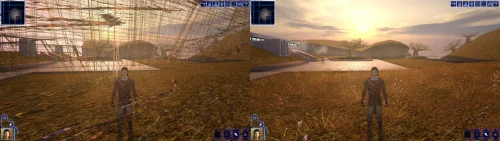 Incredible that it's taken this long to use grass and shadows again. Incredible.
 -
 starbutterfly65 changed their profile photo
 -
well then they better pay you royalties for the idea then