All Activity
- Past hour
-
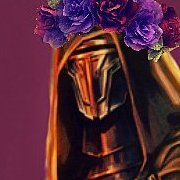
 Gat4 changed their profile photo
 -
 Hi! First off this is a great mod, it gives you more reasons to replay TSL. I'm having a little issue, the Telos dancers are T posing in my game. Any kind souls willing to gimme a hand? Thanks <3.
 -
Gat4 joined the community
- Today
-
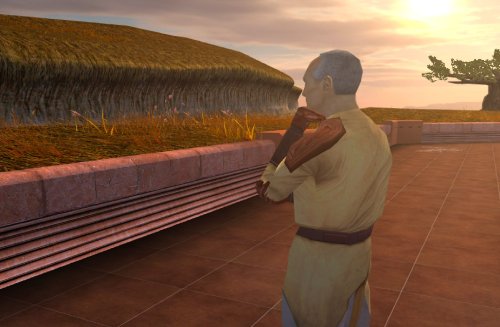
View File Nemo's Timely Departure Despawns Nemo once you cleanse the grove. DESCRIPTION After returning to the Enclave from cleansing the grove, the Council gives you a mission to investigate the nearby ruins, telling you they already a Jedi to investigate and fear the worst since he hasn’t returned. This Jedi turns out to be Nemo, but since the game doesn’t despawn Nemo from the courtyard until after this conversation, you’ll literally pass him on your way into the Enclave. Apparently the whole time they were awaiting his return he was standing outside reflecting on the beauty of nature, before suddenly remembering he was supposed to be doing something and sprinting over to the ruins. This mod fixes the issue so Nemo will no longer be outside the Enclave once you have cleansed the grove. INSTALLATION Move the file from “to override” to your override folder. UNINSTALLATION Remove k_pdan_14a_area.ncs from your override folder. COMPATIBILITY Compatible the KOTOR 1 Community Patch, which this mod forwards the script changes from. Not compatible with other mods that edit the script k_pdan_14a_area.ncs, though I’m not aware of any. PERMISSIONS You may use this mod however, but any redistribution or modification should include the source script, maintaining the comment headers and credit to K1CP. CREDITS offthegridmorty JC, DarthParametric - K1CP source script for k_pdan_14a_area Submitter offthegridmorty Submitted 08/24/2026 Category Mods K1R Compatible Yes
-
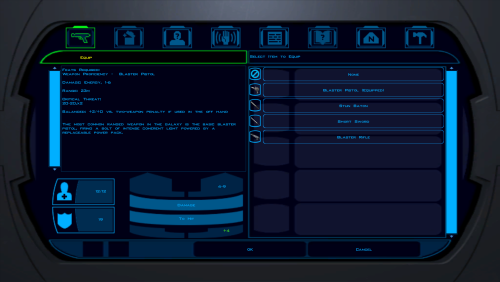
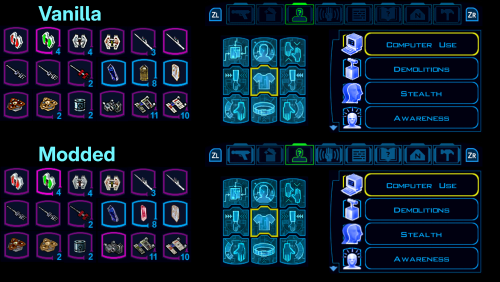
View File Kotor 1 UI and Icon Upscale for Nintendo Switch Replaces a bunch of item icons with their Kotor 2 version (full list below), as well as upscales some UI elements for the Nintendo Switch version of the game. This mod doesn't touch anything that ajdrenter's Pretty Good! Icons mod does. The screenshot above is just an example of some of the upscaled icons and elements. I think the Kotor 2 versions of the icons are a huge improvement. A lot of the UI changes are pretty minor, but I still prefer it over vanilla. I made a full guide for modding Kotor 1 on the Switch, based off of the neocities guide. Check it out here if you want. Installaion: Put the .tpc files in each of the 2 folders in atmosphere/contents/0100854015868000/romfs/override/Textures. Kotor 2 icon list: Stims: ii_Adrnaline_001 - 006 ii_CmbtShot_001 - 003 Credits: ii_credits_001 - 014 Datapads: ii_datapad_001-015 Repair kits: ii_DrdRepEqp_001 - 003 Idk what this is: ii_DrdSecSpk_001 Keys: ii_key_001 - 015 Medpacks: ii_MedEqpmnt_001 - 005 Weapon upgrades & Miscellaneous: ip_pltuseitm_001 - 010 ip_pltuseitm_012 - 024 ip_pltuseitm_026 - 068 Spikes and parts: ii_ProgSpike_001 - 002 ii_SecSpike_001 - 002 Lightsaber crystals: iw_SbrCrstl_001 - 021 Mines: ii_TrapKit_001 - 004 Armor upgrades: ii_upgrade_228 renamed ip_pltuseitm_069 ii_upgrade_247 renamed ip_pltuseitm_070 Submitter VeSeeker Submitted 08/24/2026 Category Mods K1R Compatible No
-
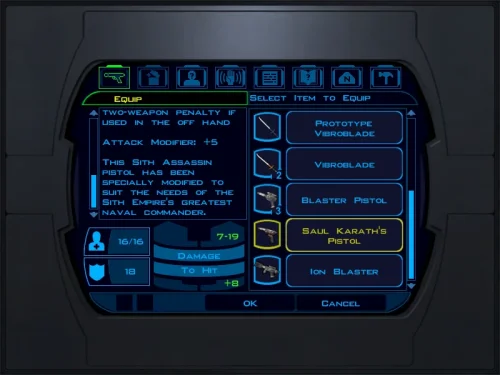
View File Saul's Pistol Saul's Pistol Game: KOTOR 1 Author: Dodrari Kaan GitHub: https://github.com/danielstegink/Kotor.SaulPistol Gives Saul's Sith Assassin Pistol its own unique name and flavor text to help distinguish it from the regular version. Instructions Copy the contents of the For Override folder into the Override folder. See Localizations for instructions on supported languages. Localizations German: "For Override - Deutsch" Permissions Use this mod however you want. Just make sure to credit me. Special Thanks Fred Tetra - Kotor Tool tk102 - Language Converter for KotOR/TSL Disclaimer THIS MODIFICATION IS NOT MADE, DISTRIBUTED, OR SUPPORTED BY BIOWARE, OR LUCASARTS ENTERTAINMENT COMPANY LLC. ELEMENTS TM & © LUCASARTS ENTERTAINMENT COMPANY LLC AND/OR ITS LICENSORS. Submitter dodrarikaan Submitted 08/24/2026 Category Mods K1R Compatible Yes
-
View File Sith Artifacts Sith Artifacts Game: KOTOR 1 Author: Dodrari Kaan GitHub: https://github.com/danielstegink/Kotor.SithArtifacts Due to expansions in the lore, many of the Sith artifacts don't feel consistent with their namesakes. This mod makes the following changes so the named artifacts on Korriban feel more appropriate for their background: Ajunta Pall's Blade is described as dark and corrupting. Now, it deals Dark Side damage instead of Fire damage. Marka Ragnos was described as both an expert duelist and a master of the Force. Instead of giving the Lightsaber Specialization feat, his gauntlets now regenerate Force Points. Tulak Hord was a master of lightsaber combat, and his mask is described as having an eerie glow. Instead of giving bonuses to Stealth and Fire resistance, his mask now gives the Lightsaber Proficiency feat and a bonus to Charisma. Additionally, its appearance will now match the Sith Mask instead of the Circlet of Saresh. Naga Sadow was a master of casting illusions with the Force. In exchange for dealing reduced poison damage, his Poison Blade now has a small chance to stun enemies. Instructions If you are using ebmar's Ajunta Pall Blade Reskin mod, or The_Chaser_One's Tulak Hord Mask mod, install those first. Copy the contents of the For Override folder into the Override folder. If you have ebmar's mod installed, copy the contents of the "For Override - Ajunta Pall's Blade" folder into the Override folder. If you have The_Chaser_One's mod installed, copy the contents of the "For Override - Tulak Hord's Mask" folder into the Override folder. Permissions Use this mod however you want. Just make sure to credit me. Special Thanks Fred Tetra for the Kotor Tool Disclaimer THIS MODIFICATION IS NOT MADE, DISTRIBUTED, OR SUPPORTED BY BIOWARE, OR LUCASARTS ENTERTAINMENT COMPANY LLC. ELEMENTS TM & © LUCASARTS ENTERTAINMENT COMPANY LLC AND/OR ITS LICENSORS. Submitter dodrarikaan Submitted 08/24/2026 Category Mods K1R Compatible Yes
-
View File Bandon Robes Bandon Robes Game: KOTOR 1 Author: Dodrari Kaan Version: 1.0.0 GitHub: https://github.com/danielstegink/Kotor.BandonRobes It annoyed me that Darth Bandon and the Sith Masters have cool armor that we cannot have, especially since Bandon drops a named armor set. Now, the 2DA constraints mean there is no way to get the "Bandon" style armor without losing another type of armor in the game. So, I changed Bandon and the Sith Masters to wear regular robes with a custom texture that imitates their original armors. It deserves to be noted that because he is still an apprentice, the Sith Governor on Taris doesn't have the armor equipped. The Sith Master "armor" is slightly more powerful than normal Jedi Master robes, and can be acquired from the Sith Master in the Rakata Temple. Darth Bandon's named armor set is now a set of Jedi Robes with the same bonuses as his original armor, and includes upgrade capability. Instructions Use the TSLPatcher Permissions Use this mod however you want. Just make sure to credit me. Compatibility This mod uses TSLPatcher to modify Darth Bandon and Sith Master files throughout the game. It also modifies the player and companion entries in the Appearance 2DA. Any mods that modify the same may not be compatible. This mod adds item texture variations which may overlap with texture variations added by other mods Jedi Master Robe - Texture Variations 20, 21 Special Thanks Fred Tetra for the Kotor Tool Stoffe for TSLPatcher Gimp for being an awesome graphics editor Disclaimer THIS MODIFICATION IS NOT MADE, DISTRIBUTED, OR SUPPORTED BY BIOWARE, OR LUCASARTS ENTERTAINMENT COMPANY LLC. ELEMENTS TM & © LUCASARTS ENTERTAINMENT COMPANY LLC AND/OR ITS LICENSORS. Submitter dodrarikaan Submitted 08/24/2026 Category Mods K1R Compatible No
-
View File Sith Soldiers Recolored Sith Soldiers Recolored Game: KOTOR 1 Author: Dodrari Kaan GitHub: https://github.com/danielstegink/Kotor.SithSoldiersRecolored A Future Pilot released a mod a while back called "Sith Soldier Texture Restoration" that restores the white Sith soldier armor texture. The Wookieepedia article on Sith Troopers lists several types of Sith soldiers that have different armor colors. I like the idea of the Sith soldiers having color-coded armor, so I went through and recolored them based on the article and my own personal preferences. 1) Regular troopers wear silver armor 2) Elite Troopers wear red armor 3) Heavy Troopers wear white armor 4) Grenadiers wear black armor 5) Advanced Troopers wear gold armor (yes, this is a SWTOR reference) Instructions Use the TSLPatcher Permissions Use this mod however you want. Just make sure to credit me. Compatibility This mod uses TSLPatcher to modify all of the Sith Soldier entries in the Appearance 2DA, as well as several Sith troopers throughout the game. Any mods that modify the same may not be compatible. Special Thanks Fred Tetra - Kotor Tool Stoffe - TSLPatcher A Future Pilot - Sith Soldier Texture Restoration Disclaimer THIS MODIFICATION IS NOT MADE, DISTRIBUTED, OR SUPPORTED BY BIOWARE, OR LUCASARTS ENTERTAINMENT COMPANY LLC. ELEMENTS TM & © LUCASARTS ENTERTAINMENT COMPANY LLC AND/OR ITS LICENSORS. Submitter dodrarikaan Submitted 08/24/2026 Category Mods K1R Compatible No
-
 nimbuscloud joined the community
 -
This is extremely well done. You should be proud of yourself. I created a similar project back in 2024 on https://github.com/oldrepublicwizard/HoloLSP however beyond a simple lever/parser/ with nwscript.nss functions/constants, I never did anything more with the idea. I especially like the Script browser. Do you have any plans to integrate into your Forge project? https://play.swkotor.net/forge Monaco could be used as a lightweight replacement for bloated codium/vscode dependencies. https://microsoft.github.io/monaco-editor/
-
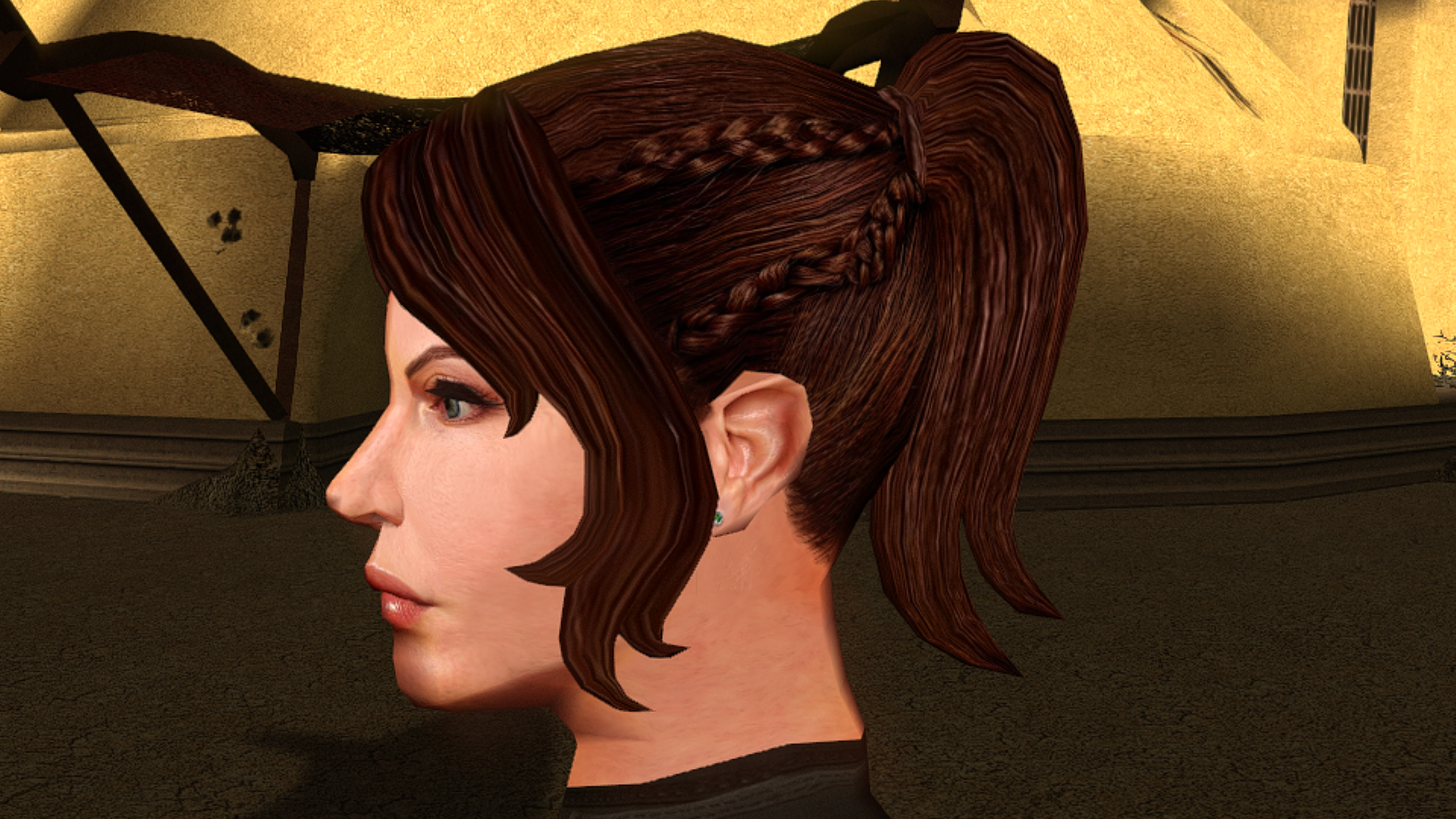
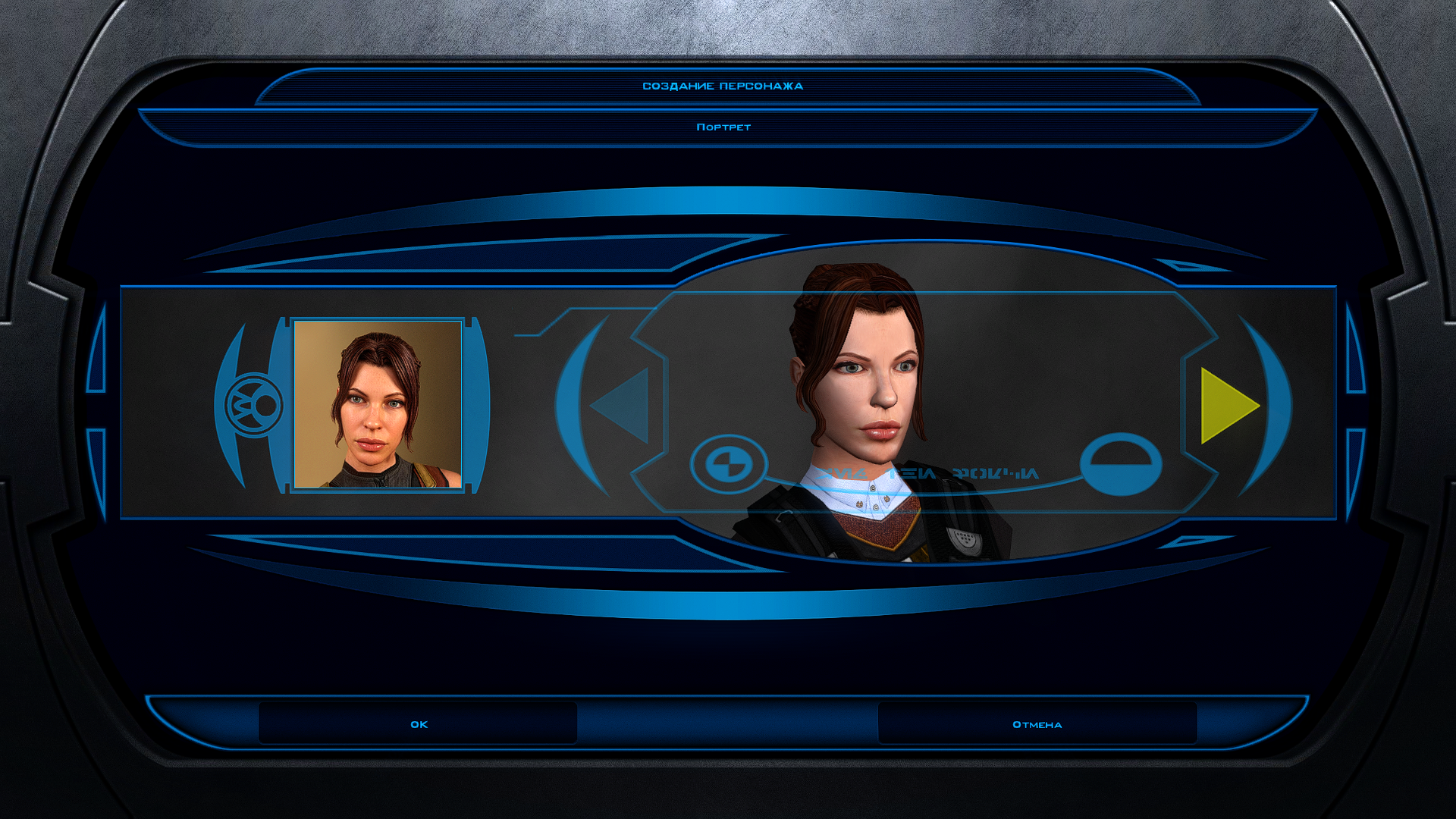
This is the best head I have ever seen on both kotor 1 and 2 I will be so happy to use this when you get it done 10/10 on this one thx for all your hard work on the others I am using the Asian one you made for my soldier but want this for my smuggler.
-
 HimmeltheHero joined the community
 -
 "You're strong, baby. But I get out." You see the Malak x Bastila vision.
 -
 tamster joined the community
 -
 VooDoo2201 joined the community
 -
 MrSaltySalt joined the community
 -
 BeoWolf joined the community
 - Yesterday
-
 Valc17 joined the community
 -
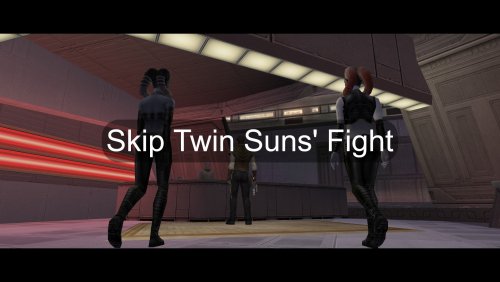 gj posting StrategyWiki but this is a mod page
 -
 VerteX175 joined the community
 -
 The previous version required downloading a non-encrypted swtor.exe which I forgot to mention, I've made this a lot easier now by prepatching the exe for you, sorry for the confusion
 -
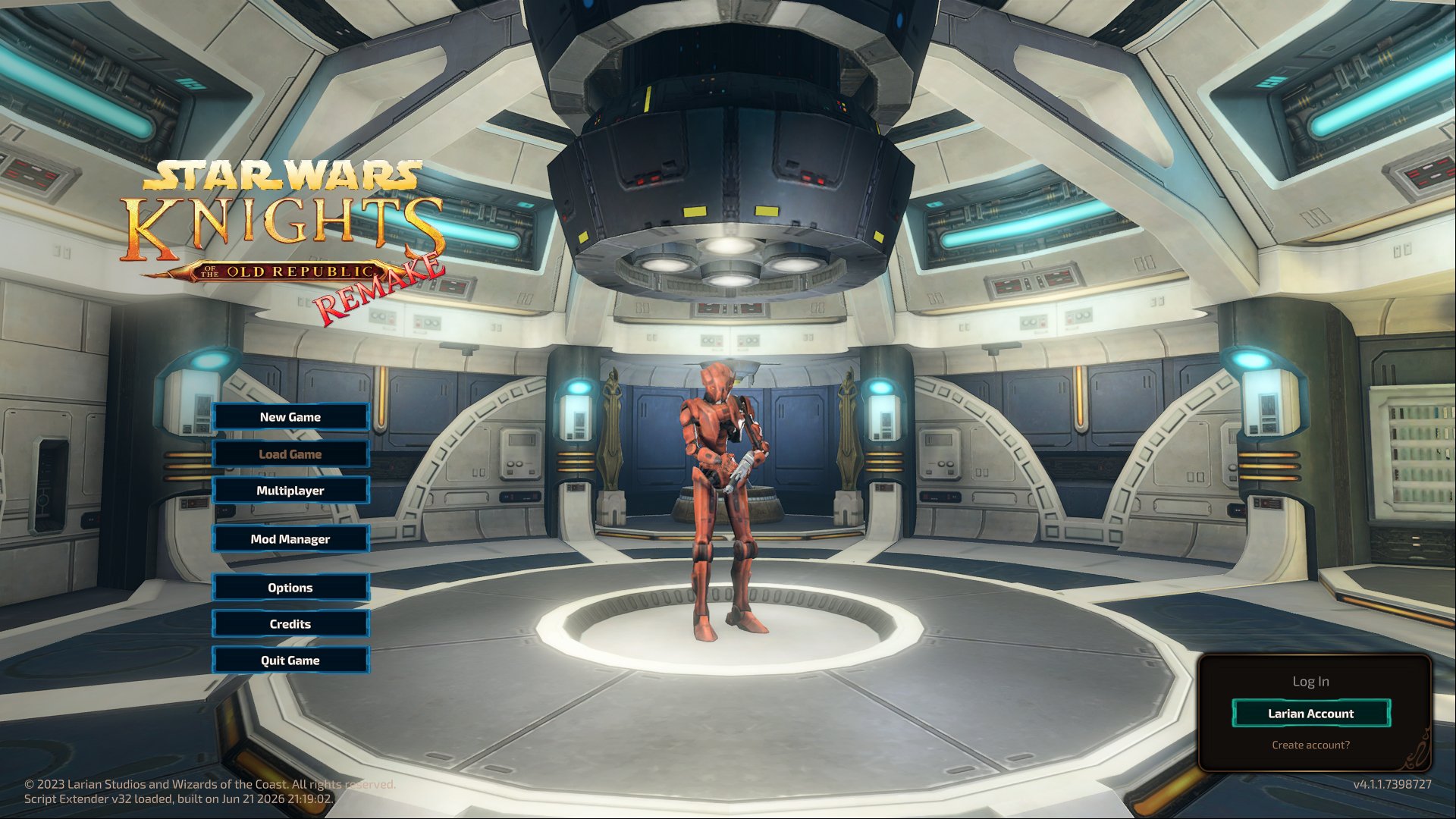
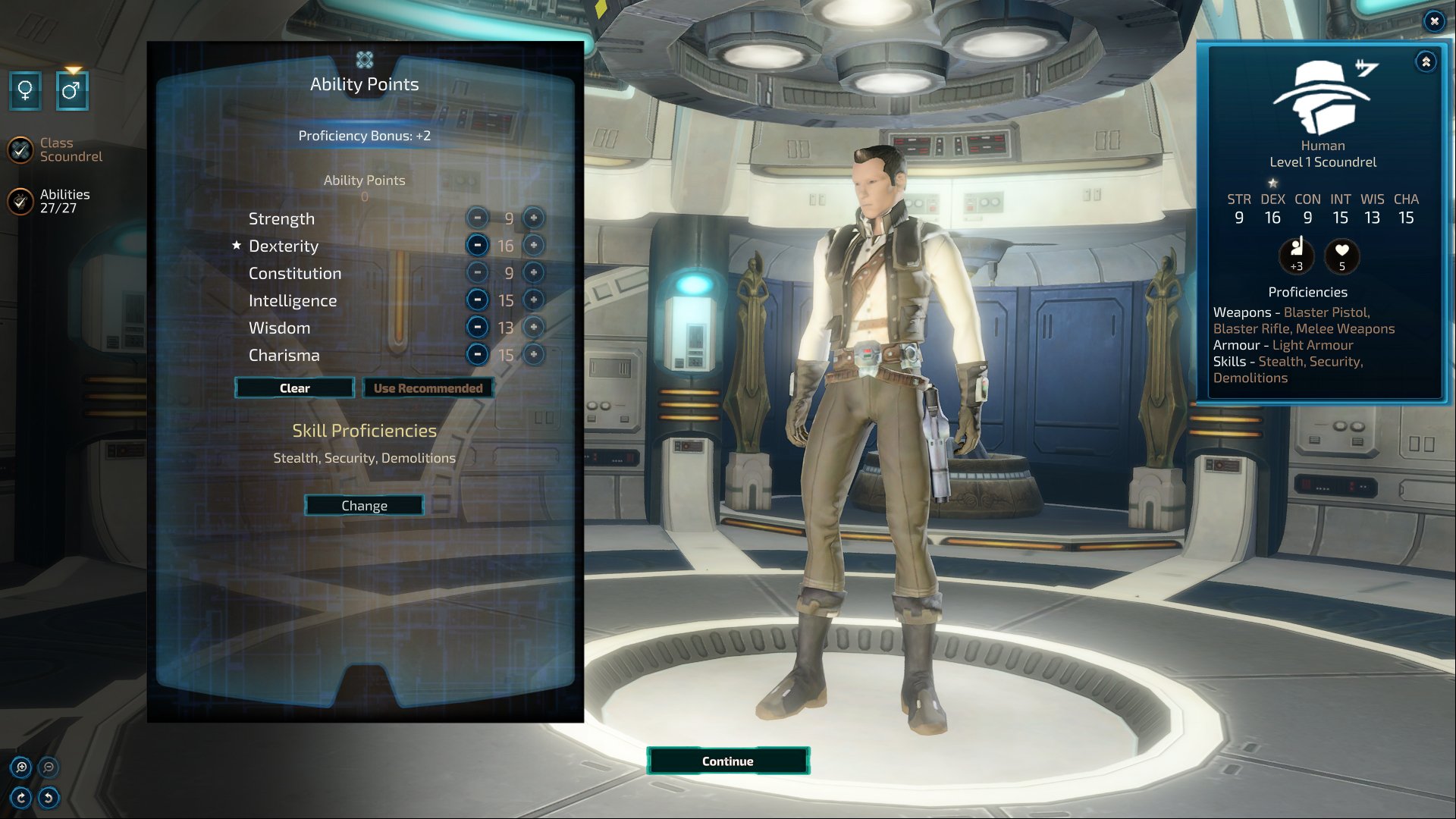
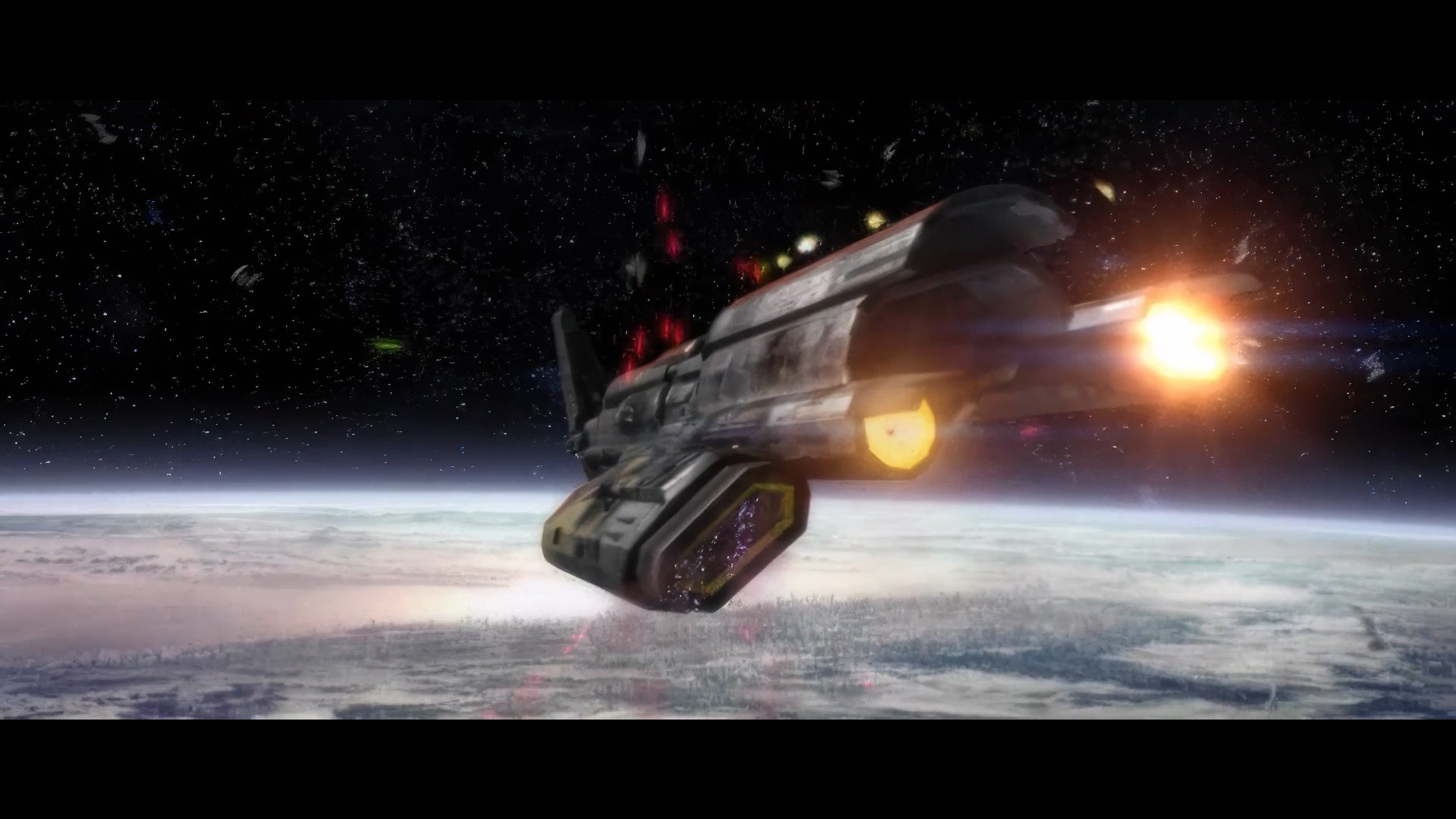
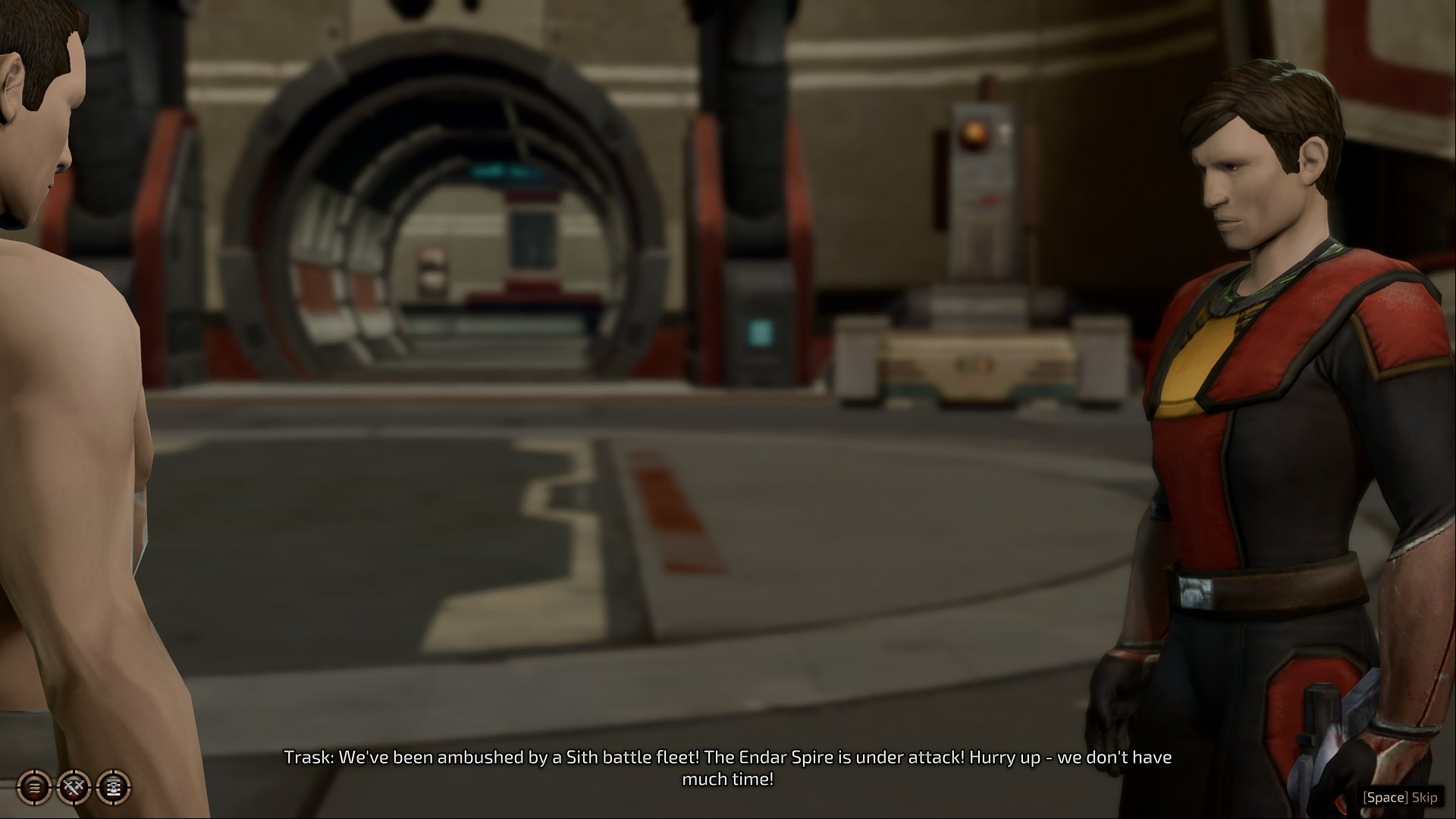
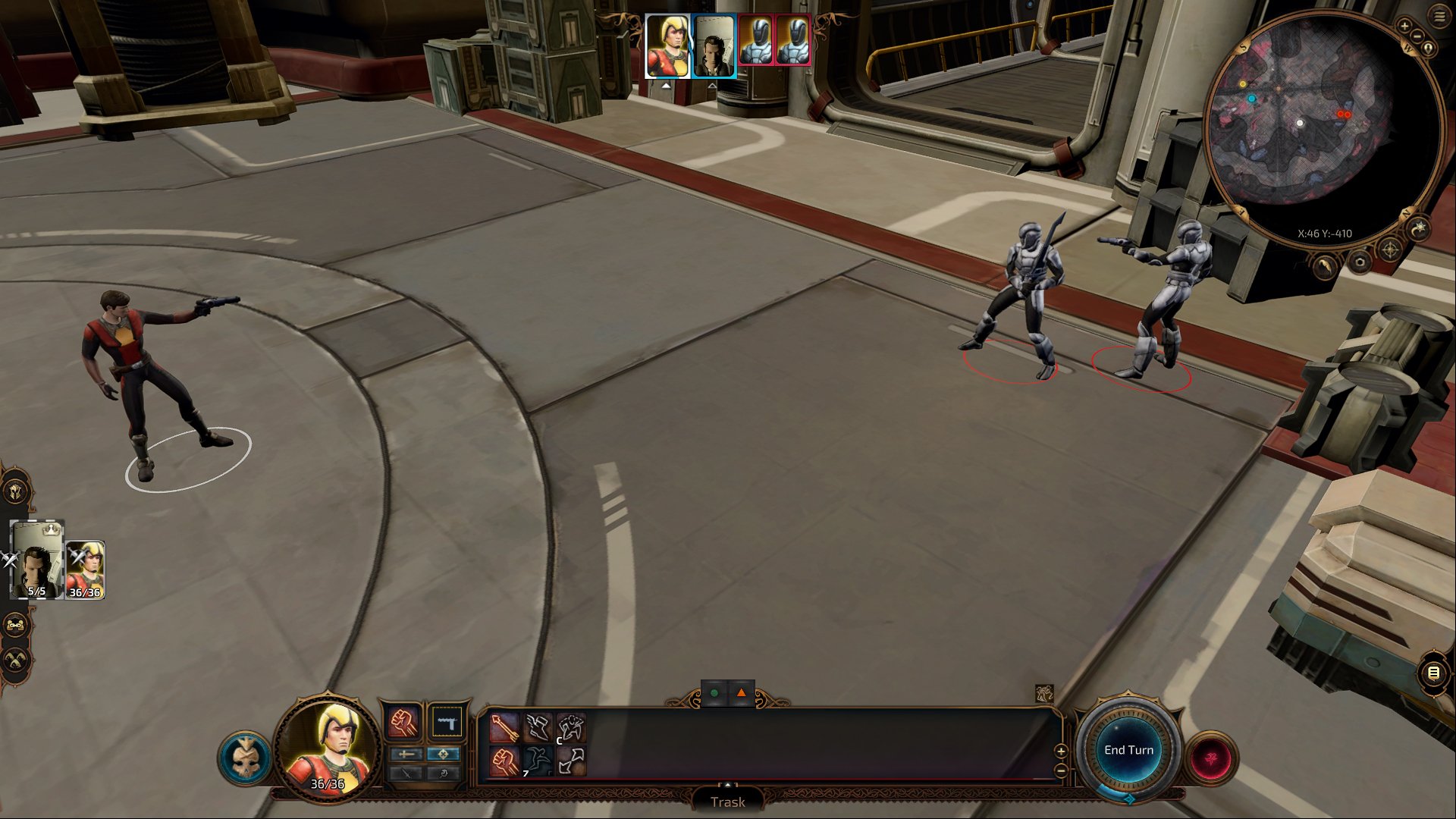
Hello everyone! This project started as a bit of brain rot a couple weeks ago. The official KOTOR remake feels lightyears away, so I wanted to see if I could just hack together my own playable version. I pulled the actual voice lines, scripts, and quests from KOTOR 1 & 2, grabbed visuals from SWTOR, and slapped the whole thing into the BG3 / Divinity 4 framework running on 5e rules. Turned out to actually be doable. I’ve got a rough test build running right now that handles combat and dialogue without exploding. Plan is to eventually run both games as one long campaign. A project manager joining me would be absolutely appreciated in helping holding the line, especially when scaling from the current vertical slice into the full long campaign that includes content from both games... I do have some videos as well, but they are on my website because I don't have any presence on the Western internet, and I don't know if it's okay to actually post my website here in this thread (although passive-aggressively it's in my profile). So I'm just gonna hold off for now until I get some sort of an official nod that is safe to do so because I don't want to step on anyone's toes.
-
- 1
-

-
 CageNeon joined the community
 -
Version 1.0.0
1 download
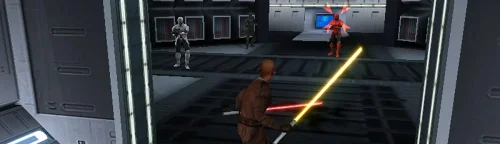
Sith Soldiers Recolored Game: KOTOR 1 Author: Dodrari Kaan GitHub: https://github.com/danielstegink/Kotor.SithSoldiersRecolored A Future Pilot released a mod a while back called "Sith Soldier Texture Restoration" that restores the white Sith soldier armor texture. The Wookieepedia article on Sith Troopers lists several types of Sith soldiers that have different armor colors. I like the idea of the Sith soldiers having color-coded armor, so I went through and recolored them based on the article and my own personal preferences. 1) Regular troopers wear silver armor 2) Elite Troopers wear red armor 3) Heavy Troopers wear white armor 4) Grenadiers wear black armor 5) Advanced Troopers wear gold armor (yes, this is a SWTOR reference) Instructions Use the TSLPatcher Permissions Use this mod however you want. Just make sure to credit me. Compatibility This mod uses TSLPatcher to modify all of the Sith Soldier entries in the Appearance 2DA, as well as several Sith troopers throughout the game. Any mods that modify the same may not be compatible. Special Thanks Fred Tetra - Kotor Tool Stoffe - TSLPatcher A Future Pilot - Sith Soldier Texture Restoration Disclaimer THIS MODIFICATION IS NOT MADE, DISTRIBUTED, OR SUPPORTED BY BIOWARE, OR LUCASARTS ENTERTAINMENT COMPANY LLC. ELEMENTS TM & © LUCASARTS ENTERTAINMENT COMPANY LLC AND/OR ITS LICENSORS. -
Version 1.0.0
0 downloads
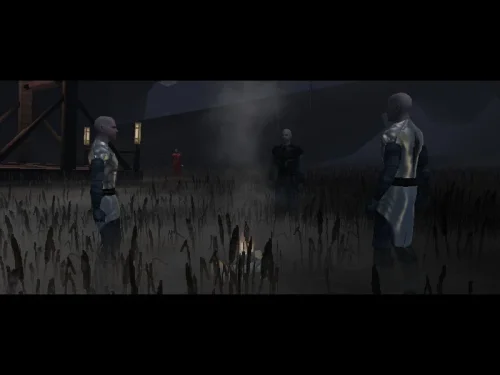
Bandon Robes Game: KOTOR 1 Author: Dodrari Kaan Version: 1.0.0 GitHub: https://github.com/danielstegink/Kotor.BandonRobes It annoyed me that Darth Bandon and the Sith Masters have cool armor that we cannot have, especially since Bandon drops a named armor set. Now, the 2DA constraints mean there is no way to get the "Bandon" style armor without losing another type of armor in the game. So, I changed Bandon and the Sith Masters to wear regular robes with a custom texture that imitates their original armors. It deserves to be noted that because he is still an apprentice, the Sith Governor on Taris doesn't have the armor equipped. The Sith Master "armor" is slightly more powerful than normal Jedi Master robes, and can be acquired from the Sith Master in the Rakata Temple. Darth Bandon's named armor set is now a set of Jedi Robes with the same bonuses as his original armor, and includes upgrade capability. Instructions Use the TSLPatcher Permissions Use this mod however you want. Just make sure to credit me. Compatibility This mod uses TSLPatcher to modify Darth Bandon and Sith Master files throughout the game. It also modifies the player and companion entries in the Appearance 2DA. Any mods that modify the same may not be compatible. This mod adds item texture variations which may overlap with texture variations added by other mods Jedi Master Robe - Texture Variations 20, 21 Special Thanks Fred Tetra for the Kotor Tool Stoffe for TSLPatcher Gimp for being an awesome graphics editor Disclaimer THIS MODIFICATION IS NOT MADE, DISTRIBUTED, OR SUPPORTED BY BIOWARE, OR LUCASARTS ENTERTAINMENT COMPANY LLC. ELEMENTS TM & © LUCASARTS ENTERTAINMENT COMPANY LLC AND/OR ITS LICENSORS. -
Version 1.0.0
1 download
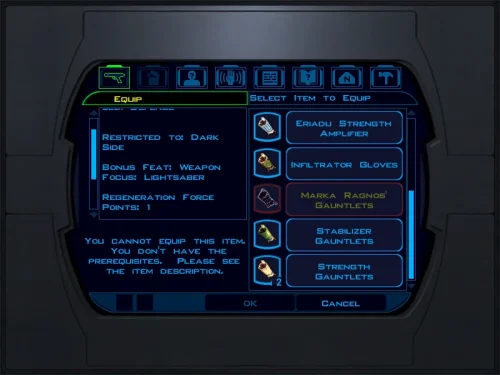
Sith Artifacts Game: KOTOR 1 Author: Dodrari Kaan GitHub: https://github.com/danielstegink/Kotor.SithArtifacts Due to expansions in the lore, many of the Sith artifacts don't feel consistent with their namesakes. This mod makes the following changes so the named artifacts on Korriban feel more appropriate for their background: Ajunta Pall's Blade is described as dark and corrupting. Now, it deals Dark Side damage instead of Fire damage. Marka Ragnos was described as both an expert duelist and a master of the Force. Instead of giving the Lightsaber Specialization feat, his gauntlets now regenerate Force Points. Tulak Hord was a master of lightsaber combat, and his mask is described as having an eerie glow. Instead of giving bonuses to Stealth and Fire resistance, his mask now gives the Lightsaber Proficiency feat and a bonus to Charisma. Additionally, its appearance will now match the Sith Mask instead of the Circlet of Saresh. Naga Sadow was a master of casting illusions with the Force. In exchange for dealing reduced poison damage, his Poison Blade now has a small chance to stun enemies. Instructions If you are using ebmar's Ajunta Pall Blade Reskin mod, or The_Chaser_One's Tulak Hord Mask mod, install those first. Copy the contents of the For Override folder into the Override folder. If you have ebmar's mod installed, copy the contents of the "For Override - Ajunta Pall's Blade" folder into the Override folder. If you have The_Chaser_One's mod installed, copy the contents of the "For Override - Tulak Hord's Mask" folder into the Override folder. Permissions Use this mod however you want. Just make sure to credit me. Special Thanks Fred Tetra for the Kotor Tool Disclaimer THIS MODIFICATION IS NOT MADE, DISTRIBUTED, OR SUPPORTED BY BIOWARE, OR LUCASARTS ENTERTAINMENT COMPANY LLC. ELEMENTS TM & © LUCASARTS ENTERTAINMENT COMPANY LLC AND/OR ITS LICENSORS. -
Version 1.1.0
0 downloads
Saul's Pistol Game: KOTOR 1 Author: Dodrari Kaan GitHub: https://github.com/danielstegink/Kotor.SaulPistol Gives Saul's Sith Assassin Pistol its own unique name and flavor text to help distinguish it from the regular version. Instructions Copy the contents of the For Override folder into the Override folder. See Localizations for instructions on supported languages. Localizations German: "For Override - Deutsch" Permissions Use this mod however you want. Just make sure to credit me. Special Thanks Fred Tetra - Kotor Tool tk102 - Language Converter for KotOR/TSL Disclaimer THIS MODIFICATION IS NOT MADE, DISTRIBUTED, OR SUPPORTED BY BIOWARE, OR LUCASARTS ENTERTAINMENT COMPANY LLC. ELEMENTS TM & © LUCASARTS ENTERTAINMENT COMPANY LLC AND/OR ITS LICENSORS. -
Version 1.0.0
0 downloads
Replaces a bunch of item icons with their Kotor 2 version (full list below), as well as upscales some UI elements for the Nintendo Switch version of the game. This mod doesn't touch anything that ajdrenter's Pretty Good! Icons mod does. The screenshot above is just an example of some of the upscaled icons and elements. I think the Kotor 2 versions of the icons are a huge improvement. A lot of the UI changes are pretty minor, but I still prefer it over vanilla. I made a full guide for modding Kotor 1 on the Switch, based off of the neocities guide. Check it out here if you want. Installaion: Put the .tpc files in each of the 2 folders in atmosphere/contents/0100854015868000/romfs/override/Textures. Kotor 2 icon list: Stims: ii_Adrnaline_001 - 006 ii_CmbtShot_001 - 003 Credits: ii_credits_001 - 014 Datapads: ii_datapad_001-015 Repair kits: ii_DrdRepEqp_001 - 003 Idk what this is: ii_DrdSecSpk_001 Keys: ii_key_001 - 015 Medpacks: ii_MedEqpmnt_001 - 005 Weapon upgrades & Miscellaneous: ip_pltuseitm_001 - 010 ip_pltuseitm_012 - 024 ip_pltuseitm_026 - 068 Spikes and parts: ii_ProgSpike_001 - 002 ii_SecSpike_001 - 002 Lightsaber crystals: iw_SbrCrstl_001 - 021 Mines: ii_TrapKit_001 - 004 Armor upgrades: ii_upgrade_228 renamed ip_pltuseitm_069 ii_upgrade_247 renamed ip_pltuseitm_070 -
I have uploaded version 5.5 after going through one final check for typos through the entire dialog.tlk file. This may be the last version of this modification.
-
 I've done this but none of the files can be read through the KPM. I don't mean to be rude, but as great as these mods are, getting round to installing these things is a bit of a pain.
 -
Version 1.0.0
3 downloads
Despawns Nemo once you cleanse the grove. DESCRIPTION After returning to the Enclave from cleansing the grove, the Council gives you a mission to investigate the nearby ruins, telling you they already a Jedi to investigate and fear the worst since he hasn’t returned. This Jedi turns out to be Nemo, but since the game doesn’t despawn Nemo from the courtyard until after this conversation, you’ll literally pass him on your way into the Enclave. Apparently the whole time they were awaiting his return he was standing outside reflecting on the beauty of nature, before suddenly remembering he was supposed to be doing something and sprinting over to the ruins. This mod fixes the issue so Nemo will no longer be outside the Enclave once you have cleansed the grove. INSTALLATION Move the file from “to override” to your override folder. UNINSTALLATION Remove k_pdan_14a_area.ncs from your override folder. COMPATIBILITY Compatible the KOTOR 1 Community Patch, which this mod forwards the script changes from. Not compatible with other mods that edit the script k_pdan_14a_area.ncs, though I’m not aware of any. PERMISSIONS You may use this mod however, but any redistribution or modification should include the source script, maintaining the comment headers and credit to K1CP. CREDITS offthegridmorty JC, DarthParametric - K1CP source script for k_pdan_14a_area -

MOD:Handmaiden and Female Exile - Disciple and Male Exile Romance
Leilukin replied to Leilukin's topic in Mod Releases
@hroodee I know you resolved your issue by installing PartySwap and the PartySwap compatible install option instead, but to repeat my reply to that post you quoted, if you want to report errors in the installation log, it would be more helpful if you upload and attach the installog.txt file. Your error report, and the post you quoted, left out information about which file the installer was trying to make changes to when it encountered the errors. If you attached the instllog.txt file, I could look through the log and had a better chance in identifying the cause of the issue. The issues you quoted wasn't resolved because the user whose post you quoted never responded after I tried to ask them to share their installog.txt file, so I could not pinpoint why they encountered those errors. It is very much possible that the errors you initially encountered were caused by you not following the correct installation order of the mods and then try to uninstall and reinstall them, instead of doing a clean reinstall of the game and the mods you want to use. -
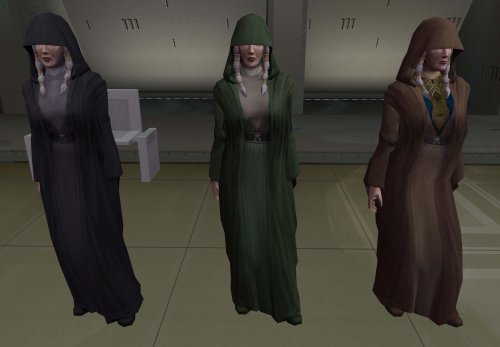
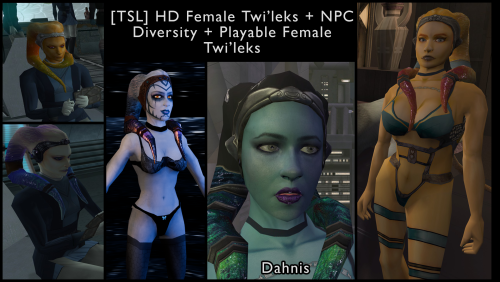
[TSL] HD Female Twi'leks + NPC Diversity + Playable Female Twi'leks
vorynsdagoth reviewed Lily's file in Mods
Words cannot describe how excited I was to see this mod. I'd been trying to made some HD twi'lek heads, and then this was posted like the answer to a prayer. No issues installing, and everything is running well in-game! The heads look great.