All Activity
- Past hour
-
 cyberar joined the community
 -
 I'll check when I get the chance.
 - Today
-
 batman10011 joined the community
 -
 63eJones joined the community
 -
 LordMerek changed their profile photo
 -
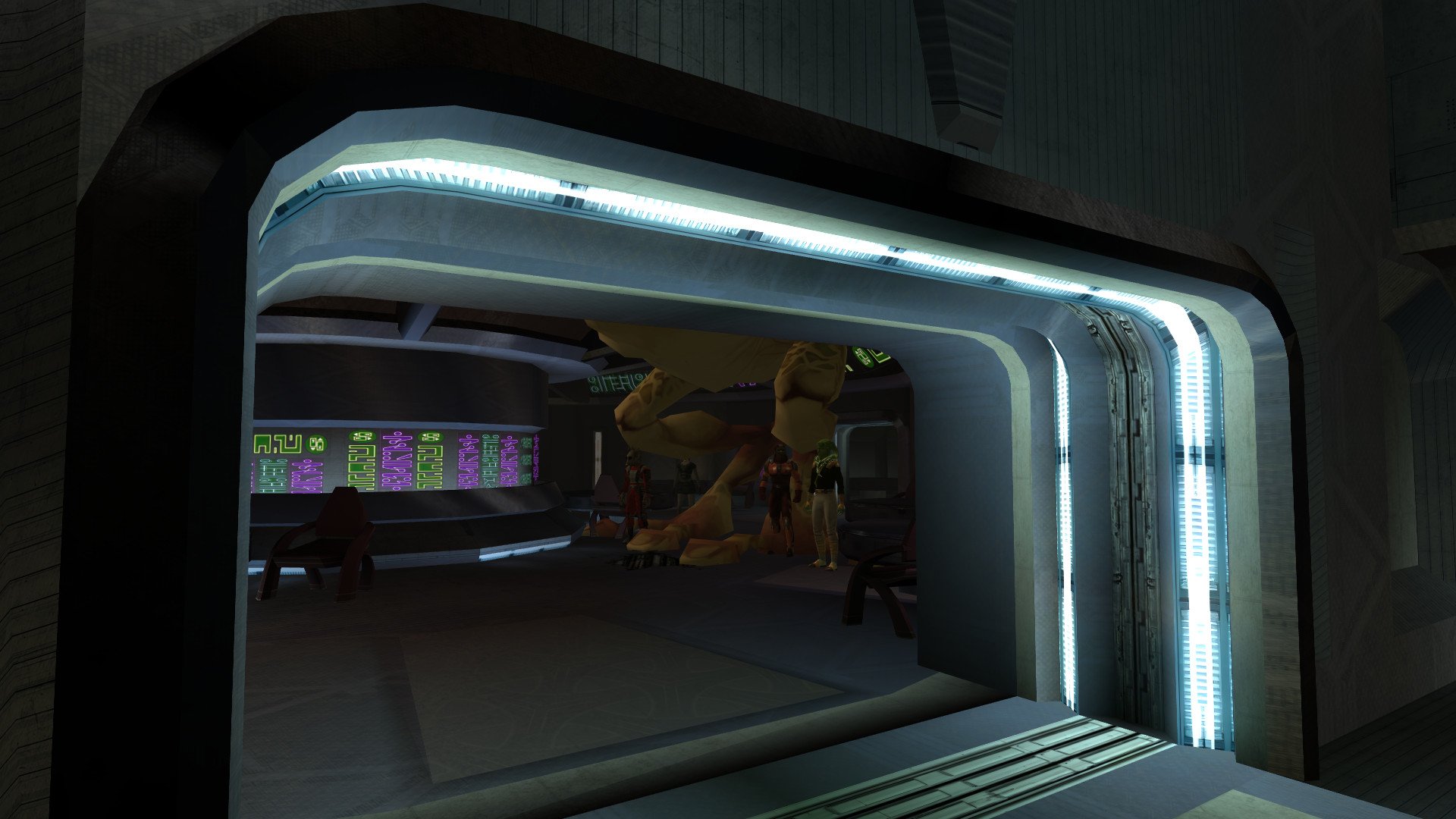
I don't know if this is the right place to post this but I found a strange(and hilarious!) bug in the Taris Lower City Cantina. The fourth Black Vulkar that threatens Calo Nord, the orange Twi'lek that speaks Basic, has somehow turned into a giant gizka!
-
 SlaughterFish69 joined the community
 -
That is not what I meant. I meant the small numbers that are next to credits and other items in the inventory page and when you loot them.
-
Seems to be showing fine if this is what you mean.
-
I won't be able to see item quantity numbers, right? That was a hard-coded issue that couldn't be fixed in a similar mod: Larger Text Fonts for KOTOR
-
 XyraSandwich joined the community
 -
View File Bigger Font (K1) Bigger Font increases the text size throughout Knights of the Old Republic, including menus, dialog, and subtitles. This mod is intended for widescreen/high-resolution setups where the default KOTOR text can look too small, especially at 1080p and higher resolutions. File Options 30 Percent Bigger Font 40 Percent Bigger Font 50 Percent Bigger Font All versions also include TGA texture files upscaled 4x with Topaz Gigapixel. This keeps the text looking sharp and high resolution, since increasing the font size makes the original textures look very blurry and low res. Requirements: KotOR High Resolution Menus (Make sure you have it's prerequisites installed.) K1 Main Menu Widescreen Fix HD UI Menu Pack Remove Duplicate TGA-TPC This is required because some installs may have duplicate TPC files that can override the TGA files from this mod. Install Instructions Choose one version: 30 percent, 40 percent, or 50 percent. Extract the zip file. Place the Override folder into your main swkotor directory. Alternatively, place the TGA and TXI files directly into your Override folder. Choose to replace if prompted If the font does not appear in-game, use Remove Duplicate TGA-TPC to check for duplicate TPC files that may be overriding the TGA files. Note: Some NPC subtitles and text in the description box slightly go off screen. This is very minor and not really noticeable, I am currently looking for a workaround. Submitter Saul0097 Submitted 06/18/2026 Category Mods K1R Compatible Yes
-
 I have just added new HD versions of the textures. I wasn't sure if I should just update this existing page, or create a new one altogether. I guess I'm just thinking of the download count for the original 512x512 textures was 10,861 and how do I keep track of how many downloads the new HD files get?
 -
I have uploaded an newer version 2.0 of the mod. There are now choices for 4x TGA files, 4x TPC files and 2x TPC files. I also left the original download file.
-
 akari6767 joined the community
 -
 Vorthod joined the community
 -
Version 1.0.0
3 downloads
Bigger Font increases the text size throughout Knights of the Old Republic, including menus, dialog, and subtitles. This mod is intended for widescreen/high-resolution setups where the default KOTOR text can look too small, especially at 1080p and higher resolutions. File Options 30 Percent Bigger Font 40 Percent Bigger Font 50 Percent Bigger Font All versions also include TGA texture files upscaled 4x with Topaz Gigapixel. This keeps the text looking sharp and high resolution, since increasing the font size makes the original textures look very blurry and low res. Requirements: KotOR High Resolution Menus (Make sure you have it's prerequisites installed.) K1 Main Menu Widescreen Fix HD UI Menu Pack Remove Duplicate TGA-TPC This is required because some installs may have duplicate TPC files that can override the TGA files from this mod. Install Instructions Choose one version: 30 percent, 40 percent, or 50 percent. Extract the zip file. Place the Override folder into your main swkotor directory. Alternatively, place the TGA and TXI files directly into your Override folder. Choose to replace if prompted If the font does not appear in-game, use Remove Duplicate TGA-TPC to check for duplicate TPC files that may be overriding the TGA files. Note: Some NPC subtitles and text in the description box slightly go off screen. This is very minor and not really noticeable, I am currently looking for a workaround. -
 Gunnmann21 joined the community
 -
 lobo973salvaje joined the community
 - Yesterday
-
 Vermont joined the community
 -
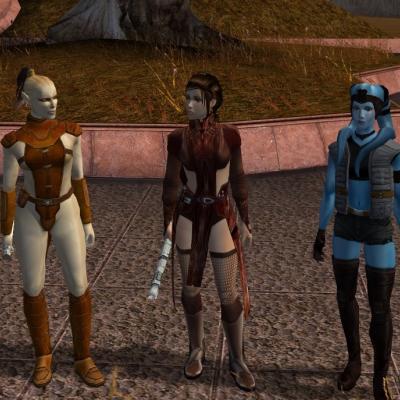 Mission is a child btw
 -
You may not like it, but this is what the ideal woman looks like
-

Skin for DP's Lethisk Freighter AKA I-Wing Placeable
Sith Holocron replied to Sith Holocron's topic in Mod Requests
It's been done. Request locking this thread. -
View File High-Quality Sandral Ship by Dark Hope, DarthParametric, and WildKarrde The Sandral Estate on Dantooine features a unique ship parked on its roof which, for some reason, uses the same texture as the completely different freighters seen throughout the rest of the game. This mod replaces that ship with a higher-quality model by DarthParametric and a unique high-resolution texture by Dark Hope. Thank you for downloading, and we hope you enjoy this mod! ------------------------------------------------------------------- INSTALLATION Copy all files except for the README to your game's Override folder. ------------------------------------------------------------------- UNINSTALLATION Delete the files from Override. ------------------------------------------------------------------- COMPATIBILITY This mod is compatible with the KOTOR 1 Community Patch (K1CP). It is incompatible with mods which edit m14ad_05f.mdl/mdx. ------------------------------------------------------------------- CREDITS Texture by Dark Hope Ship model by DarthParametric (https://deadlystream.com/files/file/856-lethisk-freighter-aka-i-wing-placeable-modders-resource-for-tsl/) Additional model edits and lightmapping by WildKarrde KotorBlender by seedhartha MDLOps by ndix UR NWMax by Joco Holocron Toolset by Cortisol and th3w1zard1 TGA2TPC by ndix UR Thanks to Dark Hope for proposing this collaboration. Thanks to Sith Holocron for bringing up the possibility of using DarthParametric's model to replace the vanilla Dantooine ship. ------------------------------------------------------------------- VERSION HISTORY 1.0 - Initial Release ------------------------------------------------------------------- DISCLAIMER AND PERMISSIONS This modification is provided as-is and is not supported by Disney, Lucasarts, or Bioware. Use at your own risk. The author shall not be held responsible for damage to your game installation, computer, or saved games resulting from the use of this mod. This mod shall not be reposted, in whole or in part, on any sites other than Deadly Stream without the authors' permission. Assets from this mod shall not be redistributed in other modifications without the authors' permission. Submitter WildKarrde Submitted 06/17/2026 Category Mods K1R Compatible Yes
-
- 3
-

-

-
Well, I think I'll circle back to the question of a suitable/available place to showcase it at a later date. In the meantime, I have published the final edited Dantooine model with Dark Hope's texture, pending moderator approval: https://deadlystream.com/files/file/2998-high-quality-sandral-ship/ Thank you all for your input!
-
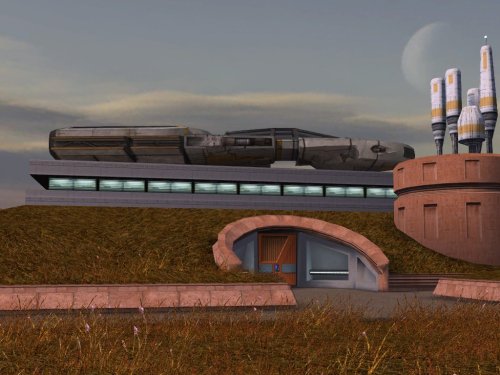
Version 1.0
11 downloads
by Dark Hope, DarthParametric, and WildKarrde The Sandral Estate on Dantooine features a unique ship parked on its roof which, for some reason, uses the same texture as the completely different freighters seen throughout the rest of the game. This mod replaces that ship with a higher-quality model by DarthParametric and a unique high-resolution texture by Dark Hope. Thank you for downloading, and we hope you enjoy this mod! ------------------------------------------------------------------- INSTALLATION Copy all files except for the README to your game's Override folder. ------------------------------------------------------------------- UNINSTALLATION Delete the files from Override. ------------------------------------------------------------------- COMPATIBILITY This mod is compatible with the KOTOR 1 Community Patch (K1CP). It is incompatible with mods which edit m14ad_05f.mdl/mdx. ------------------------------------------------------------------- CREDITS Texture by Dark Hope Ship model by DarthParametric (https://deadlystream.com/files/file/856-lethisk-freighter-aka-i-wing-placeable-modders-resource-for-tsl/) Additional model edits and lightmapping by WildKarrde KotorBlender by seedhartha MDLOps by ndix UR NWMax by Joco Holocron Toolset by Cortisol and th3w1zard1 TGA2TPC by ndix UR Thanks to Dark Hope for proposing this collaboration. Thanks to Sith Holocron for bringing up the possibility of using DarthParametric's model to replace the vanilla Dantooine ship. ------------------------------------------------------------------- VERSION HISTORY 1.0 - Initial Release ------------------------------------------------------------------- DISCLAIMER AND PERMISSIONS This modification is provided as-is and is not supported by Disney, Lucasarts, or Bioware. Use at your own risk. The author shall not be held responsible for damage to your game installation, computer, or saved games resulting from the use of this mod. This mod shall not be reposted, in whole or in part, on any sites other than Deadly Stream without the authors' permission. Assets from this mod shall not be redistributed in other modifications without the authors' permission. - Last week
-
I had to delete the OpenGL cache, and now it works. Anyways, thanks for checking.
-
I tested your texture on two models and found no issues.
-
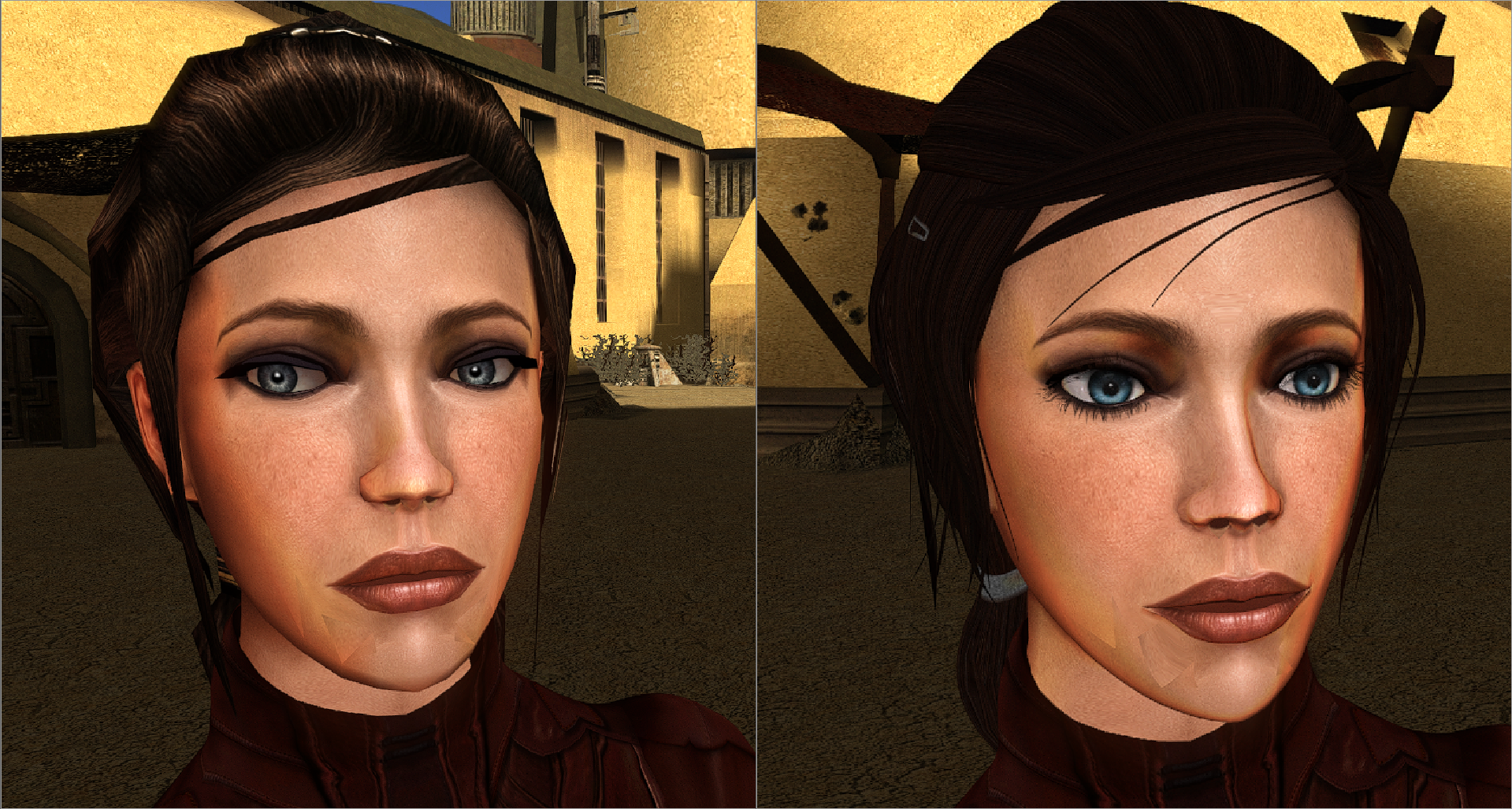
I am trying to create a new texture for Bastila's face but it isn't working in-game, any idea what is wrong with it? bastila_head_text.zip
-
Smuggler.rar
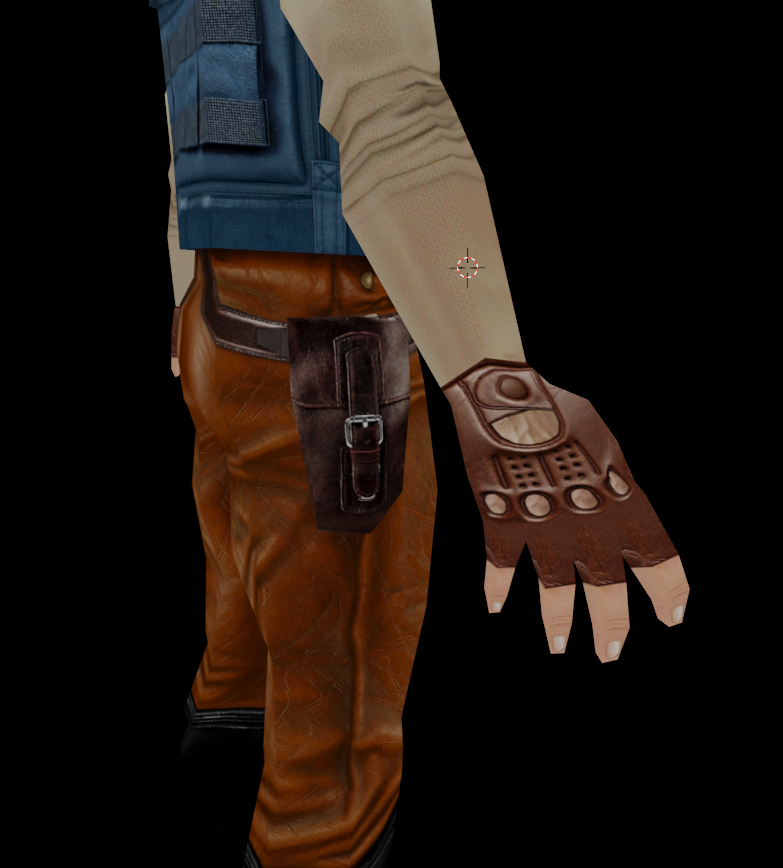
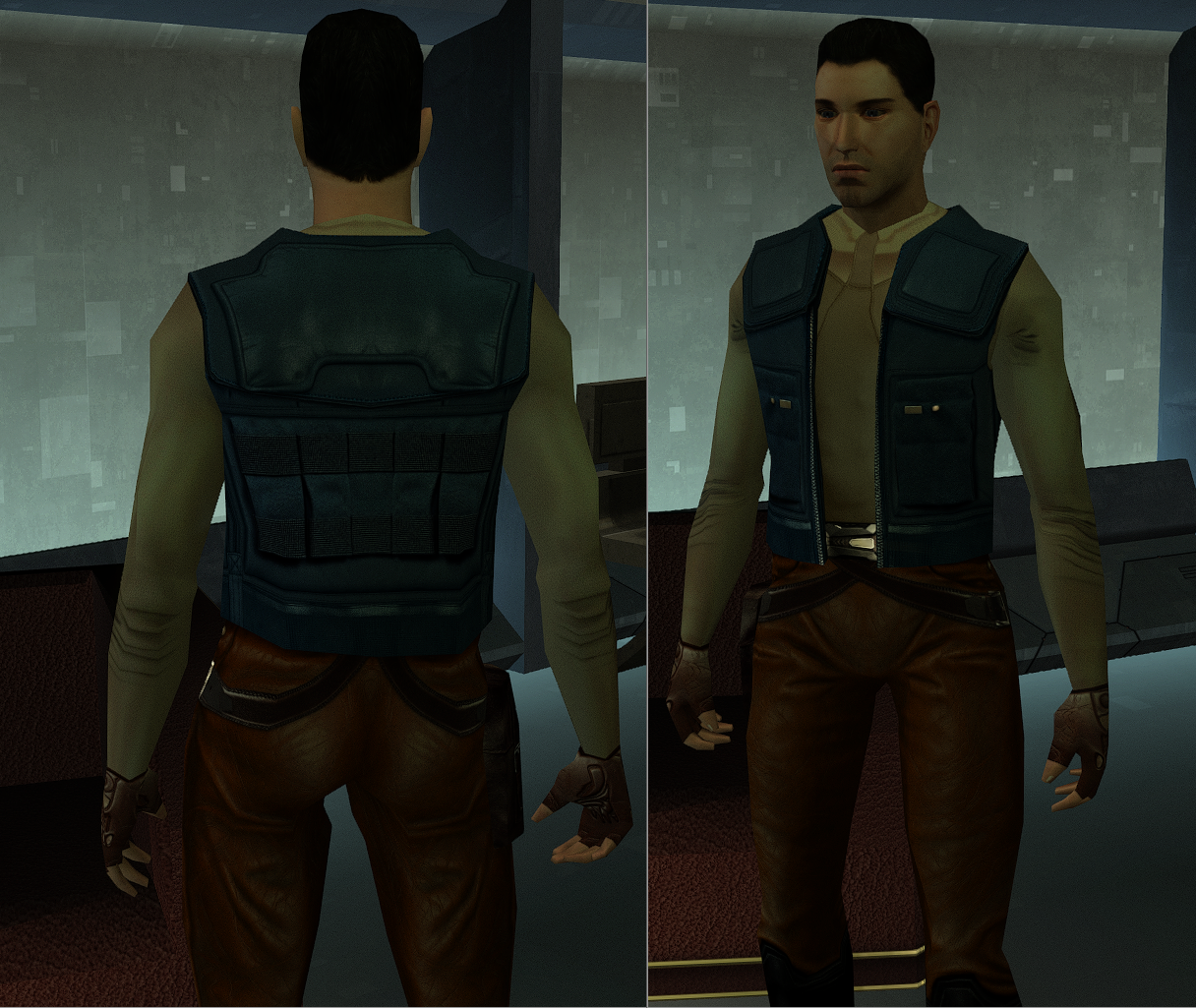
-
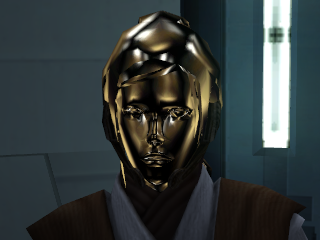
 I was trying to use it with the "Revan's Hoodless, Maskless Flowing Robes" mod.
 -

Yavin Station model request (exterior)
DarthParametric replied to Sith Holocron's topic in Mod Requests
Now throw some crud on it. -
Yavin Station model request (exterior)
Sith Holocron replied to Sith Holocron's topic in Mod Requests
Looking good so far! -
 StupidSmeagol changed their profile photo
 -
 So I have a problem with the mod Last time when I installed it it worked fine, but this time I get multiple errors about temporary files not found, or some files not compiling properly, and I don't really know what to do here If somebody could help me, it would be greatly appreciated Here is the error report if it's any help installlog.txt
 -
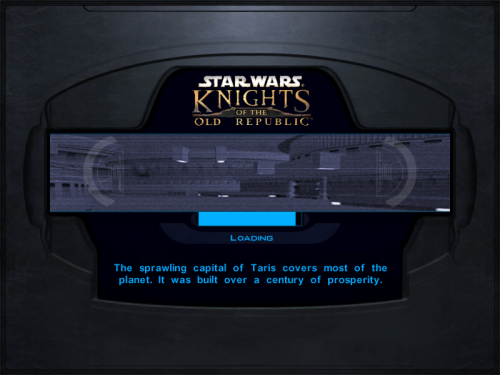 Right... well, I gave her a Green Lightsaber. Because given that those crystals were part of her father's gift to the Jedi, I doubt she'd get rid of them willingly.
 -
First of all: Just wanted to let you know that these images didn't load for me, for some reason. But that being said: Yes, I had thought about the fact it's probably canonically green while working on this mod. But I decided to break with that and give her a purple crystal for two reasons: 1: Purple was not previously used by a companion upon recruiting them: Bastila has yellow, Juhani has blue, Jolee has green. Might as well make Vima a little unique. 2: It's kinda an inside joke that TOTJ is so hilariously inconsistent with saber colors. You're the first person to make that connection, though! Ultimately my headcanon answer is that in the 20-ish years since her training ended, she replaced her lightsaber or its crystal.