All Activity
- Past hour
-
Do you have a link?
-
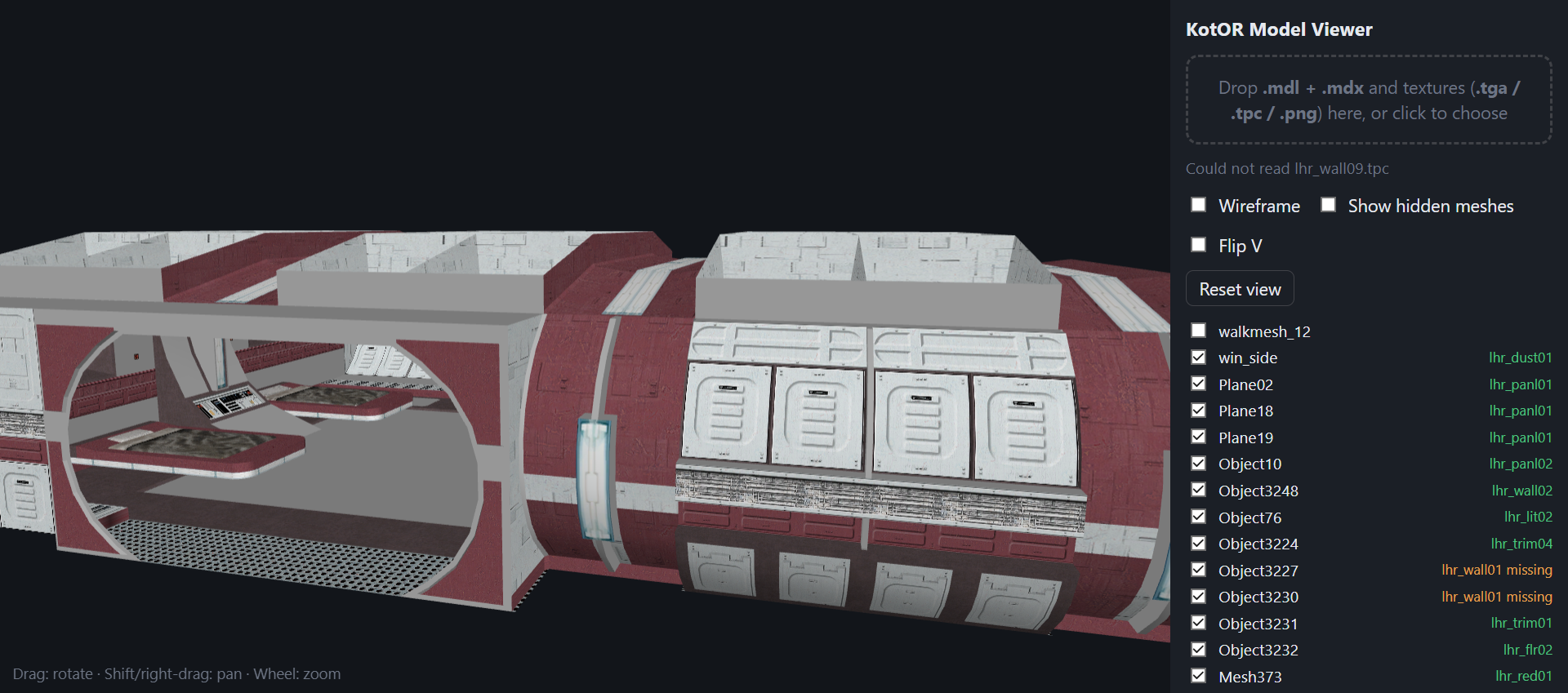
I've been using a Kotor model viewer in browser it works great accept it seems to not load all textures regardless of them being there. Wondering someone might know why that is so it can be corrected.
-
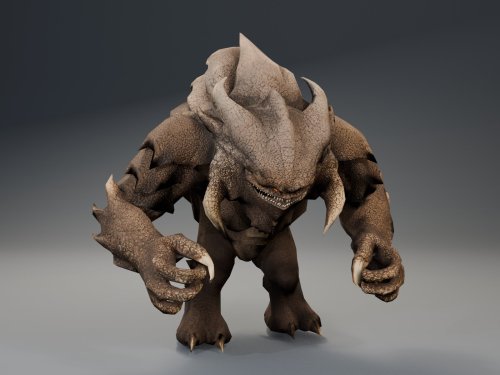
View File Basilisk War Droid Bring a new Basilisk to the invasion of Onderon. Watch it wake in the Dxun hangar, storm Iziz in a replacement cinematic, and join the landing-zone battle as an allied war droid. FEATURES • Custom Basilisk model with an animated hangar reveal and boarding ramp. • Replacement invasion cinematic covering space approach, atmospheric entry, anti-aircraft fire and a heavy landing. • An allied Basilisk that fights alongside the player in Iziz. • Shoulder turbolasers, heavy claw attacks, a shockwave slam and an airborne rapid-fire nose-gun barrage. • Custom combat effects and sound. • Two replacement Basilisk loading screens. REQUIREMENTS AND COMPATIBILITY Requires Windows x64 and a supported Steam Aspyr version of KOTOR II. Run the included compatibility check before installing. Other storefronts and executable versions are not currently supported. Tested on clean Steam game data and an installation of the KOTOR II Full Build: https://kotor.neocities.org/modding/mod_builds/k2/full Install after your chosen mod build. Compatibility does not cover every optional mod selection. The English Queen Talia invasion route is tested; the Vaklu route has not been qualified. The installer merges shared tables and story resources, preserves native party selection, and leaves saves and Steam Cloud settings unchanged. It replaces OndMov07.bik and the load_510OND/load_511OND loading screens. See COMPATIBILITY.md for supported executable hashes, conflicts and testing limitations. INSTALLATION 1. Close KOTOR II. 2. Extract the entire archive into a folder outside your game directory. Keep all included folders together. 3. Run Install Basilisk.exe and select the folder containing swkotor2.exe. 4. Click Check compatibility, review the result, then Install Basilisk. 5. Keep Steam running and launch the game using BasiliskLauncher.exe in your game folder. 6. Load a save from before Zuka’s invasion reveal and before first entering the Iziz invasion module. Required runtime components are bundled. No separate Python or .NET installation or manual patch download is needed. This package uses its own merge installer. Do not copy the payload into Override or install it through TSLPatcher. UNINSTALL Close the game, run Install Basilisk.exe, select the same game folder and choose Restore pre-install files. Keep the BasiliskInstaller backup folder. Restoration will stop if another mod has subsequently changed a file, protecting those later changes. Return to a save made before installation. CREDITS ShaolinGhost — project, direction, playtesting and release. Lane — KotOR Patch Manager. PyKotor contributors — resource tooling. Obsidian Entertainment, LucasArts and Aspyr — KOTOR II and original game resources. The Force Unleashed Wii Basilisk encounter — design and animation reference. Full third-party notices and installer/runtime sources are included. This is an unofficial, free fan modification. Screenshots may show unrelated character, environment and interface mods that are not included. Submitter ShaolinGhost Submitted 09/28/2026 Category Mods TSLRCM Compatible No
-
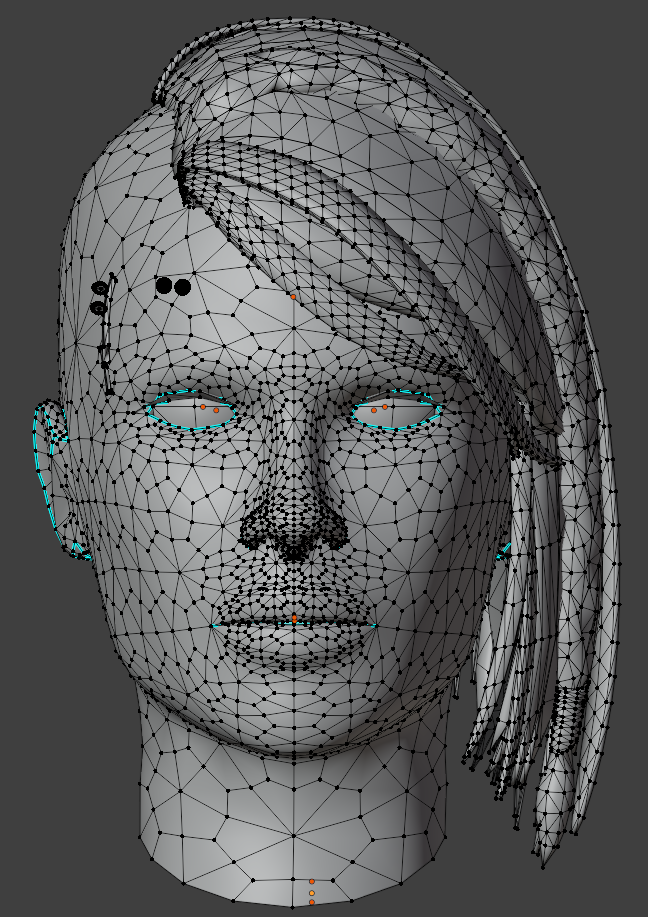
View File High poly PFHC01 The mod replaces the PFHC01 model and textures. To Install 1. Download: PFHC01 2. Copy all files to the Knights of the Old republic's Override folder. (Example location - C:\Program Files (x86)\Steam\steamapps\common\swkotor\Override) 3. When/if prompted to overwrite files, press okay. 4. If you like the mod; leave a comment or endorse! (It would be much appreciated) Made with love. Submitter Dark Hope Submitted 09/28/2026 Category Mods K1R Compatible No
- Today
-
 reliable_eggplant joined the community
 -
Version 1.0.1
5 downloads
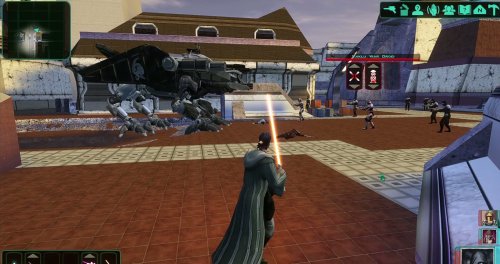
Bring a new Basilisk to the invasion of Onderon. Watch it wake in the Dxun hangar, storm Iziz in a replacement cinematic, and join the landing-zone battle as an allied war droid. FEATURES • Custom Basilisk model with an animated hangar reveal and boarding ramp. • Replacement invasion cinematic covering space approach, atmospheric entry, anti-aircraft fire and a heavy landing. • An allied Basilisk that fights alongside the player in Iziz. • Shoulder turbolasers, heavy claw attacks, a shockwave slam and an airborne rapid-fire nose-gun barrage. • Custom combat effects and sound. • Two replacement Basilisk loading screens. REQUIREMENTS AND COMPATIBILITY Requires Windows x64 and a supported Steam Aspyr version of KOTOR II. Run the included compatibility check before installing. Other storefronts and executable versions are not currently supported. Tested on clean Steam game data and an installation of the KOTOR II Full Build: https://kotor.neocities.org/modding/mod_builds/k2/full Install after your chosen mod build. Compatibility does not cover every optional mod selection. The English Queen Talia invasion route is tested; the Vaklu route has not been qualified. The installer merges shared tables and story resources, preserves native party selection, and leaves saves and Steam Cloud settings unchanged. It replaces OndMov07.bik and the load_510OND/load_511OND loading screens. See COMPATIBILITY.md for supported executable hashes, conflicts and testing limitations. INSTALLATION 1. Close KOTOR II. 2. Extract the entire archive into a folder outside your game directory. Keep all included folders together. 3. Run Install Basilisk.exe and select the folder containing swkotor2.exe. 4. Click Check compatibility, review the result, then Install Basilisk. 5. Keep Steam running and launch the game using BasiliskLauncher.exe in your game folder. 6. Load a save from before Zuka’s invasion reveal and before first entering the Iziz invasion module. Required runtime components are bundled. No separate Python or .NET installation or manual patch download is needed. This package uses its own merge installer. Do not copy the payload into Override or install it through TSLPatcher. UNINSTALL Close the game, run Install Basilisk.exe, select the same game folder and choose Restore pre-install files. Keep the BasiliskInstaller backup folder. Restoration will stop if another mod has subsequently changed a file, protecting those later changes. Return to a save made before installation. CREDITS ShaolinGhost — project, direction, playtesting and release. Lane — KotOR Patch Manager. PyKotor contributors — resource tooling. Obsidian Entertainment, LucasArts and Aspyr — KOTOR II and original game resources. The Force Unleashed Wii Basilisk encounter — design and animation reference. Full third-party notices and installer/runtime sources are included. This is an unofficial, free fan modification. Screenshots may show unrelated character, environment and interface mods that are not included. - Yesterday
-
 CharlieH16 joined the community
 -
Version 1.0.0
1 download
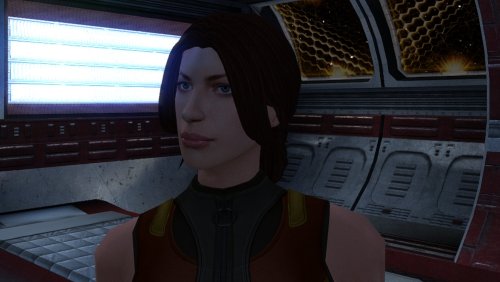
The mod replaces the PFHC01 model and textures. To Install 1. Download: PFHC01 2. Copy all files to the Knights of the Old republic's Override folder. (Example location - C:\Program Files (x86)\Steam\steamapps\common\swkotor\Override) 3. When/if prompted to overwrite files, press okay. 4. If you like the mod; leave a comment or endorse! (It would be much appreciated) Made with love. -
 bleggstranded joined the community
 -
 ogagaemmanue changed their profile photo
 -
 To Be honest, I don't know yet. My GOG TSL version looks pretty nice at 2560x1440 without any real changes, as far as I see.
 -
 jbmx13 joined the community
 -
 Odinson joined the community
 -
 Kader joined the community
 -
 Credaxi joined the community
 -
 memochatty joined the community
 -
 Jackdent96 joined the community
 -
 DESCHE joined the community
 -
 Glad to hear that, thanks for taking the time to confirm!
 -
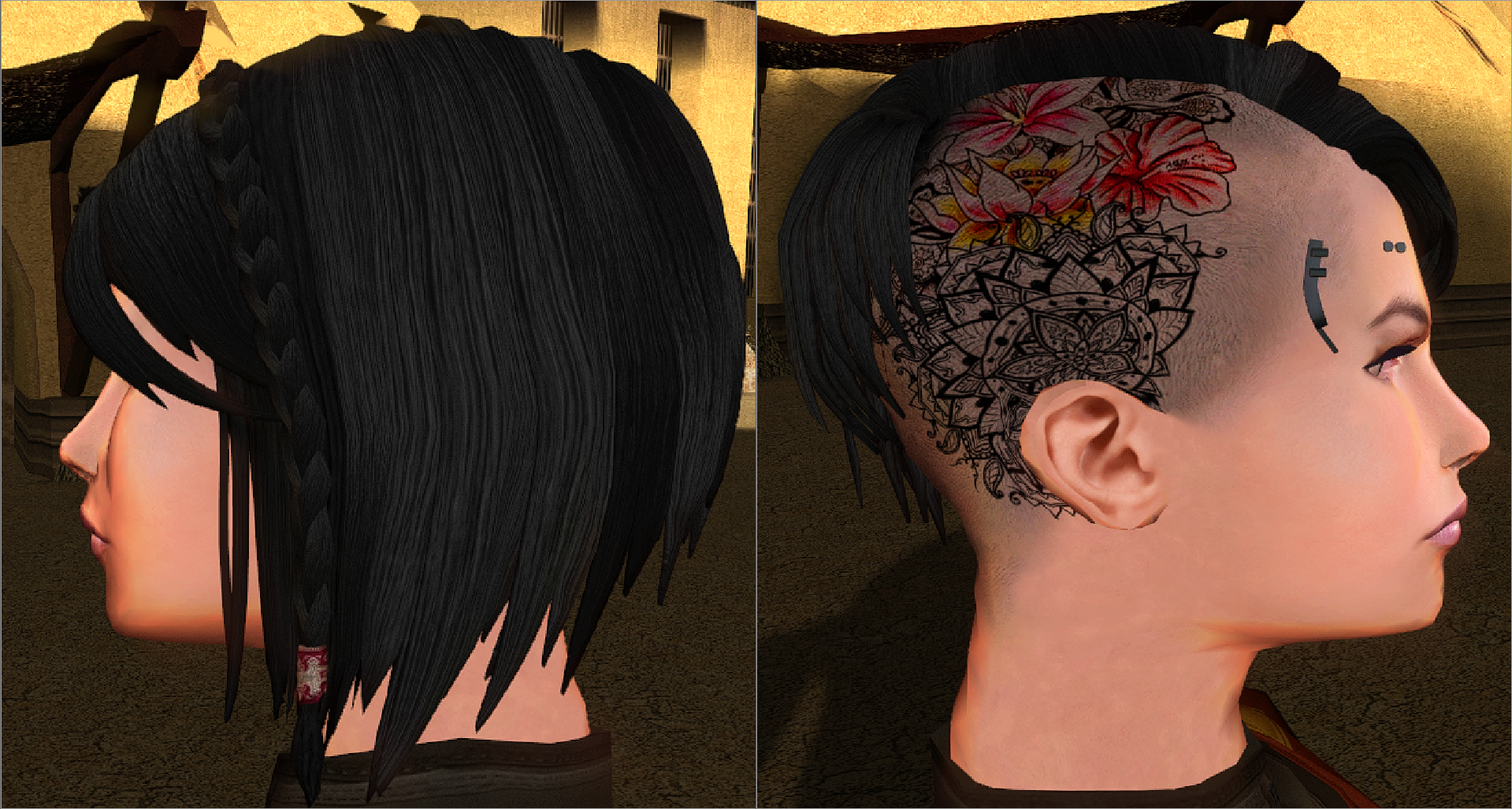
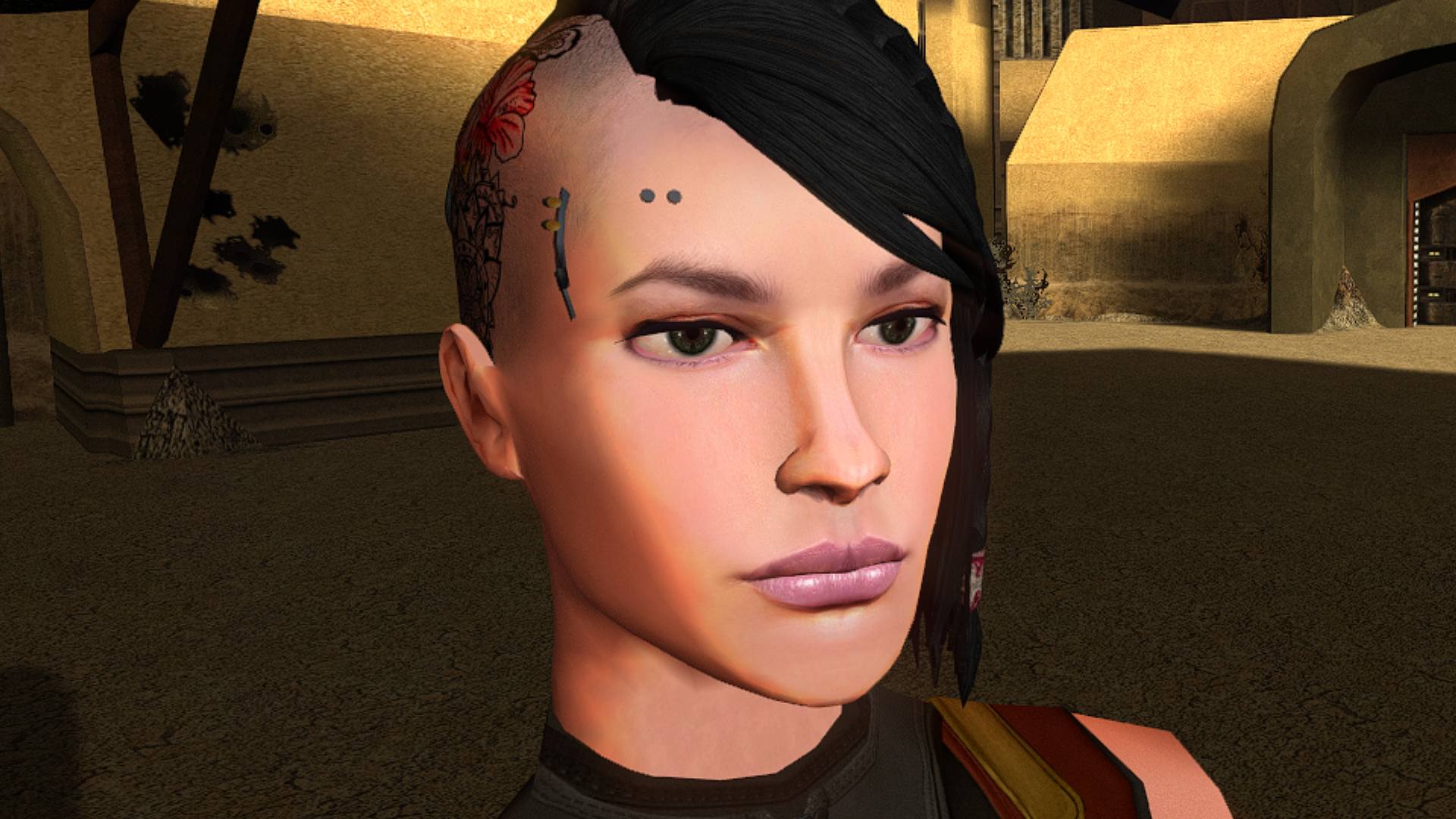
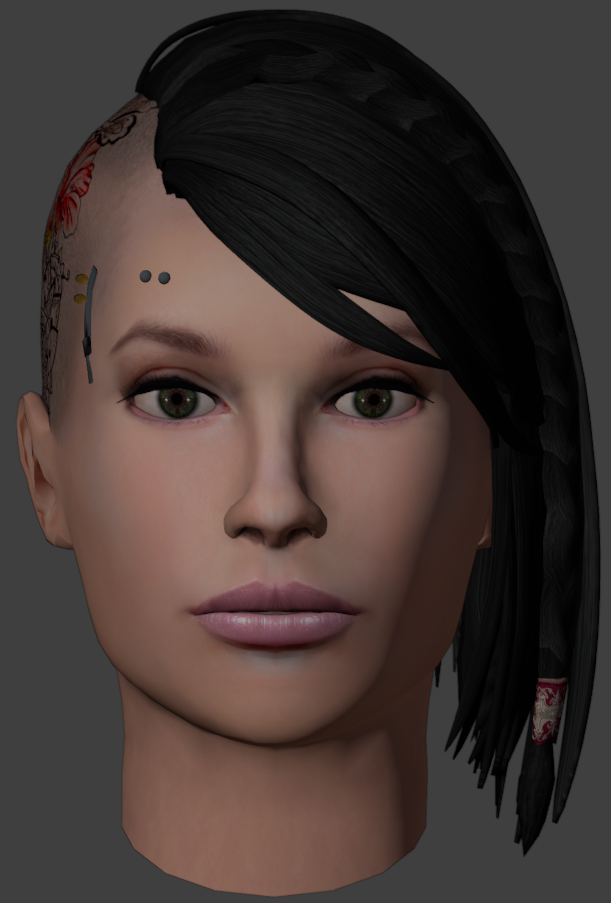
Hello! Has anyone properly ported K2 Player heads to K1? I would be very interested in all of them, especially Male heads. Cheers!
-
@FF97 Any plans for these in TSL?
-
 What are the differences between this mod and KMRP- KOTOR Modern Restoration Patch?
 -
 TheCueball changed their profile photo
 - Last week
-
But does that mean that all K2 heads ported to K1 will suffer the same problem?
-
haha, yeah, the PC doesn't talk so the mod can get away with it. It's likely because of supermodel differences between the 2 games.
-
 Ah, I see, thanks for letting me know. 2 files have the wrong filename.po_PFHC07FX.tgapo_PFHC07FXd1.tga Add these files to fix it. The zip is also updated.
 -
View File KOTOR High FPS Fixes KOTOR High FPS Fixes Fixes several problems in Knights of the Old Republic 1 & 2 that appear when playing above 60 FPS. Included fixes: Dialogue letterbox timing Post-combat movement freeze Free-look mouse sensitivity Animated textures such as rivers, waterfalls, and flashing mines Lightsaber trails Tree leaves and similar moving effects Water ripples and force fields Should make the animations and timings feel as close as possible to their speed when played at 60fps. No longer do you need to lock your frame rate to enjoy either game. Tested up to 240 FPS. But should work at even higher fps though let me know if any issues arise. Requirements: Kotor Patch Manager 0.6.3 or newer KOTOR 1: 1.03 KOTOR 2: Aspyr GOG or Steam This kpatch works with both K1 and K2 no need for separate kpatches. Latest KPM version 0.7.0 now has the ability to work with modified exe's but if there are any issues still you can try my adapter here. The adapter is only for K1 for now and hopefully will be obsolete in the future. Do not install the standalone versions of these fixes alongside this combined version, such as J's post combat fix or my individual fixes on my GitHub or previous deadlystream post. Source code and alt download available below. Links: Alternative Download - GitHub Releases Source Code - GitHub Submitter D3M0 Submitted 09/27/2026 Category Mods TSLRCM Compatible Yes
-
Version 1.0.0
39 downloads
KOTOR High FPS Fixes Fixes several problems in Knights of the Old Republic 1 & 2 that appear when playing above 60 FPS. Included fixes: Dialogue letterbox timing Post-combat movement freeze Free-look mouse sensitivity Animated textures such as rivers, waterfalls, and flashing mines Lightsaber trails Tree leaves and similar moving effects Water ripples and force fields Should make the animations and timings feel as close as possible to their speed when played at 60fps. No longer do you need to lock your frame rate to enjoy either game. Tested up to 240 FPS. But should work at even higher fps though let me know if any issues arise. Requirements: Kotor Patch Manager 0.6.3 or newer KOTOR 1: 1.03 KOTOR 2: Aspyr GOG or Steam This kpatch works with both K1 and K2 no need for separate kpatches. Latest KPM version 0.7.0 now has the ability to work with modified exe's but if there are any issues still you can try my adapter here. The adapter is only for K1 for now and hopefully will be obsolete in the future. Do not install the standalone versions of these fixes alongside this combined version, such as J's post combat fix or my individual fixes on my GitHub or previous deadlystream post. Source code and alt download available below. Links: Alternative Download - GitHub Releases Source Code - GitHub -
 Ahh, I see, well it is what is.
 -
That's just the way KotOR works, since it expects every character to have the same body model, it doesn't reload it for each head. If you start the game it will be fine.
-
 It seems you have to manually add 'FileExists=1' to changes.ini in the tslpatchdata folder, then the TslPatcher will work just fine
 -
@Effix, I was very interested in using your Atton head port in my game (not as PC, but for an NPC), but my problem is much more serious than the black line issue (which I also suffer systematically, of course). I recorded a video so that you can see for yourself. AttonGivesMeTheLip.mp4
-
View File Remade Top UI Icons Hello everyone! After a long hiatus, I’m back with a new mod. High-resolution top icons—"handmade" in the game's original style rather than upscaled via AI—at 128x128 resolution. For widescreen users, "Scaled Kotor" is recommended as a companion mod. Submitter FF97 Submitted 09/26/2026 Category Skins K1R Compatible Yes
-
Patcher doesn't seen to run even after unblocking and trying to run as admin.
-
Thank you very much! 😊 As for the Modern Driver Compatibility Patch - I haven't tried or tested it because I’ve never encountered the issues it fixes (based on my understanding of the description): the grass, fog, energy fields, and bump maps on Twi'leks, Hutts, and other creatures always appear correctly for me. But it might be interesting to check out! As for TSL - yes, I definitely plan to port the Ebon Hawk to it. I'll keep that fix in mind - thanks again!
-
I found a bug, GOG version of the game, used only this mod. How to produced it: 1.Start new game, and reload untill you see Twi'lek Playble Character with custom clothes. 2.Switching heads breaks body textures. Even default female heads are affected as well.