All Activity
- Today
-
 TheBlocked joined the community
 -
 Soll joined the community
 -
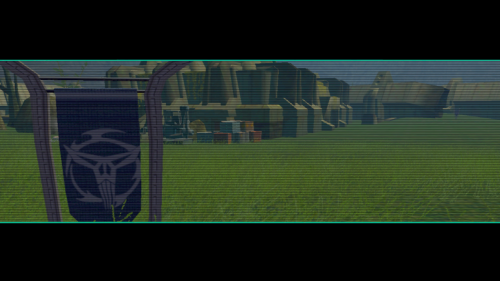
View File Comic Neo-Crusader Flags Comic Neo-Crusader Flags by 90SK This work was created in 2007 as part of a series of TSL improvement mods. It is some of my first modding work. To use, please copy files into your Override folder in your TSL directory. They will replace the ancient rakata flag with Mandalorian Neo-Crusader logo flags from the Dark Horse KOTOR comics. Legal: THIS MODIFICATION IS PROVIDED AS-IS AND IS NOT SUPPORTED BY BIOWARE/OBSIDIAN ENTERTAINMENT, LUCASARTS, DISNEY OR ANY LICENSERS/SPONSORS OF THE MENTIONED COMPANIES. USE OF THIS FILE IS AT YOUR OWN RISK AND THE ABOVE-MENTIONED COMPANIES OR THE AUTHOR IS NOT RESPONSIBLE FOR ANY DAMAGE CAUSED TO YOUR COMPUTER FOR THE USAGE OF THIS FILE. Submitter 90SK Submitted 06/28/2026 Category Mods TSLRCM Compatible Yes
-
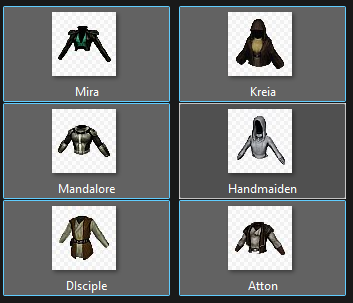
View File Party Clothes Icons Party Clothes Icons by 90SK This mod was created as part of a series of improvements for TSL in 2007, some of my first modding work. They will need to be renamed and appropriated, but the icons can be recolored and match their clothes. Submitter 90SK Submitted 06/28/2026 Category Modder's Resources
-

T3 skins for KotOR 2 not working.
confuuzed replied to confuuzed's topic in General Kotor/TSL Modding
The T3 skins mod requires the player to start a new game, so I'd like to make sure things are done correctly, otherwise the skin mod for T3 probably won't work. Unfortunately changing the files names isn't working. Do you have any other suggestions? https://deadlystream.com/files/file/959-effixians-tsl-t3-m4-reskins/#google_vignette -
 Hope you or someone else finds a fix!
 -
Version 1.0.1
0 downloads
Comic Neo-Crusader Flags by 90SK This work was created in 2007 as part of a series of TSL improvement mods. It is some of my first modding work. To use, please copy files into your Override folder in your TSL directory. They will replace the ancient rakata flag with Mandalorian Neo-Crusader logo flags from the Dark Horse KOTOR comics. Legal: THIS MODIFICATION IS PROVIDED AS-IS AND IS NOT SUPPORTED BY BIOWARE/OBSIDIAN ENTERTAINMENT, LUCASARTS, DISNEY OR ANY LICENSERS/SPONSORS OF THE MENTIONED COMPANIES. USE OF THIS FILE IS AT YOUR OWN RISK AND THE ABOVE-MENTIONED COMPANIES OR THE AUTHOR IS NOT RESPONSIBLE FOR ANY DAMAGE CAUSED TO YOUR COMPUTER FOR THE USAGE OF THIS FILE. -
Version 1.0.1
0 downloads
Party Clothes Icons by 90SK This mod was created as part of a series of improvements for TSL in 2007, some of my first modding work. They will need to be renamed and appropriated, but the icons can be recolored and match their clothes. -
Glad you found the culprit! Yeah, so, Suvam says this if you lost your most recent game of Pazaak somewhere in the game. It's because in your save, after losing the game you have a variable called (approximately) "Lost Recent Game of Pazaak" which gets set to "TRUE." Theoretically, he should only say this if you lost a game to HIM just then. His dialogue you mentioned then plays a script that sets your "Lost Recent Game of Pazaak" variable to "FALSE." But what happened here is that the game was reading your last game of Pazaak, somewhere in the galaxy, was a loss. But for some reason the dialogue to reset that variable to "FALSE" is missing. That's usually the case of Pazaak mod content. I actually ran into this exact issue during Sleheyron's development when my Pazaak Lords didn't appropriately clear the variable, so talking to Suvam (among any other Pazaak player in the base game) would have a "Haha, I win" dialogue play. I did fix it, but it was a really convoluted system. I can't say I'm surprised it's a common bug with more Pazaak-heavy mods.
-
 redrebelzero joined the community
 -
Crazy stuff but good to know ig. Good job 👍
-
 GreenMinerva joined the community
 -
 Hello Dark Hope, Could I please have the head file? I love your work btw. Thanks!
 - Yesterday
-
 Lucescura joined the community
 -
 MSGStrange joined the community
 -
 Hmm. Thats really too bad. I ended up cloning a new entry and repurposing it (removing the “after that you must leave all loves behind” part) as a reward for a companion quest I made, but I was really hoping that it was implemented for real somewhere. Somewhere I think might make sense would be: Handmaiden’s dialogue file actually has this very elaborate “you mean a lot to me exile and here is the context for why” which very much echoes Visas’s romance scene. I think that would be a good place to flag it, but the problem would be it would mean you could get both Handmaiden and Visas’s love dialogue. Unless you also change Visas’s dialogue file to have a conditional to prevent her romance scene if you ”romance” Handmaiden. On the other hand, changing the Telos Academy scene would require changing one file, easily allow for setting the conditional for mutual exclusivity with Visas, but unless some elaborate scene akin to the “Bastila romance enhancement” mod is inserted, then it comes off as kind of hollow. On the other hand, actually implementing a similar scene with a visual kiss would be a great thematic contrast between Visas’s “spiritual/mental” connection and Handmaiden’s “physical” (so to speak, this is highly reductive).
 -
 Jade_R4ven joined the community
 -
 Vlad108 joined the community
 -
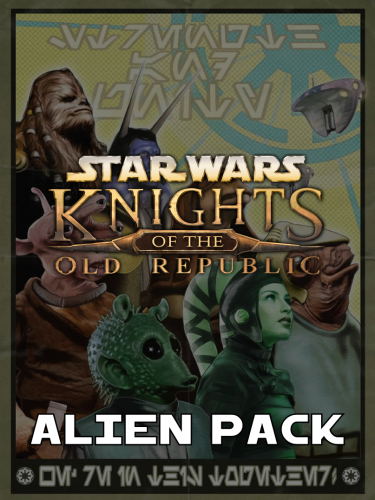 Ignore this post. Accidentally made another instead of editing the one above somehow.
 -
 Harry8396 joined the community
 -
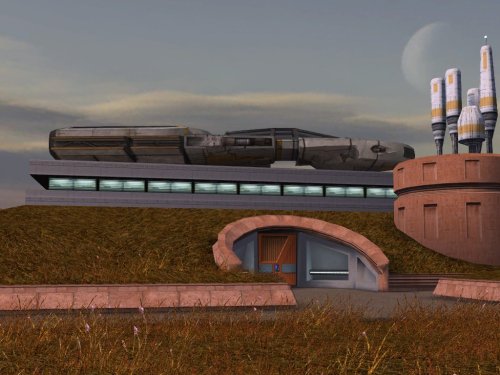 DarthParametric's model uses completely different texture mapping than the vanilla ship, so if you wanted a more vanilla-like texture, it would unfortunately need to be created from scratch. @Dark Hope's suggestion to reduce the texture resolution could get you partway there, though, at least from a sharpness (or lack thereof) standpoint.
 -
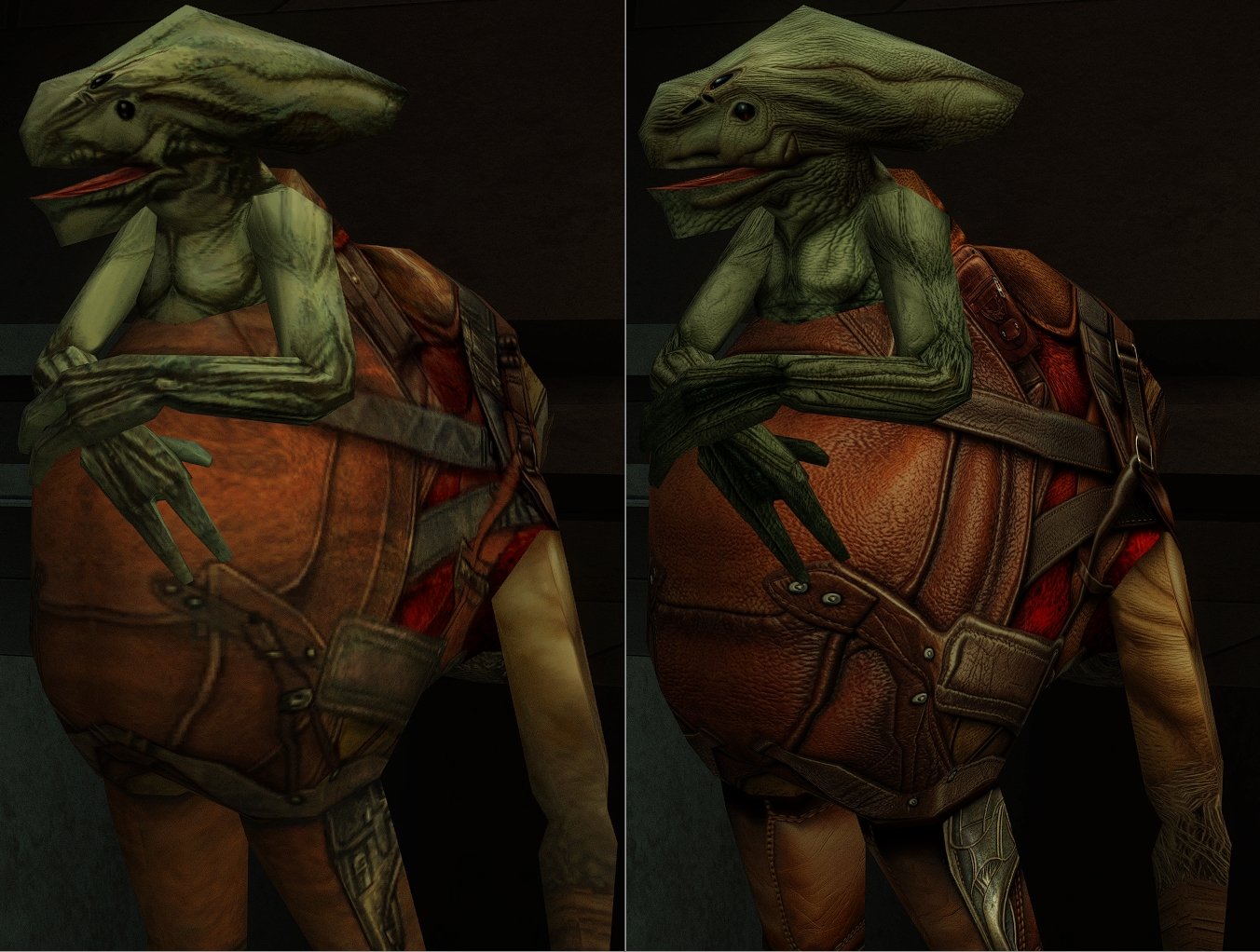
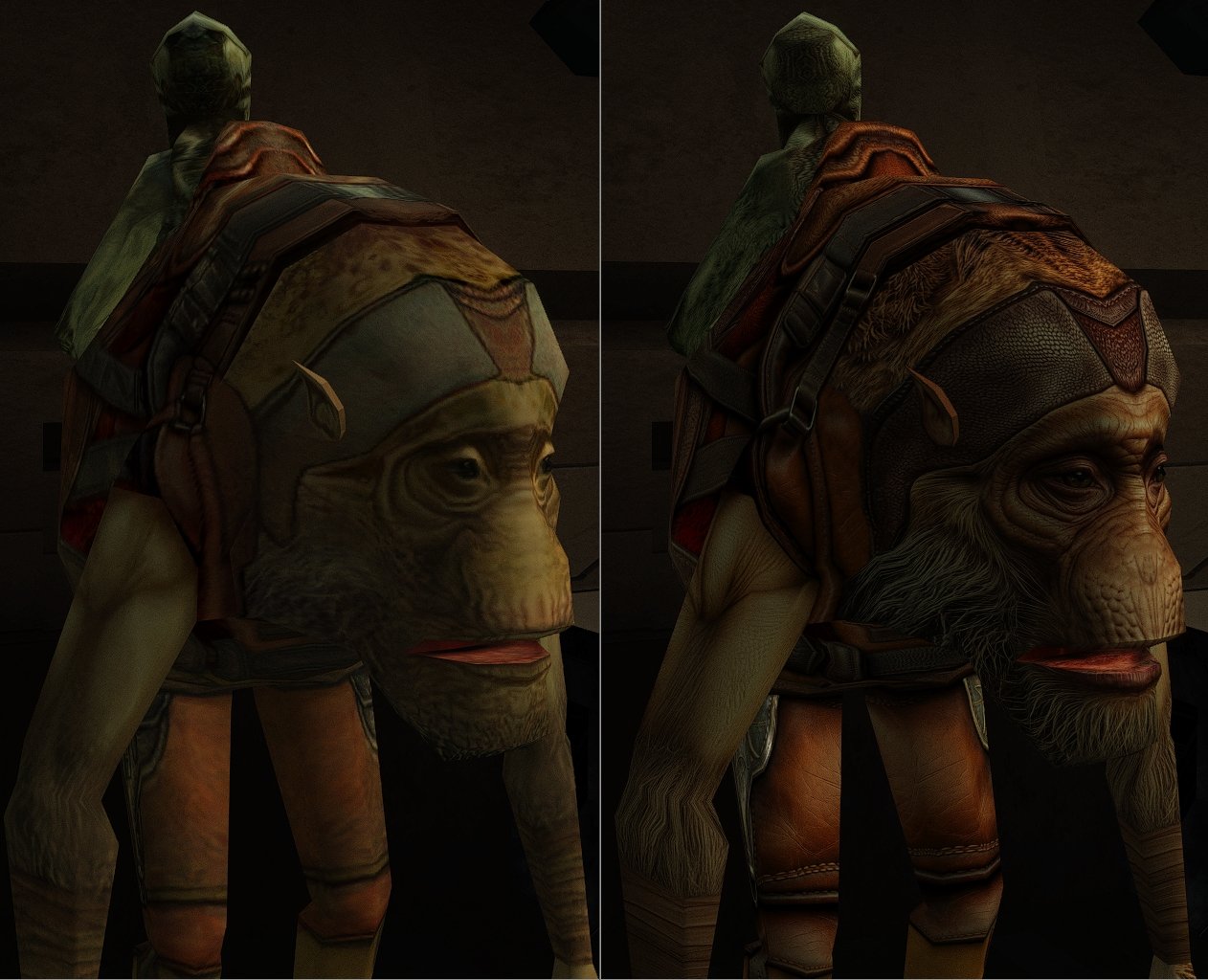
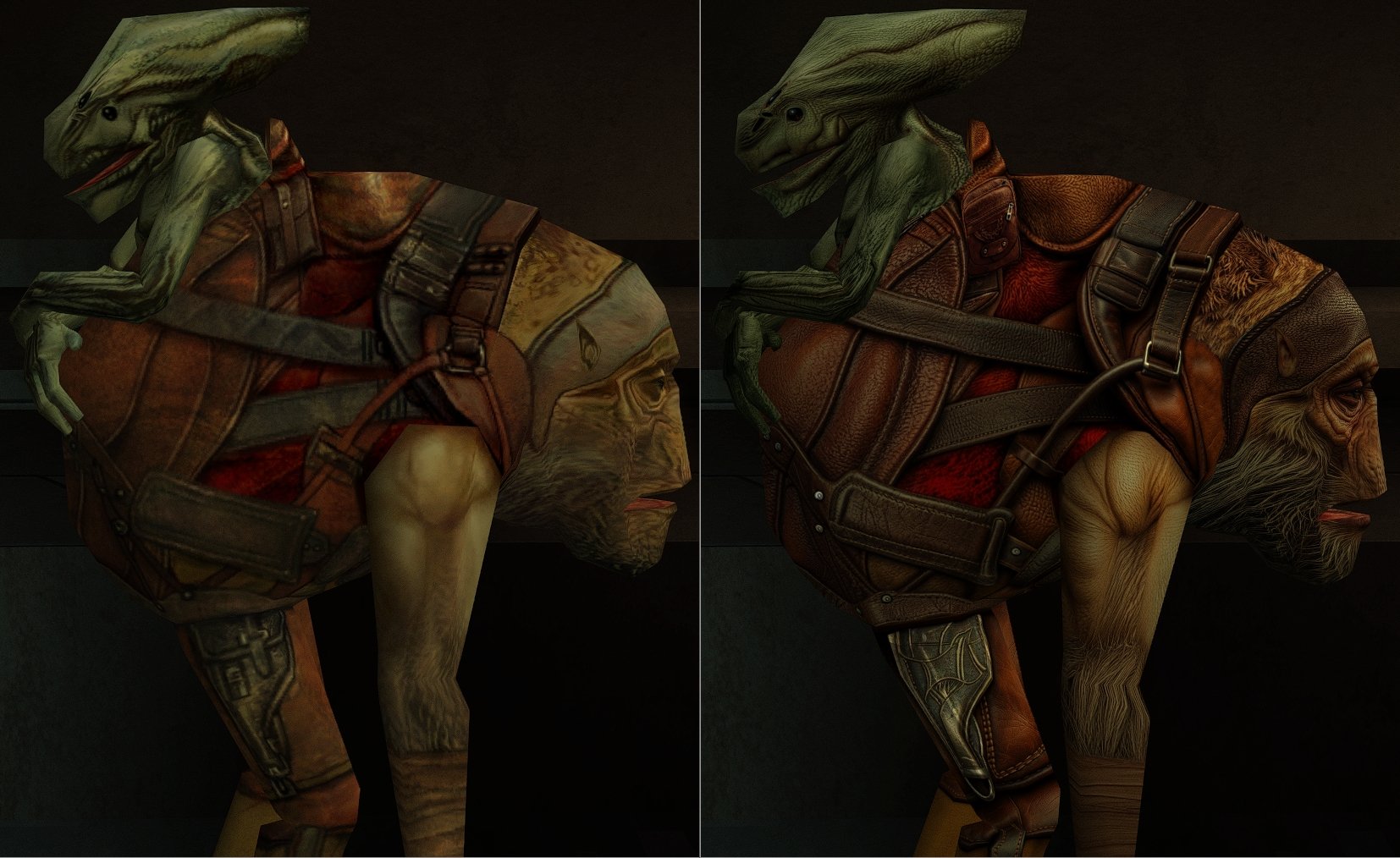
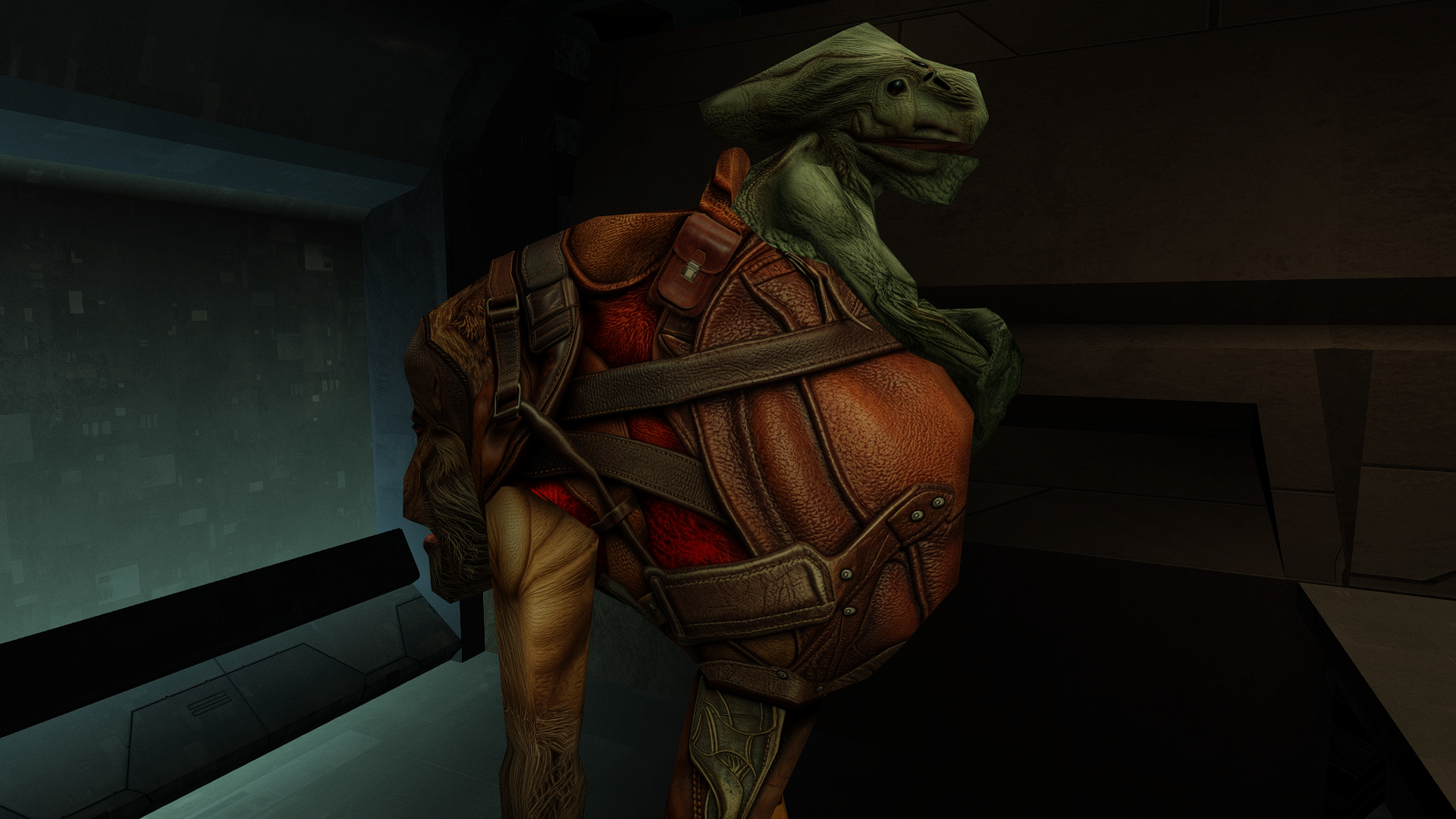
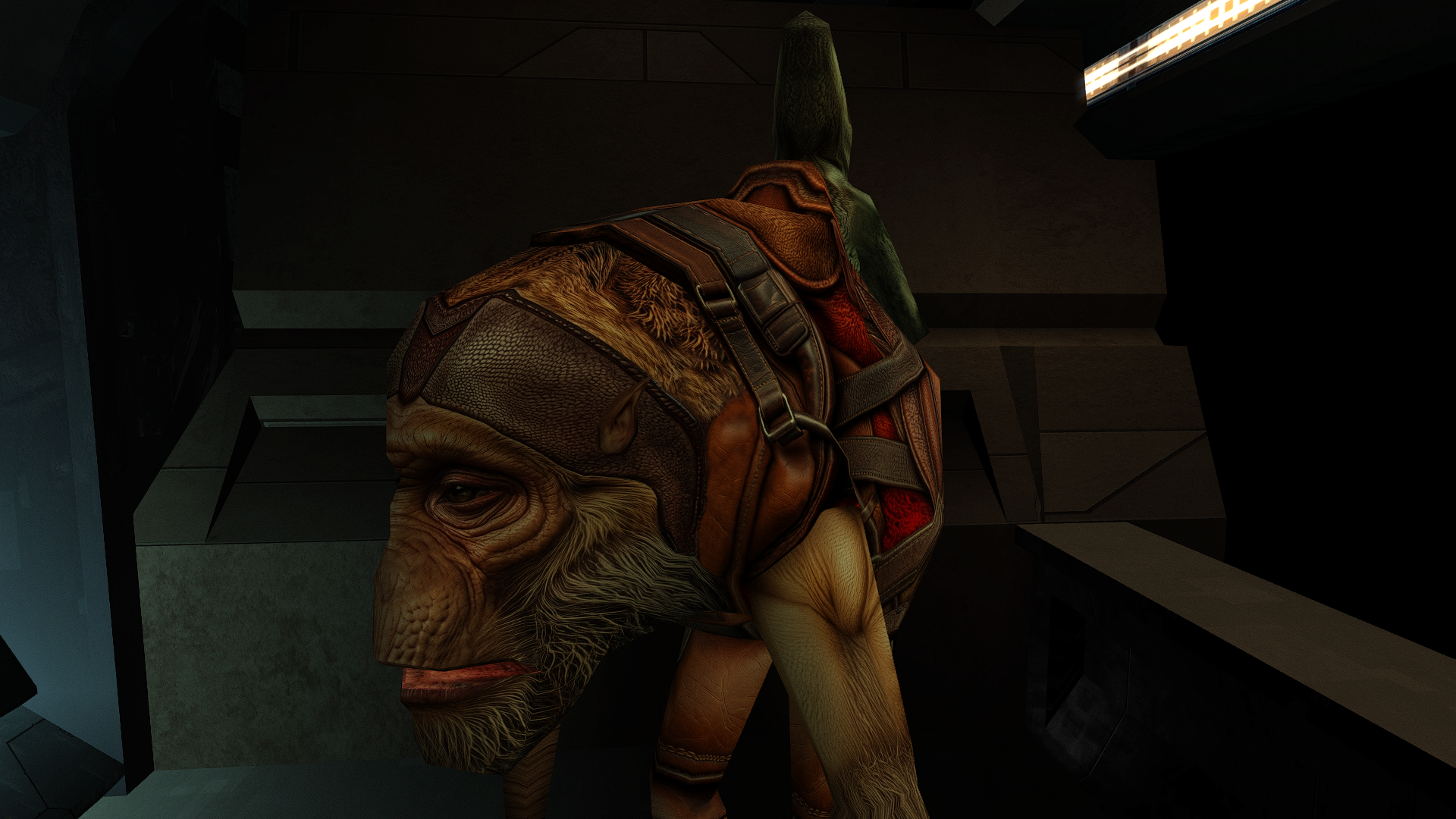
View File Paaerduag HD This mod will replace and update texture files. To Install 1. Download: Paaerduag HD.rar 2. Copy all files to the Knights of the Old republic's Override folder. (Example location - C:\Program Files (x86)\Steam\steamapps\common\swkotor\Override) 3. When/if prompted to overwrite files, press okay. 4. If you like the mod; leave a comment or endorse! (It would be much appreciated) Made with love Submitter Dark Hope Submitted 06/26/2026 Category Mods K1R Compatible Yes
-
Turns out it's likely a bug with MoustacheVerte's Pazaak Wager Meister and I found a solution. Speak to Suvam, save the game, and reload. Apparently it's a common bug.
-
Which is why it didnt work, since it contains a .mod file with an UTD, which is the module and the door. You'd need to reload the station.
-
 It's checked in 904kreia.dlg but never set anywhere in both the original game and TSLRCM as far as I can tell—not present in any other DLG or NCS file. Easiest way to enable it would be to add a call of the script a_global_set on a dialogue somewhere, probably in her dialogue after the Atris fight. I don't know what preconditions make sense, though. It may have been related to other cut content which doesn't exist in the game files.
-
Are you talking about a bug where you can't access the room where Suvam Tan is? I installed Sleheyron before the Yavin Hanger mod. When I try to enter Suvam's room, my screen blacks out and Suvam says, "Haha, I still got it! But don't feel bad kid. Want another game?" I can say, 'no', and it goes back to his dialogue and I can exit the conversation, but my screen stays black. Edit: This fix didn't work. Though I don't have any save files from before I landed on the Yavin Station.
-
You can reduce the resolution to 1024, it will be quite vanilla)
-
 Hey, i installed the jorran-kaeve remove pack. When i finish the quest by giving the modulator back to suulru, i get a an error "CONVERSATION ERROR: Last Conversation Node Contains Either an END NODE or CONTINUE NODE. Please contact a Designer!" So I'm playing the german steam version of the game and I already read online that this kind of error is caused when you're not playing the english version. Is there a way i can fix it with kotor tool myself? EDIT: i think i fixed it myself - used the language converter for dlg files by tk102. I edited the "suulru.dlg" file of this mod and put the edited file in my override folder - Error is gone. Also translated some english texts in the suulru.dlg file myself with dlg.-editor by fair strides.
 -
Huge fan of DarthParametric's higher-quality model, but would there be any consideration of a variant for the mod that does not use Dark Hope's textures? Their texture quality is amazing, but it doesn't always mesh well with more vanilla-looking styles which is what I tend to use.
- Last week
-
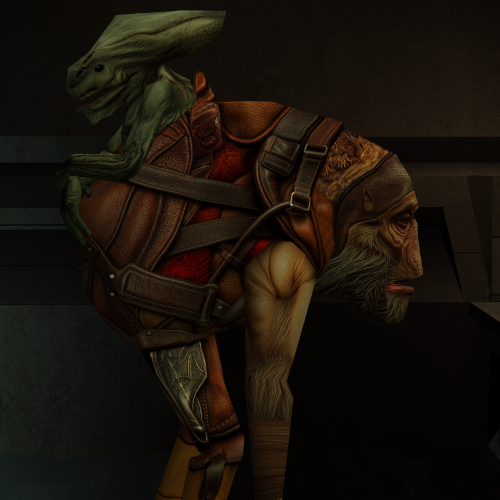
Version 1.0.0
11 downloads
This mod will replace and update texture files. To Install 1. Download: Paaerduag HD.rar 2. Copy all files to the Knights of the Old republic's Override folder. (Example location - C:\Program Files (x86)\Steam\steamapps\common\swkotor\Override) 3. When/if prompted to overwrite files, press okay. 4. If you like the mod; leave a comment or endorse! (It would be much appreciated) Made with love -
 BayonetM changed their profile photo
 -

T3 skins for KotOR 2 not working.
Sith Holocron replied to confuuzed's topic in General Kotor/TSL Modding
Link the mod. -
T3 skins for KotOR 2 not working.
confuuzed replied to confuuzed's topic in General Kotor/TSL Modding
The T3 skins mod requires the player to start a new game, so I'd like to make sure things are done correctly, otherwise the skin mod for T3 probably won't work. Unfortunately changing the files names isn't working. Do you have any other suggestions?