All Activity
- Past hour
-
 livemrgreen joined the community
- Today
-
 Ochnar joined the community
-
 dbzdude64 joined the community
-
 prplEri changed their profile photo
-
prplEri joined the community
-
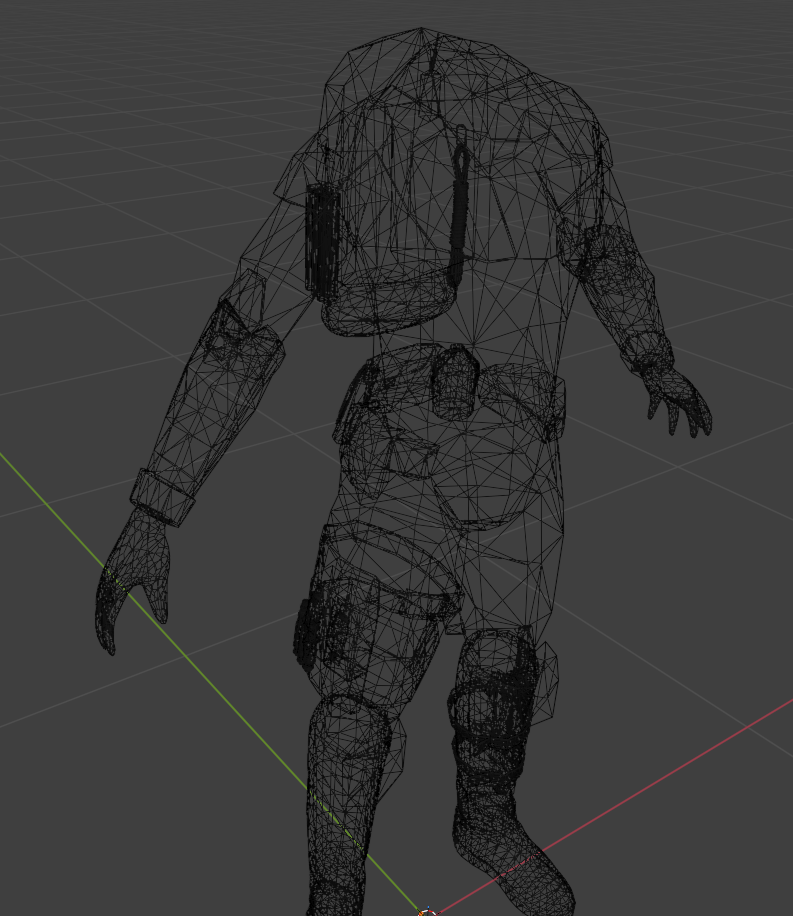
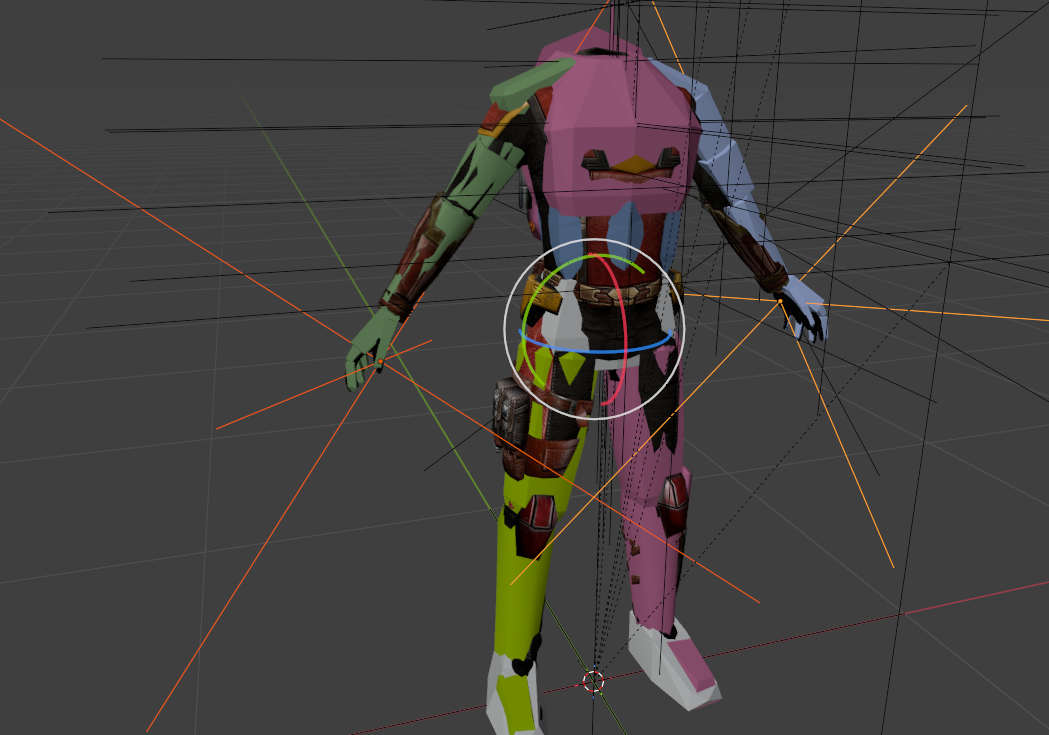
When overlaying one mesh onto another, I try to align the positions of the limbs as closely as possible. It’s easier to navigate in Wireframe mode. Here’s another detail I recently learned: these "hookpoints" determine how items are positioned in one's hands.
-
 Tallsam20 joined the community
-
 SimianNym joined the community
-
 Militem joined the community
-
 Dabbeyt joined the community
-
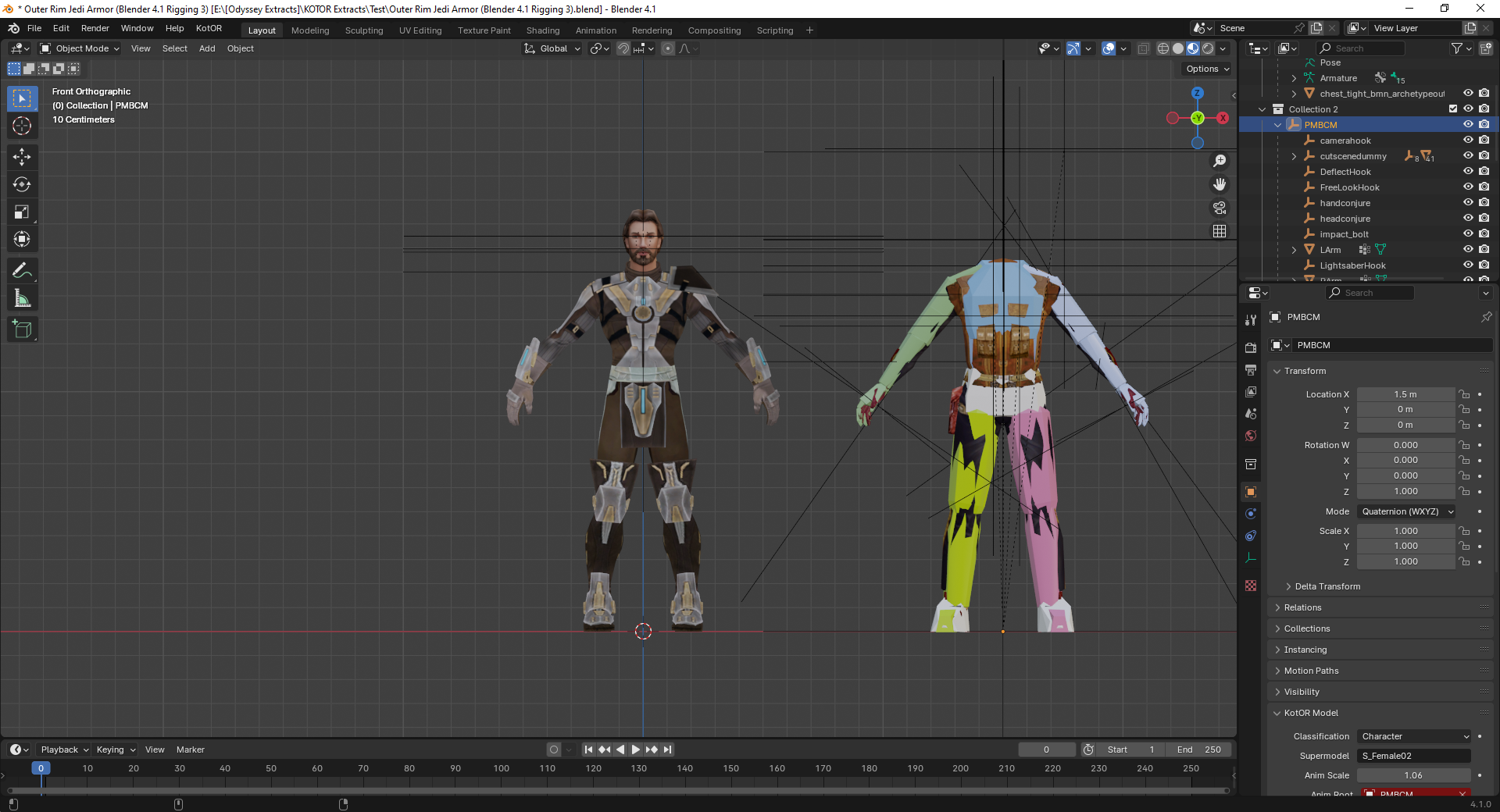
I've adjusted the ankle joint and moved the model so it remains on the origin point but I'm also considering rotating the shin joint to give the feet a bit of a V-shape during idle like the KOTOR model. For the arms, how much straighter does it need to be?
-
 I would say this is essential for those who wants to make sure KOTOR runs well on current day rig. I wish something like this exists for KOTOR 2 as well, Aspyr did a great job fixing alot of its compatibility issue but other issues like graphics issue, widescreen UI being super squished, captions/subtitles font being too small on higher resolution and the unintuitive controller UI, I like how OP just straight up ported the XBOX UI to the game, I believe that is something KOTOR 2 could use. Anyway, thank you for your effort RaymanGT, this is a great mod.
-
 dr_borisov joined the community
-
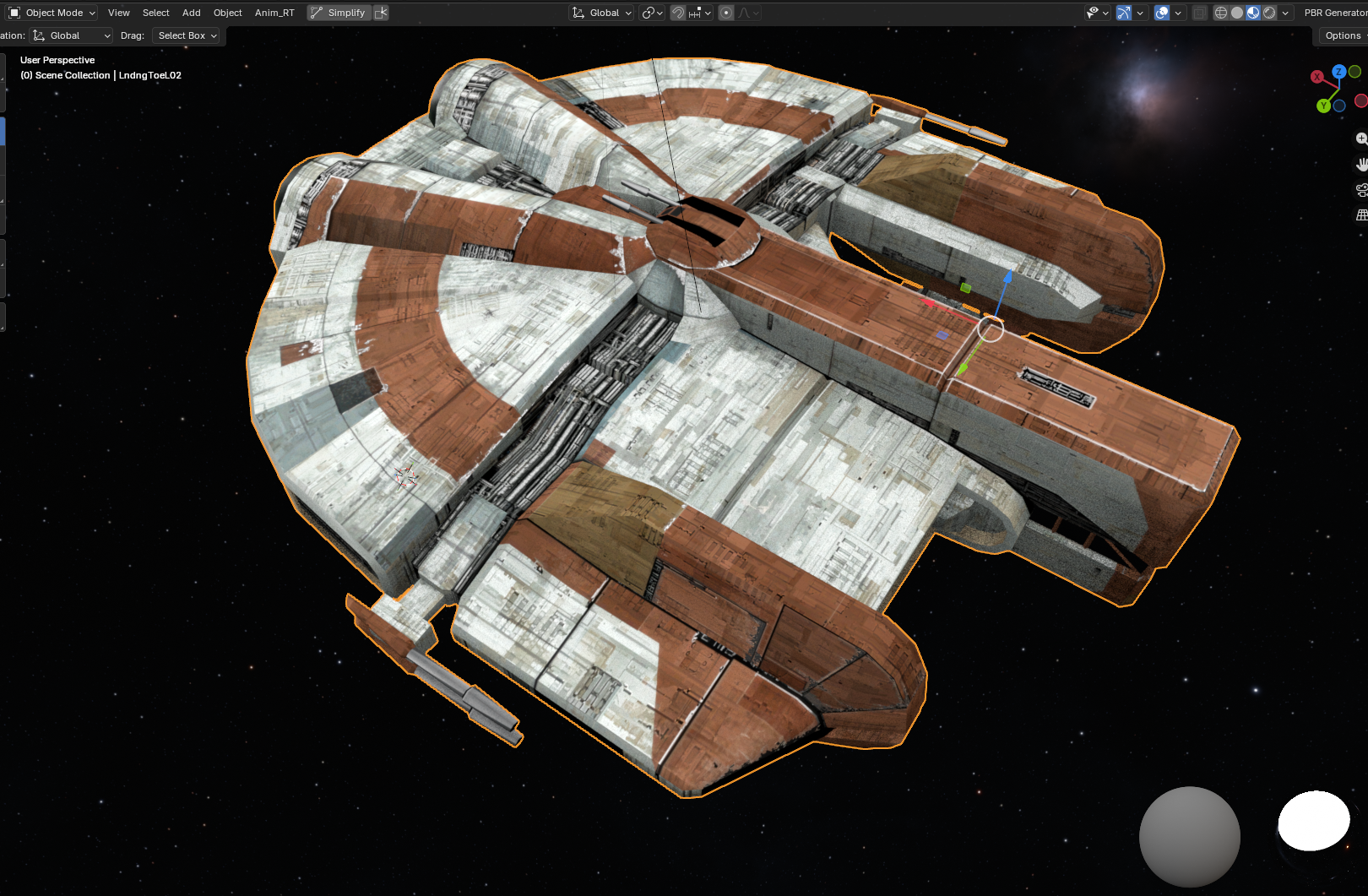
Ebon Hawk - Upscaled to 2k and remade Alpha channels.
-
It is advisable to rotate the ankle joint and straighten the arms at the elbows.
-
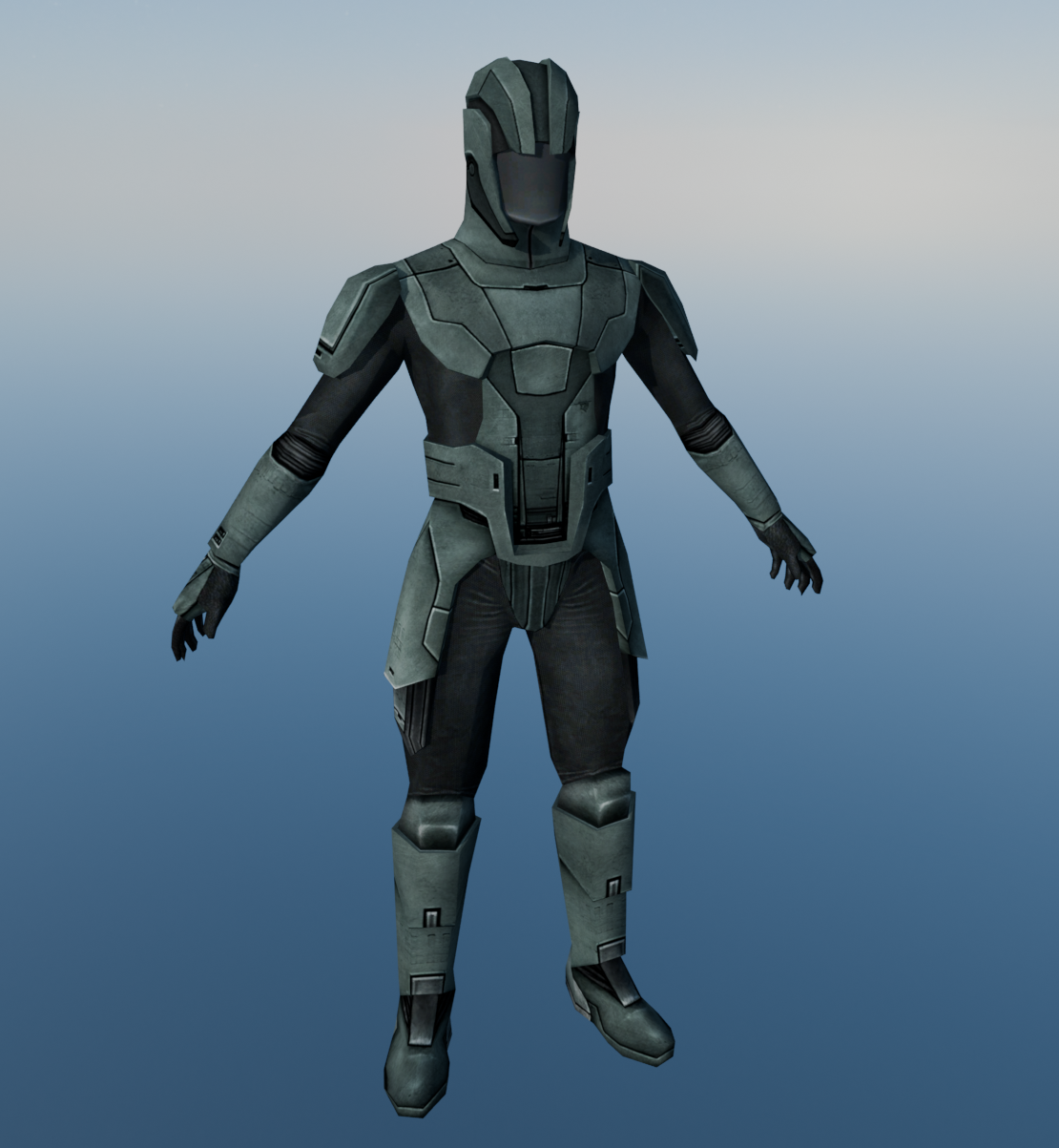
A 2.0 of my Sith Trooper Retexture Mod W.I.P.
-
 Links are updated.
-
 While there are dialogue options to shut down Basitla and Carth's romance in their later conversations, the fact is that as long as you keep talking to them the game assumes the romance is active and thus you'll keep getting those gender-specific romantic dialogue, until you choose the dialogue options to shut down the romance. This mod is for players who have no interest in romancing Bastila or Carth at all but still want to go through their conversations, without having to jump through the hoops of spending the majority of the game trying to avoid any romance-related dialogue in conversations with Bastila or Carrh and then picking specific dialogue options later just to shut down the romance. With this mod, players who are not interested in Bastila or Carth's romance no longer need to worry about encountering any romantic dialogue with Bastila and Carth whatsoever. Every single mod I made exists for a reason, and I put a lot of thought into why and how I make a mod, so frankly, you calling my mod "unnecessary" is an insult.
-
Unnecessary mod. There are plenty of opportunities to shut the romances down in the later dialogue options. Both Carth and Bastila are quite easy to discourage.
- Yesterday
-
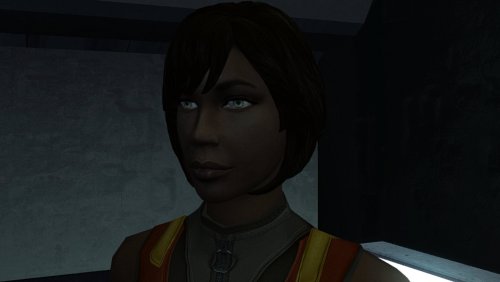 Working perfectly!!! 🔥
-
 As long as you switch the game's executable with the editable executable you *should* have zero issue.
-
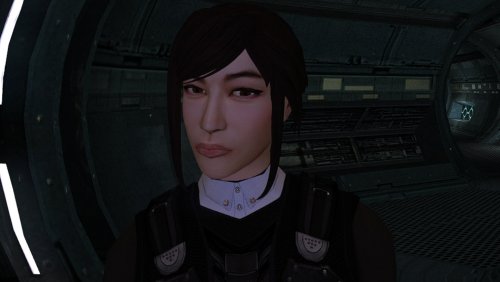 No words can do this or any model in this "High Poly" series justice, so I'll simply say: This is next-level. Full stop. I've deployed the entire series you have in my current KOTOR mod build and it looks.......WOW!!!!🔥🔥
-
Hey thanks for the reply. Both links link to the same mod though
-
I didn't bind the skeleton yet in the first two images. More like these? I haven't lopped off the hands yet in the images.
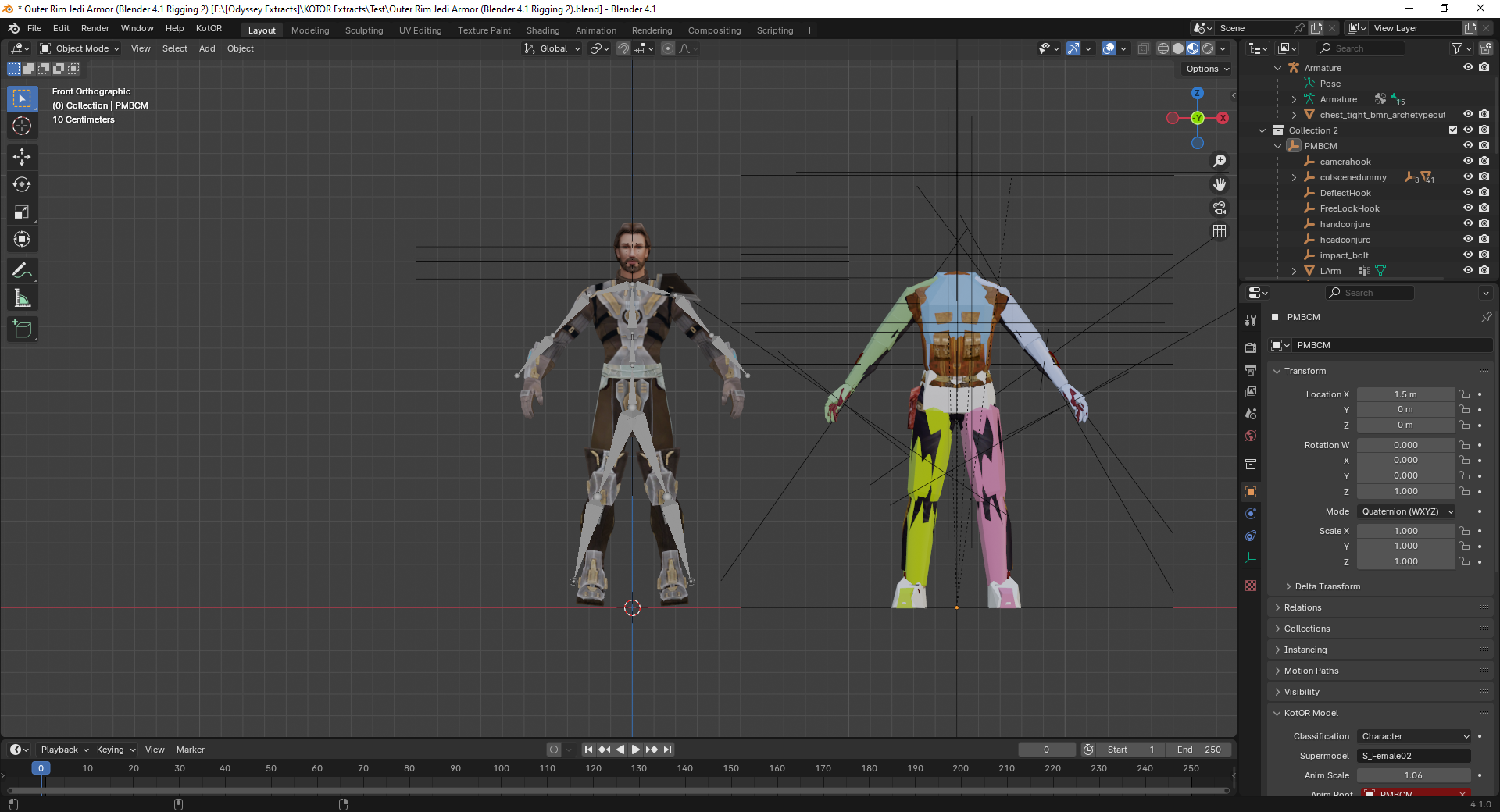
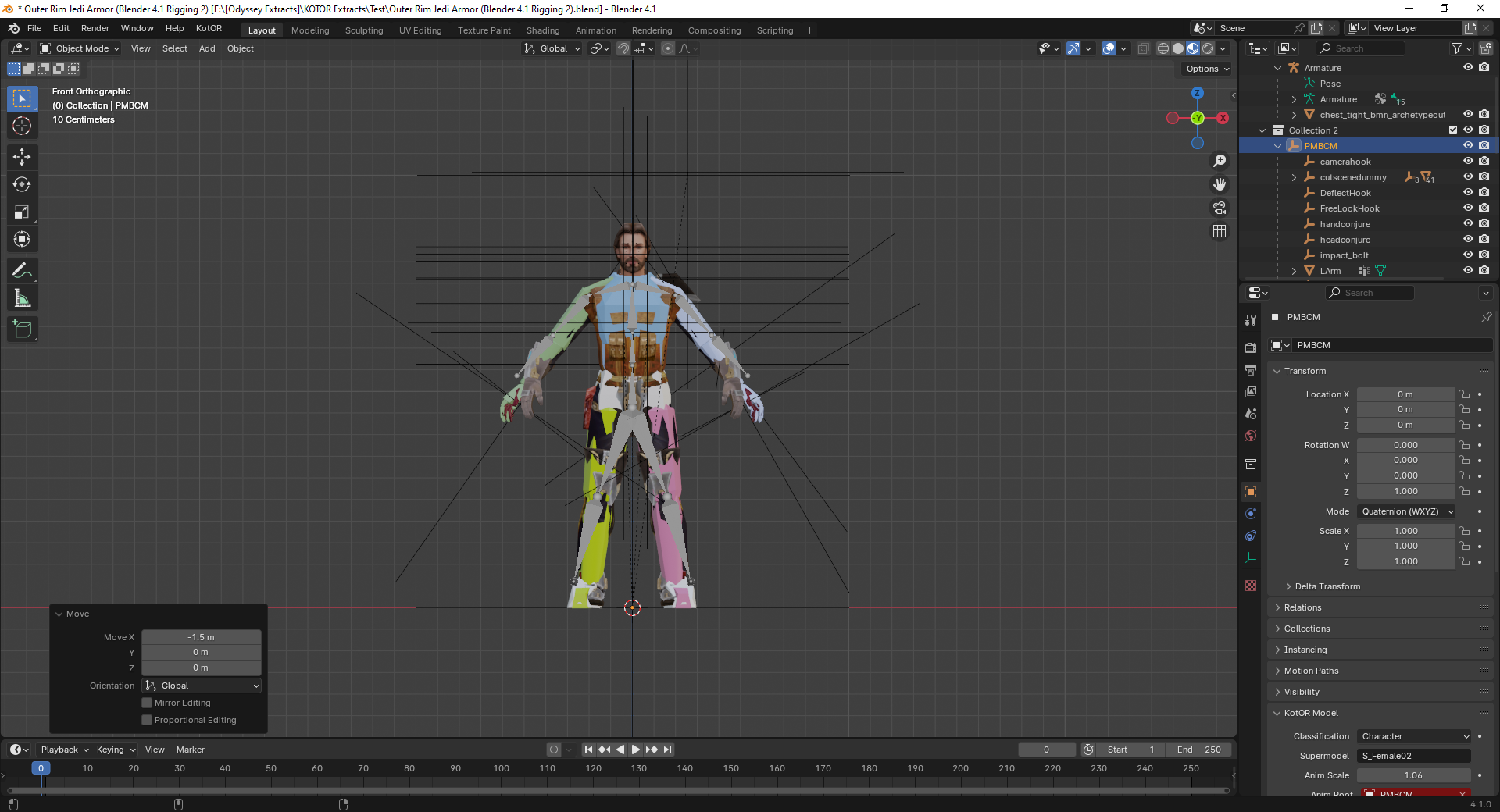
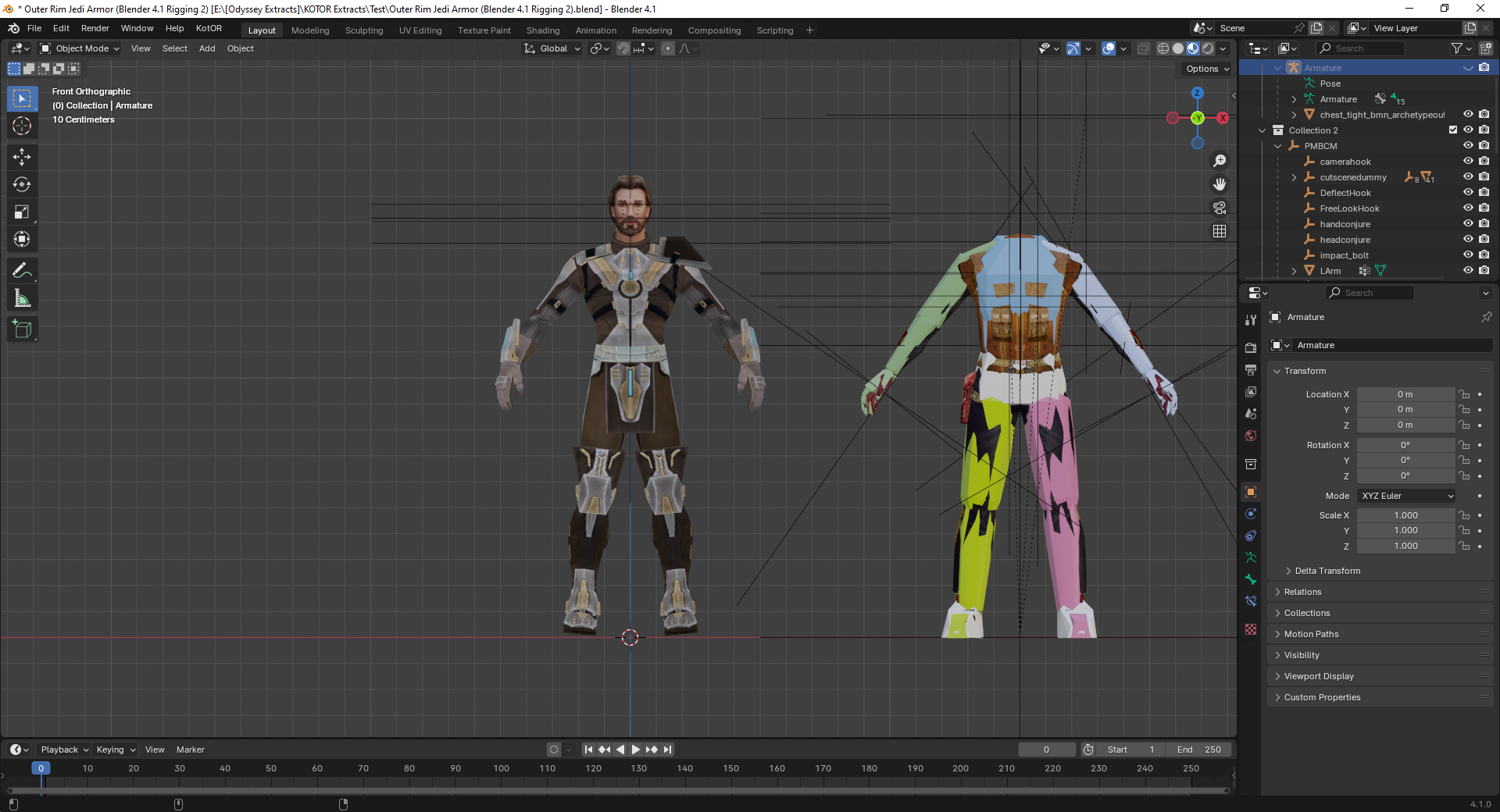
-
Really Repeating Blaster Attacks
BottomlessThought23 commented on BottomlessThought23's file in Mods
I'm developing all of my mods using the Editable Executable, which is technically the 1.03 GOG version. -
Bones are needed to deform the geometry of an imported model. Your geometry has remained in its original position. It is easier for you to export the model from TOR. with the bones and weights already included. The bones will allow you to deform the mesh in Blender, and the vertex groups (with their associated weights) can be renamed to match the vertex groups used in KOTOR. If importing bones with vertex groups is not possible: 1. Create a skeleton and bind it to the mesh. 2. Deform the mesh using this skeleton so that the arms and legs are in the same positions as those of the KOTOR model. 3. Rename the weighted vertex groups so that they match the vertex groups of the KOTOR model. 4. Apply (save) the mesh modifier and delete the skeleton. 5. Rename the UV map of the imported model to "UVMap." 6. Join the objects using Ctrl + J. Select the mesh of the imported model first, then the mesh of the KOTOR model, and press Ctrl + J. 7. Enter Edit Mode and delete the KOTOR model mesh. 8. Export the model. It’s better to use the original hands. Getting the weight settings right is incredibly difficult. If I happen to work on something like this in the near future, I’ll post step-by-step screenshots.
-
 There was an old Messkell's mod from August 2004 "The Tomb of Naga Sadow" that did the same thing, but didn't require the player to have 10 points in Computer Use. Can it be reuploaded here?
-
Does this patch only work for the Steam version? The manifest.toml doesn't include the hash for the gog version.
-
I don't really enjoy the second game particularly much, but if you ever work on a K1 version of the patch, I would love to help test it out thorougly.
-
I cannot thank you enough for the sheer quality and convenience of this mod. Patch after patch, mod after mod, hack after hack, just to get this mess of an old game to look decent on modern displays and hardware. Then one mad lad comes and makes a single gift basket of a patch for it that turns an incredibly tedious and frustratingly long process into a 5 second click-and-play experience. Hell, I'm so used to stuff just not working when trying to mod or fix this game so I expected issues with this, but your patch just does literally everything I need. And it works... omg it actually works lol finally something of this scale actually works without causing any problems in this god forsaken mishmash of game coding. One small issue I've noticed on 4k resolutions anyway is that selecting small font option does not show the names of selected targets. Could you fix that in the next update? It works fine with regular font but I'd prefer small. Also maybe you could make the regular Xbox hud useable without a controller? 5/5, Sincerest thanks
-
Yes, the problem is with DPI scaling. You can set exceptions to the general DPI scaling by changing the .EXE's property in Windows so that the 125% scaling you set (or any other, for that matters) won't apply to the game. Right-click on swkotor.exe (to find it right click on the game's name found in your Library list of the Steam app and choose Manage -> Browse Local Files) and then choose Properties, then Compatibility, and then Change High DPI settings near the bottom of the window that opened up. In the next window that pops up choose now "Override High DPI scaling behavior". Said that, I would recommend you use KOTOR Patch Manager to play the game in widescreen and high resolution. Or alternatively, KMRP - KOTOR Modern Restoration Patch. Good luck!
-
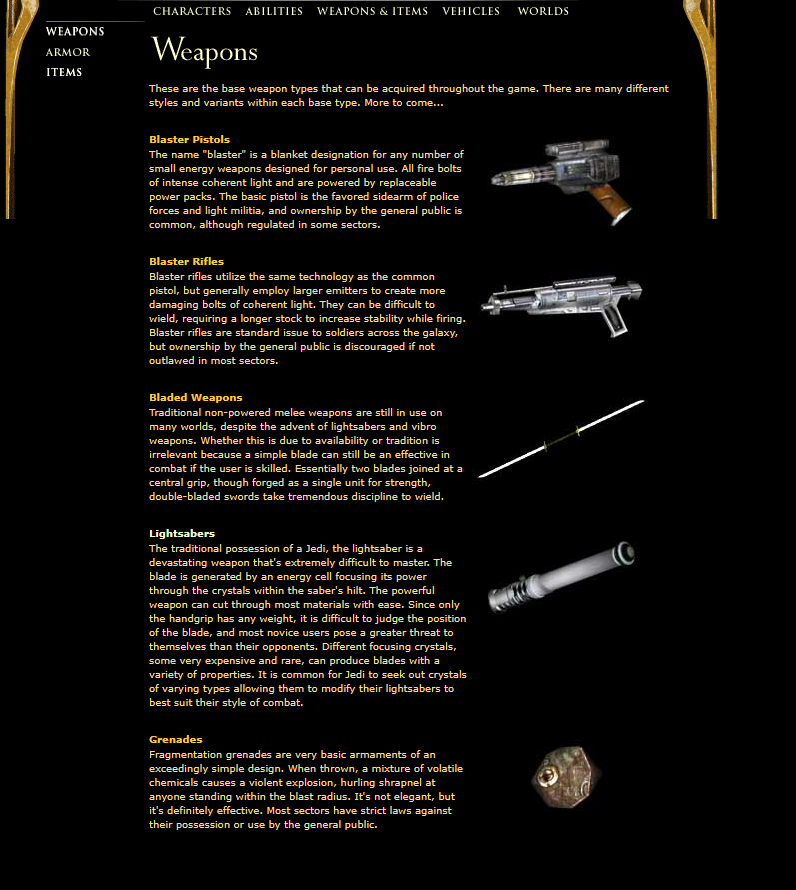
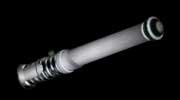
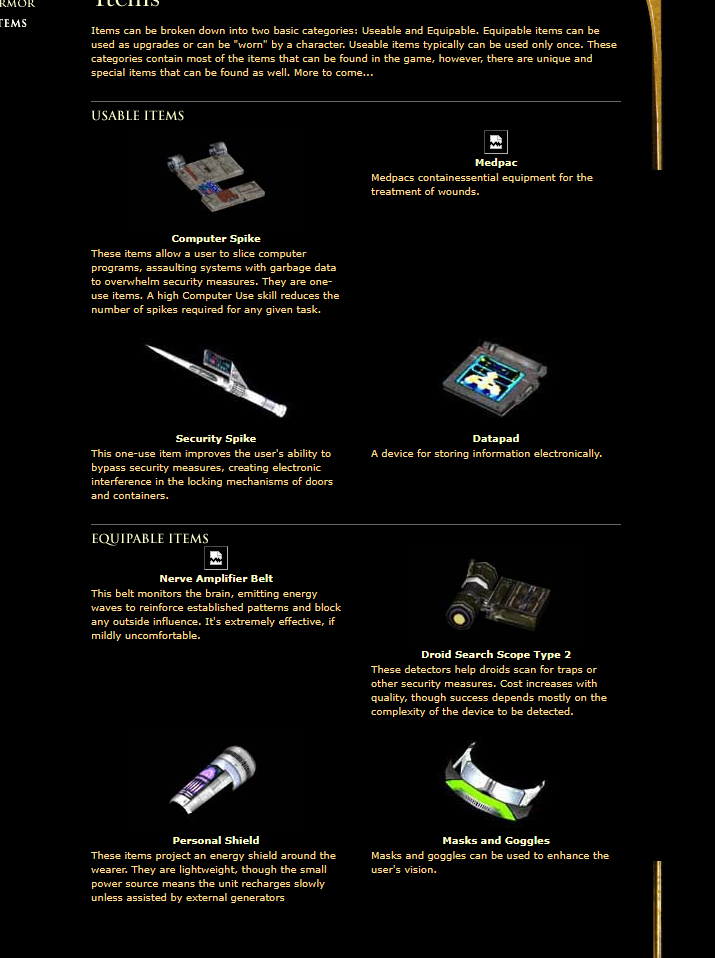
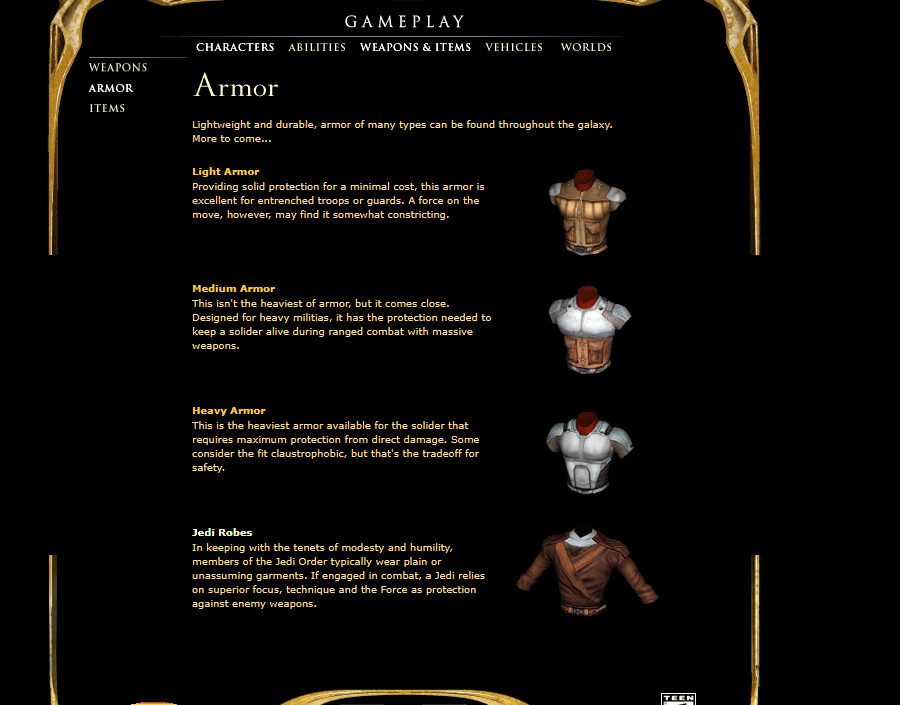
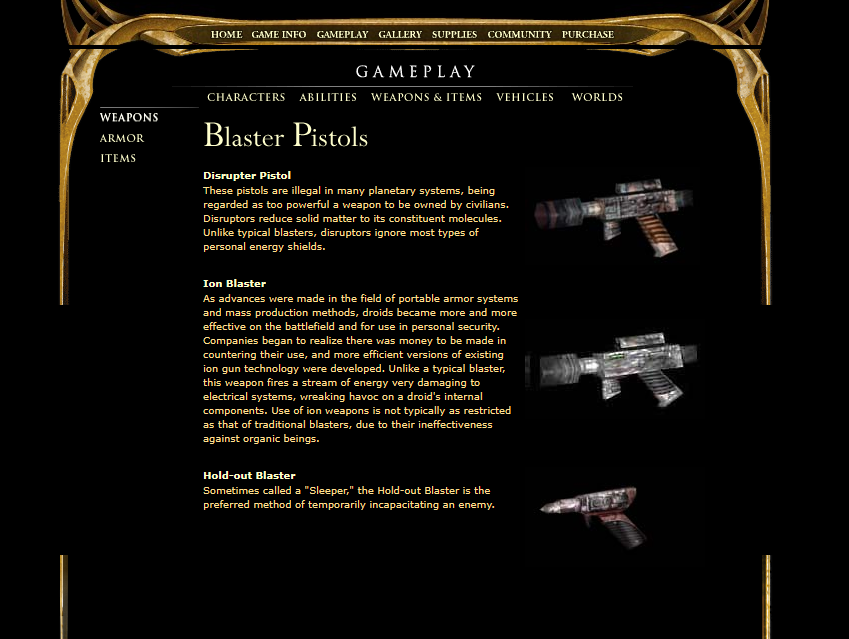
After looking through some archived Kotor 1 and 2 content on waybackmachine, I *finally* found a good render of the Kotor lightsaber hilt "full version" seen in some old preview content. And some other interesting stuff aswell.
-
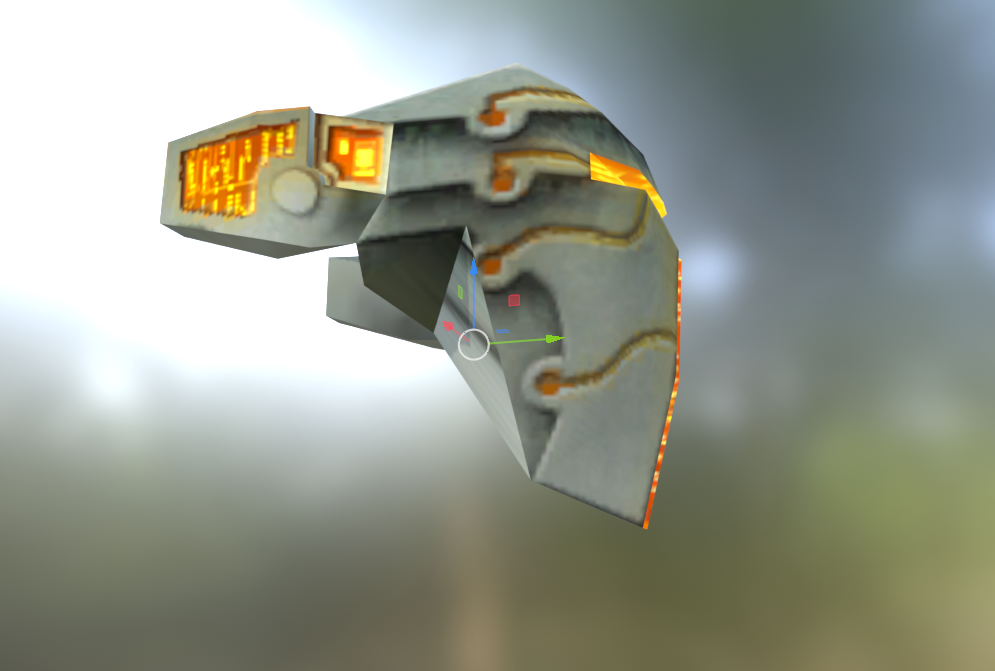
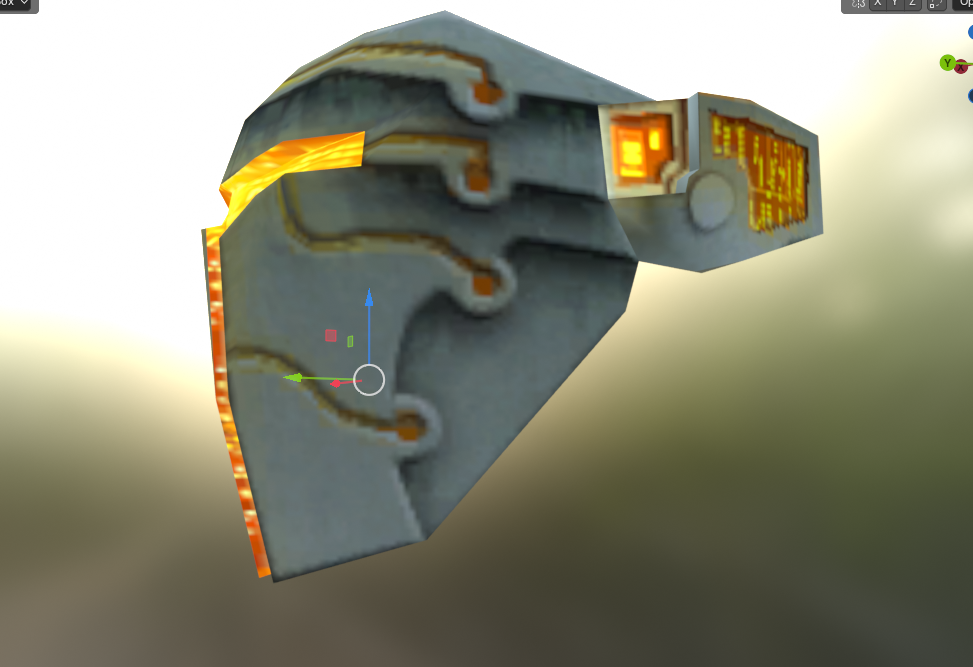
I noticed something about the Mandalorian-looking headgear/facemask: It has an obvious vertex and face error, making it completely asymmetrical.
- Last week
-
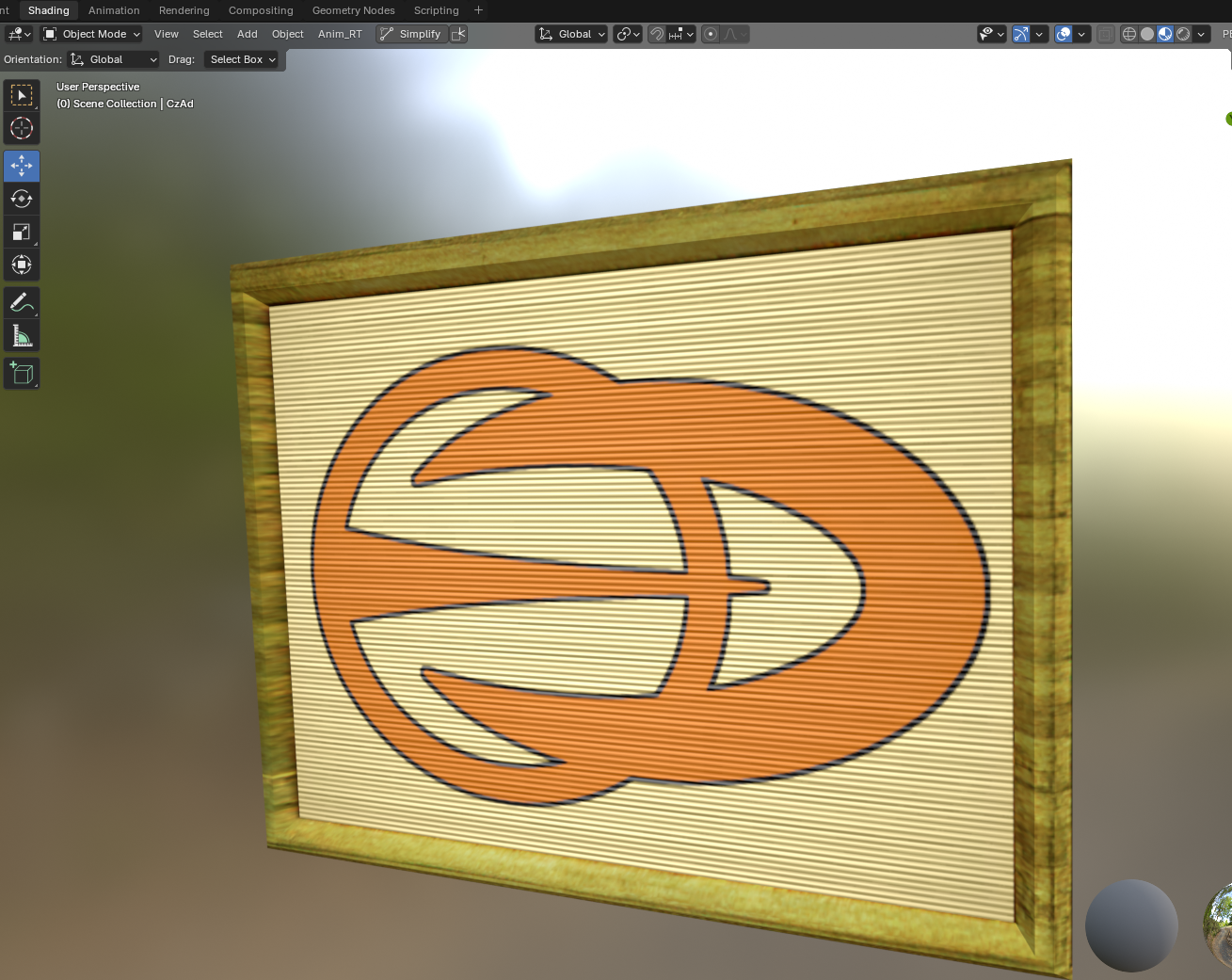
I decided to work on a lore-friendly(ish) remake of the very poorly sized Czerka Corporation sign, both model and texture.
-
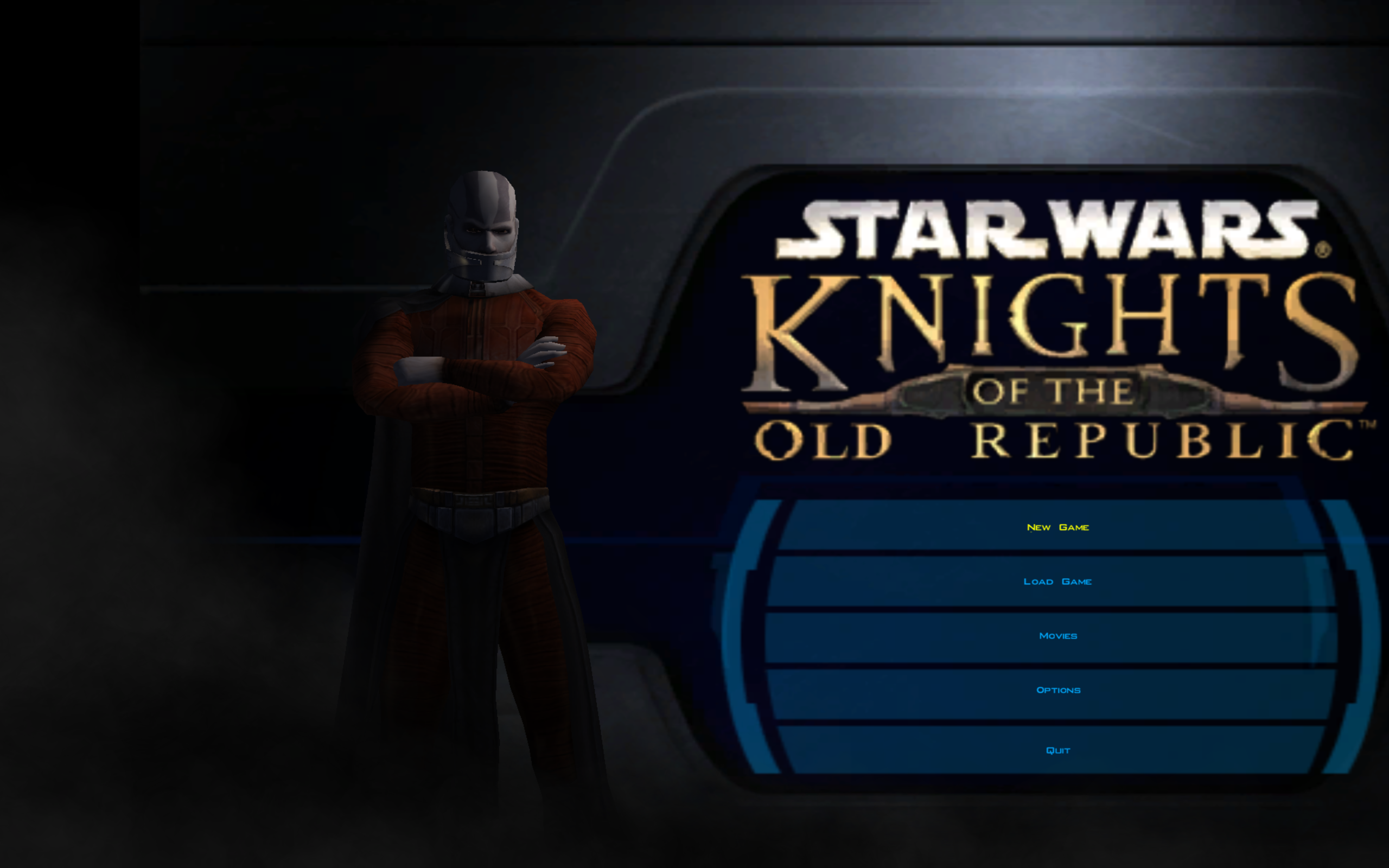
Hi guys. I did a google search on how to do this. I did the following: - Ran UniWS with EXE from here, selected 1024*768 for res and put in 2560 and 1600 for width and height - Downloaded and extracted k1hrm 1.5 files (Ran batch file and extracted 2560*1600 res files to override directory) - Added the following to swkotor ini file [Graphic Options] and [Game Options] sections of ini: Width=2560 Height=1600 - Ran game from desktop shortcut Here is what main menu screen looks like: What am I doing wrong? If it matters any, Windows 11 Display Scale is set to 125%. If I set Display Scale to 100% the game looks good but I don't want to do that each time I want to play game... Help GREATLY appreciated