All Activity
- Past hour
-
haha, yeah, the PC doesn't talk so the mod can get away with it. It's likely because of supermodel differences between the 2 games.
-
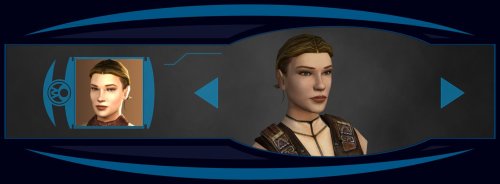 Ah, I see, thanks for letting me know. 2 files have the wrong filename.po_PFHC07FX.tgapo_PFHC07FXd1.tga Add these files to fix it. The zip is also updated.
 -
View File KOTOR High FPS Fixes KOTOR High FPS Fixes Fixes several problems in Knights of the Old Republic 1 & 2 that appear when playing above 60 FPS. Included fixes: Dialogue letterbox timing Post-combat movement freeze Free-look mouse sensitivity Animated textures such as rivers, waterfalls, and flashing mines Lightsaber trails Tree leaves and similar moving effects Water ripples and force fields Should make the animations and timings feel as close as possible to their speed when played at 60fps. No longer do you need to lock your frame rate to enjoy either game. Tested up to 240 FPS. But should work at even higher fps though let me know if any issues arise. Requirements: Kotor Patch Manager 0.6.3 or newer KOTOR 1: 1.03 KOTOR 2: Aspyr GOG or Steam This kpatch works with both K1 and K2 no need for separate kpatches. Latest KPM version 0.7.0 now has the ability to work with modified exe's but if there are any issues still you can try my adapter here. The adapter is only for K1 for now and hopefully will be obsolete in the future. Do not install the standalone versions of these fixes alongside this combined version, such as J's post combat fix or my individual fixes on my GitHub or previous deadlystream post. Source code and alt download available below. Links: Alternative Download - GitHub Releases Source Code - GitHub Submitter D3M0 Submitted 09/27/2026 Category Mods TSLRCM Compatible Yes
-
Version 1.0.0
0 downloads
KOTOR High FPS Fixes Fixes several problems in Knights of the Old Republic 1 & 2 that appear when playing above 60 FPS. Included fixes: Dialogue letterbox timing Post-combat movement freeze Free-look mouse sensitivity Animated textures such as rivers, waterfalls, and flashing mines Lightsaber trails Tree leaves and similar moving effects Water ripples and force fields Should make the animations and timings feel as close as possible to their speed when played at 60fps. No longer do you need to lock your frame rate to enjoy either game. Tested up to 240 FPS. But should work at even higher fps though let me know if any issues arise. Requirements: Kotor Patch Manager 0.6.3 or newer KOTOR 1: 1.03 KOTOR 2: Aspyr GOG or Steam This kpatch works with both K1 and K2 no need for separate kpatches. Latest KPM version 0.7.0 now has the ability to work with modified exe's but if there are any issues still you can try my adapter here. The adapter is only for K1 for now and hopefully will be obsolete in the future. Do not install the standalone versions of these fixes alongside this combined version, such as J's post combat fix or my individual fixes on my GitHub or previous deadlystream post. Source code and alt download available below. Links: Alternative Download - GitHub Releases Source Code - GitHub -
 Toon_Fisch joined the community
 - Today
-
 Ahh, I see, well it is what is.
 -
 blat joined the community
 -
 Lyarus joined the community
 -
That's just the way KotOR works, since it expects every character to have the same body model, it doesn't reload it for each head. If you start the game it will be fine.
-
 It seems you have to manually add 'FileExists=1' to changes.ini in the tslpatchdata folder, then the TslPatcher will work just fine
 -
 FerroPax joined the community
 -
@Effix, I was very interested in using your Atton head port in my game (not as PC, but for an NPC), but my problem is much more serious than the black line issue (which I also suffer systematically, of course). I recorded a video so that you can see for yourself. AttonGivesMeTheLip.mp4
-
 Dexcainabel joined the community
 -
Patcher doesn't seen to run even after unblocking and trying to run as admin.
-
.thumb.jpg.285b9c537aeaa5e96731d87975e6e0e5.jpg) YeBittenDog joined the community
YeBittenDog joined the community -
Thank you very much! 😊 As for the Modern Driver Compatibility Patch - I haven't tried or tested it because I’ve never encountered the issues it fixes (based on my understanding of the description): the grass, fog, energy fields, and bump maps on Twi'leks, Hutts, and other creatures always appear correctly for me. But it might be interesting to check out! As for TSL - yes, I definitely plan to port the Ebon Hawk to it. I'll keep that fix in mind - thanks again!
-
 GIma3 joined the community
 -
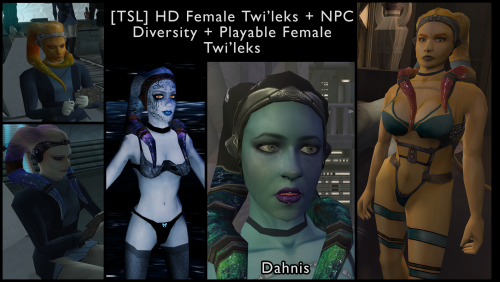
I found a bug, GOG version of the game, used only this mod. How to produced it: 1.Start new game, and reload untill you see Twi'lek Playble Character with custom clothes. 2.Switching heads breaks body textures. Even default female heads are affected as well.
-
 @AxConsortium Thank you for giving a scripter's insight on all this. Everything's much clearer now. Yeah, it's one of the things that sparked the idea for the mod, since there definitely are ways to tip the scales without sacrificing much in terms of alignment. There are ways to get on their good side without gaining DS points, and there are ways to get on their bad side without gaining LS points—and the other way round. I'm also very glad you found the additional condition for Mira's line interesting. I'd say the mod's perfect now. I can already tell you there won't be any playthrough on my end without it. Many thanks again.
 -
 Caesar_SPQR joined the community
 -
 Mahlers joined the community
 -
 Arnokles joined the community
 -
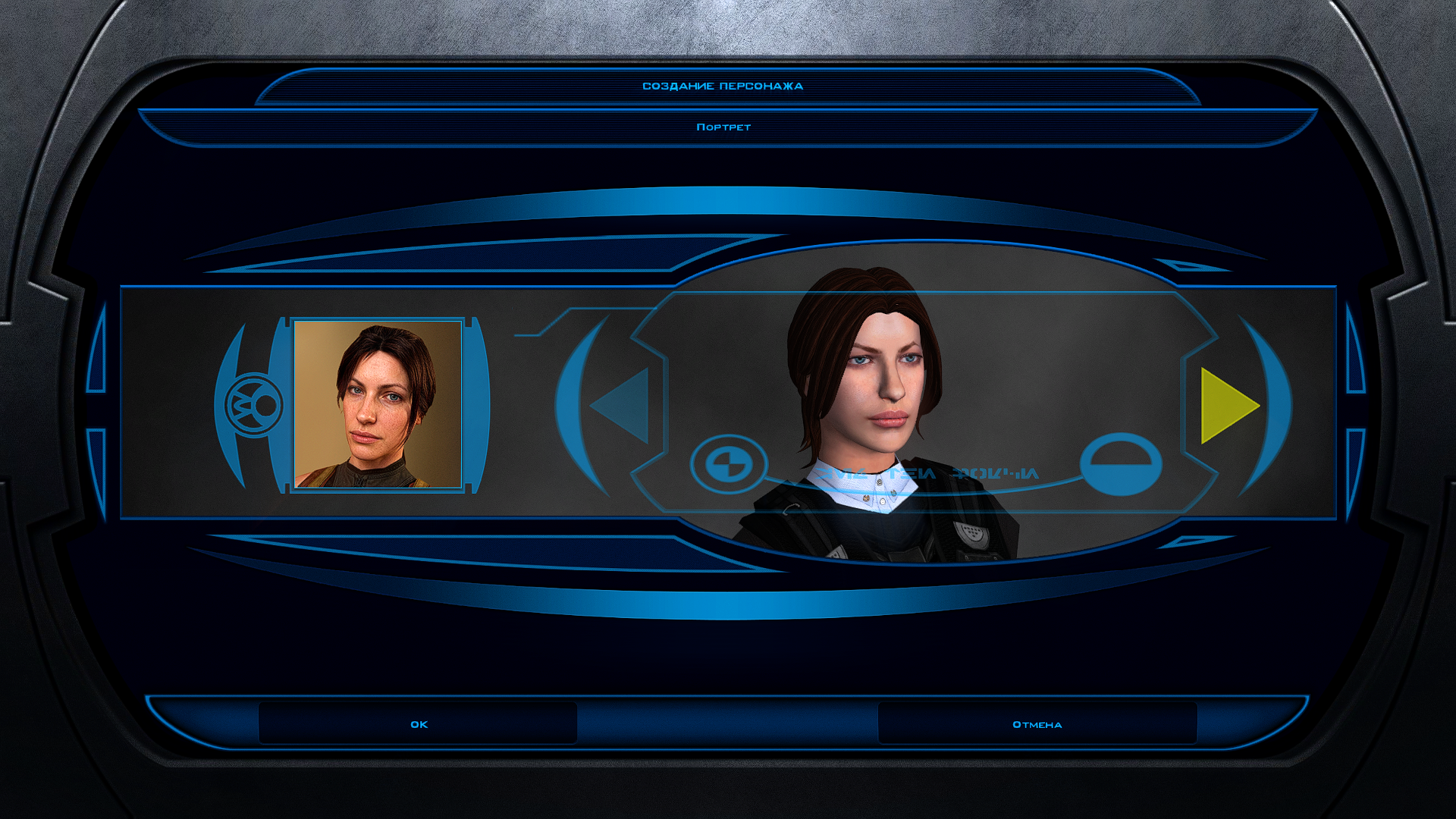
Hello, I ran the patcher then added the optional "redhead" files, but the portrait is not "redhead" ☹️
-
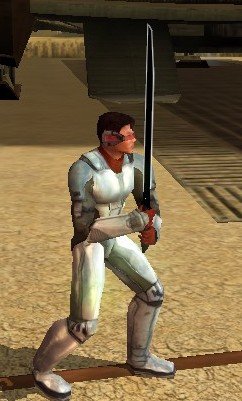
Feeling a bit of a modder's high, so I wanted to post an update. I figured out how to make the Darksaber blade work! I've got some small tweaks to make on the inside, but this is what the final product will look like.
- Yesterday
-
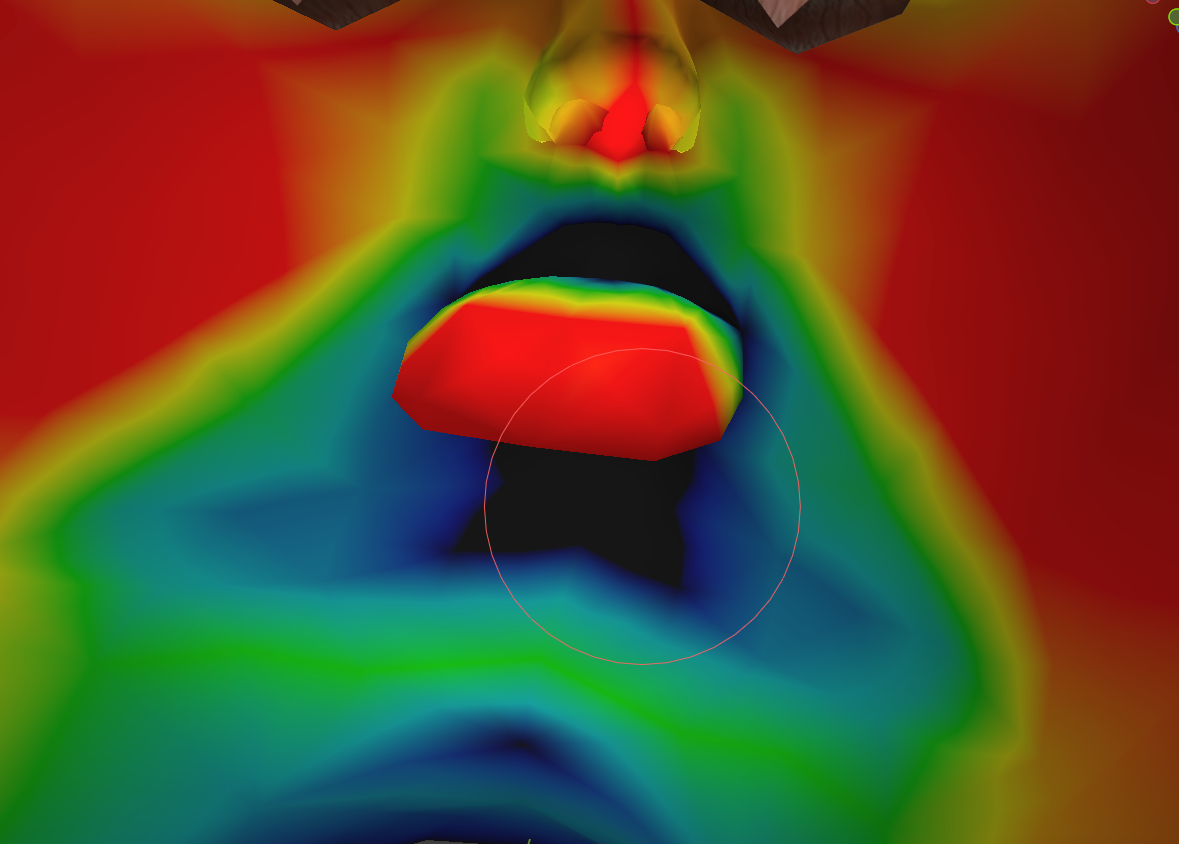
I figured it out on my own, following the example.
-

MOD:Handmaiden and Female Exile - Disciple and Male Exile Romance
Leilukin replied to Leilukin's topic in Mod Releases
Yes, you can romance both Handmaiden and Atton in the same playthrough without issues. As you have noted, jealousy would not be an issue, since in the vanilla game, Atton is meant to be a romance option for female Exiles only, while Handmaiden for male Exiles only, so the dialogue and cutscenes about their jealousy only happens with Handmaiden vs. Visas and Atton vs. Dicsiple specifically. (Worth noting that I also have a No Jealousy Lock in Handmaiden Dialogue so you can still talk to Handmaiden even if she gets jealous of Visas) -

KotOR Blender Texture Swap script
vault13deathclaw commented on EwokKotor's file in Modder's Resources
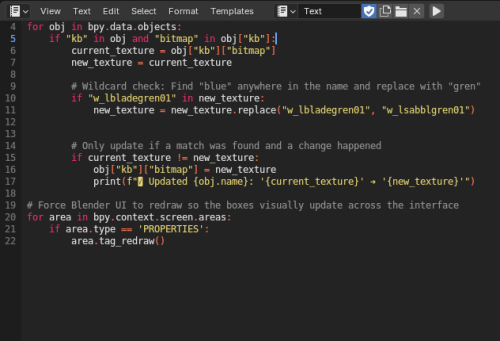 I can confirm that you can use your template to reskin modules. It does save a lot of time!
 -
View File High poly PFHB05 The mod replaces the PFHB05 model and textures. To Install 1. Download: PFHB05 2. Copy all files to the Knights of the Old republic's Override folder. (Example location - C:\Program Files (x86)\Steam\steamapps\common\swkotor\Override) 3. When/if prompted to overwrite files, press okay. 4. If you like the mod; leave a comment or endorse! (It would be much appreciated) Made with love. Submitter Dark Hope Submitted 09/25/2026 Category Mods K1R Compatible Yes
-
View File Force Lightning Is Dangerous | TSL Makes force shock, lightning and storm more dangerous and chaotic to the caster. If an enemy passes a will save, against these powers, the damage is halved. With this mod, half of the damage is directed back at the caster. Light/dark alignment modifies the damage taken, plus any resistance/immunity. A fully darkside aligned character will take 0 damage reflected back at them. A fully lightside character will take all reflected damage. This makes the Energy Resistance power, shields, and electrical resist/immunity gear more important. You can still spam force storm but you need to build for it. Install: - install Alignment Affects Force Powers [TSL] first - then install this mod Credit: - offthegridmorty - for allowing me to include the alignment modifier for compatibility with Alignment Affects Force Powers [TSL] Submitter J Submitted 09/25/2026 Category Mods TSLRCM Compatible Yes
-
View File Force Lightning Is Dangerous | K1 Makes force shock, lightning and storm more dangerous and chaotic to the caster. If an enemy passes a will save, against these powers, the damage is halved. With this mod, half of the damage is directed back at the caster. Light/dark alignment modifies the damage taken, plus any resistance/immunity. A fully darkside aligned character will take 0 damage reflected back at them. A fully lightside character will take all reflected damage. This makes the Energy Resistance power, shields, and electrical resist/immunity gear more important. Unfortunately k1 only has one item while K2 has plenty. You can still spam force storm but you need to build for it. Install: - install Alignment Affects Force Powers [K1] first - then install this mod Credit: - offthegridmorty - for allowing me to include the alignment modifier for compatibility with Alignment Affects Force Powers [K1] Submitter J Submitted 09/25/2026 Category Mods K1R Compatible No
-
 @diegodb @StupidSmeagol Your install log is from HoloPatcher. You should use the TSLPatcher included with the mod. I have no idea why HoloPatcher fails to compile the scripts.
 - Last week
-
Friends of KotOR and TSL modding: I have extended my renovation of Edge Of Darkness mod into next year, and I have set the exact date of an alternate new release. The date is February 1st. What to expect: AI voiceovers. An after ending chapter of the game. A surprise ending that is variable on a player choice. And if I can, I'll spread LS and DS points across all party members. There is an intro sequence for each planet explaining the mission that will be redeveloped. At least one landing zone NPC for every planet. A main quest in addition to planet quests. And a set of side quest, ideally one per planet.
For now and for the entirety, EOD is a secret project. I cheated for a few years with the open source demo. My hat is off to all of you, Wizard, Thor, N-DReW, and Sith Holocron specifically have been incredibly helpful to reach this present state of affairs.
See you all in 2027
-
Yeah, I had the same error, hopefully offthegridmorty will take a look into it