All Activity
- Past hour
-
 Hey, I'm wondering if you do any work in K2 TSL? Or plan to?
-
View File Same body height for K1 basic clothing models Hello everyone! This mod applies the body size of the PFBBM / PMBBM models to the base clothing models for all three KOTOR 1 class variants. My mod does not work on its own—meaning it won't be visible in-game—but rather requires another mod that assigns the K1 models to these three classes. I recommend using this one: https://www.gamefront.com/games/knights-of-the-old-republic-ii/file/new-pc-clothes Submitter FF97 Submitted 11/27/2026 Category Mods TSLRCM Compatible Yes
-
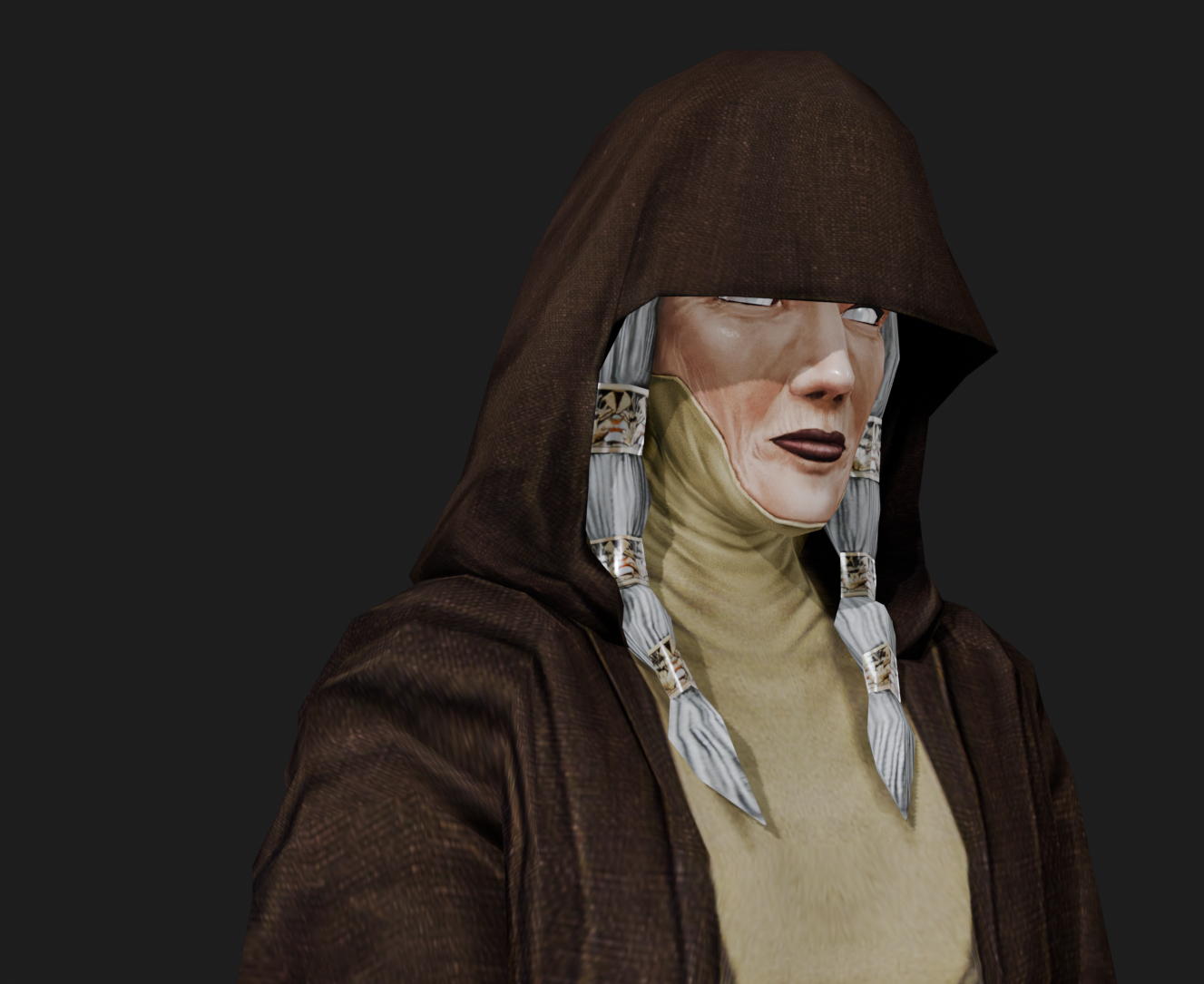
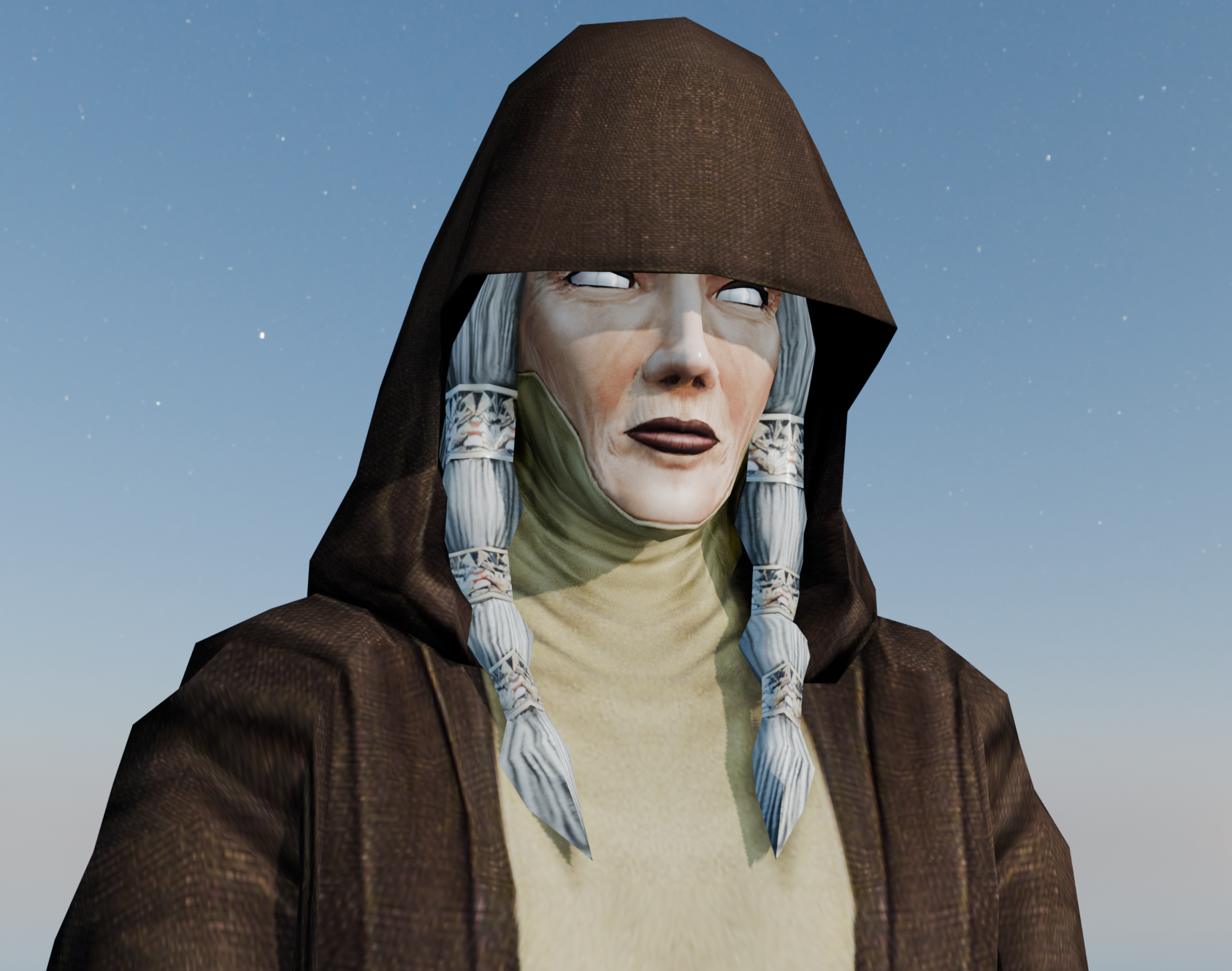
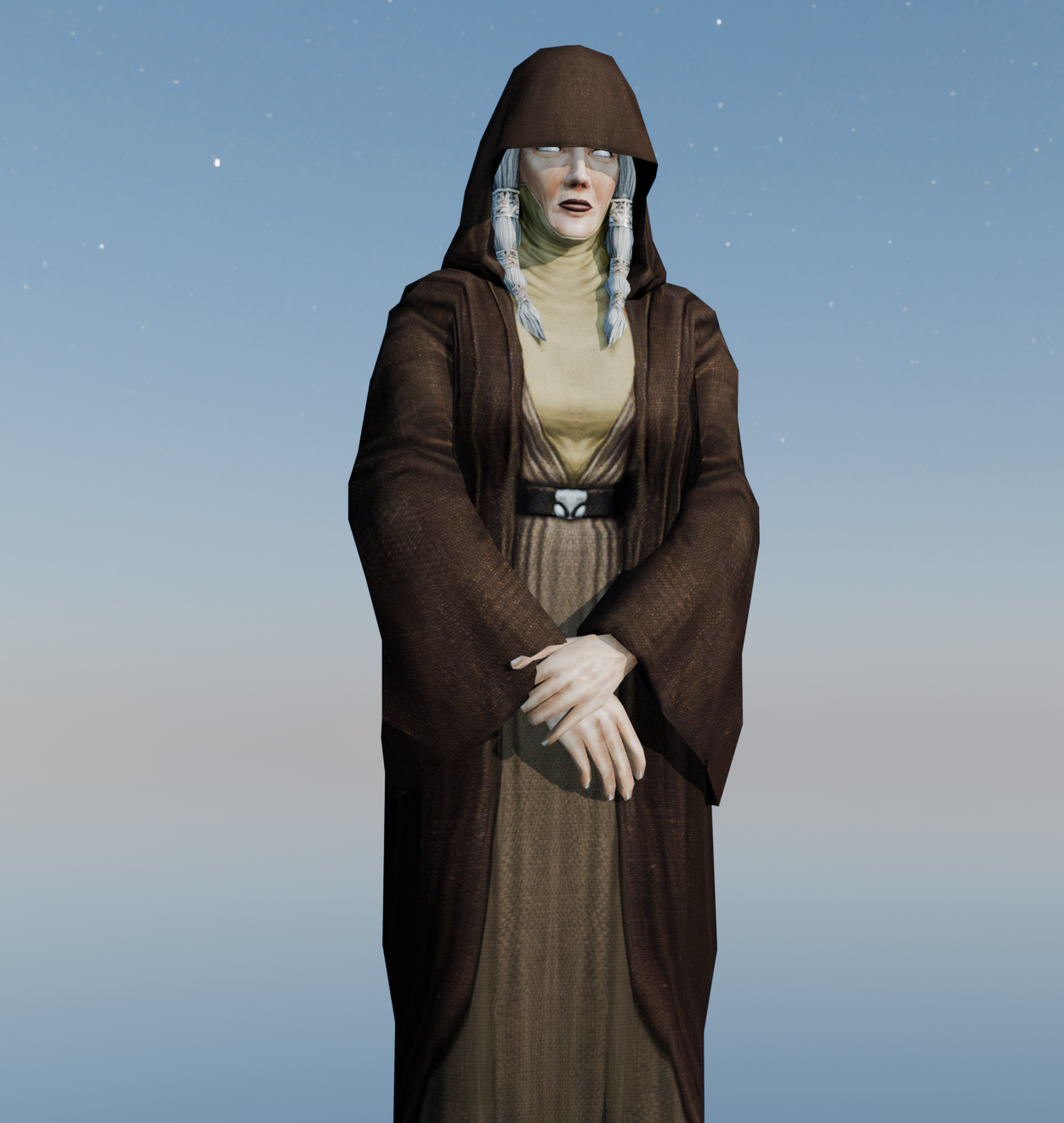
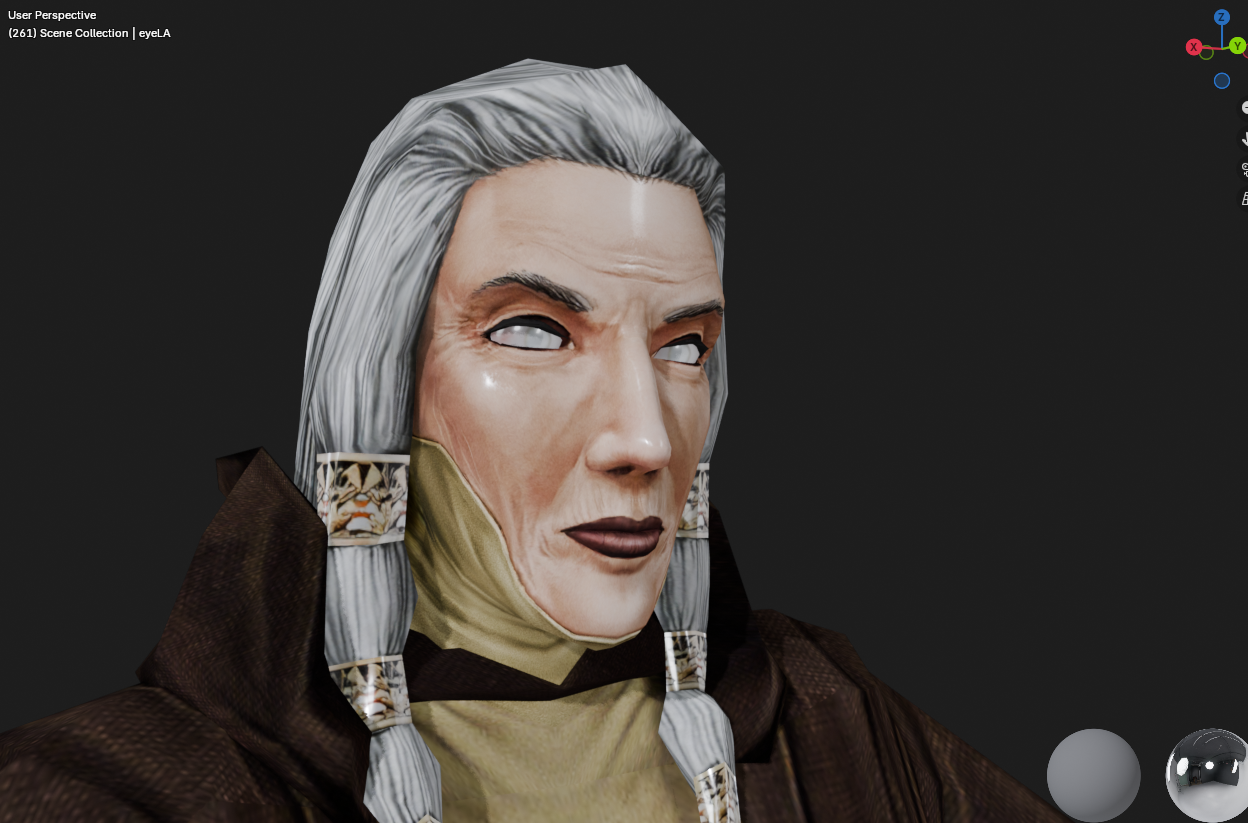
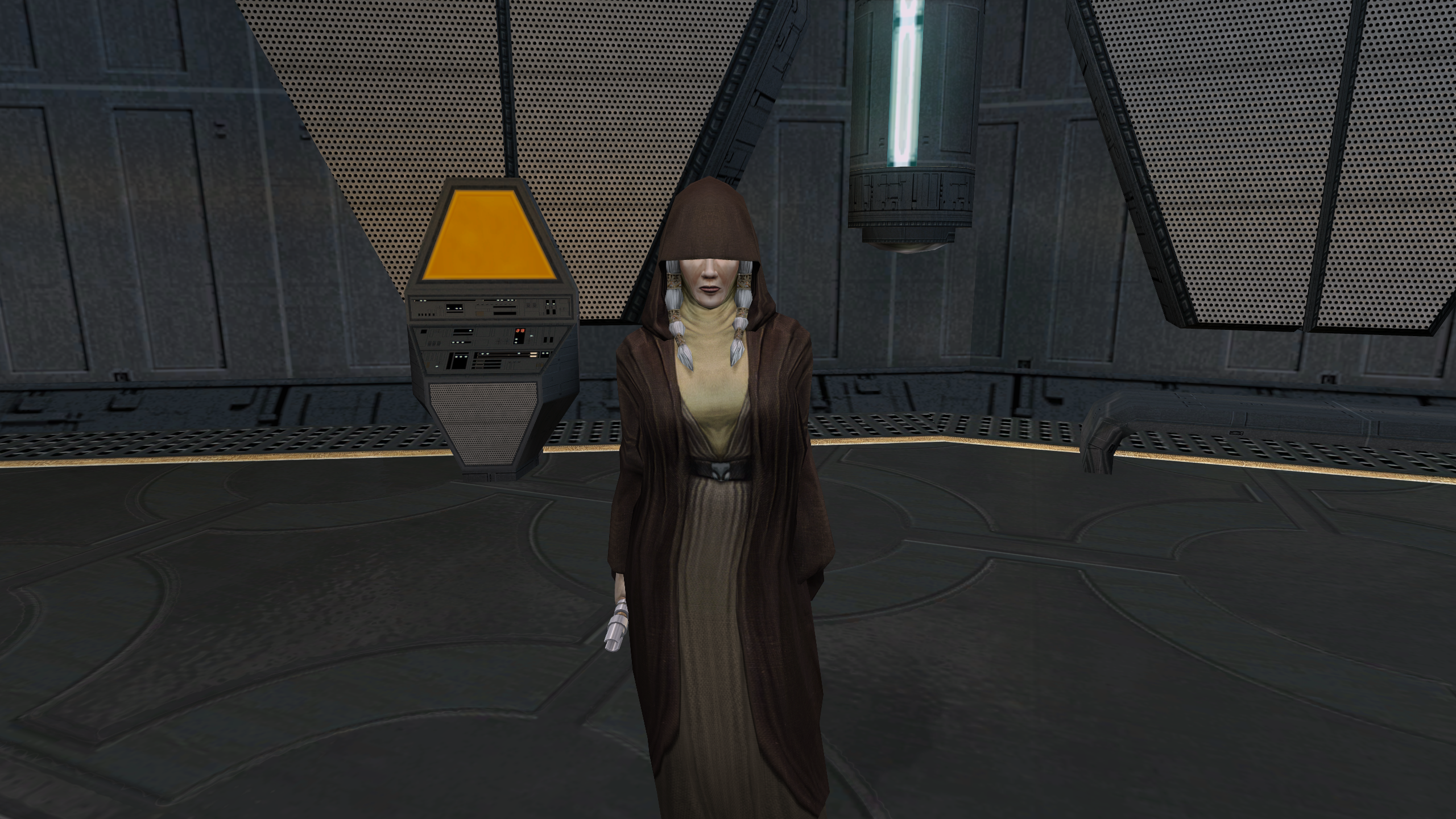
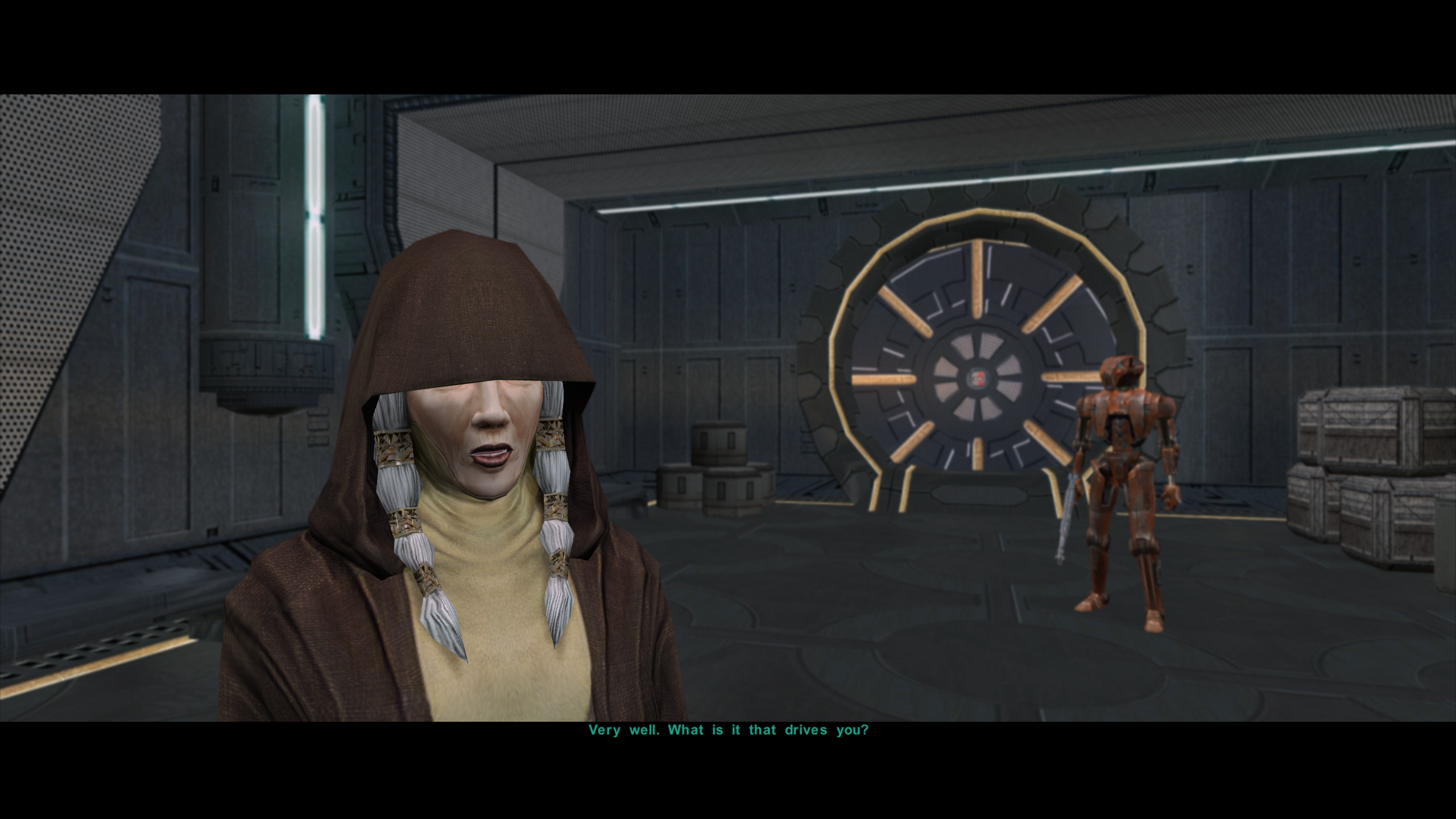
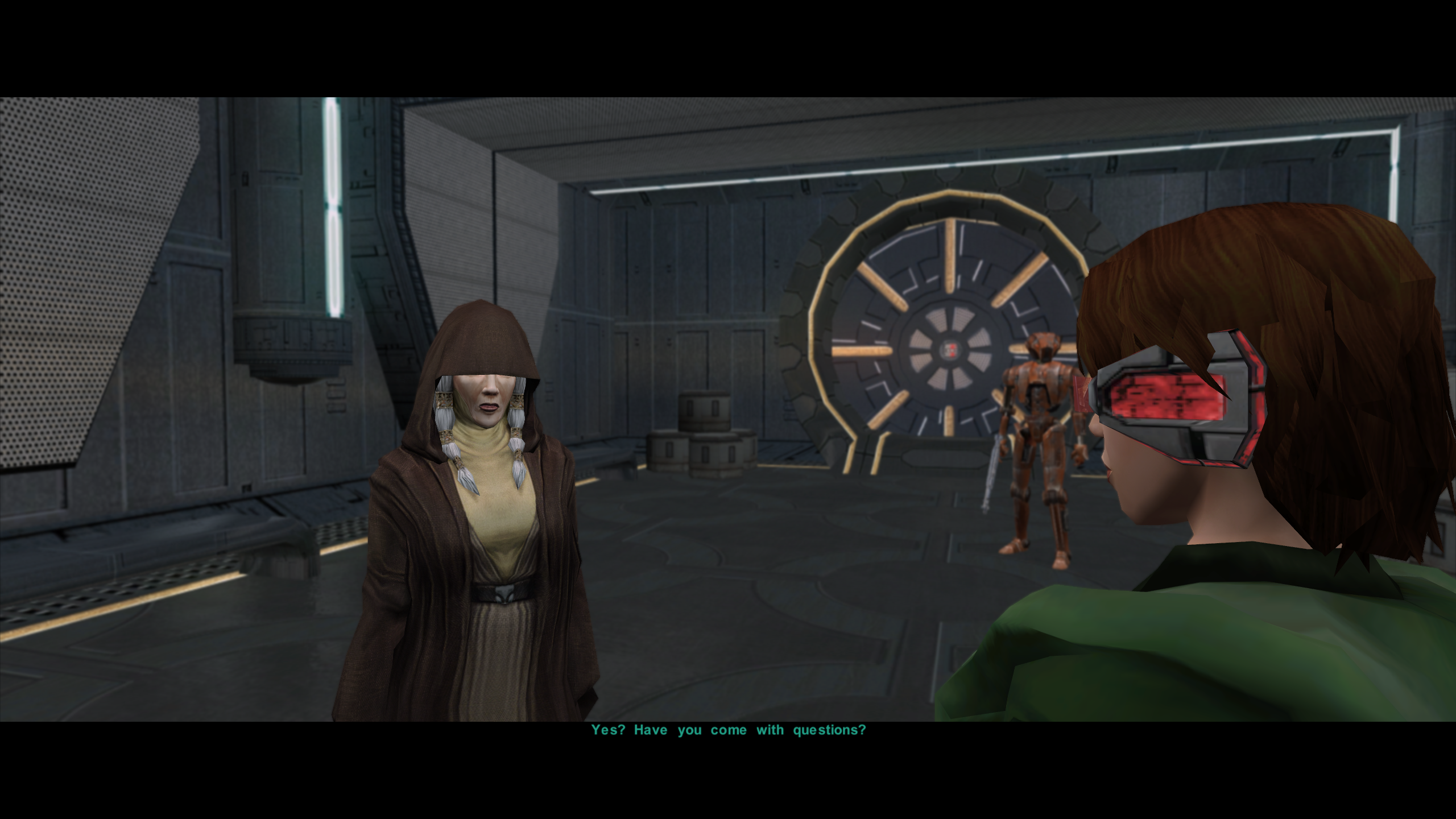
View File Kreia Retexture Hello everyone! This skin mod enhances Kreia’s textures by adding detail to the fabric of her clothing, refining her skin texture, and incorporating cubemap reflections. The overall appearance remains intact and has not been significantly altered. For the design of her outer robe, I drew inspiration from concept art as well as her pre-release look. As a foundation for this retexture, I used the 2x version of "4x Upscale+ Character Textures & Model Fixes (TSL) 0.52.0" by RedRob41, along with the Kreia models included in that same mod. Submitter FF97 Submitted 11/27/2026 Category Skins TSLRCM Compatible Yes
-
View File KOTOR 1 – Italian HD Cutscenes This mod replaces the original Italian cutscenes of Star Wars: Knights of the Old Republic with upscaled 1440p versions, following the same standard as my French, German and Spanish HD Cutscenes. Installation: Back up your Movies folder. Copy the files from this archive into the Movies folder of your Italian KOTOR installation, and overwrite when prompted. These cutscenes will also be included in the Italian pack of my KOTOR 1 Mod Build Installer, coming soon. Italian players wanted! If you play KOTOR in Italian, I'd love your feedback: playback issues, sound sync, anything that looks off. The truth always comes from the field! All credit for the original cutscenes goes to BioWare and LucasArts. Alcias01200 Submitter Alcias01200 Submitted 11/27/2026 Category Media
-
I haven’t seen this in the game. And there is no model by that name.
-
Presumably, it's a pike. https://en.wikipedia.org/wiki/Pike_(weapon)
- Today
-
I don’t even know what this is.
-
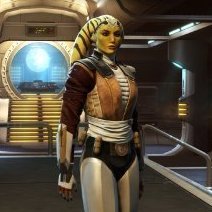
Heyorange's Sith Uniform Reformation [Revised]
jmorenobothwell reviewed Sith Holocron's file in Skins
 The Sith uniforms look 1000% more menacing with this installed, hands down. 10/10!
-
@Dark HopeAny plans to expand this to include the PLC_Pike?
-
expansion Mission to Sleheyron: A New Story Expansion Mod for KOTOR
jmorenobothwell commented on SAO1138's file in Mods
 I figured that would be the case. When I finish my current playthrough/s I'll rebuild it with this. I sent you my current mod list via DM here.
-
Yeah, thinking about it, I would probably recommend a full reinstall. I can't say for sure how much that throwing it in now would break things, but I can only say with confidence a reinstall is how you avoid anything breaking. My apologies if this means restarting a game you've already put hours into... If you want to show me your mod stack, you can message me on Discord (username sao1138 there). Or if you'd prefer to just list it here that works too, it's just I'd definitely see it sooner on Discord.
-
Version 1.0.0
0 downloads
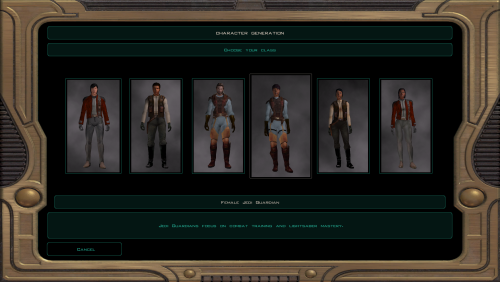
Hello everyone! This mod applies the body size of the PFBBM / PMBBM models to the base clothing models for all three KOTOR 1 class variants. My mod does not work on its own—meaning it won't be visible in-game—but rather requires another mod that assigns the K1 models to these three classes. I recommend using this one: https://www.gamefront.com/games/knights-of-the-old-republic-ii/file/new-pc-clothes -
 I keep getting a error when i click "install mod". "Unable to load the changes.ini file make sure the "tslpatchdata" folder is located in the same folder as this application" and it is.
-
Kotor 1 Movies Crashing?
Skeet1983 replied to Skeet1983's topic in Knights of the Old Republic General
First 4 are about 3mb, 5th is 40mb(01a.bik)... -
Version 1.0.0
1 download
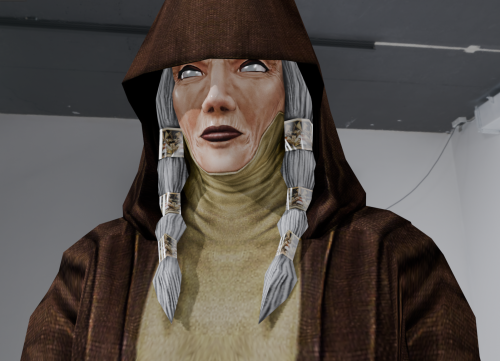
Hello everyone! This skin mod enhances Kreia’s textures by adding detail to the fabric of her clothing, refining her skin texture, and incorporating cubemap reflections. The overall appearance remains intact and has not been significantly altered. For the design of her outer robe, I drew inspiration from concept art as well as her pre-release look. As a foundation for this retexture, I used the 2x version of "4x Upscale+ Character Textures & Model Fixes (TSL) 0.52.0" by RedRob41, along with the Kreia models included in that same mod. -
expansion Mission to Sleheyron: A New Story Expansion Mod for KOTOR
jmorenobothwell commented on SAO1138's file in Mods
Excellent, thank you! I'll give it another go. For clarity's sake, since I'm still new at this I can show you my current mod stack. I assume adding Sleheyron will requires a full rebuild/reinstall ans I'd like to get it right. Thanks for confirming it's compatible with Kotor Patch Manager and KMRP. -
Kotor 1 Movies Crashing?
DarthParametric replied to Skeet1983's topic in Knights of the Old Republic General
Well a simple test is to look in the movies folder and list the file sizes of the first couple of BIKs. You can also just play them with something like VLC and check what size it says the file is. -
Kotor 1 Movies Crashing?
Skeet1983 replied to Skeet1983's topic in Knights of the Old Republic General
Hello again. Before I do those steps, I want to mention that I don't remember installing a Mod that had HD Movies or whatever. Besides the Space Battles skip Mods, the only other 2 Mods I installed are High Res Menus and the Area Maps Fix Mods... Further thoughts and help appreciated -
 ate0ate joined the community
-
Version 1.0.0
0 downloads
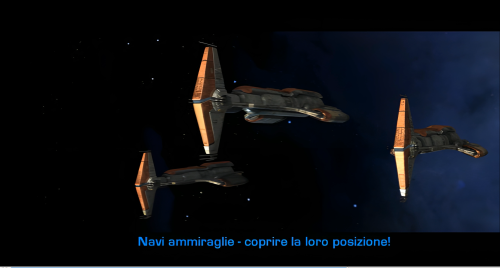
This mod replaces the original Italian cutscenes of Star Wars: Knights of the Old Republic with upscaled 1440p versions, following the same standard as my French, German and Spanish HD Cutscenes. Installation: Back up your Movies folder. Copy the files from this archive into the Movies folder of your Italian KOTOR installation, and overwrite when prompted. These cutscenes will also be included in the Italian pack of my KOTOR 1 Mod Build Installer, coming soon. Italian players wanted! If you play KOTOR in Italian, I'd love your feedback: playback issues, sound sync, anything that looks off. The truth always comes from the field! All credit for the original cutscenes goes to BioWare and LucasArts. Alcias01200 -
 Lowren joined the community
-
Where's the crash on Yavin happen? As soon as you load into the module? If so, I did just update that module file... might be worth installing that replacement .mod? For the Spectres' loot: Have you tried to completing their quest first? We'll get this figured out. Thank you for your patience.
- 255 comments
-
- 1
-

-
- expanded universe
- sleheyron
- (and 1 more)
-
 sevv joined the community
-
 CountXero joined the community
- Yesterday
-
 Death1oo joined the community
-
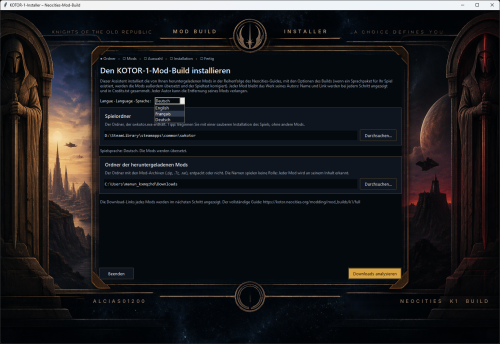 This installer is an amazing tool for anyone who wants to enjoy KOTOR 1 with a complete mod build without spending countless hours installing everything manually. I initially encountered an issue with some mod archives not being recognized, but it turned out that my 7-Zip installation was located in a non-standard directory. The developer was incredibly friendly, responsive, and genuinely interested in understanding the problem. Once I fixed the 7-Zip installation path, everything worked perfectly, and the installer successfully recognized all 185 mods! The interface is clear, the installation process is well organized, and the support for multiple languages, including French, is a huge bonus. What I appreciate most is the amount of work this tool saves, while bringing together so many fantastic mods created by the KOTOR community. A huge thank you to Alcias01200 and all the talented modders whose work makes this compilation possible. Highly recommended!
-
MOD:KOTOR 1 Mod Build Installer (Neocities guide)
Alcias01200 replied to Alcias01200's topic in Mod Releases
Hi Blackheart! No need to apologize at all. I'm really glad it's working for you now, and thanks for coming back to let me know! Your report was actually useful: it showed me that 7-Zip isn't always installed in the default folder, so I'll look into making the installer detect it wherever it is. If you enjoy the installer, a short review on the mod page would mean a lot to me. It helps other players find it and gives credit to all the modders whose work it brings together. Thanks again, and have fun with your playthrough! Alcias01200 Feel free to follow the file so you'll be notified whenever a new update comes out. -

MOD:KOTOR 1 Mod Build Installer (Neocities guide)
Blackheart replied to Alcias01200's topic in Mod Releases
Update – Issue resolved! Hi Alcias01200! I just wanted to give you a quick update and apologize for the confusion regarding my previous report. You were absolutely right about 7-Zip! It turns out that I had installed 7-Zip on my Desktop instead of its usual location (C:\Program Files\7-Zip). After reinstalling 7-Zip in the correct directory, I tested your installer again, and everything is now working perfectly! All the mod archives are being recognized correctly. So the issue was actually caused by my 7-Zip installation path, not by a bug in your installer. I'm sorry for the confusion, and thank you very much for taking the time to investigate my report and help identify the problem. Your installer is a fantastic tool, and I really appreciate the work you've put into it! Thanks again, and keep up the great work!