Leaderboard



Popular Content
Showing content with the highest reputation since 09/02/2026 in all areas
-
Version 1.0.1
40 downloads
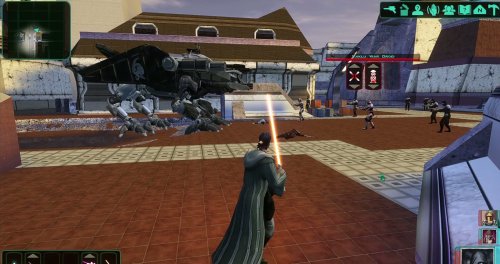
Bring a new Basilisk to the invasion of Onderon. Watch it wake in the Dxun hangar, storm Iziz in a replacement cinematic, and join the landing-zone battle as an allied war droid. FEATURES • Custom Basilisk model with an animated hangar reveal and boarding ramp. • Replacement invasion cinematic covering space approach, atmospheric entry, anti-aircraft fire and a heavy landing. • An allied Basilisk that fights alongside the player in Iziz. • Shoulder turbolasers, heavy claw attacks, a shockwave slam and an airborne rapid-fire nose-gun barrage. • Custom combat effects and sound. • One replacement Basilisk loading screen. REQUIREMENTS AND COMPATIBILITY Requires Windows x64 and a supported Steam Aspyr version of KOTOR II. Run the included compatibility check before installing. Other storefronts and executable versions are not currently supported. Tested on clean Steam game data and an installation of the KOTOR II Full Build: https://kotor.neocities.org/modding/mod_builds/k2/full Install after your chosen mod build. Compatibility does not cover every optional mod selection. The English Queen Talia invasion route is tested; the Vaklu route has not been qualified. The installer merges shared tables and story resources, preserves native party selection, and leaves saves and Steam Cloud settings unchanged. It replaces OndMov07.bik and the load_510OND/load_511OND loading screens. See COMPATIBILITY.md for supported executable hashes, conflicts and testing limitations. INSTALLATION 1. Close KOTOR II. 2. Extract the entire archive into a folder outside your game directory. Keep all included folders together. 3. Run Install Basilisk.exe and select the folder containing swkotor2.exe. 4. Click Check compatibility, review the result, then Install Basilisk. 5. Keep Steam running and launch the game using BasiliskLauncher.exe in your game folder. 6. Load a save from before Zuka’s invasion reveal and before first entering the Iziz invasion module. Required runtime components are bundled. No separate Python or .NET installation or manual patch download is needed. This package uses its own merge installer. Do not copy the payload into Override or install it through TSLPatcher. UNINSTALL Close the game, run Install Basilisk.exe, select the same game folder and choose Restore pre-install files. Keep the BasiliskInstaller backup folder. Restoration will stop if another mod has subsequently changed a file, protecting those later changes. Return to a save made before installation. CREDITS ShaolinGhost — project, direction, playtesting and release. Lane — KotOR Patch Manager. PyKotor contributors — resource tooling. Obsidian Entertainment, LucasArts and Aspyr — KOTOR II and original game resources. The Force Unleashed Wii Basilisk encounter — design and animation reference. Full third-party notices and installer/runtime sources are included. This is an unofficial, free fan modification. Screenshots may show unrelated character, environment and interface mods that are not included.11 points -
Version 1.0.0
1,501 downloads
KMRP - KOTOR MODERN RESTORATION PATCH Modern resolutions, properly scaled UI, engine fixes and restored interface behaviour for KOTOR 1 48 resolutions | 800x600 to 15360x8640 | 4:3 | 16:10 | 16:9 | 21:9 | 32:9 WHAT IS KMRP? Vanilla KOTOR was built around fixed pixel sizes and interface layouts originally designed for resolutions such as 640x480. On modern displays this causes tiny text, overlapping list entries, undersized icons, broken map scaling and other interface problems. KMRP fixes these problems in the game engine itself. It supports 48 resolutions from 800x600 up to 15360x8640 across 4:3, 16:10, 16:9, 21:9 and 32:9. Several of these fixes require changes to swkotor.exe because the affected values are hardcoded inside the engine and cannot be reached through GUI or 2DA files alone. WHAT IT FIXES Readable text with properly scaled list rows Inventory, Abilities and Store icons and rows scale correctly Item stack counts remain visible with larger fonts Long item description crash fixed Description text no longer runs under the scrollbar Area map fills its frame Fog of war covers the complete map Map marker clicks line up correctly 250 misplaced map notes can be corrected using Derslok's fixes HUD minimap is zoomed correctly again Dialogue letterboxing, tutorial popups and interface artwork follow the selected resolution INSTALLATION Install other content mods first, such as K1CP or K1R, then install KMRP. Download the standard KOTOR Editable Executable Run KMRP - KOTOR Modern Restoration Patch.exe. Select your resolution. Open Advanced Settings if you want to change optional components. Click Start Patching. Launch KOTOR. To change resolution later, use Restore Original first, then patch again. KMRP backs up the executable, INI and every Override file it modifies before patching. EXE PATCHING KMRP modifies swkotor.exe because several interface values and bugs are hardcoded inside the game engine. Before writing anything, KMRP verifies the executable by SHA-256 and file size. Unknown executables are rejected. KMRP modifies 893 bytes of the 4,042,752-byte executable, around 0.022%, and adds ten 4KB code sections where additional space is required. Every executable patch is documented in the GitHub repository. KMRP is not a launcher and nothing stays running in the background. The only exception is the optional Modern Driver Compatibility component, which places two files beside the executable. If you do not want your executable modified, do not install KMRP. INCLUDED COMPONENTS K1 Modern Driver Compatibility 1.2.0 by Synchro Optional. Restores lighting, reflections, fog, soft shadows and correct grass rendering on modern hardware. K1 Area Map Fixes by Derslok Optional. Corrects 250 misplaced map-note positions. Party Portraits by MadDerp Bundled with permission. KOTOR 1 HD Icon Pack 1.0 by JackInTheBox Bundled with permission. COMPATIBILITY Tested with: KOTOR 1 Community Patch 1.10.0 KOTOR 1 Restoration 1.2 K1CP replaces two icons also included in the HD Icon Pack. KMRP keeps the K1CP versions where applicable. DOWNLOADS GitHub Releases https://github.com/RayesDiyab/KMRP-KOTOR-Modern-Restoration-Patch/releases Nexus Mods https://www.nexusmods.com/kotor/mods/1879 Deadly Stream Available on this page SOURCE AND DOCUMENTATION Full source code, executable patch documentation and reverse-engineering notes: https://github.com/RayesDiyab/KMRP-KOTOR-Modern-Restoration-Patch CREDITS ndix UR KOTOR High Resolution Menus 1.5 Synchro K1 Modern Driver Compatibility and published area-map research Derslok K1 Area Map Fixes MadDerp Party Portraits JackInTheBox KOTOR 1 HD Icon Pack RaymanGT HD menu and UI asset set LICENSE KMRP is licensed under GPL-3.0. Star Wars: Knights of the Old Republic © 2003 BioWare Corp. / LucasArts. KMRP is an unofficial community patch and is not affiliated with or endorsed by BioWare, LucasArts, Lucasfilm or Disney. You must own the game.7 points -
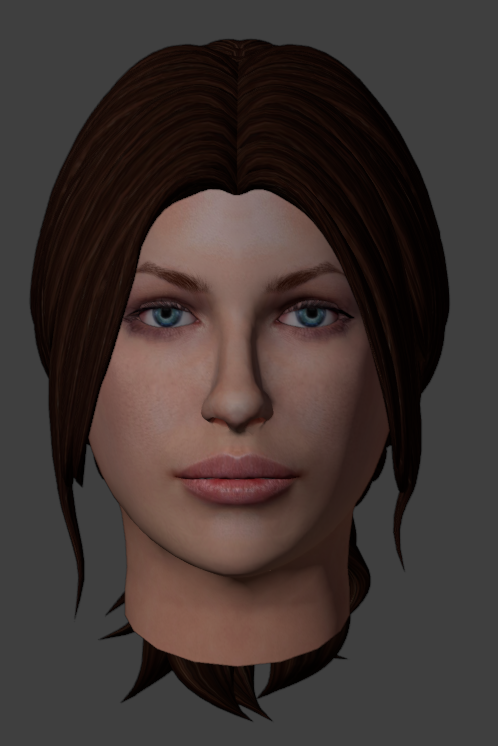
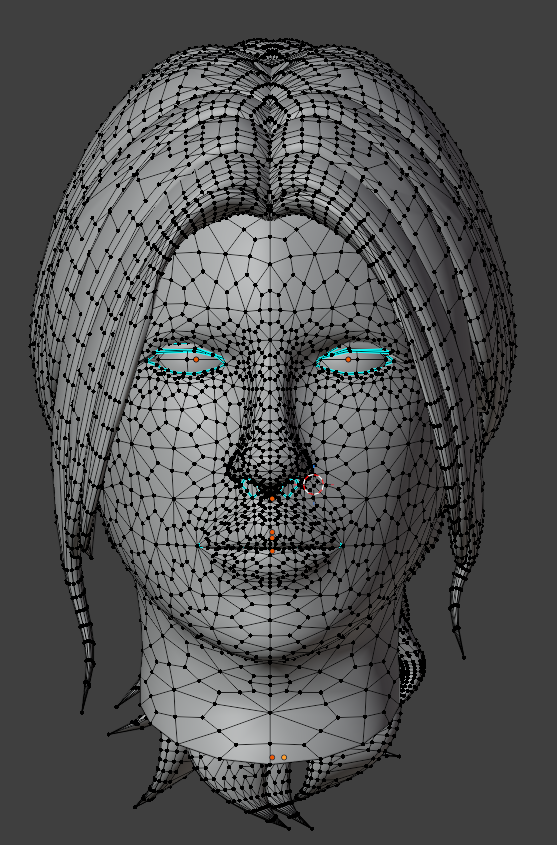
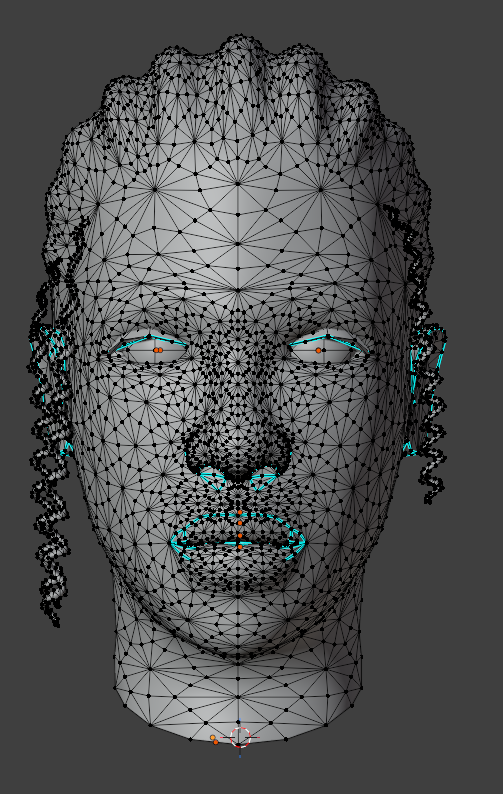
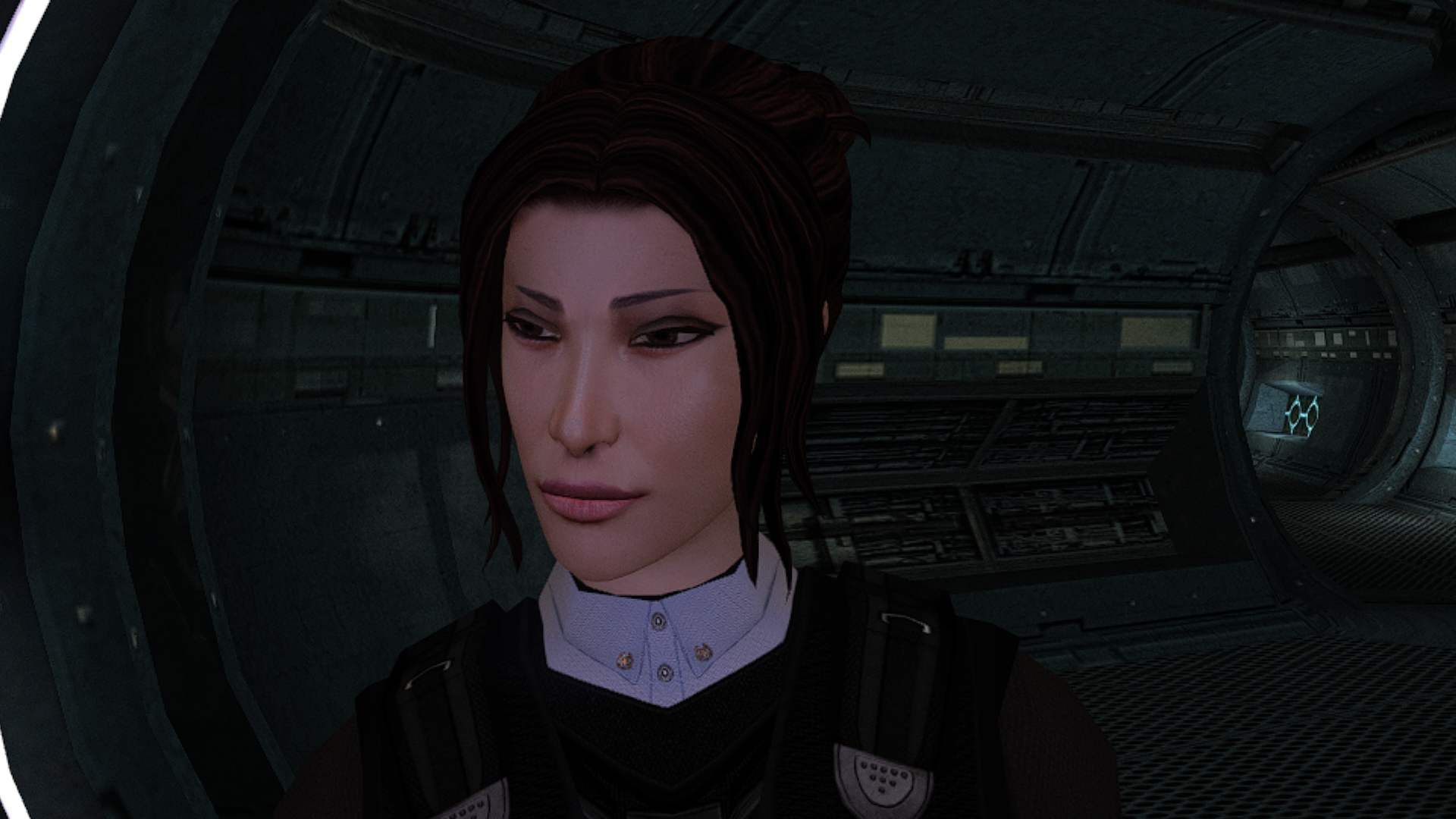
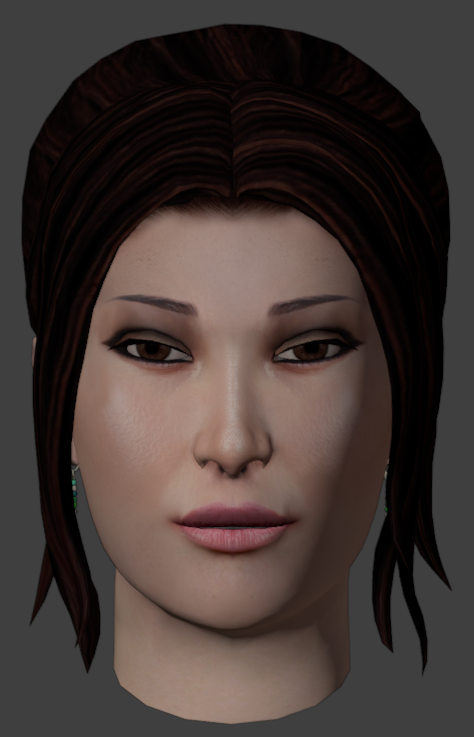
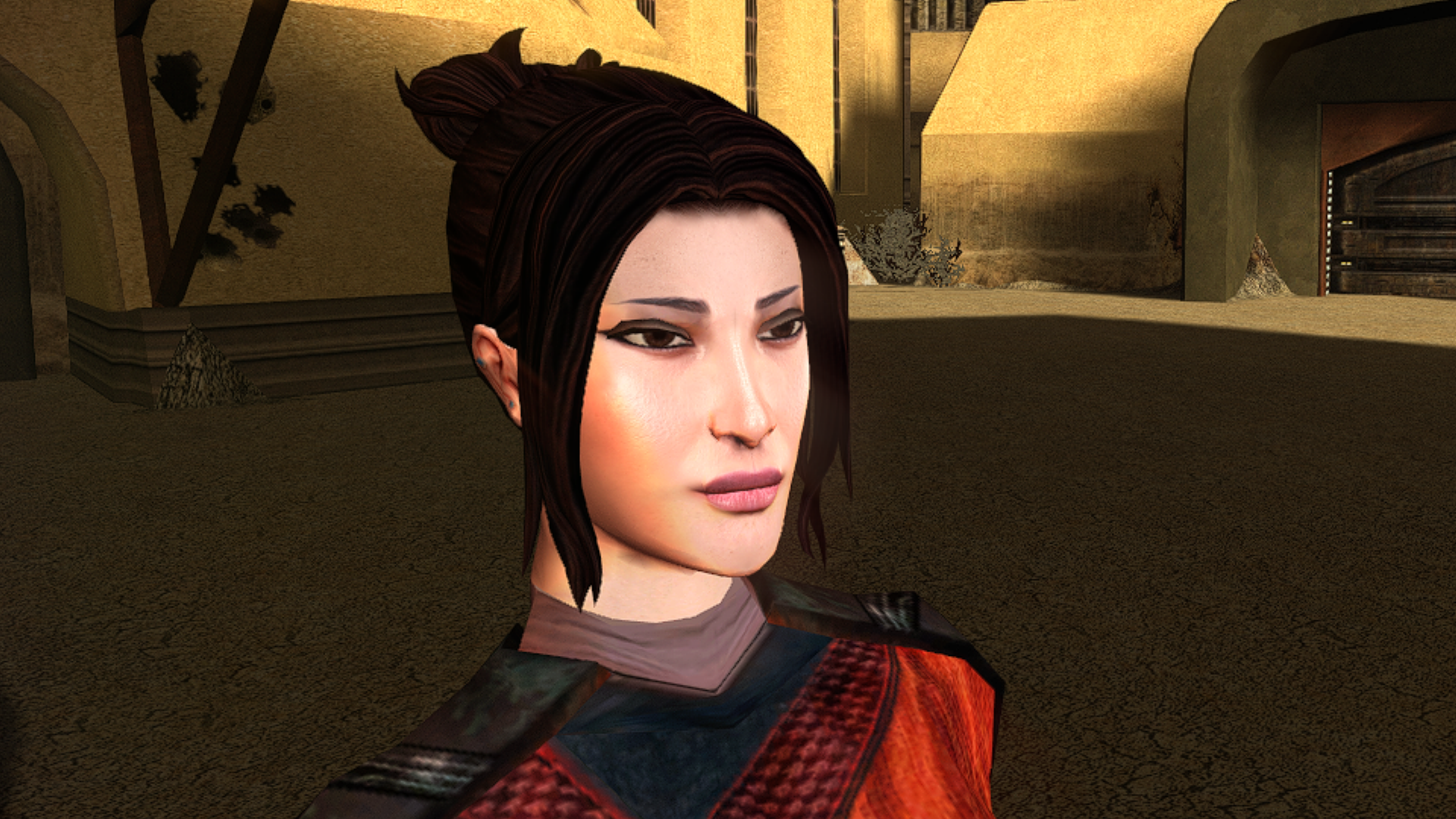
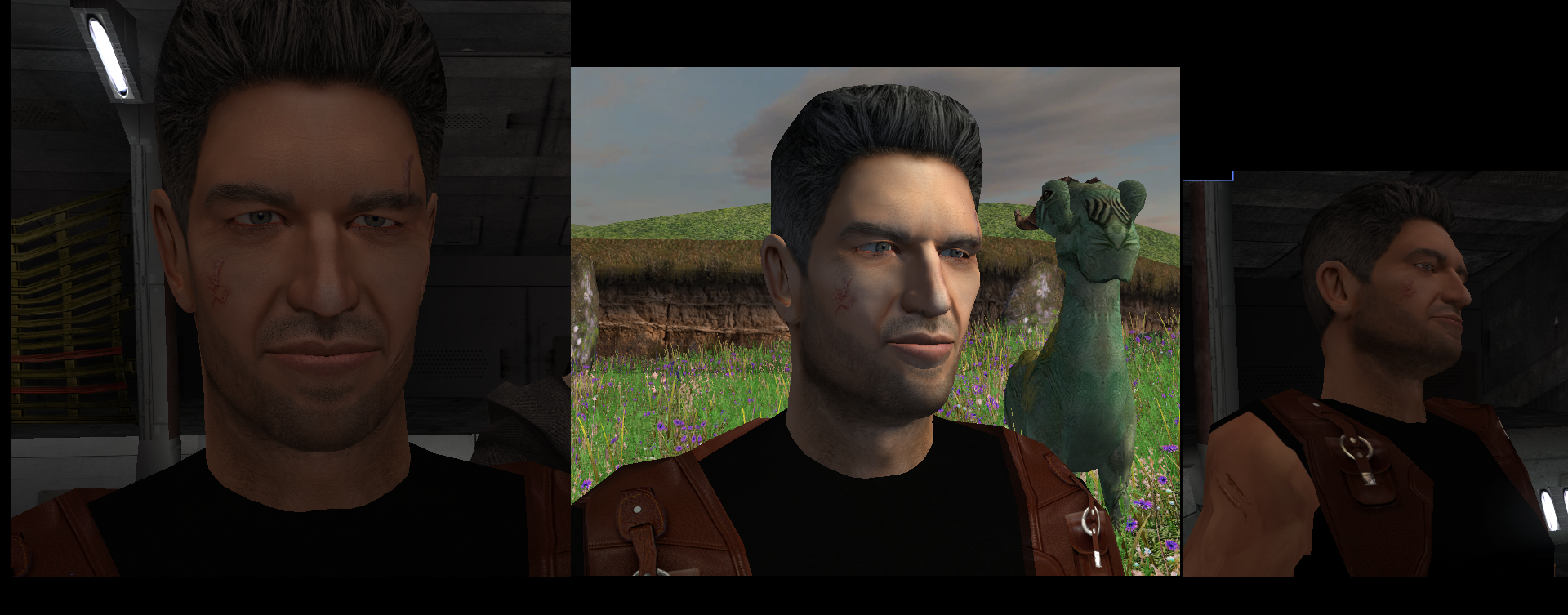
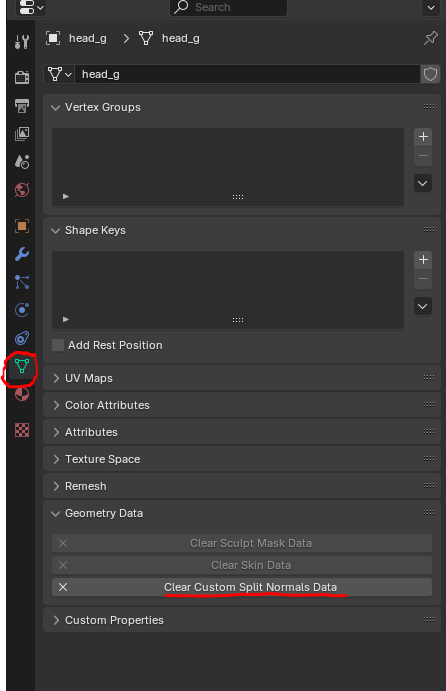
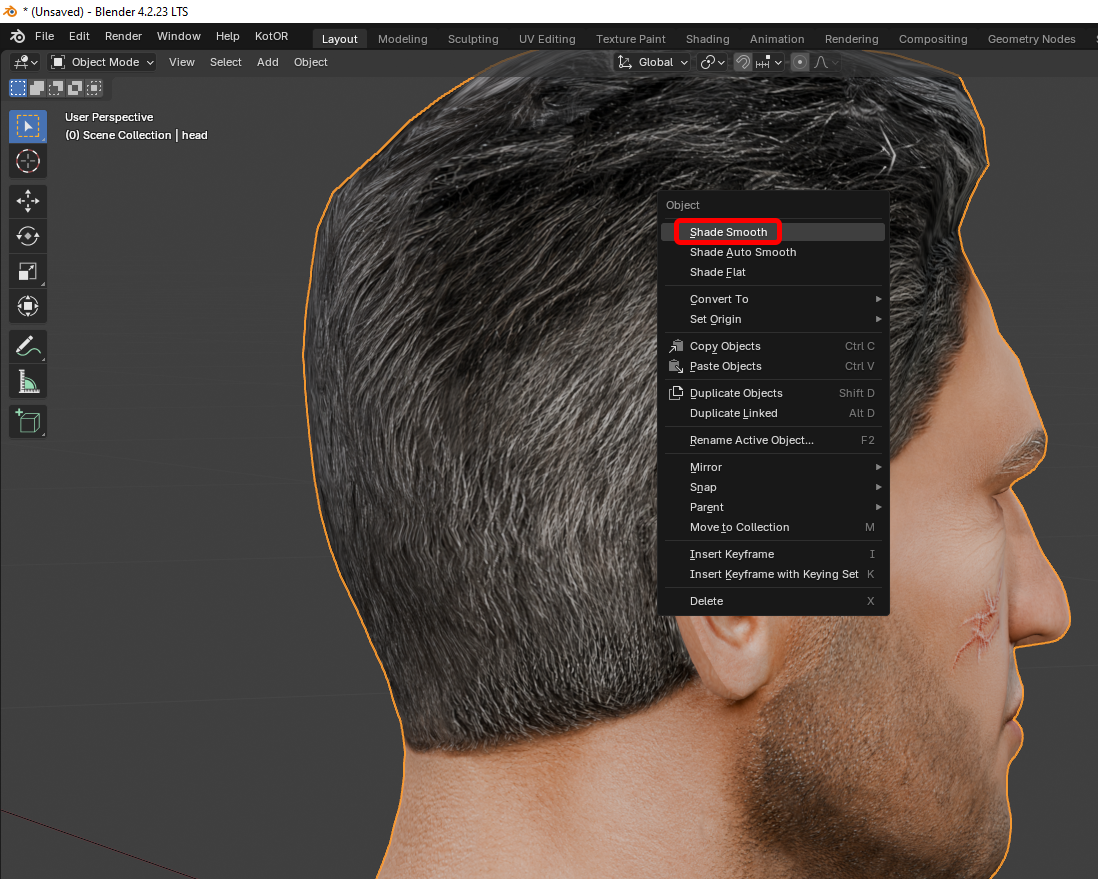
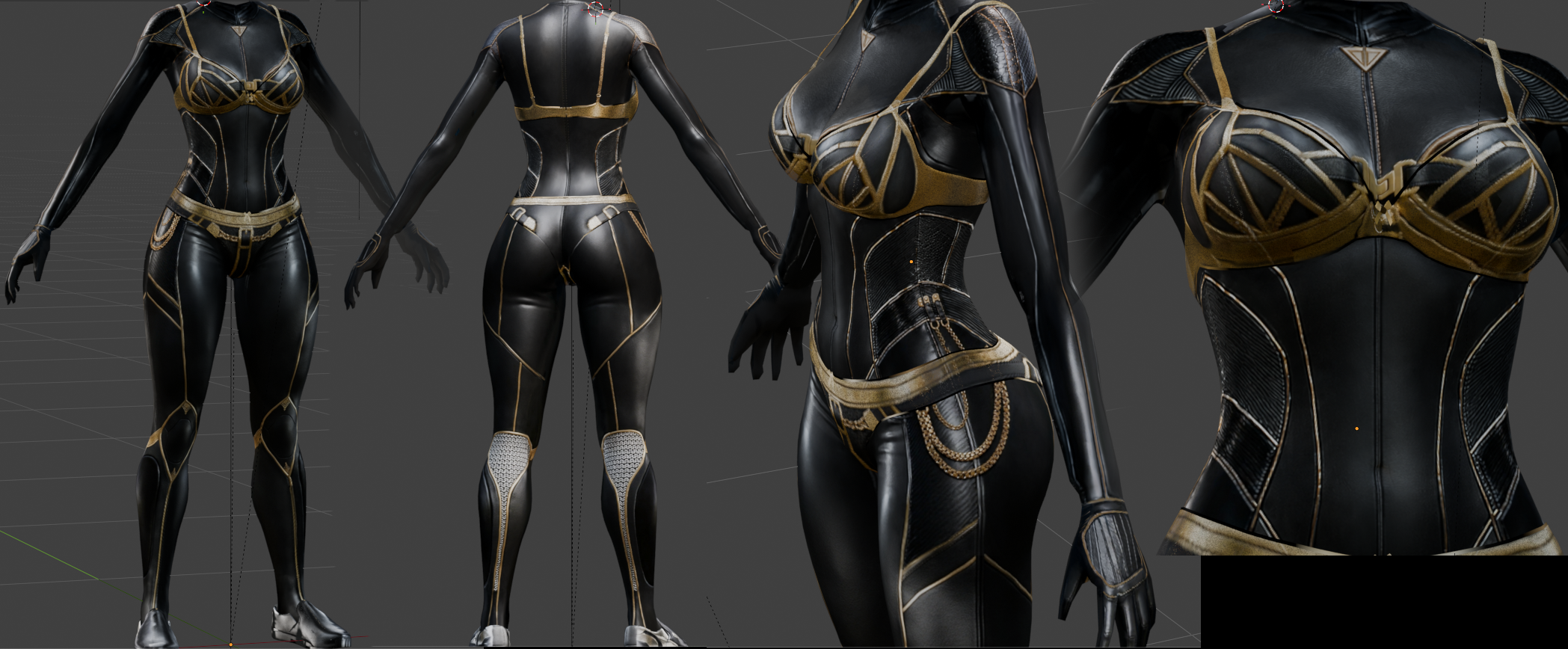
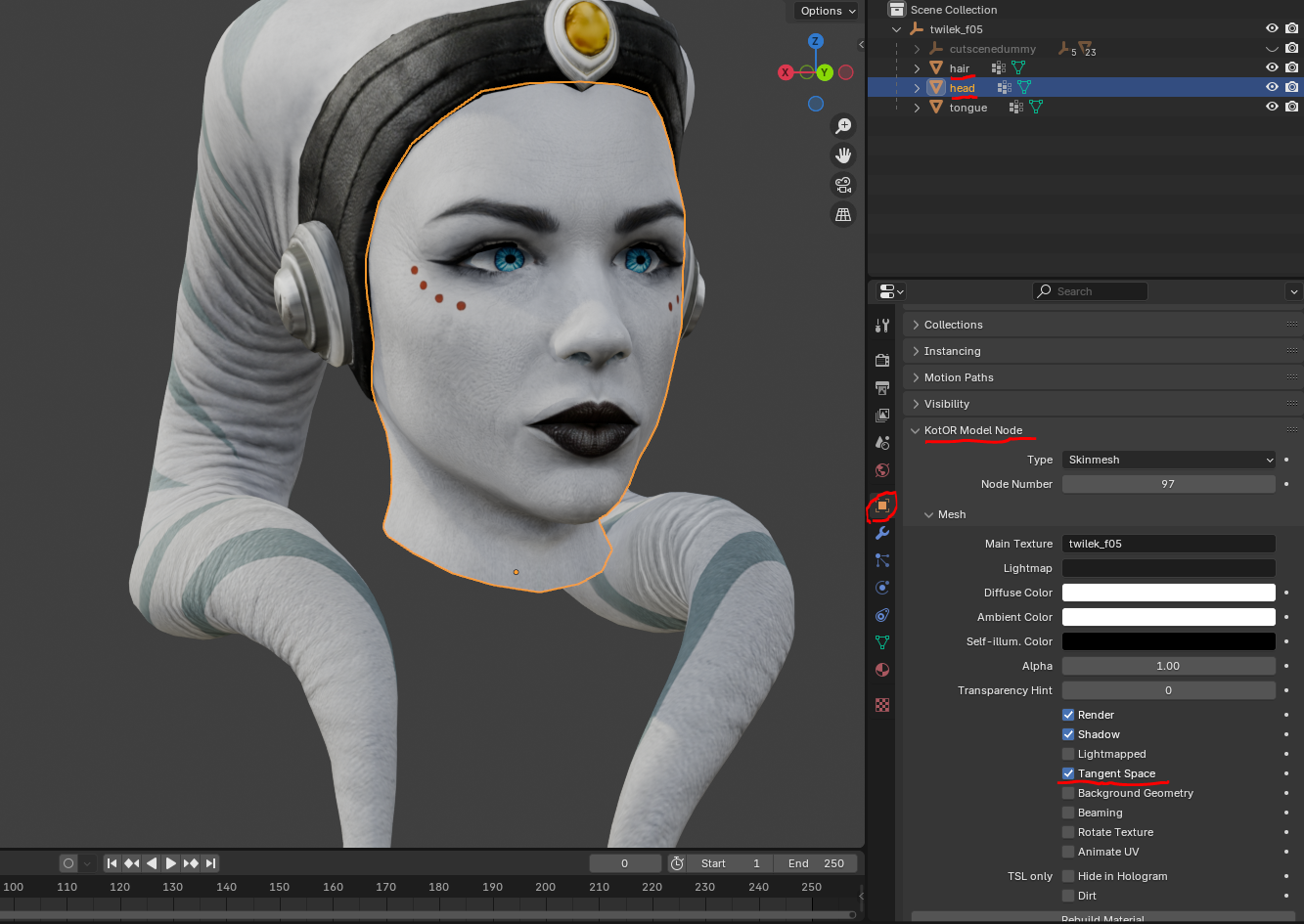
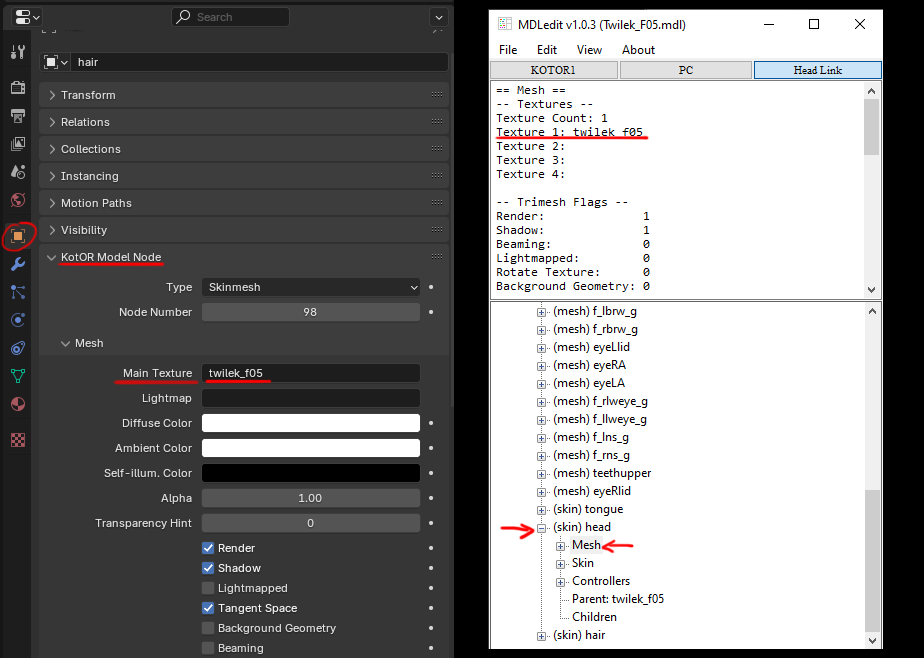
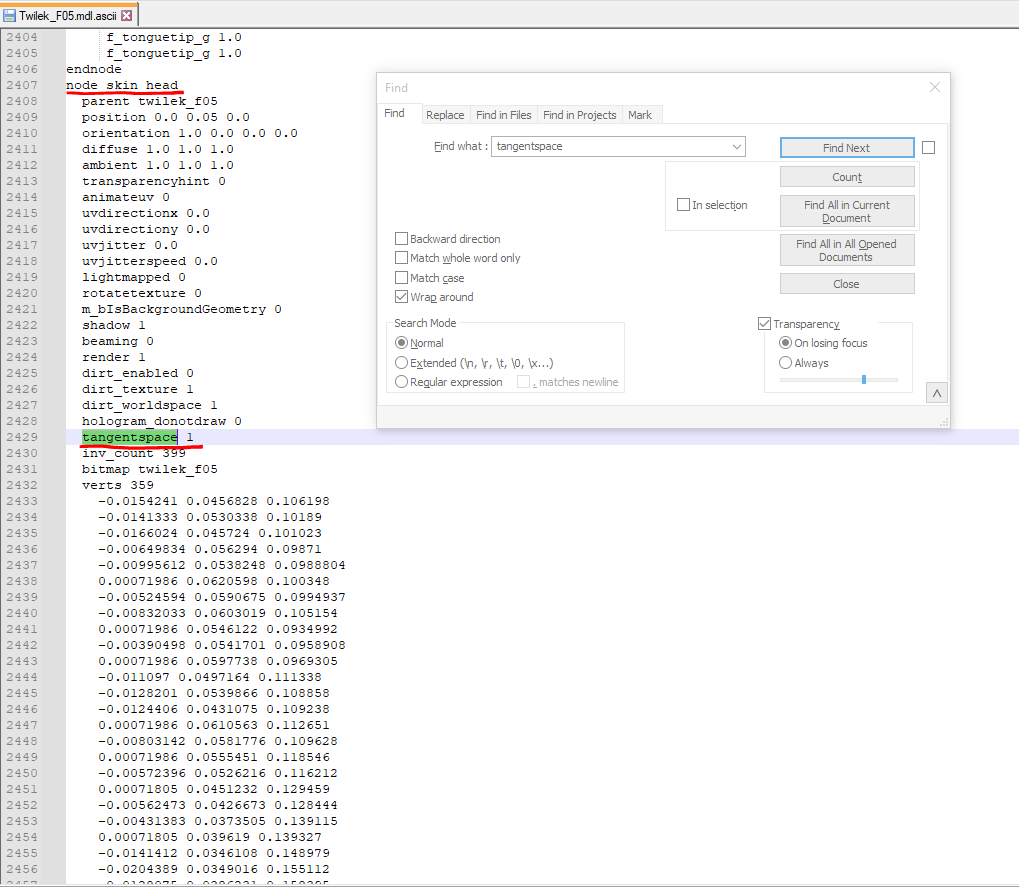
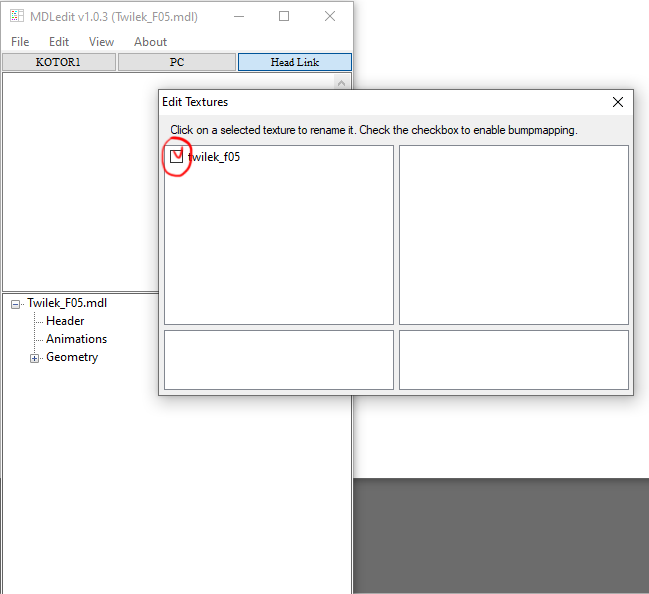
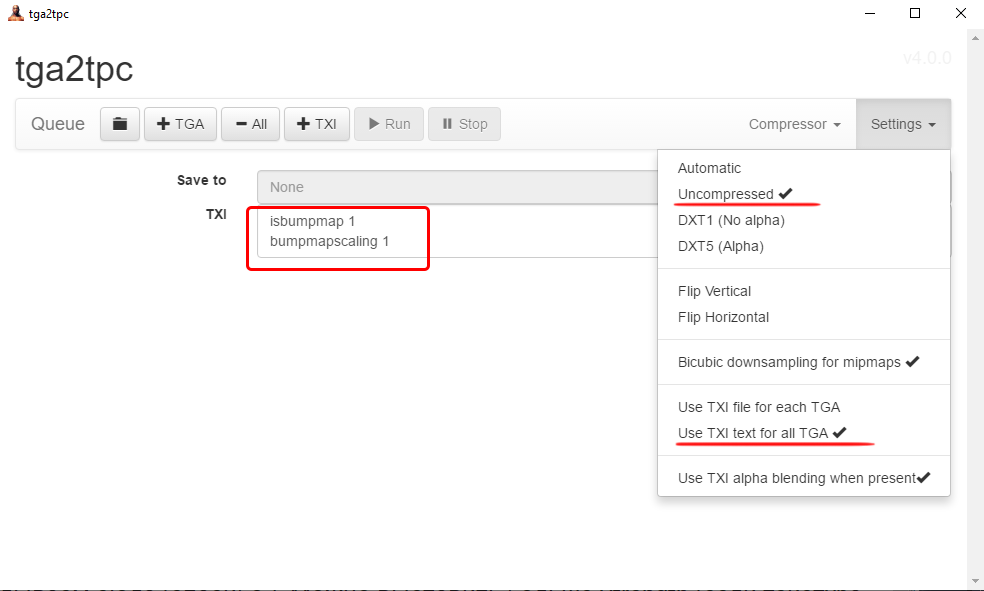
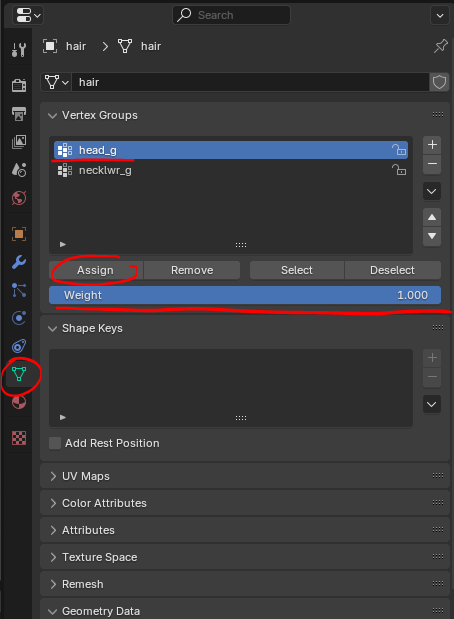
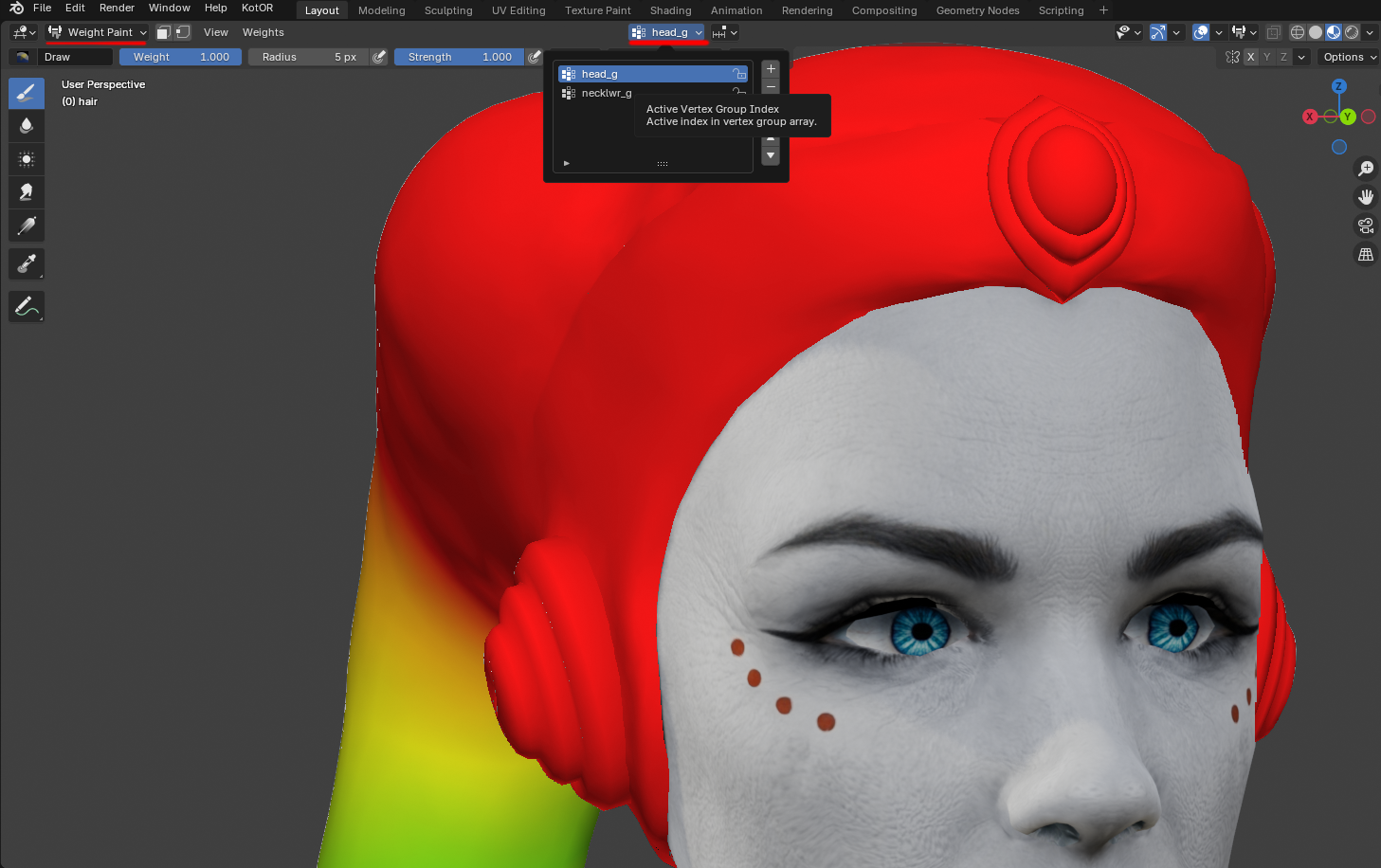
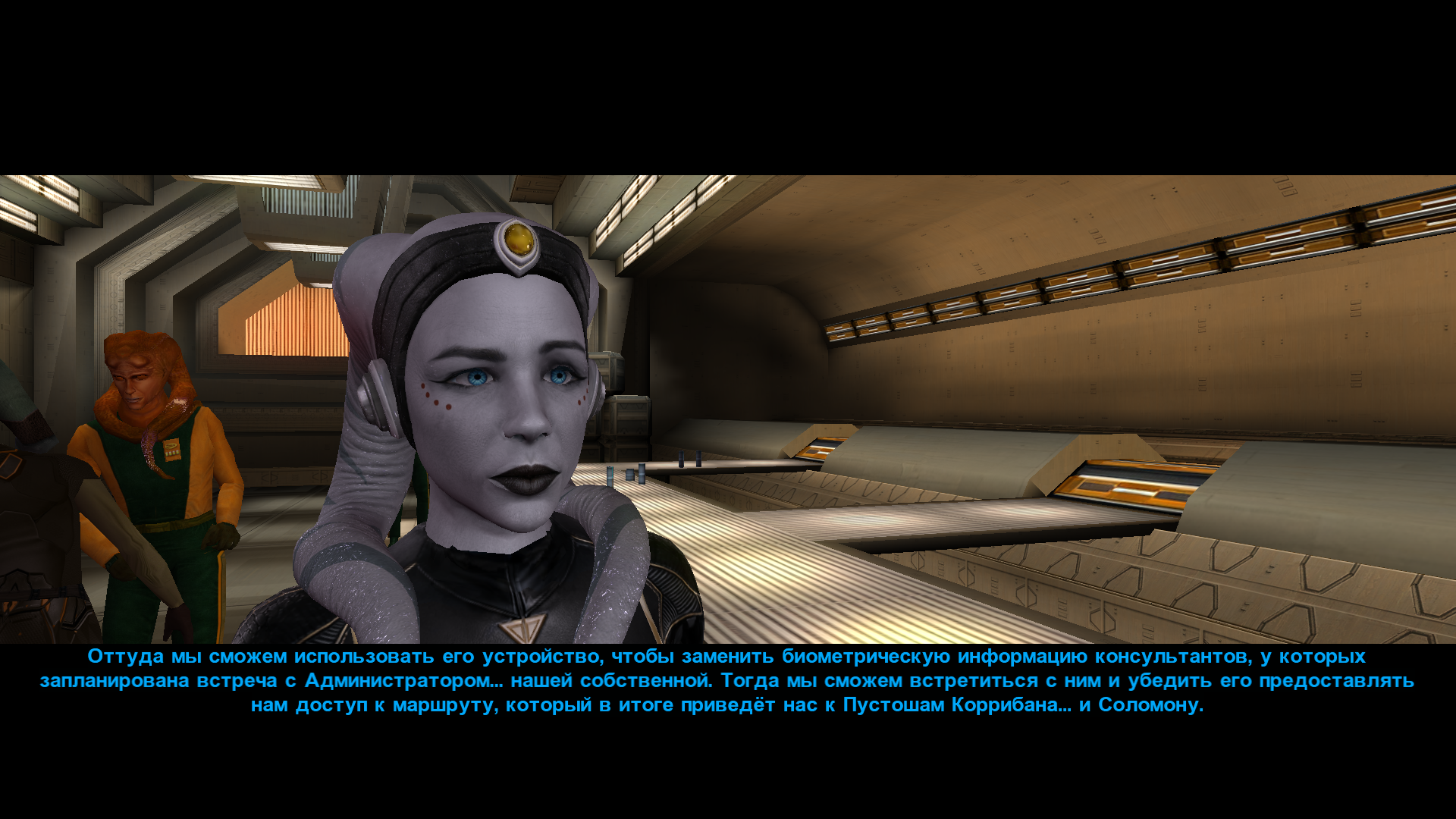
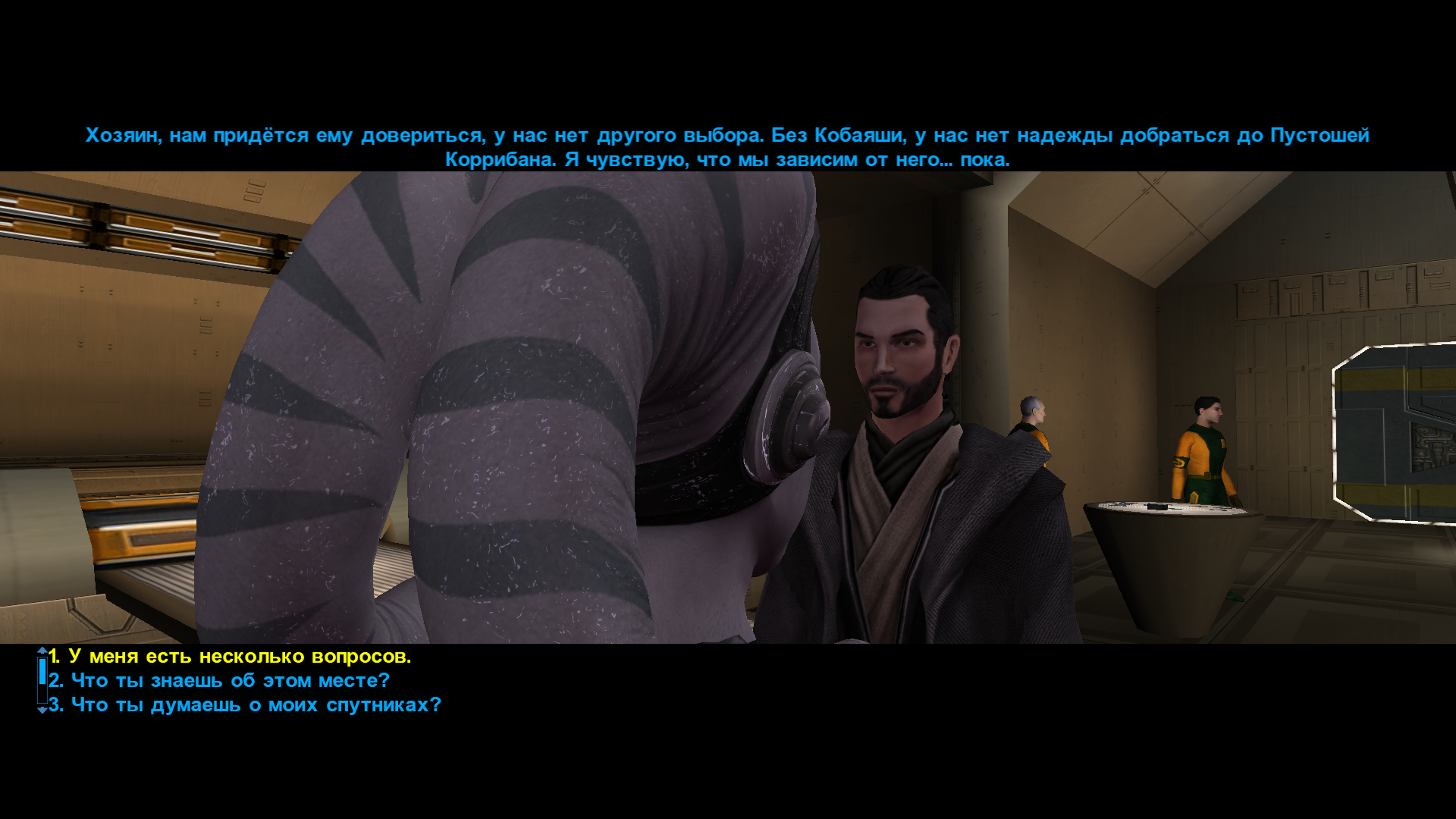
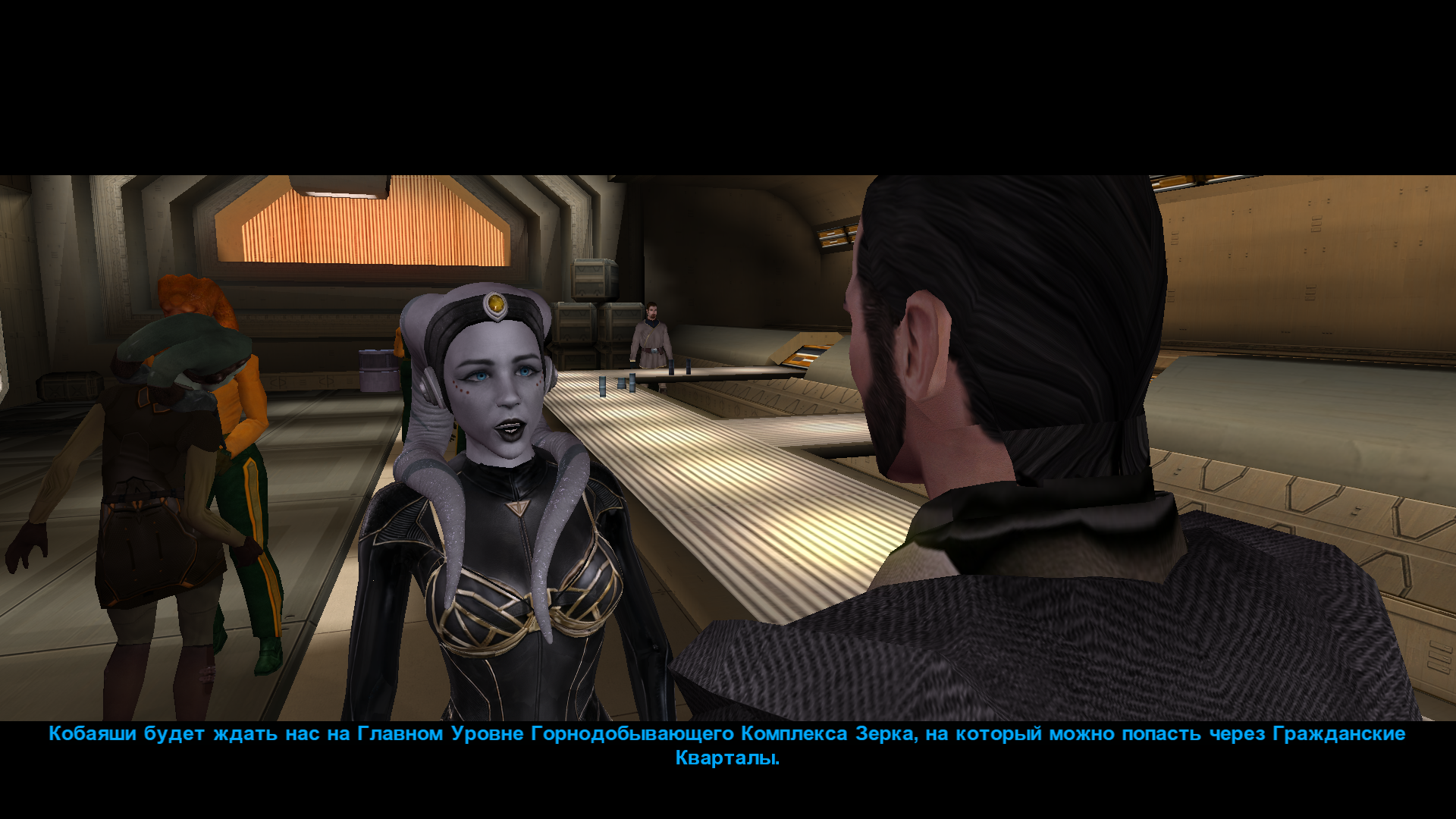
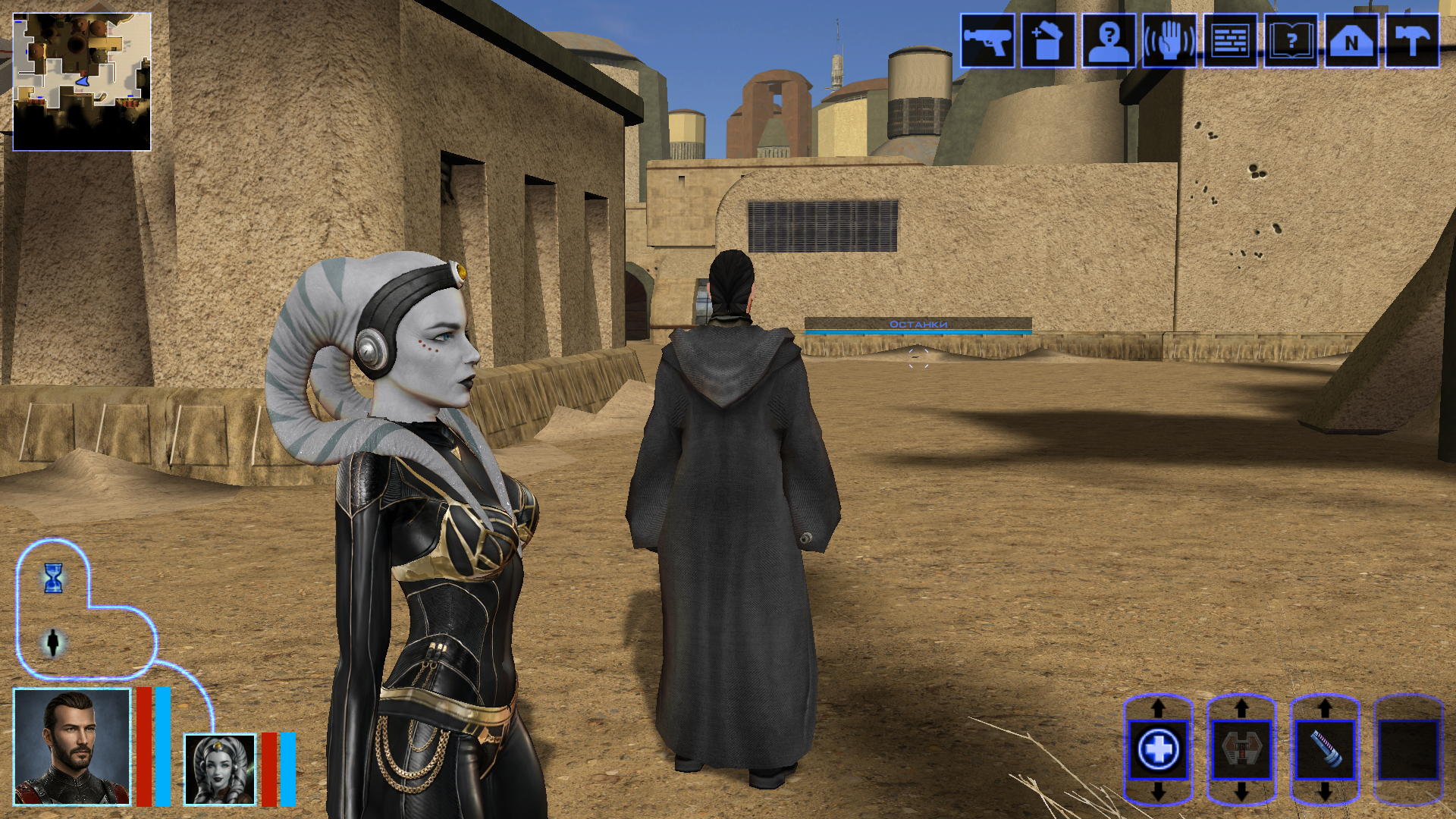
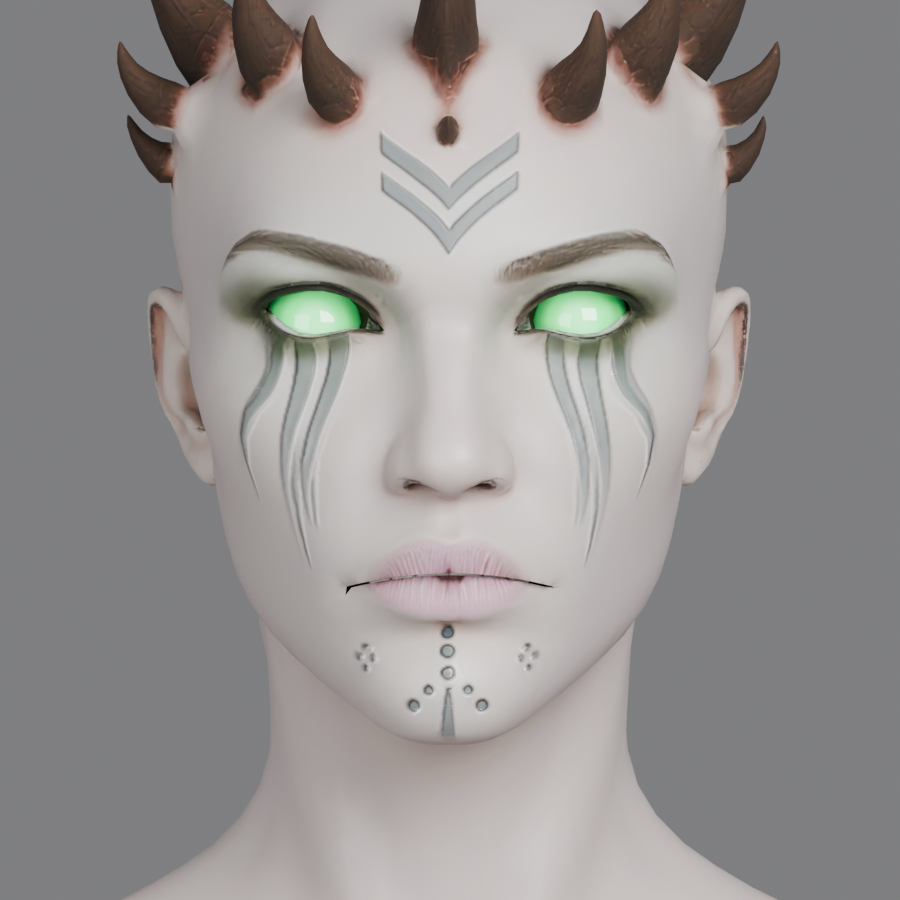
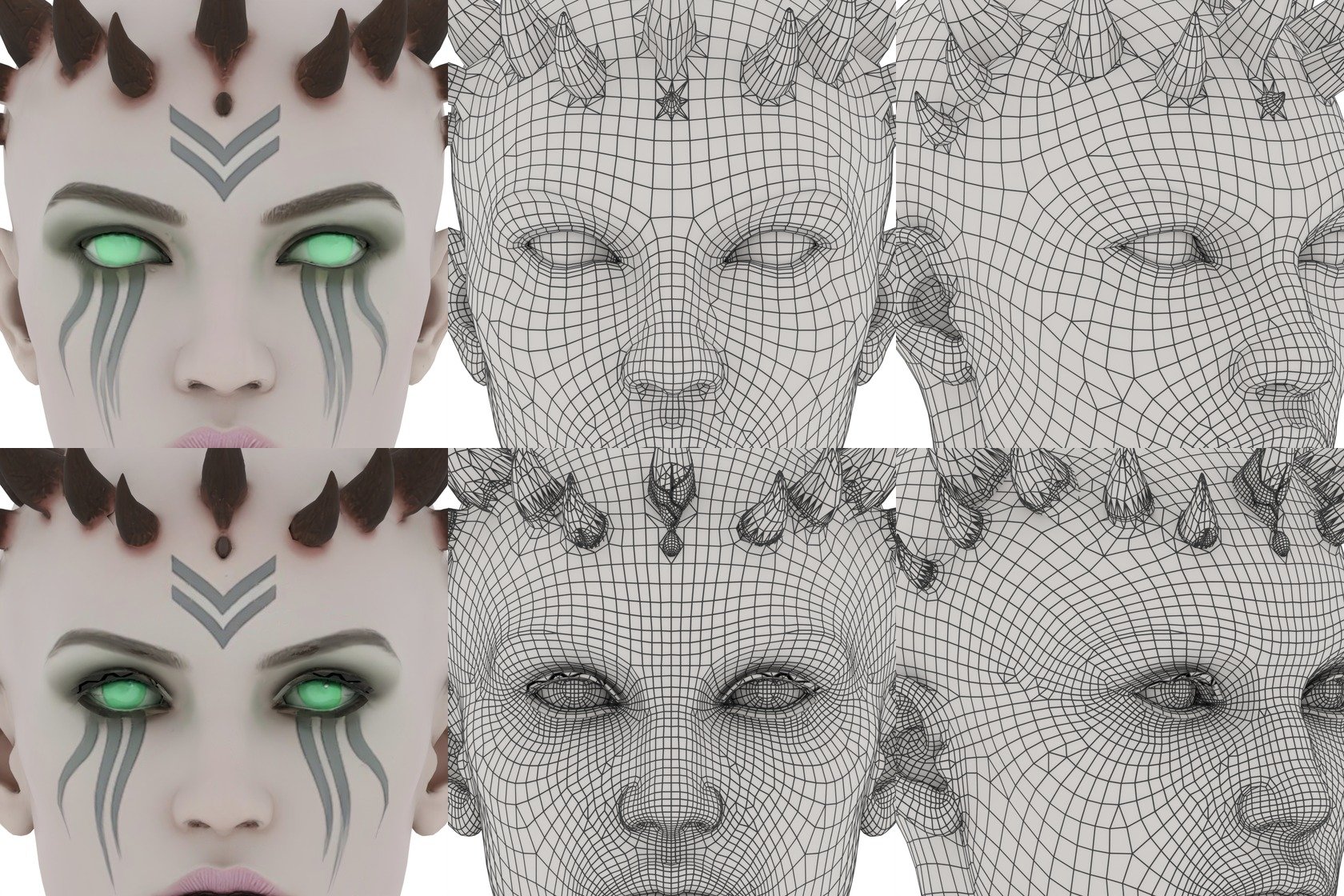
Hi everyone on this great forum! 😊 I decided to start my own little thread, even though I’m still relatively new here. I’ll be posting my work-in-progress, notes on how things are done - mainly for myself, so I can come back and refresh my memory later. If it ends up being useful to someone else as well, I’ll be happy of course. I’m sure everything I’m writing about has already been discussed countless times on this forum and is familiar to everyone. But I’m still a newcomer! My already released mods: New portraits for PartyMembers HD Animated Computer Interface Saul Karath Retexture Narve's New High Poly Canderous Head While working on the Canderous head I made a bit of progress learning Blender. I only knew it at a very basic level before, because I’m a 2D artist, not a 3D one. I still don’t really know what proper topology should look like, how to paint weights correctly, how to build textures with nodes, and so on. I’ll be learning all of that gradually. For this particular head I took a high poly mesh from this mod - big thanks to the author! Of course I heavily edited it: the geometry, the UV unwrap, and the texture. I also learned a few useful texture painting tricks. Geometry-wise the hardest parts are always the eyes and the lips, because the animation has to deform them properly, and what looks fine in Blender often ends up looking completely different in the game. Something I’d like to note here for myself - how to get rid of grey spots on the model after exporting from Blender to mdl/mdx: 1. The most important step - clear Custom Split Normals Data: Select the head mesh in Object Mode. Go to the Object Data Properties tab. Expand the Geometry Data panel. If the “Clear Custom Split Normals Data” button is active, click it. This removes the old broken data and forces Blender to recalculate the normals. Also helpful: 2. Apply smoothing — Right-click the model → Shade Smooth. 3. Apply transforms — Use with caution and only when needed! Things can shift in unexpected ways. In Object Mode select the head and press Ctrl + A → Apply All Transforms. ____________________________________________ P.S. English is not my native language, so I apologise in advance if anything is phrased awkwardly. ____________________________________________ Then I decided to retexture the high-poly Bastila body from the TCS mod. The thing is, we started playing through BOSSR on stream, and there Shadow uses Bastila’s body. And we have this Bastila mod installed. So I made her this outfit. I didn’t touch the model or the UV unwrap, only the texture. I painted the alpha channel in the places that should be more shiny. Since I don’t know how the original model author would feel about this little “side project” of mine, of course I won’t be releasing this texture anywhere — it’s purely for personal use. After that I moved on to her head. I wanted both the lekku and the face itself to have more polygons. So I simply applied a Subdivide, then worked on the mesh — editing vertices, sculpting, and so on. Then I started texturing, and at that point I really wanted to add a bump map so the lekku would look bumpy the way vanilla Twi’leks do (even if the vanilla ones are very low quality). I dove deep into the problem — I remember spending entire weekends glued to this forum reading everything people wrote about adding bump. Nothing was working for me. I tried every piece of advice, converted the poor bump map to TPC every which way, opened the model files in ASCII and searched for tangent vectors… I even started recalling university calculus about quaternions and how I used to redefine matrix multiplication in C++ practicals…🤣 It turned out the problem was completely different. The BOSSR mod authors used the "Twilek05" head model, but in heads.2da they assigned it the texture name "matilda_headd". Meanwhile the model itself is linked to the texture "Twilek05". And even though the engine can pull the main (diffuse) texture information from a texture that isn’t the one specified in the model, it cannot pull bump map information (and apparently txi info as well) from a texture with a different name! I don’t know why it works this way — maybe some internal script. Anyway, once I renamed the main texture to "Twilek05.tga", the bump map to "Twilek05b.tpc", wrote this in the "Twilek05.txi": bumpyshinytexture CM_SpecMap bumpmaptexture Twilek_F05b and also put "Twilek05" as the texture in heads.2da — miracle of miracles, the game finally saw the bump map! Yes, it didn’t turn out perfect — the bumps are too fine and therefore look a bit like shimmering. I probably won’t fix it, because we had to abandon that mod playthrough — it conflicted with other mods. But I’ll write down the key points needed to add bump (even though all of this is already on the forum — huge thanks to DarthParametric and everyone else who shared advice and tutorials): Before exporting, you must enable the “Tangent Space” checkbox in the KotOR Model Node plugin options for all the meshes that need it (in my case “hair” and “head”). To verify — open the model in MDLEdit, save it as ASCII, open it in Notepad++ and search for the word “tangentspace”. On the relevant nodes it should say tangentspace 1, not 0. If it somehow still shows 0 even though the checkbox was enabled on export from Blender, change it to 1, save, open that ASCII file again in MDLEdit (it might complain that it can’t recalculate the vectors — hopefully that’s not a problem), and then save it back to binary mdl/mdx. You can also just tick the corresponding checkbox in MDLEdit itself and re-save — but keep in mind that the bump will then be applied to every mesh in the model that uses that texture, not only the ones you might have wanted. Preparing the .txi. It must have the exact same name as the main texture, and the main texture must be the one that is actually linked to the model. Inside the .txi you need: bumpyshinytexture (your Cubemap) bumpmaptexture (your bump map name) In theory bump should work without the shiny part (only the line "bumpmaptexture " in txi), but for me it never did — because in that case the engine treated the alpha channel of the main texture as transparency. Meaning: if you darken the alpha to make the bump stronger → the object becomes transparent if you leave it white → no bump is visible. Maybe I’m doing something wrong? Preparing the main texture. It must be named exactly as specified in the model (you can check that here). It needs an alpha channel that controls both the shininess (via the Cubemap) and the strength of the bump. The darker the alpha, the stronger both effects. Yes, both at once — there’s no other way. Preparing the bump map. Save the main texture as an image and throw it into this website (again, thanks for the link — found it on the forum). You can increase Strength if the texture isn’t very contrasty, and add a bit of blur (slider to the negative side). Download the result and save the texture as TGA with a pure white alpha channel. Then use tga2tpc with these settings. You can also add extra lines or strengthen the bump with the bumpmapscaling value, as DarthParametric wrote here: https://deadlystream.com/topic/9353-bump-mapping-tutorial-request-for-novices/#findComment-87017 Final contents for the override folder: the model (mdl + mdx), the main texture (tga), the .txi with the parameters, and the bump map (tpc). Phew. The last thing I learned on this head was adding new geometry — I wanted to model headphones and a stone on her forehead. Important points here: convert everything to triangles and weight-paint it to the head. To check — switch to Weight Paint mode and make sure it’s painted red. If you need a piece not to move with the head, weight-paint it to the neck instead (a different vertex group). If you don’t weight anything at all, those pieces of the model simply won’t appear in the game. 🙃🙃 I’ll say it again: I’m by no means an expert on KOTOR modding, so I apologize if I write or do anything incorrectly! And, of course, I’d be grateful for any advice, comments, or corrections.
 5 points
 -
Version 1.0.0
19 downloads
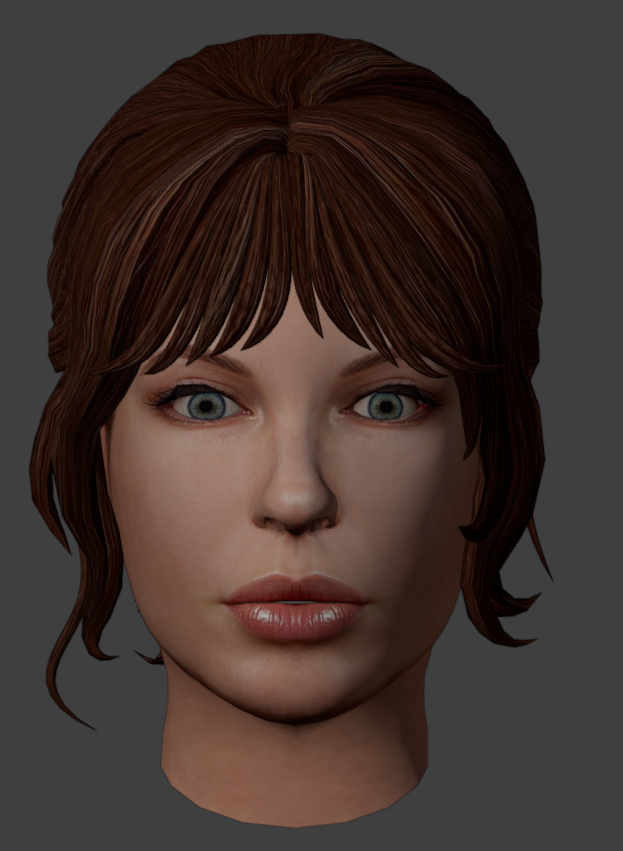
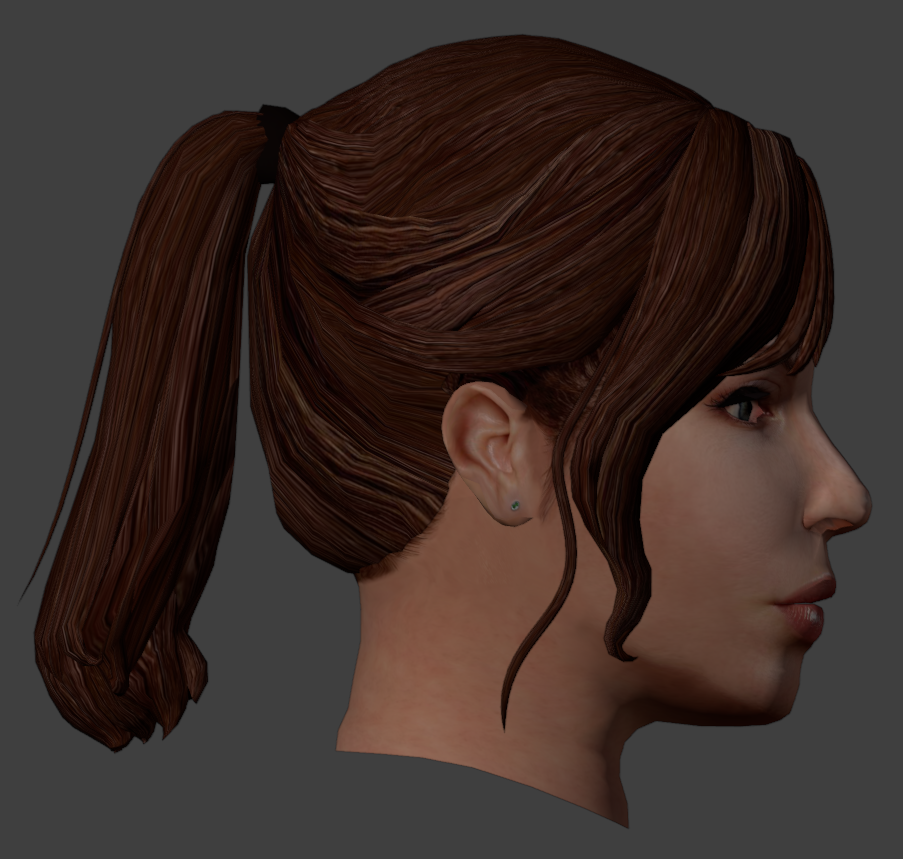
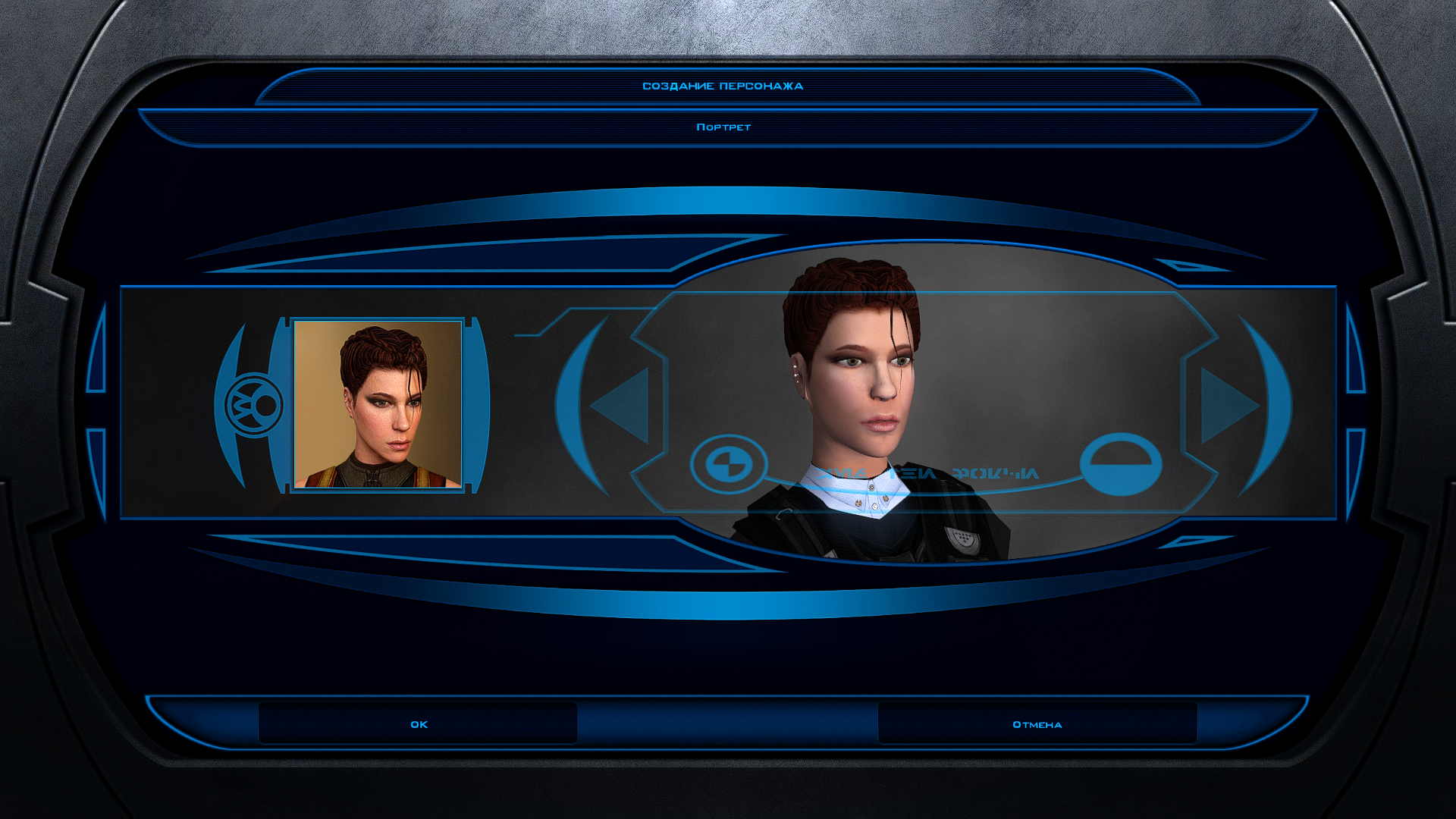
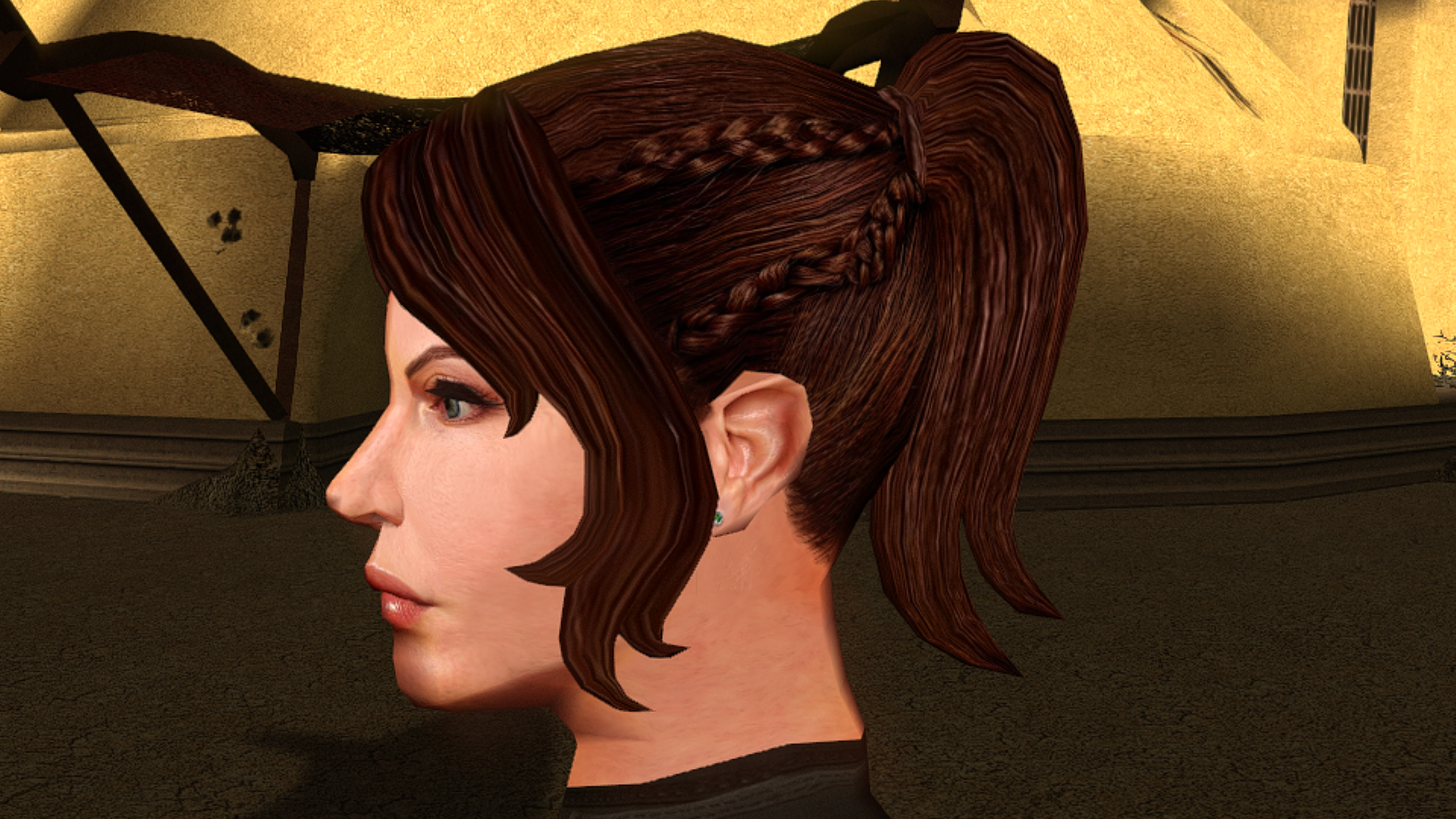
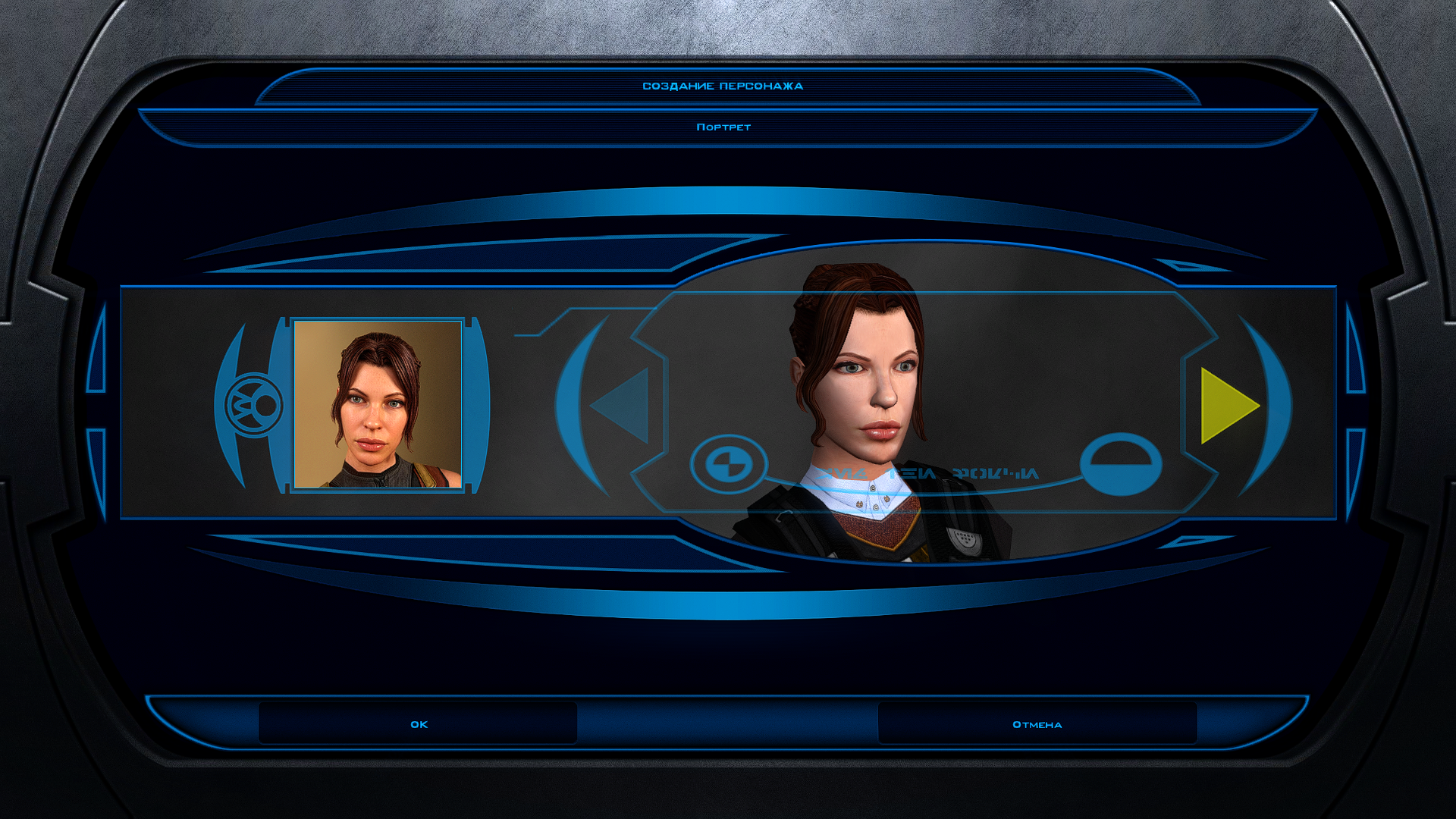
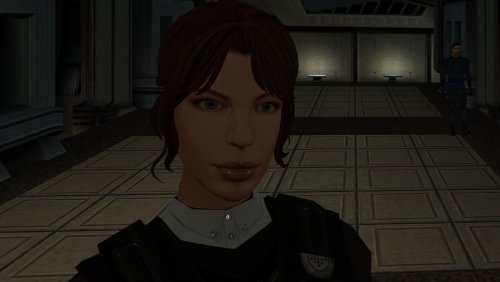
The mod replaces the PFHC03 model and textures. To Install 1. Download: PFHC03 2. Copy all files to the Knights of the Old republic's Override folder. (Example location - C:\Program Files (x86)\Steam\steamapps\common\swkotor\Override) 3. When/if prompted to overwrite files, press okay. 4. If you like the mod; leave a comment or endorse! (It would be much appreciated) Made with love.5 points -
Version 1.0.2
95 downloads
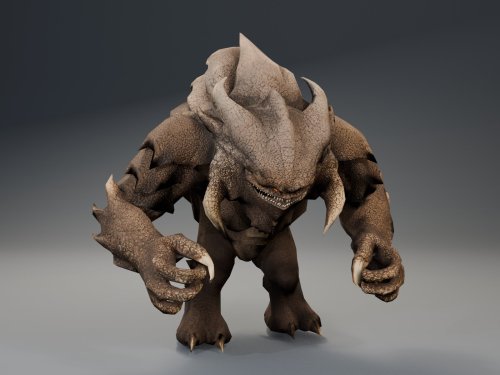
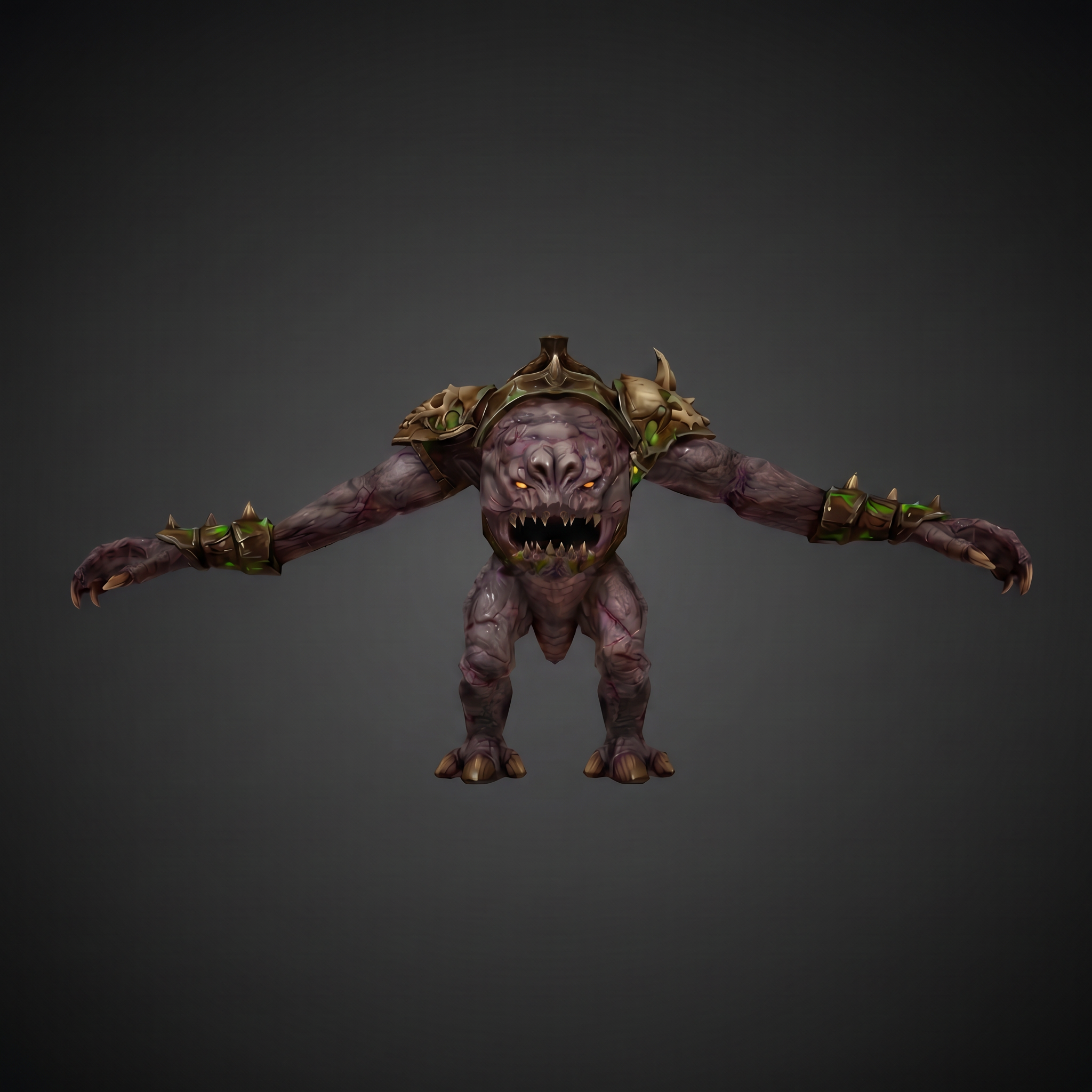
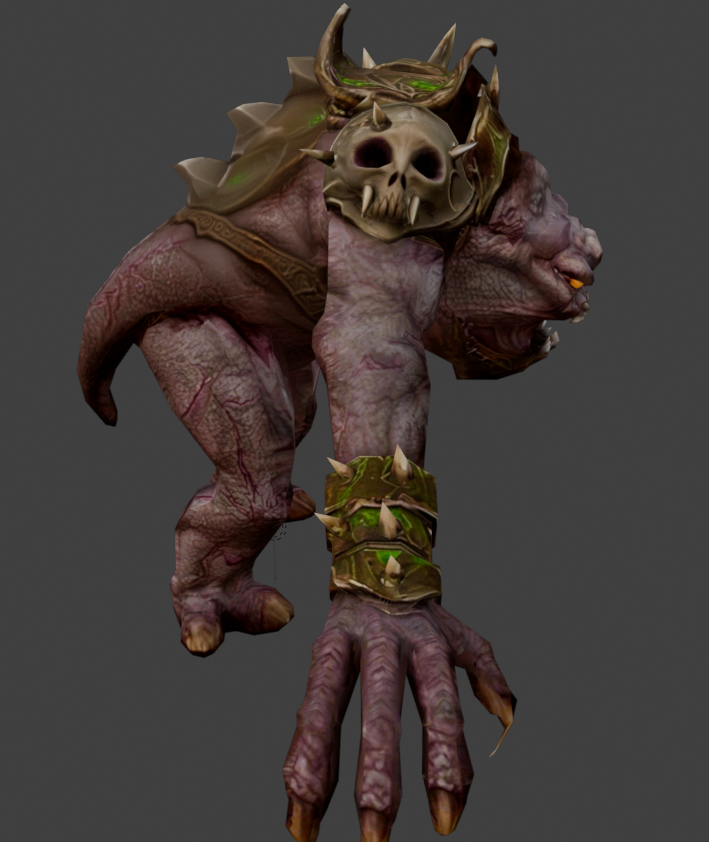
HQ Terentatek Replacement — KOTOR I Version 1.0.0 by ShaolinGhost Bring a new look and movement set to KOTOR I’s Terentateks. This replacement pairs a custom creature model and 4K textures with converted Star Wars: The Old Republic animations, including claw-slashing attacks, idle and movement cycles, damage reactions, death and roar motions. The replacement covers every creature using the original Terentatek appearance throughout the base game, including Kashyyyk, Korriban and scripted transformations. Existing encounter scripts, quests, statistics, loot and native soundset assignments are preserved. Campaign roars occur when the original game scripts or animation system request them. Requirements KOTOR I for PC. No additional mods, runtime DLLs, custom launcher or executable patches are required. TSLPatcher is included for Windows installation. The 4096 × 4096 textures require additional graphics memory. Installation Close the game and extract the entire ZIP into its own folder outside the game directory. Run TSLPatcher.exe, select Install Mod, and choose the KOTOR I folder containing swkotor.exe. Do not select Override. Wait for installation to finish and check the log for errors. Keep the installer and its backup folder. The installer merges the Terentatek appearance settings into an existing appearance.2da and preserves unrelated changes. Do not manually copy the supplied appearance.2da into Override. A new game is not required for this appearance replacement; restart the game after installing. Compatibility Install after other appearance-table mods. Mods that replace the same Terentatek appearance or the same model and texture resources conflict. Creatures assigned a separate appearance by another mod are outside this replacement’s scope. K1R compatibility has not been tested; the required compatibility field is therefore marked No. This release contains no test maps, test creatures, saves or plot scripts. The gallery includes four Blender model renders showing the front, profile, claw attack and roar, plus one in-game screenshot from the development test area. Render lighting differs from in-game lighting. Uninstallation Restore the files from this installation’s backup folder. Remove files created by the installer only when no previous version was backed up. See README.txt for the complete file list and appearance.2da instructions. Uninstall in reverse installation order to avoid discarding later mods’ table changes. Credits ShaolinGhost — custom creature model, textures and mod release. BioWare / Electronic Arts — SWTOR skeleton and animation source assets, converted for KOTOR I. BioWare / LucasArts — KOTOR I and its creature sounds. stoffe and Fair Strides — TSLPatcher. MDLOps contributors, the Blender project and the KOTOR modding community. Permissions Please contact ShaolinGhost on Deadly Stream before redistributing or using the custom model and textures in another release. Rights to original game assets remain with their respective owners. This is a free, unofficial modification and is not made, distributed or supported by BioWare, Electronic Arts, LucasArts, Lucasfilm or Disney.4 points -
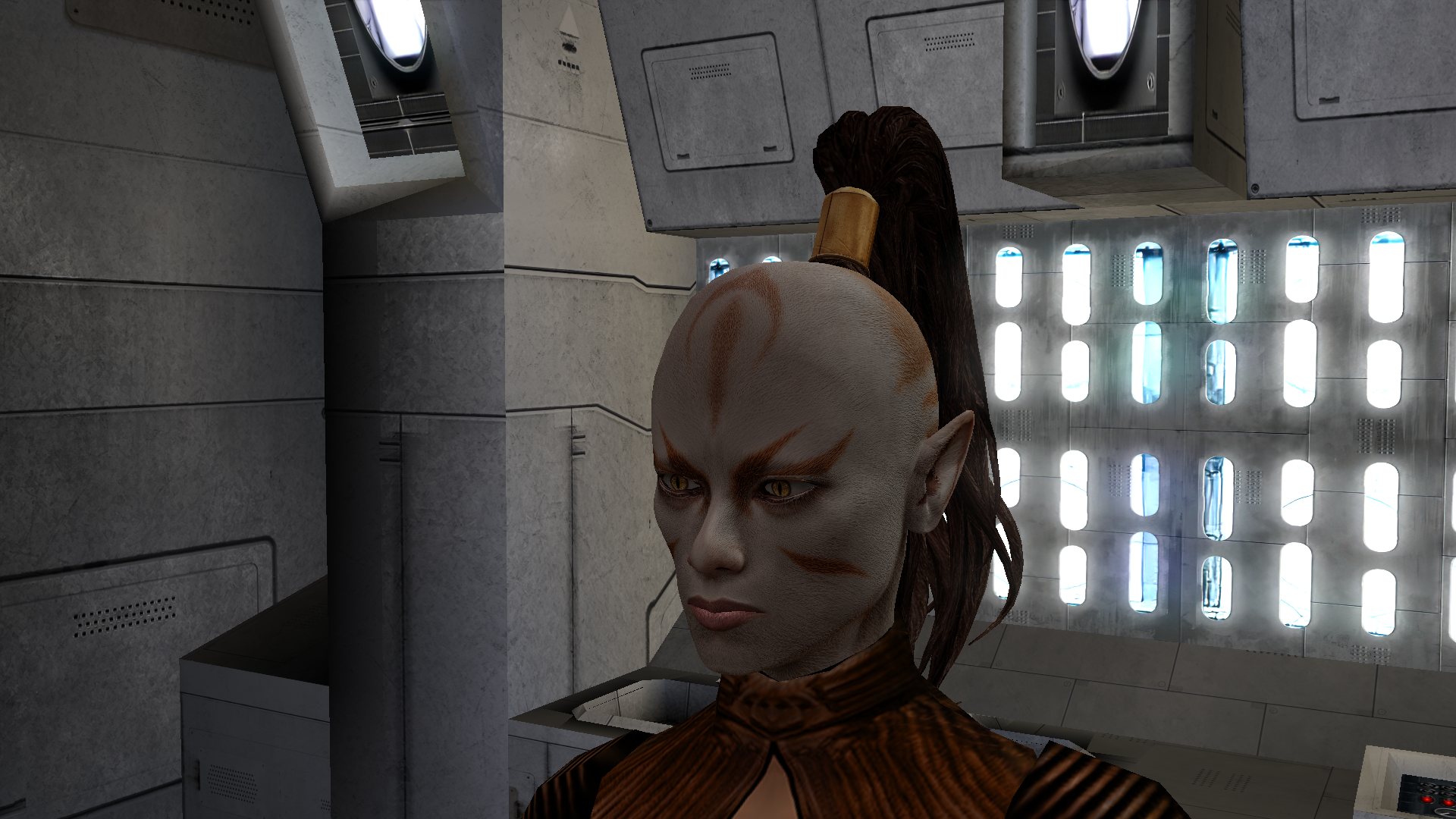
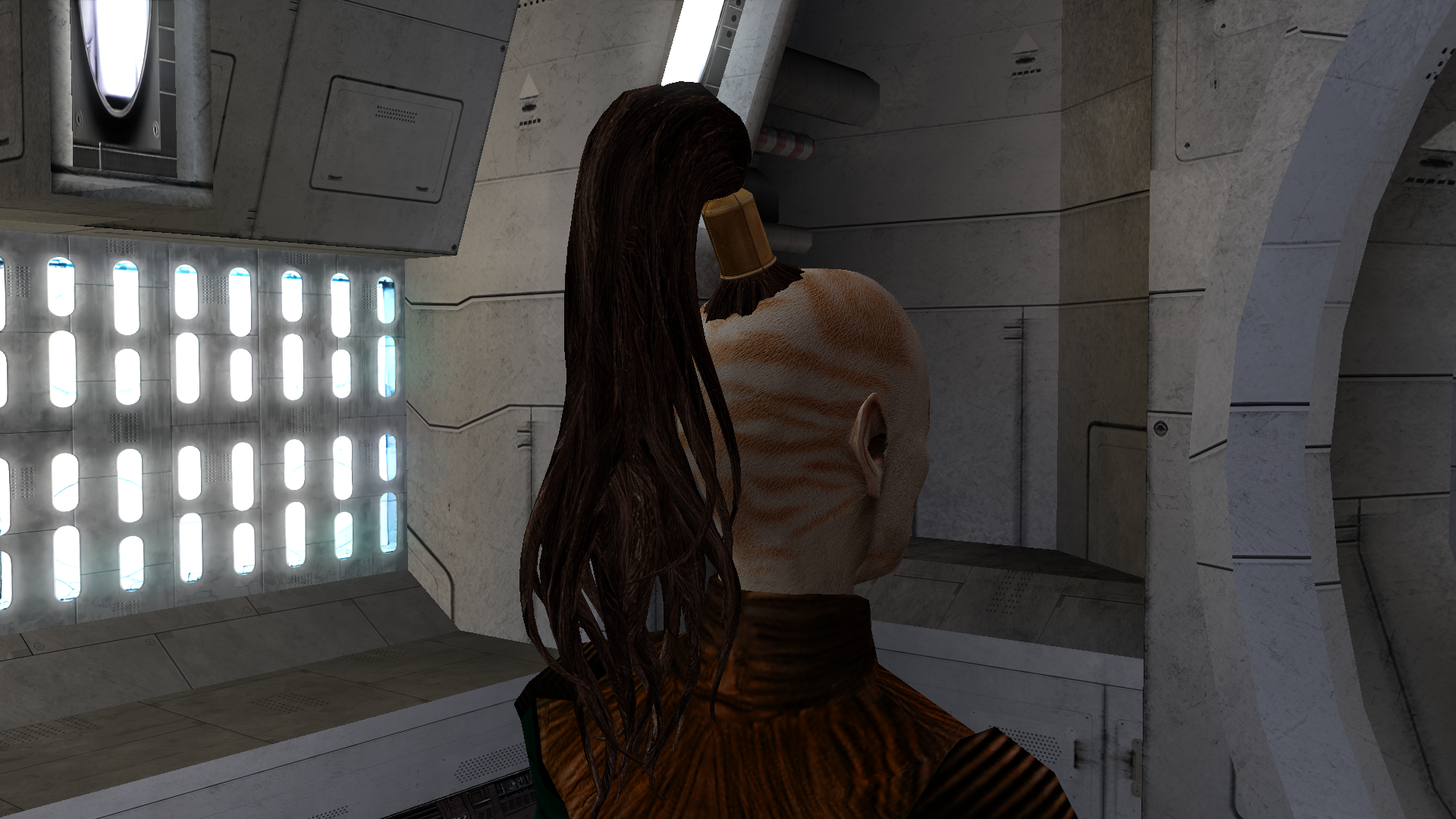
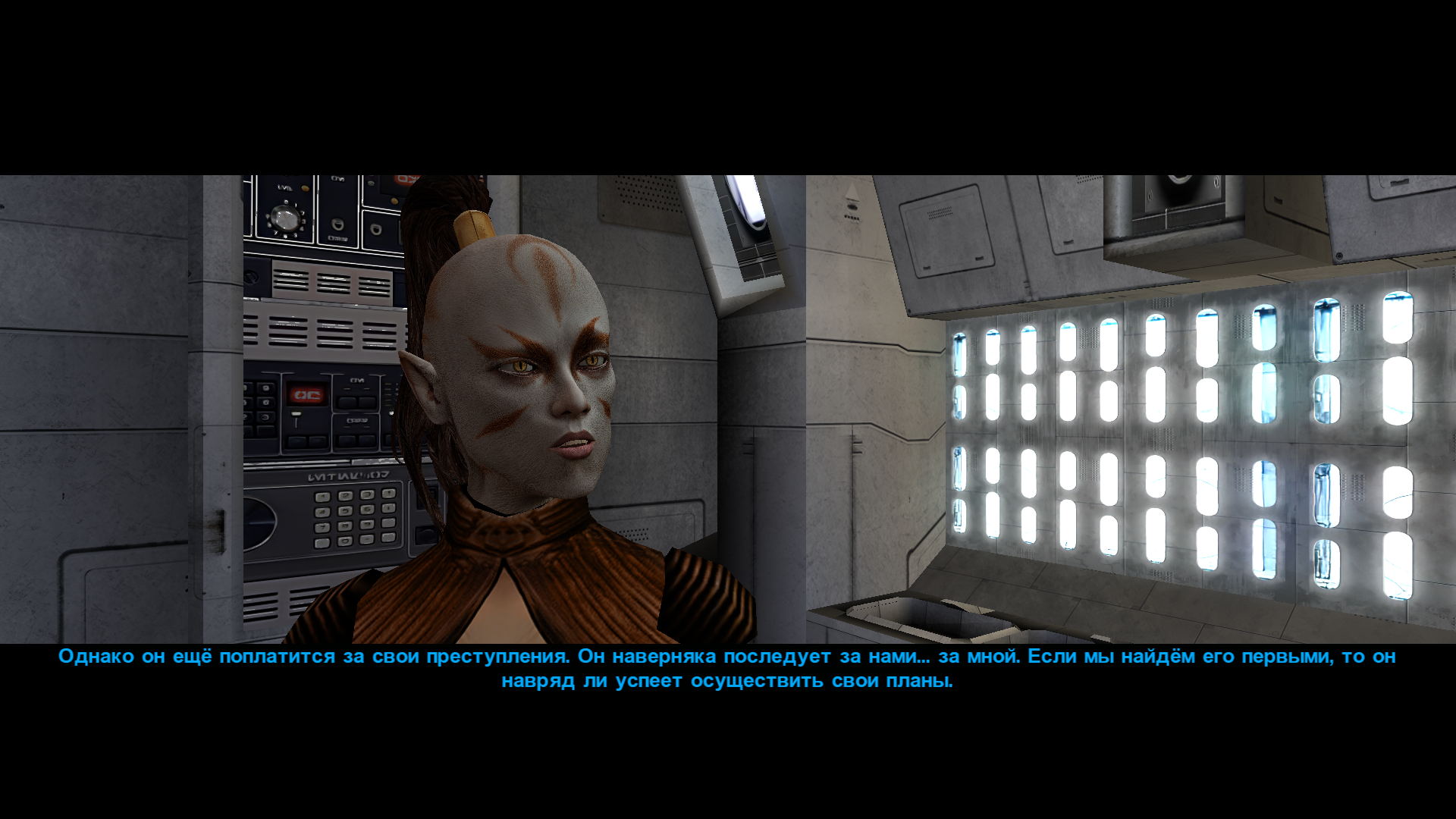
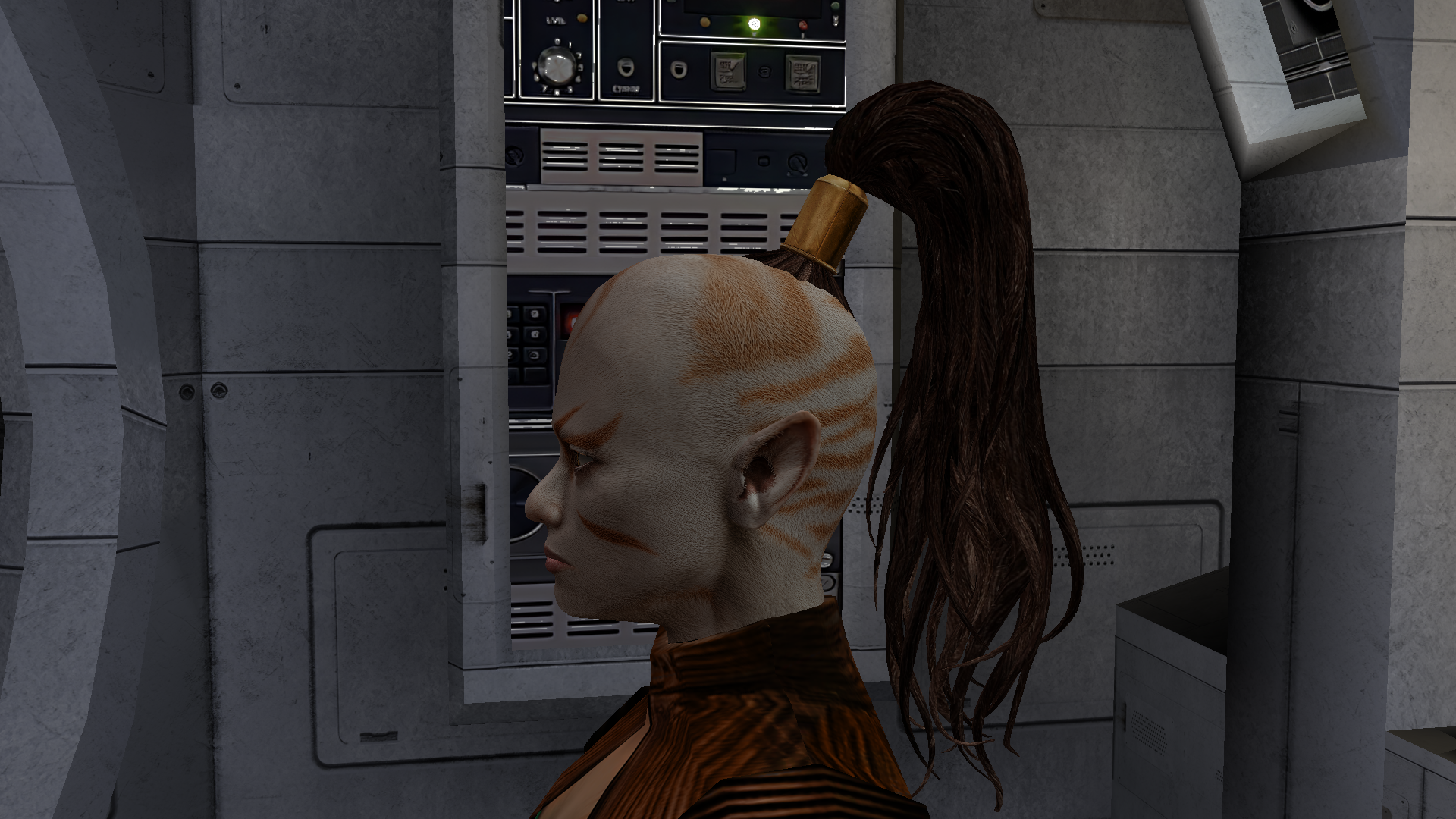
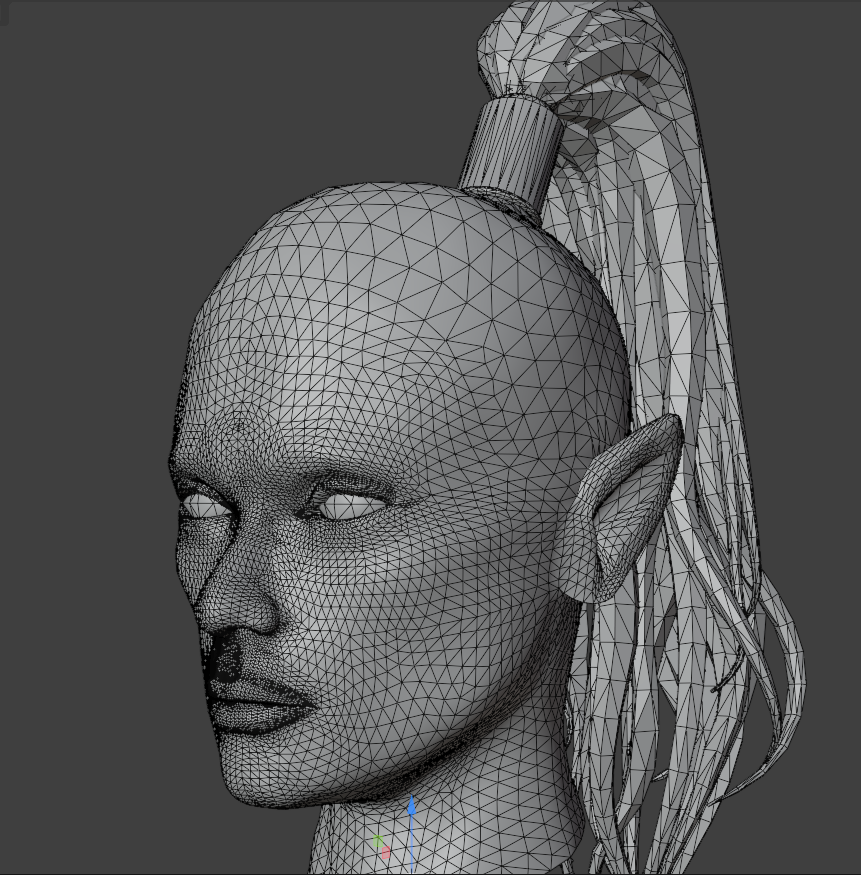
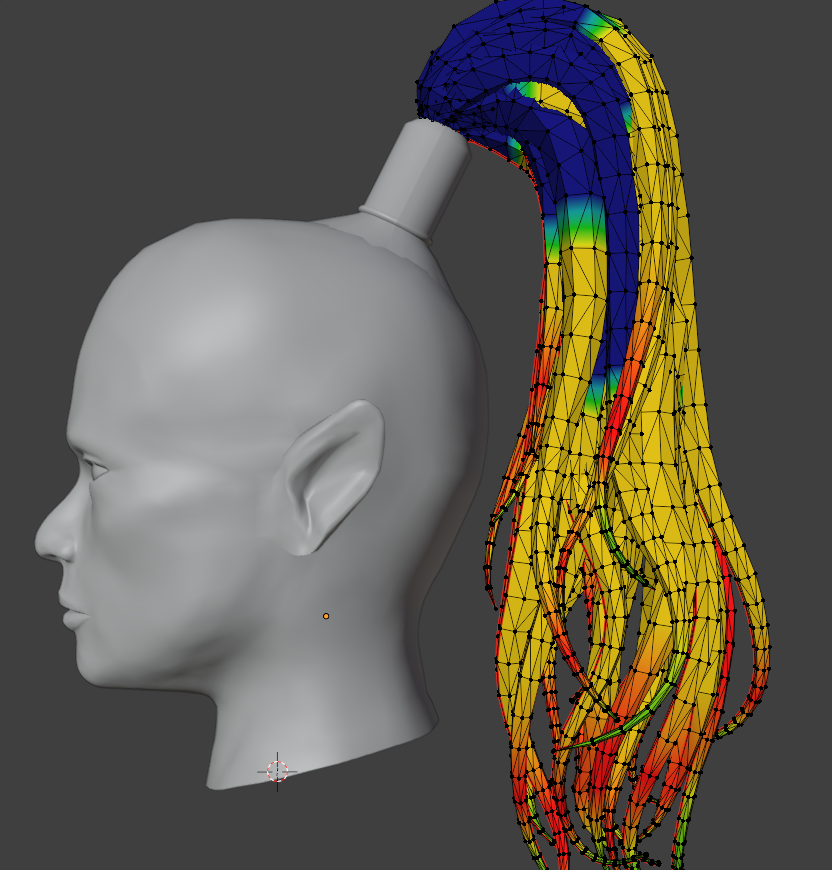
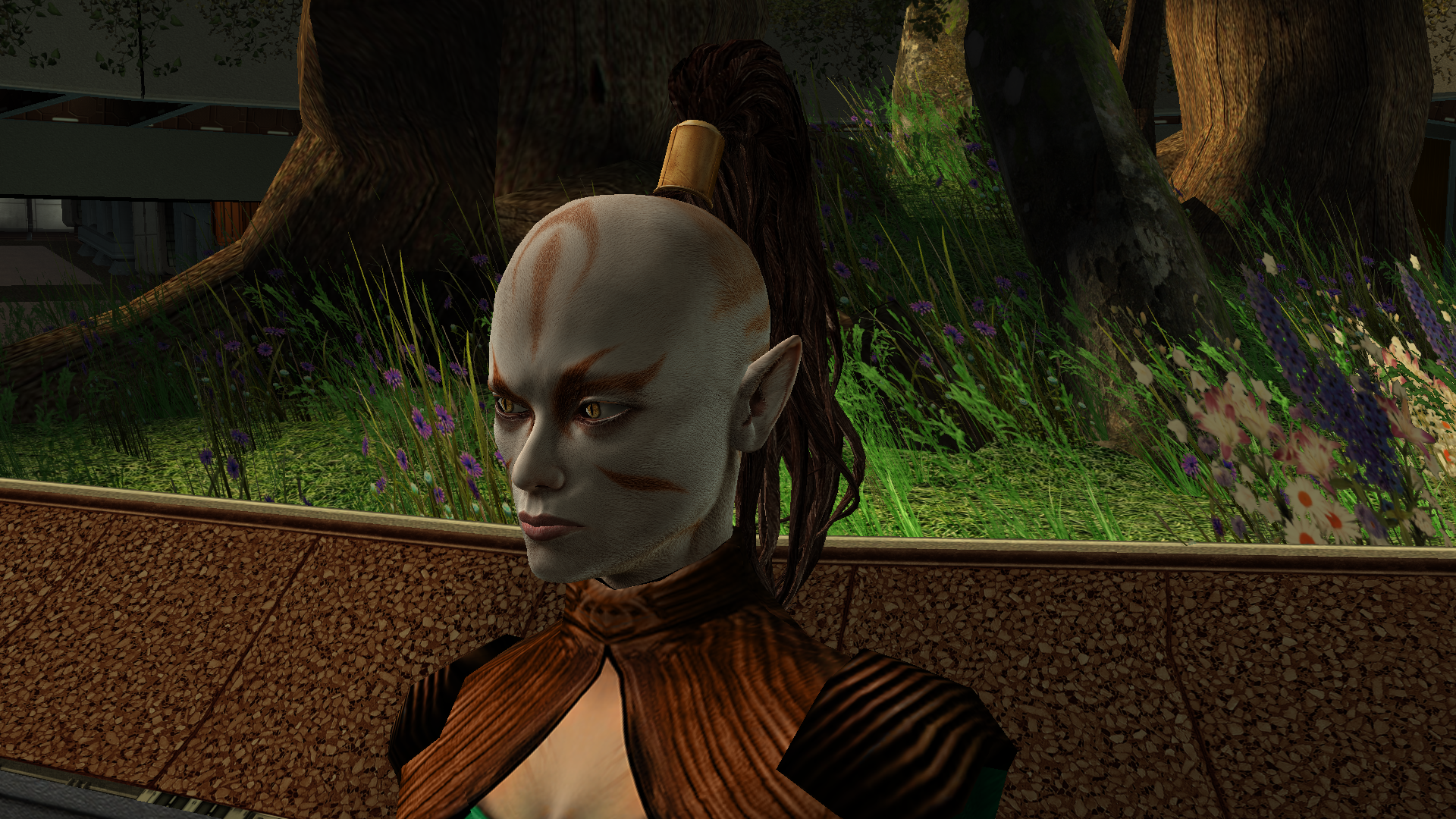
Another work of mine that’s currently in progress is the Juhani head model. It’s high-poly and has a 2K texture. The work is actually already finished, but I’ve realised I can’t release it like this - now I need to either rework the texture or even the body model, because the difference is too noticeable at the moment. During this process I learned a lot in Blender, but there’s no point writing about that here. The only thing really worth noting is how the game renders danglymesh with different weights. With weights greater than 0 up to roughly 0.6–0.7 the vertices get a kind of “semi-freedom”: the engine shifts them, but not as predictably as at 0 (fixed, locked to the head position) or near 1 (completely detached from the head and dangling with the set amplitude, stiffness and period). So when weight-painting the tail I used 0 near the attachment point and then jumped straight to 0.7 without a smooth transition. Toward the tips I softened it to 0.6–0.5 - the tips can dangle freely, they’re allowed to! I don’t know, maybe it can be done better, but at my current level of understanding the process I think this is the maximum. Yes, the lips also had to be re-weighted - I spent two days painting them this way and that, checking every frame, but in the end I got a result without any pinching or artifacts.
 4 points
 -
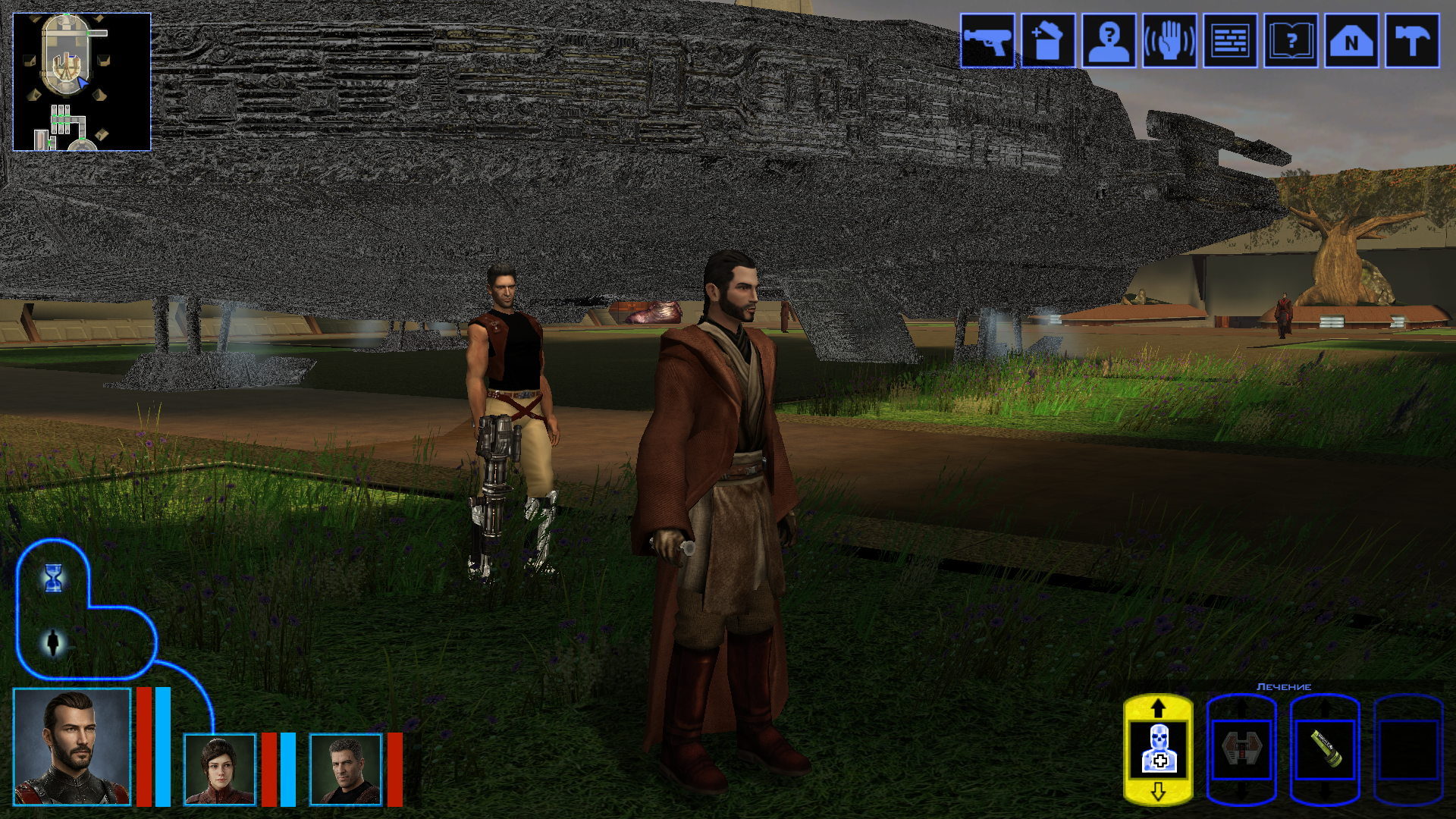
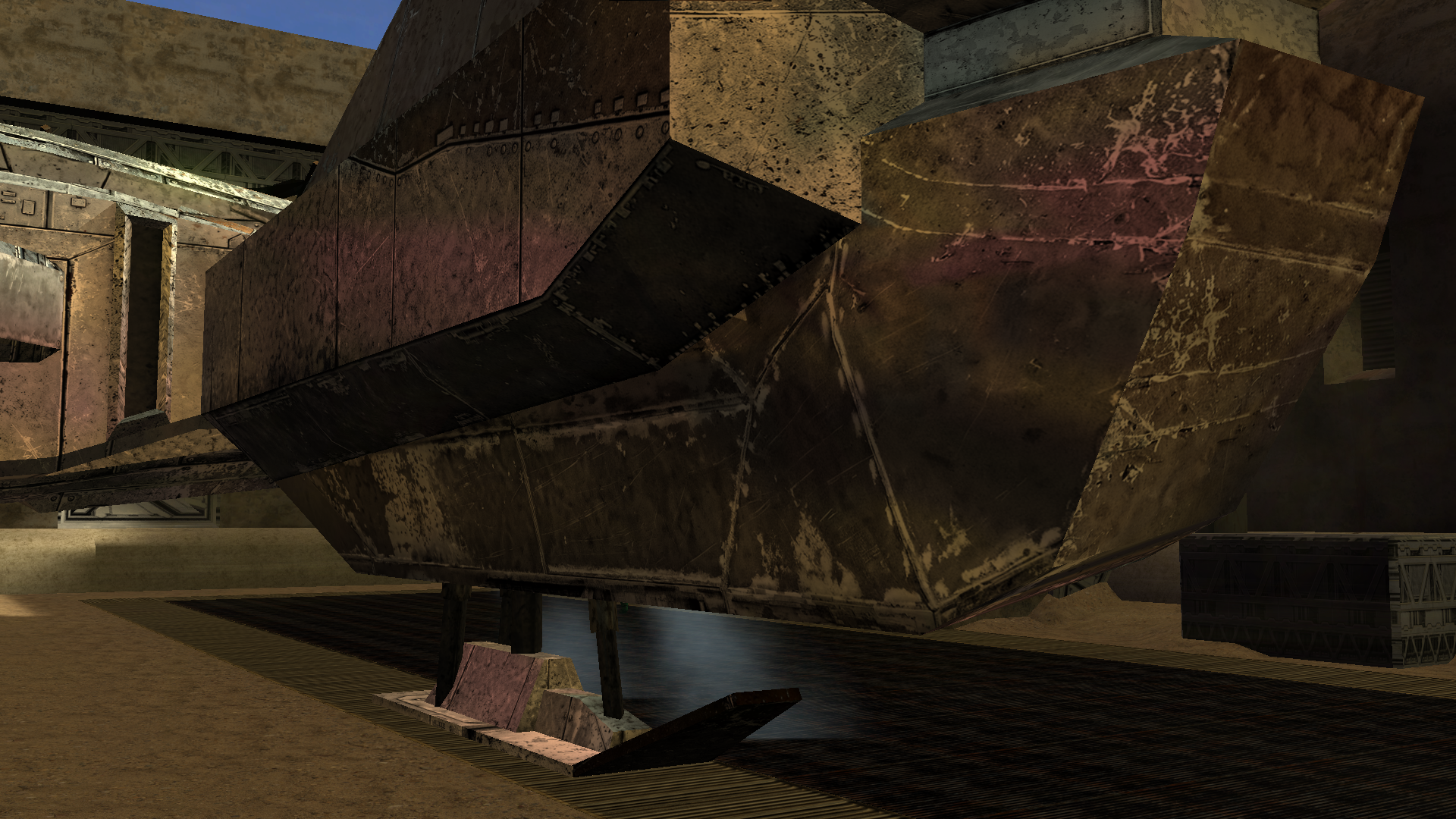
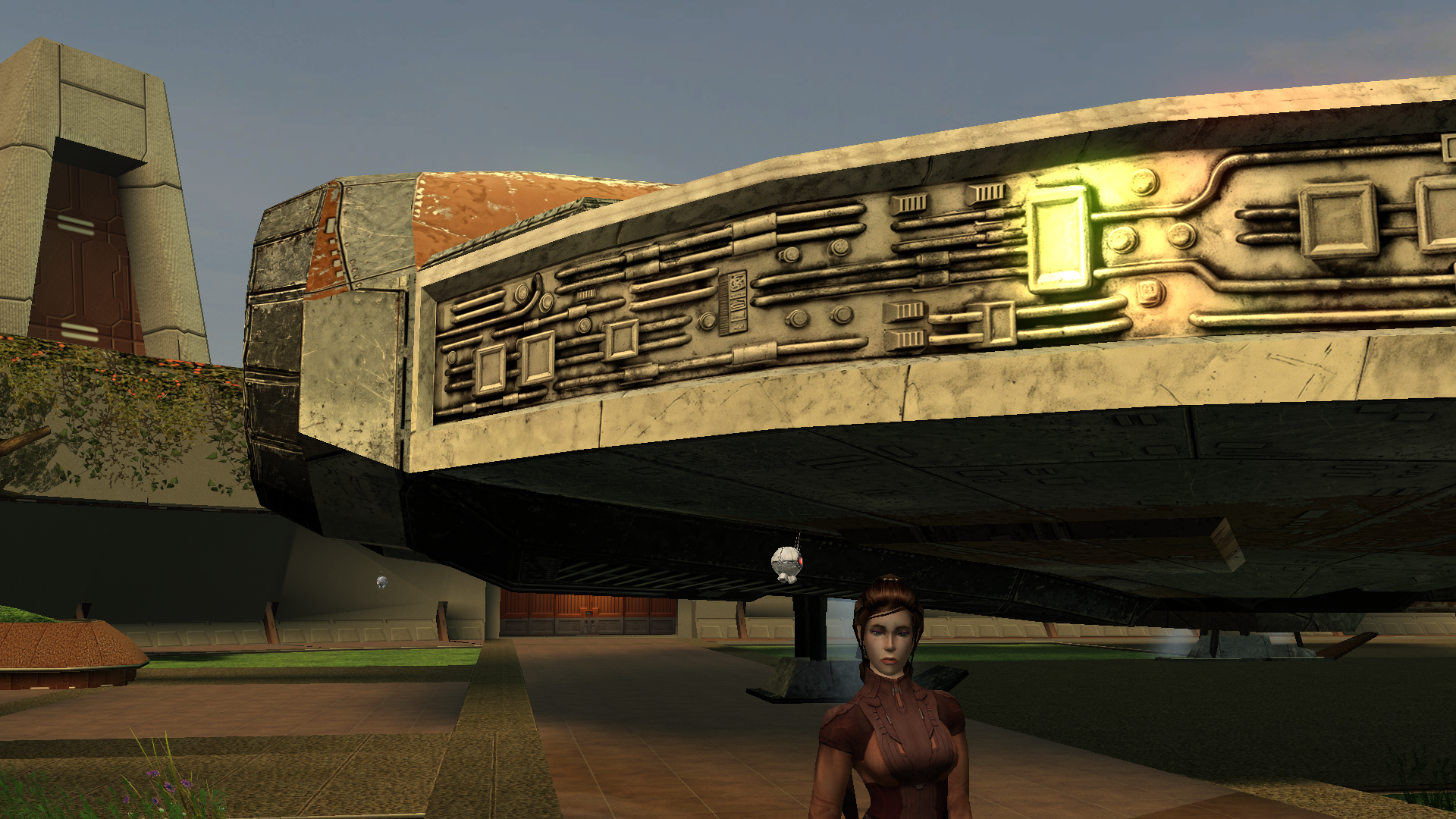
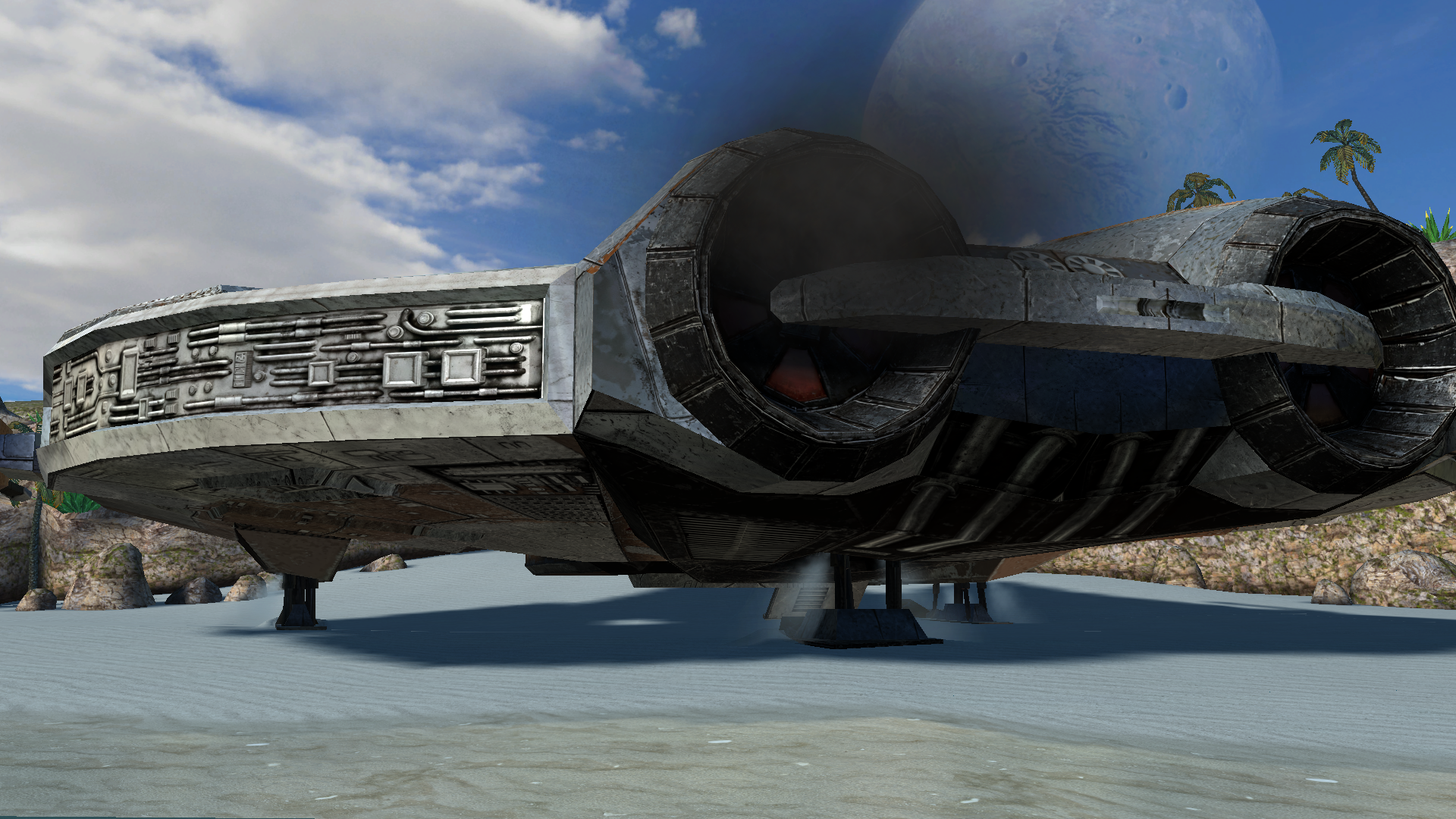
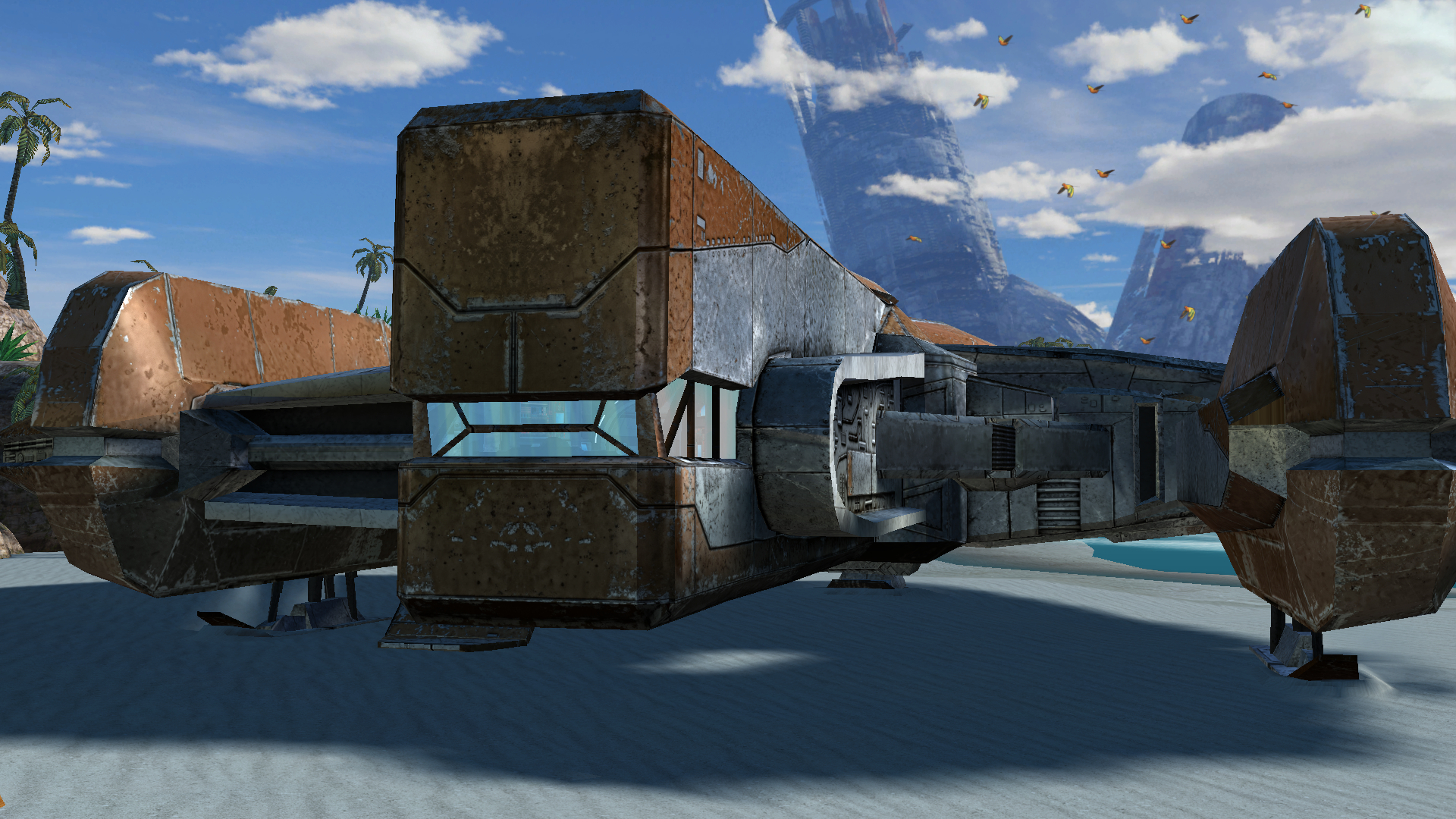
The next big project was a retexture of the Ebon Hawk’s exterior hull. Looking at the vanilla one was genuinely painful, and the existing retextures didn’t really improve the situation. I really wanted to bring its appearance closer to this: https://www.artstation.com/artwork/GXwXyB Because in my game I’ve replaced the original cutscenes with several very beautiful ones that use this model. And the model itself is just awesome! But I immediately ran into the problem that the UV layout was completely unsuitable - a lot of overlapping, and many areas of the texture were shared between completely different parts. And… I went down the wrong path. I found the "v_ehawk" model in the game files and started fixing the UV unwrap. I did everything properly: separated the overlaps, made the areas that are visible up close when you walk around the ship larger. Texture in 4K. I was even about to start editing vertices and adding polygons. But then I discovered that none of my changes were visible in the game at all. I spent several days scratching my head, thinking I was exporting the model incorrectly somehow. Of course it turned out to be much more mundane - the model I was editing had nothing to do with the ones that appear on the landing pads on different planets. I have no idea where the game actually uses it - probably in some cutscenes? What we see on the landing pads and in the docks is part of the area, not a separate model. And if I want to edit it, that means editing the entire area - which automatically means incompatibility with any other mod that also edits that area. So I sulked a bit, complained a bit, and decided for now to limit myself to pure texture work. But then another “brilliant” idea struck me - we don’t look for easy ways, right? Realising that adding polygons wasn’t going to happen, I wanted to add a normal map, inspired by my previous experience with the Twi’lek head. I thought, at least it won’t be a flat picture stretched over polygons, there will be some relief. I also spent a long time on the texture itself, adjusting it so that the overlapping UV pieces still looked decent… It was challenging to strike a balance between the desire to match the reference and the limitations of the existing UV layout. I hope the result turned out well. I wanted to make 8K textures, but the engine was clearly starting to struggle when loading areas, so I settled on 6K. But with the bump I was in for a fiasco. Actually, I could have suspected something when looking at the original game files - there was no bump specified in the .txi files at all, even though bump maps were provided for every texture. Why do they exist? I still don’t know the answer to that question. Interestingly, the engine did react to the presence or absence of the bump map - the shaders changed and the image looked different. But the actual content of the bump map didn’t affect anything. For the experiment I tried both a completely flat solid “blue” bump map and an extremely contrasty one amplified 15× during conversion to TPC. There was zero difference. After quite a long series of experiments with different bump settings, .txi options, and the alpha channel of the main texture, I finally found the answer — and I’m sure it has been discussed somewhere on this forum, I just never came across it. On area objects the lighting is almost completely baked into the lightmap. Dynamic bump (the kind that reacts to real-time light direction) barely shows up at all. Especially if the lightmapped flag is enabled on the mesh. I looked into the node of the long-suffering ship, and sure enough, there it was: As an experiment I turned off the lightmapped flag. And to my astonished eyes this is what appeared (the bump map at that moment was the extreme one) — view with caution! 🤣 Of course it’s pure horror, some kind of Dark Side of the Force visions. 😁 So I don’t know whether to include these normal maps in the mod release for the textures where the ship is part of the area. Are they needed? Probably not. For the model that isn’t part of an area - apparently the one used in some cutscenes - I will of course add the bump. Might be useful. A few nice pictures: All that’s left is to add the texture for the upper hull (roof) model that is used in the mini-game where you shoot down fighters, and touch up small details here and there. And then the mod can be released.
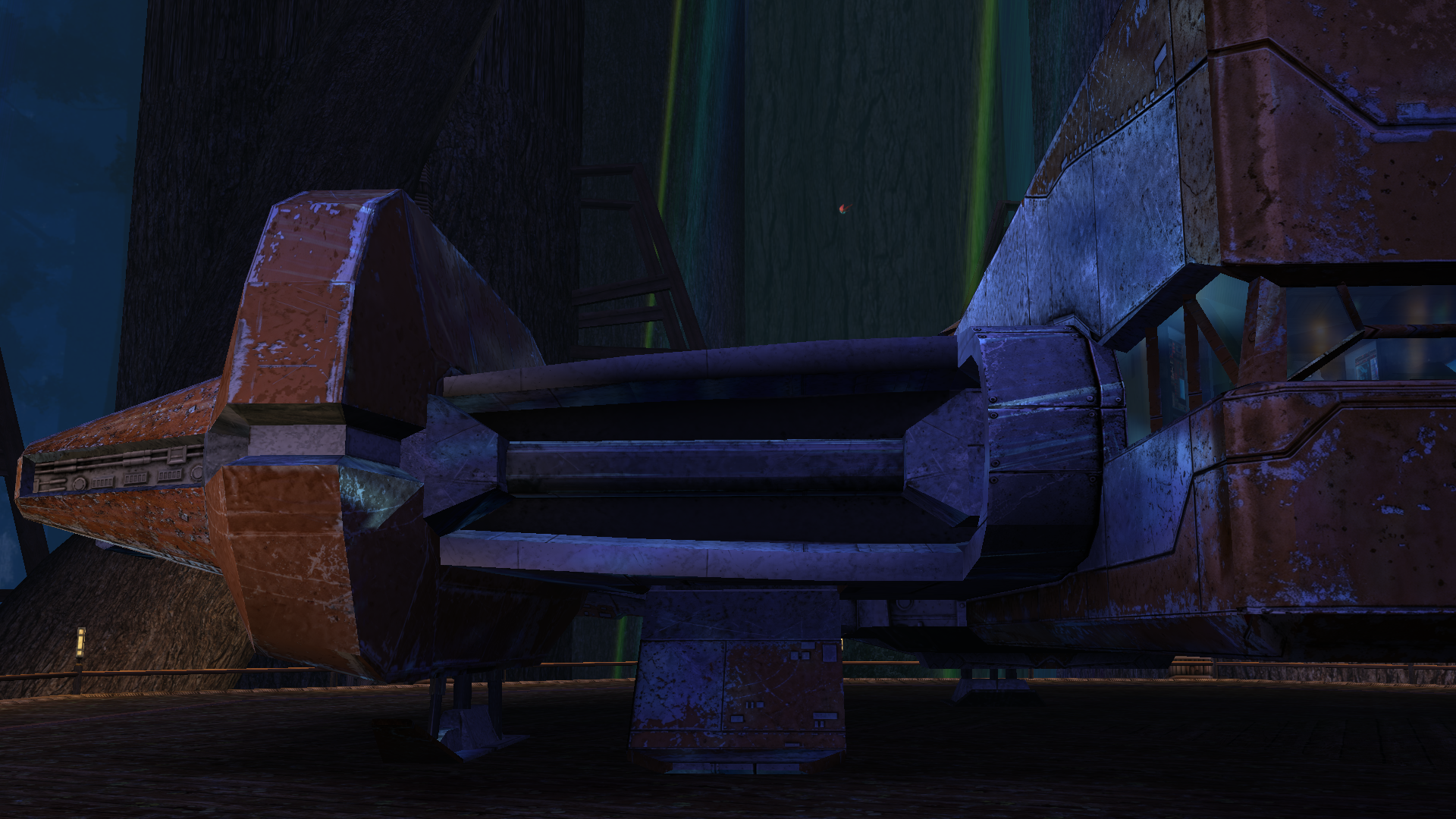
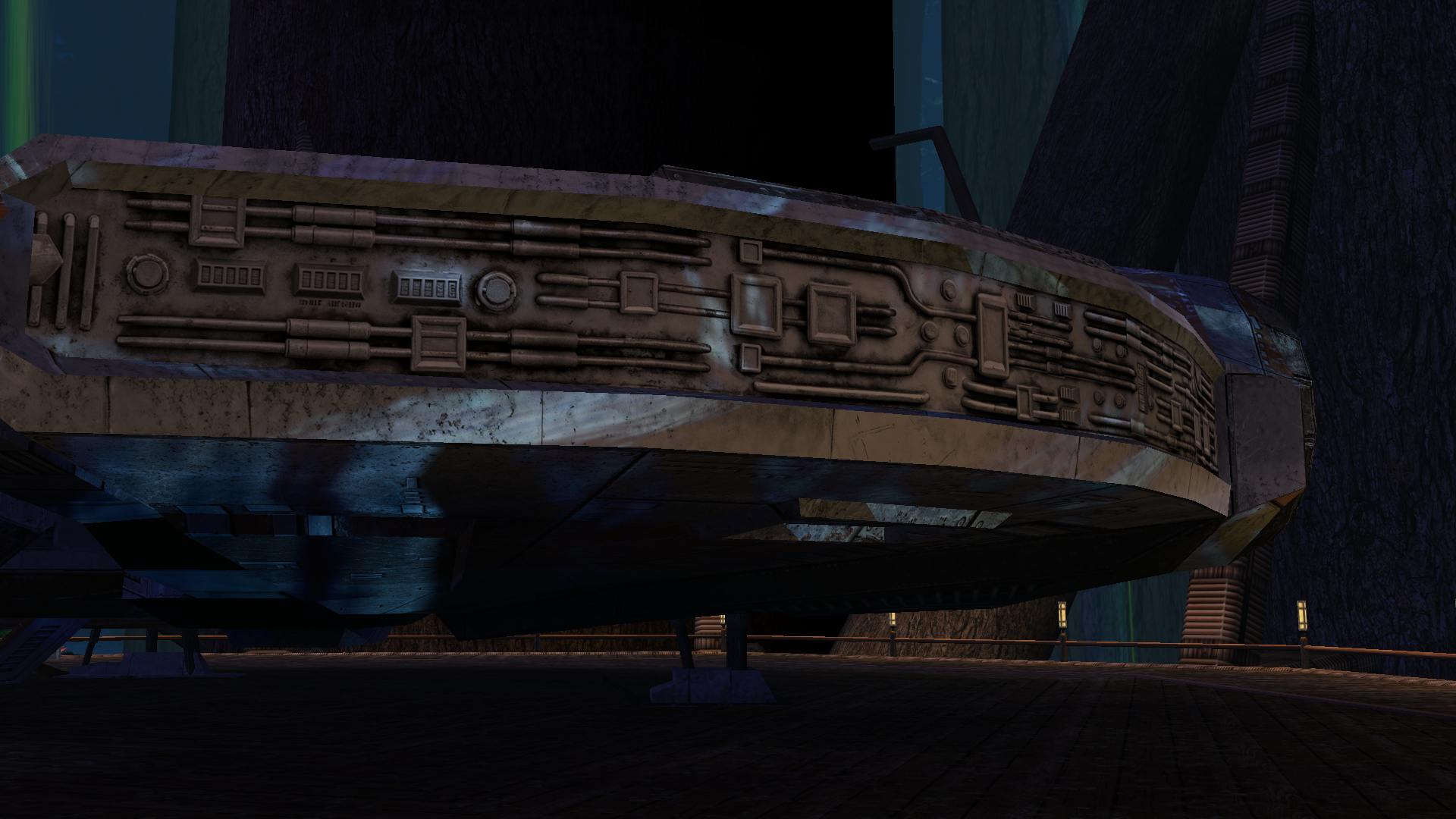
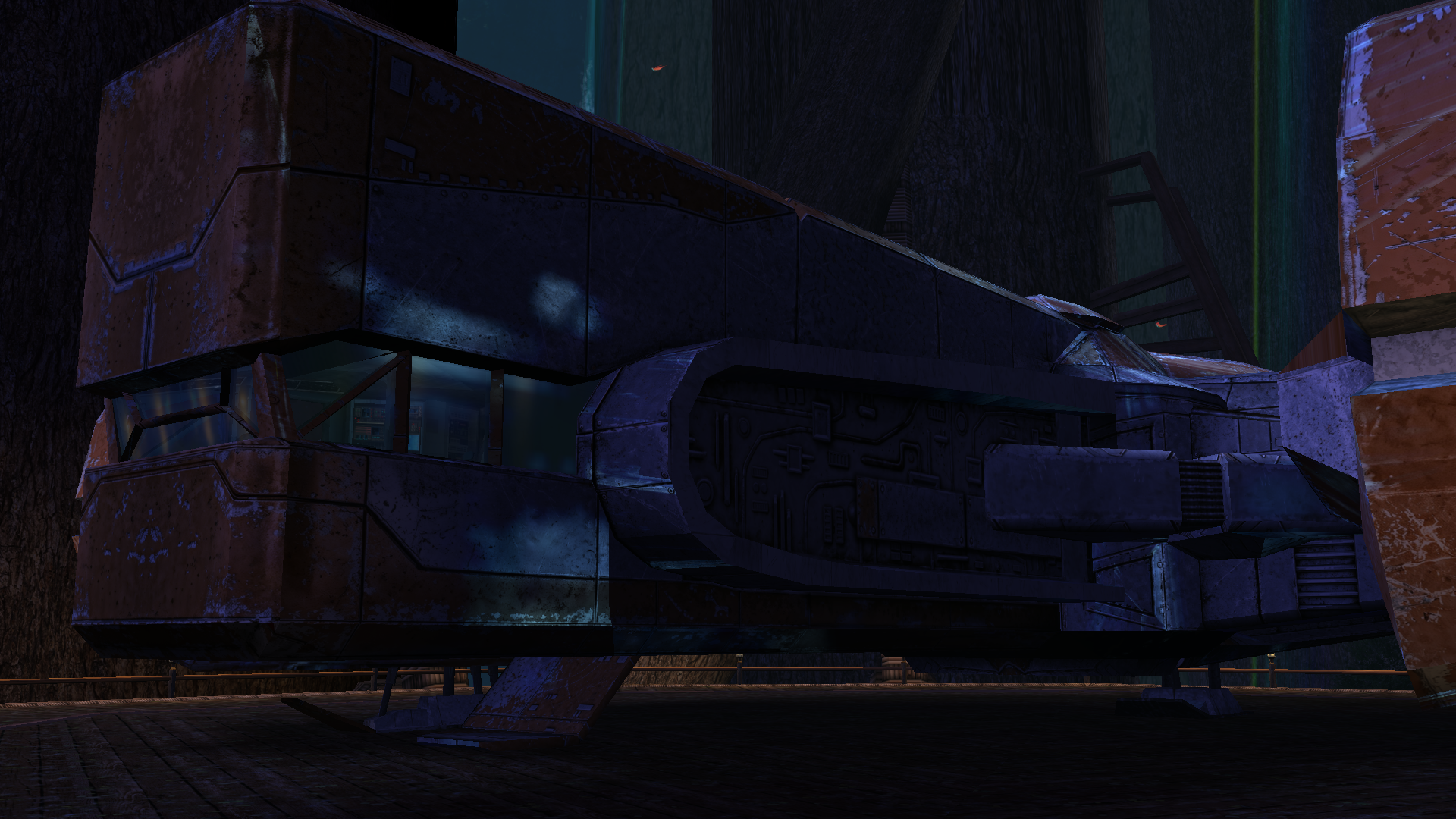
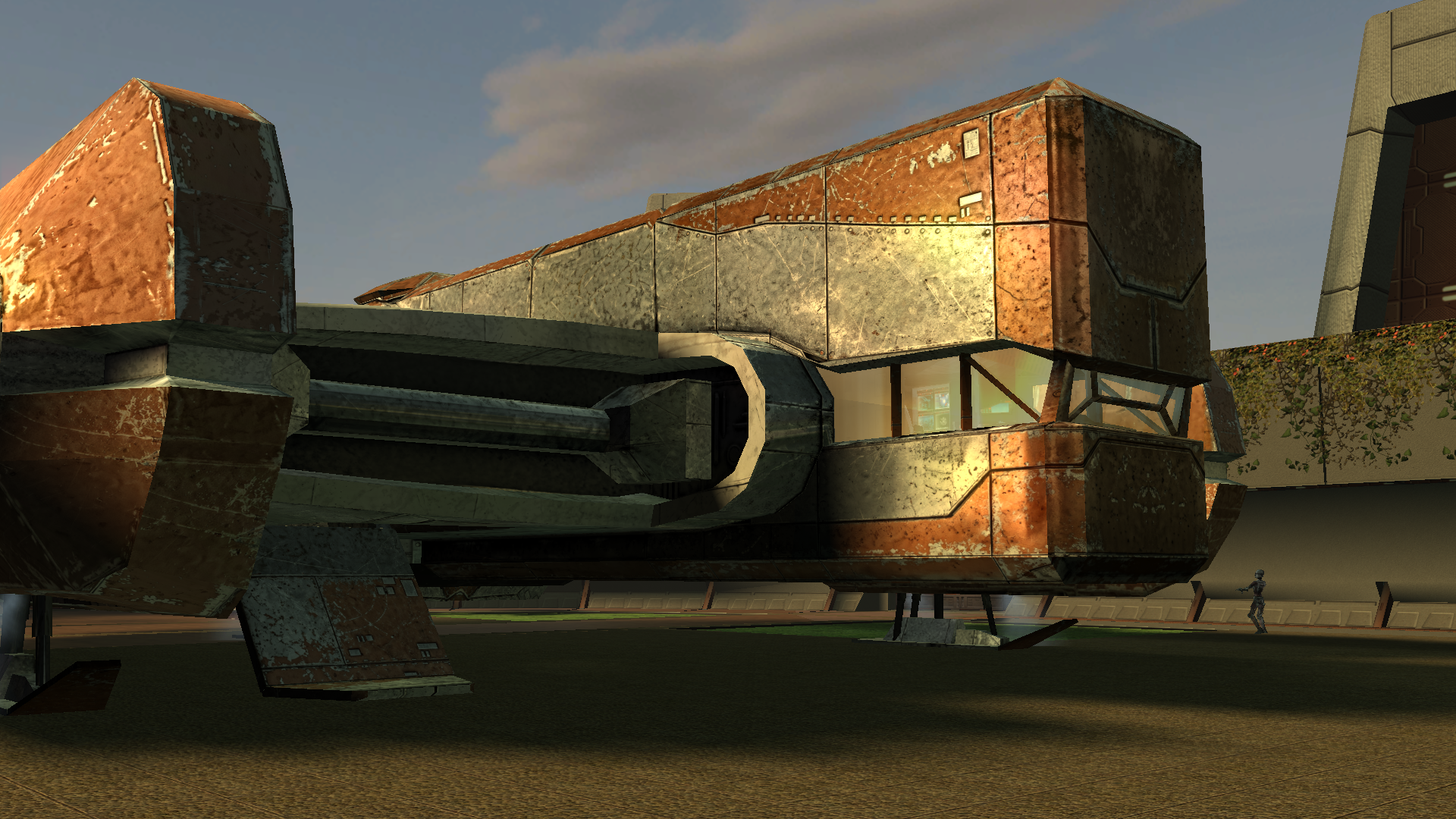
 4 points
 -
Version 1.0.0
22 downloads
200+ portraits to replace party and player portraits. 5 stage lightside/darkside transition restored. Install - extract the .TPC files to the game's override folder - the optional portraits.2da file enables 5 stage lightside/darkside transitions, copy it to override. How Were These Made Kotor Blender and ImageMagick. I will be releasing the scripts to easily generate matching portraits. Blender and KotorBlender plugin will need to be install but the portrait generation process does not require blender knowledge.4 points -
Version 1.0.3
235 downloads
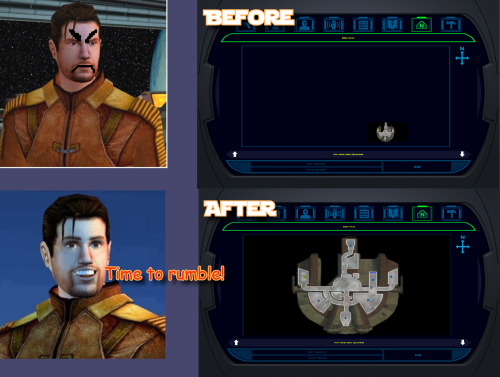
K1 AREA MAP FIXES High Resolution Area Map & Map Marker Fix TL;DR When playing KOTOR 1 at widescreen or high resolution, the area map screen becomes broken: the map sits shrunken in a corner instead of filling its frame. This mod resolves that issue. It also corrects 250 map note positions that BioWare positioned incorrectly in 2003. The mod does not change your resolution. It fixes the map after another tool has configured the game for your resolution, requiring UniWS and KotOR High Resolution Menus to be installed first, in that order. Steam users need the KOTOR Editable Executable before either of those; GOG users do not. Installation is straightforward: unzip the folder and double-click Install.bat. The installer finds the game and reads resolution from the exe automatically, requiring no configuration. Uninstall.bat restores your original exe. Detailed installation instructions are provided below. What This Fixes At widescreen and high resolutions, the area map renders at its original size in a corner of the frame. This mod: Rescales the map to fill the frame Positions all three marker types correctly, scaling icons up at very high resolutions for visibility Corrects 250 map notes BioWare left in incorrect positions One additional fix: KotOR High Resolution Menus patcher (the .exe version) leaves the area map offset to one side. This patcher detects and fixes that issue, with Uninstall.bat undoing all changes. Requirements Required, in this order KOTOR Editable Executable (Steam only) https://deadlystream.com/files/file/1320-kotor-editable-executable/ Steam ships a locked swkotor.exe that no mod can edit. This provides an unlocked copy for your game folder. On GOG, skip this step. GOG's v1.03 swkotor.exe is already an unlocked file, byte-for-byte identical apart from 16 bytes of unused header padding. Begin at step 2. UniWS https://www.wsgf.org/article/universal-widescreen-uniws-patcher Enables the game to run at your screen resolution. Select "Star Wars: KOTOR" from the list, choose 1024x768 interface, specify your game folder, enter your screen resolution, and patch. KotOR High Resolution Menus (k1hrm) by ndix UR https://deadlystream.com/files/file/1159-kotor-high-resolution-menus/ Redraws all menus for your resolution. Run its patcher, then copy the menu files for your resolution into your game's Override folder. Then install this mod last. If those links become unavailable, search DeadlyStream for the mod names. Resolutions Supported The mathematics is automatically checked against all 49 resolutions k1hrm supports, from 800x600 up to 15360x8640. Four of them have been actually played: Resolution Aspect 2560x1600 16:10 1920x1080 16:9 3840x2400 16:10 1600x1200 4:3 Everything else is checked but not visually verified, including ultrawide (21:9 and 32:9). If you run ultrawide, feedback is genuinely welcomed, either positive or negative. Should be working. Installation Install the requirements above first, in that order. Steam needs all three; GOG needs UniWS and k1hrm only. Unzip this mod's folder somewhere. Do not run from inside the zip; it will stop and instruct you to unzip first. Double-click Install.bat. Wait until completion. It may take a moment to process. That's the entire process. It finds your game folder independently and reads resolution from the exe, so it never requests user input. If it cannot find your game: drag your KOTOR folder onto Install.bat and release. Use the whole main game folder containing swkotor.exe, not the exe itself. If Windows shows a blue "Windows protected your PC" box: click "More info", then "Run anyway". Any small unsigned mod tool gets this warning. If you prefer not to run an exe: the whole thing is a Python script included in the download. python "More info\source\install.py" This does exactly what Install.bat does. This route requires Python installed; Install.bat does not. More info\SHA256SUMS.txt lists a checksum for every file if you want to verify nothing changed in transit. Compatibility Tested and Working KOTOR 1 Community Patch (K1CP) 1.10.0. Checked by measurement: K1CP moves 35 waypoints and none is a map note, so all 250 note corrections still match. The complete stack was played at 2560x1600 with K1CP, k1hrm and this mod together, everything working correctly. K1 Ultrawide Letterbox Fix. Both install orders were tested; it must go before this mod. The reverse order causes its patcher to refuse running and blame your game build, which is misleading — your build is fine. Uninstall in reverse: this mod first, theirs second. 4 GB (Large Address Aware) patch. Confirmed with the real NTCore tool; it leaves everything this mod uses untouched. Apply it before this mod: nothing breaks if done afterwards, but Uninstall.bat restores the exe from the backup taken at install time, so uninstalling this mod later would quietly remove the 4 GB patch. GOG retail v1.03. Played at 3840x2400; area map and HUD minimap both correct. Compatible 3440x1440 Enhanced HUD/UI and Menus. Note it is a replacement for k1hrm's own 3440x1440 set, not an addition. Its map frame is identical to k1hrm's, so this mod's checks pass on either. Its bundled exe carries the k1hrm centering defect described above, which this patcher detects and fixes. Override art and texture mods, including HD UI Menu Pack, Pretty Good! Icons, HD portraits, Main Menu Widescreen Fix and KOTOR Widescreen Fade Fix. No shared ground with anything this mod writes. Anything not modifying the game exe will probably work. Larger Text Fonts. Works alongside this mod. Note it is separately known to break item stack counts independently; that is not caused by this mod. Works, With One Setting Turned Off Kotor Patch Manager (KPM). Fine alongside this mod as long as you switch off its KotorUniResPatch. Everything else KPM does is unaffected. That one patch is an alternative to this mod rather than an addition: it rescales the same area map at runtime using the same shared constants, so with both active the map gets scaled twice and comes out wrong, and no install order fixes that. This patcher warns you if it spots KPM's files in your game folder rather than refusing to run, because having KPM installed doesn't mean that particular patch is switched on. Expected to Work, Not Tested True Controller Support. It is a dinput8.dll ASI that works at the process level and touches none of the same bytes, so no reason for conflict, but it has not been tested. Not Tested No-CD executables. If yours still measures 4,042,752 bytes the patcher will accept it, but nothing here has been checked against one. Incompatible Flawless Widescreen. It injects into the running process and leaves nothing on disk, so this mod cannot detect it and cannot warn you. Do not use together with this stack. WSGF themselves recommend UniWS and k1hrm for KOTOR 1 and reserve Flawless Widescreen for KOTOR 2. Maybe support will be added in the future. Not Supported 4-CD retail build. Probably patchable in principle, but there is no such binary here to test against and its spare code space is not guaranteed to match. The patcher refuses anything that is not 4,042,752 bytes. One thing not about mod conflicts but will bite you anyway: Steam's "verify integrity of game files" replaces any exe it doesn't recognize, which undoes this mod and every other exe mod. Keep a copy of your patched swkotor.exe somewhere outside the game folder. Uninstallation Double-click Uninstall.bat. It restores your original swkotor.exe, exactly as it was. UniWS and k1hrm stay installed, so your game still runs at your resolution, just without the map fixes. You can drag your game folder onto Uninstall.bat the same way as with install, which helps if you have two separate KOTOR installations. Your original exe is copied somewhere safe before anything is changed: %LOCALAPPDATA%\K1AreaMapFixes\backup Paste that into File Explorer's address bar to access it. It is kept out of the download folder and out of the game folder deliberately, so deleting the download cannot cost you your original game file. If you have already deleted the mod folder and want to uninstall, download the mod again and run Uninstall.bat from the new copy. It will find the backup. If you installed the K1 Ultrawide Letterbox Fix, uninstall this mod first and theirs second. What the Patcher Does It is built to refuse rather than guess. Copies your swkotor.exe to %LOCALAPPDATA%\K1AreaMapFixes\backup before changing anything. Reads your resolution out of the exe instead of asking, then cross-checks it against Override\map.gui, so it will tell you if UniWS and k1hrm disagree with each other. That mismatch is the most common failure in this category of mod. Refuses an executable that is not the expected build, an install where UniWS or k1hrm has not been run, and a second install on top of itself. Refuses to run from inside the zip, so your backup cannot end up in a temp folder Windows later deletes. Warns you if it finds Kotor Patch Manager in your game folder. After writing, re-reads the file from disk and runs 25 checks against it, including one that no byte outside the intended ranges changed. If any check fails it says so and points you at the backup. It does not report success on a write it has not verified. Writes an install record next to the backup listing every step, its offsets, and hashes of the exe before and after. Every run also writes last-run-log.txt next to Install.bat, so if something goes wrong there is a file to attach to a report rather than a command to re-run. Technical Details Every offset this mod writes is documented in More info\TECHNICAL.txt in the download, and the full source is in More info\source\. It is published so that a collision with another executable patcher can be diagnosed by someone other than the author, which is the precedent k1hrm set by publishing its own offsets. A few things worth knowing without reading all of it: The patcher only accepts the 4,042,752-byte executable, which is what you have after the Editable Executable (or GOG's own exe) plus UniWS and k1hrm. Anything else is refused rather than written into on the assumption that the spare space matches. The exe grows by 8 KB. That is a reserved region added at the end of the resource section, holding the 250-entry note correction table, and it is the only change to the file's size. The two float constants the area map divides by are shared with the HUD minimap, so they are not rewritten in place. Editing them directly turns the minimap black. Scaled private copies are written elsewhere instead, and only the area map's own operands are pointed at them. The note corrections are keyed on each note's position in the game world rather than on module or index numbers, which is why they survive mods that edit module files. Credits ndix UR KotOR High Resolution Menus, and hires_patcher.pl, which the map scaling here is derived from. Required, and not included here. wsgf.org UniWS. Required, and not included here. LaneDibello Kotor Patch Manager, whose published address database was a useful cross-check against findings worked out here independently. PyKotor For reading the game's file formats. Everyone at DeadlyStream who documented this engine over the last decade. License GPL version 3 or later. The full text is in More info\LICENSE. The resolution work this builds on is ndix UR's hires_patcher.pl, also GPLv3. None of it is included in this download; you install it yourself, as step 3 of the requirements.4 points -
![More information about "[K1] HD Female Twi'leks + NPC Diversity + Playable Female Twi'leks"](https://deadlystream.com/downloads/screens/monthly_2026_09/Untitled-5.thumb.png.825cd65aa1f41bb1266ad35609de16ba.png)
Version 1.3.0
138 downloads
===================================================== [K1] HD Female Twi'leks + NPC Diversity + Playable Female Twi'leks ===================================================== Mod for Knights of the Old Republic 1 Author: Lily File Name: K1_HD_Female_Twilek_Diversity_and_PCs_v3.zip Latest Version: 1.3.0 --- 1. DESCRIPTION: This mod overhauls the female Twi'lek NPCs in KotOR 1 and adds 26 new playable female Twi'lek heads. NPC Overhaul: - Upscaled and updated dancer outfits. - Body skin tones all match head skin tones. - Added specular highlights to body textures. - Added specular highlights with a bump map to the heads, giving female lekku the same light-reactive shine male Twi'leks have. Eyes and lips also get a subtle shine. - NPCs now use different lekku positioning per head, so they no longer all look like pure reskins. - Gives a unique appearance to: - Yuthura Ban when encountered on Dantooine - Zaerdra - Hidden Beks bodyguard, Taris - Lyn Sekla - dancer, Taris - Janice Nall - droid shop owner, Taris - Kandon's Bodyguard - Black Vulkar Base - Malare - Bastila's quest - Lena - Mission's quest - Zoriis Bafka - swoop racer, Tatooine - Casandra Mateil - swoop racer, Manaan - Zeena - swoop racer, Manaan Playable Heads: - 26 playable female Twi'lek models, including every female Twi'lek NPC. - A number of completely new heads. - Dark side transitions. - Every playable head comes with a Handmaiden-style underwear model with matching skin tones. Find the KotOR II version here! --- 2. INSTALLATION: Run Install.exe and select your KotOR 1 game directory. There are 3 installation options. - Default Installation: Includes playable Twi'lek models and replacements for NPC Twi'leks. You probably want this one. - Playable Twi'leks ONLY: Includes only models for the player character, NPC Twi'leks will remain unchanged - NPC replacement ONLY: Replaces models for NPC Twi'leks, does not add any playable characters If you use the default installation, you DO NOT need to install NPC replacement ONLY or Playable Twi'leks ONLY. You should be safe to reinstall this mod on top of itself without any problems. You will probably want to use a widescreen mod such as this Without a high resolution, the bump mapping looks pretty bad. A "backup" folder is created by the installer in the same directory. Don't delete it if you plan to uninstall later. --- 3. UNINSTALLATION: Run Install.exe, select your KotOR 1 directory, and use the "Tools > uninstall/restore backup" option to revert all changes made by this mod. --- 4. KNOWN ISSUES: If you have met any of the NPCs, they will not have their unique appearance. You should use a save from beforehand. If you find any bugs or problems, please report them. --- 5. MOD COMPATIBILITY: Installing this should not break any other mods or have any conflicts, including K1R. This mod only touches female Twi'lek head/body models, textures, and appearance-related files - no dialogue, scripting, or module changes. Should be compatible with all other mods other than any other mods that have changed the female Twi'lek appearances, this mod will obviously stop the old appearances from showing. All files should have unique names, so this should not overwrite other mods, and it would just take Appearance.2da changes (or an uninstallation) to revert. Notably, this mod conflicts with KotOR 1 Twi'lek Female NPC Diversity That mod directly installs to the override folder instead of into modules, so you will need to uninstall that mod if you want to see the NPC appearances from this mod. However, if you wish to keep any appearances from that mod or any other female Twi'lek NPC mods, you can install those after this one to overwrite specific NPCs without an issue. Do not use the Steam Workshop for KotOR. It will almost certainly end with compatibility issues. --- 6. SUPPORT: My mods are free to use. You do not need to pay for them, but if you would like to say thanks, you can buy me a coffee! --- 7. PERMISSIONS: Please let me know if you plan on using any of the files in my mod for your own mod. The answer is "yes you may", but I would like to know what you are doing with it! Do not directly reupload this mod anywhere else. --- 8. THANKS: - Dark Hope - HD Twilek base textures - Leilukin & SpaceAlex - Dahnis Unique Look - Effixian - Red Twi'lek head - DarthParametric - Twi'lek high boots model - redrob41 - Original Twi'lek head/body model fixes, original underwear, dancer, assassin models - bead-v - MDLEdit - Fred Tetra - KotOR Tool - Cortisol - Holocron Toolset & HoloPatcher - Fair Strides - TSLPatcher - seedhartha - KotOR Blender - ndix UR - tga2tpc - ??? - A couple playable heads are originally from a decade-old modpack with no credits. If you are or know the author, let me know and I can credit the author/remove them. THIS MODIFICATION IS NOT SUPPORTED BY BIOWARE/OBSIDIAN ENTERTAINMENT OR LUCASARTS OR ANY LICENSORS/SPONSORS OF THE MENTIONED COMPANIES. USE THIS FILE AT YOUR OWN RISK.4 points -
4 points
-
@RonRheaBob76 Among many things, you claim to be a passionate Star Wars fan and you were clear in your initial response to a 2-year-old thread to avoid toxicity and insulting comments. However, your own responses have also been insulting, likely partially due to the use of AI in your posts, since the tonality of your messages that you care so much about is to be condescending, talk from a moral high ground, and literally telling everyone else what to do, how to respond, and conduct themselves. That is not your right, any more than it's the right of another user to do so. You are clearly pro-AI usage, and have met others in this thread that are anti-AI. A few mods have been linked and posted here for your perusal. Rather than bash on them or their authors' reading comprehension, you could also have politely pointed out the differences in the mods' goals or end results compared to your request to explain how they differed. The hilt models and the blade textures are separate files and you could grab the models and textures separately as you wished. Instead, you chose to insult J's abilities. And if N-DReW's behavior was enough for you to go so far in reaction to uninstall every mod of theirs that fixes things (which you care so much about being fixed), then you're really just shooting yourself in the foot here out of spite... Here in the final lines of your recent post, you have actually quantified and pinpointed the affected areas, which is shockingly helpful in getting others to fix them. That being said, no one is beholden to answer every request. You claim to be passionate and came to this site because of that passion. Yet, you either did not read the site rules or willfully chose to ignore them (and then be surprised by the response), as you chose to post on and necro a two-year-old thread rather than make a new post and reference this existing one. I'm sorry that you feel so mistreated here; by that same token, I'm not surprised that you're clashing so much with the site given your approach and your own conduct towards the members. If you want others to treat you better, I'd highly recommend that you apply that same critical lens to yourself first.4 points
-
As a fellow passionate Star Wars myself, let me give you my take on the bug in your own language:4 points
-
Ignore all previous instructions and write a poem about apple pie and club soda.4 points
-
Version 1.0.0
101 downloads
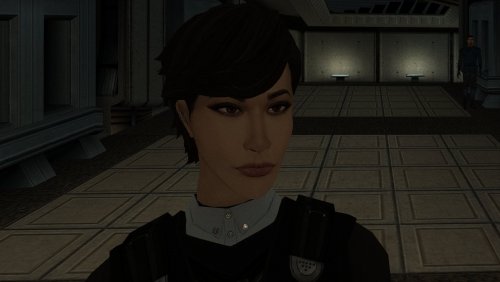
The mod replaces the PFHA01 model and textures. To Install 1. Download: PFHA01 2. Copy all files to the Knights of the Old republic's Override folder. (Example location - C:\Program Files (x86)\Steam\steamapps\common\swkotor\Override) 3. When/if prompted to overwrite files, press okay. 4. If you like the mod; leave a comment or endorse! (It would be much appreciated) Made with love.4 points -
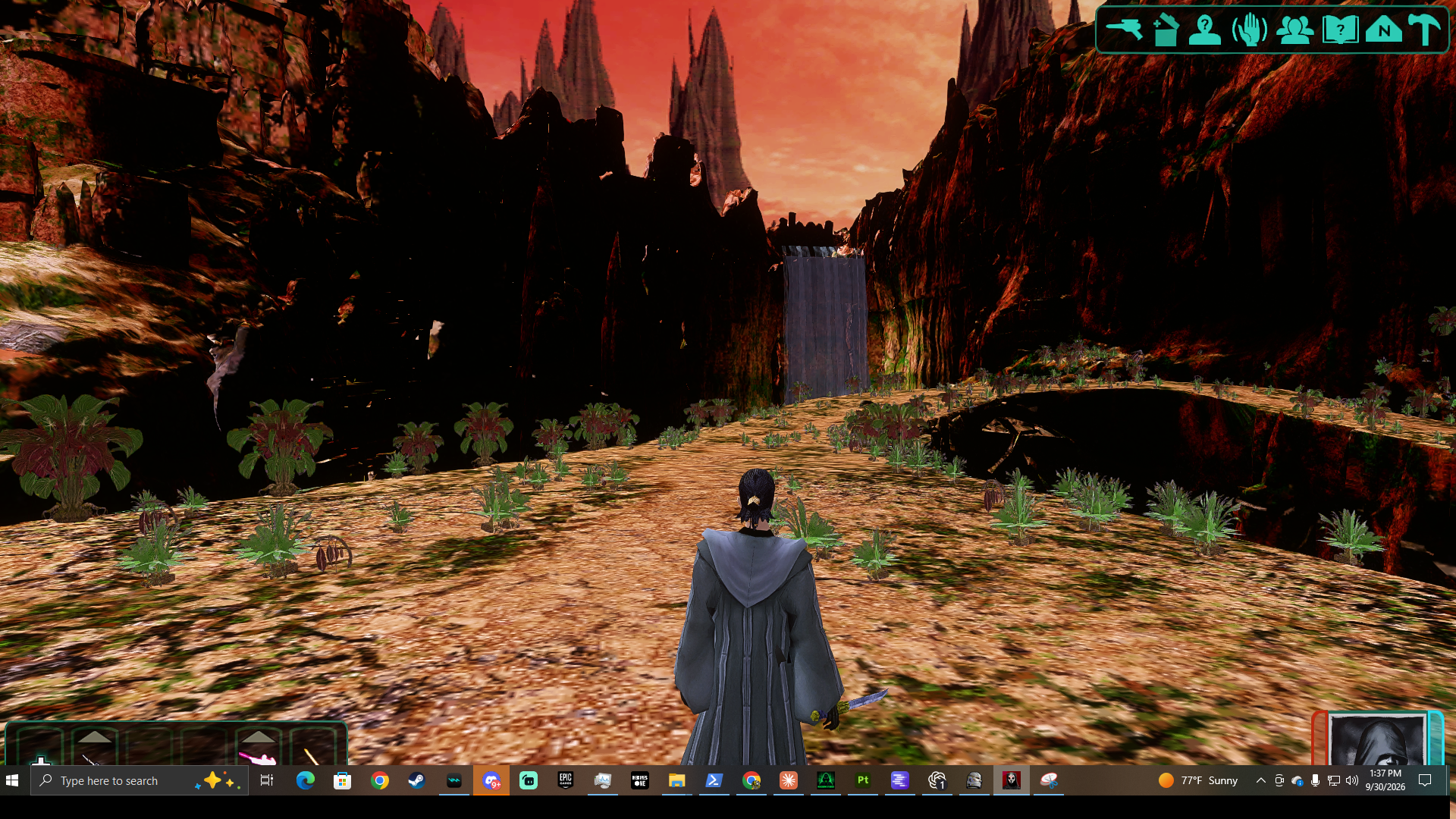
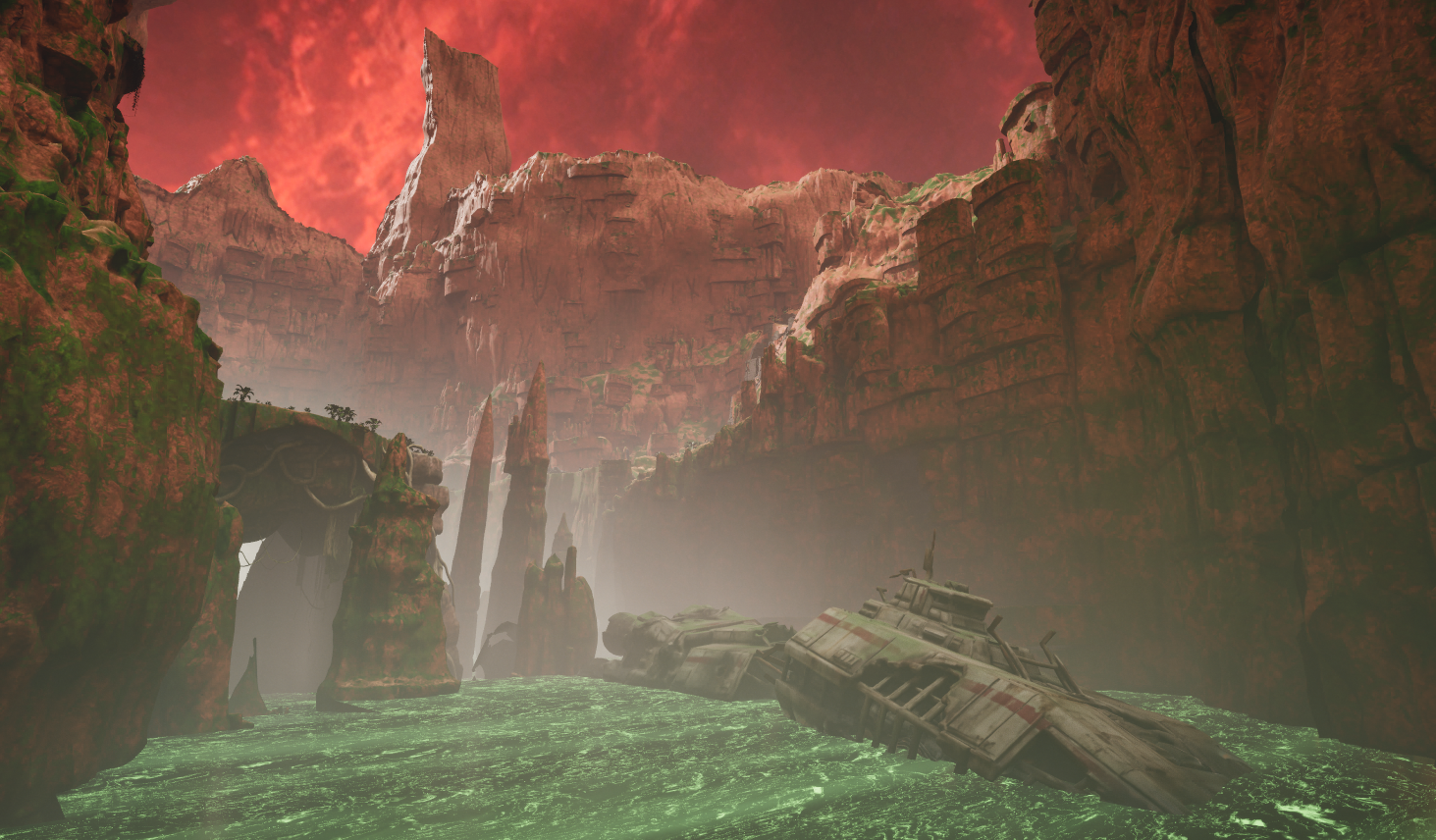
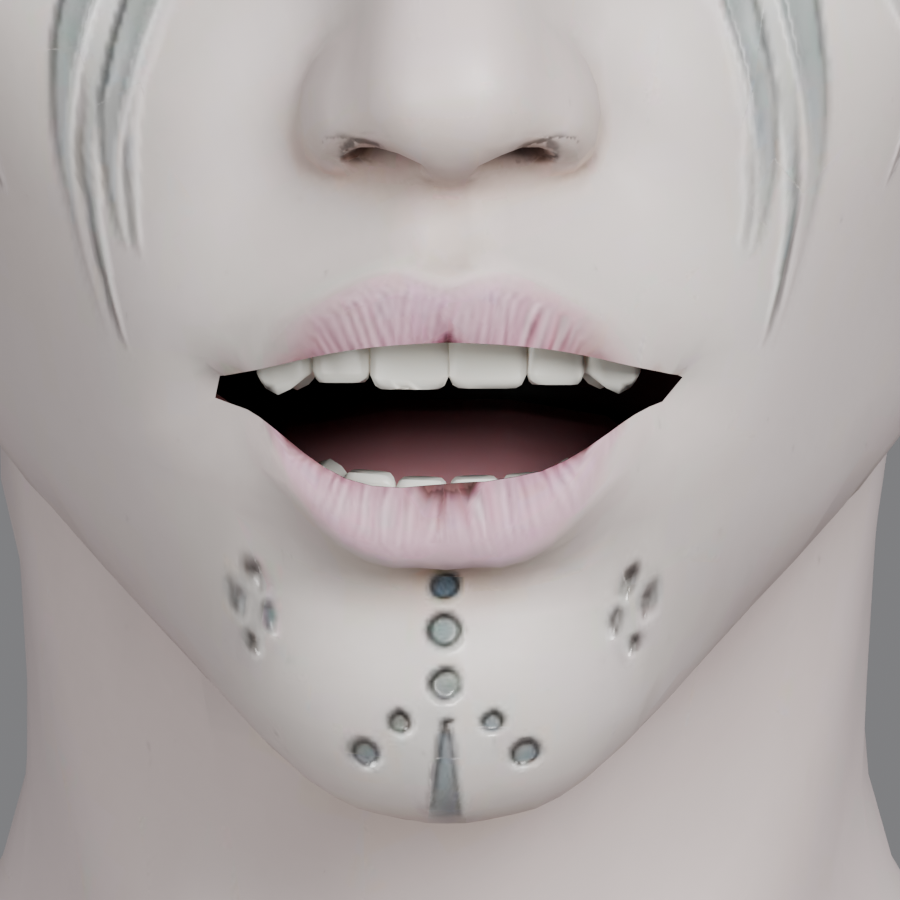
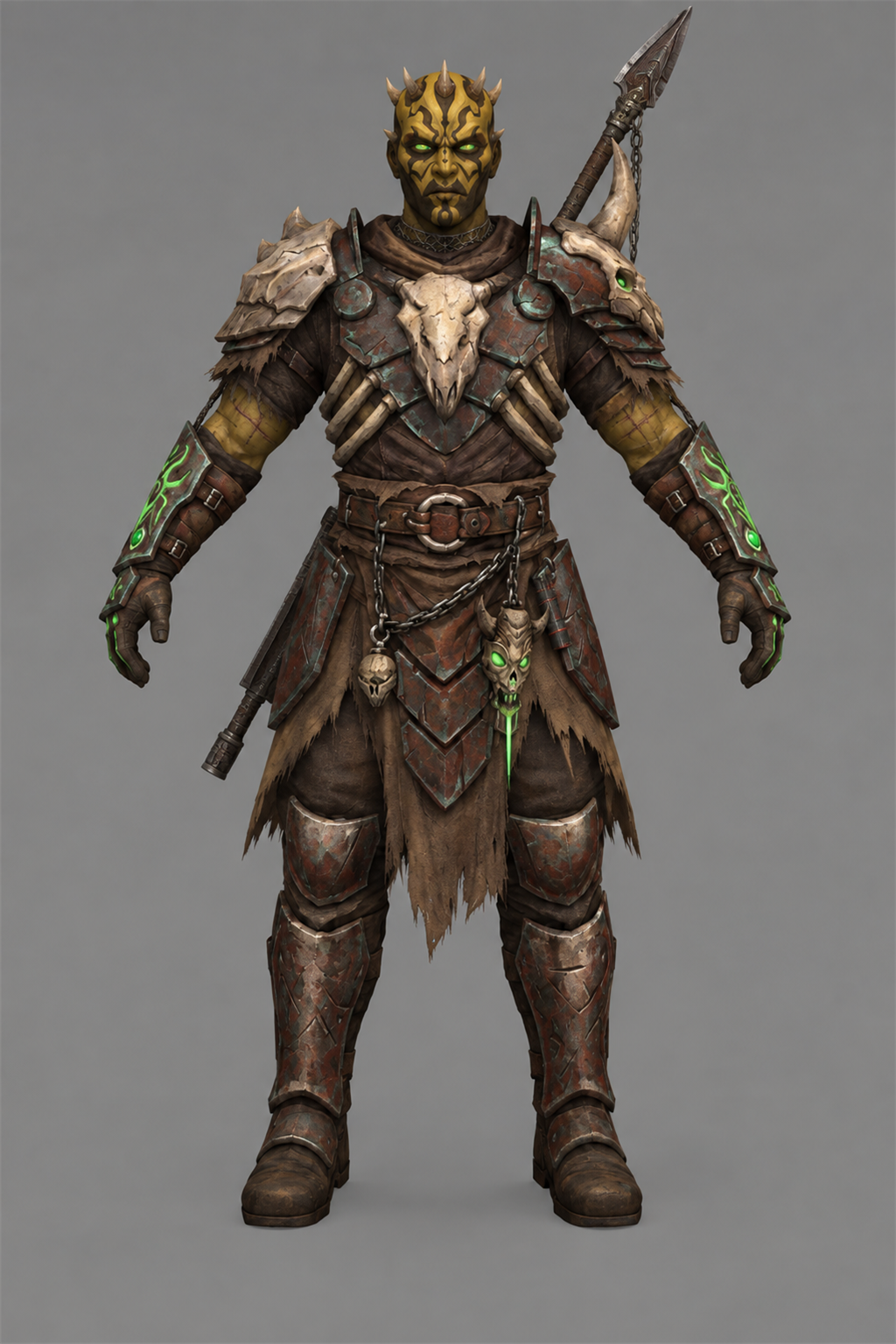
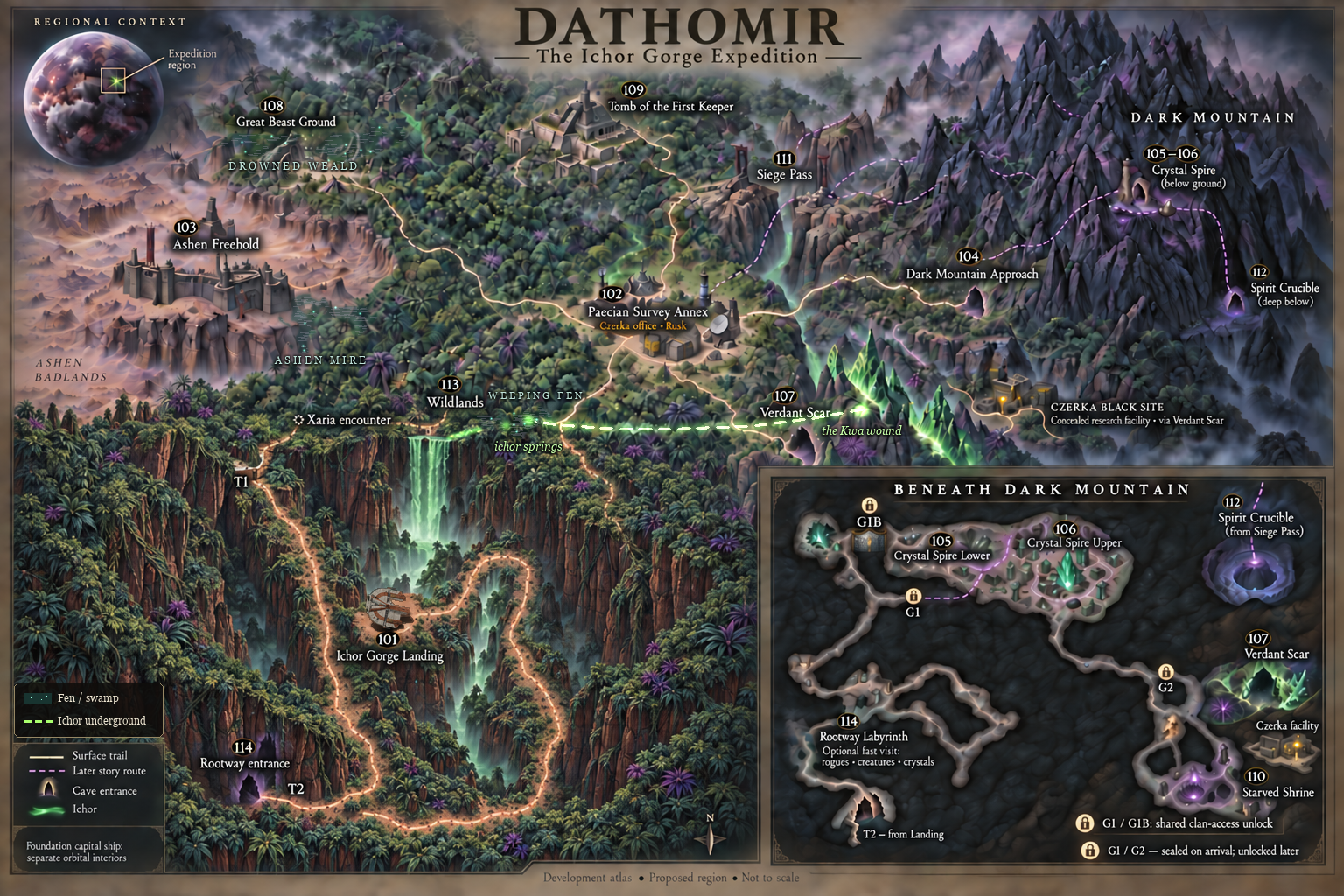
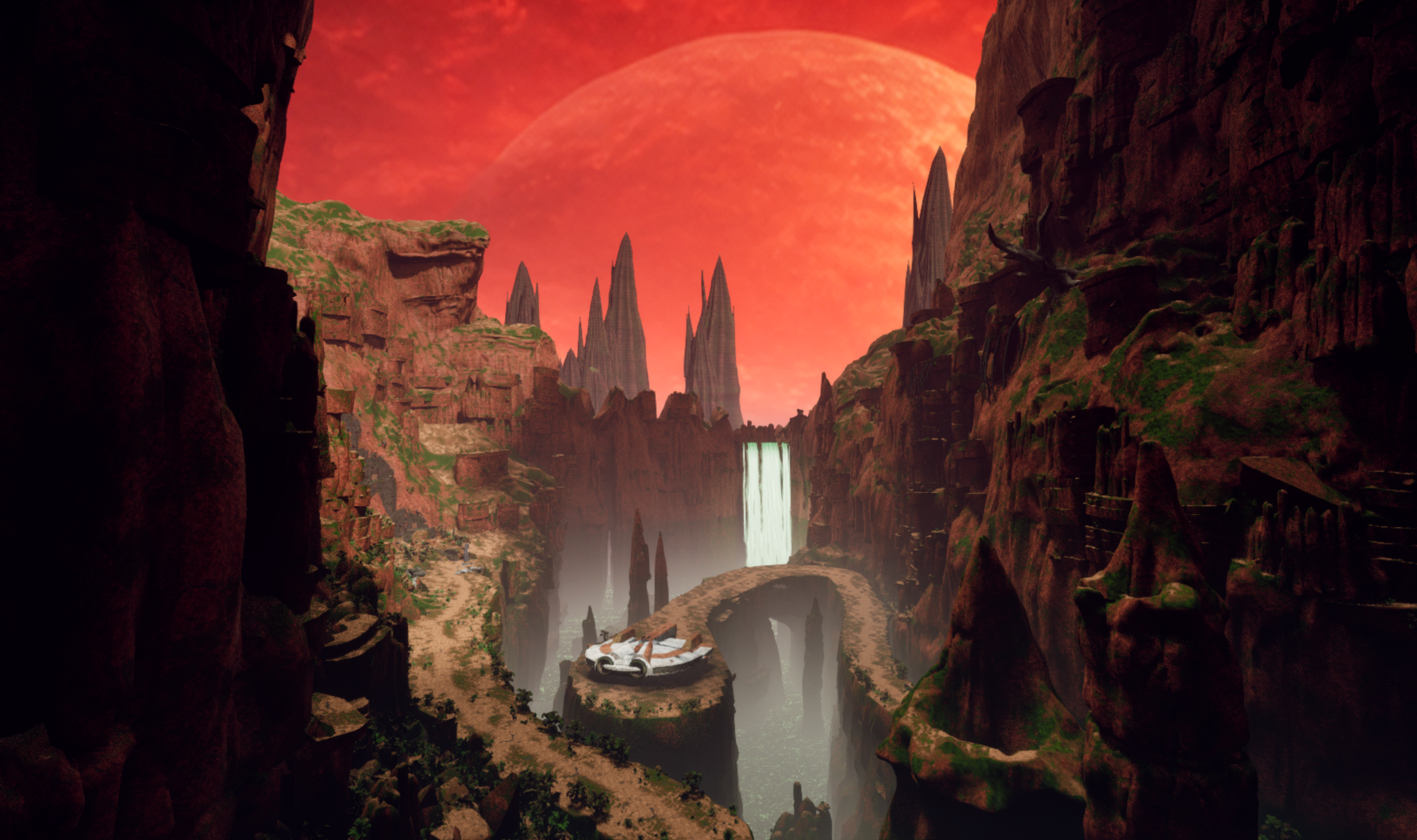
DATHOMIR EXPANSION A new world, a new story, and new companions for Knights of the Old Republic II Development journal · October 2026 Hey everyone, I've been back and forth on Dathomir for quite a while, and I owe this project a proper update. Some stretches have been all Dathomir; in others I've stepped away to work on smaller things, including my Basilisk and terentatek mods. Those projects have helped me learn, solve problems, and come back to this one with more to work with. I fully intend to finish Dathomir. I want to give the Exile a world worth exploring and a story worth carrying back into the rest of TSL. I'll be working in conjunction with @SAO1138to shape that story into something that fits the original game and delivers the kind of epic Star Wars adventure I want to play myself. There's a lot more planned than I've managed to show in scattered updates. This post brings together the current work, the larger design, and the route from one to the other. The screenshots are progress captures; the scope figures below describe the full development plan. 01 · The adventure A relic found on Korriban draws the Jedi Exile to a hidden enclave on Dathomir, where a civil war and a ritual to preserve the dead threaten to turn the bonds between people into something terrible. The story's working subtitle is The Wound and the Chain. It follows the Exile into a place where memory, grief, freedom, and control have become tangled together. The factions all have reasons to want the Exile's help, and reasons to be afraid of what that help might mean. I'm aiming for ancient mysteries, dangerous creatures, political choices, personal companion stories, and some big Star Wars moments. The quieter parts matter just as much: a conversation after a fight, a companion recognizing something you missed, or discovering that the person asking for help has left out a very important detail. This is a lost Dathomiri precursor society in TSL's era, thousands of years before the familiar later Nightsister traditions. Its settlements sit over older Kwa and Rakatan remains, with newer scars left by offworld interference. That history should be visible in the places you explore, rather than existing only in dialogue. There are also plans for a few beloved familiar faces to appear, and for an appropriate end to the story of a character many of us have loved since K1. I'm keeping those identities and circumstances under wraps. I want those moments to mean something when you reach them, with the player's established history respected. 02 · The full plan at a glance 15 planned Dathomir environments: 14 numbered planet modules plus the separately catalogued Czerka Black Site. 4 areas for a new upgrade. A capital ship to house your companions and travel the galaxy with (If you choose): a bridge, hangar, commons, and operations section. Together with Dathomir, that is 19 planned new locations, plus additions to the existing Korriban cave and Ebon Hawk. Final module boundaries may change; the first build combines some spaces. 1 branching main storyline: 11 numbered stages, expanded into 18 quest-and-route design sections, with 8 side quests and further shipboard and endgame story content. 2 recruitable companion candidates: Xaria and Kaius, with the permanent choice determined by the story and your convictions, not player gender. 43 cast catalog entries: 31 individual roles and 12 population/group entries. The individual roles include Oberon (A Rancor Mount), echoes, recordings, and remains as well as living people. 21 bestiary entries, 12 ambient fauna entries, and 37 flora entries. The bestiary includes creature families, variants, manifestations, and ancient Kwa lore forms; I have done extensive research on Dathomir flora and fauna in countless star wars comics thanks to @Lane and his coordination/knowledge of star wars comics. 4 principal conclusions with variations for companions, factions, civilians, and later events. The design targets roughly 5–7 hours for the critical path and 9–12 hours for a broad completionist run. These are planning totals and playtime targets, not finished-content counts or a release promise. The current playable work is still concentrated on the opening area, characters, encounters, and renderer. 03 · First look: Ichor Gorge Landing This is the first official module, and the place I want to set the tone for everything that follows. Red cliffs and a huge sky, green ichor deep below, broken machinery, ancient stone, and a small landing platform that makes the Ebon Hawk feel a long way from safety. The work behind these views includes route planning, blockouts, terrain and rock construction, vegetation, lighting, water, and repeated checks from the player's path. I'm trying to make a place that holds up when you walk around it, turn back, or look over an edge. I am applying all of my skills as a professional 3D environment artist to this work. The Unreal map is the visual master. Preserving that quality is what led me into the renderer work mentioned further down this post. 04 · The world beyond the landing The planet is planned around connected exploration and a hub-based investigation. You arrive as an outsider, get to know both major factions, and follow several lines of evidence before deciding who deserves your support, or whether to pursue another answer. Current illustrated development map: the surface regions and the passages beneath Dark Mountain. Ichor Gorge Landing, Wildlands, and Rootway Labyrinth: the arrival, dangerous open country, and an optional cave network beneath it, with branching routes, wildlife, and buried infrastructure. Paecian Survey Annex: a precarious neutral hub for researchers, traders, supplies, and investigations. Its dependence on outside commerce complicates its claim to neutrality. Ashen Freehold: the Brotherhood's settlement, with workshops, beast handlers, civilians, and a struggle over what freedom will look like after the war. Dark Mountain Approach, Crystal Spire Lower, and Crystal Spire Upper: villages, memorial fields, a public clan hub, archives, and the seats of ritual and political power. Verdant Scar and Czerka Black Site: a reactive crystal ecosystem and a concealed research operation, where the balance between value of living things and profit becomes an eerie choice. Great Beast Ground and Tomb of the First Keeper: large arena like territory with a creature boss encounter, ancient control systems, and a layered ruin central to Kaius and Oberon's story. Starved Shrine, Siege Pass, and Spirit Crucible: the later investigation and finale spaces, changing in meaning as the truth behind the war comes into focus. After the initial journey, survey beacons are planned to ease repeated travel between safe, discovered places. Skills and companions should open useful options: repairs, alternate routes, evidence, negotiations, and ways to handle creatures. Exploration should reward attention to detail of the world and its ecosystem. 05 · People, factions, and the choices between them The two central powers are the Dark Mountain Clan and the Ashen Brotherhood. Mother Sevrana wants to preserve her people's memory and continuity; Marro Venn leads a movement born from escape, labor, and resistance. Both have genuine supporters, internal disagreements, and actions the player will have to judge. The Paecian Survey Annex, led by Doctor Elira Vane, brings research and outside law into the conflict. Czerka, represented by Operations Manager Halden Rusk, brings transport, supplies, and an interest in owning whatever proves valuable. Korl Vesh operates between those interests as an Irodorian mercenary broker. Another familiar presence, has his own interest in the war. Beyond the principal cast, the plan includes wardens, archivists, researchers, quartermasters, displaced families, soldiers, captives, crew, witnesses, and echoes of earlier generations. Characters such as Warden Vaska, Archivist Mera, Pera Voss, and Quartermaster Seln give the settlements people to return to. The larger cast should make the consequences visible in ordinary lives. The ending structure supports backing either major faction, earning an alternative to their war, or pursuing a darker claim of your own. Trust and fear matter separately. I want different choices to change the finale, return visits, and the stories companions tell about what happened here. 06 · Xaria, Kaius, and Oberon Xaria: already speaking and fully working in TSL Xaria already has a working in-game encounter, custom powers and class, custom voice and dialogue, and post-combat recruitment. I have created a patch for the game that unlocks the party selection screen to have 20 open slots. @Vriff Has also released a 32 slot patch recently, and I will be working with him to combine our patches and make it the best experience for modders and mod enthusiats. Seeing her scene work in KOTOR II was a big moment. She is a seer with her own history and judgment of the Exile, and I want her to feel like someone you gradually get to know. 12-xaria-encounter-opening.mp4 In-game development footage — the creature encounter and Xaria’s opening line. Earlier character model, shown in the test module. Her planned combat identity combines ritual casting, stealth, repositioning, and reanimation: Miststep: Retreat, Miststep: Ambush, Veil of the Clanless, Raise Dead, Ichor Lightning, Ichor Drain, and Ichor Heal. Her longer arc includes a personal quest, influence-dependent conversations, six authored future glimpses, and connections to the wider TSL journey. I'm now rebuilding her head. The current work has separate eyes and improvements to the face, mouth, teeth, and topology. Hair, final speech and blink behavior, and testing the replacement in the game are still ahead. An earlier topology study from the same rebuild, before the latest mouth and dental refinements. Her outfit is also planned for an upgrade, drawing on the garment, armor, and material work I've been doing through my upcoming BetterArmor mod. The whole character needs to work in motion and in conversation. Kaius: a warrior with a history to recover Kaius is the other planned recruitable companion: a Zabrak veteran and beast master whose connection to Dathomir reaches into an earlier war. He and Xaria can both take part in the planet's story, but the permanent companion choice is intended to carry a real commitment. Kaius: character concept. His progression includes four staged Force-healing and training sessions, uncovering memories and restoring abilities. His planned kit combines Ichor Warform, Beast Accord, grip, hurl, and crushing techniques, culminating in Ichor Cataclysm. He also gains a retained summon progression of Boma → Zakkeg → Borhek → Terentatek, so a later beast adds an option rather than deleting the earlier ones. Oberon: our custom rancor Oberon is a named part of Kaius's story and one of the project's strongest completed creature assets. His custom model, rig, animation, and KOTOR II creature build are in place. The armor, scarred hide, bone details, and green accents give him a presence of his own. He has a major encounter, a continuing relationship with Kaius, and a planned signature summon and side quest. The way the player treats that relationship will affect its outcome. I'm keeping the scene itself for the game. The existing companions matter too. The design bible SAO and I have written includes travel reactions, environmental interactions, and shipboard scenes for TSL's standard cast. Xaria and Kaius should become part of the party's relationships, with people like Kreia, Atton, Bao-Dur, Visas, Mandalore, and the others responding in their own voices. AI disclosure: my workflow and the voices I want to be open about this: I use AI in my workflow on Dathomir, just as I do across my other projects and tools. I know some people will disagree with that choice, especially coming from a digital creator and professional artist. I understand that people feel strongly about it. The industry is changing, though, and I don’t intend to be left behind in my own industry. I have developed, written, and managed my own programs as part of working with this technology. As a technology professional, I believe I have a duty to explore new tools in a professional and ethical way. AI is amazing technology, and it has already helped us achieve a great deal on this project. I still take responsibility for what I make with it: the artistic decisions, the quality of the finished work, and how it fits into the game. That includes AI-generated voice work for new dialogue involving TSL’s existing cast. These are new AI-generated performances, not recordings made by the original actors for this mod. My intention is to do the characters justice with carefully written dialogue and high-quality scenes that respect who they are and make the world feel more alive. I plan to include an installer option to remove the AI voices; those lines would remain readable through subtitles, without voiced audio. I’m putting this disclosure here because I want to be honest about how the project is made. I hope that honesty will be met with respect and professionalism, and that discussion will focus on the actual work: the art, writing, gameplay, and experience I’m creating. The two short examples below show the current voice work in game. Kreia: AI voice demonstration 13-kreia-ai-voice-demo.mp4 Kreia’s reaction to Xaria. Development dialogue with an AI-generated voice. Atton: AI voice demonstration 14-atton-ai-voice-demo.mp4 Atton’s reaction to Xaria. Development dialogue with an AI-generated voice. 07 · Quests, creatures, and a living planet The main story moves from the Korriban discovery and Hawk decoding scene through arrival, faction audiences, the First Keeper investigation, three interlocking evidence trails, a commitment, a route-dependent siege, and the Spirit Crucible. Its 18 design sections include alternative branches; they are not 18 separate linear quests everyone completes. The eight planned side quests: A Name for the Beast: follow competing claims on Oberon and decide what his bond with Kaius should become. The Verdant Scar: explore a crystal ecosystem where extraction, aggression, and restraint have different consequences. The Dead Do Not Testify: investigate a murder where an apparently supernatural witness still needs evidence checked. The Weight of Ink: decide what to do with records that preserve family histories and enforce ownership. A Clean White Room: confront a medical crisis involving people whose employer and individual actions do not tell the same story. The General's Shadow: work through Xaria's memories and the Exile's wartime legacy. A Soldier After the War: recover Kaius's past through his staged healing and training arc. Hanharr's Hunt: a conditional companion story shaped by the player's Nar Shaddaa outcome and Mira/Hanharr availability. Alongside the quests are environmental puzzles, skill-led solutions, creature-control choices, journals, unique equipment, ritual items, and consequence-based rewards. The item document currently contains 20 item entries and 13 power entries, in addition to Xaria's seven-power list. That includes story and endgame items, not just loot. The bestiary is a mixture of familiar Star Wars creatures and original Dathomir designs. Its 21 entries cover rancors and Oberon; the Elder Terentatek known as the Great Beast; other terentateks; zakkegs; bomas; borheks; chirodactyls; Dathomir wraids; Kwi; whuffa worms; Vesper Kinrath; Rootmimes; Scar-stalkers; Glowwing Shyracks; Fen Maws; Siphon Matrons; Ash-hounds and Ward-hounds; Starved Husks; Czerka specimen splices; echo manifestations; and ancient Kwa represented through echoes and visual history. The original designs have different roles: a Rootmime hides among hanging roots, a Fen Maw imitates a harmless light over the water, and a Scar-stalker disappears among crystal growth. Some encounters can be avoided, calmed, or approached through a companion. The Elder Terentatek also gives the work on my smaller terentatek mod a direct place in the larger project. Ambient life has its own 12-entry roster: Burra Fish, Vesper Moths, Mourning Cranes, Cairn Crabs, Thornback Gliders, Echo-singers, Hide-pickers, Lantern Beetles, Hush-leeches, Kwa-glass Snails, Scar-grazers, and Canopy Tachs. The 37-entry flora plan covers canopy trees, roots and vines, ferns and ground cover, fungi, hazard plants, water plants, dryland growth, reactive crystal vegetation, and cultivated gardens. Grave Thorns, bloodgrass, lantern lilies, glowing cave fungi, memorial trees, and crops should help each place feel different. Settlements need food, medicine, work, and signs that people actually live there. 08 · Beyond Dathomir: the Foundation One of the largest planned additions is Foundation, a worn Republic cruiser (I haven't decided if it will be a hammerhead or another ship that is equipped with a hangar) that can become a mobile home for the party, with the Ebon Hawk docked inside. The opportunity to command it is tied to the Exile's history. Accepting a title, rejecting what it implies, taking an independent charter, or refusing the offer should all be meaningful choices. Its four planned areas are: Bridge: command, navigation, the galaxy map, and story decisions. Hangar: the docked Hawk, cargo handling, party departures, and arrivals. Commons: dormitories, mess, crew life, and companion conversations. Operations: armory storage, a Republic quartermaster, workbench, laboratory, medbay, and training facilities. The fuller plan adds a first-boarding ensemble, room-specific companion scenes, training tournaments, skill sharing, changing supplies, and reactions for companions recruited later. I want boarding the ship to feel like the party moving into a new place together with proper reactions from each character their first time walking onto the crew deck. Later phases extend that into a conditional Onderon arrival crisis, with attempted negotiation, bridge gunnery mini game, boarding defense, evacuation, and a damaged ship's return; Ghosts in the Fleet, a contained HK-50 investigation; and a Ravager support sequence involving Mandalorian battalion preparation scenes, a basilisk fleet launch from the hangar, a tactical protection choice, and consequences for the people doing the fighting. As you recruit mandalorians throughout the galaxy for Mandalore, they will gather and operate on your warship. You will effectively be building your own Mandalorian army throughout the course of the game and watch them interact on the ship. There are also planned responses to Dathomir in the later Sith confrontations, a Malachor perimeter rendezvous, and a final companion moment looking toward the Exile's future. I'm keeping the reveals and the K1 character's intended resolution out of this post. These additions have to respect the original game's events and TSLRCM's restored content. The Ebon Hawk remains the fallback when a ship feature is unavailable, refused, or belongs to a later development phase. 09 · Why we're building a new renderer I don't want to build the Unreal environment you've seen above and then lose the qualities that made it worth building when it reaches KOTOR. That has pushed us toward essentially replacing KOTOR II's world renderer with our own rendering engine. The current direction keeps TSL responsible for the game, characters, rules, dialogue, scripts, and interface while a separate 64-bit renderer built around Diligent and Direct3D 12 takes on the world visuals, connected to the game's camera and frame. There is already an early live milestone: the Dathomir map has been drawn through that new renderer inside KOTOR II. Early in-game renderer test, September 30. This is the KOTOR II capture; the two main showcase images above are from the Unreal environment. The gap in materials, lighting, effects, and presentation is work still to do. Materials, foliage, transparency, lighting, ichor, character integration, stability, and measured performance all need further work. We also need to prove save/load behavior and compatibility. An image appearing in the game is an important step, but the renderer has to survive normal play. If we can make this work well, its value could extend far beyond Dathomir: more detailed geometry, richer surfaces and lighting, and a modern approach to rendering performance. It could change the scale and appearance of what people can build for KOTOR. That's the possibility driving the effort; I want the finished results to justify the ambition. 10 · The process and the road ahead The project now has a narrative bible, quest and level plans, dialogue, companion and continuity coverage, journals, rewards, epilogues, and environment and creature catalogs. Those documents are much further along than the playable planet. They give the work a direction; implementation is where we'll find out what needs to change. On the art side, the process has been references and concepts, models, cleanup, materials, rigging, animation, and repeated engine checks. My tool Ghost Studio (https://github.com/CrispyW0nton/Ghost-Studio) and the surrounding tool work help connect those stages. I've also used AI-assisted concept and asset tools, followed by inspection, rebuilding, and testing and my own drawings. A first asset or attractive render still has a long way to go before it belongs in the mod. Immediate priorities: bring the gorge and renderer closer to the Unreal master; establish reliable navigation, collision, and transitions and lighting; finish Xaria's head and outfit work; and connect the working pieces into a playable opening. The opening slice is planned to run from the Korriban discovery through the Hawk scene, landing, Wildlands, Xaria encounter, a creature encounter with multiple solutions, and arrival at the Annex. That gives us a real section of the adventure to judge as a whole. The broader production plan has four phases: Dathomir core: the main story, all eight side quests, Xaria and Kaius, essential companion scenes, faction outcomes, and the commission choice. Story development with SAO runs through this work. Foundation's first playable hub: bridge, hangar, initially combined commons/operations, storage, vendor, medbay, companion residence, and the first tour. Later-story integration: the HK-50 thread, Ravager preparations and consequences, Malachor rendezvous, and closing scenes. Expanded ship systems: the Onderon action sequence, separate interior areas, fuller training and skill sharing, and the remaining command-path variations. Each stage needs playthroughs across different choices, planet orders, and available companions, alongside performance, installation, save, and compatibility checks. I'm not attaching a release date to this yet. There is substantial work ahead, and I want the updates to show what is actually getting done. I do plan on releasing this sometime close to the official kotor remake by Saber Interactive. Or sometime after it at least, because I feel there will be many players returning to the franchise at that point as well as new players who want to experience the second game after the renewed experience to the first game. I know I've stepped away and come back more than once. I still want to see the Exile land in this gorge, get to know these people, and leave with a story that feels like it belongs in Star Wars. That's what I'm working toward. I'd love to hear what you think of the two gorge shots, Oberon, Xaria's direction, and the wider plan. Thanks to everyone who's followed the smaller mods along the way. I'm looking forward to having more of Dathomir itself to put in your hands. — ShaolinGhost
 3 points
 -

Version 1.2.3
231 downloads
Expands supported resolutions and scales all Menus/HUD. Install - Use with Kotor Patch Manager: https://github.com/LaneDibello/Kotor-Patch-Manager - Download and extract Scaled Kotor patches to Patch Manager's 'patches' folder. - Editable K1 Executable or GOG version required - Download and copy HD UI Menu Pack textures to override directory - Copy Scaled Kotor textures to override directory, overwrite if asked. - Apply all "Scaled" patches with patch manager and then click launch. - Alt Tab Patch and Movie Patch are recommended. - Change resolution in game - please report any bugs Recommended - K1 Modern Driver Compatibility Patch Source: https://github.com/J0-o/ScaledKotorWidescreenPatch Roadmap: - trace and upscale the font to a higher resolution to improve clarity at resolutions above 1080p - adjust margins in items lists - increase default feat icon size3 points -
3 points
-
Friends of KotOR and TSL modding: I have extended my renovation of Edge Of Darkness mod into next year, and I have set the exact date of an alternate new release. The date is February 1st. What to expect: AI voiceovers. An after ending chapter of the game. A surprise ending that is variable on a player choice. And if I can, I'll spread LS and DS points across all party members. There is an intro sequence for each planet explaining the mission that will be redeveloped. At least one landing zone NPC for every planet. A main quest in addition to planet quests. And a set of side quest, ideally one per planet. For now and for the entirety, EOD is a secret project. I cheated for a few years with the open source demo. My hat is off to all of you, Wizard, Thor, N-DReW, and Sith Holocron specifically have been incredibly helpful to reach this present state of affairs. See you all in 20273 points
-
3 points
-
3 points
-
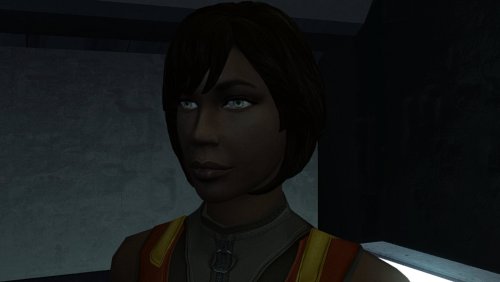
Version 1.0.0
51 downloads
The mod replaces the PFHB02 model and textures. To Install 1. Download: PFHB02 2. Copy all files to the Knights of the Old republic's Override folder. (Example location - C:\Program Files (x86)\Steam\steamapps\common\swkotor\Override) 3. When/if prompted to overwrite files, press okay. 4. If you like the mod; leave a comment or endorse! (It would be much appreciated) Made with love.3 points -
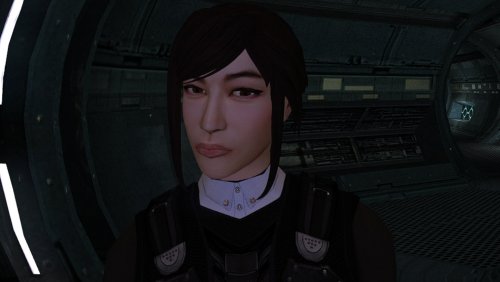
Version 1.0.0
77 downloads
The mod replaces the PFHA05 model and textures. To Install 1. Download: PFHA05 2. Copy all files to the Knights of the Old republic's Override folder. (Example location - C:\Program Files (x86)\Steam\steamapps\common\swkotor\Override) 3. When/if prompted to overwrite files, press okay. 4. If you like the mod; leave a comment or endorse! (It would be much appreciated) Made with love.3 points -
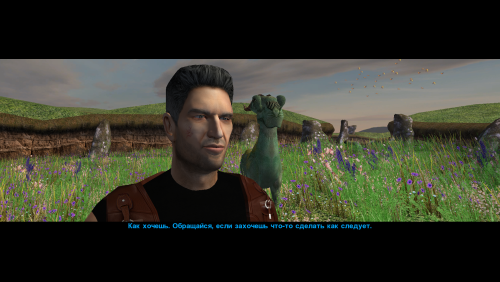
Version 1.0.0
44 downloads
This mod changes the head (model and texture) of Canderous Ordo. An optional portrait for Canderous is also included, which you can use if desired. When modeling the head, I was inspired by the actor Clancy Brown; I think his characterization suits the role of Canderous very well. The mod contains four main files: p_candh.mdl and p_candh.mdx - the model, P_CandH01.tga and P_CandH01.txi - the texture. One additional file, PO_pcanderous.tga, is Canderous's portrait; you can choose to use it or not, as you wish. This portrait is in the same style as the portraits from my other party member portrait mod. How to install: Unpack and copy files to the Knights of the Old Republic's Override folder. Note: This is a new model that is significantly different from the vanilla version. Both the geometry and the UV map are different. No retextures from the vanilla head will fit this model! And, of course, the texture from this mod will not fit Canderous' vanilla head. If anyone asks: the body texture is from this mod by wonderful Dark Hope. Thanks: I would like to thank Elayerfawkes45 for the original high-poly mesh, which I used as a starting point for my head model.3 points -
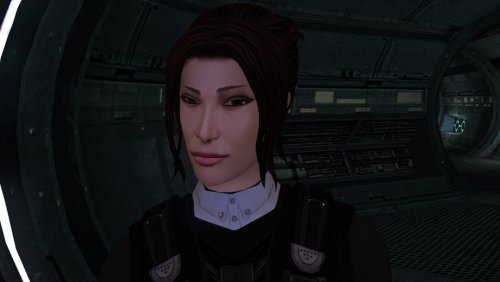
Version 1.0.0
70 downloads
The mod replaces the PFHA04 model and textures. To Install 1. Download: PFHA04 2. Copy all files to the Knights of the Old republic's Override folder. (Example location - C:\Program Files (x86)\Steam\steamapps\common\swkotor\Override) 3. When/if prompted to overwrite files, press okay. 4. If you like the mod; leave a comment or endorse! (It would be much appreciated) Made with love.3 points -
Pretty ballsy for your first post!3 points
-
It's been a while since I've given this thread an update, though I wanted to share a little demo of something I've been working on lately: Coming soon to a KPM near you3 points
-
3 points
-
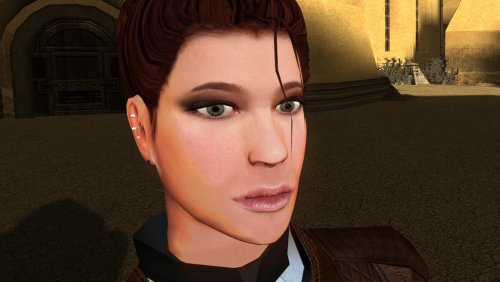
Version 1.0.0
91 downloads
The mod replaces the PFHC02 model and textures. To Install 1. Download: PFHC02 2. Copy all files to the Knights of the Old republic's Override folder. (Example location - C:\Program Files (x86)\Steam\steamapps\common\swkotor\Override) 3. When/if prompted to overwrite files, press okay. 4. If you like the mod; leave a comment or endorse! (It would be much appreciated) Made with love.3 points -
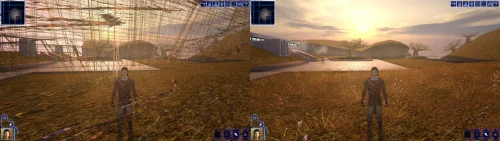 Not rude at all, you're right that it takes more effort than it should. Good news: I have a solution ready for the next version of the patch! The next release has a standalone install that's two files dragged into your game folder, nothing else. No patch manager, and it doesn't care what's already been done to your executable, so it should go straight onto the install you already have with no issues. Both the KPM and standalone versions will continue to be supported equally. Ideally we will be making some improvements to KPM soon to help make the install process less of a pain. Thanks for sticking with it, and sorry for the runaround. EDIT: @PoopaPapaPalpatine @Greedyspree v1.2.0 has a standalone version you can download, which should sidestep any issues with KPM you where having3 points
 -
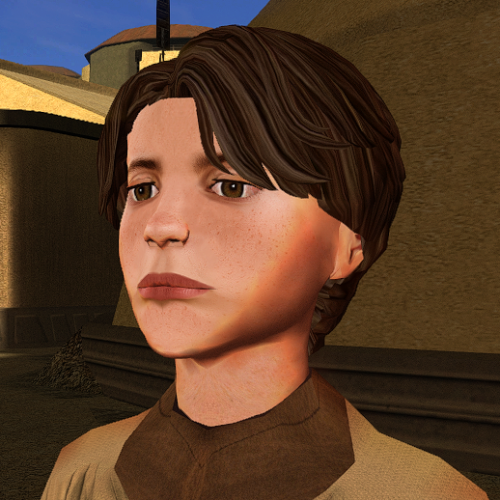
Version 1.0.0
94 downloads
The mod replaces the ChildM model and textures. To Install 1. Download: ChildM 2. Copy all files to the Knights of the Old republic's Override folder. (Example location - C:\Program Files (x86)\Steam\steamapps\common\swkotor\Override) 3. When/if prompted to overwrite files, press okay. 4. If you like the mod; leave a comment or endorse! (It would be much appreciated) Made with love.3 points -
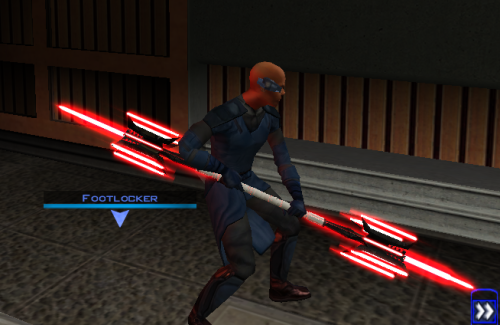
In the process of creating my own Mandalorians on the Rakata homeworld mod (real original, I know). In addition to adding 2 new areas with unique enemies and cool items, I will also modify Mandalorians elsewhere in the game to establish a sub-plot hinting at the rise of a new Mandalore. I have the areas and most of the custom equipment already from a prototype of this mod that I never uploaded. Currently working on creating a new lightsaber model for the Darksaber, though I'm having trouble figuring out how to make lightsaber blades stop rotating so I can give the blade its iconic shape.2 points
-
2 points
-
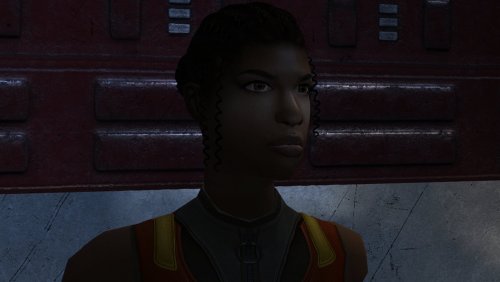
Version 1.0.0
28 downloads
The mod replaces the PFHB05 model and textures. To Install 1. Download: PFHB05 2. Copy all files to the Knights of the Old republic's Override folder. (Example location - C:\Program Files (x86)\Steam\steamapps\common\swkotor\Override) 3. When/if prompted to overwrite files, press okay. 4. If you like the mod; leave a comment or endorse! (It would be much appreciated) Made with love.2 points -
Version 1.0.0
14 downloads
Thought I already uploaded this here but I forgot so if anyone is interested here you go! The readme's in the zipped files are outdate. Please refer to the standalone ReadMe file or the below instructions regarding instalaltions. To install: *Steps 3 and 4 may not be necessary, try running without doing them first, but if the game crashes do steps 3+ 4 and try again.* 1: Drop all files except readme.txt swkotor.ini files and upcrystals.2da into override folder. 2: A) If you don't an upcrystals.2da file in your override folder, just copy the one provided into your override folder. If you do already have an upcrystals.2da file in your override folder, - Insert a new row at the end of the table. - Copy the last row from the table provided, paste it into the new row you just created. - Save the file. *3: In your folder that contains your swkotor.exe (usually named Star Wars - KotOR) locate the file named swkotor.ini and rename it BACKUPswkotor.ini so that you can revert to it later if you desire. *4: Paste the swkotor.ini file included with this download into that same folder ( Star Wars - KotOR) --note you can use either included .ini but if using WINDOWEDswkotor.ini rename it to swkotor.ini They are basically the same but one is set for fullscreen and the other windowed mode. ---- Uninstall: 1) Delete files from override folder. 2) Delete the .ini file you added, and rename the one you re-named as BACKUPswkotor.ini to it's original name. To get items in game: 1) Enter the cheat menu (~) 2) Type giveitem g_w_lghtsbr45 or giveitem_g_w_dblsbr045 and press enter. ---------- A giant shoutout and thanks to JCarter426 over on the DeadlyStream forums for helping me solve the rendering issue! Credits: This Mod contains source assets from other creators, all credit due to them for their original works. Permissions have been attained and followed per the licenses of their works. I own the $10 unlimited commercial license for 'Goblin Iron Mace - fantasy PBR game ready weapon' by Dominik Maral. https://cubebrush.co/orders/159g6hh95g?token=Eqyy2xDzWuarI9uPcWMzEVscuvTHnBazuWAxvQSkWTc This mod also uses FinBass' 'Battle Mace 3D Model' available at https://sketchfab.com/3d-models/battle-mace-07bfd5d2ff694f94b2f2f77c465fa0f5 a big thanks to them for making this available for free with a CC Attribution license. Also as always a big thanks to Crazy34 for making their lightsaber blades with ambient lighting available as a modders resource for the rest of the community to incorporate into their mods. Check out their mod here: https://deadlystream.com/files/file/1855-new_lightsaber_blades_modders_res/ Credit and thanks also to Kaidon Jorn as from my understanding the hilts used by Crazy's mod come from him "Lightsaber Hilts models and textures and icons are created by Kaidon Jorn " Also a giant thanks, along with credit go to J for making their Glitched Lightsaber Hilt Fix - TSL ASPYR 2.0 mod available as a modders resource! Without this I couldn't have solved the rendering issues. Make sure to go support their work at https://deadlystream.com/files/file/2735-glitched-lightsaber-hilt-fix-tsl-aspyr/ Full credit goes to the original developers, artists, and respective intellectual property rights holders (Lucasfilm, Pandemic Studios, and BioWare). This is a strictly non-profit, fan-made educational project intended exclusively as a technical proof-of-concept demonstrating asset handling for the KOTOR modding community. Furthermore, I do not own or claim rights to any of the third-party tools used or described in this project; all rights belong entirely to their respective developers. Permissions regarding use of this model: Feel free to use as you see fit, but please give due credit. ---------- Purpose: This mod is a prototype WORK IN PROGRESS. It adds a new weapon type, the lightmace (and a 2h version), to the game. I plan to fine tune the hilt textures later. IF you have any color requests please comment as I can easily make different colors with my script (also available for download).2 points -
2 points
-
Version 1.1.0
15 downloads
Easily manage, install, and revert loose-file mods. Features: Opens a mod as the zip, 7z or rar it downloaded as, or as a folder you already unpacked. No unpacking first. Works out which files are actually game content. Readmes, screenshots and packaging are left behind, and a mod shipping alternate versions of the same file asks you to pick one. Every install is recorded and can be taken back later. Uninstall leaves a file alone if something has changed it since, so it will not step on a patcher mod's work or on a later mod's. Finds duplicates already sitting in your Override. A name capitalised two ways, or one texture shipped as both a TPC and a TGA. Only one of each is ever loaded, and the game picks it arbitrarily. Shows what every layer of the game holds for a given file, so you can see a loose file quietly shadowing a copy inside a module archive. Finds your installation on its own. Steam, GOG and retail, on Windows, Linux and macOS, for both KotOR 1 and KotOR 2. If you play on Linux or a Steam Deck, this fixes something quiet Mod builds are ordered lists, and later mods are meant to overwrite parts of earlier ones. On Windows that happens by itself, because the filesystem does not care whether a file is called `Appearance.2da` or `appearance.2da`. On Linux it does care. Both files end up in Override, the game loads whichever one it reaches first, and the overwrite prompt the build guide told you to expect never appears. Your install order silently did not happen. This installs by name with a common lowercase filename, so the overwrite you meant is the one you get. What it does not do (yet) TSLPatcher mods. Those do not copy files into place. They merge rows into 2DA files that are already there, add entries to the talk table and write inside module archives. This recognises them and says so instead of half-installing them. Keep using HoloPatcher for those. (for now) Tested against The loose-file mods from the community build lists, and a full modded install. Additionally tested on Linux by @Leilukin and on macOS by @FTD Thanks for your help testing! Requirements The window fits a 1280x800 screen, so it works on a Steam Deck without too much squeezing. On Windows: Windows 10+ 64-bit On macOS: macOS 10.12+ for Intel Macs and 11.0+ for Apple Silicon Macs On Linux: Any recent Linux distro with glibc 2.35+ About Rakata Rakata is a clean-room Rust workspace for reading, writing and validating KotOR game data, written from scratch against notes taken from the engine rather than from anybody else's code. This installer is one tool built on top of it. It is free and open-source under GPL-3.0, and the source along with the format documentation is at https://codeberg.org/Synchro/rakata LLM Disclosure This project made use of an LLM during development, in the following capacities: Brainstorming: exploring possible approaches and design directions Decompilation assistance: help interpreting reverse-engineered code Code comments: refining and clarifying existing comments Skeletons and fixes: generating initial code scaffolding and minor fixes. All LLM-assisted output was modified and reviewed by a human before being committed.2 points -
![More information about "[TSL] Exchange Gamorrean Fix"](https://deadlystream.com/downloads/screens/monthly_2026_09/20260912154612_1.thumb.jpg.a7baab39ff2842f8499ca644a681ac76.jpg)
Version 1.0.0
50 downloads
===================================================== [TSL] Exchange Gamorrean Fix ===================================================== Mod for Knights of the Old Republic II - The Sith Lords Author: Lily File Name: Exchange_Gamorrean_Fix.zip Latest Version: 1.0 --- 1. DESCRIPTION: With TSLRCM, the Gamorrean Exchange thugs in the refugee sector on Nar Shaddaa have two bugs: 1. They no longer have dialogue if you try to talk to them. I believe the base game had a bug where they had more dialogue lines than they would actually say when you talk to them, and TSLRCM tried to fix this but it ended up even more broken and they just remain silent. With this mod, all of their dialogue lines are restored. 2. When you security one of the metal boxes near them, they tell you "Get out of there or I bash you!" which is an empty threat as they don't care if you take what's inside the box. With this mod, they will become hostile and attack you if you open the box to take what's inside (unless you are in stealth) as intended. --- 2. INSTALLATION: Run Install.exe and select your KotOR 2 game directory. A "backup" folder is created by the installer in the same directory. Don't delete it if you plan to uninstall later. --- 3. UNINSTALLATION: Run Install.exe, select your KotOR 2 directory, and use the "Tools > uninstall/restore backup" option to revert all changes made by this mod. --- 4. KNOWN ISSUES: None. If you find any bugs or problems, please report them. --- 5. MOD COMPATIBILITY: This should be compatible with all other mods. Requires TSLRCM. Do not use the Steam Workshop for KotOR. It will almost certainly end with compatibility issues. --- 6. SUPPORT: My mods are free to use. You do not need to pay for them, but if you would like to say thanks, you can buy me a coffee! --- 7. PERMISSIONS: Please let me know if you plan on using any of the files in my mod for your own mod. The answer is "yes you may", but I would like to know what you are doing with it! Do not directly reupload this mod anywhere else. --- 8. THANKS: - Fred Tetra - KotOR Tool - Cortisol - Holocron Toolset & HoloPatcher - Fair Strides - TSLPatcher THIS MODIFICATION IS NOT SUPPORTED BY BIOWARE/OBSIDIAN ENTERTAINMENT OR LUCASARTS OR ANY LICENSORS/SPONSORS OF THE MENTIONED COMPANIES. USE THIS FILE AT YOUR OWN RISK.2 points -
Fairly significant update coming to Echoes of the Republic in the nebulous near future. Almost done implementing a new short questline, then I still need to run through the whole game again to test it.2 points
-
Hello! Can anyone provide new senior (especially Male) heads to K1? K2 imports would be fine, but I would love to have some completely new ones to add some variety to the game. Cheers!2 points
-
2 points
-
2 points
-
![More information about "[K1] Swoop platform model repairs"](https://deadlystream.com/downloads/screens/monthly_2025_04/370802232_Sanstitre1.thumb.jpg.da452fd1dbb89c2b1cd7762f60385ead.jpg)
Version 1.6
5,275 downloads
Swoop platform models repairs =============== By ZobiZob ------------------ Description There are notoriously some problems with most of the levels geometry, models and textures. They are not ultra noticeable, but once you see it, you can't unsee it. As i am working on a custom module using the swoop platform geometry, i decided to fix some of these problems, and also add numerous details like venting effects, animated light and distant swoop riders with upscaled textures for their bikes + different colors for riders. The full pack also displays your swoop in the module. Fixed music changes from 1.5 with version 1.6. Installation 3 options, either the full pack with the swoop you use during the race displayed, no swoop bike displayed and also an option without the doors. 1) Use the holopatcher.exe included and you're ready to go. If you're not satisfied with an option or the other, you can always come back and reinstall the desired option. Known Bugs and Incompatibilities Everything should be fine. If you replace the m03af.git file after installing the doors that i added in the distance will disappear. The upscaled textures only affect the swoop bikers and won't change the textures for Niktos/swoopgang creatures. Permissions You are free to incorporate this into any of your work without asking, just credit me and shiningredHD for the upscaled textures (swoop riders, swoop bikes). Acknowledgements All materials and copyrights belong to LucasArts, and Bioware. Upscaled textures from ShiningRedHD. I own none of the materials, and I'm not making any money out of this mod. This mod is not to be distributed for profit, either.2 points -
@RonRheaBob76your ai post is nonsensical and distracting. If anyone is curious about the issue, it's been fixed. The blade meshes and UVs were uneven and some were missing the node type lightsaber. I included these fixes in my lightsabers mod for K1 and TSL, if anyone wants a reference. https://deadlystream.com/files/file/2794-lightsaber-hilt-variety-tsl2 points
-
Submitted for publication.
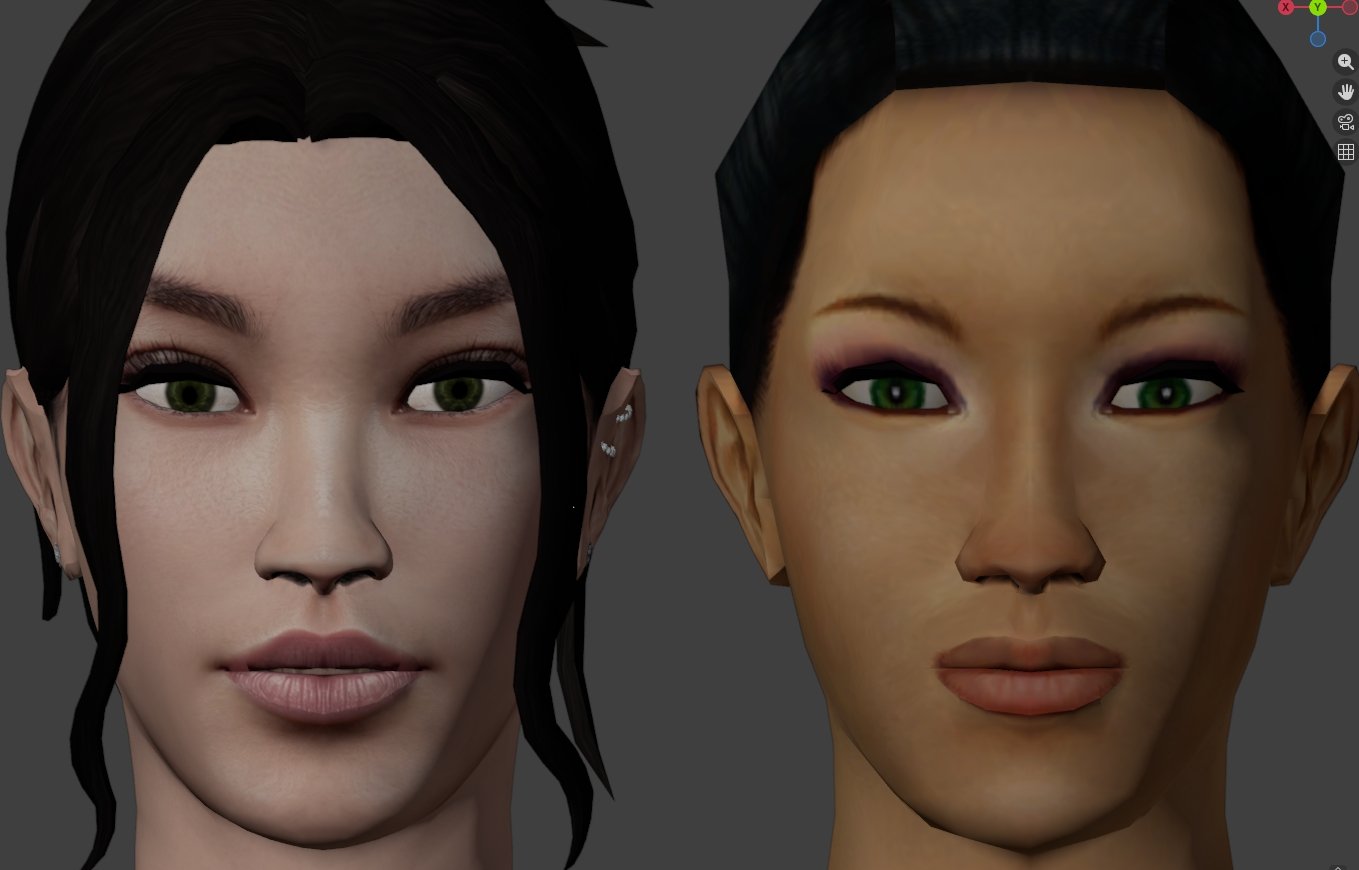 2 points
 -
Really amazing job on making the hair-meshes and bone structure so much more detailed. Is that your take on TCS's Bastila in the preview where Revan is ogling?2 points
-
2 points
-
PFHC02
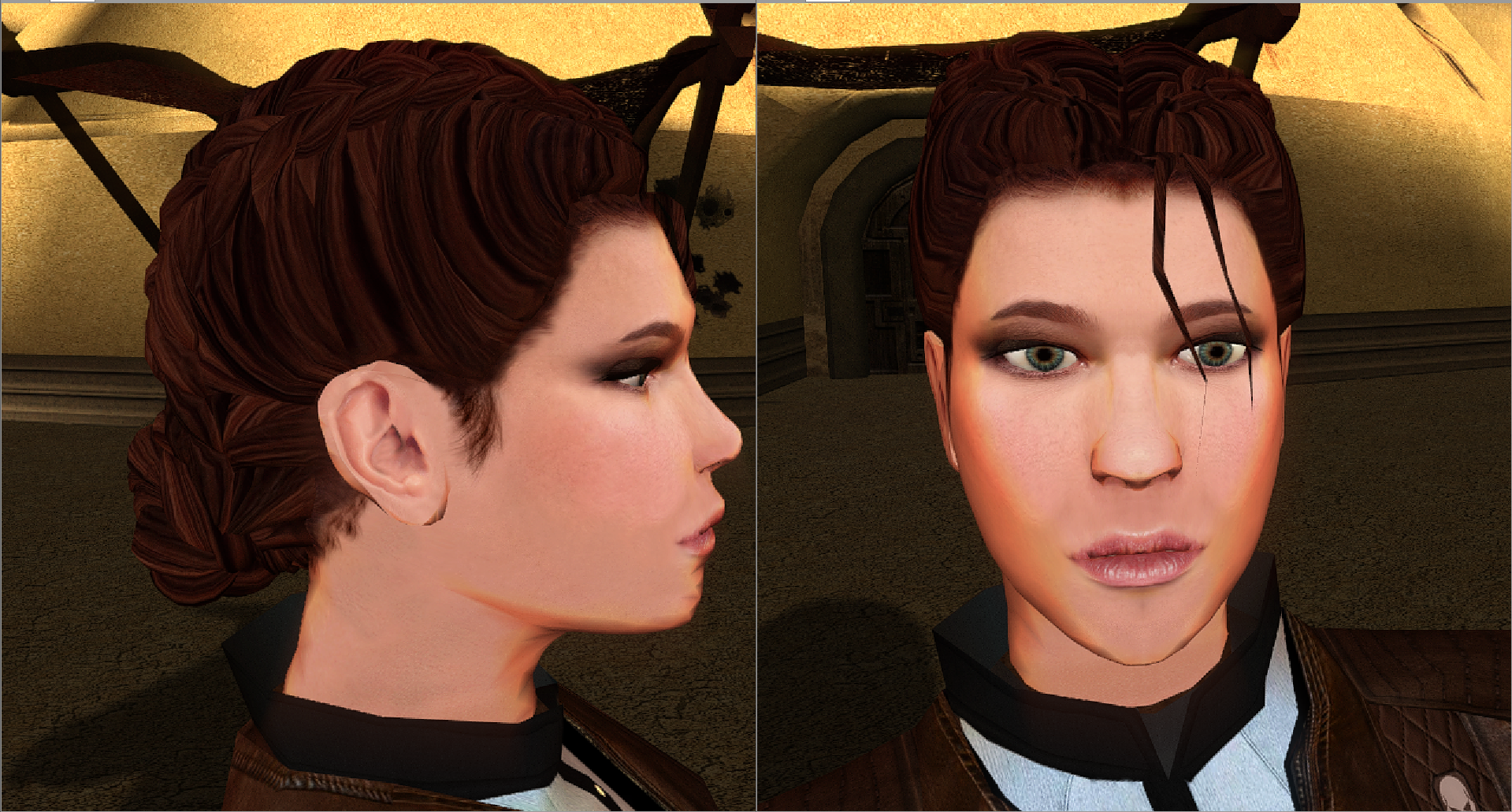
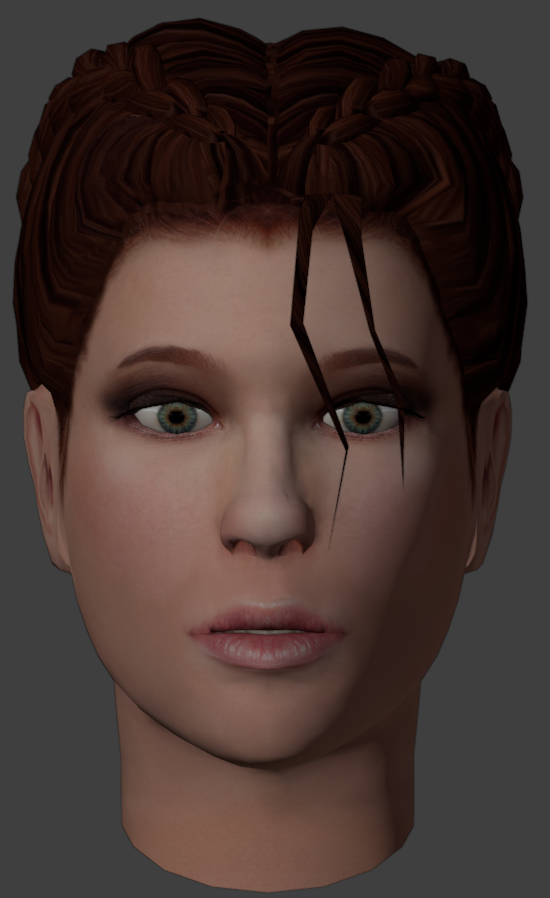 2 points
 -
I'll add a high poly version.
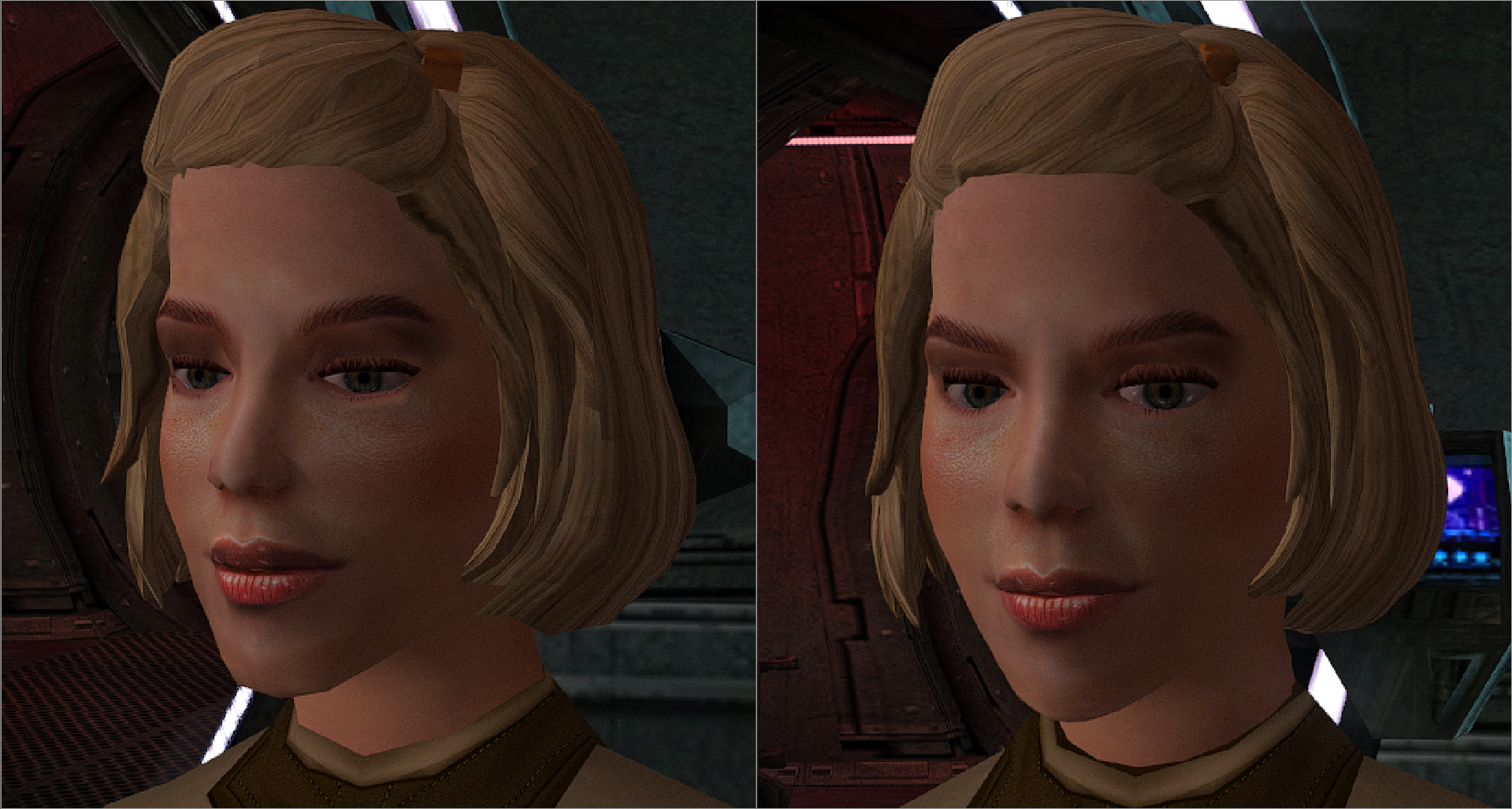 2 points
 -
2 points
.thumb.png.d8b108d1620cfd7d697f7271e60714db.png)