Leaderboard

Popular Content
Showing content with the highest reputation since 10/16/2026 in File Reviews
-
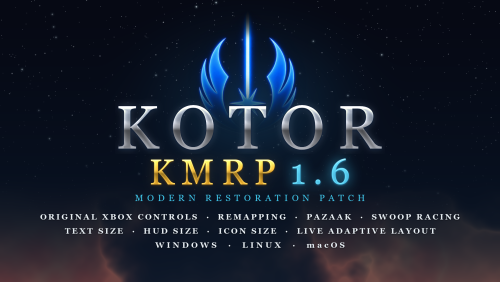 I'm really thrilled. Originally, to make these modifications, you had to download a lot of texture packs and apply various patches—and in the correct order, too. With this patch, it's much more convenient, and it works without a hitch. I'd also recommend these two texture mods to round out the result. https://www.nexusmods.com/kotor/mods/1556 https://www.nexusmods.com/kotor/mods/18733 points
-
 As a KotOR modder whose majority of mods involve editing DLG files, NeoDLG is the best DLG editor to date and it is not even a contest. Firstly, NeoDLG (and Vriff's other Neo tools) support macOS and Linux, which means users of macOS or Linux (like me) are able to enjoy the software without using a compatibility layer like WINE. NeoDLG's feature of exporting TSLPatcher/HoloPatcher instructions for dynamic DLG file patching is a real game changer for modding dialogue. In the old way of using DLGEditor to edit a DLG file then using ChangeEdit to generate the TSLPatcher output, if you add new dialogue nodes to a DLG file, the indices of those new nodes are fixed. This means a different mod that also adds new modes to the same DLG file can end up sharing the same dialogue node indices, causing the two mods to conflict. On the other hand, NeoDLG's patcher instruction export feature makes use of 2DAMEMORY so the indices of new dialogue nodes are not fixed, thus TSLPatcher and HoloPatcher 2.0 (earlier versions of HoloPatcher does not support DLG dynamic patching) can patch DLG files when adding new dialogue new modes in a dynamic matter, which improves compatibility with other mods that patch the same DLG files. Not to mention, NeoDLG exports the patcher instructions faster than ChangeEdit when generating the GFF output.1 point
-
I would say this is essential for those who wants to make sure KOTOR runs well on current day rig. I wish something like this exists for KOTOR 2 as well, Aspyr did a great job fixing alot of its compatibility issue but other issues like graphics issue, widescreen UI being super squished, captions/subtitles font being too small on higher resolution and the unintuitive controller UI, I like how OP just straight up ported the XBOX UI to the game, I believe that is something KOTOR 2 could use. Anyway, thank you for your effort RaymanGT, this is a great mod.1 point
-
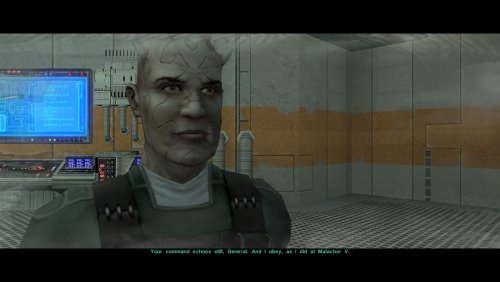 Another great mod by WildKarrde that has earned a permanent spot in my personal mod build. Bao-Dur is one of the most underrated characters in TSL, so I have always been bothered by how vanilla TSL has Bao-Dur disappear throughout the end-game without explanation for what happaned to him, and the lack of even cut content to be able to restore to fix that. I am thrilled that there is finally an endgame story mod that gives Bao-Dur the love he deserves.1 point
-
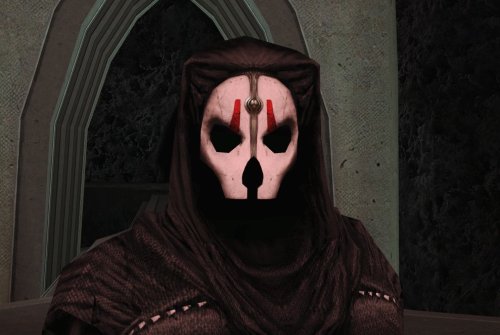 Tested this out. This really does look like Nihilus has no face at all, thus making Nihilus look like what Avellone intended like you said! Good job!1 point
-
Whoever made this mod is a godsend! It fixes almost everything that needs fixing for modern systems in 2026 for KOTOR 1, including issues for AMD users like me. It has saved me so many nerve cells. So now I can finally play with Soft Shadows and Frame Buffer Effects, except the Grass — sometimes for grass to work properly you need to restart your game. In my opinion this is the best KOTOR mod right now, no exaggeration.1 point
-
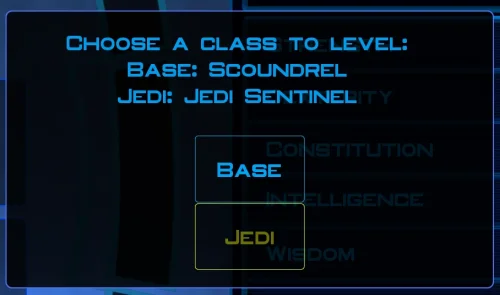 Does exactly was it says it does! An observation: Having this active requires it to be installed dead last after EVERYTHING ELSE. If, say, I were to add"High FPS Fixes" or other patches through KotorPatchManager with "...Progression" already active, I lose the ability to back out of the level-up screen(effectively restoring the vanilla game's constraints where it would not let you exit the level-up UI to return to normal gameplay at all until you leveled up.) This I confirmed via live testing/gameplay last night: I had to uninstall and re-install "....progression" after adding the KPM patches so it effectively sits at the very END of the installation order. This fixed the issue and I could back out of the level-up screen freely. FYI I'm using KMRP 1.5.1 and KPM in my setup.1 point
-
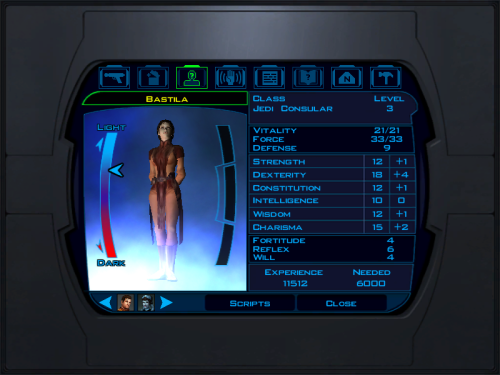 does what it says on the tin and i like it1 point
-
 Awesome mod! Some necessary powers filling out the pool, especially with Revitalize. I don't know if this is cool, if not I will absolutely delete it... But I had AI upscale your icons so that they would work properly at high resolution (the images look basically identical, they're just 64x64 instead of 32x32). K2_Force_Powers_for_K1_HiRes_Icons_64x64_Addon.zip1 point
-
This Mod fixes all of the problems that I have when I got back to play this game on newer systems. The dev behind this mod was quick to answer any questions I had since I was a Linux user of this mod. Great quality mod, that fixes issues I was having in Ultrawide such as the dialogue windows not working on the first step of a new conversation (Typical on Ultrawide) as well as improving general stability of the game. Would recommend for anyone playing the game.1 point
-
 The KOTOR mod builds are probably the closest thing we'll ever get to a remaster, therefore I consider them a must-have when returning to KOTOR. However, the modlists are huge, and installing them by hand (let alone without a mod manager) is very tedious - I wasn't even going to bother trying till I came across this plugin. Since Mod Organizer 2 is my mod manager of choice, this plugin was a no-brainer. And man did it deliver: it downloads, installs and patches every mod on the list in a matter of minutes, kinda like Wabbajack. The "Kotor Dialogue Fixes" mod had an older pinned version that I had to download manually, but everything else ran flawlessly. The widescreen/resolution mods need to be installed separately, since they involve modifying the .exe and whatnot. I'm running the new KOTOR Modern Restoration Patch which seemed to work better for me than the mod builds setup for widescreen. I'm several hours in and everything looks great. This plugin must've been an incredible effort, and I can't recommend it enough.1 point
-
Finally fixed that atrocious dialogue bug that came from ultra-wide displays! You are my hero!1 point
-
 I'm having a strange issue where I can see the mod's logo in a reflection on iziz. edit: the mistake was on my end and not caused by this mod.1 point
-
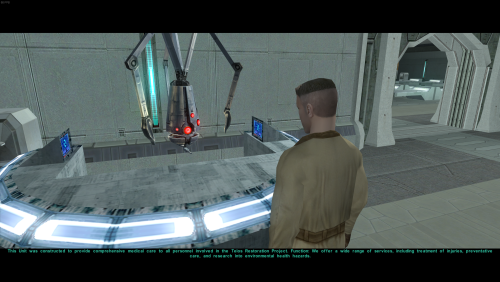 I just want to say that the mod adds more life to the Telos Citadel Station, but I found a major issue when reaching the Telos Academy. The Handmaiden Sisters have been replaced by random men in default clothing. Check that out, and there's one NPC in the cantina who is missing his head.1 point
-
 Love the effort and mod except when I try to equip them my game crashes.1 point
-
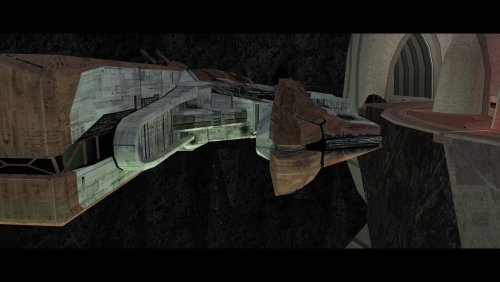 A must-have for KOTOR 2, full stop. Like others have said here, this mod is expertly built and integrated into the base game/TSLRCM framework and polishes the end of the game, wrapping up that escape and giving the entire crew a proper closure to their journey. This one is a lock for all my future TSL mod builds. 10/10.0 points
-
Truly an incredible mod that makes a permanent spot in my personal mod build for how much it improves the ending, and how well-made the mod is. While TSLRCM did the best it could in restoring cut content to the end-game, there is still room for improvement for the ending, and TSL Expanded Ending proves that.0 points
-
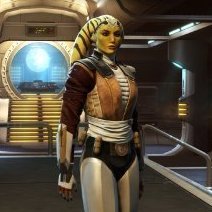
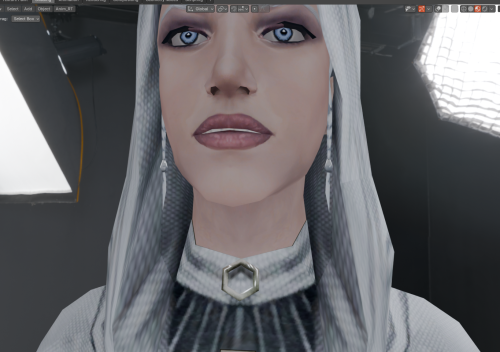 Nice to see the Handmaiden's braids beneath her hood! Thanks for creating this mod!0 points
-
 Your mod is the prime example of how the Restoration mod should be alongside the Sleheyron mod! 10/100 points