All Activity
- Past hour
-
 As mentioned previously, it should look like however your underwear looks.
-
 ralston34 joined the community
-
 Thanks, I solved it. Since all the new models are TGA, I forgot to run the script to "delete duplicate tga/tpc," Once I did that and purged the .tpc from the Override folder, the new models rendered perfectly in the game. Link here: https://www.nexusmods.com/kotor/mods/1384?tab=files. I layered them on top of Vurts full Visual Resurgence package and so far I really like the combination. And like I said, your work is AMAZING!
-
Don't suppose it's possible to get a Darkside version?
-
 Dornoliaz joined the community
- Today
-
Good afternoon. The models are intended for use on PC; they have not been tested on other platforms. Based on your description, it seems the system isn't detecting the files at all—if there were an actual error, the game would crash.
-
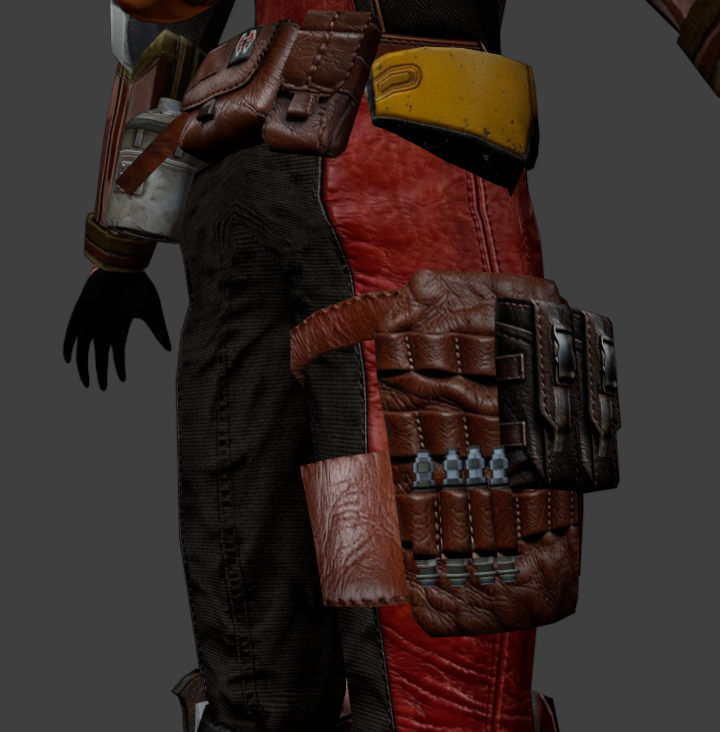
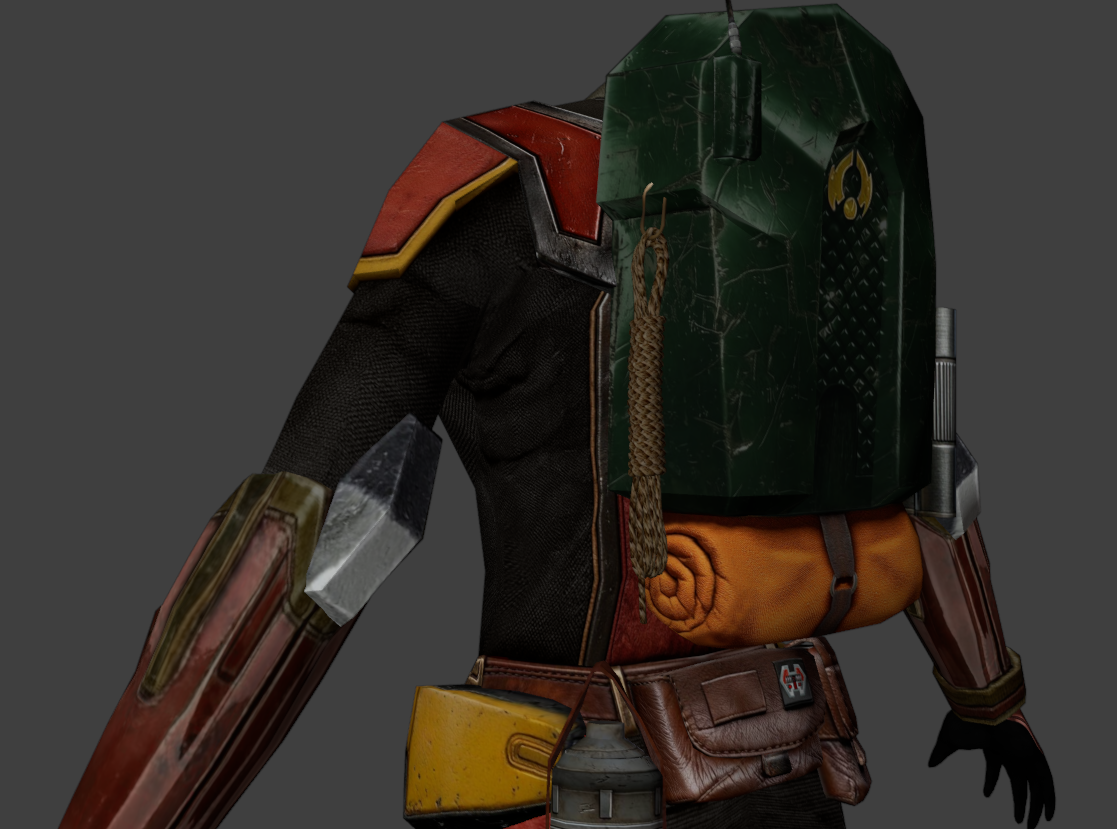
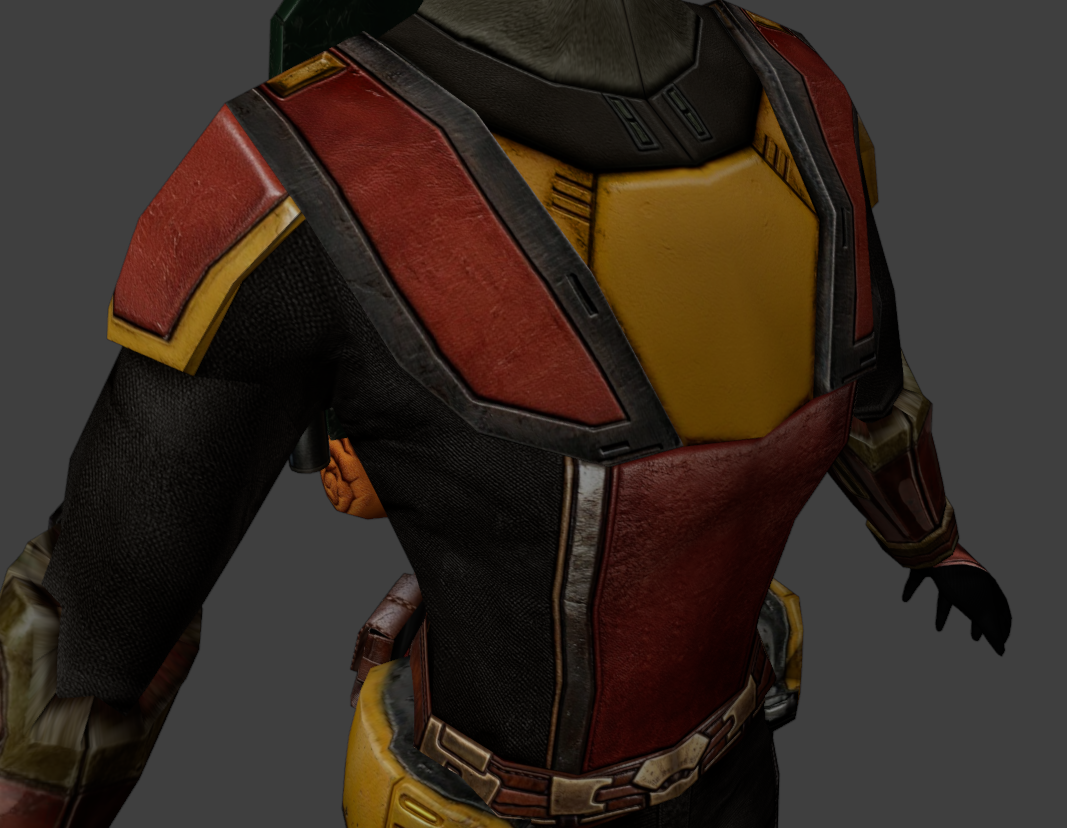
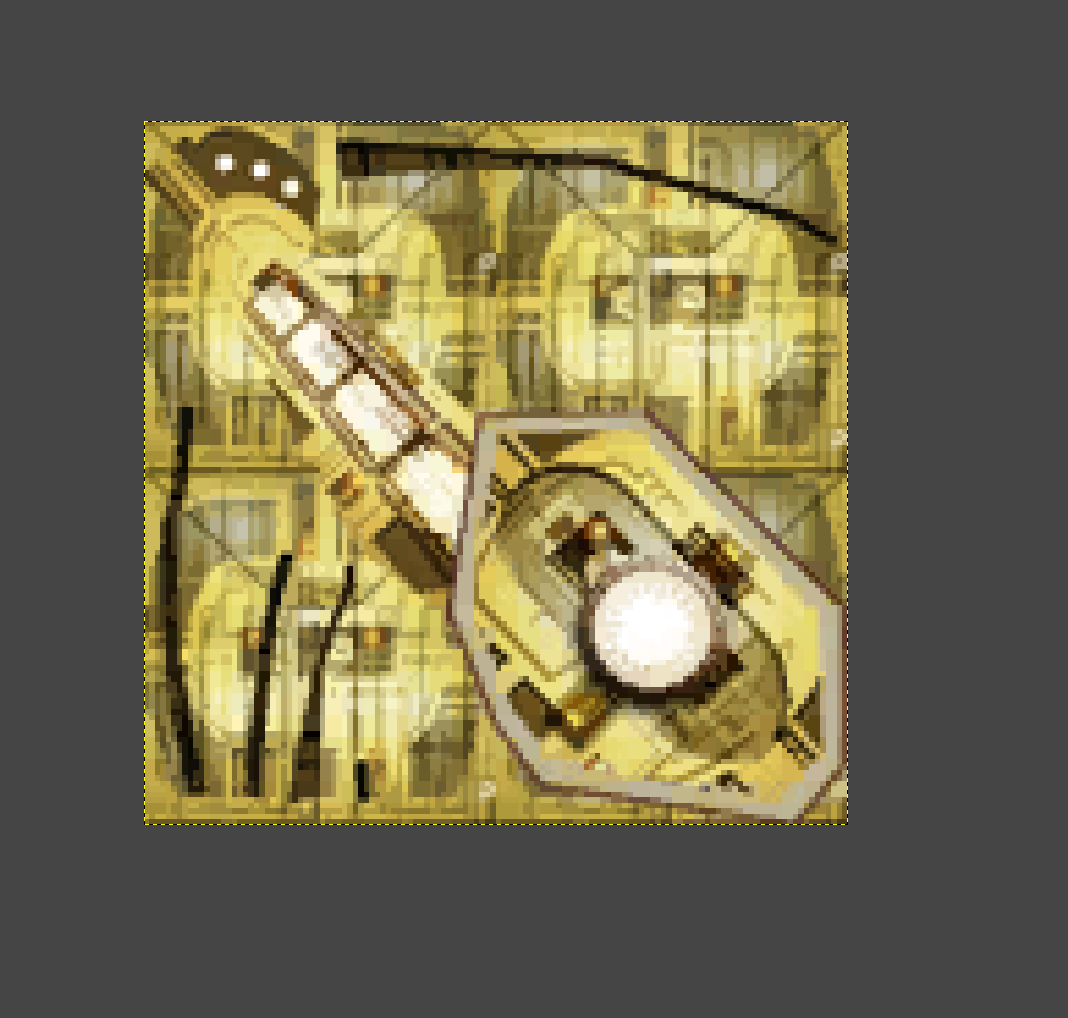
I just noticed a weird detail: The "Teta's Band" or "Regal Visor" headgear texture contains four tiles of "lma_dor03".
-
 RickyCC joined the community
-

Echoes of the Republic - an unofficial expansion
plampa commented on vault13deathclaw's file in Mods
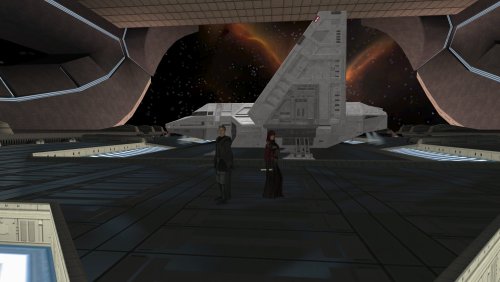 Hola, si te interesa, puedo traducirlo por ti y luego puedes subirlo. Ya lo estoy traduciendo para poder jugarlo yo mismo. Pero si te interesa, puedo compartirlo contigo para que otros hispanohablantes puedan jugarlo. PD: En el archivo Global.jrl, sugerimos que especifiques qué misiones son secundarias y cuáles son principales, como en el juego base y el mod M4.78. Pero es sólo una sugerencia. En fin, saludos y gracias de antemano.
-
[KOTOR Patch Manager] K2 Active Party Extension
jmorenobothwell replied to Vriff's topic in Work In Progress
Wow, this is something else! Once this goes live I can't wait to try it out! -
Your entire series of "High Poly" heads is amazing. But I can't get them to work. I still get the default models in-game while your work is just being ignored. I dropped them in the Override folder and it's not working. What am I missing?
-
 I can confirm that 1440 60 runs at 1440 60. I'll double-check the 30FPS one today
-
 BRIDGE joined the community
-
 MrMosquito joined the community
-
this is true. also these 2 file sizes are suspect k1rs_30fps_2560x1440.7z = 15.67 GB k1rs_60fps_2560x1440.7z = 15.64 GB
-
 CGCBF2 joined the community
-
 RickyNaxi joined the community
-
 ModLover420XD joined the community
-
 Horta59 joined the community
-
 lisektester joined the community
-
 Yes, it should be compatible with Extended Enclave.
-
View File Minimalist Dark Pazaak Deck Pazaak card with a dark minilamist style... This mod only replaces Pazaak card textures, so it shouldn't cause any conflicts. To install, just extract the files into your override folder. Submitter Chirrungaso Submitted 11/04/2026 Category Mods TSLRCM Compatible No
-
View File Flat Colors Pazaak Deck Pazaak Cards with flat colors style... This mod only replaces Pazaak card textures, so it shouldn't cause any conflicts. To install, just extract the files into your override folder. Submitter Chirrungaso Submitted 11/03/2026 Category Mods TSLRCM Compatible Yes
-
View File UNO-style Pazaak Deck Pazaak Cards in UNO Style... This mod only replaces Pazaak card textures, so it shouldn't cause any conflicts. To install, just extract the files into your override folder. Submitter Chirrungaso Submitted 11/03/2026 Category Mods TSLRCM Compatible Yes
- Yesterday
-
This sounds great just to give you some breathing room not rapidly jumping from section to section, and one last chance to enjoy the calm before the storm aboard the ebon hawk, you technically already do off screen. Is it compatible with Extended Enclave as well? I don't believe these intersect but wanted to be sure.
-
There's about a 13 year release difference between this mod and KPM / KMRP release dates. I'd say go to the OpenKotor Discord and relay your issue in the kotor-patch-manager section: https://discord.gg/EaDtBSy5Z
-
The 1080 60 FPS upload here and on Nexus is yielding 1080 30 FPS files instead.
-
 I think the discussion is mixing several different issues and treating an installation order as a proven compatibility solution when it isn't. Regarding Doodmane444's June 23 report: the tested order was K1CP → Sleheron → BOSSR, and some placeables disappeared in BOSSR modules. However, the suggested alternative still placed BOSSR last. It mainly changed the order between Sleheyron and K1CP, so it doesn't establish that this arrangement actually solves the underlying BOSSR placeable issue. As JCarter426 pointed out, if BOSSR is exhausting the available placeable rows in placeables.2da, changing the installation order cannot magically increase that limit. There is also the reverse side of the problem. OnJuly 2–3, Doodmane reported that BOSSR could replace leftover, unused Czerka sign placeables in Sleheyron's sle_m30aa.mod with its own stasis NPC. He traced this to obsolete placeable entries left in that module after the signs had been built into the model instead. This is a concrete example of BOSSR affecting Sleheyron, rather than the other way around. It is also a specific module/resource conflict, not proof that one universal installation order fixes everything. So I think we should distinguish between: 1) conflicts caused by overlapping or reused placeable references; 2) the actual placeable row limit; 3) installer overwrites and changes to shared resources. These are not necessarily the same problem, and they cannot all be solved by simply moving one mod to the end of the installation order. For players who want to enjoy both expansions without potentially ruining an existing modded installation, I would suggest keeping separate game folders: 1) Keep the existing installation for BOSSR and its associated setup. 2)Make a copy for a Sleheyron-focused playthrough, installing Sleheyron and its relevant compatibility patches there. 3) Start from a save made before the Dantooine Jedi Council mission, or use the save provided with Sleheyron, which starts at the intended point in the story. This doesn't magically make the two mods compatible within one installation, but it provides a practical way to preserve both playthroughs without repeatedly rebuilding the same game or risking the original setup. The current Sleheyron 3.5 instructions do provide a specific combined installation order and compatibility patches. However, I would still like to see reports from people who have actually completed substantial portions of BOTH expansions in the same installation. Ideally, such reports should specify the exact mod versions, installation order, and which parts of both campaigns were actually played. Loading a save or reaching a particular planet is not the same as demonstrating that the entire setup is compatible. I think that would be much more useful than continuing to assume that one installation order automatically protects one mod from the other.
-
MOD:Sunry Murder Recording Enhancement
jmorenobothwell replied to Fallen Guardian's topic in Mod Releases
It didn't work for me. I have the install log, I can show you. Here's what happened: I'm running a modded setup via KPM V0.8.0 and KMRP 1.5.1 (Kotor Modern Restoration Patch). I Installed this mod, and the instant I accessed the terminal in the Manaan republic embassy to access the recording, my screen first faded to black, then reloaded back into the "Slice Restricted System" menu. I tried to "Log Off" in game and the game wouldn't let me. Even when I tried to get the recording the game was trapped in a logic loop. My computer spike count decreased but I was still trapped. I had to force the game to close by pressing "Excape" to exit and reload, and I wrapped the quest without getting that recording. Otherwise my current campaign would have been bricked. Best, installlog.rtf -
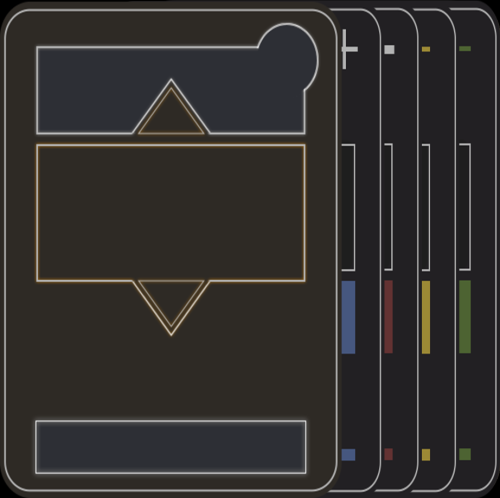
Version 1.0.0
0 downloads
Pazaak card with a dark minilamist style... This mod only replaces Pazaak card textures, so it shouldn't cause any conflicts. To install, just extract the files into your override folder. -
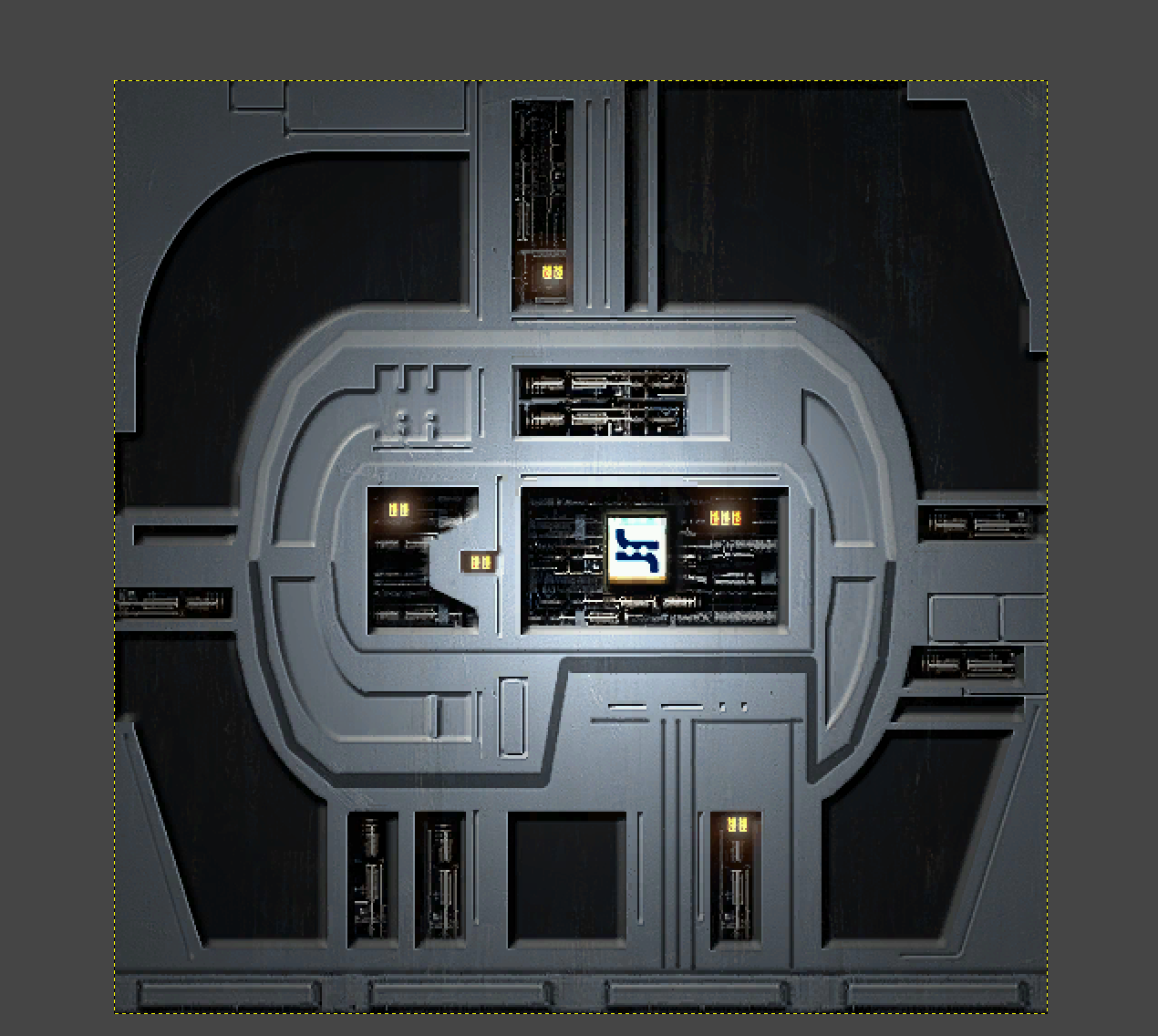
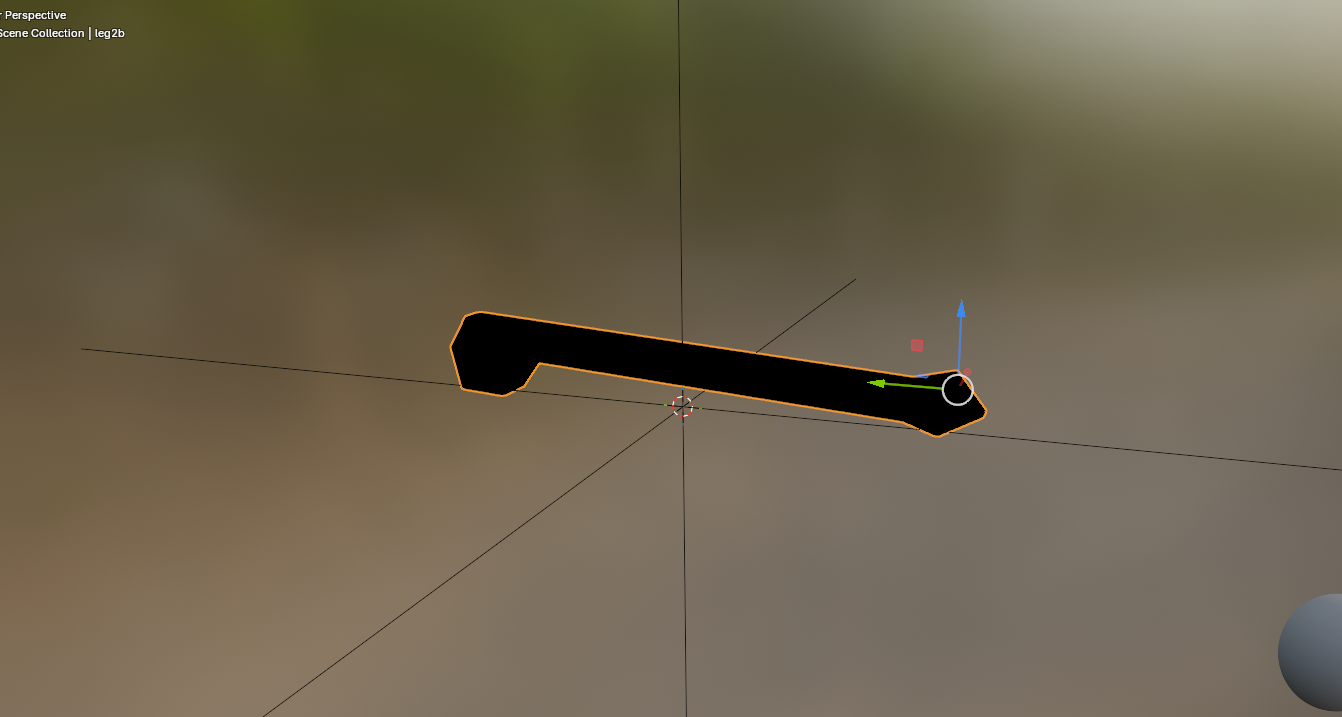
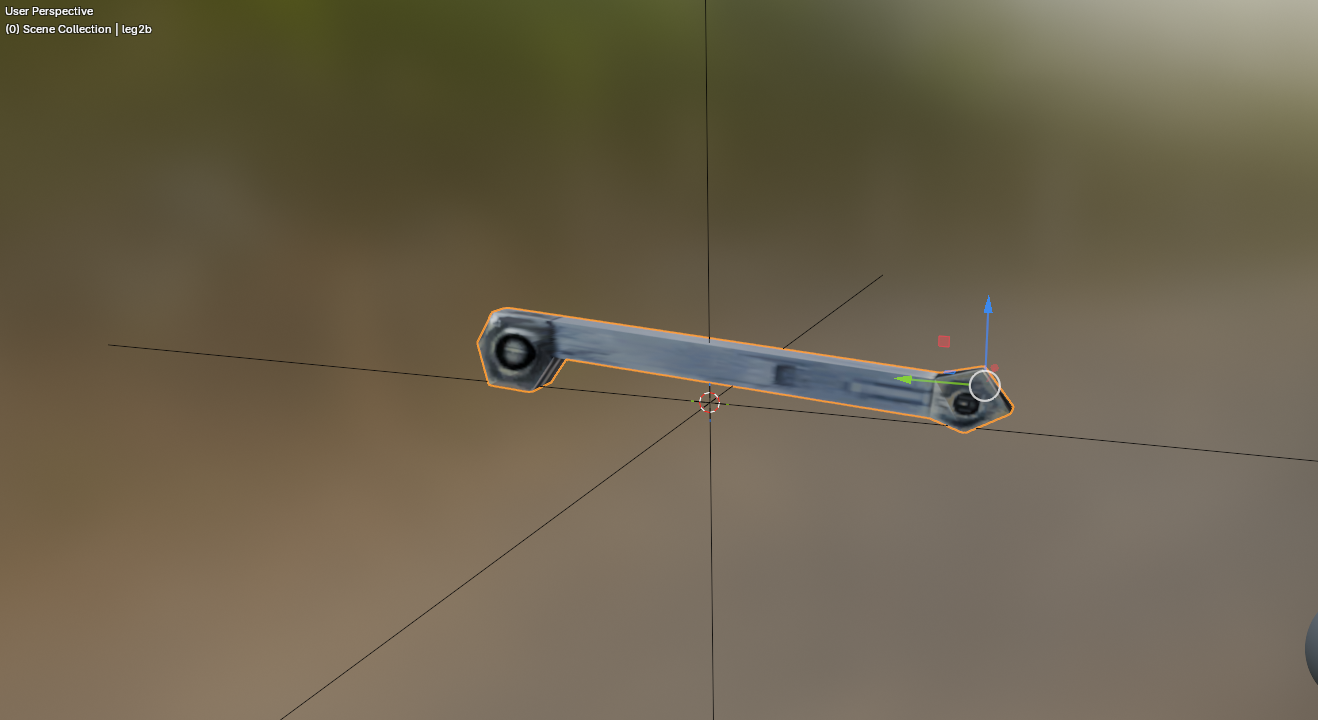
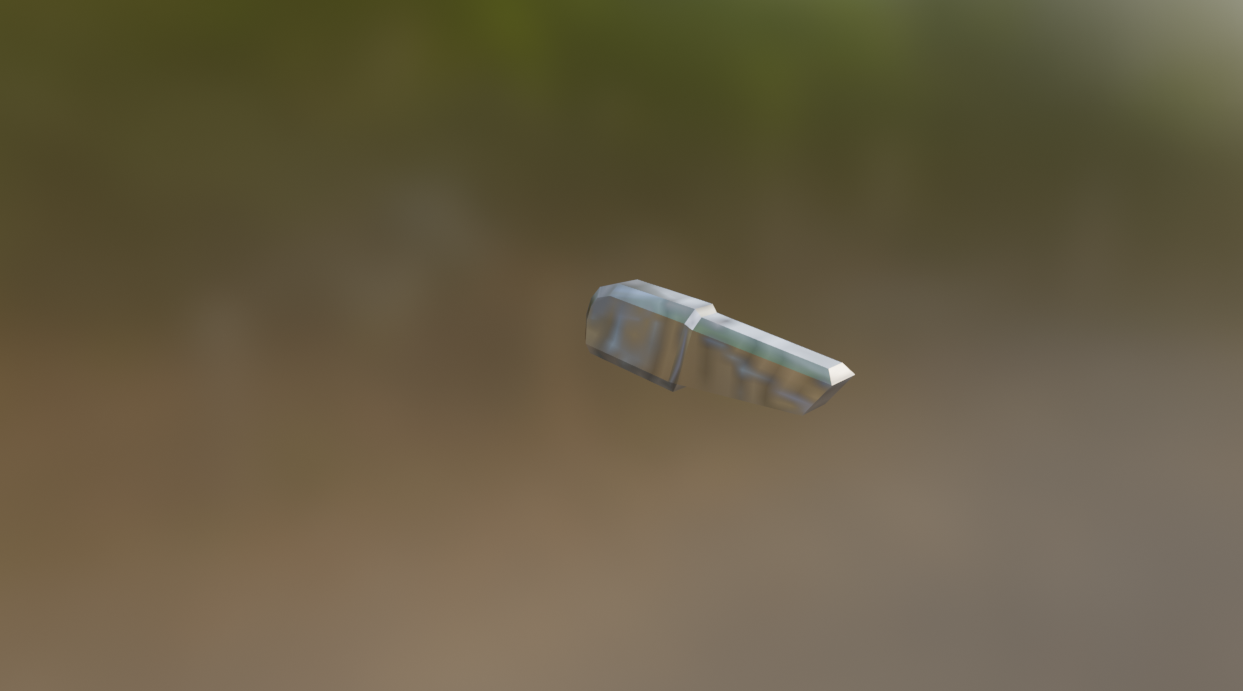
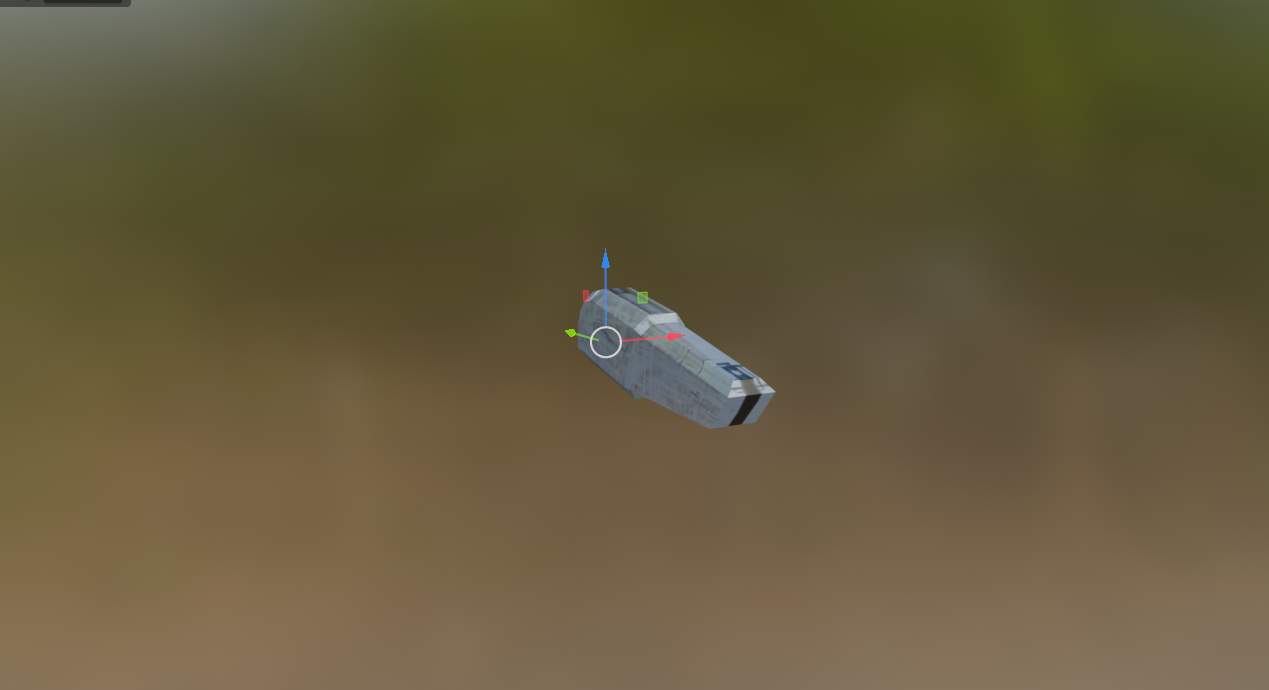
Another thing about this picture: I noticed the "droid explosion debris" parts are actually textured instead of just blurry silver. I found out they use the probe droid texture, so I just assigned the correct texture. I just found out every blurry looking metal piece of the "droid chunks" you see when a droid gets destroyed is actually using the wrong texture. They have elaborate UV layouts and were intended to use actual droid textures.
-
 reclaimterrain changed their profile photo
-
[Yes AI was used in this work, if you dont like that, then thats cool This is not for you] Hello! I’ve been building kjk, a new engine that runs KOTOR 1 and KOTOR 2 with Jedi Academy-style real-time combat, so you’re actually swinging the saber and throwing Force powers yourself, plus co-op with friends. It uses your own game files, so nothing’s pirated or bundled. Where it’s at right now: KOTOR 1 is fully playable from the Endar Spire to the ending, light side or dark Dialogue, quests, party, stores, the galaxy map, plus pazaak, swoop racing and the turret all work Combat uses your KOTOR stats and feats with JA’s sabers, blasters and Force powers, and you also get ragdolls and dismemberment Co-op works: your friends play your companions, and you can join over Steam without port forwarding Mac, Windows, Linux, and Steam deck are all supported natively. (Steam deck performance is not very good yet) You’ll need KOTOR 1, KOTOR 2 and Jedi Academy installed (Steam and GOG copies get found automatically) Its coming along nicely, and some playtesters have played 3 person co-op from Endar Spire all the way into Tatooine. Our two biggest challenges are getting all the cutscenes looking good, and getting retargeted jedi knight animations to look nice on the differently proportioned KOTOR characters. You can download and play the alpha here: https://github.com/kjk-engine/kjk/releases Discord: https://discord.gg/23bAu2wvH Here is video proof, although this was recorded in single player (note that this is a much older build with more bugs):
-
- 1
-

-
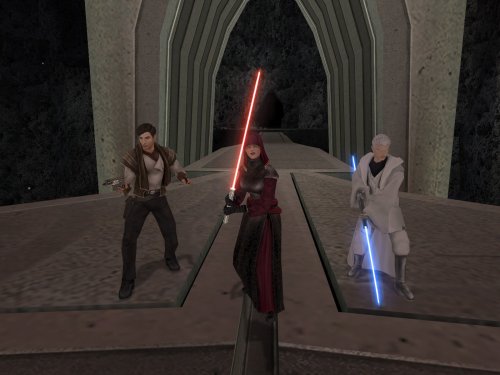
I wish we could see more detail, DH. You took these screenshots in a pretty dark area.