All Activity
- Past hour
-

Gigantic Mod Release - Saga Edition Series
Vriff replied to BottomlessThought23's topic in Mod Releases
It's in our github, the sqlite db files. We develop and maintain KPM over on the OpenKotOR discord, if you have any questions or want to collaborate on anything feel free to join if you're not a member yet and someone can probably offer any support if you run into patch development problems. -
 knightrojan joined the community
-
Gigantic Mod Release - Saga Edition Series
BottomlessThought23 replied to BottomlessThought23's topic in Mod Releases
Thank you so much! Yeah, none of this was possible before the KPM ecosystem. The future of KOTOR modding his here! (Frankly, I've been really down lately, so I really appreciate your support) Because I wasn't aware that was a thing? lol I'm also not finding any ways do download it, just a bunch of documentation about it. -
Gigantic Mod Release - Saga Edition Series
Vriff replied to BottomlessThought23's topic in Mod Releases
A little confused, KPM has it's own GameAPI that contains most of the functions in the exes. Why not use that? -
Gigantic Mod Release - Saga Edition Series
BottomlessThought23 replied to BottomlessThought23's topic in Mod Releases
Here is the mod collection I've made using all of my new mods and all of my favorite vanilla+ graphics mods. Let me know if anyone has any suggestions! https://www.nexusmods.com/games/kotor/collections/yhvu7p -

Gigantic Mod Release - Saga Edition Series
djh269 replied to BottomlessThought23's topic in Mod Releases
Difficult to put into words how cool and ambitious your mods are, with the use of KPM and your Kotor Address Library it truly is the golden age of modding. Thanks for sharing your work with everyone! -
Hello modders! I have been working really hard to get to this point, and I've finally released my Saga Edition Series of mods... over on Nexus mods. They will be coming here very soon, I promise, but frankly I've already spent almost five hours on just releasing mods, so I'm gonna go do something else for a bit! lmfao Let me know if you have any issues. I'm hoping this goes smoothly, I've done a massive amount of testing, but... who knows? lol The main reason for this post, besides making people aware of the existence of the mods, is because I also had ChatGPT keep track of our reverse-engineering and testing work, and maintain it as an Engine Modding Guide. It is entirely maintained by ChatGPT, and thus probably includes a lot of rambly nonsense, a lot of very obvious "grass is green" kind of crap... but I'm hoping it provides some insight into how we were able to find the right hooks to work with to make all of this possible. Cause I sure as hell don't have the patience to keep track of all of that myself. lmfao Just to have it all in one place, I've also attacked the API guides to my new Crash Logger and SagaLib Address Library. KOTOR_Engine_Modding_Guide_2026-11-04.docx KOTOR_Native_API_Guides_20261104.zip
- Today
-
 livemrgreen joined the community
-
 Ochnar joined the community
-
 dbzdude64 joined the community
-
 prplEri changed their profile photo
-
prplEri joined the community
-
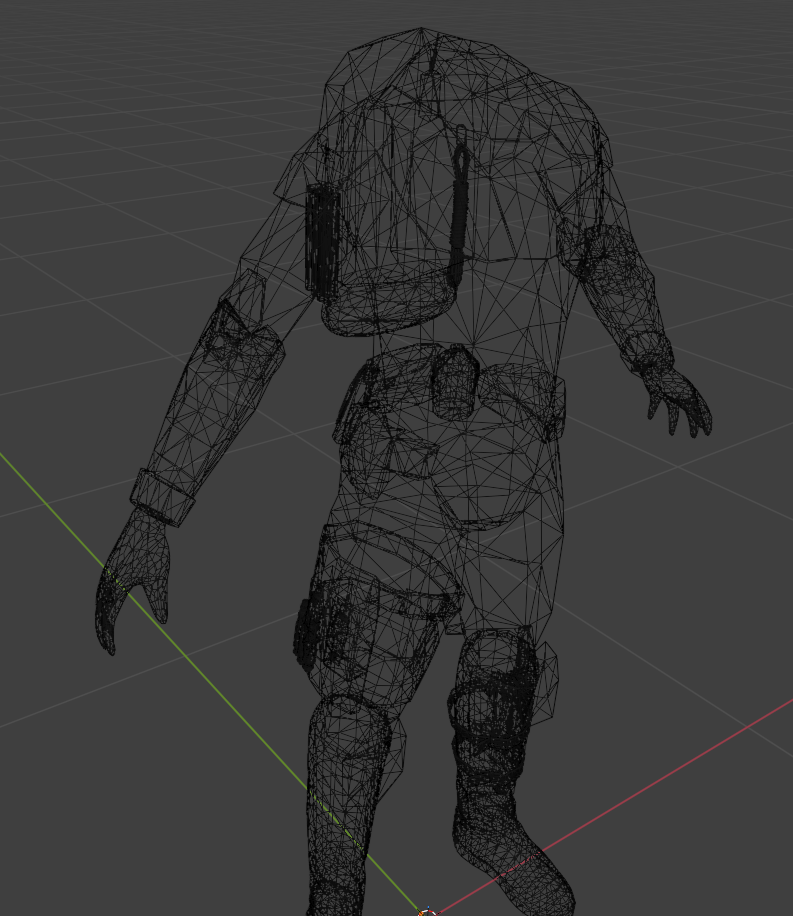
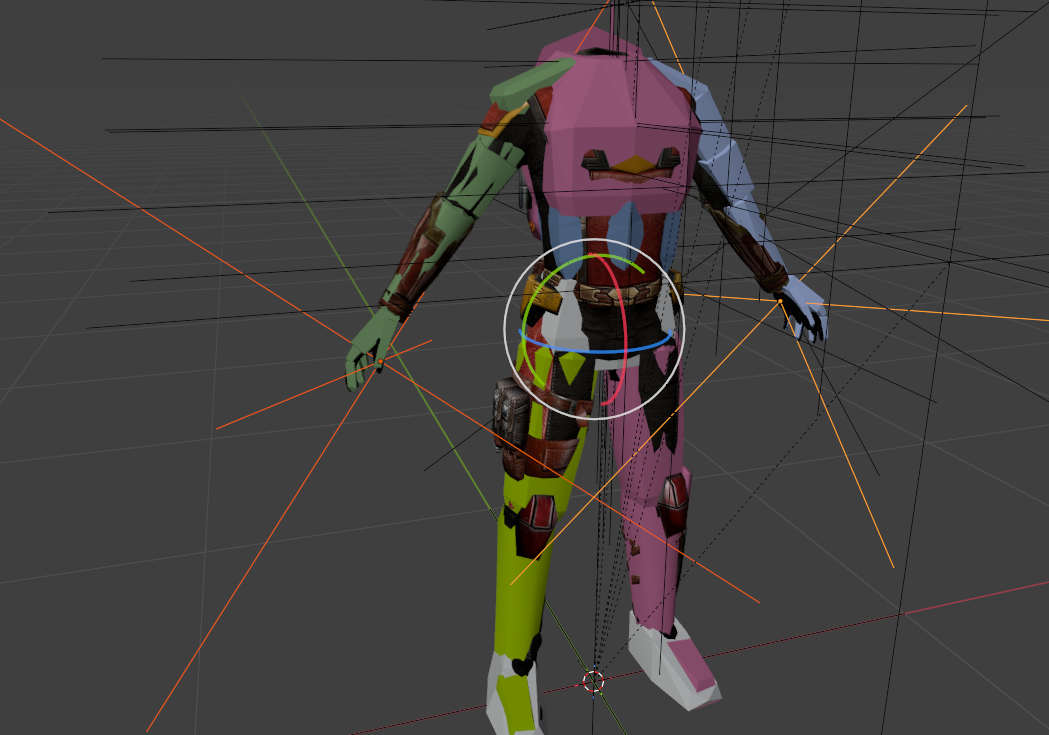
When overlaying one mesh onto another, I try to align the positions of the limbs as closely as possible. It’s easier to navigate in Wireframe mode. Here’s another detail I recently learned: these "hookpoints" determine how items are positioned in one's hands.
-
 Tallsam20 joined the community
-
 SimianNym joined the community
-
 Militem joined the community
-
 Dabbeyt joined the community
-
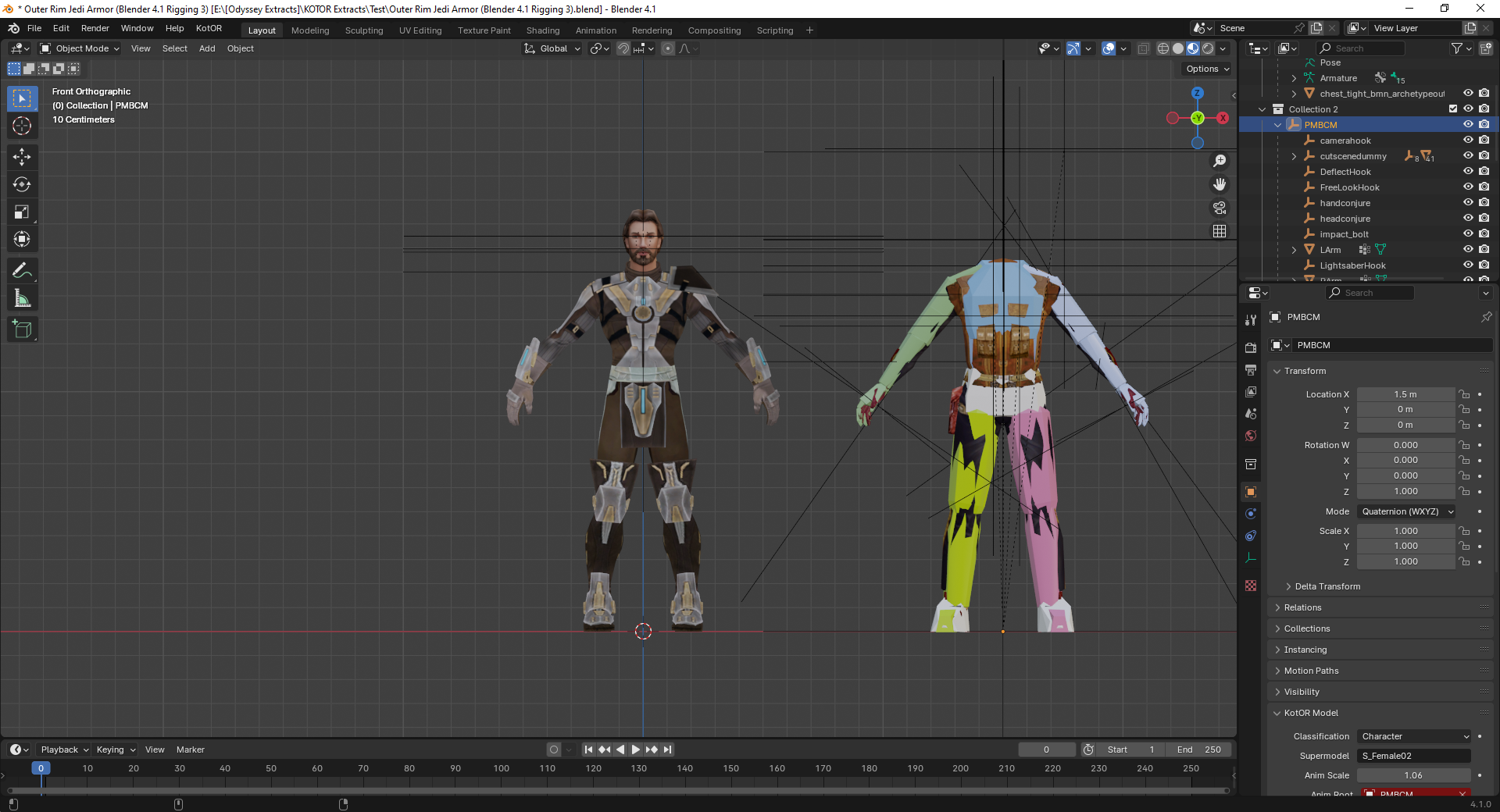
I've adjusted the ankle joint and moved the model so it remains on the origin point but I'm also considering rotating the shin joint to give the feet a bit of a V-shape during idle like the KOTOR model. For the arms, how much straighter does it need to be?
-
 I would say this is essential for those who wants to make sure KOTOR runs well on current day rig. I wish something like this exists for KOTOR 2 as well, Aspyr did a great job fixing alot of its compatibility issue but other issues like graphics issue, widescreen UI being super squished, captions/subtitles font being too small on higher resolution and the unintuitive controller UI, I like how OP just straight up ported the XBOX UI to the game, I believe that is something KOTOR 2 could use. Anyway, thank you for your effort RaymanGT, this is a great mod.
-
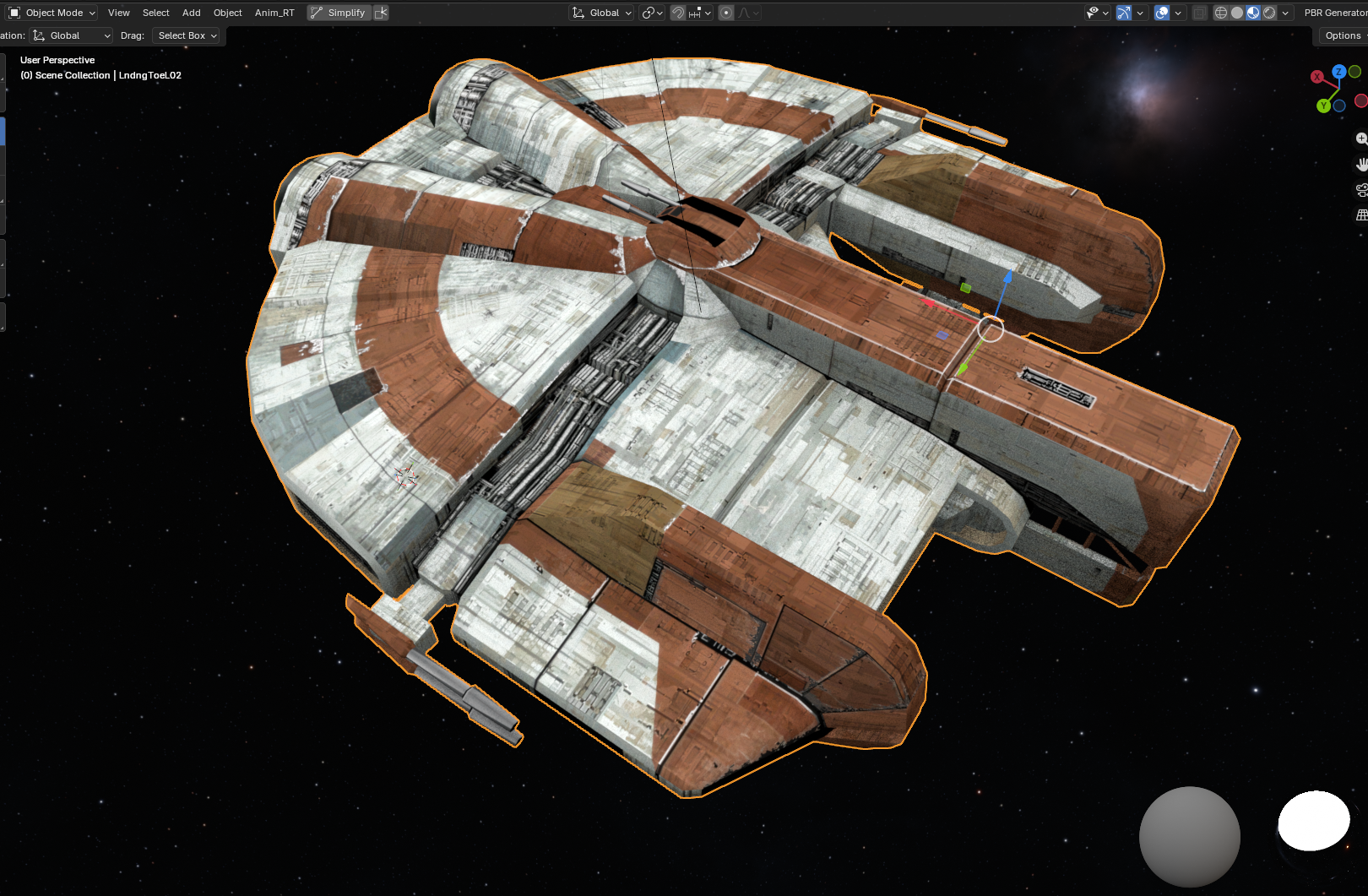
Ebon Hawk - Upscaled to 2k and remade Alpha channels.
-
It is advisable to rotate the ankle joint and straighten the arms at the elbows.
-
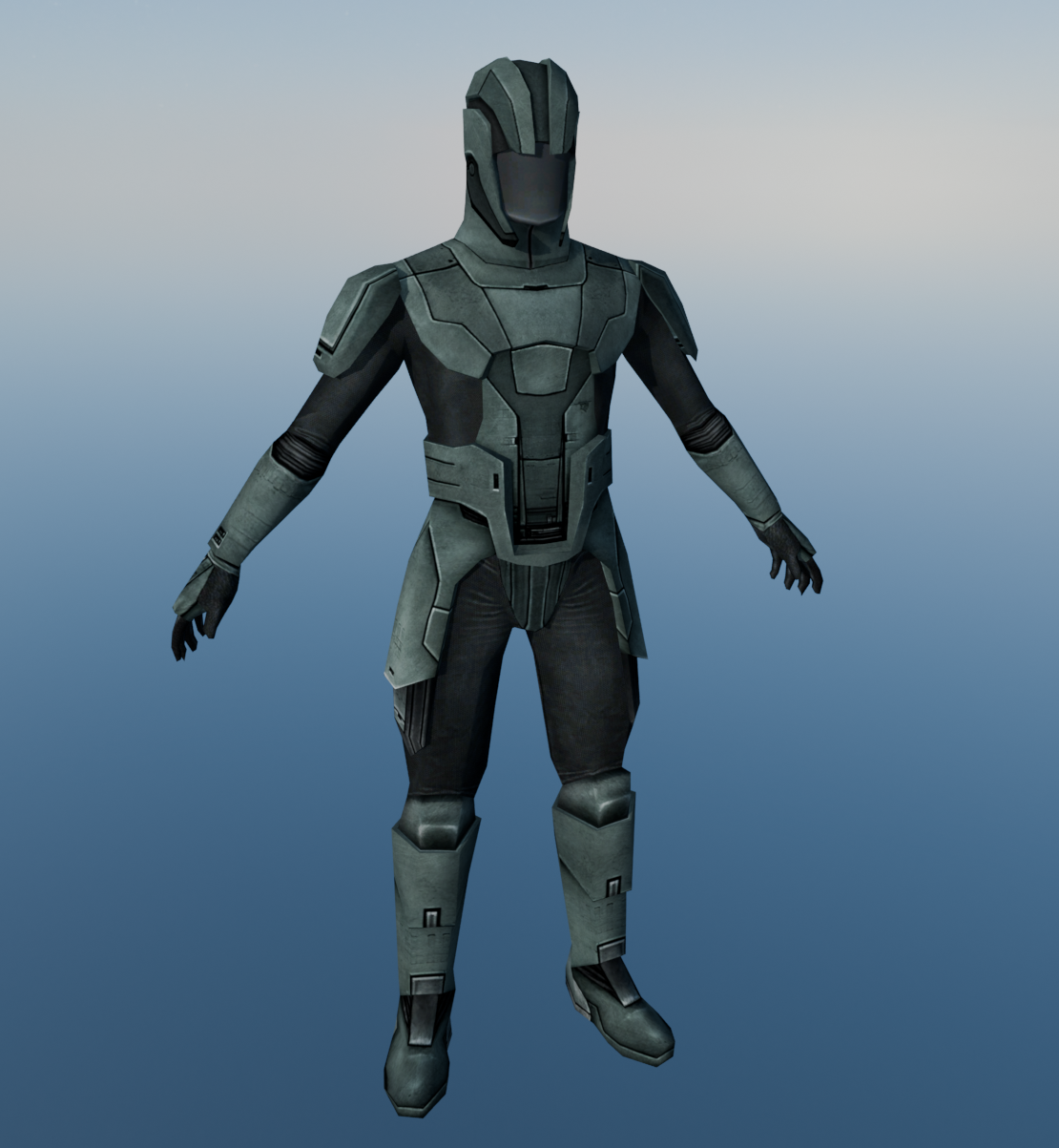
A 2.0 of my Sith Trooper Retexture Mod W.I.P.
-
 Links are updated.
-
 While there are dialogue options to shut down Basitla and Carth's romance in their later conversations, the fact is that as long as you keep talking to them the game assumes the romance is active and thus you'll keep getting those gender-specific romantic dialogue, until you choose the dialogue options to shut down the romance. This mod is for players who have no interest in romancing Bastila or Carth at all but still want to go through their conversations, without having to jump through the hoops of spending the majority of the game trying to avoid any romance-related dialogue in conversations with Bastila or Carrh and then picking specific dialogue options later just to shut down the romance. With this mod, players who are not interested in Bastila or Carth's romance no longer need to worry about encountering any romantic dialogue with Bastila and Carth whatsoever. Every single mod I made exists for a reason, and I put a lot of thought into why and how I make a mod, so frankly, you calling my mod "unnecessary" is an insult.
-
Unnecessary mod. There are plenty of opportunities to shut the romances down in the later dialogue options. Both Carth and Bastila are quite easy to discourage.
- Yesterday
-
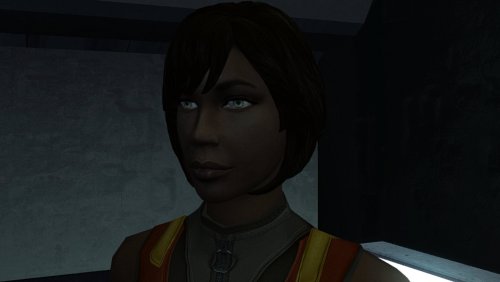 Working perfectly!!! 🔥
-
 As long as you switch the game's executable with the editable executable you *should* have zero issue.
-
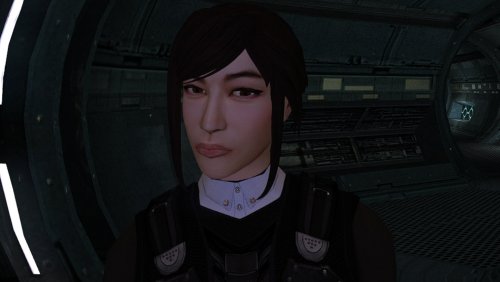 No words can do this or any model in this "High Poly" series justice, so I'll simply say: This is next-level. Full stop. I've deployed the entire series you have in my current KOTOR mod build and it looks.......WOW!!!!🔥🔥
-
Hey thanks for the reply. Both links link to the same mod though
-
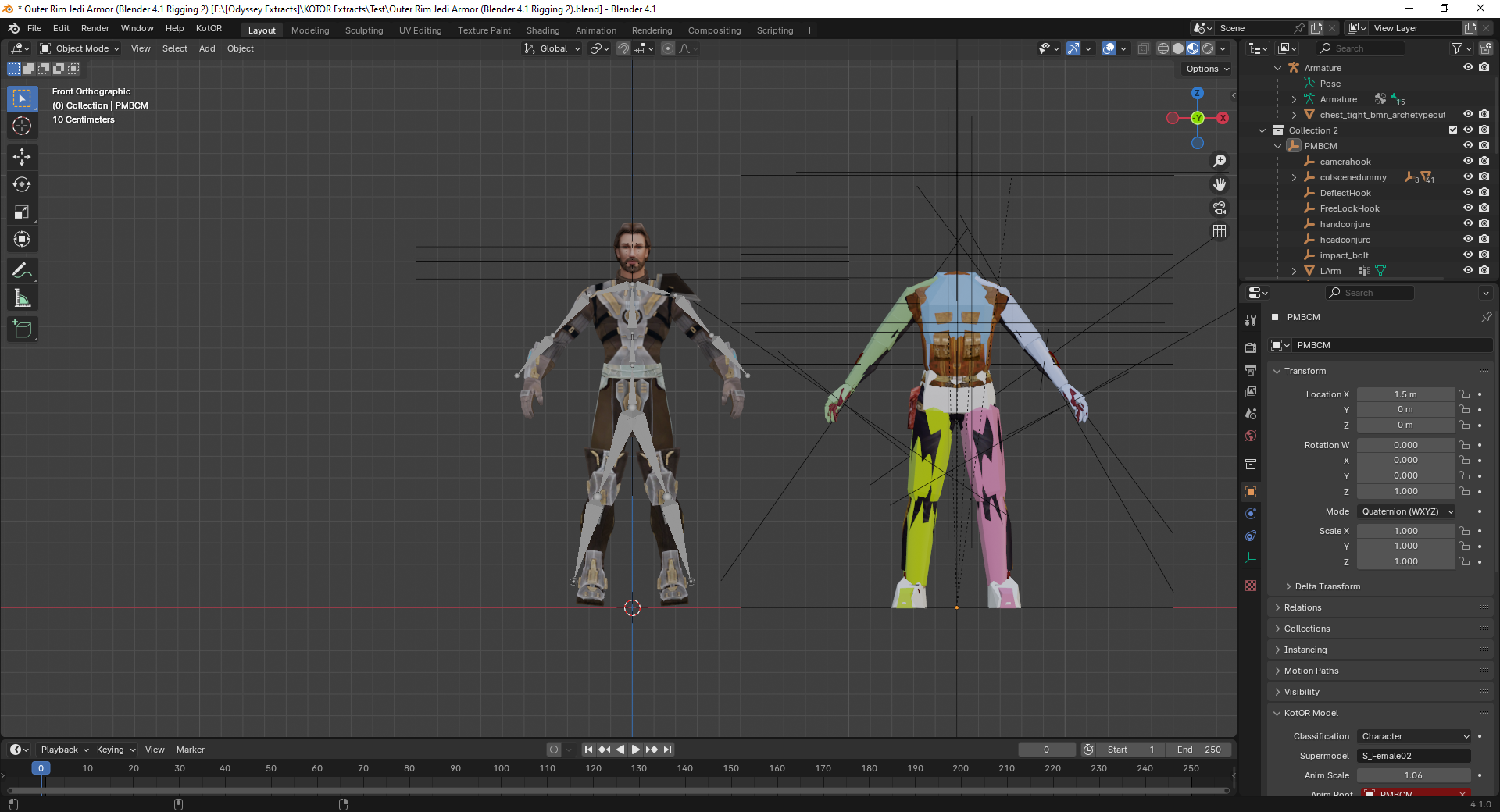
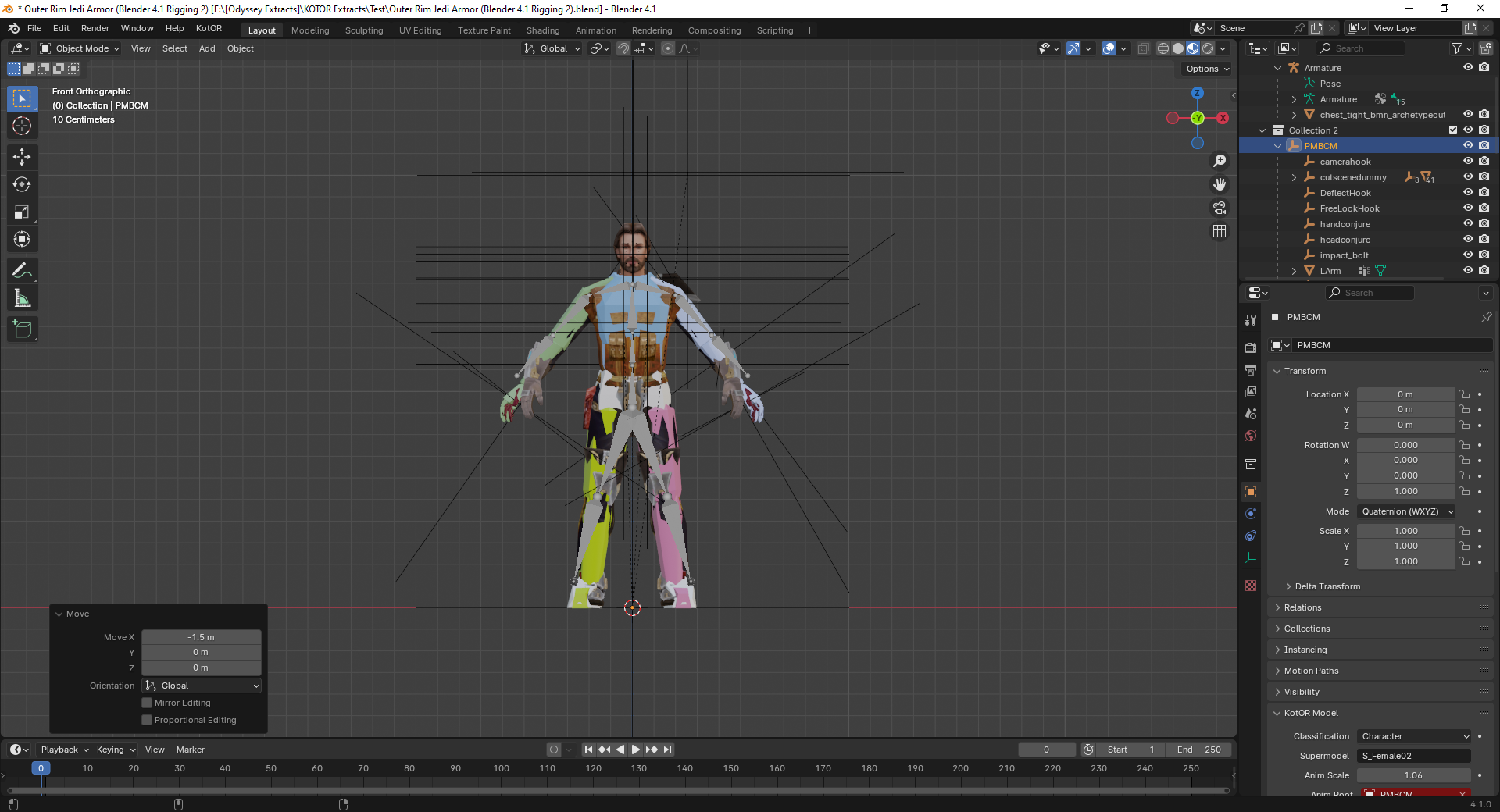
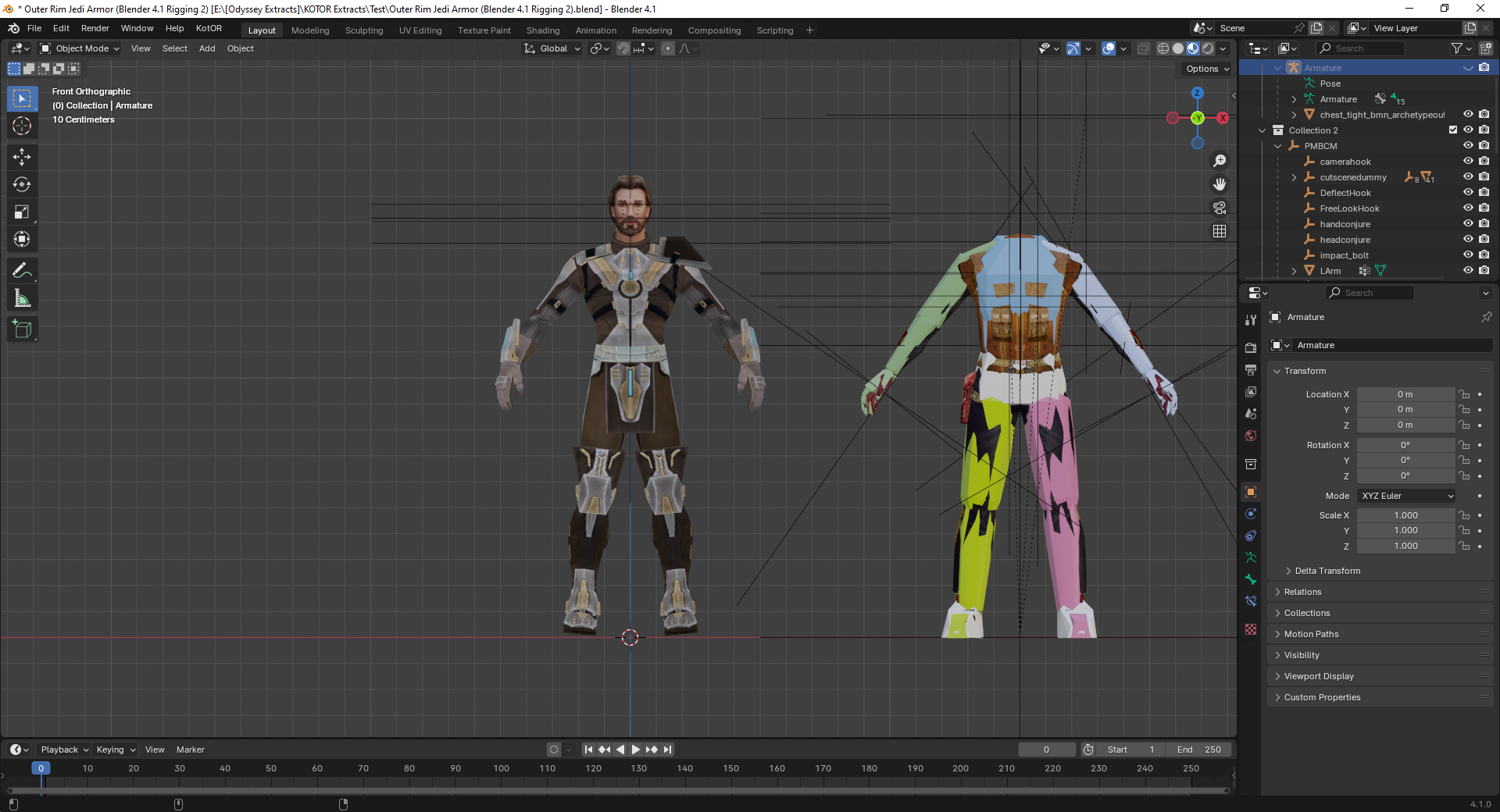
I didn't bind the skeleton yet in the first two images. More like these? I haven't lopped off the hands yet in the images.
-
Really Repeating Blaster Attacks
BottomlessThought23 commented on BottomlessThought23's file in Mods
I'm developing all of my mods using the Editable Executable, which is technically the 1.03 GOG version. -
Bones are needed to deform the geometry of an imported model. Your geometry has remained in its original position. It is easier for you to export the model from TOR. with the bones and weights already included. The bones will allow you to deform the mesh in Blender, and the vertex groups (with their associated weights) can be renamed to match the vertex groups used in KOTOR. If importing bones with vertex groups is not possible: 1. Create a skeleton and bind it to the mesh. 2. Deform the mesh using this skeleton so that the arms and legs are in the same positions as those of the KOTOR model. 3. Rename the weighted vertex groups so that they match the vertex groups of the KOTOR model. 4. Apply (save) the mesh modifier and delete the skeleton. 5. Rename the UV map of the imported model to "UVMap." 6. Join the objects using Ctrl + J. Select the mesh of the imported model first, then the mesh of the KOTOR model, and press Ctrl + J. 7. Enter Edit Mode and delete the KOTOR model mesh. 8. Export the model. It’s better to use the original hands. Getting the weight settings right is incredibly difficult. If I happen to work on something like this in the near future, I’ll post step-by-step screenshots.
-
 There was an old Messkell's mod from August 2004 "The Tomb of Naga Sadow" that did the same thing, but didn't require the player to have 10 points in Computer Use. Can it be reuploaded here?
-
Does this patch only work for the Steam version? The manifest.toml doesn't include the hash for the gog version.