Leaderboard



Popular Content
Showing content with the highest reputation since 10/06/2025 in Posts
-
Hey everyone! My Name is Lane. Some of you know me from Kotor Speedrunning, and others from my various Youtube exploits. I don't ever really post on Deadly Stream, but I've been lurking in and around the KotOR modding community for about a decade now. I have a degree in computer Science and decided to put it to good use, and reverse engineer KotOR 1 (the GoG version). This has been an on-going project for about 2-3 years now, and I've been sharing my progress with friends, and in some Youtube Videos. However, I've pretty much hit a wall with what I can do with this effort now. So I wanted to release my progress publicly, so other smart and clever people can start doing fun stuff with this. Linked below is a Google Drive with several useful things: A Ghidra Zip File (GZF) containing everything you need to use this A Ghidra SARIF export that contains all data types, function labels, parameters, Classes, and other additions I've made A Ghidra Format XML that contains the labels and function adjustments I've worked on. This is lighter weight than the SARIF file, but has more limitations when it comes to import fidelity. A generated `.h` file, that contains the Header information I have pieced together over time. Even lighter-weight, and more limited than the above What this is not: True Debug Symbols for kotor BioWare Intellectual Property A runnable or compilable program Kotor's Source Code A reverse engineering of Kotor 2 A reverse engineering of the Steam version * * A note about Kotor 1 Steam: While this reverse engineering effort targeted the GoG release of KotOR 1, the Steam version has MANY similarities; often times having identical memory addresses for most functions. Any Patch made for the GoG version can be pretty reasonably ported to Steam with a little bit of effort. What this is: A decently representative result of what Kotor's debug symbols might look like (format and terminology pulled from the MacOS symbols, and existing NWN docs) A research-based labeling and reverse engineering of the GoG version of Kotor 1 A labor of love for the past several years that I'm happy to share Why this is cool/important: This provides a stepping off point for creating proper patches for KotOR 1 This also provides a means for researching underlying issues with things such as memory management, graphical limitations, and compatibility This also provides a researching angle for coming to understand some of the more mysterious file formats, and how they interact with the game itself There are also a variety of fundamental similarities between this and KotOR 2. Which may unlock some insights for that game This is also the first step towards a proper re-compilation (though that is a long-ways off) How do I use the GZF? (New way) You need Ghidra installed, with a modern Java Runtime Download `k1_win_gog_swkotor.exe.gzf` from the google drive below Create a new Ghidra project Drag the GZF into the project Double click it to begin browsing You now have a decently labeled/decompiled instance of KotOR 1 How do I use the SARIF or XML? (Old way) You need Ghidra installed, with a modern Java Runtime Create a new project, and import swkotor.exe (as purchased from GoG) Open the EXE in Ghidra's code browser When it asks if you want it analyzed, select 'Yes" The default analyzers are fine, technically you could speed this up by stripping out a few unneeded analyzers The analyzers will take several minutes to complete (progress can be tracked in the bottom right) Once the analyzers have run, we can proceed Select "File > Add To Program..." and select the SARIF (or XML) file (download below) The importer will analyze the symbols and apply them to the project You now have a decently labeled/decompiled instance of KotOR 1 Limitations: 99.9% of the functions have been labeled, however there were a few stragglers that I was never able to work out. These will appear as `FUN_<address>` 92.3% of the Data is labeled, with stragglers being named `DAT_address` Data Types are VERY incomplete. The labeled ones consist mostly of frequently used types, and known fields. Unknown fields are marked `field<index>_<offset>` Virtual Function calls are very under labeled (largely due to the difficultly of labeling vtables in Ghidra). Though you can determine the underlying function by applying the offset to the associated Class vtable. Most functions have only automatic variables defined within their decomp. Typing and purpose of underlying variables beyond function names, and parameter types, are left up to inference. Overlapping functions. Certain functions overlap in this compilation, due optimizations within the Visual C++ runtime. As a result some functions such as `GetProperty0x30` are shared by multiple classes, and thus lack a name-space. You can usually work out their purpose by checking the associated data type at that offset. If you used the XML import, you will be missing a lot of typing and Function Class/Namespace info Final Notes: Please feel free to ask me any questions about this effort, or any thing strange you might find within the decomp. I've grown to be quite the kotor expert over the years, and I'd be happy to share any insights. You can reach out to me on Discord @lane_d, I'm in the Kotor server, OpenKotOR server, DeadlyStream server, and the kotor speedrunning server. I will be periodically posting updates to this drive, whenever I get the chance to work on this more. If anyone has any major contributions they'd like to see added, please reach out! I'd be happy to chat. Google Drive Link Here8 points
-
Please see the official GitHub repo to get support and find updates: https://github.com/OpenKotOR/DeNCS DeNCS - Turn Your Compiled KOTOR Scripts Back Into Readable Code! Ever wanted to see what's inside those compiled .ncs script files from KOTOR? Or maybe you found a mod with scripts you want to understand or modify? DeNCS can take those compiled script files and turn them back into readable source code that you can actually understand and edit! What does it do? Simply put, DeNCS converts compiled KOTOR scripts (.ncs files) back into source code (.nss files). It's like having a translator that converts the game's internal script format back into human-readable code. Works with both KOTOR 1 and KOTOR 2! How to use: There are two ways to use DeNCS - a simple graphical program (GUI) or command-line tools. Most users will want the GUI version! Option 1: The Easy Way (GUI - Recommended!) 1. Download the DeNCS folder 2. Double-click DeNCS.exe (Windows) or DeNCS.app (Mac) 3. That's it! No Java installation needed - everything is included! Once it opens: Drag and drop any .ncs file onto the window to decompile it Or use File → Open to browse for files The decompiled code will appear with syntax highlighting (color-coded keywords, functions, etc.) You can edit the code right there if you want Press Ctrl+S (or Cmd+S on Mac) to save your changes Open multiple files at once - each gets its own tab The program supports both KOTOR 1 and 2 (configurable in the settings) and attempts to unify most nwnnsscomp.exe variants, but has mainly been tested with kotorscript and ktool's variants. Option 2: Command Line (For Advanced Users) If you prefer using the command line or want to automate tasks: Windows: .\DeNCSCLI.exe -i "script.ncs" -o "script.nss" --k2 Mac/Linux: ./DeNCSCLI -i "script.ncs" -o "script.nss" --k2 This reads script.ncs and creates script.nss with the decompiled code. Use --k1 for KOTOR 1 scripts, or --k2 for KOTOR 2 scripts. Decompile an entire folder: .\DeNCSCli.exe -i "scripts_folder" -r --k2 -O "output_folder" This processes all .ncs files in the folder (including subfolders) and saves the results to your output folder. Features: Works with both KOTOR 1 and KOTOR 2/TSL scripts Beautiful graphical interface with syntax highlighting Edit decompiled scripts and compile them back Round-trip verification - see if your edited code compiles correctly Batch process entire folders of scripts at once View bytecode if you're curious about the low-level details Self-contained - no Java installation needed! Cross-platform - works on Windows, Mac, and Linux What can you do with it? Decompile .ncs files to see the original source code Understand how game scripts work Edit scripts and recompile them for mods Analyze scripts from your favorite mods Batch process entire script folders quickly Troubleshooting: "Error: nwscript file not found" Make sure you haven't deleted or moved the tools folder that came with the download The program should find everything automatically, but if you get this error, check that the tools folder is in the same directory as the executable "Program won't start" (Windows) Windows might be blocking it. Right-click DeNCS.exe → Properties → Check "Unblock" → Apply Try running as Administrator if you get permission errors "Program won't start" (Mac) You may need to allow the app in System Preferences → Security & Privacy Right-click the app and select "Open" the first time "Program won't start" (Linux) Make sure the executable has permission to run: Make sure the executable has permission to run: chmod +x DeNCSCli/DeNCSCli For more help: Run .\DeNCSCLI.exe --help (Windows) or ./DeNCSCLI --help (Mac/Linux) to see all available options Check the included README files for detailed documentation Source code and more info: https://github.com/OpenKotOR/DeNCS Credits: Original Developers (The Foundation): JdNoa - Created the original script decompiler engine Dashus - Created the original GUI These developers did the hard foundational work that made this tool possible. The original DeNCS was an internal tool used by TSLRP (The Sith Lords Restoration Project) and was released to the public "as is" with no warranty. Current Maintainer: th3w1zard1 - Complete rewrite and modernization You! if you like! just head to https://github.com/OpenKotOR/DeNCS and start contributing. This version represents a near-complete rewrite and modernization of the original DeNCS tool. While based on the original developers' foundational work, the current version has been extensively revamped with a new GUI, modernized codebase, cross-platform support, and many new features. The core decompilation concepts from the original work remain, but the implementation has been significantly rewritten for modern development practices. License: This software is provided under the Business Source License 1.1 (BSL 1.1). See LICENSE.txt in the download for full license information. Enjoy decompiling! 🎮✨ NCSDecomp-v1.0.2-Windows.zip7 points
-
I was wondering if anyone would be willing to add glass overlays to these upscaled Nar Shaddaa windows for me. These would be for personal use but obviously anyone could download them off this request page if they chose to. For illustration purposes I have attached these textures as PNGs but to save you some time, I've also made a DropBox link here where these textures are in TGA format. Thank you for your consideration in this matter.
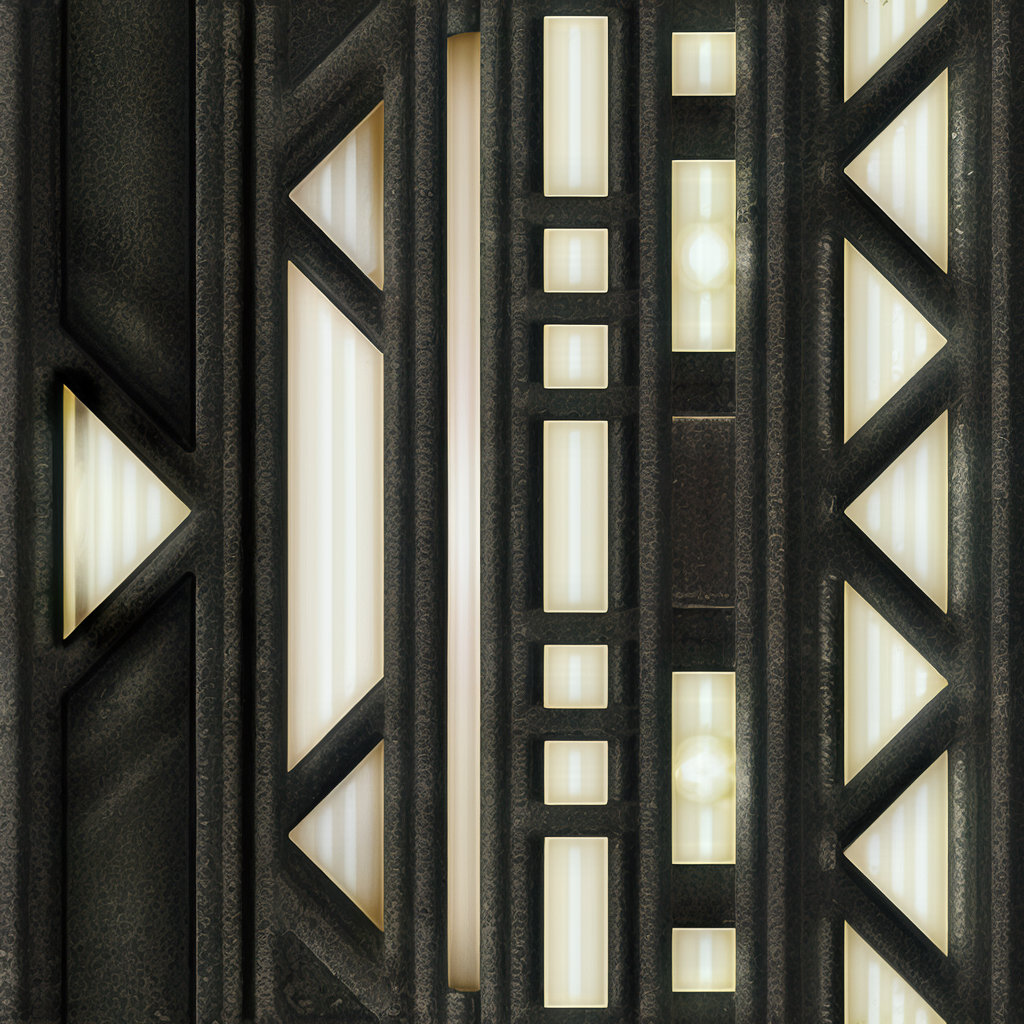
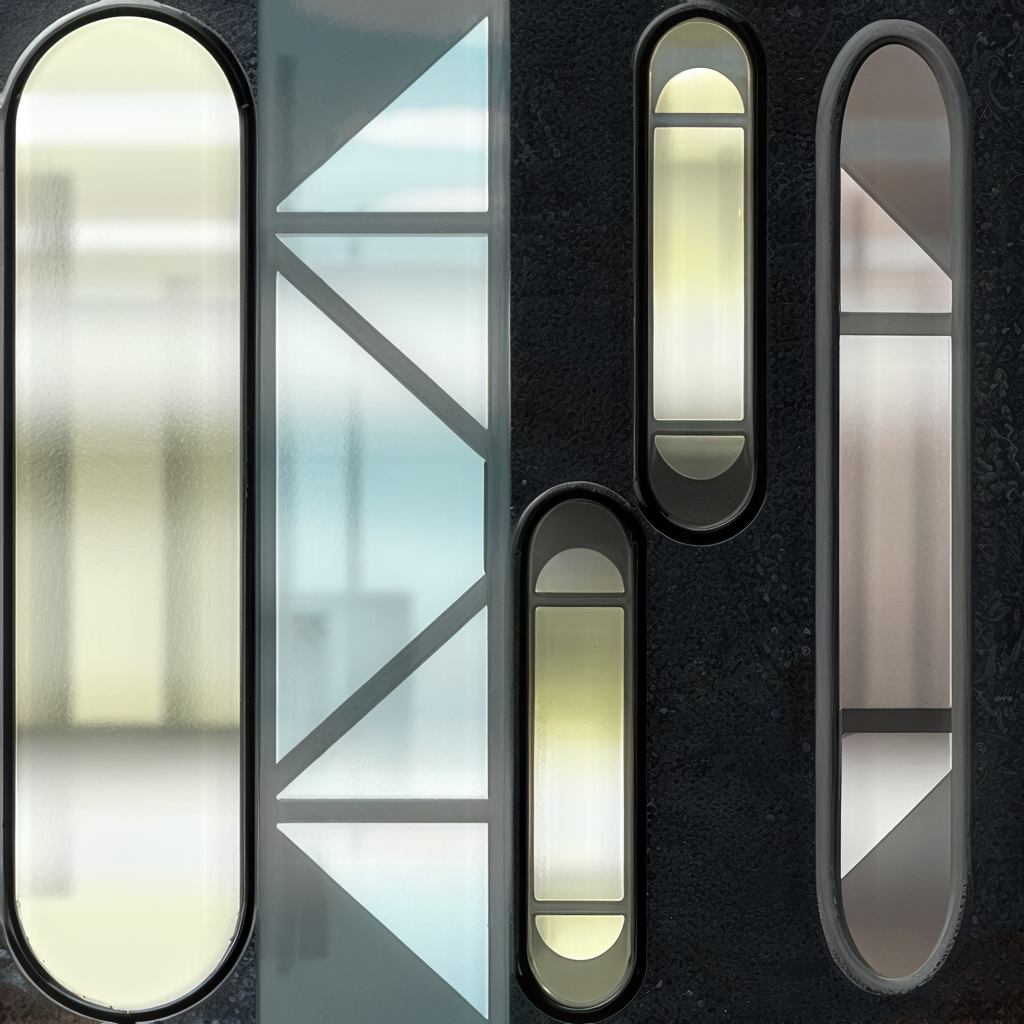
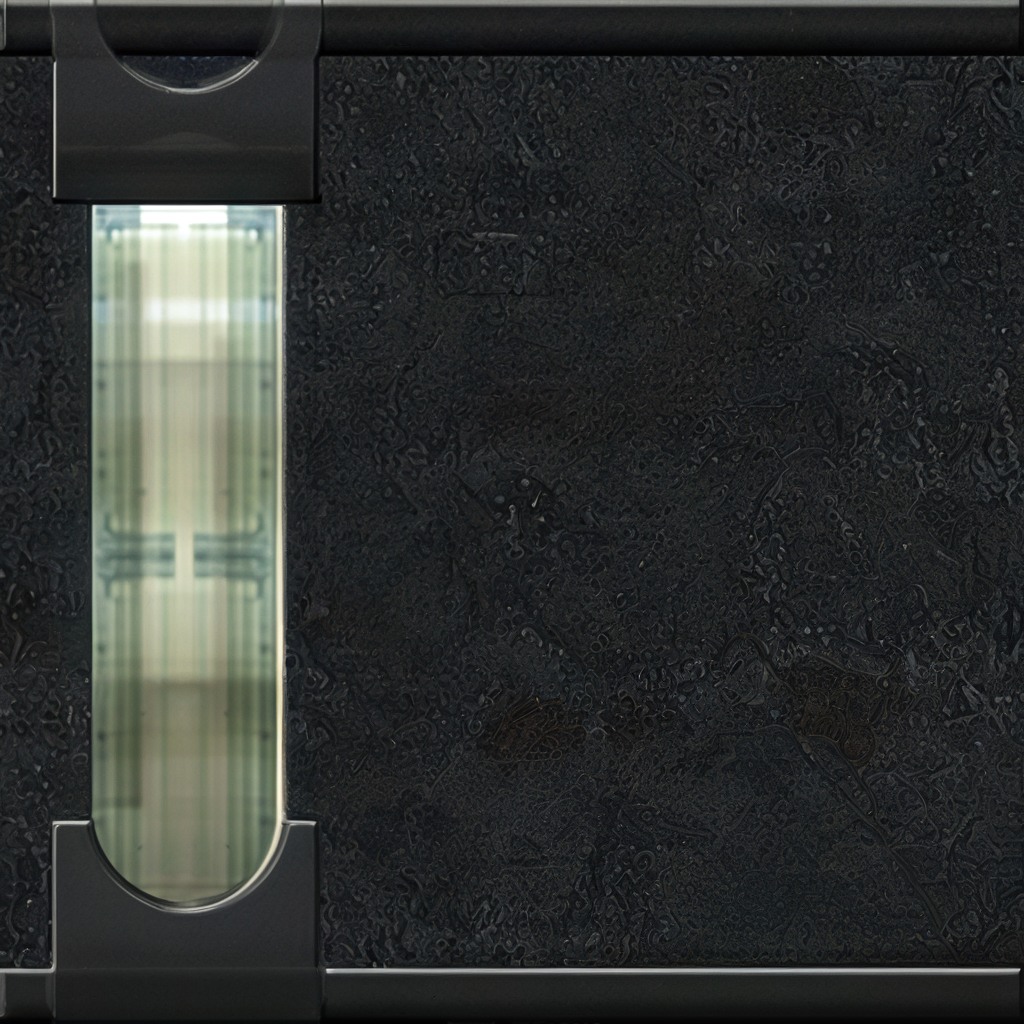
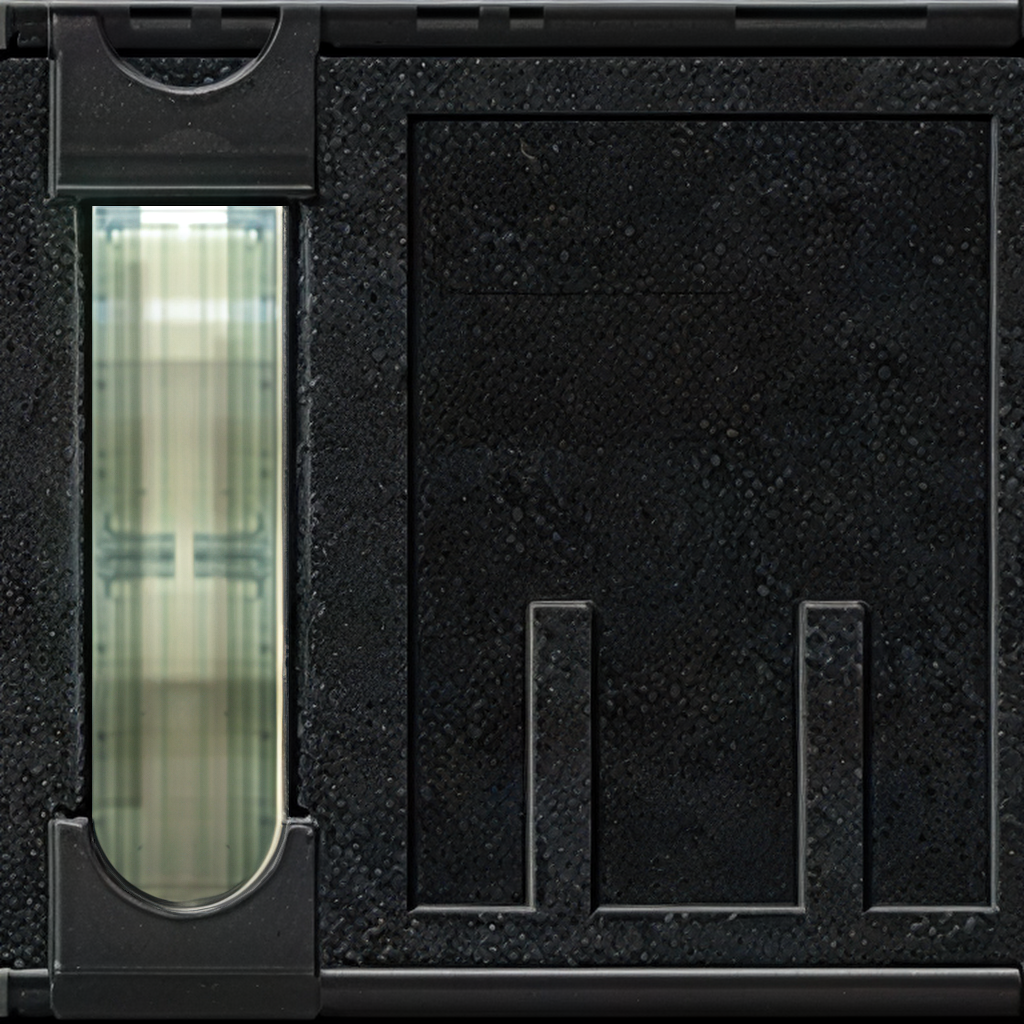 7 points
 -
All of these textures you've been doing for KotOR1 have been wonderful. But I'm seeing a need that you haven't seemed willing to tackle: textures for KotOR2: The Sith Lords. Granted, there's a lot of overlap between many KotOR1 and TSL textures but I'd love to see you start on TSL specific textures. Whether it's for the new locations available there, the different heads for the PC characters, or the NPC team members, I am curious what you could come up for those textures. If anyone else agrees, drop a comment?6 points
-
Two demos in one day! In this one I show, kotor 1 working with more than 256 rows in placeables 2DA (something that previously wasn't possible).6 points
-
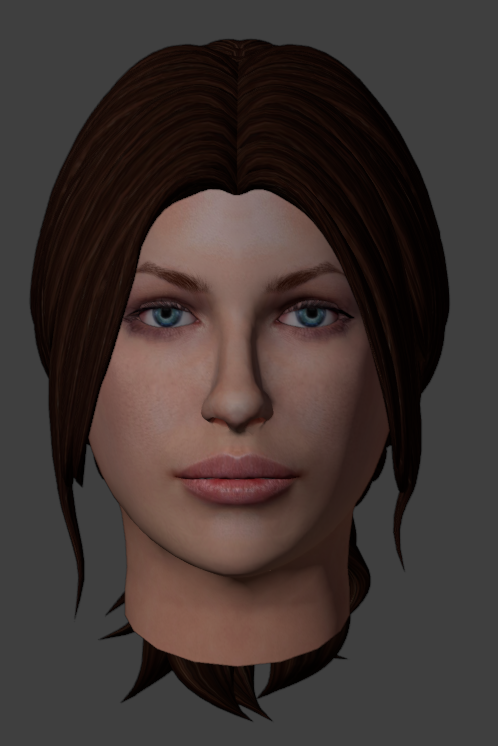
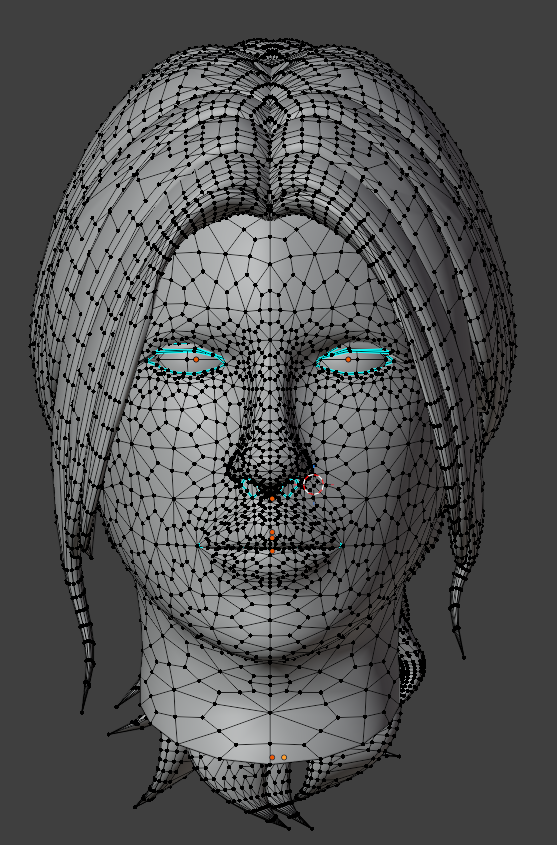
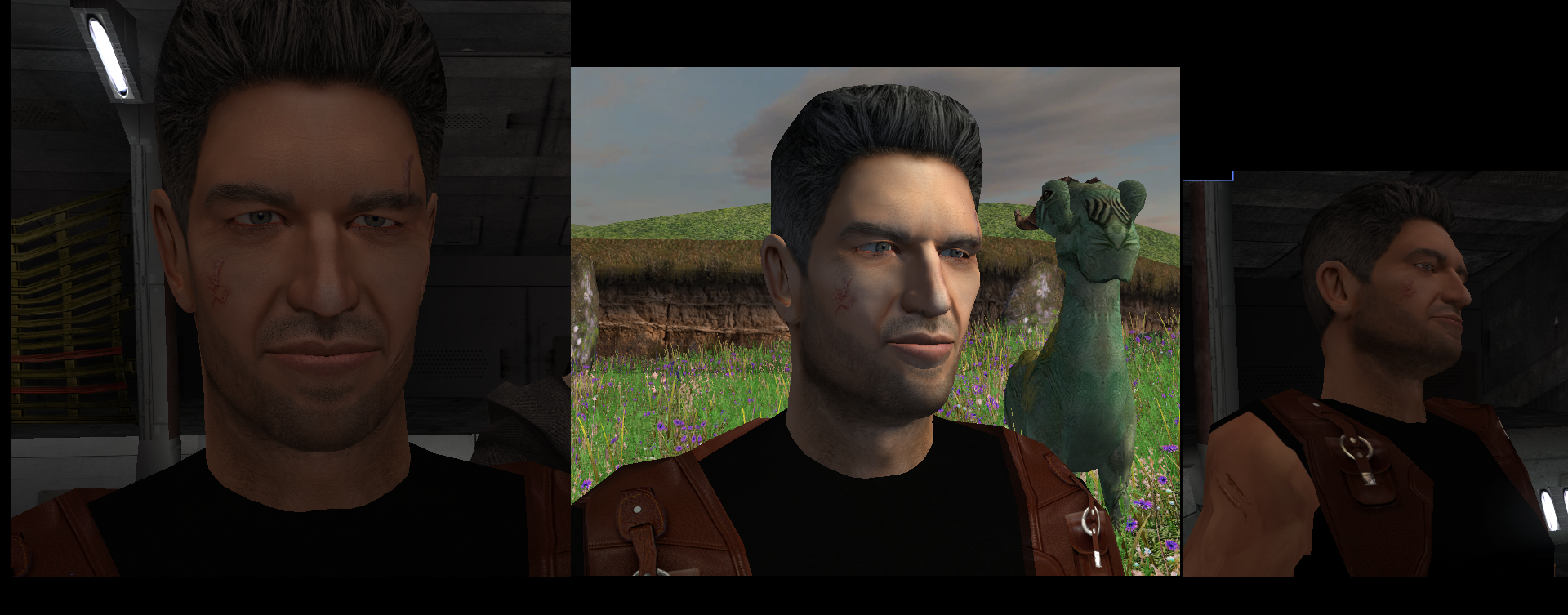
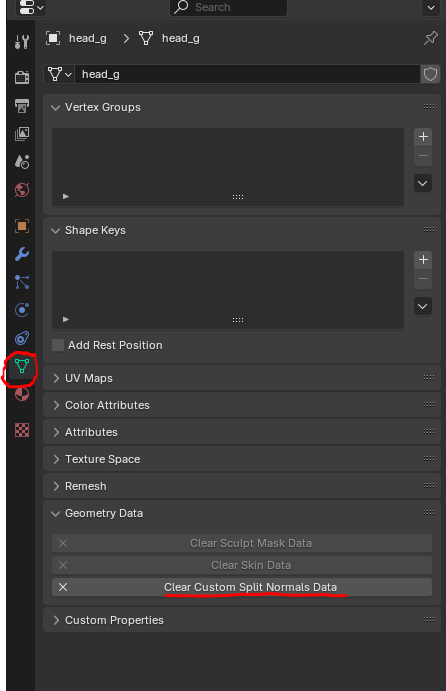
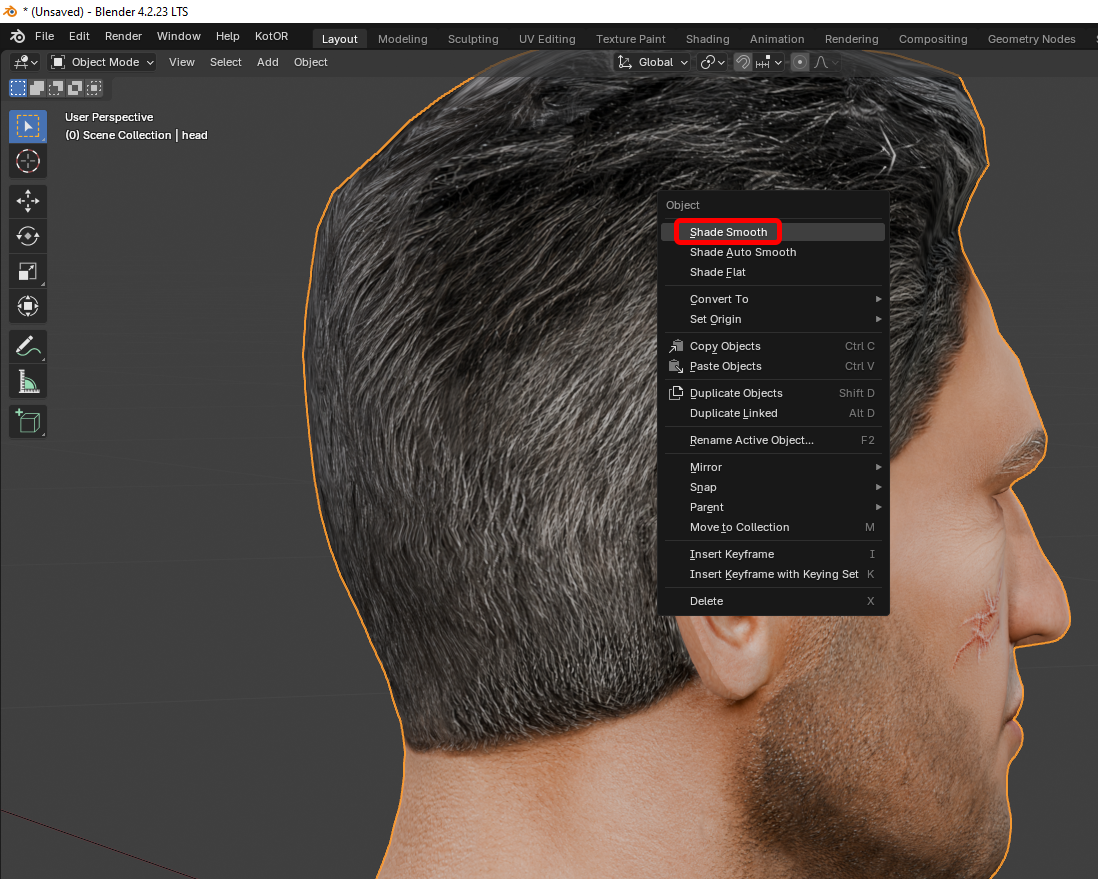
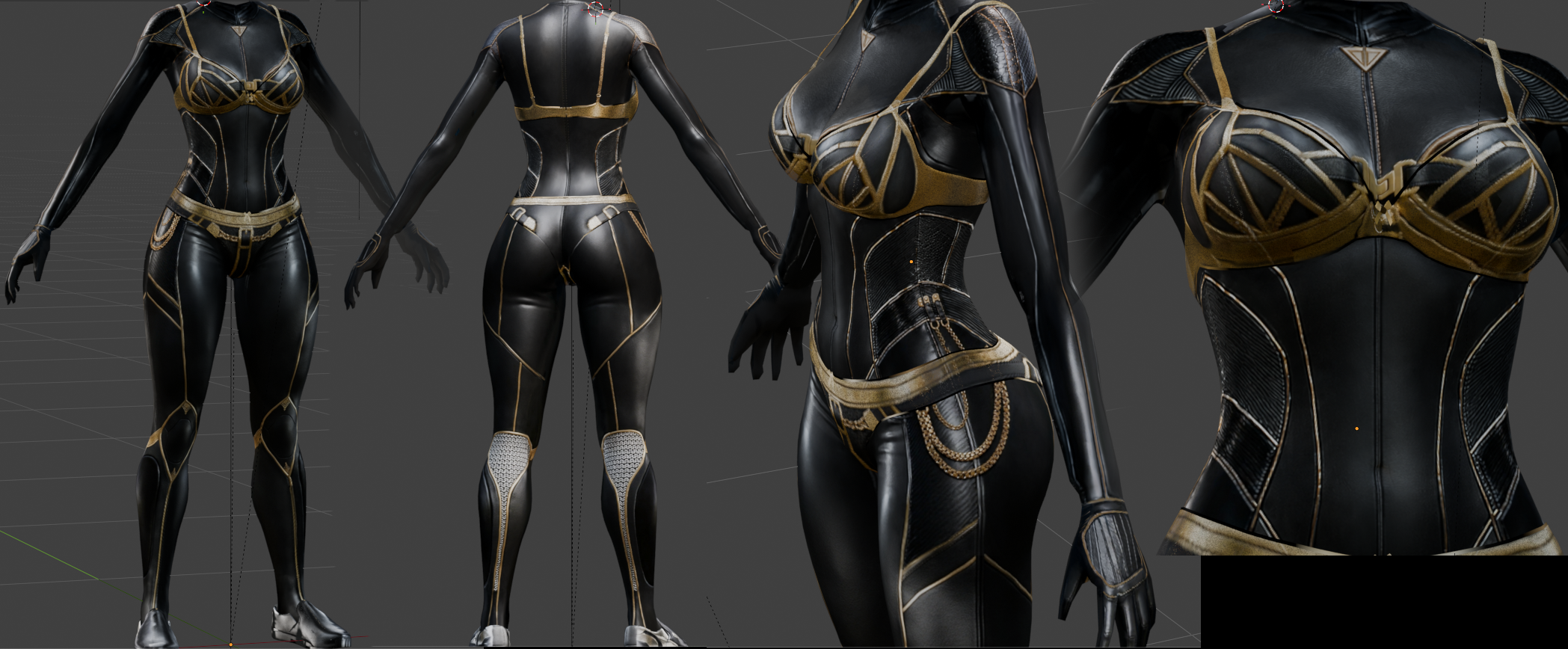
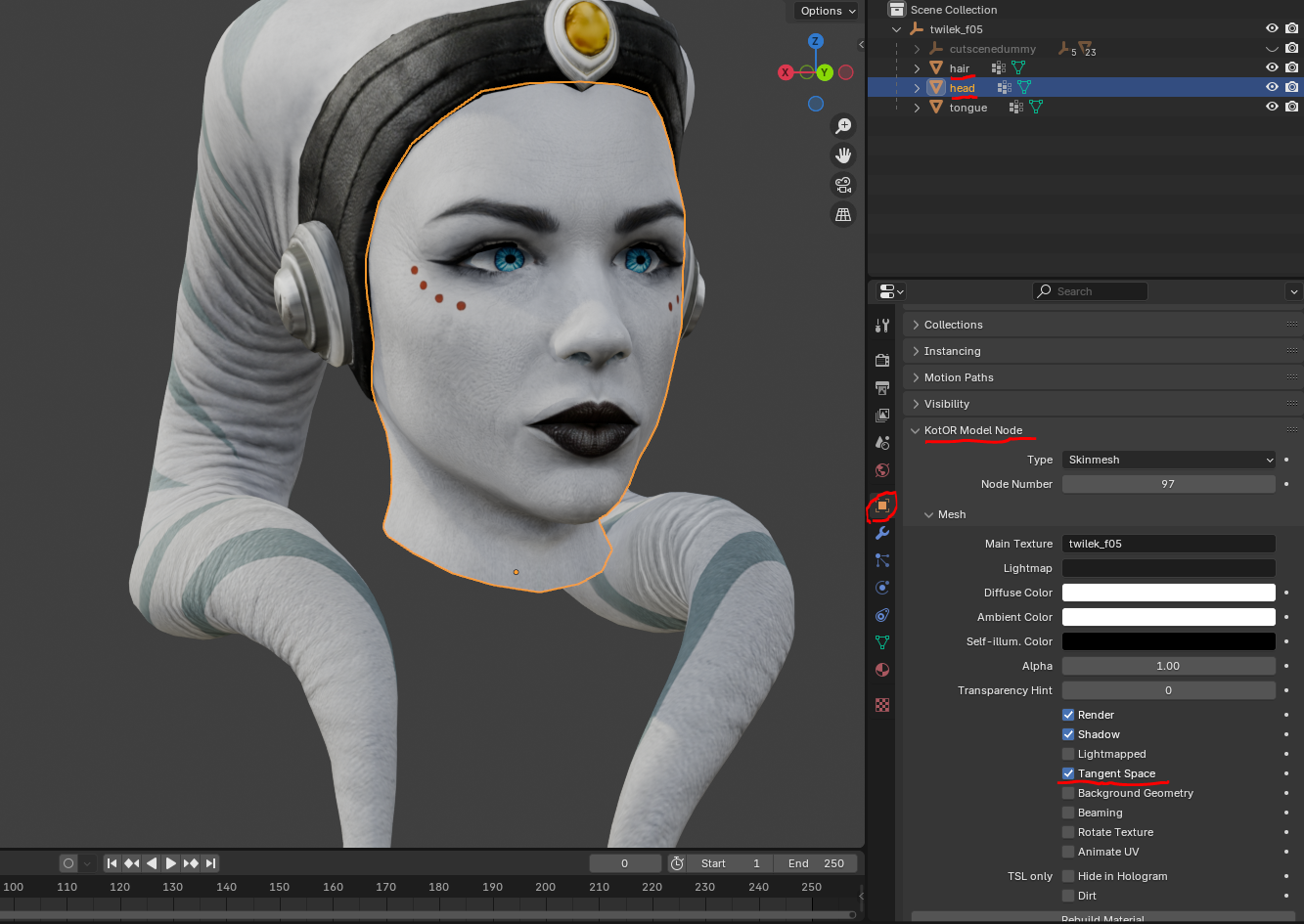
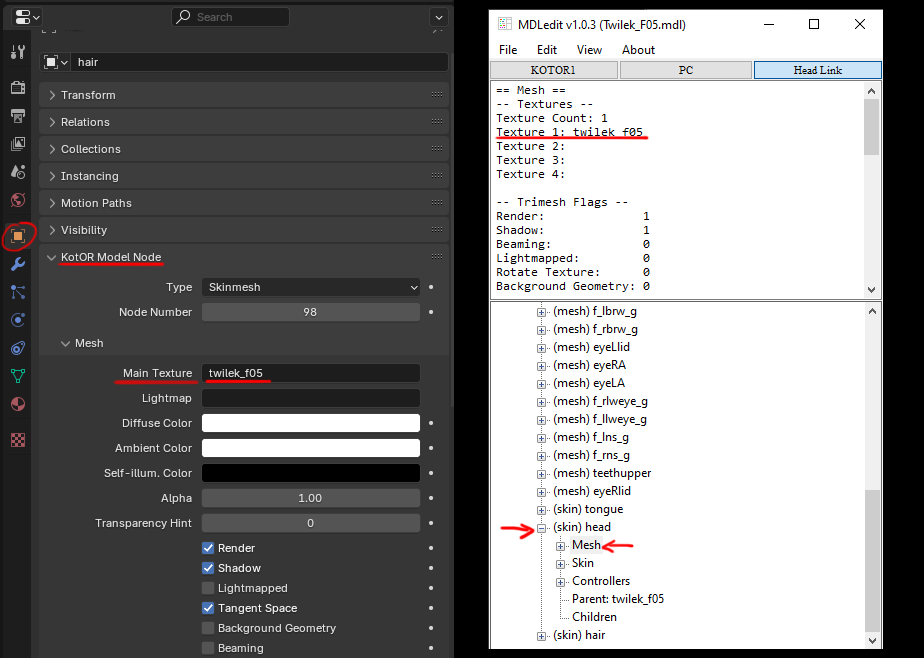
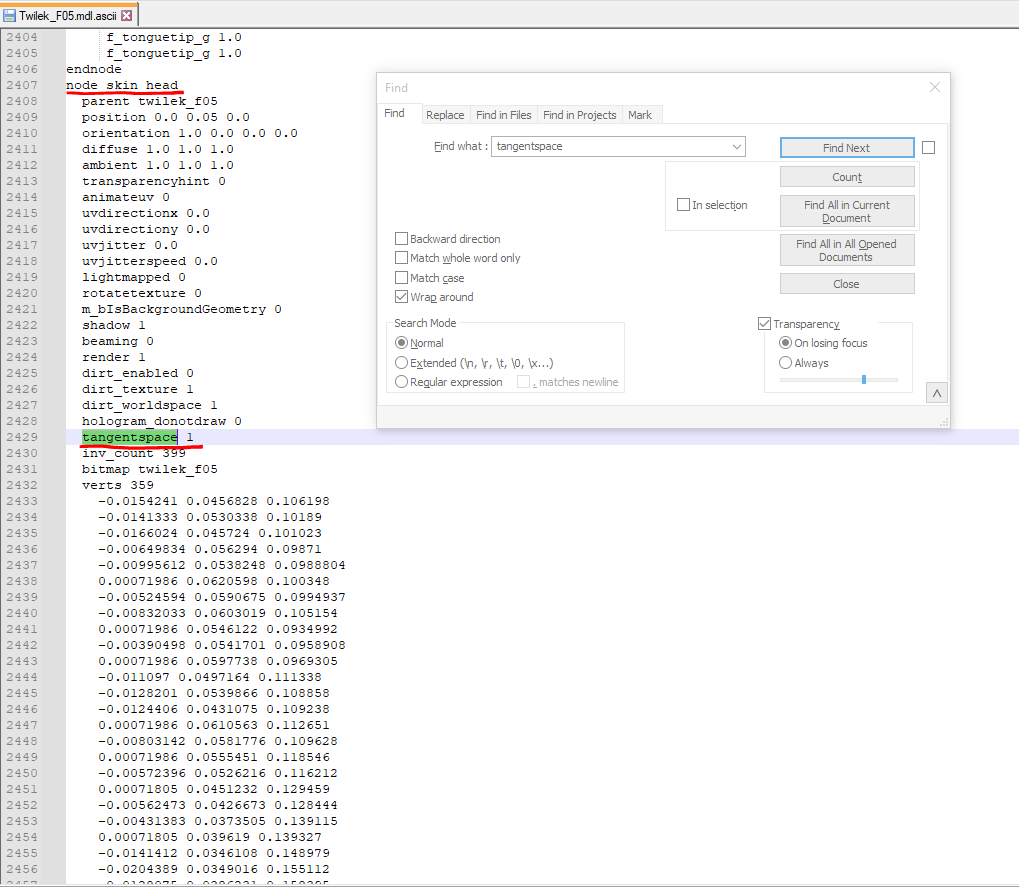
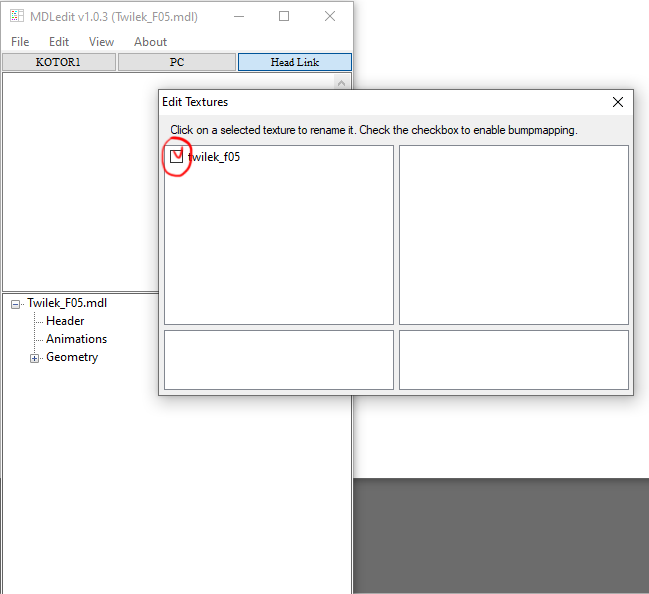
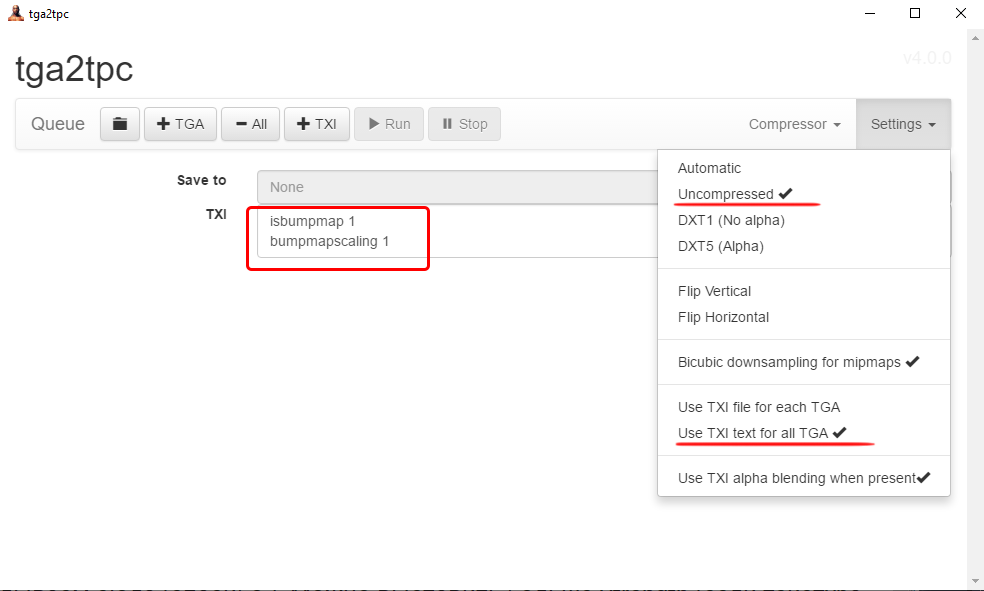
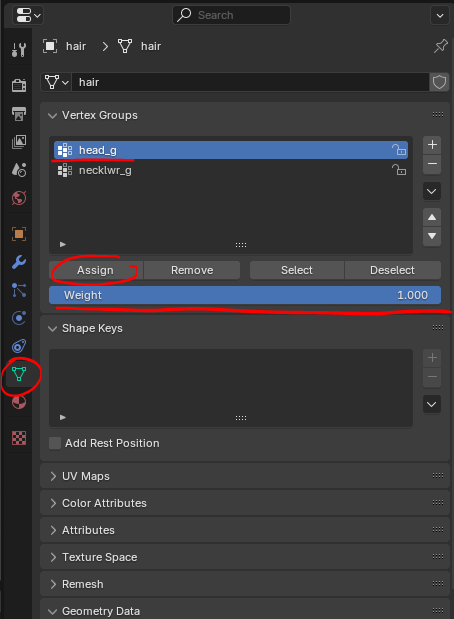
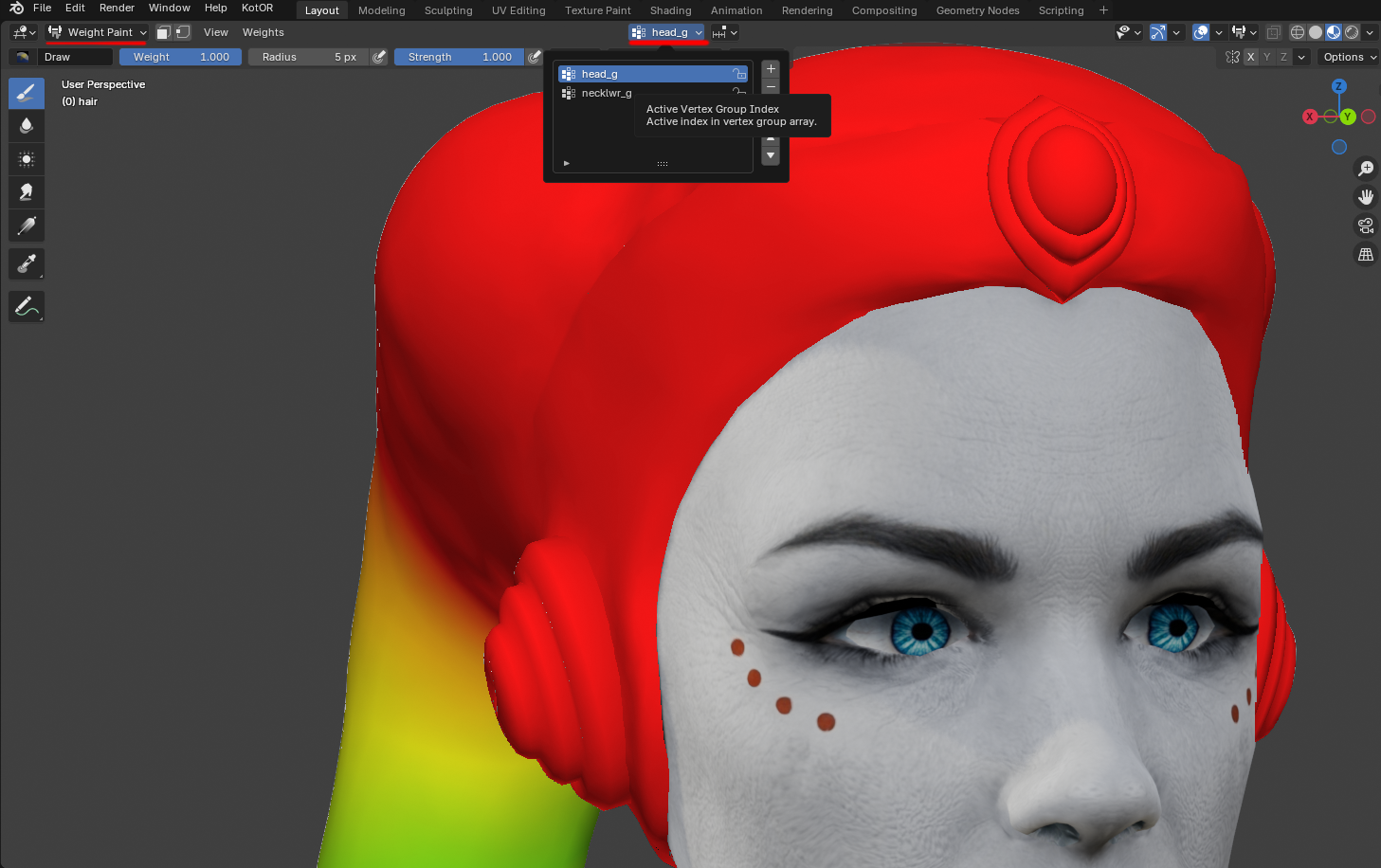
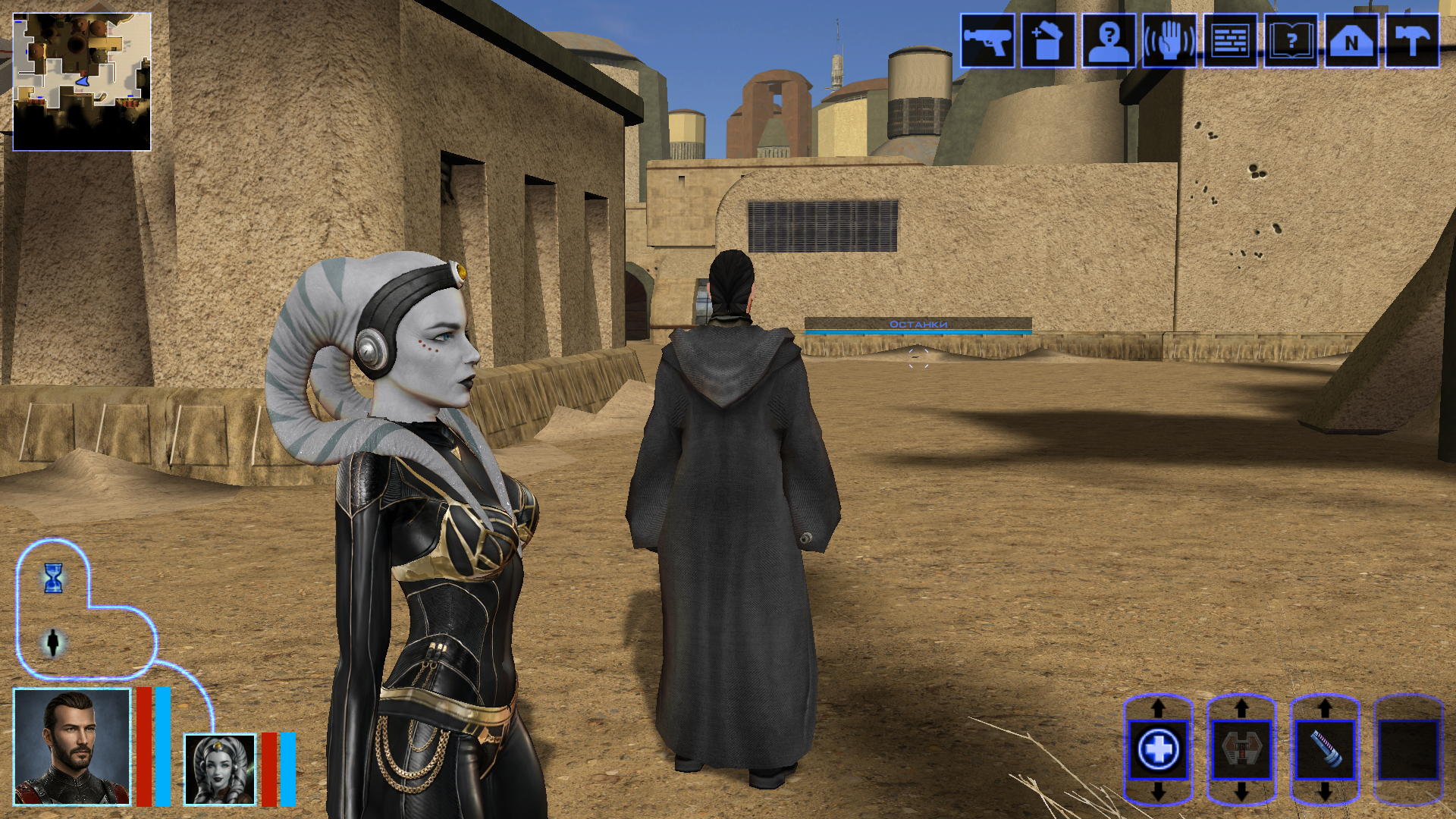
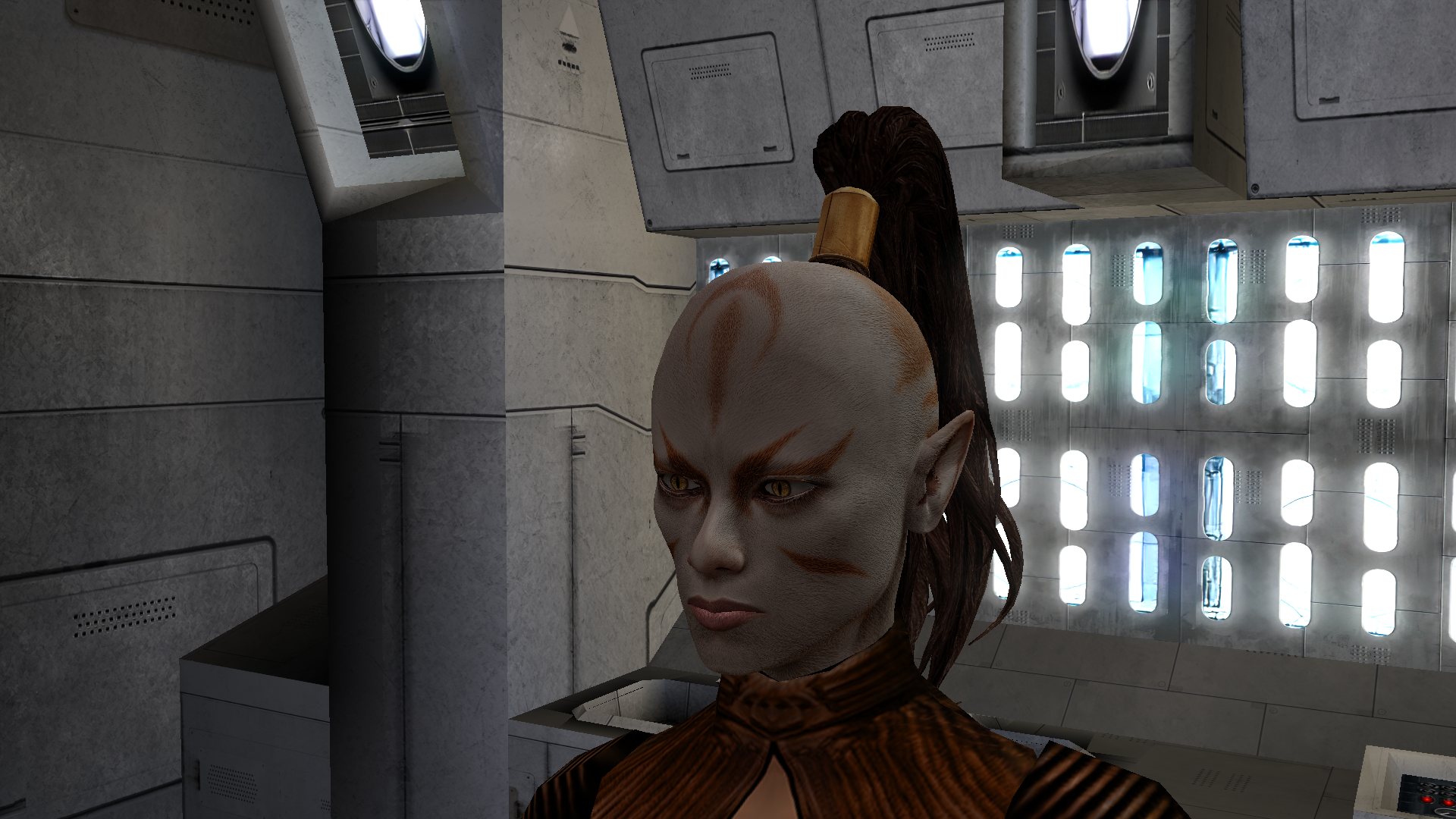
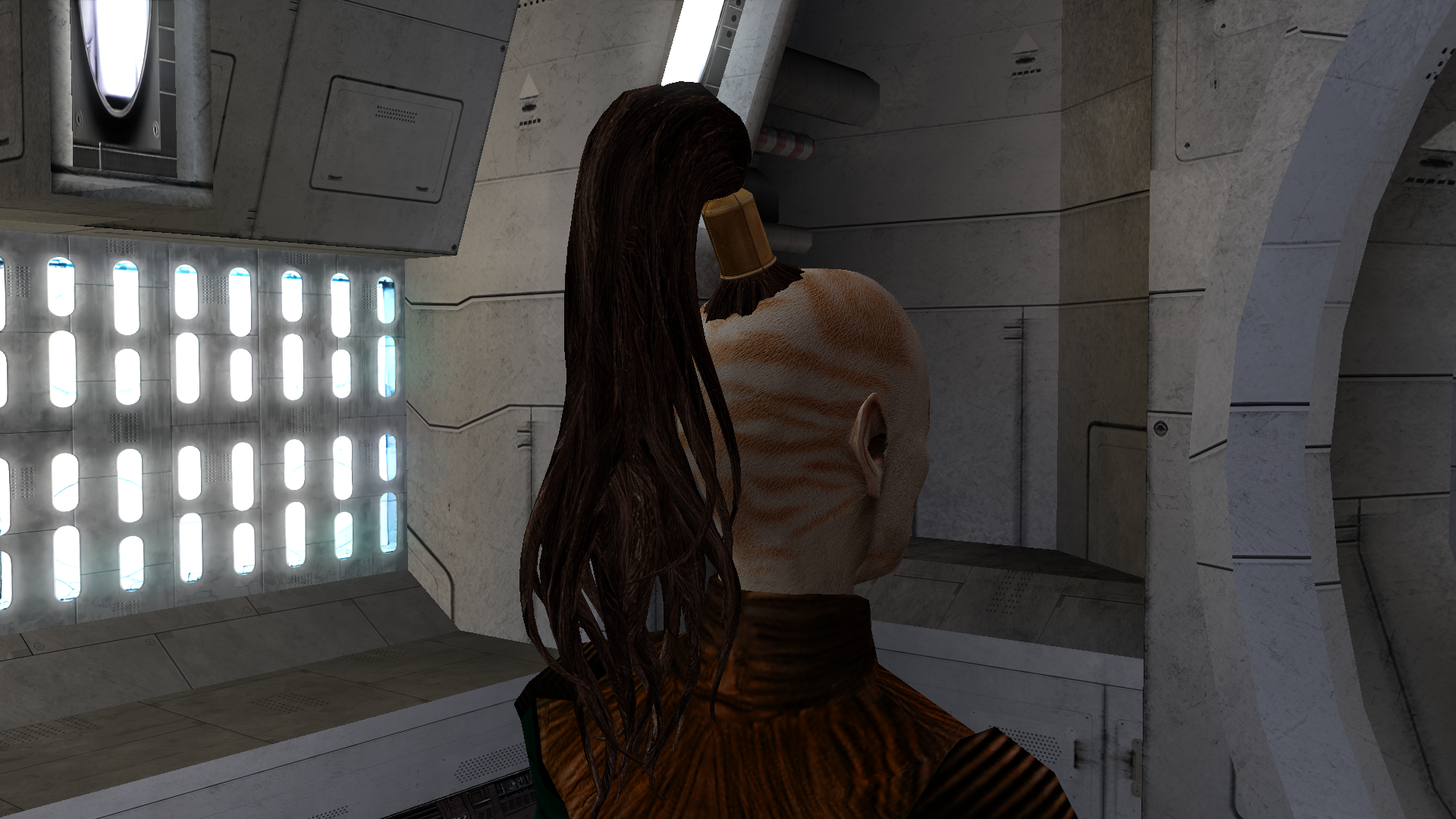
Hi everyone on this great forum! 😊 I decided to start my own little thread, even though I’m still relatively new here. I’ll be posting my work-in-progress, notes on how things are done - mainly for myself, so I can come back and refresh my memory later. If it ends up being useful to someone else as well, I’ll be happy of course. I’m sure everything I’m writing about has already been discussed countless times on this forum and is familiar to everyone. But I’m still a newcomer! My already released mods: New portraits for PartyMembers HD Animated Computer Interface Saul Karath Retexture Narve's New High Poly Canderous Head While working on the Canderous head I made a bit of progress learning Blender. I only knew it at a very basic level before, because I’m a 2D artist, not a 3D one. I still don’t really know what proper topology should look like, how to paint weights correctly, how to build textures with nodes, and so on. I’ll be learning all of that gradually. For this particular head I took a high poly mesh from this mod - big thanks to the author! Of course I heavily edited it: the geometry, the UV unwrap, and the texture. I also learned a few useful texture painting tricks. Geometry-wise the hardest parts are always the eyes and the lips, because the animation has to deform them properly, and what looks fine in Blender often ends up looking completely different in the game. Something I’d like to note here for myself - how to get rid of grey spots on the model after exporting from Blender to mdl/mdx: 1. The most important step - clear Custom Split Normals Data: Select the head mesh in Object Mode. Go to the Object Data Properties tab. Expand the Geometry Data panel. If the “Clear Custom Split Normals Data” button is active, click it. This removes the old broken data and forces Blender to recalculate the normals. Also helpful: 2. Apply smoothing — Right-click the model → Shade Smooth. 3. Apply transforms — Use with caution and only when needed! Things can shift in unexpected ways. In Object Mode select the head and press Ctrl + A → Apply All Transforms. ____________________________________________ P.S. English is not my native language, so I apologise in advance if anything is phrased awkwardly. ____________________________________________ Then I decided to retexture the high-poly Bastila body from the TCS mod. The thing is, we started playing through BOSSR on stream, and there Shadow uses Bastila’s body. And we have this Bastila mod installed. So I made her this outfit. I didn’t touch the model or the UV unwrap, only the texture. I painted the alpha channel in the places that should be more shiny. Since I don’t know how the original model author would feel about this little “side project” of mine, of course I won’t be releasing this texture anywhere — it’s purely for personal use. After that I moved on to her head. I wanted both the lekku and the face itself to have more polygons. So I simply applied a Subdivide, then worked on the mesh — editing vertices, sculpting, and so on. Then I started texturing, and at that point I really wanted to add a bump map so the lekku would look bumpy the way vanilla Twi’leks do (even if the vanilla ones are very low quality). I dove deep into the problem — I remember spending entire weekends glued to this forum reading everything people wrote about adding bump. Nothing was working for me. I tried every piece of advice, converted the poor bump map to TPC every which way, opened the model files in ASCII and searched for tangent vectors… I even started recalling university calculus about quaternions and how I used to redefine matrix multiplication in C++ practicals…🤣 It turned out the problem was completely different. The BOSSR mod authors used the "Twilek05" head model, but in heads.2da they assigned it the texture name "matilda_headd". Meanwhile the model itself is linked to the texture "Twilek05". And even though the engine can pull the main (diffuse) texture information from a texture that isn’t the one specified in the model, it cannot pull bump map information (and apparently txi info as well) from a texture with a different name! I don’t know why it works this way — maybe some internal script. Anyway, once I renamed the main texture to "Twilek05.tga", the bump map to "Twilek05b.tpc", wrote this in the "Twilek05.txi": bumpyshinytexture CM_SpecMap bumpmaptexture Twilek_F05b and also put "Twilek05" as the texture in heads.2da — miracle of miracles, the game finally saw the bump map! Yes, it didn’t turn out perfect — the bumps are too fine and therefore look a bit like shimmering. I probably won’t fix it, because we had to abandon that mod playthrough — it conflicted with other mods. But I’ll write down the key points needed to add bump (even though all of this is already on the forum — huge thanks to DarthParametric and everyone else who shared advice and tutorials): Before exporting, you must enable the “Tangent Space” checkbox in the KotOR Model Node plugin options for all the meshes that need it (in my case “hair” and “head”). To verify — open the model in MDLEdit, save it as ASCII, open it in Notepad++ and search for the word “tangentspace”. On the relevant nodes it should say tangentspace 1, not 0. If it somehow still shows 0 even though the checkbox was enabled on export from Blender, change it to 1, save, open that ASCII file again in MDLEdit (it might complain that it can’t recalculate the vectors — hopefully that’s not a problem), and then save it back to binary mdl/mdx. You can also just tick the corresponding checkbox in MDLEdit itself and re-save — but keep in mind that the bump will then be applied to every mesh in the model that uses that texture, not only the ones you might have wanted. Preparing the .txi. It must have the exact same name as the main texture, and the main texture must be the one that is actually linked to the model. Inside the .txi you need: bumpyshinytexture (your Cubemap) bumpmaptexture (your bump map name) In theory bump should work without the shiny part (only the line "bumpmaptexture " in txi), but for me it never did — because in that case the engine treated the alpha channel of the main texture as transparency. Meaning: if you darken the alpha to make the bump stronger → the object becomes transparent if you leave it white → no bump is visible. Maybe I’m doing something wrong? Preparing the main texture. It must be named exactly as specified in the model (you can check that here). It needs an alpha channel that controls both the shininess (via the Cubemap) and the strength of the bump. The darker the alpha, the stronger both effects. Yes, both at once — there’s no other way. Preparing the bump map. Save the main texture as an image and throw it into this website (again, thanks for the link — found it on the forum). You can increase Strength if the texture isn’t very contrasty, and add a bit of blur (slider to the negative side). Download the result and save the texture as TGA with a pure white alpha channel. Then use tga2tpc with these settings. You can also add extra lines or strengthen the bump with the bumpmapscaling value, as DarthParametric wrote here: https://deadlystream.com/topic/9353-bump-mapping-tutorial-request-for-novices/#findComment-87017 Final contents for the override folder: the model (mdl + mdx), the main texture (tga), the .txi with the parameters, and the bump map (tpc). Phew. The last thing I learned on this head was adding new geometry — I wanted to model headphones and a stone on her forehead. Important points here: convert everything to triangles and weight-paint it to the head. To check — switch to Weight Paint mode and make sure it’s painted red. If you need a piece not to move with the head, weight-paint it to the neck instead (a different vertex group). If you don’t weight anything at all, those pieces of the model simply won’t appear in the game. 🙃🙃 I’ll say it again: I’m by no means an expert on KOTOR modding, so I apologize if I write or do anything incorrectly! And, of course, I’d be grateful for any advice, comments, or corrections.
 5 points
 -
AI DISCLOSURE & FEEDBACK I use AI often in my workflows to assist with creating my mods, including handling monotonous and repetitive tasks. You should assume that anything I post has had AI assistance in some way. As I stated in my Dathomir WIP post, I expect discussion of my projects to remain professional and focused on the actual artwork, performance, and gameplay. Constructive criticism that helps improve the art or gameplay is welcome. Derogatory statements about AI will be ignored. I am here to improve the finished product, and I will not change my workflow to accommodate personal objections to AI. Hey everyone! I'm ShaolinGhost, a second-year Game Design student at AAU finishing my bachelor's degree and moving onto my Masters this year. I'm working on both of these tools as part of my thesis project, and I'm super excited to share what I've been building. Why I'm Making This KotOR isn't just my favorite game. It literally shaped how I see video games and the world. I played it when I was a kid, and it's stuck with me ever since. That's the whole reason I want to do this: give modders and game devs a toolkit that actually feels like real game development software. Right now, modding KotOR is awesome, but the tools are spread all over the place. You bounce between different programs, learn different interfaces, and it's honestly kind of a pain. I want to fix that. My goal is to bring KotOR modding and the game itself to Unity with a professional-grade modding kit. Two tools that work together perfectly: GhostRigger-K1-K2 — Your all-in-one 3D model editor (import/export, rigging, texturing, the whole pipeline) GhostScripter-K1-K2 — Your IDE for writing quests, dialogues, scripts, and managing everything else Both tools are built to feel like actual game development software based purely off of my experience using things like RizomUV, Zbrush, Maya, Topogun, Acurig, UnrealEngine etc. clean dark theme, intuitive layouts, everything in one place. What GhostRigger Can Do Browse and load any KotOR model directly from your game files Real-time 3D viewport with orbit, pan, zoom, and wireframe view Import your own models from OBJ or FBX (sculpt in ZBrush/Maya, bring it in) Auto-rigging to KotOR skeleton templates Manual Rigging in the tool supported Export back to KotOR format, compile, and test in seconds Handle all your textures (TGA → TPC conversion, UV viewing, the works) Basically: Sculpt your stuff outside, import it clean, and let GhostRigger handle the KotOR technical stuff. What GhostScripter Can Do Script Editor — Write NWScript with full syntax highlighting, auto-complete, and a built-in function reference Dialogue Editor — Build dialogue trees visually with a node-based graph (way easier than text editors) Quest Builder — Templates that scaffold out quests automatically with the right variable names and structure 2DA Manager — Edit spreadsheets like globalcat.2da without pain One-Click Export — Push your mod straight to the override folder or package it as an ERF It all connects together. You can even rig models in GhostRigger, and GhostScripter will automatically pull them in. What I'm Looking For I want to make sure these tools actually solve real problems for modders. So I'm opening this up for feedback: For GhostRigger: What features would make rigging faster for you? Are there things you wish you could do that other tools make hard? What about the workflow? Does the architecture I stated so far feel natural? For GhostScripter: Should I add a visual quest state editor, or is the current form good? Would a script dependency checker (find broken references) be useful? What about integrating a decompiler so you can edit existing mods? Any other QoL features you'd want in an IDE? Drop your thoughts in the replies! I'm building this for the community, and I want to make sure it's something you'll actually use. Timeline & Release Right now, both tools are functional and I'm actively testing them. Once I've verified that all the core features work smoothly and reliably, I'll release them for public use and testing. I want to make sure they're stable and solid before I put them in your hands. I'll keep you posted on progress, and when they're ready, you'll be the first to know!


 5 points
 -
Hey KotOR community, I need help. As you may know, I like making model and texture mods. My biggest weakness though, is actually packaging them up and releasing them. I'm sitting on a few small piles that I should just stop nitpicking and release them already. Since I don't check in very often, I fall out of the loop and so I have some questions which leads to option paralysis. Specialized Combat Suits HD I have made 4x upscale versions of my Combat Suits mod, so I'd like to replace the old one. The thing is, I don't know the best way to group the files for the end users. I want to have versions for 4x tga files (2048x2048 px), 4x tpc files, and 2x tpc files. Should I make three separate mod releases or combine them into one 7zip download and ask the user to pick their preferred files? What size icons should I include 128px or 64px? I don't know if there are issues with the icons depending on if someone is using upscaled and/or widescreen menus or maybe it doesn't matter? I do plan on releasing separate K1 and TSL versions. There are eight combat suits to choose from. Here's a K1 sample: Here's a TSL sample: Any advice you have will help me with the Read-Me instructions.
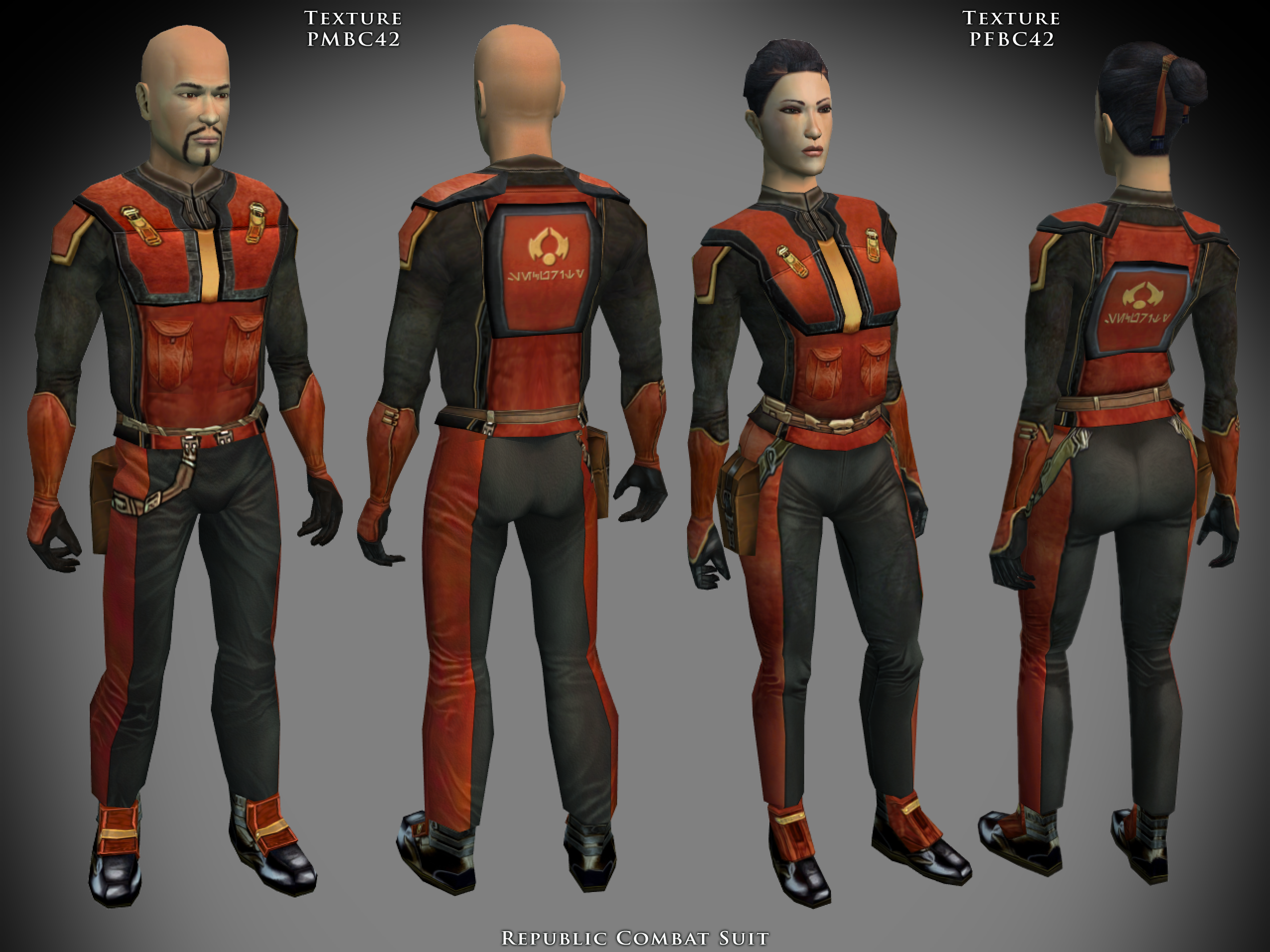
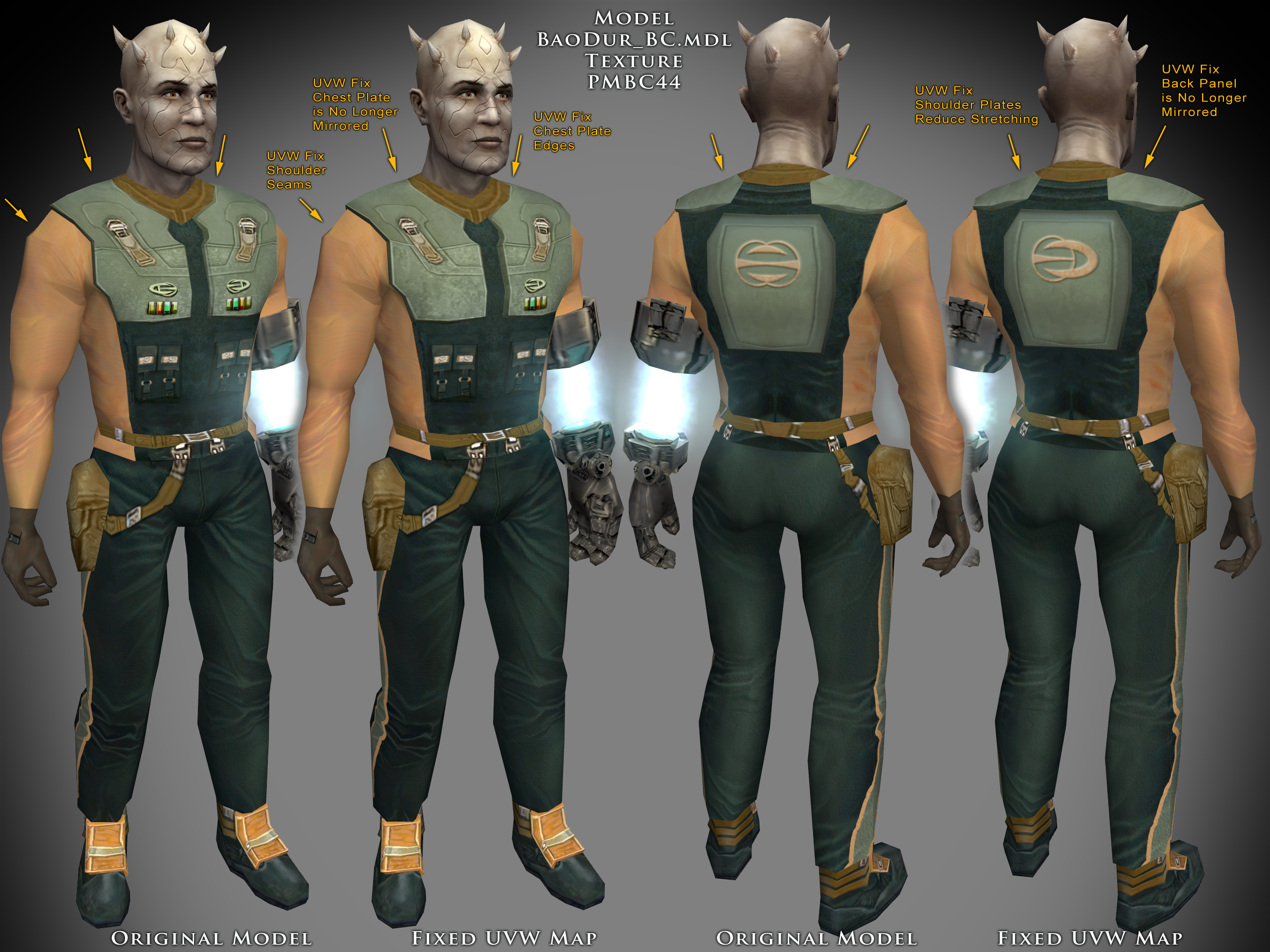 5 points
 -
Hello there! It's been a long while since i've been there, since i've been mostly active on discord. I felt like i could share some WIP here, just to show that the project is still alive New ranged weapons sounds and visual effects Vulkar recruitment Manaan fast travel Workbench and lab station crafting system Undercity Floating mine for K1 That's pretty much it from the videos i did. I'm still in silent mode for now, but i'll have a lot more to showcase hopefully in the future. I'm currently working on the apartments content, the undercity and the vulkar base. Further areas are sewers and black market. We're slowly getting there5 points
-
For those who are hungry for updates, thanks for all the kind words and support. As holidays are around the corner, my free-time has been a bit taxed lately as I strike the balance between KotOR things and spending time with my and my fiance's family. (Not to mention keeping up with my real job 😬) However, I did spend some time formalizing some of the various "wishlist" features, as well as other pending investigations within the repository issues view. Most upcoming work on my radar for this project is of the unexciting sort. I want to adjust the way I'm modelling game objects in the patching framework to better reflect the underlying inheritance in the base game (i.e. Functions that take a CSWCObject can accept a CSWCCreature, which is derivative, as valid input, etc). I also want to improve/expand the address database system. Right now, they're being stored in plain-text TOML format, which is fine at the current scale, but as this project has grown, this system is already becoming unwieldy. I'm looking to swap to using SQLIte, such that we can have efficient, live, swappable local databases that we can just dump address data directly out Ghidra into. Finally, kotor 2 reverse engineering just needs more work. Kotor 1 is in a great place, such that if we were only targeting that game, I could really accelerate this project. But since I'm endeavoring to provide a solid framework for both games, some TL&C is required to get kotor 2 at least somewhat up to speed. I likley will be giving DarthOuroboros's GhidraMCP suggestion a shot to see if that can accelerate things more here. As a lot of the work to be done is mostly comparative reverse engineering, which I hope falls into the low-complexity class of problem that AI typically excels at. As always let me know if there are any questions or suggestions! P.S. @ajdrenter Galaxy map stuff would be pretty interesting, I've added an issue for me to investigate that at some point in the future. Thanks for the suggestion!5 points
-
Vurt's TSL Visual Resurgence at Star Wars Knights of the Old Republic 2 - Mods and community Please report bugs. * This is v0.5 which means this is not a finished mod, but finished enough to test and give feedback. * The mod contains 2900+ textures, recreated with my AI model, photos and a lot of photoshop. 4X the resolution (usually) of the original textures.
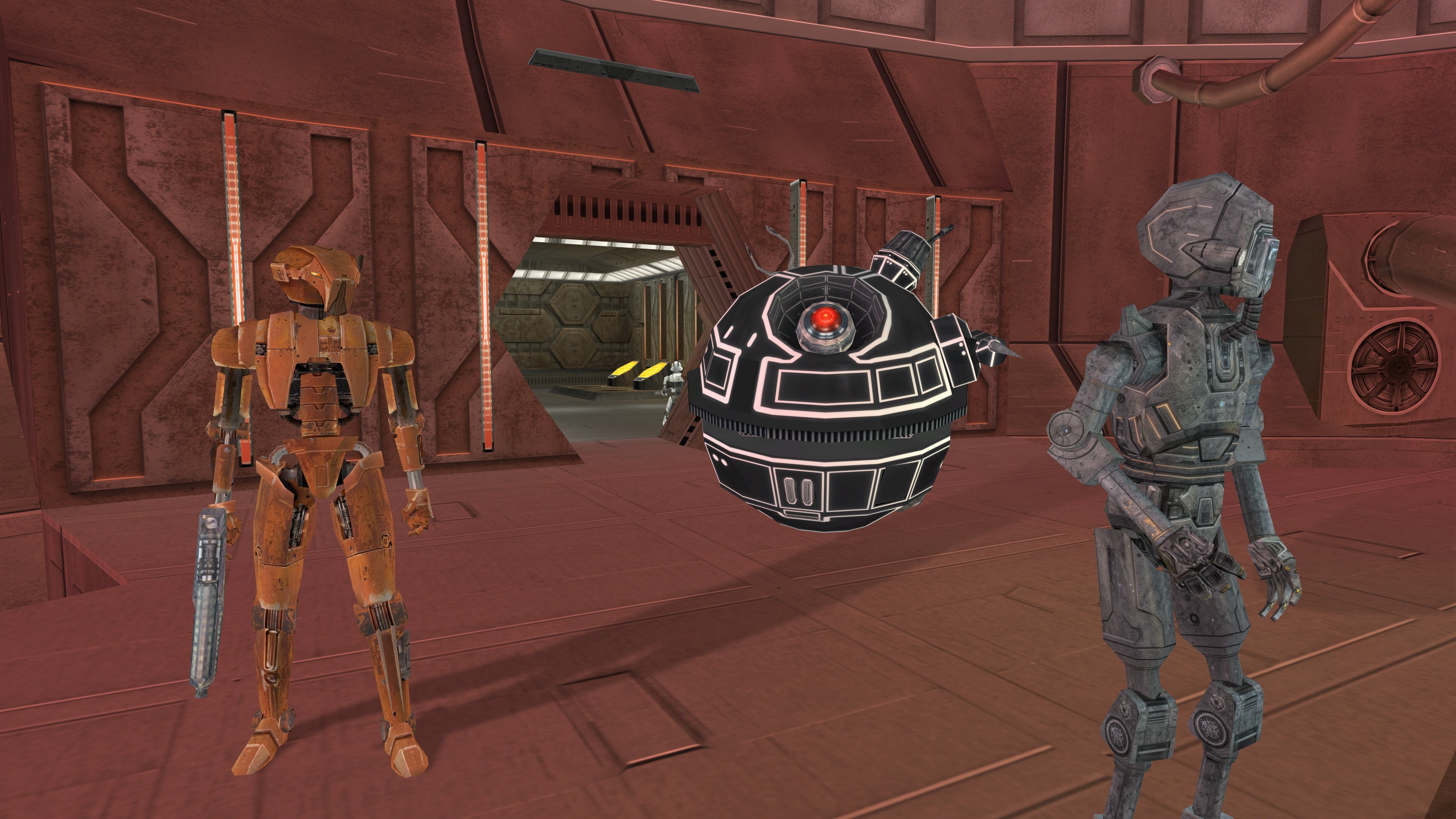
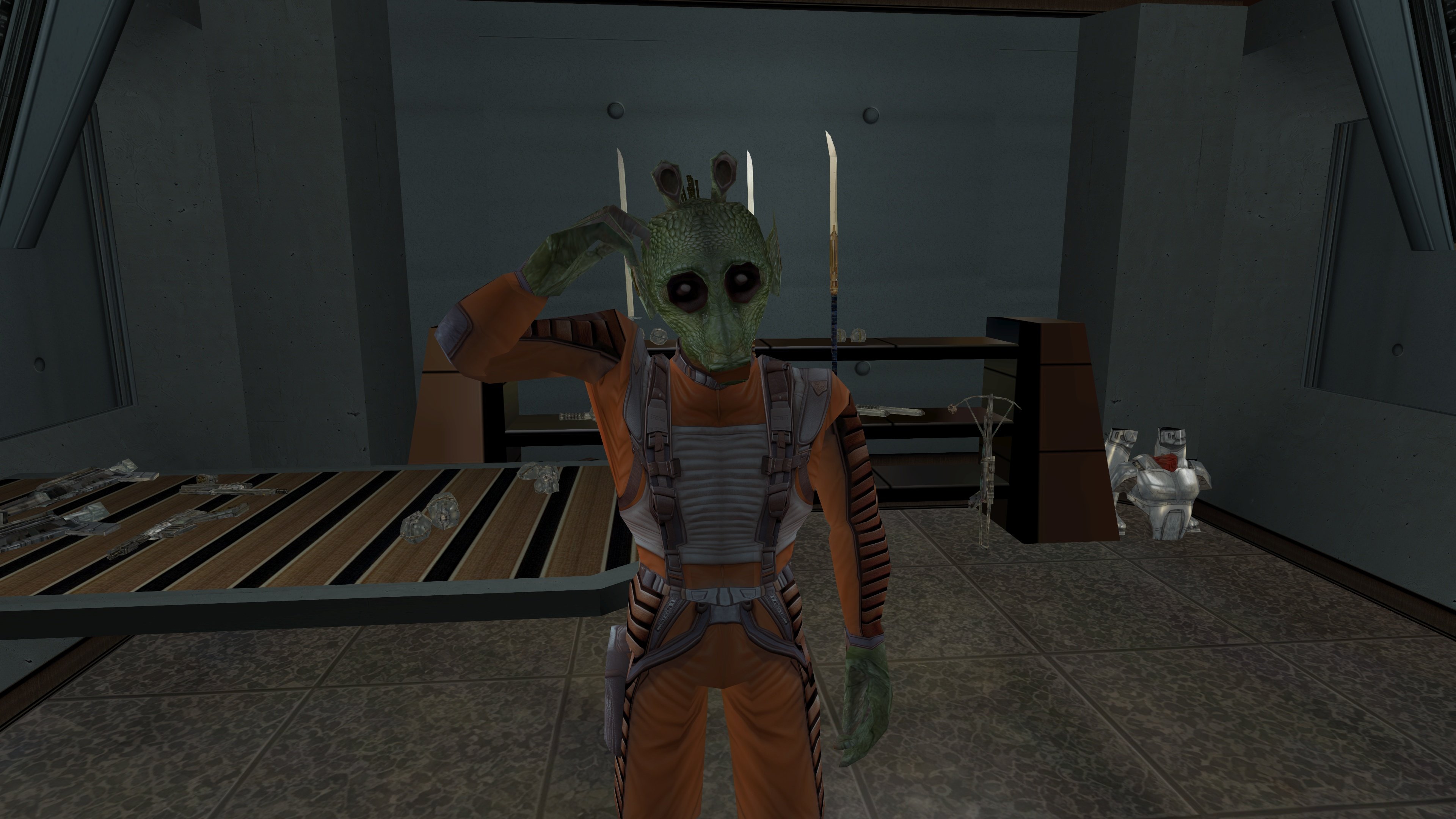
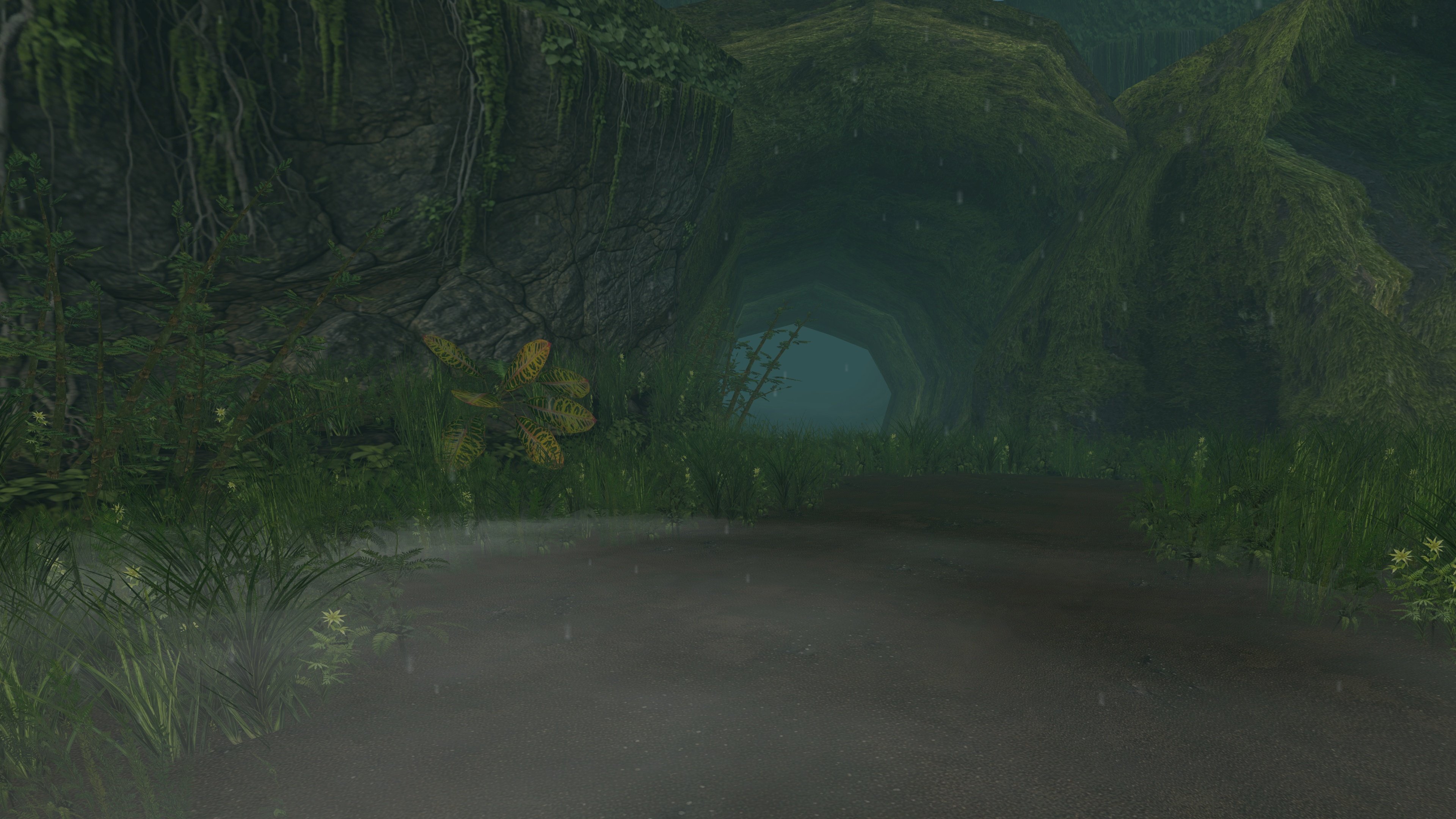
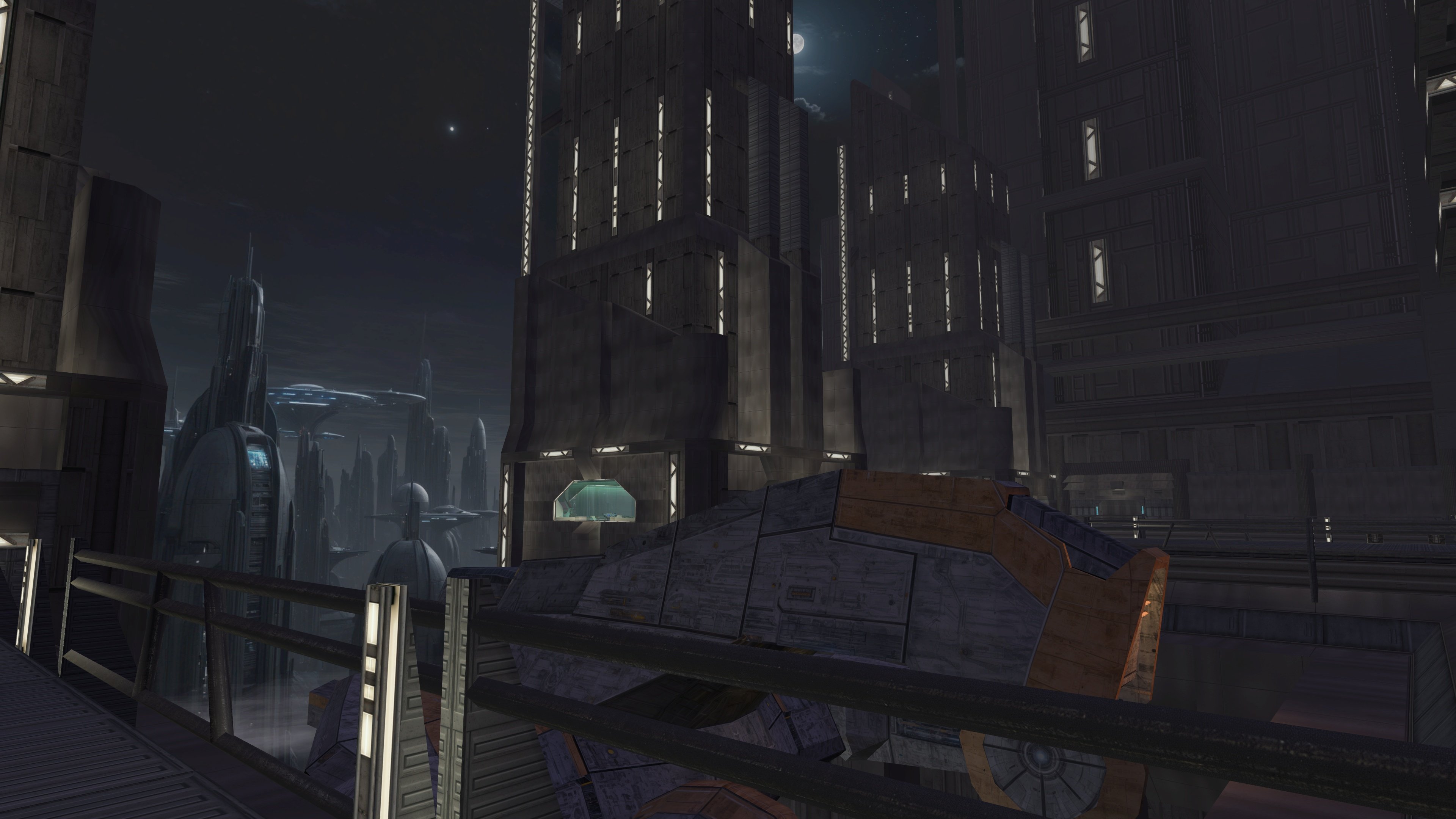
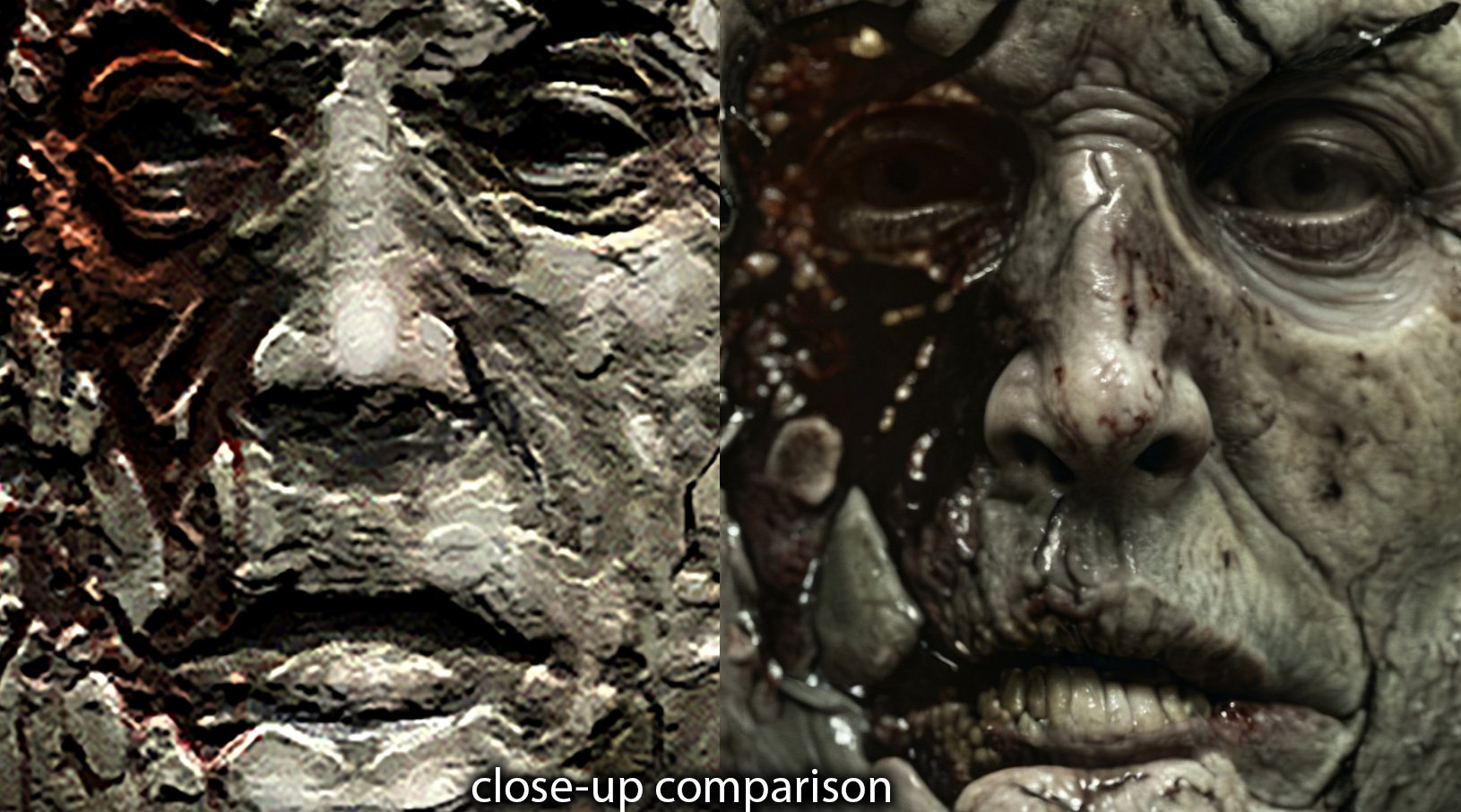
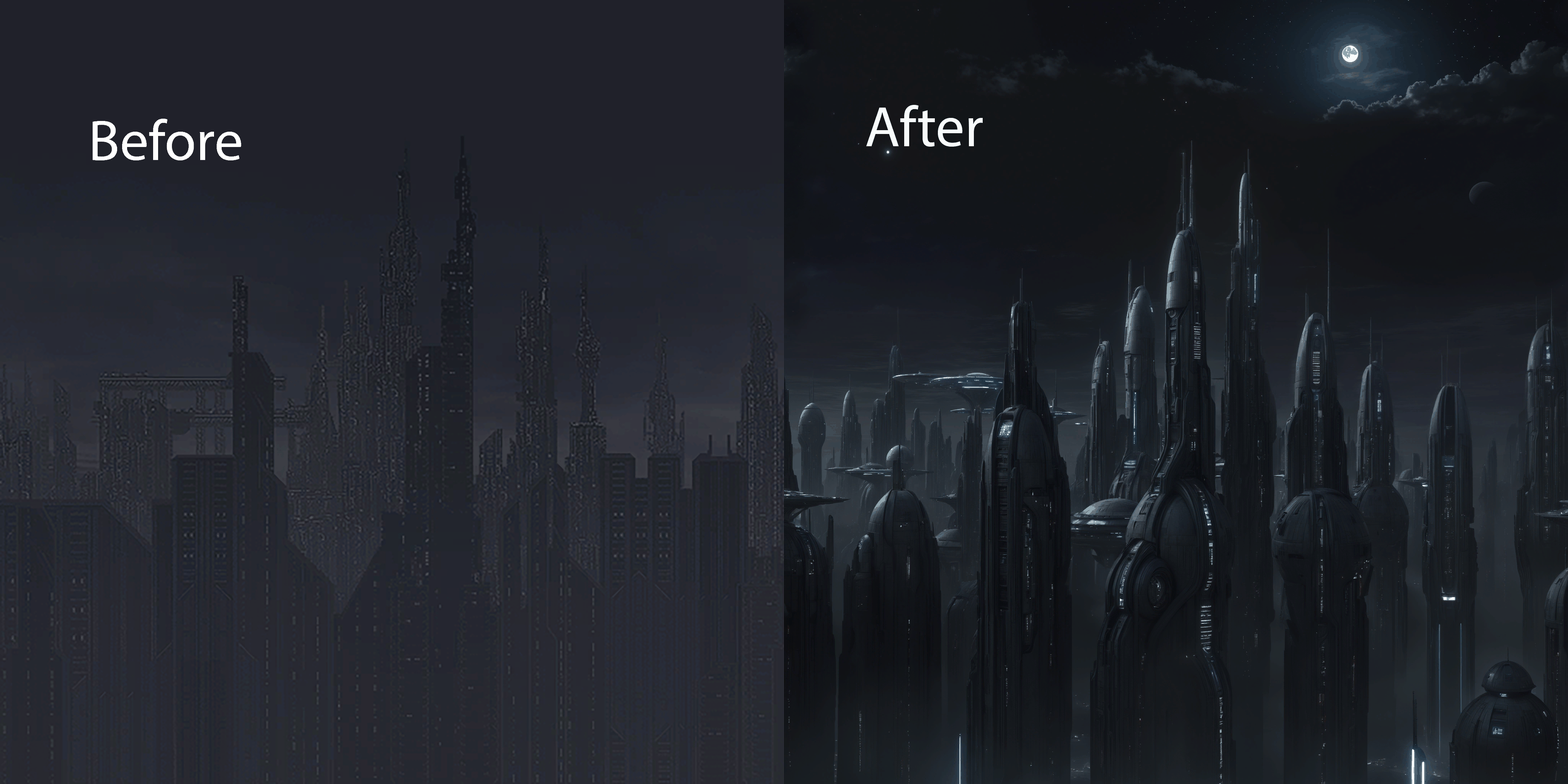
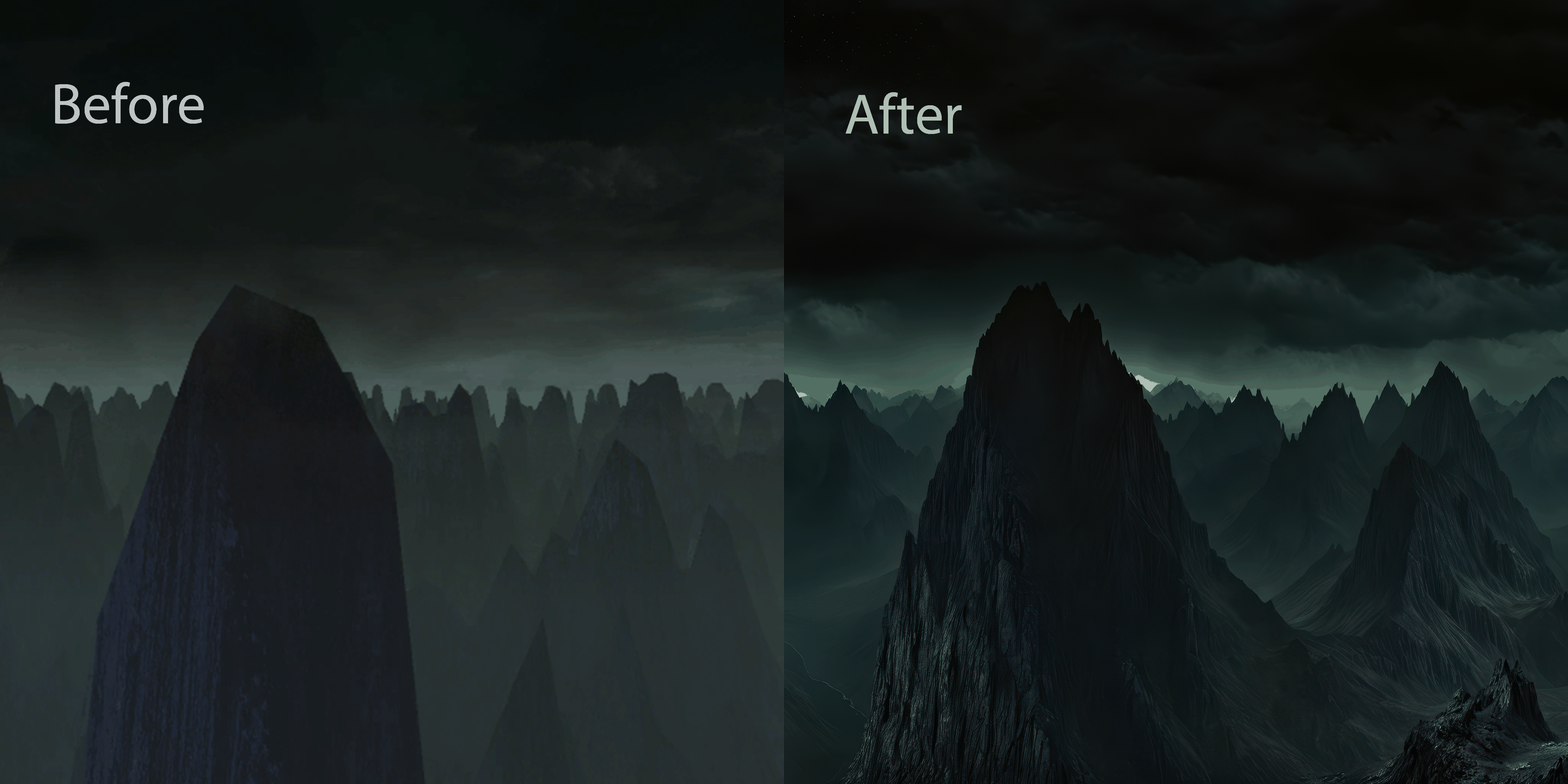
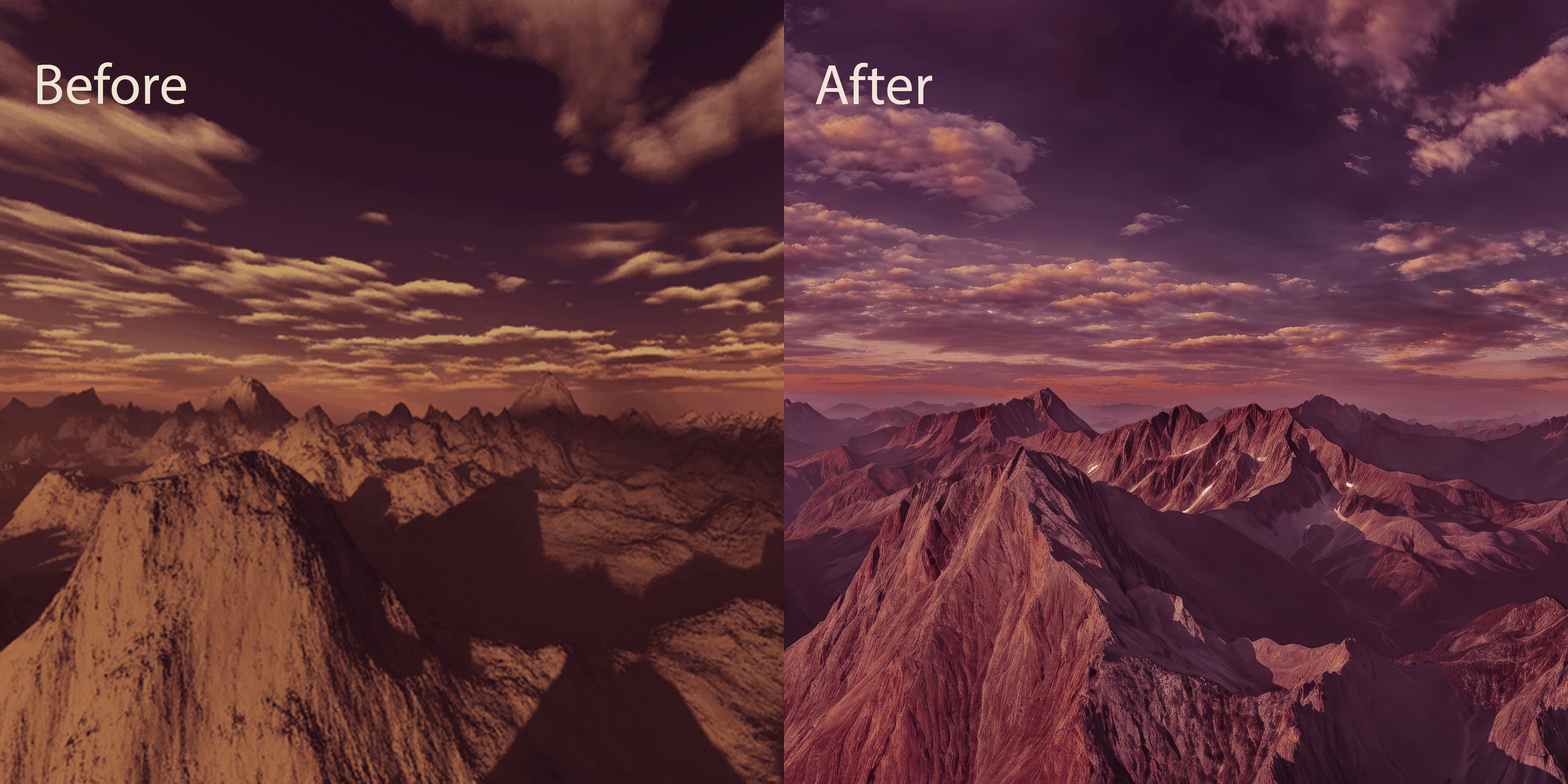 5 points
 -
Another work of mine that’s currently in progress is the Juhani head model. It’s high-poly and has a 2K texture. The work is actually already finished, but I’ve realised I can’t release it like this - now I need to either rework the texture or even the body model, because the difference is too noticeable at the moment. During this process I learned a lot in Blender, but there’s no point writing about that here. The only thing really worth noting is how the game renders danglymesh with different weights. With weights greater than 0 up to roughly 0.6–0.7 the vertices get a kind of “semi-freedom”: the engine shifts them, but not as predictably as at 0 (fixed, locked to the head position) or near 1 (completely detached from the head and dangling with the set amplitude, stiffness and period). So when weight-painting the tail I used 0 near the attachment point and then jumped straight to 0.7 without a smooth transition. Toward the tips I softened it to 0.6–0.5 - the tips can dangle freely, they’re allowed to! I don’t know, maybe it can be done better, but at my current level of understanding the process I think this is the maximum. Yes, the lips also had to be re-weighted - I spent two days painting them this way and that, checking every frame, but in the end I got a result without any pinching or artifacts.
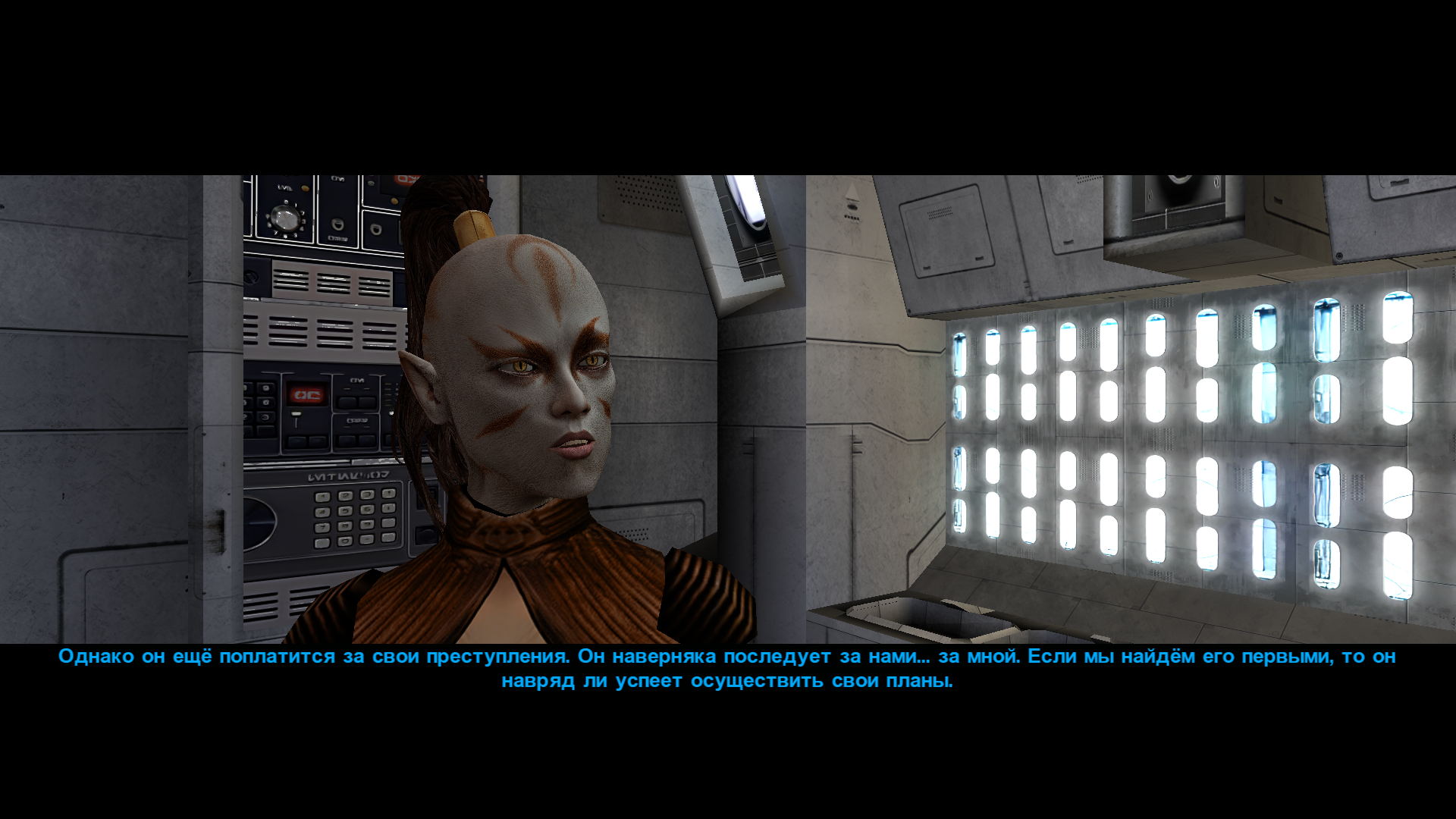
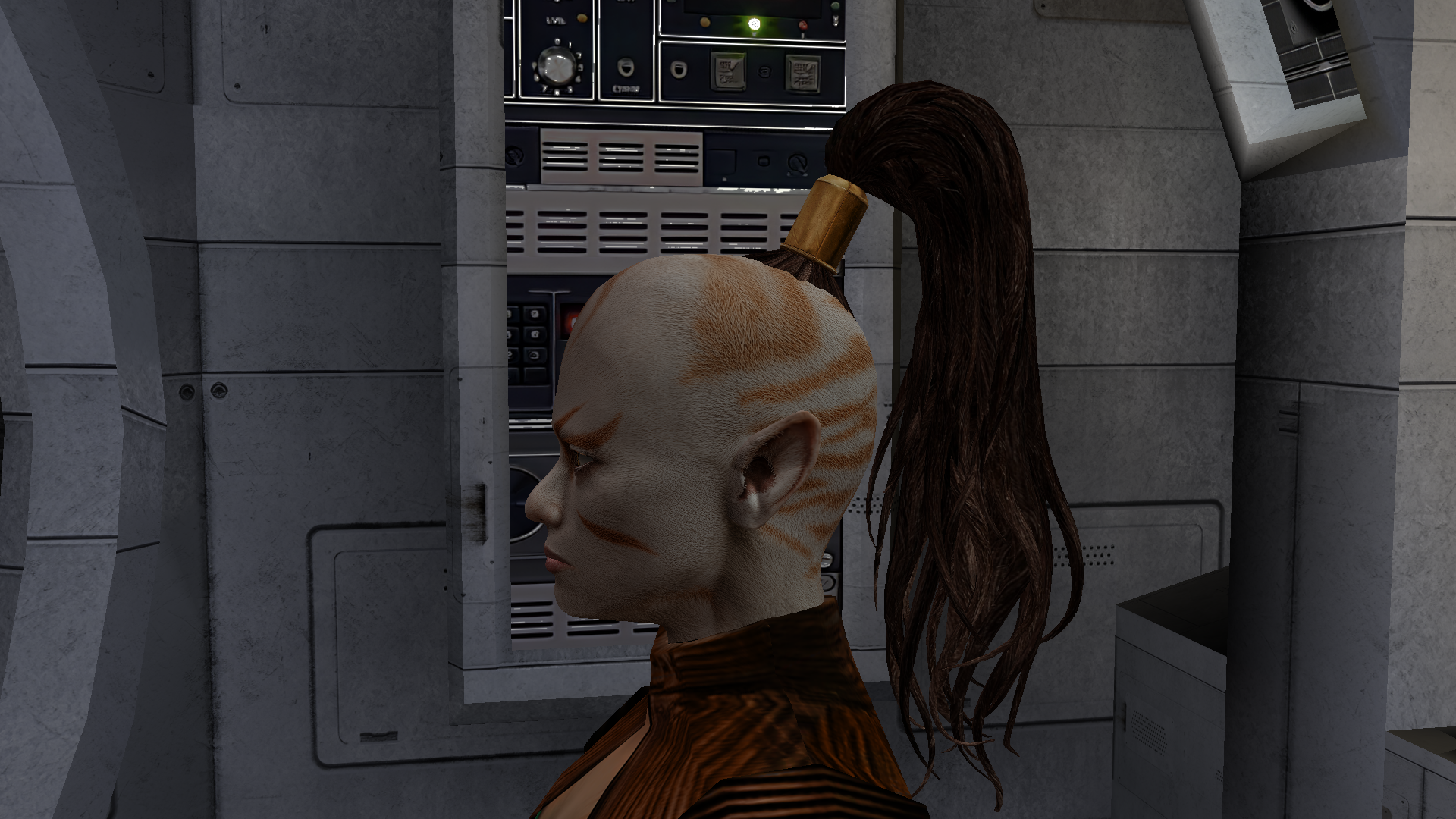
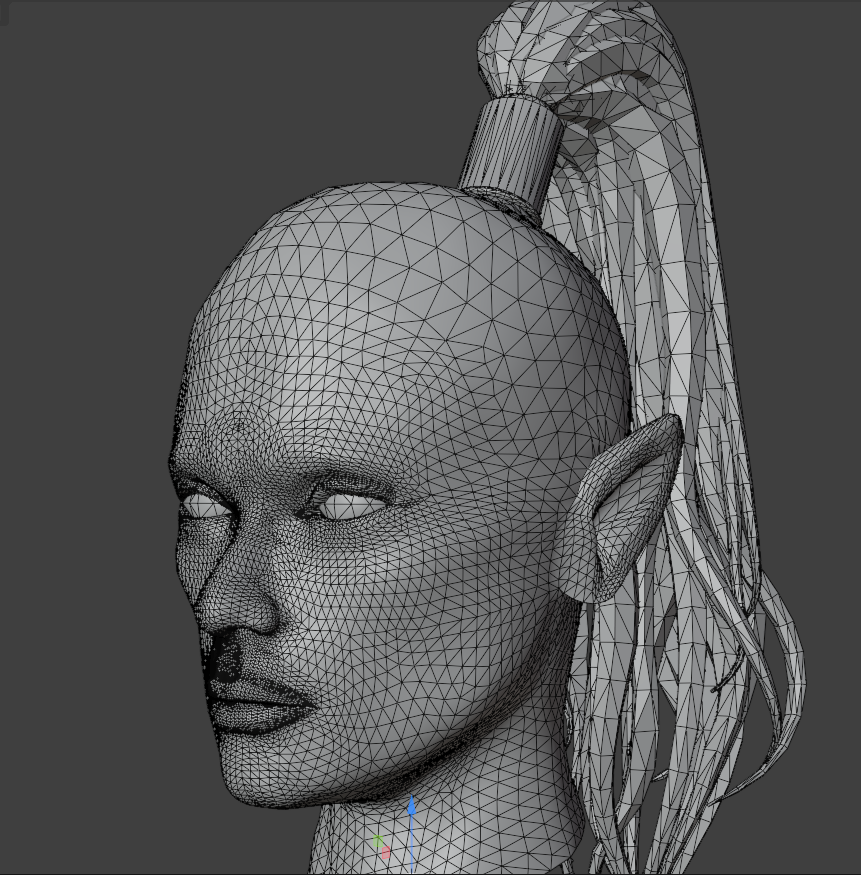
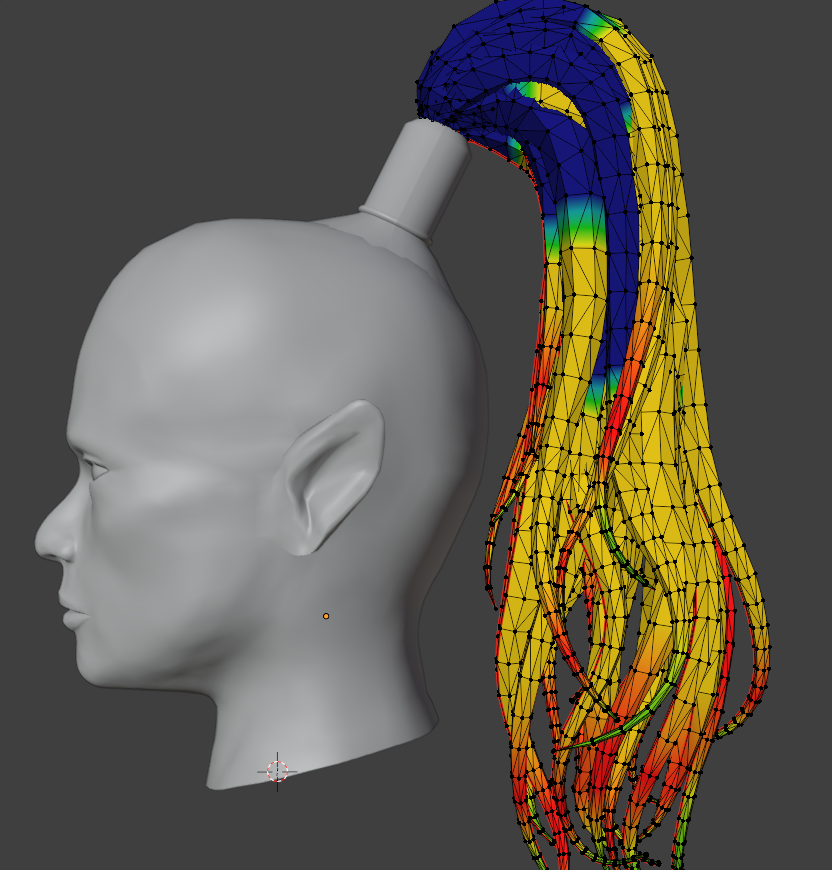
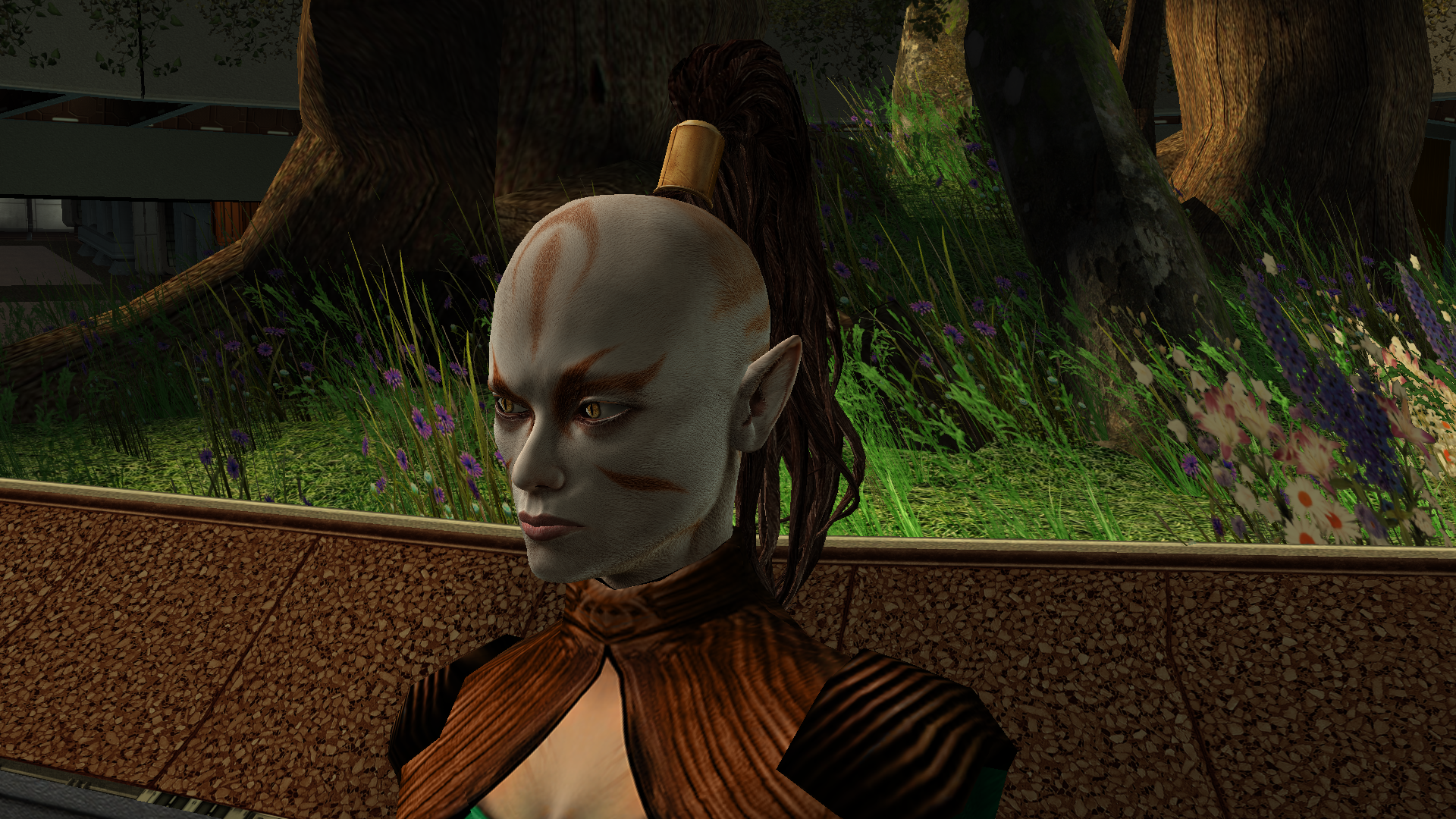 4 points
 -
The next big project was a retexture of the Ebon Hawk’s exterior hull. Looking at the vanilla one was genuinely painful, and the existing retextures didn’t really improve the situation. I really wanted to bring its appearance closer to this: https://www.artstation.com/artwork/GXwXyB Because in my game I’ve replaced the original cutscenes with several very beautiful ones that use this model. And the model itself is just awesome! But I immediately ran into the problem that the UV layout was completely unsuitable - a lot of overlapping, and many areas of the texture were shared between completely different parts. And… I went down the wrong path. I found the "v_ehawk" model in the game files and started fixing the UV unwrap. I did everything properly: separated the overlaps, made the areas that are visible up close when you walk around the ship larger. Texture in 4K. I was even about to start editing vertices and adding polygons. But then I discovered that none of my changes were visible in the game at all. I spent several days scratching my head, thinking I was exporting the model incorrectly somehow. Of course it turned out to be much more mundane - the model I was editing had nothing to do with the ones that appear on the landing pads on different planets. I have no idea where the game actually uses it - probably in some cutscenes? What we see on the landing pads and in the docks is part of the area, not a separate model. And if I want to edit it, that means editing the entire area - which automatically means incompatibility with any other mod that also edits that area. So I sulked a bit, complained a bit, and decided for now to limit myself to pure texture work. But then another “brilliant” idea struck me - we don’t look for easy ways, right? Realising that adding polygons wasn’t going to happen, I wanted to add a normal map, inspired by my previous experience with the Twi’lek head. I thought, at least it won’t be a flat picture stretched over polygons, there will be some relief. I also spent a long time on the texture itself, adjusting it so that the overlapping UV pieces still looked decent… It was challenging to strike a balance between the desire to match the reference and the limitations of the existing UV layout. I hope the result turned out well. I wanted to make 8K textures, but the engine was clearly starting to struggle when loading areas, so I settled on 6K. But with the bump I was in for a fiasco. Actually, I could have suspected something when looking at the original game files - there was no bump specified in the .txi files at all, even though bump maps were provided for every texture. Why do they exist? I still don’t know the answer to that question. Interestingly, the engine did react to the presence or absence of the bump map - the shaders changed and the image looked different. But the actual content of the bump map didn’t affect anything. For the experiment I tried both a completely flat solid “blue” bump map and an extremely contrasty one amplified 15× during conversion to TPC. There was zero difference. After quite a long series of experiments with different bump settings, .txi options, and the alpha channel of the main texture, I finally found the answer — and I’m sure it has been discussed somewhere on this forum, I just never came across it. On area objects the lighting is almost completely baked into the lightmap. Dynamic bump (the kind that reacts to real-time light direction) barely shows up at all. Especially if the lightmapped flag is enabled on the mesh. I looked into the node of the long-suffering ship, and sure enough, there it was: As an experiment I turned off the lightmapped flag. And to my astonished eyes this is what appeared (the bump map at that moment was the extreme one) — view with caution! 🤣 Of course it’s pure horror, some kind of Dark Side of the Force visions. 😁 So I don’t know whether to include these normal maps in the mod release for the textures where the ship is part of the area. Are they needed? Probably not. For the model that isn’t part of an area - apparently the one used in some cutscenes - I will of course add the bump. Might be useful. A few nice pictures: All that’s left is to add the texture for the upper hull (roof) model that is used in the mini-game where you shoot down fighters, and touch up small details here and there. And then the mod can be released.
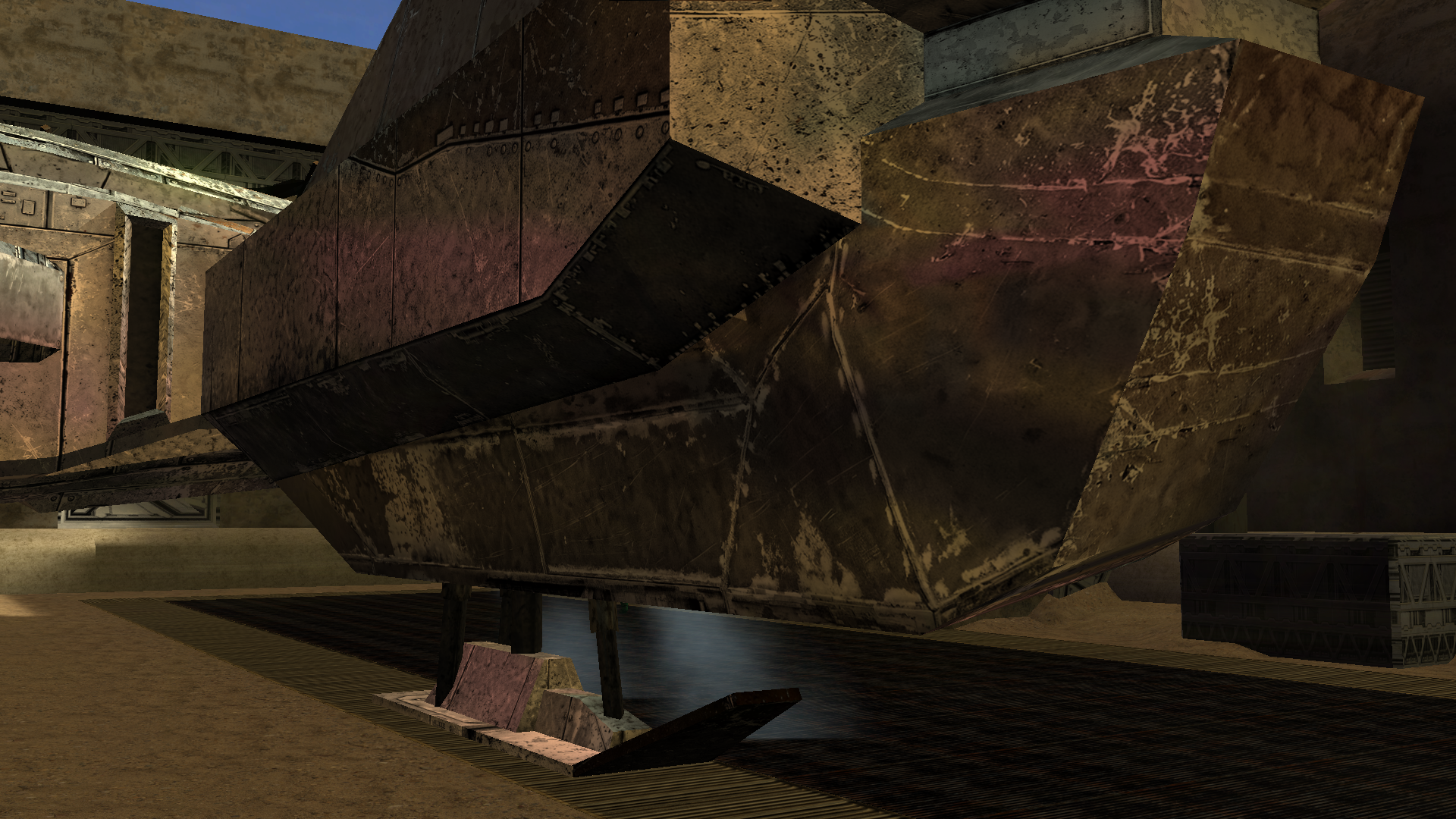
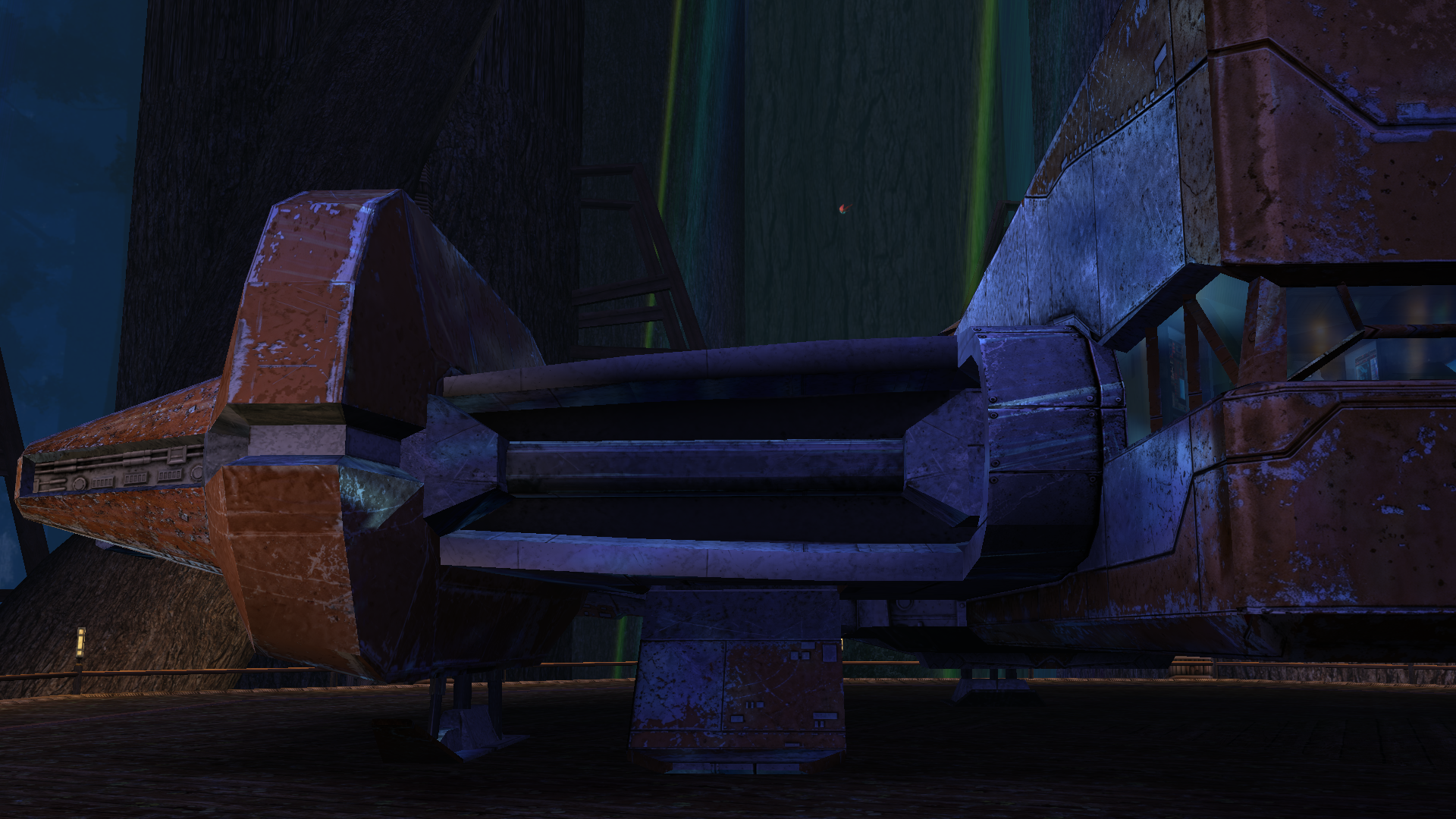
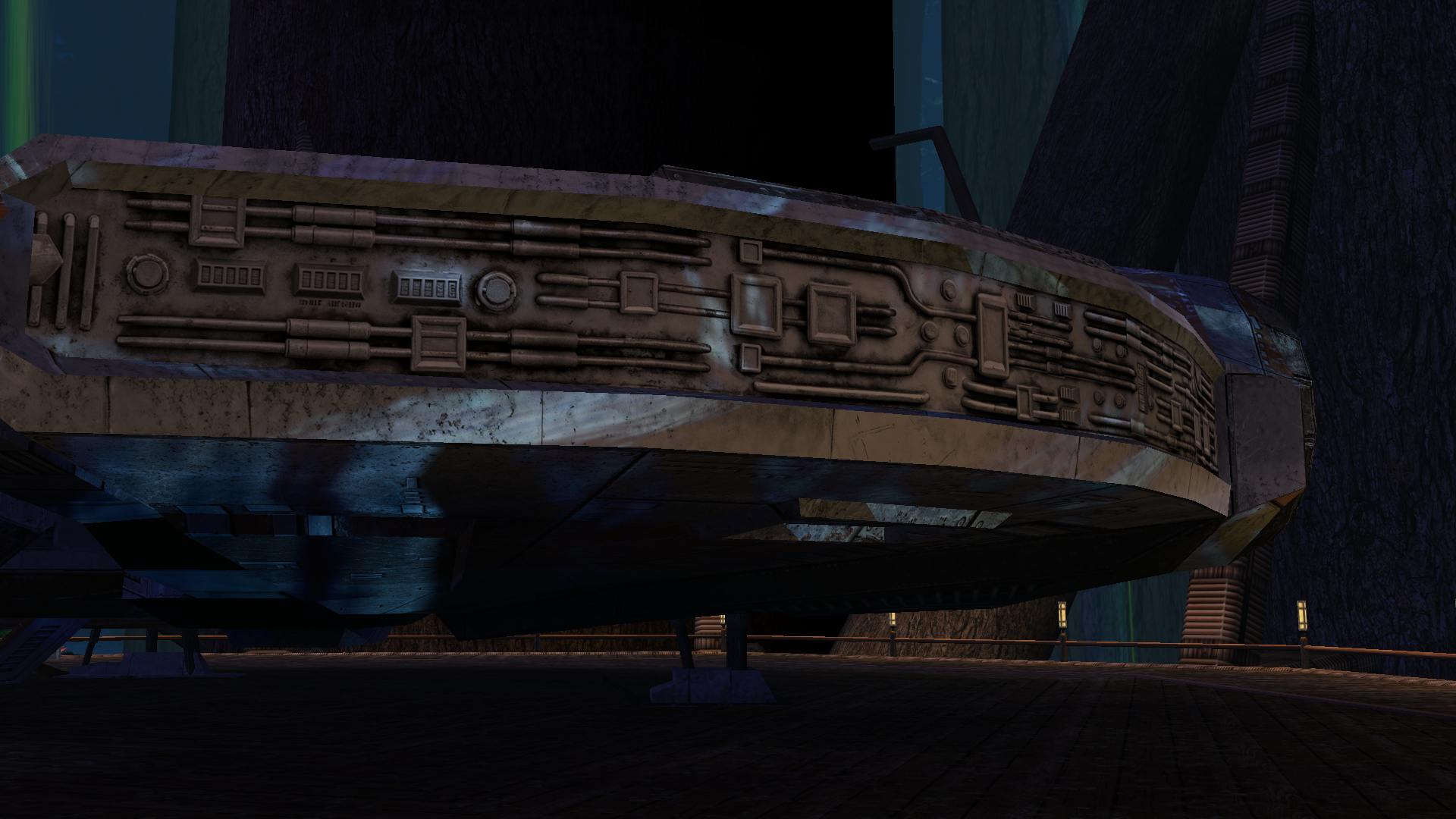
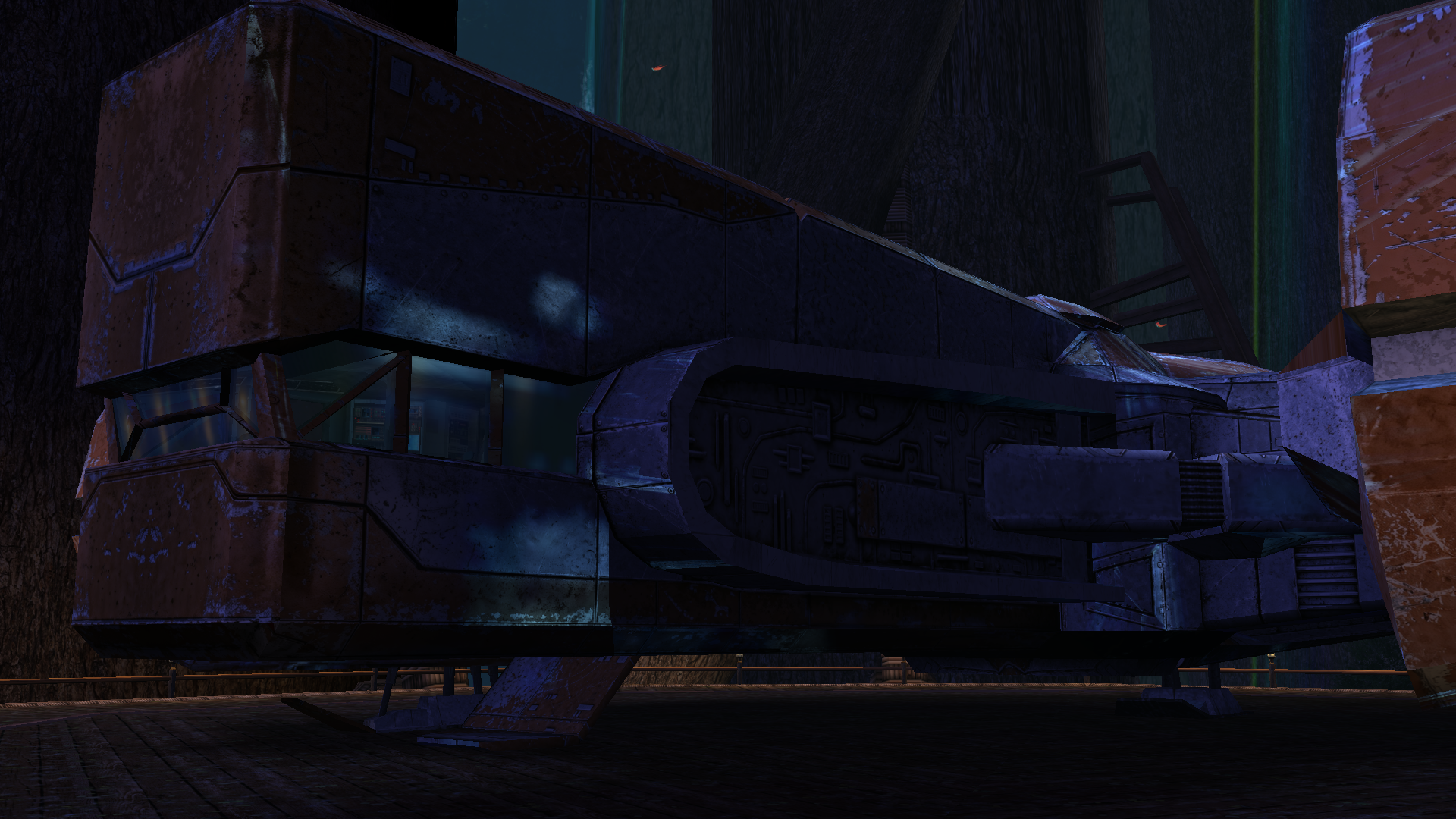
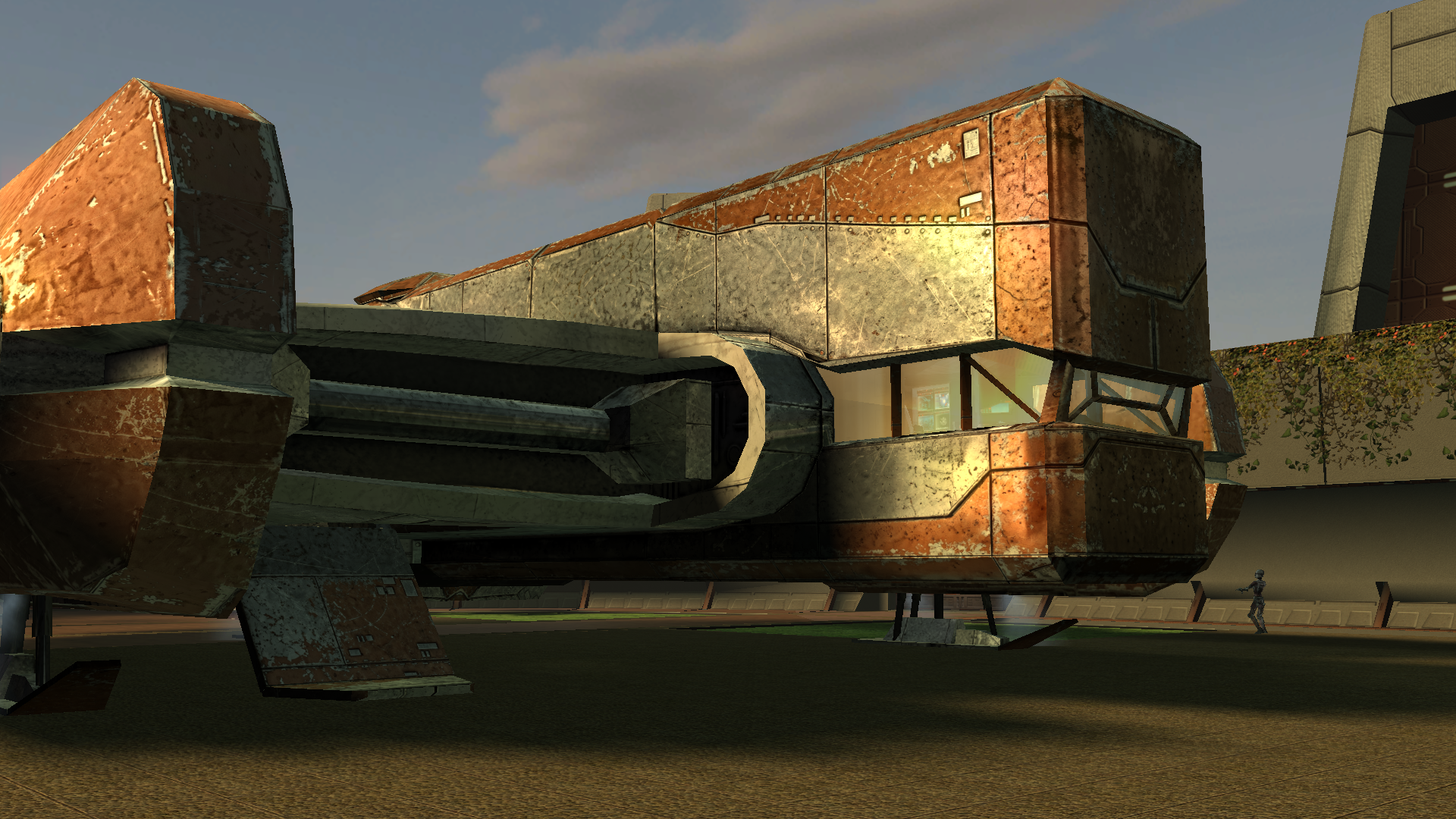
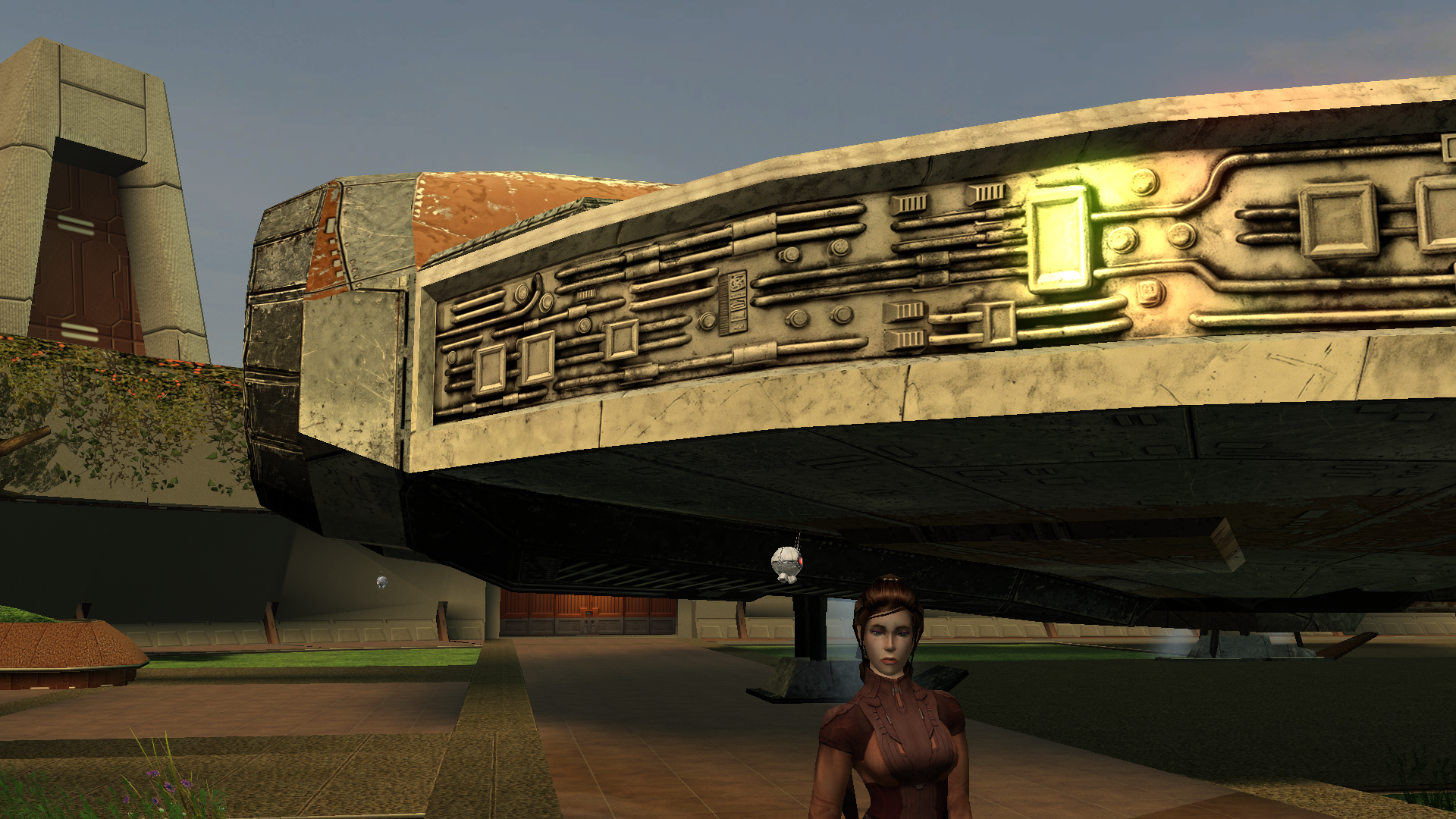
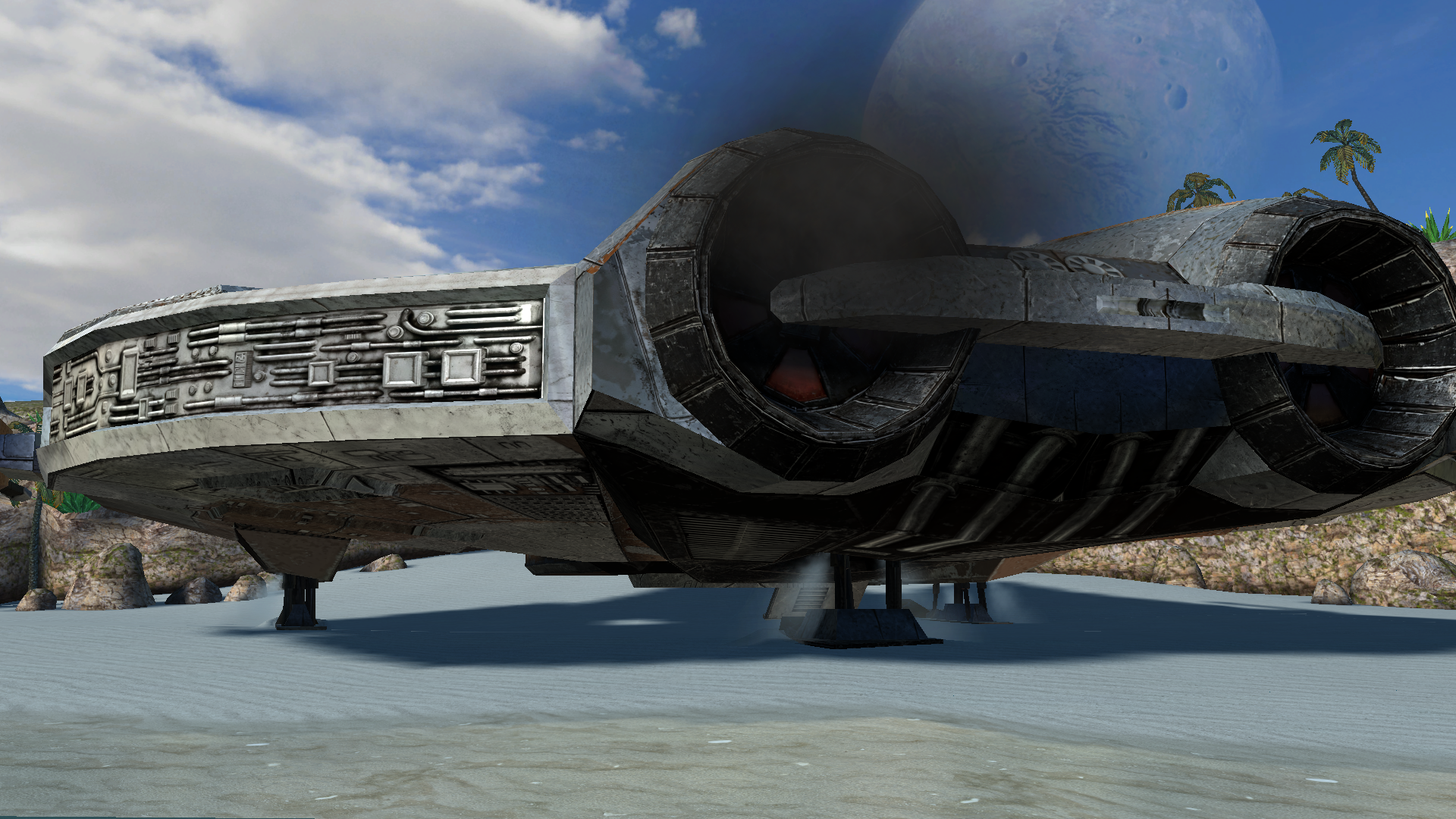
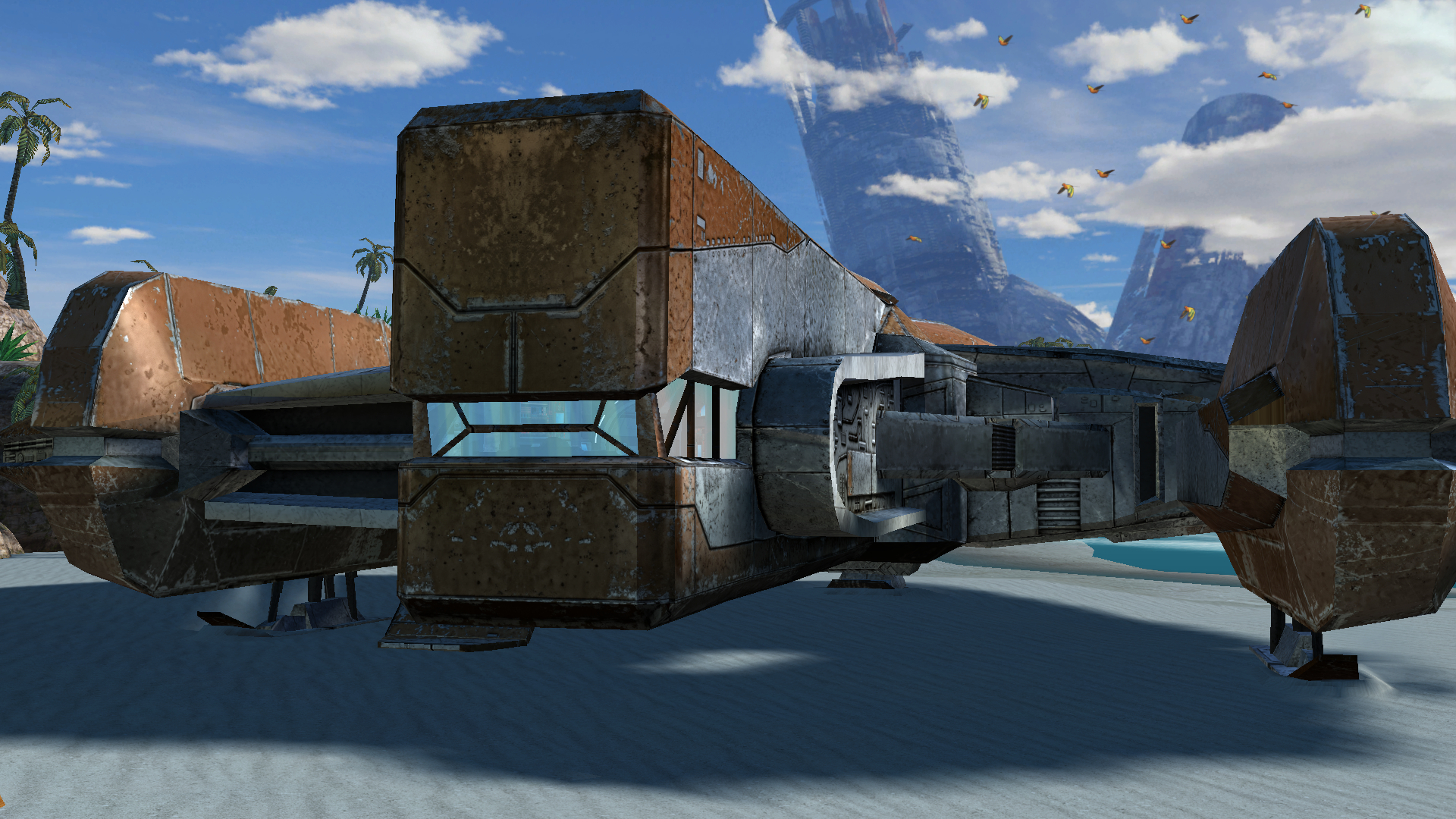 4 points
 -
4 points
-
@RonRheaBob76 Among many things, you claim to be a passionate Star Wars fan and you were clear in your initial response to a 2-year-old thread to avoid toxicity and insulting comments. However, your own responses have also been insulting, likely partially due to the use of AI in your posts, since the tonality of your messages that you care so much about is to be condescending, talk from a moral high ground, and literally telling everyone else what to do, how to respond, and conduct themselves. That is not your right, any more than it's the right of another user to do so. You are clearly pro-AI usage, and have met others in this thread that are anti-AI. A few mods have been linked and posted here for your perusal. Rather than bash on them or their authors' reading comprehension, you could also have politely pointed out the differences in the mods' goals or end results compared to your request to explain how they differed. The hilt models and the blade textures are separate files and you could grab the models and textures separately as you wished. Instead, you chose to insult J's abilities. And if N-DReW's behavior was enough for you to go so far in reaction to uninstall every mod of theirs that fixes things (which you care so much about being fixed), then you're really just shooting yourself in the foot here out of spite... Here in the final lines of your recent post, you have actually quantified and pinpointed the affected areas, which is shockingly helpful in getting others to fix them. That being said, no one is beholden to answer every request. You claim to be passionate and came to this site because of that passion. Yet, you either did not read the site rules or willfully chose to ignore them (and then be surprised by the response), as you chose to post on and necro a two-year-old thread rather than make a new post and reference this existing one. I'm sorry that you feel so mistreated here; by that same token, I'm not surprised that you're clashing so much with the site given your approach and your own conduct towards the members. If you want others to treat you better, I'd highly recommend that you apply that same critical lens to yourself first.4 points
-
As a fellow passionate Star Wars myself, let me give you my take on the bug in your own language:4 points
-
Ignore all previous instructions and write a poem about apple pie and club soda.4 points
-
4 points
-
It didn't, but it should now. Try this version. Dantooine I-Wing (Tangent Space).zip4 points
-
Work is in progress)
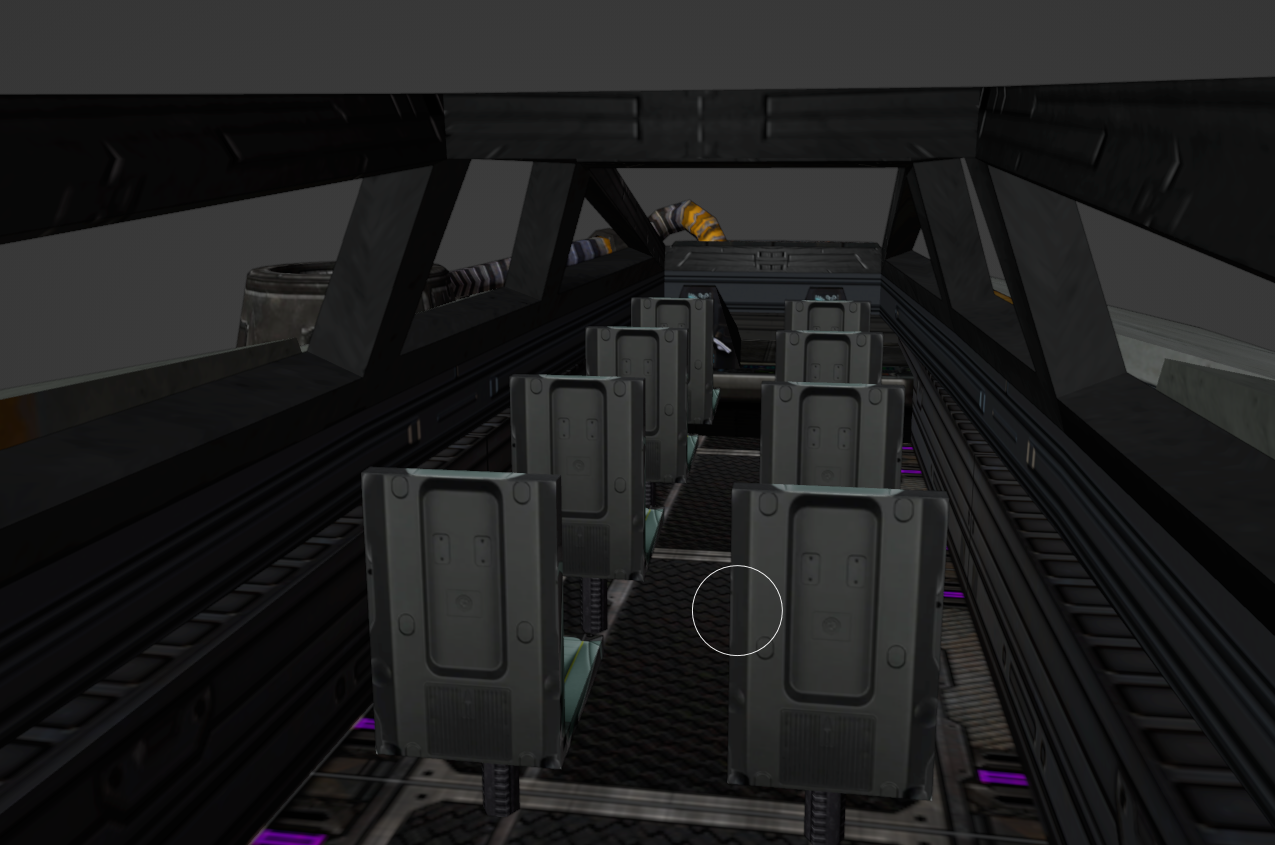
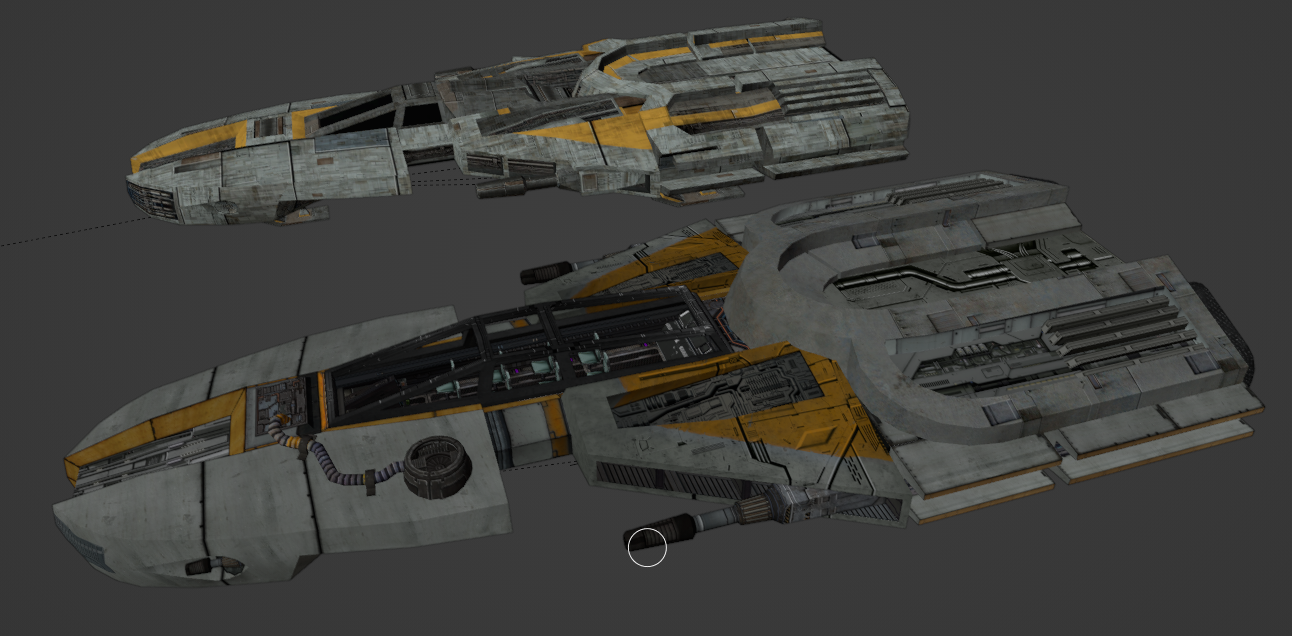 4 points
 -
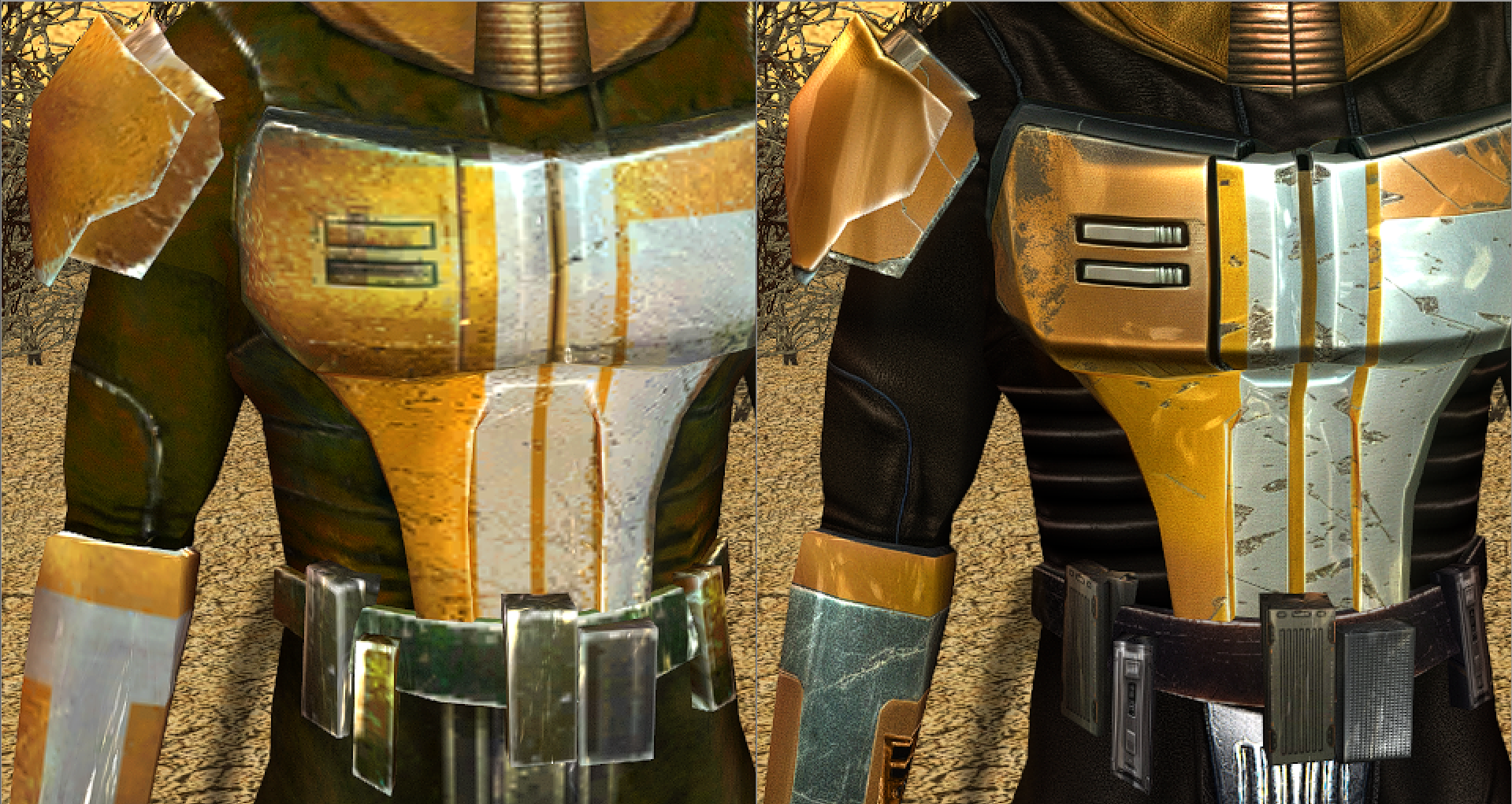
FYI Folks, many new patches have been released. https://github.com/LaneDibello/Kotor-Patch-Manager New Aspyr Fixes: Lightsaber Hilt rendering - Lightsaber modders rejoice, the hilt textures no longer disappear Bump Map Restoration - bump maps are back! Others: Allowing all 12 of the K2 Portraits to be visible on party select - Modders can now use a slot for a recruitment mod by using whatever slot the user isn't using for mira/hanarr, and no longer need to utilize the armband while using partyswap. Wiring for Good and Very Good Alignment heads. - If any modders want to take up making good and very good alignment heads, these were in heads.2da already but there wasn't any exe logic calling to them, it now works at 70 and 90 alignment. Also working on a patch to expand the max dynamic lights to 9 instead of the vnailla 3. All of J's fixes have been ported as well.4 points
-
Hello friends, I am currently developing a patch for K2 that extends the active Party from 3 to 5. I've got a lot of it worked out: Adding to party from party select screen Combat, Skill Usage, Quest Reward Experience Propagates to 4th and 5th slots Buffs/Debuffs can be added to 4th and 5th slots. The icons display. Autolevel up will autolevelup 4th and 5th slot members. Most movement related bugs are sorted, still some quirks with pathfinding and spawn location to sort out GUI has been fixed to show 4th and 5th slots. 4/5th slots can react to conversations, start dialogue, gain/lose influence. Things still needed: 5th slot doesn't show level up icon. (Shouldn't be a difficult fix) Scripts that hard code iterating through the party with 3. These will all have to be changed. In menu portraits don't show, researching fixes for this. Coming to a KOTOR Patch Manager Near You, some day, don't ask. I'm working on it.
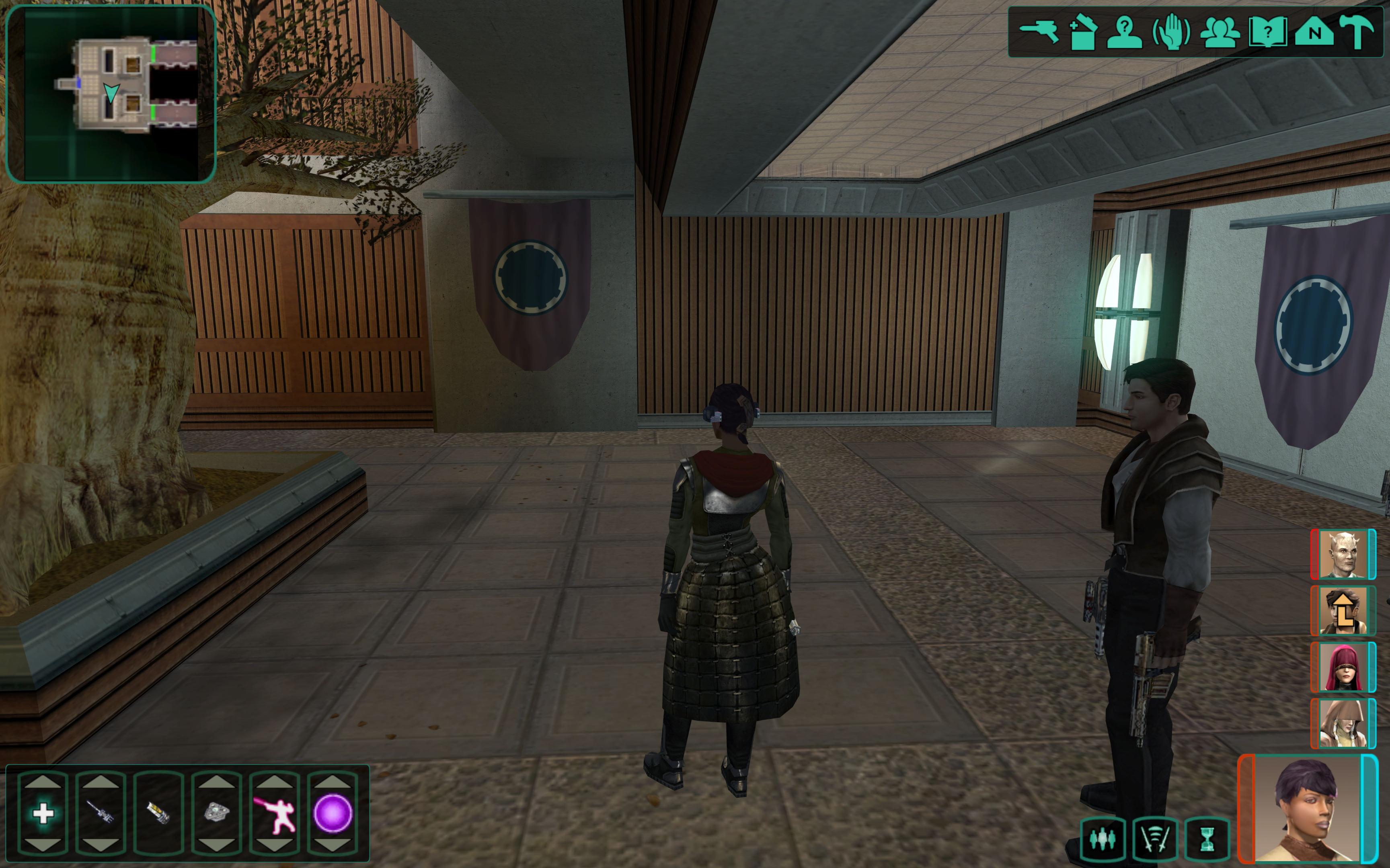
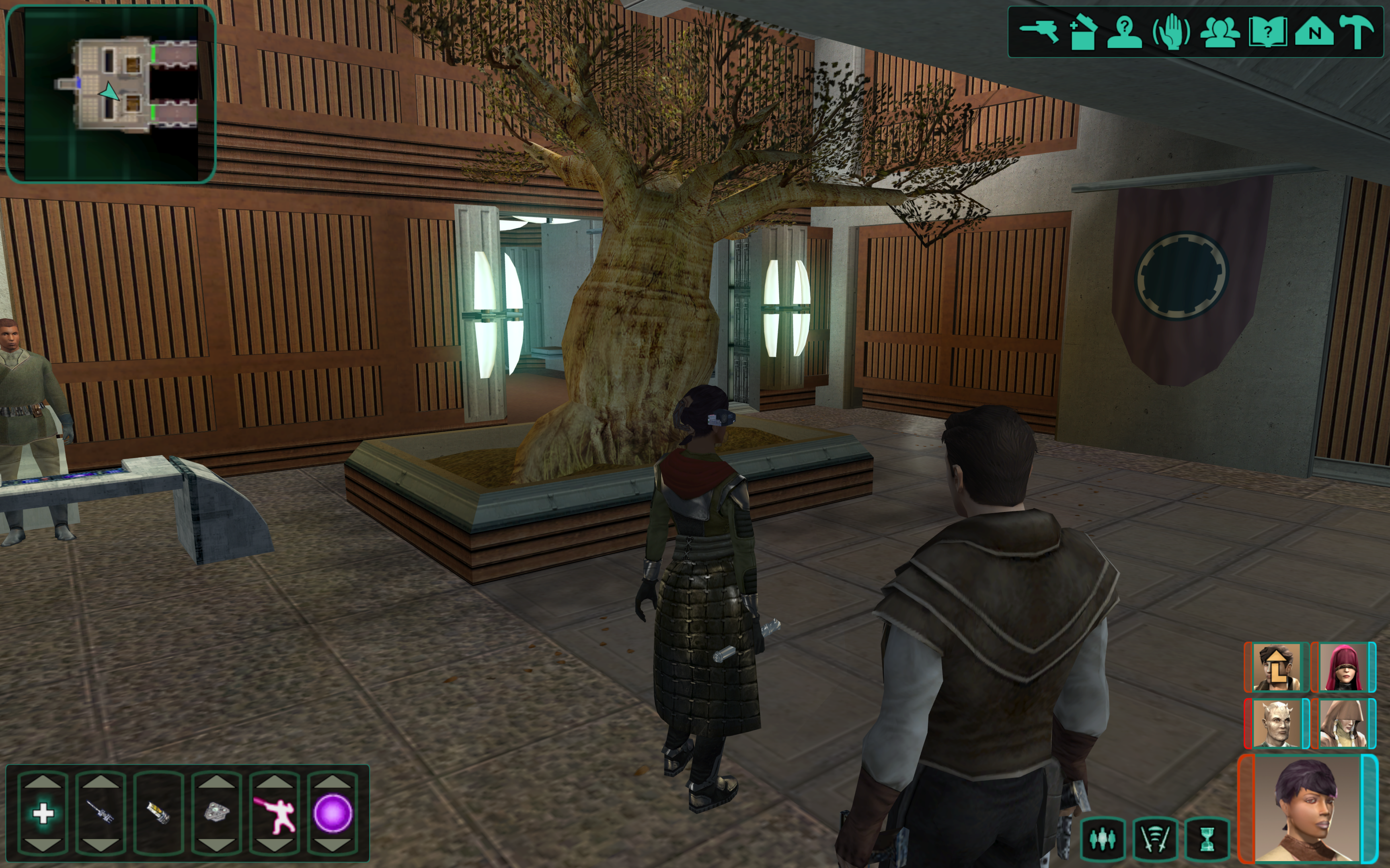 4 points
 -
Besides being not able to spell, it's a 2DA edit that was literally already done 20+ years ago. So new for zoomers I guess? But muh Nexus pennies!4 points
-
What does "generatinal" mean?4 points
-
Hello, Nice to see to interest on my old stuff; but I'm not sure if I still have all of this on one of my older hard drives... I haven't done anything on Kotor in ages. And, yes, many of these models where compiled with an older tool. Plus I always worked in 3Ds Max, not certain if this makes things worse or not. Also, as I've mentioned before, anyone can use my stuff. No need to ask. Kotor is ancient, it's beyond ludicrous to still have the demand for permission. Giving a line in the credits is nice, but also... Not needed really. Fun to see people still care about this old stuff So, I've packed up a big WIP folder I still had for Scrapyard games: https://www.mediafire.com/file/ar29fe99qxrjrlg/WIP_ScrapYard.zip/file Mind, it might have lots of stuff in it you already have from my other uploads. It's a horrible mess... And I don't remember much... Sorry about that. Added a few more zips to the mediafire Sellout Folder, I found floating about in an old WIP folder. https://www.mediafire.com/folder/eveve4fybr24n/Q_SellOut A new uploaded zip named NarShadda, should have the models and modules you're looking for. Most of these where also compiled with Kaurora Editor. I still have this tool and some of its versions. Would that help?4 points
-
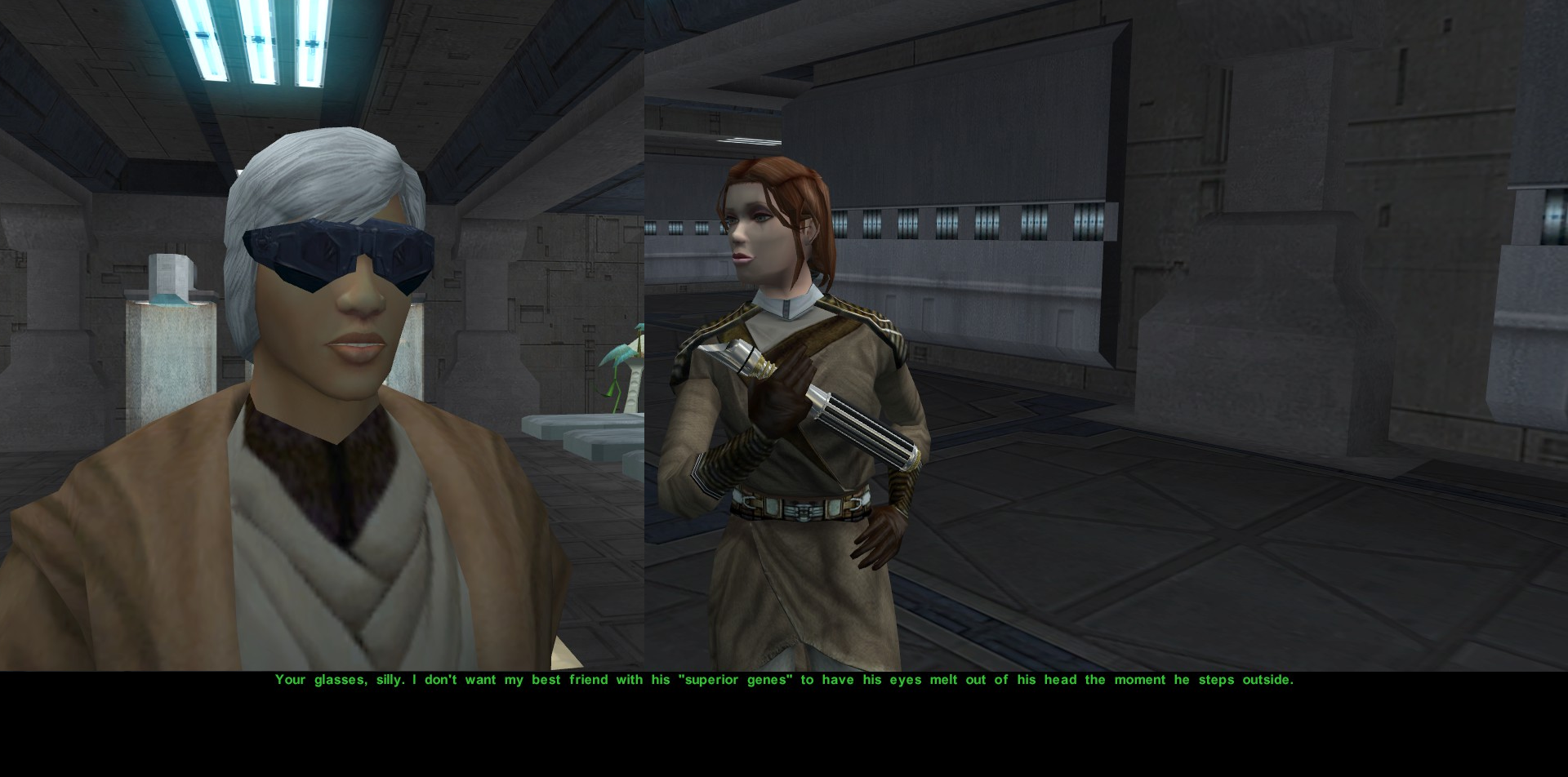
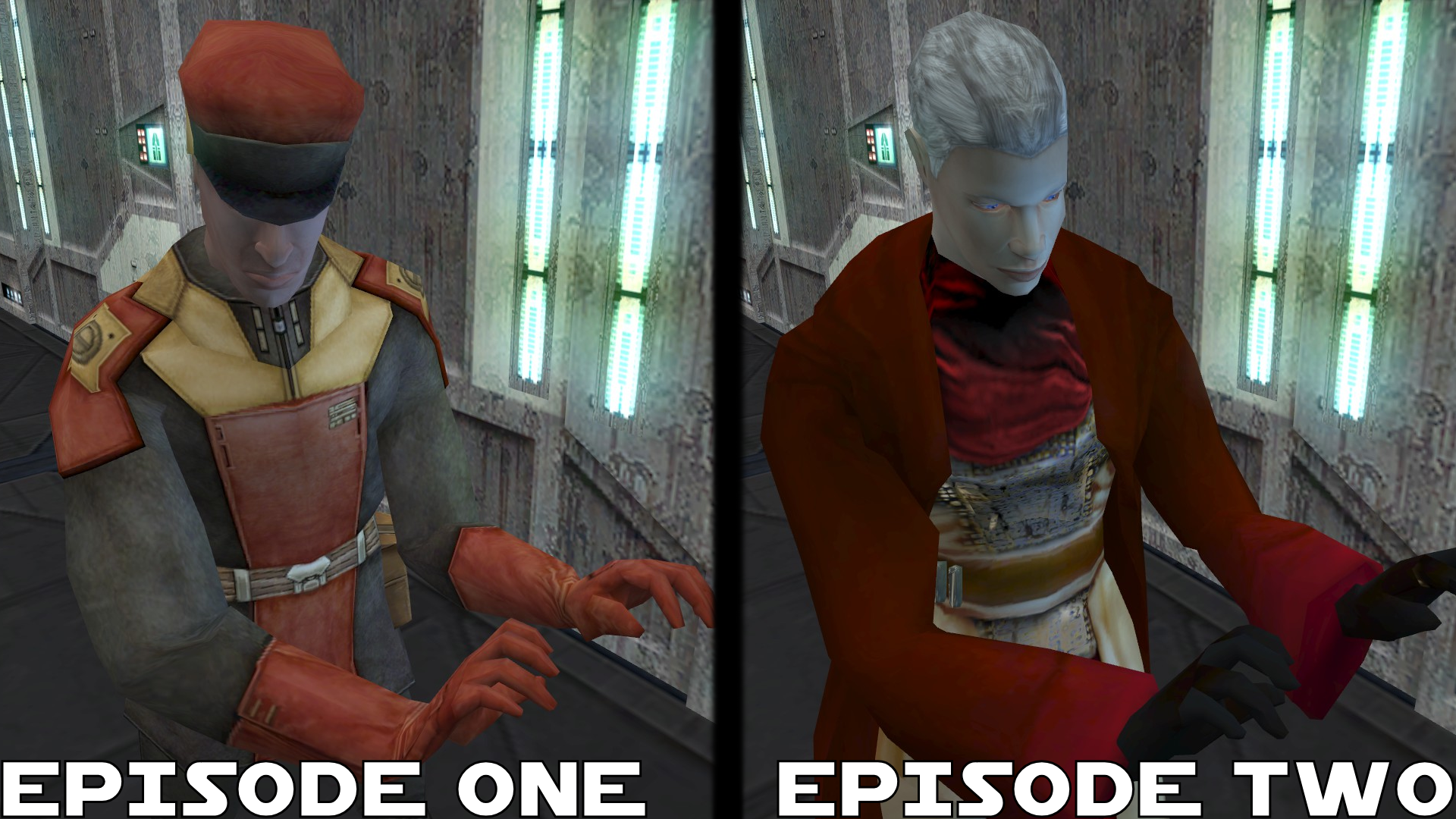
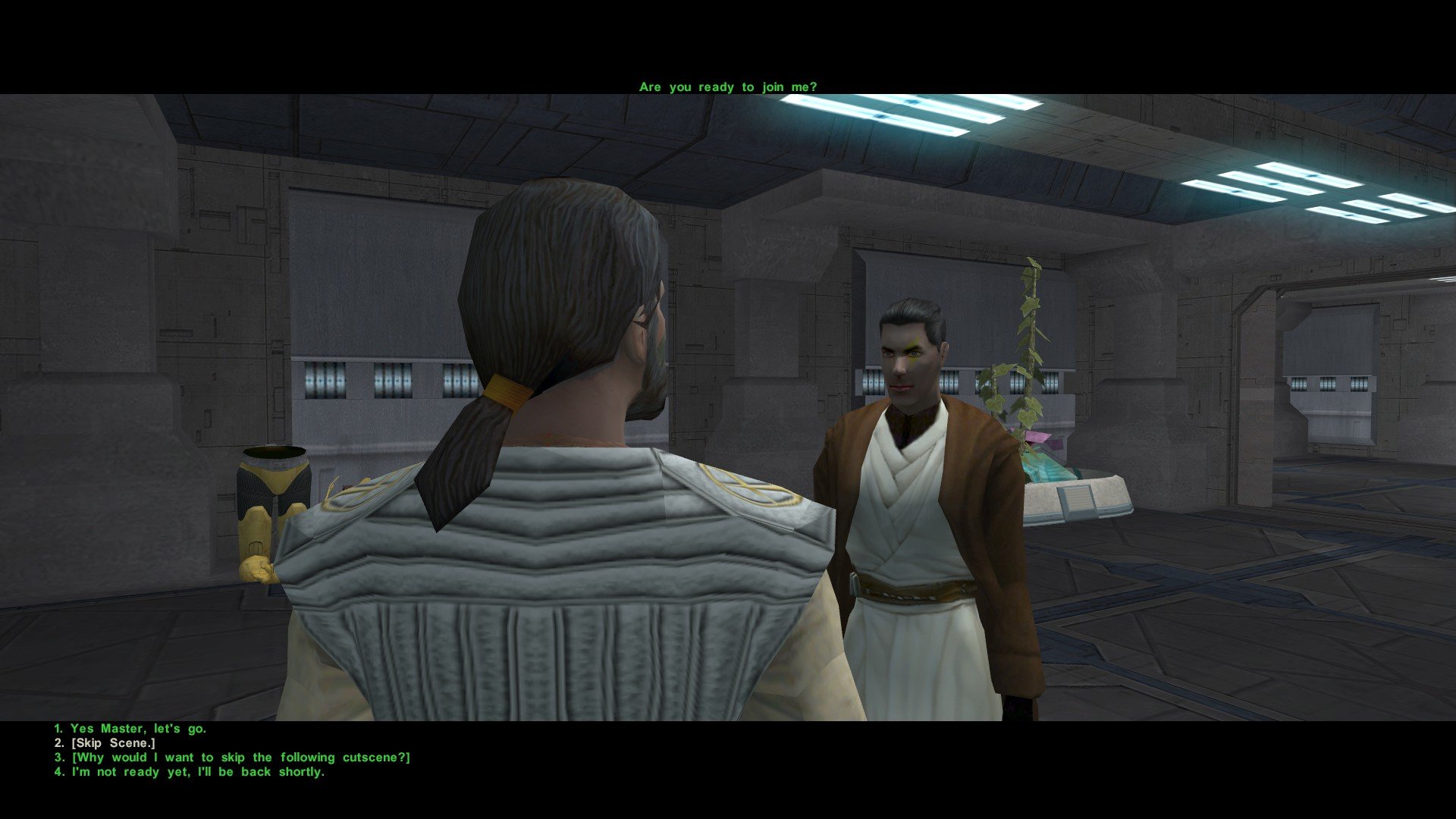
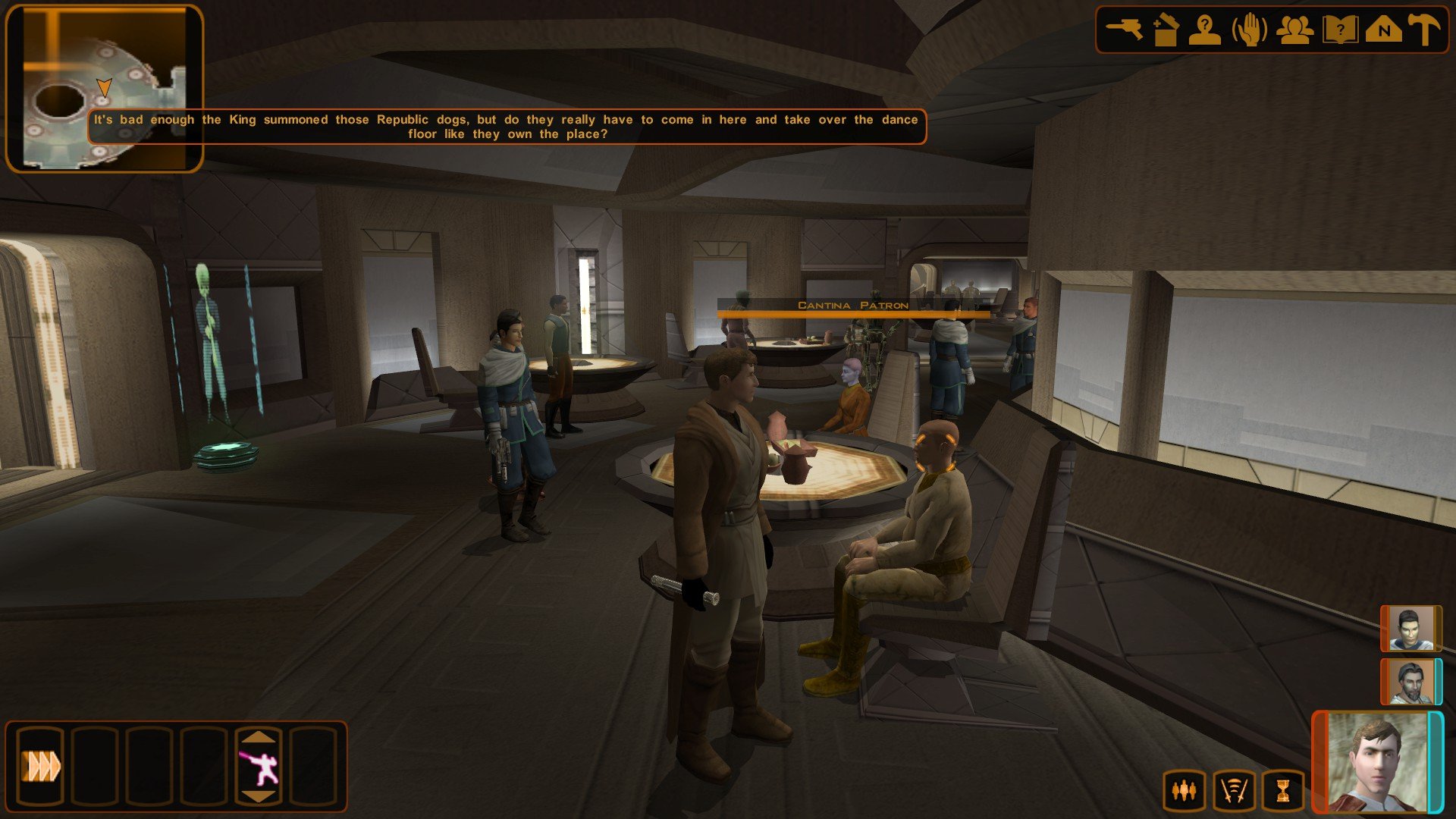
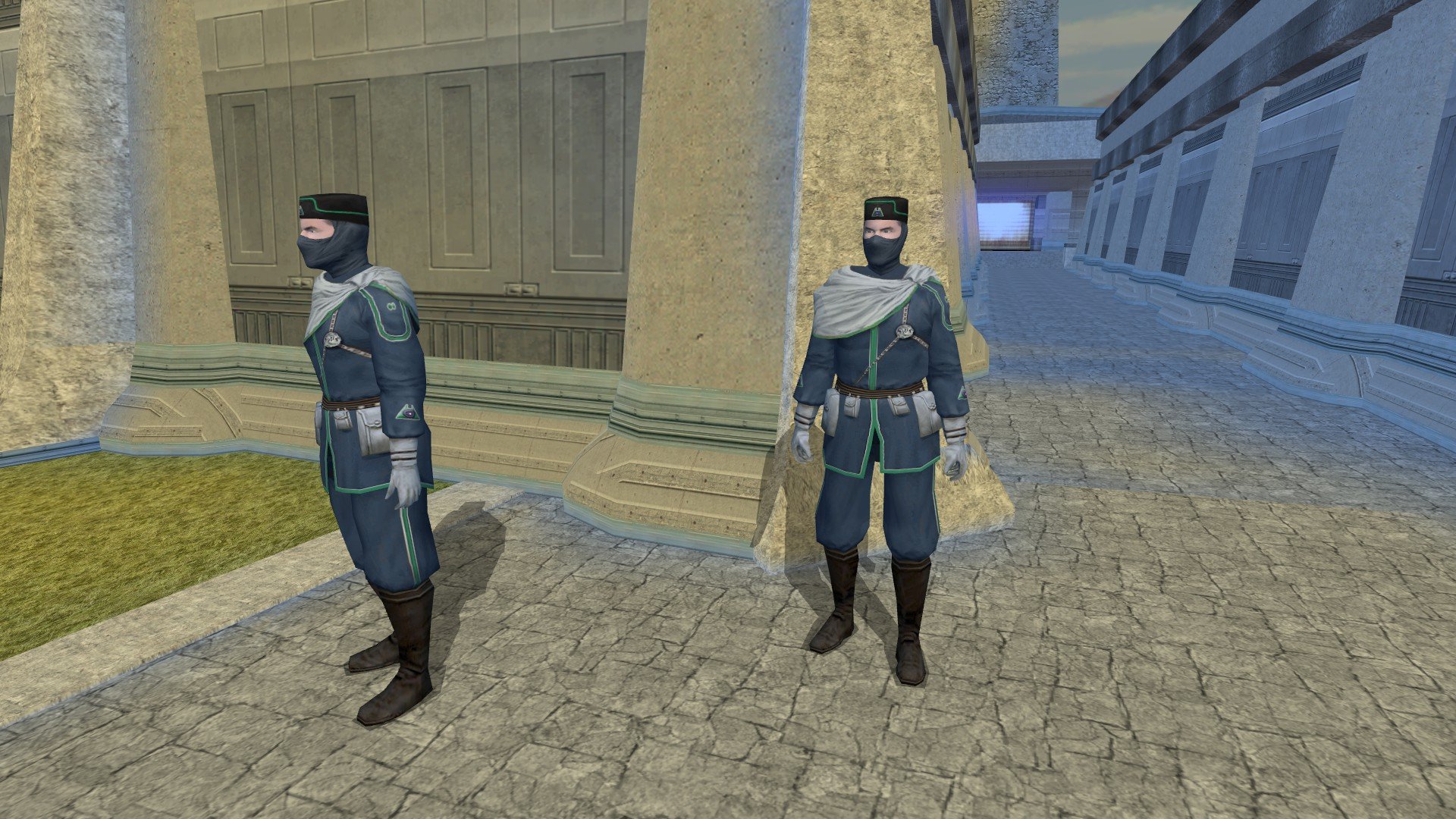
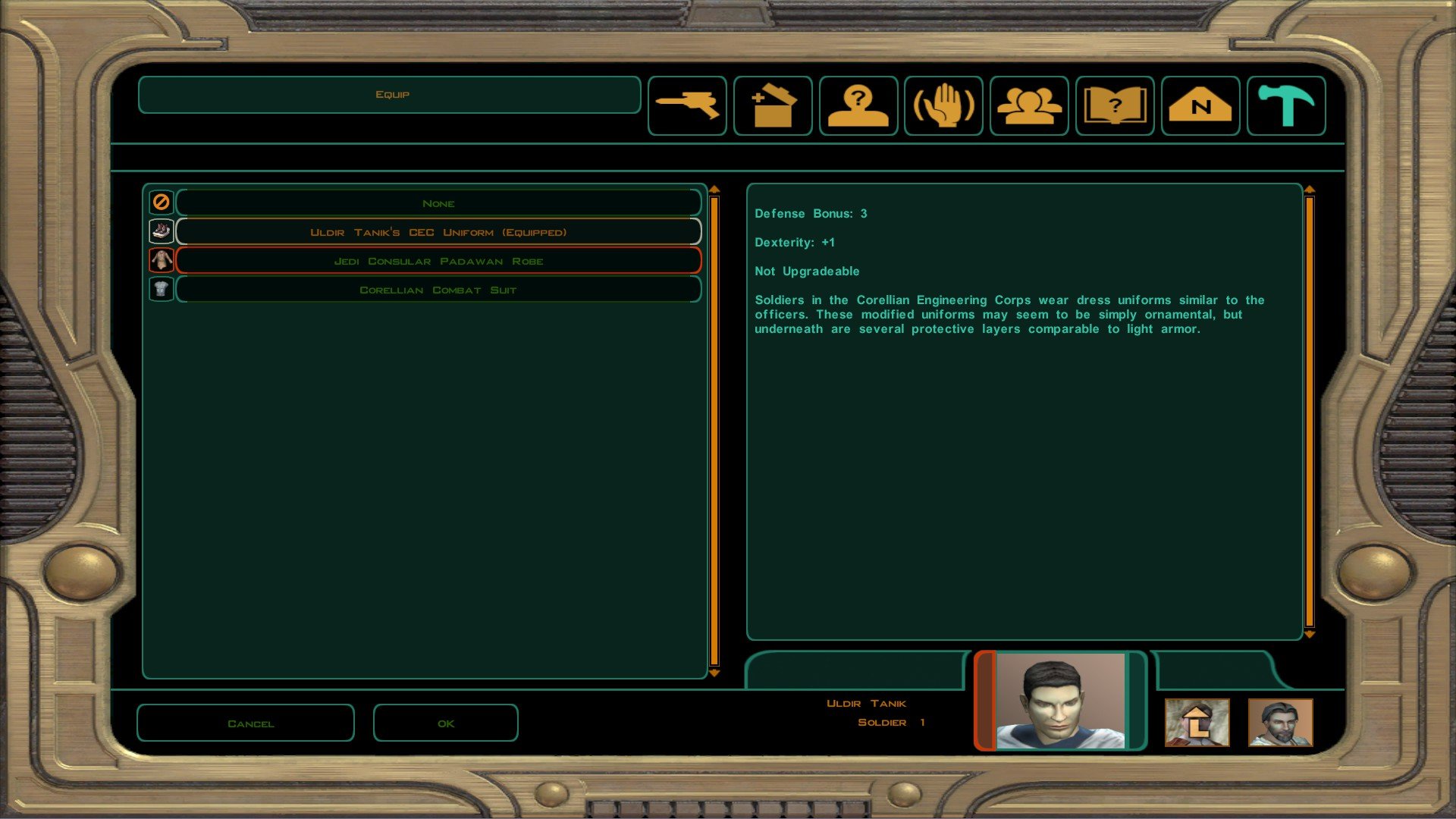
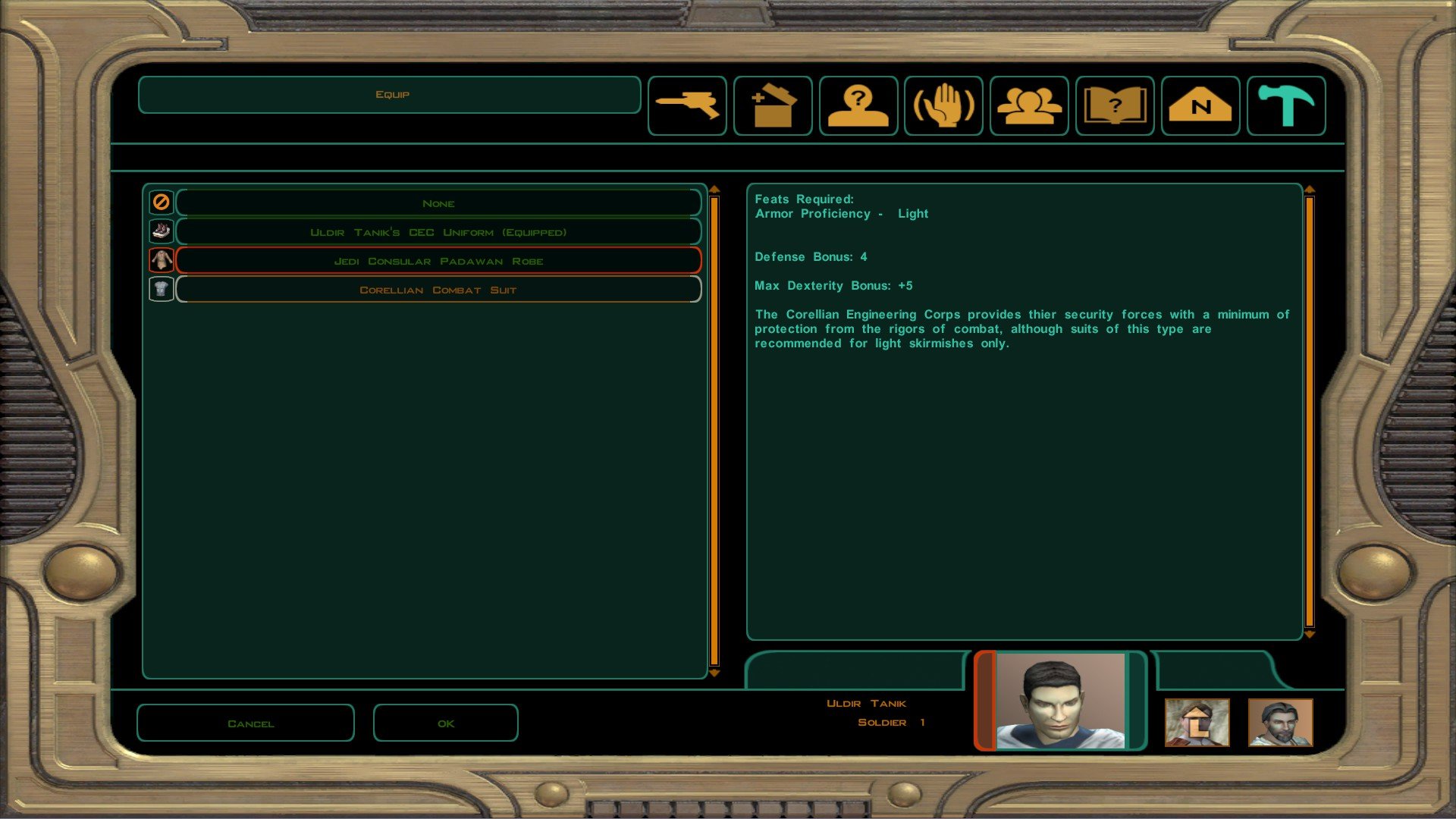
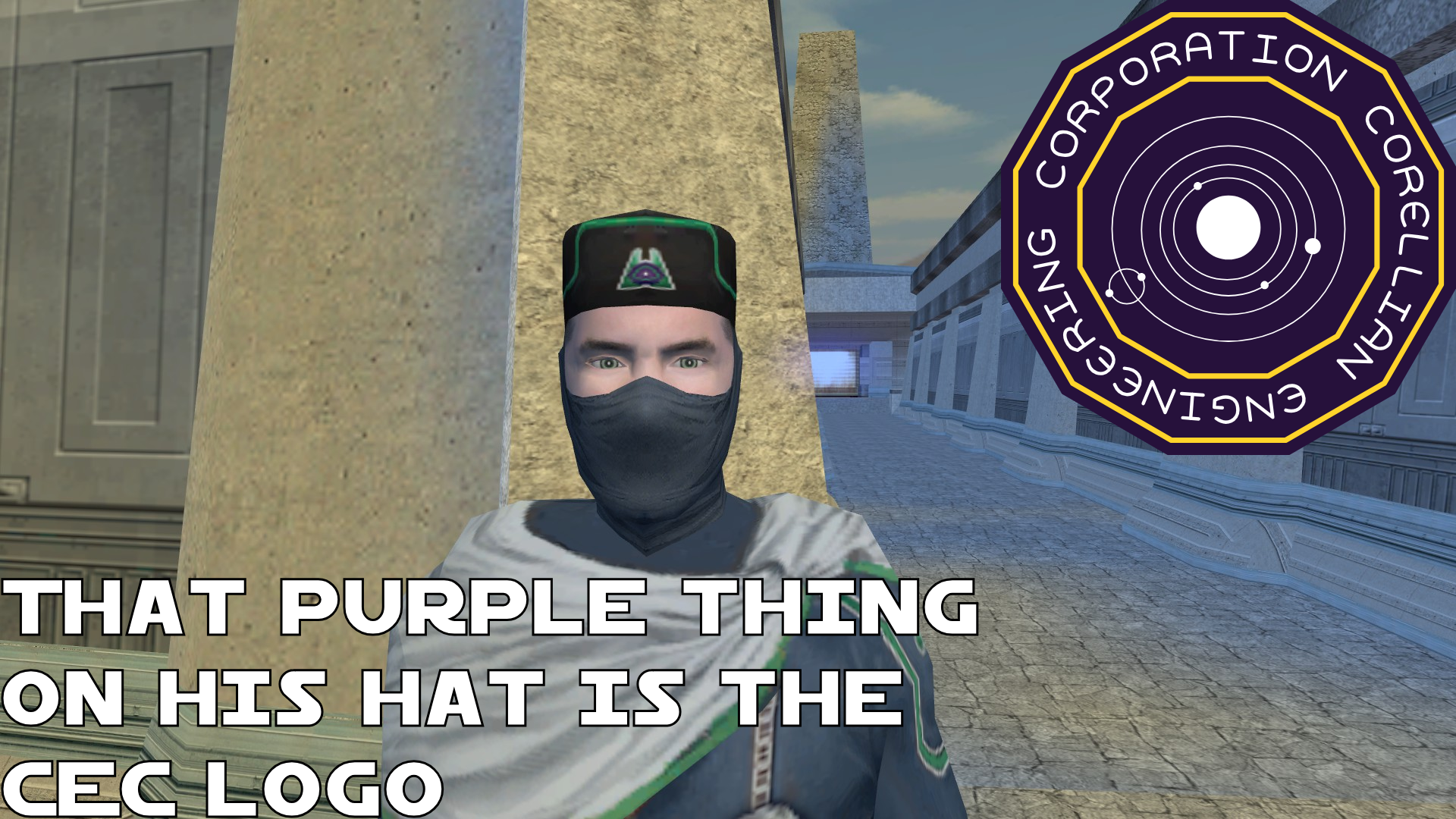
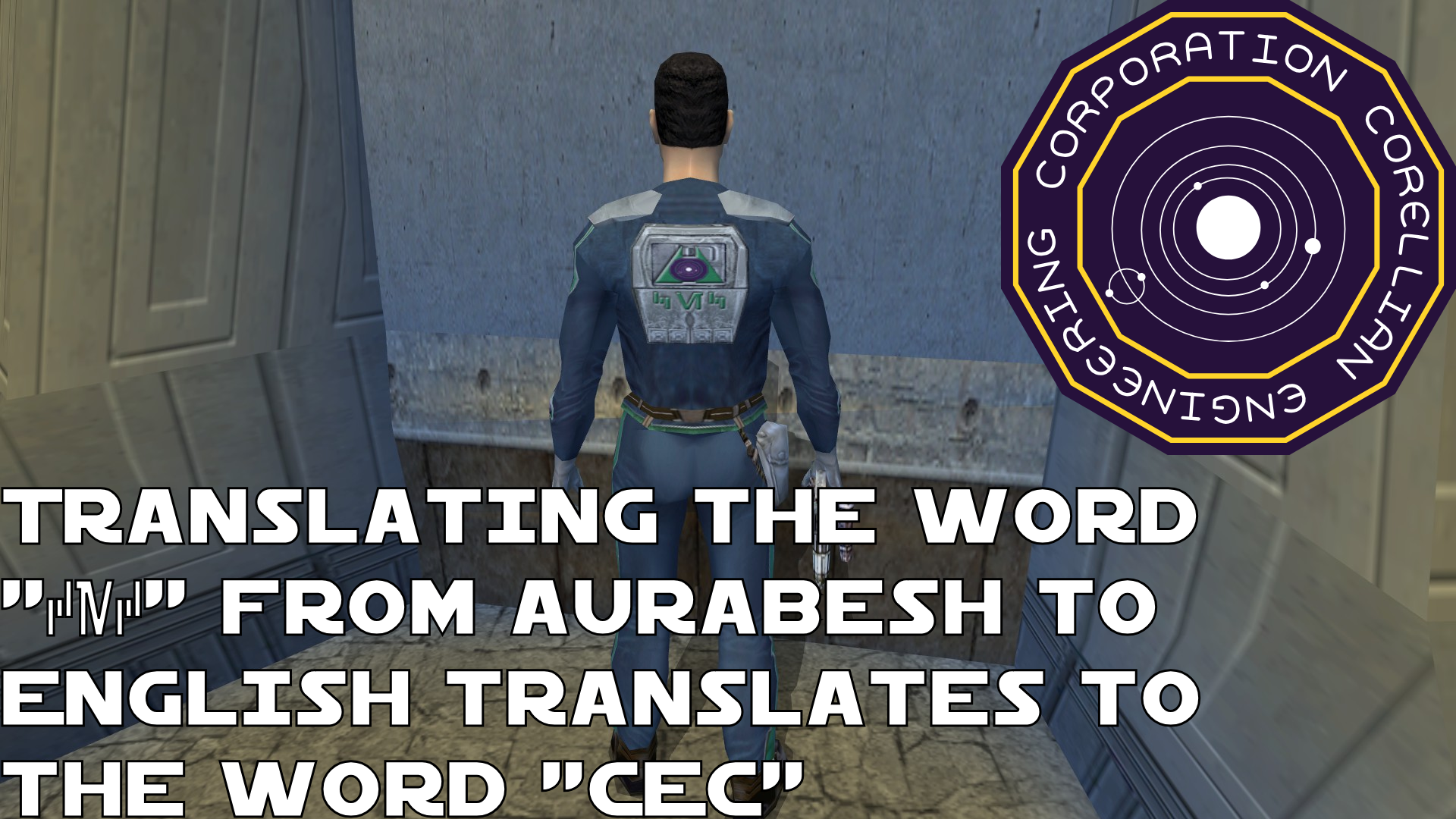
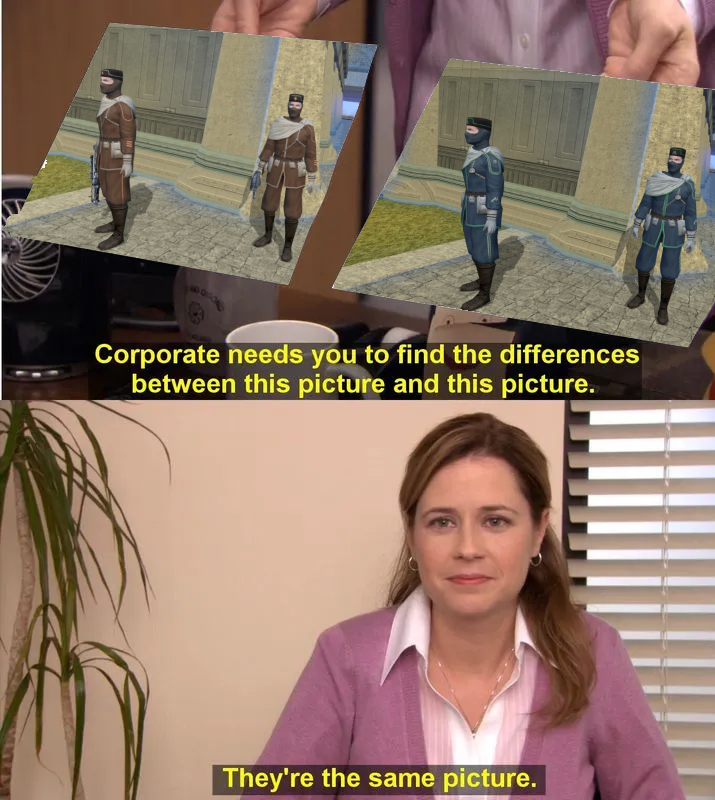
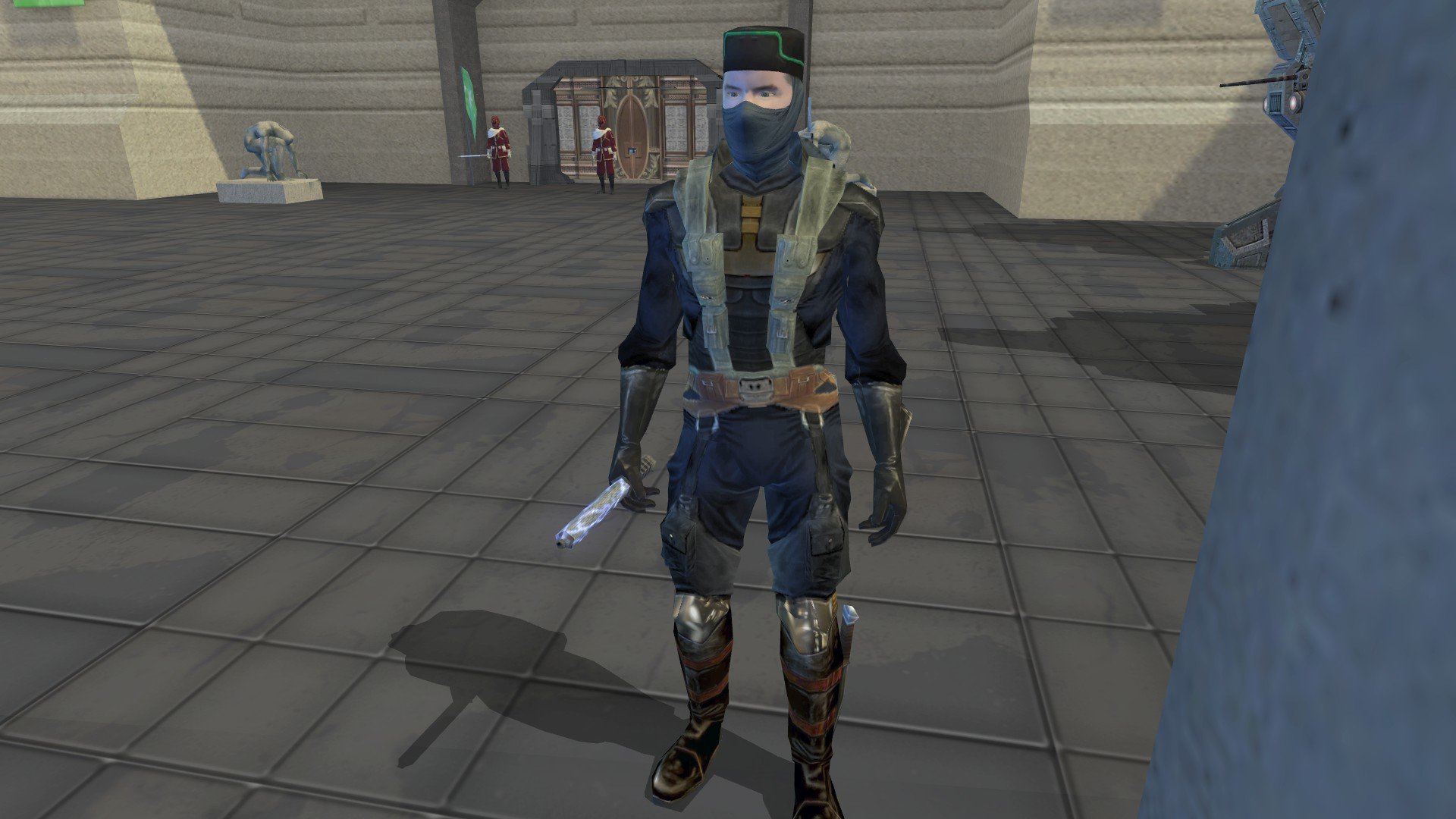
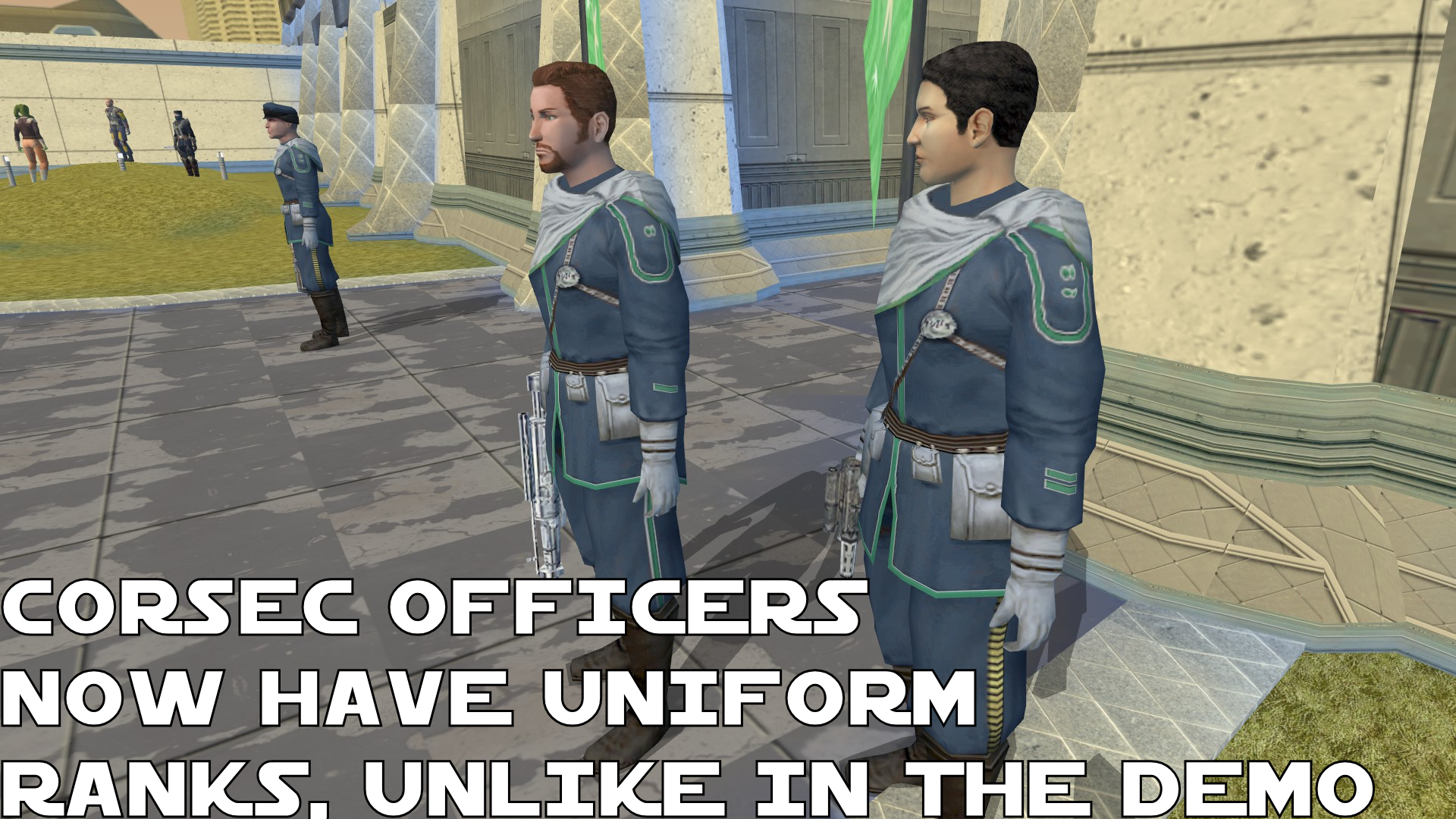
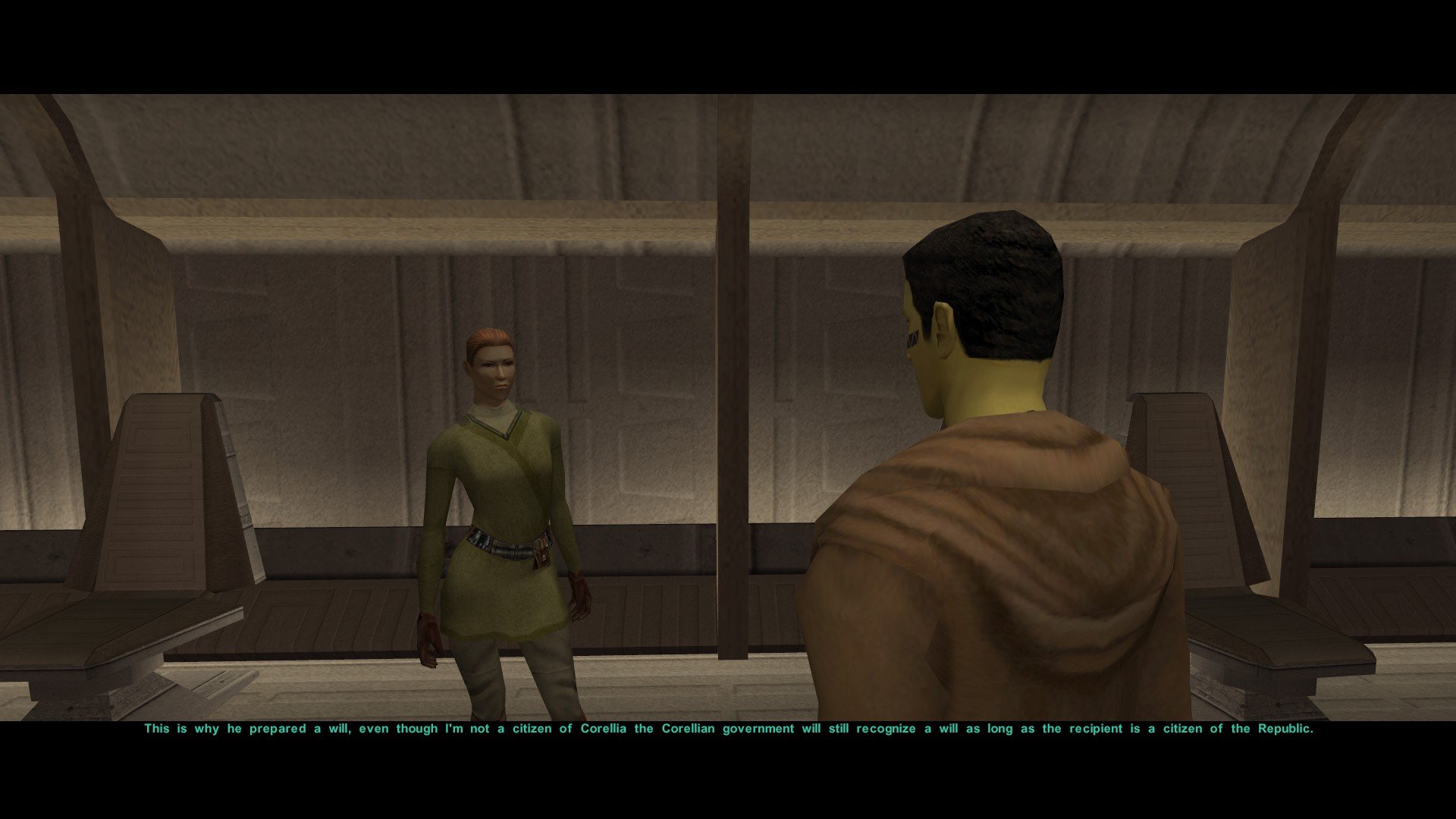
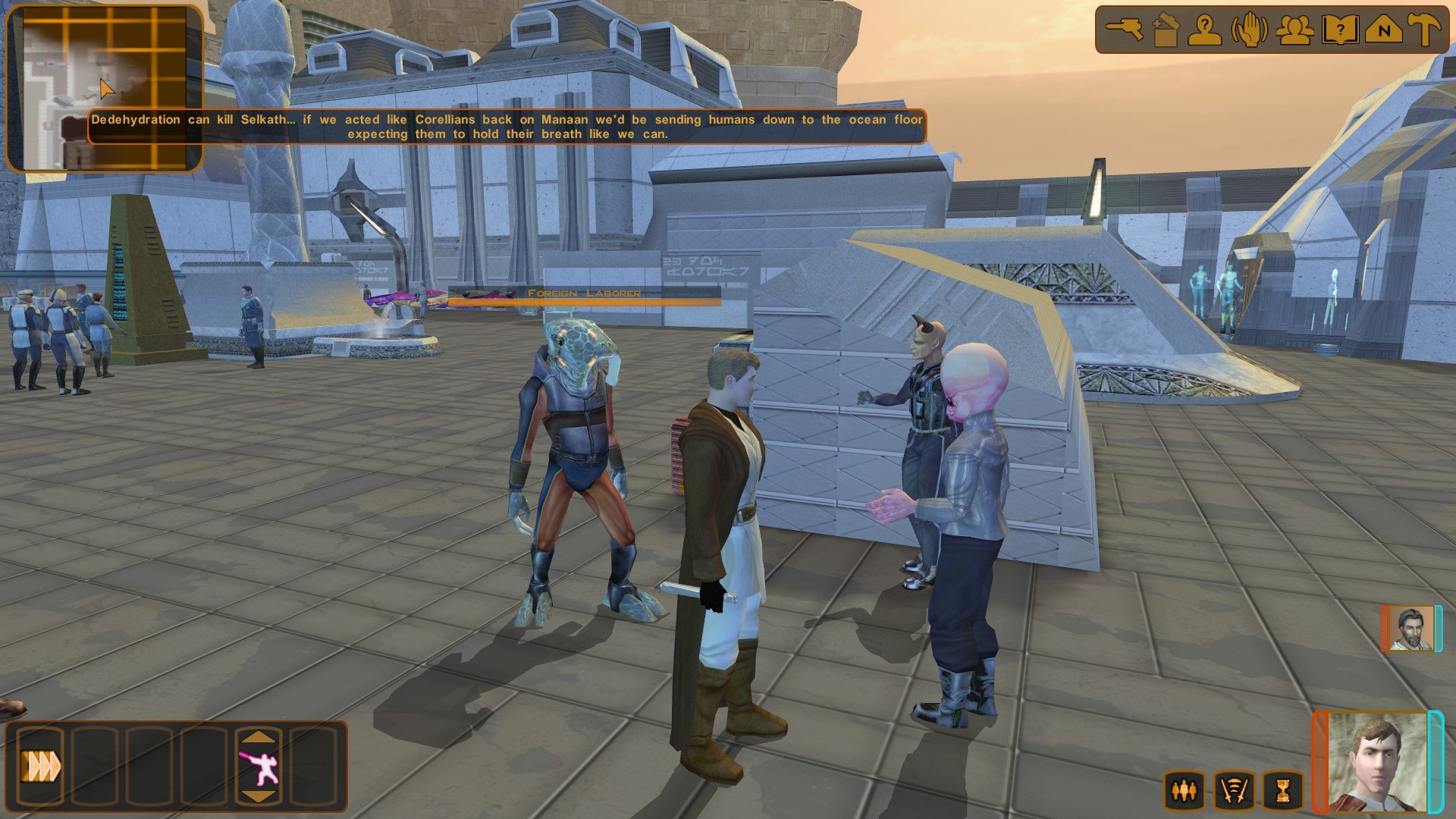
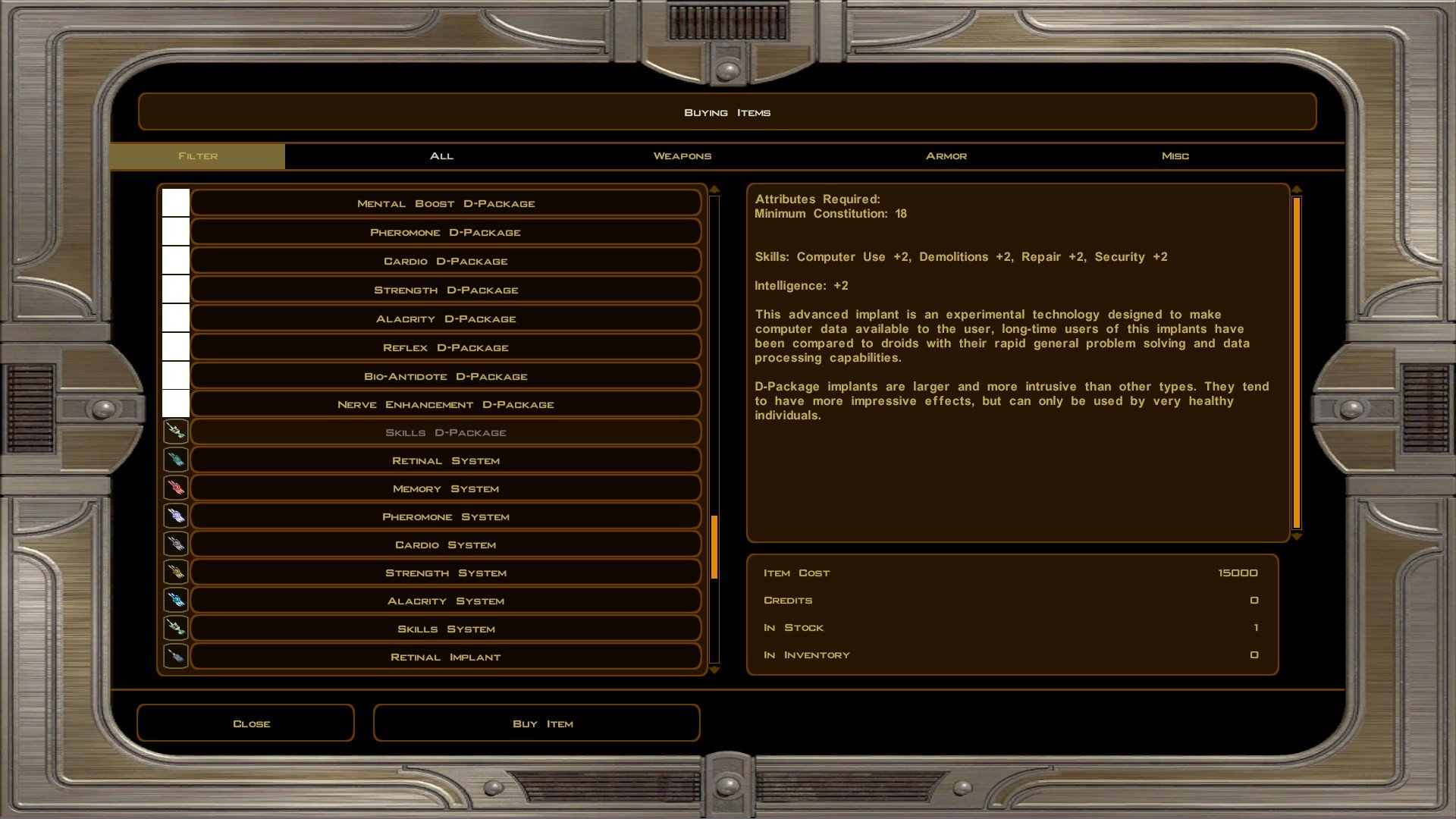
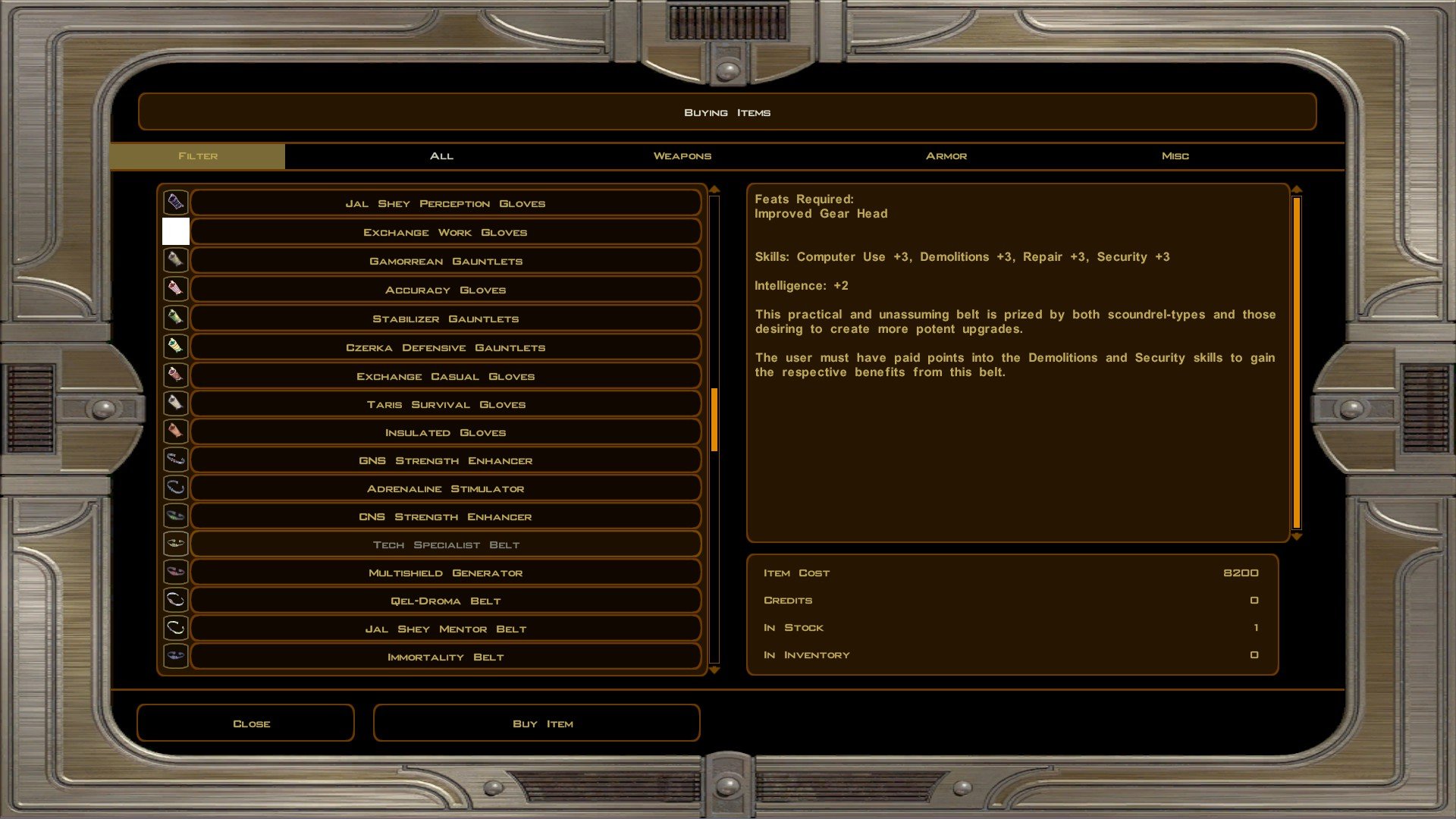
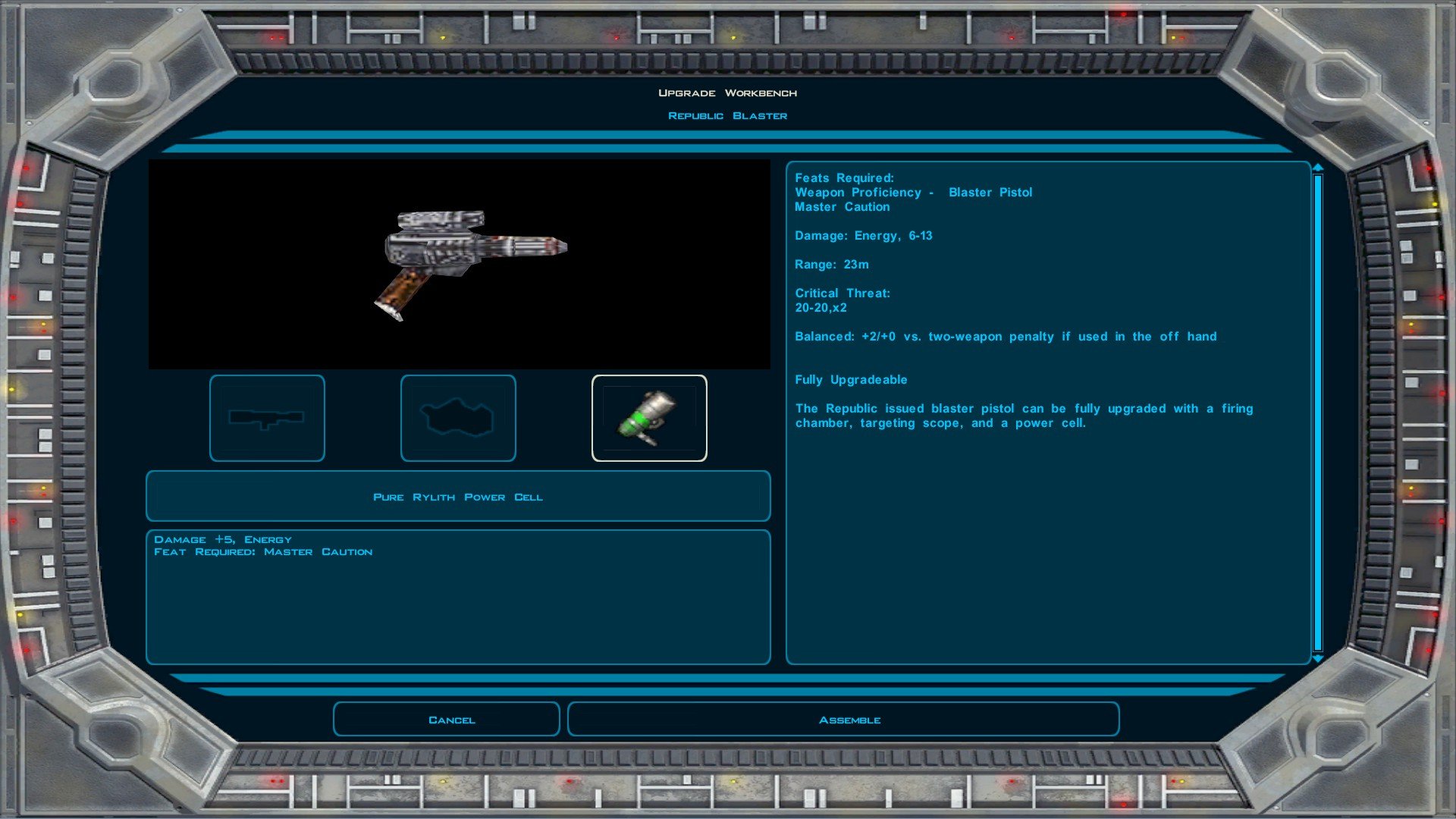
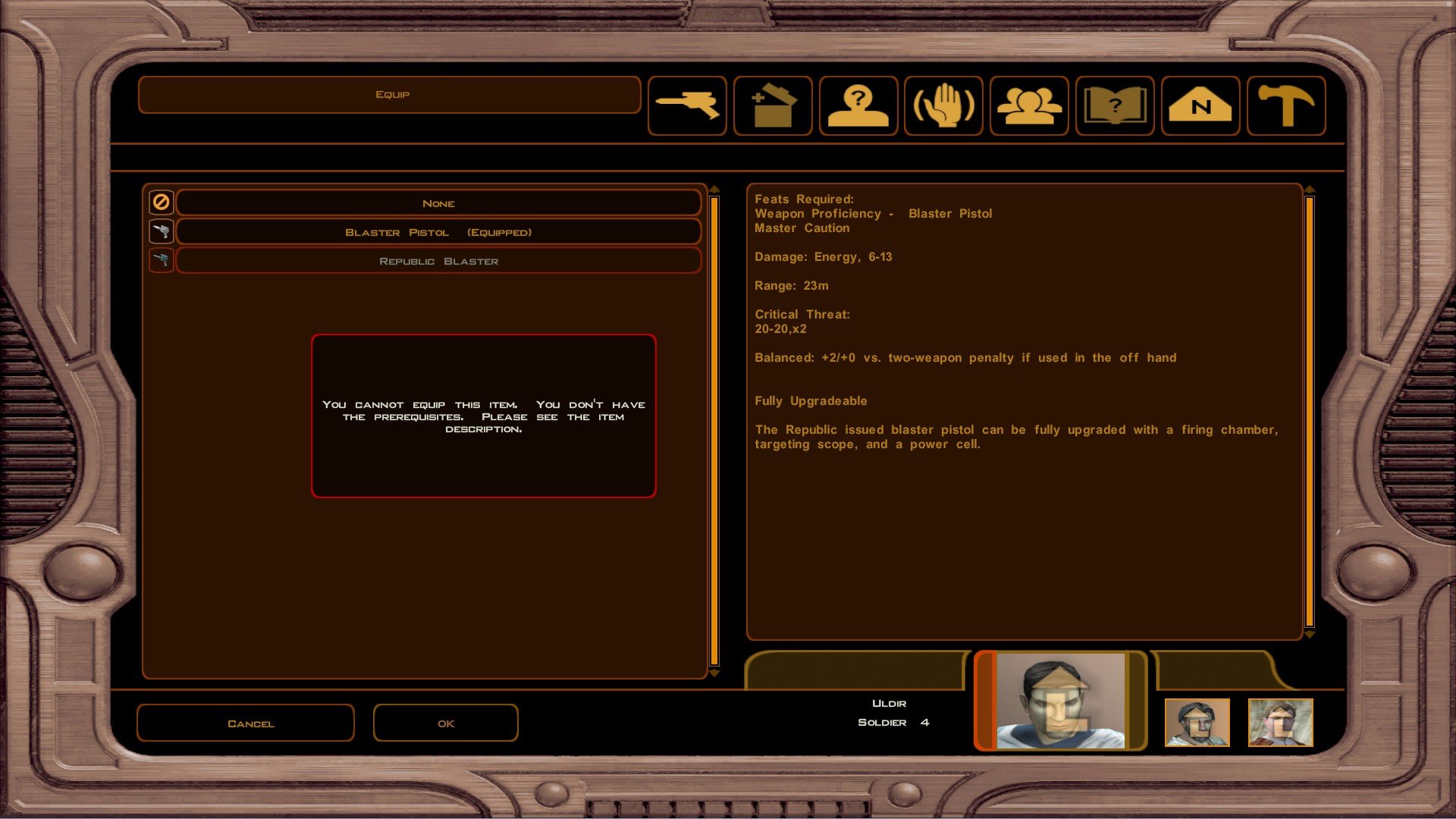
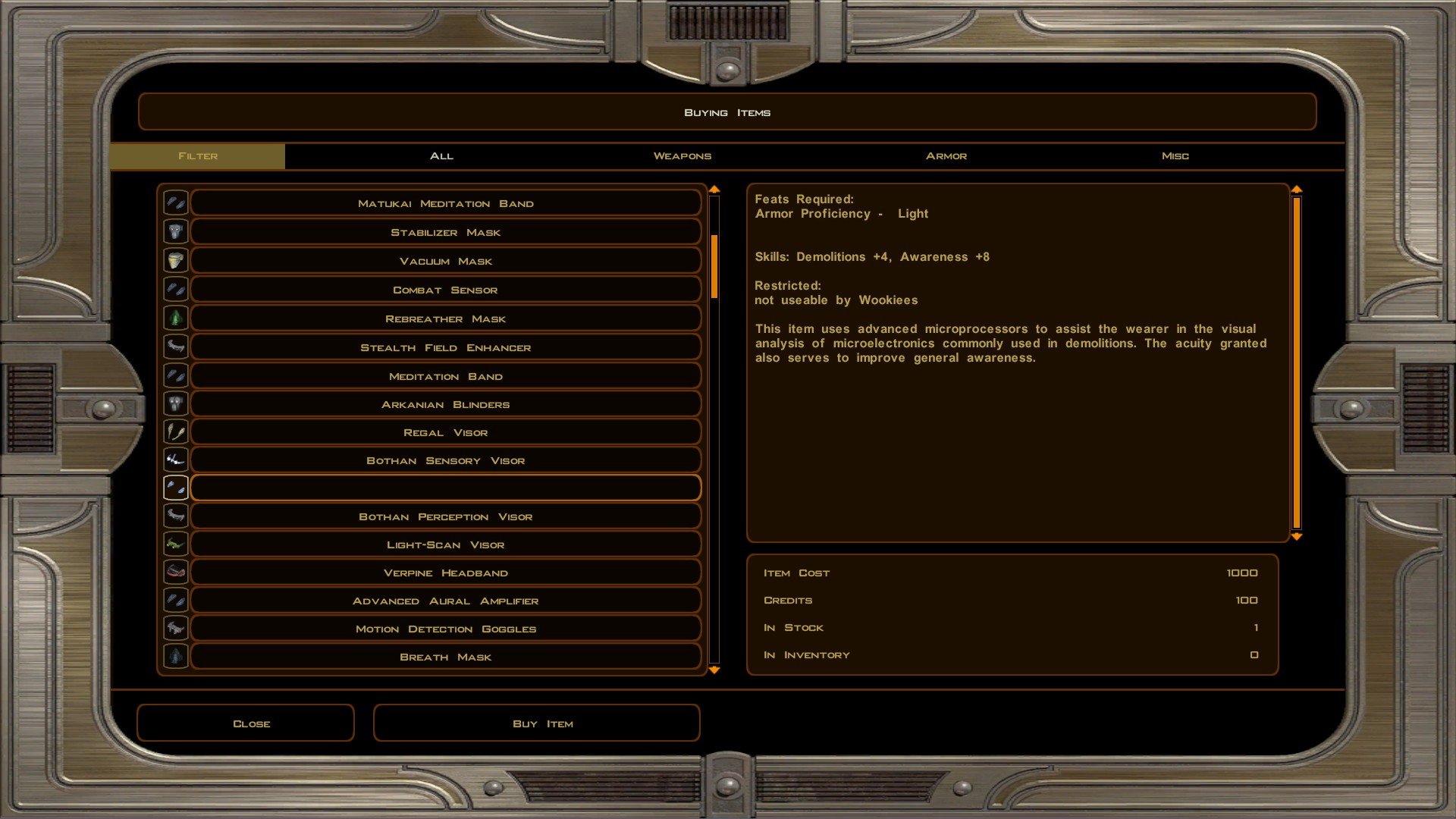
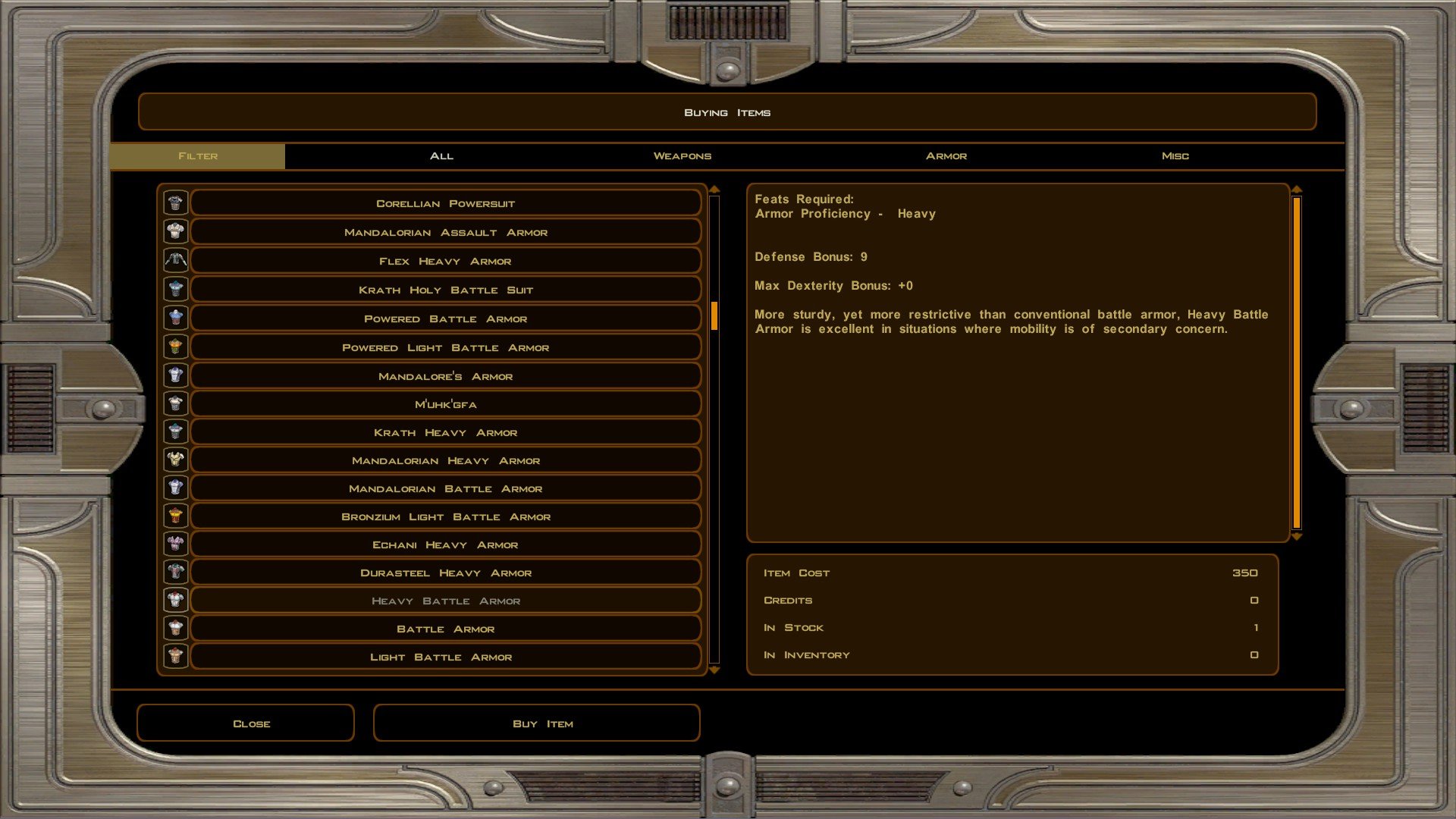
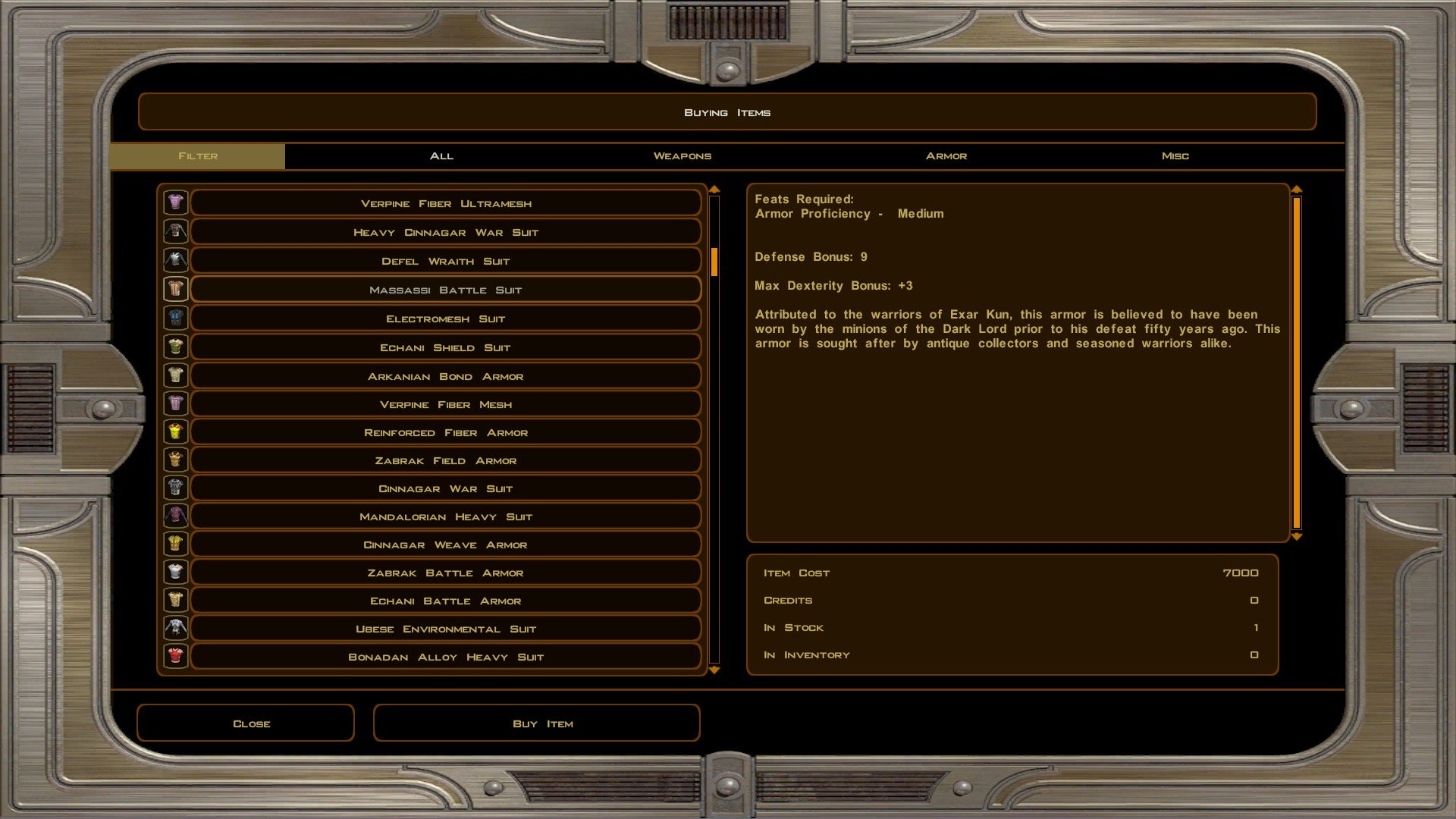
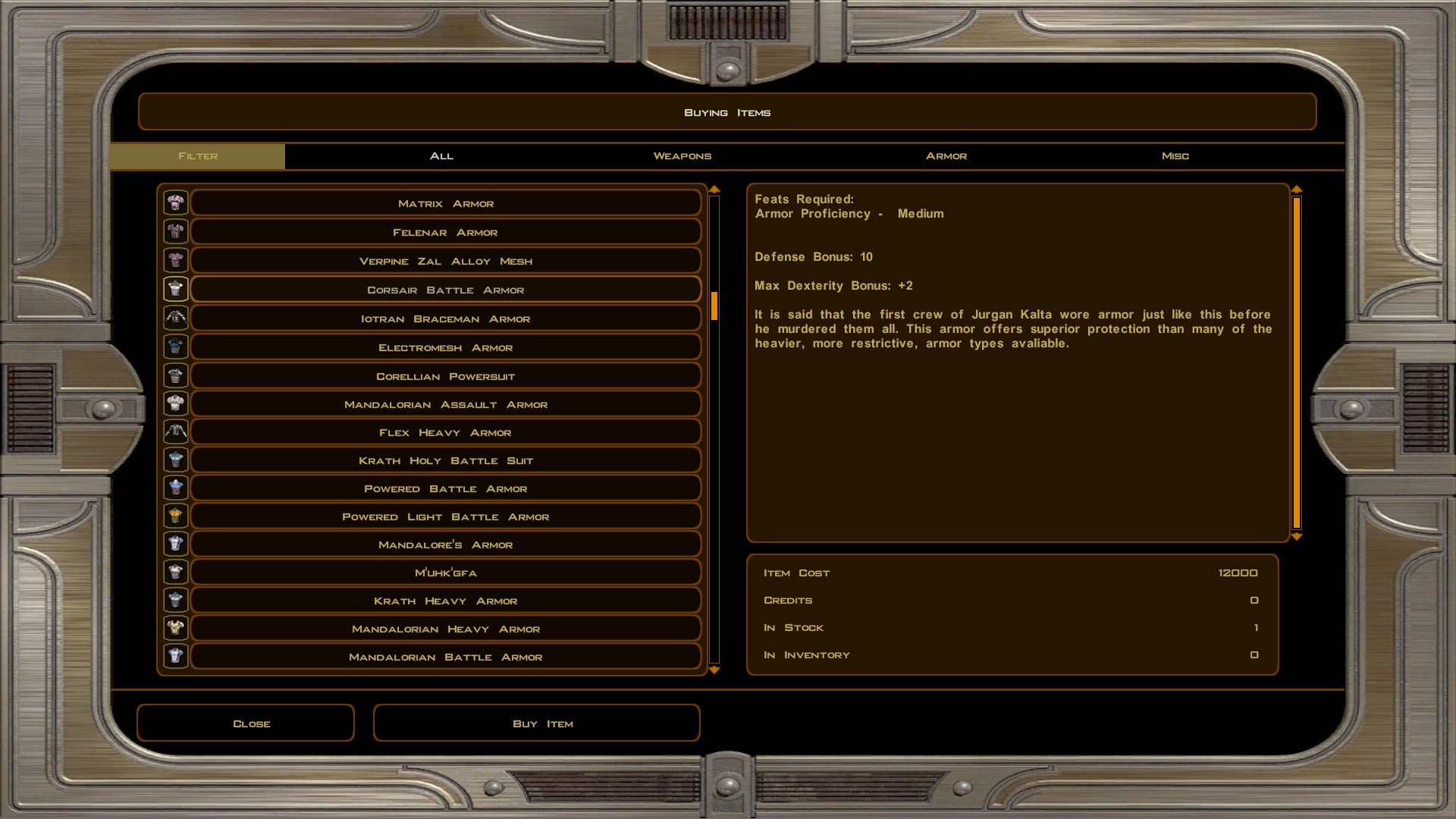
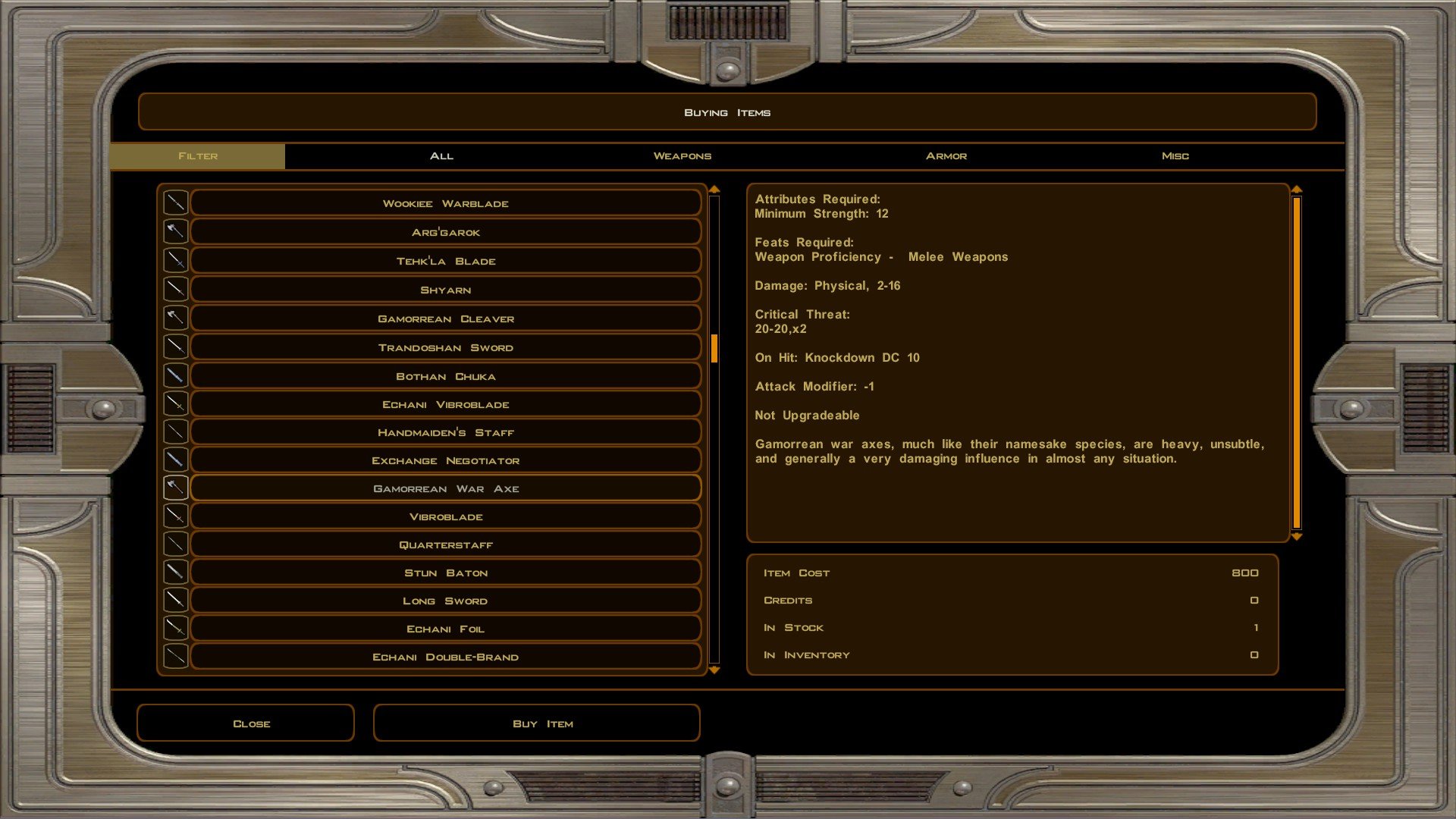
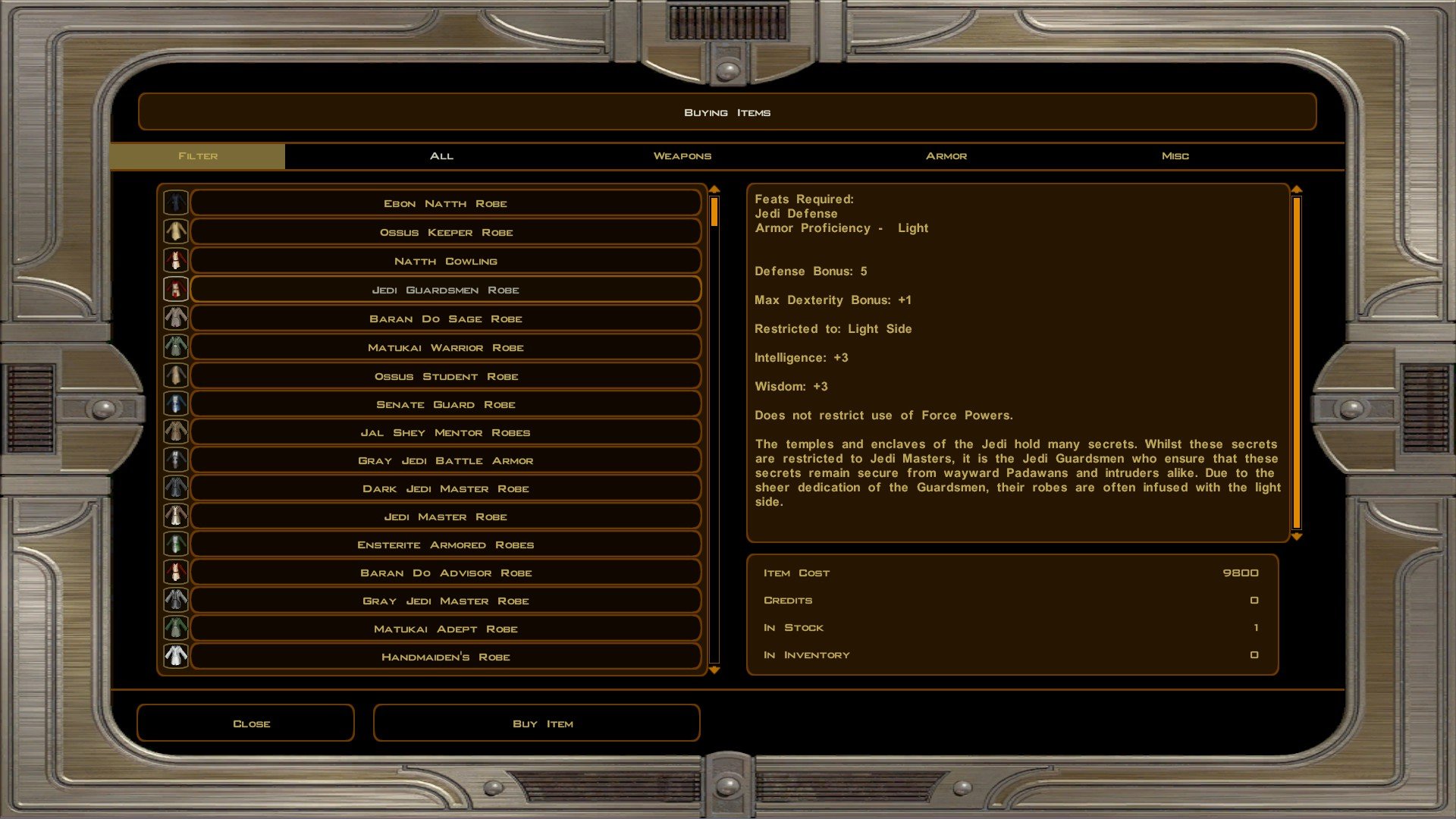
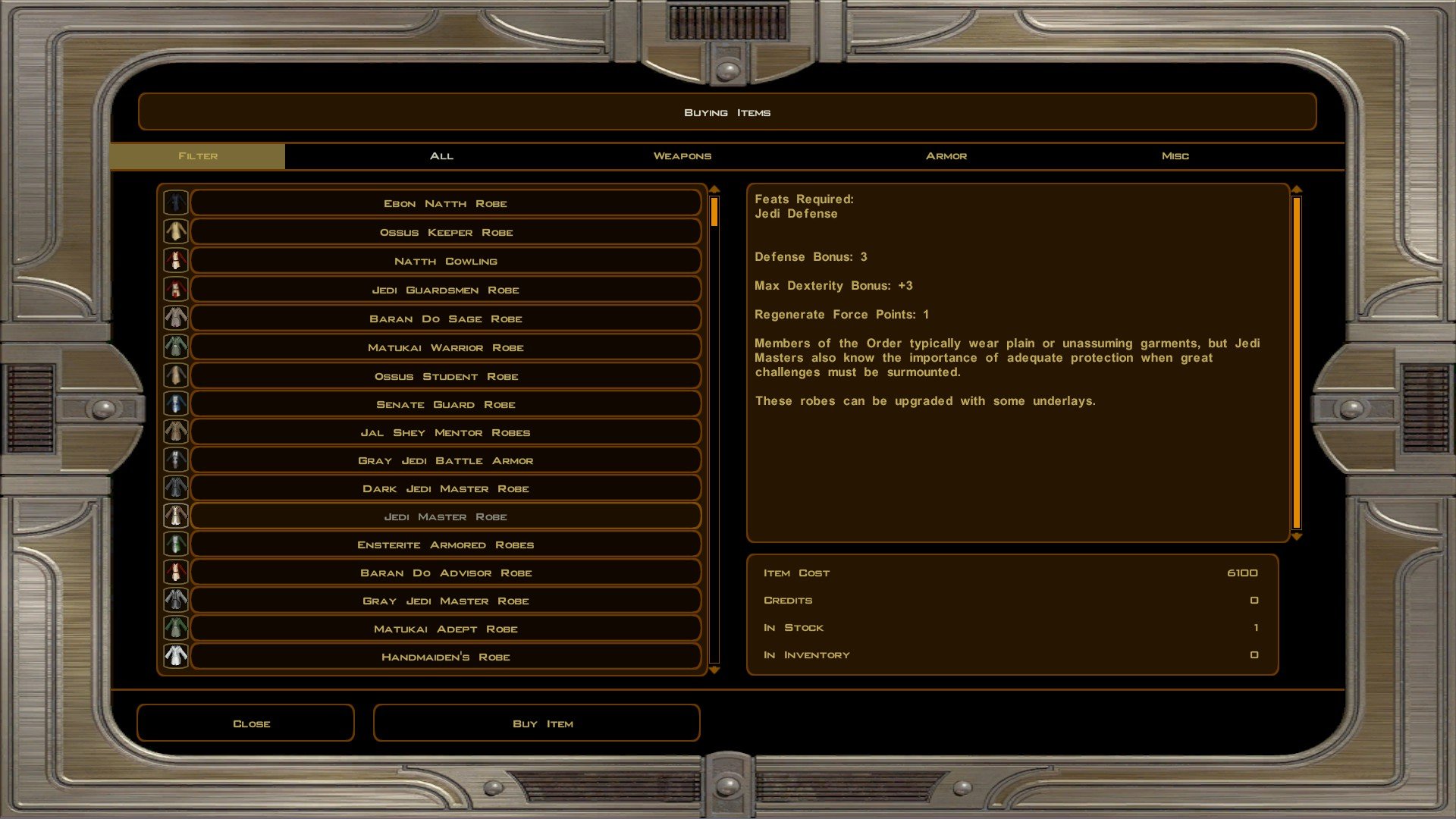
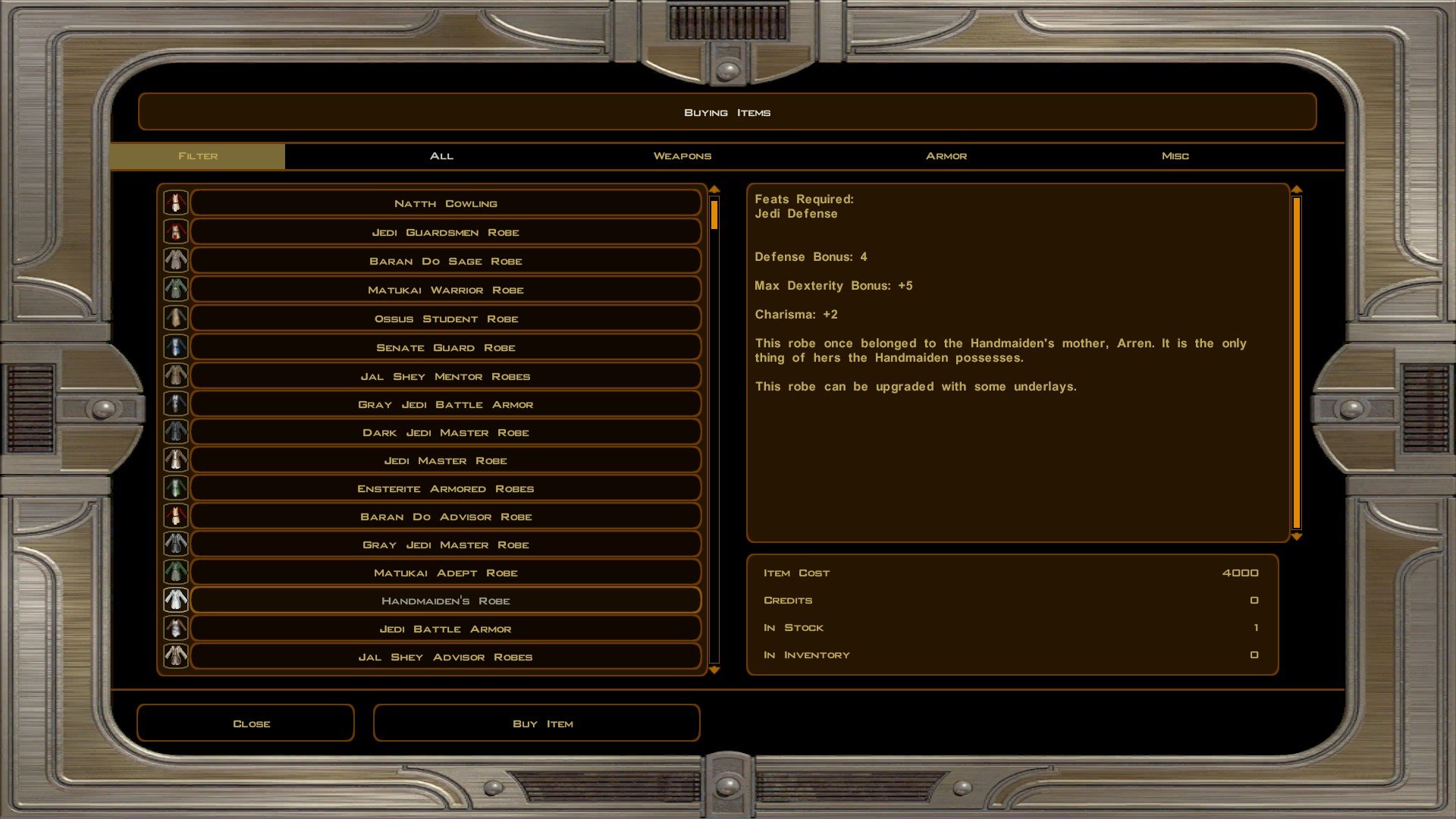
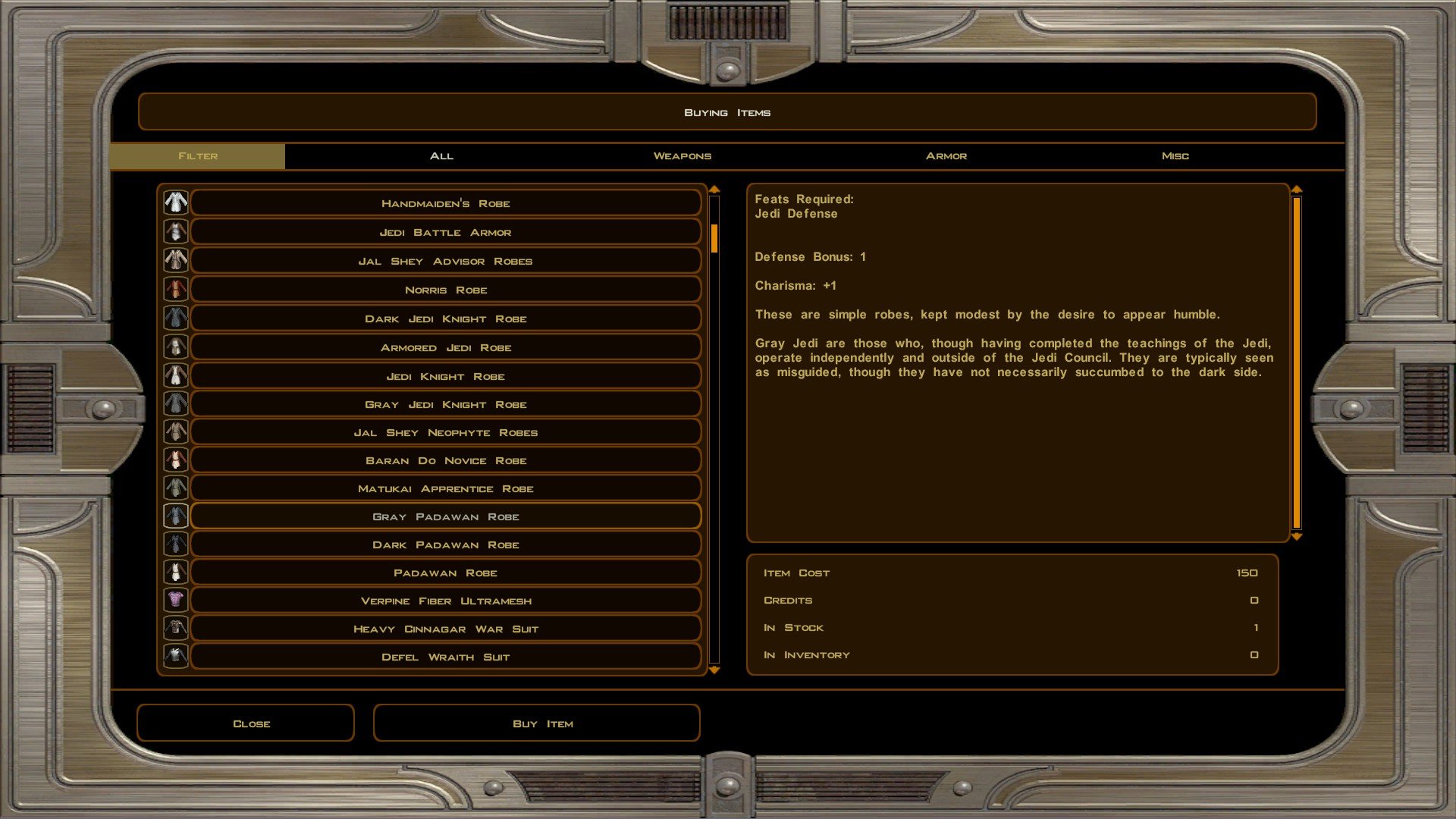
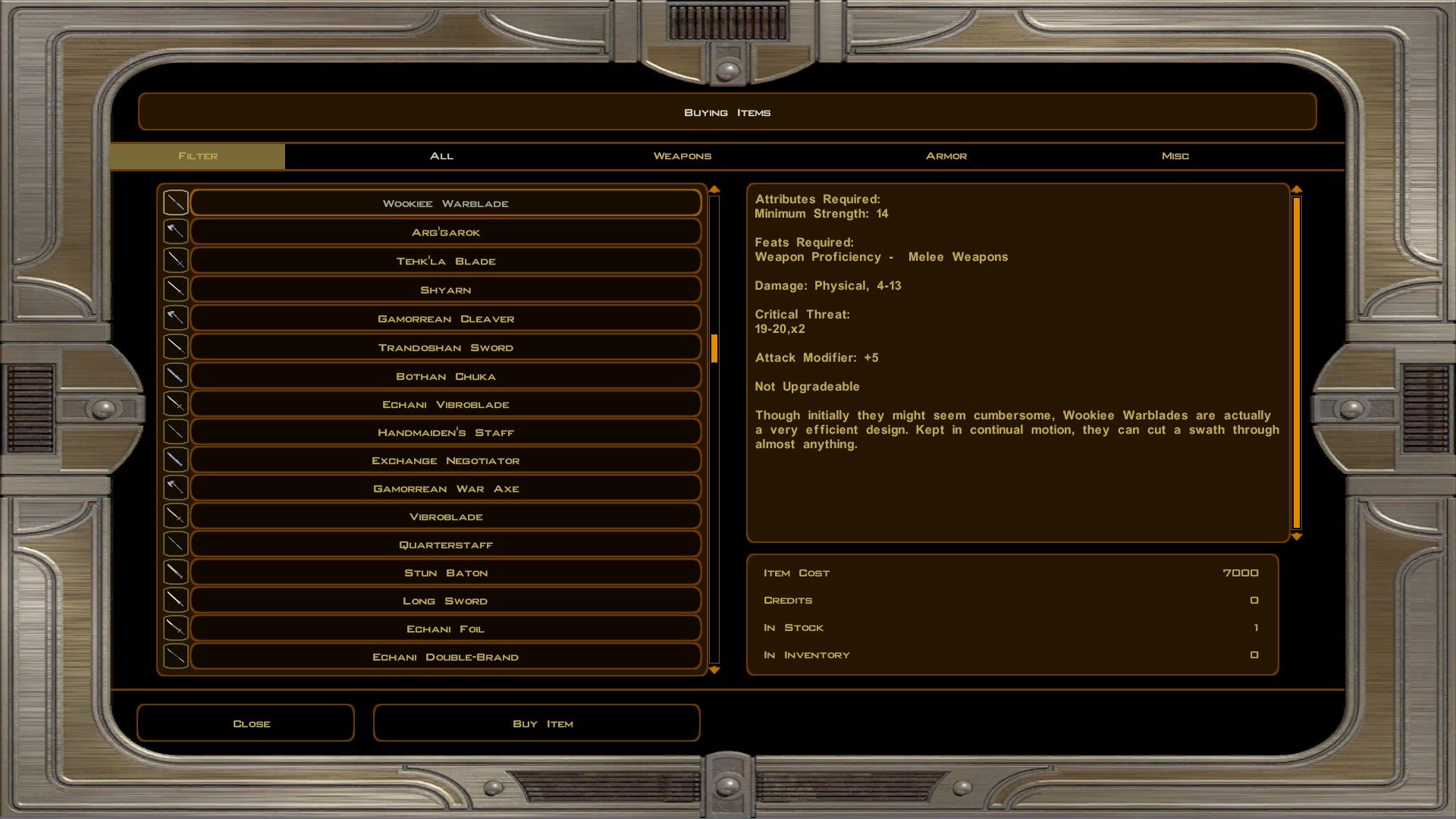
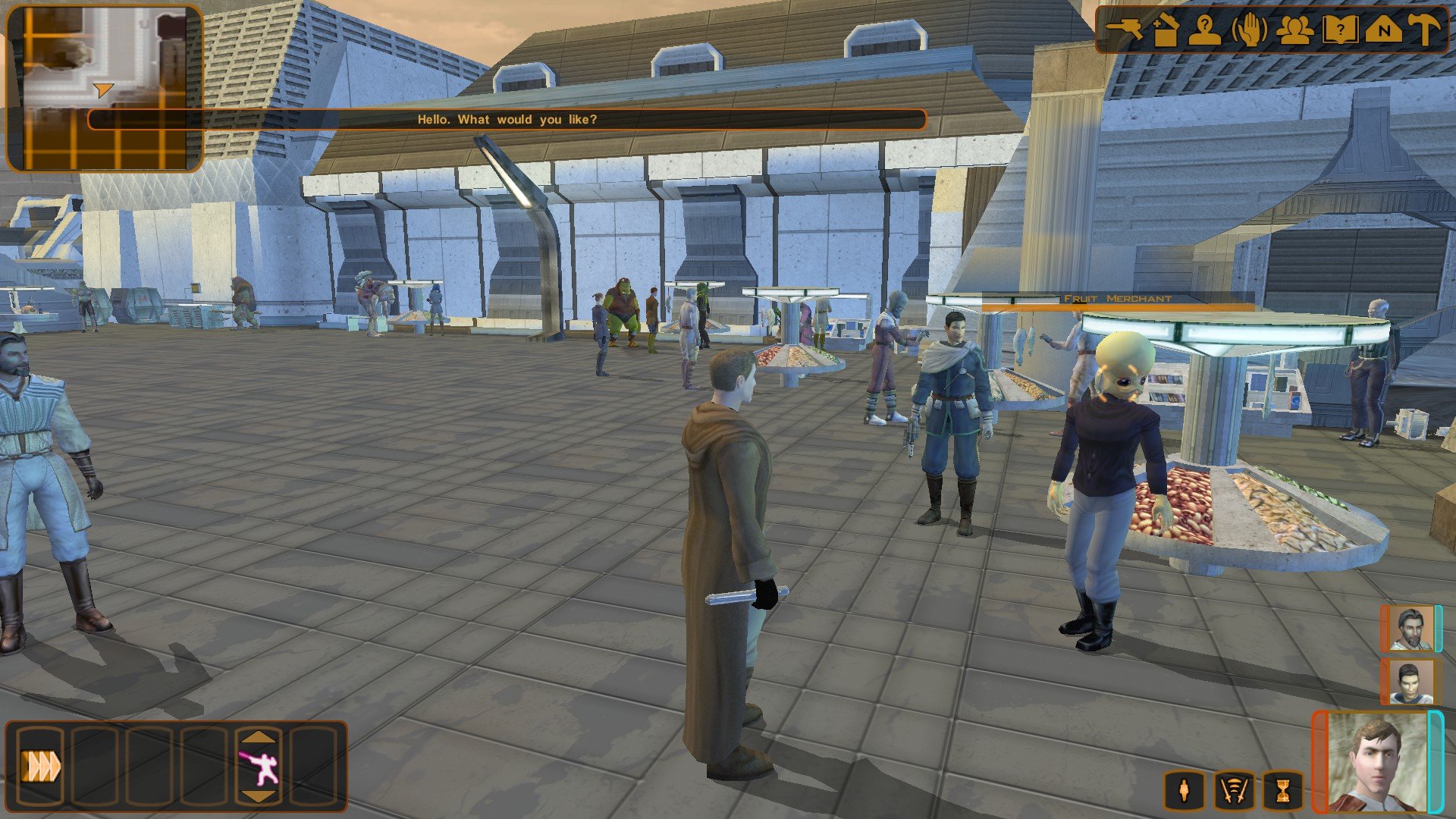
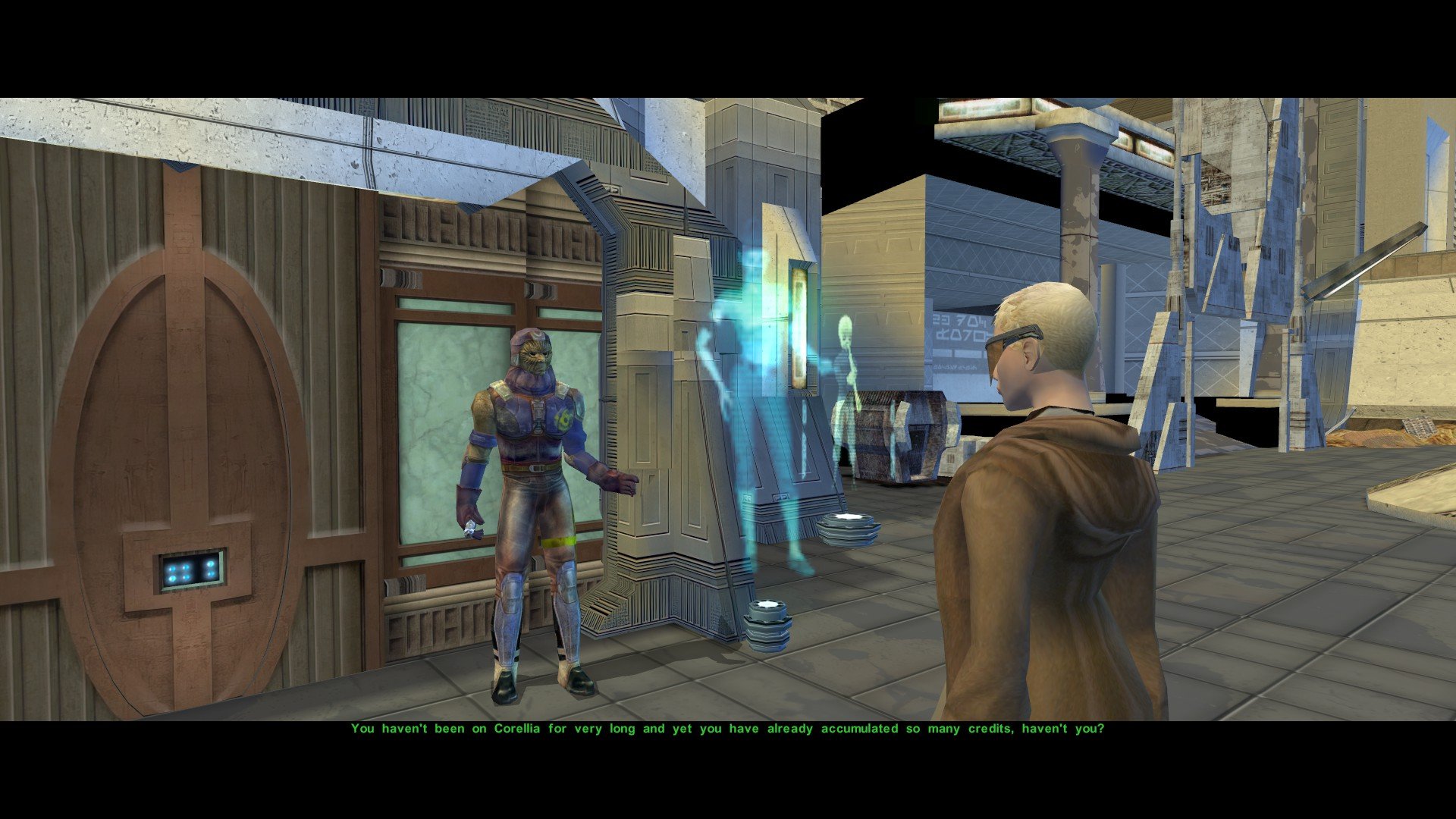
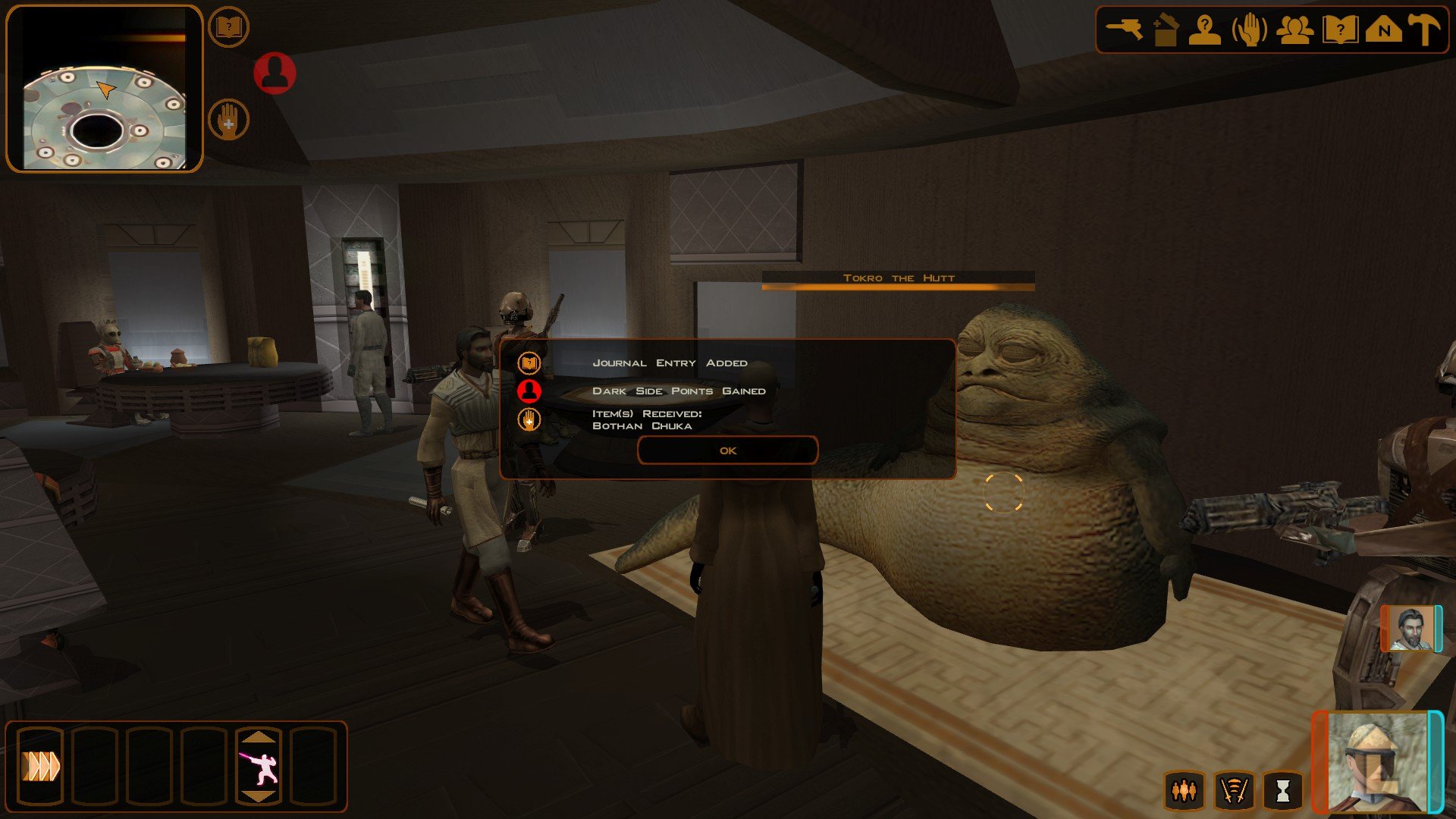
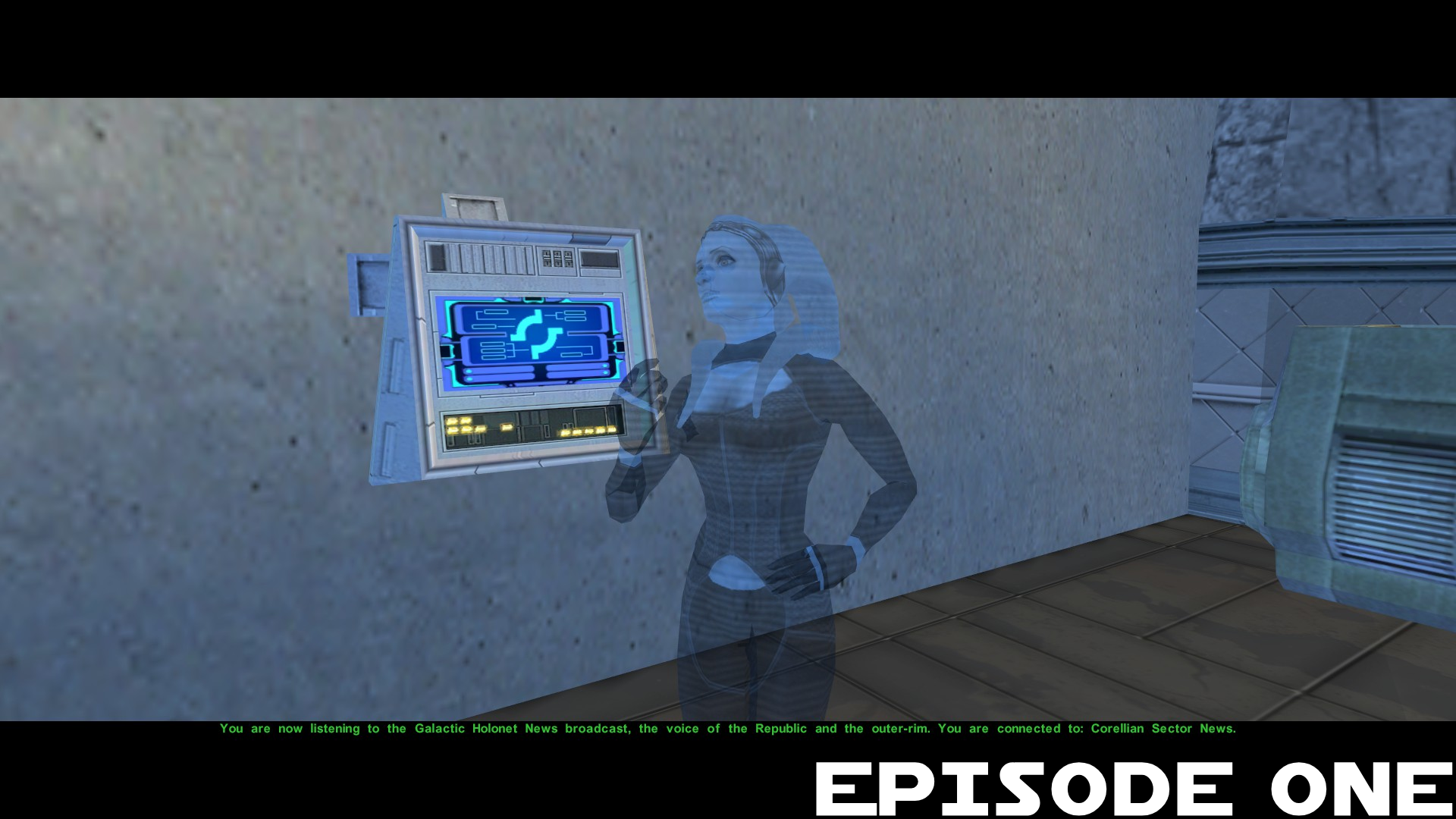
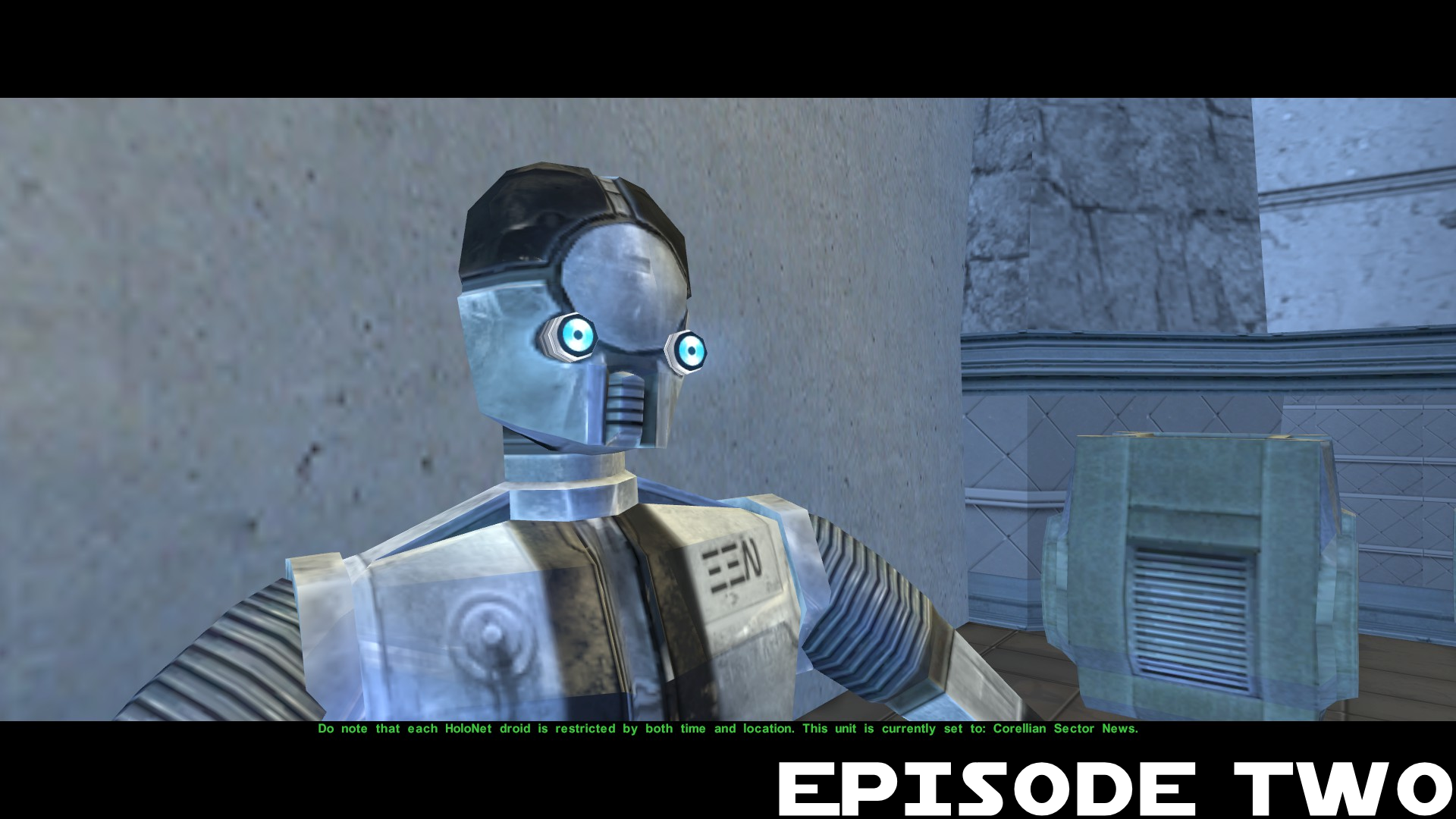
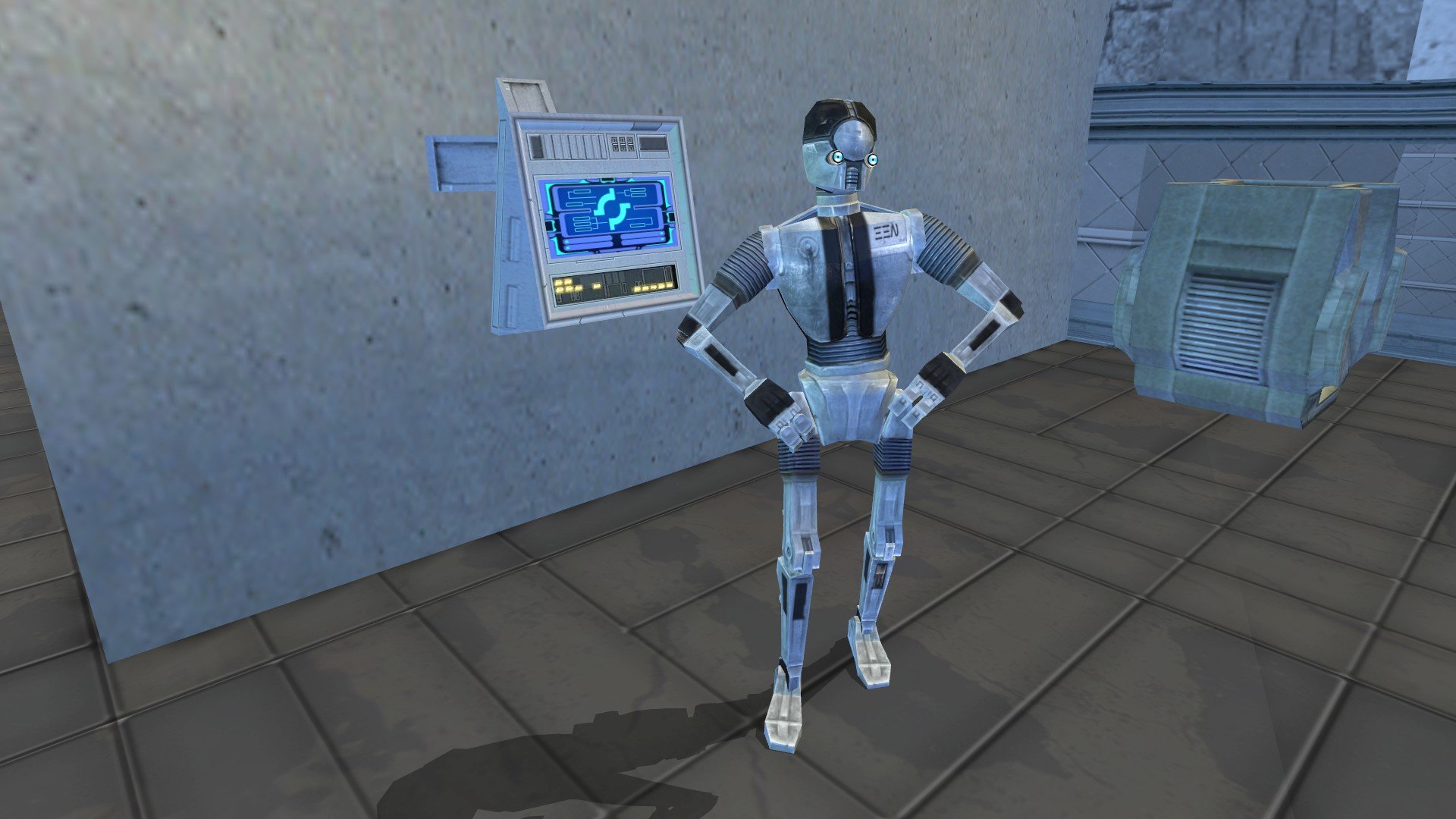
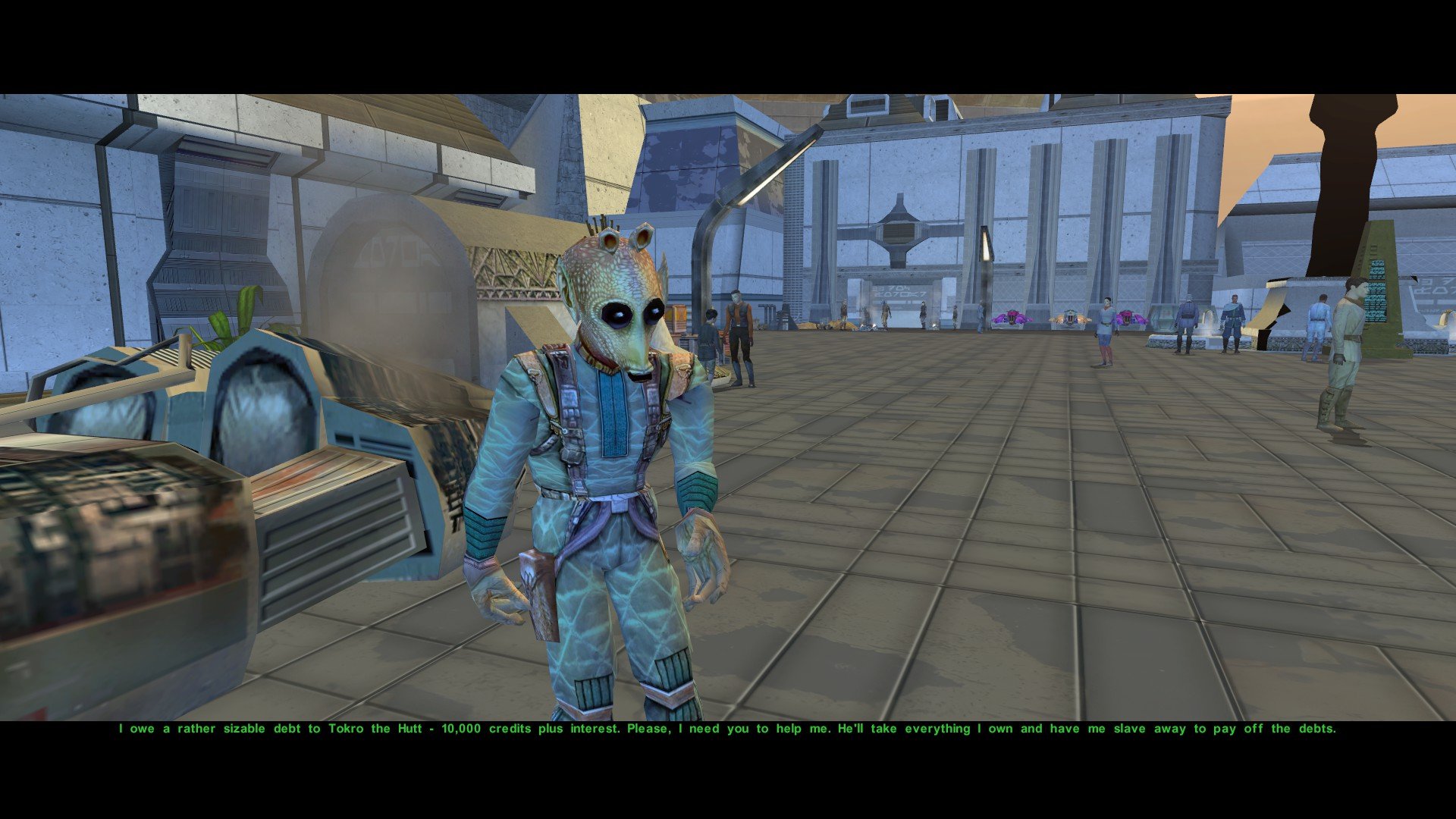
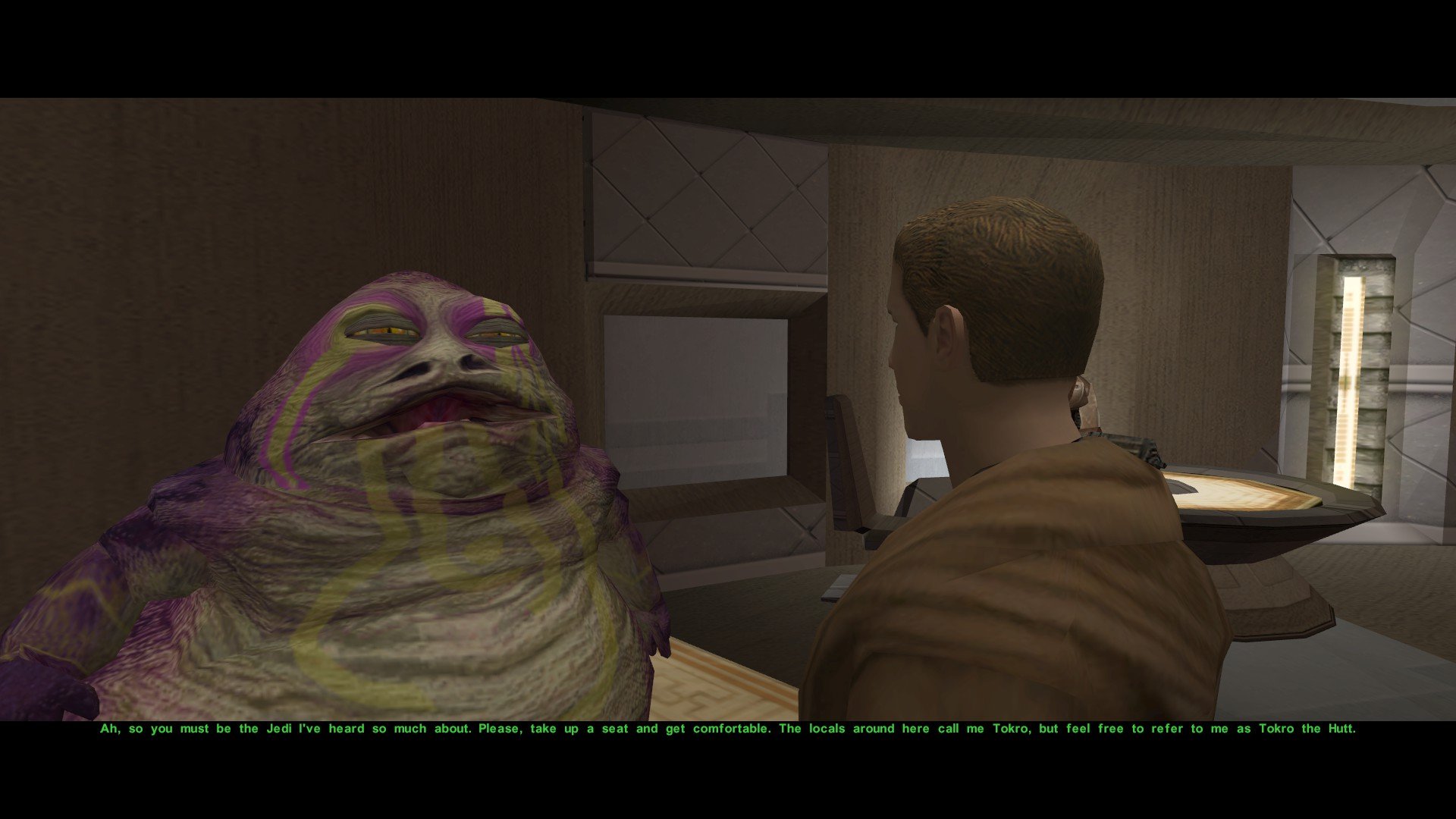
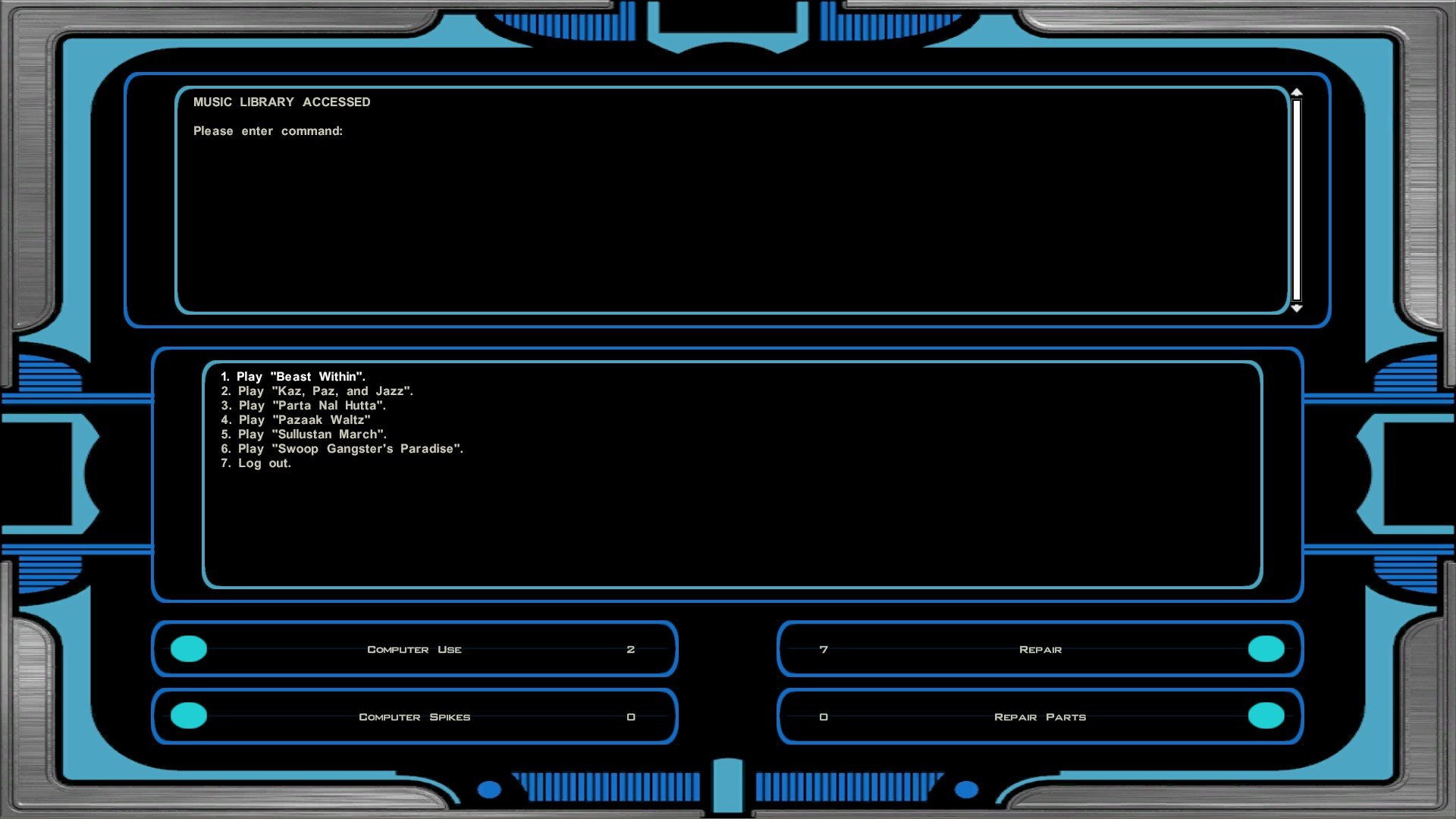
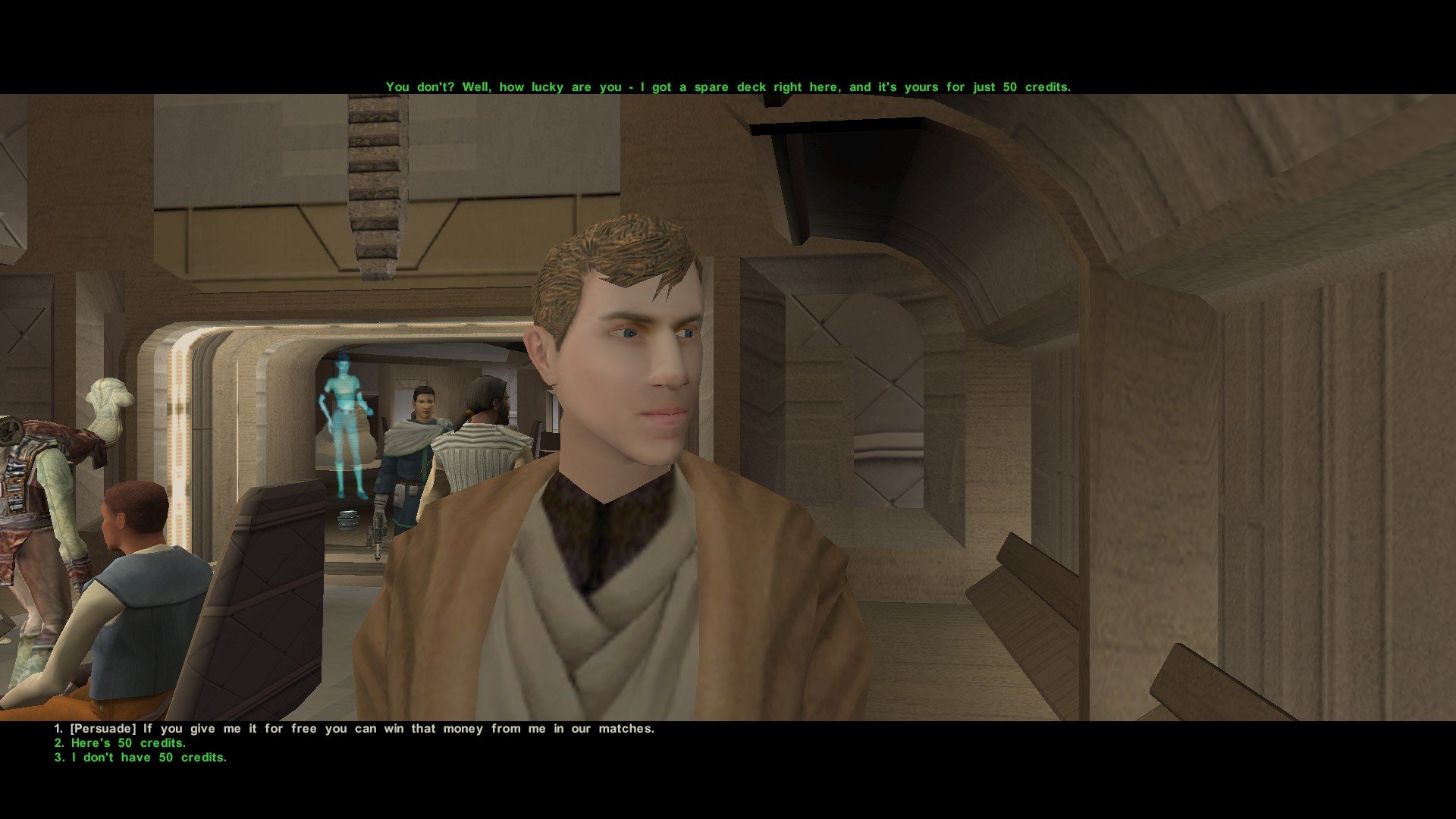
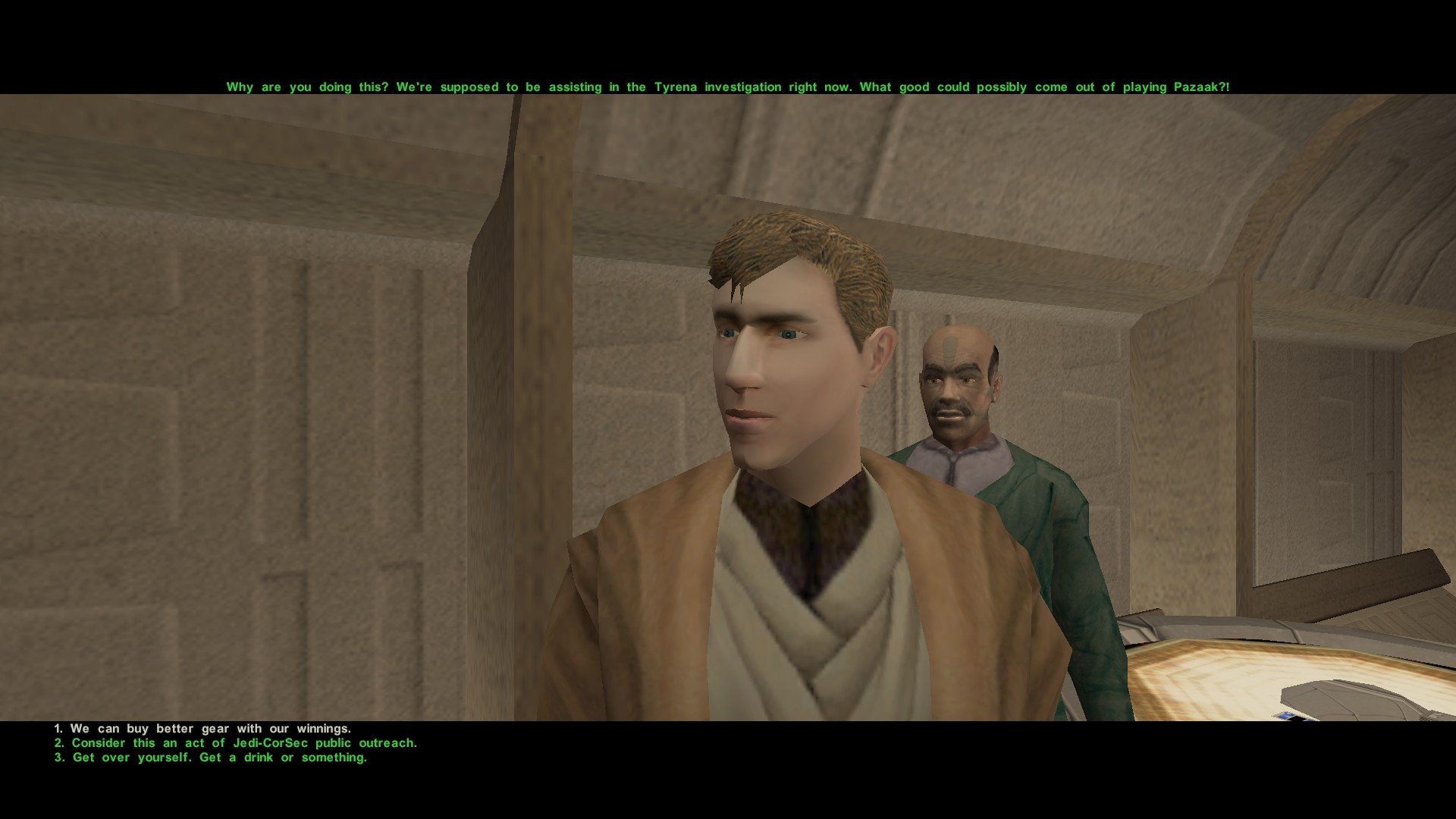
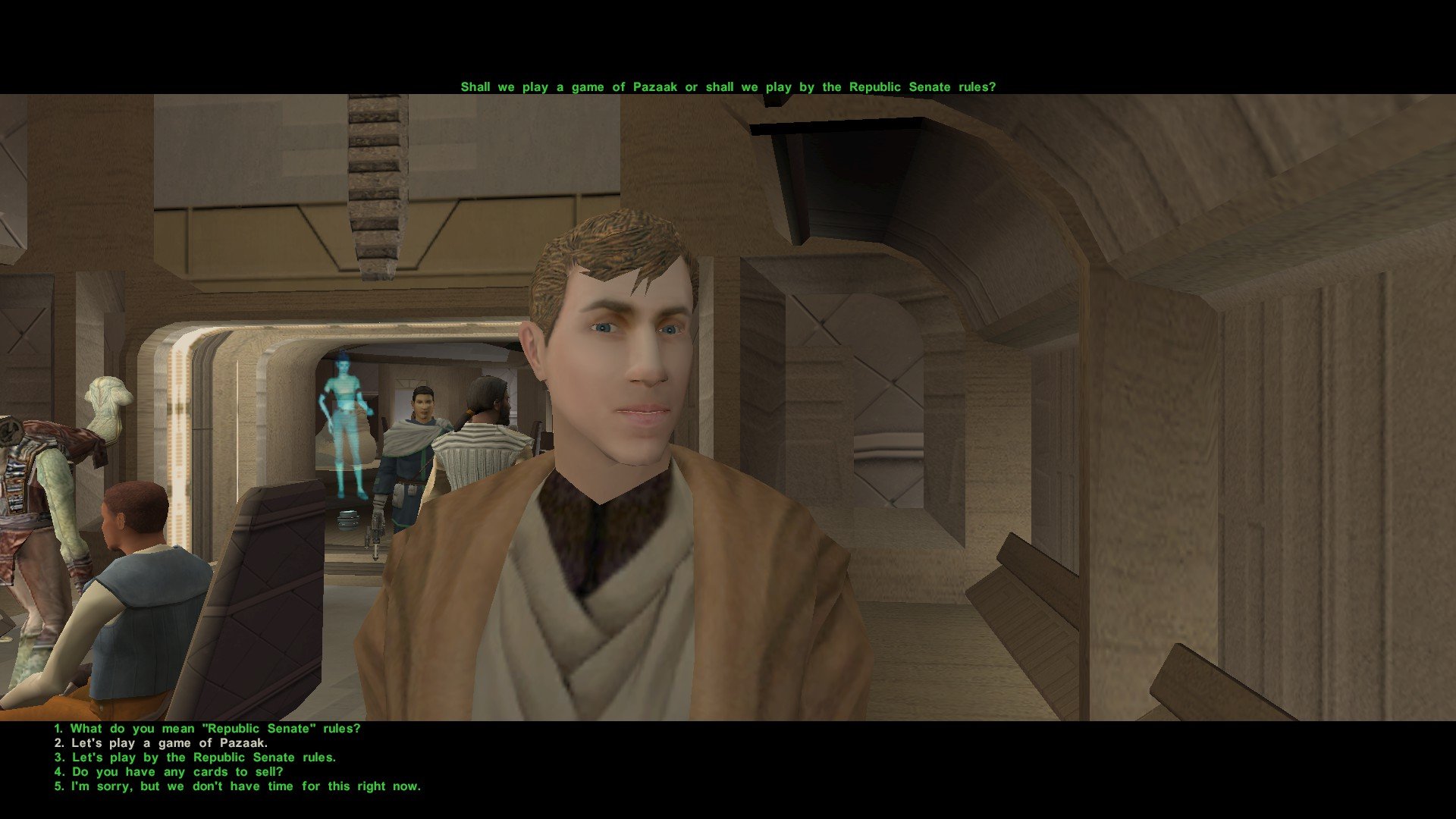
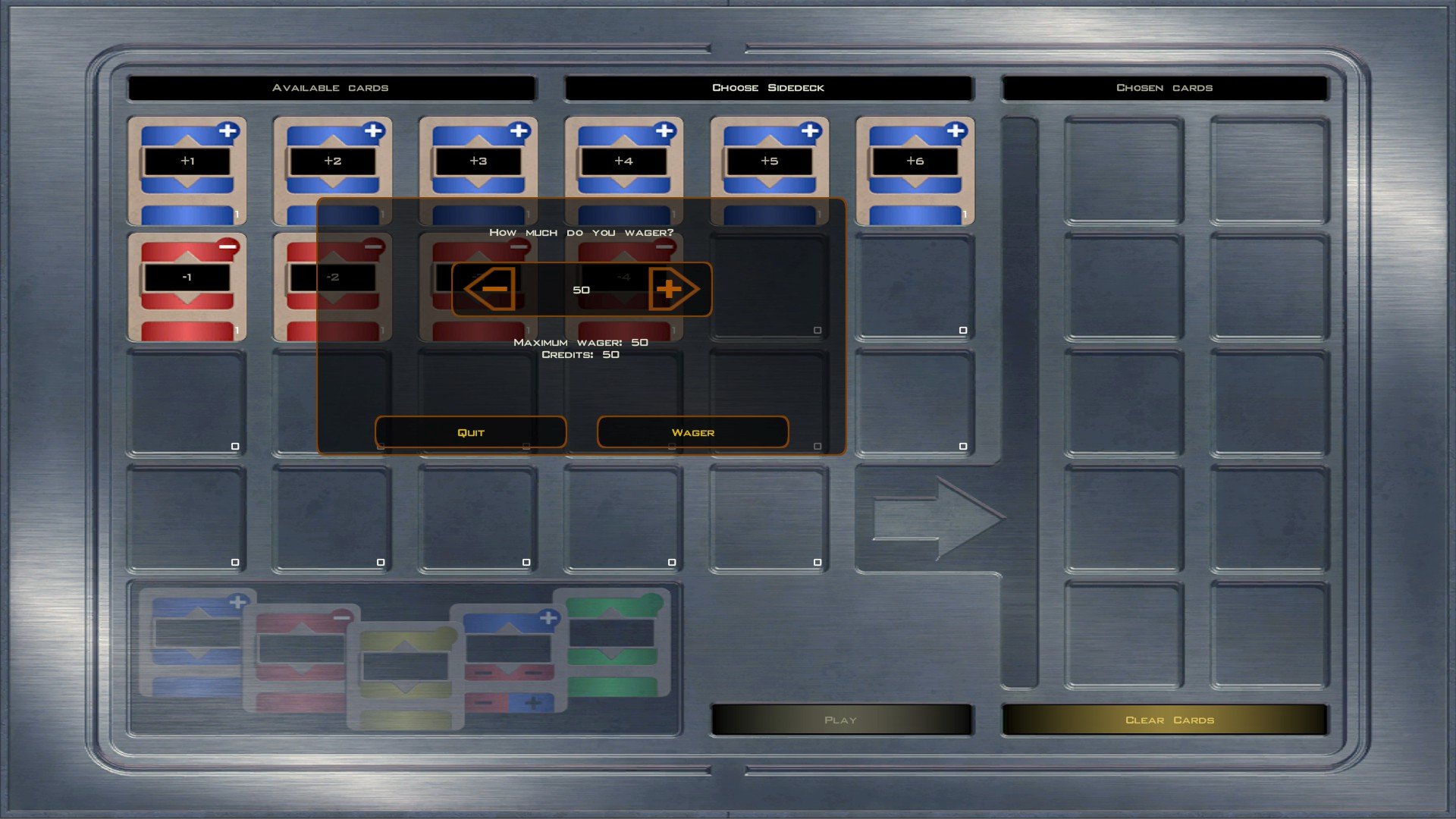
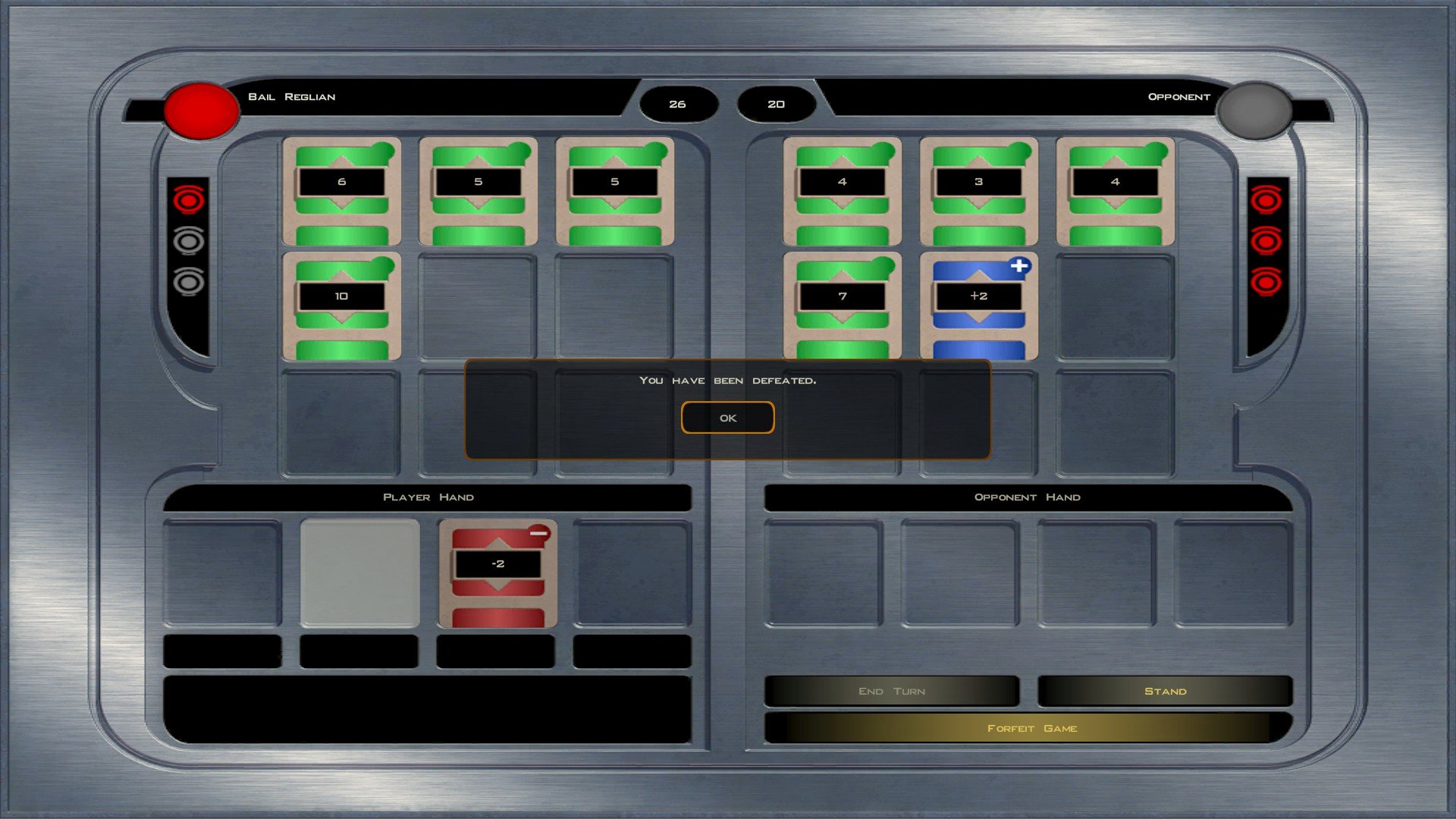
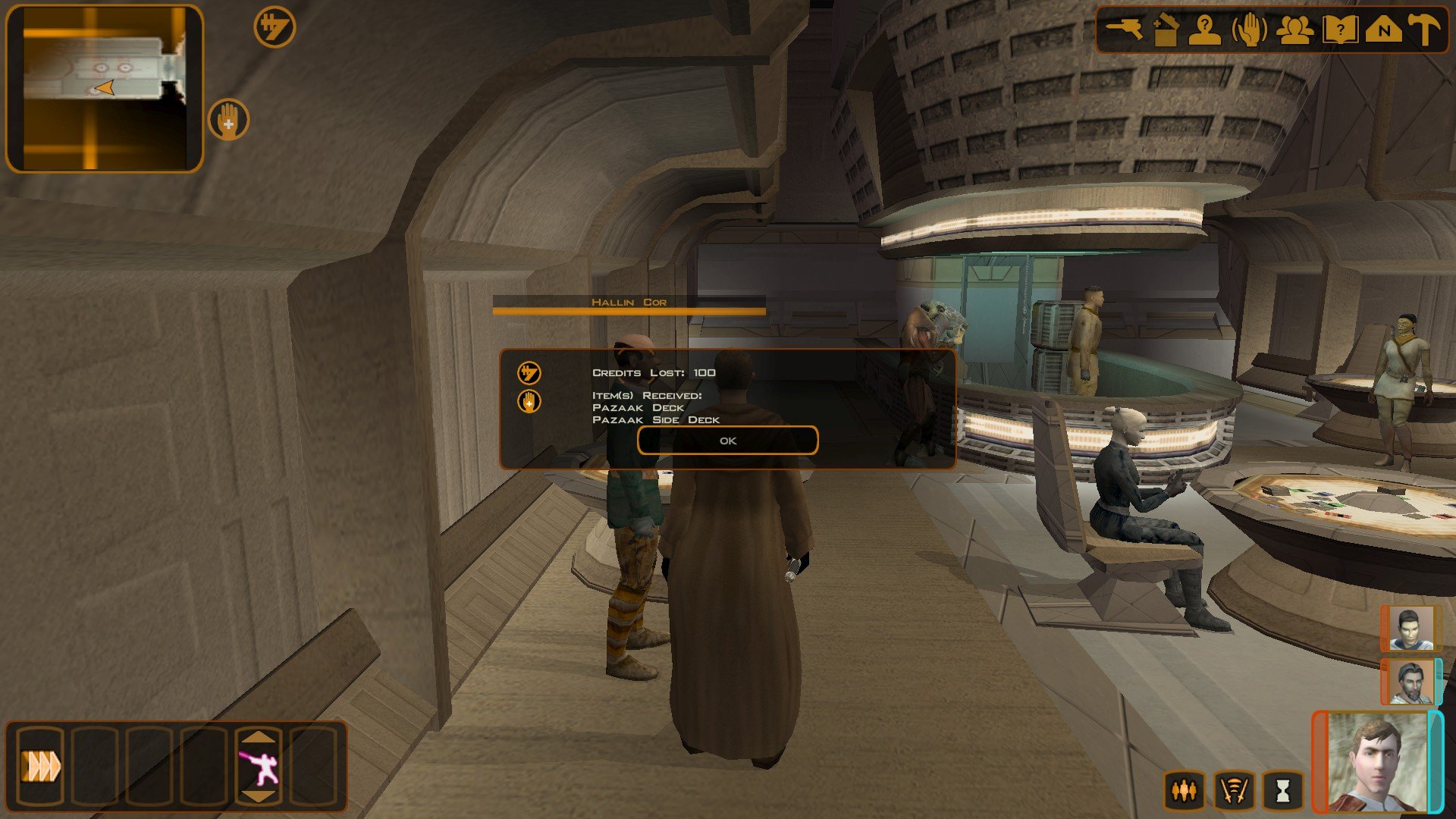
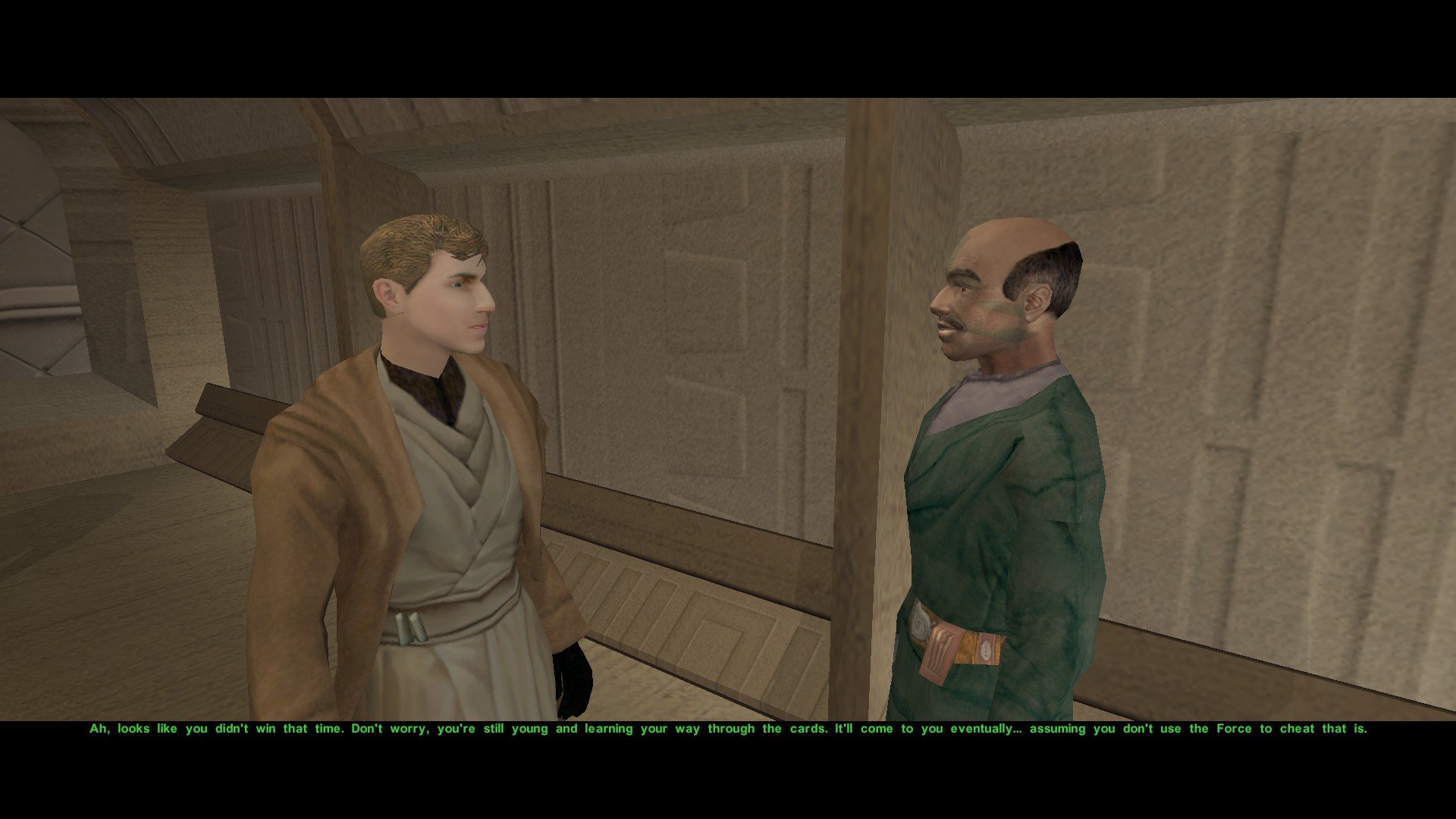
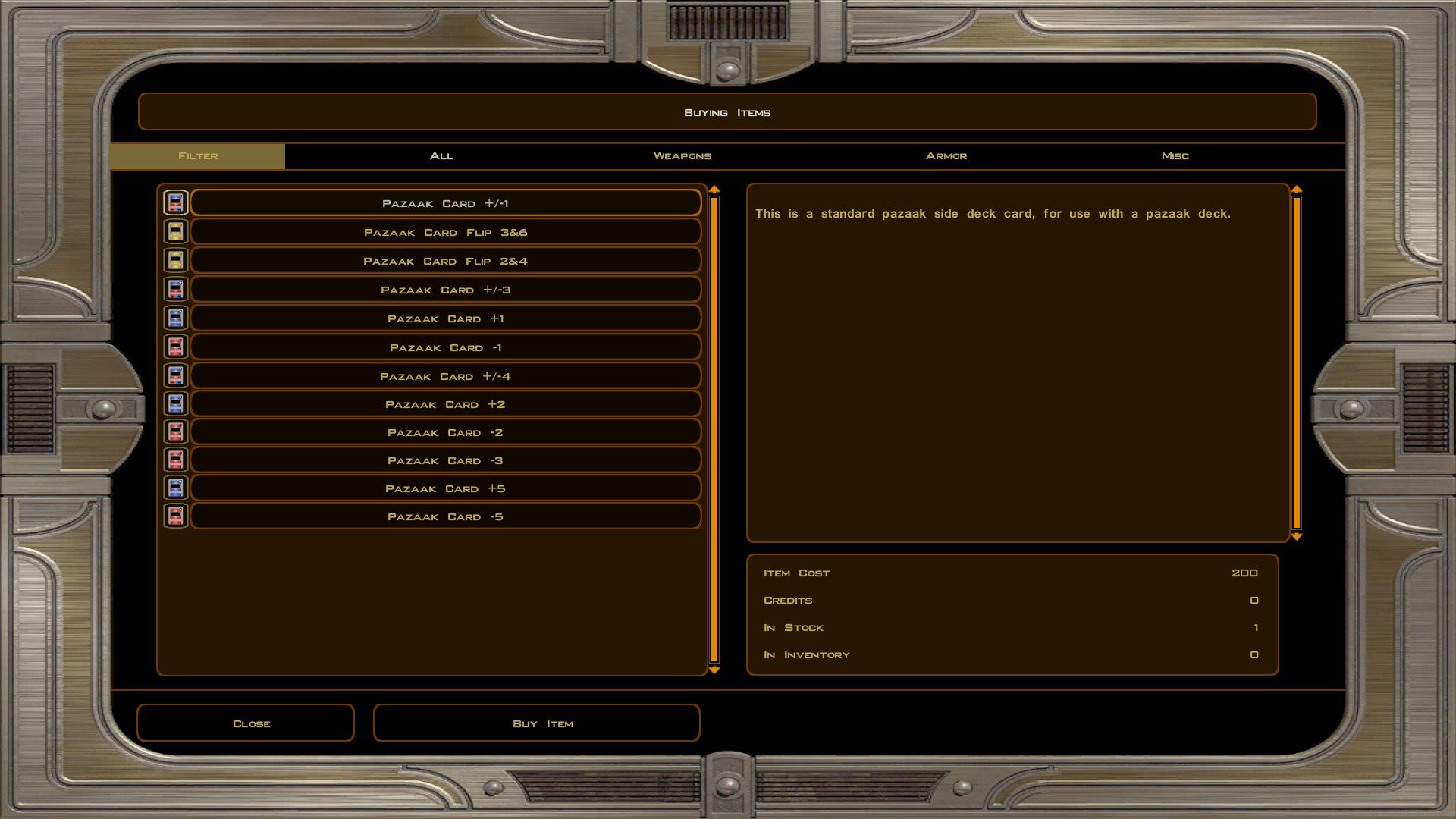
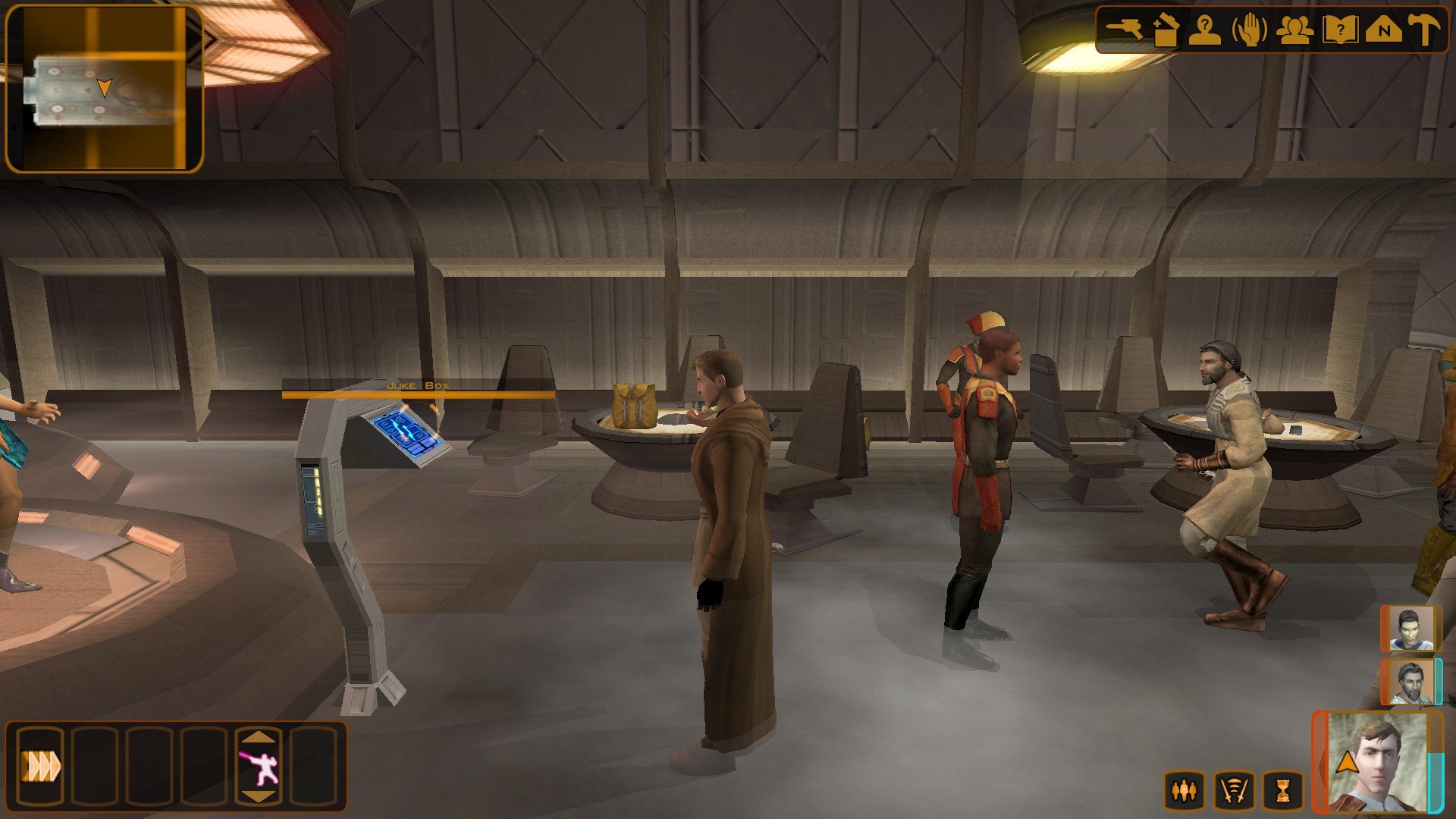
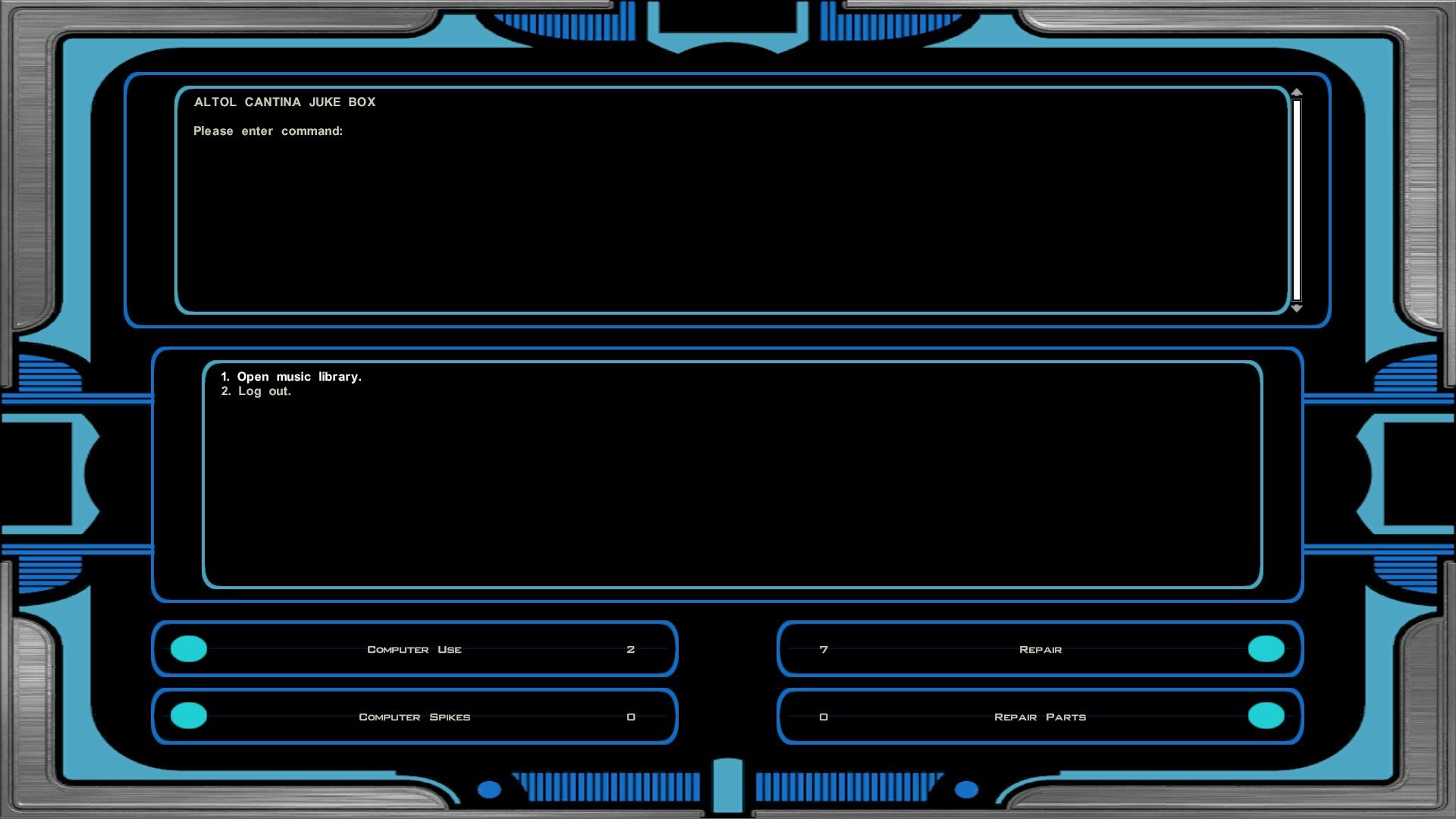
Hello, and welcome to the third Dev Diary of the Revenge of Revan mod. For those of us who have been living under a rock for the past decade, Revenge of Revan (or ROR for short) is a total conversion mod for Star Wars Knights of the Old Republic II The Sith Lords (Kotor II) that adds a standalone original story that continues from where Kotor II left off. With the Star Wars The Old Republic MMO (often shortened as just TOR) being released not long after the original ROR Demo, and with the new and innovative modding tools released over the years since, the ROR mod has gone through some drastic changes and has never looked better! In this Dev Diary I hope to show you some of these exciting changes. In this third Dev Diary, I shall focus on the start of the first planet – Corellia and its introduction. (Please let me know if any of the links and/or images are broken) As Episode One has been released for quite some time now, this Dev Diary going forward shall showcase some of the new changes, features, and bug fixes that’ll be introduced to Episode One’s content in Episode Two’s release. Do know that I plan on releasing a ROR Addon mod that’ll allow you, the player, to install these Episode One bug fixes into Episode One before Episode Two’s release so you won’t have to wait for Episode Two just to get bug fixes. I shall make a proper announcement for when this is released to the public. As I showcased the Jedi Temple in the last dev diary before the Episode One bug fixes were put into proper development I shall quickly go over the changes to the Jedi Temple content down below: · The side quest “Drayen’s Teachings” was renamed to “Training Accident Recovery” and shall now be completed once you meet Drayen at the Jedi Council elevator. · Arkanian players are now given a pair of Arkanian Safety Shades by Kaila similar to how Miraluka players are given the Miraluka Blindfold. These Arkanian Safety Shades and the Miraluka Blindfold can now only be worn by the player character and no one else. · The Temple Security Officer, who used a generic Republic Officer appearance, is now a Jedi Temple Guard who is wearing a unique robe that has been added to the mod (more on this robe will be discussed later on in the diary) · It is now possible to completely bypass the Jedi Council cutscene. If you found the Jedi Council cutscene to be laggy (like I did), jarring because only the Quarren speaks English and everyone else is mute, or if the game crashed there (as per many bug reports), then you can now bypass the scene and go straight to Corellia from the elevator. Once you arrive on Corellia, the side quest "Investigate the Tyrena Station incident." has been renamed to "The Tyrena Investigation" which shall now take place from the time you land until you hand Bao-Dur the security recordings. The side quests “Corellian Base” and “Tyrena Station's Black Boxes” have been removed and their content has been merged into the single "The Tyrena Investigation" side quest. Corellia in the Revenge of Revan mod is a major Republic planet of the Core Worlds. The Contemplanys Hermi clause of the Galactic Constitution allows the Corellian Sector to close it borders (Space borders) and shut itself off from the Galactic Republic. As the Republic relies on Corellian Corporations and Corellian industry to build its civilian and military star fleets the Contemplanys Hermi being invoked could mean economic ruin for the Republic and much of the wider galaxy. As such, the Corellian Sector is a fairly autonomous from the Republic. This is evidenced by Corellian NPCs who react to the Republic Soldiers as if they were foreigner, this is due to the fact that the planet Corellia is not subject to the Galactic Republic's military conscription. If the planet Corellia ever needed the military for a domestic issue (like a revolt), it would instead send in the Corellian Security Force. The CorSec in the old Demo were rather strange, dialogue and item descriptions seemed to suggest that the Corellian Engineering Corperation, the CEC, owned the Corellian security forces – the CEC logo was also present on the Corellian soldiers and Uldir’s uniforms. The Corellian soldiers of the Demo were rather generic in that they were a quick and easy reskin of the Onderonian soldiers. I think Logan even once wrote a dialogue, either for Drayen or Uldir, to explain why the Corellian military copied the design of the Onderonian military in the ROR lore. I changed this in Episode One so that the Corellian military is the CorSec and not an extension of the CEC - a Corperation. The closest thing the planet Corellia has to a native Corellian army is now the CorSec Tactical Response Team. The CorSec Tactical Response Team is the same faction that appears in TOR, but since the word “Tactical Response Team” is too long for Kotor NPC names they’re instead called “CorSec TRT Commandos” in-game. TRT Commandos are seen supervising the pilot strike, are guarding the entrance of the King’s palace, and can be found in Fort Orik. TRT Commandos use the heads of the original Corellian soldiers from the old Demo with the CEC logo removed from their caps whilst their old uniforms are now used for the generic CorSec Officer, CorSec Sergeant, and CorSec Captain uniforms. The CEC logo on the uniforms was found on their wrists; these have been replaced with a green strip with each increasing rank receiving another green strip. For reference, Uldir is a sergeant and his wrists come with two green stripes. The Corellian Sector is governed under an Empire that has existed since the fall of the Infinite Empire, the early Republic’s history is marked by giving regional warlords autonomy in exchange for fealty to the Republic. These warlord states became what are known as “Allied Regions” with ceremonial ranks like “Moffs” being held by high-ranking members of these regions. The autonomy of these Allied Regions would be slowly eroded and dissolved as the centuries went on, by the time of the Clone Wars only a few of these Allied Regions remained and the rank of “Moff” was obscure to the wider galaxy until Palplatine restored it for Grand Moff Tarkin. In ROR’s lore, the Corellian Empire is one of these Allied Regions with its own autonomy. It governs the Corellian Sector like a colonial empire with all the wealth flowing from the Sector’s planets to the metropole that is Corellia. This has resulted in legal loopholes that the Corellians exploit for their own profit at the expense of both the Republic and Republic law, two of which are relevant to the plot. Only human Corellians born to human Corellians are entitled to Corellian planetary citizenship, this gives them the right to participate in the CorSec and public office. A human non-Corellian has to live on Corellia for a certain amount of time before they can be made eligible for citizenship, once they get this citizenship they get the same rights as native Corellians. The widow in the Cantina is a Telosian refugee who married a Corellian man and has not yet gained her citizenship, his last will and testament was on his CEC datapad and without that last will and testament than the Telosian Widow would not be legally entitled to her husbands assets now that he’s passed away. For non-humans, gaining Corellian citizenship is impossible and as such they cannot join the CorSec or run for public office. Non-humans can still have Republic citizenship which still gives them the rights guaranteed by the Republic’s constitution. This is why every single alien NPC is either labelled “Tourist” or “Immigrant”, some alien NPCs reveal how hard their lives are as aliens on Corellia through their dialogue. During the later Corellian crisis, you can influence the Corellian government to allow non-humans to become Corellian citizens. This choice is ultimately canon as aliens will be on the Corellian Council by the time of TOR, though this will be but one of many choices the player will be given later on in the mod. However, despite their Republic citizenship, or for those who don’t have Republic citizenship, many desperate aliens are tricked by the CEC into joining the ‘foreign labour program’ which has the CEC ship these aliens throughout the Corellian Sector to work in mines and other facilities. Again, you can find foreign labor NPCs and alien NPCs who speak of the cruelties of this unjust system. This would be illegal under Republic law, but since they’re being sent to remote planets with no ways to escape and with the Corellians being able to threaten Contemplanys Hermi the Republic is powerless to stop this. You, the player, can once again change this should you decide to push the Corellian government into stopping this practice in the later Corellian crisis, this is also canon as this practise is no longer happening by the time of the TOR MMO. Again, this will be but one of many choices the player will be given later on in the mod. Next to the landing bay you’ll find the pilots strike, King Bardok enacted a flight restriction supposedly to protect pilots from falling debris but in reality he enacted it to prevent smugglers from reaching the Tyrena Crash Site. Whilst this fact is kept secret from the public and the excuse of “protecting pilots” is kept public, the grounded pilots who make a living flying are not happy by this development and have started a peaceful protest against the government for their decision. Elrond the pilot merchant shall be given a brand-new merchant inventory, he shall be given new items based on the brand-new item rework. For the sake of testing, his inventory has been replaced with many of the vanilla items that have been changed in this update. All of the armor, gloves, belts, and implant items have been given new icons to differentiate each of the items from one another. Another major change is the replacement of certain items with different items. Starting with the implants, almost all of the implants have been reworked using a Google Spreadsheet written up by ZobiZob/@CapitaineSpoque on Discord (you have like three Discord accounts all with different usernames so if you aren't ZobiZob I do apologize for the Ping). Due note that these only replace the existing implants and so not all of his suggested implants are in ROR, but to summarize – all of the level one implants are now seriously weak whilst the level two, three, and four implants become stronger and stronger with each tier increase. The level four implants, the D-Implants, are a hit of miss in the base game. Some D-Implants are notoriously weak despite requiring 18 Constitution to use whilst others are ludicrously overpowered, and despite D-Implant icons being made by Obsidian they were left unused and they resemble level three implants in-game. Here are some examples of implants in Kotor I: Level 1 implant: Response Package – +1 Dexterity Level 3 implant: Bavakar Reflex Enhancement – +2 Dexterity Level 3 implant: Cyber Reaction System – +3 Dexterity Level 3 implant: Gordulan Reaction System – +4 Dexterity And n the ROR mod, the implants now go like this: Level 1 implant: Alacrity Package – +1 Dexterity Level 2 implant: Alacrity System – +2 Dexterity Level 3 implant: Alacrity Implant – +3 Dexterity Level 4 implant: Alacrity D-Implant – +4 Dexterity These implants still use the Kotor II attribute system, so level one needs 12 constitution, level two needs 14, level three needs 16, and a level four D-Implant needs 18. Implants, masks, gauntlets, and belts have all been nerfed to fix Kotor II’s horrible balancing system. All you need to do in Kotor II is use Force Valor on Bao-Dur, give him a tech belt, give him a skills implant, give him a skill boosting mask, and give him a skill boosting gauntlet and suddenly you have +20 attack damage blaster and lightsaber upgrades that you shouldn’t even have until the end game due to the crafting system. Now, the overpowered Tech Specialist Belt now requires the Improved Gear Head feat for the wearer to be able to properly use it and its stats are now on par with something you’d find in Kotor I. The Skills D-Package only gives a two-point increase to your skills instead of six. Upgrades are planned to be changed in the ROR mod, but due to the sheer amount of them I think this can wait for the time being. One change I had in mind was to nerf the 2-20 energy damage blaster upgrades by reducing the damage output to 5 energy whilst throwing on a Caution feat requirement. The idea behind the Caution feat requirement is that only a trained marksman will be cautious enough to not overheat the upgrade and cause the blaster to explode due to the sheer energy inside said upgrade. All of the overpowered upgrades would be nerfed in this regard, make them weak but still make them powerful and give them something to make it difficult for a low-level player to use should they somehow cheese the game to get these items early. Many of the mask items have been removed and replaced with masks from the first game. For example, the Rakatan Band is now the Motion Detection Goggles, the Interface Band is now the Verpine Headband, the Targeting Visor is now the Aural Amplifier, the Spacer's Sensor is now the Advanced Aural Amplifier, and the Consciousness Helm is now the Light-Scan Visor. Many of the “named items” have now been removed, this is because you could get the Circlet of Saresh multiple times in a single playthrough and could obtain them from weird locations. These items have all been replaced with different items, for example the Circlet of Saresh is now the Demolitions Sensor, however, these items can be reintroduced as standalone items you can obtain and only obtain once. Some of these items include the Circlet of Saresh, Bindo’s Band, Ossluk's Gloves, Freyyr's Warblade, Onasi Blaster, Freedon Nadd's Blaster, Ulic Qel Droma's Mesh Suit, Exar Kun's Light Battle Suit, and Jamoh Hogra's Battle Armor. Whilst some of these items have been replaced with new items, items like Exar Kun's Light Battle Suit has been renamed to the Massassi Battle Suit with a new description whilst maintaining the exact same stats as the Exar Kun version. Jedi Robes have also received the stat rework as proposed in the first Dev Diary, they have now been divided into four categories: Jedi Robes: Low stats but with no dexterity restriction (same as vanilla robes). Jedi Knight Robes: Medium stats but with 5 dexterity restriction (same as the Combat Suit). Jedi Master Robes: High Stats but with 3 dexterity restriction (same as the Military Suit). Jedi Armor Robes: Stats comparable to Armor but with 1 dexterity restriction (Same as the Battle Armor). Jedi Armor Robes replace the Zeison Sha Armor found in Kotor II, however, it only replaces the items - the Zeison Sha body model still remains in-tact in the appearance.2da file meaning we can undo this change should Logan and/or the player base wants to revert this change. Like with the armors, the named Jedi Robes have also been removed and replaced with new robe items with different stats. The stats of these new robes are still powerful but they shouldn’t become the player’s permanent set of robes should you acquire them as they don’t offer ridiculous bonuses like free Force Jump to non-Guardians or +6 Strength for Dark Siders. And of course for the overpowered robes there are still nerfs and limitations to balance them out. Again, all of the vanilla named Robes shall be reintroduced as new items that can only be obtained once in the game. All of the prices have also been reworked, so things that were obscenely cheap in Kotor II are now reasonably priced and overpriced items have been made significantly cheaper. Hopefully with these balances, the credits you earn through side quests can be used to give you the ability to actually shop around and give you the opportunity to buy things you’d never have bought in Kotor II. And hopefully with the price reworks, you won’t obtain a rare item, sell it for 20 thousand credits, and end up buying everything you’ve ever needed in one go. (do note that all stats and prices shown in these screenshots are subject to change ) Weapons have also been reworked, mostly giving blasters, swords, as well as armors, their correct textures from Kotor I, their stats have been improved where possible and a bunch of Kotor I items have been brought into Kotor II by replacing certain items. Things like the Echani Ritual Brand are back and now do the knockdown effect, and things like the Echani Foil are now also in ROR as they were in Kotor I. Several balancing decisions have also been made, like how Gammorrean axes now require a minimum strength to wield and how Freyr’s Warblade is now a generic Wookiee Warblade with a reasonable price, reasonable stats, and a strength restriction that makes sense in-lore as to what the item is – a Wookiee’s weapon. Leaving the Corellian Port, you shall notice that many of the background NPCs have changed – not physically, but in how they act. In the release, we had a system wherein an NPC was locked facing another NPC and would repeat an animation to imply that they were talking to one another. In my tinkering of Kotor II NPCs for a potential Kotor II Diversity Pack, I discovered a script that makes NPCs “interact” with surrounding NPCs. Now, the background NPCs who stand around will now rotate and face each other and will occasionally perform an animation before turning to another nearby NPC. This’ll be more impressive in-game than it is me describing it. The homeless camp, however, should be one of the most obvious examples of how these newly discovered scripts really improve the atmosphere of a populated area. In the first release, these homeless NPCs stood idly around their campfires doing nothing. Now, they are scavenging through the trash and kneeling down to warm their hands on the campfires. I even added a new homeless NPC who is lying down on the floor. Two NPC encounters, the Arkanian Spacers and the Echani and Sullustan duo, required the player speak with them to trigger their scenes. These scenes now have an actual trigger and will now play when you approach them. During the course of Episode One, multiple NPCs shall “leave” the Palace Square. Before, for the duration of the mod, a fat man will forever remain choosing fruit with a line waiting behind him. Before, the CEC Protocol Droid just stands there forever long after he’s given you the side quest. Now, these NPCs shall disappear after certain points are made. The fat man in the line and the CEC Protocol Droid both disappear when you enter the royal palace meaning they are gone when Uldir is in the party, the Bith merchant serving the fat man will even have his dialogue change to reflect the fat man and the Quarren already being served as he now has no customers bothering him. Light Side and Dark Side points have also been added throughout the Episode: And a new encounter involves the bouncer of the Cantina has been added which triggers if you have more then 500 credits. He will beg you for 500 credits and will give you his reason as to why he needs the money, you will be given multiple options on how to deal with him that can result in a Light Side or Dark Side shift. The HoloNet News Girl Hologram has also had bit of a makeover: The Hologram was originally intended to be “summon” via a nearby computer terminal, this functionality was in the Demo but Logan didn’t bother with it for the Episode One release. One major feedback we have consistently received is to ditch the alien VO for the HoloNet News Girl and replace it with actual voiced VO. Voiced VO, as is always mentioned in regard to ROR, is not something we can obtain easily as, since the mod is not finished, we cannot reasonably rely on actors to be around one, five, ten, or fifteen years later to voice more lines. Finding voice actors, good voice actors, for a fan project like ROR is not going to be easy. When you think of mods with bad voice acting you think of Cathalan, but that is not always the case as even the big, well-made, popular mods are also criticized for their voice acting. Two high quality and well-respected mods are TSLRCM and the M4-78EP mod. In TSLRCM, everyone hates Kaevee’s voice and need I even talk about M4-78EP in regard to voice overs – even Kaah Ohtok, voiced by Zhaboka, is disliked by certain players. Even the legendary BOSSR is sometimes criticized for its VO. Whilst the actors in BOSSR weren't necessarily bad, the lines they had to read was written as if the mod was a Shakespearian play at times and the microphone quality of most of the lines is absolutely atrocious at times due to the mod being developed between 2007 and 2009. Voice overs in general are a massive risk, especially in the context of the HoloNet News Girl Hologram who’s main functionality, being able to summon her, is completely broken. The character would have to be voiced by a woman which I feel is going to be harder to come by and the character would have to be voiced to satisfaction because if she isn’t people are probably not going to interact with the HoloNet News feature. My compromise is this here, HoloNet News Droids: These droids will recite HoloNet News articles to the player; by having them be droids this removes the need to have the summoning feature for the Holograms meaning implementing HoloNet News Droids is as simple as planting an NPC into a module and rewriting a previous planet’s dialogue with new articles. And since these are droids, should our main HoloNet News Droid actor suddenly die/disappear and/or we can’t get new VO from him then we can always just hire another actor for the next planet with the lore reason being that droids simply have different voices. A new feature for the HoloNet News Droids is HoloNet censorship, on certain planets the HoloNet News Network will be censored to the specifications of that planet. The Corellian HoloNet News Droid will tell you all of the blocked topics and some articles you hear on Coruscant are blocked on Corellia. Depending on how you do the overall Corellian Arc, you can either remove or alter these censorship laws based on what path you take. And as to be expected, ROR Episode One shall be receiving some bonus side quests to make the Episode One plotline feel less linear. I would like to spoil that, in Episode Two, the first half of the questline shall not be linear meaning you can do important plot-related side quests in any order to reach an overarching objective. But for Episode One, the two new side quests are Beedo’s debt quest and the Rancor quest. The Rancor quest involves the random Rancor you encounter in the swamps, more details on this side quest shall be shared in the next dev diary but do know that the mercenary Tan Corso in the Cantina is the one who gives you this side quest. Beedo’s side quest shall be explored upon in greater detail in the next dev diary as well, but for this dev diary I would like to showcase Tokro the Hutt’s new appearance. Tokro's appearance is a modified version of a skin from Elayerfawkes45's mod. Whilst Elayerfawkes45's original mod is a HD mod, the texture used in the ROR mod has been downsized to match the texture quality of the Kotor I Hutts. I have asked for permission from Elayerfawkes45, Vurt, and Detran to use their Hutt textures in the ROR mod. And just like with Tokro, I am not just outright reusing their work (or AI generated work if you don't view AI as real work) - instead I am using elements of their textures and mix and matching them on one another whilst downsizing them to match the Kotor I texture quality. This will be showcased more when we get to Episode Two's Nar Shaddaa and the Hutts that are introduced there. The last things of note in this dev diary are two new features that have also been added to the Cantina. The computer terminal in the dance room is now a juke box which can be accessed to change the in-game music of the module. The music selection includes the ambient Cantina music tracks from Kotor I, Kotor II, and the ROR Demo. More music tracks may be added in future updates, though as a preference I would only add the original work of musicians who either donate and/or give permission for their tracks to appear in the mod - I would not want AI generated slop or copyrighted music like the classis Cantina Band theme to avoid the hassle that'd bring. The in-game names are loosely based on their original location, for example the song "Beast Within" is the Onderon Cantina theme. And the last feature is this - PURE PAZAAK! I discovered that, by hyjacking Nikko' Pazaak scripts I could add Pazaak to the Pazaak player in the ROR mod. Just like with Nikko, you will be able to play Pazaak with this guy making Pazaak a viable mini-game in ROR. Everything I just showed you will appear in Episode Two, however, a submod shall be released sometime in 2026 (here's hoping) containing all of this updated Episode One content allowing you to install this patch into Episode One whilst Episode Two is still under development. Do note that if Logan personally does not approve of something I have added, it could be removed when Episode Two is actually released. I do not think that would be the case, especially as I can justify these creative decisions, but be warned that there is a slim chance that that could happen. And with that, the Dev Diary comes to a close. Please let us know in the comments of this thread what you think, and feel free to stick around for more updates and Dev Diaries for the ROR mod – a mod we hope will be updated in the future.


.png.beb7c22a09e02c25dcadc191eac0ff8f.png)

.png.e1d6eef5720169d2f765669b7bd6d8b4.png)
.png.45798fa4e84cf96e0993efdfe2300ff9.png)
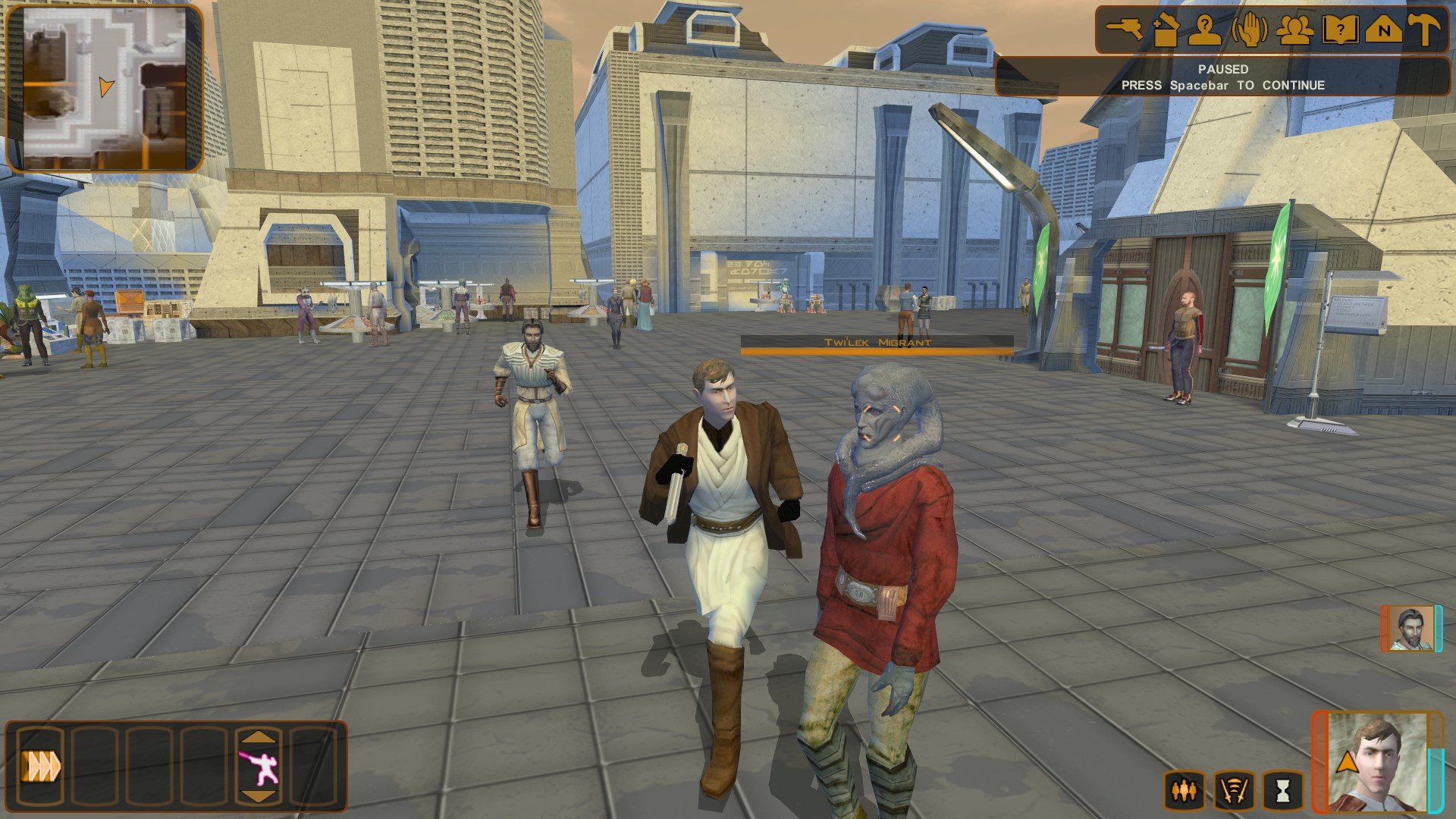
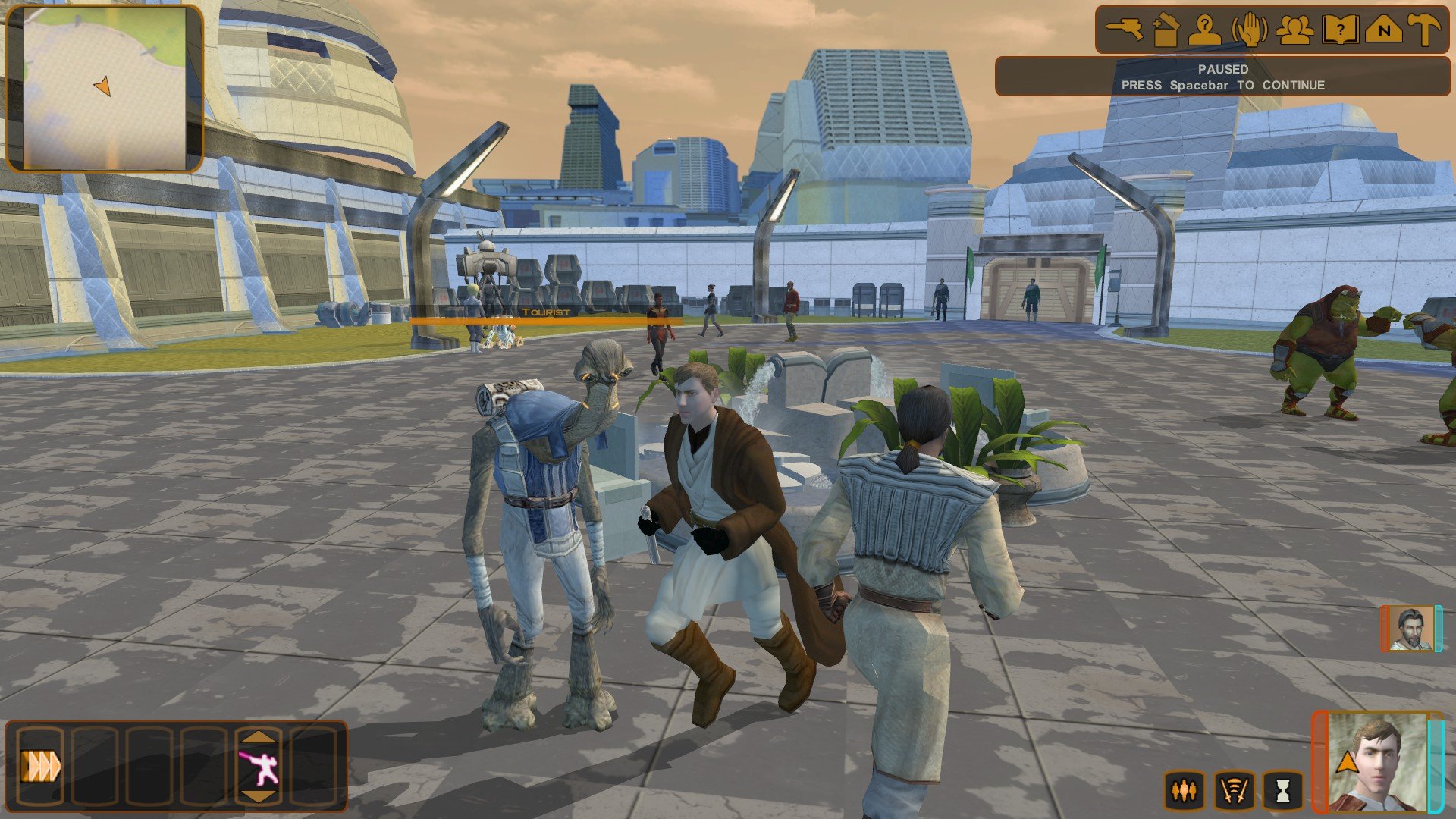
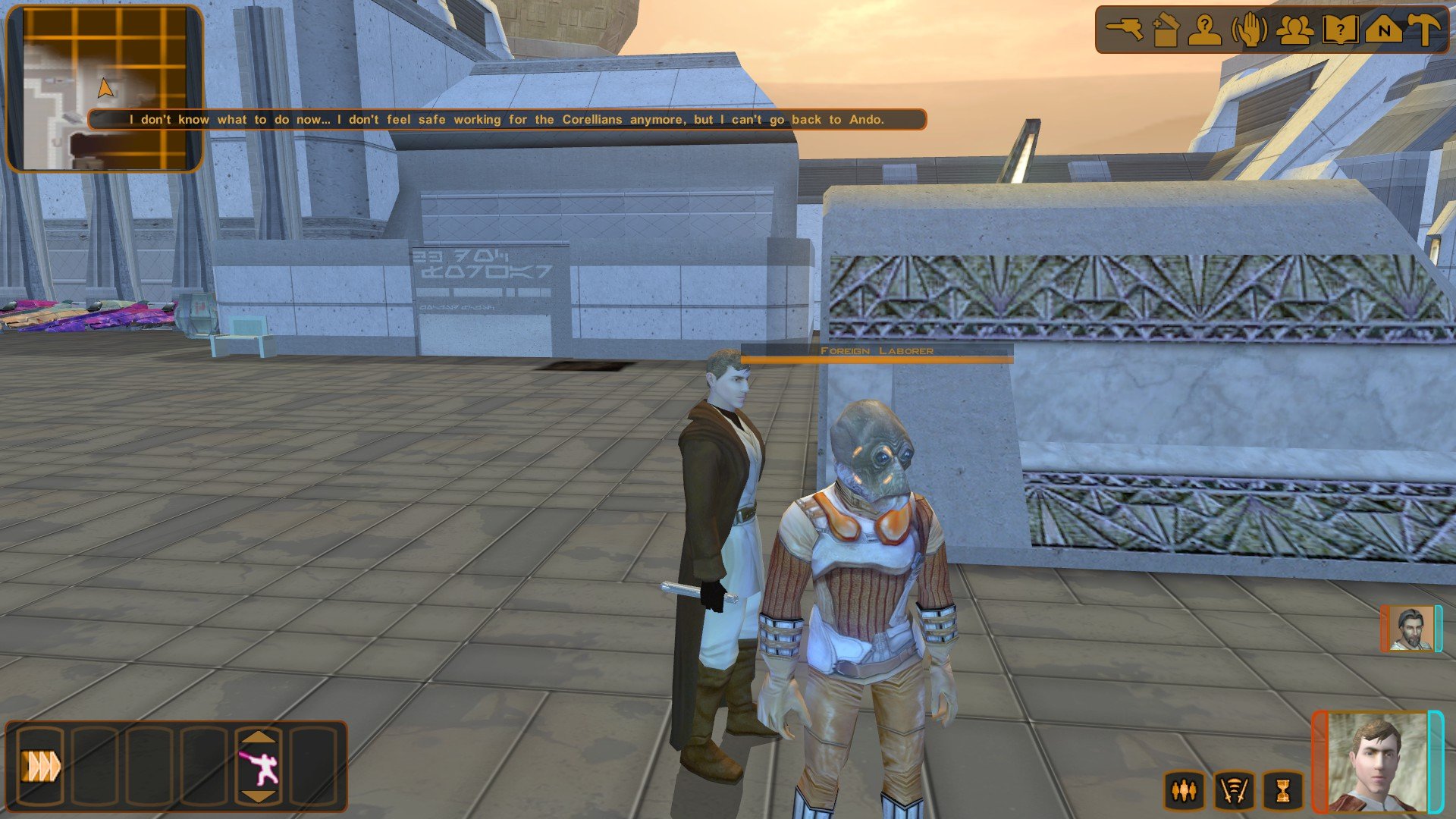
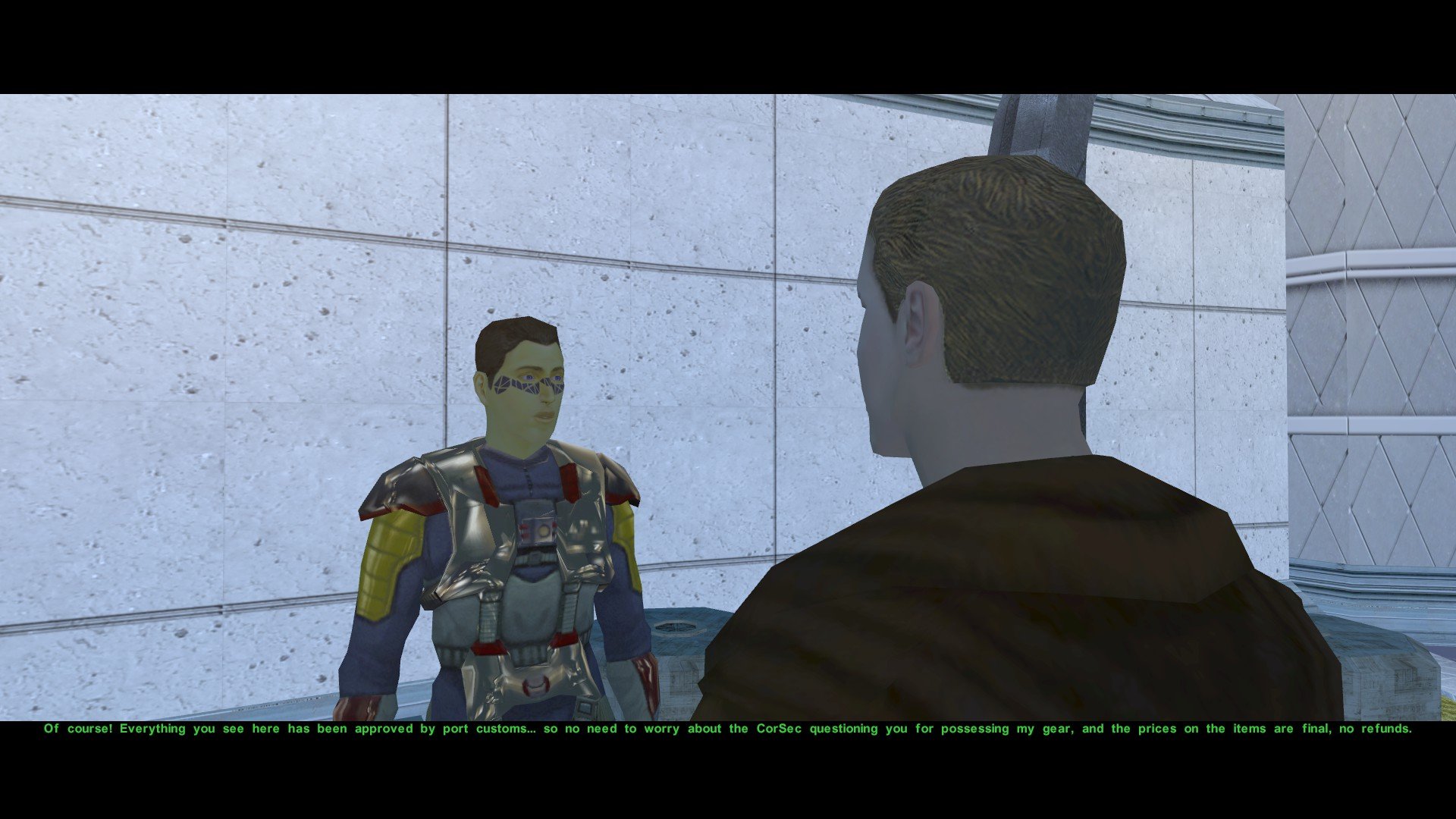
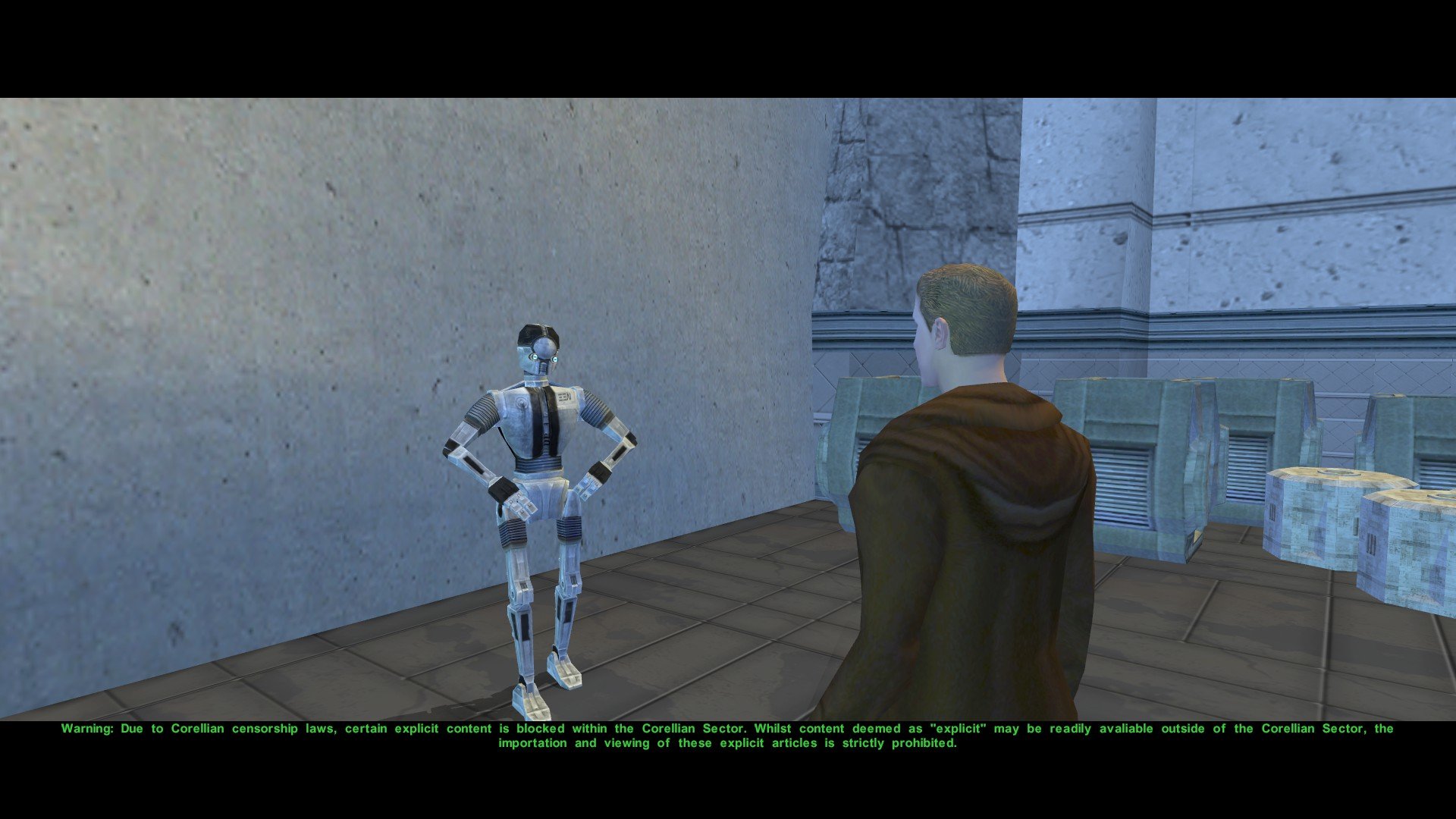
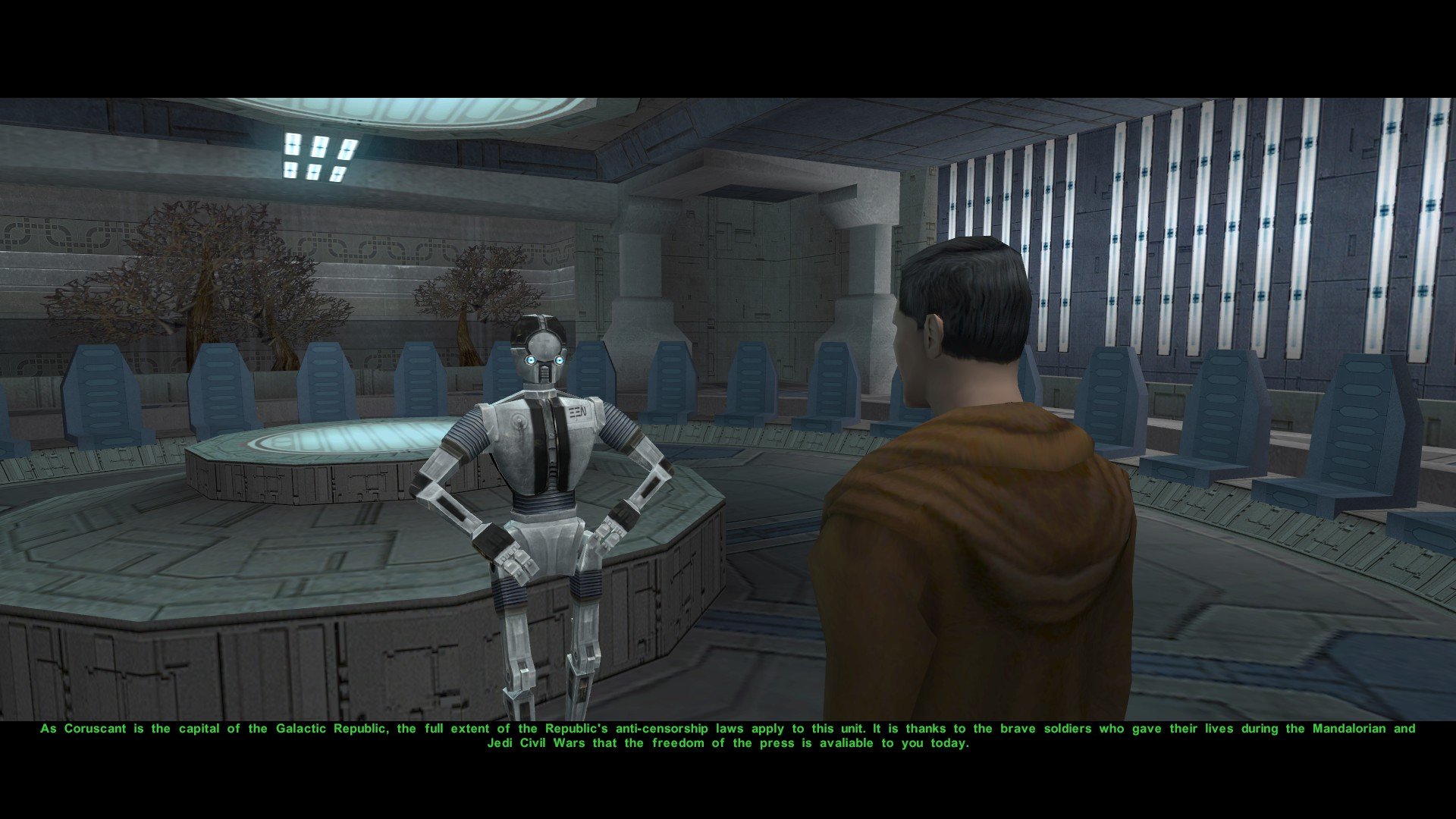
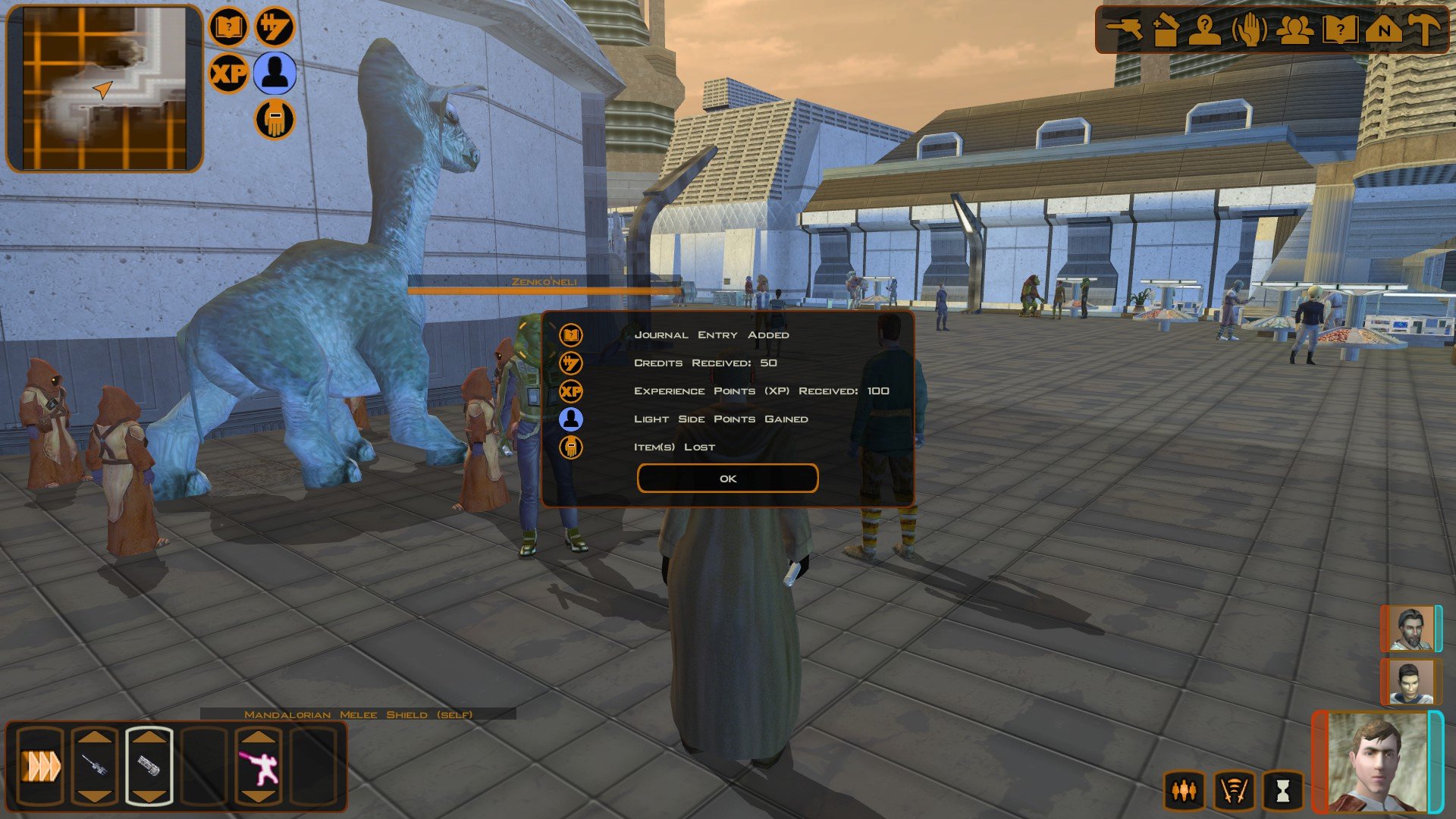
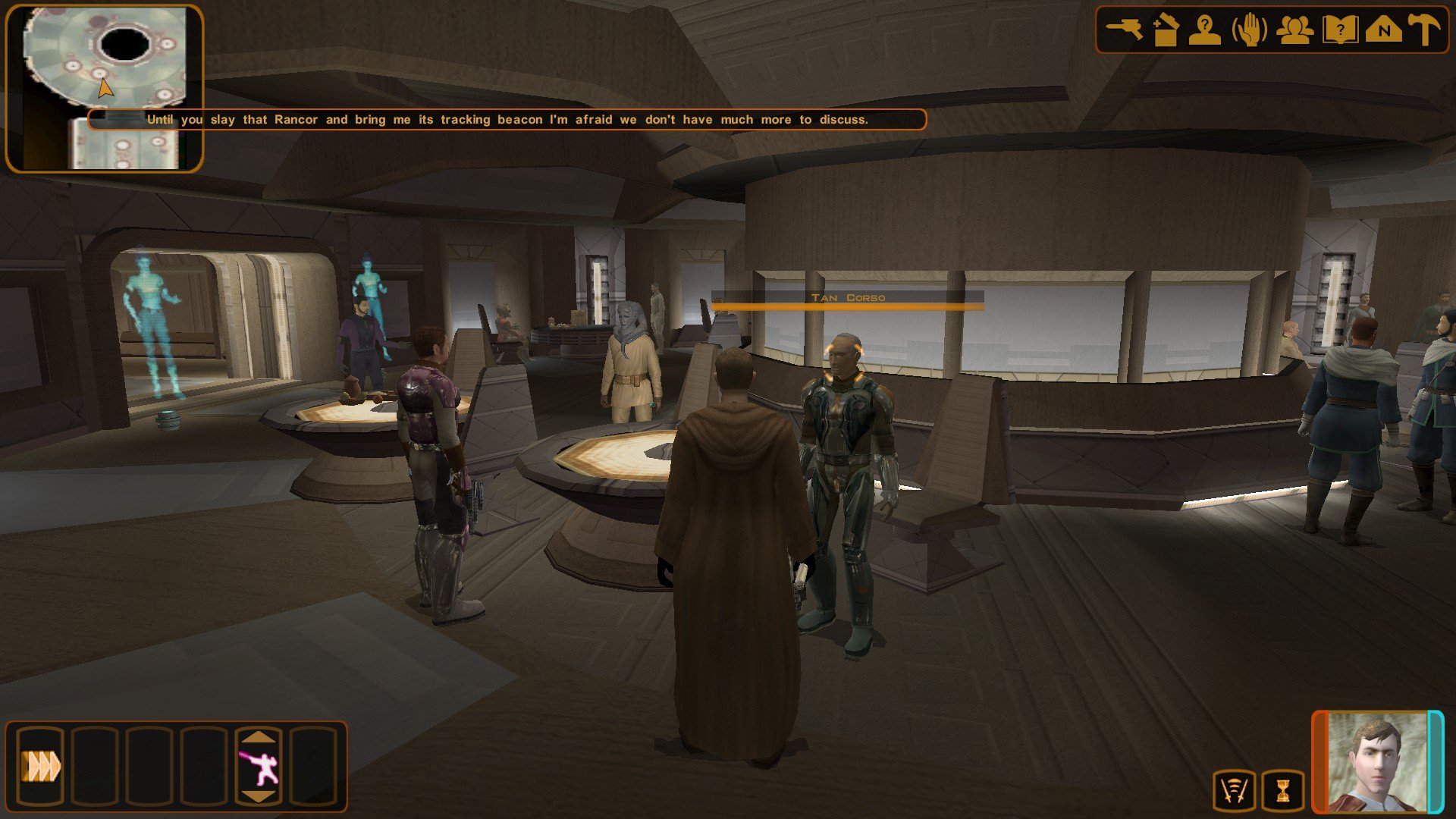
 4 points
 -
4 points
-
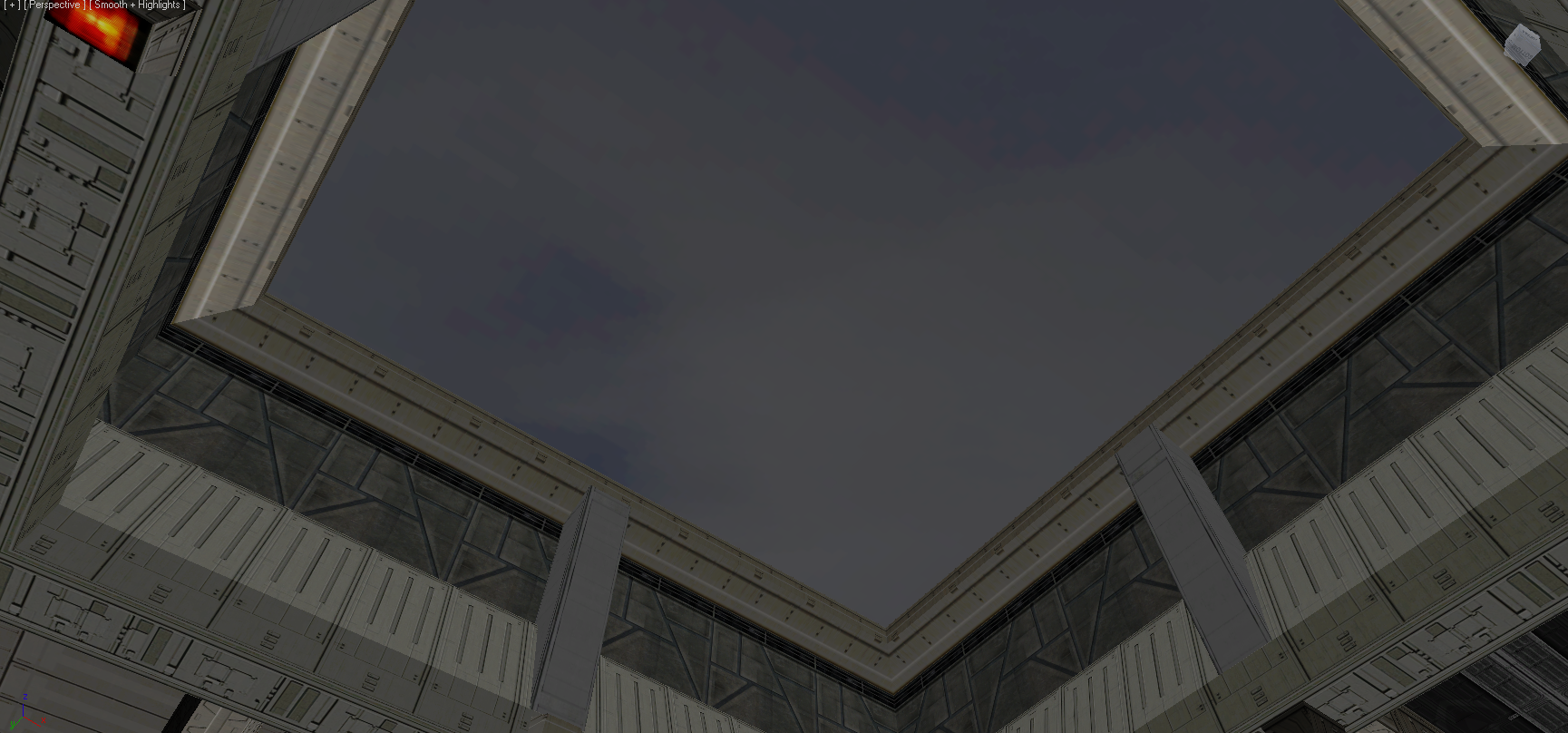
It's entirely possible. Especially because Obsidian already made provision for it. There's an animation to hide the roof tile and there's a fake sky behind it: It just needs to be triggered via a script. I'm surprised TSLRCM doesn't already do it. Edit: Ah, I see what it is. The roof tile mesh isn't under the A node in the room model, so the animation doesn't apply. It's actually already scripted and seemingly unchanged in TSLRCM: https://github.com/KOTORCommunityPatches/Vanilla_KOTOR_Script_Source/blob/master/TSL/Vanilla/Modules/232TEL_Telos_Underground_Base/a_shuttle.nss Extract this into your Override folder. Should fix the issue, although note you'll have to load a save before the above script fires. 232tel14.zip
 4 points
 -
@Salk This ended up being super quick and easy:4 points
-
Little demo for this morning, showing off FreeCam in both games:4 points
-
3 points
-
3 points
-
Pretty ballsy for your first post!3 points
-
The mod has been sent for publication.
 3 points
 -
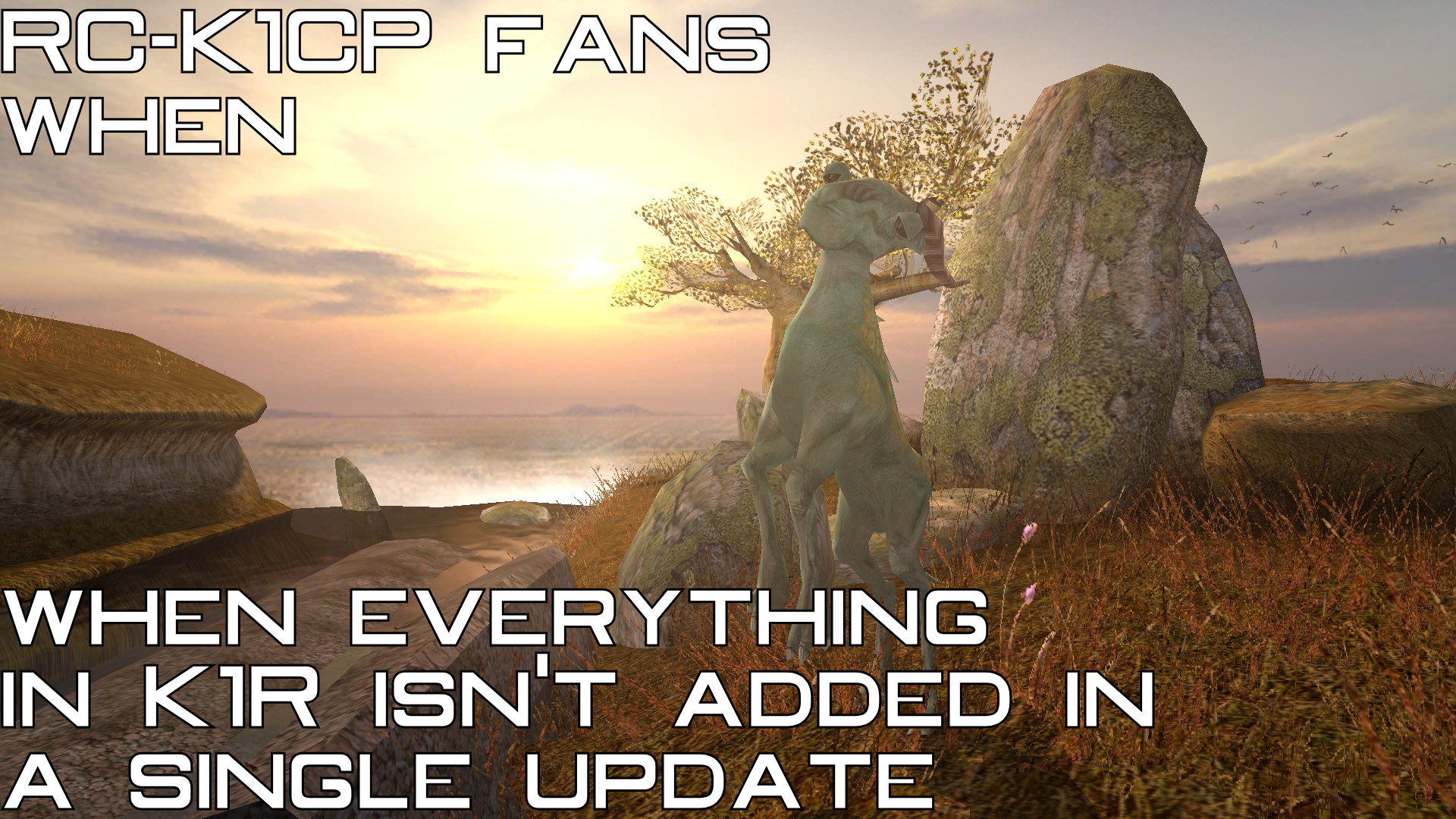
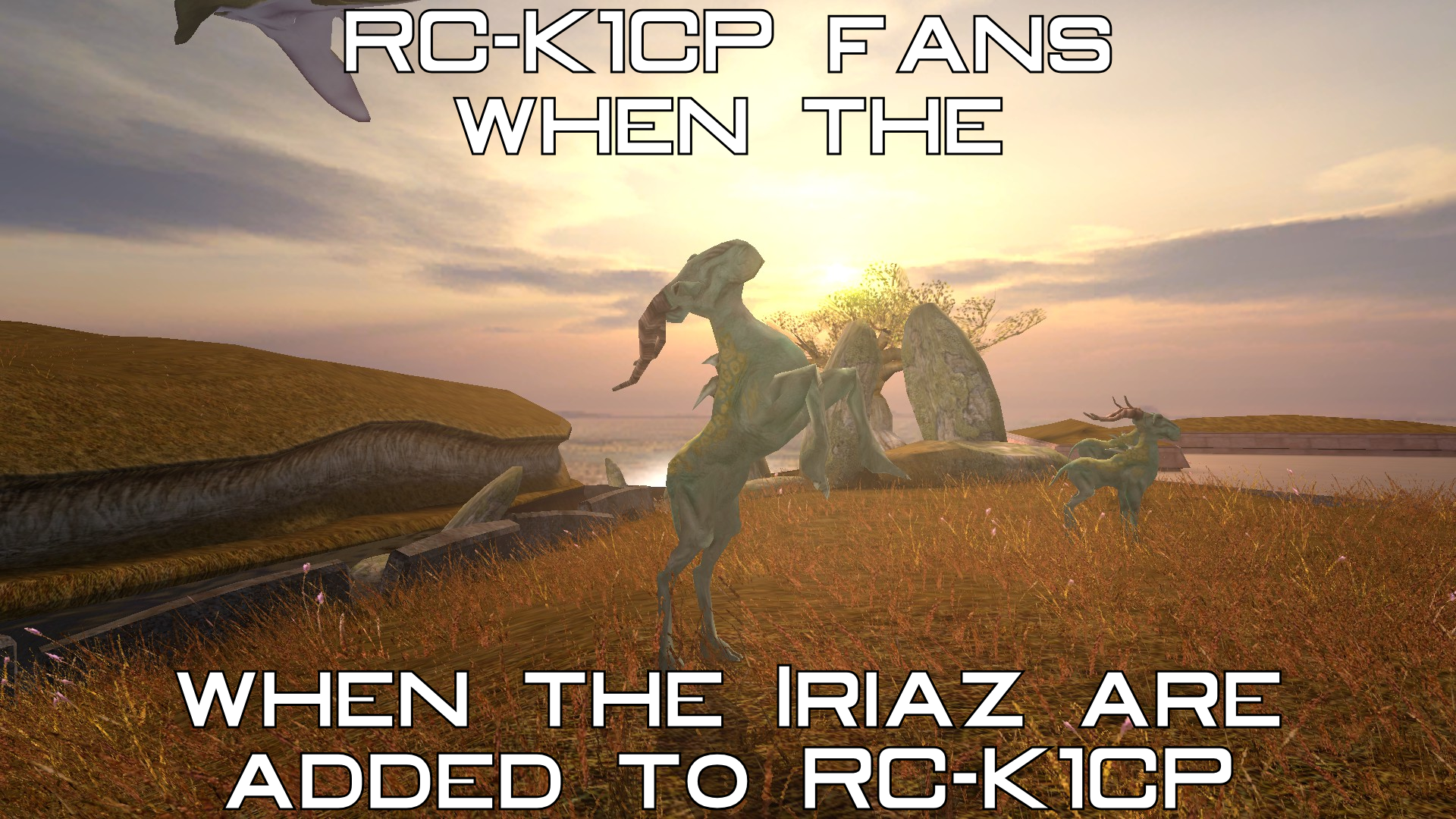
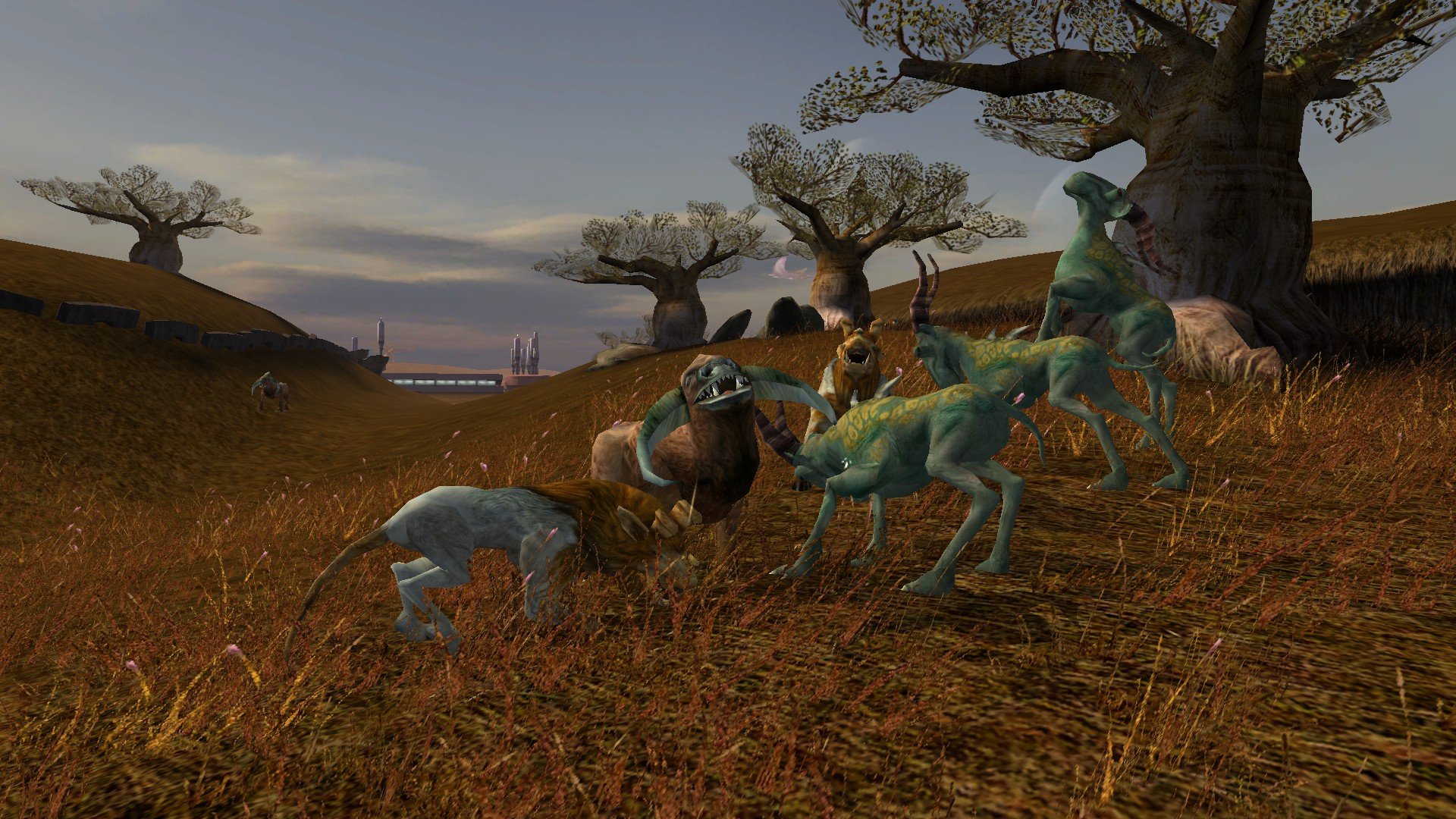
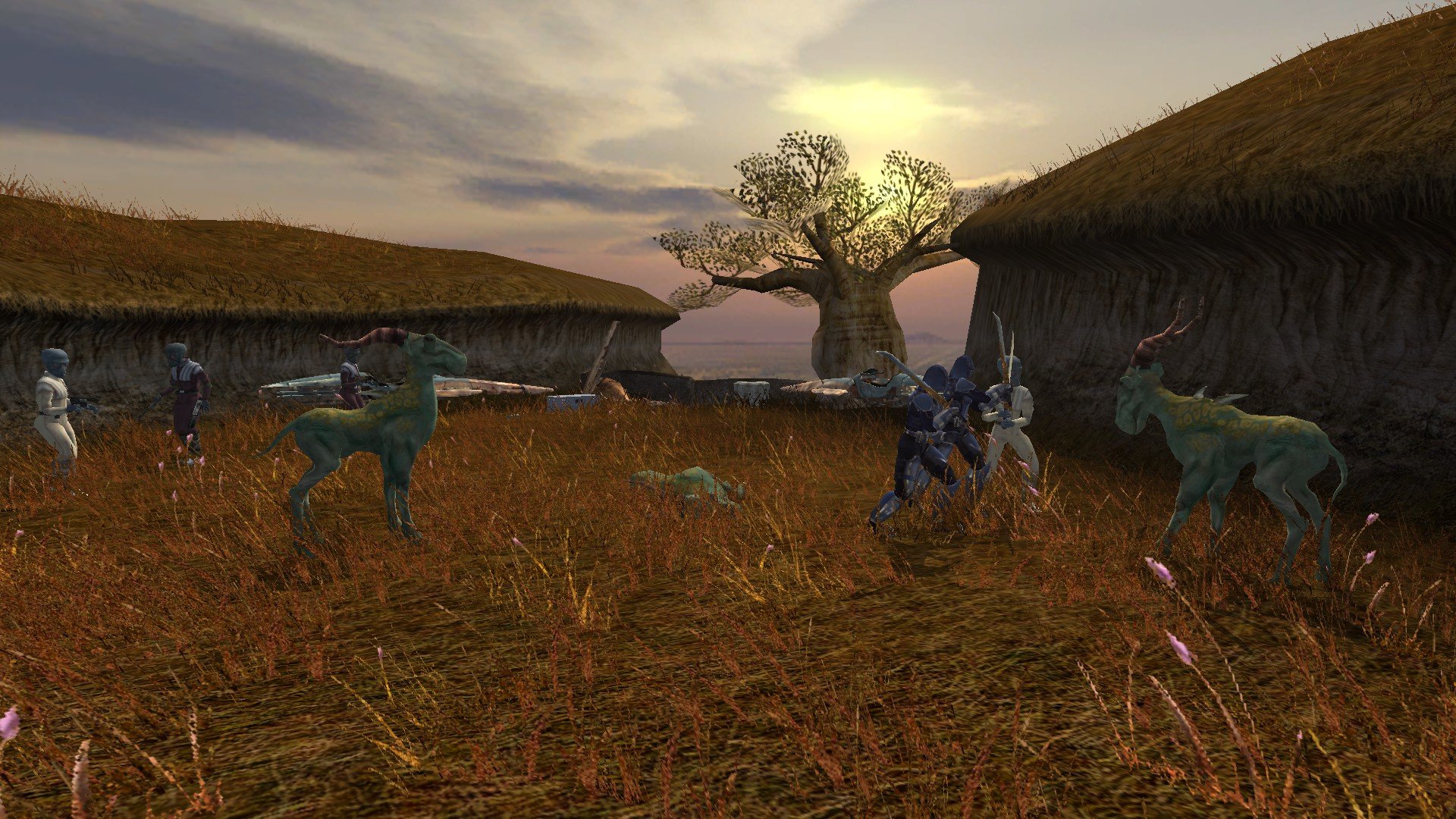
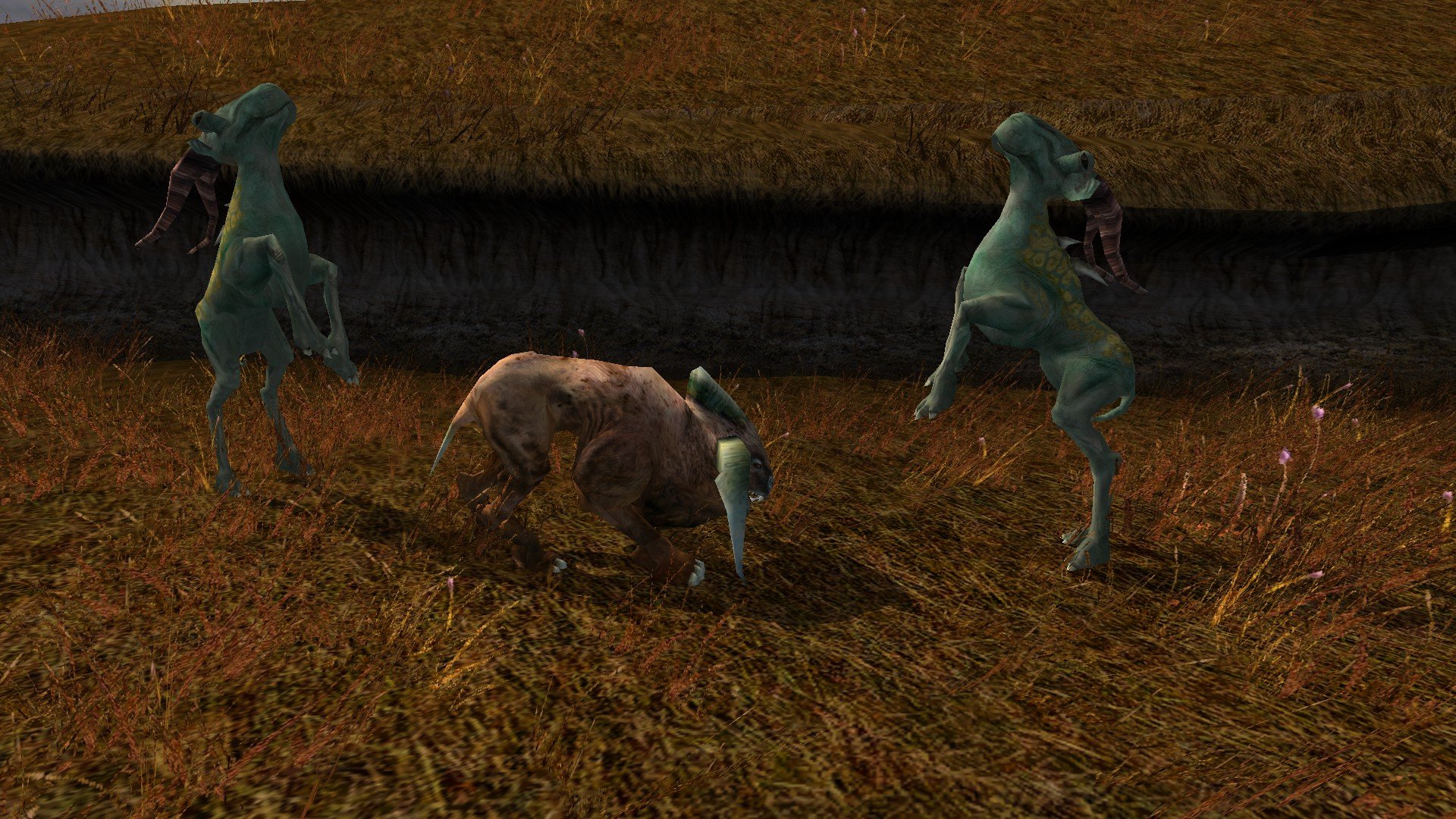
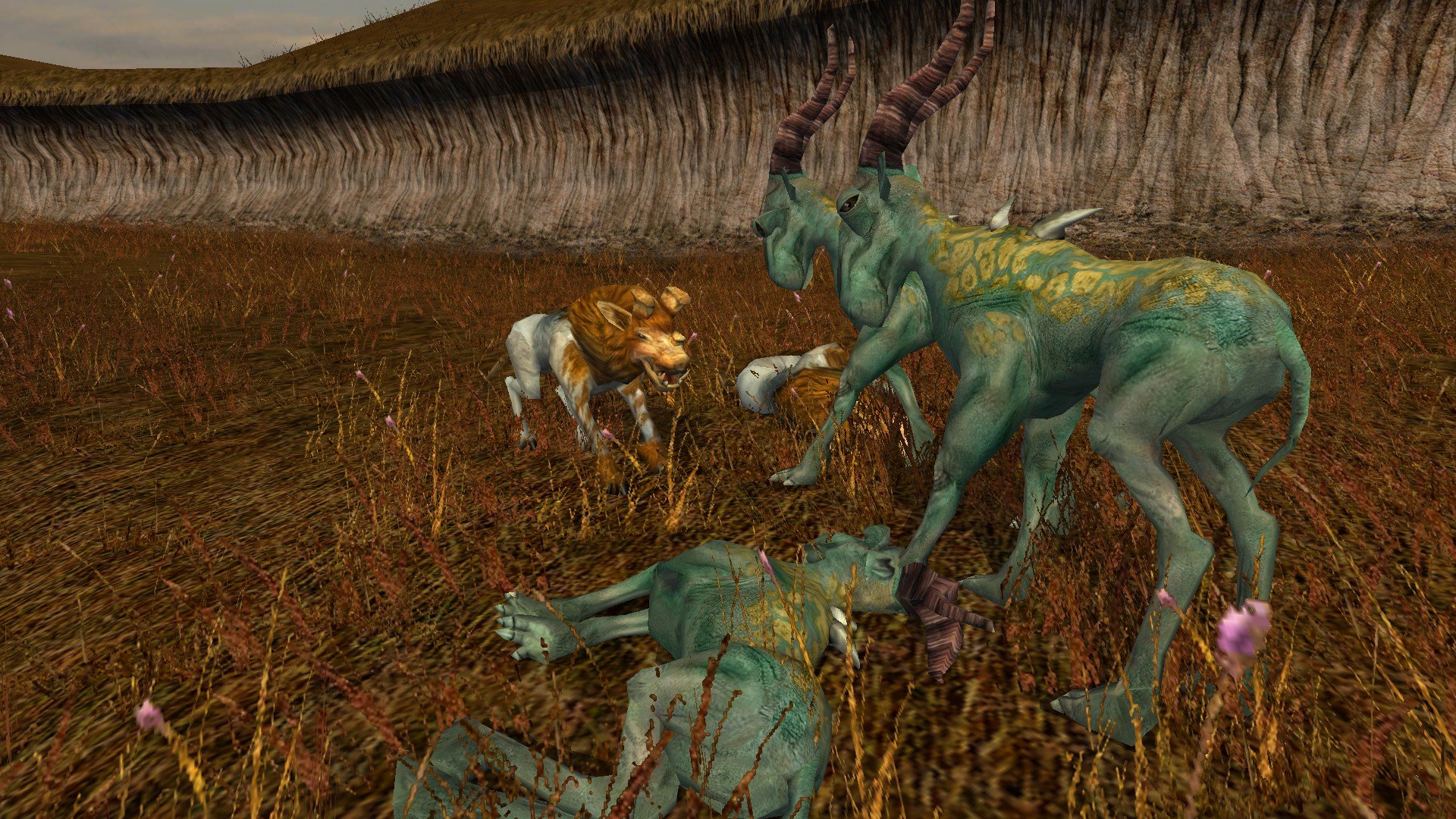
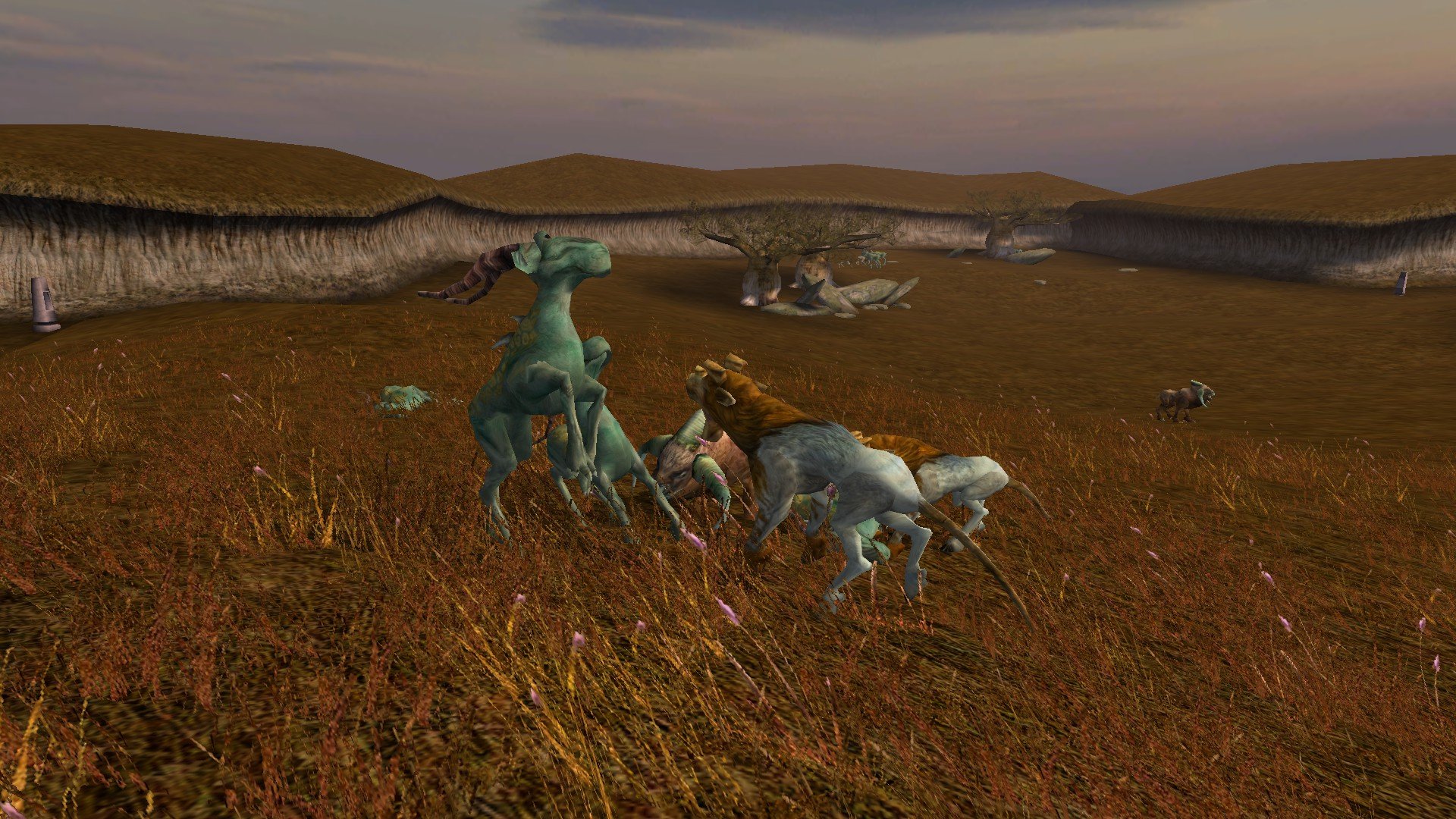
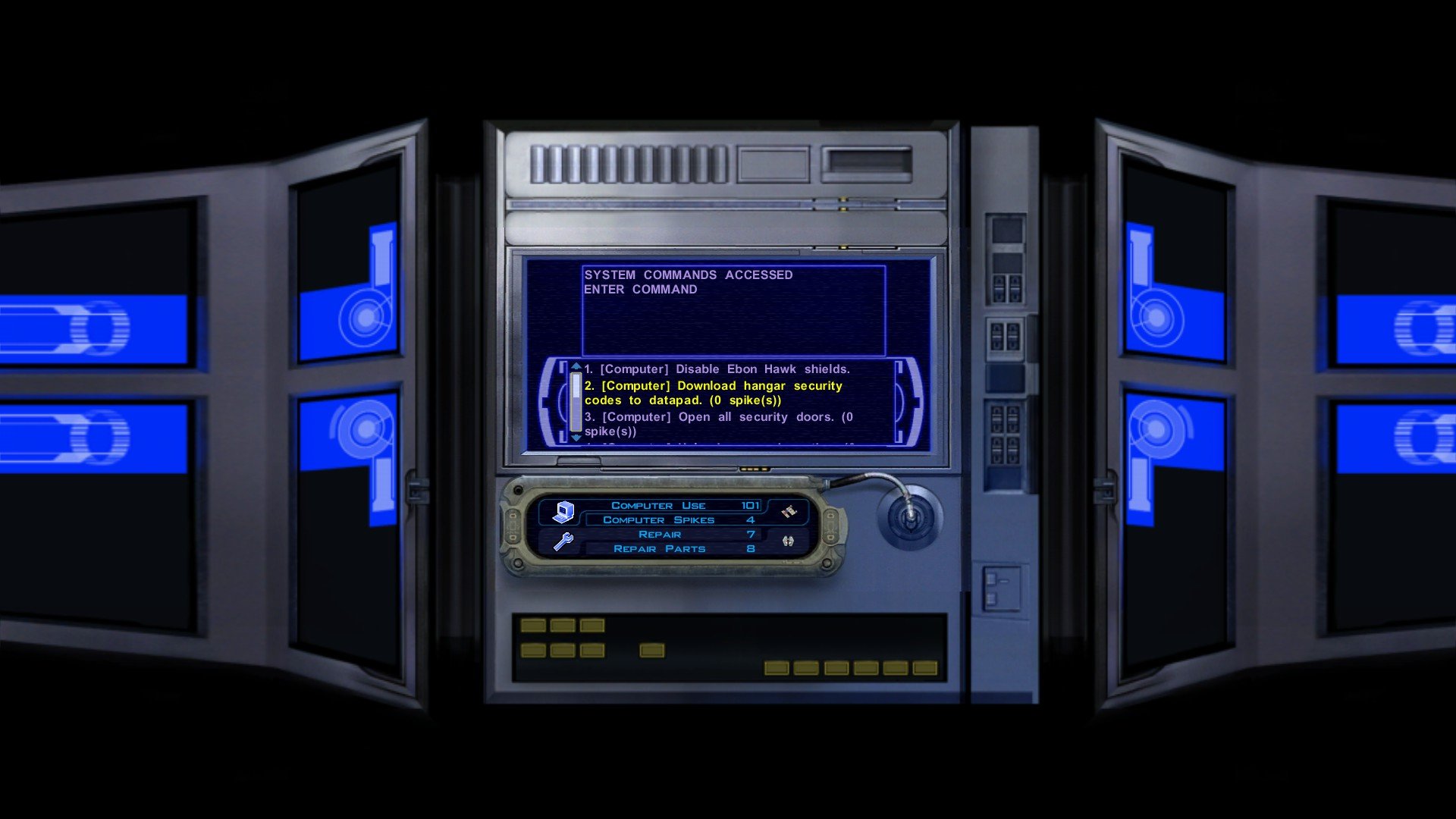
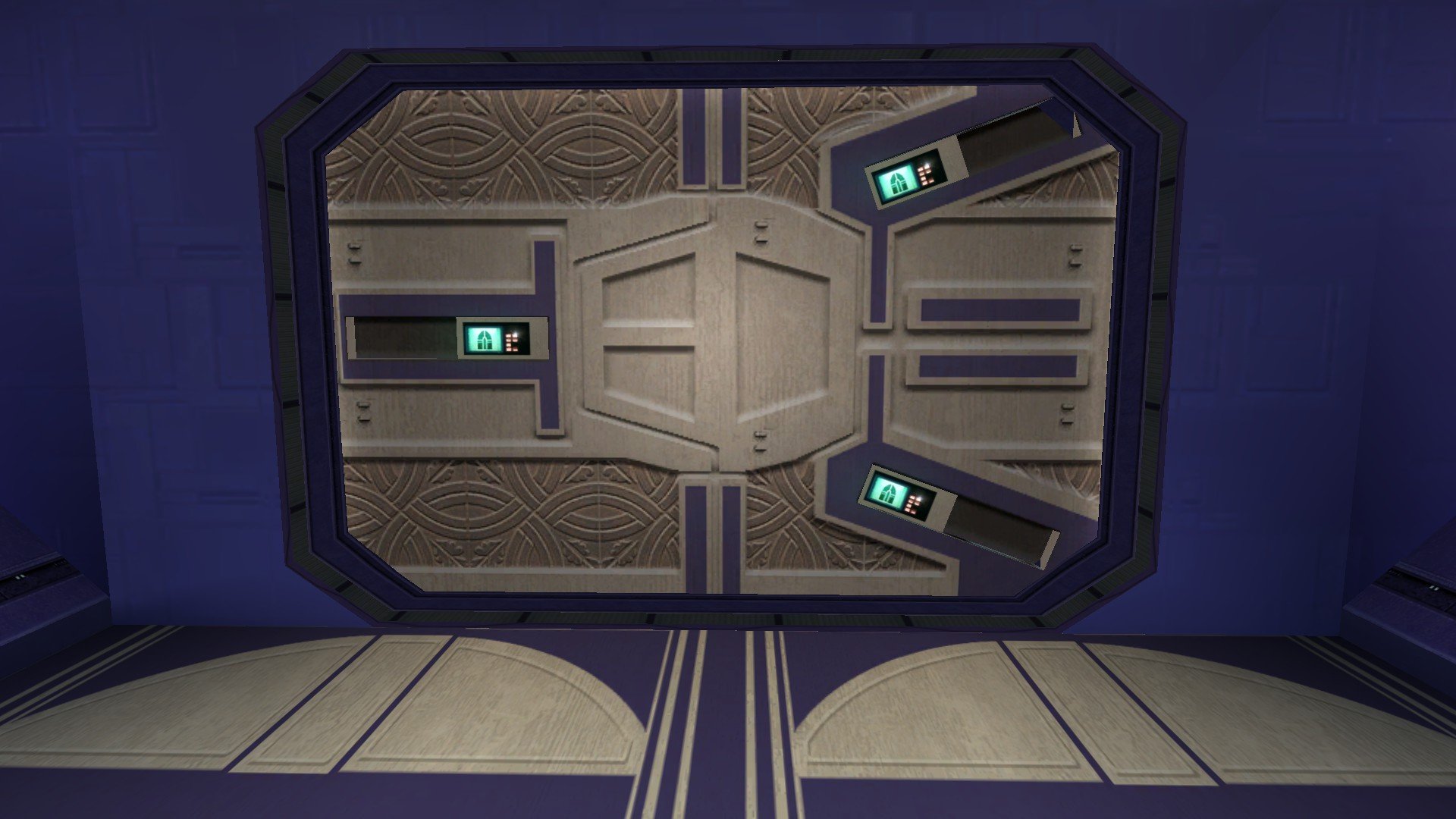
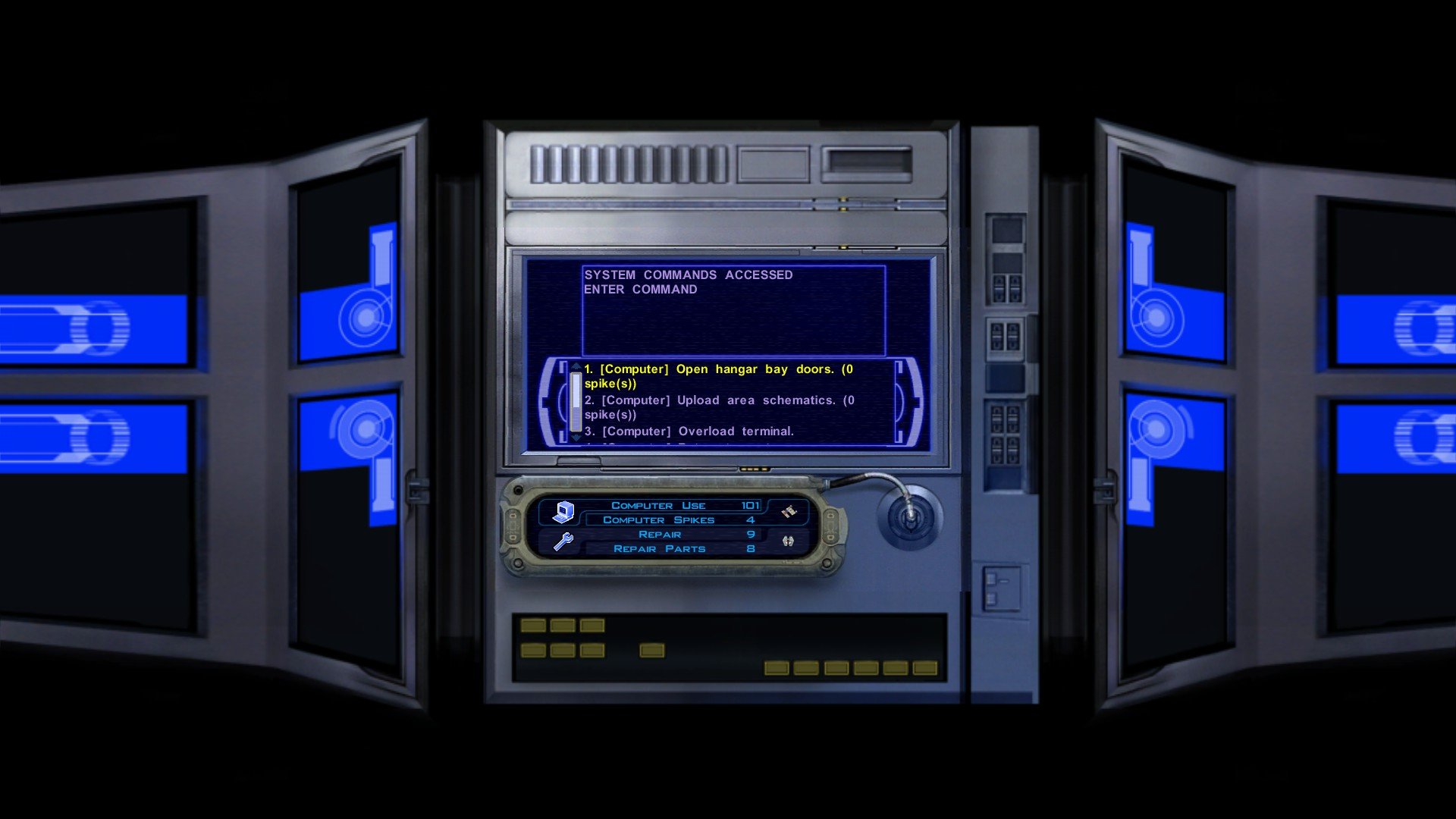
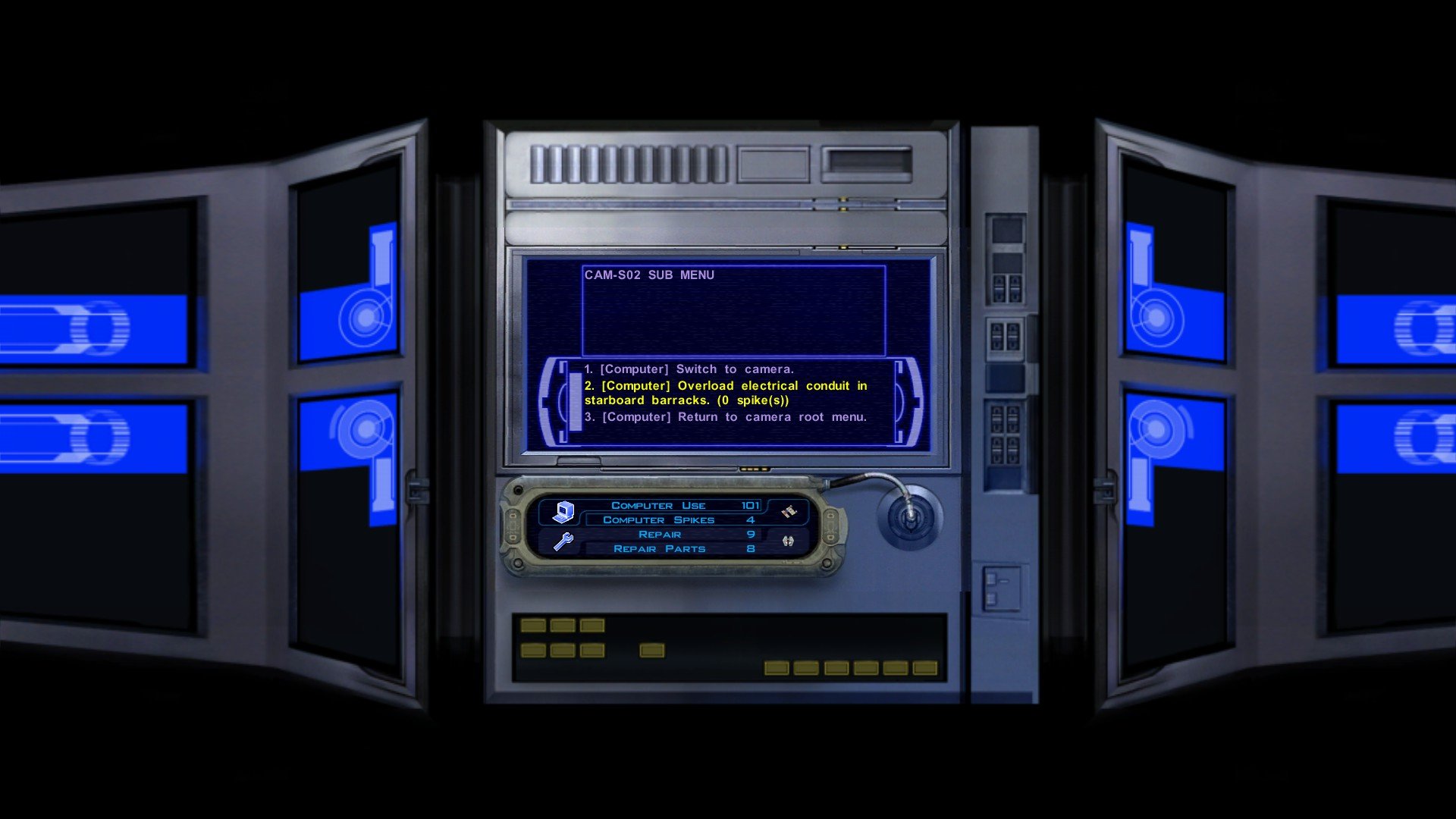
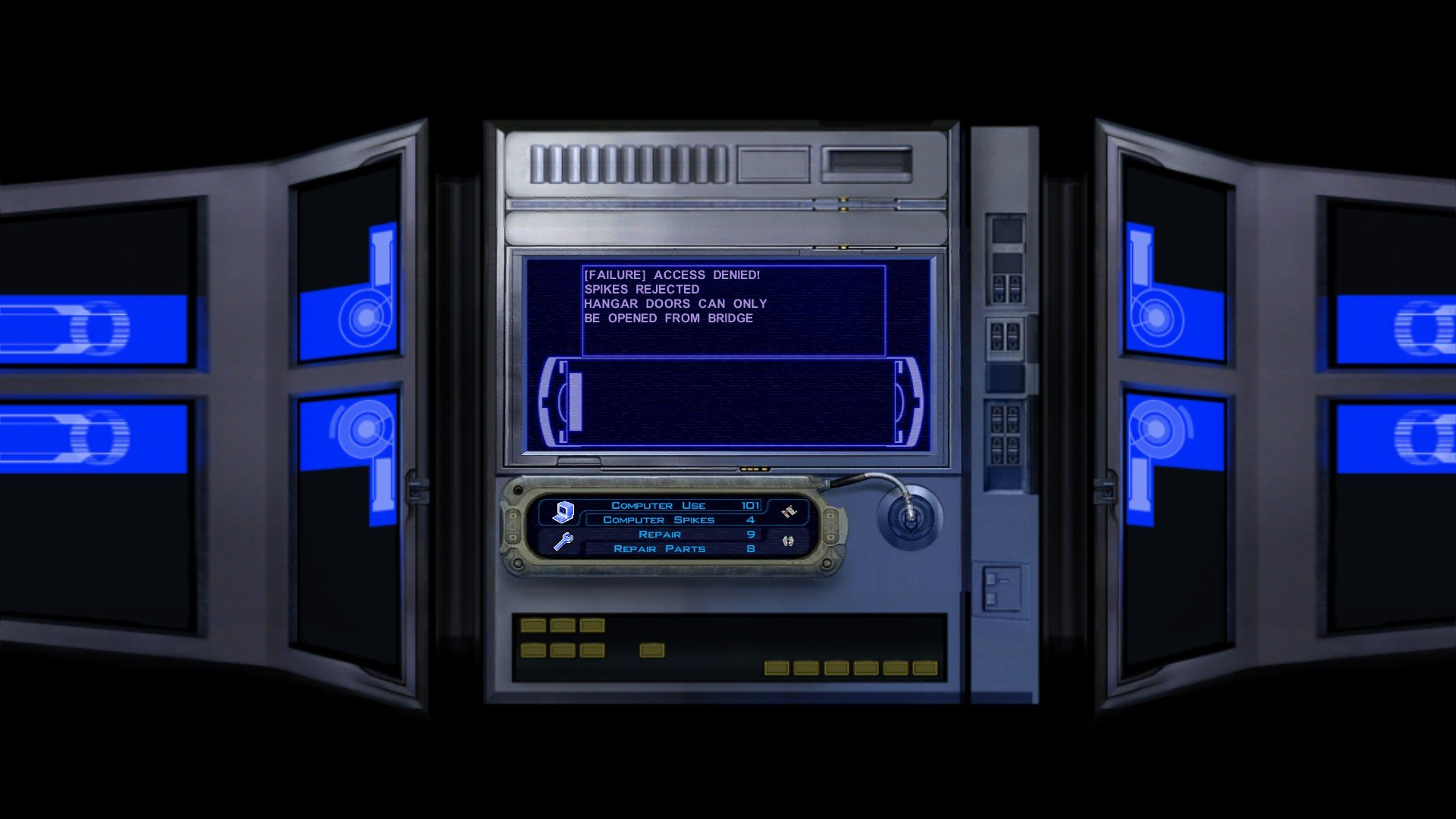
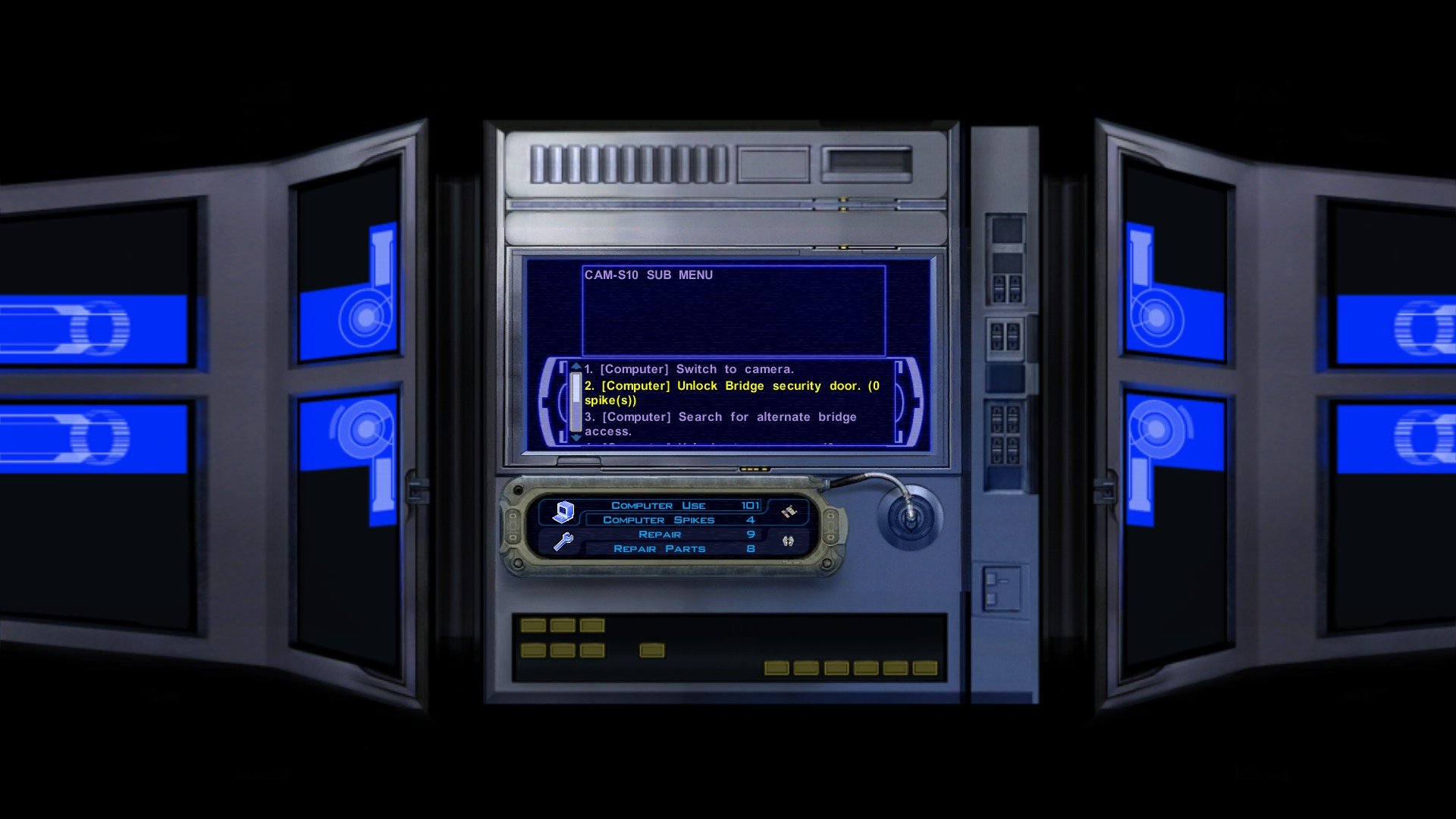
Iriaz. Another RC-K1CP update is almost ready, and as per tradition I would release an update, add something completely obscure, and then I'll get the endless moaning of "where's the Outcast Children and where are the Iriaz" instead of "wow, I sure do love the restored line from that one NPC I didn't even pay attention to". Well, you can all stop moaning... for now, for one of those things that you guys just love to complain about is actually being added in the next update! But no Outcast Children just yet... But when that update does come out I may or may not announce it with this: So, how do Iriaz work in RC-K1CP? Well, I believe in K1R the Iriaz would walk around the map and follow certain way point directions similar to how some Kath Hounds behave, however, the Iriaz will largely wander around aimlessly as the left over Iriaz .UTC file in the Sandrale Estate exterior module was programmed to do just that. Instead of just "walking around" doing nothing the Iriaz will do something... and it's going to be an absolute bloodbath as you journey across the Dantooine planes now. When you enter a Dantooine module, somewhere in that module there will be Iriaz and Kath Hounds fighting each other. Sometimes an Iriaz may take down a Kath Hound or two, but more often than not the Kath Hounds always wipe out the Iriaz. Of course, that happens without Player intervention. Through Player intervention it can be possible for you to save some of the doomed Iriaz, however, simply standing around and letting the Iriaz get mowed down will in-fact chip down some of the Kath Hounds health so there is some benefit to letting them die. And of course, the Iriaz will also be attacked by Mandalorians. In lore, the Iriaz are docile and can get 'provoked' into aggression, and combined with the pre-existing warrior lore of the Mandalorians it does in-fact make sense for these two groups to be fighting. I have taken measures to try and make sure that Iriaz herds are not too close to Mandalorians so there shouldn't be too many instances of Mandalorians being led away from their group by rogue Iriaz's or something stupid like Sherruk running after an Iriaz and leaving his men to die. Now, K1R does have a bug wherein the Iriaz actually break that one cutscene with the Mandalorian and the "wife and children" bit. I have made it so that the Iriaz in that particular area are hostile to the Player meaning they should not break that cutscene and the Player will be able to kill some of these Iriaz themselves. Again, they are "docile" and not "friendly" and so it makes sense why some would want to kill you when others would rather fight Kath Hounds. There is a bug where the Iriaz stand completely still for about five to ten seconds before their AI kicks in, here is an example of this: Here is when their AI kicks in: And this is the result when the Player lets them die: As you can see, despite being outnumbered the Kath Hounds still win the fight. Since this is near Bolook his line "there are plenty of Iriaz around" now makes sense as you literally either just saw a bunch of Iriaz die or saved them and now they're roaming about nearby. I do not yet have screenshots of the Player being attacked by Iriaz, however, I do plan to add screenshots of restored content for the main mod page so I may add them there when this update is finally ready. Now that the one thing you all wanted is out, time for the obscure garbage no one cares about (this list may not be complete/some of it you may recognize if you ever played my ancient K1GI mod from back in the day/some of it may not be added if I can't get it to work flawlessly): * Restored an unused civilian dialogue for one of the male patrons of the Lower City Cantina. * Restored the "search database for planetary launch codes" option for all the Sith Base terminals, this will always fail as the Governor has them. * The Receptionist Terminal, the Computer Terminal, and the Control Center Terminal now have three unique interactions. The Receptionist Terminal offers almost no real benefits besides upload area schematics. The Computer Terminal offers most functions except for open elevator, disable assault droid shield, and overload power conduit. The Control Center Terminal has every function available. * The Hangar Terminal and the Barracks Terminal now have two unique interactions. The Hangar Terminal has no actual function besides the ability to disable the Hangar Security whilst the Barracks Terminal has all the functions except the ability to disable the Hangar Security. * You can now download the Ebon Hawk codes via the Barracks terminal, allowing you to bypass Hudrow. * Restored the cut door model for Davik's Hangar. * You can now attempt to open the Hangar Bay doors via the terminals in the Prison Block and Command Deck, this'll always fail. * You can now overload the power conduit in the Sith Trooper barracks in the Prison Block, this is an alternative to starting a prison riot and then gassing both the Sith and the prisoners. * You'll now have to unlock the Elevator after rescuing the Player. * The Command Deck terminal will now mention the Bridge lockdown before you login. This'll be removed when you open the Hangar doors and the lockdown is lifted. * You can no longer unlock all security doors on the Command Deck as options to unlock specific doors have been restored. * You can now attempt to open the Bridge Security Door, this'll always fail. * You can now use the Command Deck terminal to discover that you can use a Space Suit to access the airlock to bypass the Bridge Security Door. * You can no longer return to the Prison Block if the Hangar is open. That's all for today, please let me know what you think!
.png.de60ef4767f50122cce1684850c78a61.png)
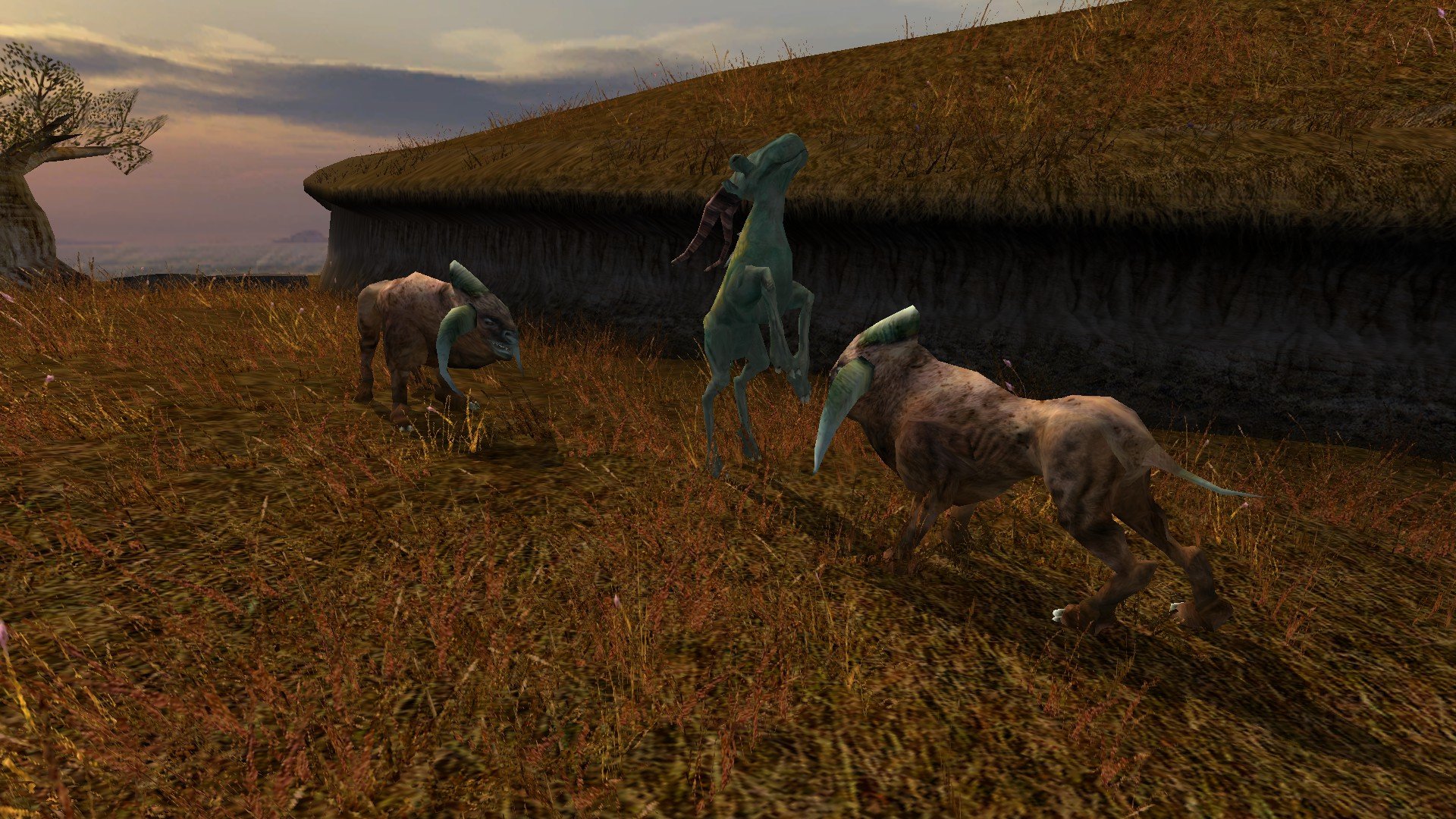
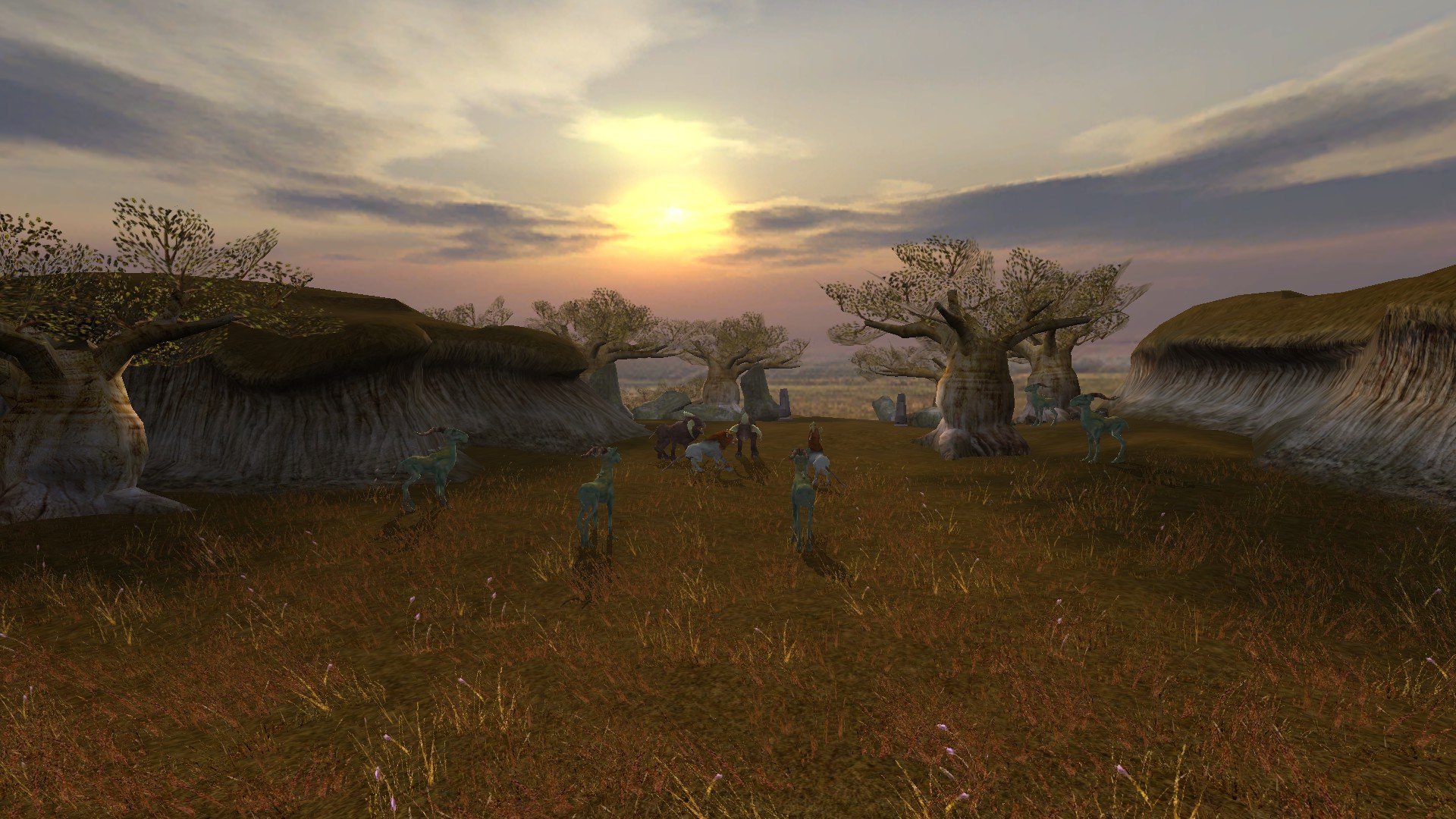
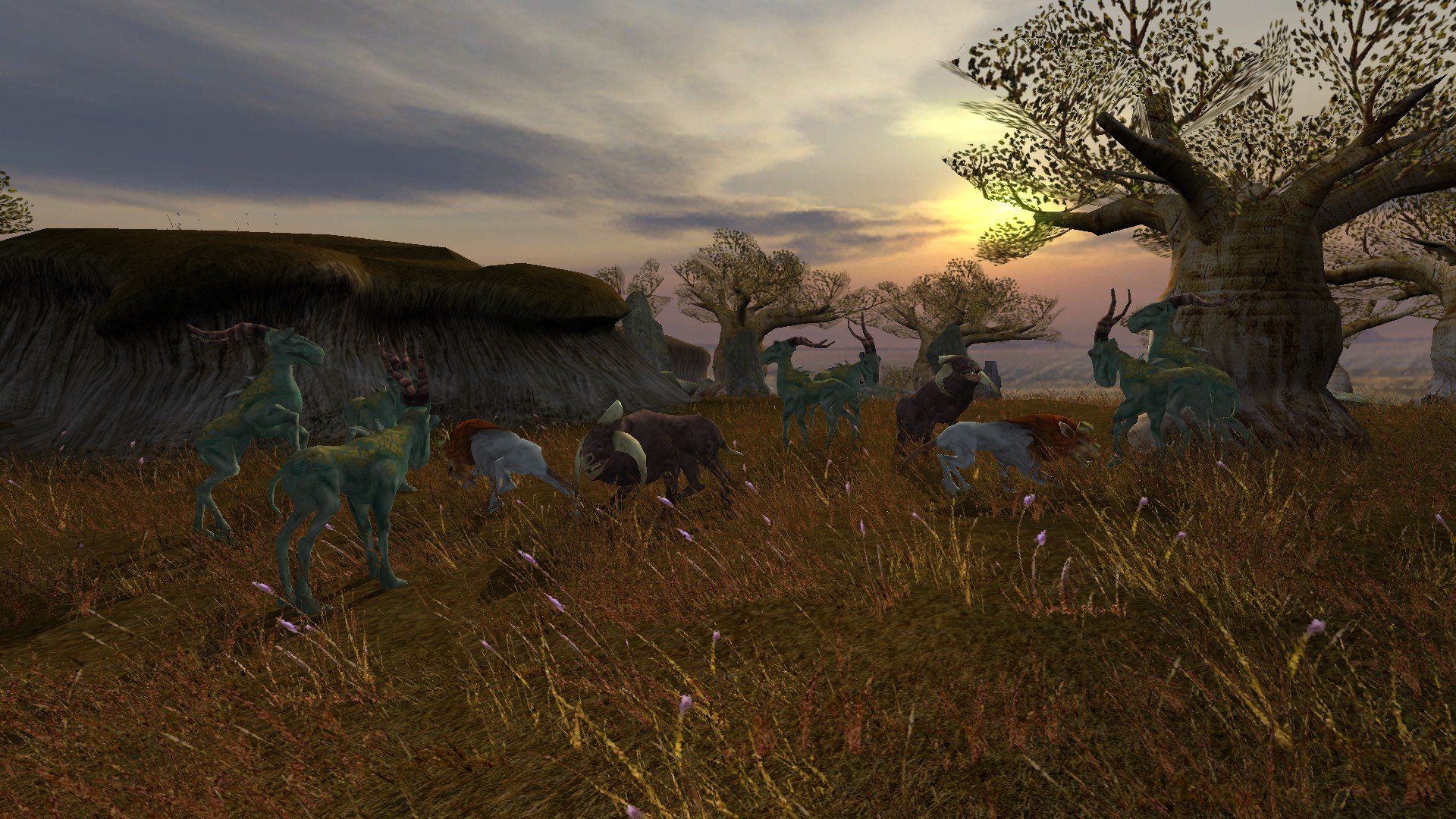
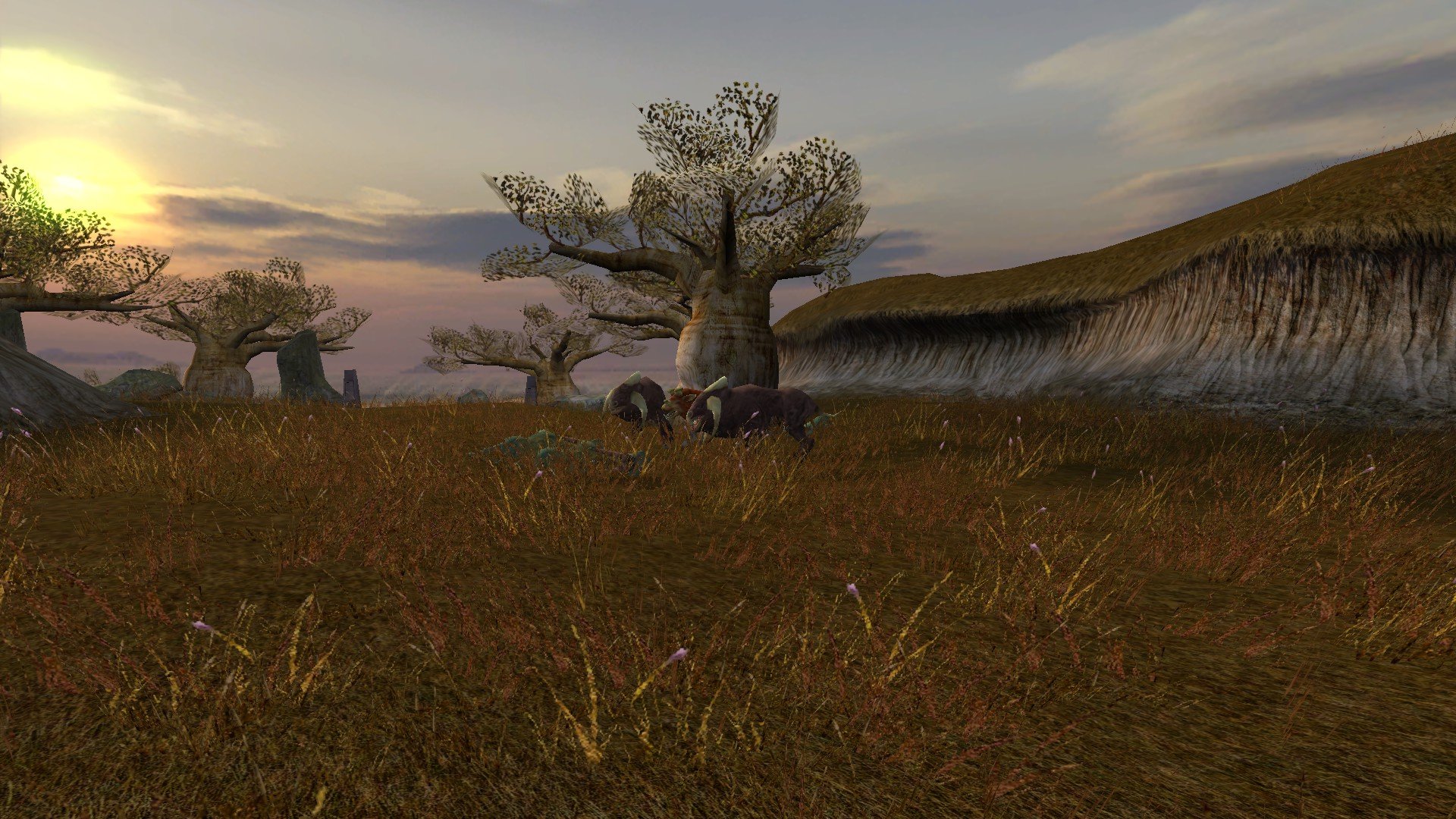
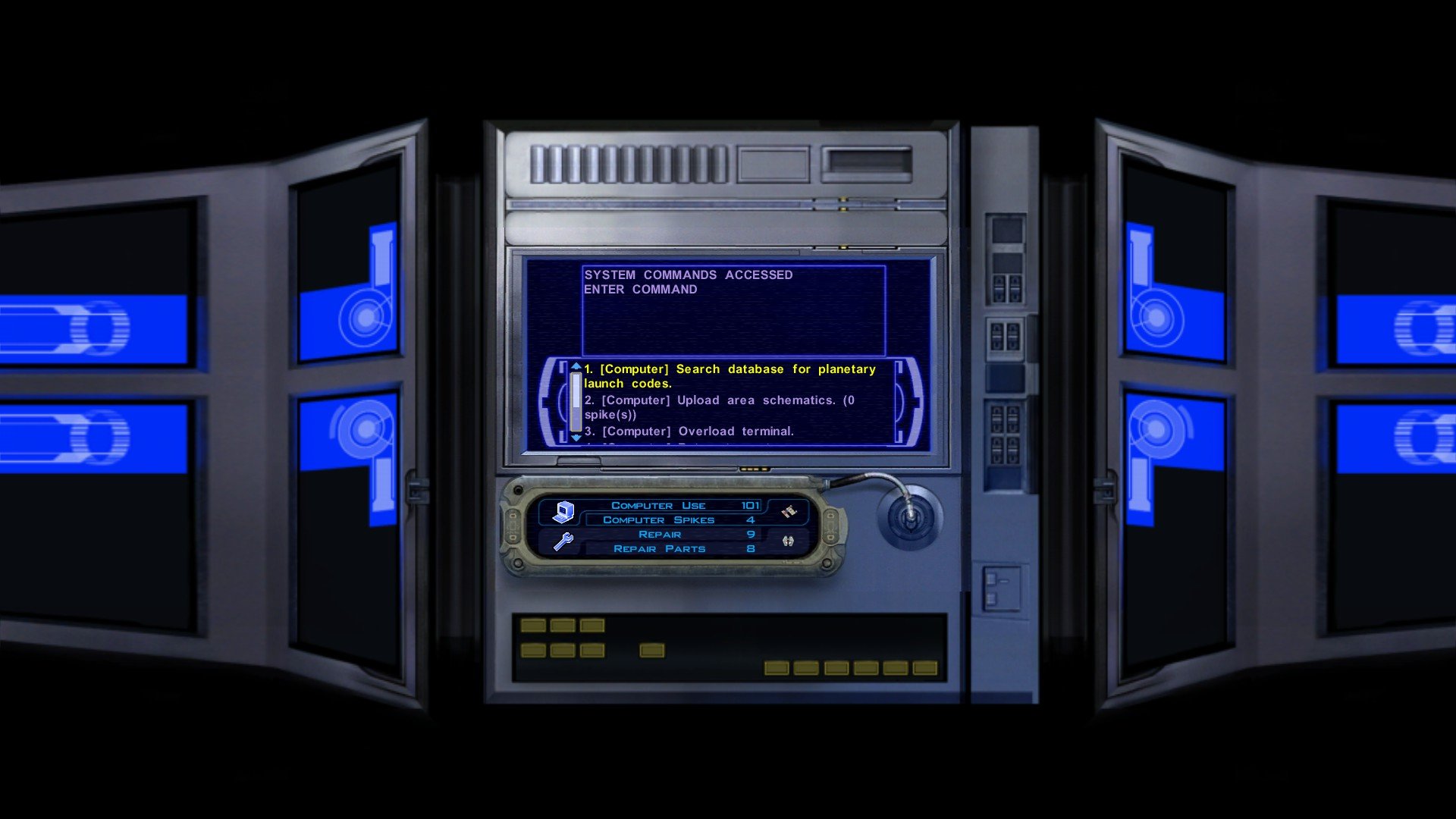
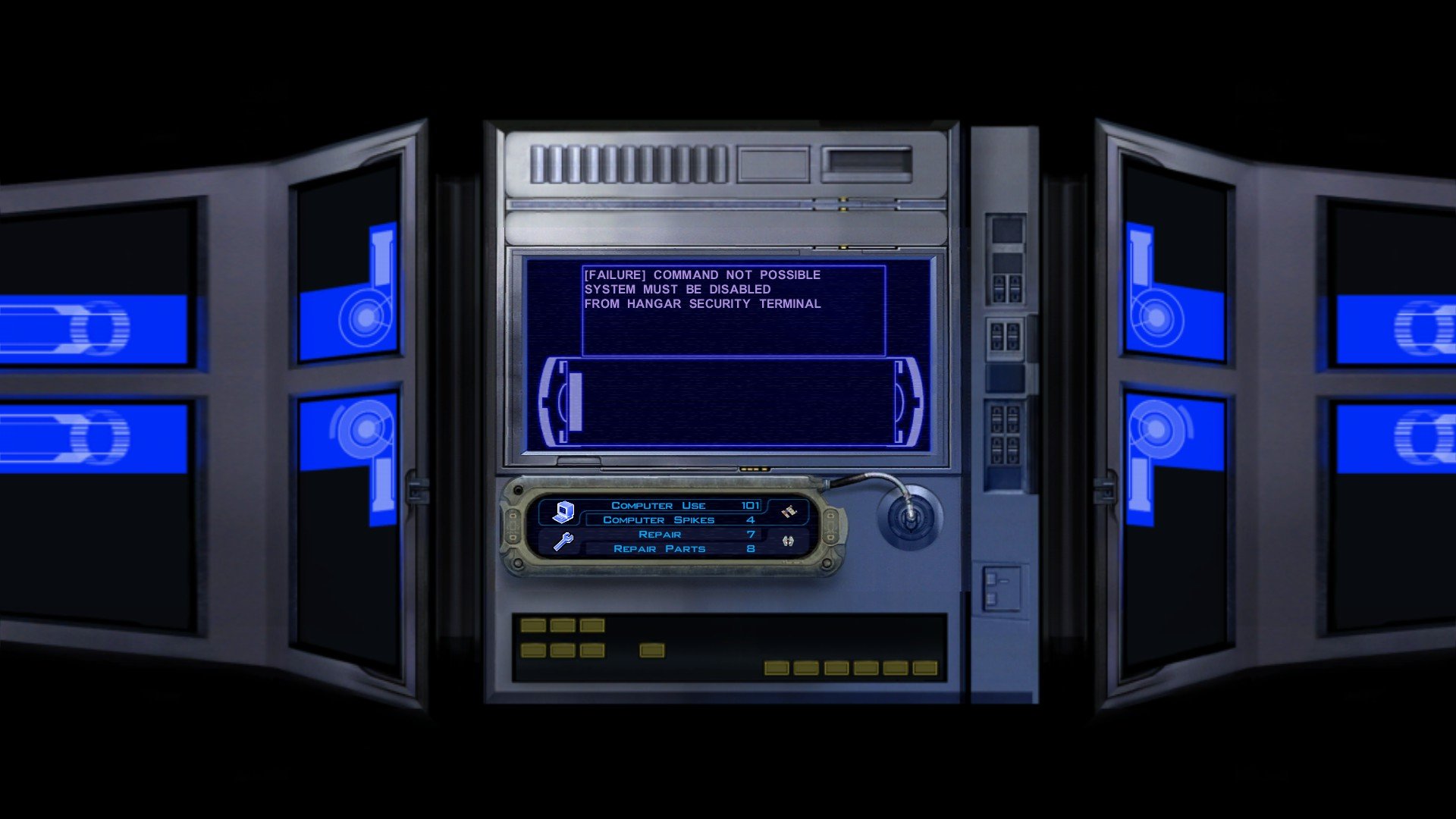
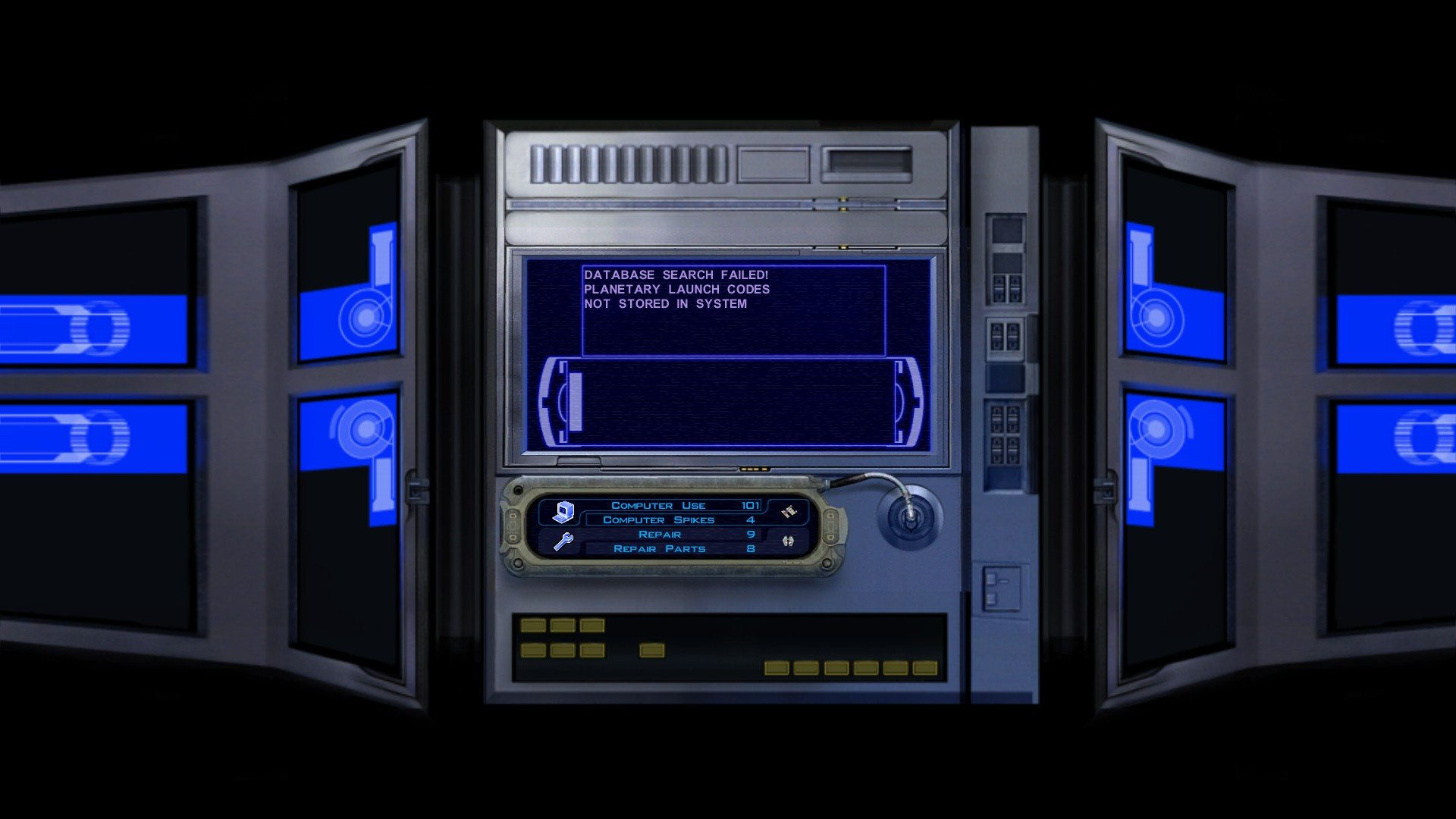
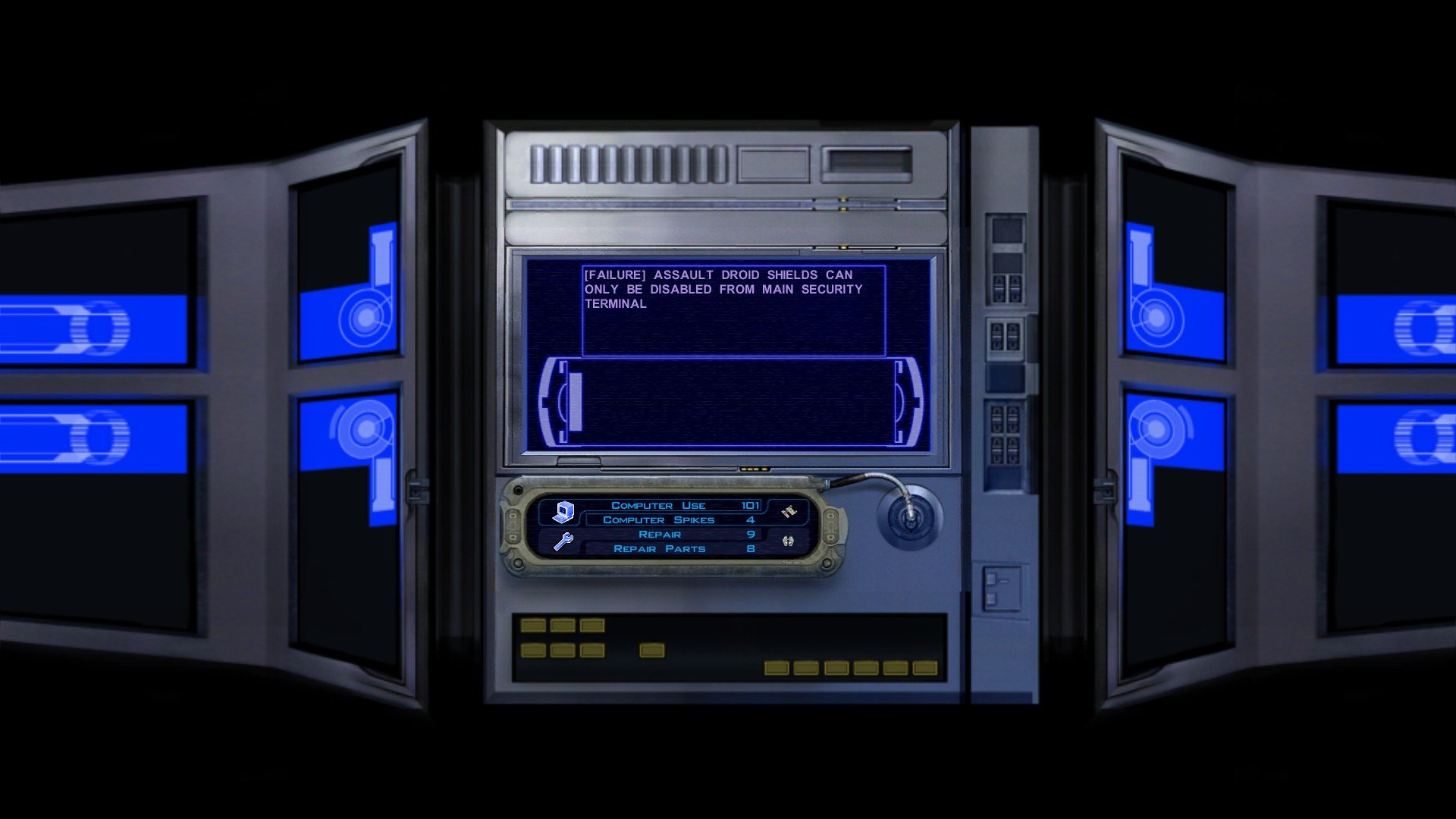
 3 points
 -
Personally I think keeping the Star Map in the Krayt Dragon cave is the best choice, for multiple reasons: 1. It will be easier on us to mod, not having to worry about the Calo Nord encounter in module m18ac, a new force vision cutscene and any other things connected to the Star Map triggers. 2. It bookends the mod: once the player completes The Lost Temple, they return to the Krayt Dragon Cave and complete the quest as usual, and are left feeling accomplished and intrigued for what's ahead in the story (with the Sandpeople, and Rakata on the Unknown Planet), instead of sad, detached, accepting that the new level is over. 3. It maintains the original location of the Star Map, which is faithful to what we got in the final version of the original game. But we are still deciding on what the best course of action is.3 points
-
Final)
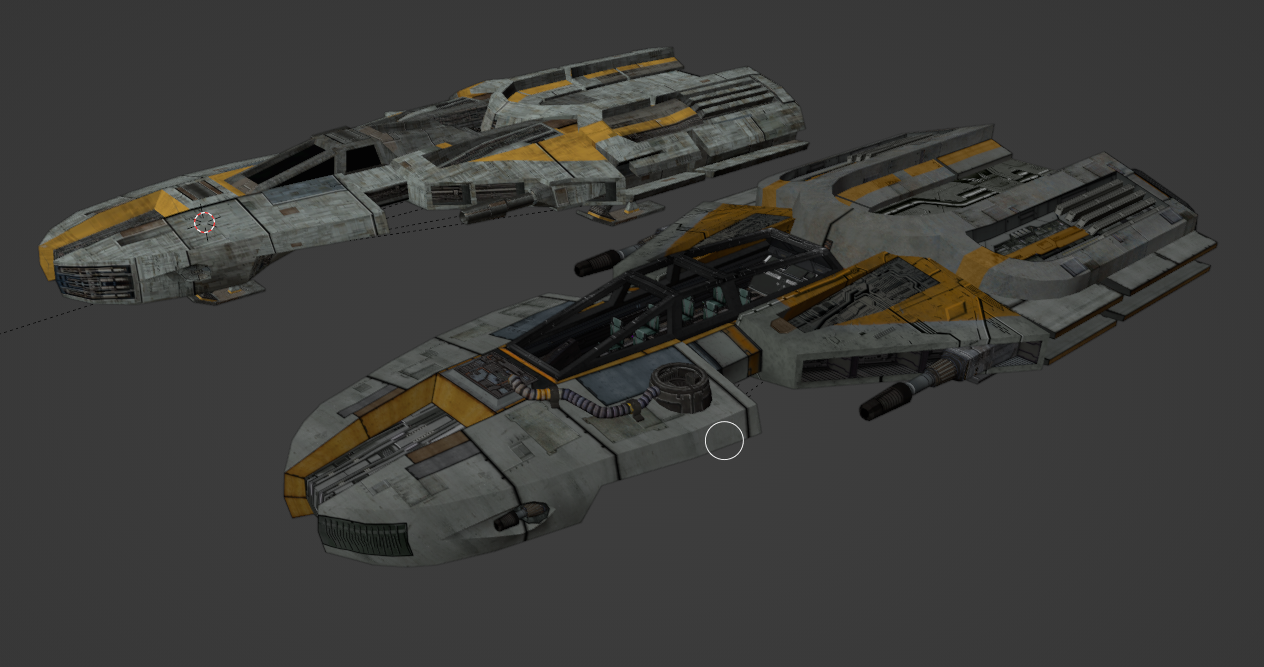
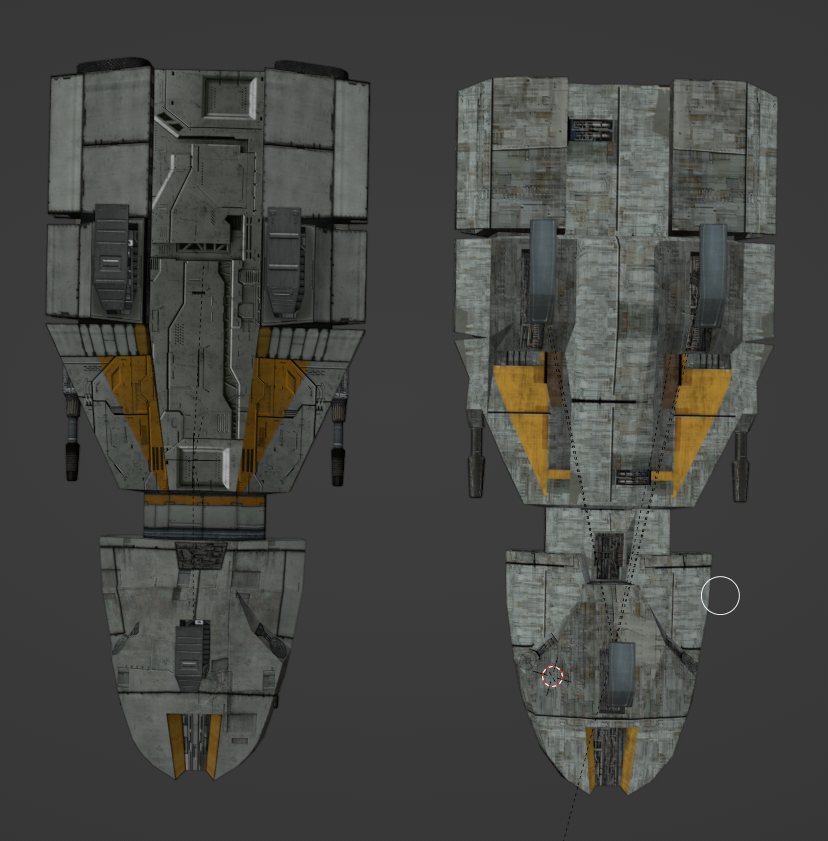
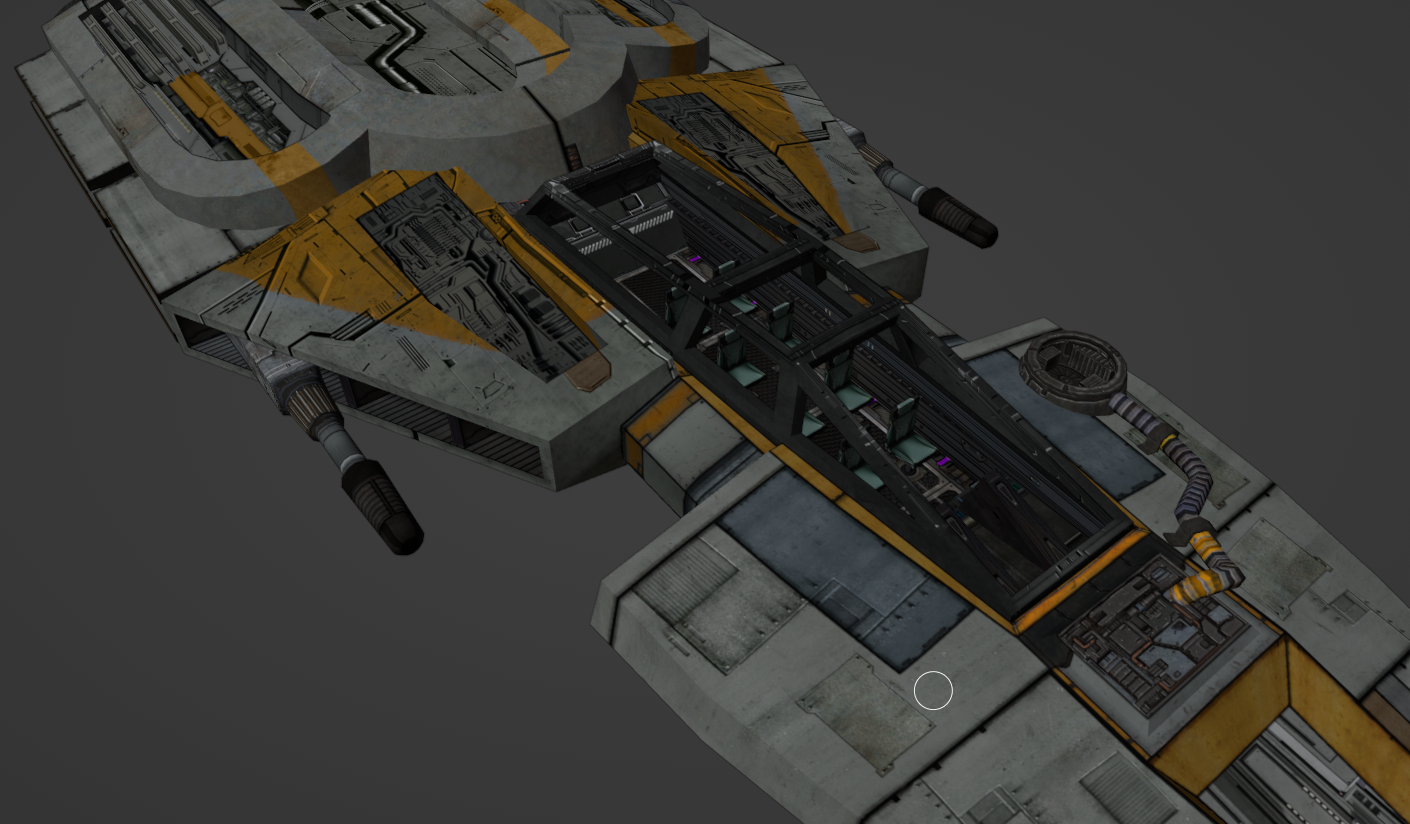 3 points
 -
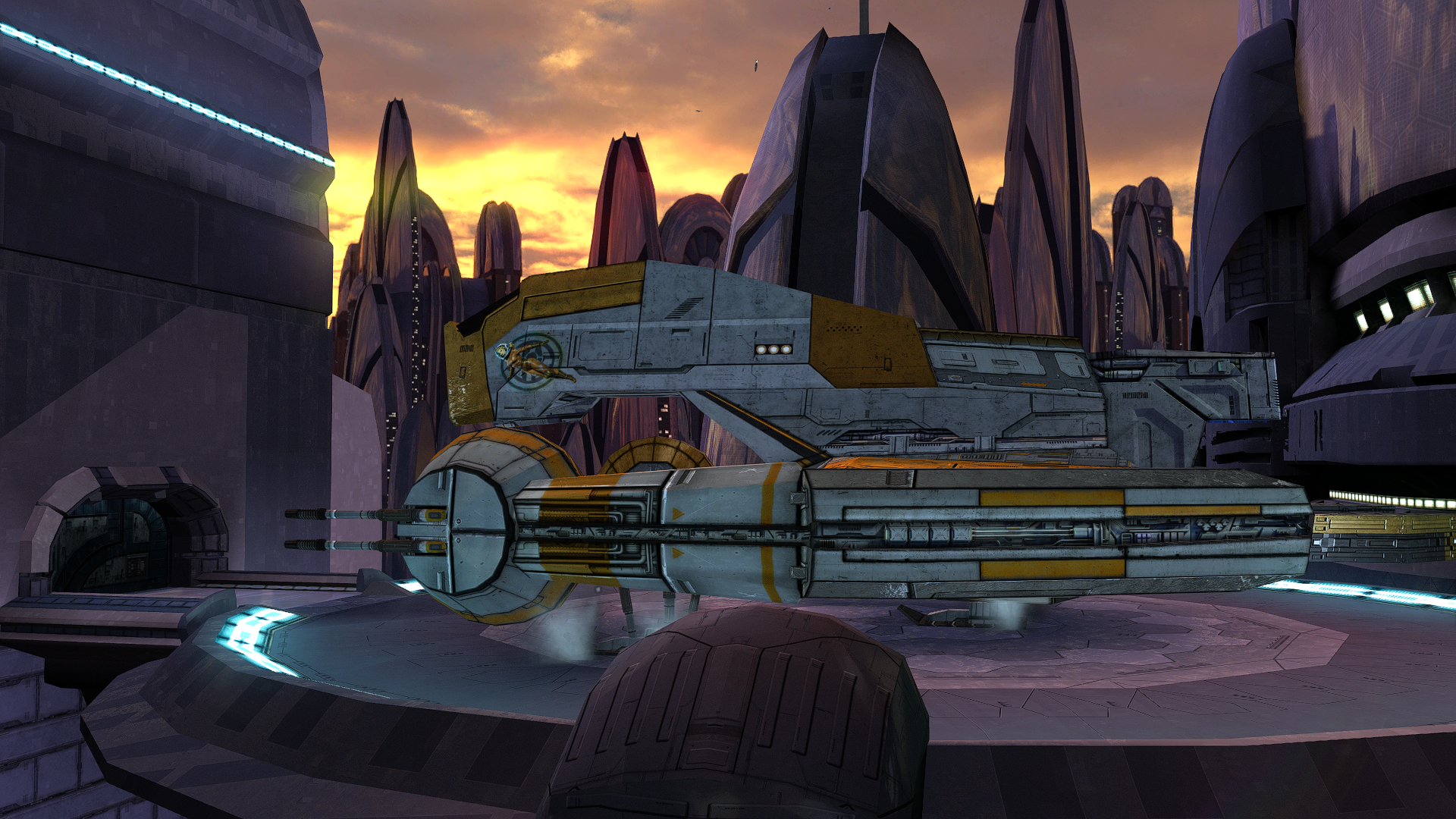
V_FreightL02.rar
 3 points
 -
The work has begun.
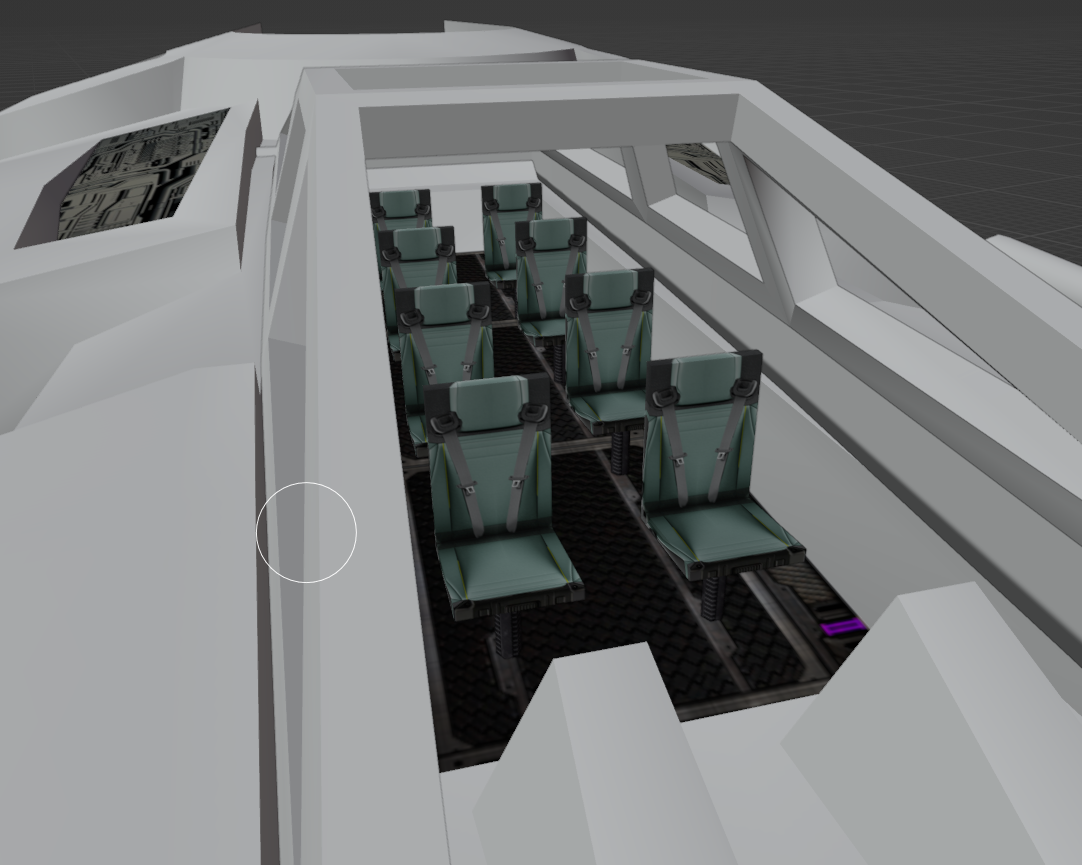 3 points
 -
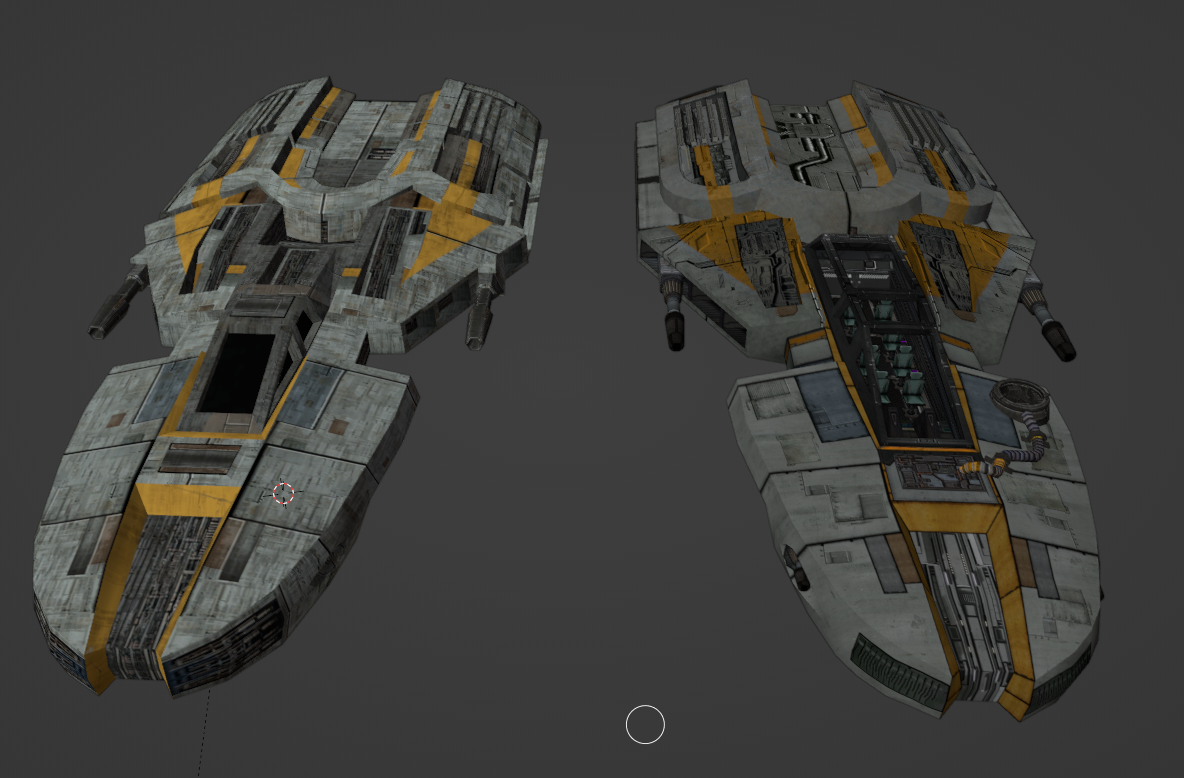
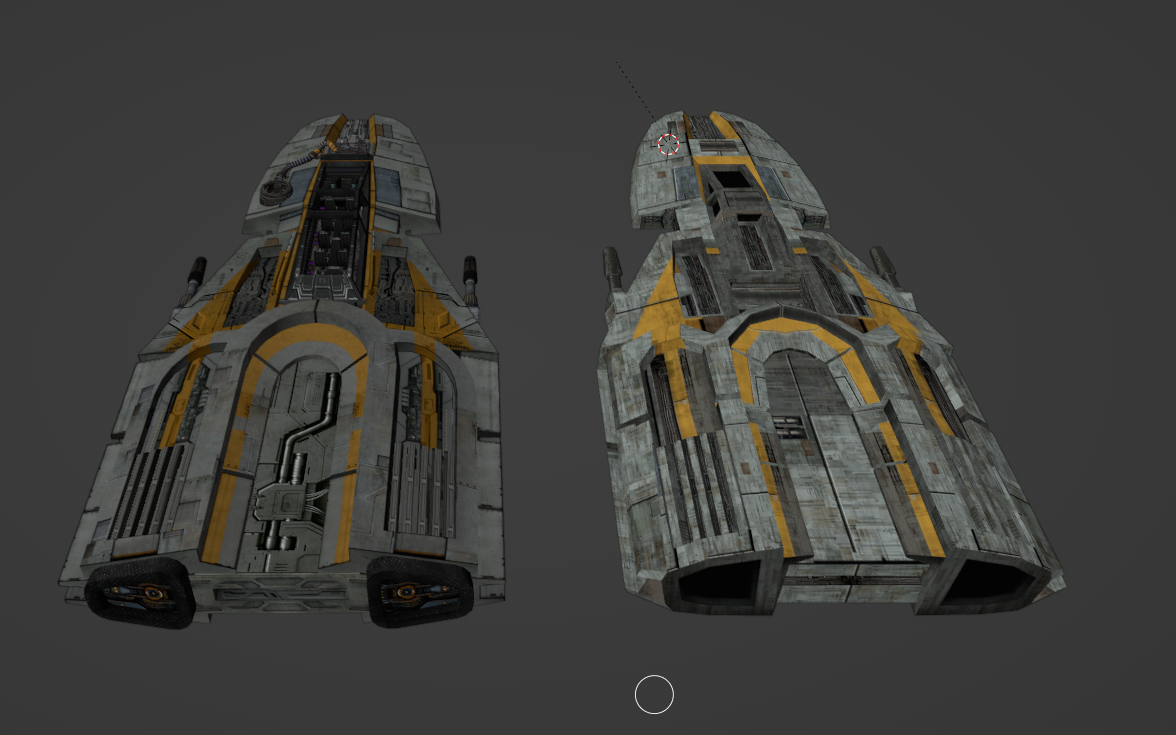
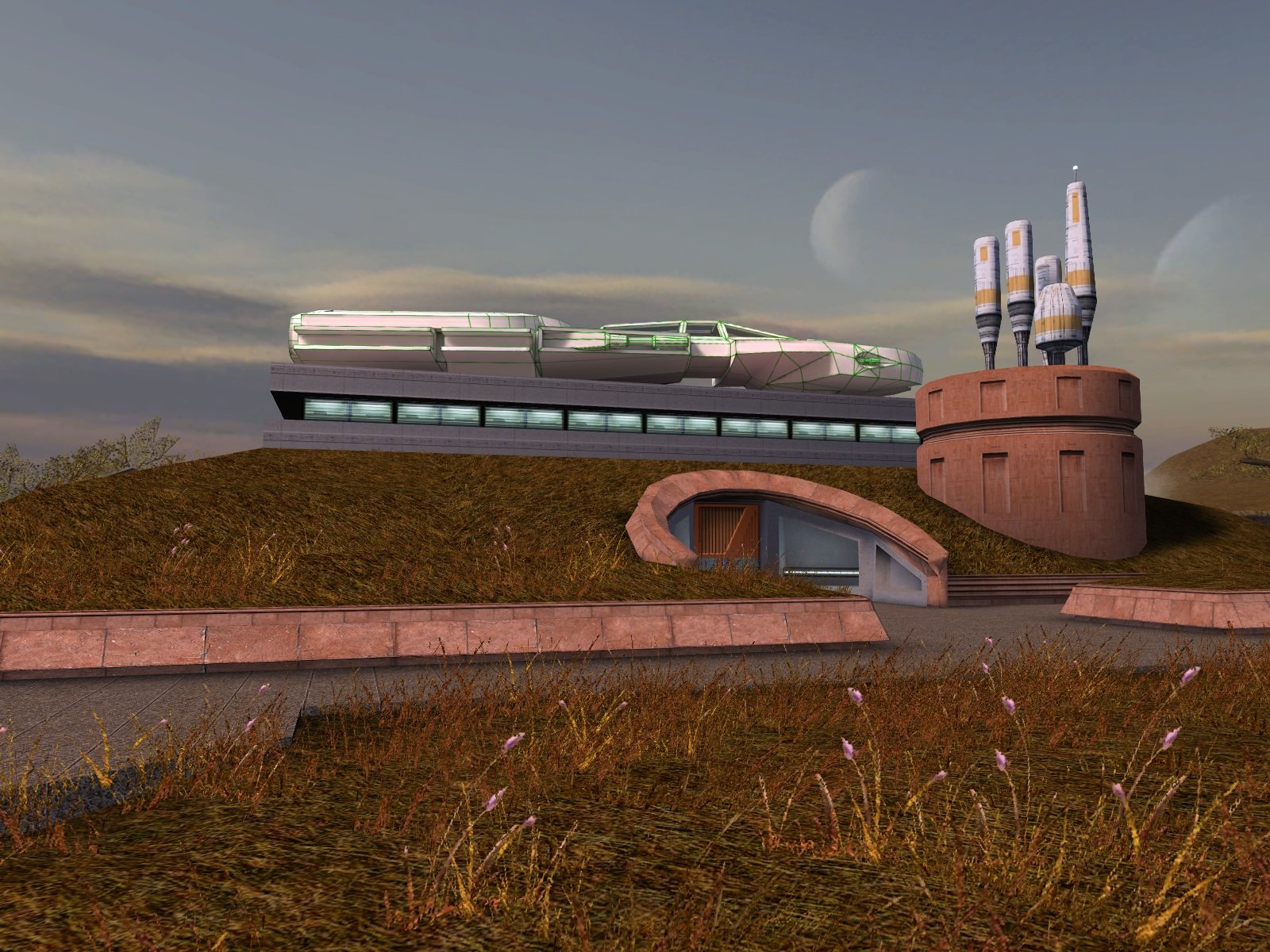
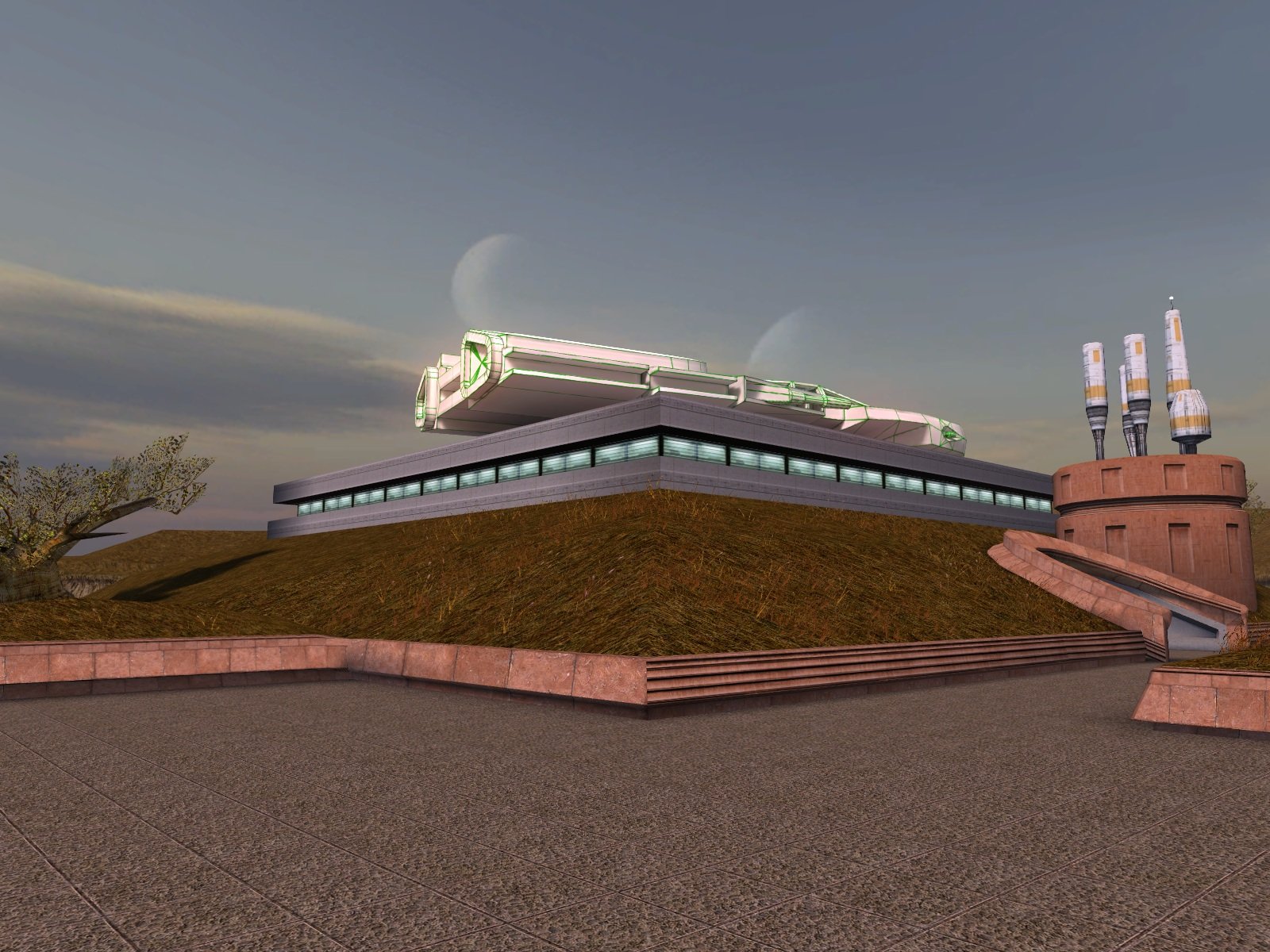
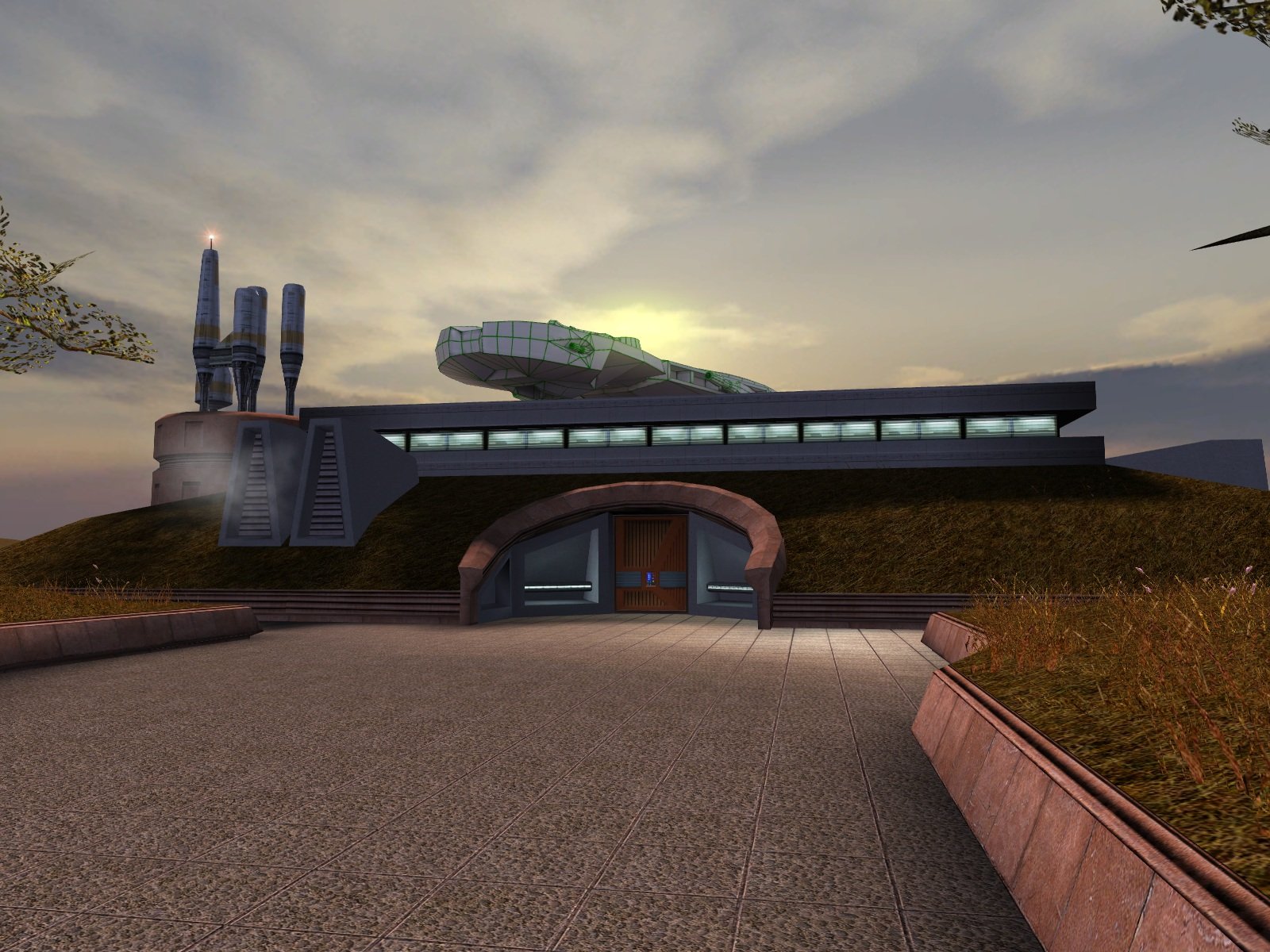
Update: I have finished the lightmapping and attached the updated version. Now all it needs is someone talented to create a texture for it. Dantooine I-Wing (Lightmapped).zip
 3 points
 -
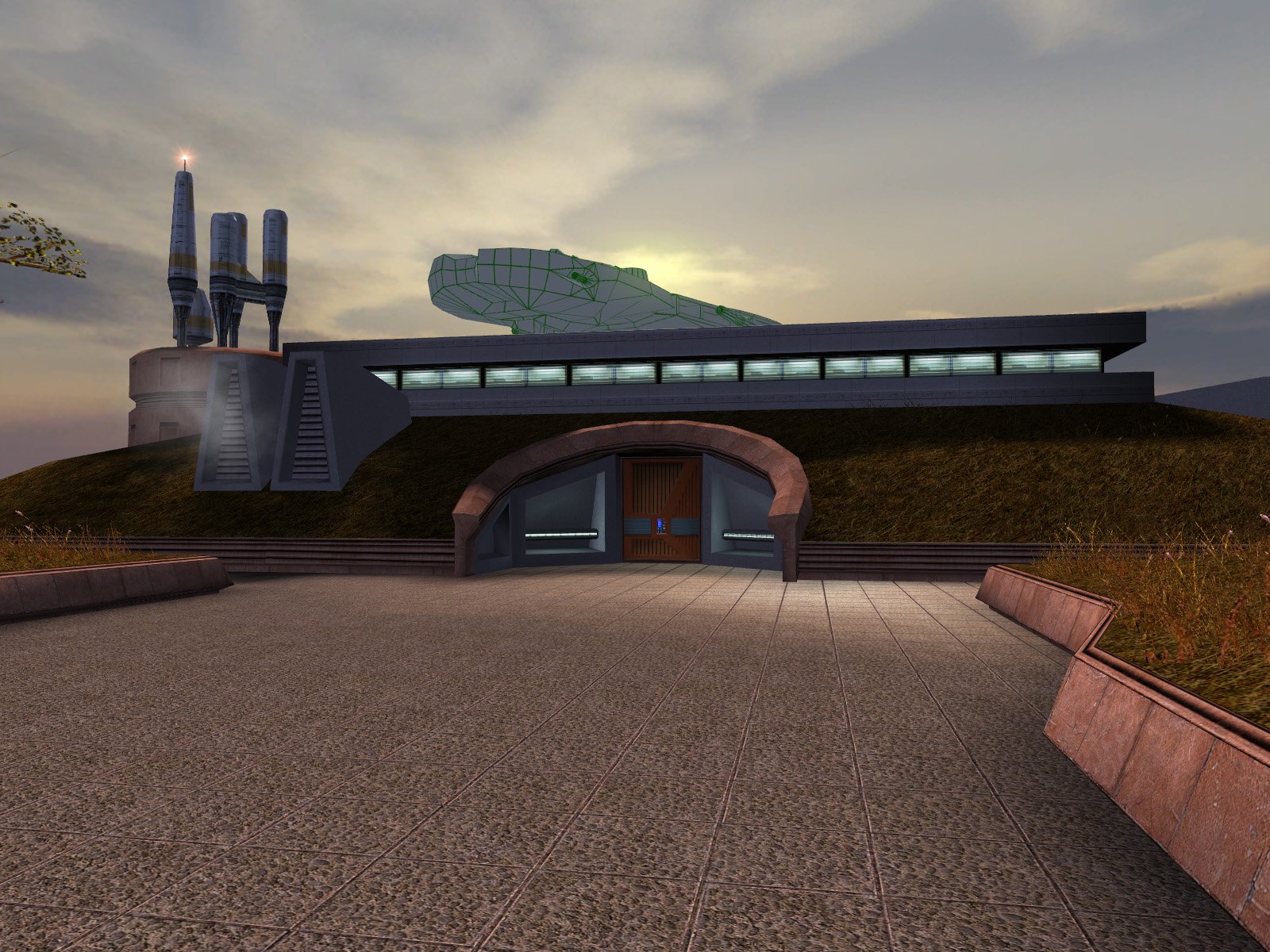
OK, I have completed the lightmaps and submitted the finalized mod for approval: https://deadlystream.com/files/file/2973-high-quality-taris-freighters/. The lightmaps should bring the freighters' brightness much closer to vanilla levels. In other news, I have put together a rough draft of DarthParametric's I-Wing on the roof of the Sandral Estate. I still need to lightmap it, but I have attached the current draft for reference in the meantime. Since DarthParametric's model already included seats and control console boxes, I did my best to finish off the inside of the cockpit frame and made the glass transparent...but of course you can't see most of the interior from the ground anyway. I think the transparency still enhances it, but if people prefer, I can black out the windows instead. Dantooine I-Wing (Draft).zip
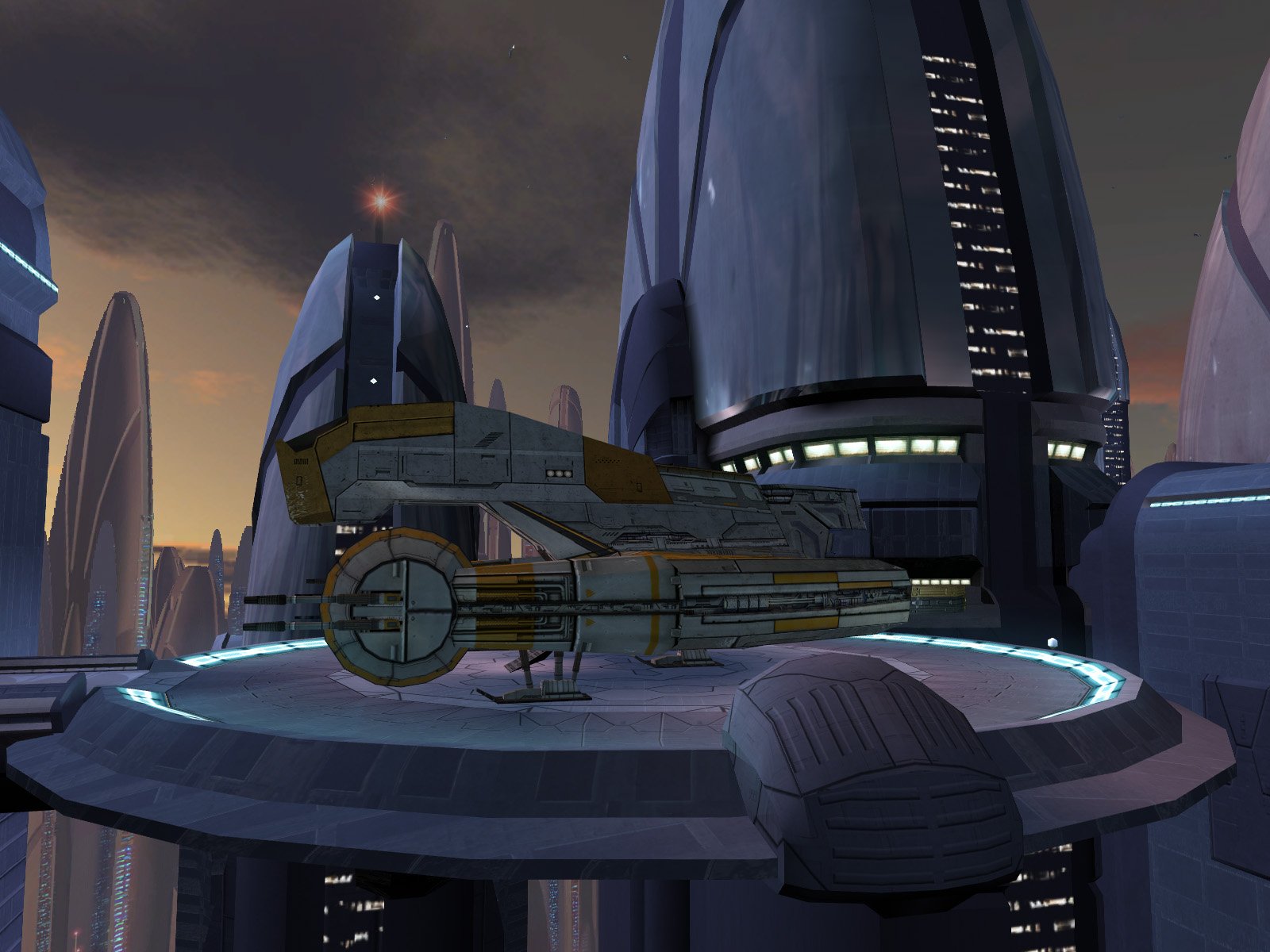
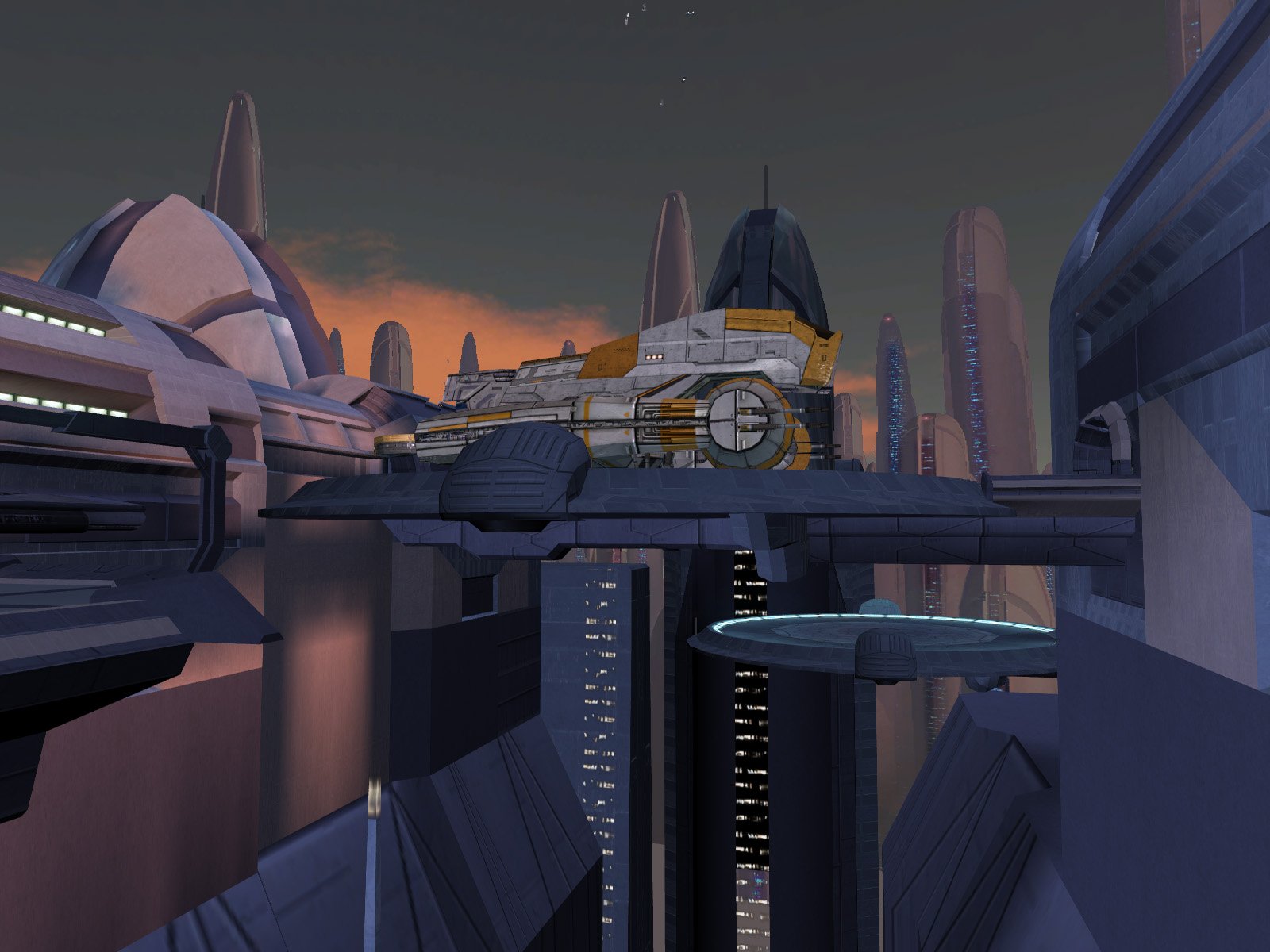
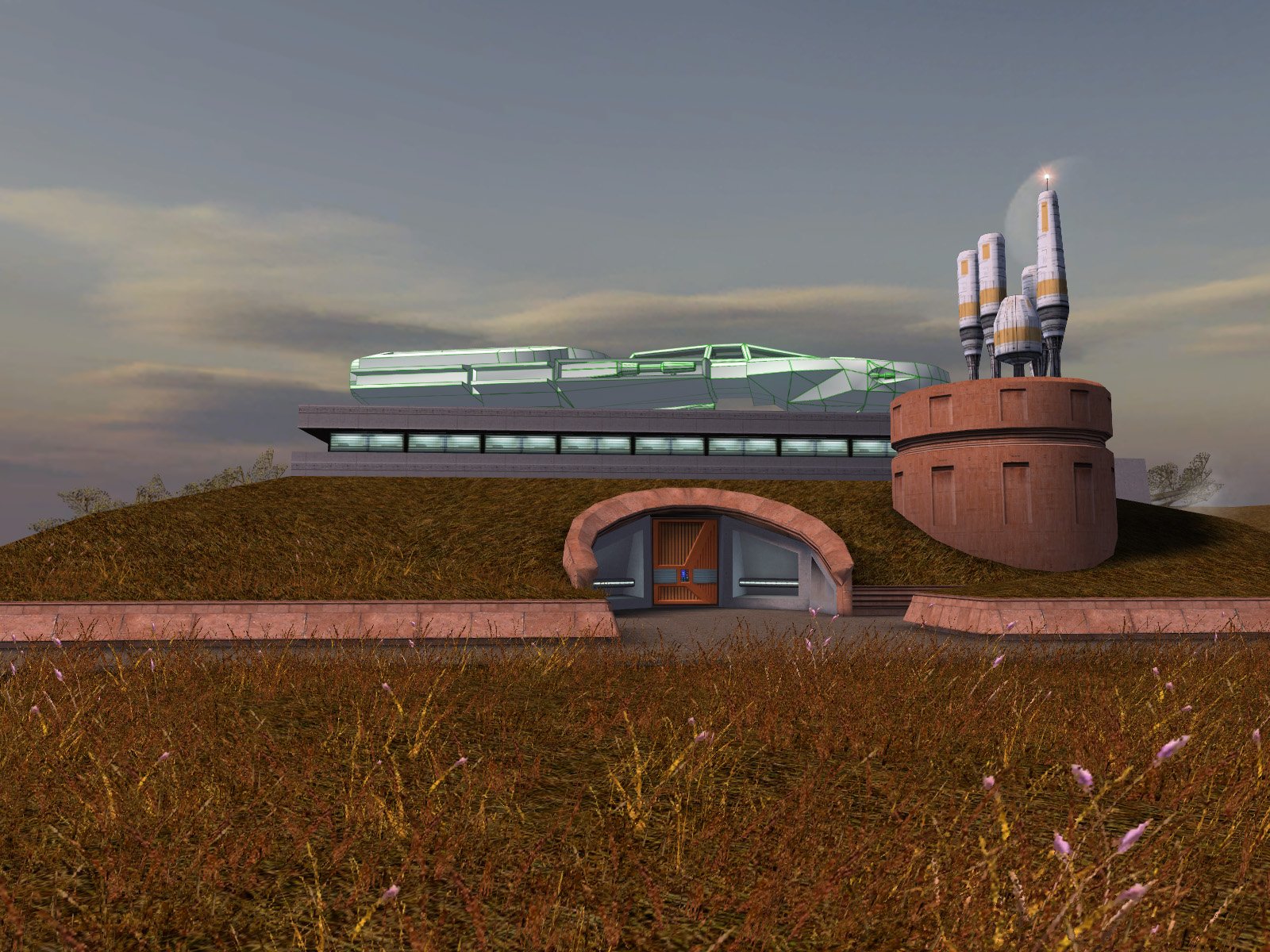
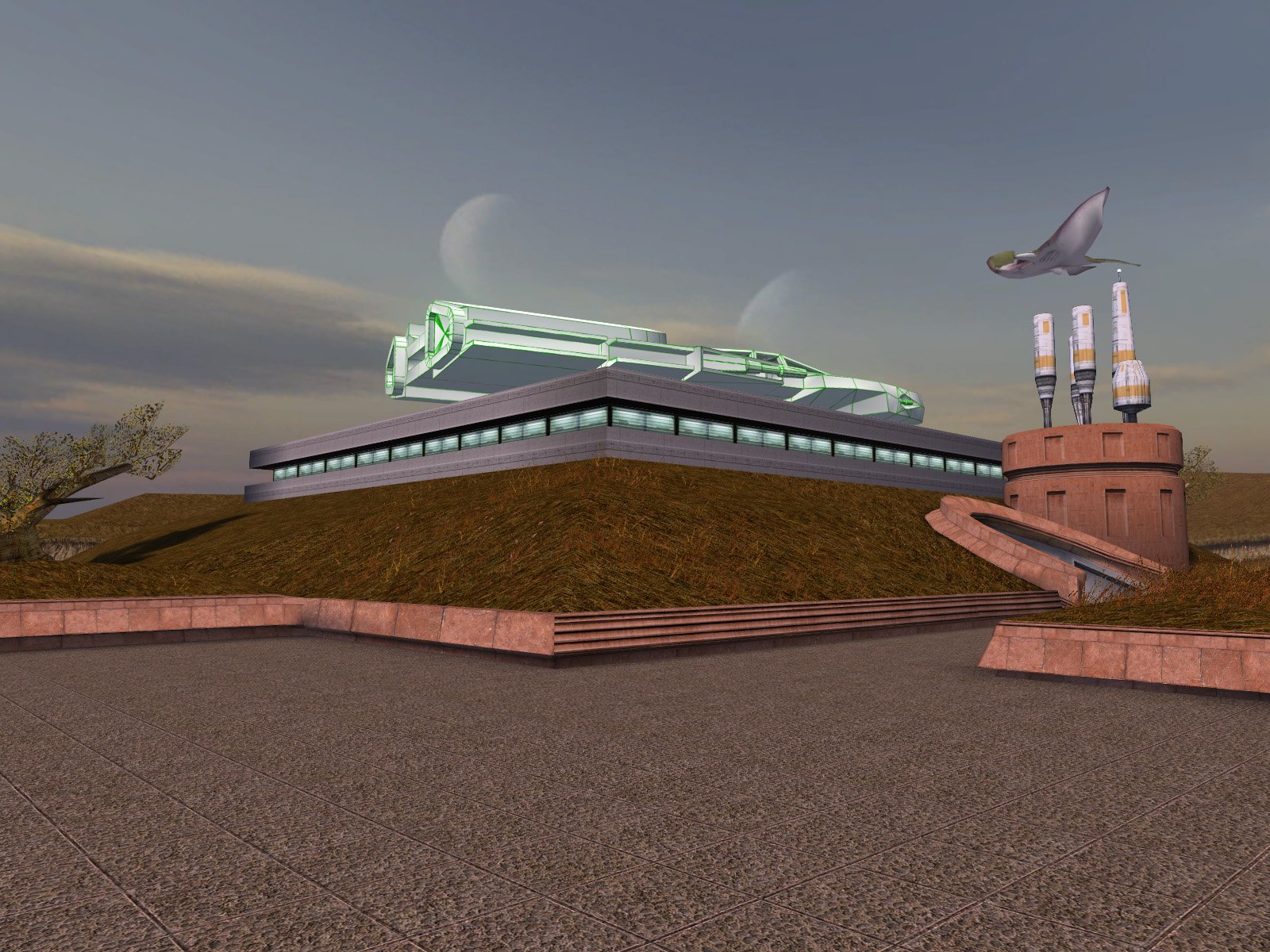
 3 points
 -
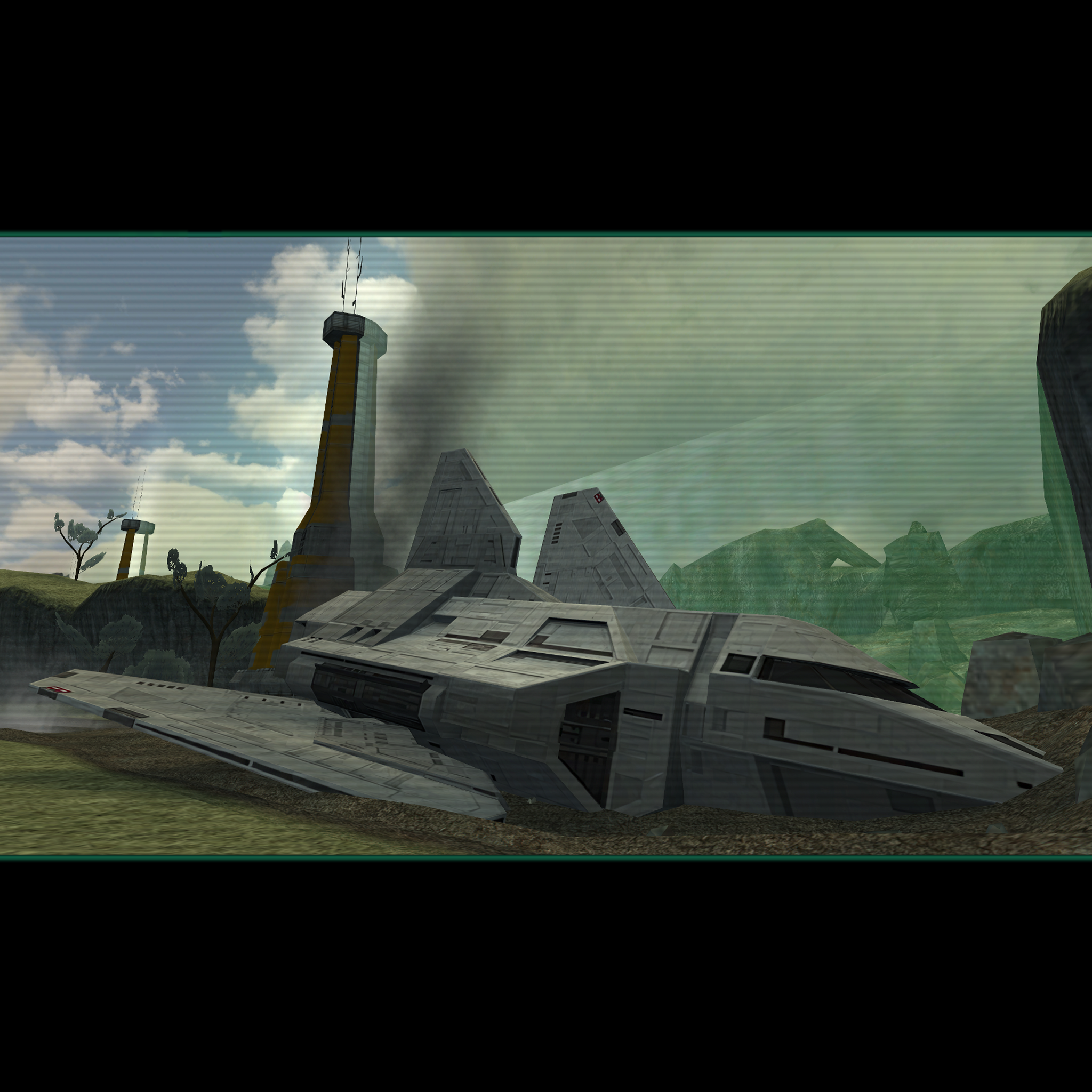
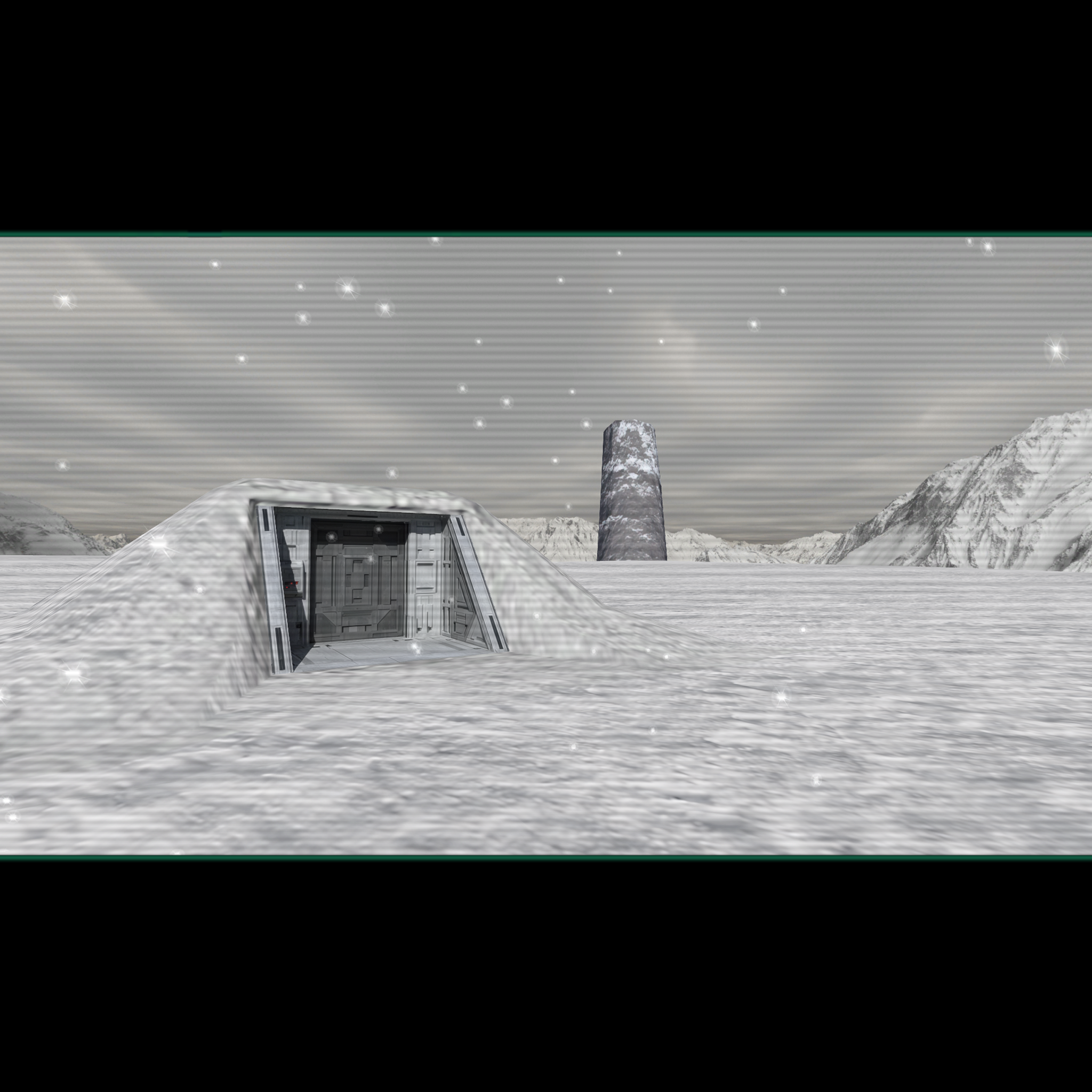
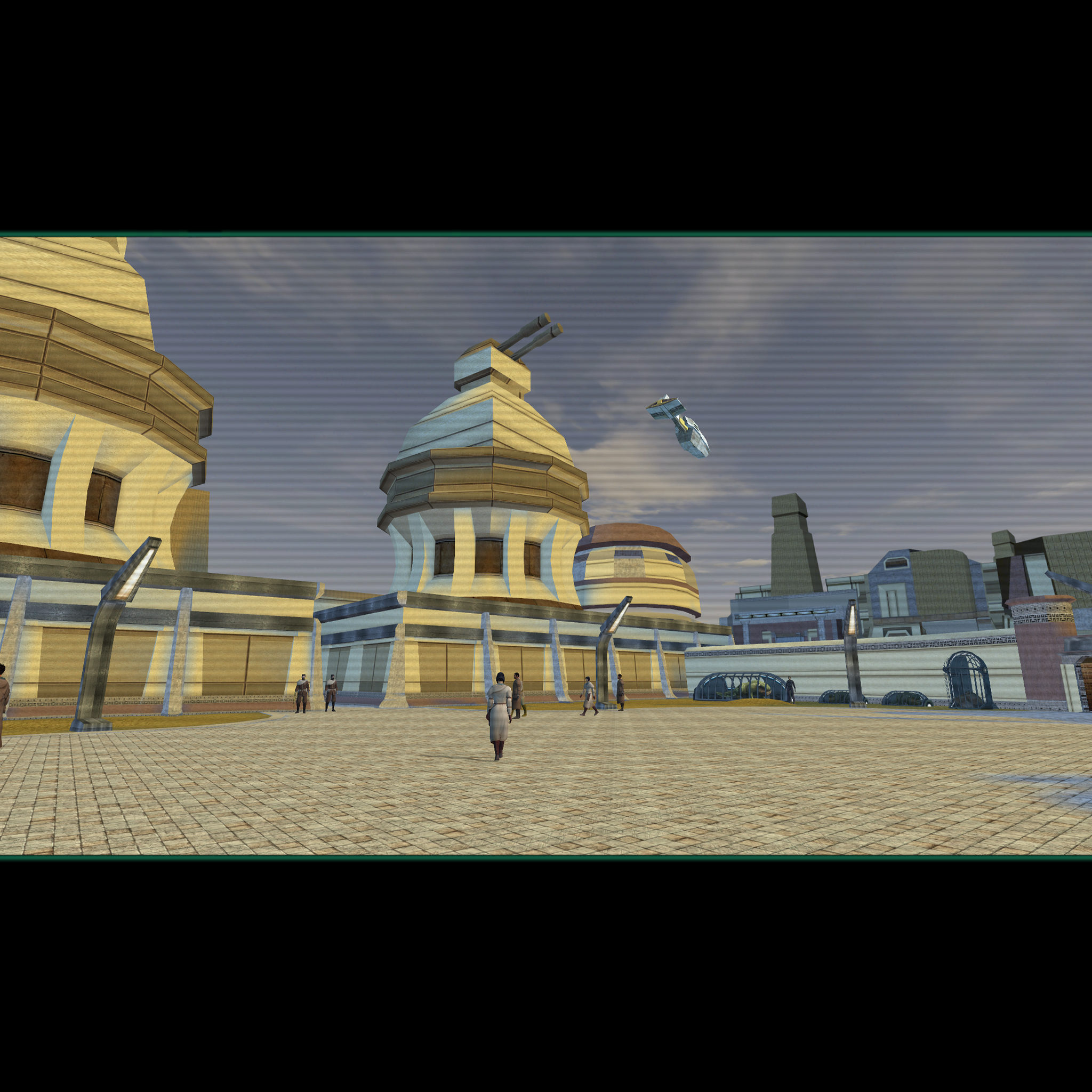
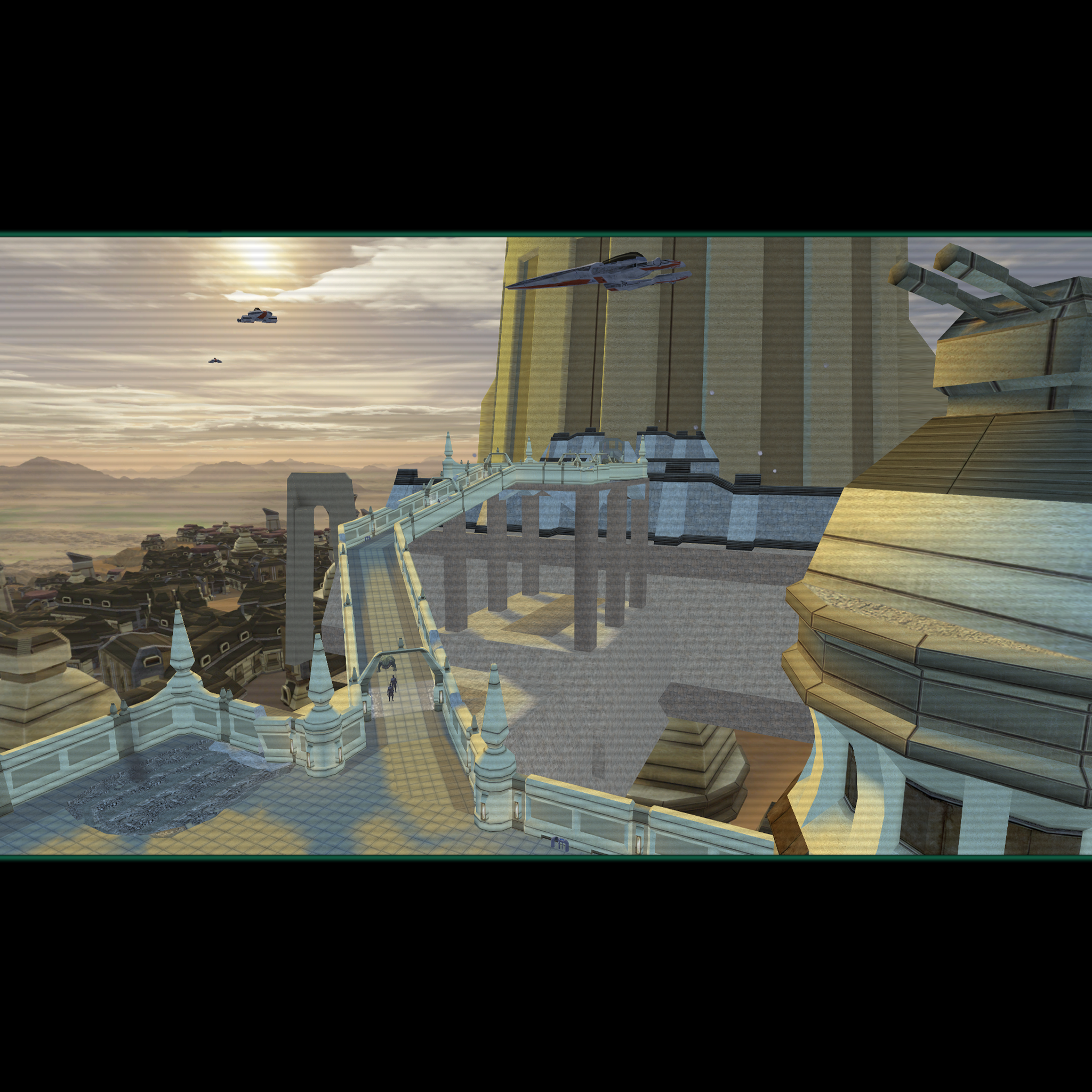
Hello folks. It's been a long time since I've posted in this WIP thread as I had released all I was planning to do on it years ago. If you saw the two posts before this one, you saw mention of me possibly redoing some of the loading screens for exterior areas of TSL using Kexikus' skyboxes. Now - in 2026 - I'm finally getting around to doing that. Here's a few WIP samples of areas I've done so far. (See attached.) The new loading screens will be released separately. If you liked the original loading screens that I released, they aren't going away. This will give you some choices. (Those that use the KOTOR Discord Mod Builds would probably want the new ones as the HQ Skyboxes are in the Mod Builds.) The screenshots I use to make the loadfing screens will be utilizing 4K upscales to the textures so everything should be sharp to go along with those Kexikus skyboxes. I will say that it is very unlikely that I'll be redoing the loading screens as covered for my Loading Screens Add-On Pack (which covered other mods like the Jedi Temple and M4-78 EP). With of list of warp codes, jumping around probably wouldn't be a hassle but installing the mods themselves would be. Add to that, that I really don't think that there's a great demand for Loading Screens to supplement mods that have never been very popular to begin with.
 3 points
 -
Browsing through makes me want to dive in for a new modded run of K1! I agree with @Sith Holocron TSL would see a huge boon from your skill and attention.3 points
-
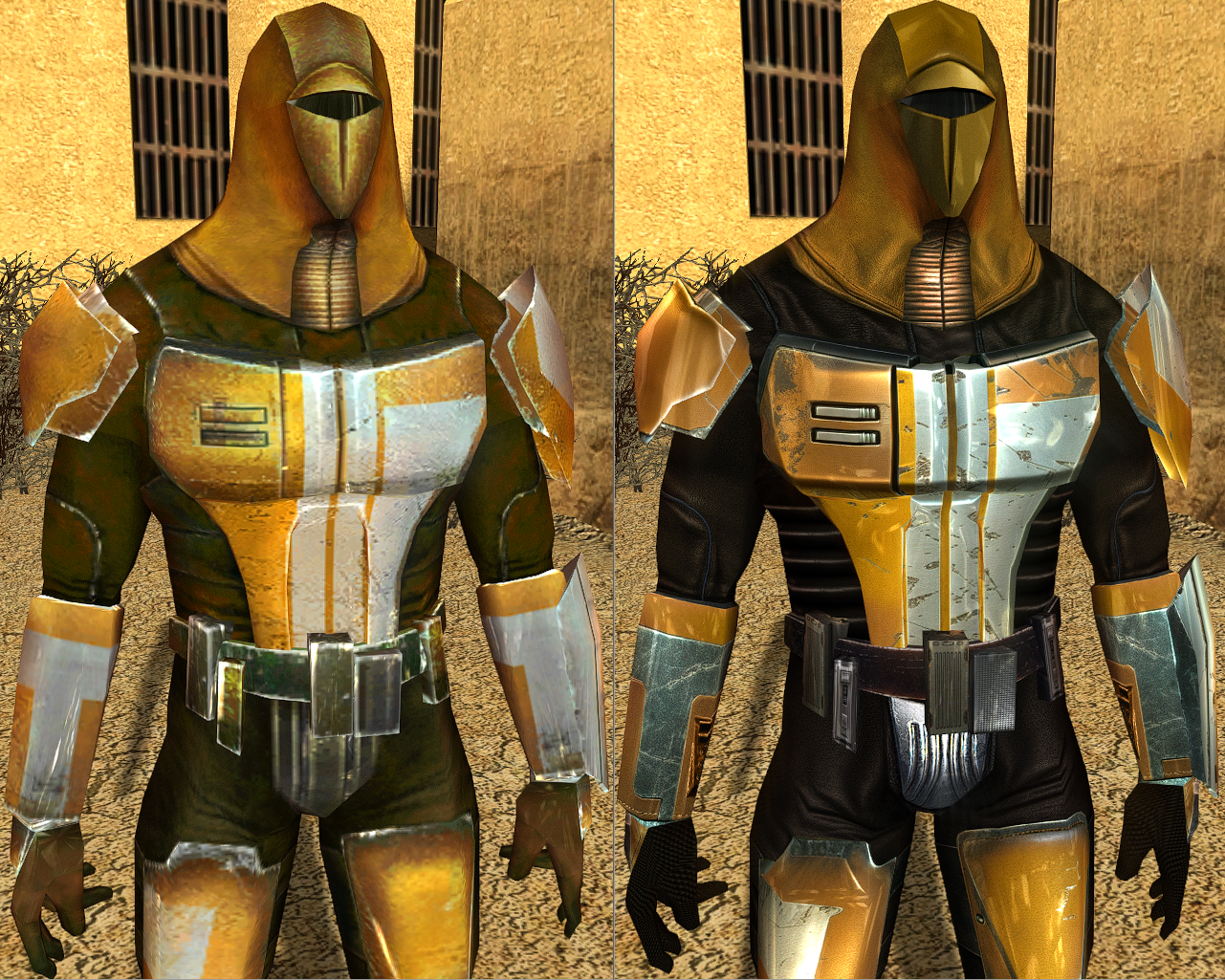
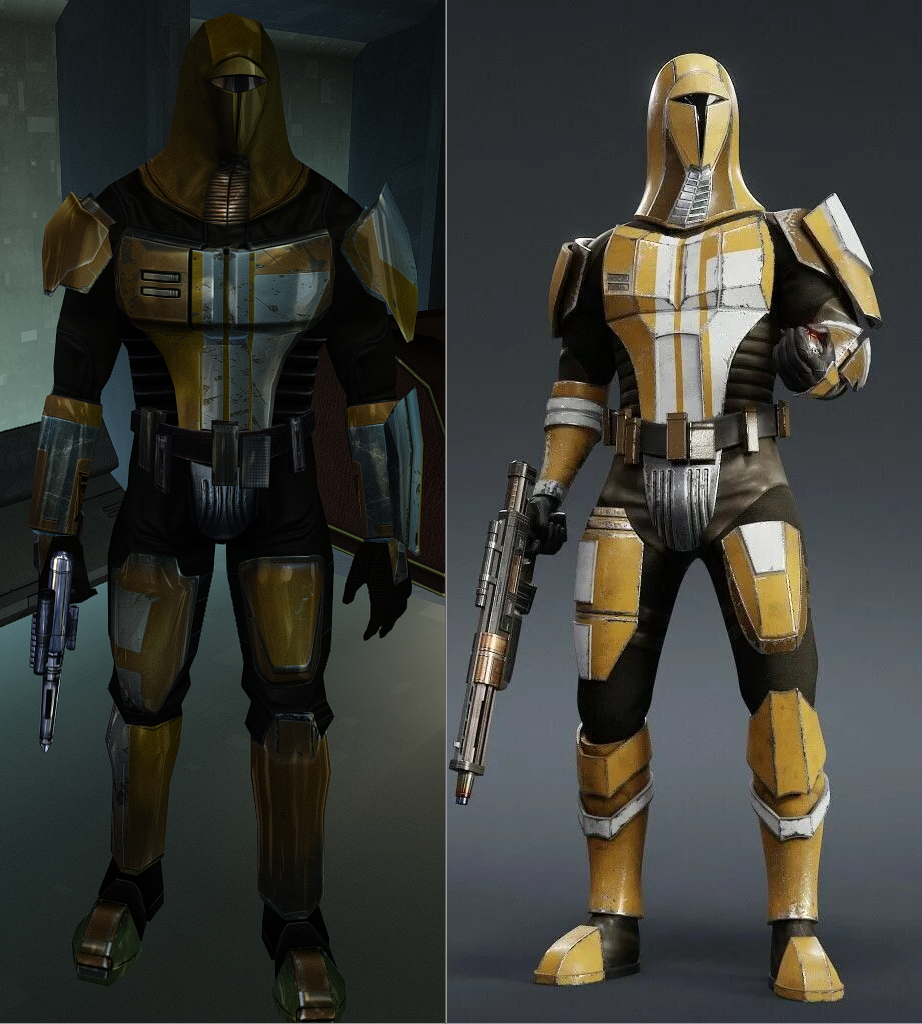
Presumably the actual Tulak Hord mask:3 points
-
So... how are we all feeling about the Star Wars: Fate of the Old Republic announcement? Methinks they're using it as a testing ground for the reception to the potential remakes.3 points
-
Hello there everyone! I didn't post a proper update for a while. To be honest i'm not doing any "insane" progress lately but we keep going forward! The reason of this post is simple, I'm gonna have some (well earned) holidays from November 1st to November 11. I want to organize a long stream showcasing the state of the mod and most of its current content. 2 main goals: Showing the work, and most of all, getting your feedbacks! 🫡 We'll be discussing a lot about where the mod is going, so if you want to provide some ideas, feel free to jump in! I'll be streaming on Friday night, 7 November, on my youtube channel (link: https://www.youtube.com/@zobizobstudio/streams). If you cannot join live no worries, i'll be uploading the entire thing on my channel aswell so you can still reach me in the comments, on Deadlystream or on the dedicated discord channel for the project. @vurt Wow, i've just noticed your message but i've seen your retexture work and it looks amazing! I'd be more than happy to have you on board for some retextures. Atm the only thing is, as I'm using K2's assets or some other modder's assets from Vanilla, i wish the textures to be close to the vanilla art style. If that still interests you we can work on some npcs variations, like their clothings or stuff like that! Especially for aliens. I couldn't post without showcasing some stuff, so here are some of the things i've showcased on discord. A kinrath model that sprays acid The hidden bek bartender: The outcast keldor: Very small showcase for the back alley entrance: Very small showcase for the new back alley module: New way to kill Selven: A new teleporting chadrafan npc concept: All of this is WIP of course Hope to see some people on stream!
 3 points
 -
The early progress on the patch manager I've been using as well as releases can now be found on GitHub3 points
-
(Cross posted from Discord) https://www.youtube.com/watch?v=dAHxy0tlDms A new day, a new Demo. Here I show File I/O working in NWScript. These just pipe into the existing c-standard `fopen`, `fclose`, `fread_s`, and `fwrite_s` functions. This allows for a rudimentary way for scripts to save data to be recalled later.3 points
-
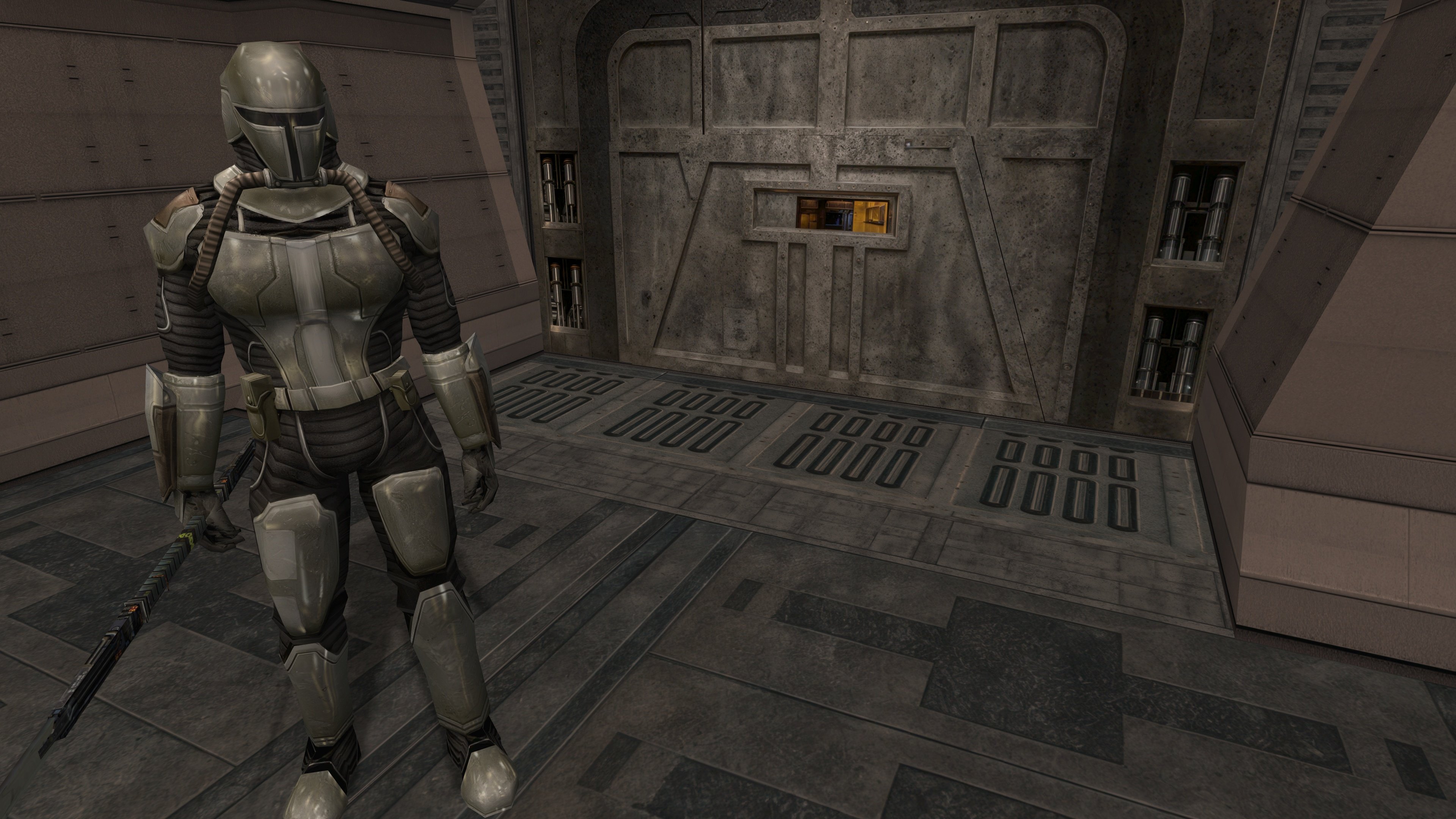
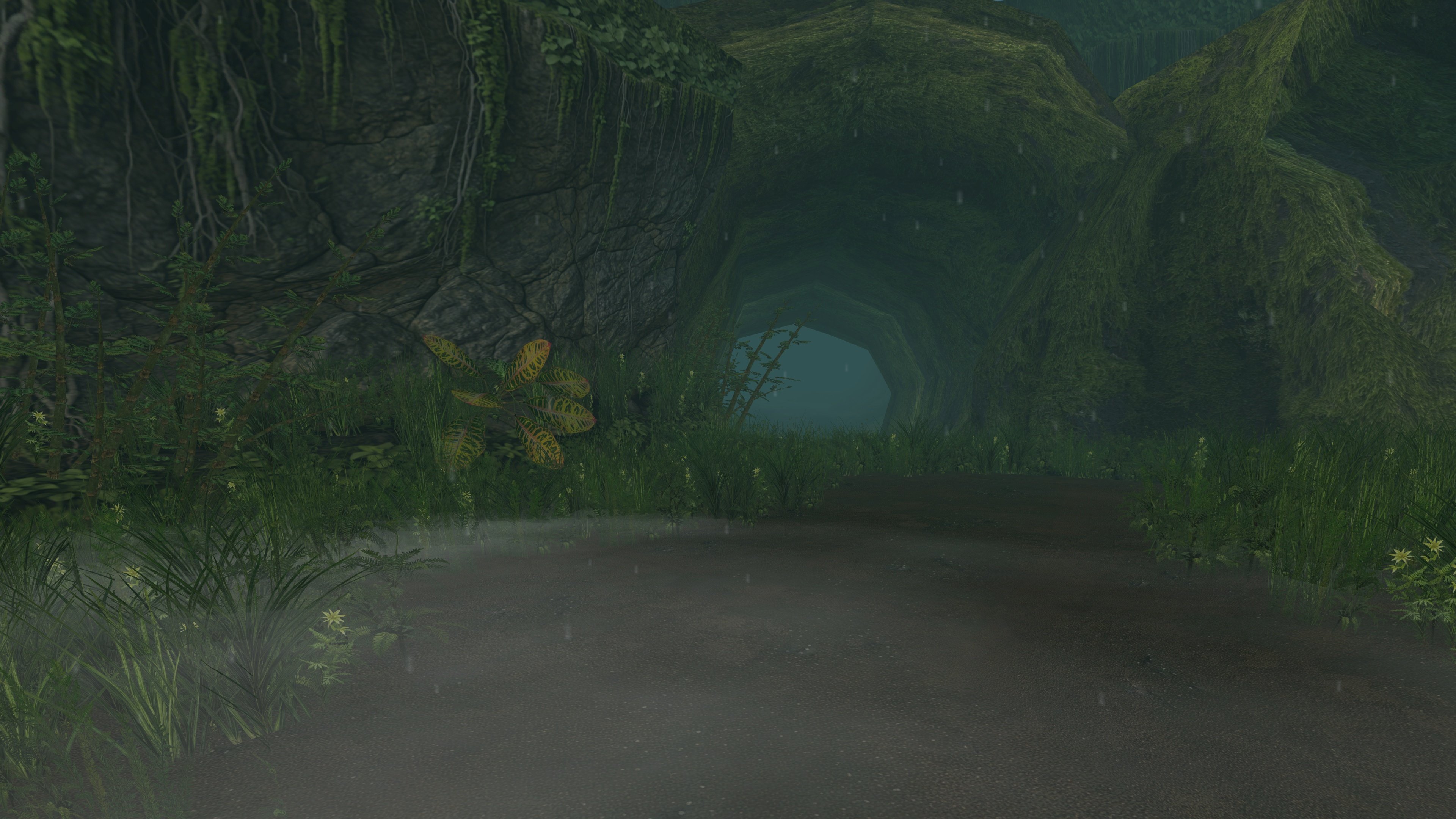
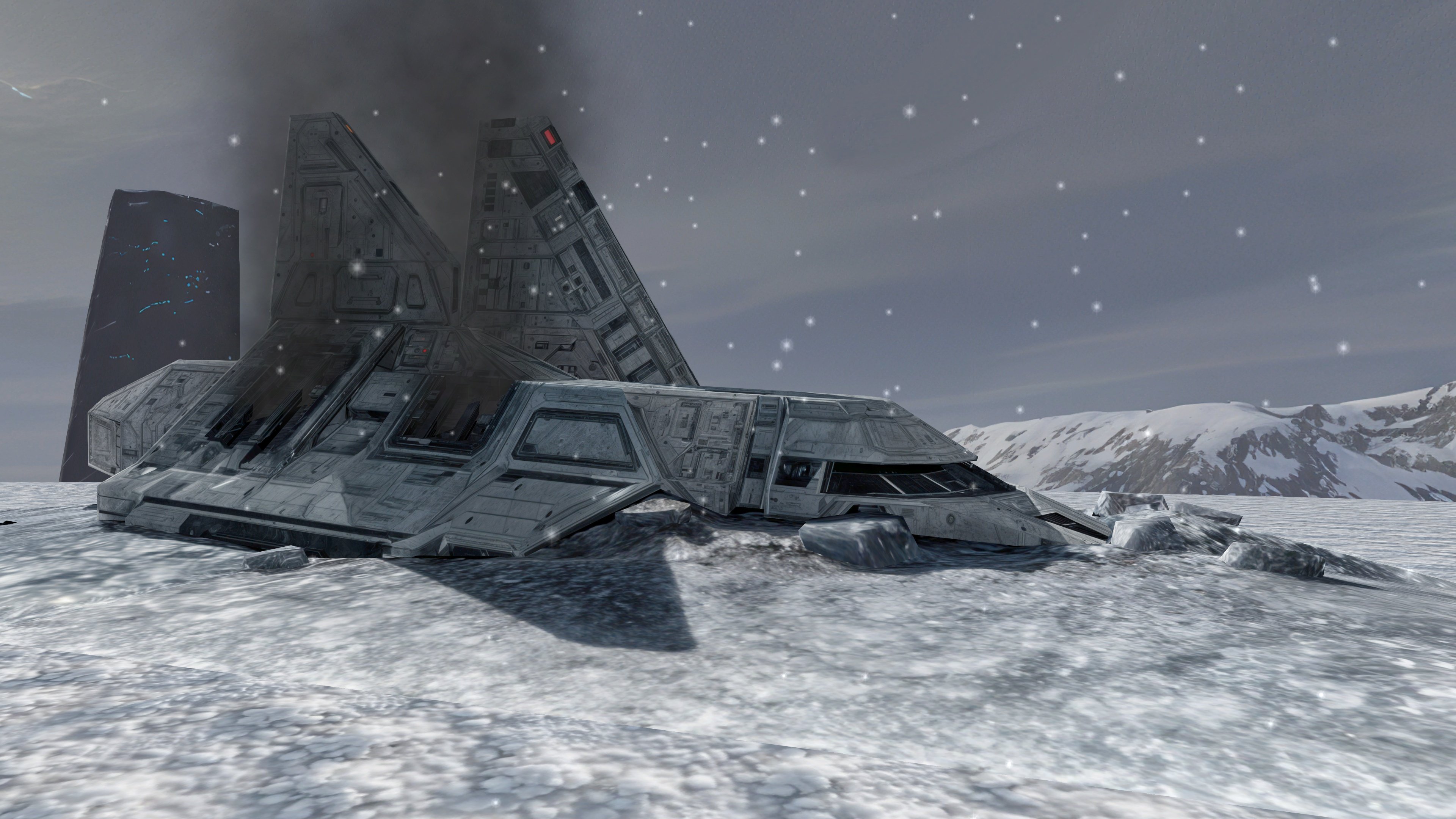
some TSL screens (4K, no reshade, just the fog fix)
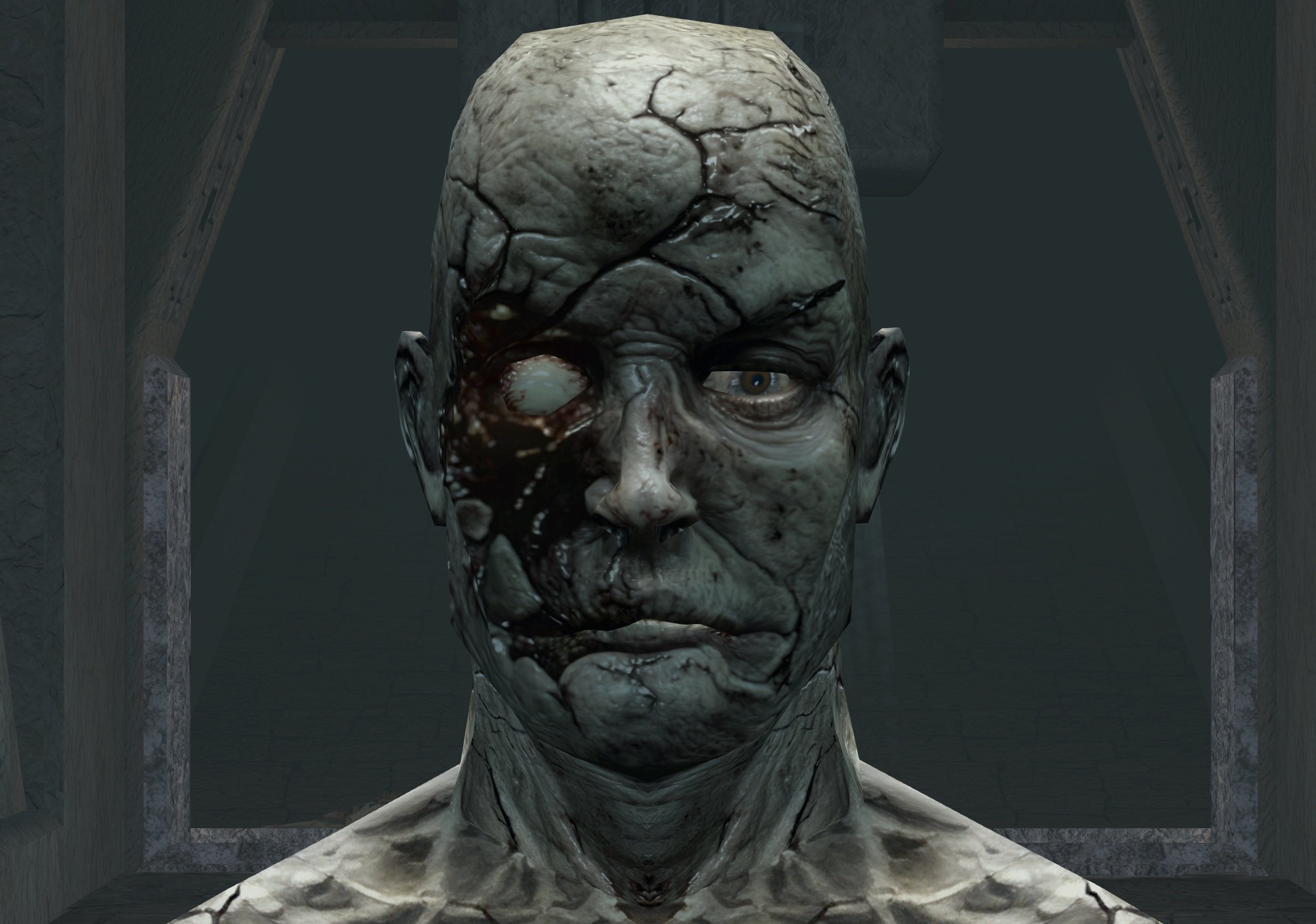
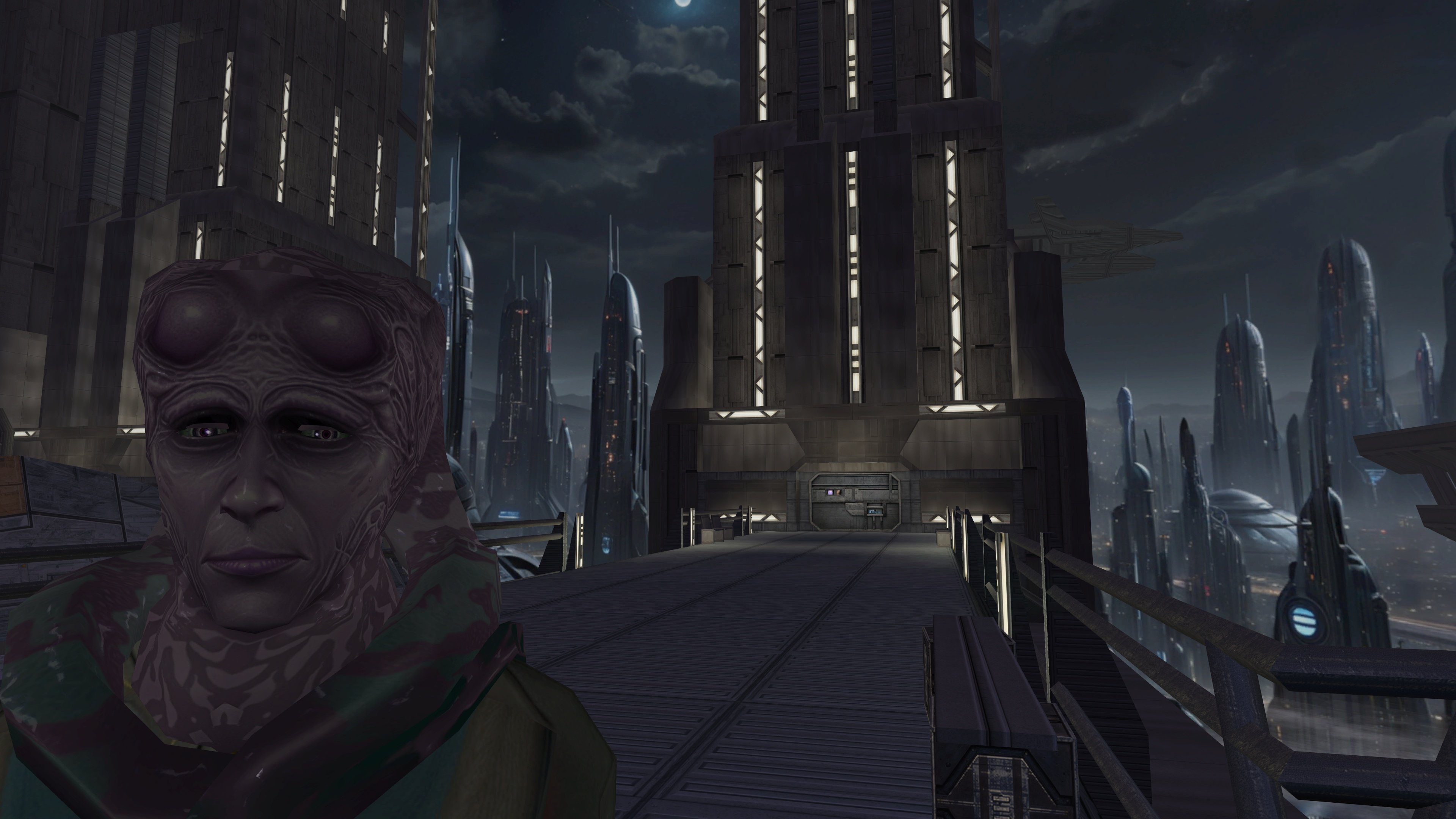
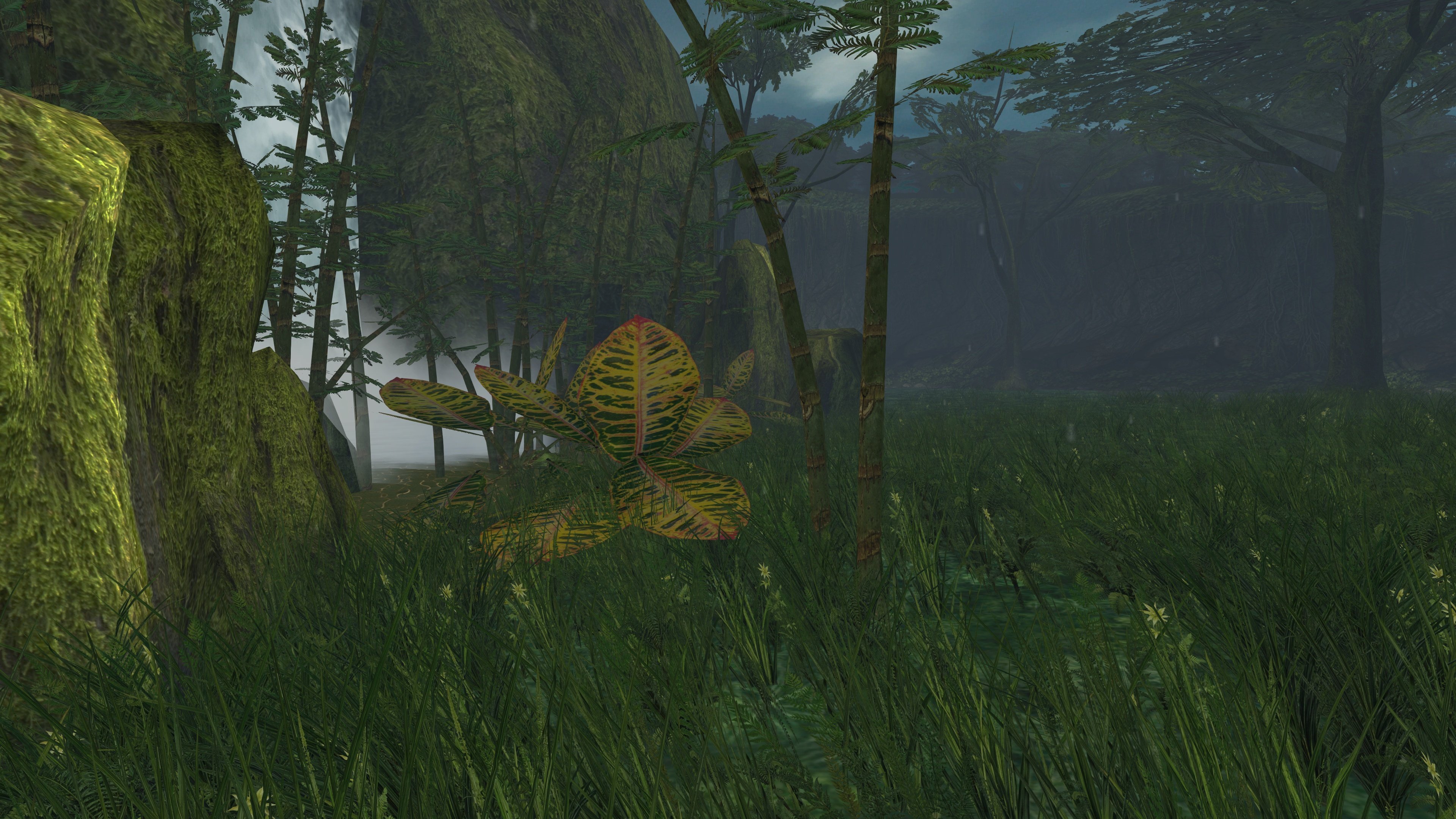 3 points