All Activity
- Today
-
Hi guys. I did a google search on how to do this. I did the following: - Ran UniWS with EXE from here, selected 1024*768 for res and put in 2560 and 1600 for width and height - Downloaded and extracted k1hrm 1.5 files (Ran batch file and extracted 2560*1600 res files to override directory) - Added the following to swkotor ini file [Graphic Options] and [Game Options] sections of ini: Width=2560 Height=1600 - Ran game from desktop shortcut Here is what main menu screen looks like: What am I doing wrong? If it matters any, Windows 11 Display Scale is set to 125%. If I set Display Scale to 100% the game looks good but I don't want to do that each time I want to play game... Help GREATLY appreciated
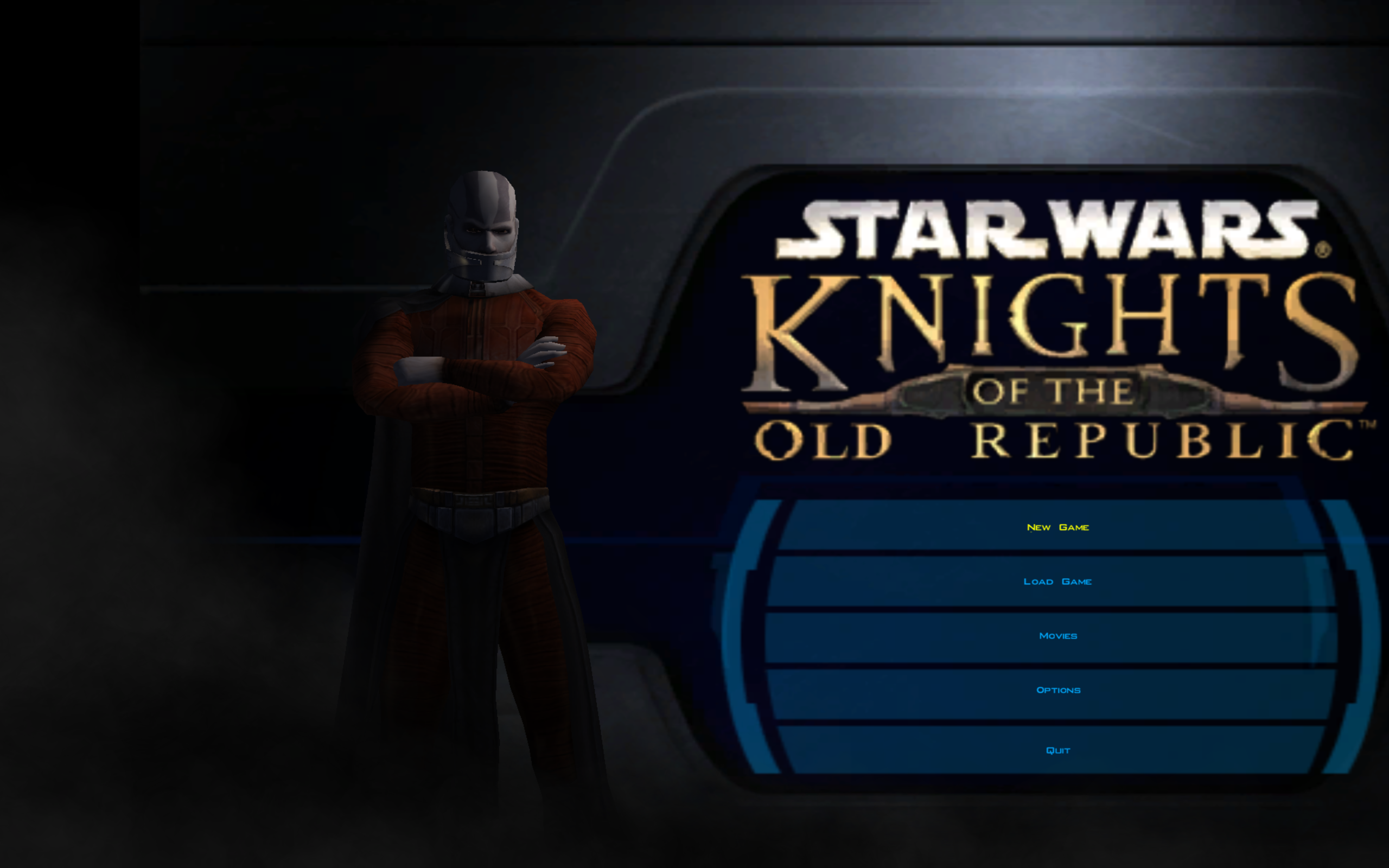
-
 Kydro joined the community
-
 SpeedySharkz joined the community
-
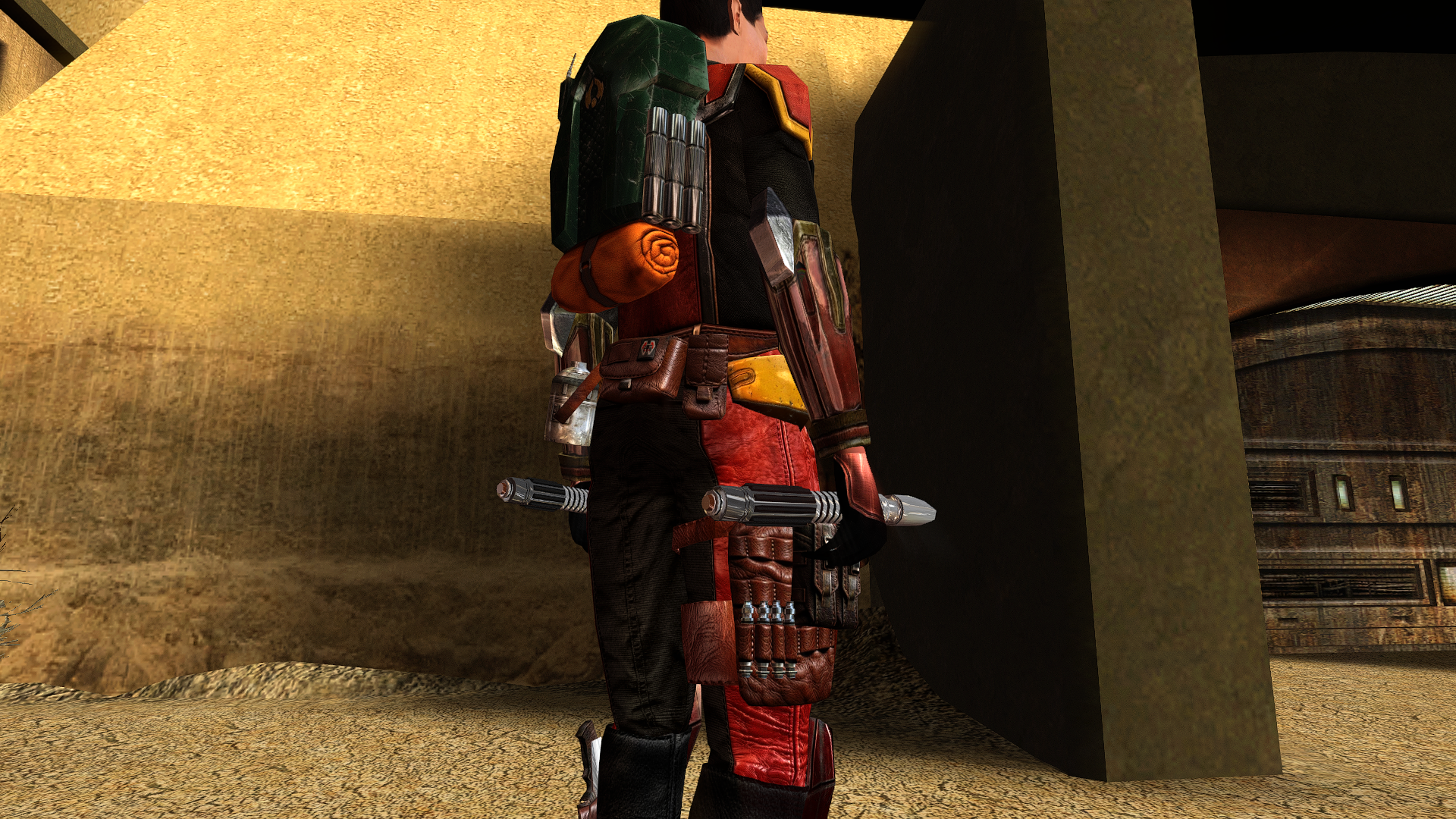
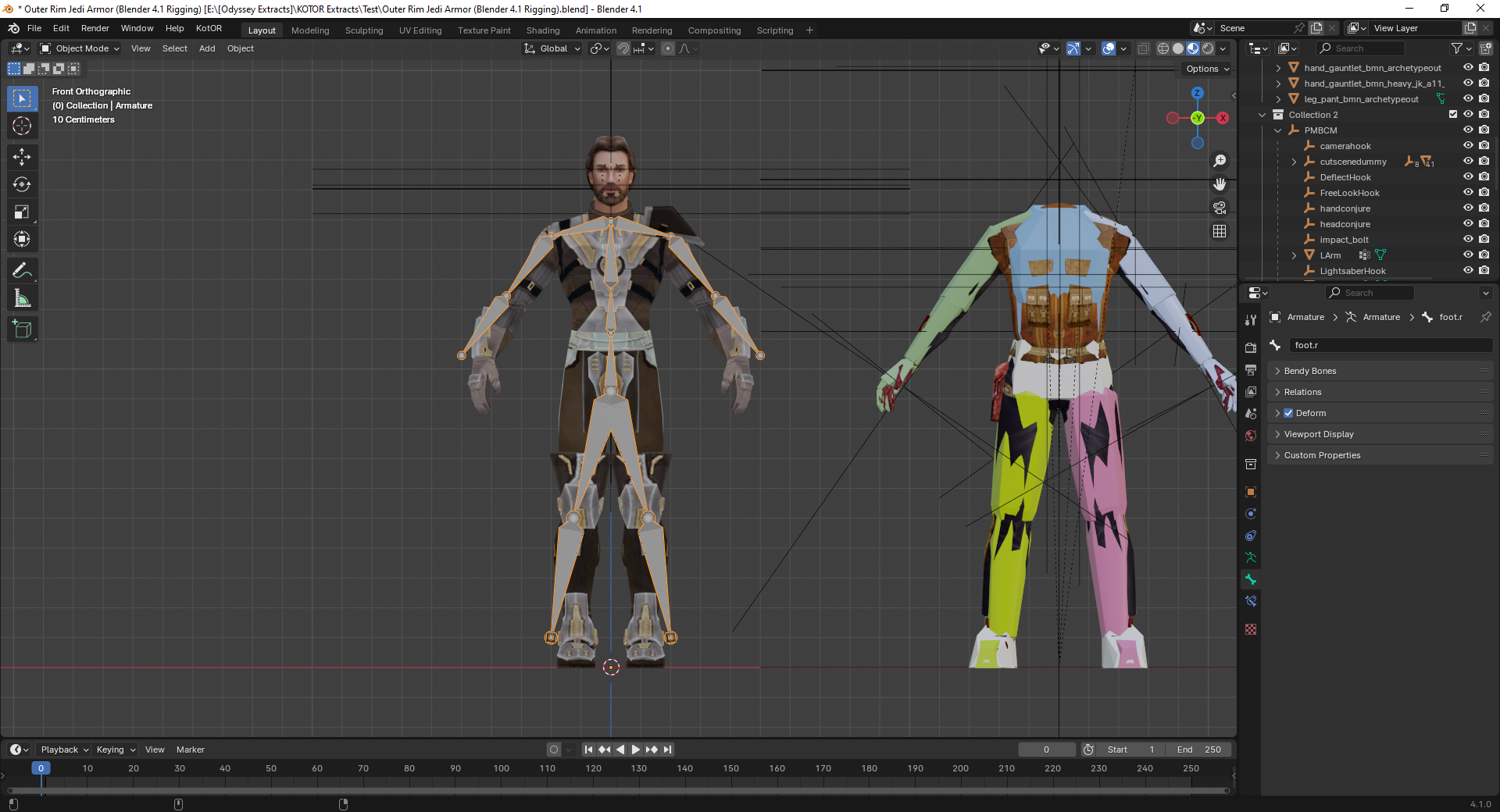
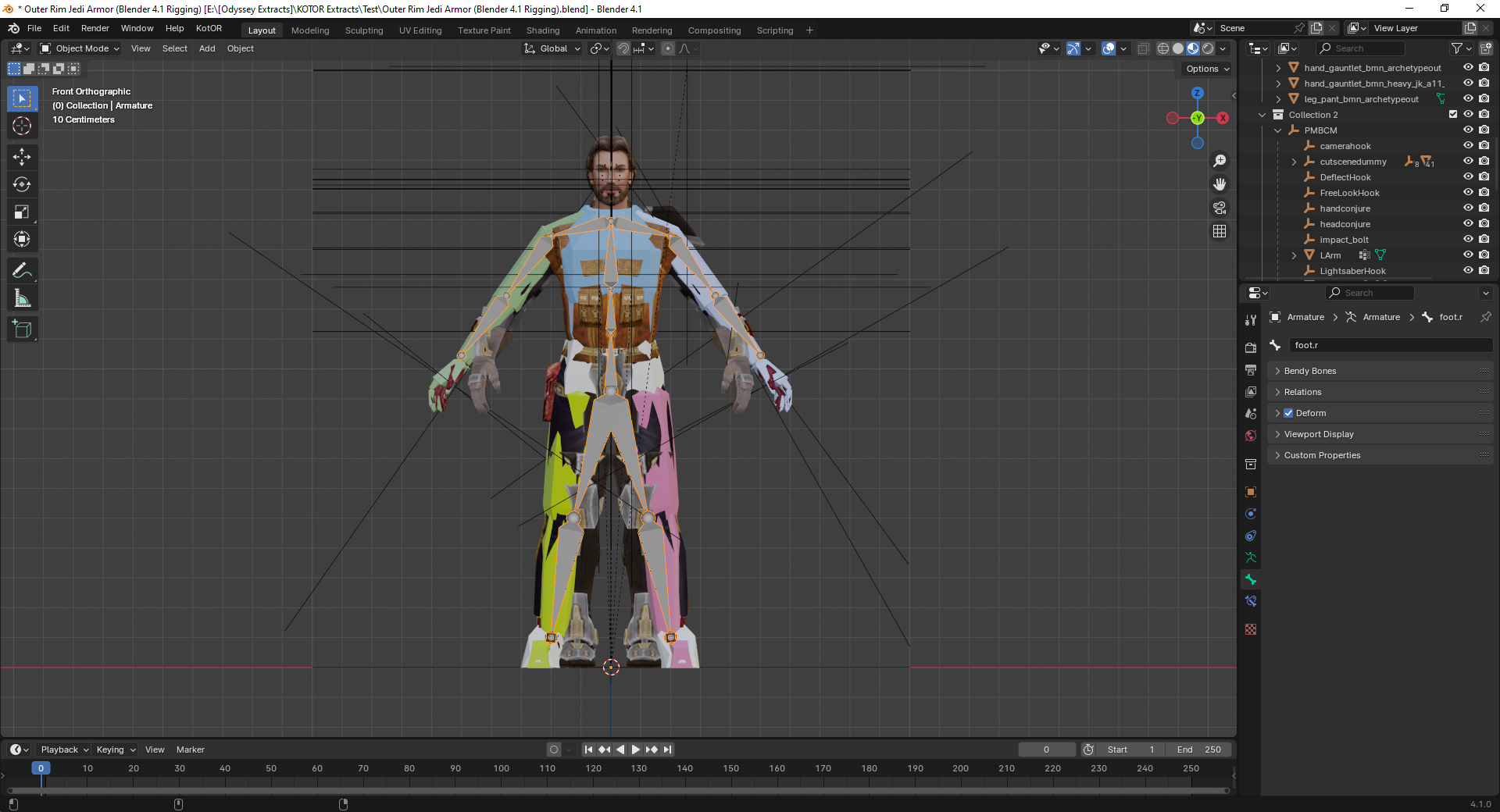
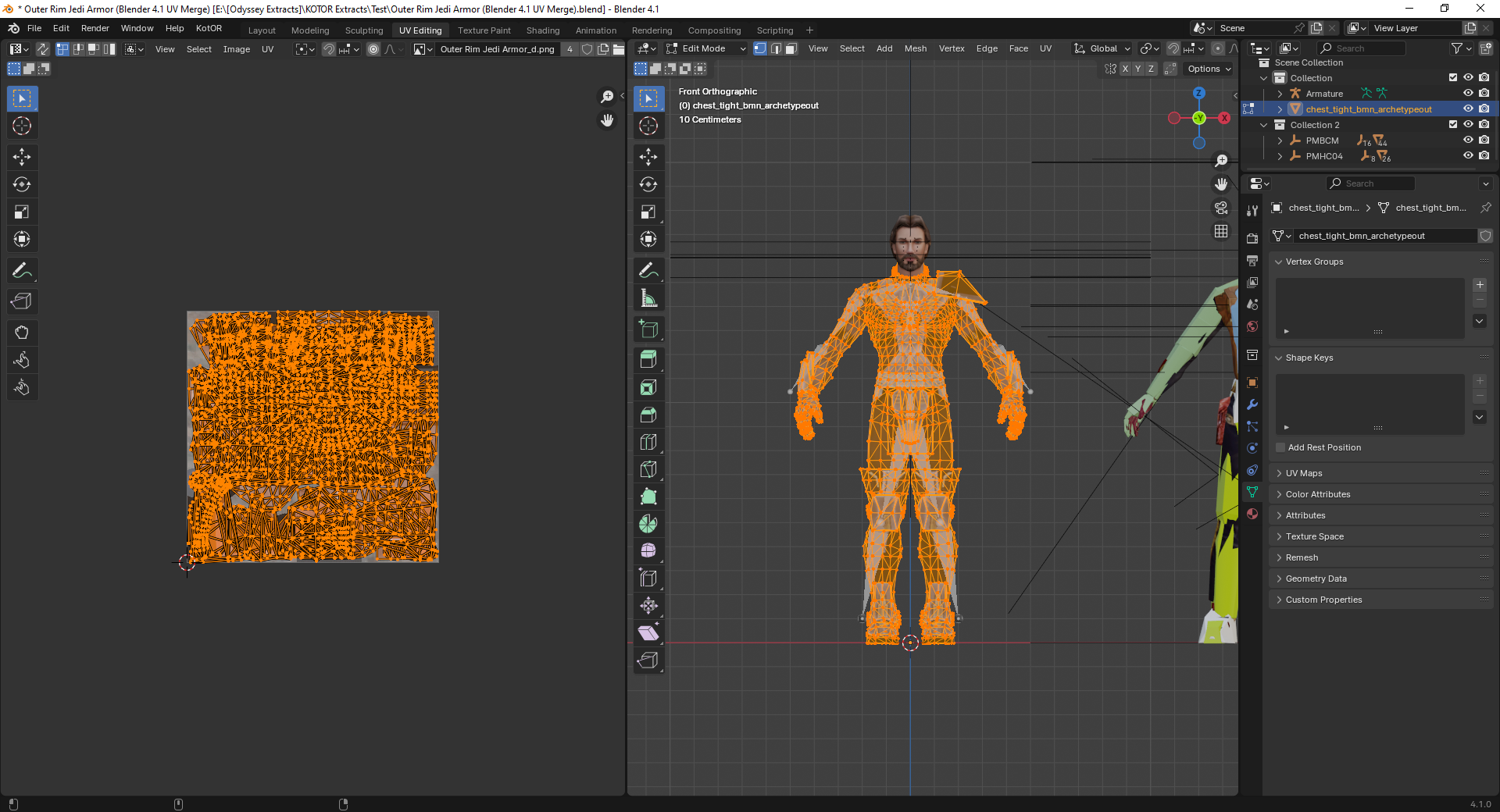
The bones and weights for the TOR model or the KOTOR model? I only extracted the meshes and textures for the TOR armor model without the bones and weights so I added it but I'm not sure if it's accurate (especially the pelvis and feet area in the first image). The KOTOR model only had vertex groups and animation hooks on them. I tried matching the bones of the TOR model to the KOTOR vertex groups in the second image. Separately, is the last image normal when porting armor models?
-
 Belga joined the community
-
 Max0023 joined the community
-
Alternate Revan Romances REDUX has been updated to version 5.1.0. The highlight of this update is upgrading HoloPatcher to the new 2.0 version, and using NeoDLG to export dynamic dialog (DLG) file patching instructions for TSLPatcher and HoloPatcher to reduce the need of adding compatibility install options for other mods that edit the same DLG files. Shout-out to @Vriff for developing NeoDLG and updating HoloPatcher to 2.0!
-
Echoes of the Republic - an unofficial expansion
vault13deathclaw commented on vault13deathclaw's file in Mods
 Sounds good :) I am not sure what souser means. If it is the source files for the galaxy map, then that is just there for people who want to make other mods that use those same files compatible. Anything that is for needed to play the mod should already be where it needs to be in the folders. If you are talking about something else, then please let me know.
-
Hi guys. I was wondering if it is possible to play Kotor 1 in 2560*1600 widescreen res? If yes, what all do I need to do? I have the Steam version of Kotor 1. Help greatly appreciated
-
 Darth_Trust joined the community
-
 texanforlife joined the community
-
 Schubba joined the community
-
 Kaisith joined the community
-
 RandomPerson joined the community
-
 mccakit joined the community
-
Echoes of the Republic - an unofficial expansion
plampa commented on vault13deathclaw's file in Mods
Thanks!! I'm already working on it, since it's a mod that needs translating. Progress: the dialog.tlk, the override DLGs, and telos are already translated, as well as nar sha. I'm working on the .mod files for modules. I also have the M478 mod in Spanish from before; that's what I started with. Well, when I have it complete, I'll let you know and send it to you. PS: Regarding the souser maps folder, do I have to paste the contents into override? Or is it for something else? Sorry, I'm a bit of a novice with some things. Greetings from Argentina! Thanks again. -
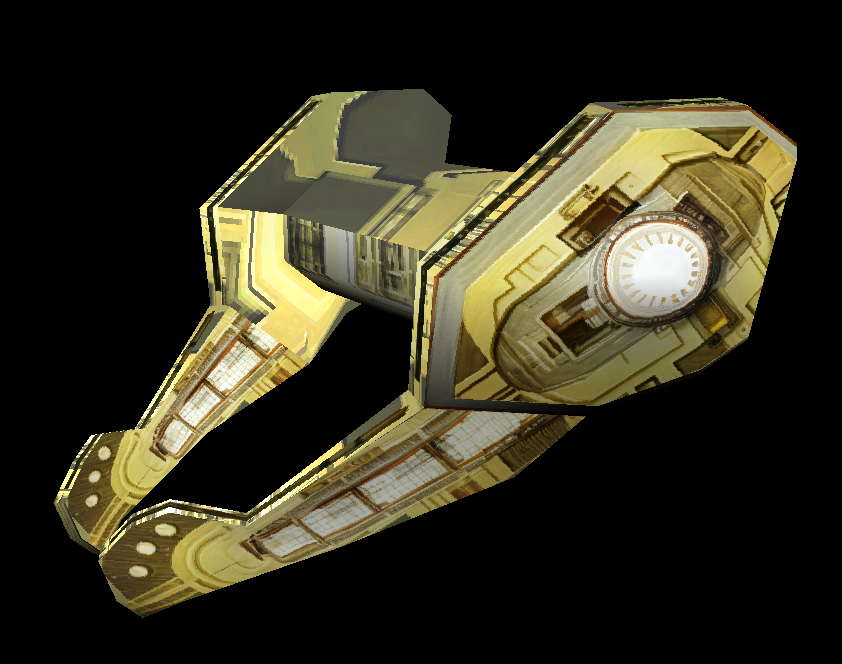
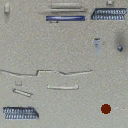
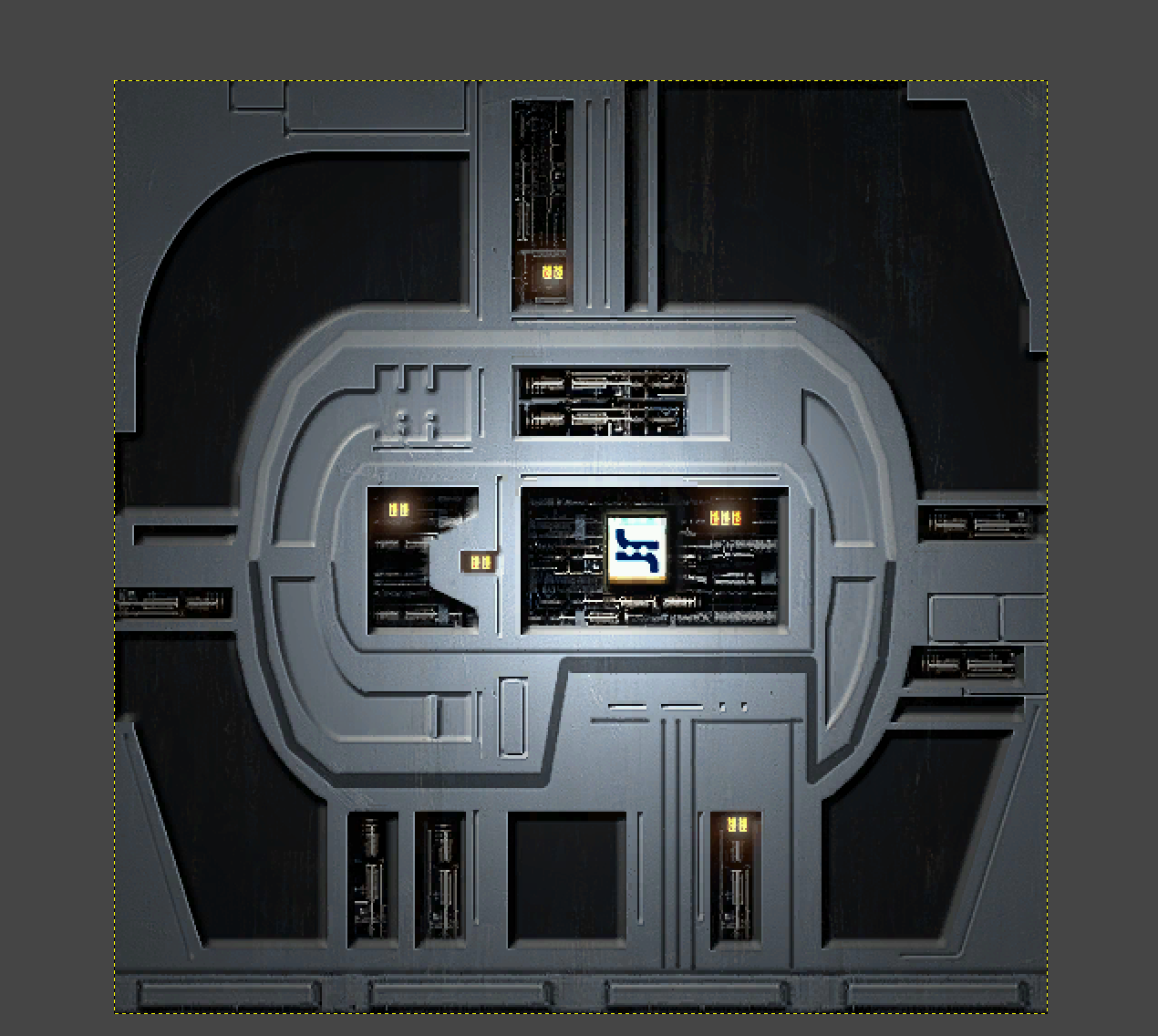
Well, the background 4 textures don't really get used on the model - just that "5th piece" that overlays the 4 LMA textures that are used as background. Of course, talk is cheap so I'll show the work. (Textures were not harmed but were upscaled bofore applying them to the model.)
-
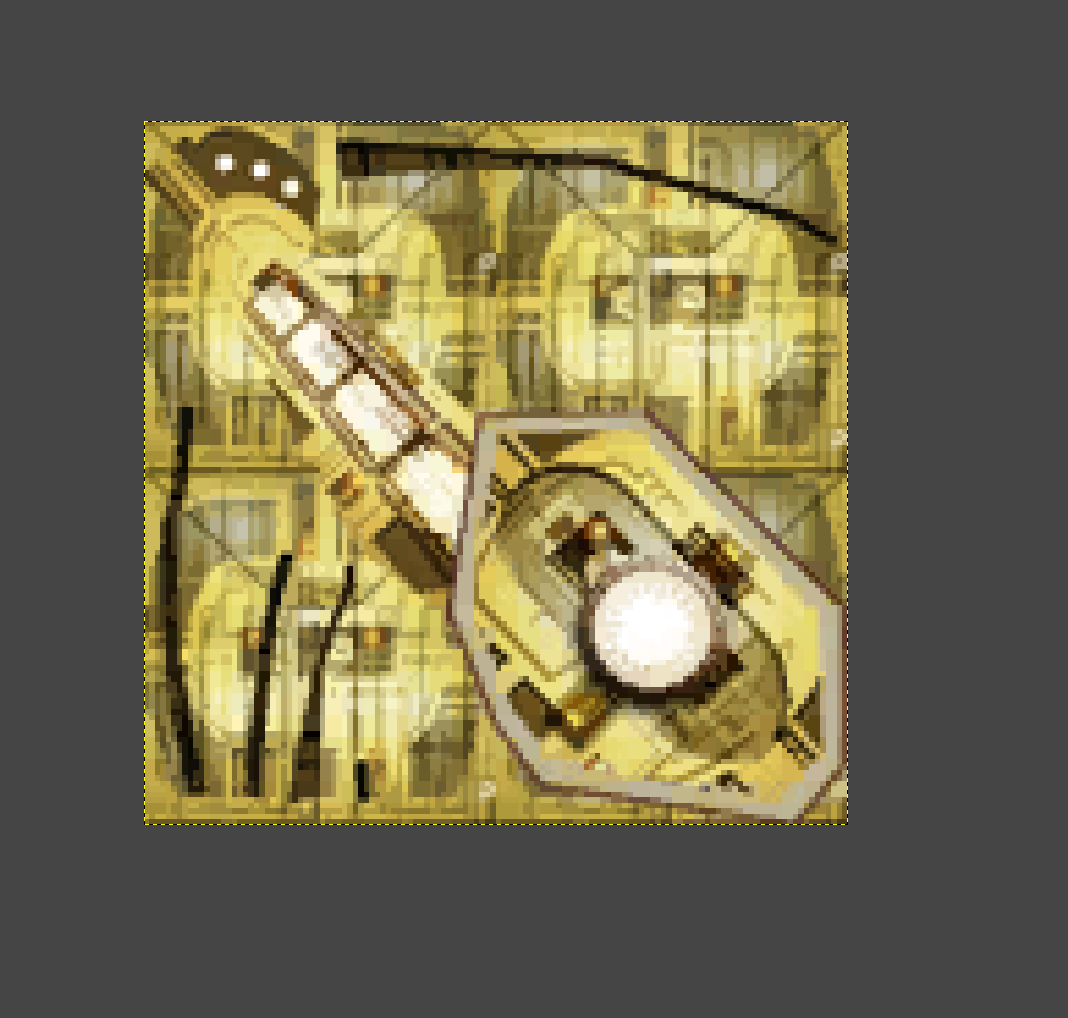
The texture might look ridiculous, but in the game itself it works surprisingly well, and you can’t tell that it’s made up of 4 door textures (actually 5—the last one has been cut up and rotated).
-
Echoes of the Republic - an unofficial expansion
vault13deathclaw commented on vault13deathclaw's file in Mods
That sounds great! I would love for more people to be able to play it! You have my permission to do that. As for your second point, my personal philosophy with designing these quests is that they're "all side quests." Some of the side quests are connected and over the course of development there somewhat did emerge a "main quest" of sorts (though if you're already translating it, you probably also noticed my internal quest names do occasionally indicate main and side quests, but those were more for my reference more than anything else, lol). I can think about it, though. Denoting side quests with the "Bonus Mission" label in the log does make sense. -
I agree with this assessment, plus the screenshot and the texture somewhat suggest that the Neural Band was based off of Lobot though obviously with the head variety they couldn't have the band wrap around the skull due to head shapes and hair. Maybe having the bald player character wear the Neural Bands was an intentional nod to Lobot as well. This is the texture for it, btw. It took me a bit to realize what you were saying but once I saw it my jaw dropped. For anyone else reading, if you squint on the gold visor texture you can see 4 really low res door textures on it.
-
 Would probably work better with an Aurebesh font.
- Yesterday
-
 As mentioned previously, it should look like however your underwear looks.
-
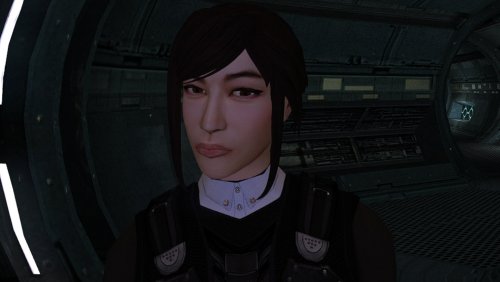 Thanks, I solved it. Since all the new models are TGA, I forgot to run the script to "delete duplicate tga/tpc," Once I did that and purged the .tpc from the Override folder, the new models rendered perfectly in the game. Link here: https://www.nexusmods.com/kotor/mods/1384?tab=files. I layered them on top of Vurts full Visual Resurgence package and so far I really like the combination. And like I said, your work is AMAZING!
-
Don't suppose it's possible to get a Darkside version?
-
Good afternoon. The models are intended for use on PC; they have not been tested on other platforms. Based on your description, it seems the system isn't detecting the files at all—if there were an actual error, the game would crash.
-
I just noticed a weird detail: The "Teta's Band" or "Regal Visor" headgear texture contains four tiles of "lma_dor03".
-
Echoes of the Republic - an unofficial expansion
plampa commented on vault13deathclaw's file in Mods
Hola, si te interesa, puedo traducirlo por ti y luego puedes subirlo. Ya lo estoy traduciendo para poder jugarlo yo mismo. Pero si te interesa, puedo compartirlo contigo para que otros hispanohablantes puedan jugarlo. PD: En el archivo Global.jrl, sugerimos que especifiques qué misiones son secundarias y cuáles son principales, como en el juego base y el mod M4.78. Pero es sólo una sugerencia. En fin, saludos y gracias de antemano. -
[KOTOR Patch Manager] K2 Active Party Extension
jmorenobothwell replied to Vriff's topic in Work In Progress
Wow, this is something else! Once this goes live I can't wait to try it out! -
Your entire series of "High Poly" heads is amazing. But I can't get them to work. I still get the default models in-game while your work is just being ignored. I dropped them in the Override folder and it's not working. What am I missing?
-
 I can confirm that 1440 60 runs at 1440 60. I'll double-check the 30FPS one today
-
this is true. also these 2 file sizes are suspect k1rs_30fps_2560x1440.7z = 15.67 GB k1rs_60fps_2560x1440.7z = 15.64 GB
-
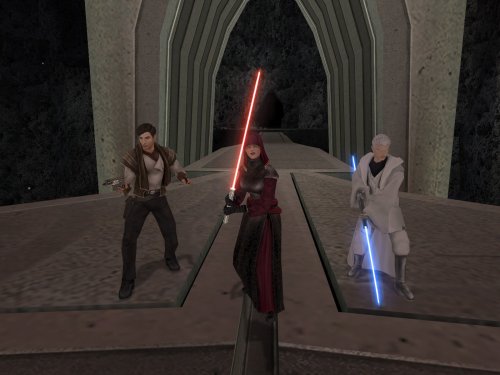 Yes, it should be compatible with Extended Enclave.
-
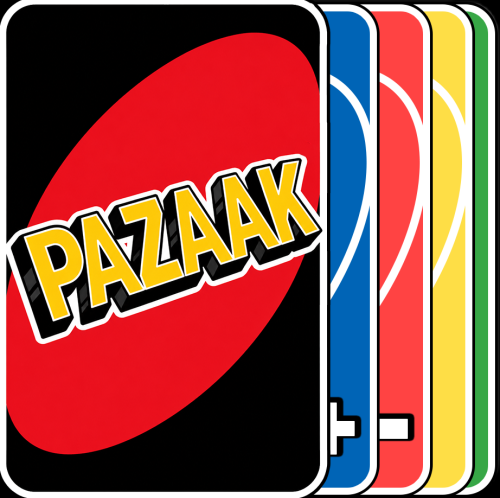
View File Minimalist Dark Pazaak Deck Pazaak card with a dark minilamist style... This mod only replaces Pazaak card textures, so it shouldn't cause any conflicts. To install, just extract the files into your override folder. Submitter Chirrungaso Submitted 11/04/2026 Category Mods TSLRCM Compatible No
-
View File Flat Colors Pazaak Deck Pazaak Cards with flat colors style... This mod only replaces Pazaak card textures, so it shouldn't cause any conflicts. To install, just extract the files into your override folder. Submitter Chirrungaso Submitted 11/03/2026 Category Mods TSLRCM Compatible Yes