Search the Community
Showing results for tags 'animations'.
Found 8 results
-
Version 1.0.0
342 downloads
This mod fixes Force Power related animation bugs. Changes: - Force Fury animation fix - Force Scream animation fix - Force Crush animation fix - Monster Sonic Howl animation fix (used by Storm Beasts on Malachor) -
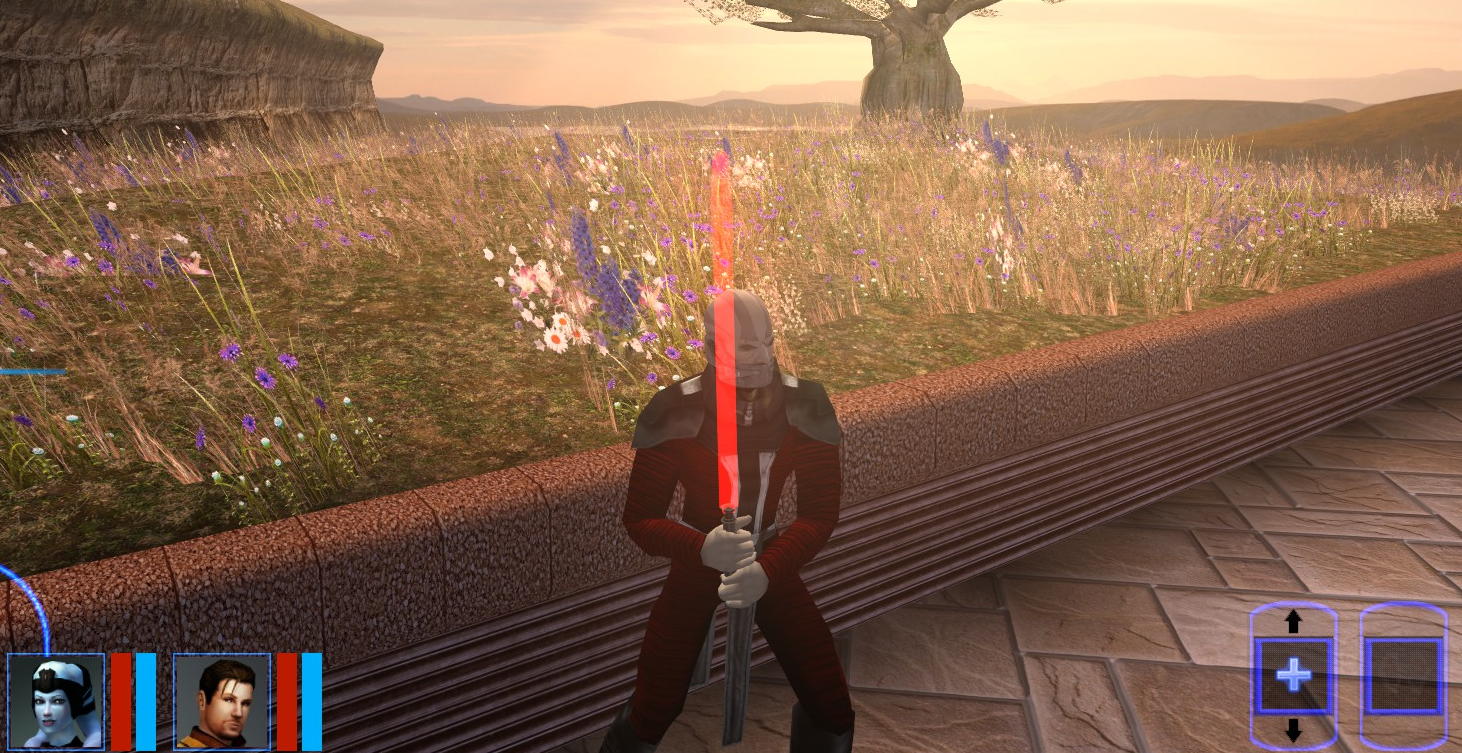
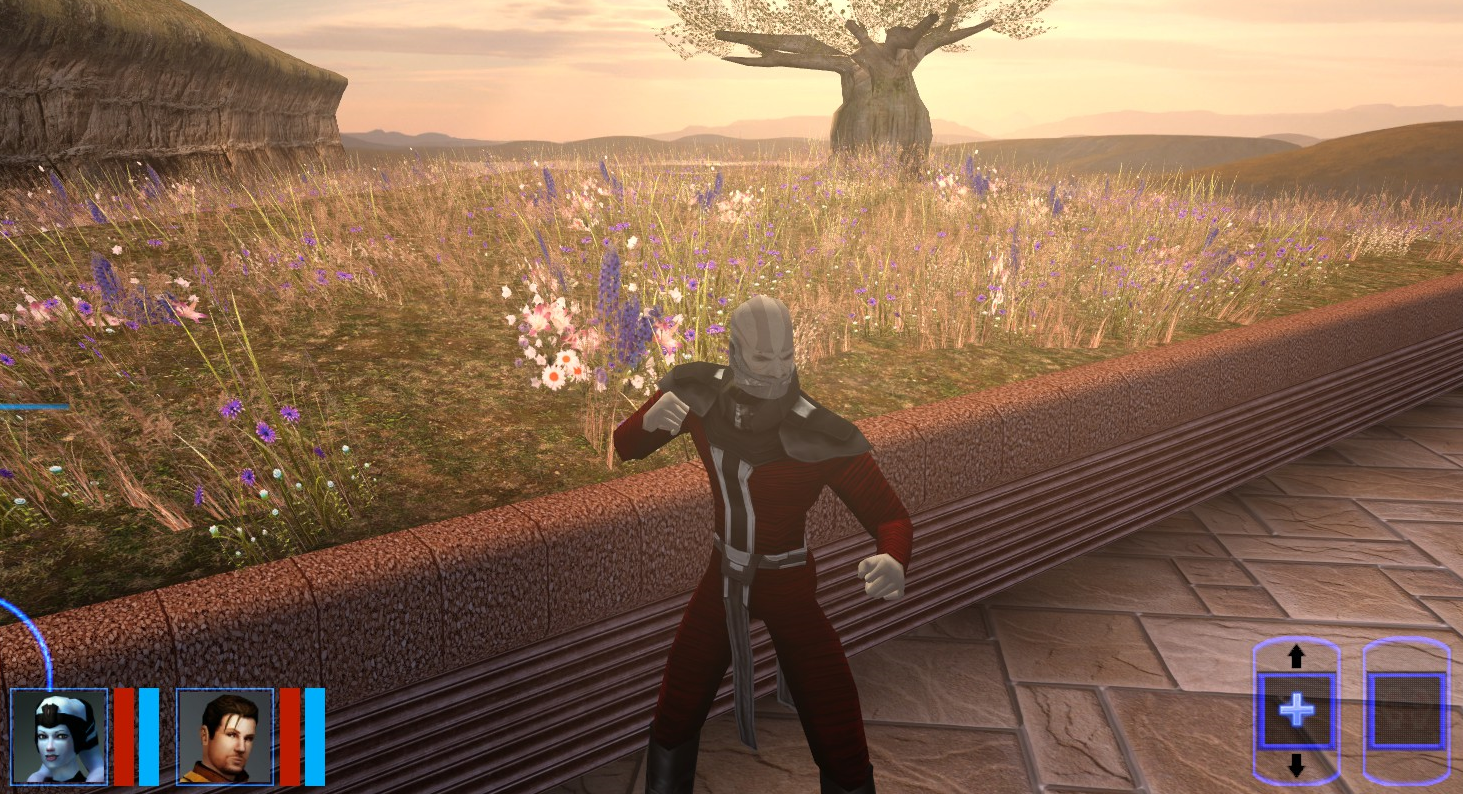
I decided to experiment with Darth Malak. I really don't like the original model. And an idea came to mind. Install Darth Malak's head on Jedi Malak's torso. Everything is working fine except for one thing. Animation in cutscenes does not work. If you like it, take the model for yourself. But if anyone can add an animation of the original Malak to this model, I will be very grateful. N_DarthJediMalak.mdl N_DarthJediMalak.mdx
-
View File K2 - Animation Fix This mod fixes Force Power related animation bugs. Changes: - Force Fury animation fix - Force Scream animation fix - Force Crush animation fix - Monster Sonic Howl animation fix (used by Storm Beasts on Malachor) Submitter GearHead Submitted 08/21/2024 Category Mods TSLRCM Compatible Yes
-
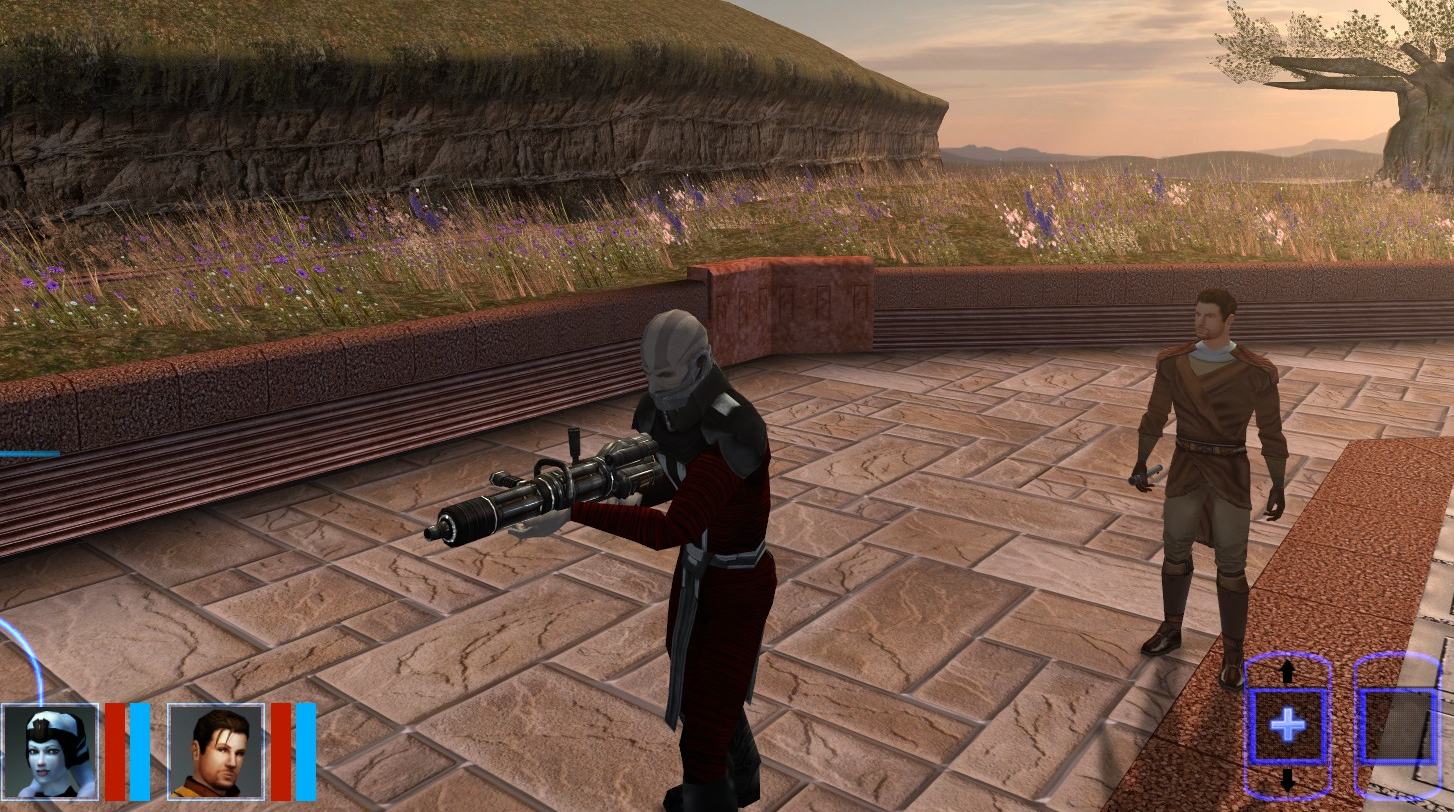
I would like to request combat animations for the TSL Space suit. It can't hold items, but it displays pistol, sword, idle, and unarmed animation. I thought perhaps recompiling the Wookiee or Trandoshan animations into the space suit to get the desired effect. Also, clipping isn't my concern, moreover a functioning one could have clipping and still be good. Thanks for reading, hopefully it's possible to do, would be amazing for heavy armors to have that thing. Edit: I would like to add an addendum to this request: If you can contribute advice, ideas, or leads on further work, that is also desired here.
-
 Greetings, fellow Jedi. Hope everyone's fine. Can anyone confirm in TSL that adding animations [using tk102's DLGEditor] overrides the currently applied [custom] VideoFX/CamVidEffect? In another case it doesn't happen with already existing animations in the relevant DLG. Not there's no workaround for that as we can call EnableVideoEffect with a script together with the added animations, but I'm just curious about this rather bizarre setup [either I did wrong with the DLG or it's one of new things that Obsidian added] in the first place. Much thanks for considering this.
 -

1,039 downloads
I made a very similar mod to this a long time ago, but it seems it disappeared with PCGM and I no longer seem to have a copy. What it does is swap around the default flourish/stances used for melée weapons - the single blade flourish is replaced with the stun baton flourish and vice versa, the Echani-style flourish replaces the two melée weapon flourish and vice versa, and the double-blade flourish is replaced by the "Natural Attack" (or "Rocky Mode" ) flourish...Just look at the screenshot for details.- 2 comments
- 2 reviews
-
- 1
-

-
- kotor 2 mods
- tsl mods
- (and 5 more)
-
How do you go about overriding area walkmesh files One day I decided Atton really ought to take a seat, specifically on the Administration Level as he operates the console. Normally he would stand, and a convenient camera angle would make it look like his hands were on the console. Why do that when everything looks like he's meant to seat down, there's even his favorite chair from the Ebon Hawk. Unfortunately the walkmesh of that area didn't agree, the spot where Atton would need to be is not walkable, and I couldn't seem to make it walkable with WalkSwitch. Now I've suddenly had the idea to modify the animation so that Atton wouldn't need to be there, moving the animation root will make the animation play exactly where it needs to play. So I made a stunt model for Atton using S_Male02, which has the animation, and put it in the dlg file. I hex-edited four numbers inside the model, renamed the file, and there you have it, Atton uses the animation from the dialog stunt-model and appears seated on the chair with his hands on the console. Muahaha.
-
File Name: Combat Stance Swap File Submitter: InSidious File Submitted: 02 Mar 2014 File Category: Mods TSLRCM Compatible: Yes I made a very similar mod to this a long time ago, but it seems it disappeared with PCGM and I no longer seem to have a copy. What it does is swap around the default flourish/stances used for melée weapons - the single blade flourish is replaced with the stun baton flourish and vice versa, the Echani-style flourish replaces the two melée weapon flourish and vice versa, and the double-blade flourish is replaced by the "Natural Attack" (or "Rocky Mode" ) flourish...Just look at the screenshot for details. Click here to download this file