Kaidon Jorn
-
Posts
662 -
Joined
-
Last visited
-
Days Won
64
Content Type
Profiles
Forums
Blogs
Forum & Tracker Requests
Downloads
Gallery
Store
Events
Everything posted by Kaidon Jorn
-
 SOLD!
SOLD! -
 LOLOLOLOLOLOLOLOLOLOLOLOL!!!!!!!!
 -
 Nevermind
 -
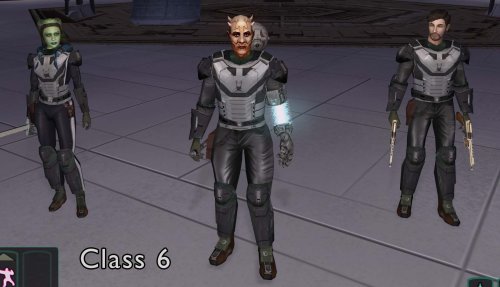 I have one thing to say.... Dude.
 -
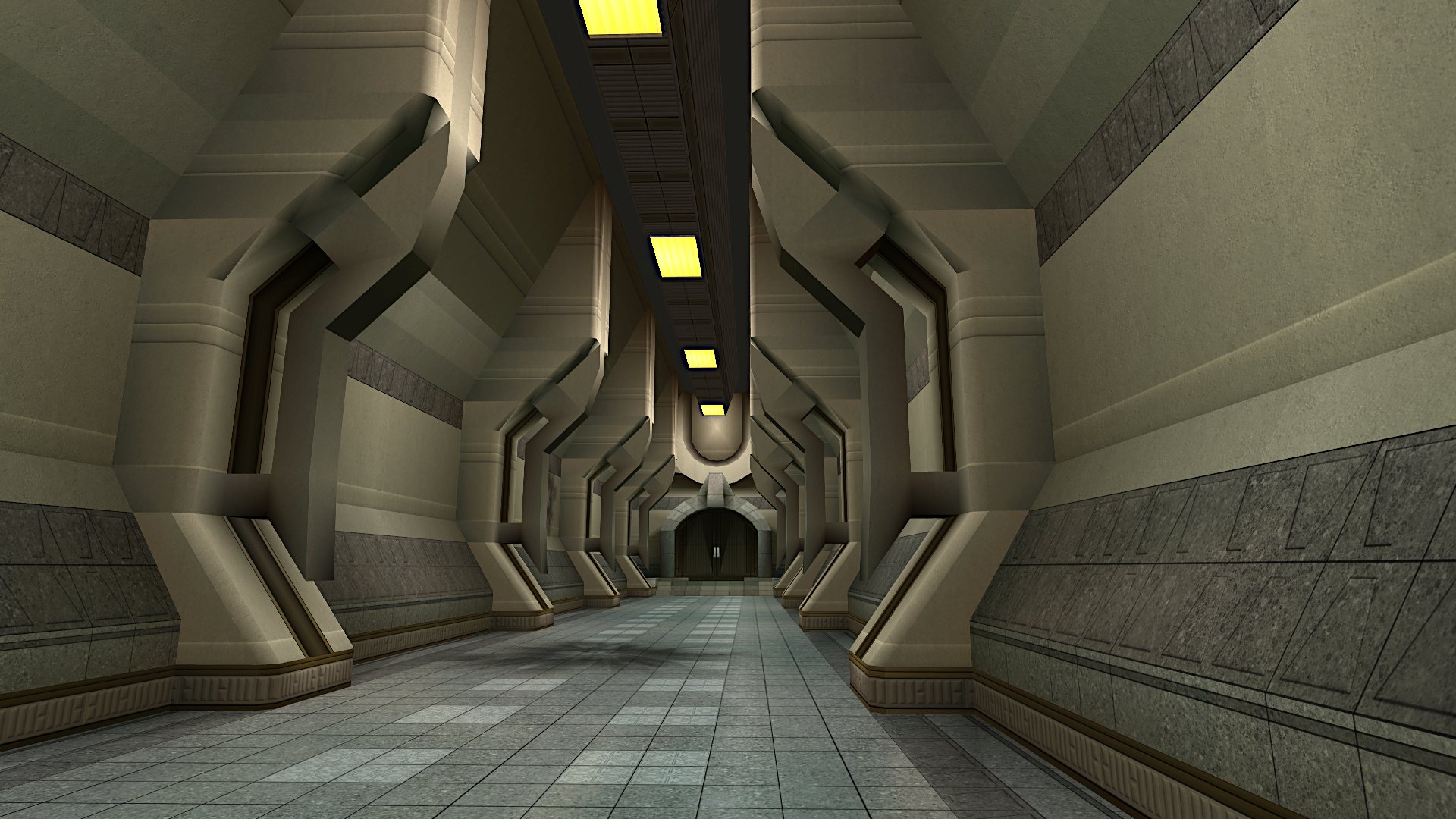
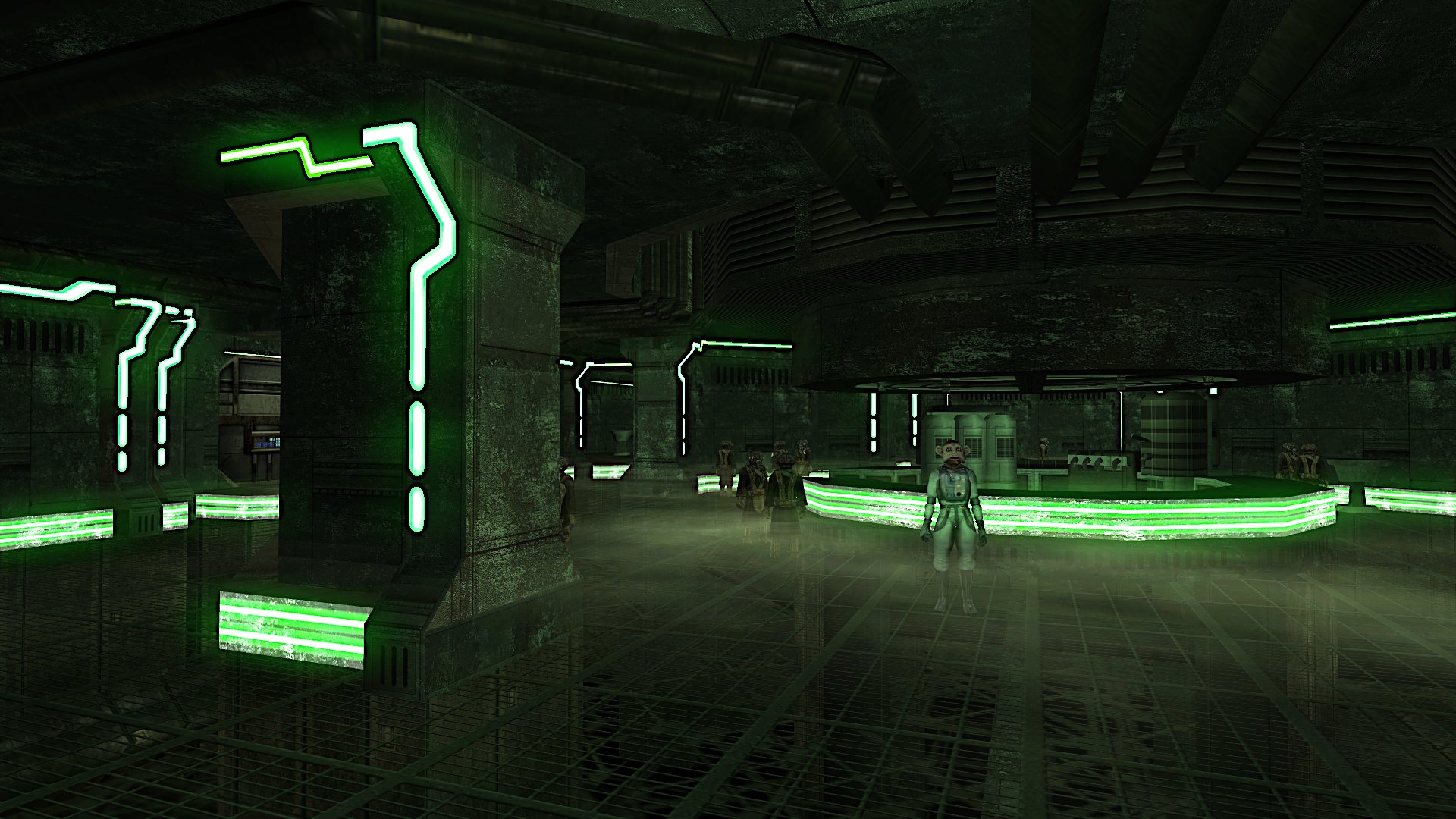
 They all look good.
 -
Very nice. I like it.
-
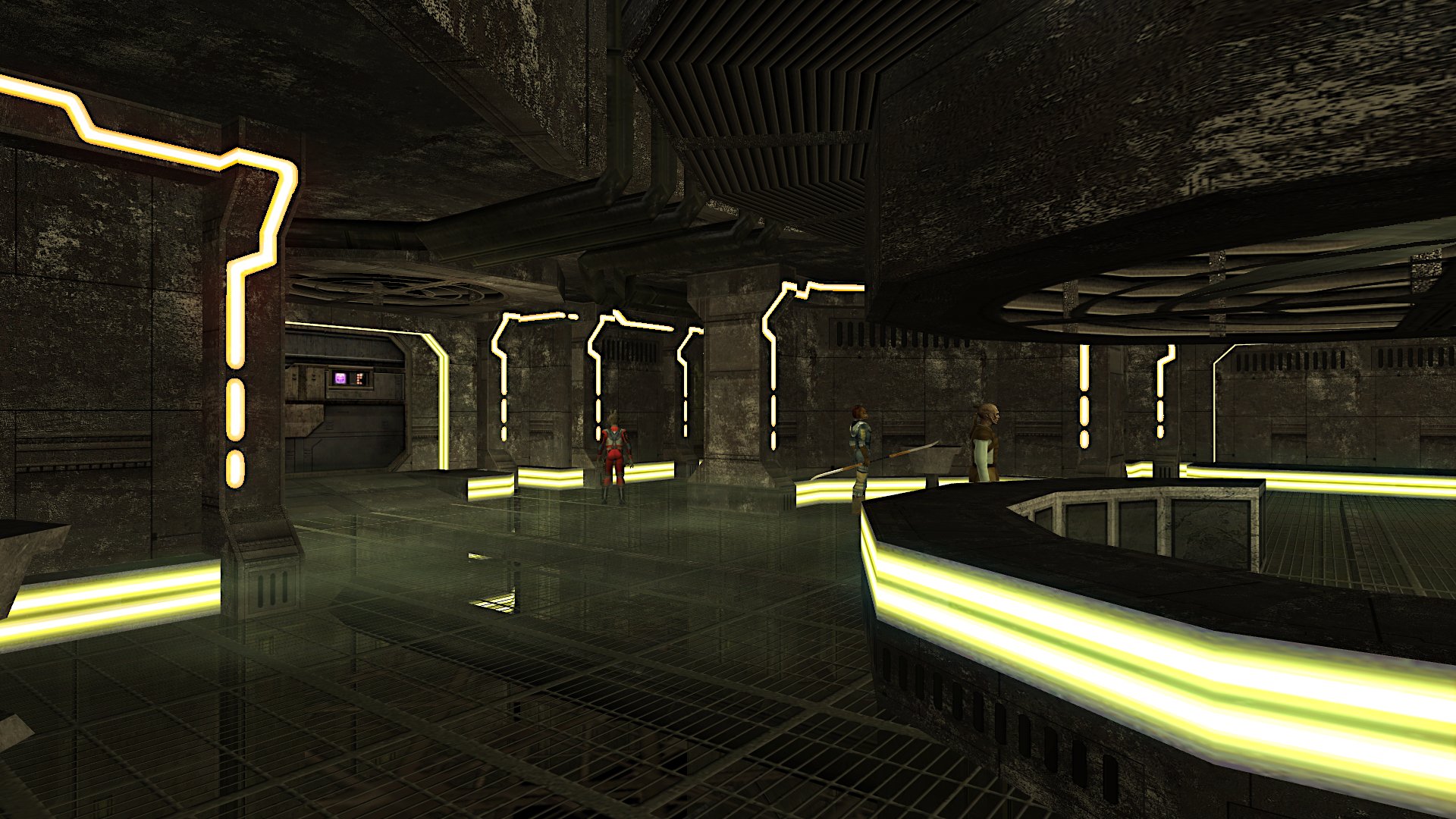
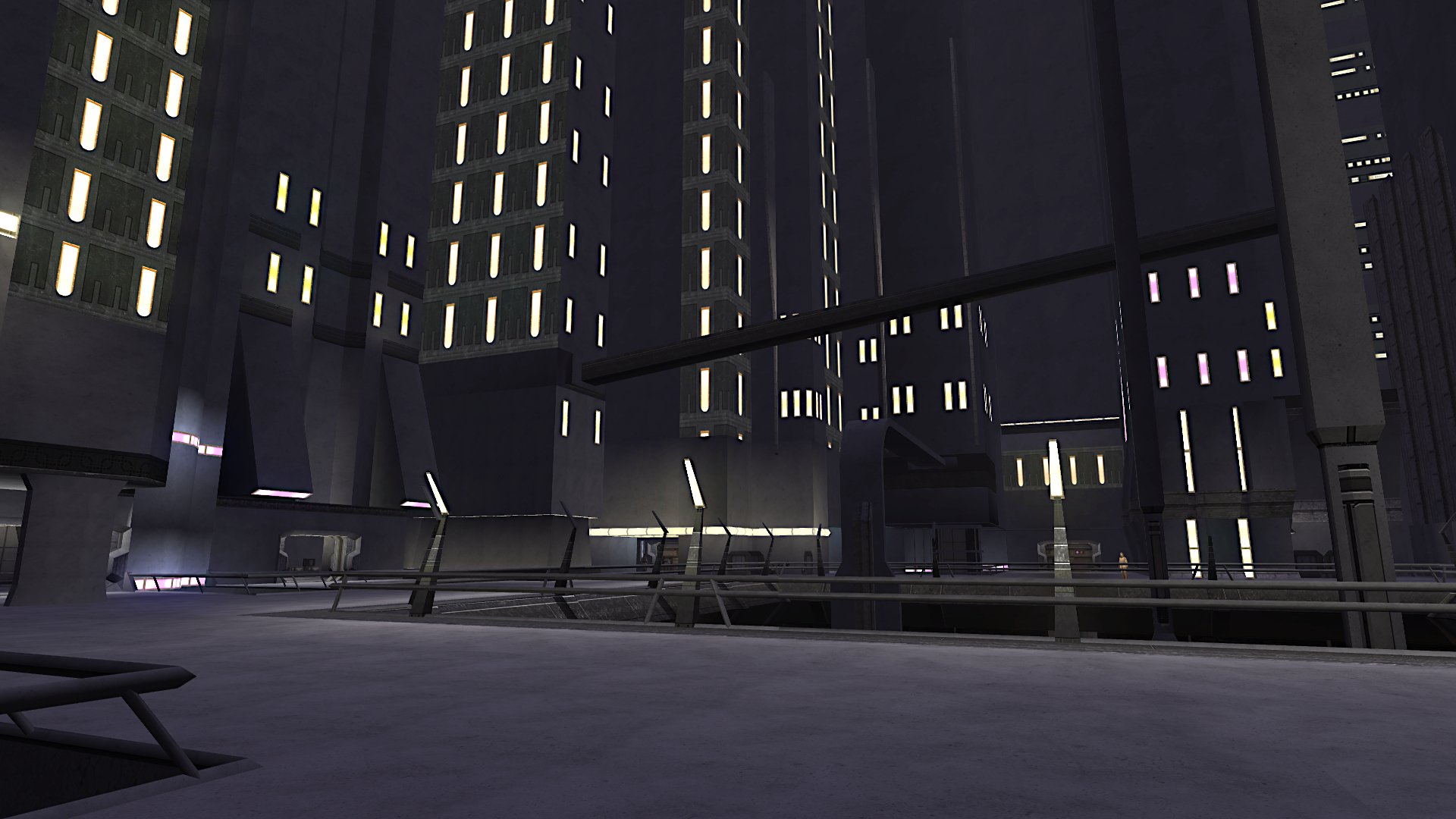
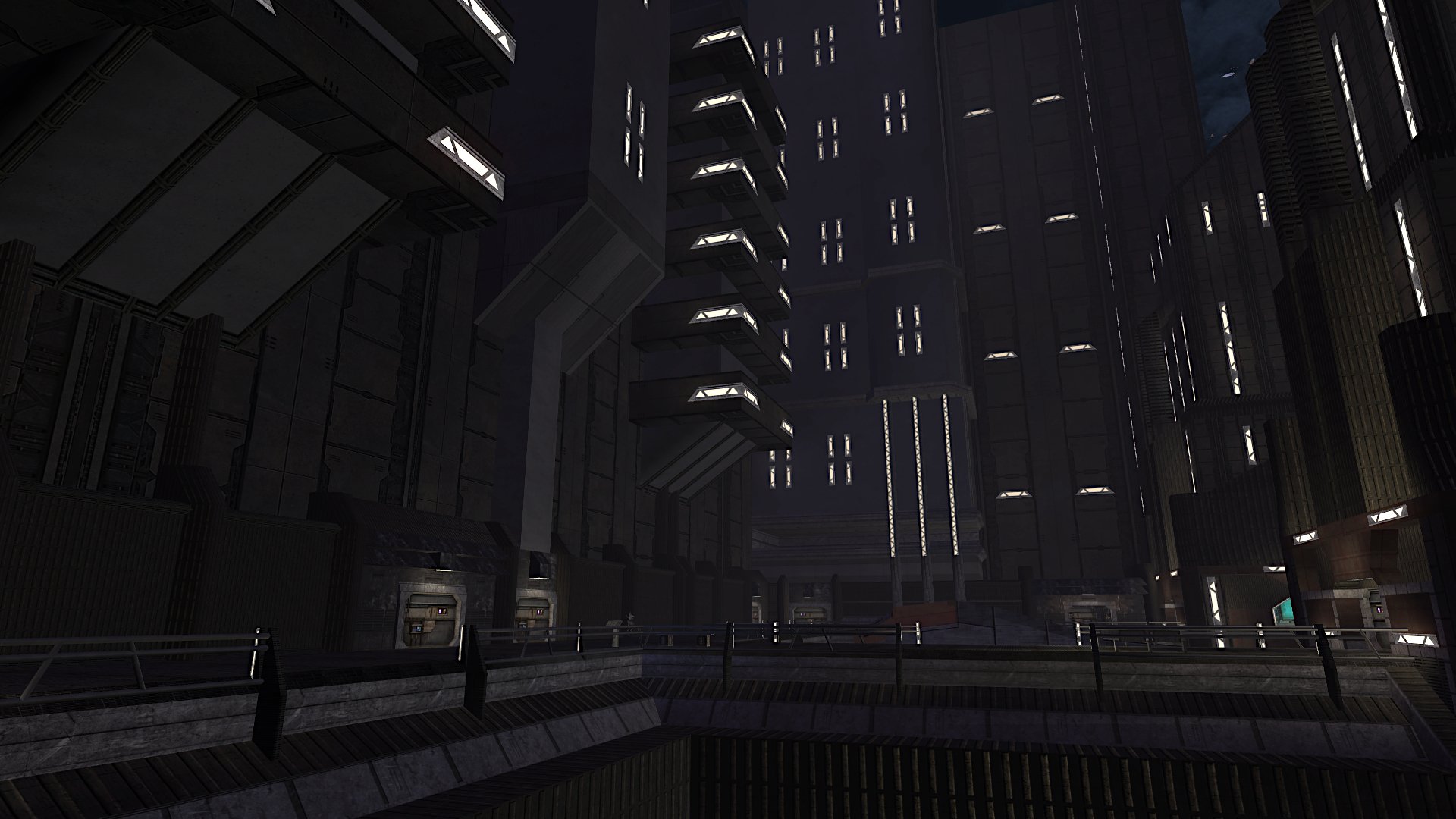
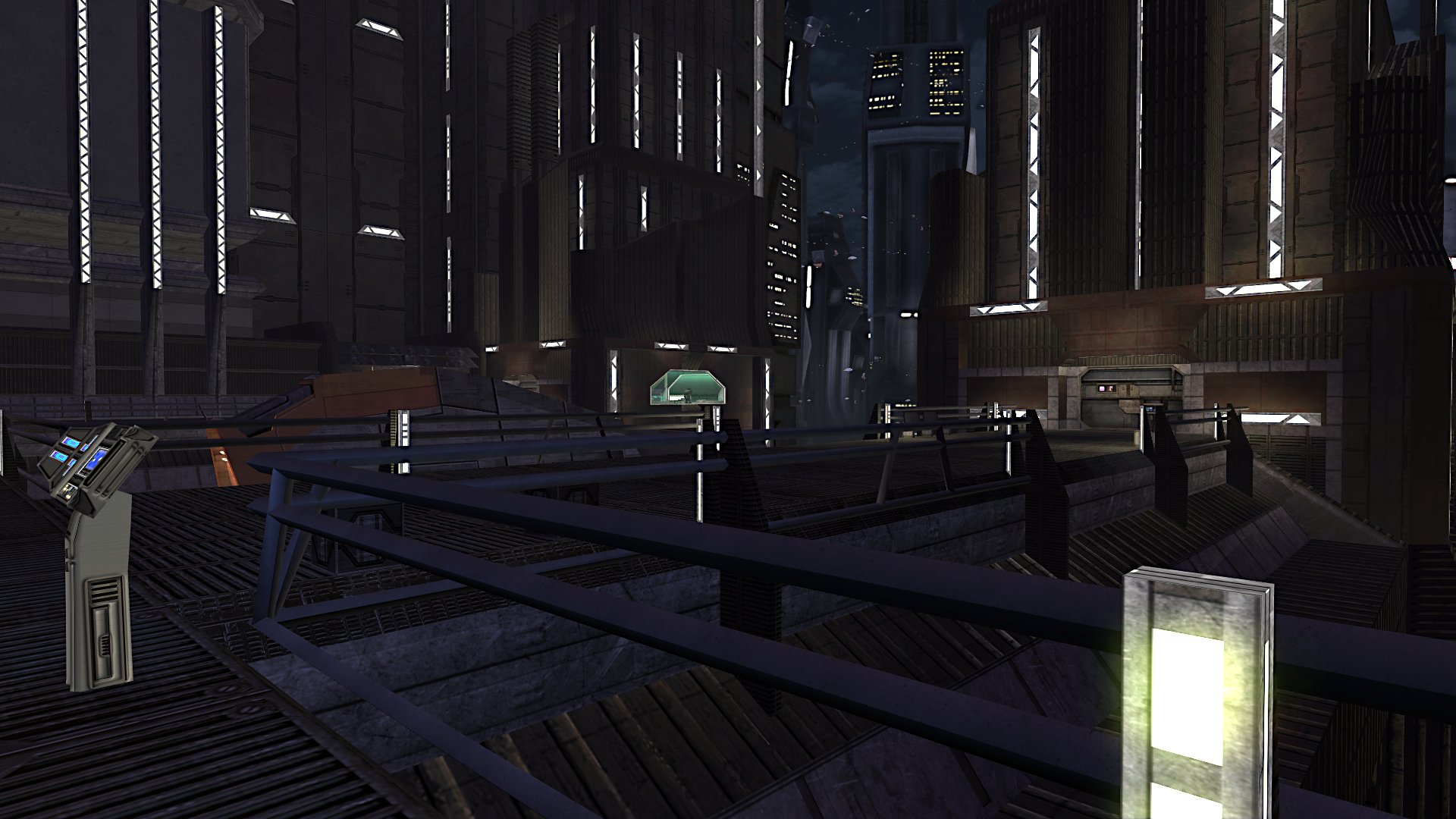
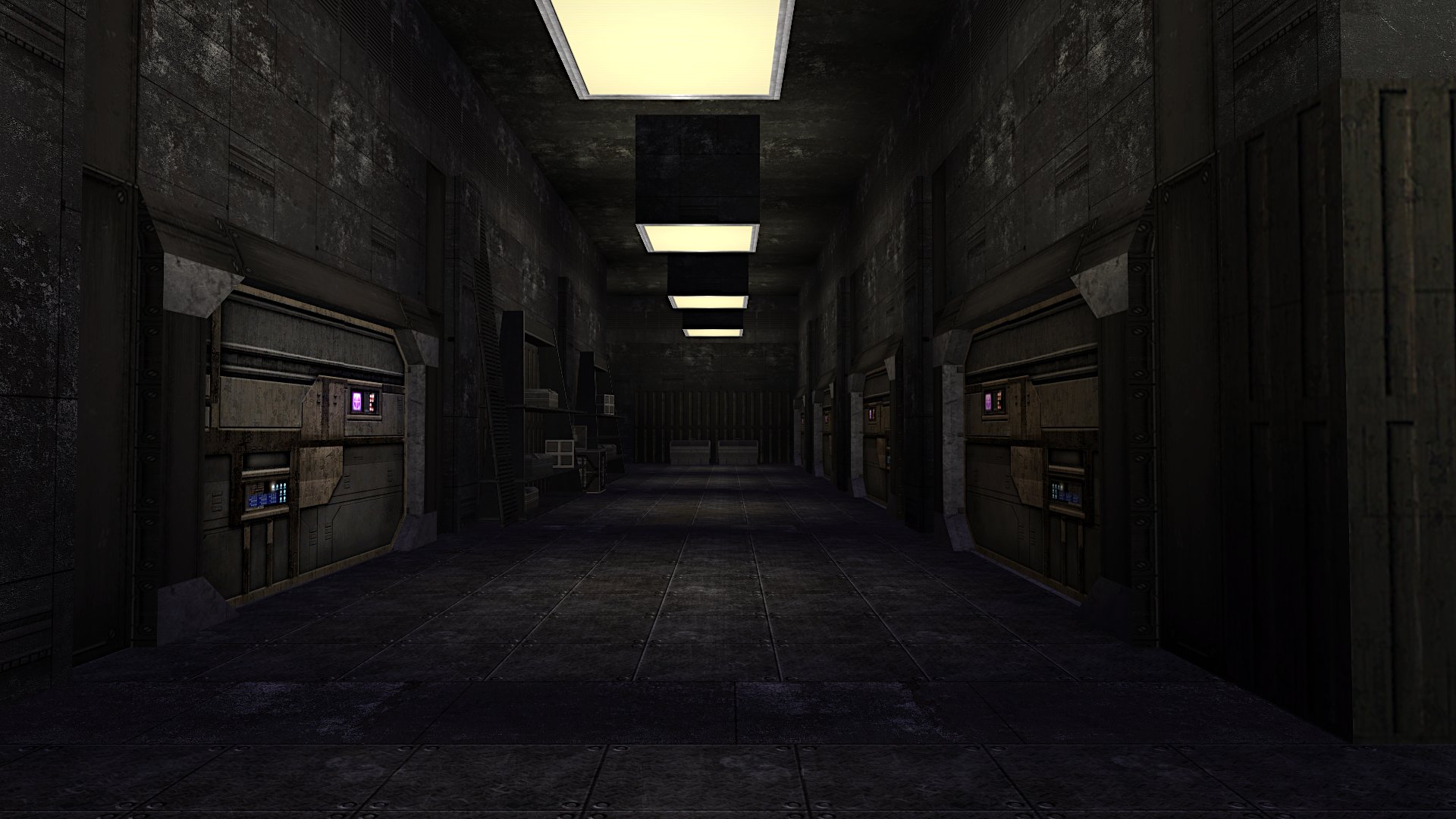
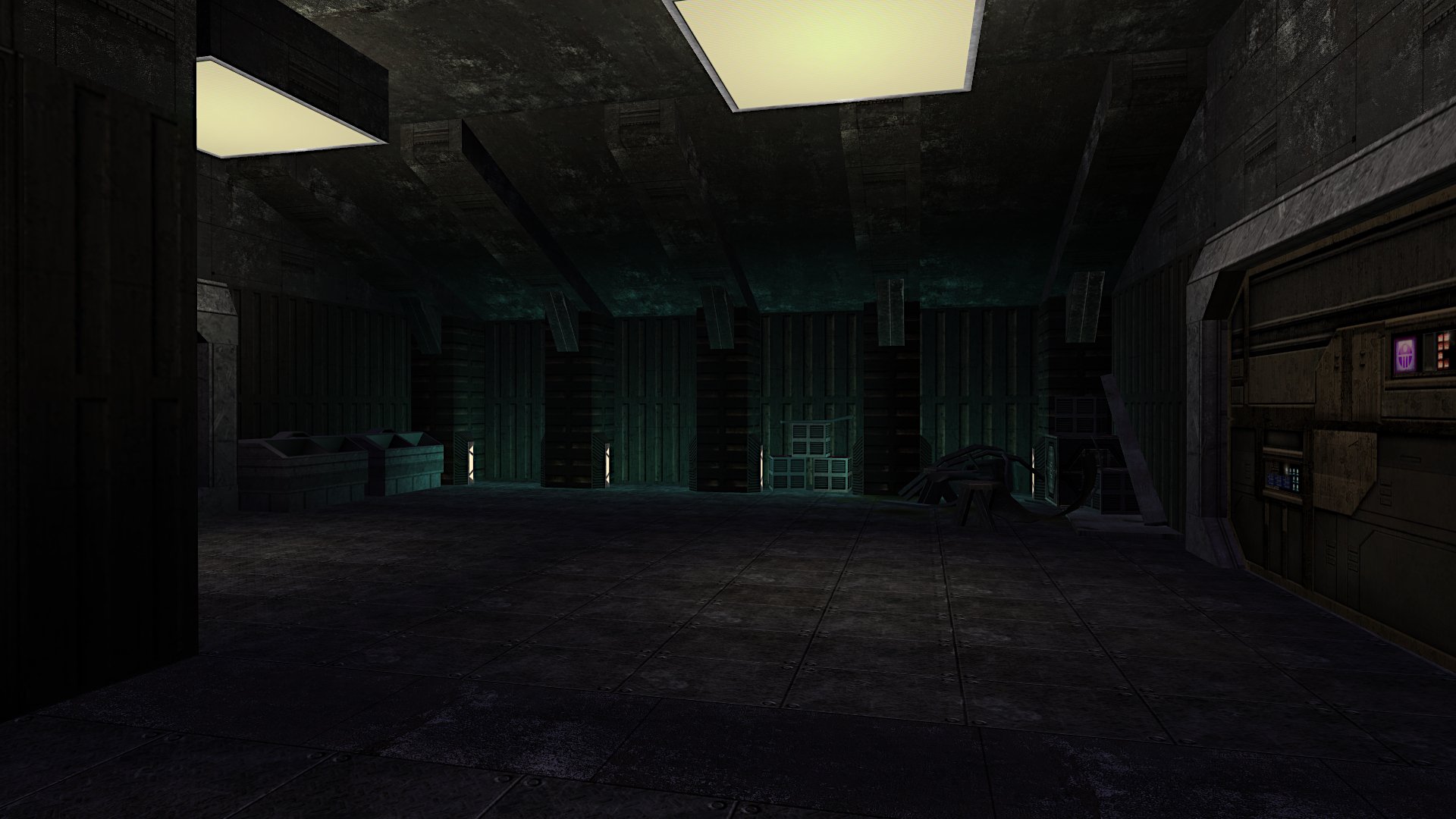
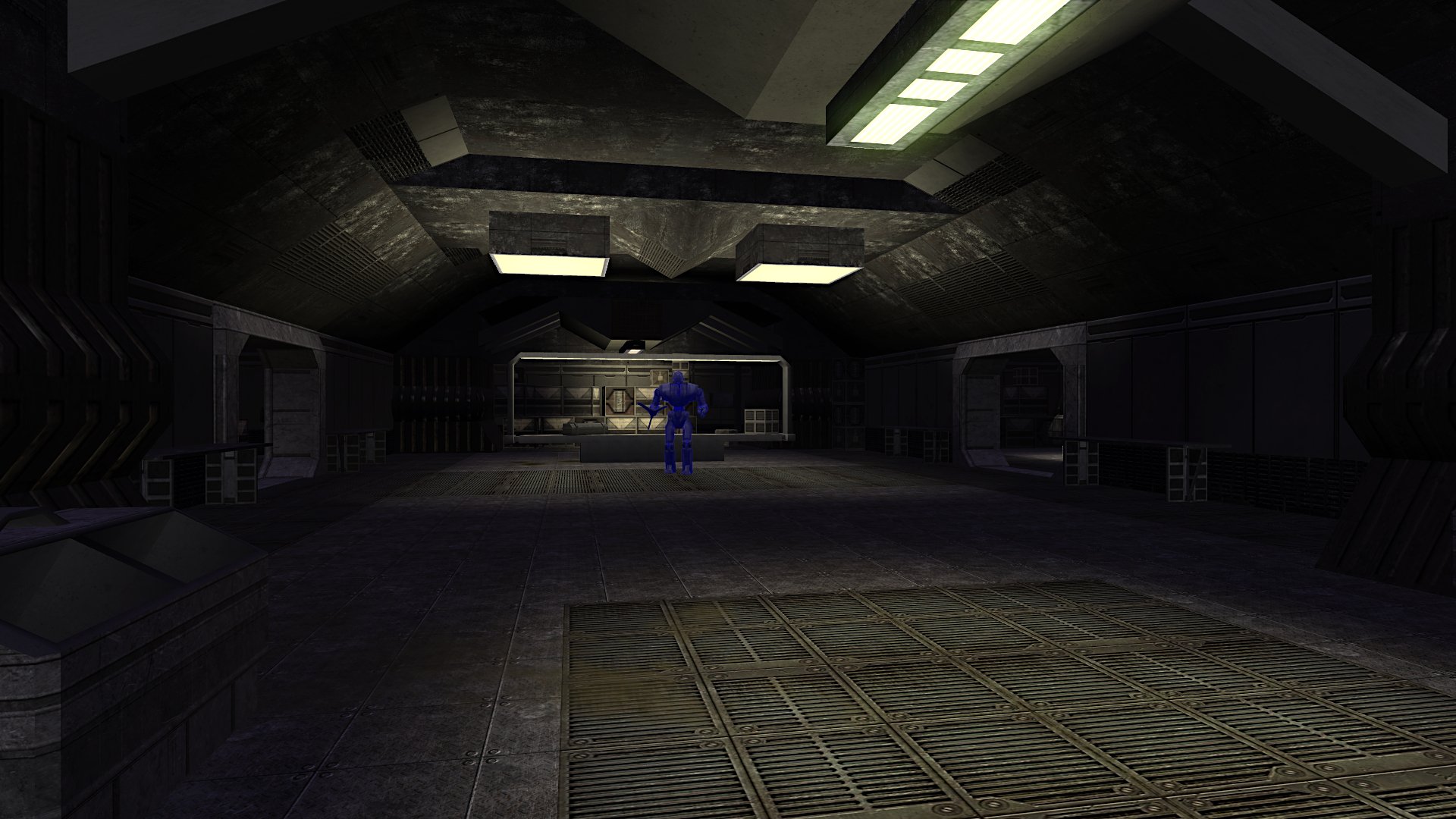
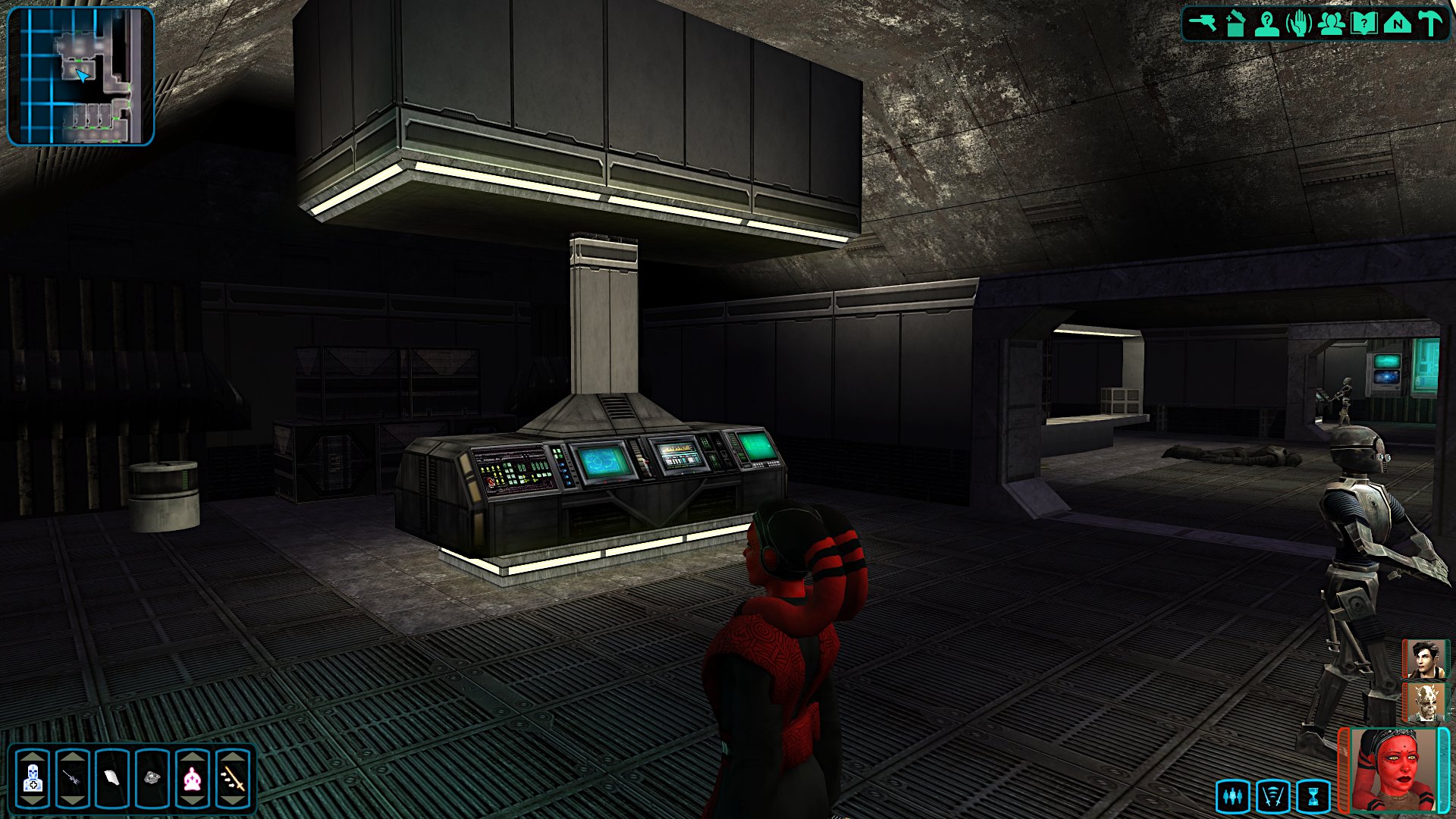
- 230 replies
-
- 4
-

-

-
- tslrcm 1.8.6
- tsl
- (and 4 more)
-
 Woah.
Woah. -
OOOOHHHHHHHH! Thank you for that very much sir.
-
So do the feat recommendations for the jedi classes in TSL actually work? I set it to recommend a feat for 11th consular and then 12th guardian and sentinel but it didn't actually pop up, so I'm wondering if I need to do something else as well?
-
Oh.
-
What does "generatinal" mean?
-
 Whuuuuut.
 -
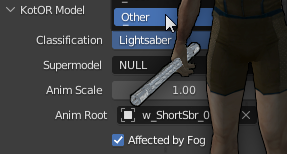
Ok, just found this again. Ummm. So how would I use it? Something about switching the object type to something else when you rig and export your new saber models??? Is this going to work with me using super old Gmax? I dunno Im confused. Was thinking i could use these Crazy34 fixed versions to do the conversion to the new blade models.
-
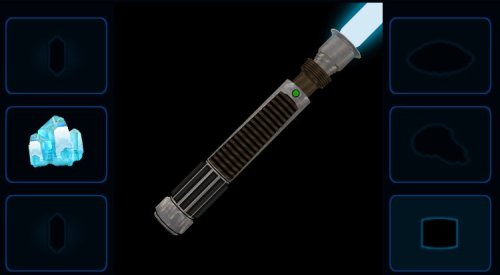 Yeah I need to go back and rerig all the models and implement a fix...that I cant seem to find now.
 -
No this won't work for K1. I was planning to update KSR but seriously - I might burn out before that ever happens. But if there is any bugs or problems with this mod I will try to fix it immediately.
-
No it doesn't. There's a fix for that here but i don't remember who made it.
- 6 comments
-
- 1
-
-
- lightsaber mod
- lightsaber models
- (and 1 more)
-
View File Default Hilt Replacement Mod 2025 Default Hilt Replacement Mod 2025 ---------------------- Author Kaidon Jorn, December-March 2025/2026 DHRM 2025 Changes: ---------------------------------- Blade models and planes are set to the correct Z position. New blue double-bladed model made from original blue single bladed model. New (old) models for red single and double bladed. Green single bladed made into new green double bladed. Yellow single and double model textures touched up. Purple models reskinned. New orange single bladed made from orange double bladed. New viridian single bladed made from viridian double bladed. New silver single and double bladed models made from (very old) yellow double bladed model. New cyan double bladed model made from cyan single bladed model. Bronze models textures touched up. Otherwise no change. Short saber model remapped and reskinned. Made new icons for all models. Purple blade is now violet instead of amethyst. This mod will replace all of the default game's lightsaber hilt models and adds new 3D blade models and textures - courtesy of Crazy34 and his crazy awesome modder's resource. I have, of course, tweaked his blade textures again to my own preferences and increased the ambient lighting glows by 0.2 on all single and double bladed lightsabers (short stayed the same). In this version I've removed most of my old hilt models and replaced them with ones that may have never been released before, but if I didn't replace the entire model then I remapped and reskinned that previously existing model. All saber icons have been remade to be consistent with my SLM2024 icon backgrounds (I know I said I wouldn't, but to heck with that). Much thanks to Crazy34 for use of his new 3D blade models and textures and thank you to Deadly Stream for hosting all my mods. To install run the .exe and choose the location of the game (not the override itself). To uninstall take them all back out. Submitter Kaidon Jorn Submitted 03/13/2026 Category Mods TSLRCM Compatible Yes
-
Version 1.0.0
694 downloads
Default Hilt Replacement Mod 2025 ---------------------- Author Kaidon Jorn, December-March 2025/2026 DHRM 2025 Changes: ---------------------------------- Blade models and planes are set to the correct Z position. New blue double-bladed model made from original blue single bladed model. New (old) models for red single and double bladed. Green single bladed made into new green double bladed. Yellow single and double model textures touched up. Purple models reskinned. New orange single bladed made from orange double bladed. New viridian single bladed made from viridian double bladed. New silver single and double bladed models made from (very old) yellow double bladed model. New cyan double bladed model made from cyan single bladed model. Bronze models textures touched up. Otherwise no change. Short saber model remapped and reskinned. Made new icons for all models. Purple blade is now violet instead of amethyst. This mod will replace all of the default game's lightsaber hilt models and adds new 3D blade models and textures - courtesy of Crazy34 and his crazy awesome modder's resource. I have, of course, tweaked his blade textures again to my own preferences and increased the ambient lighting glows by 0.2 on all single and double bladed lightsabers (short stayed the same). In this version I've removed most of my old hilt models and replaced them with ones that may have never been released before, but if I didn't replace the entire model then I remapped and reskinned that previously existing model. All saber icons have been remade to be consistent with my SLM2024 icon backgrounds (I know I said I wouldn't, but to heck with that). Much thanks to Crazy34 for use of his new 3D blade models and textures and thank you to Deadly Stream for hosting all my mods. To install run the .exe and choose the location of the game (not the override itself). To uninstall take them all back out.- 6 comments
-
- 7
-
-

-
- lightsaber mod
- lightsaber models
- (and 1 more)
-
Tail between his legs is more like it.
- 230 replies
-
- 4
-
-
- tslrcm 1.8.6
- tsl
- (and 4 more)
-
All I ever had to go by was that one saber tutorial that I think T7Nowhere made. I have NO IDEA what I'm doing. Never did. Yeah I think Im just gonna quit. Time for a new hobby. So long people
- 230 replies
-
- 2
-
-
- tslrcm 1.8.6
- tsl
- (and 4 more)
-
The latest GIMP. w_lghtsbr_050.mdl.ascii knights.tga
- 230 replies
-
- 1
-
-
- tslrcm 1.8.6
- tsl
- (and 4 more)
-
Alright, wits end. Everything I've tried doesn't work. So I'm hoping Parametric or somebody will know how to fix this without just remodeling the whole thing. There is this weird seam on the front of the model that I cant get rid of....but only on the grip section. It's better than it was but trying to map on both X and Y doesn't help, and I am detaching the islands as soon as I map them. Can this be remedied? Would it have anything to do with smoothing the model, or needing to weld verts??

- 230 replies
-
- 1
-
-
- tslrcm 1.8.6
- tsl
- (and 4 more)
-
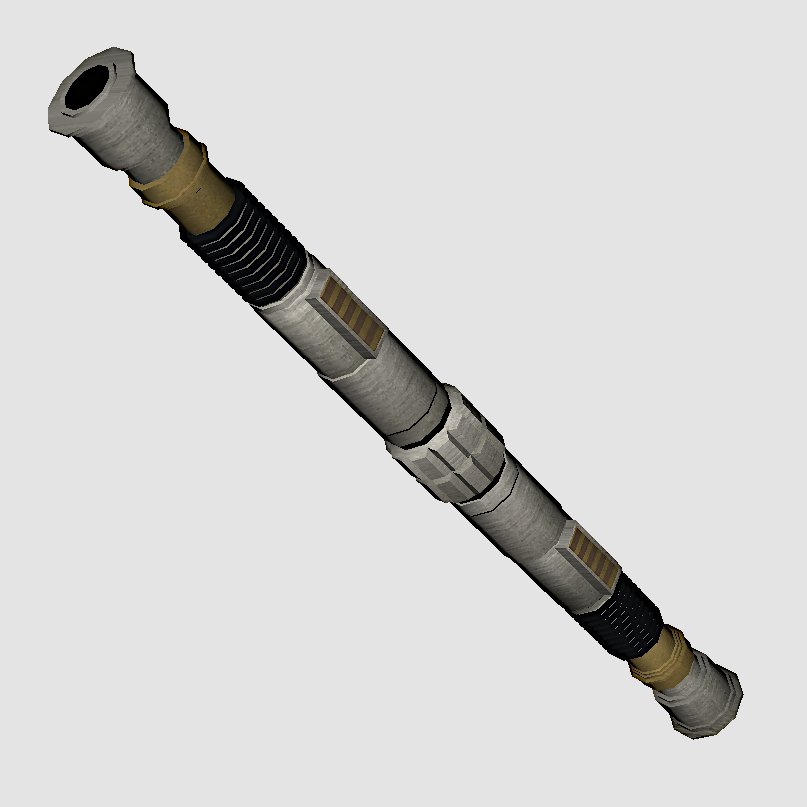
New green default double bladed saber, not quite finished.
-
Welp. It happened again. Most of what I was working on is officially gone.
All I have left is Coruscant, part of Dxun, SLM and DHRM...
Nar Shaddaa - gone.
Korriban - gone.
Dantooine - gone.
Onderon - gone.
the Korriban reskin is stinging pretty bad. I was pretty much done with it. But yeah it's gone.
About to quit modding for good.
Oh yeah i lost a bunch of changes I made to SLM as well...