All Activity
- Past hour
-
 SEND_IT_PUTO joined the community
-
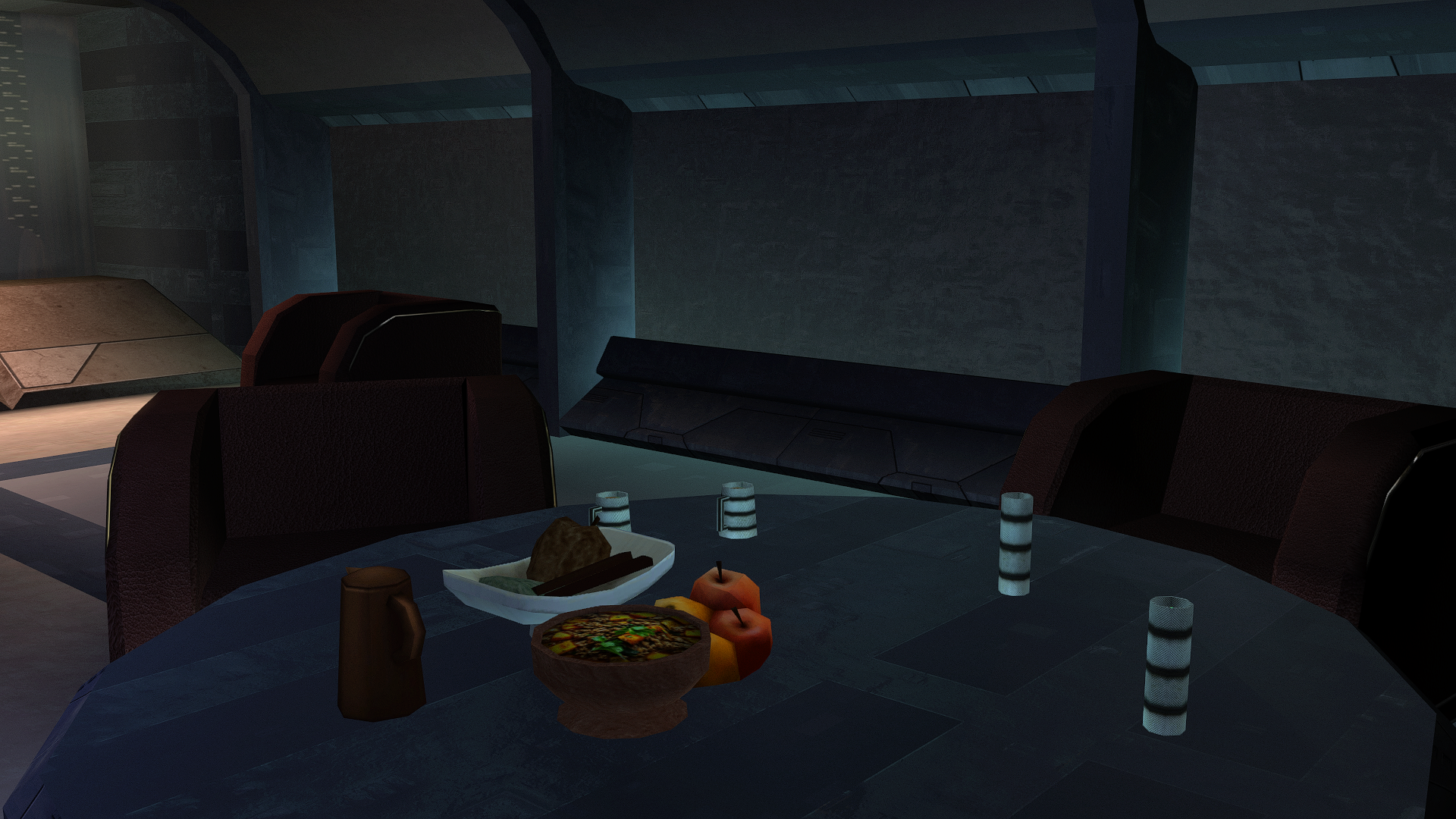
Let's feed the big Z deliciously.
-
 Dante89 joined the community
- Today
-

force bond [WIP] KOTOR II: Force Bond - Campaign Co-op | Closed Playtest
Vriff replied to W1ter's topic in Work In Progress
Reone is a GPLv3 project, and you have said you are building off of it for this OdysseyMP engine. Do you plan on distributing the source alongside these binaries in the beta test? You indicate in your dev blog video that you only intend on releasing it after it's done. This is a violation of the GPLv3 license terms. -
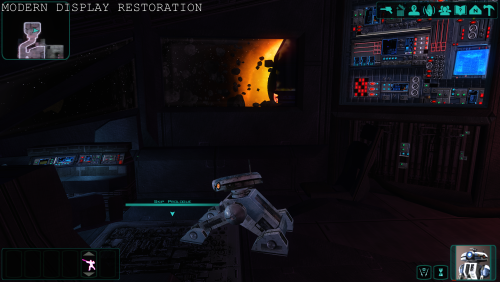
View File Modern Display Restoration Work in Progress - please give feedback. Added experimental ACM profiles, but support for it will be limited(you can't support random). https://ibb.co/album/hRPfSF - you can check if you have ACM enabled. If you have ACM enabled, the screenshots in this link should look correctly(only some of them. The plot twist is - which ones will?), while most screenshots on Nexus won't look correct. If the screenshots on Nexus look better - you have ACM disabled. ACM can't be predicted unfortunately, so there is little I can do. This mod, which uses ReShade aims to restore original look of the game on modern PCs and modern displays. There were a lot of changes in the computer world during the last decades - different displays(CRT screens), different displaying standards, different Operating Systems with different layers of processing and their redesigns, different GPU drivers and different versions of 3D graphics APIs. This aims to hopefully compensate all of that and restore the true look of the game to a modern player. This does not try to alter the games look in any other way than restoring the original intent, which you would have playing the game in those times on the console version of the game. For best results, disable Automatic Color Managment if you use WIndows 11. You can disable it per game or globally. Mod might not be compatible with Linux using Proton or similar. https://www.elevenforum.com/t/enable-or-disable-auto-color-management-for-apps-in-windows-11.11292/ Installation instructions(follow the order) Download ReShade from https://reshade.me/downloads/ReShade_Setup_6.7.3_Addon.exe. Mind you, this is a version for games without anti cheat only, if you would like to use it with a different game. Download(recommended) DisplayCommander addon from https://github.com/pmnoxx/display-commander/releases/download/latest/zzz_display_commander.addon32 Place all of the files to the game directory, including the provided mod files to where the exe file is. Move the folders from the mod as is. Run the ReShade installer. Find the game path, then select swkotor2.exe Select OpenGL. In the next windows, press Skip, unless you want to try some shaders or addons for yourself later. Some are already present in the package. Select a preset from the presets folder. Move all the files from the respective folder to the same location as every other file: If you don't know which to pick, try High Brightness gamma 2.2 preset or try the High Contrast equivalent. If you have an OLED or MiniLED with local dimming, pick High Contrast preset matching your display. If you have a 10 bit display and you are not using a so called sRGB gamut clamp, pick Wide Gamut presets and match it to your display gamma setting and monitor type. If you run lower brightness(80-120 nits), pick clean Gamma 2.2 preset or match it to your display gamma setting. NOTE: There is a bug with the bloom shader, so there is overly bloomy screen when starting the game. It's not present later. Requirements Reshade(6.7.3) https://reshade.me/downloads/ReShade_Setup_6.7.3_Addon.exe Credits Crosire and all contributors for creating Reshade https://reshade.me https://github.com/crosire/reshade And to the creators and all the contributors of the used shaders: https://github.com/EndlesslyFlowering/ReShade_HDR_shaders https://github.com/prod80/prod80-ReShade-Repository https://github.com/Matsilagi/RSRetroArch/ https://github.com/crabshank/HLSL-Reshade-colour-remappers Submitter Compact Submitted 11/13/2026 Category Mods TSLRCM Compatible Yes
-
View File NeoGFF - A Simple Modern GFF Editor NeoGFF is an Aurora-engine family GFF editor. It edits classic GFF V3.2 files used by KotOR and KotOR II. Recognized classic resources include .gff, .utc, .utd, .ute, .uti, .utm, .utp, .uts, .utt, .utw, .jrl, .dlg, .are, .git, .gic, .ifo, .pth, .fac, .gui, .bic, .btc,, and .sav. NeoGFF uses a single hierarchical GFF Tree Structures, lists, and fields appear in their actual document hierarchy. Double-click an editable field to change its value. Add Field and Delete Selected use the currently selected structure, list, or field. The filter searches paths, labels, types, stored values, and resolved TLK text. View > Expand GFF Tree and View > Collapse GFF Tree control hierarchy expansion. Each open document keeps its own expanded branches, selected field, filter text, and tree position when switching between tabs. Support is offered in the OpenKotOR Discord. Submitter Vriff Submitted 11/12/2026 Category Modding Tools
-
View File NeoJRL - A Simple Modern JRL Editor NeoJRL is an editor for Aurora-engine family journal files (`.jrl`). It supports the related but different journal formats used by Star Wars: Knights of the Old Republic and Star Wars: Knights of the Old Republic II. NeoJRL presents a journal as quests and journal states instead of requiring you to edit the underlying GFF structure by hand. It can create new journal files, add or remove complete quests, and add or remove the individual journal states within each quest. Support is offered in the OpenKotOR Discord. Submitter Vriff Submitted 11/12/2026 Category Modding Tools
-
 Skowda01 joined the community
-
.tga and .tpc formats.
-
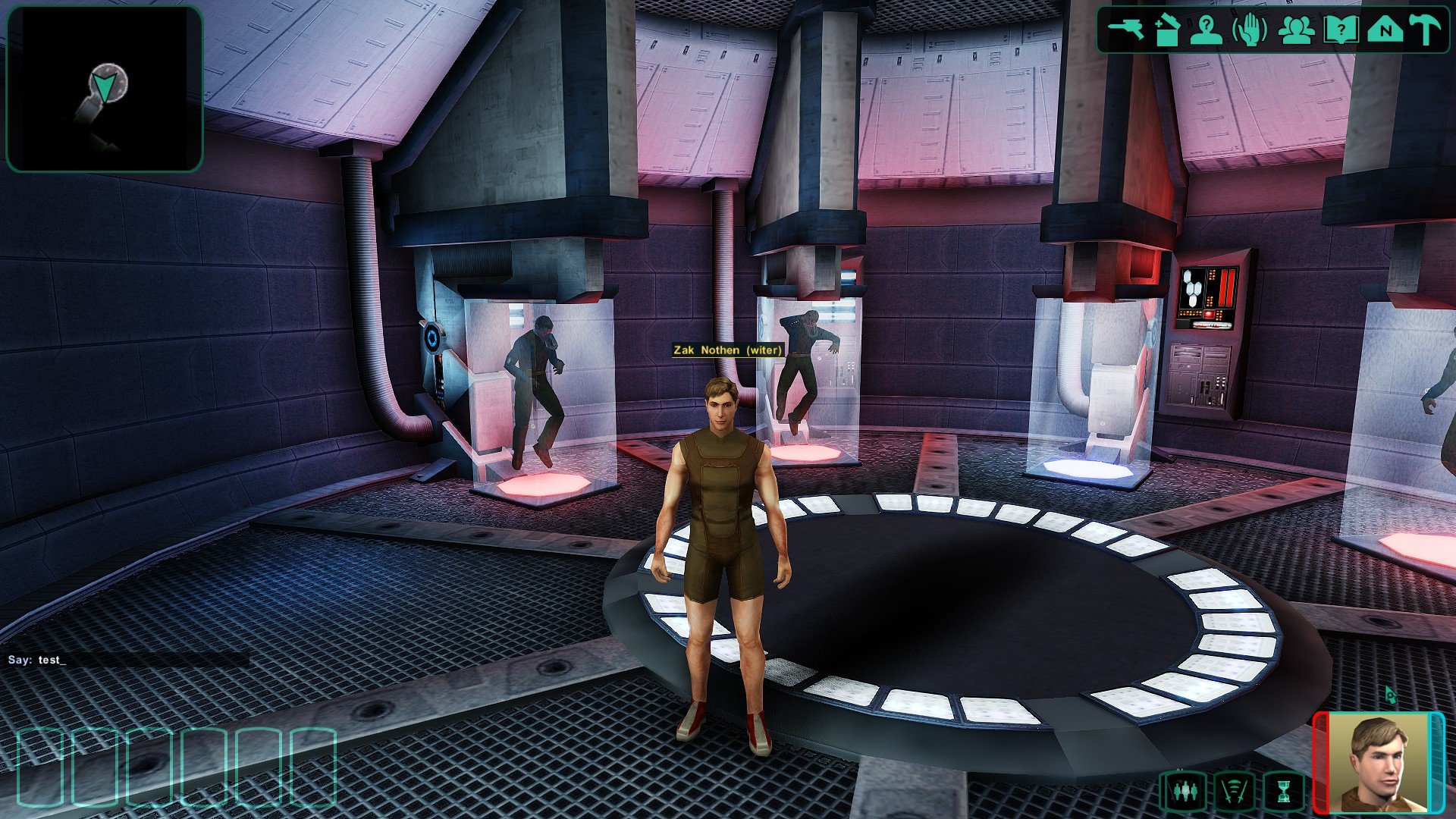
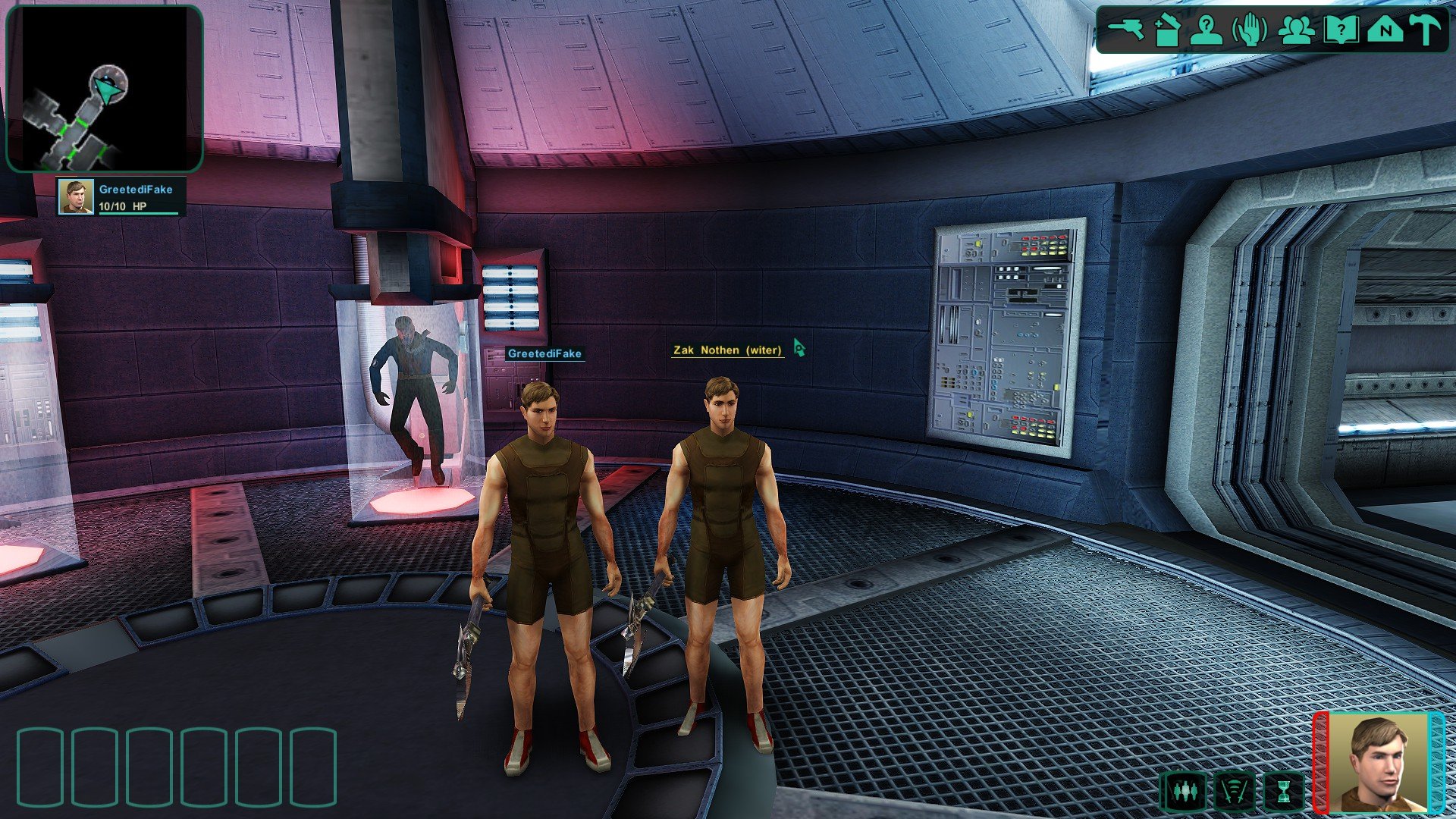
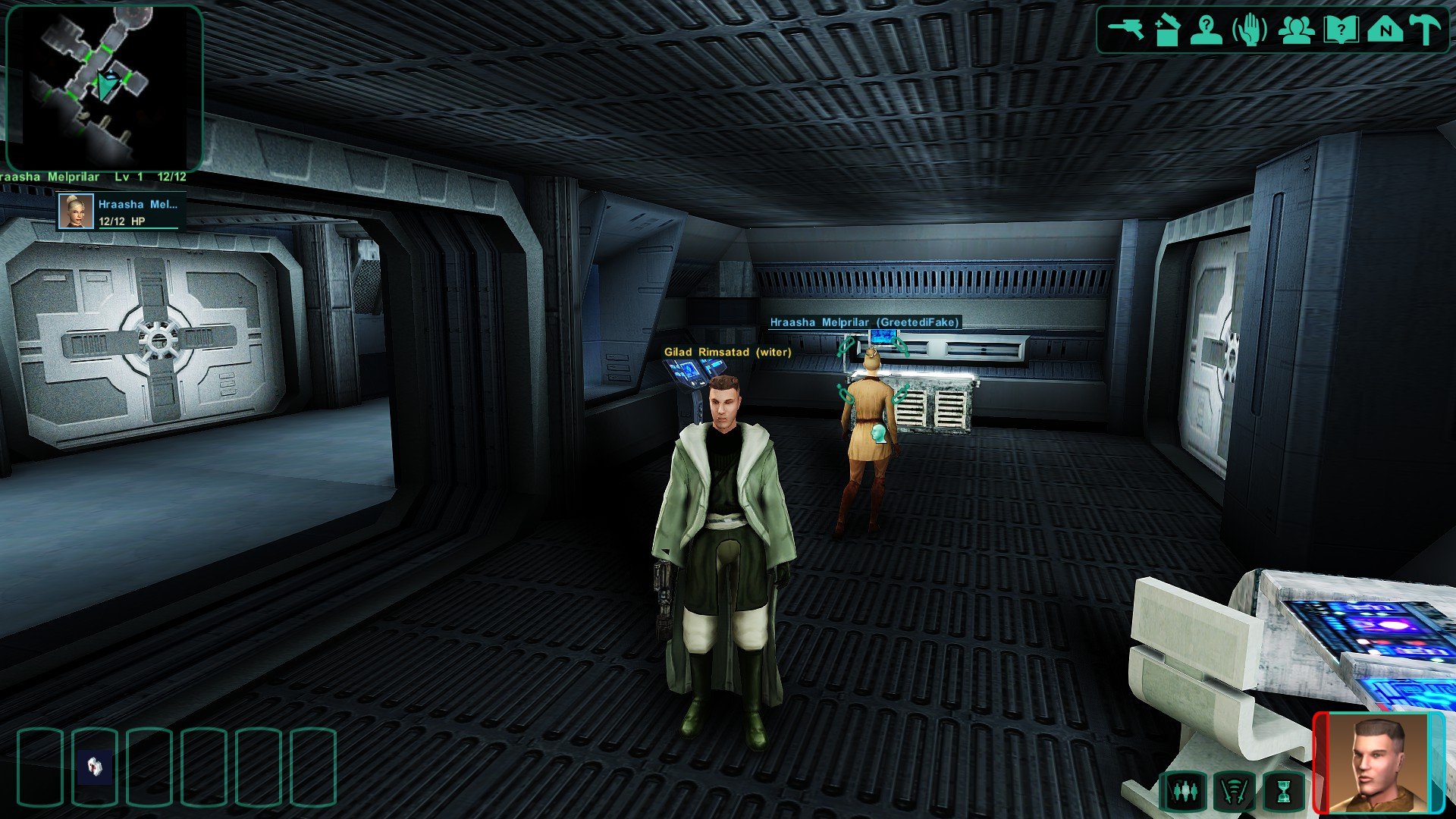
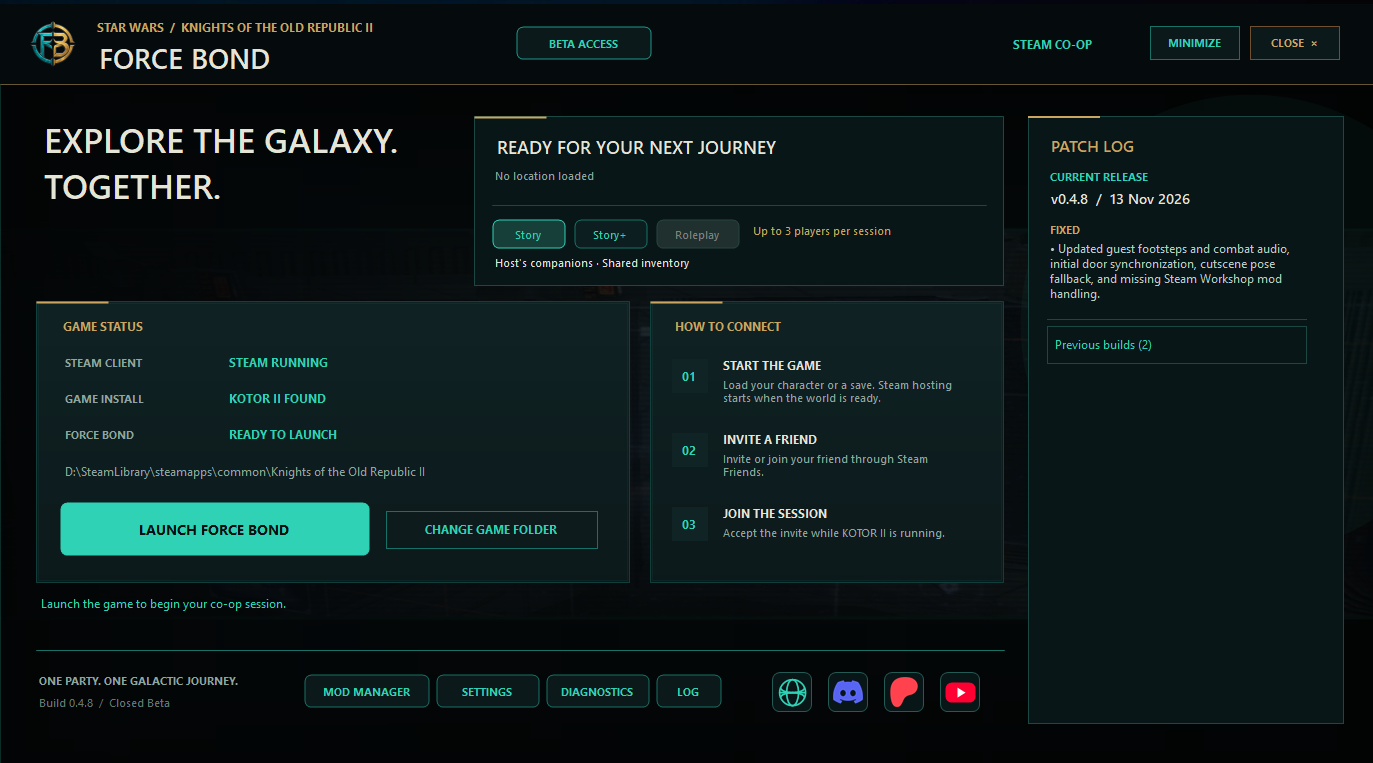
 Hi everyone! We’re Syndicate Corp., the team developing Force Bond, an unofficial campaign co-op mod for Knights of the Old Republic II — The Sith Lords. The project started as a mod for the original game executable. As we moved beyond getting two players into the same room, keeping combat, doors, and scripted scenes consistent across separate games became increasingly difficult. We moved development to OdysseyMP, where the host can run the shared world and guests can see the results of the same events. The current build has Steam invites, in-game text chat, proximity voice, and two campaign modes: Story supports up to three players with a shared inventory. Story+ supports up to eight players, each with their own character and inventory. Closed playtest applications are open. You’ll need a Windows PC, a Steam copy of KOTOR II, and at least one friend to test with. Each participant fills out their own application on Discord and tags the people they plan to play with. The mod will be free at public release, and there’s no confirmed release date yet. We’ll use this thread to share development updates. If there’s a particular quest, cutscene, or area transition you think we should test in co-op, let us know here. Specific examples will help us decide what to cover next. Watch Devlog #2 · Website and roadmap · Apply on Discord
-
W1ter joined the community
-
 Winter joined the community
-
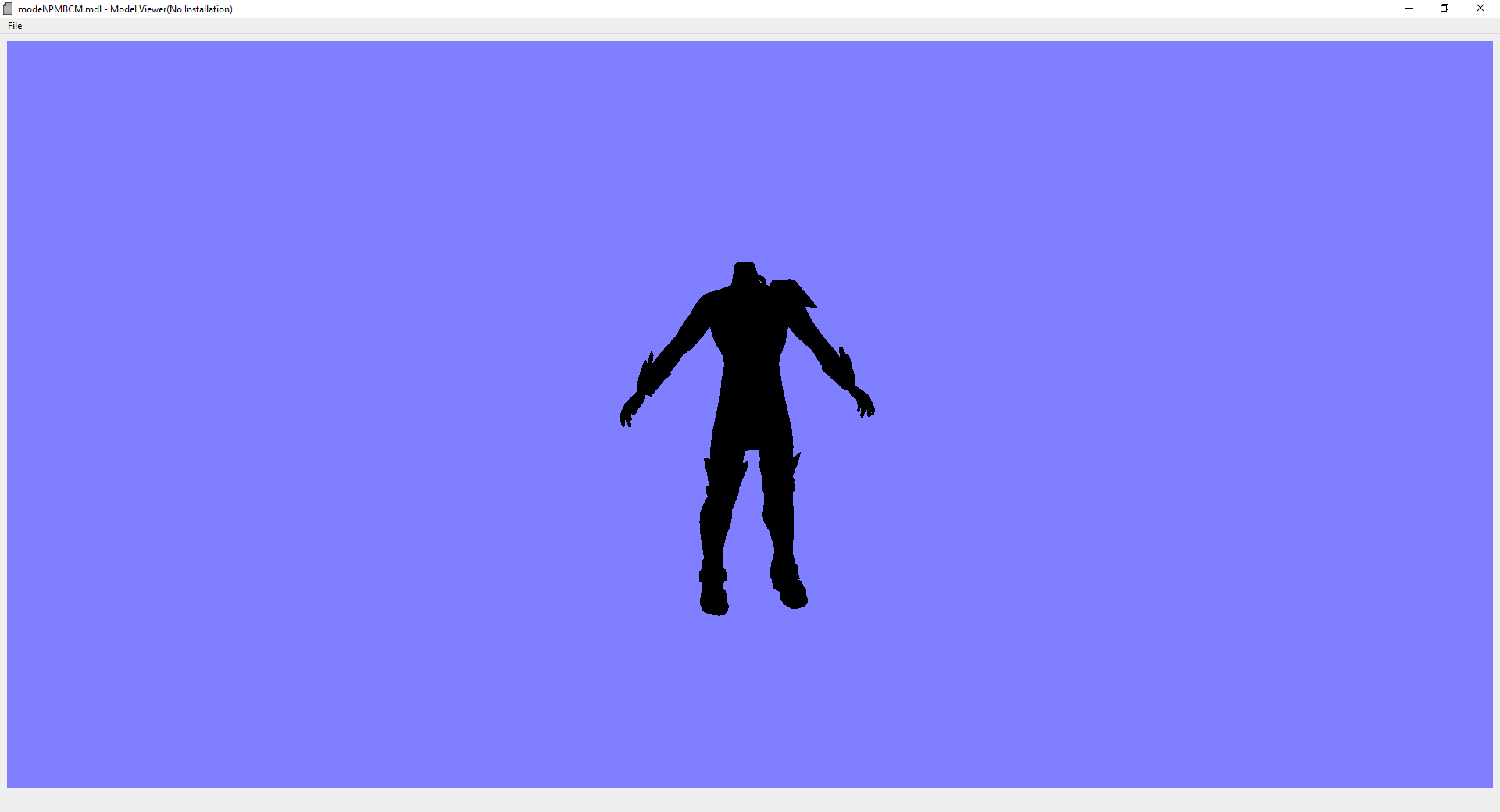
Thanks. I've managed to get the hands to fit to the TOR model, might be a bit small but I won't know for sure until I run it in-game and see if there are any other problems then fine-tune it from there. If the TOR textures I got were extracted as PNG, do I convert them to TPA/TPB/TPC?
-
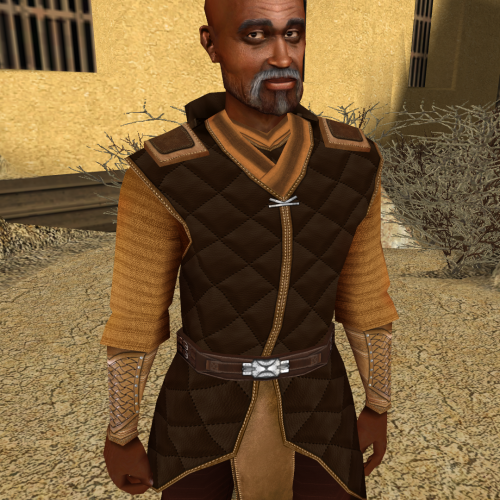 Hope I'm not too late to the party! I would also like to request the head reskin, please. Thank you for your time.
-
 Schger joined the community
-
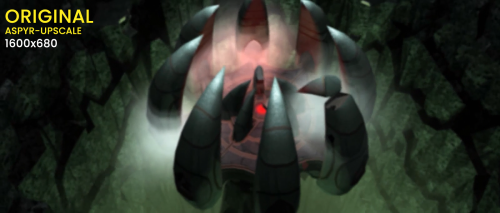 bro 22gb on 300kb download. Post it on nexus man
-
 Lonewolf40k joined the community
-

kjk-engine: Co-op KOTOR with Jedi knight movement/combat
Talyn82 replied to reclaimterrain's topic in Work In Progress
Alright played all the way up to Taris and did some quests there and all of the problems I had with Trask triggering conversations were non-existent on Taris. Everything is running buttery smooth so far. It's been a long time since I played Jedi Academy so I have to get used to the combat again. Also do you go by the name of Alex on Youtube? Cause I am using the mods he recommended and they work flawlessly with your mod. Do you have any recommendations as for what mods to use for TSL? -
Version 1.2.0
0 downloads
Work in Progress - please give feedback. Added experimental ACM profiles, but support for it will be limited(you can't support random). https://ibb.co/album/hRPfSF - you can check if you have ACM enabled. If you have ACM enabled, the screenshots in this link should look correctly(only some of them. The plot twist is - which ones will?), while most screenshots on Nexus won't look correct. If the screenshots on Nexus look better - you have ACM disabled. ACM can't be predicted unfortunately, so there is little I can do. This mod, which uses ReShade aims to restore original look of the game on modern PCs and modern displays. There were a lot of changes in the computer world during the last decades - different displays(CRT screens), different displaying standards, different Operating Systems with different layers of processing and their redesigns, different GPU drivers and different versions of 3D graphics APIs. This aims to hopefully compensate all of that and restore the true look of the game to a modern player. This does not try to alter the games look in any other way than restoring the original intent, which you would have playing the game in those times on the console version of the game. For best results, disable Automatic Color Managment if you use WIndows 11. You can disable it per game or globally. Mod might not be compatible with Linux using Proton or similar. https://www.elevenforum.com/t/enable-or-disable-auto-color-management-for-apps-in-windows-11.11292/ Installation instructions(follow the order) Download ReShade from https://reshade.me/downloads/ReShade_Setup_6.7.3_Addon.exe. Mind you, this is a version for games without anti cheat only, if you would like to use it with a different game. Download(recommended) DisplayCommander addon from https://github.com/pmnoxx/display-commander/releases/download/latest/zzz_display_commander.addon32 Place all of the files to the game directory, including the provided mod files to where the exe file is. Move the folders from the mod as is. Run the ReShade installer. Find the game path, then select swkotor2.exe Select OpenGL. In the next windows, press Skip, unless you want to try some shaders or addons for yourself later. Some are already present in the package. Select a preset from the presets folder. Move all the files from the respective folder to the same location as every other file: If you don't know which to pick, try High Brightness gamma 2.2 preset or try the High Contrast equivalent. If you have an OLED or MiniLED with local dimming, pick High Contrast preset matching your display. If you have a 10 bit display and you are not using a so called sRGB gamut clamp, pick Wide Gamut presets and match it to your display gamma setting and monitor type. If you run lower brightness(80-120 nits), pick clean Gamma 2.2 preset or match it to your display gamma setting. NOTE: There is a bug with the bloom shader, so there is overly bloomy screen when starting the game. It's not present later. Requirements Reshade(6.7.3) https://reshade.me/downloads/ReShade_Setup_6.7.3_Addon.exe Credits Crosire and all contributors for creating Reshade https://reshade.me https://github.com/crosire/reshade And to the creators and all the contributors of the used shaders: https://github.com/EndlesslyFlowering/ReShade_HDR_shaders https://github.com/prod80/prod80-ReShade-Repository https://github.com/Matsilagi/RSRetroArch/ https://github.com/crabshank/HLSL-Reshade-colour-remappers -
 MessiahOfFire joined the community
-
kjk-engine: Co-op KOTOR with Jedi knight movement/combat
Talyn82 replied to reclaimterrain's topic in Work In Progress
Hey just heard about this today and tried the alpha earlier and although still buggy I love the premise. I tried KOTOR one I finished the Endar Spire but there were a few problems with Trask and him triggering the conversations also his combat AI was off but like you said it's still in alpha stage. Wish I could help but I know nothing of programming but I look forward to the finish product and eventually play KOTOR 2 which is my favorite. -
 Hello and thank you, this is truly an amazing mod and now I'm happy to kick back and relax with a controller in my hand, awesome job! Btw is there any chance importing the Xbox achievements to the Steam version? I know nobody would see that in our Steam profile but it would still be cool to have an achievement built in if that's possible? Otherwise no biggie, thank you for this amazing mod!
-
 MangoRushZ joined the community
-
 Simple but lovely reskin
-
That's actually a cool idea! It's amazing how much you can do with an old game engine. It would be interesting to see something similar in GTA too! Curious to see what MitchCactus has planned for its upcoming GTA services.
- Yesterday
-
Hi there, I found darth dac's warper band at filefront but cannot use it what so ever, is there a fix for it? I'm a big fan of the one for k2 and would like to have the same for k1. For reference I installed the warp band last over all my mods so I could get max compatibility. The issue is while I can add the band to my armband, it does not appear in the usable items list. Thanks
-

Version 1.0.5
0 downloads
NeoGFF is an Aurora-engine family GFF editor. It edits classic GFF V3.2 files used by KotOR and KotOR II. Recognized classic resources include .gff, .utc, .utd, .ute, .uti, .utm, .utp, .uts, .utt, .utw, .jrl, .dlg, .are, .git, .gic, .ifo, .pth, .fac, .gui, .bic, .btc,, and .sav. NeoGFF uses a single hierarchical GFF Tree Structures, lists, and fields appear in their actual document hierarchy. Double-click an editable field to change its value. Add Field and Delete Selected use the currently selected structure, list, or field. The filter searches paths, labels, types, stored values, and resolved TLK text. View > Expand GFF Tree and View > Collapse GFF Tree control hierarchy expansion. Each open document keeps its own expanded branches, selected field, filter text, and tree position when switching between tabs. Support is offered in the OpenKotOR Discord. -

Version 1.2.4
0 downloads
NeoJRL is an editor for Aurora-engine family journal files (`.jrl`). It supports the related but different journal formats used by Star Wars: Knights of the Old Republic and Star Wars: Knights of the Old Republic II. NeoJRL presents a journal as quests and journal states instead of requiring you to edit the underlying GFF structure by hand. It can create new journal files, add or remove complete quests, and add or remove the individual journal states within each quest. Support is offered in the OpenKotOR Discord. -
Echoes of the Republic - an unofficial expansion
vault13deathclaw commented on vault13deathclaw's file in Mods
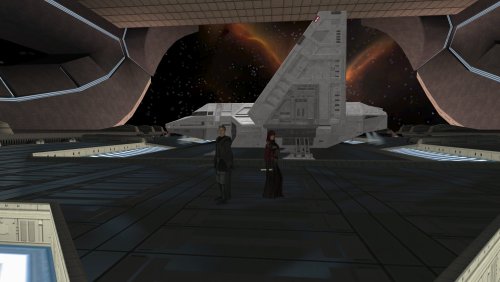 I will take a look at these and see if I can’t do something with those ideas. I actually didn’t know about them. Just for clarification, the M4-78 translation: are you just talking about the files here like the talk table and global.jrl which still reference it (because this mod requires M4-78 as a prerequisite) or are you going beyond that? Make sure you are you only translating files in this download. Sorry for being confused about it. I just want to make sure we are on the same page here. edit: the holocron talk table entries seem to be referring to the infamous cut side activity with the disciple. This was actually the inspiration for me putting a few holocrons around some of the planets to help train companions (although I still haven’t gotten around to letting disciple use them yet oddly enough lol). I do plan on implementing more holocrons in the future though. I am unfamiliar with the M4-78 dialogue file referencing the Chancellor and Coruscant, but, as you said, I have Coruscant and the Chancellor in this mod already so that might be worth looking at as well. Do you have more information about this line?
-

Heyorange's Sith Uniform Reformation [Revised]
Sith Holocron commented on Sith Holocron's file in Skins
 For the future: Uninstalling content without doing so sequentially breaks things. So do what N-DreW25 recommended.
-

Animation in a room's mdl not playing
Stanlej95 replied to Stanlej95's topic in General Kotor/TSL Modding
Thanks for the help with the animation, I give it a shot as soon as I can. If it works I'll come back with the confirmation for future modders with the same problem. As for Holocron - adding instances in Designer, saving and editing files like .dlg, .are. ifo .utc and saving through it caused my module to eventually crash on exit, whether I load another module from a save or leave through transition. It crashes on loading new module always about 10% of the progress bar done. When I launch the game I can change modules as much as I want but visiting my cloned module just once causes the next module - no matter what it is - to crash during loading screen. If I enter my module then exit to main menu I can enter any module once again. I suspect Holocron because the problem started to occur after adding placeables, creatures and waypoints. -
For the Kotor games it is very difficult, if not impossible, to uninstall mods. You are to uninstall Kotor, reinstall Kotor, copy the swkotor folder into a folder called "Backups" on your Desktop, and reinstall the mods you wish to use without this mod. By having the swkotor folder as a separate backup on your desktop should you ruin your install again you can simply revert back to the vanilla backup and start over without having to reinstall the game again. It's annoying, it sucks, but it's what has to be done.