Leaderboard



Popular Content
Showing content with the highest reputation on 10/13/2026 in all areas
-
Version 1.0.0
19 downloads
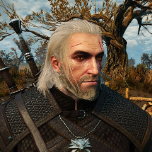
170+ portraits to replace party and player portraits. 5 stage lightside/darkside transitions. Install - extract the .TPC files to the game's override folder How Were These Made Kotor Blender and ImageMagick. I will be releasing the scripts to easily generate matching portraits. Blender and KotorBlender plugin will need to be install but the portrait generation process does not require blender knowledge.2 points -
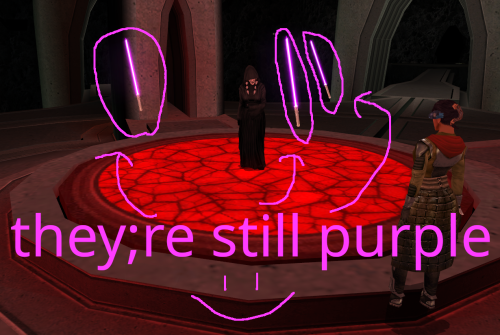
Version 1.0.0
6 downloads
One day in 2025, @Crimson Knight, famed creator of Ixgil the Bith, rocked the KOTOR community when he released a mod changing the color of Darth Traya's floating lightsabers to red, and also doing some other stuff to them. Today, I similarly rock the community by changing them back to purple, and doing even more stuff to them. *technically speaking I used the vanilla .utc files as a base, so they were never purple to begin with. It was all a dream What Crimson Knight did: Gave all three lightsabers immunity to fear, paralysis and stun Changed all three lightsaber colors to red What I did: Gave all three lightsabers immunity to fear, paralysis and stun Gave all three lightsabers Force Jump before Crimson Knight got the chance to (haha i'm faster) Removed redundant feats for armor and weapons that the lightsabers don't use Looked at the purple lightsabers and thought "yeah that seems about right" What could still be done to these damn lightsabers: At first, I wanted to do a little bit more to the lightsabers than just add Force Jump, but missing animations screwed me over. Force Jump is technically missing its animations, but I think it looks good enough to ship. The other two things I wanted to do was, first, give one of each lightsaber master level Power Attack, Flurry, and Critical Strike, but the animations don't exist for them on the floating lightsabers. Similarly, I wanted to make a variant where instead of three purple lightsabers, its the three council members' lightsabers, but the floating lightsaber NPCs also don't have animations for dual wielding or saberstaff. If those issues could be ameliorated, then I think we'd finally be able to put this floating lightsaber saga behind us. I'm not doing that though lmao Installation: slam dunk the provided utc files into your override folder Credits: If it wasn't clear enough already, credit goes to Crimson Knight for being the first to give the lightsabers their immunities in Red Floating Lightsabers. Credit goes to @Snigaroo for suggesting to give the lightsabers Force Jump. Special thanks to @SAO1138 for pushing me to actually get into modding, even if this first one is tiny and derivative.1 point -
KOTOR ACADEMY Jedi Academy's movement and lightsaber combat inside Knights of the Old Republic II, with KOTOR keeping the rules Development journal · October 2026 Hey everyone, This one is quite different from my usual art and world-building posts. It's got far enough that it needs a proper write-up rather than the odd clip. Kotor Academy brings Jedi Academy's movement, acrobatics and live lightsaber combat into KOTOR II. KOTOR still does what it does best: your stats, the dice rolls, the Force powers and the story. First, where it stands. Everything in this post runs in a single test arena. It isn't playable in the campaign game modules yet by design, there's no download, and I won't give a release date. What I can show is that the core idea works. There are two videos of it running, and the rest of this post covers the larger design and the route from here to something you could actually play through. 01 · What Kotor Academy is Kotor Academy lets you play KOTOR II with Jedi Academy's movement and live saber combat, while KOTOR's d20 still decides every blow that gets through. You run, jump, flip and Force-jump the way you would in Jedi Academy. You swing your saber in real time, and your opponent blocks, parries and fights back using Jedi Academy's own AI. Your character is still your KOTOR character, though. The model, equipment, feats, Force powers, HP and FP all come from KOTOR. When a blow gets past the enemy's guard, KOTOR rolls for it the same way it does in vanilla combat. If that isn't for you, there's a single checkbox in the options menu that turns it all off and puts you back in standard KOTOR. One caveat: switching it off while you're on a platform or mid-air isn't safe yet. The hand-off that puts you back on solid ground is built but not tested. 02 · How it works Two engines run at the same time. KOTOR II is the game you see and play, and a hidden Jedi Academy handles movement, collision, saber combat and enemy AI behind it. Two games, one experience The inspiration is chasmlol's SkyCraft, which pairs Skyrim with a hidden Minecraft running underneath. Kotor Academy does the same thing with KOTOR II and Jedi Academy. KOTOR II is the visible game and renders the world, characters, effects and GUI. Behind it runs a fork of the open-source OpenJK single-player engine, which loads Jedi Academy's base assets from your own install. A patch DLL inside KOTOR II talks to the hidden Jedi Academy through shared memory every frame. KOTOR sends your input and your equipped weapons, so Jedi Academy only ever carries what KOTOR has equipped. Jedi Academy sends back your position, camera and skeleton pose, and KOTOR applies them to your KOTOR character model. The result is your KOTOR character, in your KOTOR gear, playing Jedi Academy animations. Every key has exactly one owner, so overlapping binds never fire twice. KOTOR keeps the rules KOTOR II handles: dialogue, quests, scripts, saves, inventory and equipment, party, XP and level-up, feats, alignment, HP and FP, Force power costs and saves, and all of the d20 combat math. Jedi Academy handles: player movement and acrobatics, collision against a Jedi Academy copy of the area geometry, saber swings, blocks and parries, the third- and first-person camera, and Reborn AI for the enemies handed to it. Hand-offs: dialogue, menus, pause and death all hand control back to KOTOR. Who decides a hit Jedi Academy detects saber, melee and other contacts. If Jedi Academy blocks or parries a swing, it never lands and nothing is rolled. Every contact that does get through goes to KOTOR, which makes its own attack roll (attack bonus against Defense, natural 20s included) and applies its own damage and death. The result goes back to Jedi Academy for presentation. This works in both directions, for your hits on enemies and for theirs on you. The patch is off by default and locked to one exact game executable. If anything doesn't match, it falls back to vanilla behaviour. 03 · Movement and acrobatics Your KOTOR character now moves like a Jedi Academy character, running, flipping and Force-jumping through an arena built for verticality. Showcase1.mp4 Jedi Academy movement on the KOTOR character in the test arena: running, flips, Force jumps up the red-topped towers, stepping stones and balance beams, saber lit. The test arena (plcaa) has purpose-built stations for exactly this: stepping stones, towers, balance beams, stairs and tables. The running, jumping, flips and Force jumps all come straight from Jedi Academy and drive the KOTOR model. Force Jump follows your feats How high you can jump depends on your character's own KOTOR II Force Jump feats, so it depends on your build. The cap is configurable and defaults to level 2. A data file can also set caps per area and mark no-jump zones, so an area that was never designed for a Jedi going over the walls doesn't have to allow it. Being honest: my test character got those Force Jump feats from a save edit, and plcaa is the only area that exists so far, so per-area caps haven't been tried anywhere else yet, and no-jump zones haven't been live-tested yet. The acrobatics also aren't polished on the KOTOR body yet. There's still foot sliding to clean up. 04 · Saber combat and the first duel The first real opponent is a Sith duelist driven by Jedi Academy's own Reborn AI and fighting under KOTOR's rules. CombatShowcase.mp4 The Sith duel: Reborn acrobatics and flips, saber exchanges, Force powers and Lightsaber Throws, with KOTOR's HUD throughout. The Sith is a KOTOR character spawned into Jedi Academy as a Reborn fencer. He fights with Jedi Academy's attack chains, flips, kicks and knockdowns, and he blocks and parries on his own. He also Force-jumps onto platforms to follow you, and in the video he follows me onto the teal table platform. He has since been levelled up to make the fight harder. The logged duel numbers below come from an earlier, lower-level version of him. The numbers behind it Across the logged duel runs, 12 of his contacts reached KOTOR's roll and only one hit, for 20 damage. Eight of mine reached the roll and all eight hit, and one run included a critical on a natural 20 for 33 damage. (My test character was levelled by save edits for testing, so don't read those numbers as balance.) In a separate test, 16 contacts went through the whole hand-off with zero faults. Two duels ran all the way to a native KOTOR death. When he goes down, KOTOR handles damage and death natively (and XP, as an earlier kill showed). His hits on you go through KOTOR as well, with Jedi Academy's pain reactions, and if you lose you get KOTOR's own death screen with control handed back to the game. Weapons Lightsabers: single, double-bladed, short and dual sabers render on the KOTOR model and follow Jedi Academy's swings, with the ignite and retract animation every time you toggle (key 1). The hilt stays in your hand through attacks, jumps, a back-flip and a cartwheel. With dual sabers, each hand's hits get their own d20 roll. Melee and unarmed: these work under KOTOR's rules too. A vibrosword landed 4 contacts on a droid with 2 crits (60 to 14 HP), and unarmed landed 10 punches (25 to 7 HP). Kicks: they roll the d20 and knock the target down but deal no damage. That's by design. Grenades: thrown with Jedi Academy's physics, then KOTOR takes over with its frag explosion, smoke, scorch mark and damage number. A direct hit took a droid from 60 to 40 HP. Stims: a quickbar stim (Adrenal Strength) worked in Live Combat with no round wait. Hostiles only Only enemies can be hurt, using KOTOR's own hostility check. KOTOR's queued, round-based attacks are blocked for the player while Live Combat is on, so the old attack queue can't fire on top of live combat. Scripted scenes are exempt. What's still rough Block and parry feedback: visible sparks, sounds and a Jedi Academy-style attacker bounce on misses aren't in yet. Block rates haven't been measured or balanced either. Hurt reactions: a short torso flinch that never interrupts movement or saber moves is in the build and waiting on my retest. Flourish: the X flourish plays real flourish motion, but one press still showed a brief body turn. Tuning: the Sith's FP pool and level still need tuning. 05 · The Force, KOTOR's way Force powers are KOTOR's own powers, cast through KOTOR's own system, while Jedi Academy keeps your body moving as you cast. You press F to cast from an interim selector bar at the lower right, which shows KOTOR's own power icons and scrolls with the mouse wheel. Push, Stun, Lightning, Lightsaber Throw and self powers go through KOTOR's native cast, with KOTOR's FP cost, saving throws, effects and visuals. Out-of-range or busy casts are refused the way KOTOR would refuse them. As in Jedi Academy, you can cast on the move: you keep running and a torso gesture plays. Two changes are specific to Live Combat. Armor no longer blocks Force powers (my call), and targeted powers auto-aim at the nearest enemy in front of the camera. Lightsaber Throw This is KOTOR's own Lightsaber Throw with its native damage, which is half your caster level (rounded down) in d6. The saber item's damage doesn't factor in. My level 15 test character rolls 7d6 and hit for 17, 27 and 29 in testing. It works from platforms and aims with the crosshair. If you haven't learned the power, right-click keeps the saber in your hand. Right now you stand still while throwing. Throwing on the move, with the saber returning to wherever you are, is on the list. The Sith casts too Jedi Academy's AI decides when he uses a power. KOTOR decides whether it works, based on the powers he knows, his FP and your saves. He cast Push on me and I resisted it on a KOTOR save, and he has cast Stasis too. Later in the fight his casts were refused because he'd run out of FP, which is how it should work. Not there yet Untested powers: plenty of KOTOR's powers, haven't been tried live in a fight yet but ill be testing every power in the game in depth. Built but not live-tested: Force Speed affecting Jedi Academy movement, stun and stasis freezing the target (or you), and a native KOTOR-HUD Force selector to replace the interim bar. Physics: powers don't use Jedi Academy physics yet (push knockback, grip lift and hold). That's planned, not done. 06 · Making it feel native to KOTOR The goal is for Kotor Academy to feel like an option KOTOR always had, not a different game bolted on top. The Live Combat option There's a Live Combat checkbox in KOTOR's Gameplay Options. Turning it on gives you Jedi Academy movement and live combat with KOTOR's d20. Turning it off gives you vanilla KOTOR movement and round-based combat, with the platform and mid-air caveat from section 01 still applying. It's a native checkbox added to the existing panel at runtime, with no .gui file replaced, and your choice is saved in swkotor2.ini under [Kotor Academy]. HUD In Live Combat, KOTOR's combat-queue and target action buttons are hidden (26 controls in all). The enemy you're aiming at gets a compact name and HP panel above its head, clear of the crosshair. Pausing brings back the native HUD. Pause, dialogue and camera Tactical pause: middle mouse uses KOTOR's own pause and gives you the free cursor, native UI and quickbar. Dialogue: conversations hand control to KOTOR, and Live Combat resumes afterwards. First person: F7 switches to a view from the eyes with the head hidden. Arms and saber in first person, and camera collision with walls and props, are still to do. Camera and input fixes: the camera no longer stops on bodies, and clicking with your saber holstered in combat draws it. Lightsaber forms The first pass of form rules is installed in the test build. Soresu works with any saber setup, and its Obi-Wan guard stance plays only with a single blade. All other forms are single-blade only, and dual and double-bladed setups get style buffs instead. This works in the test build but isn't final. I plan to author the final stance animations for each form myself, starting with the Soresu guard, and the buff numbers are first-pass values that still need tuning. Feats and d20 numbers Every contact that gets through is resolved from your character sheet. Your attack bonus and Defense decide hits, natural-20 criticals roll as in KOTOR (seen live), your Force Jump feats set your jump height, and every power costs KOTOR FP. Full KOTOR critical rules, shields, resistances and sneak attacks are still to verify. Stability A recurring crash when loading from the in-game menu or quitting was the big blocker. I traced it to a resource-teardown bug in KOTOR itself, which the arena's station models triggered because they're packed inside the module file (module-local models). A guard now handles it: 5 out of 5 in-game loads and a clean Exit Game, with no new crash dumps. To be clear, this is a fix for the case the arena triggered, not a general KOTOR crash fix. 07 · Shaped by the community A lot of these decisions came out of conversations with other modders, and the project is better for it. I've been sharing progress and asking questions on Discord, and that feedback has shaped the design in a few clear places: Verticality: Jedi Academy movement could carry you over a lot of KOTOR's level design. The discussion around that fed directly into jump height coming from your Force Jump feats, with a configurable cap, per-area limits and no-jump zones. Forms: conversations about how forms should behave with different saber setups helped settle the current form rules. Enemies: the point that the real fun is in fighting enemies, not just moving around, pushed enemy AI up the list, starting with the Sith duelist. Mod compatibility: the discussion made full compatibility with other mods a hard rule rather than a nice-to-have. Jedi Academy required: for legal reasons, owning Jedi Academy is a requirement rather than anything being bundled. Thank you to everyone who has weighed in. Please keep it coming, especially on how the combat feels. 08 · What's next Blasters come next, with more of the Force in parallel, then more enemy types, companions and, eventually, real modules. Blasters Blaster vs blaster: player blasters with Jedi Academy bolts and a KOTOR d20 for every shot. An early pistol prototype fired KOTOR's own red bolt and impact effects, and the d20 decided each hit on a training droid. The muzzle flash doesn't attach yet, I haven't checked the shot sounds, and repeaters, disruptors, bowcasters, ion and sonic weapons are all untested. Blaster vs lightsaber: deflecting and reflecting bolts, decided by the d20 and shown on screen. This isn't in yet. More of the Force Lower tiers (in progress): lower tiers will stay selectable as separate slots, grouped by family: Push/Whirlwind/Wave, Stun/Stasis/Stasis Field, Lightning/Storm, Drain/Death Field and Choke/Kill. Other power chains will show only their top tier. Presentation: every KOTOR Force power will get Jedi Academy presentation. That means KOTOR's visual effects by default, Jedi Academy body animation blended with KOTOR's cast animation, and Jedi Academy physics where it fits. For example, Choke will stay a KOTOR cast and Kill will become a hold-and-move grip. Enemies and companions Enemies: every enemy type driven by Jedi Academy AI and movement under KOTOR's rules, with Force users fighting as Jedi or Reborn and everyone else as troopers. Right now the Sith duelist is the only one. Blaster troopers on Jedi Academy AI and melee enemies who aren't Jedi are both in progress. Companions: party members fighting in Live Combat, with party AI, switching and follow. Combat depth Blocking and parrying: today Jedi Academy's own defence blocks first. The plan is for block skill to scale from KOTOR stats, and for blaster deflection to be decided by the d20 and shown on screen, with every balance number in ini and data files. KOTOR rules: energy shields, resistances, on-hit properties, sneak attacks and the full critical rules behaving as they do in KOTOR. These aren't verified yet, and neither is medpac healing in Live Combat. Dismemberment: Jedi Academy-style dismemberment for every KOTOR creature and character. Jedi Academy decides the cut, KOTOR confirms the death, and an offline pipeline pre-builds the stump caps and severed limbs. So far this is telemetry only. Real modules This is the big one. Jedi Academy collision has to be generated for each KOTOR area and loaded on area transitions. After that comes the campaign from Peragus to the ending, with cutscenes, scripts, puzzles, saves, party changes and mini-games all working. Longer term, I want to remake areas so they reward verticality, with jump rules tuned per area. That's my own level-design project, and it will take a while. Also on the list: merging character creation, visual polish (acrobatics on the KOTOR body without foot sliding, an optional first-person saber), and an additive, reversible installer and uninstaller. 09 · Requirements and compatibility You'll need both games, and Kotor Academy is being built to sit alongside other mods rather than replace their files. Both games: you need to own KOTOR II and Jedi Academy. No Jedi Academy assets are redistributed. The OpenJK fork stays under GPL-2.0, and its base assets load from your own Jedi Academy install. Your JA folder is untouched: Kotor Academy reads the base assets (assets0-3.pk3) from your install and never modifies it, and it doesn't load your Jedi Academy mod pk3s. Tested build: Steam KOTOR II with TSLRCM 1.8.6 installed. The patch is locked to the exact executable I tested with, so GOG and other versions are untested and currently wouldn't activate. Compatibility rule: no wholesale replacement of base 2DA, GUI, dialog or script files. KOTOR data is read at runtime through the game's own resource lookup, so your Override mods win, and Kotor Academy's files are namespaced kja_*. Installs are meant to be additive and reversible. GUI mods: the Live Combat checkbox is added at runtime, and a custom optgameplay_p.gui is accepted. A heavily rearranged GUI overhaul may make it back off safely, leaving the panel as it is without the checkbox. I'm not claiming support for every GUI overhaul. Other patches: its hooks are checked against the other patches in the shared patch_config.toml so nothing gets hooked twice, and it only edits its own section. With Live Combat off, the game is meant to behave like vanilla. My custom animation patches: they coexist. Single-saber custom clips now play only with a single saber, and a fix that hands the X flourish to Kotor Academy in Live Combat is in, waiting on my retest. Still to test: a broader live test with TSLRCM and M4-78EP and an install-manifest audit are planned. Only the test arena has Jedi Academy collision so far. Performance: two engines run at once, and I haven't done any performance or frame-rate testing yet. 10 · Credits Kotor Academy builds on other people's work, and they deserve credit up front. JACoders and the OpenJK project: the open-source (GPL-2.0) Jedi Academy engine that the hidden half of Kotor Academy runs on. chasmlol's SkyCraft: the idea of pairing two games, with one running hidden underneath the other. The TSLRCM team: TSLRCM is part of my test setup and the baseline this is built to respect. The community: for the design discussions that shaped a lot of this. The makers of KOTOR II and Jedi Academy: the two games this is built on. So that's where Kotor Academy is today: one arena and one opponent, and the foundation is doing what I hoped it would. I'm happy to answer questions about the design, and feedback on the combat feel is welcome below. — ShaolinGhost AI DISCLOSURE & FEEDBACK I use AI often in my workflows to assist with creating my mods, including handling monotonous and repetitive tasks. You should assume that anything I post has had AI assistance in some way. As I stated in my Dathomir WIP post, I expect discussion of my projects to remain professional and focused on the actual artwork, performance, and gameplay. Constructive criticism that helps improve the art or gameplay is welcome. Derogatory statements about AI will be ignored. I am here to improve the finished product, and I will not change my workflow to accommodate personal objections to AI.1 point
-
Version 1.0.0
60 downloads
200+ portraits to replace party and player portraits. 5 stage lightside/darkside transition restored. Install - extract the .TPC files to the game's override folder - the optional portraits.2da file enables 5 stage lightside/darkside transitions, copy it to override. How Were These Made Kotor Blender and ImageMagick. I will be releasing the scripts to easily generate matching portraits. Blender and KotorBlender plugin will need to be install but the portrait generation process does not require blender knowledge.1 point -
Version 2.1
396 downloads
Description Vanilla Weapons HD Upscales all weapon textures in kotor 2 using topaz gigapixel X4 The mod is split into 5 separate files: Melee Weapons HD Blasters HD Lightsabers HD Grenades HD (includes mines and detonators) Bronze Lightsaber (Download if using tsl restored content mod) Glitched lightsaber hilt fix tsl aspyr is recommended if you're using the lightsabers file. They are separated in case you already use another lightsaber mod, high quality blaster mod, or other weapon texture replacement. Installation Place the override folder into your main KOTOR 2 directory. Replace files if prompted.1 point -

Version 1.1
1,472 downloads
A Mod for Star Wars Knights of The Old Republic Author: Darth Vhail Release Date: 11.11.2016 ->Description: This mod changes the appearance of the Sith Mask found in Uthar's chambers in the Sith Academy on Korriban to resemble Kylo Ren's mask from Star Wars: The Force Awakens. It also contains a new item icon. ->Important: For this to work you need to have Xander2077's "Vanilla Masks Overhaul 0.9" mod installed. Not a difficult proposition seeing as that mod is awesome. You can download it here: http://deadlystream.com/forum/files/file/867-vanilla-masks-overhaul/ ->Installation: To install you simply need to copy these files into your KotOR override folder and replace the "I_Sithmask.tga" and "ii_mask_013.tga" files from Xander2077's mod. ->Thanks: I would like to thank Xander2077 for his "Vanilla Masks Overhaul 0.9" mod. Without it my reskin would not be possible. ->Legal: THIS MODIFICATION IS NOT SUPPORTED BY BIOWARE/OBSIDIAN ENTERTAINMENT, LUCASARTS, DISNEY OR ANY LICENSERS/SPONSORS OF THE MENTIONED COMPANIES. USE OF THIS FILE IS AT YOUR OWN RISK AND THE ABOVE MENTIONED COMPANIES OR THE AUTHOR IS NOT RESPONSIBLE FOR ANY DAMAGE CAUSED TO YOUR COMPUTER FOR THE USAGE OF THIS FILE.1 point -

Version 1.1.0
985 downloads
Chodo Habat and pals were strong-armed out of their control of the Restoration Project before they could complete their work. This means that some key components for a healthy ecosystem were never imported from Dxun, such as water and physics, leading to some funky model errors. There are streams with invisible water, floating leaves, floating rocks, illusory rocks, UV errors, and one hole in the ground exposing Telos to the great void. Let's give our Ithorian friends a hand. Installation: There are two versions of the mod available to download, one of which has been made for compatibility for users with High Quality Skyboxes installed. Download the 7z file for the version of your choice, and extract to your game's override folder. For Steam installations, this would be "Steam\steamapps\common\Knights of the Old Republic II\override". 7z files can be extracted with Archive Utility on macOS, or with programs like PeaZip on Windows and Linux. If you are upgrading from a previous version of the mod, be sure to remove that "Telos_Model_Repairs" folder from your override after installing the new version. If you are using the High Quality Skyboxes compatible version of the mod, make sure to remove 231teld.mdl and 231teld.mdx from your installation of High Quality Skyboxes in the override folder to ensure you see all changes made. Kexikus has generously allowed me to incorporate the necessary model changes from High Quality Skyboxes into the compatibility version, so that these mods may be compatible. If you installed High Quality Skyboxes via Steam, you can find the relevant mod files at "Steam\steamapps\workshop\208580\2312186259\override". Uninstallation: Remove "Telos_Model_Repairs" from your override folder. Included Files: Compatibility: Users should expect full compatibility with any other mods, so long as they do not modify/replace the above models and walkmeshes. High Quality Skyboxes works alongside the compatibility version of this mod. Texture mods that do not alter the above models are fully compatible with either version. Some other great, compatible mods for Telos to check out are Telos surface 4k Retexture by coremar, TSL ORIGINS - Telos Overhaul by Jorak Uln, and Kotor 2 Unlimited World Texture Mod by facemeltingsolo. Acknowledgments: I would like to thank Symmetric, Purifier, Ndix UR, and seedhartha for making importing to Blender simple using KotORBlender, and Cortisol and Fred Tetra for making file extraction easy with the Holocron Toolset and KotOR Tool, respectively. I would also like to thank Kexikus for allowing me to merge the necessary changes to makes this mod compatible with High Quality Skyboxes. This modification is not supported by Obsidian Entertainment, Lucasarts, Disney or any licensers/sponsors thereof. Use of this modification is at your own risk and neither the aforementioned companies nor the author may be held responsible for any damages caused to your computer via this modification's usage.1 point -

Version 1.0.0
8,740 downloads
This mod removes what is intended to be snow covering the forcefield in the Telos Academy's hangar and adds a skybox for the now visible exterior. Installation: Simply copy the model files across to your Override folder Acknowledgements: Thanks to @bead-v for KOTORMax and MDLEdit1 point -

Version 1.0.0
1,406 downloads
Darth Nihilus Animation Fix Update A long time ago, Ӄhrizby released Darth Nihilus Animation Fix 2.0. It was good, but had some problems - like saber swing sound were not playing, clipping in his running/walking animations, etc... I decided to try to fix it, and Ӄhrizby allowed me to release this as new mod. Features: Fixed sound issues Fixed clipping in walking and running animations Restored his unique walk and run animations for single saber Fixed some other problems (like his lower jaw was terribly deformed in some animations) Added camerahook, so your screen will not shake in combat BONUS: reverted model structure back to original. It means, that if you have old Avol's Darth Vader mod installed - Vader will have fixed animations too! I hope I fixed everything, but if I've missed something - let me know in support thread. Installation. Just drop all files to your Override folder. Permissions and credits. Huge thanks to Ӄhrizby for making original mod and allowing me to release this update. If you want to use it in your mods - ask permission from Ӄhrizby. If you get one - no need to ask me, use it like you want.1 point -

Version 1.1
333 downloads
Revan's robes in various colors with a pvc lighting effect. Current version is 1.1.1 point -
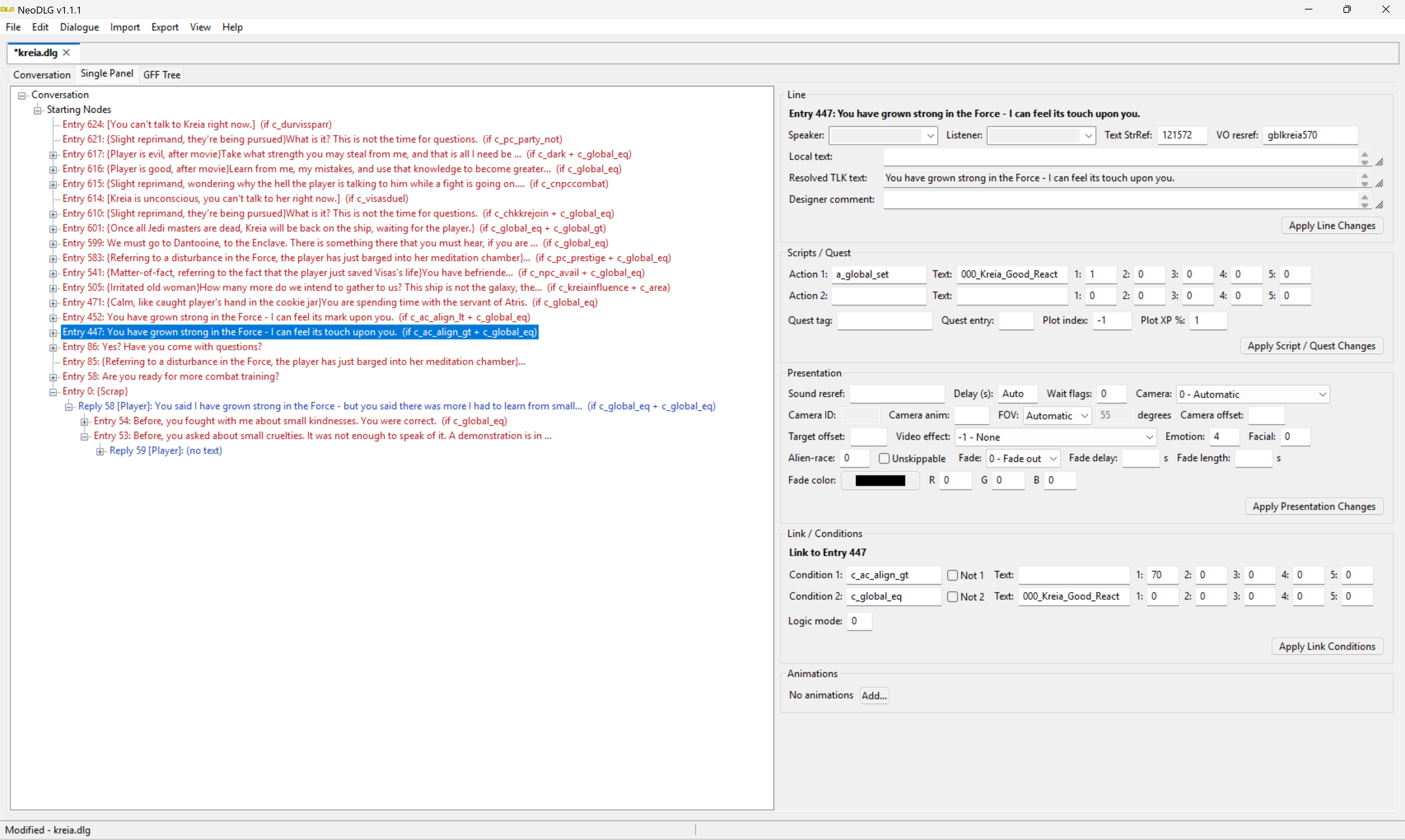
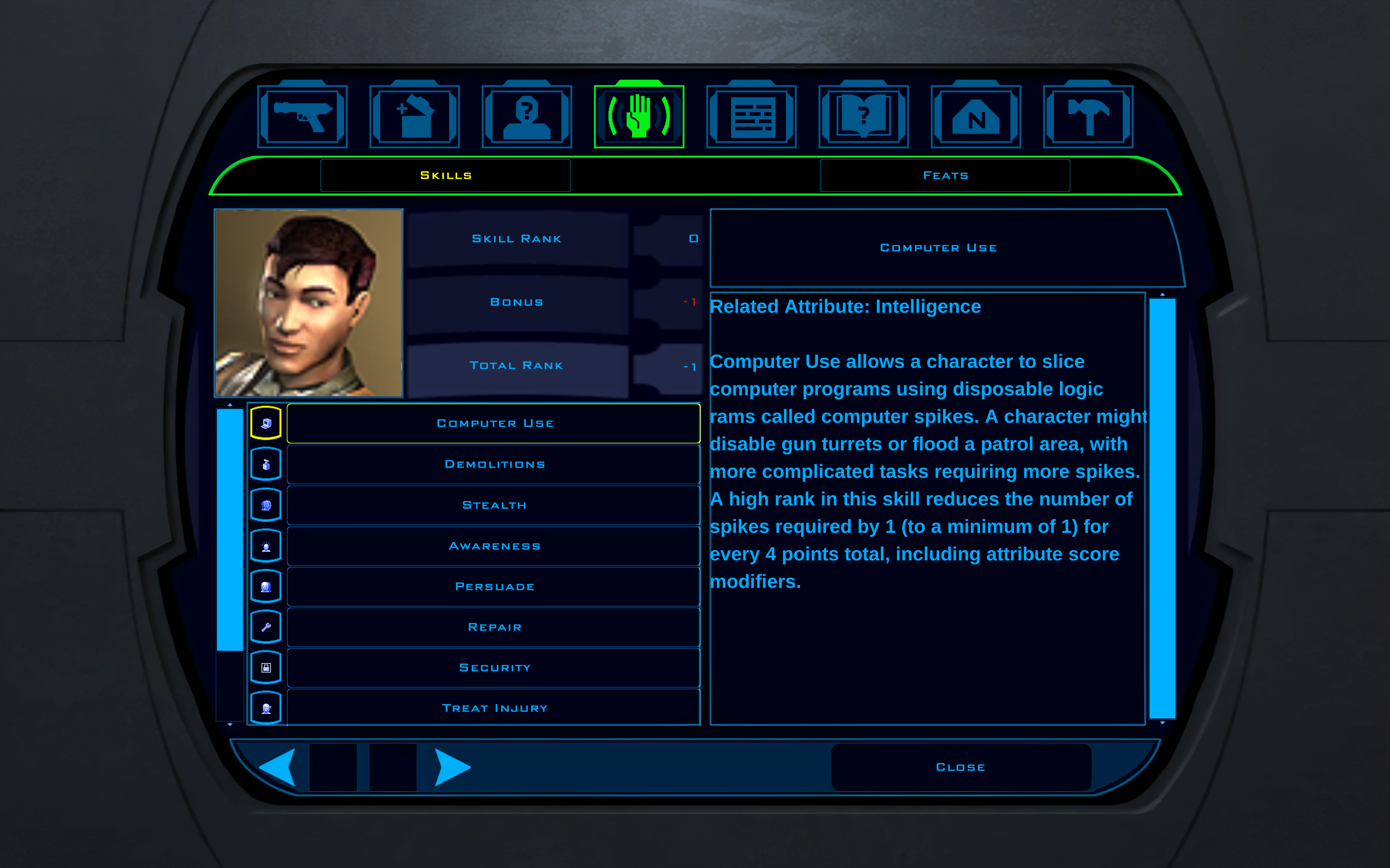
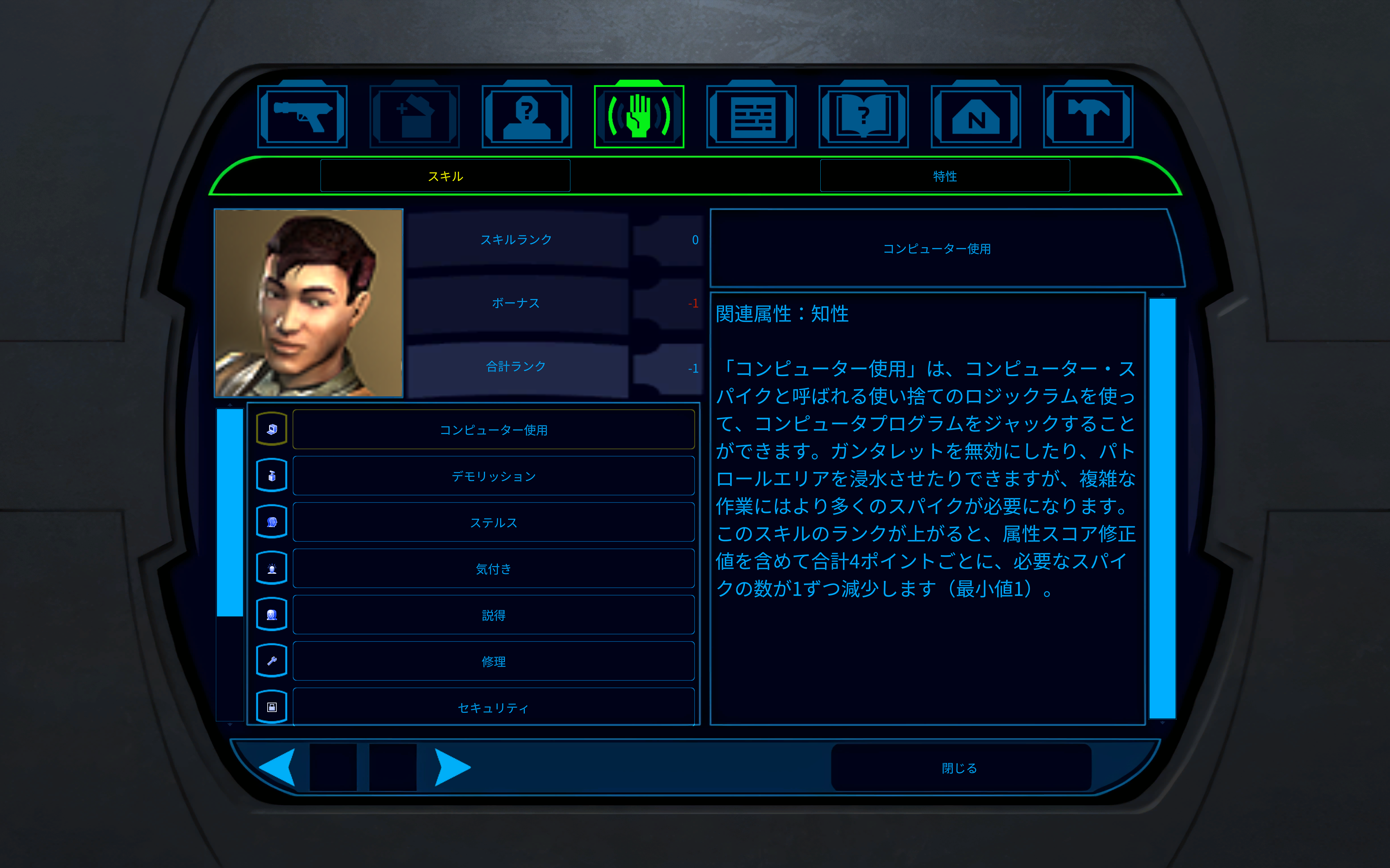
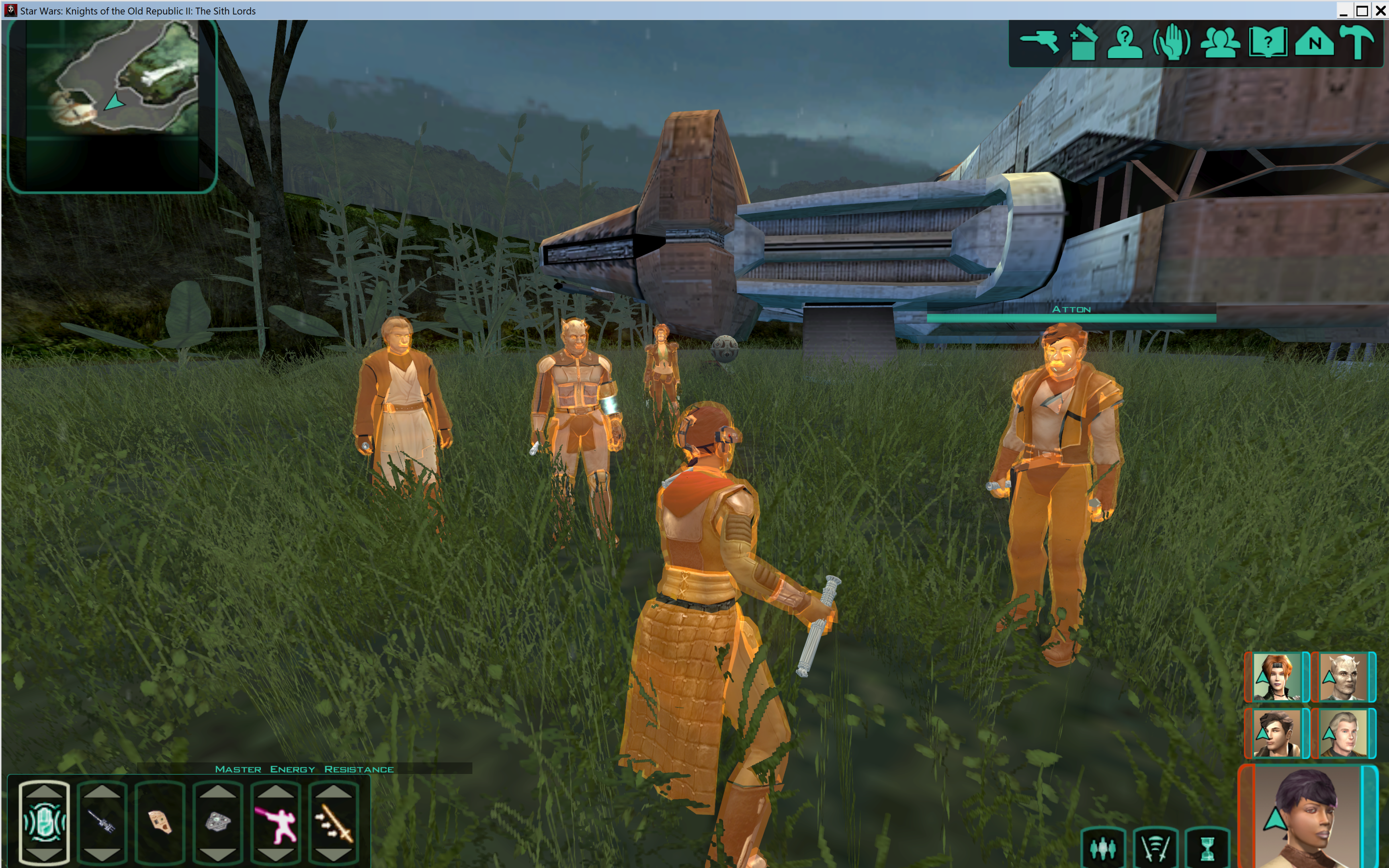
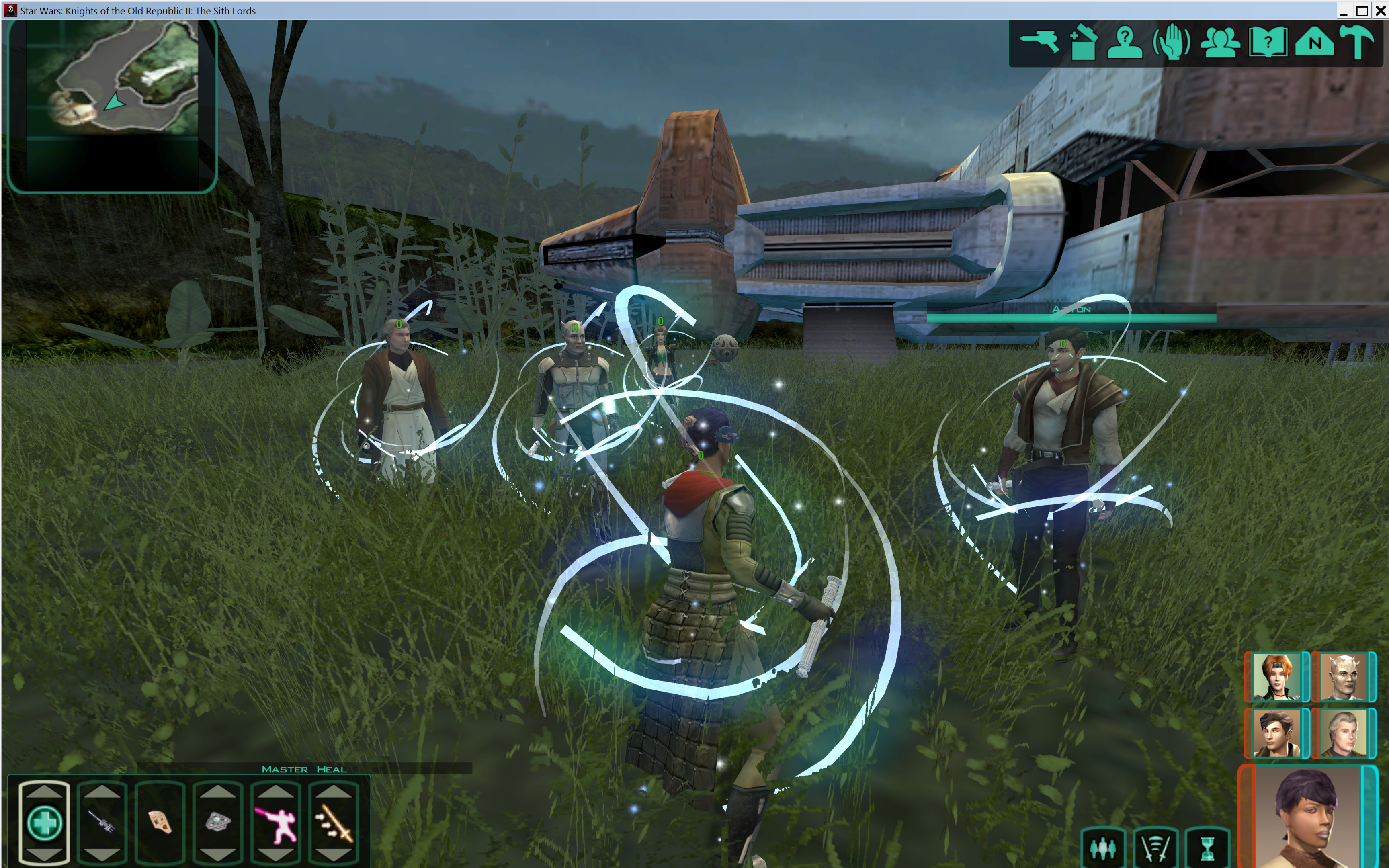
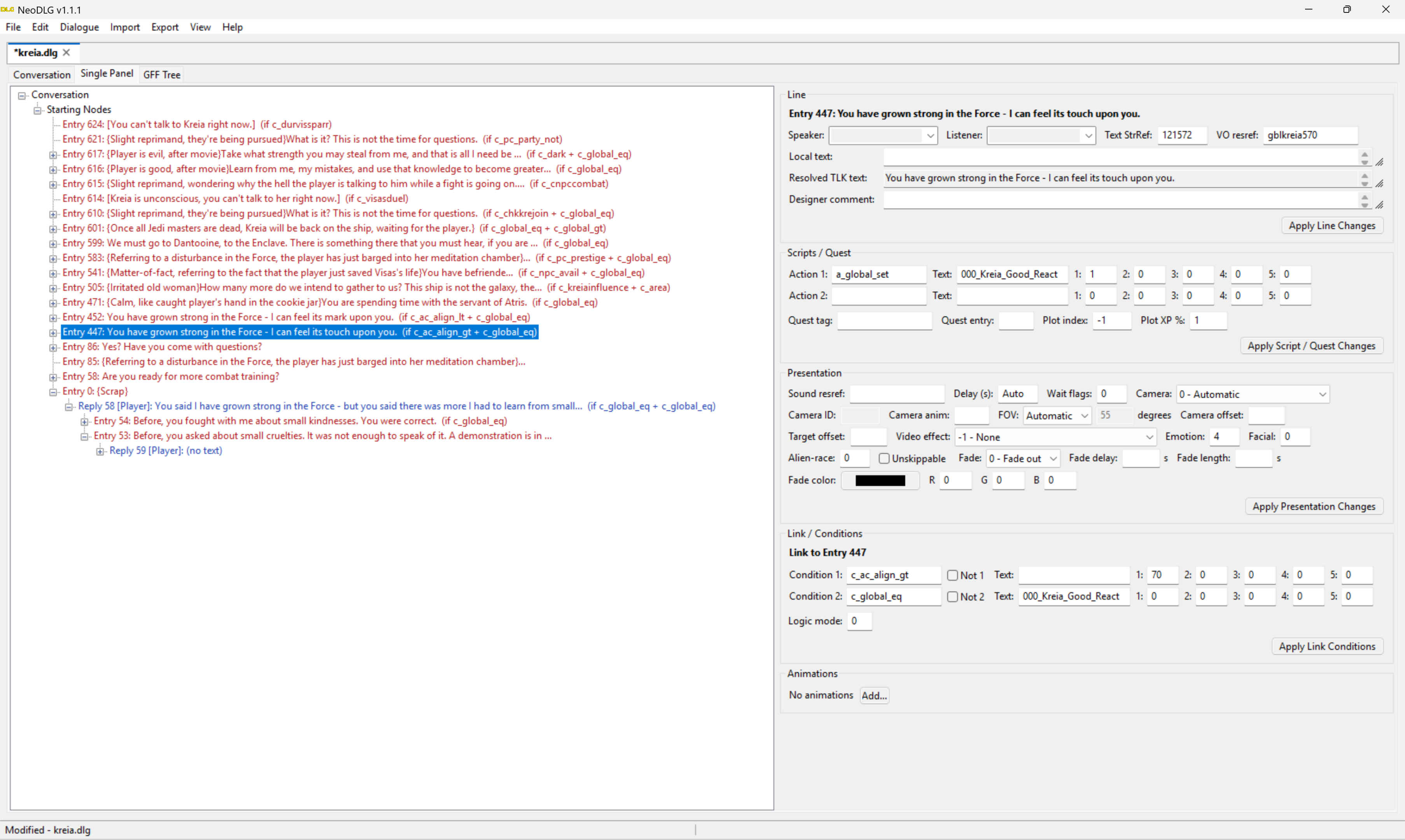
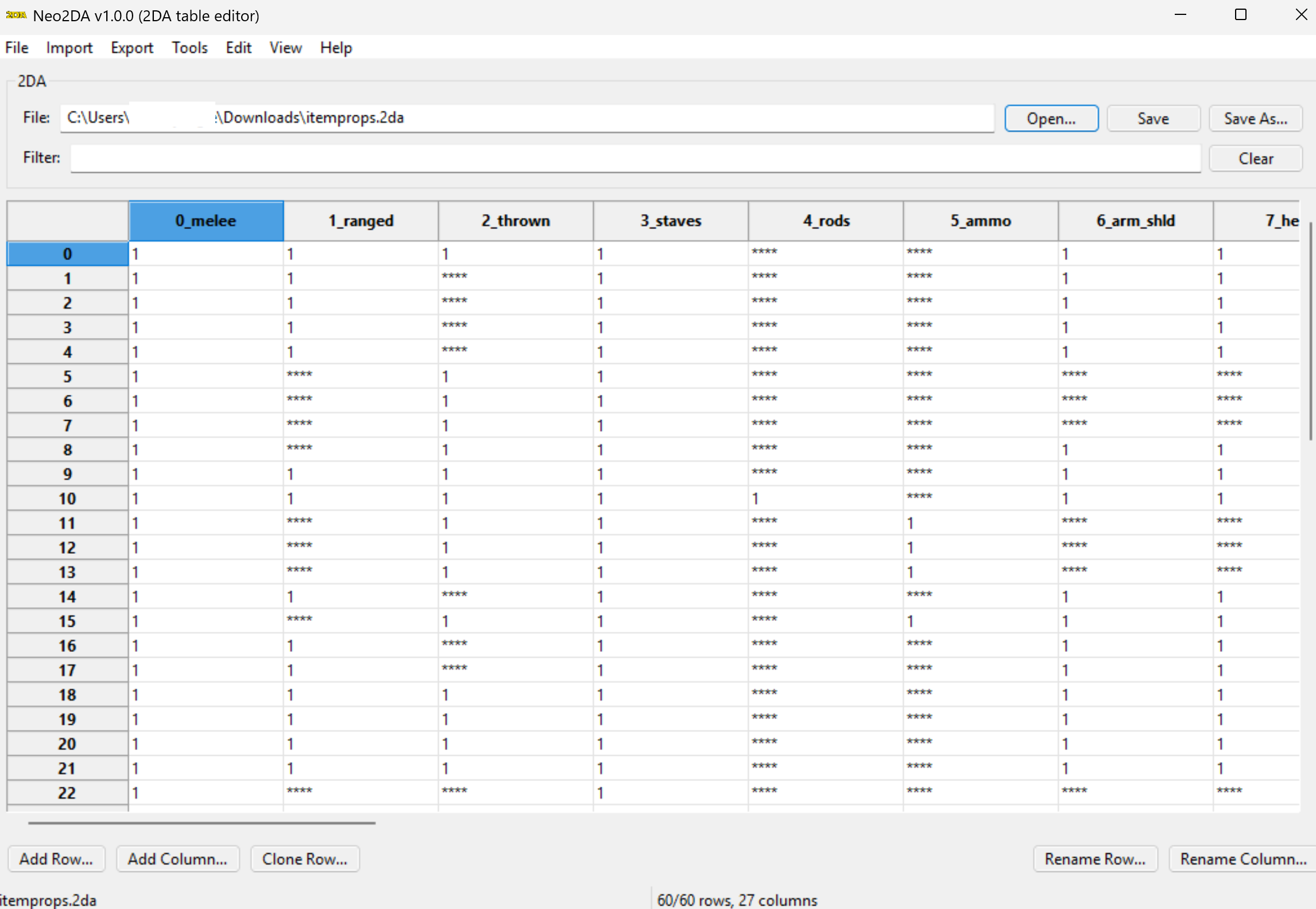
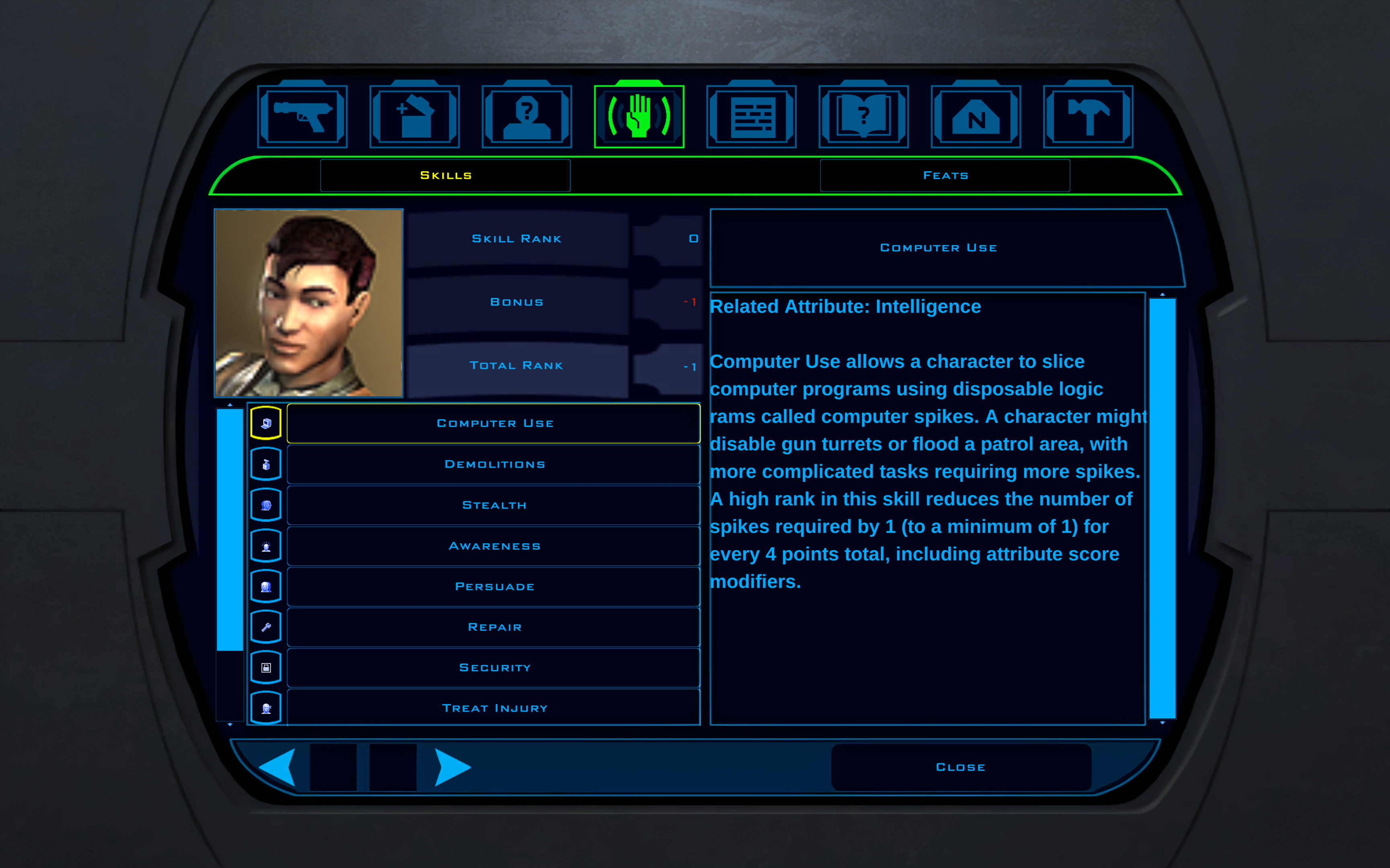
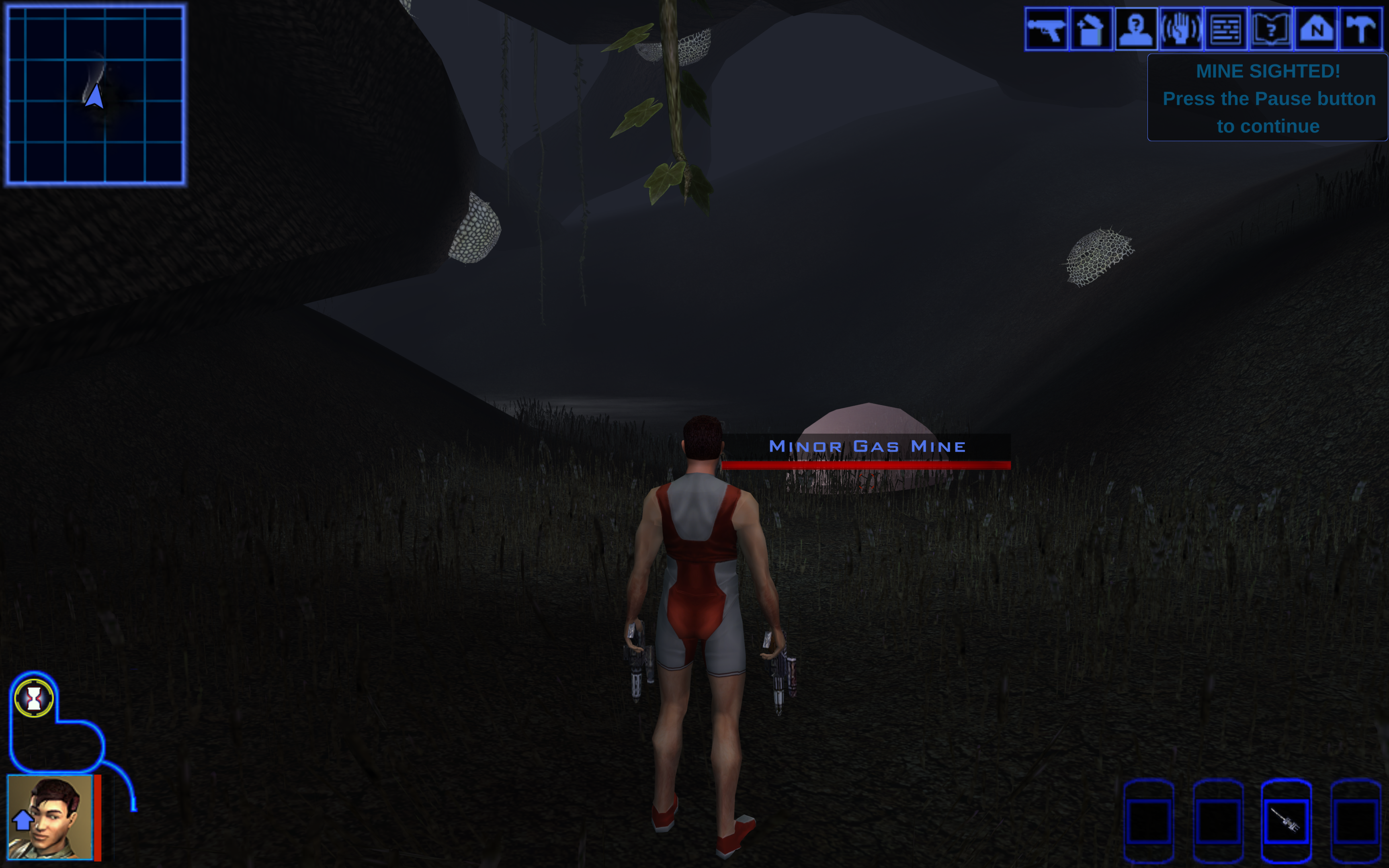
I thought I might as well start a thread to track some of what I'm working on. I'll try to update this post with various screenshots later. I have a few different projects ongoing: KOTOR 2 Active Party Extension, about to release in Closed Beta, K1 version will be completed after: KOTOR 1 & 2 32 Party Members, Released in Open Beta: NeoTools, my new modern multi-platform modding tools: Neo2DA - Released NeoDLG - Released NeoGFF - Released NeoTLK - Released NeoTPC - Released NeoMDL - WIP NeoLIP - Private Beta NeoToolset - Private Beta Other Engine Patches I've done: Aurora Animation Bank - Ever needed more animations than the game allows by default? Now it's possible. https://github.com/LaneDibello/Kotor-Patch-Manager/tree/master/Patches/AuroraAnimationBank Good Alignment Heads - Companions in K2 frequently mention how you are "glowing" when you're lightside, and the heads.2da actually has columns for good and very good head texture, the code for this was just never wired in. https://github.com/LaneDibello/Kotor-Patch-Manager/tree/master/Patches/GoodAlignmentHeads K1 K2 Party Transition Rule - Tired of not being able to transition to a new module because your companions are too far away? This changes it to be based on the same rule as K2, if your companions are alive or not. https://github.com/LaneDibello/Kotor-Patch-Manager/tree/master/Patches/K1K2PartyTransitionRule K1 Pazaak K2 Speed - K1 Pazaak too slow for you? This changes it to the same speed as K2. https://github.com/LaneDibello/Kotor-Patch-Manager/tree/master/Patches/K1PazaakK2Speed K1 Security Demolitions XP - K2 awards experience for successful demolitions and security checks, while K1 does not. This fixes that. https://github.com/LaneDibello/Kotor-Patch-Manager/tree/master/Patches/K1SecurityDemolitionsXP K1 Security Spikes - on the PC port, Security spikes and tunnelers are just straight up broken, you can't use them at all! This restores the functionality from the xbox: https://github.com/LaneDibello/Kotor-Patch-Manager/tree/master/Patches/K1SecuritySpikes K1 Skill Points Int Mod Fix - K1 halves the number of skill points twice, which conflicts with how the game describes it. This fixes it to be how it is described and how it works in K2. https://github.com/LaneDibello/Kotor-Patch-Manager/tree/master/Patches/K1SkillPointsIntModFix K2 Aspyr Normal Maps Fix - Aspyr update broke normal and bump maps from rendering at all. This fixes it. https://github.com/LaneDibello/Kotor-Patch-Manager/tree/master/Patches/K2AspyrNormalMapsFix K2 Aspyr Saber Texture Fix - Aspyr broke lightsaber textures if you are within rendering distance of an emitter. This fixes it. https://github.com/LaneDibello/Kotor-Patch-Manager/tree/master/Patches/K2AspyrSaberTextureFix K2 Finesse Melee Fix - Melee weapon finesse actually applies the bonus to lightsabers as well due to a bad check in the code, this fixes it so that lightsaber finesse has a point. https://github.com/LaneDibello/Kotor-Patch-Manager/tree/master/Patches/K2FinesseMeleeFix Max Lights - In vanilla TSL, you can only have 3 dynamic lights casting on any surface, this patch raises that to 7. https://github.com/LaneDibello/Kotor-Patch-Manager/tree/master/Patches/Max Lights Saber Throw SFX - This adds a sound effect to KOTOR 2's lightsaber throw. https://github.com/LaneDibello/Kotor-Patch-Manager/tree/master/Patches/SaberThrowSFX Store Confirm Threshold 2500 & Store No Confirm Threshold - Pretty self descriptive https://github.com/LaneDibello/Kotor-Patch-Manager/tree/master/Patches/StoreConfirmThreshold2500 https://github.com/LaneDibello/Kotor-Patch-Manager/tree/master/Patches/StoreNoConfirmThreshold Scaled Font Renderer - I implemented a dynamic font renderer for Scaled KOTOR to improve the visual fidelity of fonts at any resolution without having to rely on custom textures. This was included in the latest version of Scaled KOTOR https://github.com/J0-o/ScaledKotorWidescreenPatch I will eventually port this to KOTOR 2 as well. Using my work on Scaled KOTOR for a Japanese localization using the Switch version's
 0 points
 -
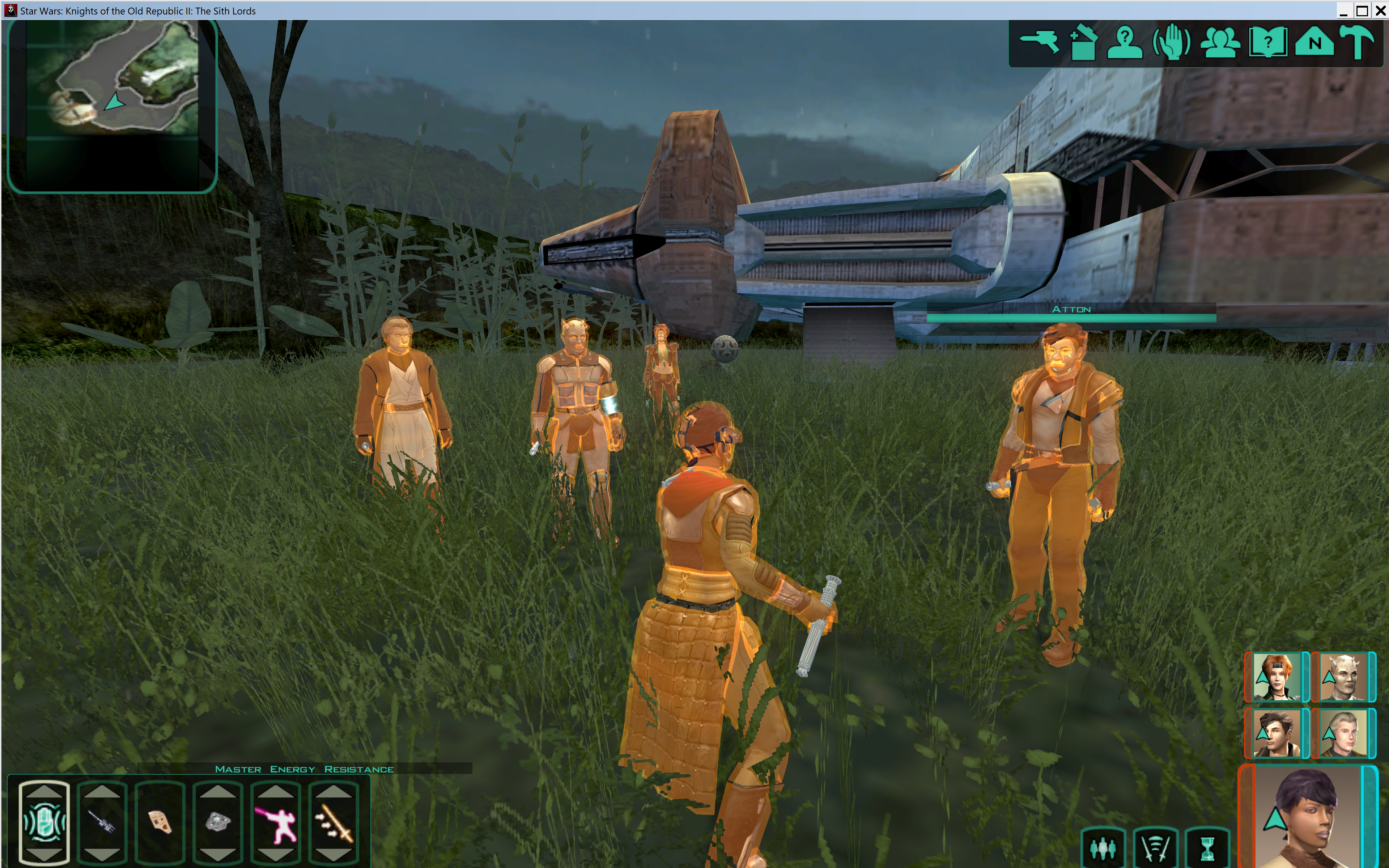
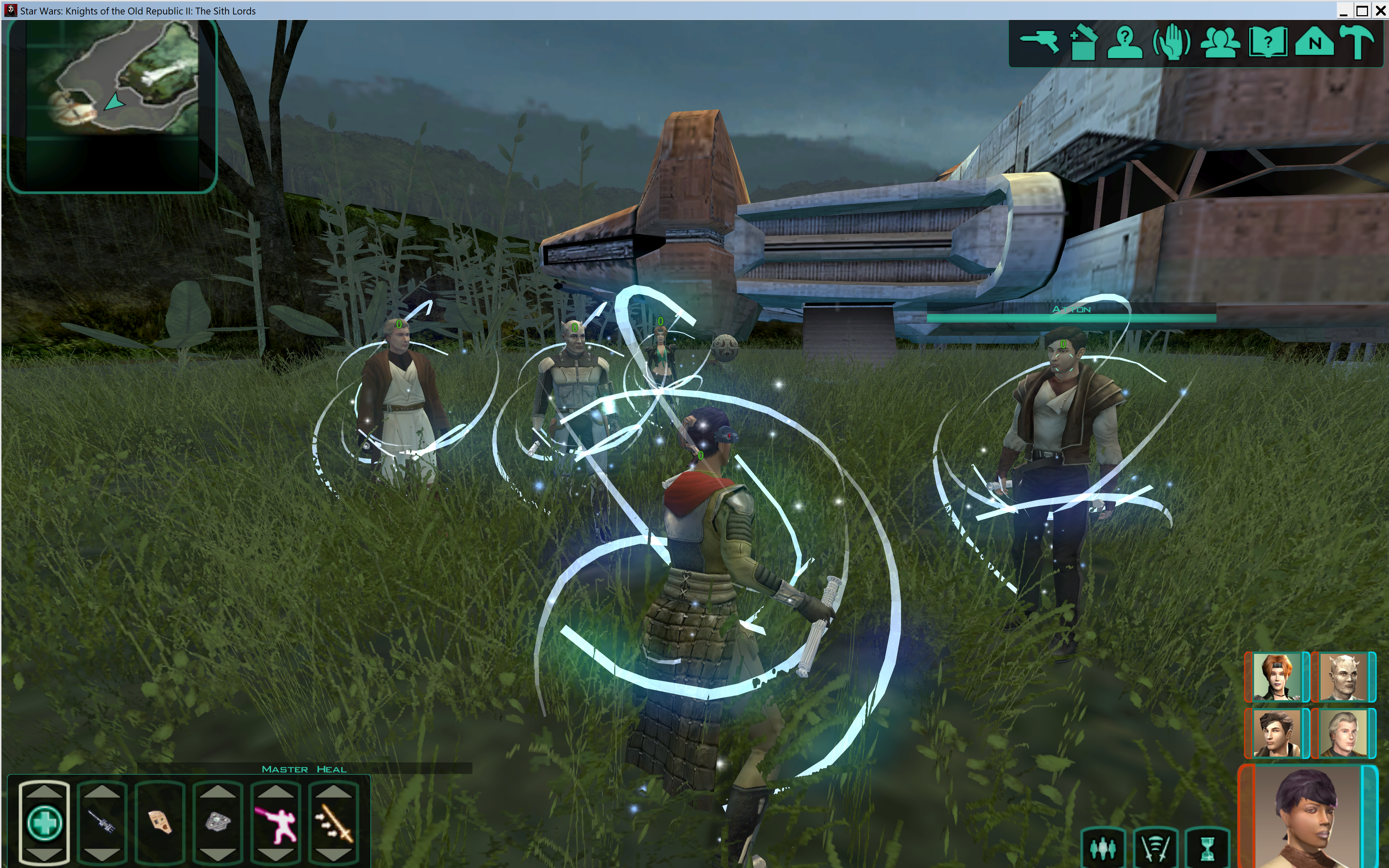
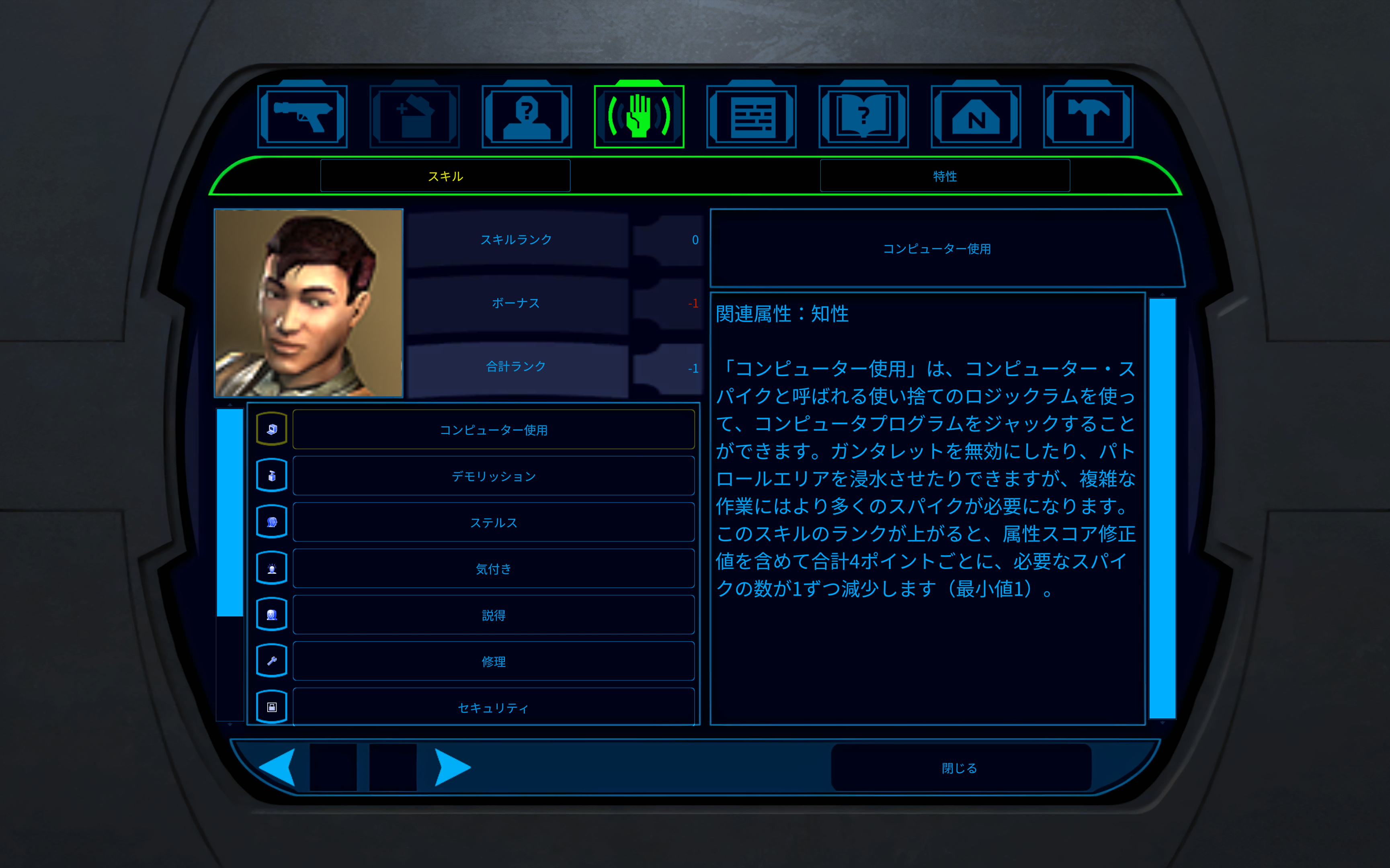
Could you show the full range of one of the PC heads. I'm mostly curious about the most lightside and darkside appearances but seeing the whole spectrum would be helpful.0 points
-
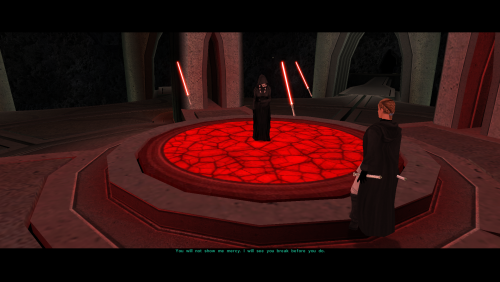 I hope Crimson Knight is okay with me posting this, if you would like to keep the stats in his mod but want the original appearance, these files will make them purple again. c_lightsaber001.utc c_lightsaber002.utc c_lightsaber003.utc0 points
 -
Version 1.1.0
323 downloads
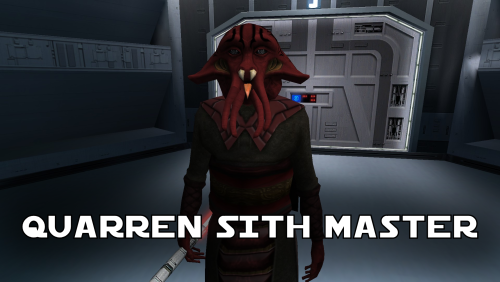
A Mod for Star Wars Knights of The Old Republic Author: N-DReW25 1.1.0 Release Date: 05.02.2026 Installation: Simply click on the HoloPatcher.exe, select your swkotor directory, click install and sit back and watch the HoloPatcher do its magic. Description: In the 19th Century, European Colonizers would use non-European collaborators to help pacify and/or assimilate non-European cultures into their Empires. The European Colonizers and the non-European target for colonization might have major linguistic and cultural differences making dialogue between the two groups almost impossible, but by taking a non-European collaborator of the Europeans and using them as an intermediary between the two groups the non-European group might become more suspectable to the Europeans through the use of the non-European collaborator who is closer to the non-European group than they are to the Europeans. A random example of this might be the Italians using the Arabs to help them colonize the Somalis. The Italians want to colonize Somalia but they do not speak Somali and aren't at all culturally similar, whereas the Somalis would more than likely know Arabic and would be more culturally similar to Arabs so using Arabs to help Italians colonize the Somalis would be a viable tactic. This concept of wanting to colonize a group that is different from you so you instead use a culturally similar group to make it easier for you to colonize the original group is central to this mod. On Manaan, the Sith Empire is secretly training Selkath youths into becoming Dark Jedi and Sith Agents to one day stage a coup against the Manaan government to take over their planet and exploit their precious resources. Similar to the real life example above the same hurdles that applied to Europeans and non-Europeans still apply to the Sith in this scenario. The Sith Empire is predominantly human and are shown to be quite racist to non-human species throughout the game. The Selkath are an aquatic alien species so not only is there a differing alien culture the Sith have to deal with but the Selkath primarily live underwater. The leader behind this Sith plot to train Selkath youth is a human Sith Master who appears as a generic Sith Master in-game. This mod changes this NPC so that the Sith Master is now an alien Quarren, another aquatic alien species. With this mod installed, it makes much more sense as to why the Sith are trying to train and convert Selkath youth to the Sith when the mastermind behind this plot is a fellow aquatic alien who would be much more culturally similar to his Selkath students and would be a much easier leader for the Selkath to blindly follow despite this master serving an empire that would be racist towards them all. Known Bugs: This mod shouldn't have any bugs but if you find any please feel free to report them on Deadlystream.com. A third install was planned but could not be implemented due to a bizarre bug. The third option was a version of the vanilla dialogue which had an AI filter over it to make it sound like the Quarren from Kotor II (this same method was used in the ROR mod for the Quarren Jedi Master). This could not be added as the VO in-game would be sped up with the pitch increased for reasons unknown to me. This install has been included in the mod but cannot currently be installed, when this bug can be fixed I will add the ability to install it. Incompatibilities: Please report any incompatibilities! Permissions: Do NOT claim credit for this mod and do not use assets from this mod without my permission. The textures for this mod comes from Quanon's Big Sellout, a modder's resource that was published on LucasForums back in the day. These are the same textures that are used in Quanon's Sith Quarren PC mod found on NexusMods. As these textures came from Quanon's Big Sellout, they can be used in your mod though I strongly advise you credit Quanon as the original artist and acknowledge Quanon's Big Sellout to avoid people thinking you stole it from the Sith Quarren PC mod. Thanks to: Quanon: For making the original textures and including it in your Big Sellout modder's resource! Marius Fett: For fixing the Death Field animation bug which projected the lightning from his feet instead of his hands! ElevenLabs Website: For the custom AI VO service! Bioware: For such an amazing game! Obsidian Entertainment: For creating the original Quarren models, textures, and VO! Fred Tetra: For Kotor Tool! th3w1zard1: For HoloPatcher! Everyone who downloads the mod! Legal: THIS MODIFICATION IS NOT SUPPORTED BY BIOWARE/OBSIDIAN ENTERTAINMENT, LUCASARTS, DISNEY OR ANY LICENSERS/SPONSORS OF THE MENTIONED COMPANIES. USE OF THIS FILE IS AT YOUR OWN RISK AND THE ABOVE-MENTIONED COMPANIES OR THE AUTHOR IS NOT RESPONSIBLE FOR ANY DAMAGE CAUSED TO YOUR COMPUTER FOR THE USAGE OF THIS FILE.0 points -
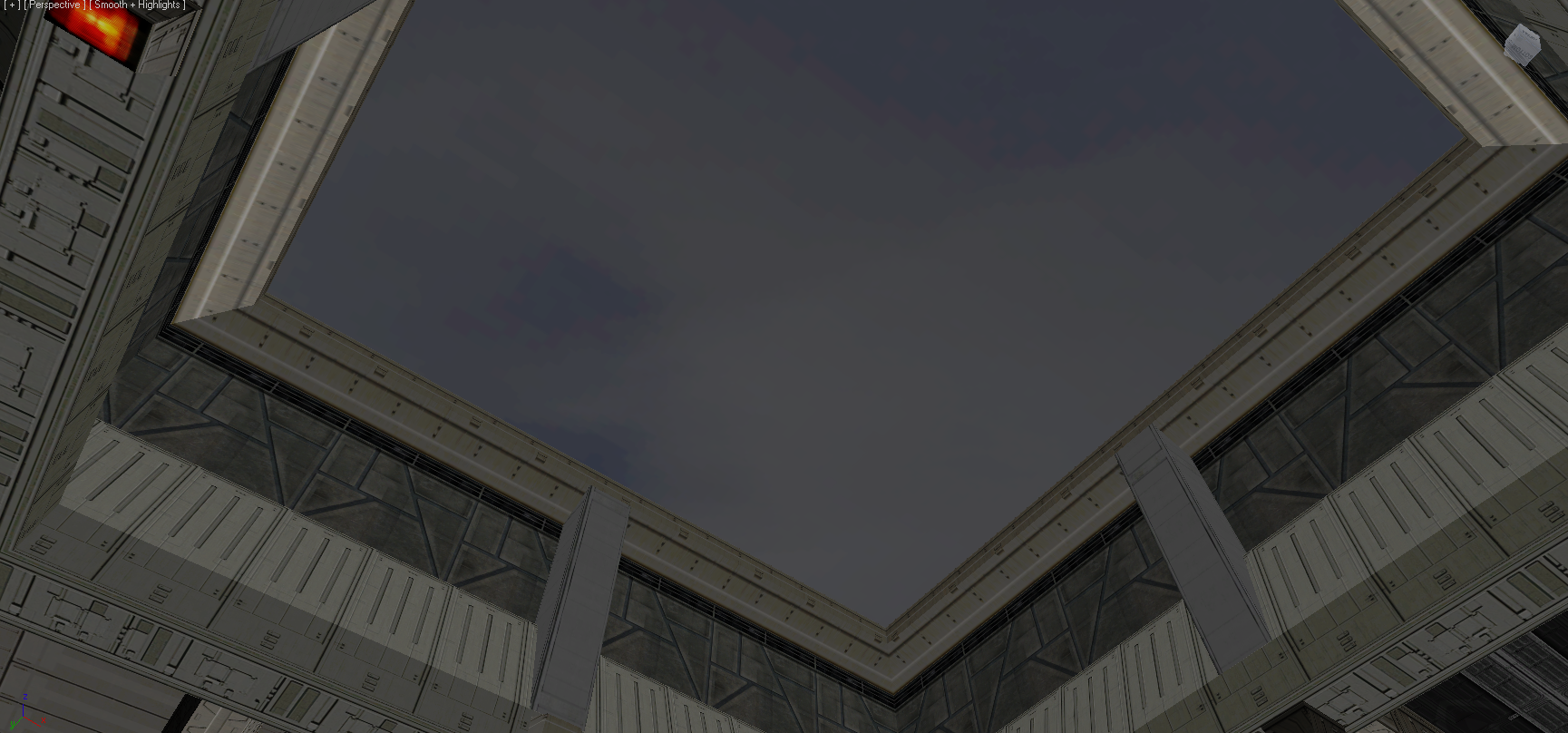
It's entirely possible. Especially because Obsidian already made provision for it. There's an animation to hide the roof tile and there's a fake sky behind it: It just needs to be triggered via a script. I'm surprised TSLRCM doesn't already do it. Edit: Ah, I see what it is. The roof tile mesh isn't under the A node in the room model, so the animation doesn't apply. It's actually already scripted and seemingly unchanged in TSLRCM: https://github.com/KOTORCommunityPatches/Vanilla_KOTOR_Script_Source/blob/master/TSL/Vanilla/Modules/232TEL_Telos_Underground_Base/a_shuttle.nss Extract this into your Override folder. Should fix the issue, although note you'll have to load a save before the above script fires. 232tel14.zip
 0 points