


Sith Holocron
-
Content Count
6,419 -
Joined
-
Last visited
-
Days Won
426
File Comments posted by Sith Holocron
-
-
3 hours ago, Vanguard2023 said:When should I install this in the KOTOR 2 mod build? https://kotor.neocities.org/modding/mod_builds/k2/full
After Ultimate Onderon High Resolution, install mine. If you're using that mod in TPC format, delete the TPC files with the same name as the ones in my mod.
-
-
 1
1
-
 1
1
-
-
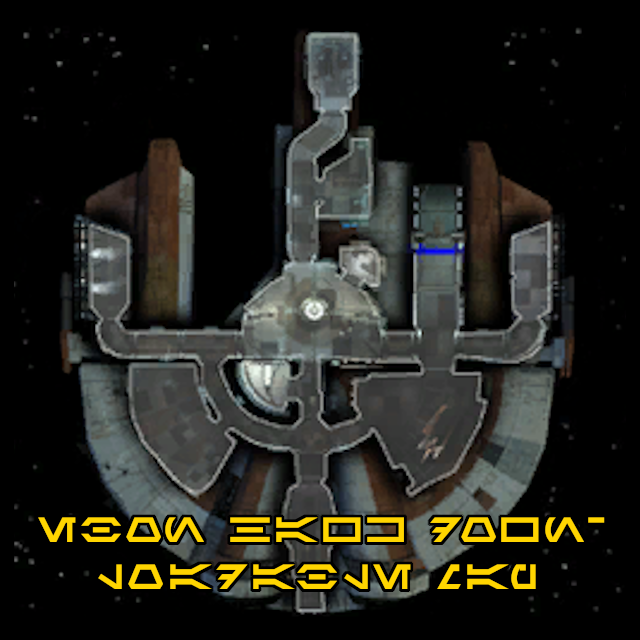
55 minutes ago, ZeldaTheSwordsman said:Wow, wasn't expecting someone to do that so quick. I had been pondering poking at it myself, which is why I asked the question I did.
If you're willing to be kinder in your commentary on these mods, you'll likely get a better reception. Might be worth considering moving forward.
-
 1
1
-
-
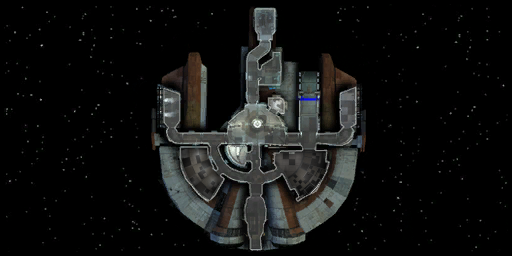
1 hour ago, ZeldaTheSwordsman said:Very nice.
Speaking of the Ebon Hawk's map, I wonder how hard it would be to rip the graphic and correct the garage for TSL. Because I just noticed - or maybe re-noticed - that the map still shows the garage as having a swoop bike in it.Like this?
-
1
-
-
7 hours ago, redrob41 said:I do like the solution that they came up with for the Kotor 1 Community Patch (in theory since I haven't tried it in-game) where they removed the blaster from the C_DrdWar.mdl and make it so that it uses an equipable blaster. I assume that my 4x textures can be used with that model. My uvw fixes don't have any drastic fixes, they're almost imperceptible in-game unless you're really looking hard.
To be honest, I'm more concerned with the TSL version of the War Droid so the K1CP isn't applicable to me. (I plan to redo some of my loading screens for M4-78 and I'd like to be able to redo the screen that features the War Droid test firing on the R & D range.)
-
@redrob41: Are your Sith War Droid (C_DrdWar01 et al) model tweaks compatible with Sithspecter's High Quality Blasters mod? I recall there were issues with the guns not being textured correctly (or at all) if certain fixes were not accounted for.
-
.gif.e20ce8fe09b23c2d9b62046cca305eb9.gif)
As this just came up for the KotOR1 Galaxy Map mod I made, I thought I better post this for clarification purposes...
(Though the attached screenshot was taken in KotOR1, the location of the texture is identical.)

-
.png.b029eb423789ebbe9285e8476f9940ac.png)
11 hours ago, Star01Mine said:As this mod upscales the texture of the map, is it effectively compatible with mods that rescale the game to widescreen, or will it look awkward? I've been looking for a mod that provides an HD texture while also giving canon positioning!
This animated texture is NOT the menu. It is the texture in the Ebon Hawk cockpit to get to the Galaxy Map menu. Your widescreen fixes won't affect this. See attached picture for a visual explanation that is using UniWS widescreen.
Is that a Chococat avatar?

-
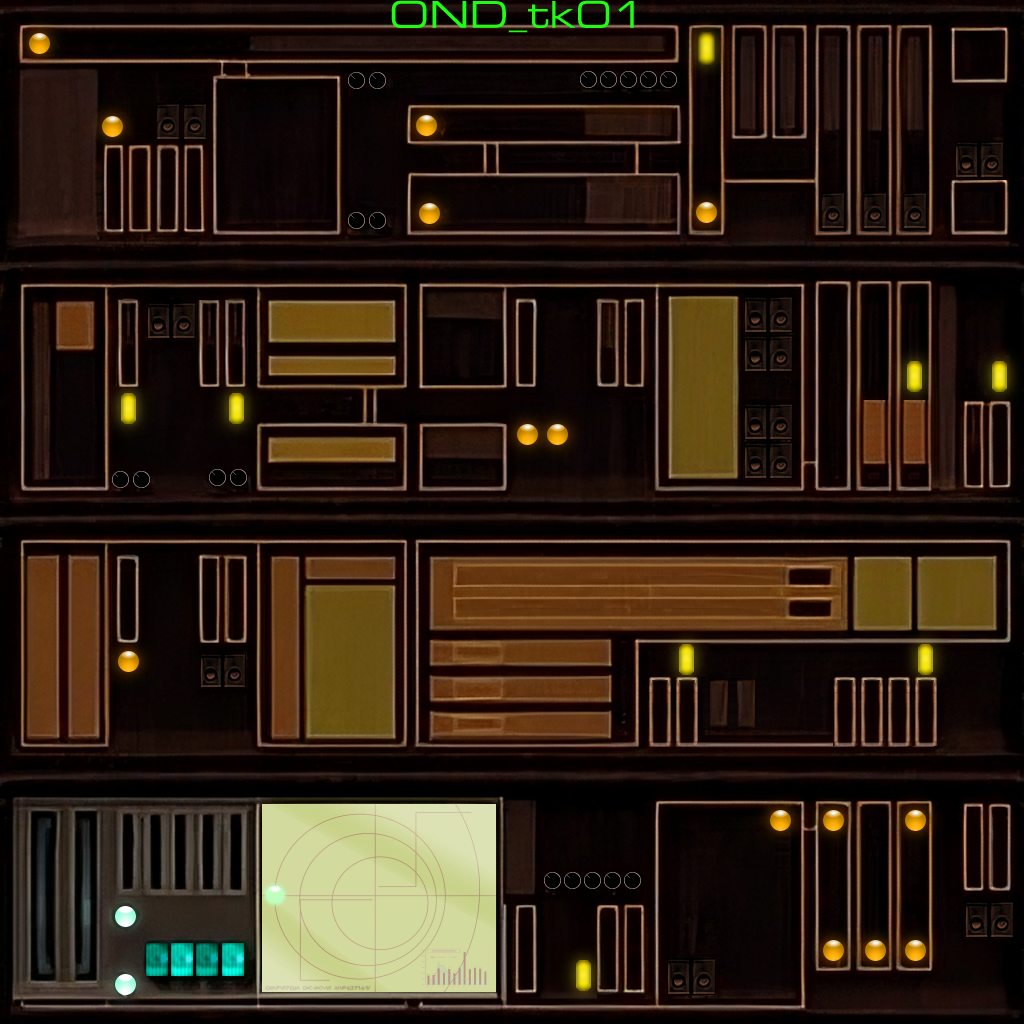
My instructions for the mod were unclear?
You have to choose one.
-
2 hours ago, Spectrometer said:Would this be compatible with: ?
I assume it's the same file name?
-
2 hours ago, gua543 said:Hello there! Quick question - I noticed that the loadscreens.2da file in this pack is a slightly different size compared to the same file in your other replacement loading screen packs. If I am using all of the packs, does it matter which loadscreens.2da file I'm putting in my override folder? Thanks in advance for your reply!
If you're using the loading screens from this pack, then you want the updated loadscreens.2da. More entries in the .2da therefore a larger .2da. This .2da also includes all of the entries from the main pack.
-
1
-
-
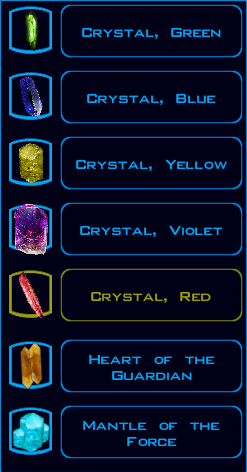
Update: The smaller files have been added to this page as an optional download.
-
2
-
-
I do not have the smaller files available anymore as I have deleted them. Try sending a PM to the person that requested this from me before.
-
1
-
-
2 hours ago, Ricky92 said:Hi, I'd like a lower res version too, because my game doesn't show some of the largest ones (upari, sapith..) thanks
Do you mean you can't see it in KSE?
-
On 3/30/2018 at 6:48 PM, DarthRevan said:I don't get it. Why all the hate towards the Steam Workshop? I think it is easier to install mods with the Steam Workshop and I will never understand why people hate it so much. I have never had any problems with it. Maybe it is just a preference not to, buy why? It's so much easier to push a Subscribe button and have the mods install for you. I think if a mod doesn't work on Steam Workshop it is because whoever created it didn't set it up properly.
Sorry for the delayed response. Here's why.
-

On 12/26/2023 at 6:14 PM, PapaZinos said:@Sith Holocron Not sure, I'll make time to look into this sometime this week. I recall there are a few odd behaviors with the different floating planes on that monitor that were tough to iron out, so I will be interested to see what's up.
Seeing as I've seen you pop on lately, is there any chance you ever had the chance to address the above?
-

Then it seems my mod isn't at fault. Happy modding!
-
8 hours ago, nonchetos said:correction I actually got peragus II on the outside window but way high https://imgur.com/a/zmxZefv whats it supposed to be like that?
Take my textures out of the Override and tell me where Peragus II is. And that should be only my Peragus textures for this test, mind you.
And I don't touch the floating asteroids, by the way.
-
8 hours ago, EbonHawkStowaway999 said:Could you please make a smaller version, the resolution is so high I can't add new crystals through KSE (Upari, for example), as giant crystal images completely obscure "Add Items" and "Commit Changes" buttons.
Check your PMs.
-
@PapaZinos: I was just wondering if this mod provides a fix with a situation that DarthParametric and I have noticed.
On that big display on the Administration Level that Atton stands in front of, there appears to be an issue. When I made my recent request for a better round "blip" texture on that display, it was noticed there may be a problem with the floating planes that this texture is mapped to. Parts of the circle "blip" are getting cut off due to the issue as can be seen here. (Note red boxes.)

Does your mod fix this issue? If it doesn't, could you possibly add an update to this mod to account for it?
DP also noted "As a separate thing, you could alter the sequence order for [each of the blip's] individual planes by offsetting the V position (i.e. moving it up or down vertically so the animation starts on a different row. Not sure if that's desirable or not, but it looked a little off to me with them all being in sync"
Thanks for your attention.
-
You say "naked" but I think you mean "scantily clad"
-
1
-
 1
1
-
1
-
-

On 11/3/2013 at 4:28 AM, Malkior said:So I just noticed now, but that's the Solar system on the left monitor. Is Peragus actually a secret listening post to study us (Earth)? ... Perhaps HK50 is our greatest secret asset.
But seriously, great texture that I'm just now discovering. Kudos. (and I am definitely going to try to translate the scrolling text).

Not sure if you noticed but I updated the mod to have an extra alternate texture (and loading screen!) that uses a different solar system than ours.
-

Do you have any plans to work on the TSL HD menus and UI assets, @JackInTheBox? I'm particularly thinking about anything to do with the Galaxy Map in TSL.
-
.png.029a499c0d9bd52990f533c494fd16ee.png)

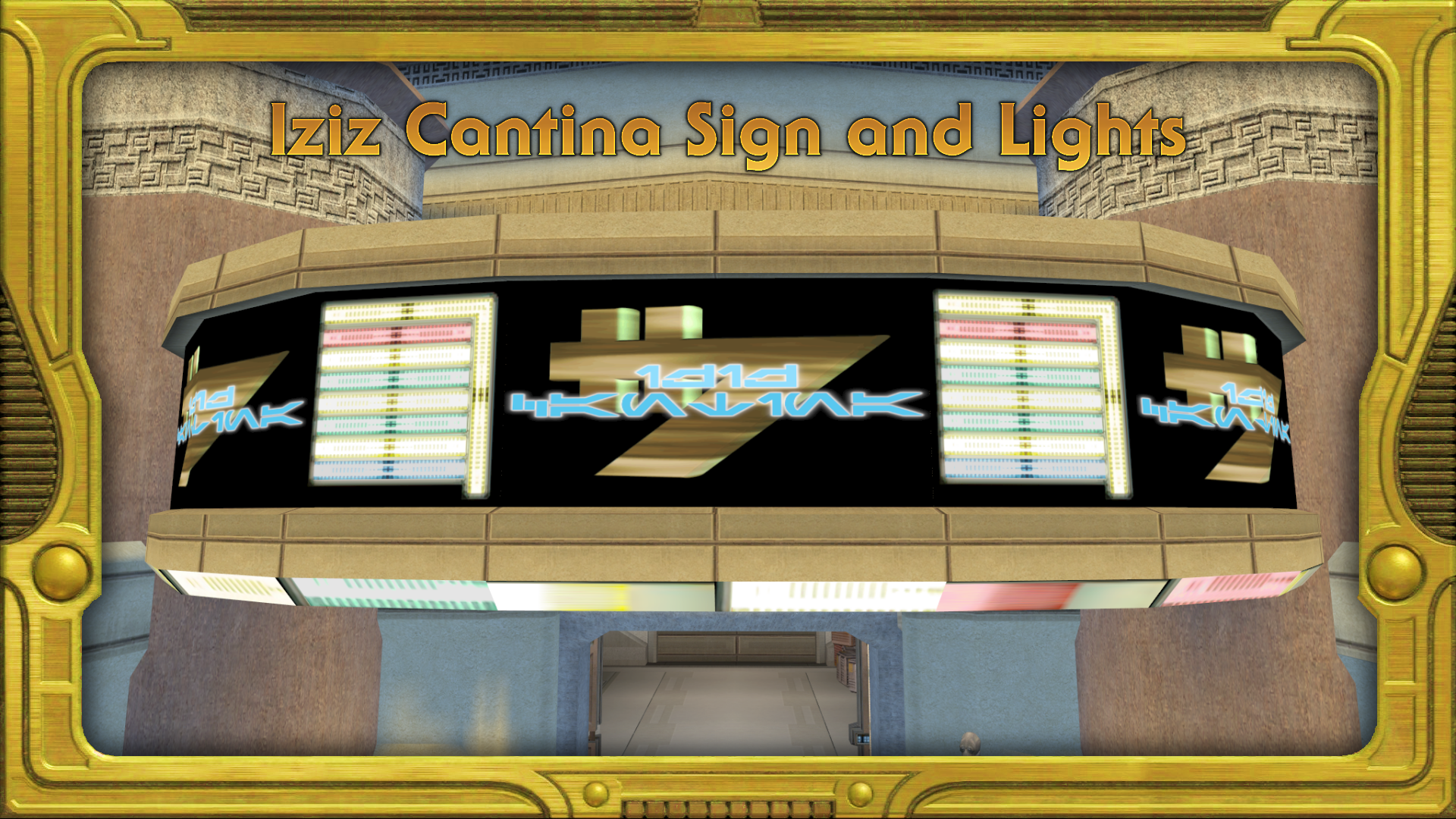
Iziz Cantina Sign and Lights (version 1.2)
in Skins
Posted
No, because my files aren't TPC files IIRC.