



Sith Holocron
-
Posts
6,568 -
Joined
-
Last visited
-
Days Won
455
Content Type
Profiles
Forums
Blogs
Forum & Tracker Requests
Downloads
Gallery
Store
Events
File Comments posted by Sith Holocron
-
-
The icons in question have been replaced.
-
30 minutes ago, Lily said:
The icons for the force barrier line are upside down for me.
Now that's useful feedback. I'll look into that.
-
I suppose a trailer would make most sense for the eventual 1.0 release.
-
 1
1
-
-
14 hours ago, vault13deathclaw said:
As for a trailer, I’m not really sure what I would put in it, the focus is on standalone stories for your Exile to experience, its eclectic, but fitting for KOTOR 2 with the desire to not overshadow the main game. I could certainly put up more screenshots of conversations, locations, and encounters.
Show off some of the dialogue, the AI voice acting, any new areas?
-
I'd like to see a trailer for this.
-
 1
1
-
-
I am wondering why you didn't include the texture's TXI file with it. If anyone else needs it, here you go.
-
1
-
-
@90SK, are you going to provide a list of what they need to be renamed to?
-
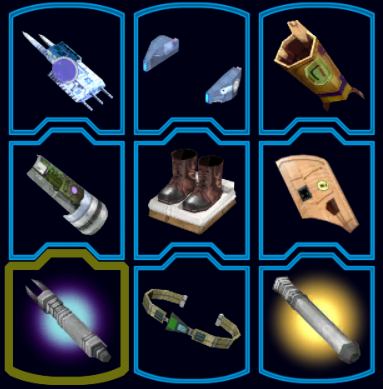
@ajdrenter Will you be making a version of this mod for TSL? It's not like you'd have to reinvent the wheel - just add the extra icons that TSL would need plus the ones you have in the K1 version!
-
1 hour ago, Commander Awesome said:
Wouldn't it make more in-universe sense for the ranged feat icons to feature blaster bolts instead of actual bullets?
-
Has anyone tried this in TSL?
-
![More information about "Heyorange's Sith Uniform Reformation [Revised]"](https://deadlystream.com/downloads/screens/monthly_2025_08/1689152085_HeyorangesSithUniformReformationRevisedthumbnail.png.80a17643d1204fd0e87b16cfaa2fa71f.png)
If you have continuing or future issues with that mod, tag JC. I don't need to be tagged as I can't help you.
-
Did the extraction process put those files in a separate folder inside the Override folder?
And I'm still needing the screenshot that I asked for earlier.
-
The location for the Override folder should be down the path shown in the picture below.
Do you have any Workshop mods? Did you put the files directly in the Override instead of a sub-folder?
I haven't heard of any of anyone having an issue with my retexture mod before. Did you include all of the TGA and TXI files from my mod? I'd like to see screenshots on Etti in the Docks section, please.

-
1 hour ago, Starwarsfiles said:
Also, the mod doesn't take effect when I installed it. I went on my ship and on Etti IV, nothing changed. All the files are in the override folder.
Perhaps you have it the wrong folder. What version are you playing: Steam, GOG, or the 4 disc original version?
-
2 hours ago, Starwarsfiles said:
For whatever reason, the download won't finish on my pc. Doesn't happen with any other download.
I just downloaded it just fine after seeing your message. Perhaps it's an issue with your ISP? Trying clearing out your cache and try downloading it again.
-
.gif.e20ce8fe09b23c2d9b62046cca305eb9.gif) 7 hours ago, dasd said:
7 hours ago, dasd said:Map looks great, however the Coruscant planet for me is still appearing off-screen, do you know what might cause this? For clarification, i am using the second version for m478 and coruscant

My mod doesn't affect the menu. It's just the texture you see of the Galaxy Map when you're walking around the Ebon Hawk cockpit.
-
-
I've come to comment to point out a possible issue with one of your MDL files - specifically "104perg.MDL"
It references a non existent texture named "PER_Wn02" and due to that, it makes the windows on the bridge that extends from the station to the Harbinger to have yellow windows. Luckily, there's a simple fix for this. Use the TGA and TXI found at this link which will then allow the missing texture to be found. Luckily, no one should have any "PER_Wn02" file to conflict with this as it was present in the original game. (There won't be any TPC / TGA issues in this case.) And I have upscaled the texture already so no one needs to worry about that either.
-
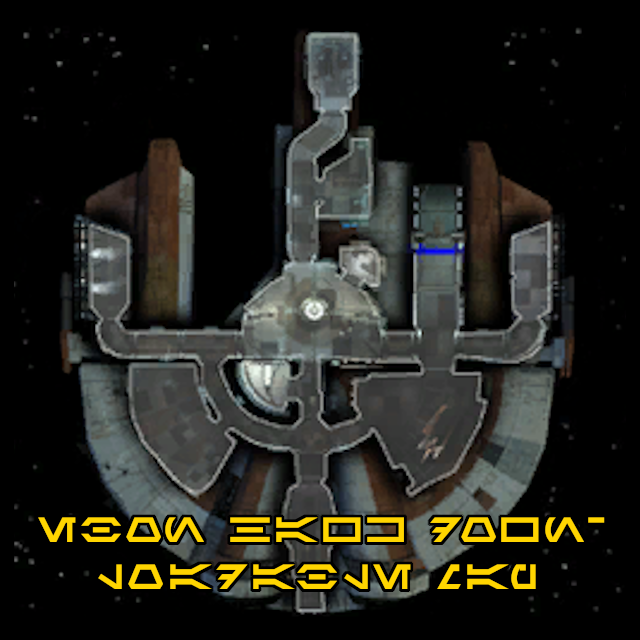
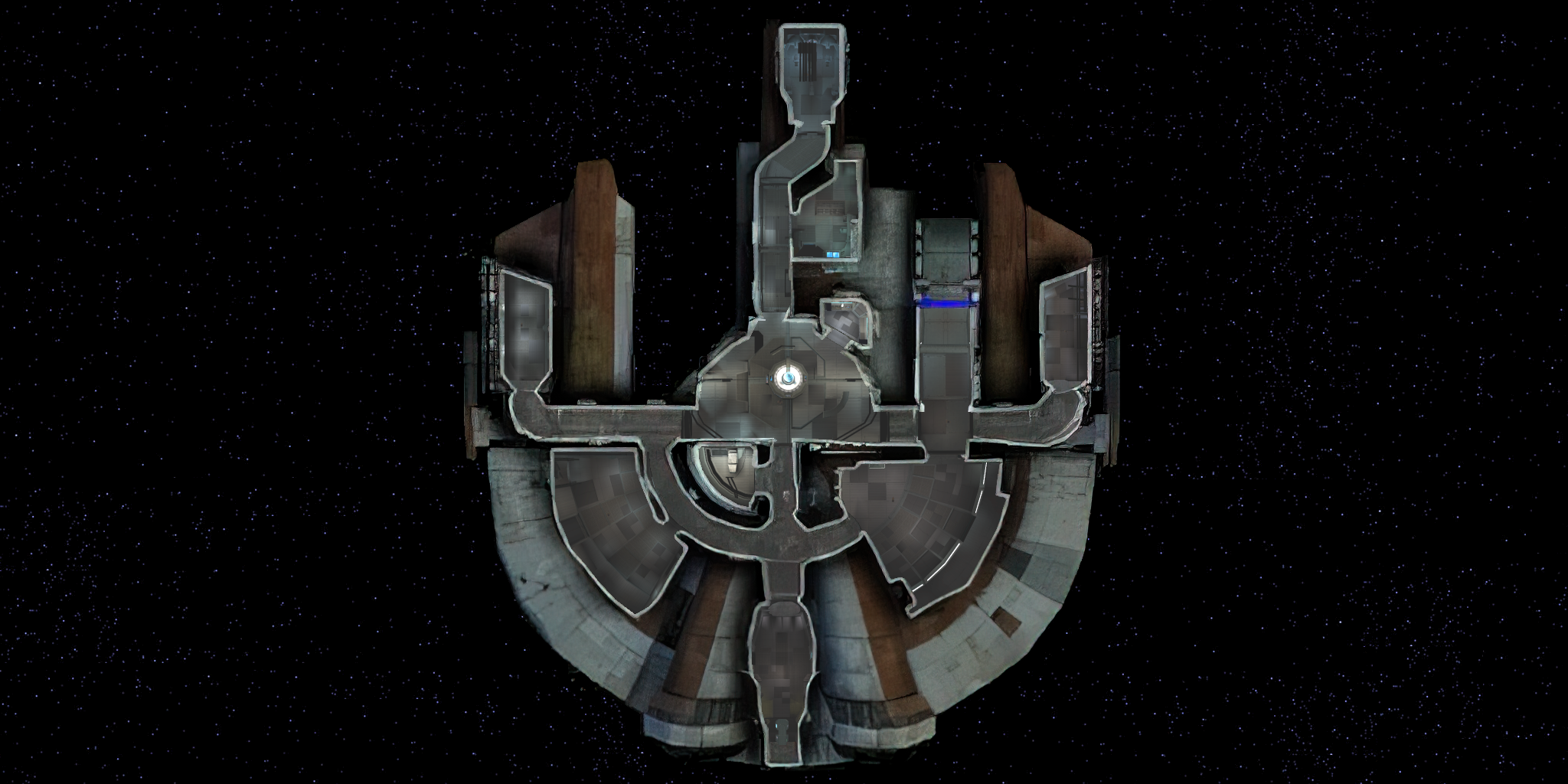
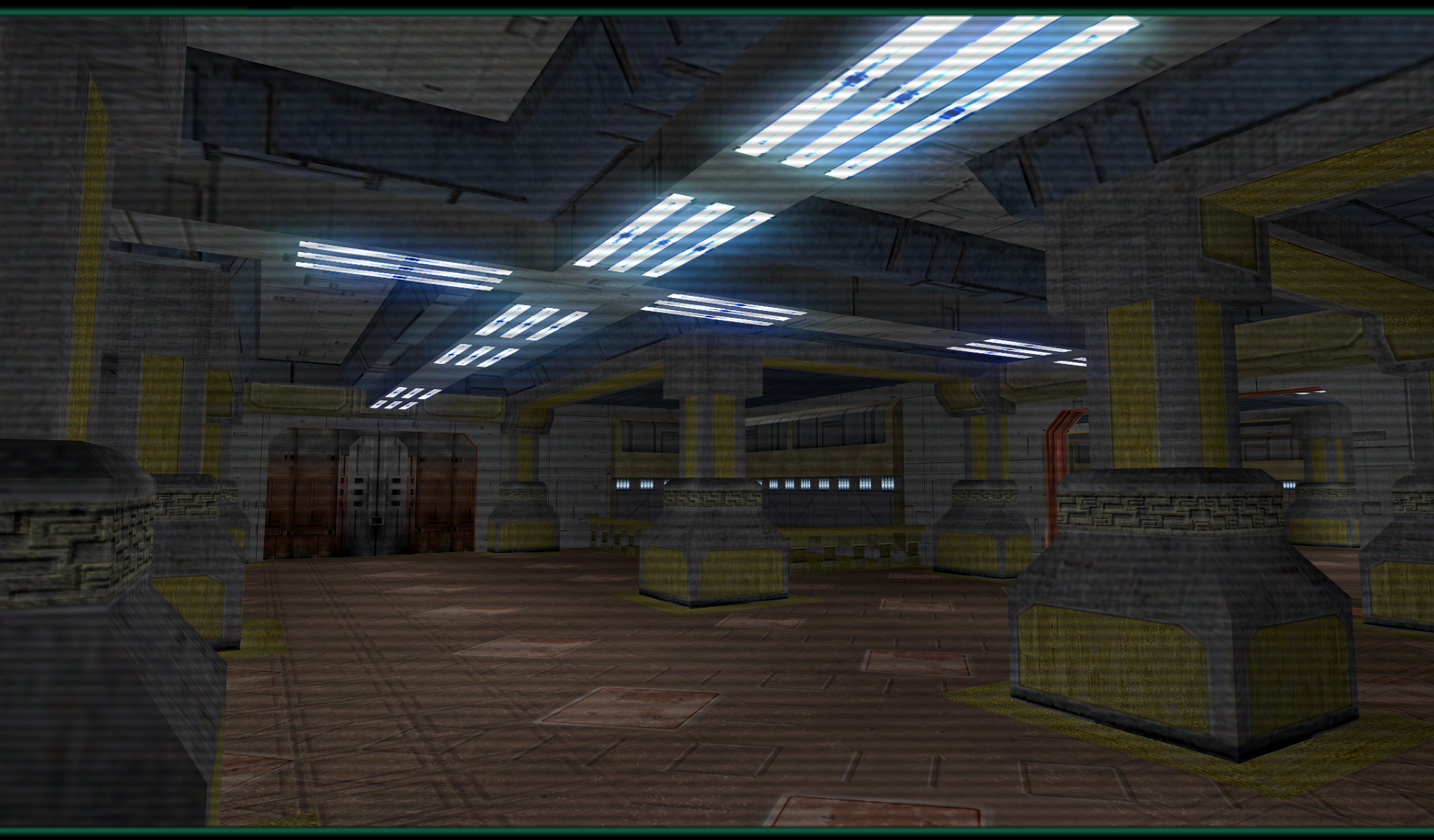
Not sure who might see this update (or care): I decided to rework the texture that I posted above from a new upscale. Swoop is still removed and I added some detail from overhead to a few other rooms as well.
I have attached it in TGA format for your Override.
Note: If you wish to use this version of the map and you're using the TSL Mod Build, you'll want to install this after you've installed the Upscaled Maps by Tunalex. Allow my TGA to install what that mod has added. (Upscaled Maps is listed in the Mod Builds in the "Enhanced Widescreen Support Mods" section.)
-
 1
1
-
-
 1 hour ago, J said:
Maybe once I dive into K1 modding. I'm sure I'll keep tweaking this one as well
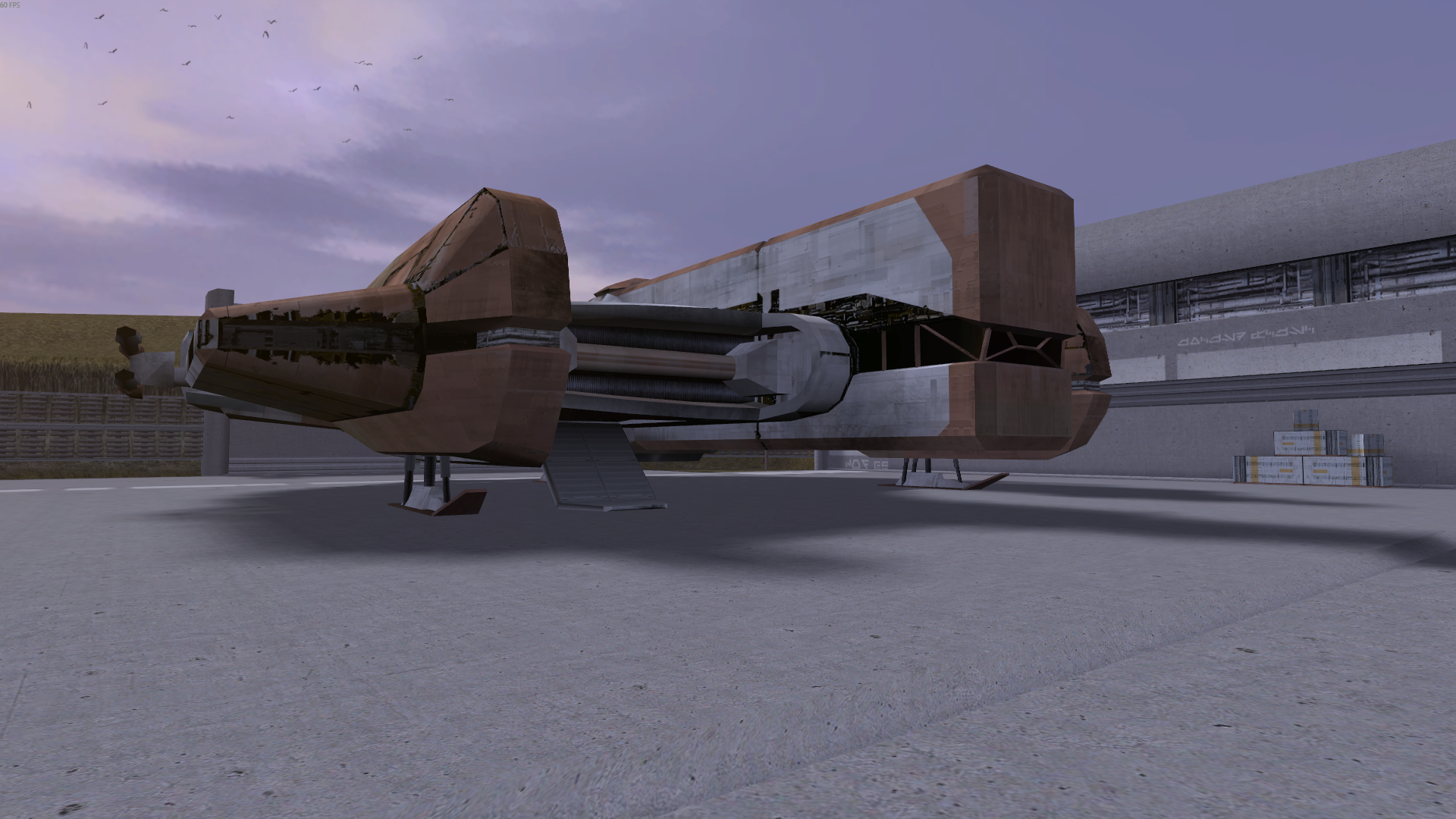
Well, the undamaged Ebon Hawk is in both games....
-
Any plans for an undamaged version? Or is that in your other larger textures package?
(Edit: After checking, that second question appears to be "no." The undamaged version isn't in the Optimized and Upscaled Vanilla Textures mod.)
-
In case anyone was mildly curious about all of the references to Star Forge buttons in the many pictures, here's what some of those buttons look like at actual size. LOL
.png.912dc499f4a7655c7781c5ae41ce855b.png)
-
3 hours ago, Spectrometer said:
High quality blasters is compatible with TJM, I played it with it before. You could also try a mod which replaces the default lightsaber hilt models, there are several.
You mean well but in the future, perhaps you can steer conversations about other mods to their respective pages. (In this case, the page for the actual TJM mod rather than my add-on for it.)
-
To be honest, I am not sure what other mods are actually compatible with TJM.
![More information about "Icons: Feats, Skills and Force Powers [TSL] - Open Beta"](https://deadlystream.com/downloads/screens/monthly_2026_05/FeatsPrimaryThumbnail4.png.69ac9d3f739d73459f1d13fc29195444.png)
[TSL] Immersive TSL Maps
in Skins
Posted
Have a favorite map?
Have a favorite map?