All Activity
- Today
-
 zawski joined the community
 -
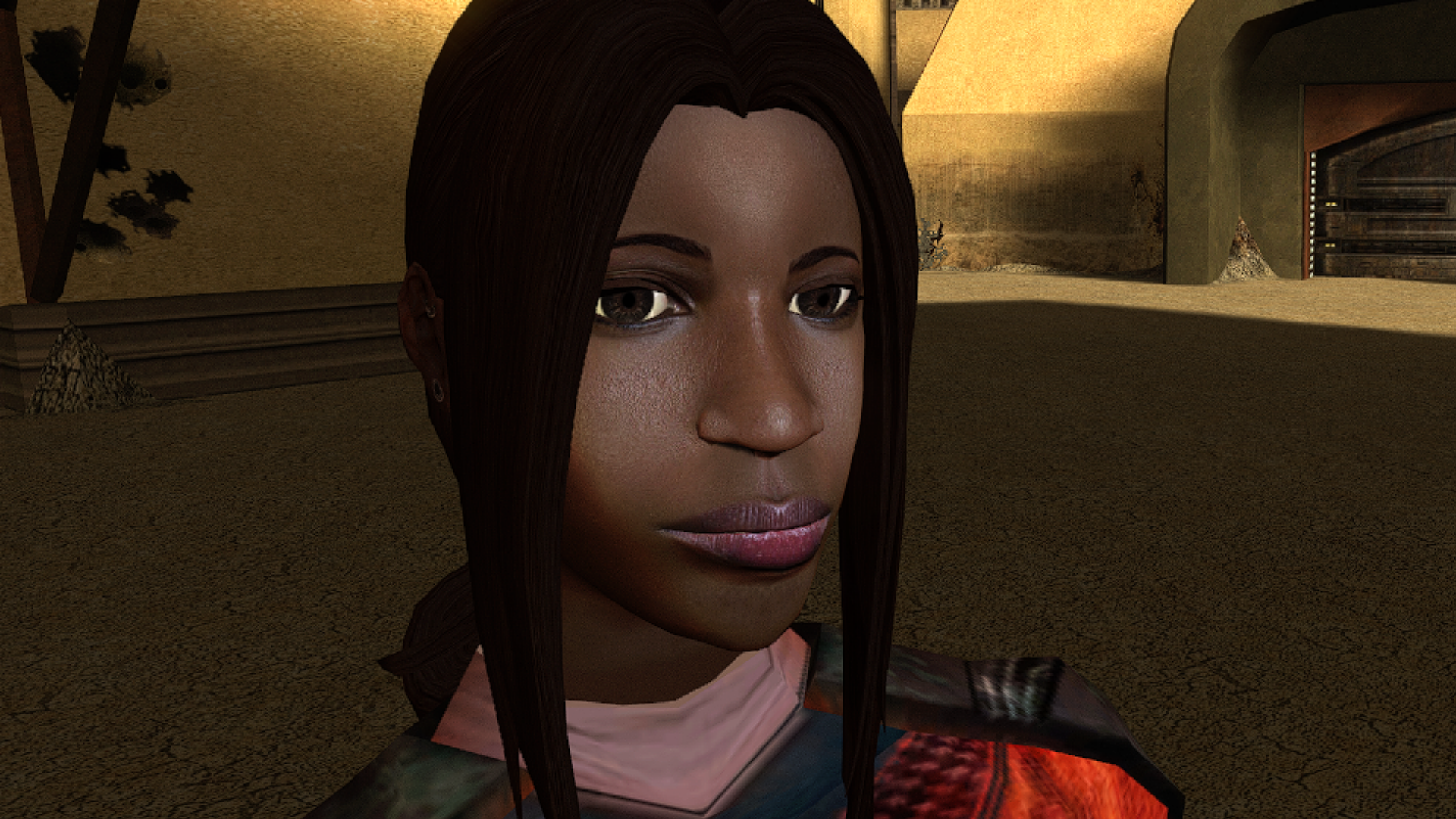
View File High poly PFHB03 The mod replaces the PFHB03 model and textures. To Install 1. Download: PFHB03 2. Copy all files to the Knights of the Old republic's Override folder. (Example location - C:\Program Files (x86)\Steam\steamapps\common\swkotor\Override) 3. When/if prompted to overwrite files, press okay. 4. If you like the mod; leave a comment or endorse! (It would be much appreciated) Made with love. Submitter Dark Hope Submitted 09/23/2026 Category Mods K1R Compatible Yes
-
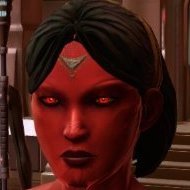
View File High poly PFHB04 The mod replaces the PFHB04 model and textures. To Install 1. Download: PFHB04 2. Copy all files to the Knights of the Old republic's Override folder. (Example location - C:\Program Files (x86)\Steam\steamapps\common\swkotor\Override) 3. When/if prompted to overwrite files, press okay. 4. If you like the mod; leave a comment or endorse! (It would be much appreciated) Made with love. Submitter Dark Hope Submitted 09/23/2026 Category Mods K1R Compatible Yes
-
View File Level cap 20 Stop leveling at level 20 Exp needed to level up increased Tested with : Snigaroo's Kotor 2 mod build Normal difficulty LS Guardian/Weaponmaster Planet order : Dxun -> Nar Shaddaa -> Dantooine -> Korriban -> Onderon Notes : Only use Kreia when it's required (so not a lot of exp bonus) Level 15 on Goto's Yacht, skipped some side quests (Handmaiden Battle Circle, Mandalorian Battle Circle) and accidentally triggered Nar Shaddaa "endgame" before doing stuff in Refugee Sector Level 20 on Korriban Was not any harder or easier I would say Only 5 level in Prestige class, kinda weird Install : Put the exptable.2da into the override folder Submitter gougougagak Submitted 09/23/2026 Category Mods TSLRCM Compatible Yes
-
View File Portraits Remade | TSL 200+ portraits to replace party and player portraits. 5 stage lightside/darkside transition restored. Install - extract the .TPC files to the game's override folder - the optional portraits.2da file enables 5 stage lightside/darkside transitions, copy it to override. How Were These Made Kotor Blender and ImageMagick. I will be releasing the scripts to easily generate matching portraits. Blender and KotorBlender plugin will need to be install but the portrait generation process does not require blender knowledge. Submitter J Submitted 09/24/2026 Category Mods TSLRCM Compatible Yes
-
 AkiraYz joined the community
 -
 Dussck joined the community
 -
Version 1.0.0
5 downloads
200+ portraits to replace party and player portraits. 5 stage lightside/darkside transition restored. Install - extract the .TPC files to the game's override folder - the optional portraits.2da file enables 5 stage lightside/darkside transitions, copy it to override. How Were These Made Kotor Blender and ImageMagick. I will be releasing the scripts to easily generate matching portraits. Blender and KotorBlender plugin will need to be install but the portrait generation process does not require blender knowledge. -
 vampyrs joined the community
 -
 Coldswe joined the community
 -
 w3Sm6l6N joined the community
 -
 TheCueball joined the community
 -
 DARTH_XAYAL joined the community
 -
 zachrdavus joined the community
 -
 TacoSteve joined the community
 -
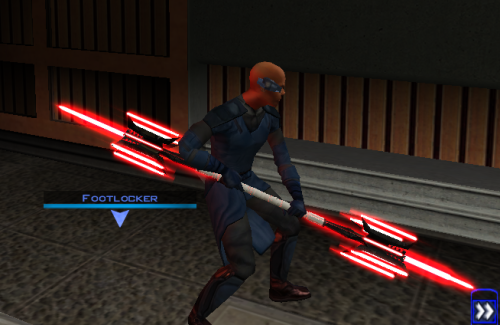 That would also be pretty cool!
 -

Editing the Imperial Knight Armor Mod with GIMP
Reverse_Studios replied to redrebelzero's topic in General Kotor/TSL Modding
Have you figured it out yet? If not, were you looking for something along the lines of this? I do not know what color you want specifically (hex codes), but I tried to see what I could do with the information given. Btw, the tga files were too similar, so I couldn't tell what gender each one was so I just edited a random one. imperial_knight_recolor - prev.zip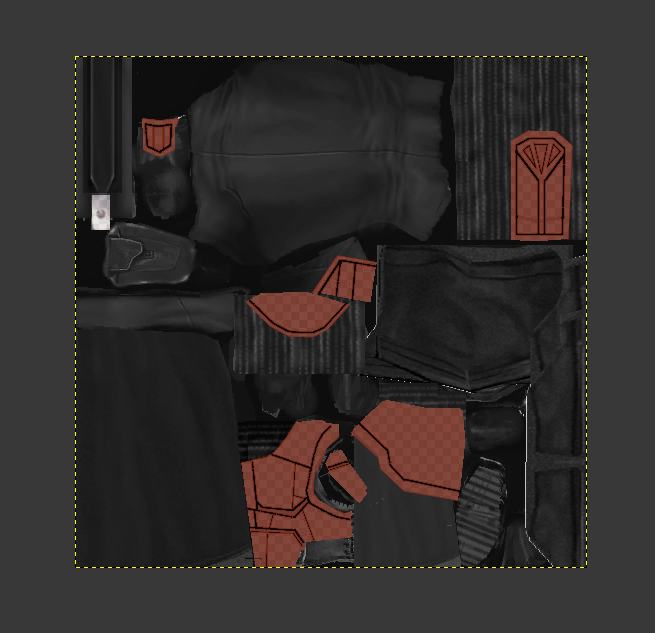
- Yesterday
-

Version 1.0.0
0 downloads
Stop leveling at level 20 Exp needed to level up increased Tested with : Snigaroo's Kotor 2 mod build Normal difficulty LS Guardian/Weaponmaster Planet order : Dxun -> Nar Shaddaa -> Dantooine -> Korriban -> Onderon Notes : Only used Kreia when it's required (so not a lot of exp bonus) Level 15 on Goto's Yacht, skipped some side quests (Handmaiden Battle Circle, Mandalorian Battle Circle) and accidentally triggered Nar Shaddaa "endgame" before doing stuff in Refugee Sector Level 20 on Korriban Was not any harder or easier I would say Only 5 level in Prestige class, kinda weird Install : Put the exptable.2da into the override folder -
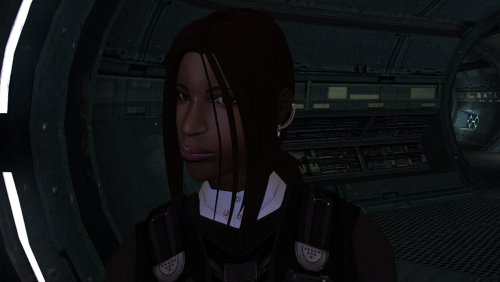
Version 1.0.0
2 downloads
The mod replaces the PFHB04 model and textures. To Install 1. Download: PFHB04 2. Copy all files to the Knights of the Old republic's Override folder. (Example location - C:\Program Files (x86)\Steam\steamapps\common\swkotor\Override) 3. When/if prompted to overwrite files, press okay. 4. If you like the mod; leave a comment or endorse! (It would be much appreciated) Made with love. -
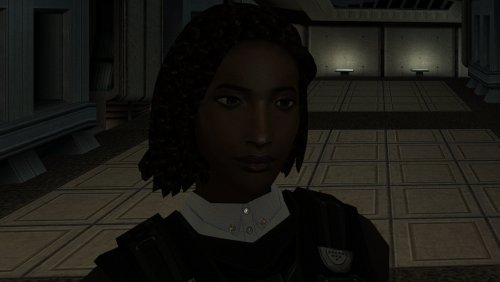
Version 1.0.0
1 download
The mod replaces the PFHB03 model and textures. To Install 1. Download: PFHB03 2. Copy all files to the Knights of the Old republic's Override folder. (Example location - C:\Program Files (x86)\Steam\steamapps\common\swkotor\Override) 3. When/if prompted to overwrite files, press okay. 4. If you like the mod; leave a comment or endorse! (It would be much appreciated) Made with love. -
 whosdes changed their profile photo
 -
 If your Windows scaling is above 100%, the game will zoom into a corner. Set scaling to 100% to fix it.
 -
 Sounds strange, so the exact same mod file seems to load if you throw it into a directory that has the complete mod build installed, but it doesn't if you throw it into your vanilla game directory? Are any of the files in your .mod referencing files that aren't in the vanilla game?
 -
I am running into a very strange engine-level issue with vanilla KOTOR while developing a new module for an expansion project. I originally started building the project inside my community mod build game, which is the setup I normally use for my main playthroughs. After the project scaled, I moved to building in vanilla kotor and completely rewrote the module for vanilla kotor. Shortly after, vanilla KOTOR began refusing to load any updated resources inside the rebuilt Korriban Valley module (korr_m36aa), even when the module is fully overwritten. In that modded environment, everything works exactly as intended. The context is as follows. I have a custom NPC whose dialogue was newly marked skippable, and after speaking with him, a G-Wing ship spawns. Clicking on the G-Wing initiates a transition script I had made updated changes to. The transition script fires correctly in both versions of the game. It updates the journal and performs all of its other functions. However, in vanilla KOTOR, StartNewModule never actually transitions the player into the target module. The camera just glitches and offsets for a split second while the script performs it's other actions flawlessly. In the modded community build that i use for normal playthroughs, the transition works perfectly and the Valley’s Shadow module loads without issue. In vanilla, none of the changes inside the rebuilt m36aa module apply. The NPC's dialogue is not skippable. The updated DLG does not load. Trigger changes do not apply. Waypoint changes do not apply. The transition script fires but the module never starts. The module behaves exactly like the original unmodified m36aa with no changes to it's actual files other than the added utc for the npc, new placeables and a few new scripts. Meanwhile, the exact same rebuilt module, when placed into the modded community build, loads all changes correctly. The dialogue is skippable, the triggers work, the waypoint is correct, and the transition script successfully moves the player into the target module. I have already verified that I am loading the correct module. I overwrote the original korr_m36aa.mod file directly. The IFO, ARE, and GIT files inside the module are correct. The transition script does not reference anything from Korriban and works perfectly in the modded build. The target module is not corrupted and loads fine in the modded build. I have tested with multiple fresh saves, including saves that never visited Korriban and saves created before the module existed. I have fully restarted the game each time fixes were attempted and cleared all possible cached data. None of this changes the behavior in vanilla. At this point, the rebuilt module works perfectly in the modded community build game that i have installed on a thumbdrive (because i had to back it up when i reinstalled the game fresh to use for modding development), but vanilla KOTOR wants to be annoying for what looks like to me, no reason at all and refuses to load the updated resources inside korr_m36aa even when the module is fully overwritten with the changes. At this point, I am just trying to determine if this is just me being a dumbass and not seeing any errors, or whether this is a known engine quirk with KOTOR, or korr_m36aa specifically where the game refuses to run and load clean modules correctly, and use changes that were made to dialogue, scripts, and more, regardless if the changes were clearly made and have seemingly no errors. I don't know whether there is a known fix or workaround for vanilla refusing to load updated module resources despite a full rebuild. If no solution exists, I will pivot to having the NPC only be hosted in the Valley, but have all the vital scripts run in a different module that becomes available after talking to the NPC. Thanks, Rever$e
-
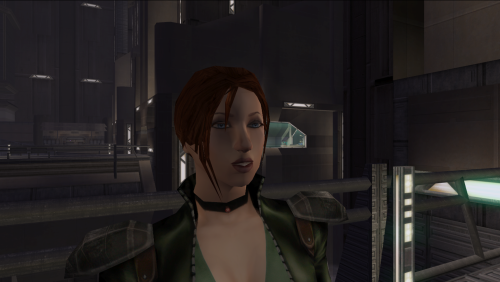 would you mind if i uploaded a version of this i fixed to work as a player head for kotor 1 i will credit you
 -
TTW kinda mod that puts kotor 1 and 2 together
-

Restore dialog with Atton about the astronavigation system
Zantos_Endar commented on nadrino's file in Mods
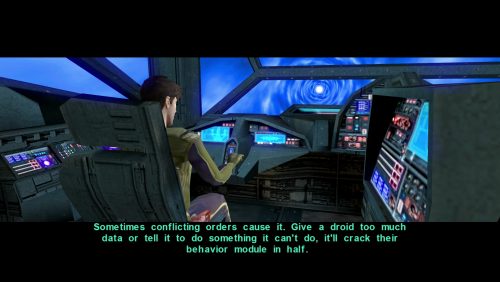 There is no HoloPatcher file in the install folder. (I have another mod that modifies this dlg file, so replacing with the override file is not ideal.)
 - Last week
-
did you download the Scaled Kotor patches and add them to the Kotor Patch Manager patches folder?
-
I do have the Editable exe. Also i removed .Gui files in override. im still very confused why the scaled patch options are not showing up.
-
Are you using the GOG version or the Editable EXE? This is required. Also make sure you don't have any other widescreen mod files in override, like .gui files.
-
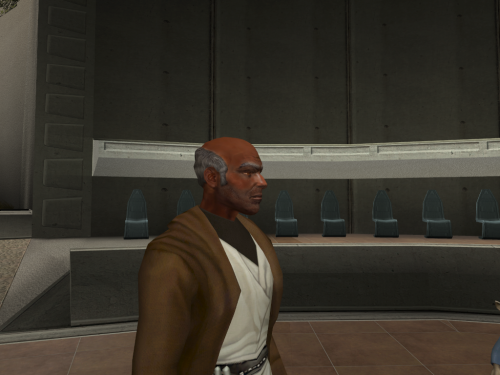 the best Dorak Retexture on deadlystream
 -
 Odd they definitely worked when I tested them back then! I'll look into this. I'm still looking into alternative file hosting solutions but I'll definitely take Nexus into consideration!
 -
For whatever reason I cannot get the scaled patches to show up in the manager. the rest are fine I cannot get them to appear. And now because of that some text just does not appear in game
-
 Surprised and pleased to hear that this little mod means so much. Glad I could help, and that it's unblocked your playthroughs! Thought I should tell you that I liked this idea a lot, and just updated the mod to include it. Sounds more nuanced than what we had before, and I'm all for it. I've read your notes, there's a lot of useful info in there. A few bits I can add from my side: The exact vanilla condition for this line is that the reputation with the Exchange be less than 1. The first convo in the docks between Mira and Hanharr indeed has 3 different lines for light, gray and dark PCs, but it doesn't set anything yet. The real choice is set by two invisible triggers in the docks, that fire only when you're first directed to Jekk'Jekk Tarr to meet Visquis, and haven't met Mira and Hanharr personally. Then, depending on the alignment (now reputation), one of the two triggers fires the corresponding dialogue with one of them approaching. This is the moment when the future companion gets chosen. The fate of the refugees is the consequence in this case, and the condition is reputation with the Exchange. If it's greater than 0, then Nar Shaddaa gets the Exchange ending; if it's 0 or lower, it's the Refugees ending. Curiously, I had no idea about this, and how the Nar Shaddaa questline truly worked before I started working on this mod. Wish I'd seen this sooner, great find! It is indeed mixed up. In most cases, the game tracks your reputation through a single conditional script called c_excfavor. 0 The Exchange really dislikes player (rep is <= -4) 1 The Exchange dislikes player (rep is >-4 && <= -2) 2 The Exchange is neutral towards player (rep is >-2 && <= 1) 3 The Exchange likes player (rep is >1 && <= 3 4 The Exchange really likes player (rep is > 4) In vanilla game, you get positive reaction from Zez-Kai Ell, if your reputation with the Exchange is 1 or 2; negative if 3 or 4; neutral if else. TSLRCM fixed this, and now Zez-Kai Ell gives positive reaction if 0 or 1; negative if 3 or 4; neutral if else.
 -