


DarthParametric
-
Posts
4,907 -
Joined
-
Last visited
-
Days Won
557
Content Type
Profiles
Forums
Blogs
Forum & Tracker Requests
Downloads
Gallery
Store
Events
Everything posted by DarthParametric
-
Yes, that's tk102's. FS just mirrored it here because the original host LucasForums/SWKnights went down.
-
You mean tk102's? I'm not aware of FS making any dialogue editor. DLGEditor can absolutely do node links.
-
Well I already did half of it for you (or anyone else interested).
-

Yavin Station model request (exterior)
DarthParametric replied to Sith Holocron's topic in Mod Requests
Now throw some crud on it. -
Yavin Station model request (exterior)
DarthParametric replied to Sith Holocron's topic in Mod Requests
Yavin itself is also a billboard (albeit a dome-shaped one), just like the Yavin outside the window of the station in K1. Might be useful to someone if they wanted to swap it. /resources/art/fx/geometry/galaxy_map/texture/gal_map_yavin_dome.dds gal_map_yavin_dome.dds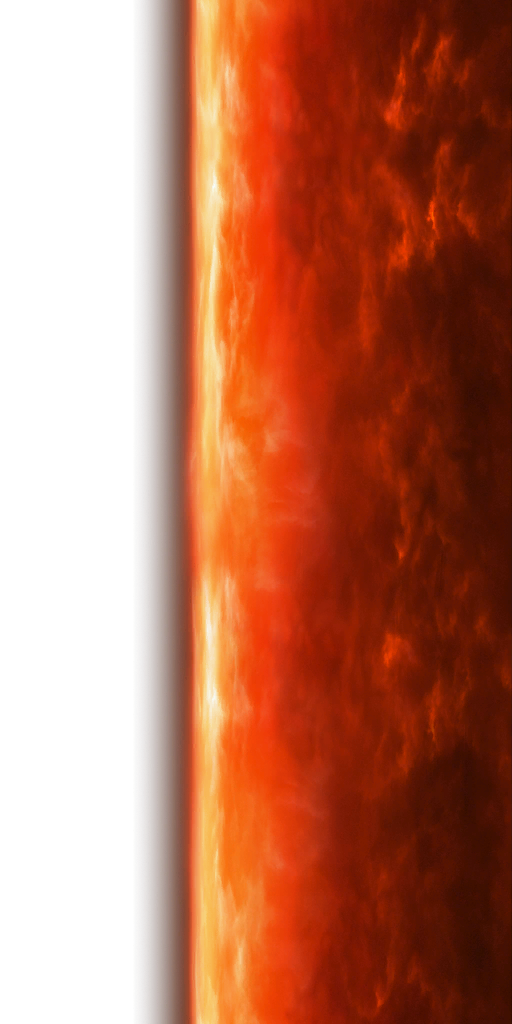
-
Yavin Station model request (exterior)
DarthParametric replied to Sith Holocron's topic in Mod Requests
There is not. I have posted about it previously (probably multiple years ago at this point), but TOR only has a simple billboard (a plane with an alpha-masked texture) of the station, not a model. It's just a little Easter egg as you fly past Yavin on your way to Yavin IV, you never actually visit it. /resources/art/fx/geometry/cinematics/texture/cine_billboard_yavin_station_01.dds cine_billboard_yavin_station_01.dds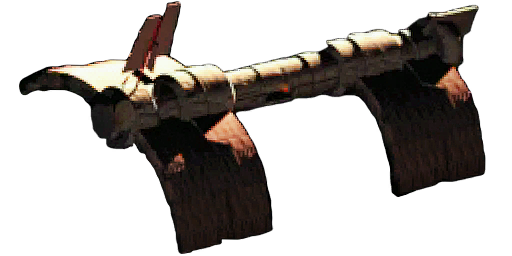
-
FreightL02 model replacement
DarthParametric replied to Dark Hope's topic in General Kotor/TSL Modding
Yeah, it's a bit of a squeeze, but it works: -
Movie-Style Holograms for End Game Cutscenes
DarthParametric commented on DarthParametric's file in Mods
 This will be because of the newly discovered issue that all models with VFX nodes exported from KOTORMax include a spurious component that causes a crash on Linux (and probably Mac). They need to be recompiled with a fixed KMax or KBlender. I'll get around to an update at some point.
 -
Depends on whether mesh splits along UV seams happen in KMax or MDLEdit/MDLOps. If the latter, that might explain things. Either way, unless the counts are wildly different, I'd just put it down to differences in implementations.
-
FreightL02 model replacement
DarthParametric replied to Dark Hope's topic in General Kotor/TSL Modding
The original intention of the model (which shows how old it is) was for it to replace the G-Wing on Dxun/Onderon in TSL. You could do that, although that raises the issue of take-off/landing videos. Or you could maybe put a hangar next door with it in on Onderon. -
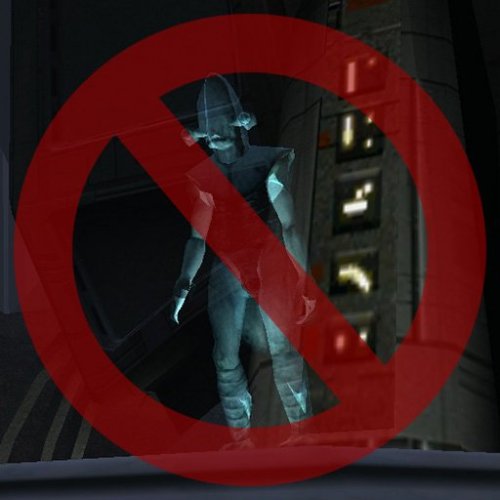 That should work fine, unless you loaded a save already in the Temple Catacombs from before the mod was installed.
 -
That doesn't tell me anything useful. List what other mods you have installed. As the description says, it's not compatible with K1R, so if you have that installed then that is the issue.
-
Kotor 1 - Stuck before Dantooine Star Map
DarthParametric replied to keegs's topic in Knights of the Old Republic General
The door's OnOpen script has to fire in order to set the boolean on the door (which is what happens). But somehow the script is terminating before it starts the dialogue. I plan to completely revise the triggering approach in the next version of K1CP to hopefully remove this issue permanently. -
Font/color used by the first game’s dialogue?
DarthParametric replied to th3w1zard1's topic in Mod Requests
It's Arial. You can tell by the Q stroke being wavy vs Helvetica's being straight: White is font sheet, red is Arial text overlay.
-
Font/color used by the first game’s dialogue?
DarthParametric replied to th3w1zard1's topic in Mod Requests
It's supposed to be Franklin Gothic, but they cheaped out on the licensing and used Arial (bold). -
Kotor 1 - Stuck before Dantooine Star Map
DarthParametric replied to keegs's topic in Knights of the Old Republic General
Zeyrox_Fix.zip -
Effort.
-
What does the KBlender version look like? If you were running the game natively on a Mac (or Linux) it could potentially be a factor, but since you're running it inside Win 10 it should be irrelevant.
-
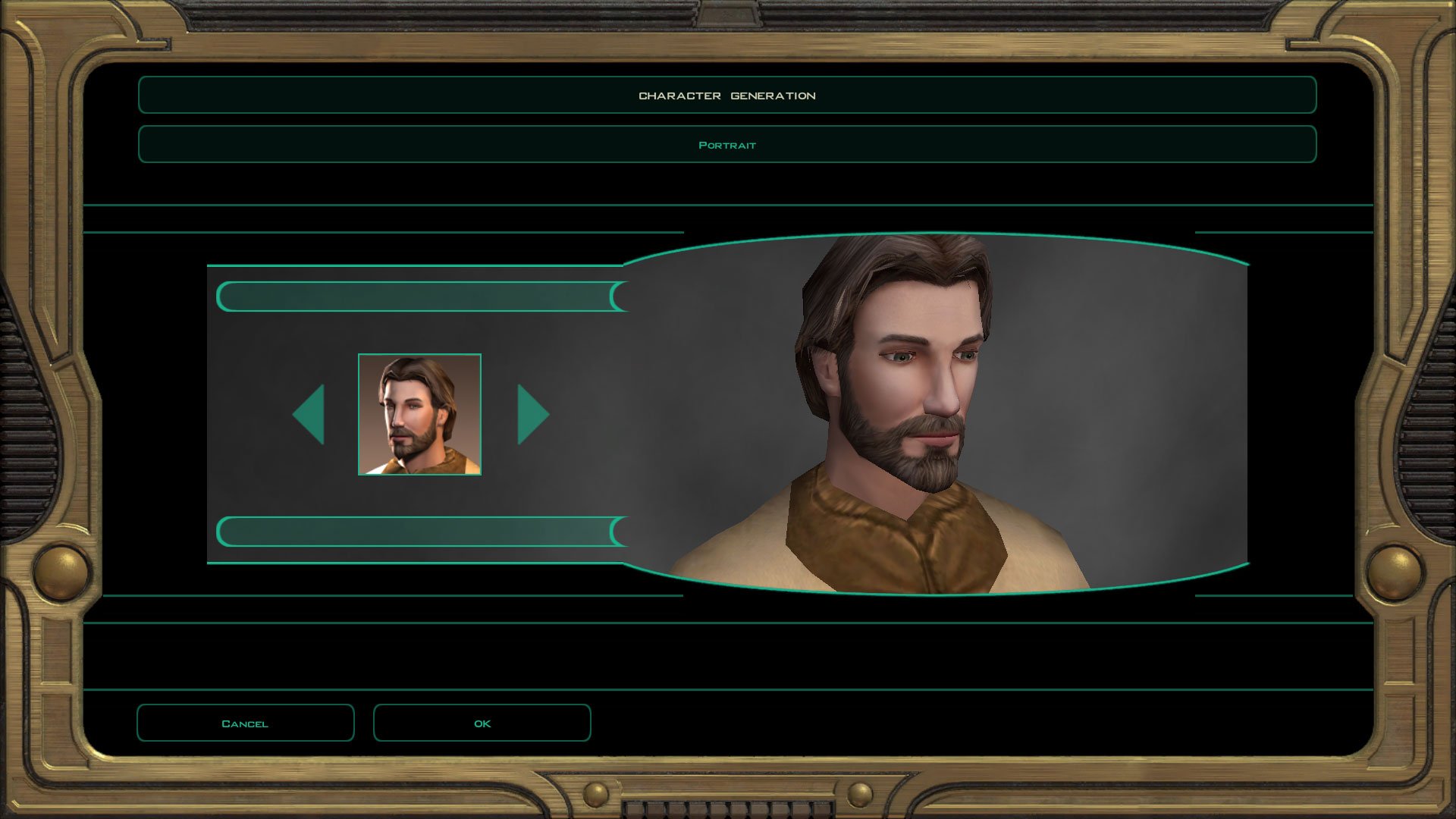
I quickly checked the MDLEdit one in the character creator and it's fine?
-
Try these: TSL_PMHC04_Test.zip Imported your ASCII into KMax, re-exported, loaded into MDLEdit and saved as binary. Loaded the binary into KBlender, looked fine, exported as new binary.
-
Kotor 1 - Stuck before Dantooine Star Map
DarthParametric replied to keegs's topic in Knights of the Old Republic General
I really would like to know how you people keep doing this. 000220 - Game219.zip -
 Any model that is exported from KMax, regardless of whether it is compiled with MDLEdit or MDLOps, will causes crashes on Linux because KMax is adding invalid Detonate controllers to every VFX emitter. On Windows these are just silently ignored, but on Linux it causes a crash. Per Synchro on the OpenKotor Discord:
- 96 comments
-
- 1
-

-
- cut content
- restorati
- (and 3 more)
-
FreightL02 model replacement
DarthParametric replied to Dark Hope's topic in General Kotor/TSL Modding
Damn, a decade since I did that thing. Interestingly, having a look at it, there are minimal overlapping faces, so it would require very little work to create functional lightmap UVs. Just a small bit of shuffling for the overlapping islands. There's plenty of space, because it was a pretty inefficient unwrap in terms of maximising pixel density. -
FreightL02 model replacement
DarthParametric replied to Dark Hope's topic in General Kotor/TSL Modding
Having a quick look at it, the main issue is that the landing gear is split out to a dozen other meshes for animation, which makes it way more of a pain to deal with. Fortunately though most of the work is in the main body which is all one mesh. I'd suggest putting that on its own 512x512 map, and then group the landing gear into its own separate map that can be 256x256. -
FreightL02 model replacement
DarthParametric replied to Dark Hope's topic in General Kotor/TSL Modding
Shouldn't be a huge deal to add new lightmaps via KBlender. How many of them are there?
