


About This File
Install TSLRCM before installing this mod, as it relies on some of its content
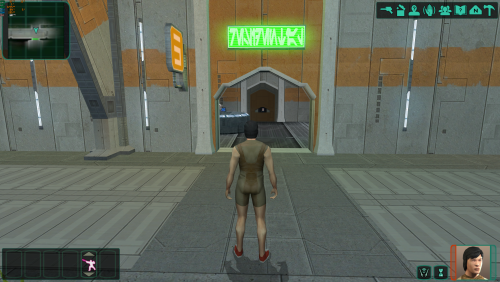
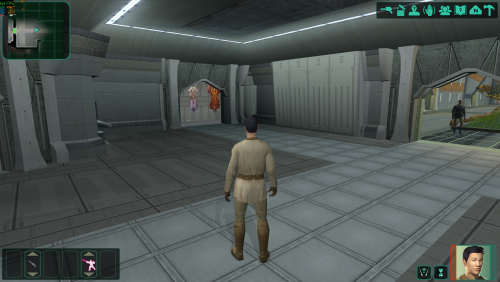
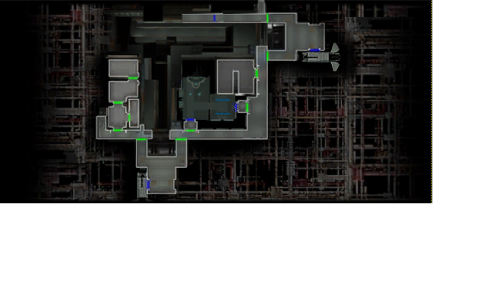
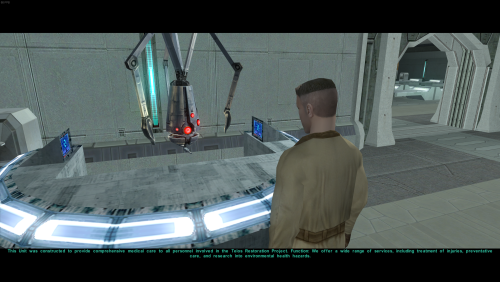
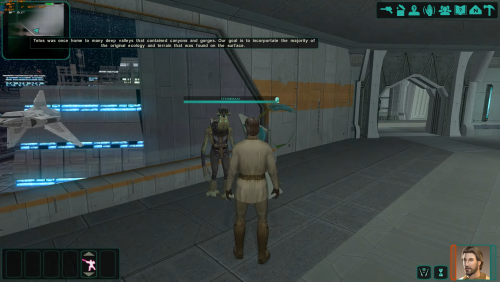
Enhance your Citadel Station experience with this Medical Unit Quest Mod, which adds a specialized medical droid to the Citadel Station Medical Unit, along with a brand new quest line and additional environments on the map to explore.
Mod Features:
-
New NPC: Medical Droid:
- Adds a unique medical droid to the Medical Unit on Citadel Station.
- The droid serves as a central point for the mod's new questline.
-
New Questline:
- Introduces a branching questline centered around the Medical Unit.
- Offers distinct light and dark side choices, impacting the quest's outcome.
- Explores and adds lore to the Medical Unit, Czerka Corporation, and Citadel Station.
-
NPC Appearance Changes:
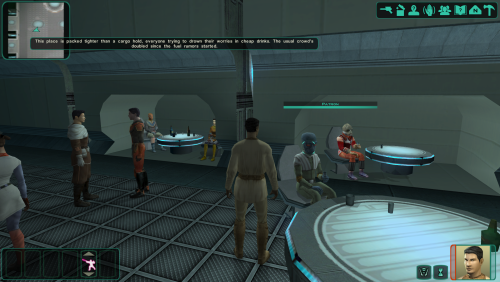
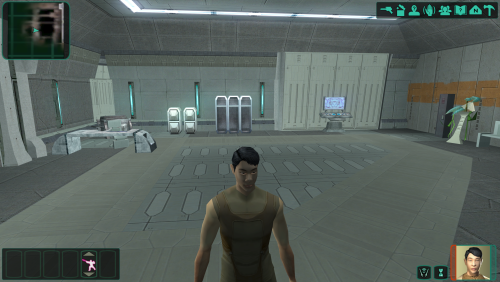
- Adds new visual appearances for commoner NPCs around the different areas of the Station.
- This will try to add a more unique feel to each area.
-
Enhanced NPC Dialogue:
- Implements new dialogue options for commoner and Ithorian NPCs throughout Citadel Station.
- These new dialogue lines attempt to add more ambient information and world building to the station.
- Dialogue's may also reflect the players actions.
About This Mod: The goal of this mod is to make Citadel Station feel a little less empty than it originally does. It attempts to tie in some lore to the
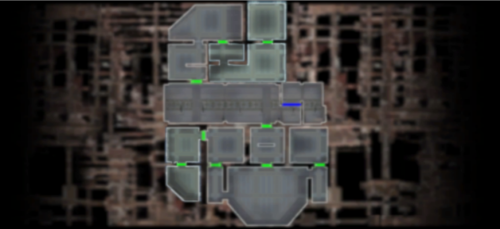
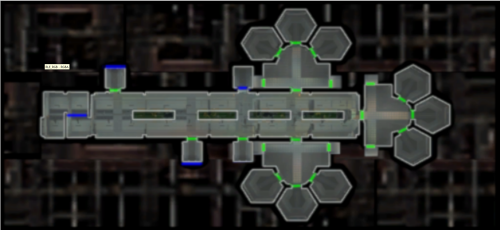
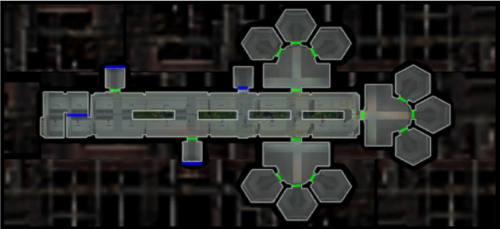
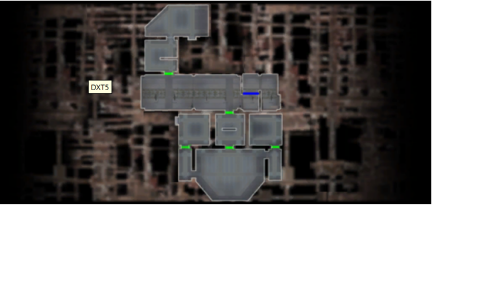
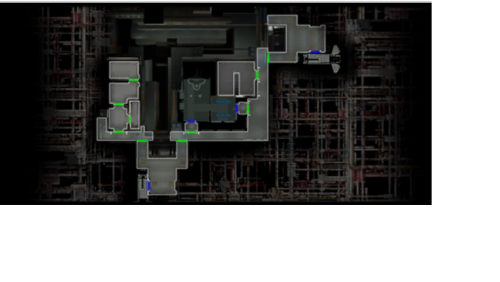
Medical Unit, Czerka, and Citadel Station. It also opens up three previously inaccessible areas and adds new environments. In addition, this mod aims to change up some of the NPC's on Citadel Station by giving them more varied appearances and dialogue options, attempting to remove some of the cloning effect found in the original game.
It adds a few alien commoners around the station with new dialogue, and changes the appearances of a few of the human commoners. In addition, some of Ithorians in the compound have been changed so that they're not all blue. There are new lines of dialogue given to each of the Ithorian's as well so that all five of them don't repeat the same three lines.
This mod also features an alternate version of Kreia's Assorted Robe Collection 1.1, by modder: ChAiNz.2da. It acts as sort of a compatibility patch for this mod, removing the questline, while keeping most of the same charm that the original mod offers. Instead of crafting the shroud armor for Kreia, you can now find it located in the Secret Tomb.
Disclaimer: Requires TSLRCM to be installed first, as it relies on some of its content.
It is also recommended to install any mods that make changes to the appearance.2da file BEFORE installing this. Examples include mods like M4-78, Expanded Galaxy Mod, Calathan improvement project etc.... Your mod installation order should look something like this: 1.) TSLRCM,2.) M4-78, 3.) Expanded Galaxy/Coruscant, 4.) Calathan, 5.) This mod.
If you already have Kreia's Assorted Robes Collection installed, just remove (kds_204_medcomm.utp) from the override folder, then install the alternate version/patch to make them compatible
3/09/2026 - The sealed module door can now be opened in the entertainment module, but due to the way the walkmeshes work between the two models that connect these specific areas, you can only go into/through the sealed module door, and not back.
This means that you may get stuck if you get too close to the door without being able to open it. It requires 10 security to open, so I would advise to keep a save before approaching that door, or when entering the entertainment module. If you don't have 10 security and you get too close to the sealed module door, you will be stuck. I have included a transition back to the residential module as a work around for when the area is unlocked.
4/17/2026 - The unused doors in Residential Module 082 East are now actual doors/rooms. Room 5 in the main area is now its own room, and all six unused apartment doors are now their own storage rooms as well.
I also want to apologize for any issues and or conflicts from earlier versions, and if anyone's mod install was nuked at some point. This is my first time creating a mod for this game, so please bear with me. 
It should be compatible with most other mods now after making some much needed TSLPatcher changes. Please message me here or leave a comment regarding any issues you may have so that I can assist you. These things are usually simple fixes.
----------------------------------------------------------------------------------------------------------------------------------------------------------------------------------------------------------------------------------------------------------
For future reference, I may try to make more quest content and new models/modules. If I can get voices to work in game, I plan to add new voices for the droid and possibly human voices for the commoners to have more dialogue.
A goal of mine is to also port this mod over to the original Xbox version, if possible.
I wanted to give a big shout out to modders SAO1138, N-DReW25, and JC, for helping me through this process, and for teaching me the basics of KOTOR modding. This wouldn't have been possible without them. Also huge shout out to ChAiNz.2da, for making such a cool mod that I had no idea existed until recently. My inspiration for this mod came down to the fact that I couldn't find any other mods that used this area. I didn't expect a Kreia mod of all things to do so!
Installation:
1.) Place the files from the Override folder, into the games override folder.
2,) Run TSLPatcher.exe from the TSLPatcher folder to install the modules.
You must copy/install the override files BEFORE installing the modules with TSlPatcher.
IGNORE THE WARNINGS DURING INSTALLATION. IT IS JUST OVERWRITING THE MODULES.
If you plan to use the alternate version of Kreia’s Robe Collection, install it after.
I also highly recommend using this mod below, if you want to get rid of some of the cloning effect even further in other areas of the game. Use it in conjunction with this mod if you want even more NPC variety on the station.
Edited by Doodmane444
What's New in Version 1.0.6 See changelog
Released
- Walkmeshes in 1.0.5 were broken near the Duros merchants and the Cantina in the Entertainment Module. These are now fixed.

Recommended Comments
Join the conversation
You can post now and register later. If you have an account, sign in now to post with your account.