Search the Community
Showing results for tags 'K2'.
-
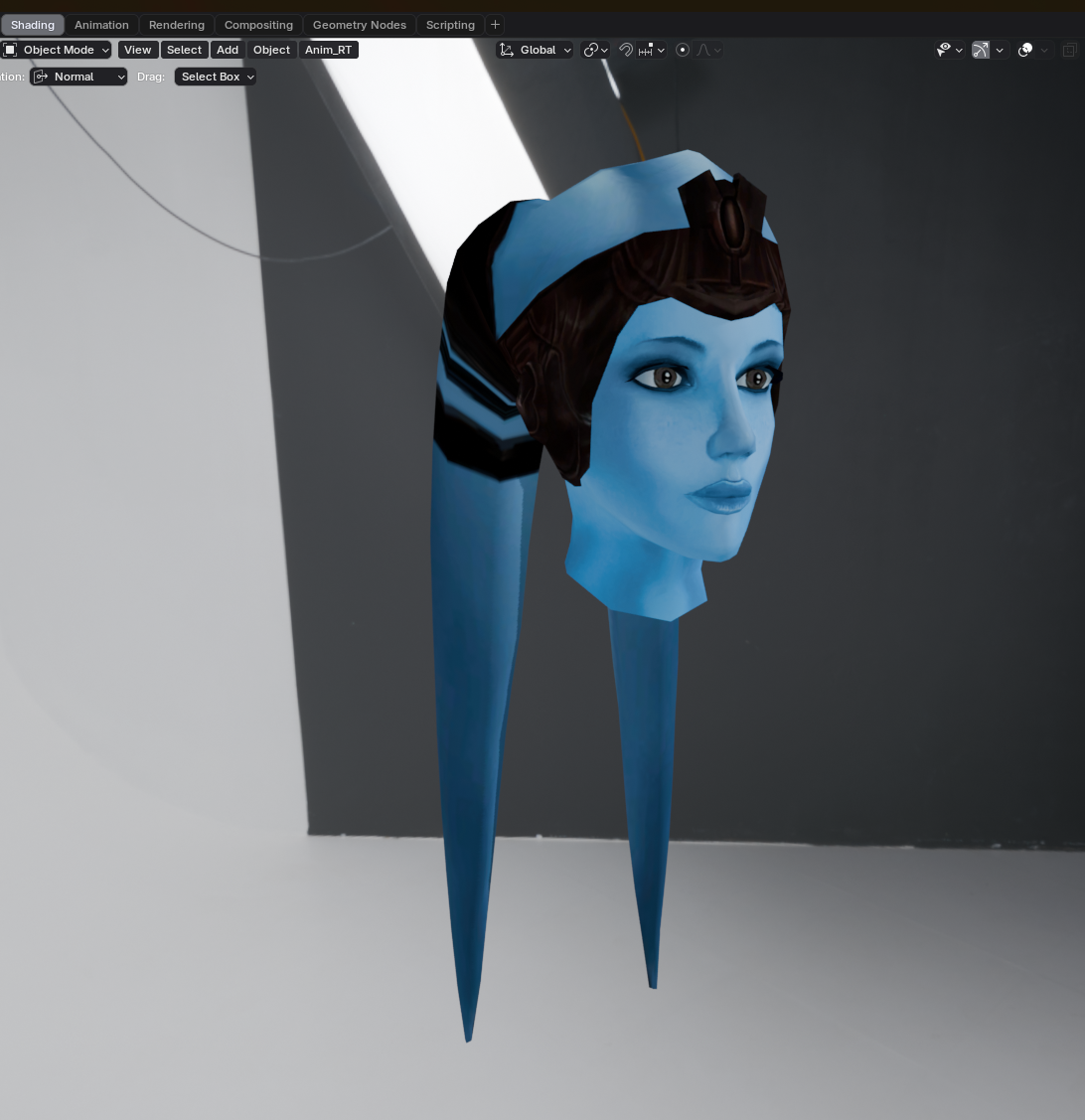
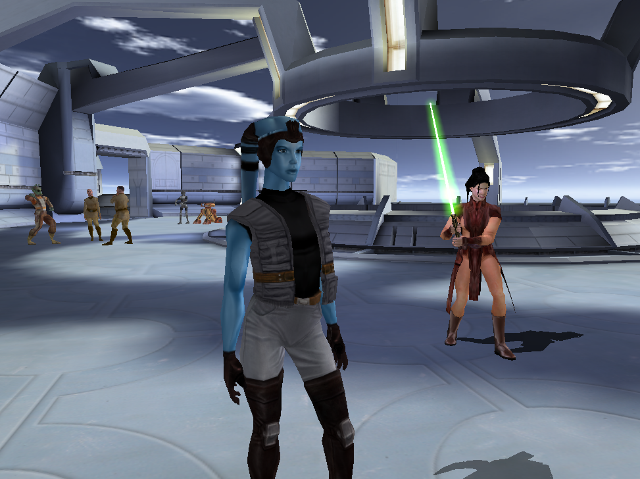
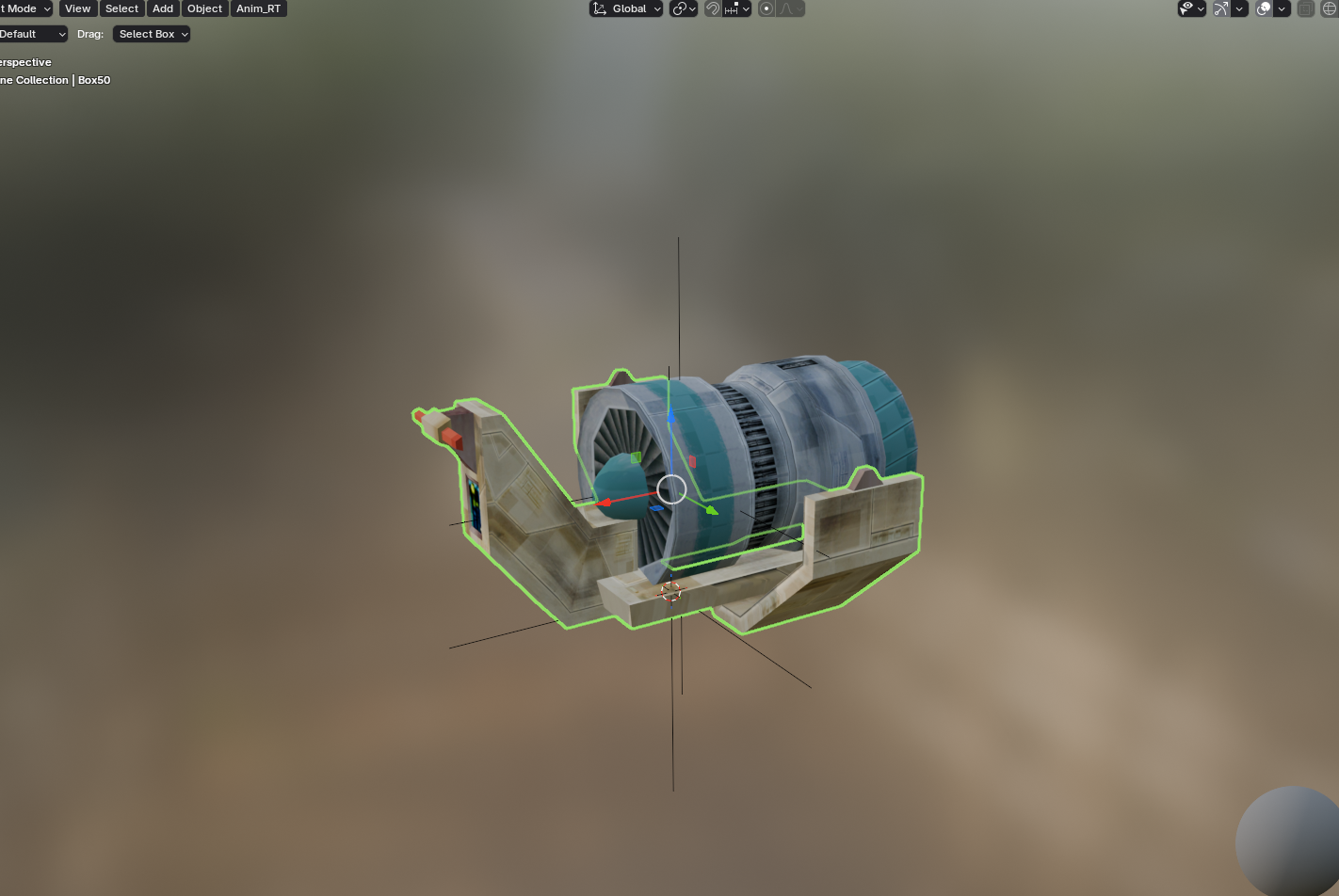
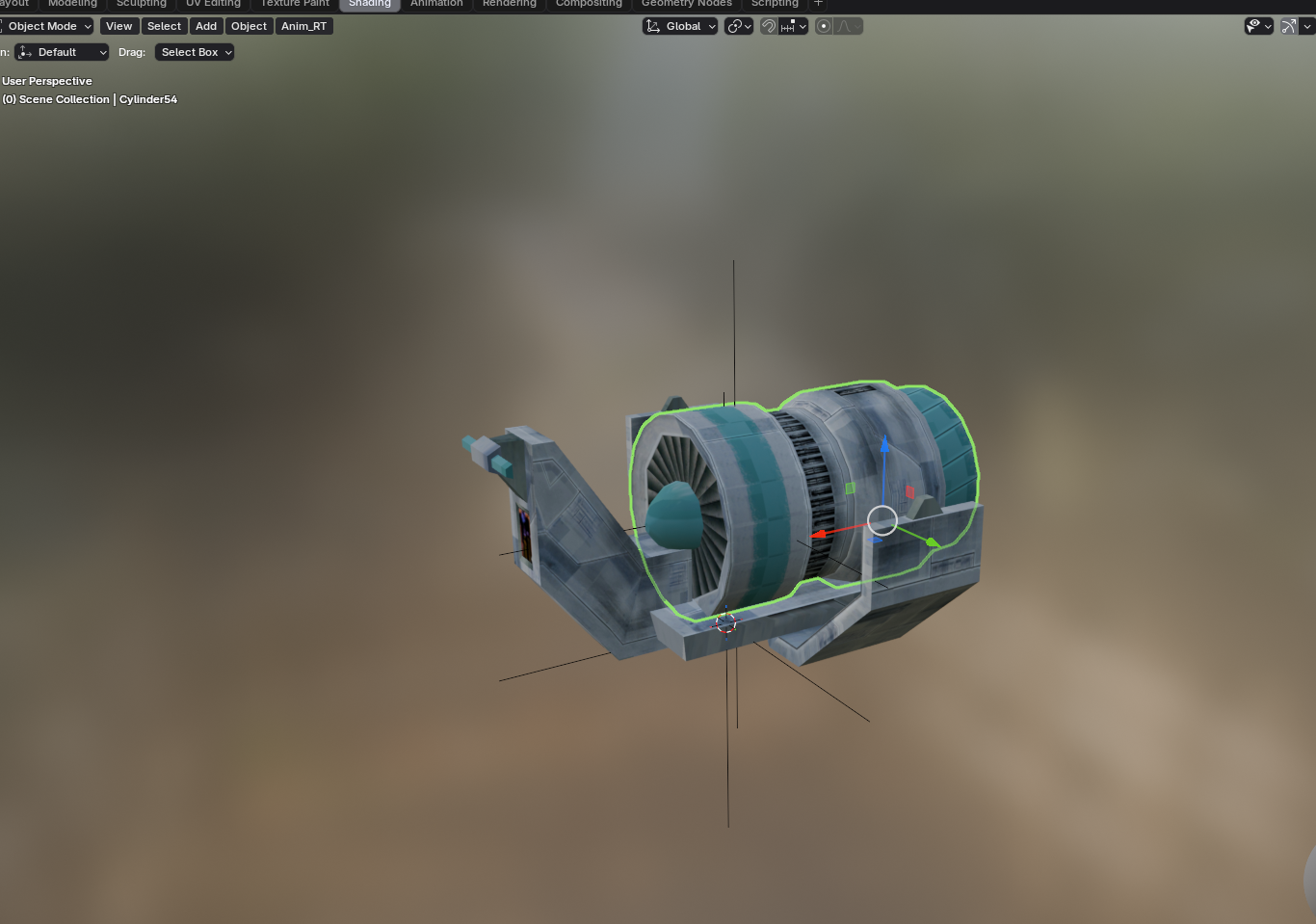
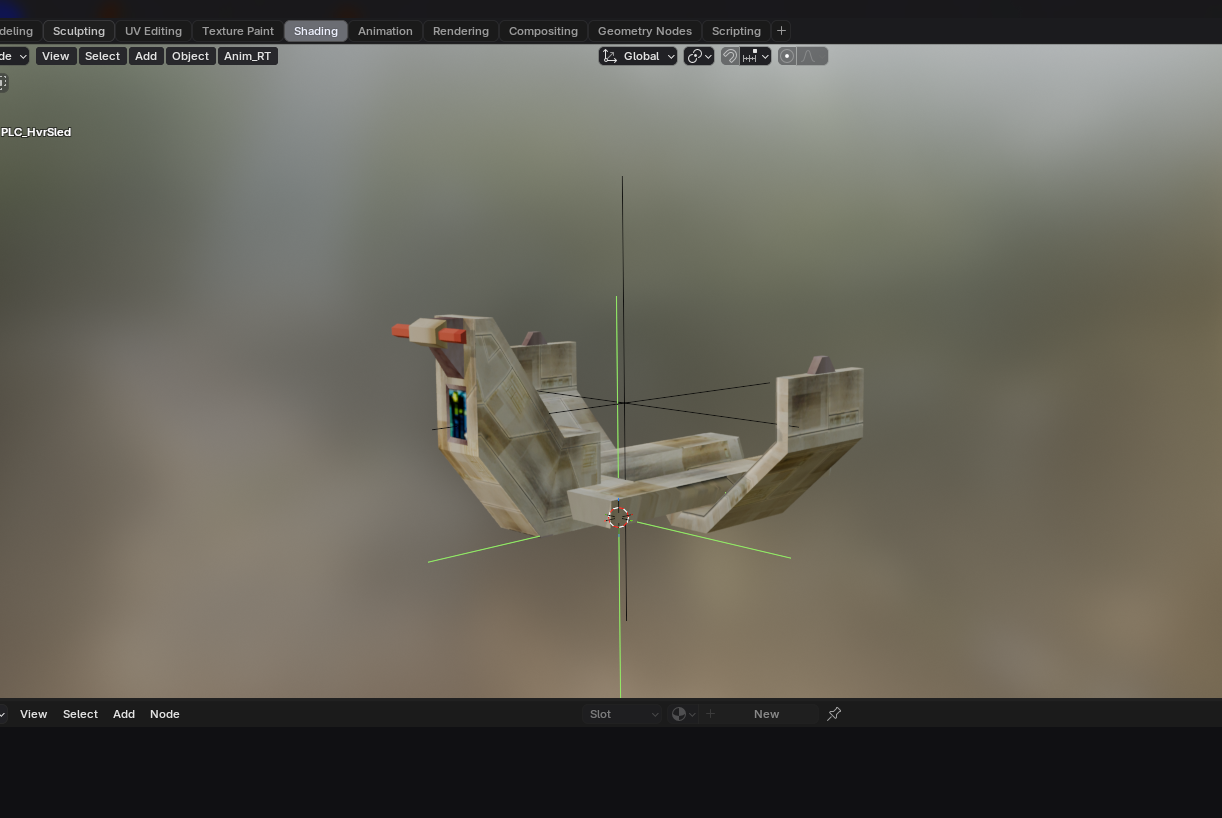
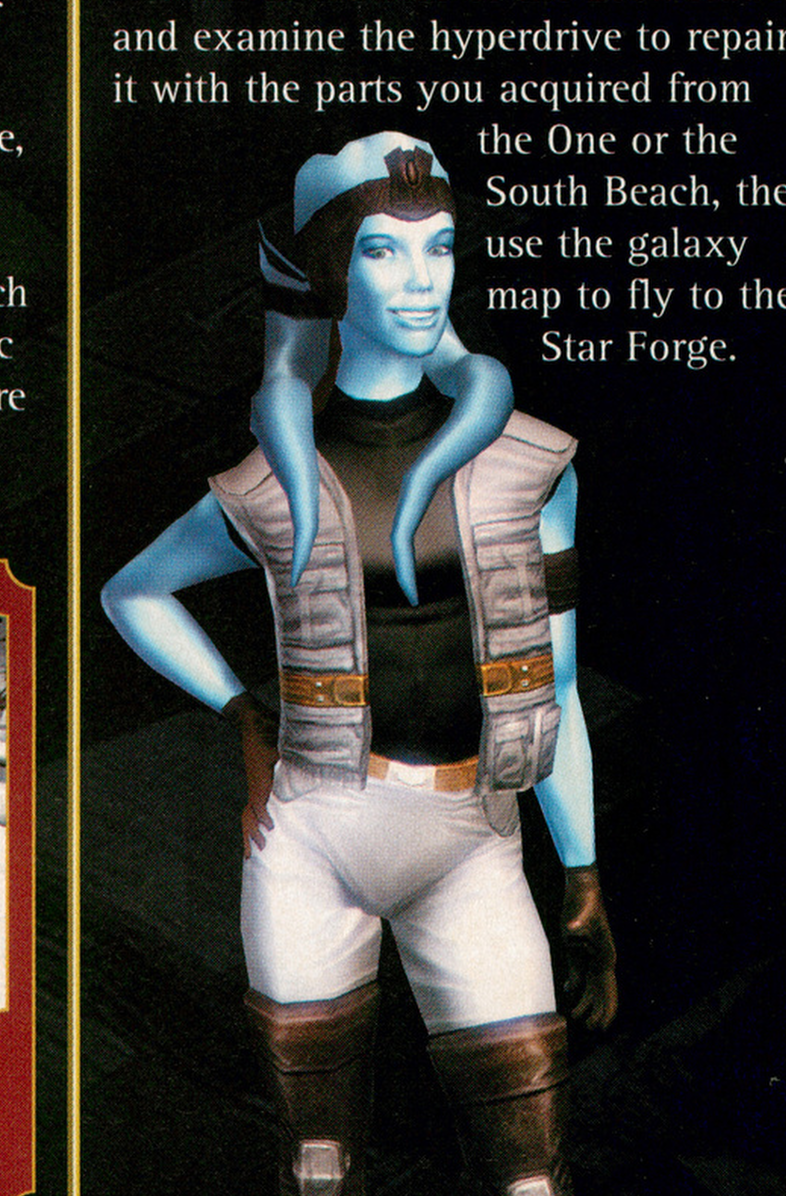
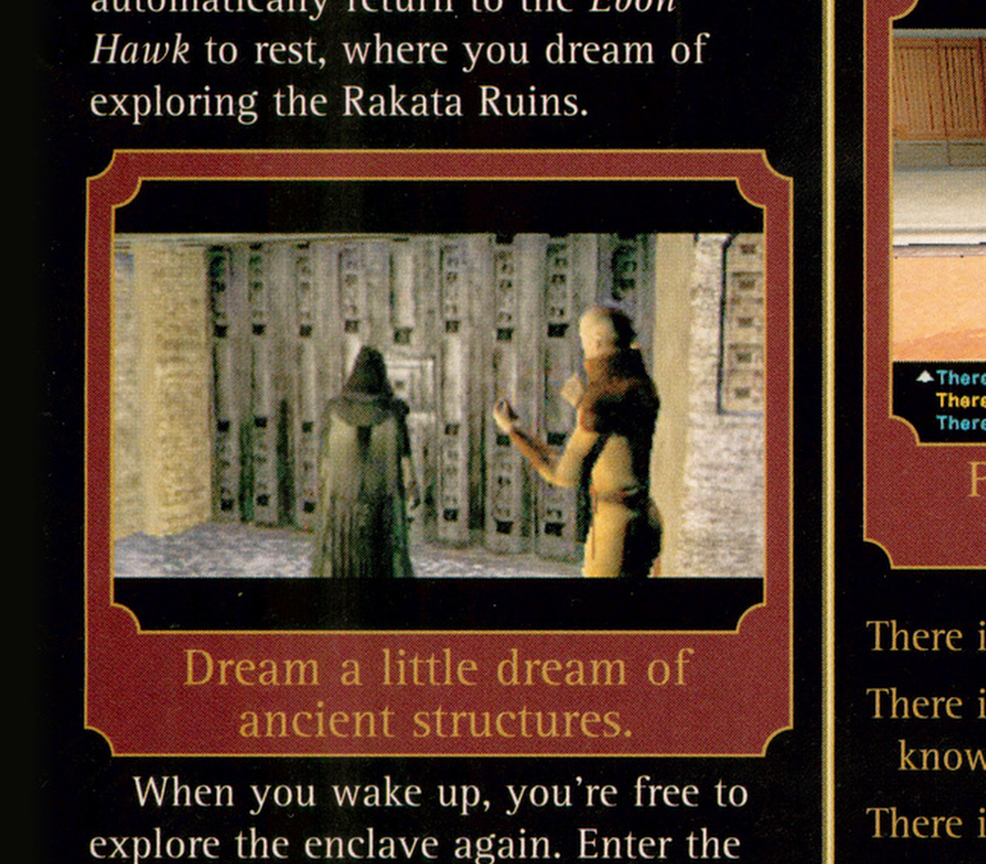
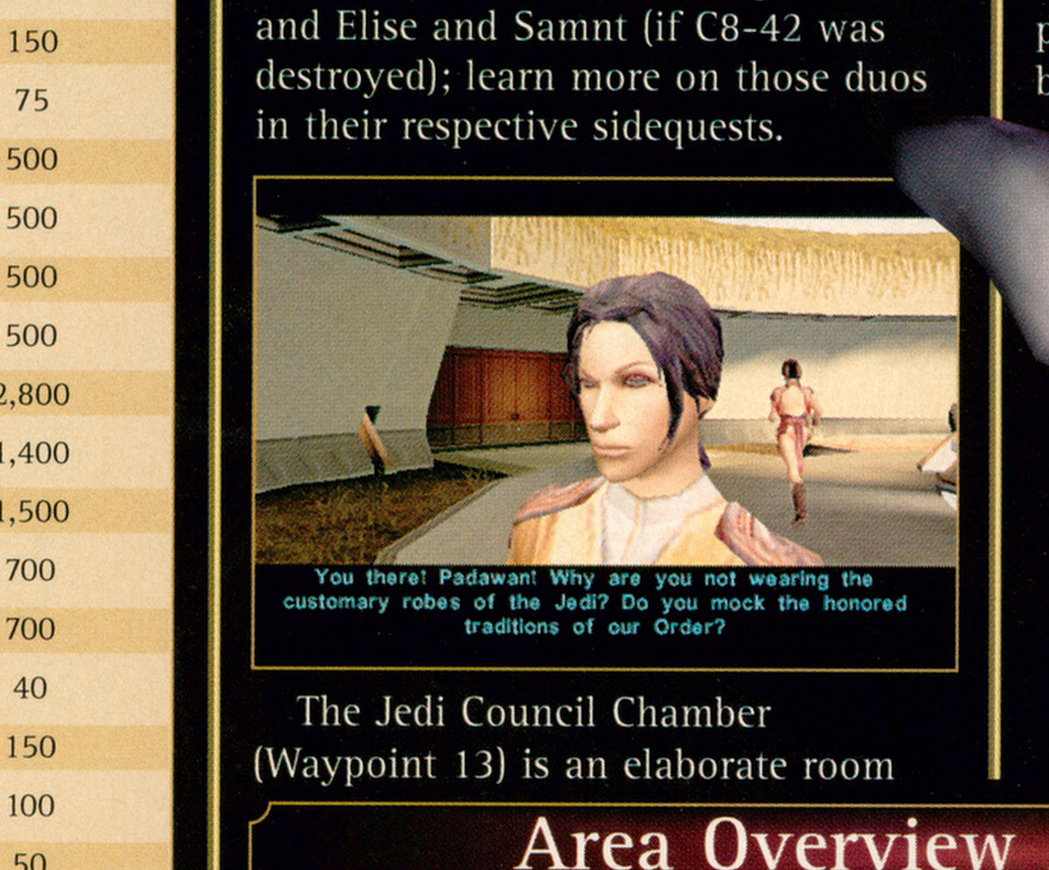
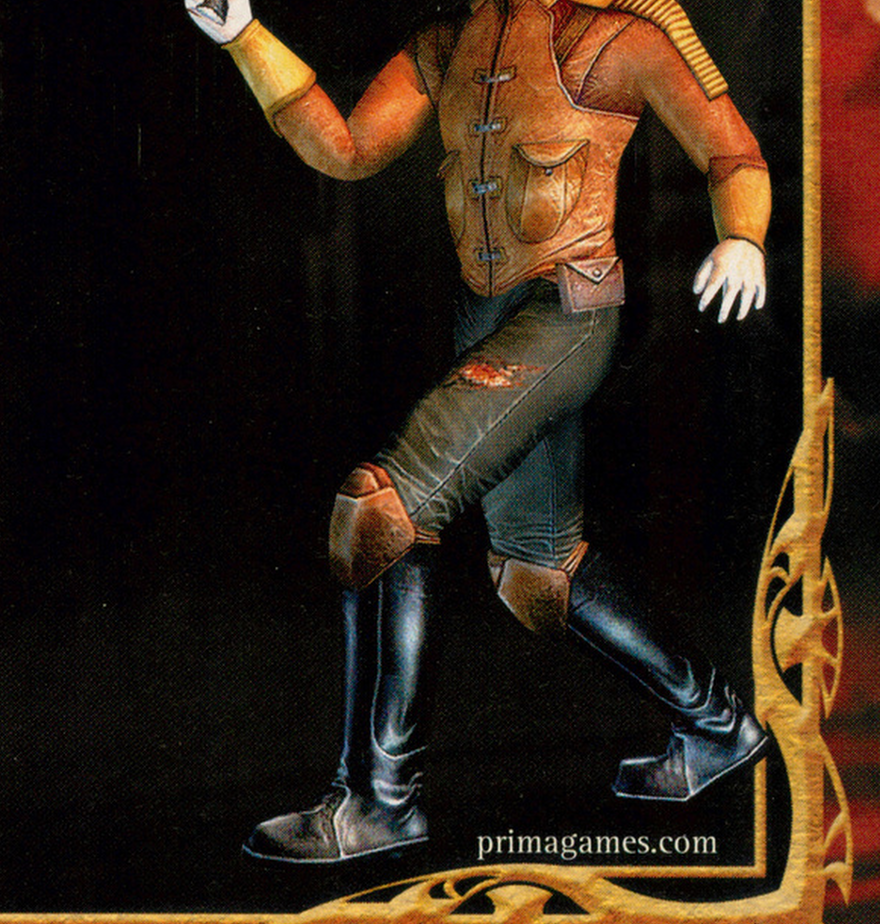
I got back to Kotor and Kotor 2 modding and texturing after many years and just want to share some of my work. All those years, I didn't realize the "hoversled" PLC had the wrong textures applied. Screenshots from the K1 Official Game Guide book I thought looked interesting. I also fixed the Gammorean's axe model/UVs. KotOR0002a.tga
-
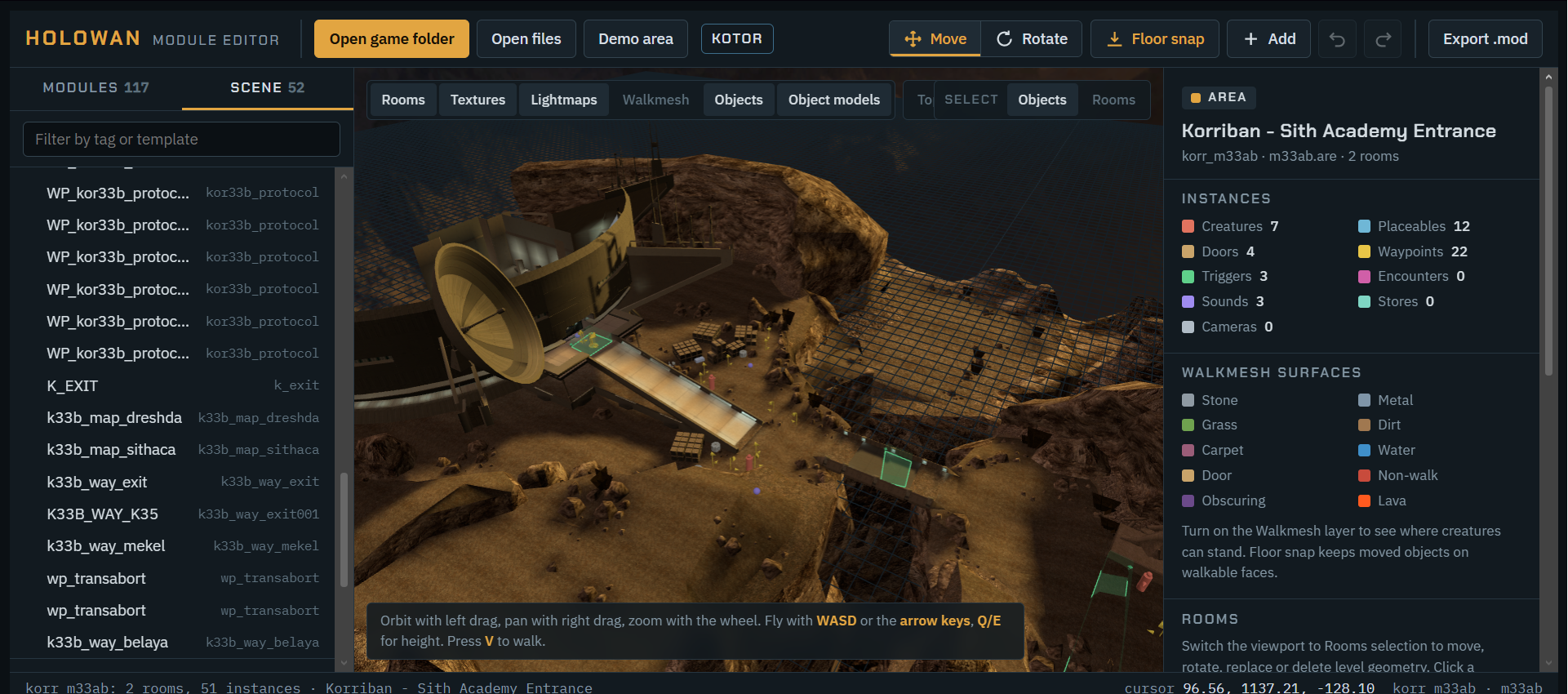
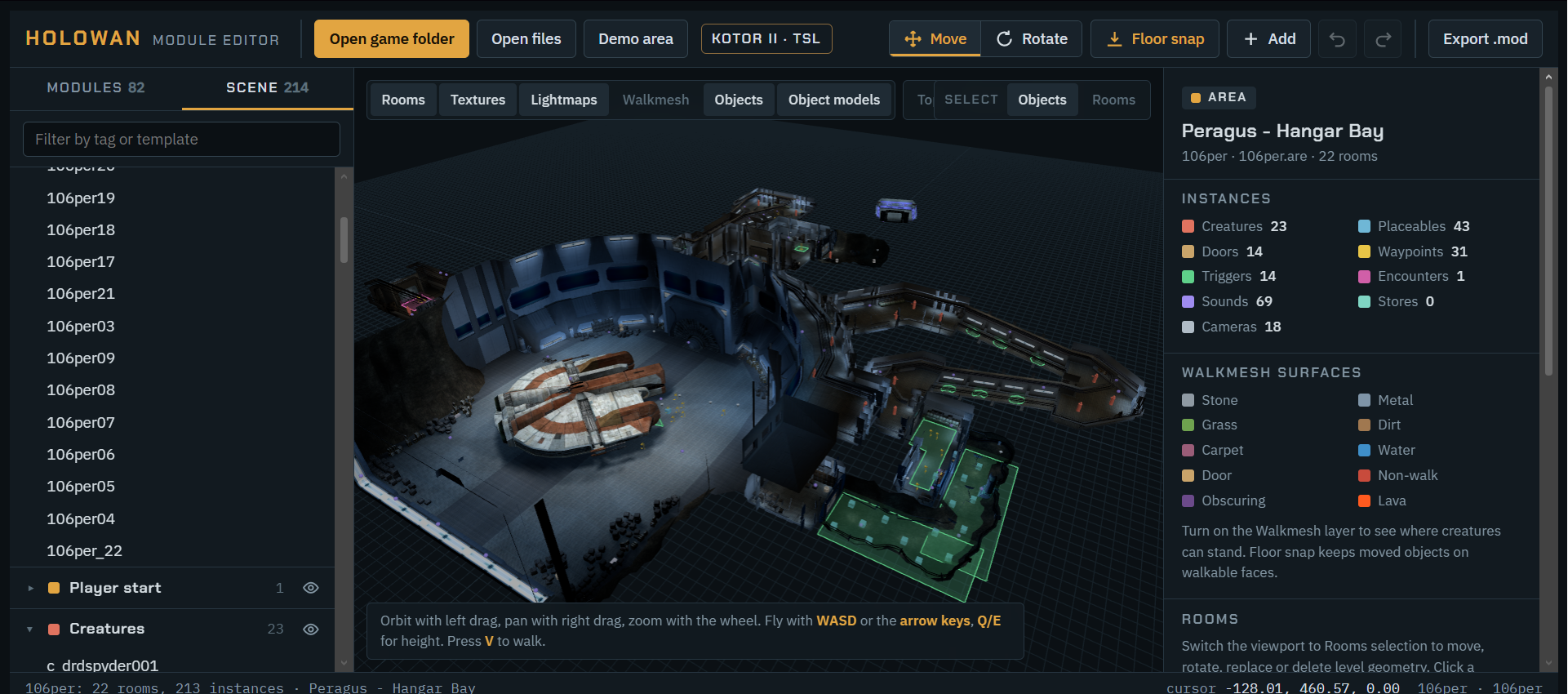
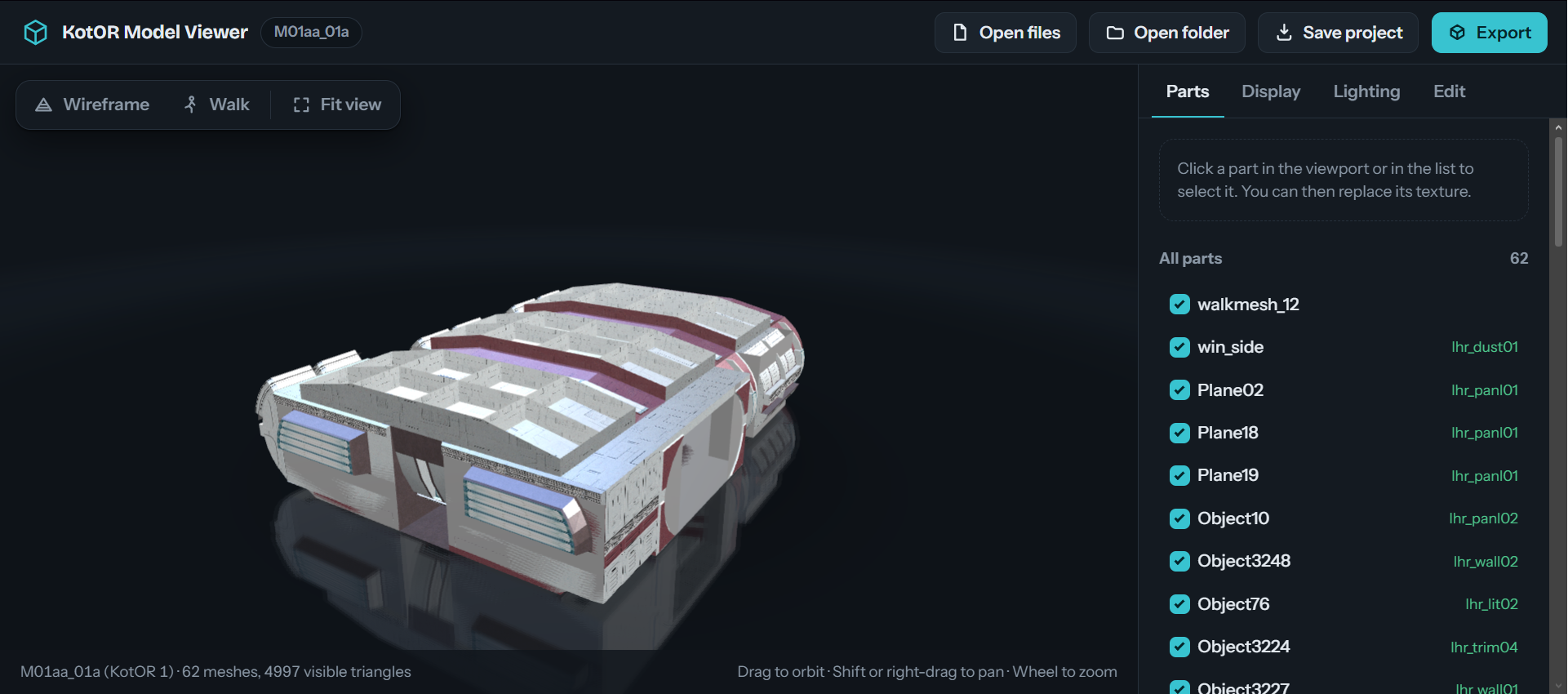
https://pixeldrain.com/u/58qa8CZG https://www.virustotal.com/gui/file/db3448fde5bbe279d34c6f60f52f61cc4a75e86824d6bc90977e1789d4e3f6b2?nocache=1 Keys Click-Select G-Move R-Rotate F-Focus selection CtrlD-Duplicate Del-Delete CtrlZ-Undo WASD-Fly ↑↓←→-Fly with arrows V-Walk in first person QE-Down / up T-Top view O-Select objects L-Select rooms AltClick-Pick a room once Esc-Deselect Placement Drag the arrows to move it inside the room. Meshes below it move too. Collision lives in the room walkmesh and does not follow. Turn Model Replace hides this mesh and puts a model in its place, with the same position and facing. OPEN to Suggestion on features ------- Kotor Model Viewer 1.4 - Etherael https://pixeldrain.com/u/t1nwyPVU https://www.virustotal.com/gui/file/a3faf4989f6611148bf3b181e516b55ebd1711a2ba6d9b37f8298e0c85c39ec7?nocache=1 Copyright (C) <2026> <Etherael> This program is free software: you can redistribute it and/or modify it under the terms of the GNU General Public License as published by the Free Software Foundation, either version 3 of the License, or (at your option) any later version. This program is distributed in the hope that it will be useful, but WITHOUT ANY WARRANTY; without even the implied warranty of MERCHANTABILITY or FITNESS FOR A PARTICULAR PURPOSE. See the GNU General Public License for more details. You should have received a copy of the GNU General Public License along with this program. If not, see <https://www.gnu.org/licenses/>.
-
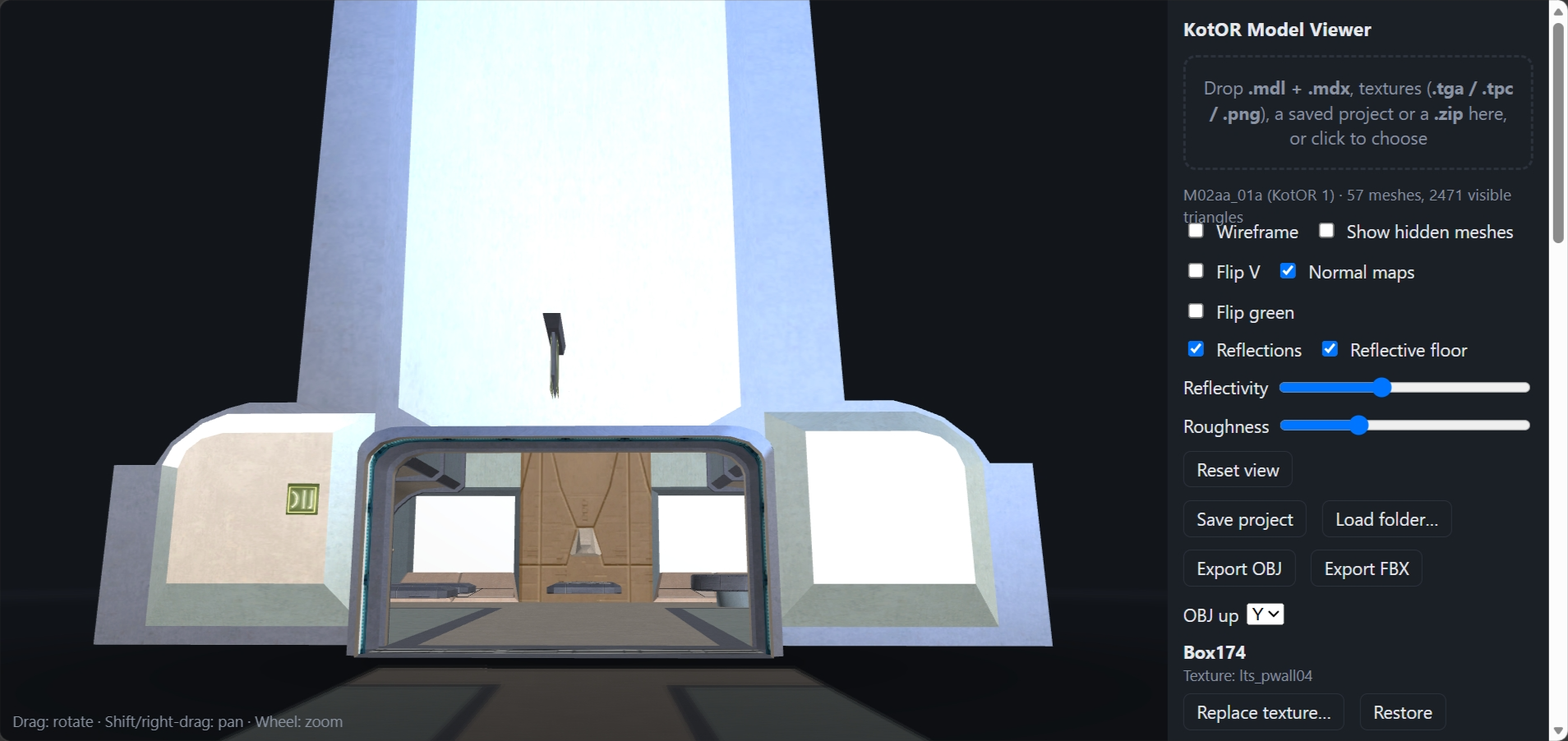
Kotor Model Viewer in Browser Everything in Image is usable except, - export FBX and OBJ does NOT work in browser but you CAN save project file. You can also select individual model parts and change texture. 1.0 https://pixeldrain.com/u/Nr1hiM1d https://www.virustotal.com/gui/file/732dfcc1602fd4e329ee0b7f4022a9a1429d996162893d4426bfb0242dca8dc8?nocache=1
-
View File Classic Class Attack Bonus For KotOR1, Bioware designed three separate attack bonuses that classes have, with the best being 1 and the worst being 3. No class actually used 3, but only Guardians and Soldiers have 1. In KotOR2, all classes use 1, meaning they're all equal. This mod restores the class variety that Bioware implemented, with Jedi Weapon Master and Sith Marauder retaining the best attack bonus. This does nerf the non-combat classes, but does make each class stand out a little bit more. Alternatively, you can download a version that gives Consulars, Jedi Masters, and Sith Lords the unused worse attack bonus. For a rough explanation: Guardians: Attack is 1:1 with level. So at level 20 it will be 20. Sentinels: Attack is 0.75:1 with level, rounded down. So at level 20 it will be 15. Consulars: Attack is 0.5:1 with level, rounded down. So at level 20 it will be 10. To install either, just download, extract, and run the TSLPatcher. Thanks to Fred Tetra for creating the Kotor Tool, which was used to extract and edit the relevant .2da file. Submitter Crimson Knight Submitted 08/31/2025 Category Mods TSLRCM Compatible Yes
-

Version 1.0.0
4,493 downloads
For KotOR1, Bioware designed three separate attack bonuses that classes have, with the best being 1 and the worst being 3. No class actually used 3, but only Guardians and Soldiers have 1. In KotOR2, all classes use 1, meaning they're all equal. This mod restores the class variety that Bioware implemented, with Jedi Weapon Master and Sith Marauder retaining the best attack bonus. This does nerf the non-combat classes, but does make each class stand out a little bit more. Alternatively, you can download a version that gives Consulars, Jedi Masters, and Sith Lords the unused worse attack bonus. For a rough explanation: Guardians: Attack is 1:1 with level. So at level 20 it will be 20. Sentinels: Attack is 0.75:1 with level, rounded down. So at level 20 it will be 15. Consulars: Attack is 0.5:1 with level, rounded down. So at level 20 it will be 10. To install either, just download, extract, and run the TSLPatcher. Thanks to Fred Tetra for creating the Kotor Tool, which was used to extract and edit the relevant .2da file. -
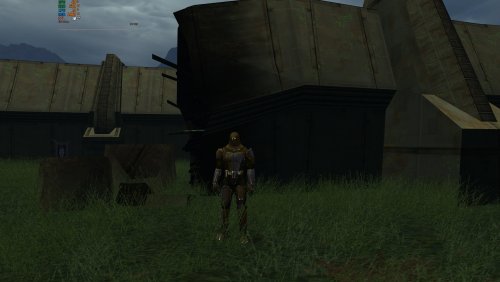
View File K2 - Shiny Metal Armor for Mandalorians Makes the armor of Mandalorians shiny again, just like it was in KotOR1. Submitter GearHead Submitted 08/30/2025 Category Mods TSLRCM Compatible Yes
-
Version 1.0.1
108 downloads
Makes the armor of Mandalorians shiny again, just like it was in KotOR1. -

kotor2 Star Wars_ Knights of the Old Republic II_ The Sith Lords 29_05_2025 03_16_31.png
HeyJoeHUN81 posted a gallery image in Screen of The Week
-
kotor2 Star Wars_ Knights of the Old Republic II_ The Sith Lords 29_05_2025 03_16_17.png
HeyJoeHUN81 posted a gallery image in Screen of The Week
-
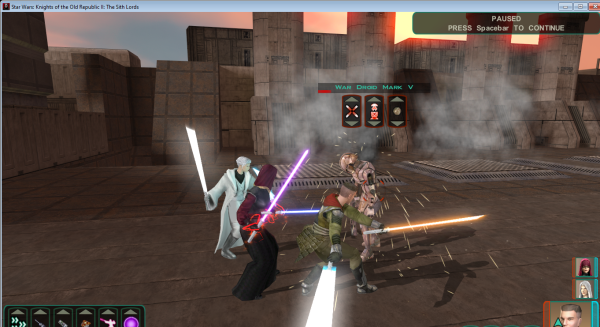
kotor2 Star Wars_ Knights of the Old Republic II_ The Sith Lords 29_05_2025 03_15_56.png
HeyJoeHUN81 posted a gallery image in Screen of The Week
-
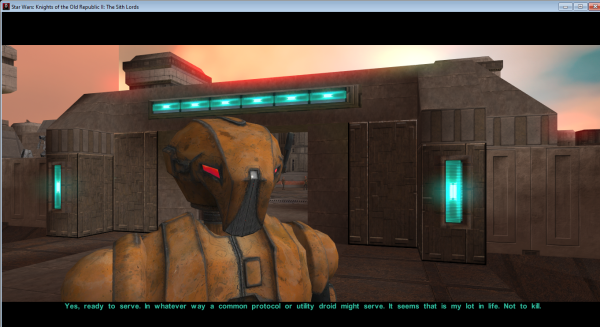
kotor2 Star Wars_ Knights of the Old Republic II_ The Sith Lords 29_05_2025 03_01_22.png
HeyJoeHUN81 posted a gallery image in Screen of The Week
-
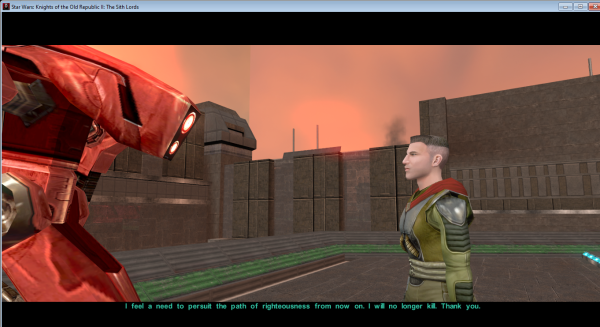
kotor2 Star Wars_ Knights of the Old Republic II_ The Sith Lords 29_05_2025 02_14_47.png
HeyJoeHUN81 posted a gallery image in Screen of The Week
-
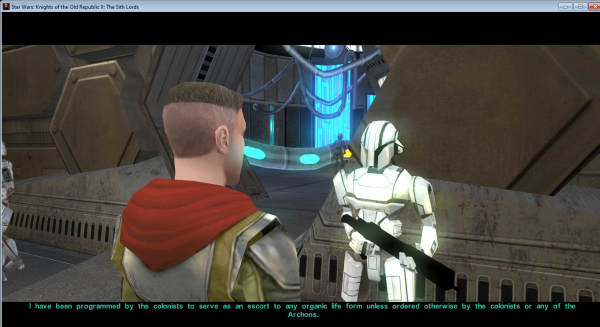
kotor2 Star Wars_ Knights of the Old Republic II_ The Sith Lords 29_05_2025 02_08_47.png
HeyJoeHUN81 posted a gallery image in Screen of The Week
-
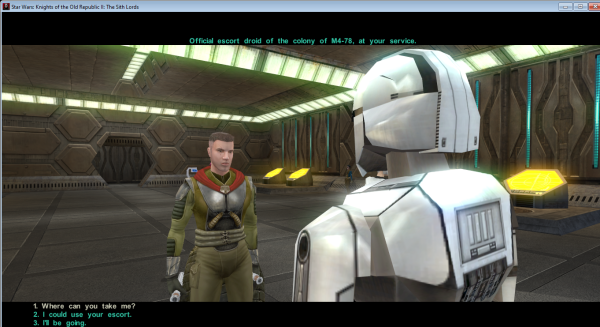
kotor2 Star Wars_ Knights of the Old Republic II_ The Sith Lords 29_05_2025 02_08_39.png
HeyJoeHUN81 posted a gallery image in Screen of The Week
-
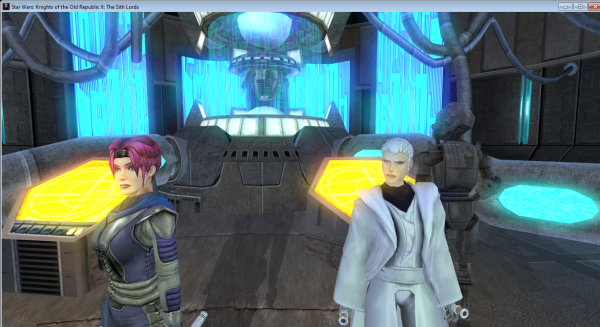
kotor2 Star Wars_ Knights of the Old Republic II_ The Sith Lords 29_05_2025 02_08_11.png
HeyJoeHUN81 posted a gallery image in Screen of The Week
-
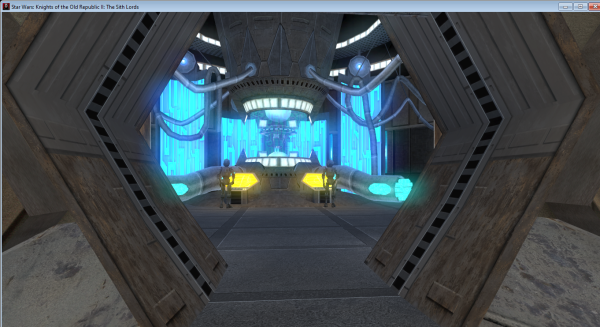
kotor2 Star Wars_ Knights of the Old Republic II_ The Sith Lords 29_05_2025 01_55_42.png
HeyJoeHUN81 posted a gallery image in Screen of The Week
-
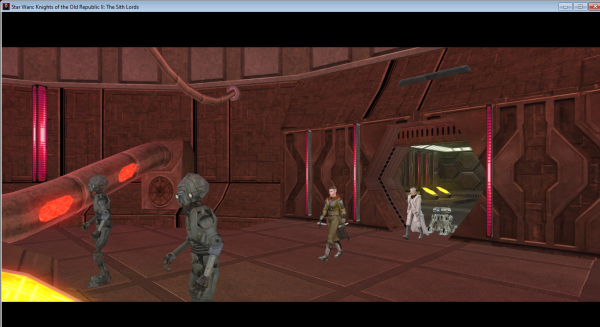
kotor2 Star Wars_ Knights of the Old Republic II_ The Sith Lords 29_05_2025 00_11_41.png
HeyJoeHUN81 posted a gallery image in Screen of The Week
-
kotor2 Star Wars_ Knights of the Old Republic II_ The Sith Lords 29_05_2025 00_11_26
HeyJoeHUN81 posted a gallery image in Screen of The Week
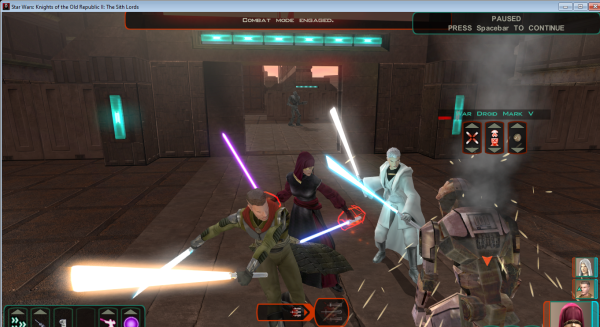
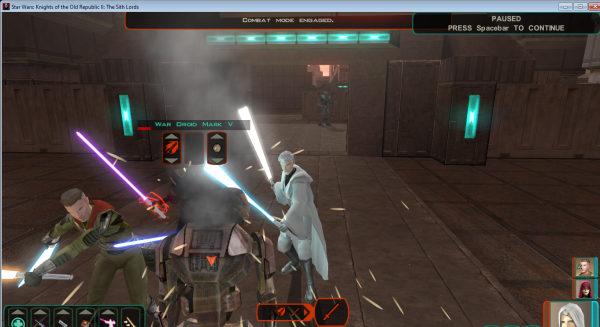
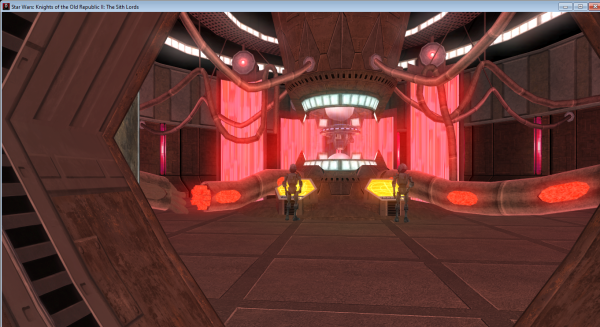 Some of my own screenshots about some of my fav mods I use in SW: KotOR 2. :)
 -
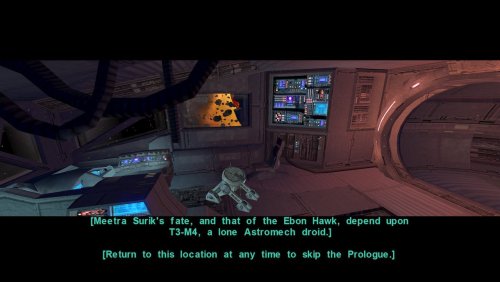
View File Keep Prologue Benefits Summary A mod for "Star Wars: Knights of the Old Republic II - The Sith Lords" which fixes the inventory and XP loss during the first section of the game. In the original and TSLRCM version of the game, none of the benefits from the Prologue are kept for the rest of the game which makes not much sense in the story. This mod fixes this anomaly. In details, this mod does the following: Save the XP earn by T3-M4 during the prologue The XP is temporarly re-assigned during the Hangar/Fuel section with T3-M4 The total earned XP with T3-M4 is given back when T3 joins the party Properly separating the inventory of T3-M4 (including the Prologue acquisitions) and the Exile. Both inventories are merged when T3-M4 joins the party How to install? Put the content of the install/override folder into the override folder of your game. Compatibility table | Platform | Running | |-----------------|---------| | PC | ✅️ | | MacOS | ✅ | | Nintendo Switch | ✅ | | iOS | ? | | XBox | ? | Source Github page: kotor2-mod-prologue-benefits Permissions Under NO CIRCUMSTANCES ANY OF MY MODS TO BE UPLOADED TO STEAM WORKSHOP. Anything else - be my guest, use like you want, just give credit to me. Submitter nadrino Submitted 04/05/2025 Category Mods TSLRCM Compatible Yes
-
Version 1.0
447 downloads
Summary A mod for "Star Wars: Knights of the Old Republic II - The Sith Lords" which fixes the inventory and XP loss during the first section of the game. In the original and TSLRCM version of the game, none of the benefits from the Prologue are kept for the rest of the game which makes not much sense in the story. This mod fixes this anomaly. In details, this mod does the following: Save the XP earn by T3-M4 during the prologue The XP is temporarly re-assigned during the Hangar/Fuel section with T3-M4 The total earned XP with T3-M4 is given back when T3 joins the party Properly separating the inventory of T3-M4 (including the Prologue acquisitions) and the Exile. Both inventories are merged when T3-M4 joins the party How to install? Put the content of the install/override folder into the override folder of your game. Compatibility table | Platform | Running | |-----------------|---------| | PC | ✅️ | | MacOS | ✅ | | Nintendo Switch | ✅ | | iOS | ? | | XBox | ? | Source Github page: kotor2-mod-prologue-benefits Permissions Under NO CIRCUMSTANCES ANY OF MY MODS TO BE UPLOADED TO STEAM WORKSHOP. Anything else - be my guest, use like you want, just give credit to me. -
View File K2 - Less Alignment Penalty Less force point cost penalty for using opposite alignment powers, but you still get the full force point cost reduction if you use force powers that correspond with your alignment. Aka you can Force Lightning with a full lightside character without runing out of forcepoints. Submitter GearHead Submitted 04/01/2025 Category Mods TSLRCM Compatible Yes
-
Version 1.0.0
198 downloads
Less force point cost penalty for using opposite alignment powers, but you still get the full force point cost reduction if you use force powers that correspond with your alignment. Aka you can Force Lightning with a full lightside character without runing out of forcepoints. -
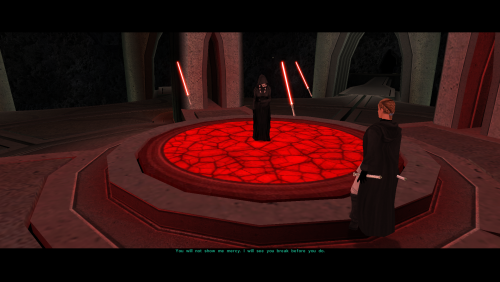
View File Red floating lightsabers This mod changes Kreia's floating lightsabers from violet to red and makes them immune to fear, paralysis, and stun. Since they're, you know, lightsabers instead of people, I figure they shouldn't be susceptible to those effects. To install, drag the .utc files from the attached .zip and place them into your override. Remove to uninstall. Ezpz. Thanks to Fred Tetra for creating the Kotor Tool, which was used to add the immunity feats. Submitter Crimson Knight Submitted 01/08/2025 Category Mods TSLRCM Compatible Yes
-
Version 1.0.0
4,664 downloads
This mod changes Kreia's floating lightsabers from violet to red and makes them immune to fear, paralysis, and stun. Since they're, you know, lightsabers instead of people, I figure they shouldn't be susceptible to those effects. To install, drag the .utc files from the attached .zip and place them into your override. Remove to uninstall. Ezpz. Thanks to Fred Tetra for creating the Kotor Tool, which was used to add the immunity feats. -
View File Sith Disruptor Fix This mod changes the Sith Disruptor +1 Energy Bonus to +1 Unstoppable. Submitter GearHead Submitted 01/02/2025 Category Mods TSLRCM Compatible Yes