Quanon
-
Posts
482 -
Joined
-
Last visited
-
Days Won
33
Content Type
Profiles
Forums
Blogs
Forum & Tracker Requests
Downloads
Gallery
Store
Events
Everything posted by Quanon
-
Here you go! One TGA file with said texture. I double checked, but my PSD file is the same as the TGA; I collapsed the layers. The quick run down of things I've done, by just seeing the texture: Used the Smoke/clouds render effect, black and white. Then applied a glass/ ocean ripple effect. Using that as a top layer I made a bottom layer, with just a gradient in it. Going from this orange to red. I then changed the layer mode of the the top layer to multiply, overlay or something. I might have used a copy and another mode. Last step was to make a clipping mask and apply a bevel&emboss effects by just double clicking on the layer mask. And then setup the options for the bevel stuff. I can't give any specific numbers and tweaks I did, that's lost to history, lol http://www.mediafire.com/download/4xleq9m3b9sd769/QKor_Data.tga
-
I found a render back and a zip file with all the stuff for this Korriban Temple thing I started once. The texture is very basic really
-
I made a texture that looked like it for a Korriban area; a few years ago. It has an orangy glow to it, but I never got to animate it. I was back in the day looking into it redo it anyway; since I wasn't really happy how it looked thus far. And I can't seem to find it back on my PC for the moment. Not sure if I still have those areas installed for my Kotor games.
-
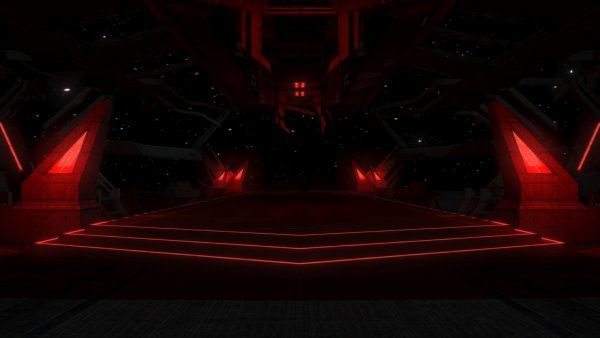
From the album: Quanons Pictures.
Tweaked the lights a bit more. -
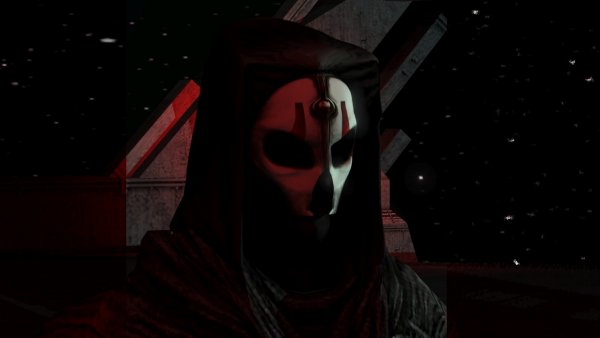
From the album: Quanons Pictures.
Another peek. -
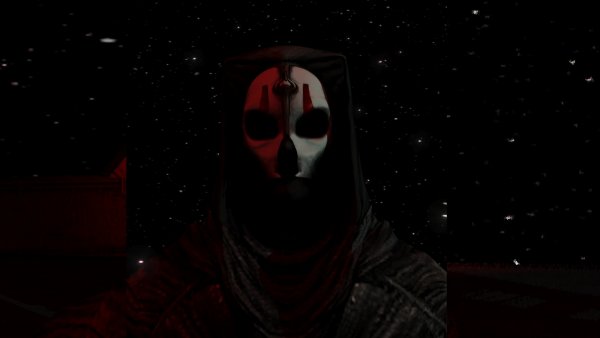
From the album: Quanons Pictures.
Bit more close and personal. -
From the album: Quanons Pictures.
Photoshoot with Nihilus. -
 Hilarious; you got me laughing out loud with all this. I just hope the trolling didn't get too much under your skin, SS. I guess people forget you also just recently "dumped" a whole bunch of pistol, rifles and blasters to pimp our games with!
 -
From the album: Quanons Pictures.
Yes, reflection and glowing stuff is all the rage -
From the album: Quanons Pictures.
Rawwr, with to much glow! -
From the album: Quanons Pictures.
Femme fatale, rawrrr! -
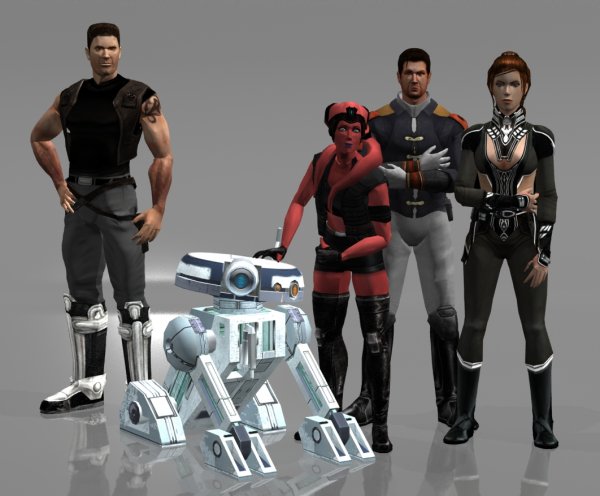
From the album: Quanons Pictures.
Yes, not the whole party is on this shot. Need to rethink the shot. I feel I might have to add in the Ebon Hawk in the background. As the ship is more or less the heart of the "family". -
Updated my gallery, have a peek!
-
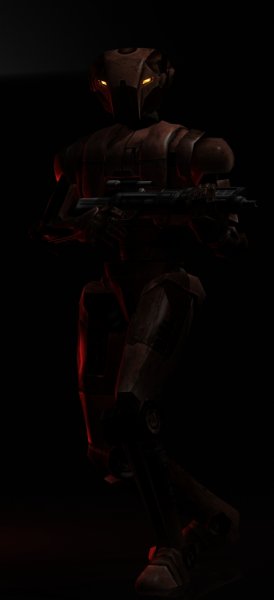
From the album: Quanons Pictures.
Even more drama! Blaster rifle model is by SithSpecter. -
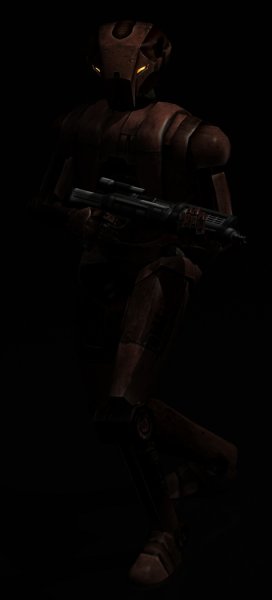
From the album: Quanons Pictures.
Time for some more dramatic stalking about. Blaster rifle model is by SithSpecter. -
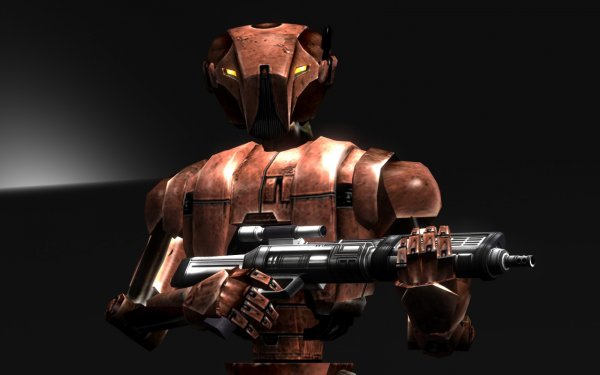
From the album: Quanons Pictures.
Another peek. Blaster rifle model is by SithSpecter. -
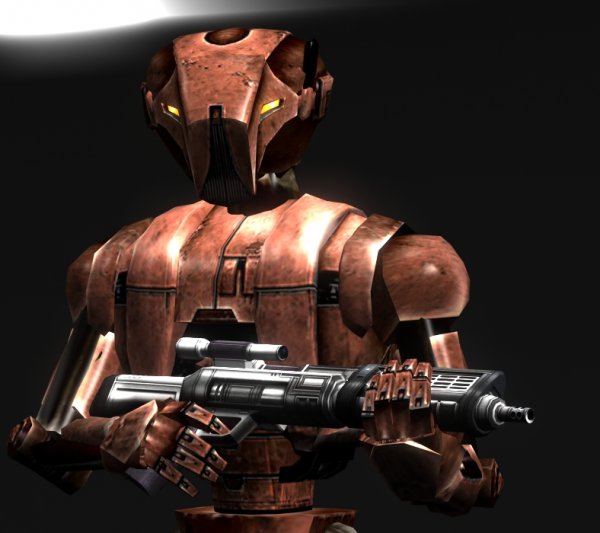
From the album: Quanons Pictures.
Playing about with camera angles and stuff. Blaster rifle model is by SithSpecter. -
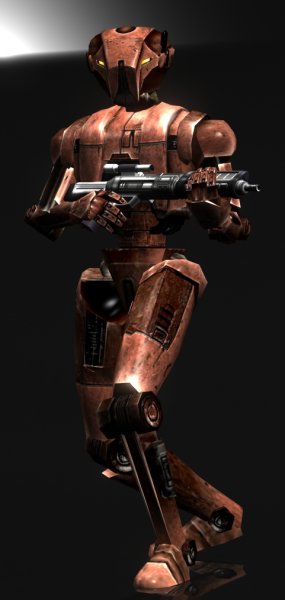
From the album: Quanons Pictures.
Everybody's favorite assasin droid in action. Again used a beautifull blaster rifle done by SS! -
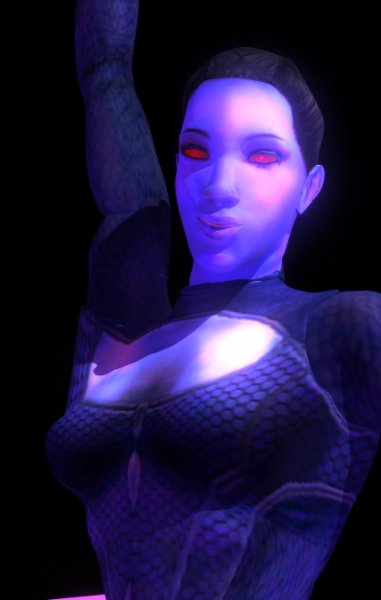
From the album: Quanons Pictures.
Close up. All credits to the master of reskins RedRob -
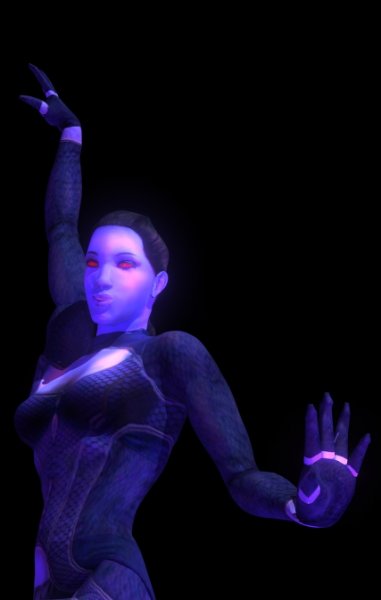
From the album: Quanons Pictures.
From the left! All credits to the master of reskins RedRob -
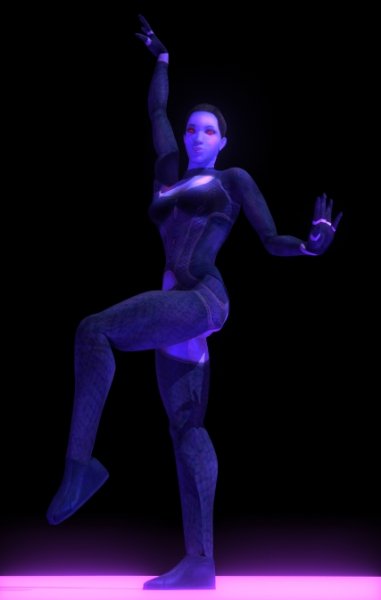
From the album: Quanons Pictures.
More old files I found laying about my modding folders. This time a very nice model reskin RedRob did. I believe these will be shown in RoR. Or RedRob might already have released a few reskin packs as a mod. Can't seem to remember correctly All credits to the master of reskins RedRob; I just did the rendering expirement. -
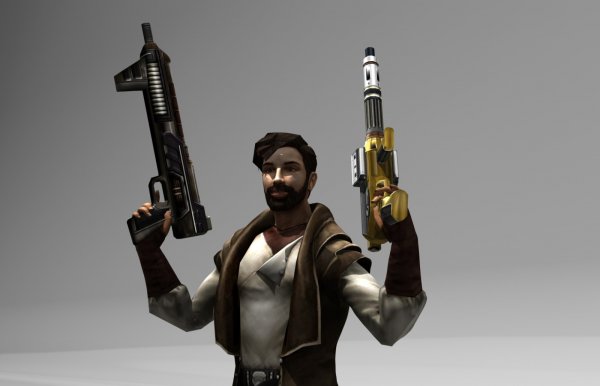
From the album: Quanons Pictures.
More of the same Guns by SithSpecter. -
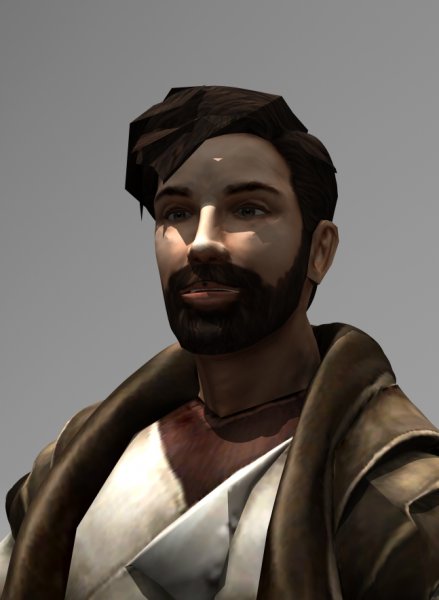
From the album: Quanons Pictures.
Close up. Guns by SithSpecter. -
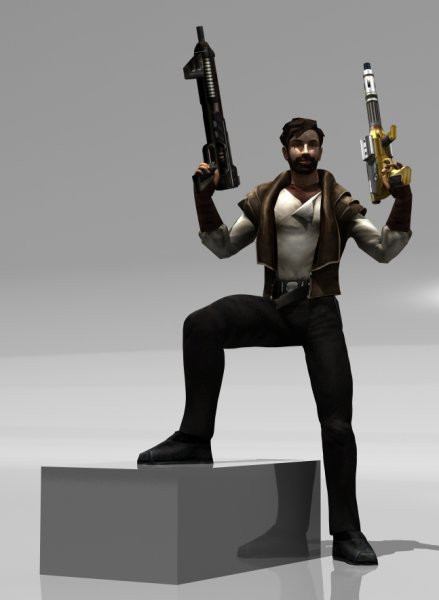
From the album: Quanons Pictures.
Another look. Guns by SithSpecter.