
J
-
Content Count
118 -
Joined
-
Last visited
-
Days Won
19
5 Followers


Recent Profile Visitors
4,798 profile views


-
 This new version can apply/remove patches at any time.
 -
Have you tried the K2 model?
-
The lightmap UVs are bad and baking to the existing UVs creates bad seams. The UVs are separated into a bunch of tiny triangles and touching edges are not paired. This creates a lot of bleed from triangles that might be on opposite sides of the mesh. If they don't have existing lightmaps, then duplicate the texture UV, unwrap and enable lightmap in the kotor mesh settings. The second UV will be used for lightmaps.
-
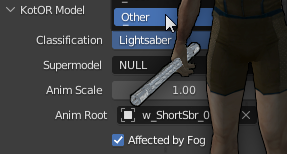 It would not be compatible. This mod would replace the saber models.
 -
View File Brightness Calibration Helper A very simple mod that changes the brightness slider, to help with brightness calibration. Install: Just place the files in override, Then adjust brightness in game. Start too bright and then use arrow keys(or D-Pad) to make incremental adjustments to the brightness until the first block disappears.. The middle bock should be barely visible. The third block should be very visible. Submitter J Submitted 01/15/2026 Category Mods TSLRCM Compatible Yes
-
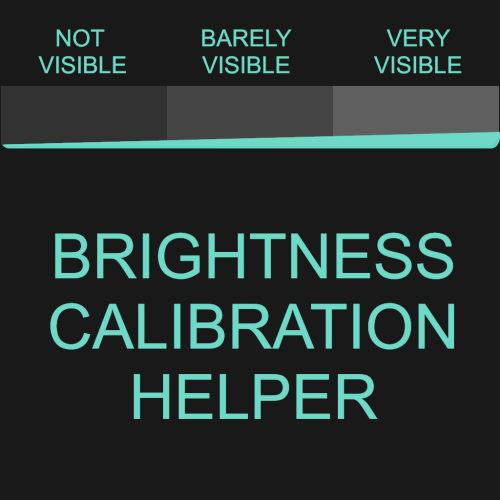
Version 1.0.0
19 downloads
A very simple mod that changes the brightness slider, to help with brightness calibration. Install: Just place the files in override, Then adjust brightness in game. Start too bright and then use arrow keys(or D-Pad) to make incremental adjustments to the brightness until the first block disappears.. The middle bock should be barely visible. The third block should be very visible. -
 Yes
Yes- 3 comments
-
- 2
-

-

-
- vibrocutter
- vibroblade
- (and 1 more)
-
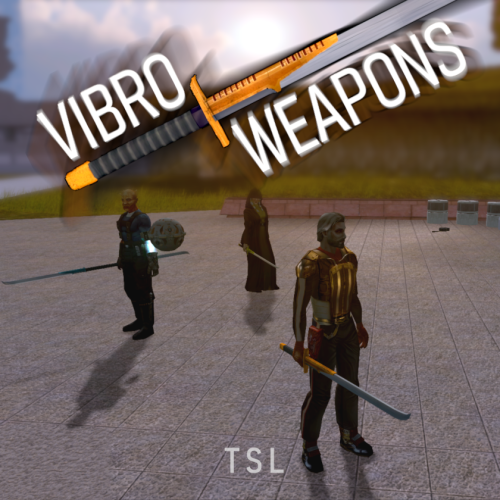
View File HQ Vibro Weapons + Effects - TSL Vibro Weapons with vibration effects. All vanilla vibroswords, vibroblades, and vibro double-blades updated. Toasty Fresh vibro models were used as a base and each texture was color matched to the vanilla style. Vibrocutter and Ludo Kressh's War Sword now have their own unique textures and icons. Vibration and motion blur effects were added to the blades. 4 Vibroblades Vibrocutter - vibrocutter Vibroblade - w_melee_05 Zabrak Vibroblade - w_melee_10 Tehk'la Blade - w_melee_27 3 Vibroswords Vibrosword - w_melee_06 Echani Vibrosword - w_melee_21 Sith Tremor Sword - w_melee_22 5 Vibro Double- Blades Sith War Sword - w_melee_12 Vibro Double-Blade - w_melee_15 Trandoshan Double-Blade - w_melee_20 Zhaboka - w_melee_28 Ludo Kressh's War Sword - w_melee_x12 Credit: KoTOR Weapon Model Overhaul by Toasty Fresh - 3 models/textures were used as base KOTOR Blender Submitter J Submitted 01/09/2026 Category Mods TSLRCM Compatible Yes
-
Version 1.0.0
127 downloads
Vibro Weapons with vibration effects. All vanilla vibroswords, vibroblades, and vibro double-blades updated. Toasty Fresh vibro models were used as a base and each texture was color matched to the vanilla style. Vibrocutter and Ludo Kressh's War Sword now have their own unique textures and icons. Vibration and motion blur effects were added to the blades. 4 Vibroblades Vibrocutter - vibrocutter Vibroblade - w_melee_05 Zabrak Vibroblade - w_melee_10 Tehk'la Blade - w_melee_27 3 Vibroswords Vibrosword - w_melee_06 Echani Vibrosword - w_melee_21 Sith Tremor Sword - w_melee_22 5 Vibro Double- Blades Sith War Sword - w_melee_12 Vibro Double-Blade - w_melee_15 Trandoshan Double-Blade - w_melee_20 Zhaboka - w_melee_28 Ludo Kressh's War Sword - w_melee_x12 Credit: KoTOR Weapon Model Overhaul by Toasty Fresh - 3 models/textures were used as base KOTOR Blender- 3 comments
- 1 review
-
- 5
-
-
- vibrocutter
- vibroblade
- (and 1 more)
-
this?
-
I'm working an an alternative solution that should be easier to modify and doesn't have some of the minor visual glitches that exist. I will update the page when it's released.
-
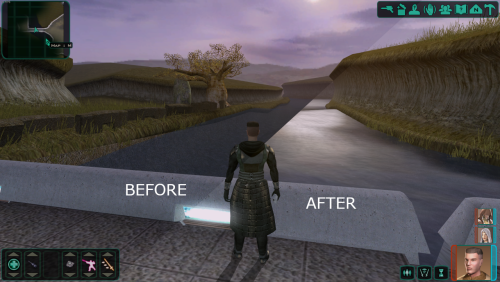 Fog and reflections are the same patch so that looks right.
 -
Try 3C-FD again and make sure it says reflections patches were successful. Which GOG 1.0b are you running?
-
Looks like you're using other texture mods. Did you overwRite them?
-
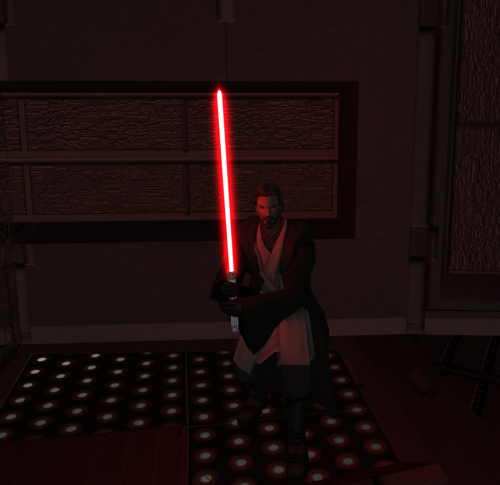 If you swap weapons, the effect will reappear on the Ebon Hawk. Like DarthParametric said, it's just weird engine limitations.
