DarthParametric
-
Posts
4,903 -
Joined
-
Last visited
-
Days Won
556
Content Type
Profiles
Forums
Blogs
Forum & Tracker Requests
Downloads
Gallery
Store
Events
Everything posted by DarthParametric
-

From the album: DP's 3D Printed Stuff
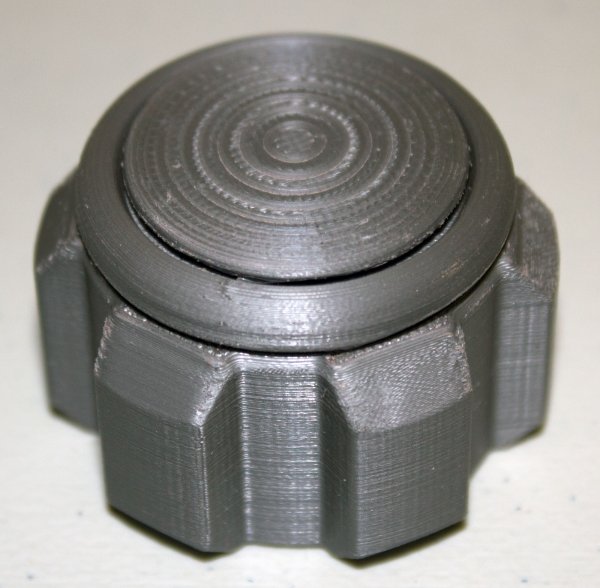
Printed a scaled up handwheel. Much happier with the size of this one, although I had to eyeball it from photos of the original prop, so it's not an exact match. Close enough though. -
I figured I'd keep this in here rather than spam the forum with a bunch of different topics about the site updates. I think I asked about/suggested this once before, but do badges, like the kind LucasForums implemented towards the end of its life, figure in to this sort of thing at all? Those were kind of cool, and the kids these days love achievements, right?
-
You could always do the smoothing in GMax if necessary. Or get someone else to run it through Max/GMax for you.
-

Obi-Wan ANH Lightsaber 3D Printed Part 09
DarthParametric commented on DarthParametric's gallery image in Members Gallery
 I can't really explain it any better, but yes, the general idea is the outer section that is smooth and uniform is how the whole thing is supposed to look.
 -
Download the newer version of TSLPatcher - Delete Install Kyle Katarn.exe and use TSLPatcher.exe from the link above instead.
-

From the album: DP's 3D Printed Stuff
This is a dry assembly of the saber pretty much in its final form. There are just a few internal joiner pieces to fiddle with now, and I need to look at the handwheel (pommel) and see if that needs to be scaled up. -
From the album: DP's 3D Printed Stuff
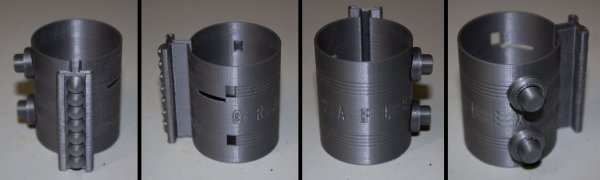
Clamp with bubble strip and transistors attached. The engraving turned out pretty well, although there are a few surface blemishes. -

From the album: DP's 3D Printed Stuff
Clamp on the printer (left) and with support material removed (right). This took a few goes to get the initial layers to adhere to the bed and not break away. -
You've lost all the smoothing information by the looks. I gather the Blender script doesn't export that data.
-
It wouldn't make it any less of a pain in the ass to implement.
-
Given the issues with K1 placeable limits, I'd probably rule out discreet placeable versions altogether. You could try the room model edit approach, but I'd question whether the effort required would be worth it. If you do want to pursue that though, I'd suggest you not actually making the map itself part of the room. but instead just focus on adding some static props around it. A middle ground approach that minimises the work required and the sources of things going wrong, but still gives you some differentiation. As to your animation points, yeah, at this juncture there is no practical alternative to creating custom animations in Max/GMax. Perhaps one day you'll get an equivalent functionality for Blender, but for now I'd probably curb your ambitions in that regard (at least if you want to stick with Blender).
-
KOTOR Tool and lightsaber sounds
DarthParametric replied to Sith'ari Lokhran's topic in General Kotor/TSL Modding
I was talking about the power up/down/hum sounds, which are specified in baseitems.2da and what I imagine OP was specifically referring to when talking about Luke's ROTJ saber sounds, but you are right that there are also all the swing/clash/impact/etc. sounds as well. -
No, you won't be including this one. There are still elements of it to be revised, and it's far too much of a pain in the ass having multiple distributions of a large mod like that in the wild. This one should be fine.
-
KOTOR Tool and lightsaber sounds
DarthParametric replied to Sith'ari Lokhran's topic in General Kotor/TSL Modding
Yeah, in other words, sabers are effectively hard-coded. What's there is what you are stuck with. -
KOTOR Tool and lightsaber sounds
DarthParametric replied to Sith'ari Lokhran's topic in General Kotor/TSL Modding
Yes, sounds are defined in baseitems.2da, and by default there are only 3 types of saber - short, single, double. You'd have to create new base item types for unique sounds, but I don't know if that would actually work for sabers given that upcrystals.2da only accepts the 3 base saber types. -
DP's 3D Printed Stuff
DarthParametric commented on DarthParametric's gallery album in Members Gallery
 I've had a few different ones over the years. The latest is a Prusa i3. Seems like it's generally considered the best hobby-level FDM printer, so every man and his dog has one.
 -
-
Obi-Wan ANH Lightsaber 3D Printed Part 09
DarthParametric commented on DarthParametric's gallery image in Members Gallery
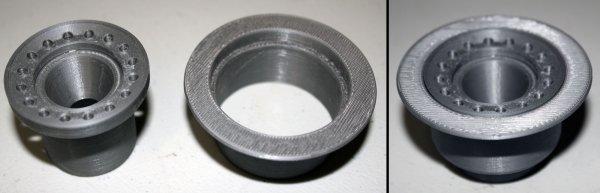
There's a chamfer that runs through the middle of the ring of holes. The marks are from the way the printer handled the top layer on the inside half of that chamfer. On the outside, the filament was laid down in a series of nice, neat concentric circles in parallel with the outside diameter of the part. On the inside it looks like it has mushed in some infill in various criss-cross patterns rather than doing a neat top layer. The part probably needs some custom settings for those layers, to force it to use solid infill (although it should have handled that automatically). -
I think you are thinking of @JCarter426
-
I don't have one myself, so can't test it directly. But I see that @jc2 's blog has a custom header.
-
It's your secret admin power at work. Mere mortals don't have access to it.
-

From the album: DP's 3D Printed Stuff
Mockup of currently printed pieces. There are still a few internal bits needed, but it's primarily just the clamp left to go now. -
From the album: DP's 3D Printed Stuff
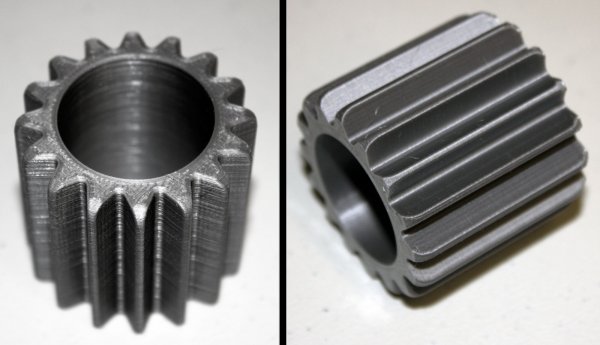
Booster main component. There are two more pieces still to be printed that act as inserts at each end and join with the clamp and handwheel, but those will mostly end up hidden. -
From the album: DP's 3D Printed Stuff
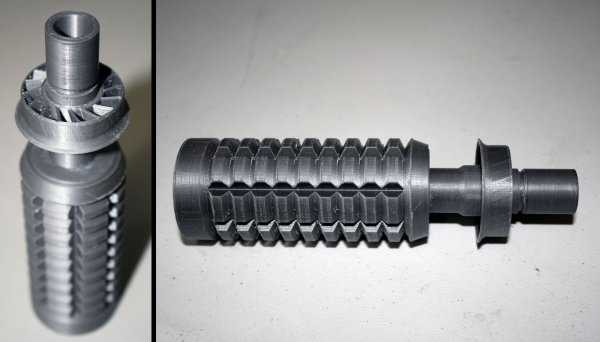
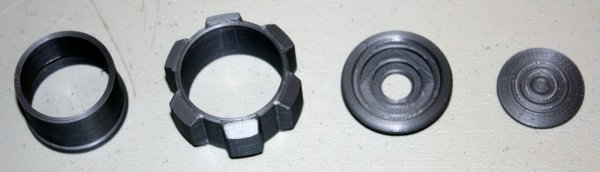
Balance pipe (emitter) printed in 4 separate pieces, two of which had to be glued together. I had to split one piece into two because of issues with bed adhesion. -
Yep, normal map functionality has been implemented. It was a two part issue, requiring both stuff in the model and saving the maps as TPCs. The models in this thread all use normal maps. There are some engine limitations regarding what you can do with them though, particularly when trying to combine them with envmaps.
-

From the album: DP's 3D Printed Stuff
Rough positioning of currently printed parts. Having the real thing in-hand, and going back and looking at reference pics, I think my handwheel is undersized. It's maybe in the ballpark of 80-90% of what the real thing looks to be. Unfortunately the only source of specific measurements I could find turned out to be primarily based on the ROTS hilt, which is wrong. So I guess I will be printing those parts again at some point. But I'll print everything else first, see how it all goes together.