Leaderboard



Popular Content
Showing content with the highest reputation on 09/27/2026 in all areas
-
3 points
-
2 points
-
Version 1.0.0
7 downloads
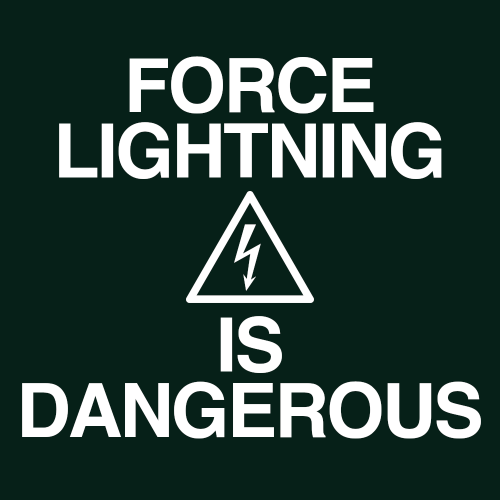
Makes force shock, lightning and storm more dangerous and chaotic to the caster. If an enemy passes a will save, against these powers, the damage is halved. With this mod, half of the damage is directed back at the caster. Light/dark alignment modifies the damage taken, plus any resistance/immunity. A fully darkside aligned character will take 0 damage reflected back at them. A fully lightside character will take all reflected damage. This makes the Energy Resistance power, shields, and electrical resist/immunity gear more important. You can still spam force storm but you need to build for it. Install: - install Alignment Affects Force Powers [TSL] first - then install this mod Credit: - offthegridmorty - for allowing me to include the alignment modifier for compatibility with Alignment Affects Force Powers [TSL]2 points -
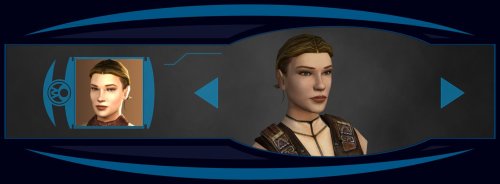 Ah, I see, thanks for letting me know. 2 files have the wrong filename.po_PFHC07FX.tgapo_PFHC07FXd1.tga Add these files to fix it. The zip is also updated.1 point
 -
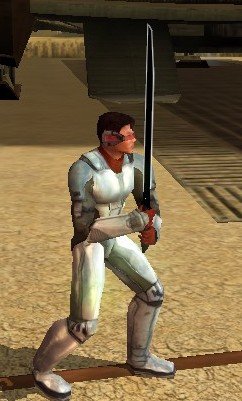
Feeling a bit of a modder's high, so I wanted to post an update. I figured out how to make the Darksaber blade work! I've got some small tweaks to make on the inside, but this is what the final product will look like.
 1 point
 -
1 point
-
Version 1.0.0
22 downloads
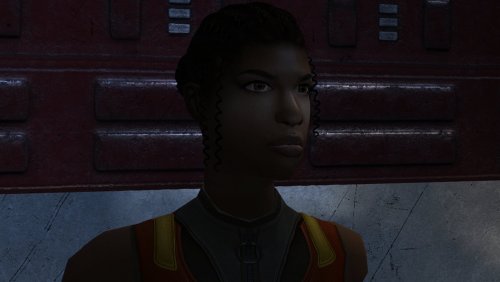
The mod replaces the PFHB05 model and textures. To Install 1. Download: PFHB05 2. Copy all files to the Knights of the Old republic's Override folder. (Example location - C:\Program Files (x86)\Steam\steamapps\common\swkotor\Override) 3. When/if prompted to overwrite files, press okay. 4. If you like the mod; leave a comment or endorse! (It would be much appreciated) Made with love.1 point -
Version 1.0.0
7 downloads
Makes force shock, lightning and storm more dangerous and chaotic to the caster. If an enemy passes a will save, against these powers, the damage is halved. With this mod, half of the damage is directed back at the caster. Light/dark alignment modifies the damage taken, plus any resistance/immunity. A fully darkside aligned character will take 0 damage reflected back at them. A fully lightside character will take all reflected damage. This makes the Energy Resistance power, shields, and electrical resist/immunity gear more important. Unfortunately k1 only has one item while K2 has plenty. You can still spam force storm but you need to build for it. Install: - install Alignment Affects Force Powers [K1] first - then install this mod Credit: - offthegridmorty - for allowing me to include the alignment modifier for compatibility with Alignment Affects Force Powers [K1]1 point -
1 point
-
1 point
-
Surprised and pleased to hear that this little mod means so much. Glad I could help, and that it's unblocked your playthroughs! Thought I should tell you that I liked this idea a lot, and just updated the mod to include it. Sounds more nuanced than what we had before, and I'm all for it. I've read your notes, there's a lot of useful info in there. A few bits I can add from my side: The exact vanilla condition for this line is that the reputation with the Exchange be less than 1. The first convo in the docks between Mira and Hanharr indeed has 3 different lines for light, gray and dark PCs, but it doesn't set anything yet. The real choice is set by two invisible triggers in the docks, that fire only when you're first directed to Jekk'Jekk Tarr to meet Visquis, and haven't met Mira and Hanharr personally. Then, depending on the alignment (now reputation), one of the two triggers fires the corresponding dialogue with one of them approaching. This is the moment when the future companion gets chosen. The fate of the refugees is the consequence in this case, and the condition is reputation with the Exchange. If it's greater than 0, then Nar Shaddaa gets the Exchange ending; if it's 0 or lower, it's the Refugees ending. Curiously, I had no idea about this, and how the Nar Shaddaa questline truly worked before I started working on this mod. Wish I'd seen this sooner, great find! It is indeed mixed up. In most cases, the game tracks your reputation through a single conditional script called c_excfavor. 0 The Exchange really dislikes player (rep is <= -4) 1 The Exchange dislikes player (rep is >-4 && <= -2) 2 The Exchange is neutral towards player (rep is >-2 && <= 1) 3 The Exchange likes player (rep is >1 && <= 3 4 The Exchange really likes player (rep is > 4) In vanilla game, you get positive reaction from Zez-Kai Ell, if your reputation with the Exchange is 1 or 2; negative if 3 or 4; neutral if else. TSLRCM fixed this, and now Zez-Kai Ell gives positive reaction if 0 or 1; negative if 3 or 4; neutral if else.1 point
-
1 point
-
1 point
-
1 point
-
1 point
-
1 point
-
1 point
-
epic work , looking forward to pfhc01 one day!1 point
-
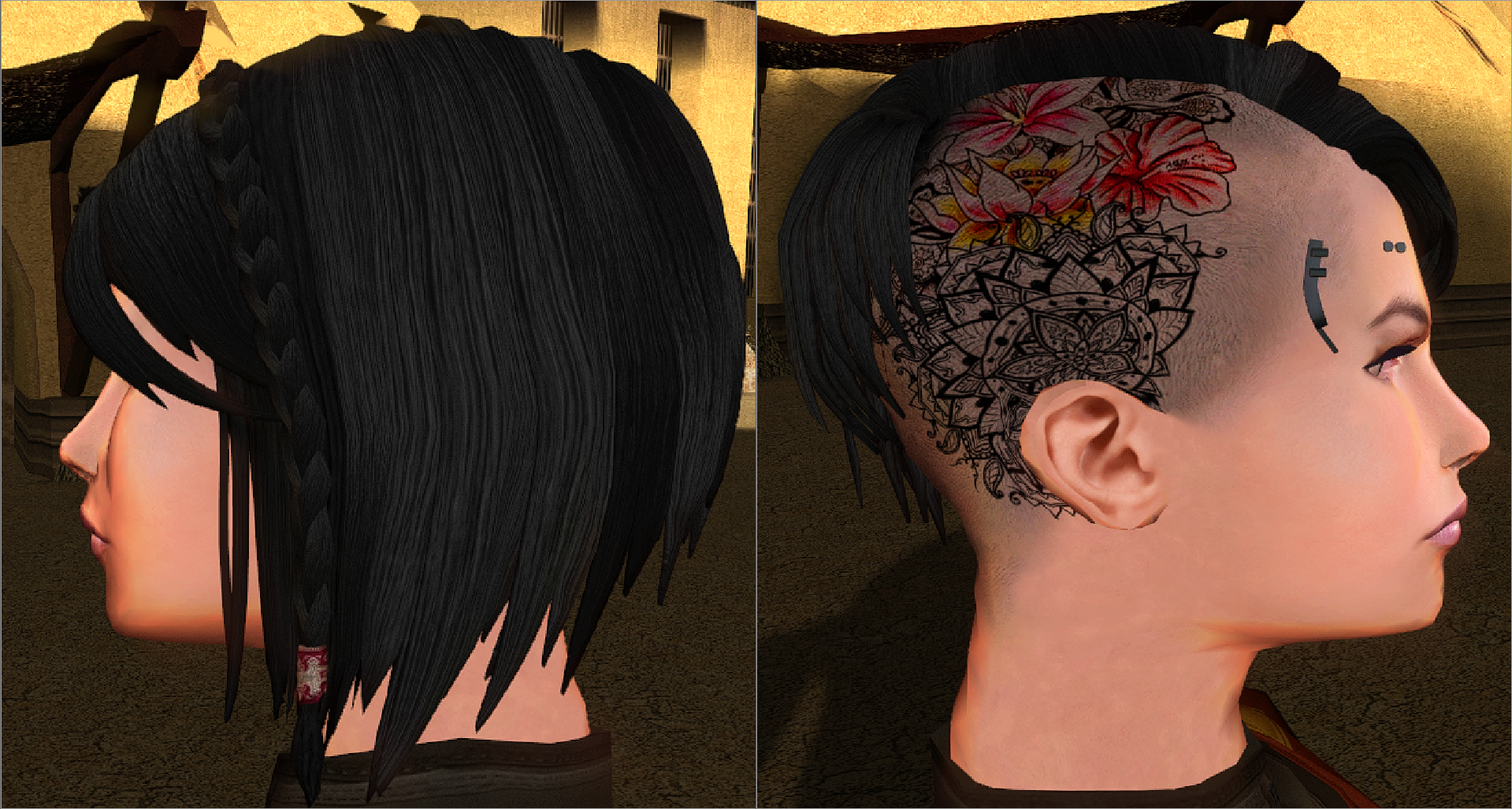
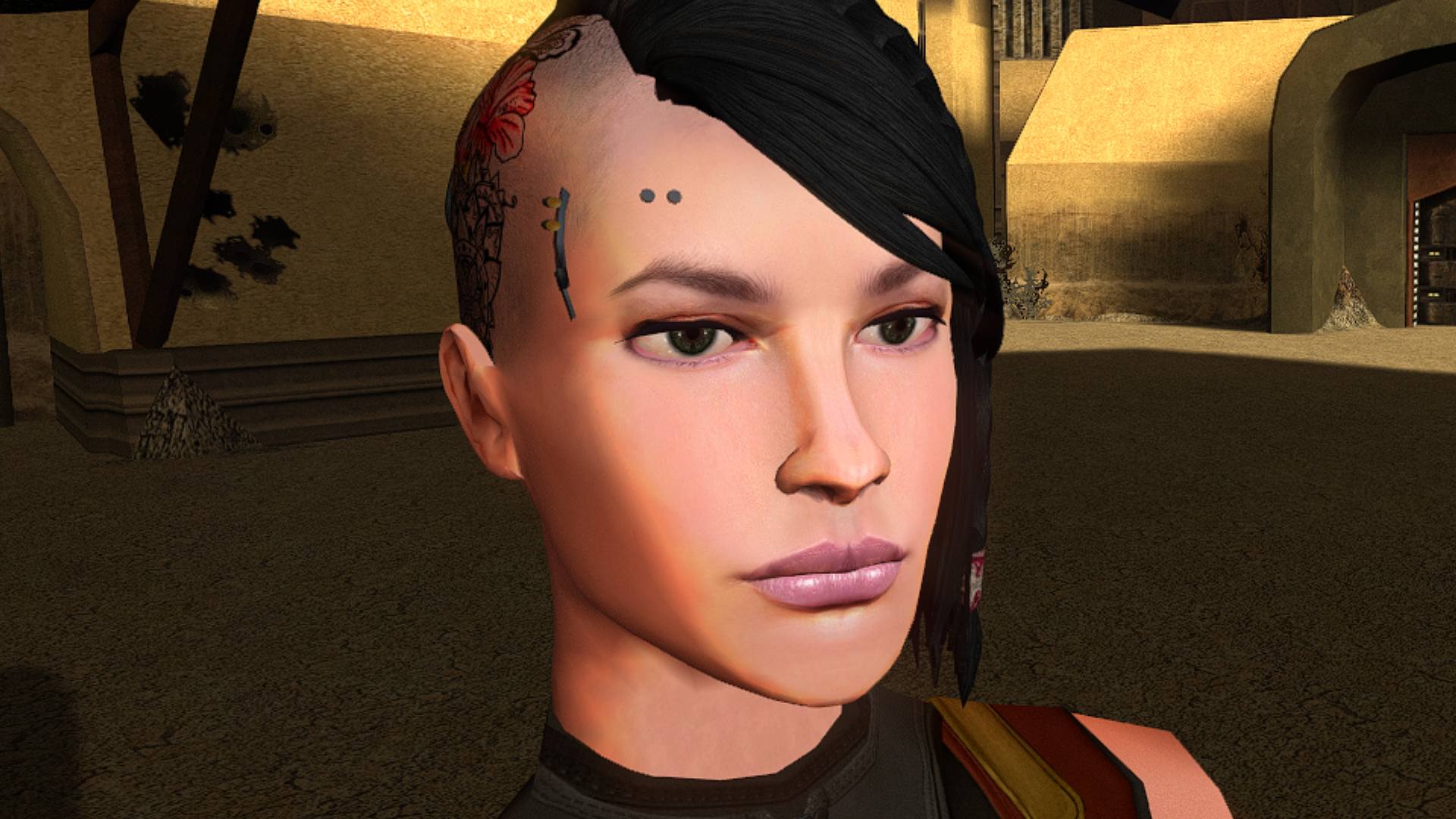
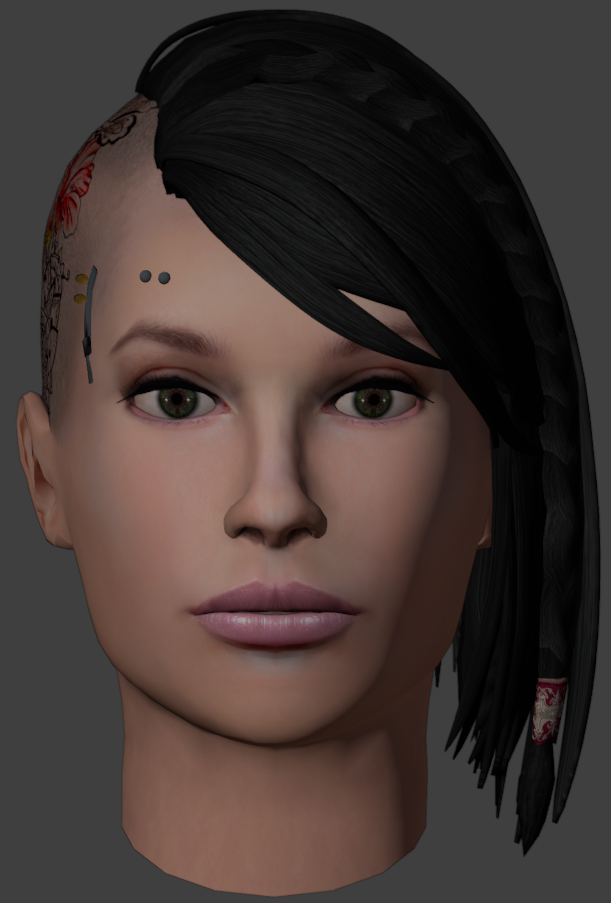
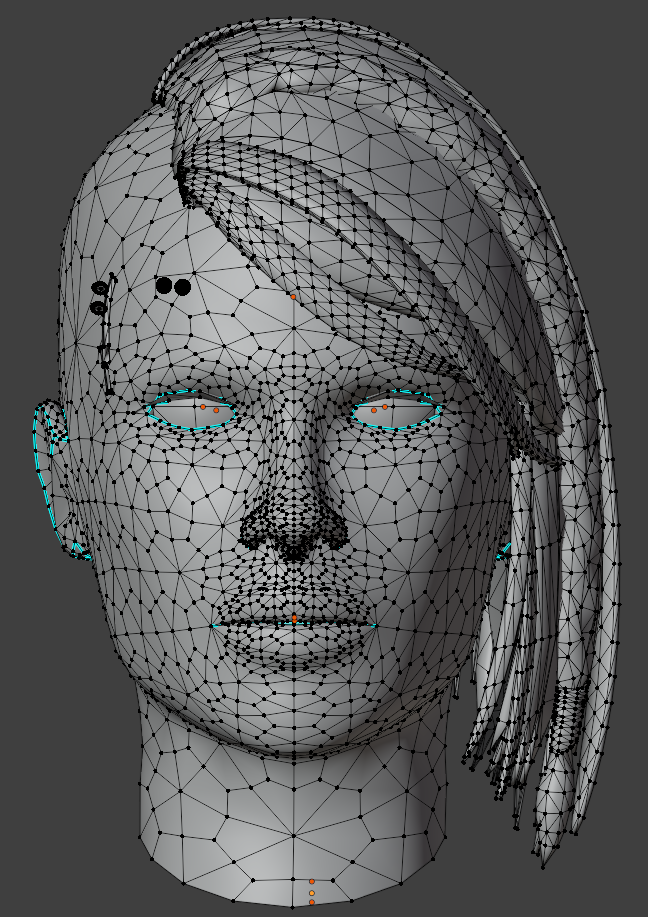
Updated the model and texture. Added polygons and mesh decoration. Removed some imperfections.1 point
-
Submitted for publication.
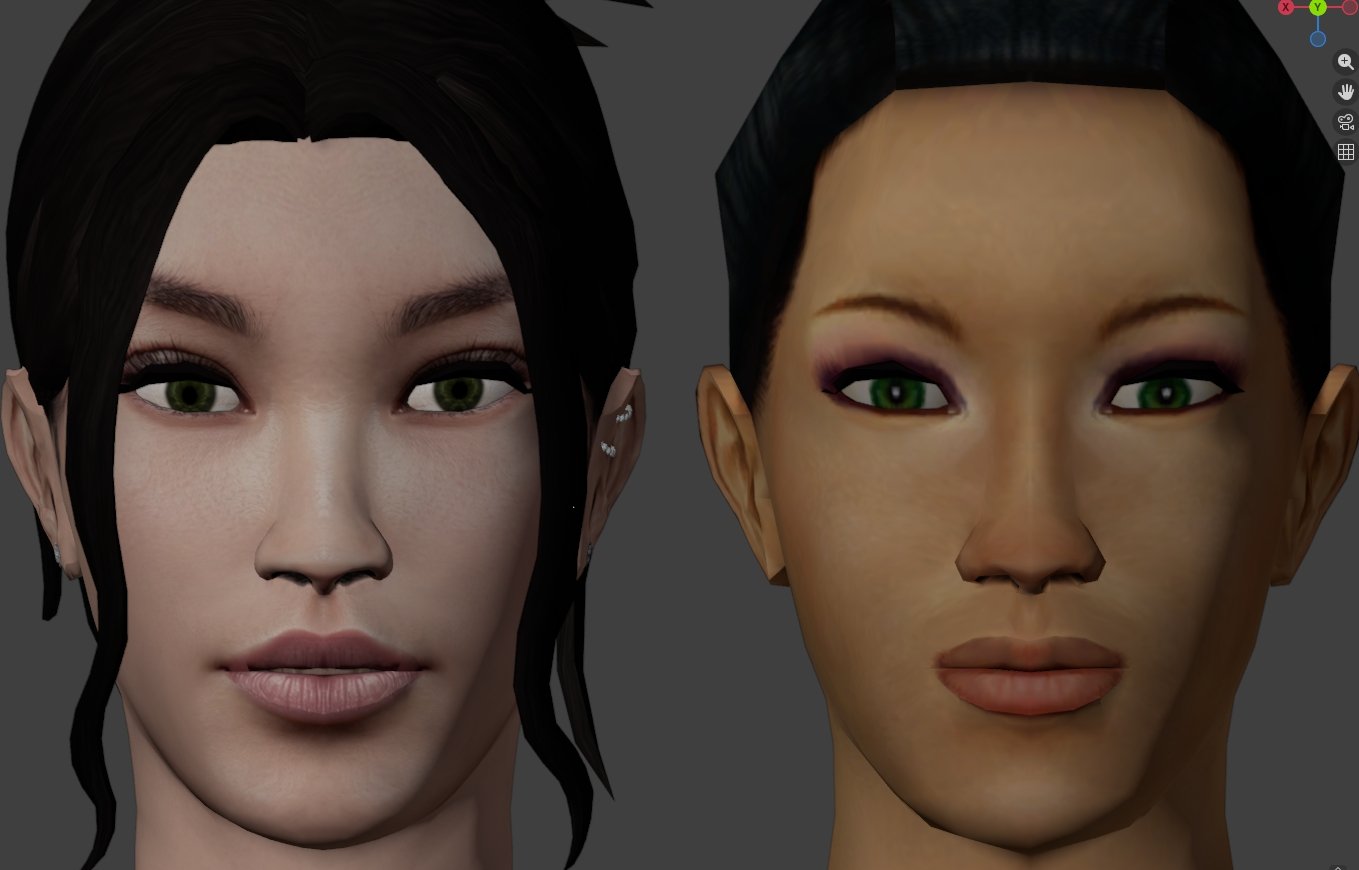 1 point
 -
1 point
-
Well here we are with me using the news section for once. We have a couple of changes that will be coming later in the year, so I figured now is a good time to share. Deadlysteam will be undergoing more maintenance and changes to the site towards the end of the year. Here is what is in store: Username/display name login is going away and instead you will use your email address to login If you want to use your email address to login, you can do so now but username login will eventually be deprecated We will get yet another new theme It won't be too drastic of a change but the current design will be ever so modestly changed If you want to submit any background graphics or other ideas you can feel free to do so here! Clubs will be widely rolling out Going forward anyone that wants their own "mod forum" can use the clubs feature to create their own "forum / page" Many of you can create clubs already by going to the menu and navigating to clubs, it will be more widely made avaliable Yes this is similar to FB pages and Subreddits, you can use them or not it is up to you Status Updates are changing Status updates will have some customization done to maintain support for that feature, this means that how they look and feel plus where they can be accessed may change Tagging will be updated Right now we have an "open tagging" systems where anyone can add a tag Going forward will be moving to a "closed tagging" system which will allow us to maintain consistent tagging across DS All current tags will be converted to closed tags I will share more information on some of these changes as it gets closer to the end of the year, but as always thank you for coming to Deadlystream and feel free to ask any questions here.1 point
-
1 point
-
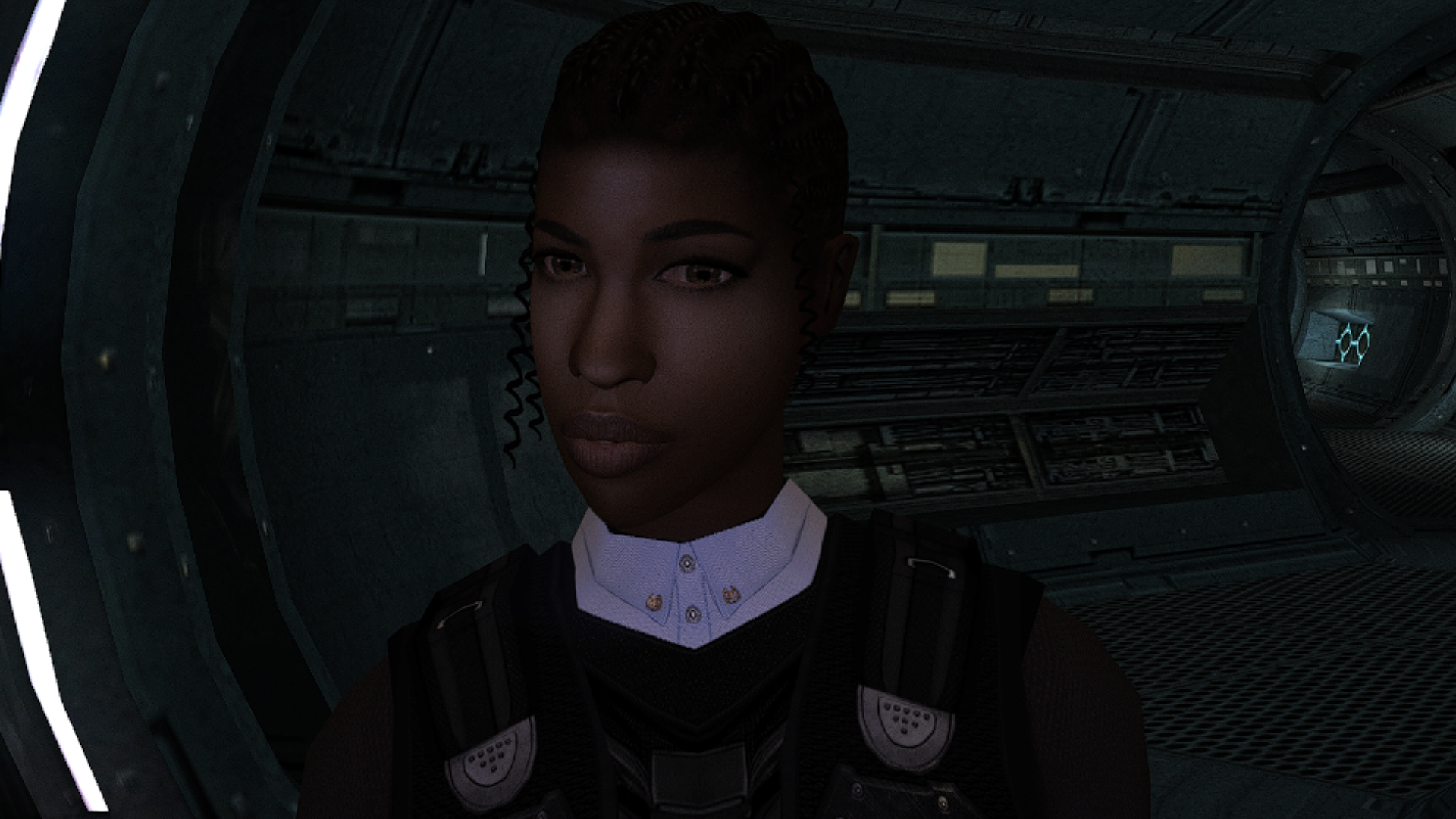
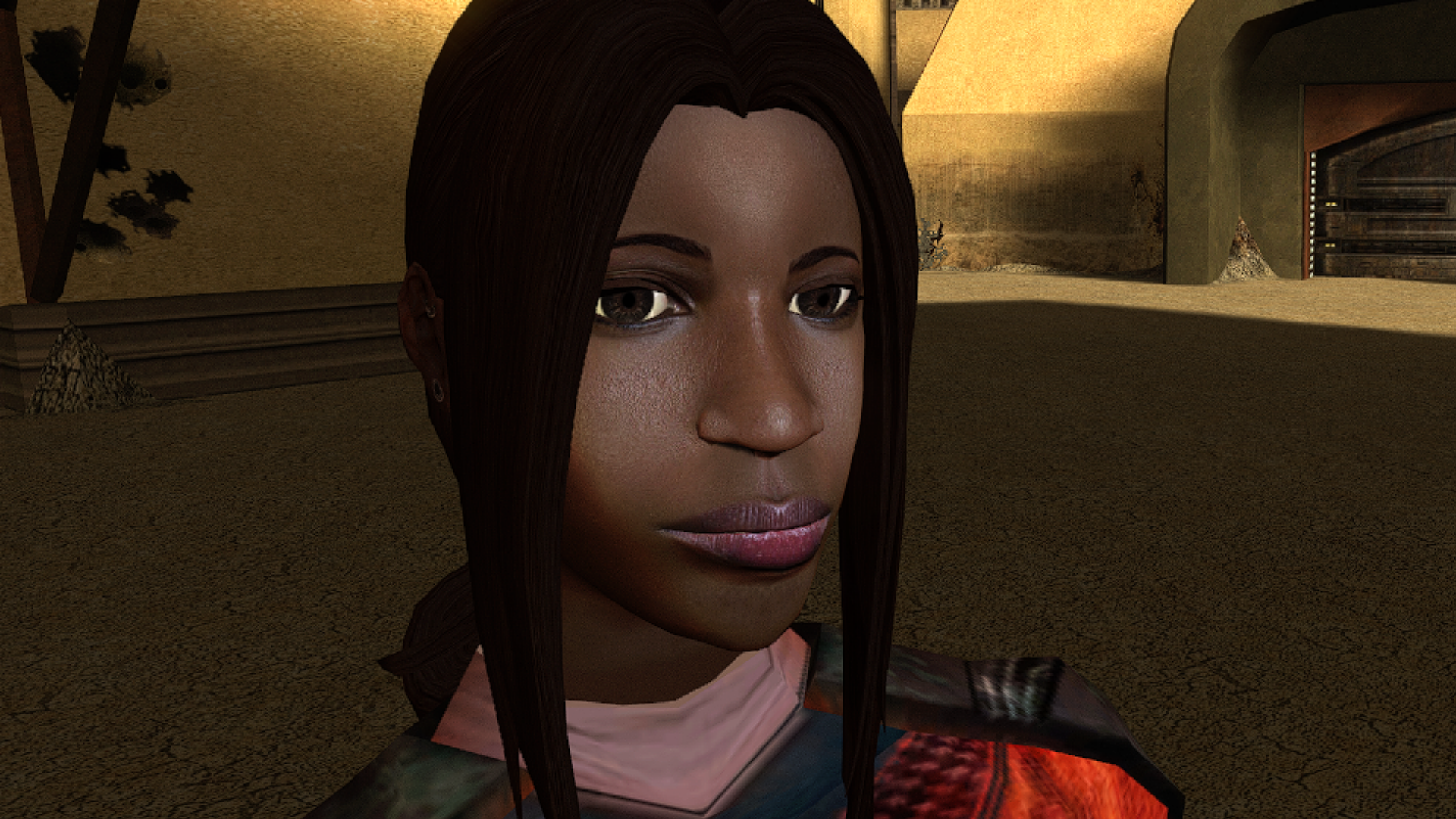
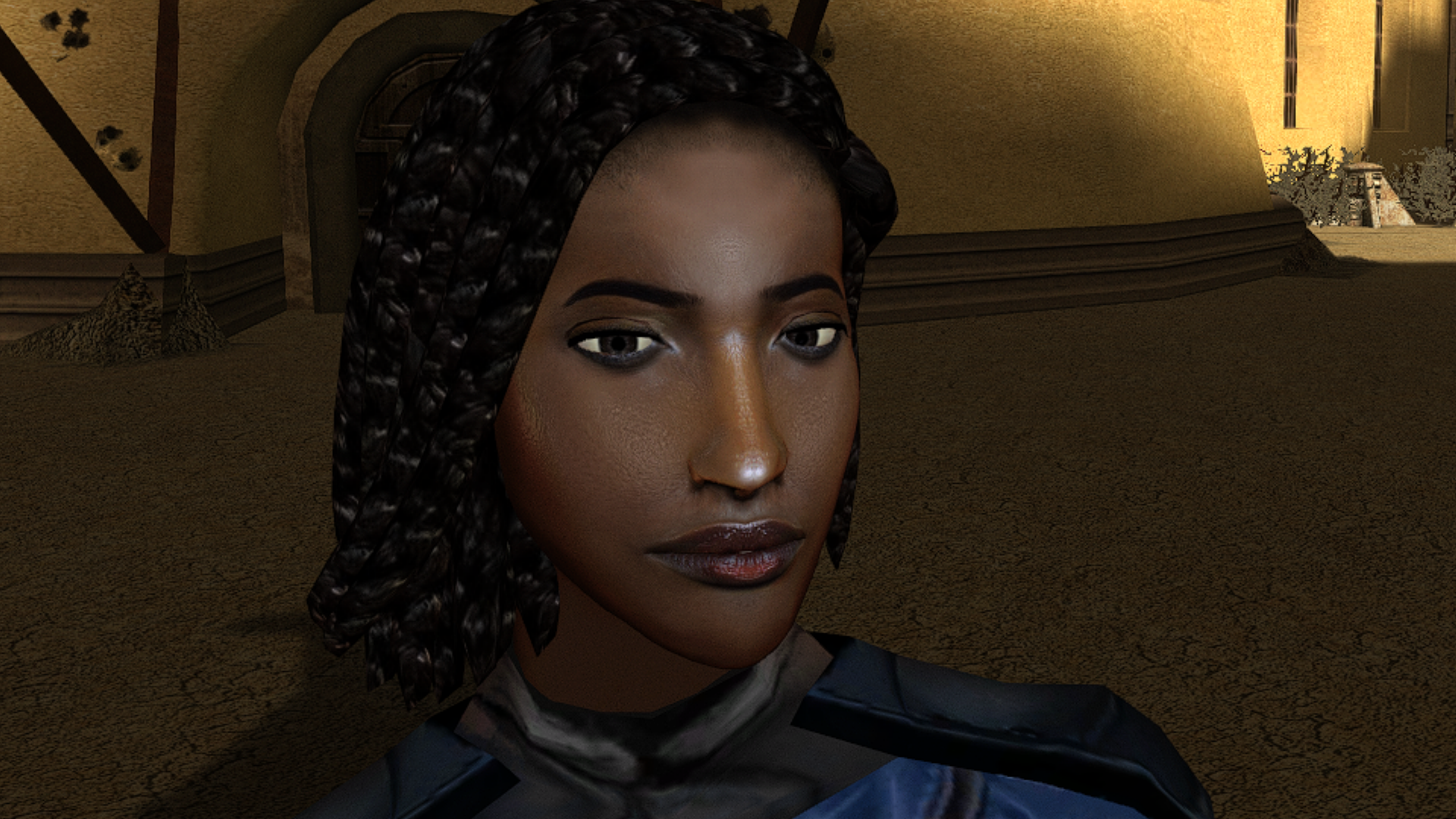
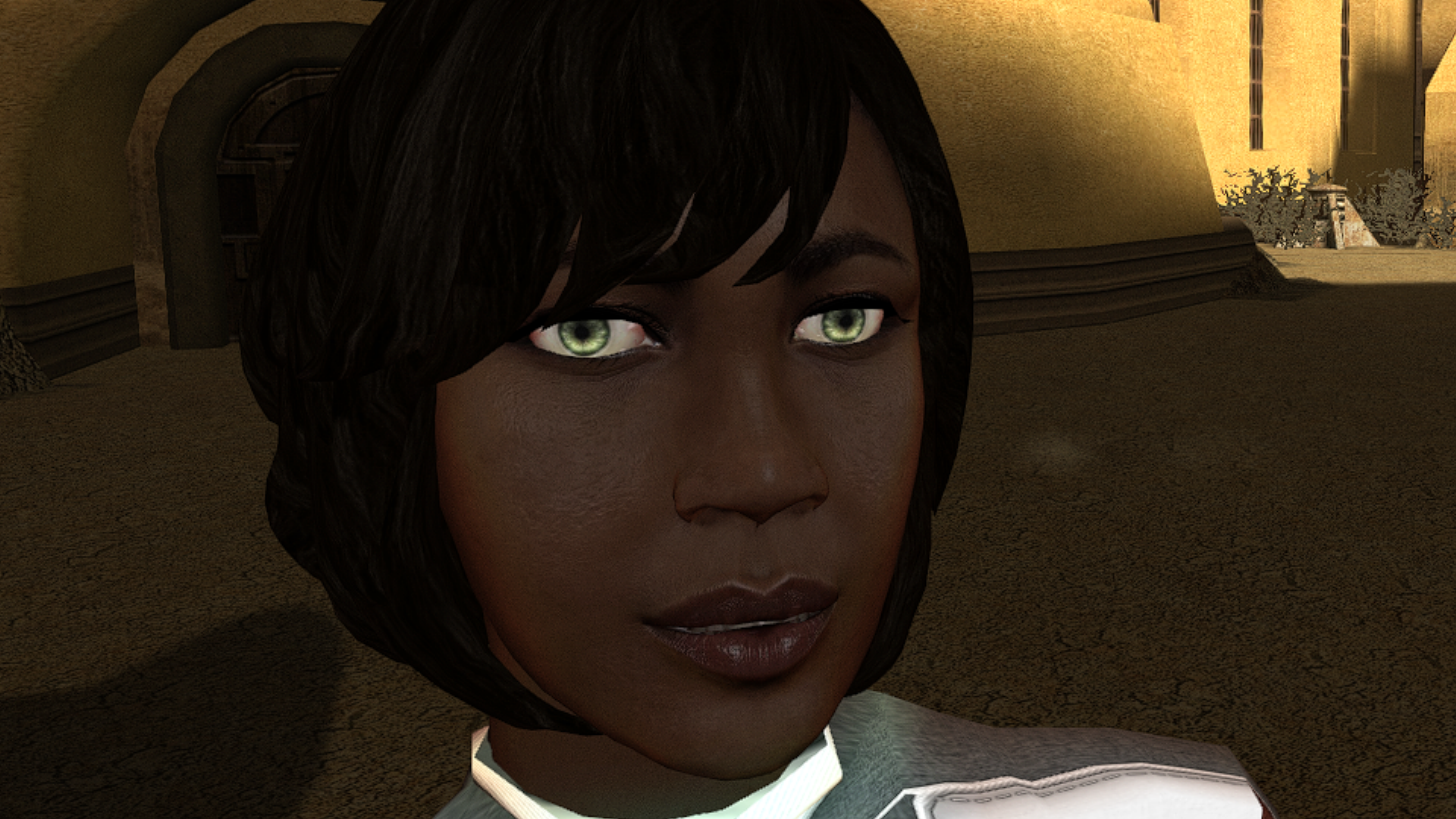
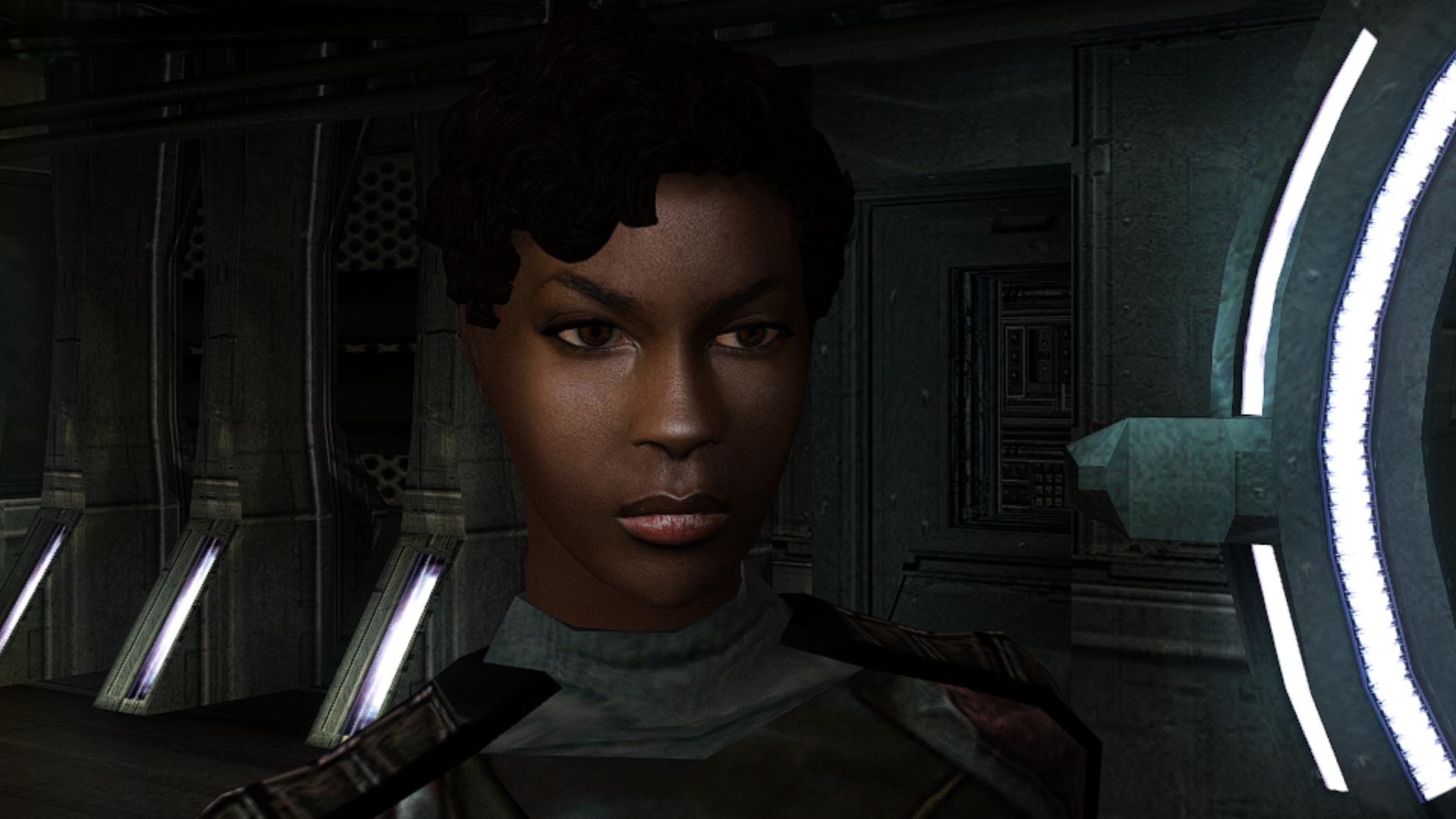
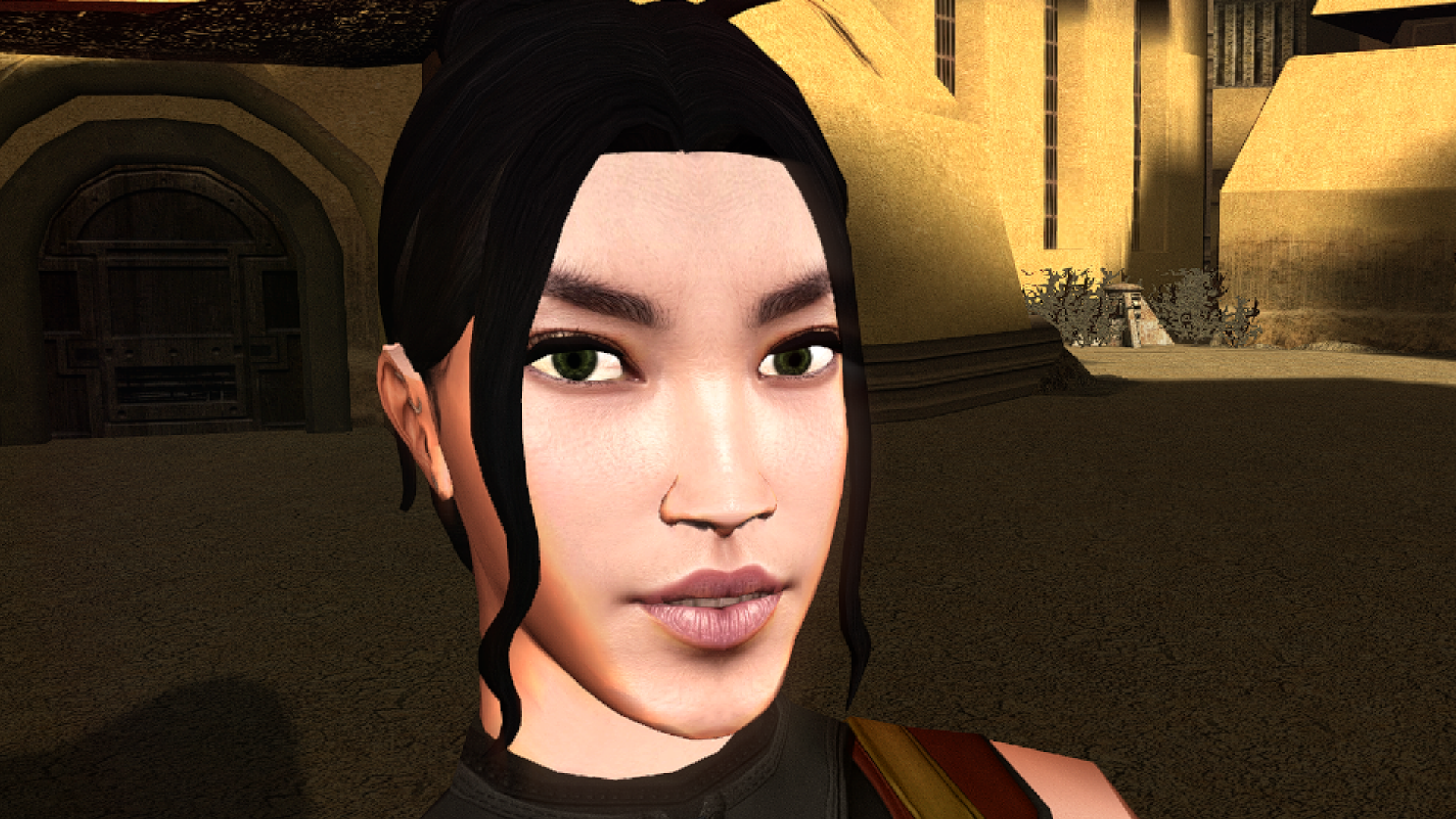
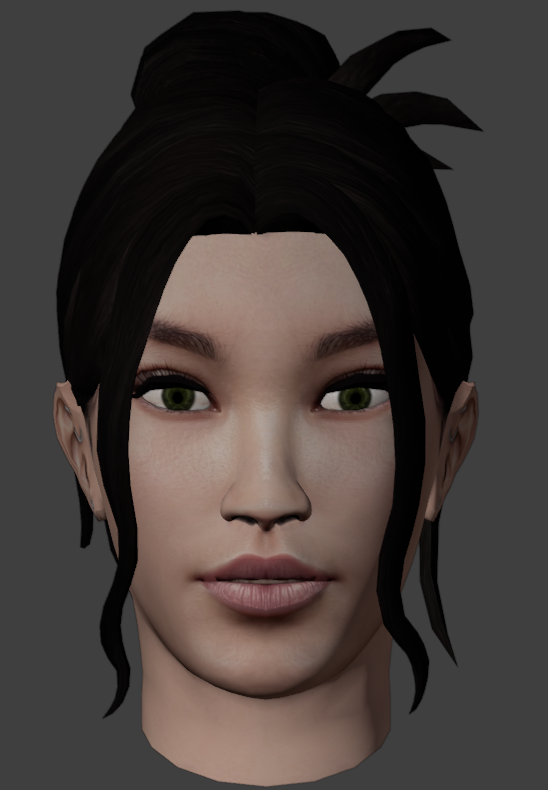
PFHC02
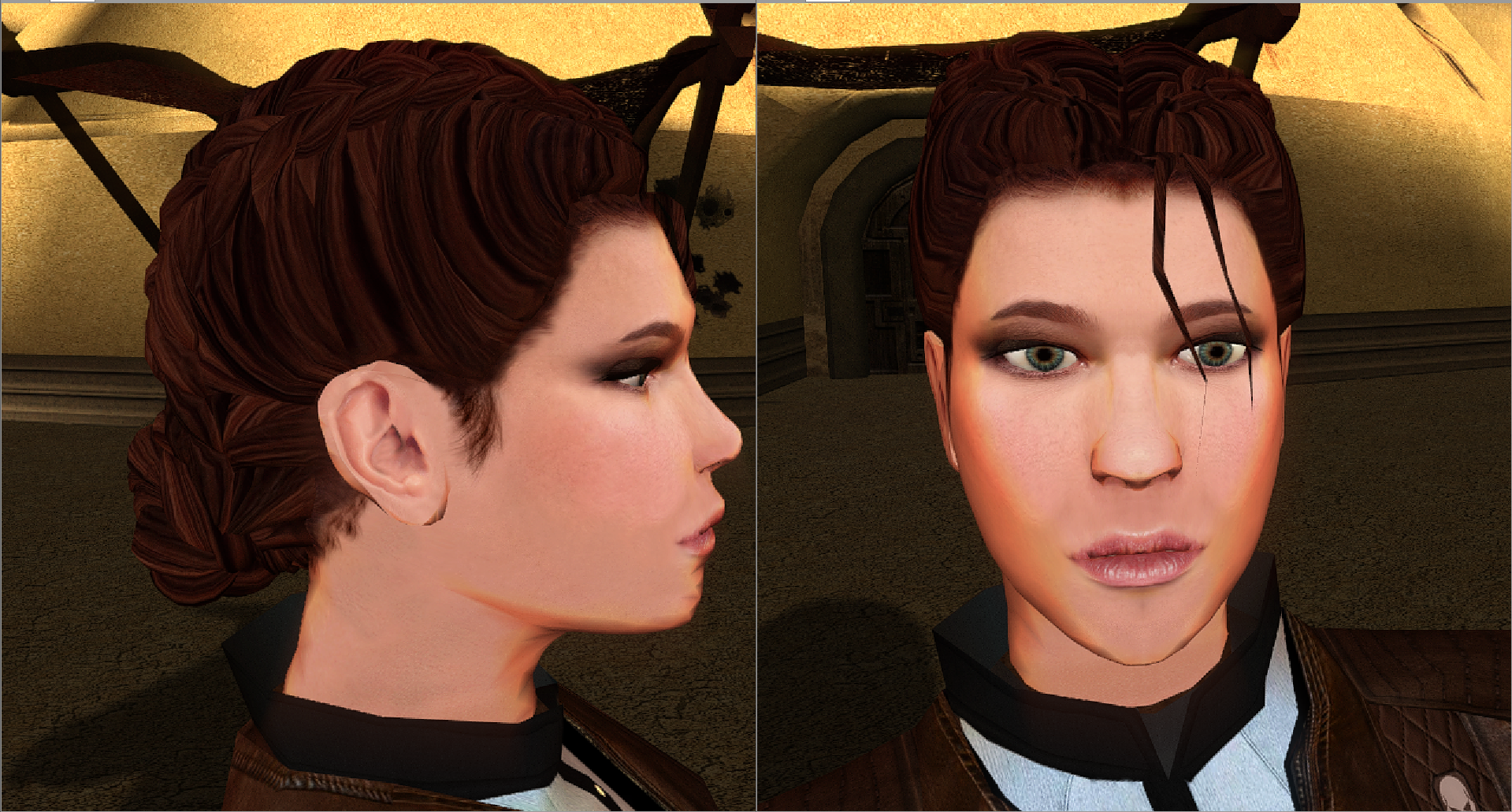
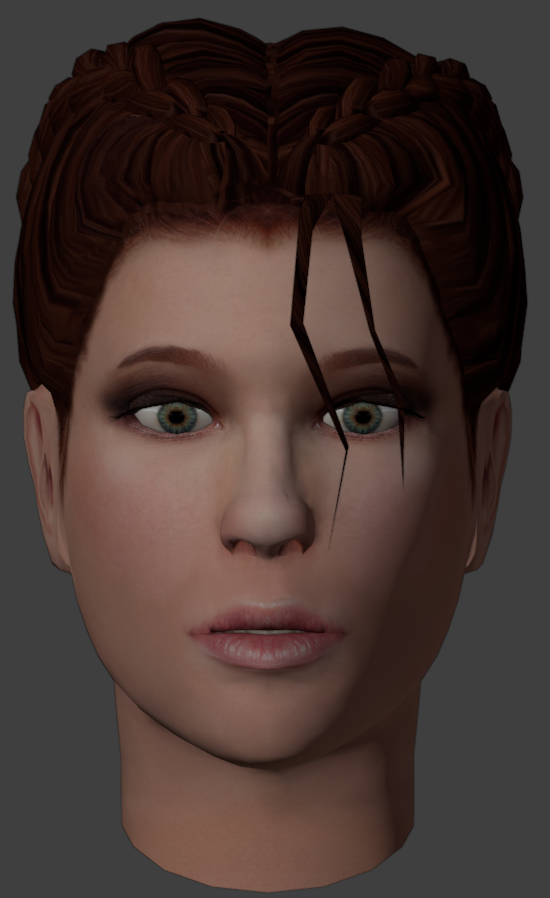 1 point
 -
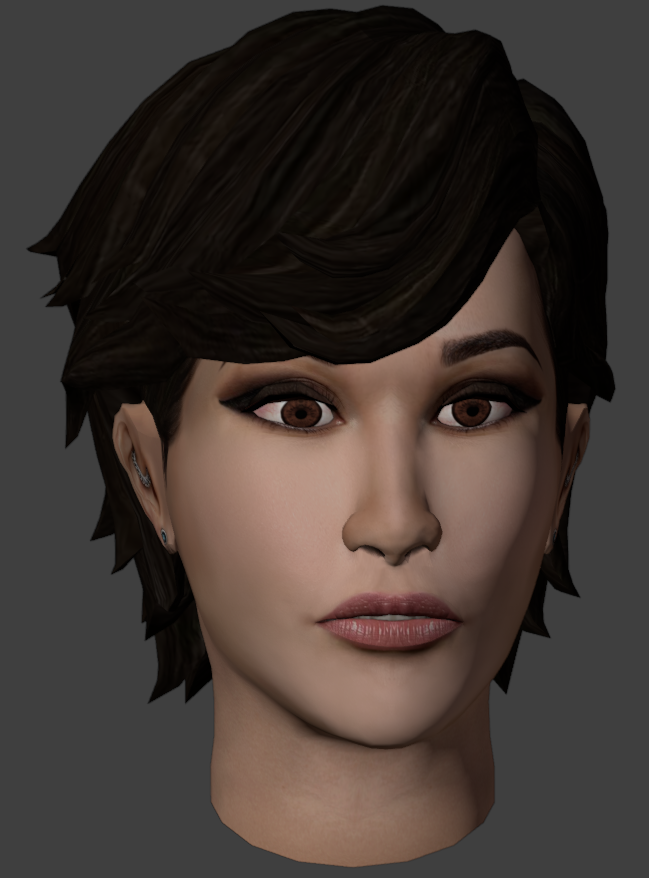
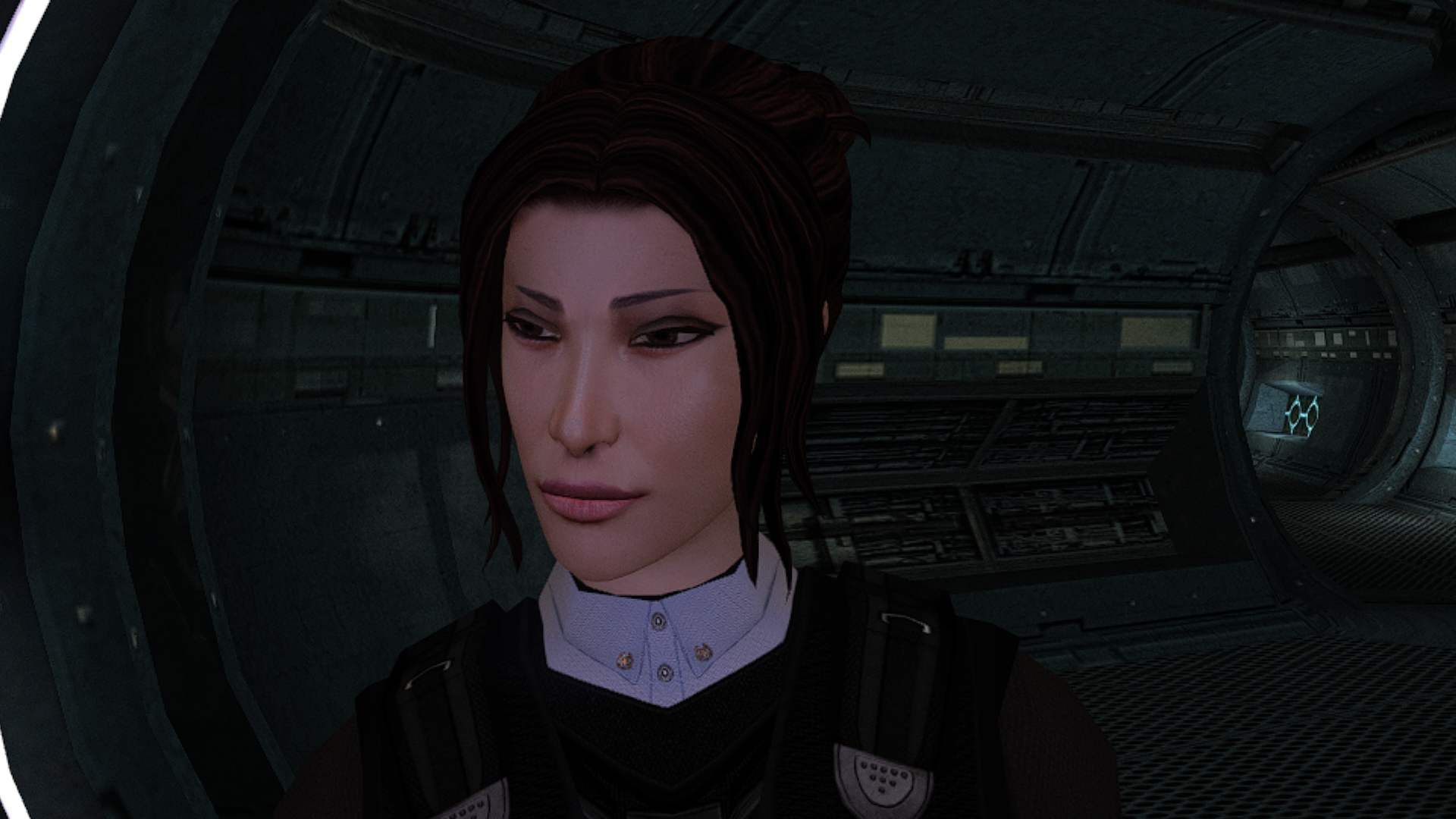
PFHA01
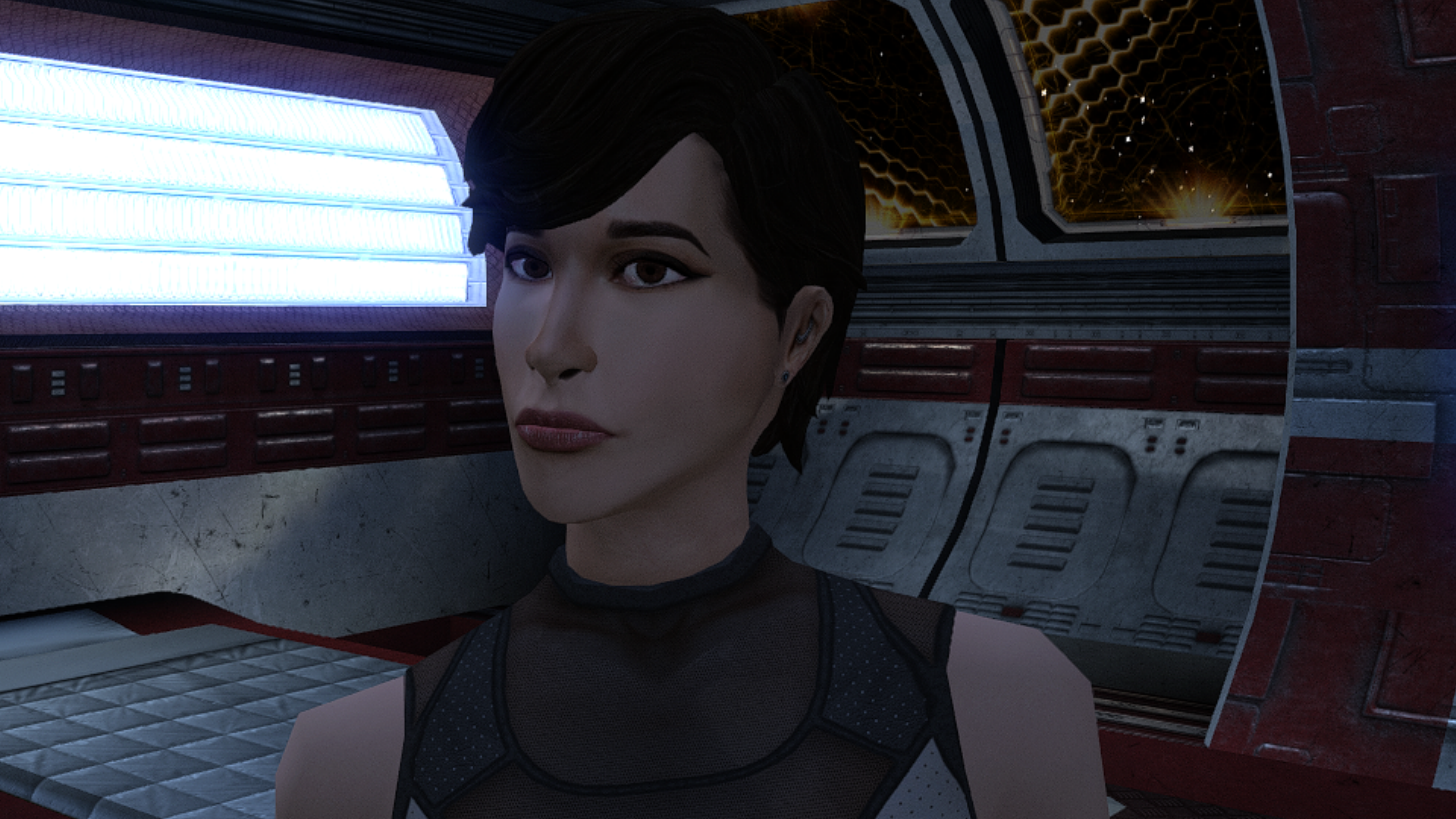
 1 point
 -
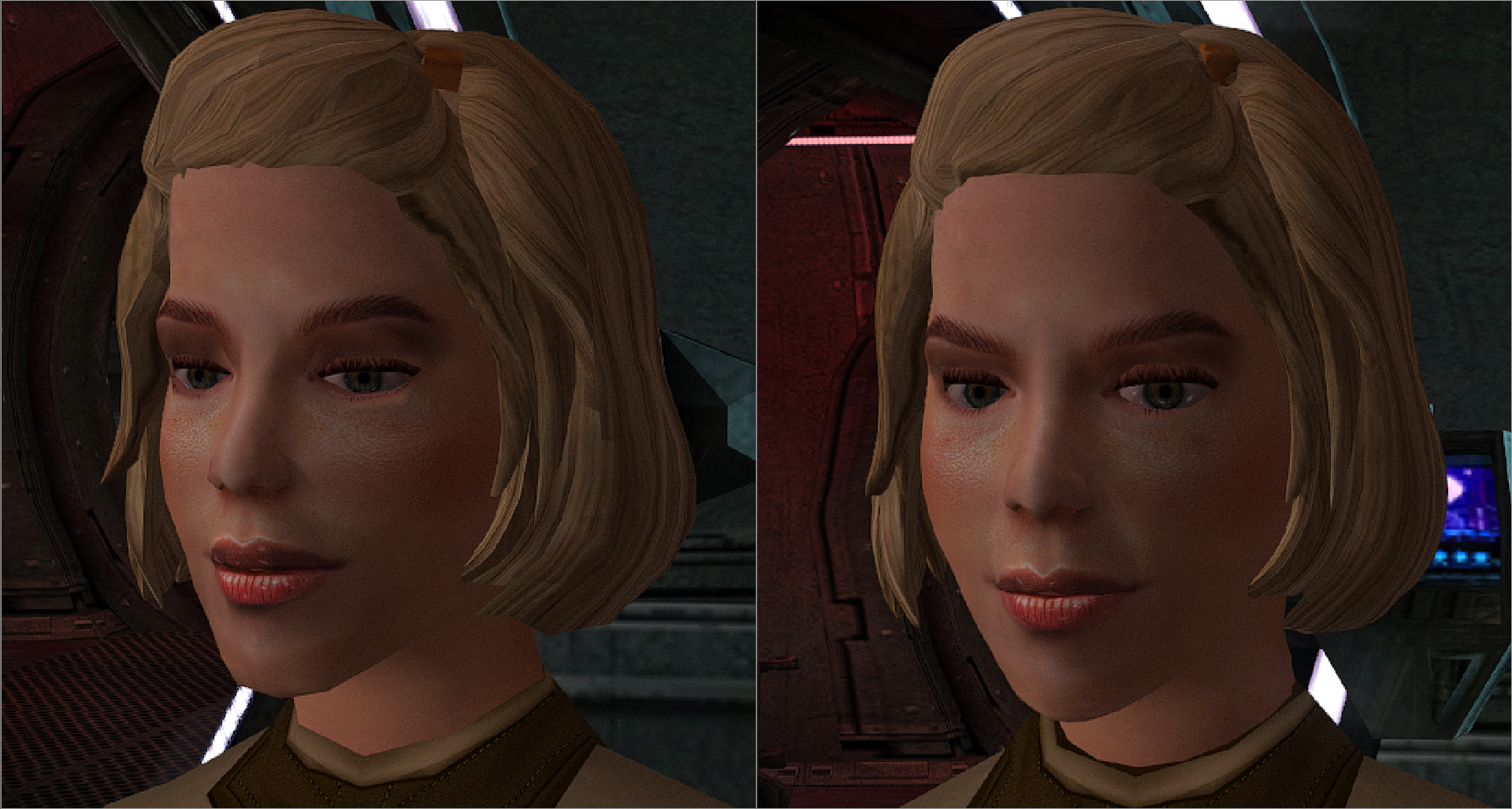
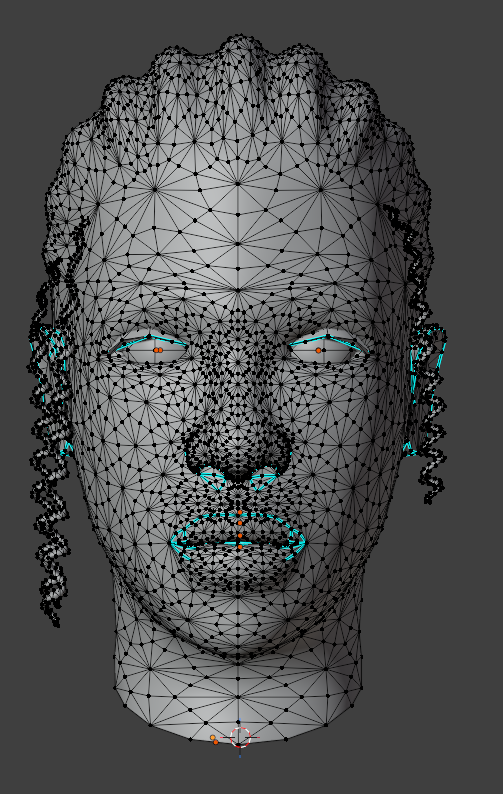
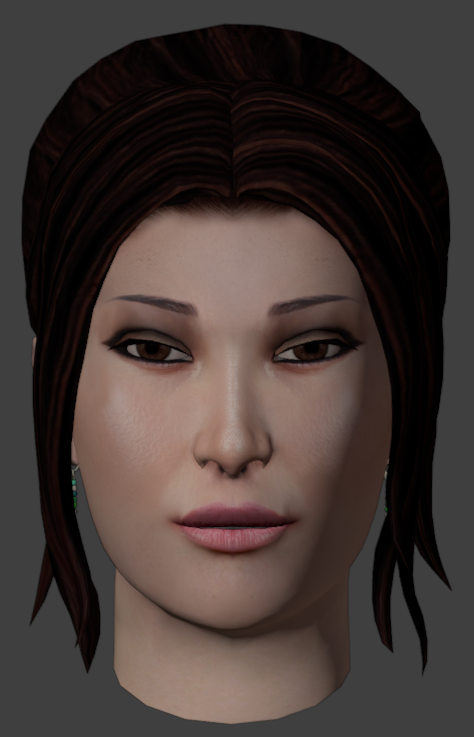
I'll add a high poly version.
 1 point
 -
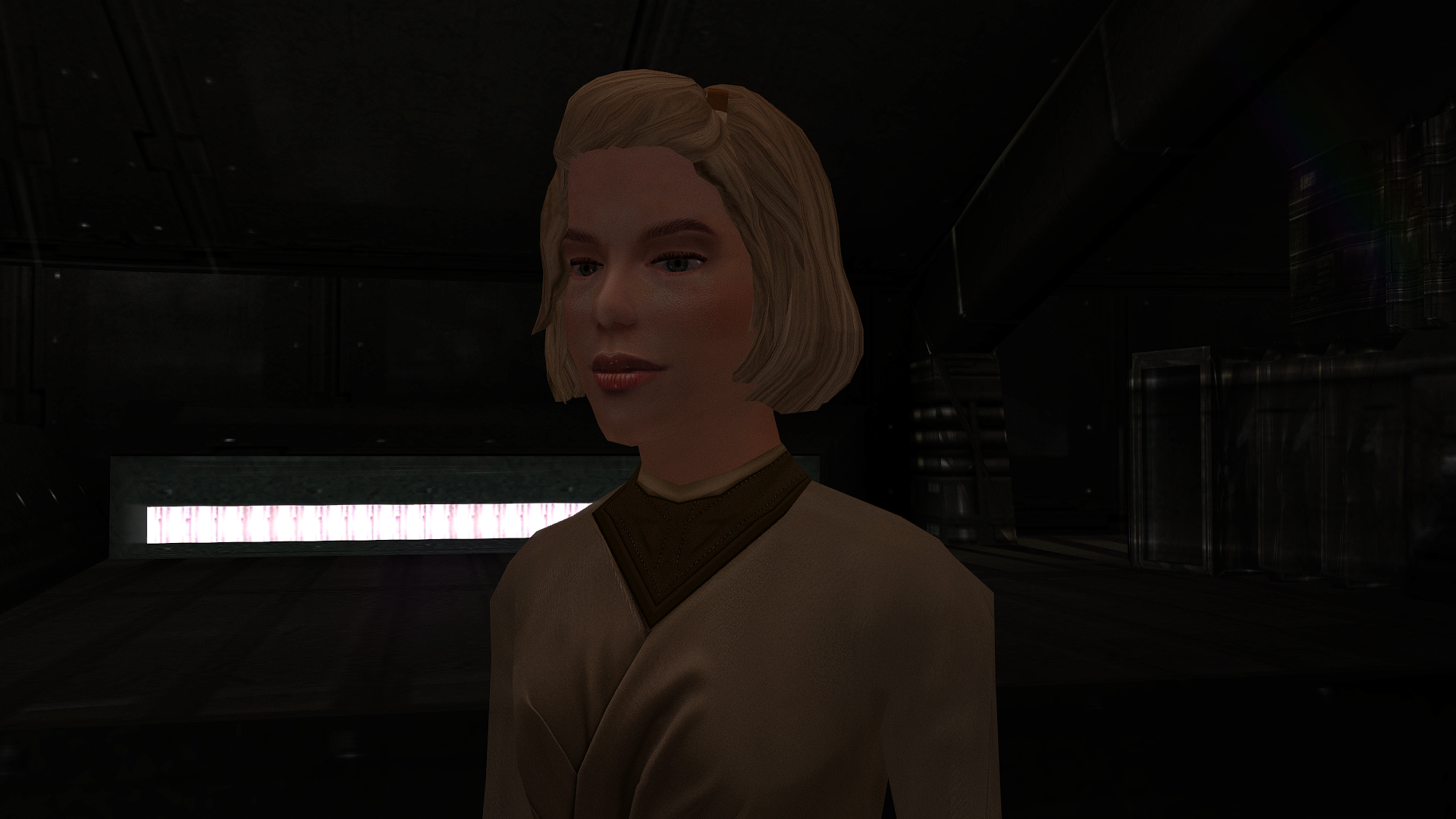
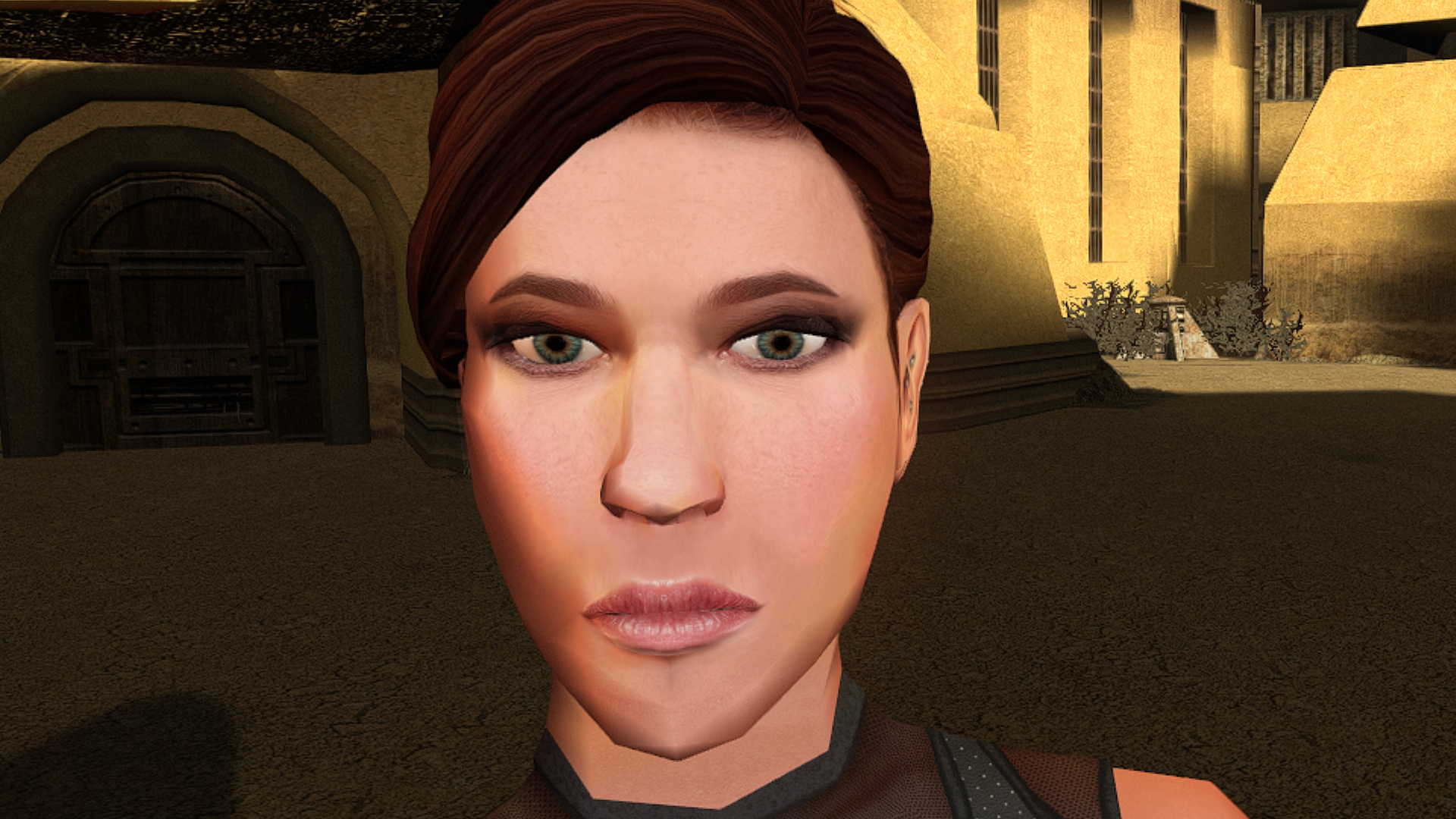
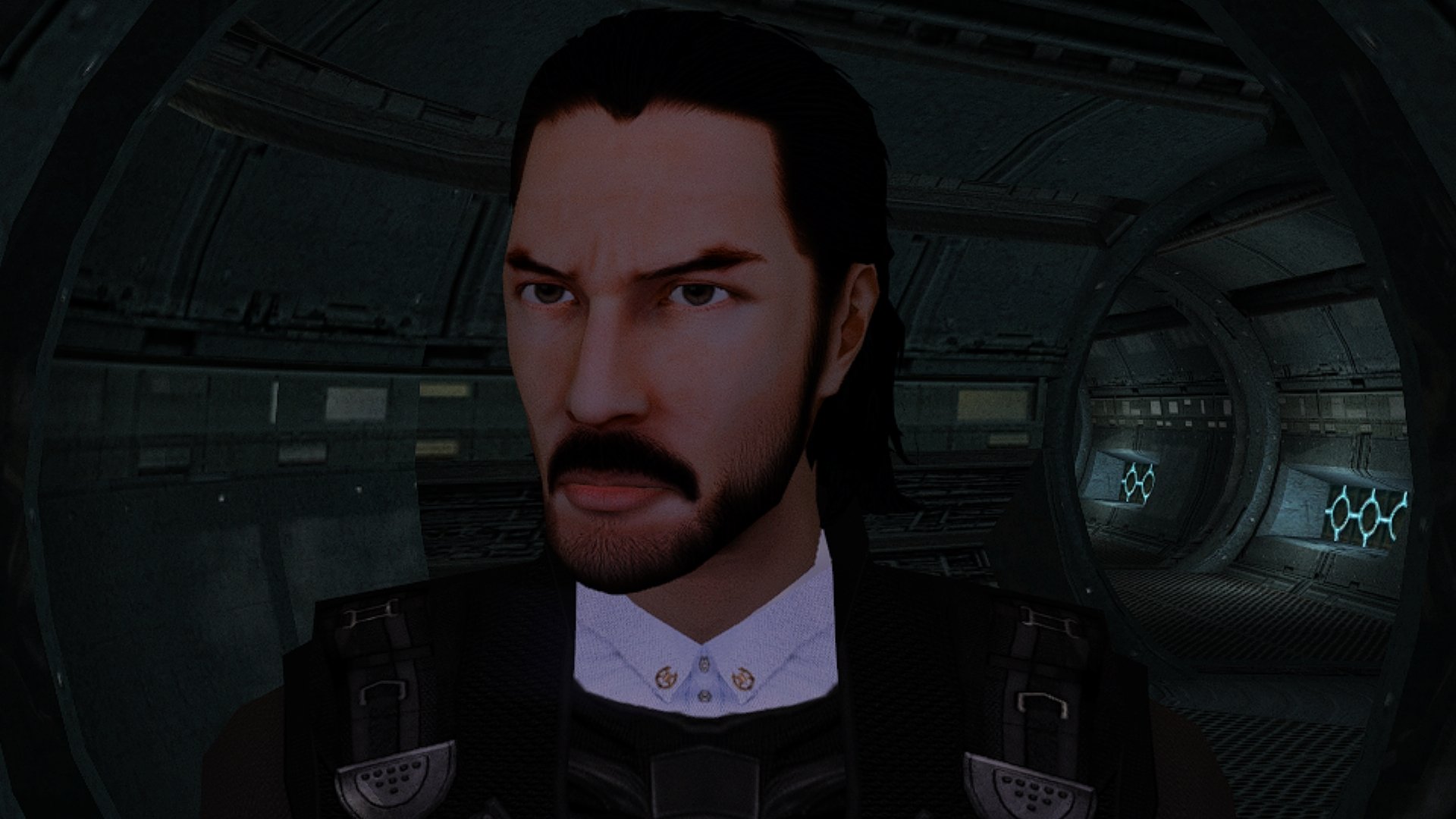
The mod has been sent for publication.
 1 point
 -
The mod has been sent for publication.
 1 point
 -
1 point
-
The mod is stuck in moderation.1 point
-
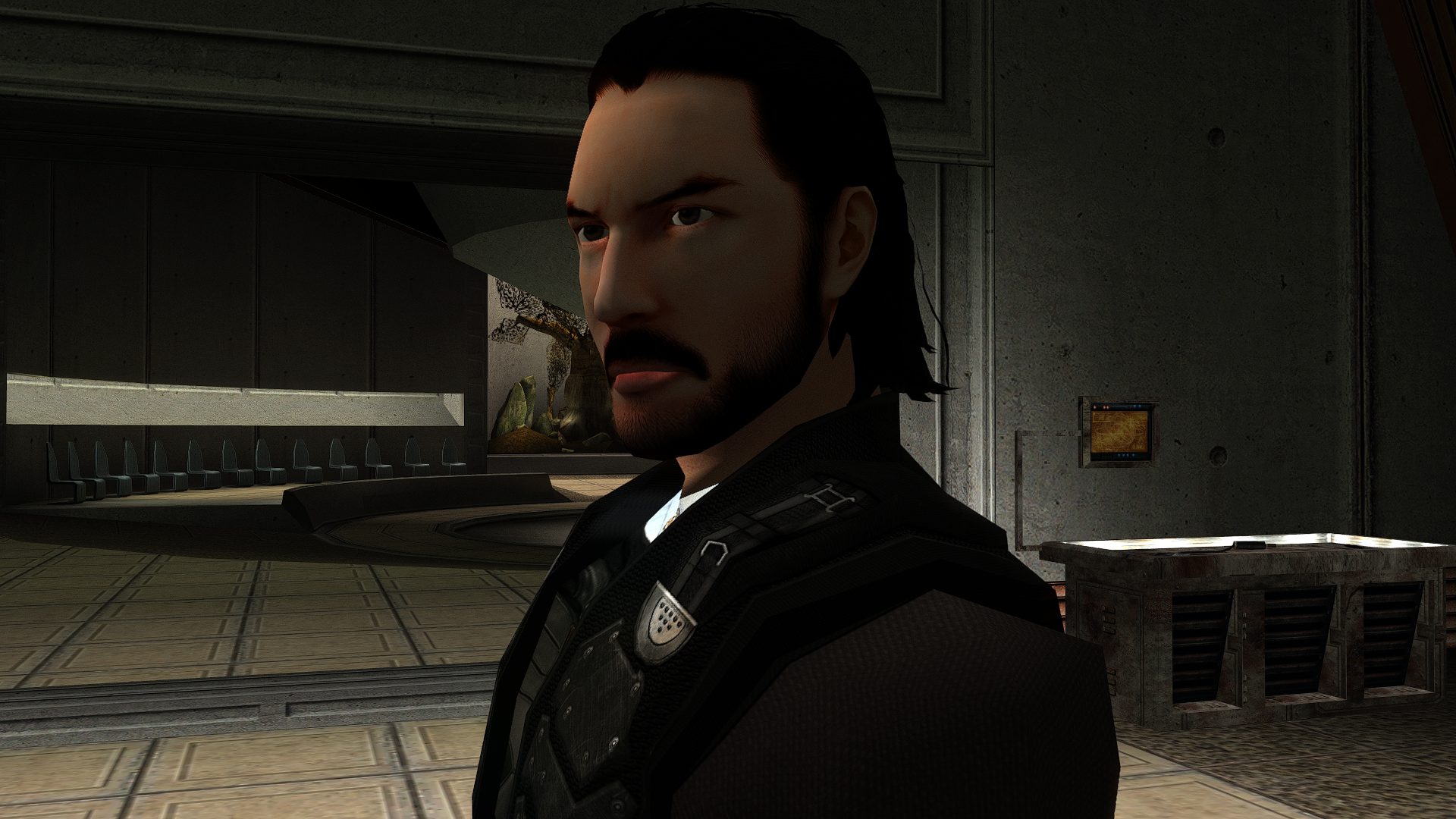
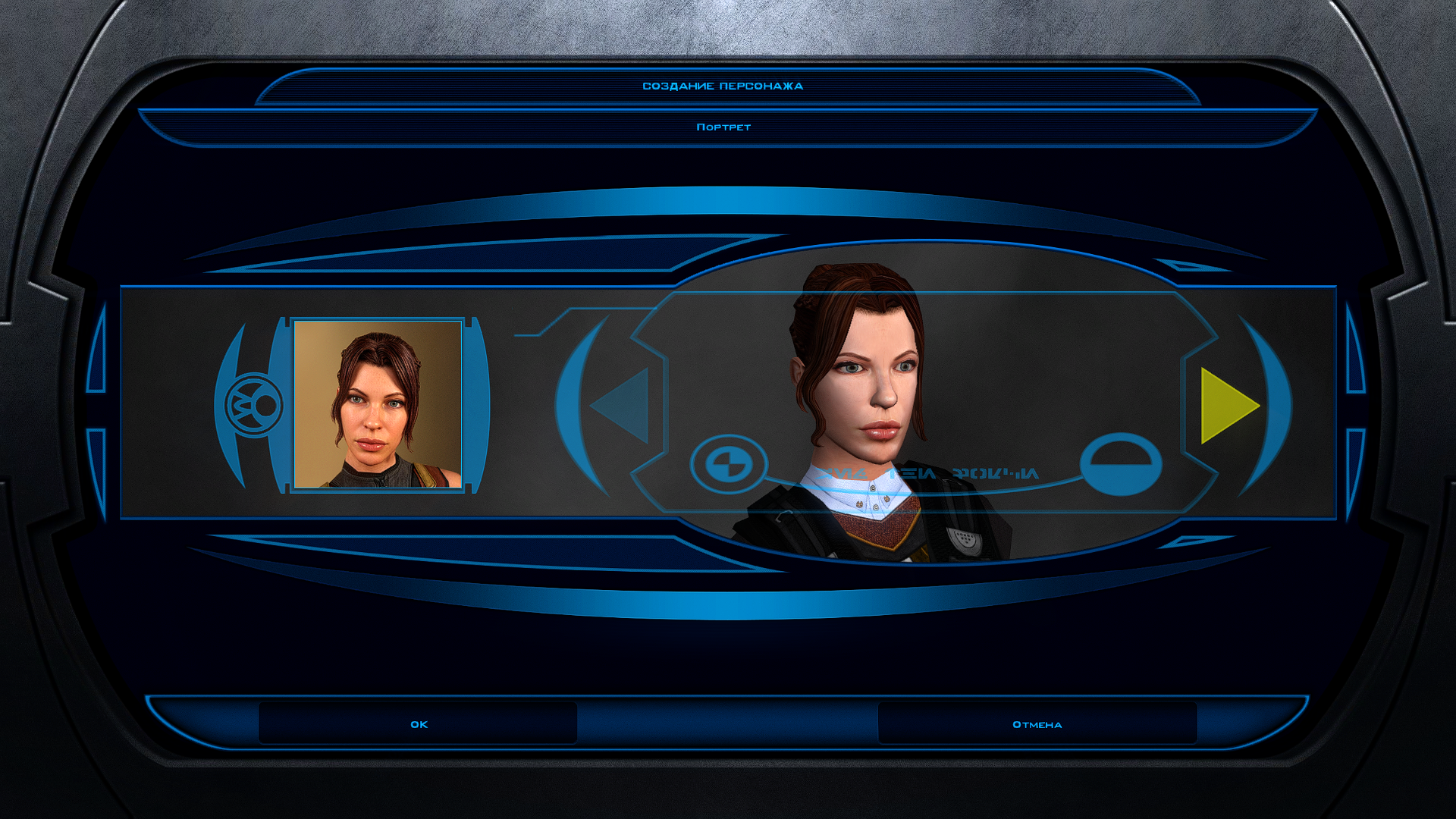
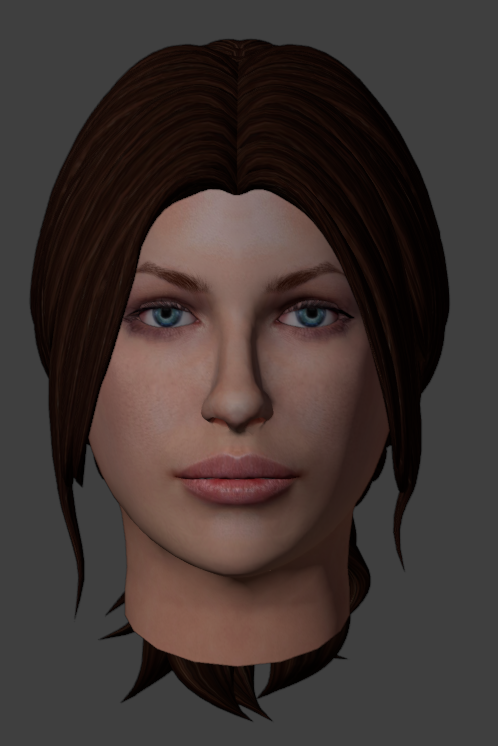
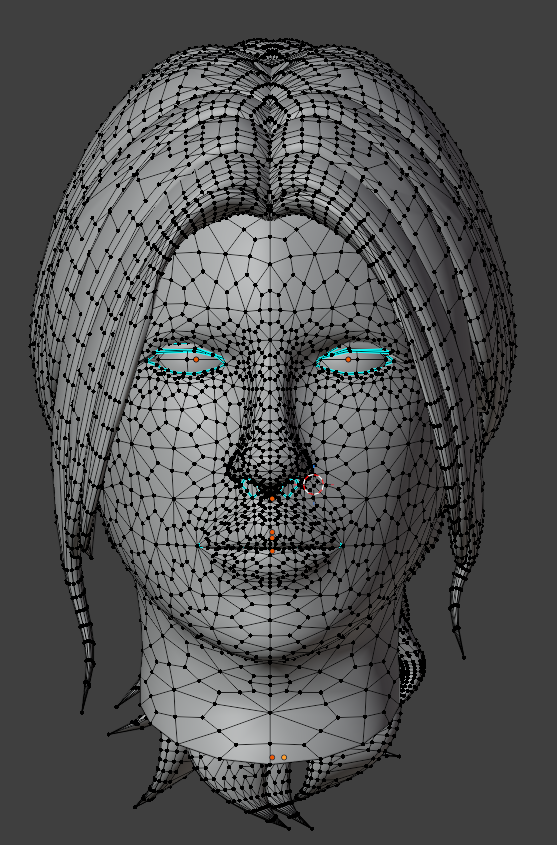
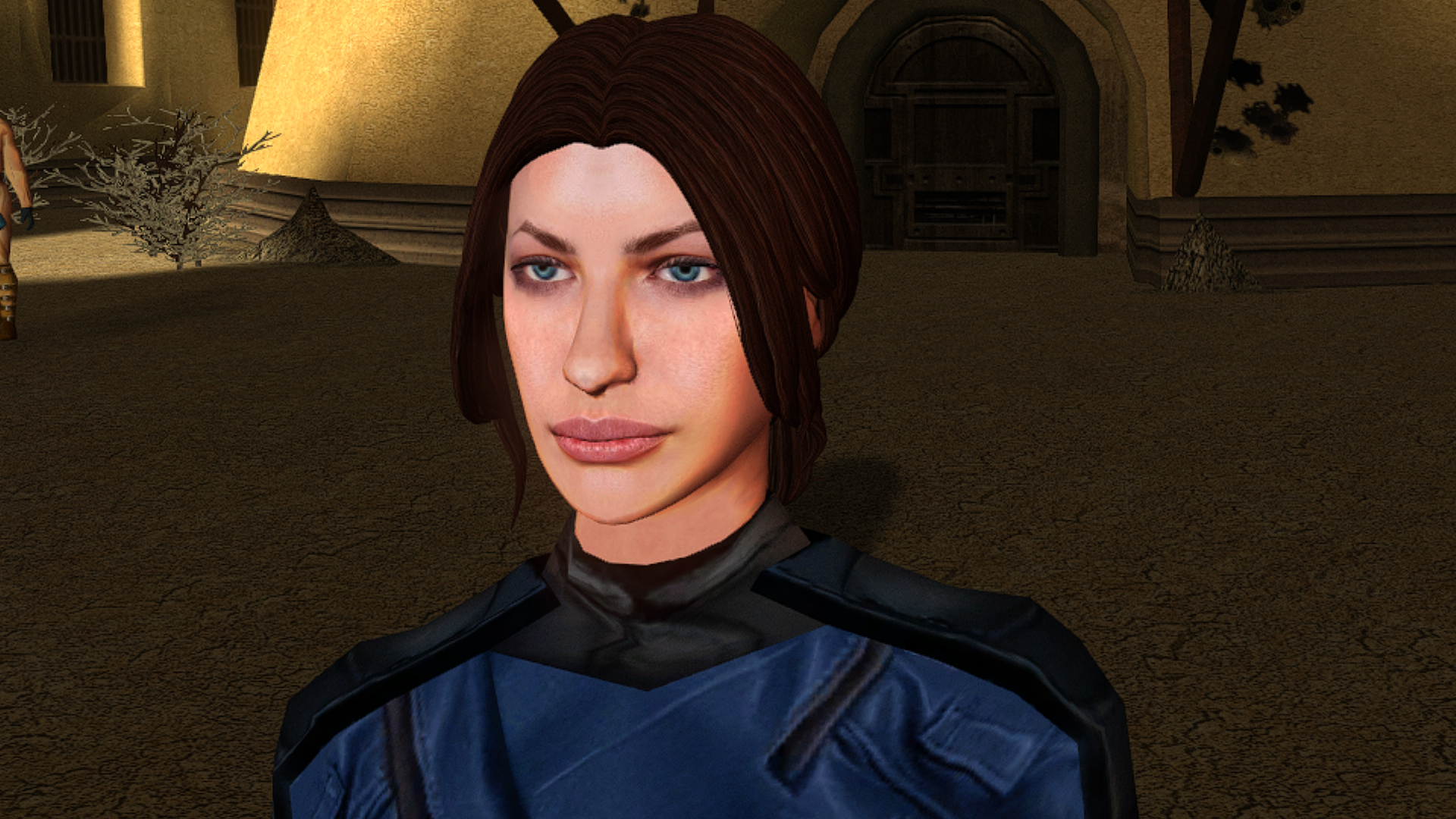
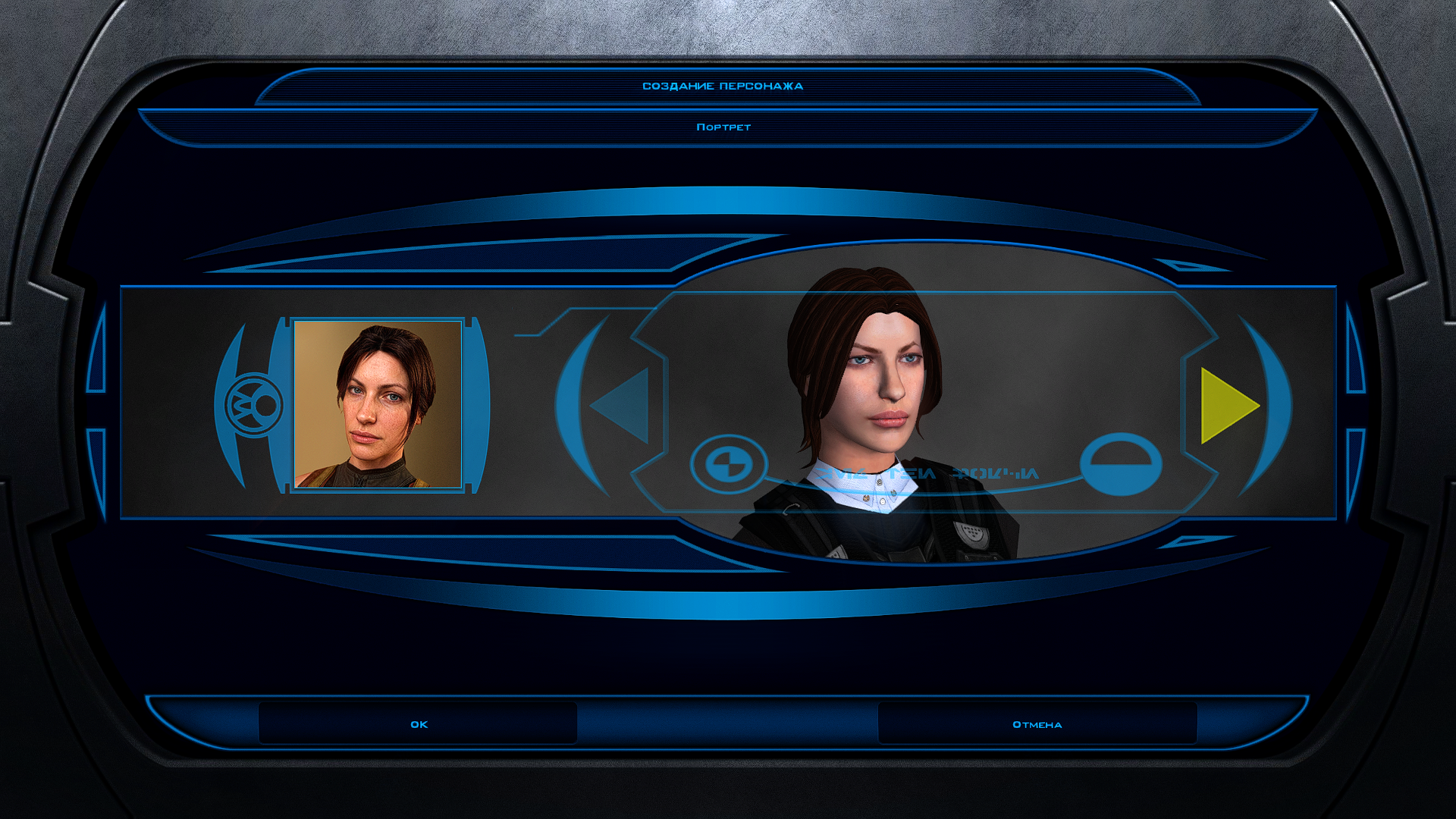
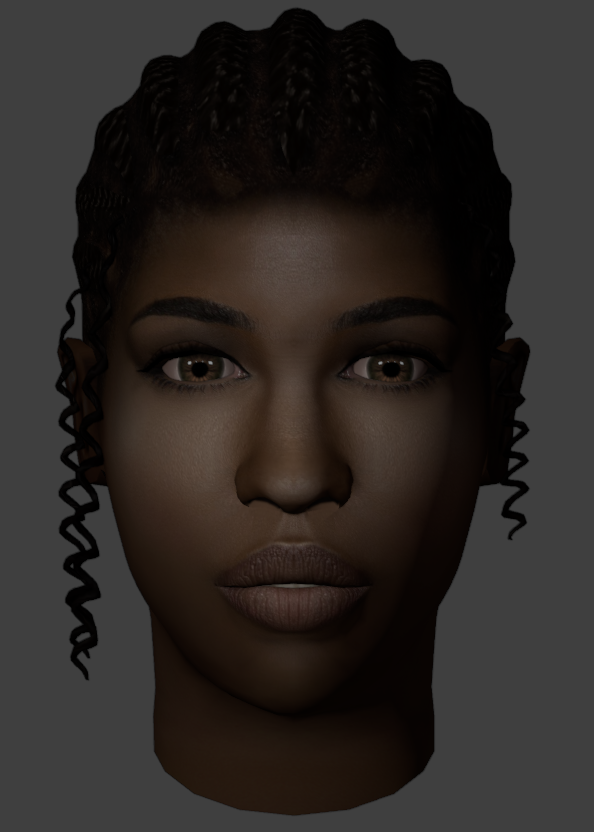
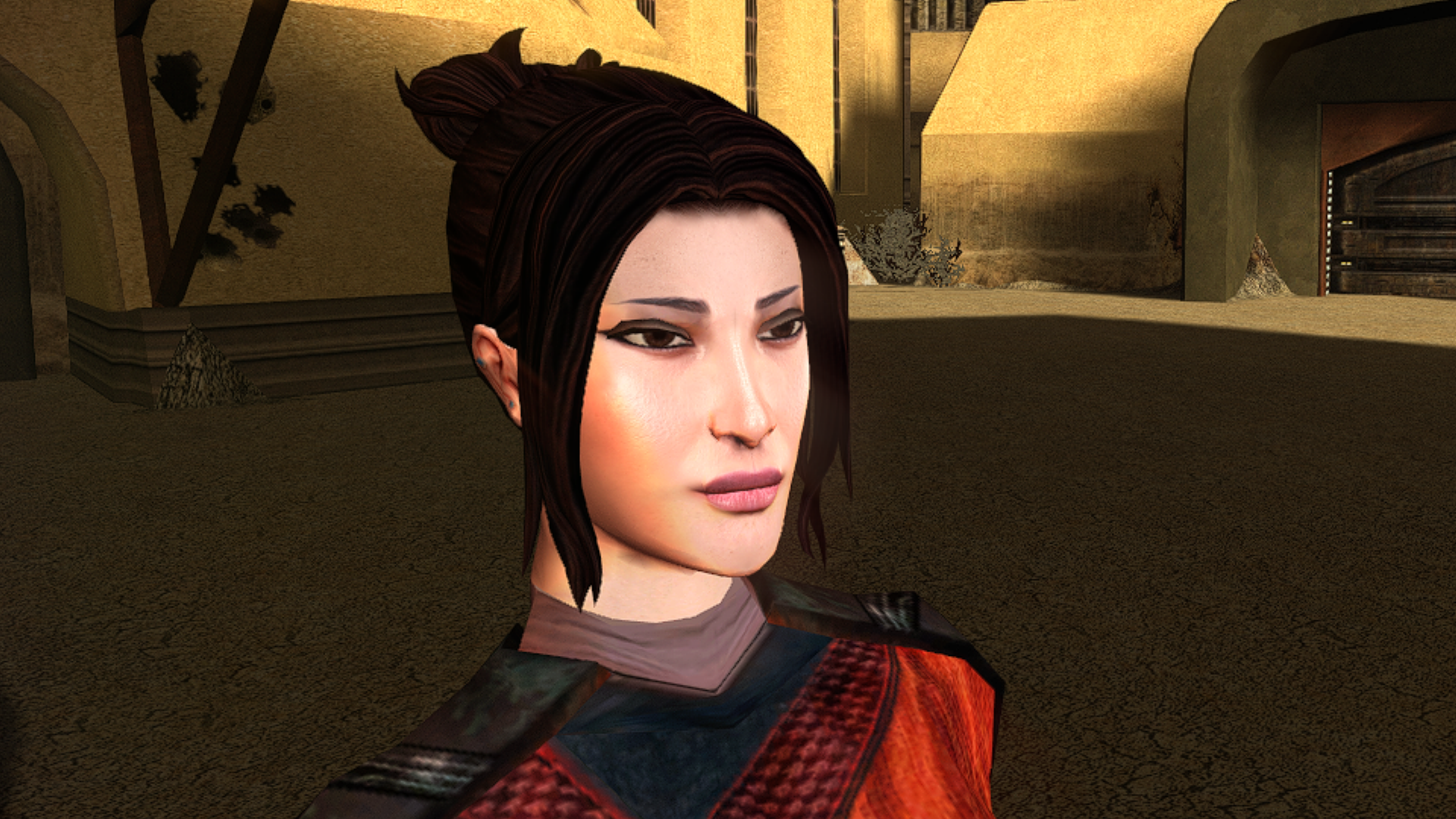
This is the best head I have ever seen on both kotor 1 and 2 I will be so happy to use this when you get it done 10/10 on this one thx for all your hard work on the others I am using the Asian one you made for my soldier but want this for my smuggler.1 point
-
1 point
-
Version 0.52.0
4,216 downloads
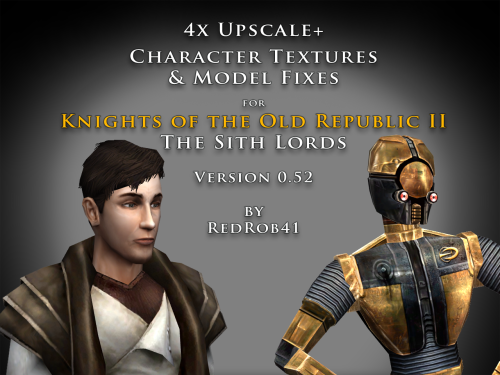
================================================================ IF YOU ARE EVER IN ANY DOUBT ABOUT INSTALLING ANY MODS, PLEASE REMEMBER TO ALWAYS BACKUP YOUR FILES BEFORE INSTALLATION, JUST IN CASE. ================================================================ Description: This mod is more than just a simple process of running all the character textures through an A.I. upscaling program. The purpose is to increase the size and fidelity of the character textures while maintaining the painterly style of the original game artists. This mod does not attempt to create photo realistic textures or add extra detail (like zippers, clothing stitches, fabric patterns, skin pores, etc) that are not already part of the existing style. This mod also fixes many of the UVW mapping errors, lighting errors, and some XYZ errors that the original model .mdl & .mdx files may have had. The process followed is generally: run texture files through A.I. upscaling program multiple times using different settings. Some settings result in "crunchy" textures (high contrast, sharp edges). Some result in "soft" textures (smooth gradients, lower contrast, blurry edges). Some result in better straight/parallel lines. Early tests used Vance AI; Deep Image; ImageUpscaler; or Let's Enhance. Eventually Topaz Labs' Gigapixel AI was chosen and used on the majority of textures. combine textures in multi layered Photoshop file, using layer masks to isolate the best parts of each upscaled image. This allows for some portions to be smooth (like skin, glass, metal or tubing), others to be sharp (like burlap, skin folds, hair, scratches, etc). touch up by manually painting away errors (such as jaggies due to original low resolution jpeg compression). manually recolor areas that the original artists missed (like commoner clothes where the pants seat do not match the pant leg; or player armors where pouches are inconsistent between male & female; etc). strategically add painted detail (such as highlights and shadows along the shoulders and neck of K1 Player Character soldier's underwear; adding glove details to armors F, G, H, I, J; etc). painting personal choices (like changing K1 P_BastilaBA02 to have different pants and remove wrist & neck restraints than P_BastilaBAS01 slave outfit). recreating entire textures (such as K1 Player Character male scoundrel dark side underwear PMBASD01). fix the models' UVW maps to reduce some texture stretching (like collar of TSL robes I); adjust areas that are poorly mapped to the wrong locations or too large/small (such as Bao Dur's armor C & D chest is mirrored); fix edge seams from one area to another; close gaps (like Mission's arms). manually fix texture seams by copying small areas of the image from one area to another; stretching and scaling them. This should result in model seams that are hidden or difficult to notice. sometimes the Alpha 1 channel is upscaled, but usually it is recreated directly from the final HD color texture. personal choice to add punchthrough transparency to the Alpha 1 channels of some female head models' eyelashes (like P_BastilaH04, P_MiraH, P_HandmaidenH & P_AtrisH01). recreate the Normal map (for bumpyshiny effects) from the final HD color texture. These work best when saved as .tpc format For most models, they only needed to be manipulated in 3DS Max, exported, and then run through Taina's replacer. This is usually sufficient to fix any XYZ and/or UVW coordinates. I prefer Taina's replacer method so that the model retains its smoothing groups data. For some models (like C_RancorS or C_Terantanak), Taina's won't work, so for those files, I had to resort to manually hex editing the binary .mdl & .mdx files. This is a much more labourious process, but in the end I got them to work. Some models (like P_Kreia1hBB, PFBNM, Twilek_F, N_TwiAssH01) had problems with their self generated lighting: ambient & diffuse were not set to 1 1 1 like most models. This causes the model to appear too dark or off color in-game. To fix this it required hex editing. A few models (such as P_KreiaBB) required fixing the model weights of individual verticies. This was done to reduce portions of the model clipping through other parts in different animations. Again, this was done by manually hex editing. For many head models, the UVW coordinates for the tongue and inside of mouth may be moved significantly, especially for the KotOR heads. This is because the originals often map the tongue to a single pixel located in the lips area, which results in almost no detail. By moving the UVW to a free area of the texture, there may be room for painting a detailed tongue. For the party members that have specific underwear textures and basic clothing textures, there has been an effort to make any skin areas (like hands & arms) match between them. Usually the hand area from the underwear texture is copied to the hand area of the clothes texture. This creates more consistency of the party characters' appearance. For low resolution versions of models (like C_Gammorean_Low, C_Protocol_Low, N_Swoopgang_low) or placeables (such as PLC_EndPlA, PLC_RakatCrp, PLC_HK50, Stunt_WarDrd01) the original textures were not simply upscaled. Instead, the new versions were actually taken from similar high resolution versions and scaled down. Sometimes the textures were rebuilt from parts of other higher resolution images, with some touch up painting. Several characters lost their baremetal shine in TSL (like the Mandalorians or SwoopGang). This is due to their model's default bitmap being set to "NULL" instead of their default texture's name. I was not able to repair the file to its K1 state, so a workaround was used instead. The word "NULL" was replaced with a shortened name, then a .txi file was created with the short name (for example "N_Ma" instead of "N_Mandalorian02"; or "N_Sw" instead of "N_Swoopgang01"). This allows for the envmaptexture CM_Baremetal to be used without the need to edit the appearance.2da file. Included is a spreadsheet labelled "KotOR upscale completed list v0_52.xlsx" which has more detailed information as to what files were changed, and in what ways. As of this update, 52.71% of the texture files that I intend to upscale have been completed. As such, this mod should be considered a beta test. The percentage is calculated for both games together, however the mod is released with files separated for K1 & TSL. The spreadsheet was created with Google Sheets and exported as .xlsx, so hopefully the formatting remains correct. I have also attached a copy of the spreadsheet to this mod thread. There will be three versions of this mod to choose to download: 4x .tga version. Highest resolution, the typical texture is now 2048x2048 pixels which = 16MB. This version is a total 7GB, hopefully it isn't too large or cause problems for some PCs. This version is also the best choice to use as a modder's resource. 4x .tpc version. CCreated by running full size .tgas through tga2tpc program which compresses a 2048x2048 pixel file to 5.5MB. This version is a total of 2.4GB, so it should be easier on PC systems, with no noticeable loss of visual fidelity. 2x .tpc version. Created by reducing full size .tgas by half in Photoshop, then running them through tga2tpc which further compresses them to 1.4MB. This version is a total of 700MB, which should be much easier on PC systems. All versions include the same .mdl & .mdx files. I have tested the .tga version exclusively, but have not tested the .tpc versions in-game. Please let me know if there are any issues. My computer doesn't seem to render some of the CM shader effects properly (especially the bumpyshinytexture CM_SpecMap always seems too strong on my computer). I would appreciate any in-game screen shots that you take of characters like Hutts, Rakghouls, Rakata, or Selkath so that I can compare how other computers render their shader. ================================================================ Compatiblity: For best results, the model and texture files included with this mod should be used together. In most cases, the models can be mixed and matched with textures from other mods, but results will vary. For instance, the other textures won't be as perfect along the seams. Some other photo realistic HD texture mods may have been created using the original model's UVW layout, which will not perfectly line up with this mod's corrected UVW maps. Conflicts may also occur if there is another mod uses a .tpc file with the same name as one of this mod's .tga files (or vice versa if you install one of the .tpc versions). I would suggest installing other large mods (such as "TSL Restored Content Mod") first, then this one. ================================================================ Installation: Copy and paste the desired model and texture files into TSL's Override folder. You may need to over write any existing files, so always have a backup. An effort was made that these textures and models require no 2da editing. The folder marked "Reference Normal Map" is not required to be copied to the Override forlder. These .tga files are simply a modders' resource. The normal maps seem to work best if they are saved in .tpc format. The "Copy contents to Override" folder should already have .tpc files in it for the normal maps. The folder marked "Optional Kreia model" includes models that change the diffuse & ambient lighting settings. More info in the additional read-me file. ================================================================ Uninstall: Delete unwanted files from the game's Override folder. ================================================================ Thanks for modding tools: KOTOR Tool – Fred Tetra mdlops (used version 7a2) - cchargin, JdNoa NWMax – Joco Replacer - Taina tga2tpc - ndix UR KotOR/KotOR2 Savegame Editor v3.3.2 - tk102, Fair Strides Hex-editor XVI32 2.55 - Christian Maas ================================================================ Permission: Consider this as a modder's resource. I give permission to any modder to use these files as a base for their own creations; as long as their creation remains free to use (not for profit); and credit is given to me as the source of any modded files. Please include a statement that specifies this mod's title and version. The original credit of course goes to the talented artists who worked on the original games for BioWare and Obsidian. Without their work, none of this would have been possible. I have tried my best to maintain the artistic style that they created long ago. This mod may NOT be uploaded or redistributed, in whole or in part, to any mod hosting site without my explicit permission. As always, this mod is free for your non-commercial/personal use. There should never be a requirement to pay for it. If you like the work I do, and would like to encourage me to create more, you can always donate to my tip jar at https://buymeacoffee.com/redrob416 where the funds collected will be used towards additional graphics tools and software. ================================================================ THIS MODIFICATION IS PROVIDED AS-IS AND IS NOT SUPPORTED BY BIOWARE CORP/OBSIDIAN ENTERTAINMENT OR LUCASARTS OR ANY LICENSERS/SPONSORS OF THE AFOREMENTIONED COMPANIES. USE OF THIS FILE IS AT YOUR OWN RISK AND THE AFOREMENTIONED COMPANIES OR THE AUTHORS ARE NOT RESPONSIBLE FOR ANY DAMAGE CAUSED TO YOUR COMPUTER FOR THE USAGE OF THIS FILE. KotOR upscale completed list v0_52.xlsx1 point -

Version 0.0
398 downloads
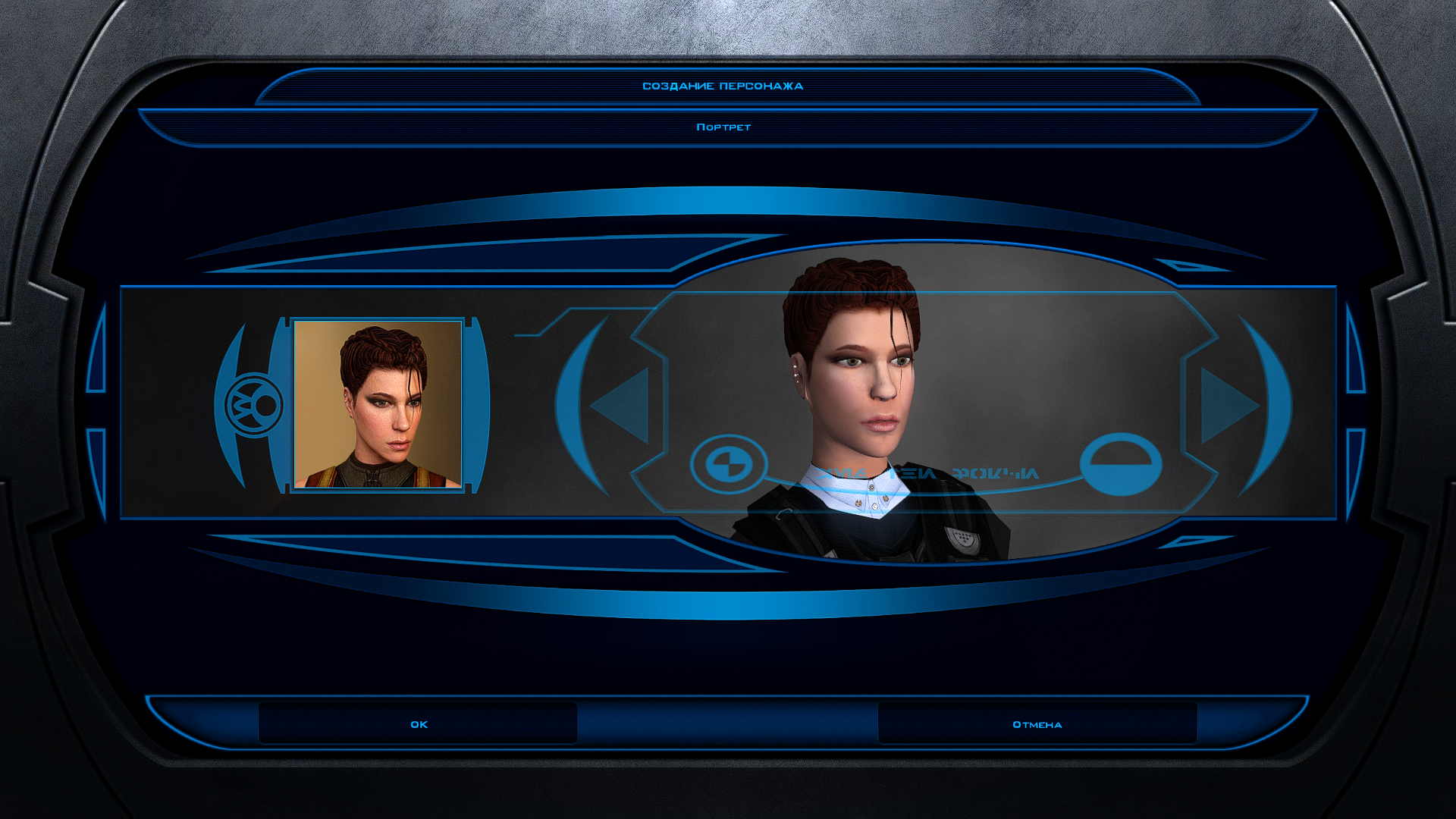
This mod modifies the player character's base model to remove their shoes. For your convenience, OpenRaster files are provided if you'd like to modify the textures provided. This is currently only available for female player characters. A KOTOR 2 version is available here. Installation: Open the mod's Override folder and copy the files within it into your game's Override folder. Compatibility: This mod overrides the following files: pfbal.mdl – female player base soldier model pfbal.mdx – female player base soldier model extension pfbal01.tga – female player base soldier texture, caucasian pfbalA01.tga – female player base soldier texture, asian pfbalB01.tga – female player base soldier texture, black pfbam.mdl – female player base scout model pfbam.mdx – female player base scout model extension pfbam01.tga – female player base scout texture, caucasian pfbamA01.tga – female player base scout texture, asian pfbamB01.tga – female player base scout texture, black pfbas.mdl – female player base scoundrel model pfbas.mdx – female player base scoundrel model extension pfbas01.tga – female player base scoundrel texture, caucasian pfbasA01.tga – female player base scoundrel texture, asian pfbasB01.tga – female player base scoundrel texture, black Permissions: Feel free to redistribute and/or modify the enclosed files as long as you do so legally and give credit to the contributors listed below. Credits: LucasArts – original assets BioWare – original assets Obsidian Entertainment, Inc. – original assets voidceta – modifications Tools Used: Kotor Tool – Fred Tetra Blender KotorBlender – seedhartha, ndix UR Uv Tools – Mark McKay GIMP Krita1 point -
@AxConsortium Thank you for giving a scripter's insight on all this. Everything's much clearer now. Yeah, it's one of the things that sparked the idea for the mod, since there definitely are ways to tip the scales without sacrificing much in terms of alignment. There are ways to get on their good side without gaining DS points, and there are ways to get on their bad side without gaining LS points—and the other way round. I'm also very glad you found the additional condition for Mira's line interesting. I'd say the mod's perfect now. I can already tell you there won't be any playthrough on my end without it. Many thanks again.0 points
-
Friends of KotOR and TSL modding: I have extended my renovation of Edge Of Darkness mod into next year, and I have set the exact date of an alternate new release. The date is February 1st. What to expect: AI voiceovers. An after ending chapter of the game. A surprise ending that is variable on a player choice. And if I can, I'll spread LS and DS points across all party members. There is an intro sequence for each planet explaining the mission that will be redeveloped. At least one landing zone NPC for every planet. A main quest in addition to planet quests. And a set of side quest, ideally one per planet. For now and for the entirety, EOD is a secret project. I cheated for a few years with the open source demo. My hat is off to all of you, Wizard, Thor, N-DReW, and Sith Holocron specifically have been incredibly helpful to reach this present state of affairs. See you all in 20270 points


.thumb.gif.91a11d126eb3f6d5a04eccb0d72ef59c.gif)