Leaderboard




Popular Content
Showing content with the highest reputation on 08/25/2026 in all areas
-
2 points
-
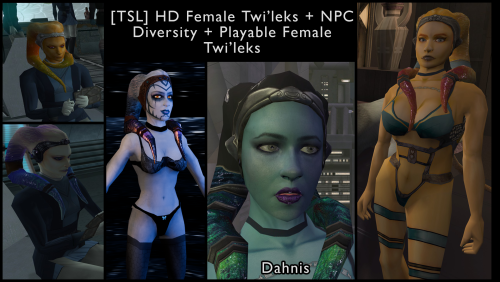 I bet it's cause you don't have these supermodels. I'll include them in the mod, but you can just download them from here and put both files into your override folder, and that should fix it. Let me know if it works and thanks for reporting it. SM_TwiFem.mdl SM_TwiFem.mdx1 point
 -
Hi! First off this is a great mod, it gives you more reasons to replay TSL. I'm having a little issue, the Telos dancers are T posing in my game. Any kind souls willing to gimme a hand? Thanks <3.1 point
-
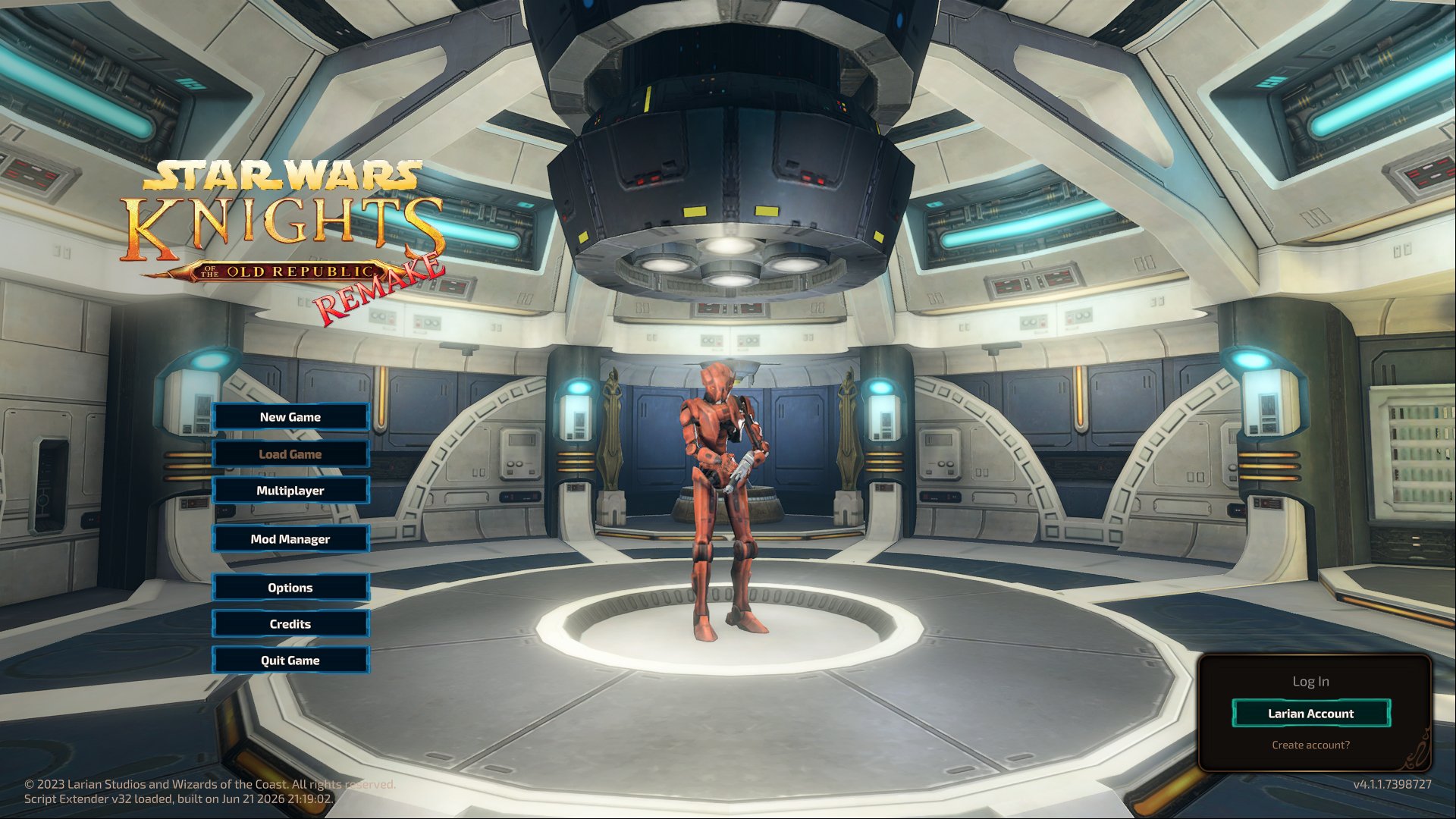
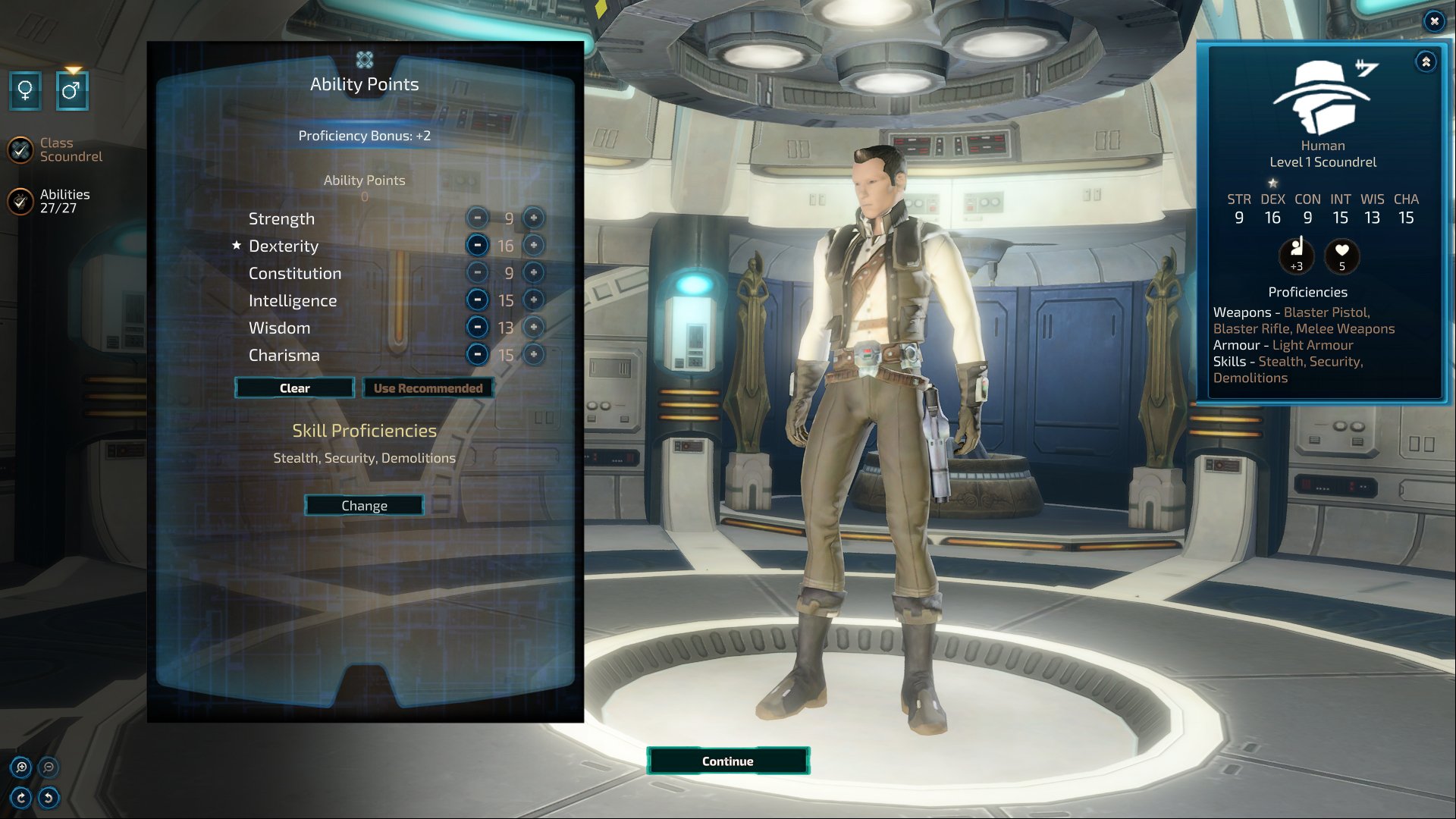
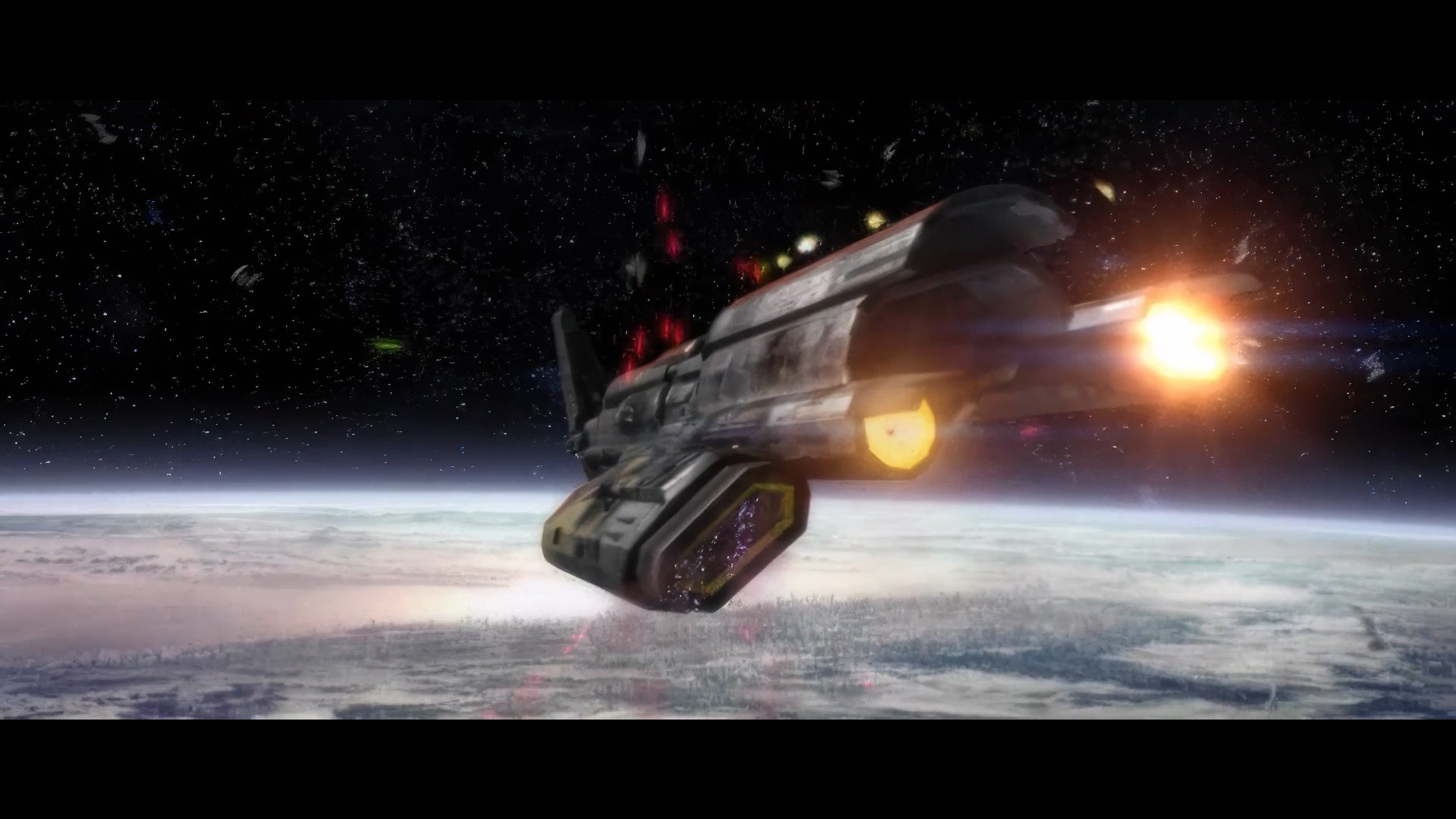
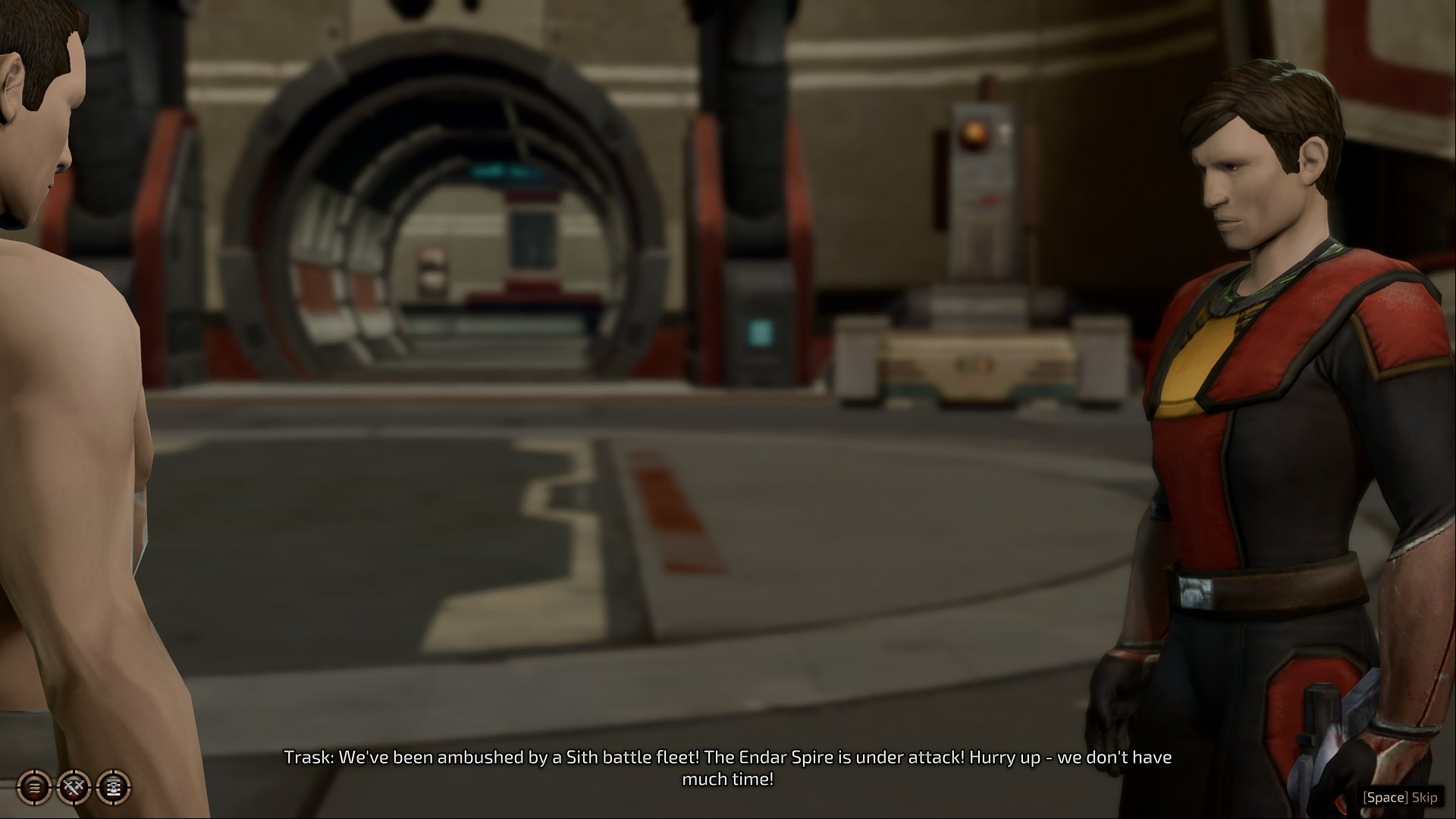
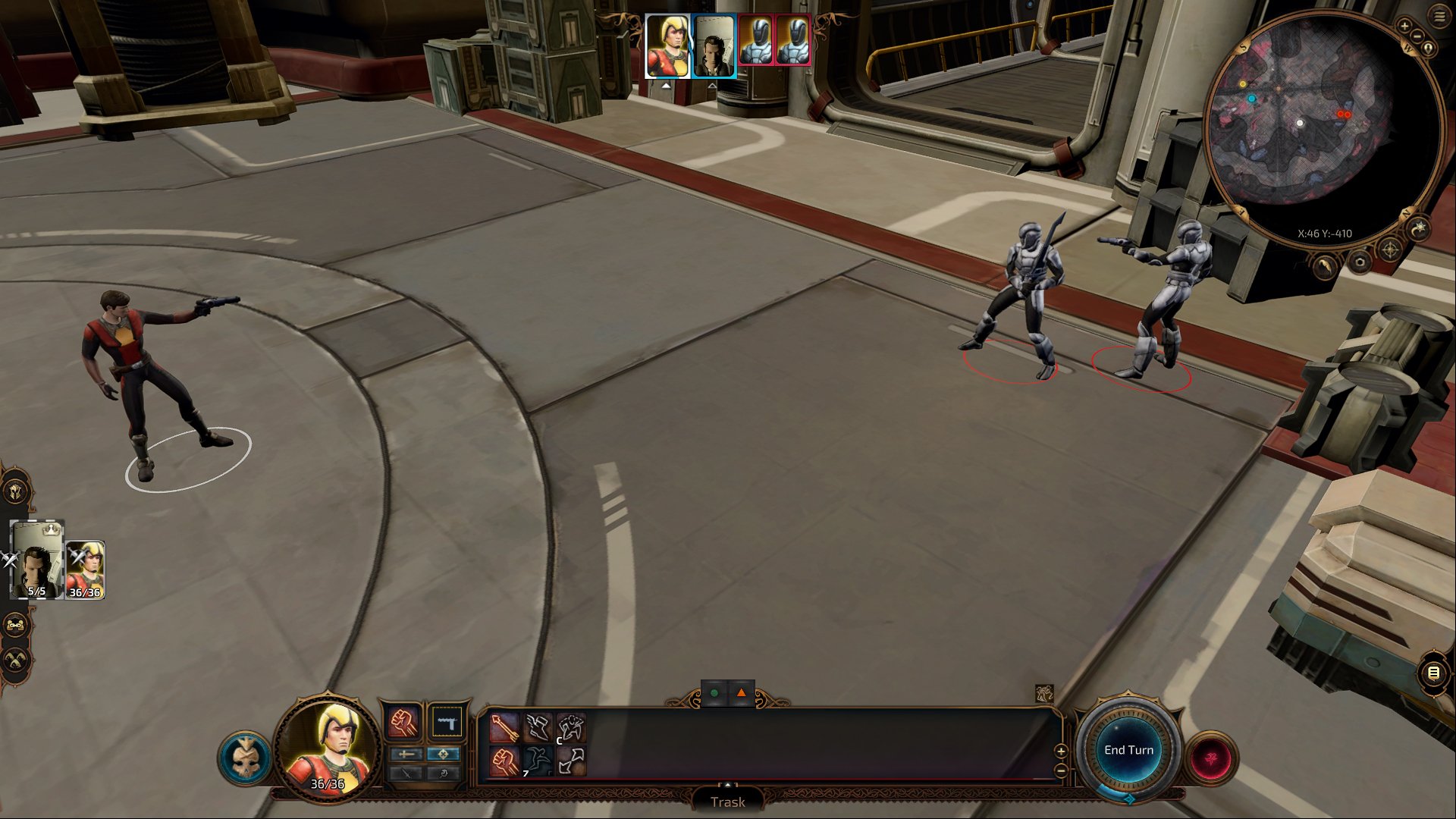
Hello everyone! This project started as a bit of brain rot a couple weeks ago. The official KOTOR remake feels lightyears away, so I wanted to see if I could just hack together my own playable version. I pulled the actual voice lines, scripts, and quests from KOTOR 1 & 2, grabbed visuals from SWTOR, and slapped the whole thing into the BG3 / Divinity 4 framework running on 5e rules. Turned out to actually be doable. I’ve got a rough test build running right now that handles combat and dialogue without exploding. Plan is to eventually run both games as one long campaign. A project manager joining me would be absolutely appreciated in helping holding the line, especially when scaling from the current vertical slice into the full long campaign that includes content from both games... I do have some videos as well, but they are on my website because I don't have any presence on the Western internet, and I don't know if it's okay to actually post my website here in this thread (although passive-aggressively it's in my profile). So I'm just gonna hold off for now until I get some sort of an official nod that is safe to do so because I don't want to step on anyone's toes.
 1 point
 -
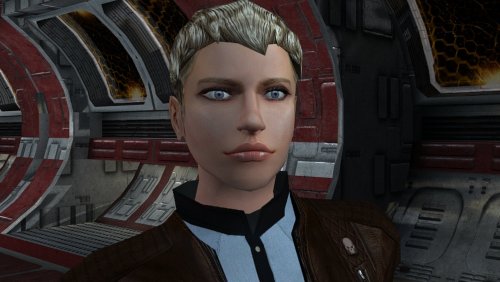
Version 1.0.0
31 downloads
The mod replaces the PFHC04 model and textures. To Install 1. Download: PFHC04 2. Copy all files to the Knights of the Old republic's Override folder. (Example location - C:\Program Files (x86)\Steam\steamapps\common\swkotor\Override) 3. When/if prompted to overwrite files, press okay. 4. If you like the mod; leave a comment or endorse! (It would be much appreciated) Made with love.1 point -
Better late than never, but I executed your idea into a working mod! Thank you for such a thoughtful idea. You can find it here.1 point
-
.thumb.png.3301b414885aa5c5ced45535fec5ddfc.png)
Version 1.0.0
31 downloads
Recreation of the idea of @muitafruita from an old thread, which I randomly stumbled upon and quite liked. As many of you know, the choice between Mira and Hanharr is locked by the Exile's alignment during the dock scene when going after Visquis. Light and neutral Exiles get Mira, while Dark Exiles are approached by Hanharr instead. Whoever approaches you first gets onto your ship later. Regardless of this, the game tracks a reputation score with the Exchange through the global variable 300NAR_Exchange_Favor, though it isn't utilized quite as well as it could be. And just as proposed by the idea's author, this mod changes the trigger conditions from being alignment-based to reputation-based. Now, if the Exchange favors you, you get Hanharr as a companion. If the Exchange disfavors you or has a mixed opinion, you get Mira instead. Sounds realistic, doesn't it? Your actual actions on Nar Shaddaa should decide, not the mystical Force-alignment no one probably knows or cares about. Notes: The mod can be installed and uninstalled at any time before you encounter Mira or Hanharr at the docks. After that, with or without the mod, your choice is sealed. TSLRCM is not required, but is always recommended. Installation: Copy following files from archive's "Override" folder to yours: a_hanharrconv.ncs; a_miraconv.ncs. Credits: muitafruita, for the original idea Fred Tetra, for KOTOR Tool TK102, for DLGEditor Torlack, stoffe & TK102, for NWNSSCOMP JdNoa & Dashus, for DeNCS Cortisol, for Holocron Toolset1 point -
View File AxC's Mira/Hanharr - Reputation Over Alignment Recreation of the idea of @muitafruita from an old thread, which I randomly stumbled upon and quite liked. As many of you know, the choice between Mira and Hanharr is locked by the Exile's alignment during the dock scene when going after Visquis. Light and neutral Exiles get Mira, while Dark Exiles are approached by Hanharr instead. Whoever approaches you first gets onto your ship later. Regardless of this, the game tracks a reputation score with the Exchange through the global variable 300NAR_Exchange_Favor, though it isn't utilized quite as well as it could be. And just as proposed by the idea's author, this mod changes the trigger conditions from being alignment-based to reputation-based. Now, if the Exchange favors you, you get Hanharr as a companion. If the Exchange disfavors you or has a mixed opinion, you get Mira instead. Sounds realistic, doesn't it? Your actual actions on Nar Shaddaa should decide, not the mystical Force-alignment no one probably knows or cares about. Notes: The mod can be installed and uninstalled at any time before you encounter Mira or Hanharr at the docks. After that, with or without the mod, your choice is sealed. TSLRCM is not required, but is always recommended. Installation: Copy following files from archive's "Override" folder to yours: a_hanharrconv.ncs; a_miraconv.ncs. Credits: muitafruita, for the original idea Fred Tetra, for KOTOR Tool TK102, for DLGEditor Torlack, stoffe & TK102, for NWNSSCOMP JdNoa & Dashus, for DeNCS Cortisol, for Holocron Toolset Submitter AxConsortium Submitted 08/05/2026 Category Mods TSLRCM Compatible Yes1 point
-
1 point
-
1 point
-
1 point
-
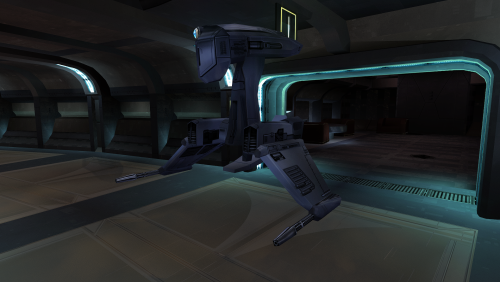
Version 1.0.0
133 downloads
This mod will replace and update texture files. To Install 1. Download: C_DrdSentry01.tga 2. Copy all files to the Knights of the Old republic's Override folder. (Example location - C:\Program Files (x86)\Steam\steamapps\common\swkotor\Override) 3. When/if prompted to overwrite files, press okay. 4. If you like the mod; leave a comment or endorse! (It would be much appreciated) Made with love1 point -
PLC_TwlkCrps.rar1 point
-
1 point
-
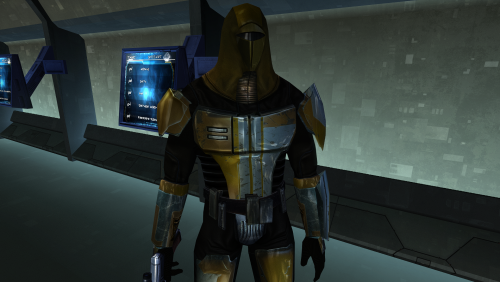
Version 1.0.0
364 downloads
This mod will replace and update Mandalorian Neo-Crusaders texture files. The Vurt textures have been edited. Seams have been refined, and details have been added and removed. Thanks to Vurt for the wonderful textures. It was a pleasure working with them. To Install 1. Download: N_Mandalorian (Vurt's KotOR Visual Resurgence).rar 2. Copy all files to the Knights of the Old republic's Override folder. (Example location - C:\Program Files (x86)\Steam\steamapps\common\swkotor\Override) 3. When/if prompted to overwrite files, press okay. 4. If you like the mod; leave a comment or endorse! (It would be much appreciated) Made with love.1 point -
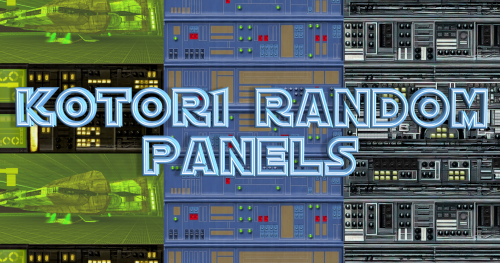
Version 1.3
284 downloads
KotOR1 Random Panels AUTHOR: Sith Holocron ORIGINAL RELEASE: 15 NOV 2024 FIRST UPDATED RELEASE: 21 NOV 2024 SECOND UPDATED RELEASE: 01 JAN 2025 SECOND UPDATED RELEASE: 20 NOV 2025 GAMES: Star Wars Knights of the Old Republic Description: While recuperating after open heart surgery, I needed a small project to keep me occupied. Something relatively stress-free so I could go about the work without getting to frustrated. I landed on redoing some of the panels for the various planets that *mostly* tend to look the same with minor difference in coloring. I settled on the panels included here. There are separate downloads for each game but some of the textures appear in both as Obsidian did reuse some of the textures. Installation: Drop the TGA files and TXI files into your Override. My textures have been labeled with their names on the download page so if there's one that you don't particularly care for, don't drop that one into your Override folder. If using another texture pack that includes identically named textures (whether they are TGA, TGA with TXI, or a TPC file), remove those from your Override before putting mine in. Uninstallation: Take the files you put in, out again. Known Bugs: None known at this time. Legal Disclaimer: All materials and copyrights belong to LucasArts, BioWare and Obsidian Entertainment Inc. I own none of the materials, and I'm not making any money out of this mod. It is to be distributed as-is without alteration.. This mod is not to be distributed for profit, either. I hereby state that I specifically do NOT wish this mod to be uploaded to Steam Workshop. Ever. I may release this on NexusMods at a later date but I don't wish others to do so. Usage in other mods must be requested AND approved by me before your use. Messages that request permission without providing information on how your alternate version would be different than mine should be considered an instant denial of permission. Thieves need not apply. (You know who you are.) Credits: Fair Strides, ConansHair, and LordMerek: For feedback on textures before release. Malkior's texture for the Ebon hawk was used in the Yavin Station texture.1 point -
Version 3.0.0
721 downloads
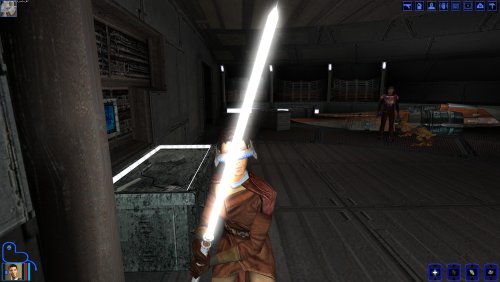
I always loved the extra lightsaber colors in TSL and have always wondered if it were possible to add the colors back into K1. I’m sure many of you wondered the same thing, and the answer is a definite “yes.” Five years ago JC released his fantastic Extra Saber Colors for K1 which I used for some time, but unfortunately wasn’t compatible with Crazy34’s new lightsaber blades. I initially didn’t use Crazy34’s new blades, but after trying it I couldn’t uninstall it. The new lightsaber blade system now adds ambient glow to lightsabers as well as fixing a variety of bugs with the models. I requested a compatibility patch for JC’s and Crazy’s mods, but no one fulfilled it so I decided to make a crack at it myself. I was initially baffled by the new blade system, but with the help of Crazy34’s modder’s resource I was able to figure it out. All I had to do was edit the blade textures and some RGB values in the models. I was very happy with the result. While I was at it I decided to add some additional colors as well. This mod adds a total of eight new colors to KOTOR: silver, viridian, bronze, magenta, chartreuse, cyan, orange, and indigo. Crazy34’s mod already added the colors from TSL, I just placed the crystals throughout the game. The rest were added by me. The new crystals use recolored variants from TSL. I may add different versions in the future, but I felt these were the most fitting. An optional HD Icons add-on has been included for JackInTheBox’s HD Icons mod. To install, just drop the files from the HD Icons Folder into your Override after the first part of the mod has been installed and overwrite. The crystals can be found in the following locations: Note the cyan and orange were edited slightly to make them different from Heart of the Guardian and Mantle of the Force. They are different in color but still very similar. Incompatibilities: Obviously not compatible with JC’s Extra Saber Colors mod. This mod will also likely not be compatible with mods that add extra hilts to the game. Other than that, no other incompatibilities are known. Crazy34’s mod is required for this mod to function. Make sure you have the “standard” option installed first. I do not wish this mod to be edited or redistributed without permission m. If you want to use anything, just ask first (the answer will most likely be yes). I just want to know when my work is being used. Credits: Crazy34 for the modder’s resource and awesome tutorial. Cortisol and Wizard for HoloPatcher. Stoffe for TSLPatcher and ChangeEdit. JackInTheBox for the icon mod and open permissions.1 point -

Version 1.9
9,248 downloads
Summary Early in the game, BioWare had Bastila appear in an outfit that's a homage to the infamous Slave Leia costume from Return of the Jedi. But it was just a retexture of her regular underwear. For the sequel, Obsidian made the same homage and included a more elaborate model that could be worn by most female members of the party once the item is acquired. This mod ports the K2 model to replace Bastila's outfit in K1. Note that this will not replace Bastila's easter egg appearance because that uses a different line in appearance.2da. That will have to remain a retexture of Bastila's underwear, unless one were to replace her underwear model with the dancer outfit entirely. Instead, this mod adds a dancer outfit item that Bastila can wear any time afterwards. It has the same properties as the item from K2 and can only be worn by Bastila. I've modified the dancer outfit model to more closely resemble Bastila's body shape. I've also changed the texture to match her skin tone and fixed a few minor errors I noticed. Finally, I've included an alternate texture that changes the outfit's color scheme from red to a sort of dark blue with gold flowers and a lavender trim. I was trying to match the color scheme of her original outfit. @Dark Hope has also made a new texture with that color scheme and it's a lot fancier. Note that if you want to use any other texture that isn't in a TPC file, you'll have to remove JC_SlaveBast01.tpc. Compatibility This mod is not compatible with other mods that affect Bastila's slave appearance. This mod uses my Supermodel Port for K1. This makes it super cripplingly incompatible with any other mods that alter the game's supermodels (the S_Female and S_Male files) unless the other mods utilize my Supermodel Port assets. These edits are necessary to give the player supermodels the bones required for the cloaks to animate. This mod's supermodels include my Supermodel Fixes for K1. So you don't have to worry about using that, or if these files are overwriting those. Use this mod's files. These supermodel edits somewhat alter some animations in the game. These adjustments were necessary to prevent the old stuff from clipping with the new stuff. It's essentially what Obsidian did when they added the new bones to the supermodel, but I've reversed the changes a bit to bring the animations closer to the original K1 style. Some models aren't so happy with the new rig. I've made some hotfixes for such cases where I can, but they won't be compatible with other mods that alter these models. I've instructed TSLPatcher not to overwrite these. P_JuhaniBB.mdl and P_JuhaniBB.mdx are two such files that will be skipped. If you use the Juhani Catlike Head Mod, I suggest that you use my version because I happened to fix the same thing that mod fixes anyway. You can copy those two files manually from tslpatchdata to Override. While this mod adds skirt bones to the player supermodels, at this time it does not add the bones or the necessary animations to the cutscene models. So the skirt flaps may appear stiff in scenes that use those. This mod edits the script k_ptar_bastpart.ncs in tar_m03af.mod. If install another mod that edits that script after this one, then you won't automatically get the dancer outfit item, but all the other changes will still take effect. You can cheat the item in if you want. The item name is jc_slavebast. I've instructed the patcher to skip the file ia_cloths_255.tpc if it finds another copy present. If this file isn't installed, it will look like something else in the inventory but everything else will be as it should be. Credits KOTOR Tool – Fred Tetra TSLPatcher – stoffe, with updates by Fair Strides ERFEdit – stoffe, with updates by Fair Strides NWMax – Joco KOTORMax & MDLEdit – bead-v This mod contains assets ported from Star Wars: Knights of the Old Republic II – The Sith Lords by Obsidian Entertainment. Permisisons I hereby grant nobody except myself permission to upload some or all of this mod anywhere for any reason. For any reason. If you would like to include any part of this mod in anything, then please contact me for permission. Disclaimers "We Beks don't believe in intergalactic slavery" but I guess they're totally cool with regular old domestic slavery? INTERGALACTIC SLAVERY NOT BELIEVED BY BIOWARE, OBSIDIAN ENTERTAINMENT, OR LUCASARTS. I was also going to make a "Song of the South" reference but I think anything I could possibly quote about that would be too offensive to be taken as a joke. Donations If you enjoy my mods and would like to show your support in a monetary manner, you may do so via PayPal with this donation link. For various legal and ethical reasons, this is entirely optional and is not a requirement to downloading or using any of my mods. I also do not create specific mods for hire. I make mods as a hobby and will most likely do so regardless of any donations or lack thereof, but modding does take up a lot of my time and every bit helps.1 point -
0 points
-
Version 1.0.0
270 downloads
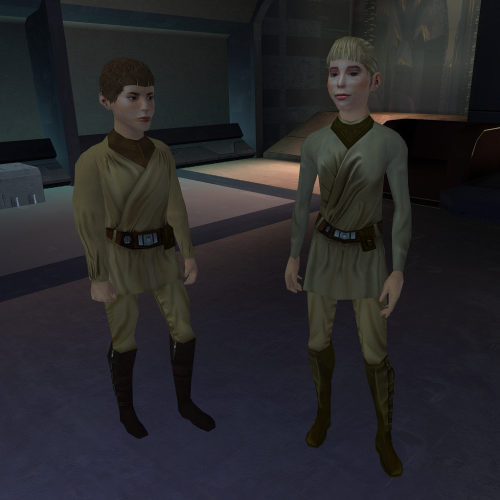
This mod will replace and update the children texture files. To Install 1. Download: Children.rar 2. Copy all files to the Knights of the Old republic's Override folder. ple location - C:\Program Files (x86)\Steam\steamapps\common\swkotor\Override) 3. When/if prompted to overwrite files, press okay. you like the mod; leave a comment or endorse! (It would be much appreciated) Made with love Edited March 14 by Dark Hope0 points -
0 points