Leaderboard



Popular Content
Showing content with the highest reputation on 05/04/2026 in all areas
-
Version 2.2.0
16 downloads
## Quick Setup 1. Download the Latest Archive version of **Mod Organizer 2 Beta 2.5.3** from the MO2 Discord and extract it somewhere with plenty of free space. 2. Download the **KOTORganizer plugin** and extract it into your MO2 folder. 3. Launch MO2 and complete the first-time setup: * Choose **KOTOR** or **KOTOR 2** as the game. * Choose **portable instance**. * Login to your nexus account, in the settings. 4. Open the **Sync** tab on the right side of MO2. 5. Click **Refresh** to pull the latest mod build instructions. 6. Click **Download All** and wait for the downloads to finish. * Some downloads will open in your browser and require you to click the download button manually. 7. Once all downloads are finished, click **Refresh** again to validate the files. * If any files are missing or mismatched, download them again. 8. When all files are validated, click **Sync** to install the mod list. * This may take some time. * The process is complete when the patcher window shows the final error and warning count. 9. Click **Run** to start the game. NOTE: The following are not included and will need to be patched/installed manually: - Widescreen Patches for KOTOR - 3C-FD Patcher for KOTOR2 - Upscaled Movies for KOTOR and KOTOR2 KOTORganizer MO2 Plugin KOTORganizer extends Mod Organizer 2 for both STAR WARS Knights of the Old Republic and STAR WARS Knights of the Old Republic II: The Sith Lords. Why Mod Organizer 2? Mod Organizer 2 already provides a stable foundation for mod management across many games. Extending it for Star Wars: Knights of the Old Republic and Star Wars: Knights of the Old Republic II: The Sith Lords gives KOTOR modding access to MO2’s biggest strength: the virtual file system. With MO2, the game sees modded files as if they are in the game directory, while the real game folder stays untouched. This keeps the base install closer to vanilla, makes mods easier to enable or disable, and gives better visibility into how files overlap or conflict. MO2 does have a learning curve, but for advanced KOTOR/KOTOR2 builds, the extra structure is worth it. Who Is This For? This plugin is mainly intended for larger KOTOR/KOTOR2 mod builds, repeatable installs, and users who want better insight into file conflicts. An auto downloader and installer is included to easily deply the Mod Builds from https://kotor.neocities.org/ If you only install a few simple loose-file mods, this may be more tool than you need. If you are building a large mod list with many TSLPatcher mods, texture overrides, and compatibility concerns, MO2 provides a much cleaner workflow. Installing Mod Organizer 2.5.3 Beta is required. The current unreleased beta builds include features that KOTOR support depends on. A beta build can be acquired from the Mod Organizer 2 Discord in the dev-build channel. Development has been more active recently, so an official release should be available soon. Once you download and extract MO2, download and extract KOTORganizer to the MO2 directory. Launch ModOrganizer.exe and you can verify the plugin is loaded by opening the Info tab on the right. The sync tab can download and install the mod builds from https://kotor.neocities.org/ Texture Management KOTOR uses several texture-related file types, including .tpc, .tga, .dds, and .txi. MO2 normally only detects exact filename conflicts, but KOTOR has additional texture priority rules that can cause problems even when the extensions differ. The texture management tab helps bridge that gap. It detects conflicts across supported texture formats and highlights them by severity. The highest-severity conflicts are cases that may cause hard crashes in-game. Lower-severity warnings include cases where a .tpc takes priority over a .tga or .dds unexpectedly. An Auto Fix button is included to resolve supported texture conflicts based on the current MO2 mod priority order. TSLPatcher Management Many KOTOR mods use TSLPatcher-style installers instead of simple loose-file installs. The patcher tab lists enabled mods that contain a tslpatchdata folder and can consolidate their patched output into a single MO2-managed mod. Double-clicking a patcher mod shows more detail, including: the changes.ini parsed human-readable install actions detected conflicting patch actions the latest install log A test tab is also available for simulating or testing a single mod install before running the full patcher process. When the patcher process is run, enabled patcher-style mods are processed in priority order and consolidated into a [PATCHER FILES] mod in MO2’s left panel. Automatic Mod Deployment The sync tab is designed to help download, validate, and install mod builds that follow the instructions from the KOTOR Mod Builds site. The Refresh button pulls the latest instruction set and checks for missing files. Download All starts downloading missing mods in sequence. Nexus Mods downloads require logging in with a Nexus account inside MO2. Deadly Stream mods can be downloaded automatically when supported. Mods from other sources open in an Edge browser window, where the user only needs to click the download button. The browser window closes automatically after the download completes. Downloads can still fail. Servers can be slow, unavailable, or inconsistent, and some files may need to be retried manually. Once all files are validated through Refresh, the Sync button becomes available. Sync extracts the downloaded files, runs the multi-patcher, and applies supported texture conflict fixes. When the patcher summary appears with the number of errors and warnings, the process is complete. Manual Mod Installing KOTOR mods are often packed inconsistently. The plugin includes a KOTOR-specific mod data checker that recognizes common archive layouts and can fix many of them automatically. This is especially useful for loose-file mods and patcher-style archives that would otherwise require manual cleanup before MO2 can install them correctly. Steam Workshop Warning If the game is installed through Steam and Workshop content is detected, the plugin warns the user. The intended workflow is MO2-managed content, not a mixed MO2 plus Steam Workshop setup. Mixing both can make conflicts harder to understand and can lead to unexpected file priority issues. Save Support The plugin integrates the game’s saves folder into MO2. Save entries can show timestamps, basic metadata, and screenshot previews. Profile-specific saves can also be enabled through MO2 settings. Limitations This plugin is meant to reduce repetitive setup work, improve conflict visibility, and make large KOTOR/KOTOR2 builds easier to manage. It does not remove the need to read mod instructions. Mods with unusual installers, custom compatibility patches, manual edit requirements, or unsupported archive layouts may still require manual review.3 points -
Version 1.0.0
4 downloads
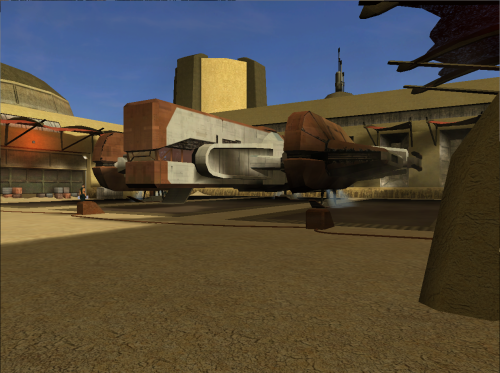
Ported clean version of HD Ebon Hawk -TSL to KOTOR. The original texture was upscaled then a lot of manual cleanup and detail was added. The original leviathan hangar ebon hawk texture was missing reflections and it has been fixed. Compatible with Yavin Station Hangar by WildKarrde2 points -
Version 1.0.0
4 downloads
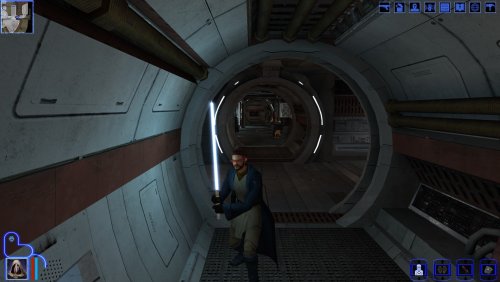
Description: I've been playing Sleheyron for the past week or so and I've absolutely love it, shoutout to The Chaser One for testing Sleheyron and SAO for making the Sleheyron mod. However, I noticed compared to other lightsaber mods on Deadly Stream (Which I bet you have at least one in your modlsit), the one you get on Sleheyron sorta lacks visually. So I decided to make a patch for it that will add UV lighting and enhance the the hilt textures & Icons, shoutout for J for making the Lightsaber hilt variety which was used for the files for this patch. Installation: All you have to do is install Sleheyron first and then extract, & install all the files in my patch to your override sub folder in your swkotor folder, and let them override the ones already in the folder Compatibilty: This mod should theoretically work on its own, as long as you install Sleheyron first. Though if you want to use Lightsaber hilt variety (which I recommend as his mod adds UV lighting and hilt texture upgrades to all the lightsabers), install his first before my patch. Things I should mention: Because of the Shortsaber's texture in the Sleheyron mod, the one in this patch will look slightly different from the hilt variety one, shouldnt be much of a hinderence though. I also want to mention that this is a texture patch, this will not edit any stats or locations that affects the crystal. ALSO I DID NOT MAKE ANY OF THESE FILES, I simply renamed files from J's mod to replace the ones in Sleheyron. Credits: -J's Lightsaber Hilt variety and Crazy34's lightsaber blades for the UV lighting and hilts -JC's extra saber colors for the lightsaber icons -Sleheyron for the awsome new planet and crystal1 point -
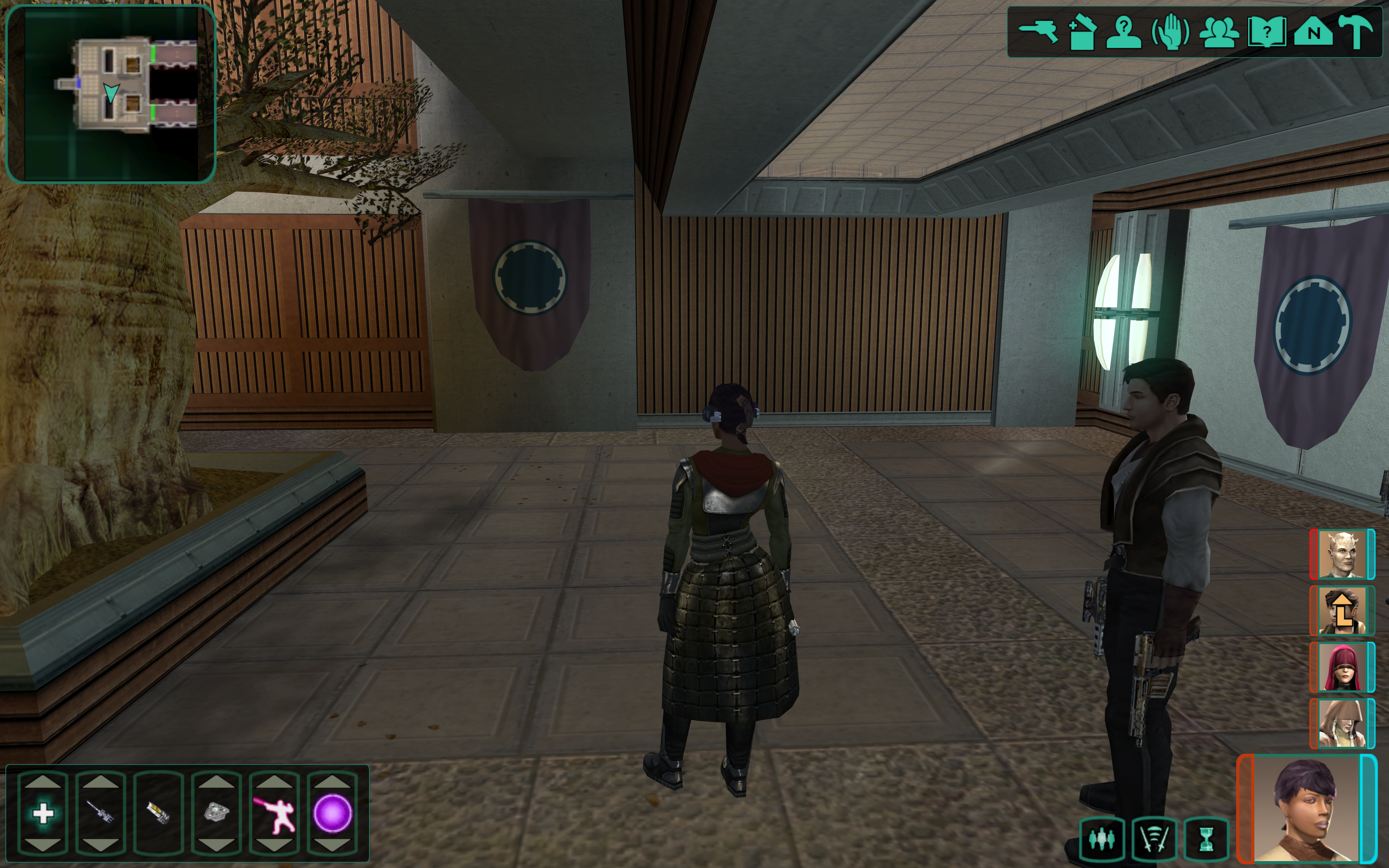
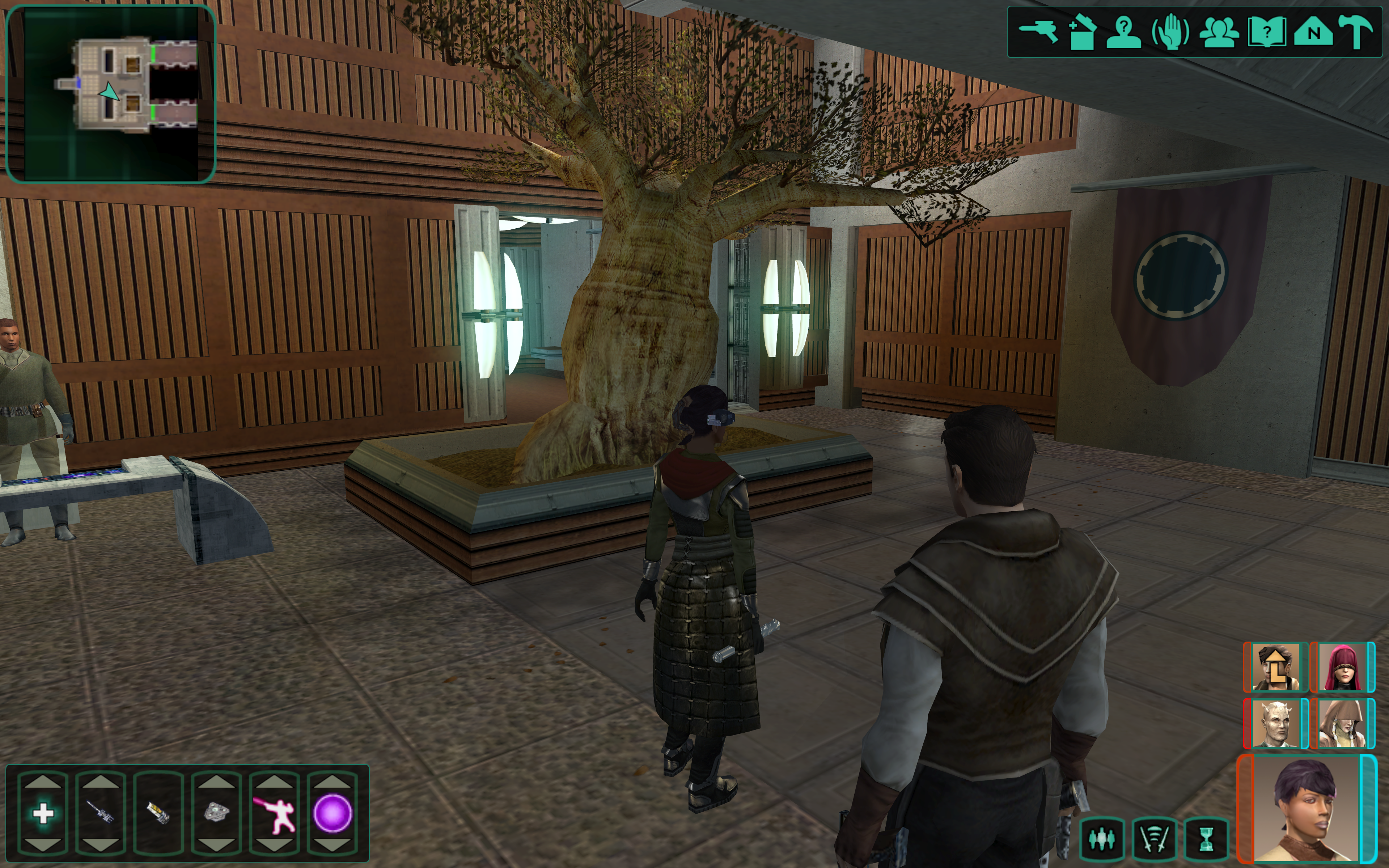
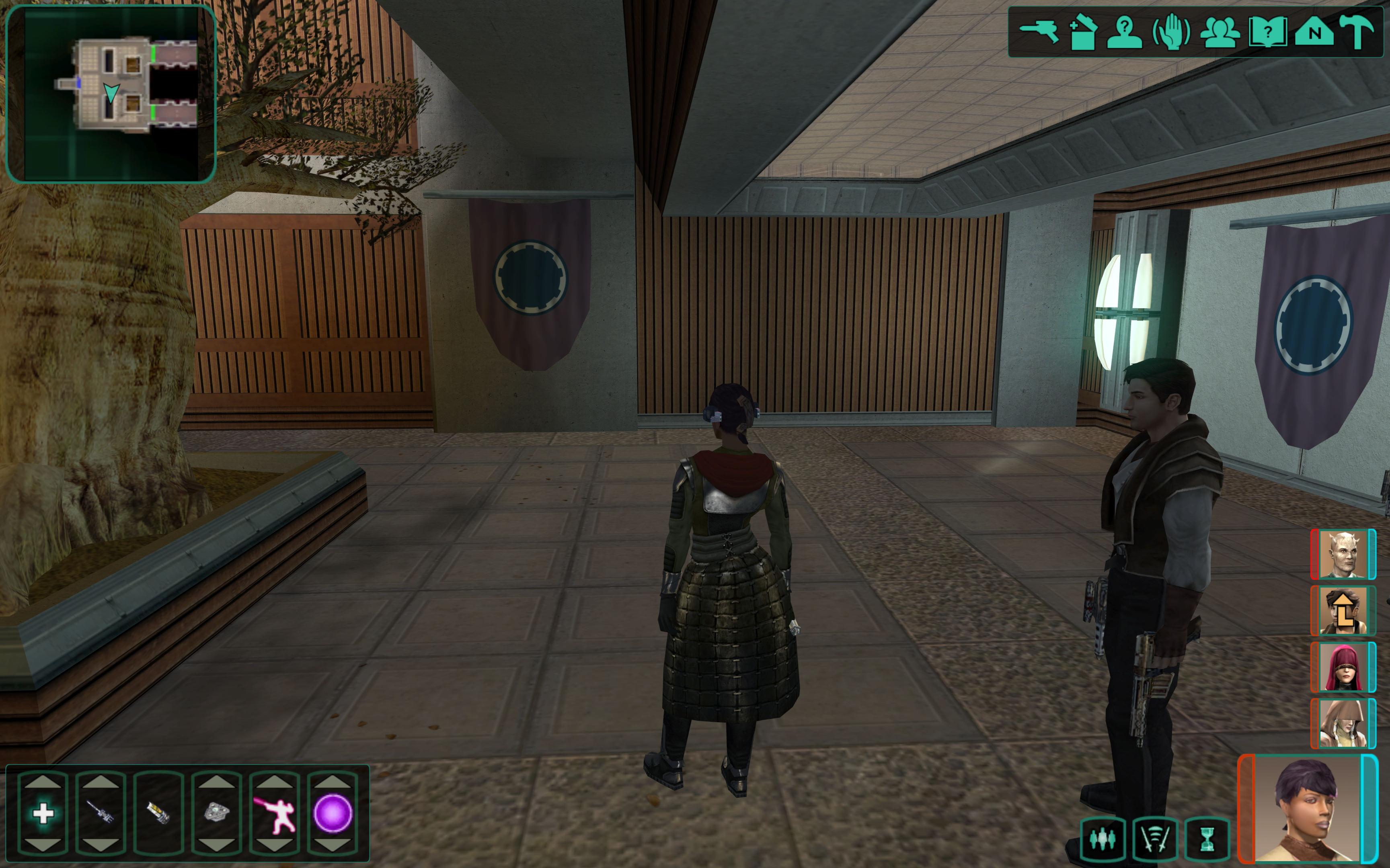
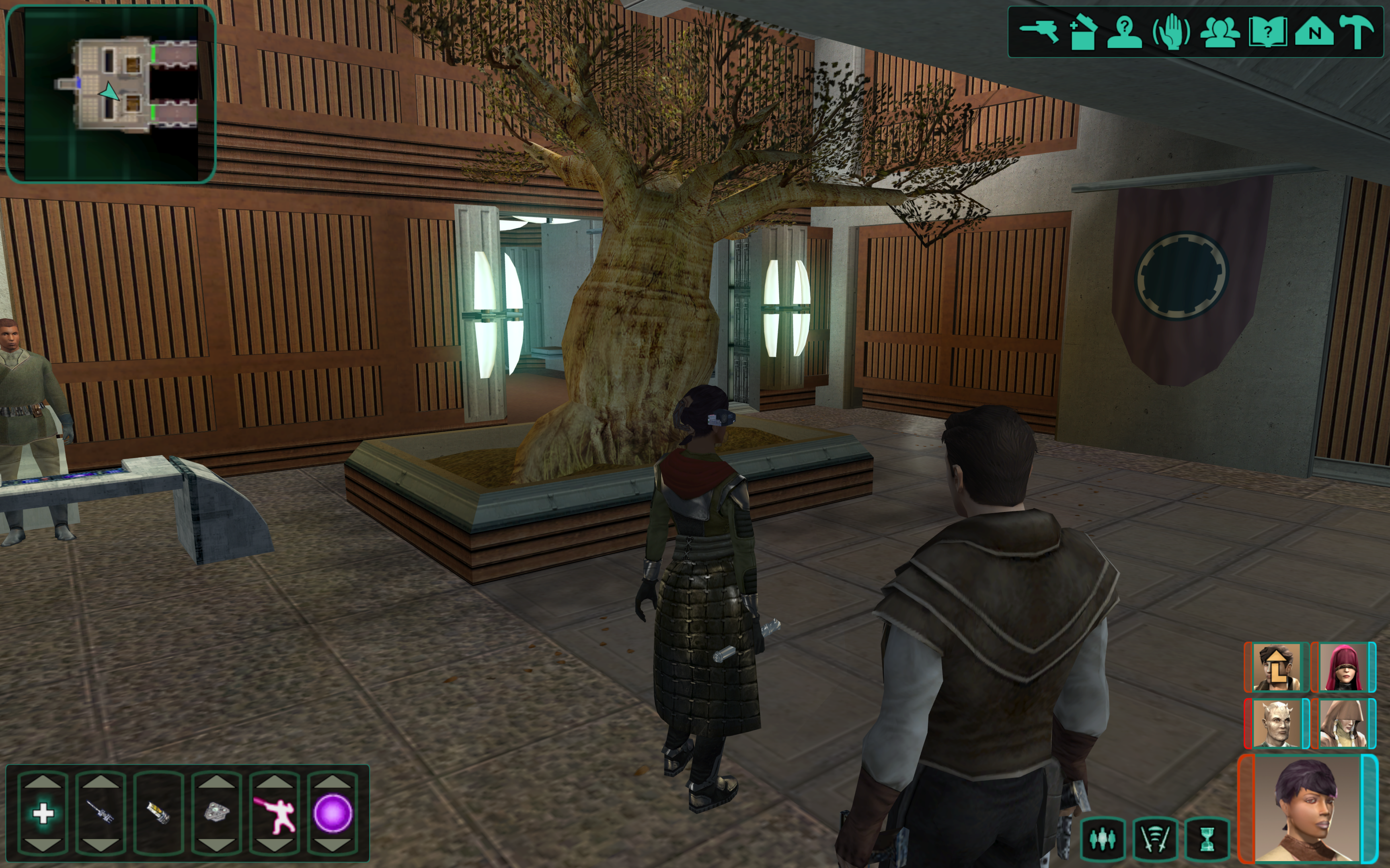
Hello friends, I am currently developing a patch for K2 that extends the active Party from 3 to 5. I've got a lot of it worked out: Adding to party from party select screen Combat, Skill Usage, Quest Reward Experience Propagates to 4th and 5th slots Buffs/Debuffs can be added to 4th and 5th slots. The icons display. Autolevel up will autolevelup 4th and 5th slot members. Most movement related bugs are sorted, still some quirks with pathfinding and spawn location to sort out GUI has been fixed to show 4th and 5th slots. 4/5th slots can react to conversations, start dialogue, gain/lose influence. Things still needed: 5th slot doesn't show level up icon. (Shouldn't be a difficult fix) Scripts that hard code iterating through the party with 3. These will all have to be changed. In menu portraits don't show, researching fixes for this. Coming to a KOTOR Patch Manager Near You, some day, don't ask. I'm working on it.
 1 point
 -
Almost a year ago now, the first Episode of the Revenge of Revan mod was released to the public - allowing you to play the first visit to Corellia. Now, in the Big 2026, I am here with an update to the mod's ongoing development. Despite the silence here on Deadlystream and, sadly, in the ROR Community's Discord server, development of the mod is going well. ROR Episode 1.5 is slated to appear on Deadlystream at some point this year. This will be a ROR Addon which will be uploaded here on Deadlystream and will be installed after ROR Episode One. ROR Episode 1.5 will add bug fixes, quality of life changes, and even the much requested side quest, into ROR Episode One. The content which will shall experience in the ROR Episode 1.5 Addon will be included in ROR's Episode Two update which will add Nar Shaddaa to ROR which can be played after the Party leaves Corellia, instead of end credits as there is now you shall be teleported to Nar Shaddaa and the game will continue with new areas, NPCs, and side quests to play. In the mean time, I am displeased to announce that the current Revenge of Revan Community Discord Server is going to be discontinued. In its wake, I am pleased to announce that I shall be making a new Revenge of Revan Community Discord Server to replace the old one. The problem with the original ROR Discord Server, the one that Logan launched with the release of ROR Episode One, is that Logan was both the sole Admin and didn't use Discord meaning it is vulnerable to spam attacks as no one active in the Discord dev team can do anything to stop the intrusions. This new Discord Server is obviously the best solution I can implement to curtail the spamming problem in the ROR Community as I, and active member of the community, shall be at the helm as Administrator. I do hope that, with the launch of the new server, that players like yourselves shall be able to engage with the community without having to deal with spammers. It is advised to all users in the original Discord Server to leave and join the new one. I shall get around to posting the old screenshot leaks from the old Discord Server and into the new one, alongside some brand new screenshots previewing the current work. Here is the link to the Discord Server, please let me know if the link is not working for you.1 point