Leaderboard


Popular Content
Showing content with the highest reputation on 05/29/2026 in all areas
-
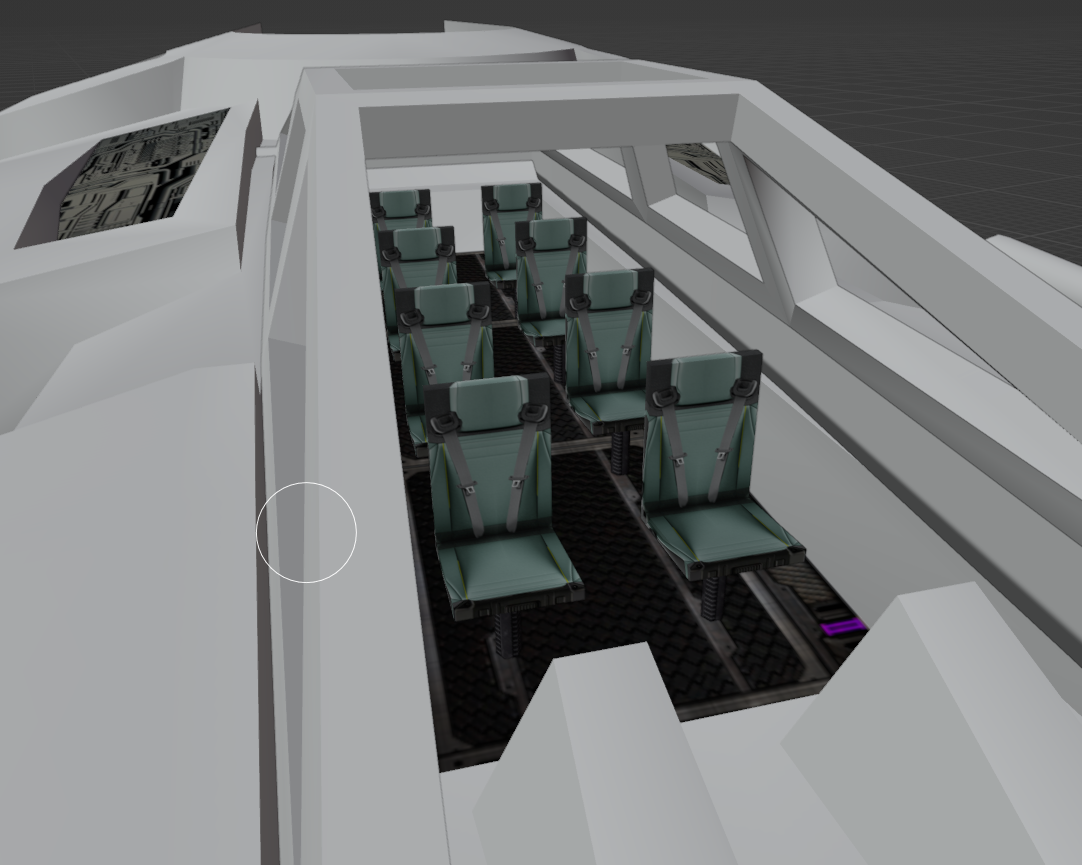
The work has begun.
 1 point
 -

Version 2.0
216 downloads
Vanilla Planets HD is a texture upscale mod for kotor 2 the sith lords. Now includes files for M4-78 Droid Planet and Cathalan Improvement Project. Check Version 2.0 changelog for details on other planets. This mod upscales all planet and area textures using Topaz Gigapixel at 4x resolution. The goal is to keep the game as close to the original vanilla look as possible, but with cleaner, sharper, higher-resolution textures. I made this because while I really like ShiningRed’s planet texture mods, some surfaces looked a little too reflective and glossy for my taste. I wanted HD textures that keep the original look. Main features Upscaled planet and area textures using Topaz Gigapixel at 4x resolution. Covers all major planet and area textures. All screens and displays are included Keeps the look as close to vanilla as possible. No reshade, lighting edits, shader changes, or major visual redesigns. Designed for players who want sharper textures without changing the original KOTOR II style. all areas are included: Peragus and harbinger Telos Ebon Hawk interior Dantooine Dxun Malachor V Korriban Nar Shaddaa Onderon Shared Planet textures part 1 (Very important) Shared Planet textures part 2 (Very important) Optional: M4-78 Droid Planet Cathalan Improvement project textures Installation Instructions There are 13 files total. Download and extract the files you want to use. Extract the included Override folders into your main Knights of the Old Republic II directory. You can also place the TGA files directly into your existing Override folder. Updating From an Older Version If you are updating from an older version, delete PLC_FrcDist01.tga from your Override folder. This file was removed because it could cause a crash when starting a new game and loading into Peragus. Replace files if prompted. Requirements This mod does not cover skyboxes, backdrops, or cockpit window views. I intentionally left those untouched because there are already three amazing mods that cover them really well. Those mods will be linked in the Requirements and Recommended Mods sections. Recommended Mods For the best overall visual setup, I recommend using this mod alongside High Quality Skyboxes II TSL Backdrop Improvements TSL HD Cockpit Skyboxes Ebon Hawk HD - 4X or HD Ebon Hawk by J (for ebon hawk exterior) Remove Duplicate TGA-TPC (to remove duplicate tpc files) Community / Support For KOTOR 1 and KOTOR II modding help, tech support, mod requests, resources, tutorials, project discussion, and mod updates, join my discord server, Kotor Workbench: Kotor Workbench modding server Modders and non modders are both welcome.1 point -
Version 1.0.0
66 downloads
All maps x4 upscaled to HD Vanilla Maps HD (K1) upscales the original KOTOR 1 map textures while keeping the vanilla look intact. The maps are high res (2k) and much sharper. All maps were upscaled 4x using Topaz Gigapixel. Main features Upscaled vanilla map textures. 4x Topaz Gigapixel upscale. Installation instructions Copy the Override folder into your main Knights of the Old Republic directory. Replace files if prompted. Interested in creating KOTOR mods, learning the tools, sharing projects, or requesting mod ideas? Join Kotor Workbench, My Discord community for KOTOR 1 and KOTOR II modding resources, tutorials, project discussion, mod requests, tech support, and mod updates. Kotor Workbench Modders and non modders are both welcome. No paid mods, paid support, or promotional content.1 point -
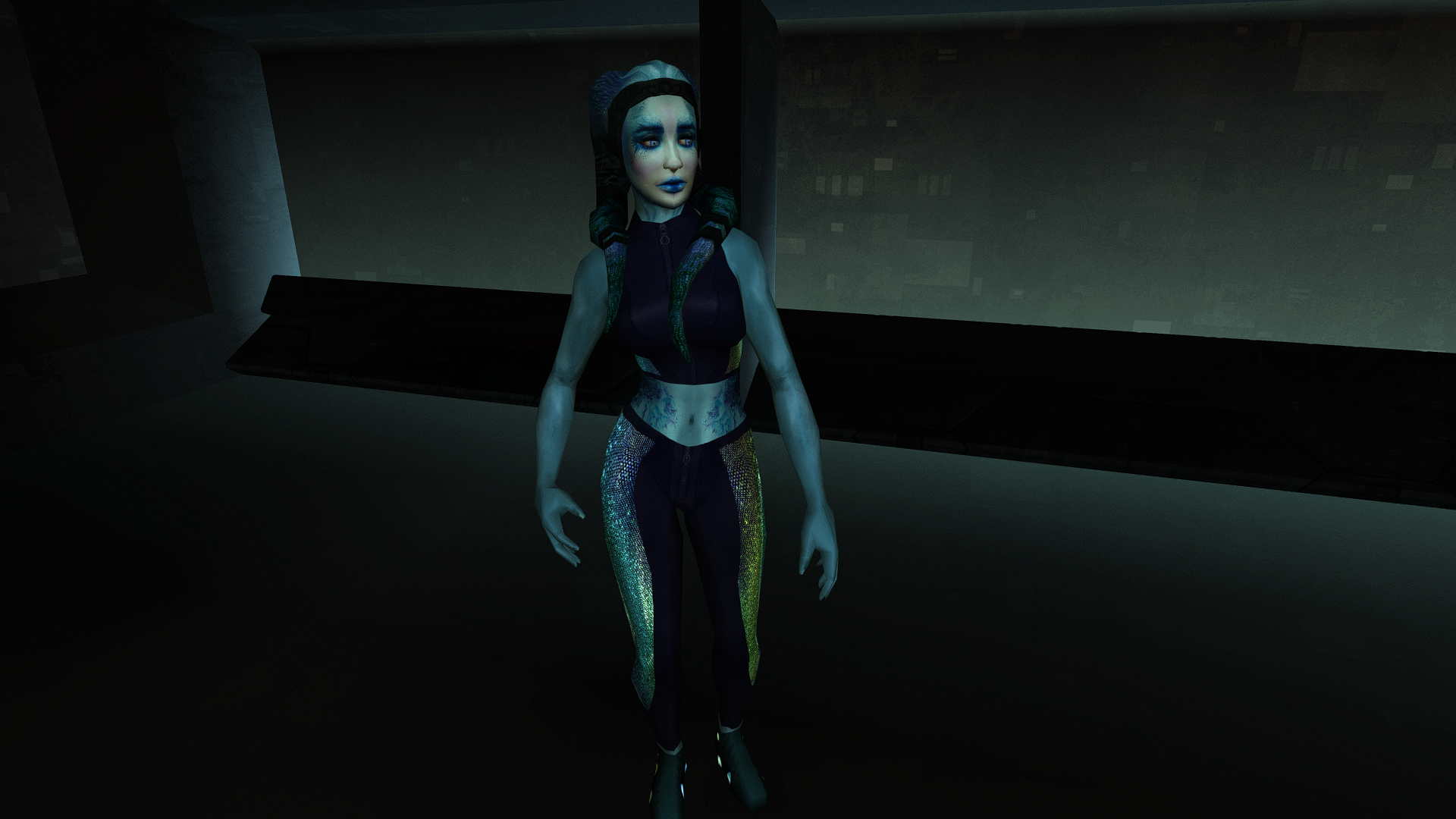
Lyn Sekla dheb_LynSekla.rar
 1 point
 -
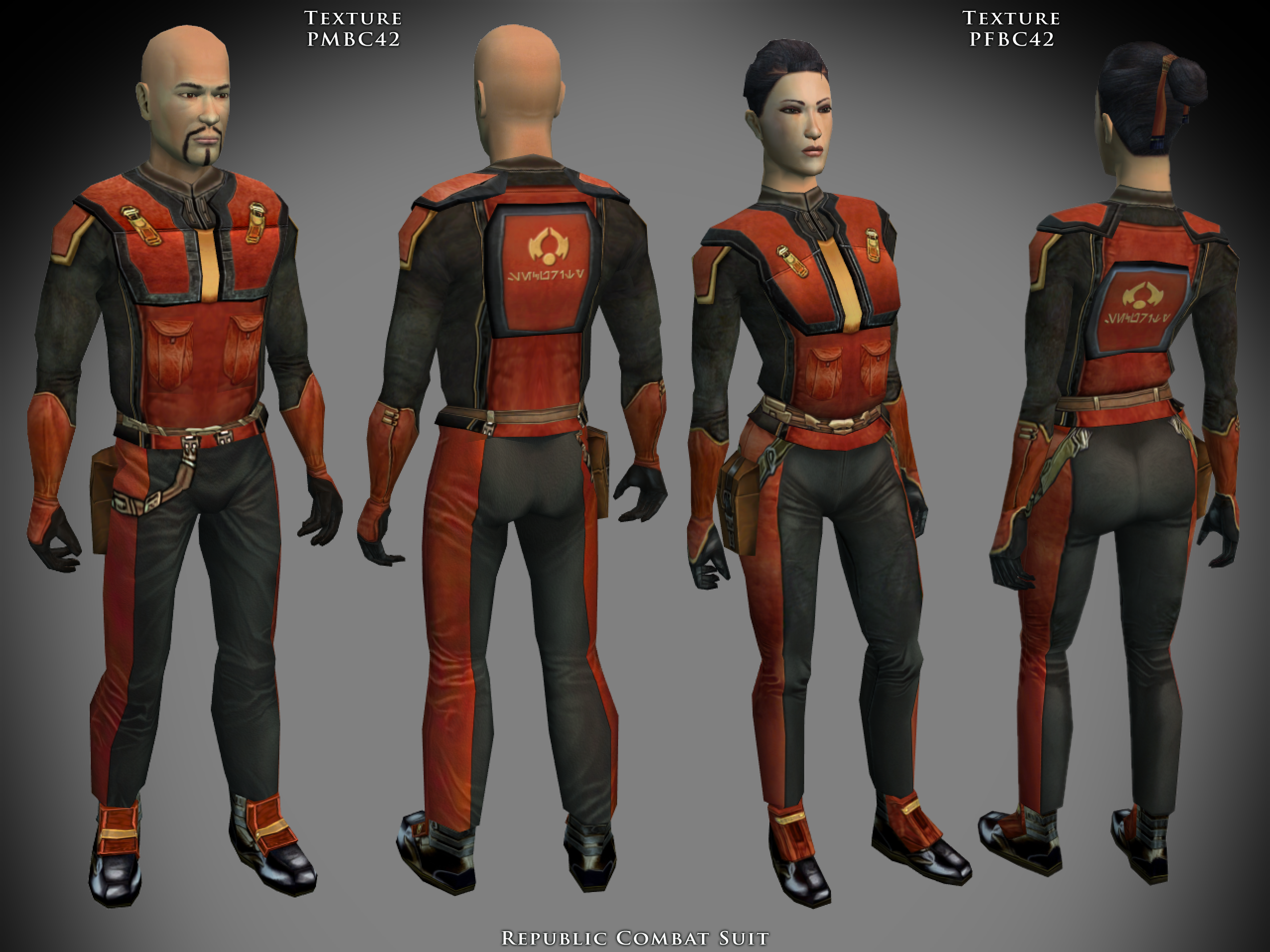
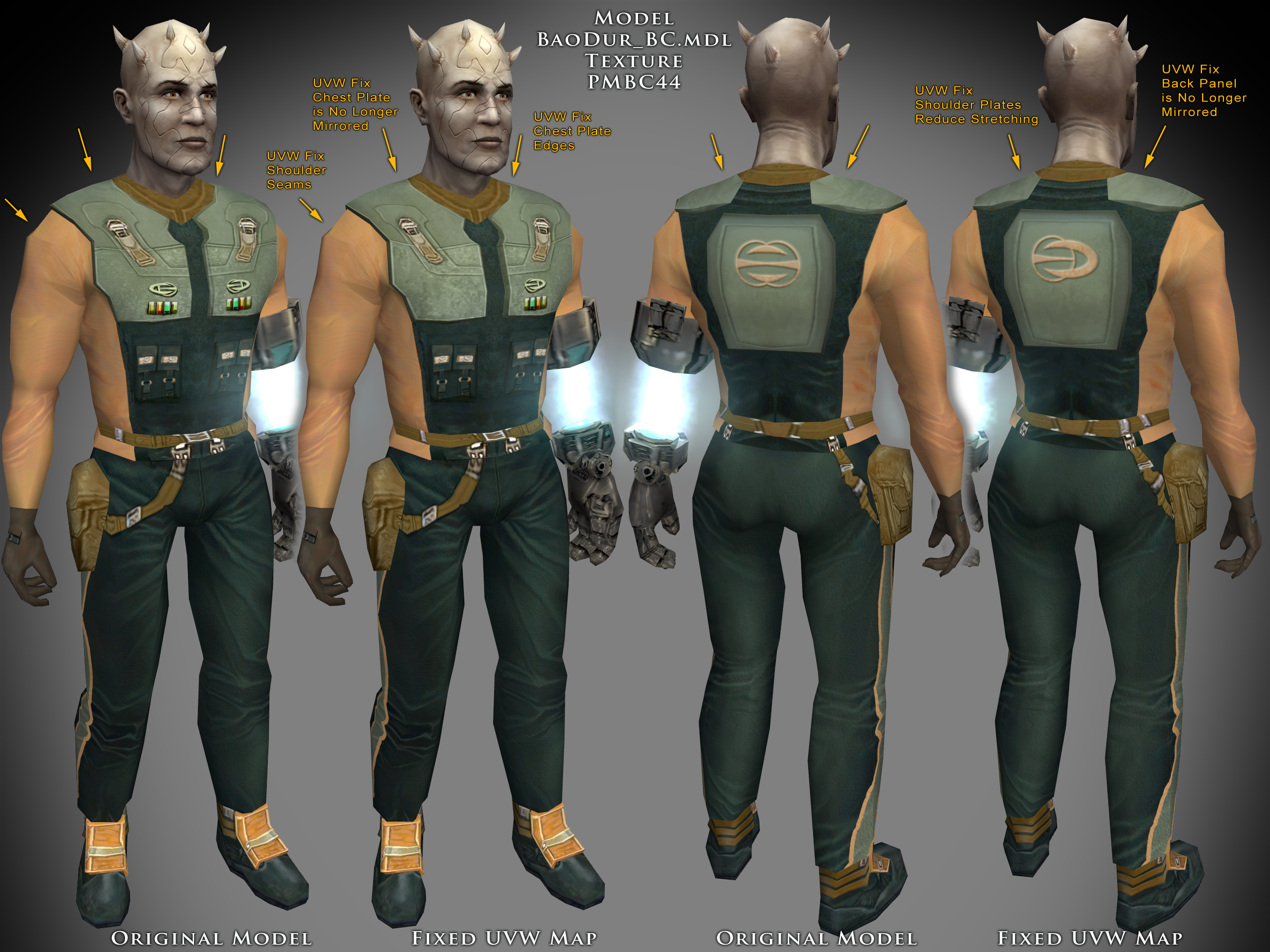
Hey KotOR community, I need help. As you may know, I like making model and texture mods. My biggest weakness though, is actually packaging them up and releasing them. I'm sitting on a few small piles that I should just stop nitpicking and release them already. Since I don't check in very often, I fall out of the loop and so I have some questions which leads to option paralysis. Specialized Combat Suits HD I have made 4x upscale versions of my Combat Suits mod, so I'd like to replace the old one. The thing is, I don't know the best way to group the files for the end users. I want to have versions for 4x tga files (2048x2048 px), 4x tpc files, and 2x tpc files. Should I make three separate mod releases or combine them into one 7zip download and ask the user to pick their preferred files? What size icons should I include 128px or 64px? I don't know if there are issues with the icons depending on if someone is using upscaled and/or widescreen menus or maybe it doesn't matter? I do plan on releasing separate K1 and TSL versions. There are eight combat suits to choose from. Here's a K1 sample: Here's a TSL sample: Any advice you have will help me with the Read-Me instructions.
 1 point
 -
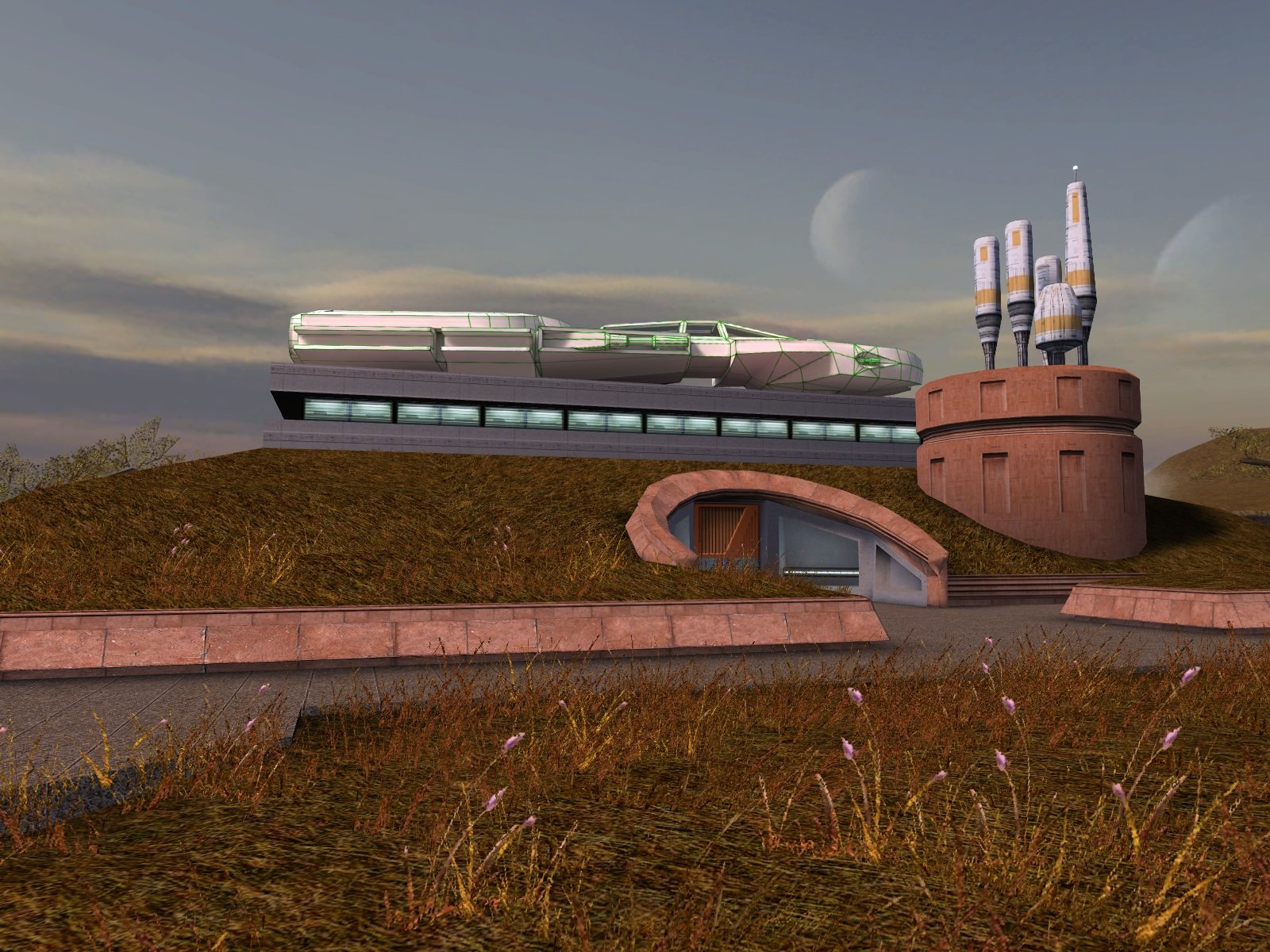
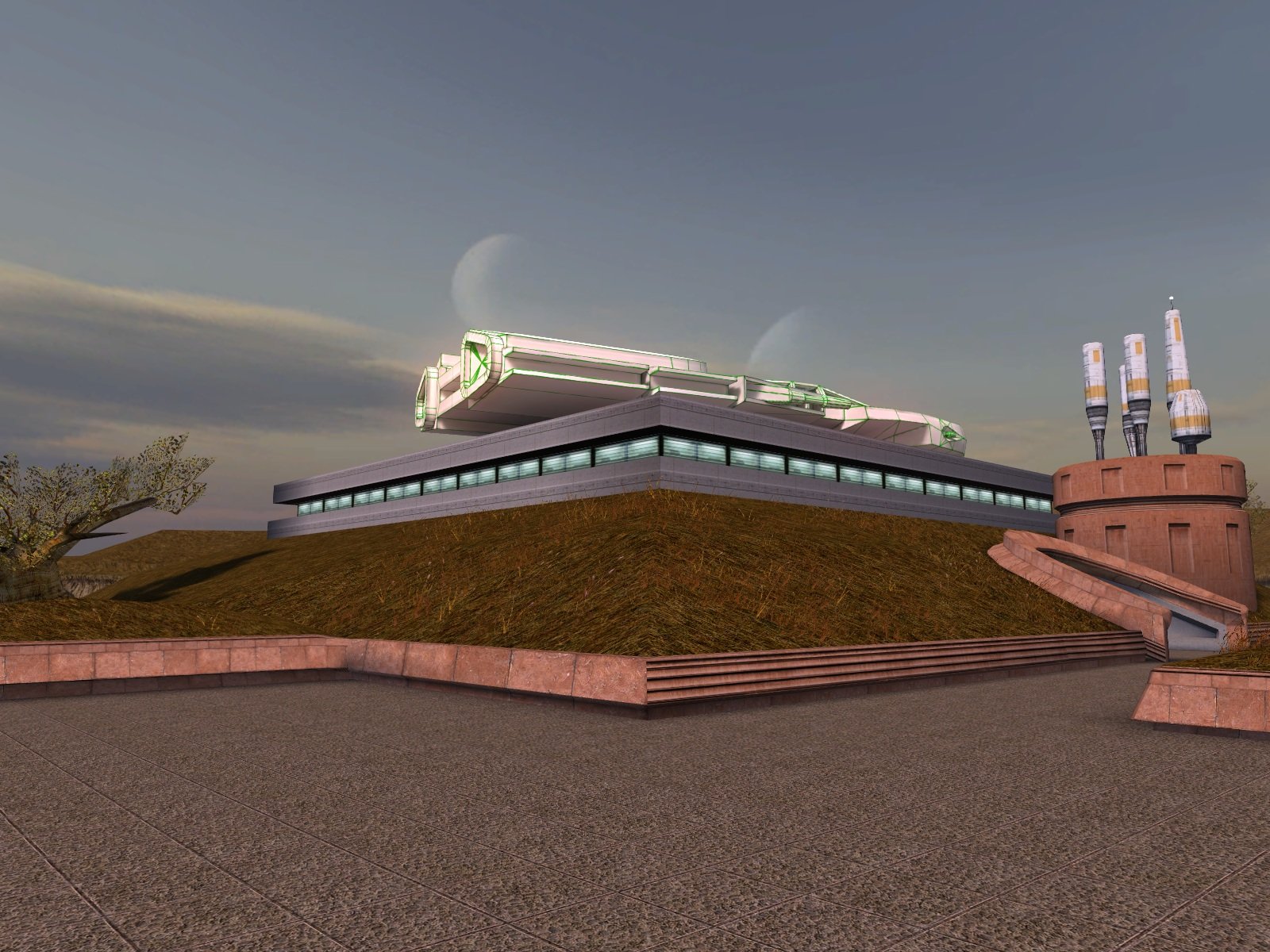
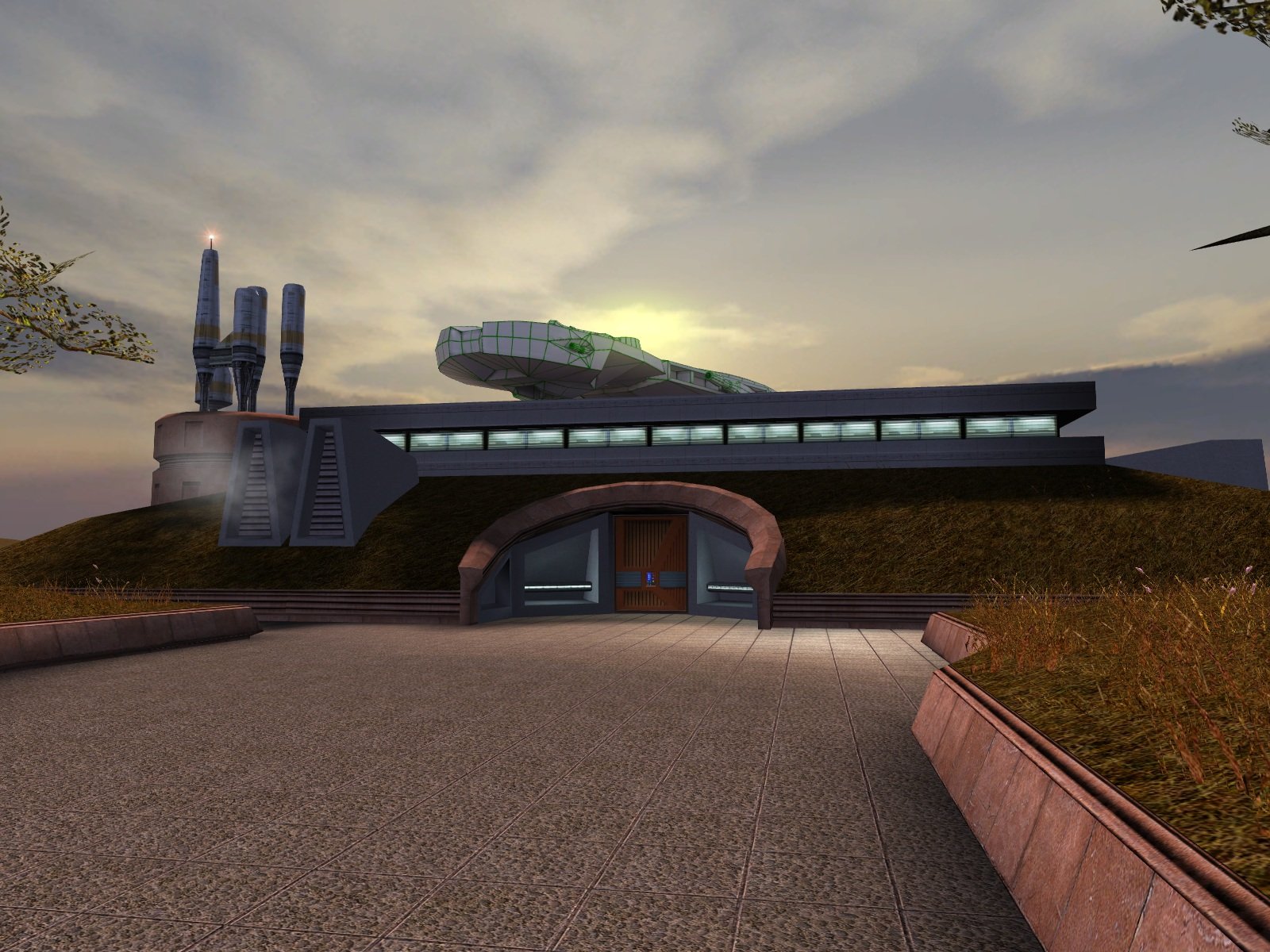
Update: I have finished the lightmapping and attached the updated version. Now all it needs is someone talented to create a texture for it. Dantooine I-Wing (Lightmapped).zip
 1 point
 -
Version 1.1.0
39 downloads
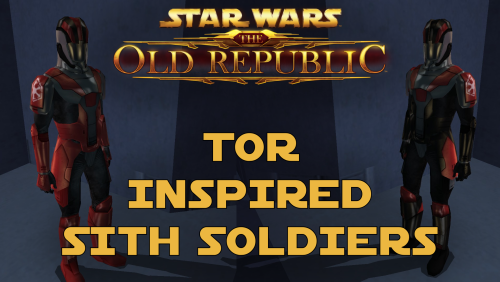
TOR Inspired Sith Soldiers A Mod for Star Wars Knights of The Old Republic and Star Wars Knights of The Old Republic 2 Author: N-DReW25 1.1.0 Release Date: 15.05.2026 Installation: This mod comes in two versions which each version having three sub-versions. The two versions are the "Normal Version" which is the default texture resolution and the "HD Version" which is the high quality texture resolution version. Inside both folders, these three sub-versions exist for both the Normal and the HD Version. The TOR Logo version: Adds TOR inspired Sith Soldiers with the logo of the TOR era Sith Empire on their shoulders. The Kotor Logo version: Adds TOR inspired Sith Soldiers with the logo of the Kotor era Sith Empire on their shoulders. The No Logo version: Adds TOR inspired Sith Soldiers without no logos on their shoulders. Select which version you want and copy "N_SithSoldier01.tga" and "N_SithSoldier02.tga" into your Override folder. Delete the files "N_SithSoldier01.tpc" and "N_SithSoldier02.tpc" if they exist in your Override. Uninstallation: Delete the "N_SithSoldier01.tga" and "N_SithSoldier02.tga" files from your Override folder. Description: The idea for this mod came from the Revenge of Revan mod. In the hypothetical event that the plot of ROR has the Player confront the Sith Empire from TOR 300 years prior to their major appearance in TOR, I would need to create enemies for the player to fight. For ROR's Imperial Soldiers, I had two options - port the Imperial Soldiers from the TOR MMO, or make my own Imperial Soldiers. By reskinning the Kotor Sith Soldiers to resemble Imperial Soldiers, I have both made a convincing enemy for the Player to fight and did so in the laziest way possible. In the ROR mod, should these Imperial Soldier skins be used for enemies, the lore reason as to why they resemble Sith Soldiers is that, like how Revan duplicated the Leviathan ship via the Star Forge, he duplicated Kotor-era Imperial Soldier armor via the Star Forge which would produce white Imperial Soldier armor which is what the Sith Soldiers wore in Kotor. This excuse can be used as we don't know exactly where and/or how Revan designed the Sith Soldier armor - the Rakatans certainly didn't as they don't have Human proportions. And as to why the Imperial Soldiers in TOR don't resemble the ROR Imperial Soldiers, like how Phase I Clone Trooper Armor evolved into Phase II Clone Trooper Armor, the ROR Imperial Soldier Armor design would evolve into the TOR Imperial Soldier Armor design within the next 300 years. I decided to release these skins to the public as any appearance of actual Sith Empire forces would take years of ROR development to reach that point, if they even appear at all, so why should these cool skins go to waste rotting on my hard drive when you might want to use them in your Kotor game instead. Known Bugs: This mod shouldn't have bugs but if you find any please report them to me on Deadlystream. Incompatibilities: Would be incompatible with any mods which modify "N_SithSoldier01.tga" and "N_SithSoldier02.tga" or add "N_SithSoldier01.tpc" and "N_SithSoldier02.tpc". This mod is fully compatible with Star Wars Knights of the Old Republic 2: The Sith Lords. Permissions: Do NOT claim credit for this mod and do not use assets from this mod without my permission. Thanks to: Bioware: For such an amazing game and for making The Old Republic which inspired this mod! Sith Holocron: For upscaling my textures! Fred Tetra: For Kotor Tool! Everyone who downloads the mod! Legal: THIS MODIFICATION IS NOT SUPPORTED BY BIOWARE/OBSIDIAN ENTERTAINMENT, LUCASARTS, DISNEY OR ANY LICENSERS/SPONSORS OF THE MENTIONED COMPANIES. USE OF THIS FILE IS AT YOUR OWN RISK AND THE ABOVE-MENTIONED COMPANIES OR THE AUTHOR IS NOT RESPONSIBLE FOR ANY DAMAGE CAUSED TO YOUR COMPUTER FOR THE USAGE OF THIS FILE.1 point -

Version 1.3
4,730 downloads
From the original thread on Lucasforums: K-GFF (GFF Editing Utility) v1.3.0 (Jan 8, 2008) Yet another GFF Editor... This one features some extra support for KotOR/TSL namely in the form of VECTOR and ORIENTATION fields. These field types, as you may recall, were not present when GFFEditor.exe was published on Bioware's web site. Consequently certain GFF files (eg.: .git, .ifo) would become corrupted by editing. K-GFF supports these fields, hence you will no longer need to use CamEdit if you edit a module's .git file. Support for StrRef fields (Field Type: 18) has also been added for Jade Empire modding as of v1.1.9. Another enhnacement over GFFEditor is the support for multiple CEXOLOCSTRING substring editing. It is now feasible for instance to publish a .dlg file with localized strings that is readable in all languages. Other little features include: rudimentary support for BINARY fields (you can import and export these fields to files to perform hex editing), Cut/Copy/Paste of nodes, optional TLK file integration so you can translate StringRefs if you choose.1 point -
Version 1.0.0
35 downloads
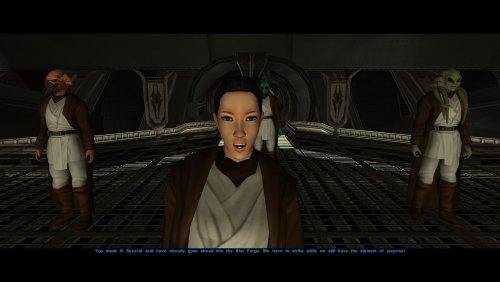
Description I love the Kotor 2 style jedi robes, who doesn't? its probably THE jedi robe used in modlists now, and yet I think the black collar in JC's original kotor 2 mod looks weird to me. Luckily two mods came out that fixed that issue, Heyoranges collar fix mod and Shems Cloak revival retexture. Then I realized that DarthParametric's JC's cloaked jedi mods still have the collar problem, meaning they'll look out of place with the texture replacements. This mod is moreso an override patch to replace DarthParametrics JC's cloaked roebs to match with whatever collar fix you choose Installation: YOU MUST INSTALL JC'S CLOAKED MOD AND DARTHPARAMETRICS JEDI MODS FOR MY MOD TO WORK: -JC's Fashion Line I: Cloaked Jedi Robes for K1 -Diversified Jedi Captives on the Star Forge (Also install TSL Robes compatibilty patch in the optional files) -Jedi Diversity on the Star Forge -Dark Jedi Wear Robes After the mods are installed, its just a simple override loose file process, all you have to do is download and extract this mod, and pick the specific folder of the mod your using (Or all if thats the case), select the folder of which collar fix your using, and drag the files into your override folder in the swkotor folder and override all files when prompted to Recommended mods: I highly suggest you pick either Heyoranges collar fix mod or Shems Cloak revival retexture, as they give JC's cloaked robe collars and they just overall look nice. I've made two seperate folder for whatever texture your using for whatever mod you chose to use. Thigns to note: I chose to do the simple gloved brown robe textures cause thats what was originally used for DarthParametrics mods. It may be a little hard to tell texture file is which, so refer to the images (Or look at Shems Cloak revival retexture or Heyoranges collar fix to pick which one you prefer more) Credits: - JCarter426 for his amazing Jedi cloaked mod -DarthParametric for his awesome jedi mods -heyorange for his collar fix retexture and giving me the insperation to make this patch -N-DReW25 for giving me permission to use Shenms Cloaked Revival textures for this patch0 points