Search the Community
Showing results for tags 'Quality'.
Found 5 results
-
Version 10.2026
93 downloads
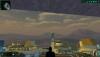
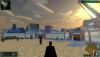
TSL HyperPixel ReShade This reshade preset has been tuned to drastically enhance TSL's native visual quality. Please note it will tax your system. TSL must be installed, then Install ReShade (With full add-on support), then install this directory into your TSL directory (where Override is, not inside Override itself). The preset is called 90SK's HyperPixel ReShade. You can edit the settings, they have been calibrated to show significantly enhanced reflections and reflective detail. It contains a collective work, not expressly created here. All credit is to the ReShade community, the KotOR and TSL Community, and to me as well. -
View File KotOR HyperPixel ReShade ----------- KOTOR HyperPixel ReShade by ShaolinGhost and 90SK ----------- This reshade preset has been tuned to drastically enhance KOTOR's native visual quality. Please understand It is highly stressful on your system. It is not perfect. Dialog, will be hindered by the black borders showing old reflectivity from the BaBa: SSR filter's Intensity setting. KOTOR must be installed, then Install ReShade (With full add-on support), then install this directory into your swkotor directory (where Override is, not inside Override itself). ----------- The preset is called KOTOR HyperPixel ReShade. You can edit the settings, they have been calibrated to show significantly enhanced reflections and reflective detail. It contains a collective work, not expressly created here. All credit is to the ReShade community, the KotOR and TSL Community. The Intensity setting under BaBa: SSR filter will reduce the reflections ----------- Submitter 90SK Submitted 08/23/2026 Category Modder's Resources
-
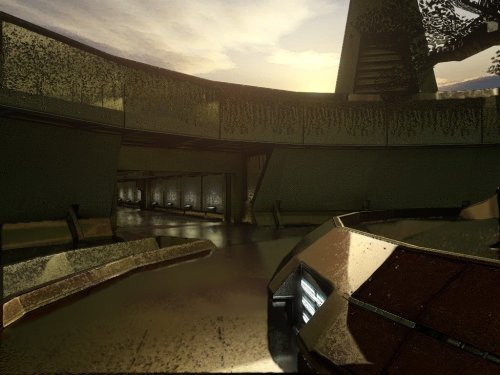
Version 9.2026
36 downloads
----------- KOTOR HyperPixel ReShade by ShaolinGhost and 90SK ----------- This reshade preset has been tuned to drastically enhance KOTOR's native visual quality. Please understand It is highly stressful on your system. It is not perfect. Dialog, will be hindered by the black borders showing old reflectivity from the BaBa: SSR filter's Intensity setting. KOTOR must be installed, then Install ReShade (With full add-on support), then install this directory into your swkotor directory (where Override is, not inside Override itself). ----------- The preset is called KOTOR HyperPixel ReShade. You can edit the settings, they have been calibrated to show significantly enhanced reflections and reflective detail. It contains a collective work, not expressly created here. All credit is to the ReShade community, the KotOR and TSL Community. The Intensity setting under BaBa: SSR filter will reduce the reflections ----------- -
View File TSL HyperPixel ReShade TSL HyperPixel ReShade This reshade preset has been tuned to drastically enhance TSL's native visual quality. Please note it will tax your system. TSL must be installed, then Install ReShade (With full add-on support), then install this directory into your TSL directory (where Override is, not inside Override itself). The preset is called 90SK's HyperPixel ReShade. You can edit the settings, they have been calibrated to show significantly enhanced reflections and reflective detail. It contains a collective work, not expressly created here. All credit is to the ReShade community, the KotOR and TSL Community, and to me as well. Submitter 90SK Submitted 07/13/2026 Category Modder's Resources
-
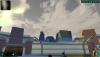
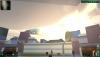
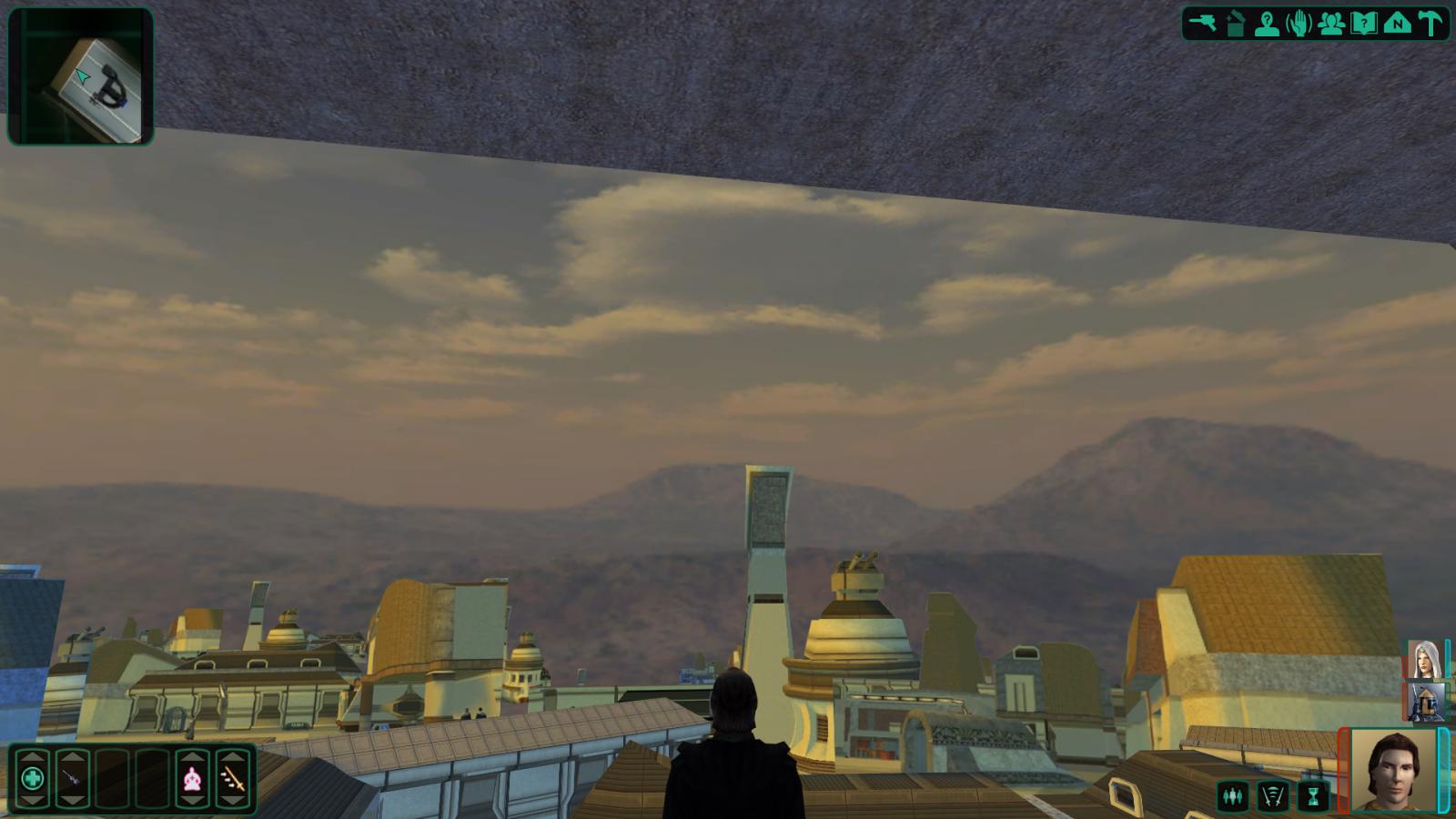
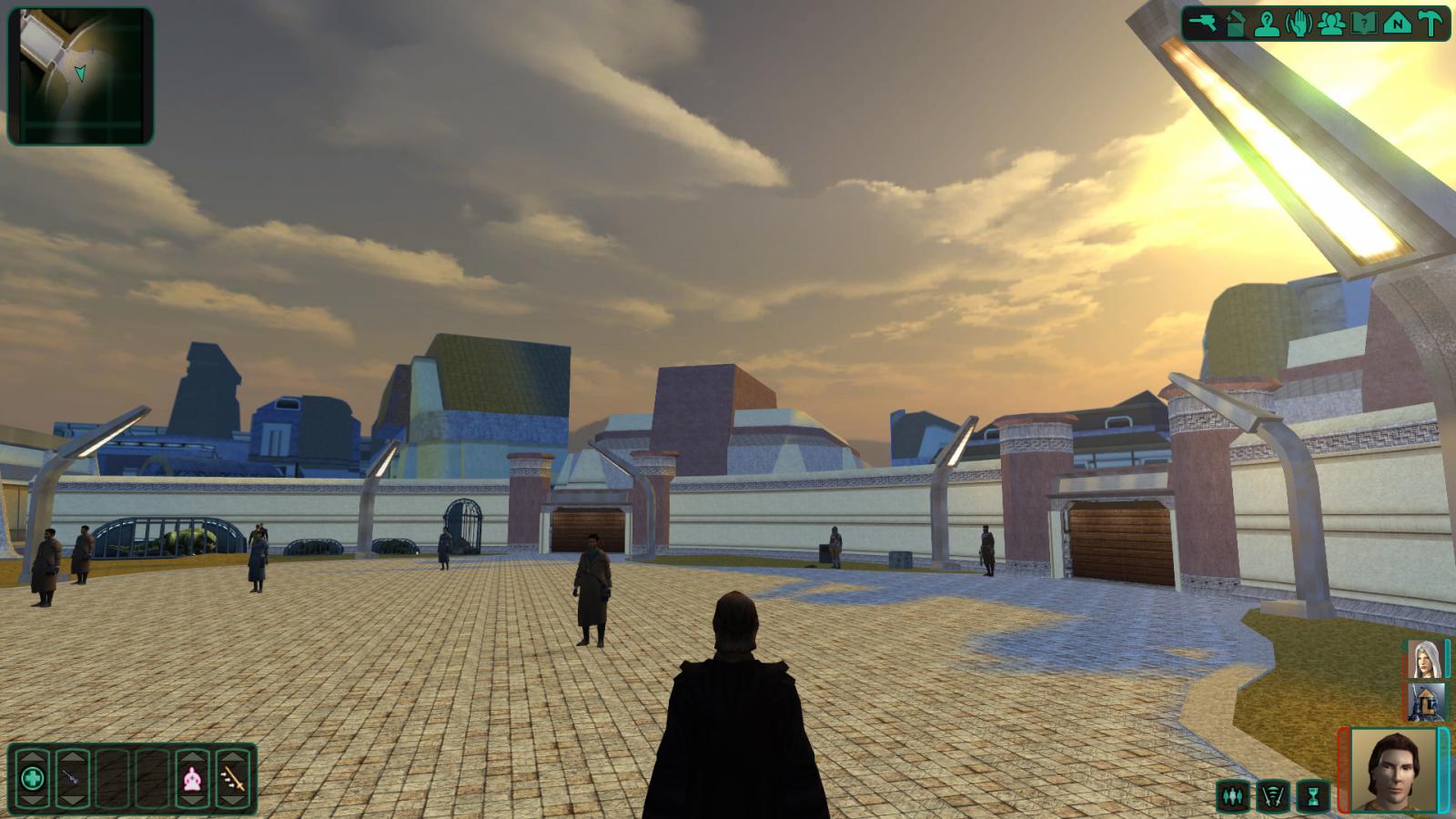
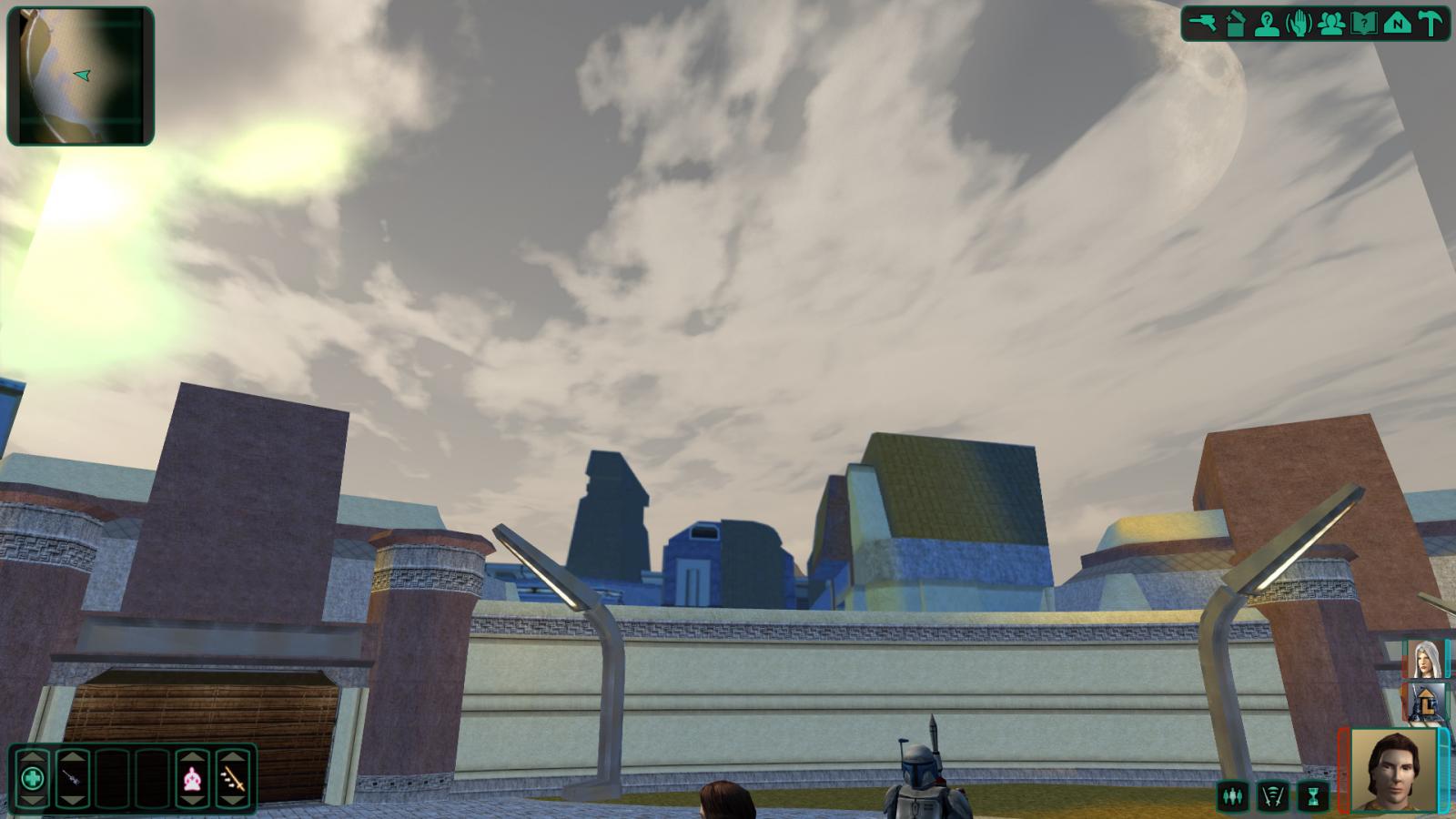
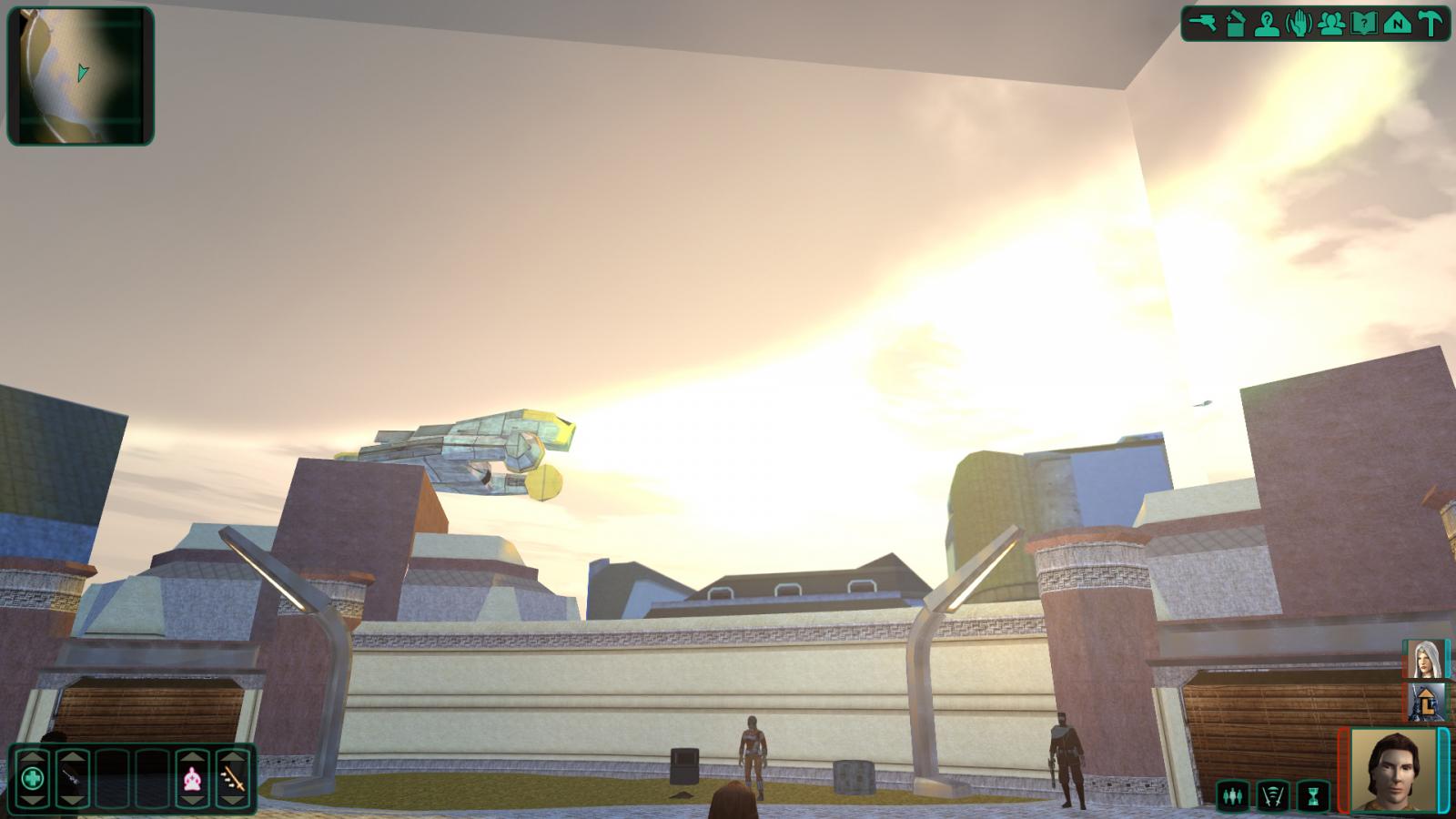
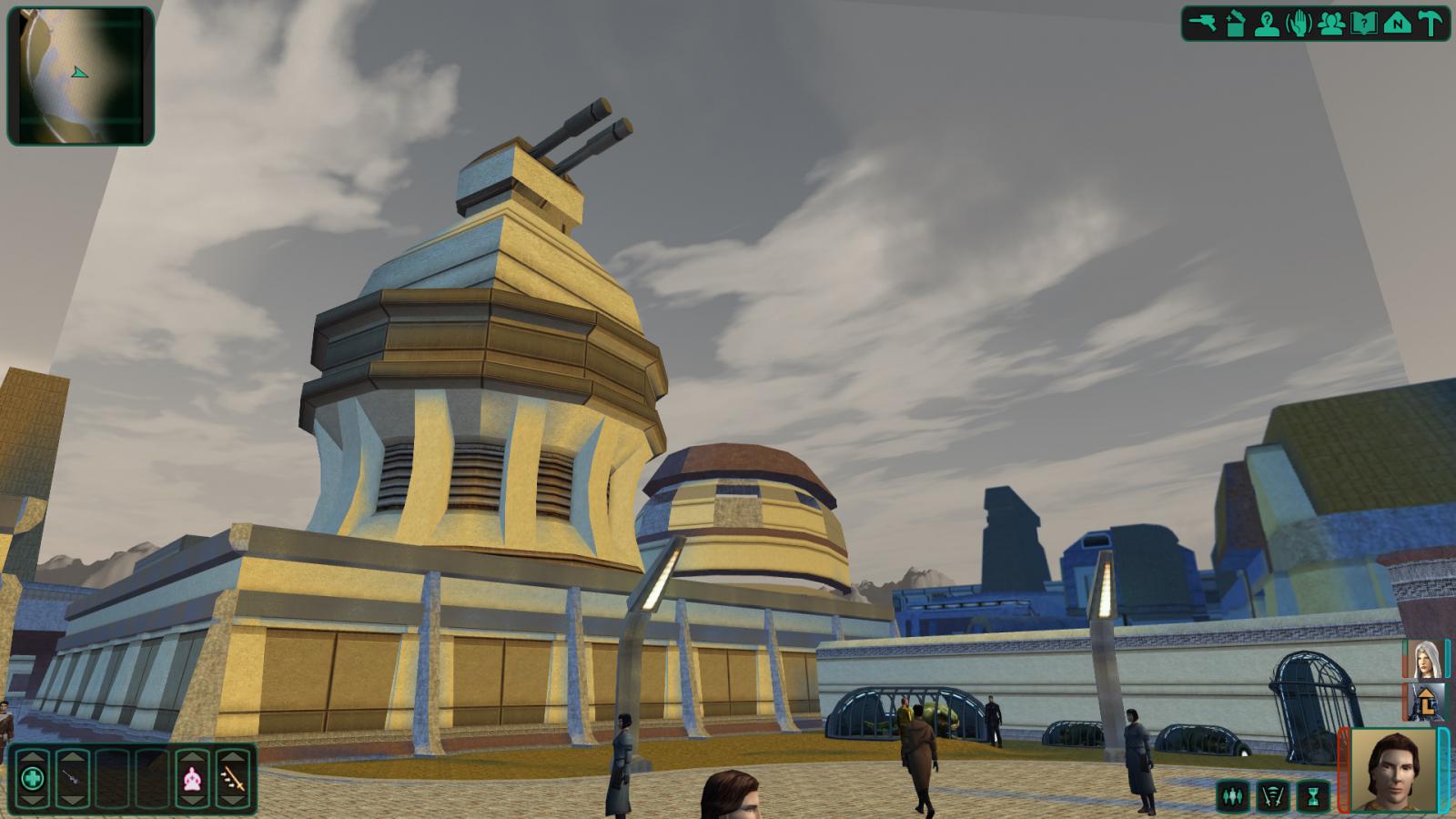
Well, I think we can all agree with the fact that Kex's skyboxes are amazing, but he needs a break. So I've decided to take up the mantle to do TSL Skyboxes. Instead of using Terragen, I am using VUE Esprit because it is much easier to learn and use, and render with any kind of resolution. Here's some before and after of Onderon. The one thing that I wanted to do was to add Dxun to the sky mainly because we hear those two are a close shuttle ride apart and I was always wondering why it never showed up in the sky. So here we go. BEFORE: AFTER: