

Leaderboard


Popular Content
Showing content with the highest reputation on 09/22/2026 in all areas
-
Version 1.0.0
44 downloads
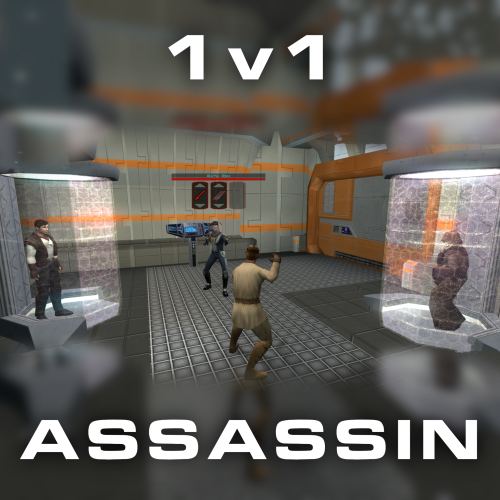
Citadel Station assassin no longer frees your companions, for a 3v1 fight. Also includes a fix from TSLRCM and a fix for TSF agents disappearing before the screen fades to black. Copy 'a_grenn_cut.ncs' to your games 'override' directory.1 point -

Version 1.0.0
16,151 downloads
Compatability Note: If you're using TSLRCM, Extended Enclave, or M4-78 EP mods, please install the optional Patch file matching your resolution after installing those other mods. The cutscenes were upscaled using Topaz Gigapixel AI, and interpolated to 60fps using SVP Pro 4. Black bars are used to maintain the aspect ratio of the content while bringing the videos to 16:9 overall. TO INSTALL: Make a backup of your "Movies" folder, which is in your main game directory. Download the main pack(s) that matches the resolution you play at. 1440p and 2160p are each broken into three packs. If using TSLRCM, download the matching Patch file as well. Extract/unzip the pack(s) you downloaded. Replace everything in your Movies folder with the extracted files. Do not place them in your Override folder. If you're using Aspyr's (Steam) version of the game, these should work "out of the box" without any tinkering. If you're using a different version, you can use UniWS to patch your game to the correct resolution. If this doesn't work on your version for whatever reason, you may need to use a hex editor to change some values in your game executable to get them to play correctly. Please refer to the following guide on how to do this, skipping the parts about upscaling the cutscenes: https://deadlystream.com/topic/4631-how-to-force-kotor-i-iis-bik-movies-to-play-in-any-resolution/ NOTE: Many cutscenes in KotOR 2 are in-engine recordings. These have be re-recorded at 4k60 rather than upscaled.1 point -

Version 1.2.3
205 downloads
Expands supported resolutions and scales all Menus/HUD. Install - Use with Kotor Patch Manager: https://github.com/LaneDibello/Kotor-Patch-Manager - Download and extract Scaled Kotor patches to Patch Manager's 'patches' folder. - Editable K1 Executable or GOG version required - Download and copy HD UI Menu Pack textures to override directory - Copy Scaled Kotor textures to override directory, overwrite if asked. - Apply all "Scaled" patches with patch manager and then click launch. - Alt Tab Patch and Movie Patch are recommended. - Change resolution in game - please report any bugs Recommended - K1 Modern Driver Compatibility Patch Source: https://github.com/J0-o/ScaledKotorWidescreenPatch Roadmap: - trace and upscale the font to a higher resolution to improve clarity at resolutions above 1080p - adjust margins in items lists - increase default feat icon size0 points