



Doctor
-
Posts
293 -
Joined
-
Last visited
Content Type
Profiles
Forums
Blogs
Forum & Tracker Requests
Downloads
Gallery
Store
Events
Posts posted by Doctor
-
-
Thanks, it's not important, just nice to know how people found us.
-
Well, I think I may have gotten lucky. I was led here by another Star Wars forum, and on top of that, directly to the page of TSLRCM download. I hopped on the bandwagon at 1.7 too, so I got a pretty complete version, which once again, I suppose I was lucky for.
Which forum did you find us on?
-
I've pinned TSLRCM and the fix so they'll always be the first files shown.
I'll change the homepage soon too.
-
I went for Viridian.
-
Yeah it's supposed to be like that.
-
Should be fixed now.
-
Bugger
-
It's still there; http://deadlystream.com/forum/forum/25-tutorials/
It's between the WIP and Mod Release forums.
-
Welcome guys.
-
Maybe, but look at how his trailer is conceived. With most trailers, if you reach an angle superior to 90°, you'll roll over or through-it.
Yeah there's no way that would be possible without a steering axle.
When I first watched the video I thought the clumsy sod would have it over the edge, I wasn't expecting that.
-
Passed the test today.. it's not like it was hard, but still..
Hey I just noticed your post, sorry for overlooking it but congratulations.
The tests aren't hard as such but they do make you nervous.
When I went for my class 2 theory tests I was nervous as hell, I failed the multiple choice first time but passed the hazard perception which is strange because when I don't my car test back in 2000 they didn't have the hazard perception then and I didn't know what to expect.
On the second attempt for the multiple choice I passed with 99 out of 100 which was a bloody shock, especially as 40% of the questions were about class 1 vehicles.
-
Welcome guys.
The pruning is being done for a few reasons.
First of all the member vs post count ratio was way too high, some pruning as already been done for members who signed up in July 2010 but haven't logged in since October 2010.
Pruning also frees up usernames for new people.
It also stops the spammers. They're getting more intelligent now and register but don't post till months later. I sent out that email as genuine members, who want to stay registered, will most likely come and post like you guys have but the spammers probably won't even get that email let alone understand what it says so they won't come and post and will get pruned.
Now you have posted you won't have to post again, the pruning only affects members with 0 posts. Of course you're more than welcome to post again and we sure hope you do.
-
There isn't an option for that as default but I've asked on the IPB forums to see if there's a way to do it.
If there isn't, the comments on the file page could be disabled and the topic that's started used instead, that way you could get a notification from the topic.
-
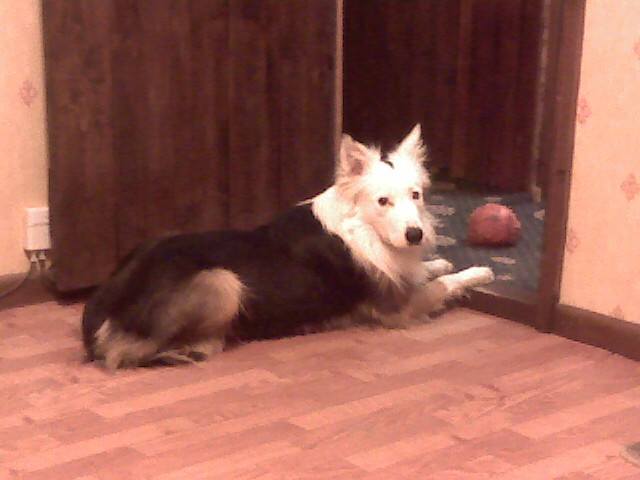
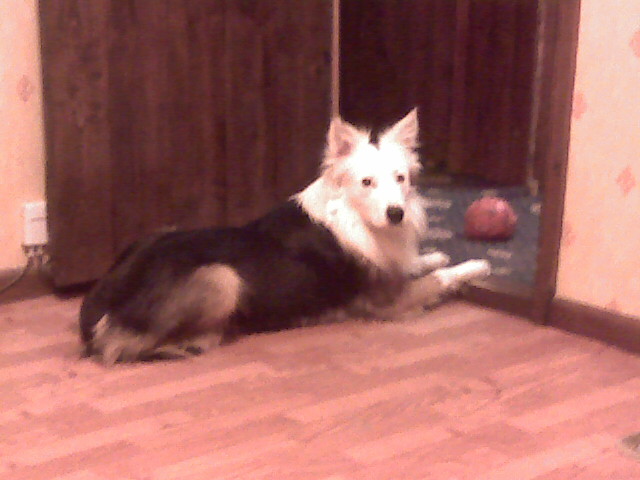
His name is Herbert due to the fact he likes sherbert.
-
Ive just noticed that some new sections have been added. The things you can do when you ask

That would be the servers resident gremlin.
Most of the time he's screwing things up but once in a while he'll do something good.
-
What erros do you get?
I know that when it loads you get a popup asking if you want to block the Java or not.
You can connect to chat direct from your browser however you won't be logged in with your username, Click Here
-
Not as such, we don't have a trailer for our truck but I do tow trailers with car/transit and it isn't that good.
Good luck with your test, let us know how it goes.
-
-
TIP: Enable flash uploader in My Settings to upload multiple images at one time. This will also work in nearly every place in the forum you can upload files.
-
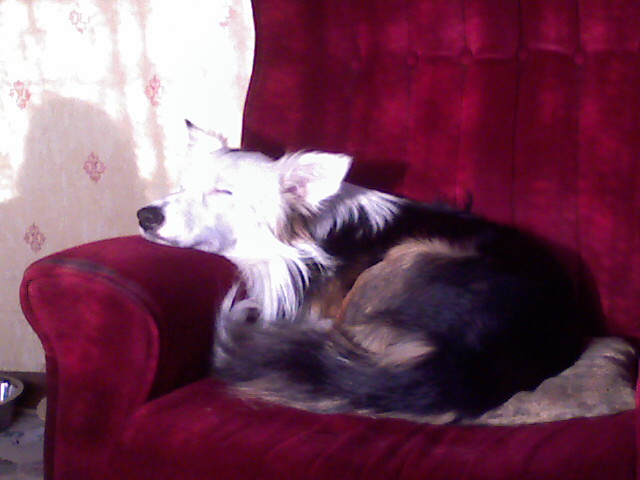
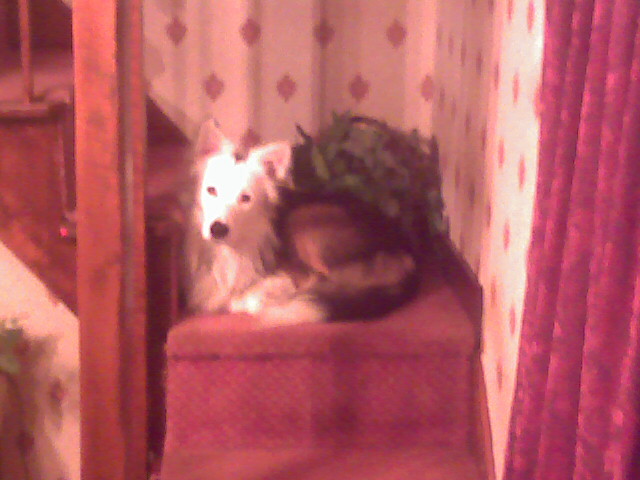
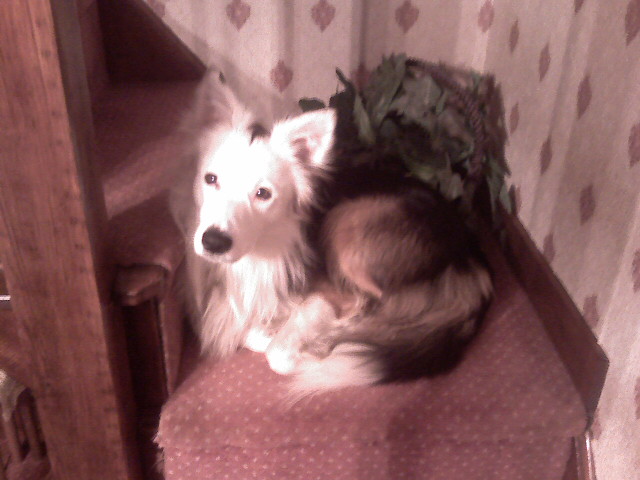
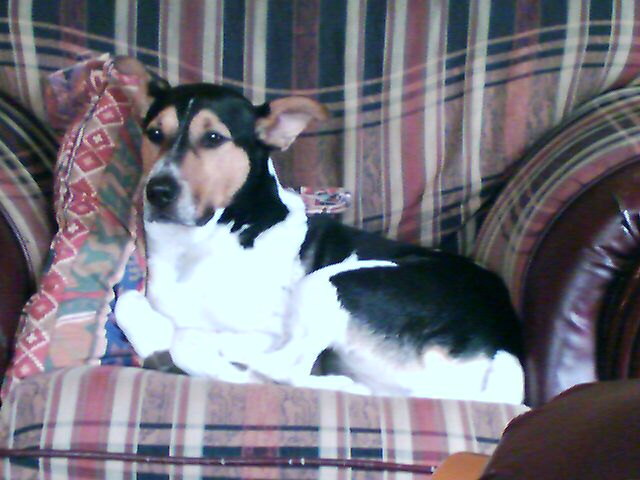
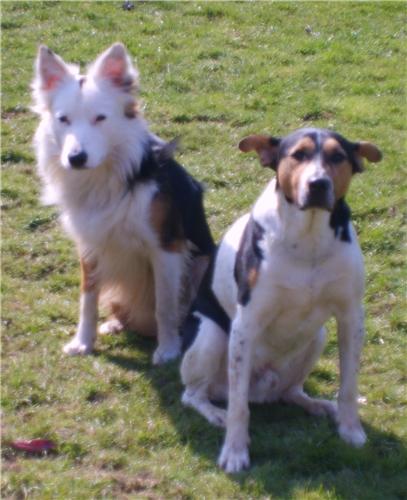
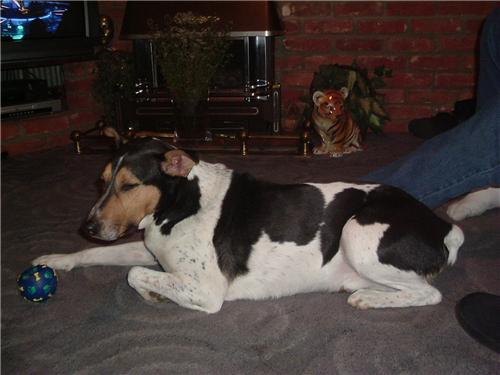
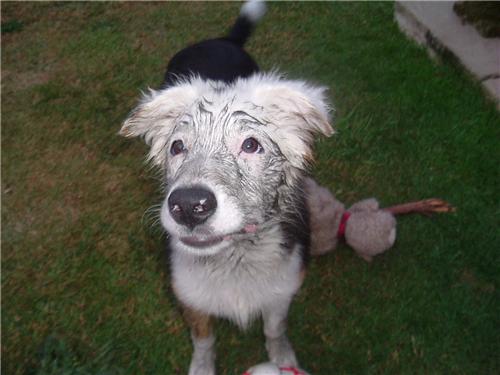
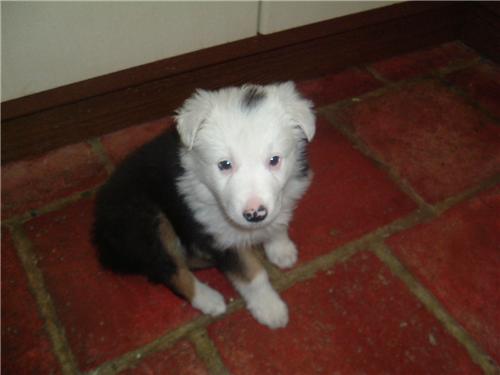
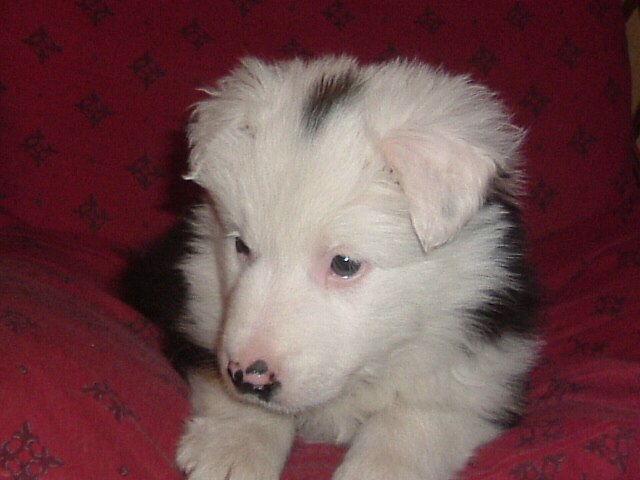
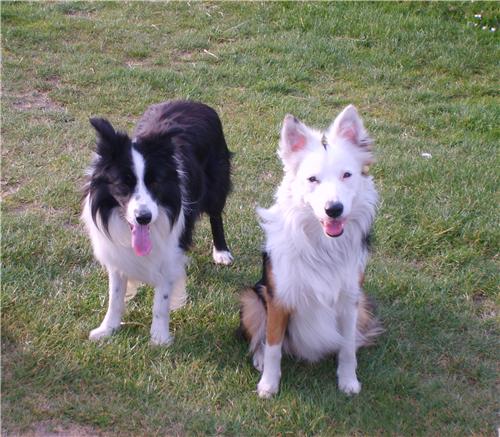
As the title says, post pics of your pets here.










-
There seems to have been a problem with the upload, I've asked Mandalore to re-upload the file and I'll send you a PM when it's done.
-
According to the app developer it is an issue with Xbox live, he did explain what the problem can sometimes be but to be honest I didn't understand it much, the only thing I know about Xbox live is how to download games and stuff.
-
File Name: Lightsaber Choices
File Submitter: Deadly Stream
File Submitted: 07 Jan 2011
File Updated: 17 Jul 2011
File Category: Mods
When you first arrive at Dantooine, you start your training to be a Jedi, after a long dialog/cutscene of your player learning the ways of the force - Master Zhar sends you off to Master Dorak who will guide
you through choosing a lightsaber crystal.
You speak to Dorak and he tells you about the colours of a lightsaber, although you only get to choose, blue, green & yellow, what position within the order they're associated with and then you get to choose
your class and colour.
You go back to Zhar and then you make your lightsaber. Now here is where this little mod comes into effect, normally you'd go to the workbench, fiddle around with nothing and look like a total pleb while
doing it, by you I mean your PC not you personally - I'm sure you don't look like a pleb, anyway after that you then have a nice whatever colour you chose lightsaber.
What this mod does is, before you go over to the workbench, you'll have two questions to answer - the first is what kind of lightsaber you'd like and the choices are;
* Standard Lightsaber
* Double-Bladed Lightsaber
* Short lightsaber
The second question is which colour would you like, now it is important what you select here because you won't get the colour you told Dorak earlier you will get the colour you select now.
Anyway we now have more choices, you can select any default game colour you'd like instead of just blue, green or yellow. The choices are;
* Blue
* Green
* Yellow
* Red
* Purple
After selecting the type and colour of the lightsaber, your PC will go to the workbench and look like a pleb while fiddling with nothing, like normal.
If you already have a file called dan13_zhar.dlg in your override folder, or packaged into a .mod file, then you will have problems with this, if this is the case PM on Lucas Forums or mine (deadlystream.com)
with the name of the mod that file came from and I'll contact the author and see if I can make them compatible.
There shouldn't be any bugs or glitches with this but if you do find one please let me know.
Installation:
Copy the 'override' folder into your main KOTOR directory. To uninstall delete the files 'dan13_zhar.dlg' & 'deadly_g1 - g15.ncs' from your override folder.
-
Gamercard
in Site Feedback
Posted
I've removed the app.